
ChatDOC Overview
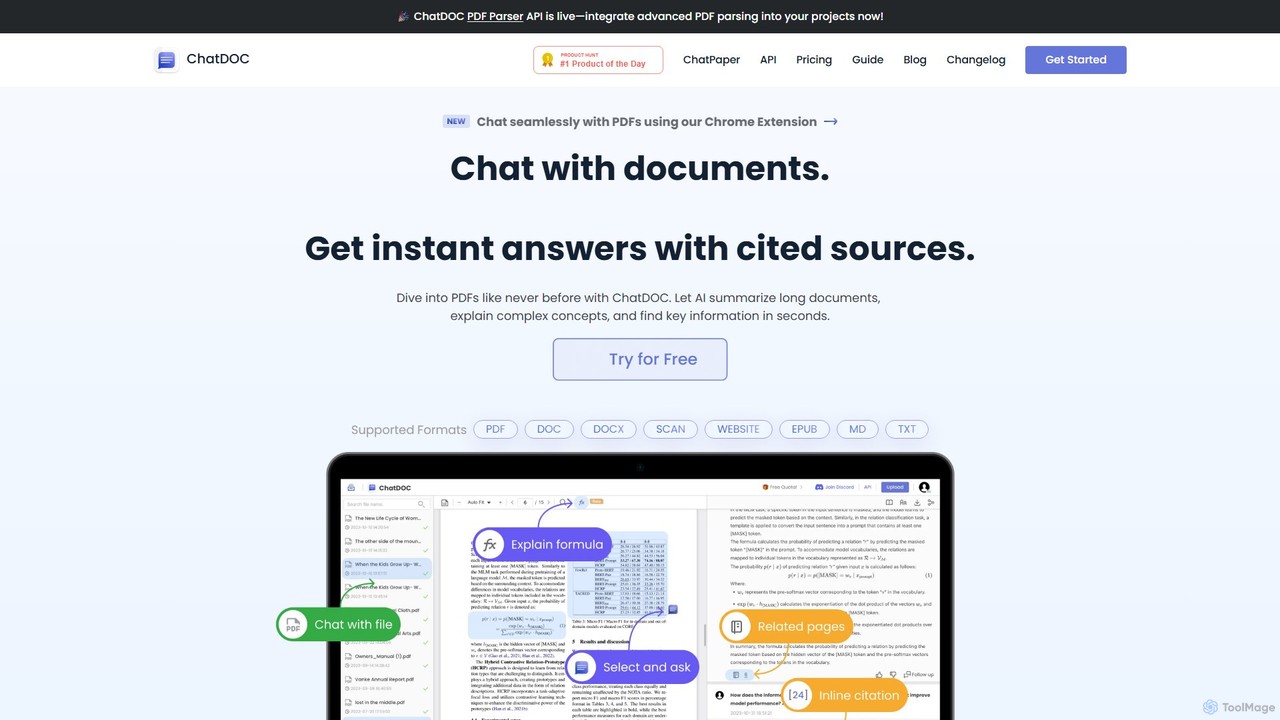
ChatDOC is an advanced AI-powered file reading assistant designed to revolutionize how users interact with documents. It allows you to have a conversation with your files, asking questions in natural language and receiving instant, accurate answers backed by cited sources. By leveraging powerful AI models like GPT-4o, ChatDOC can dive deep into various document types, including PDFs, DOCs, DOCX, scanned files, websites, and even EPUBs. It excels at summarizing lengthy reports, explaining complex concepts, and locating critical information within seconds, significantly boosting productivity and comprehension.
The platform is built for professionals, researchers, students, and anyone who deals with dense information. It eliminates the need for manual skimming and searching, providing a direct path to the knowledge you need. With features like cross-document chat, table and image analysis, and formula recognition, ChatDOC serves as a comprehensive tool for in-depth analysis and research.
How to use ChatDOC
Using ChatDOC is a straightforward and intuitive process designed for maximum efficiency:
- Upload Your Document(s): Simply drag and drop your file (e.g., PDF, DOCX, TXT) or a folder of documents onto the ChatDOC dashboard. You can also provide a URL to chat with a website's content.
- Start Asking Questions: Once the document is processed, a chat interface appears. Type your questions in the chat box, just as you would in a conversation. For example, ask "What are the key financial results for Q4?" or "Explain the methodology used in this study."
- Receive AI-Powered Answers: The AI will analyze the document and provide a concise answer. Crucially, each answer is accompanied by direct citations (page numbers and quotes) from the source document, allowing for easy verification.
- Perform Deeper Analysis: For more targeted insights, you can select specific text, tables, or even images within the document. ChatDOC will then provide a focused analysis of the selected content.
- Use the Browser Extension: Install the Chrome or Edge extension to chat with online PDFs and web pages directly in your browser without needing to download or upload them first.
Core Features of ChatDOC
- Conversational Q&A: Engage in a natural dialogue with your documents to find information quickly.
- Cited Sources and Traceability: Every AI-generated answer includes precise citations, allowing you to trace the information back to its original source in the document for verification.
- Multi-Document Chat: Upload a collection of documents and ask questions across the entire set to synthesize information and identify connections.
- Advanced Analysis: Select specific text or tables for a focused AI analysis. The GPT-4o integration also enables analysis of images and charts within documents.
- Formula Recognition: Snip a mathematical formula from a document, and the AI will explain it in simple terms.
- Wide Format Support: Works with PDF, DOC, DOCX, SCAN, WEBSITE, EPUB, MD, and TXT files.
- Browser Extension: A handy extension for Chrome and Edge allows you to chat with online PDFs and web pages on the fly.
- API Access: The ChatDOC PDF Parser API is available for developers to integrate its advanced document parsing capabilities into their own applications.
Use Cases for ChatDOC
ChatDOC is a versatile tool applicable across various fields:
- Academic Research: Researchers can quickly conduct literature reviews by uploading dozens of papers and asking for summaries, methodologies, and key findings across all of them.
- Financial Analysis: Analysts can upload annual reports or financial statements to instantly extract key figures, analyze performance trends, and ask complex questions about financial health.
- Legal Document Review: Lawyers and paralegals can rapidly search through case files, contracts, and legal precedents to find relevant clauses and information, saving hours of manual work.
- Technical Understanding: Engineers and technicians can upload technical manuals to quickly find operating procedures, troubleshooting steps, or specifications.
- Students and Education: Students can use ChatDOC to better understand textbooks, research articles, and lecture notes by asking for explanations of complex topics and summaries of key concepts.
Advantages of ChatDOC
The primary advantage of ChatDOC is its ability to dramatically increase efficiency and accuracy when working with documents. It transforms static files into interactive knowledge bases. Its key strengths include its precise traceability, which builds trust in the AI's output, and its versatility in handling multiple file types and complex queries. The ability to chat across multiple documents simultaneously is a powerful feature for comprehensive research. Furthermore, its user-friendly interface and browser extension make it highly accessible for daily use.
Pricing and Plans
ChatDOC operates on a freemium model, offering both a free and a paid plan.
- Free Plan: $0. This plan is great for casual users and includes 5 file uploads per day (10 total), 20 questions per day (100 total), a page limit of 300 per file, and a max file size of 60 MB.
- Pro Plan: $89.9 per 360 days. This plan is designed for heavy users and professionals. It offers 300 file uploads per 30 days, 300 questions per day, unlimited pages per file, 500 OCR pages per 30 days, unlimited formula recognition, and support for all file types. GPT-4o access is available as a paid add-on.
Traffic
Latest traffic
Status
Monthly traffic trend
- 2025-9: 238.8K
- 2026-1: 126.0K
- 2026-2: 100.2K
- 2026-3: 102.9K
- 2026-4: 101.1K
- 2026-5: 90.0K
Geography
Top 5 countries / regions
- 🇨🇳China44.1%
- 🇺🇸United States17.9%
- 🇮🇳India16.1%
- 🇻🇳Vietnam11.8%
- 🇵🇪Peru10.0%
Traffic sources
| Source type | Percentage |
|---|---|
Direct | 83.9% |
Referral | 14.4% |
Email | 1.7% |
Top keywords
| Keyword | Cost per click |
|---|---|
| chat doc | $0.12 |
| chatdoc | $4.99 |
| chatdoc | $0.00 |
| doc ai | $3.86 |
| whch ai tool alllowsmultiple file upload free | $0.00 |
ChatDOC Videos on YouTube
The Tech Express

Infobuilder Technologies, Inc.

Infobuilder Technologies, Inc.

Futurr Ai Mindset
![[AI 문서 요약] PDF, 음성 녹취록, 손글씨 메모까지! ChatGPT/Gemini로 모든 문서를 1분 만에 끝내는 법](https://i.ytimg.com/vi/b6qpxAWZvlU/maxresdefault.jpg)
ChatDOC Alternatives
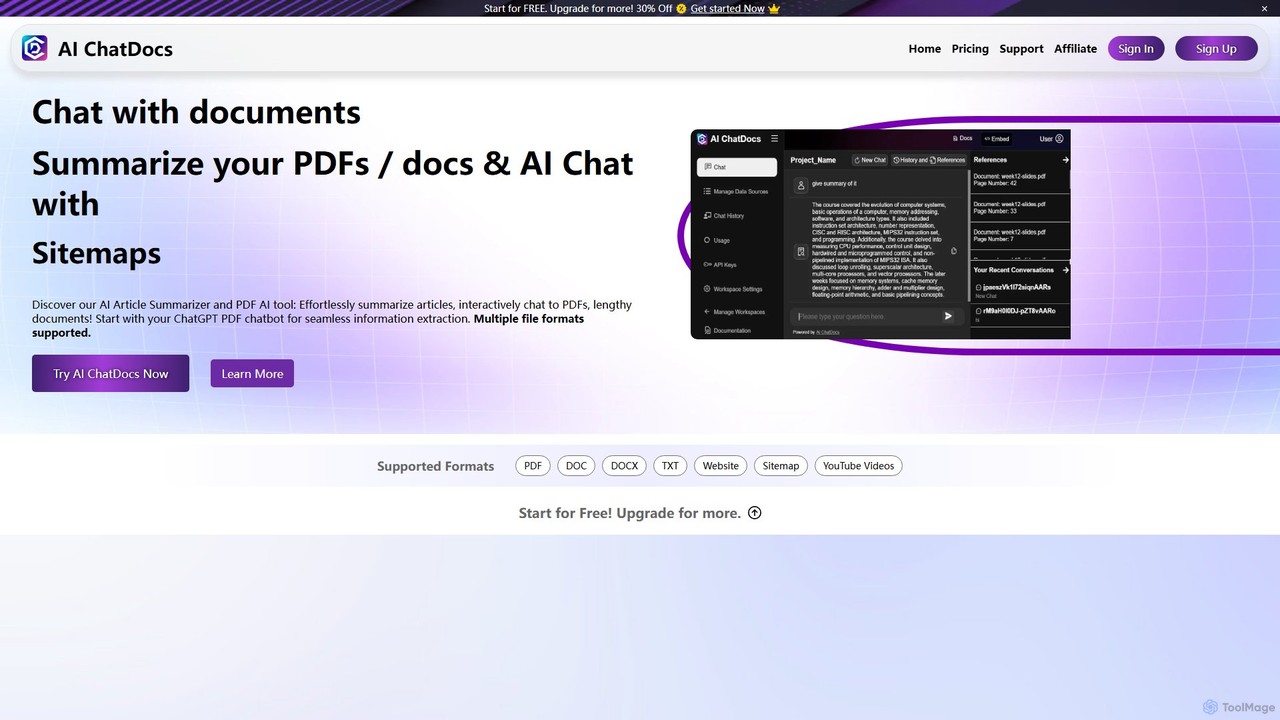
AI ChatDocs
AI ChatDocs is a GPT-4 powered platform that allows you to chat interactively with your documents, websites, and YouTube videos. Instantly summarize long files, extract key insights, and get accurate answers from PDFs, DOCX, and more, streamlining research and analysis for professionals and academics.
Study
PortableDocs
PortableDocs is an AI-powered platform that allows you to chat with your PDF documents. Instantly get summaries, ask complex questions, and extract key information in seconds. It also offers a suite of free tools to encrypt, merge, and remove pages from your PDFs, streamlining your entire document workflow.
Study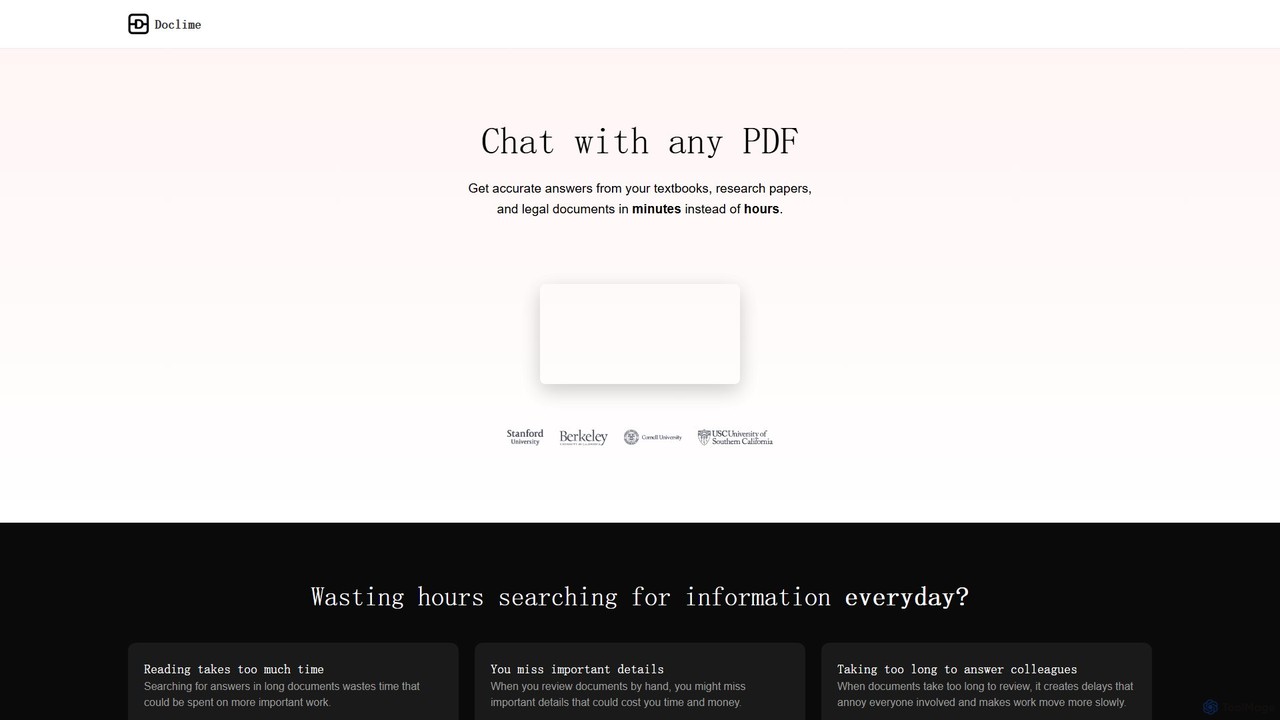
Doclime
Doclime is an AI-powered document assistant that lets you chat with your PDFs. Upload any document, ask questions in plain English, and get instant, accurate answers with citations. It's designed to help students, researchers, and professionals quickly extract information and insights from dense materials.
Study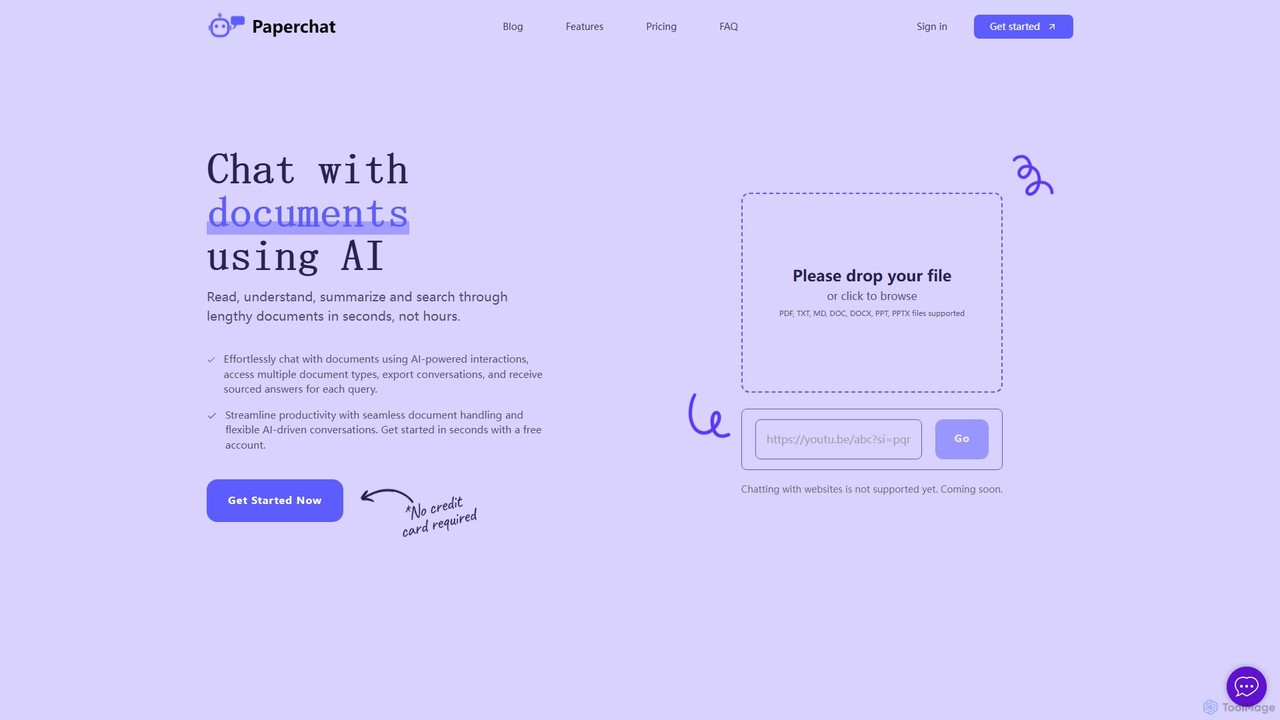
PaperChat
PaperChat is an AI-powered platform that lets you chat with your documents. Instantly read, understand, summarize, and search through lengthy files like PDFs, Word docs, and PowerPoints. Simply upload your document and start asking questions to get sourced answers in seconds. It's designed to boost productivity for students, researchers, lawyers, and professionals by transforming how they interact with information, saving hours of manual reading.
Study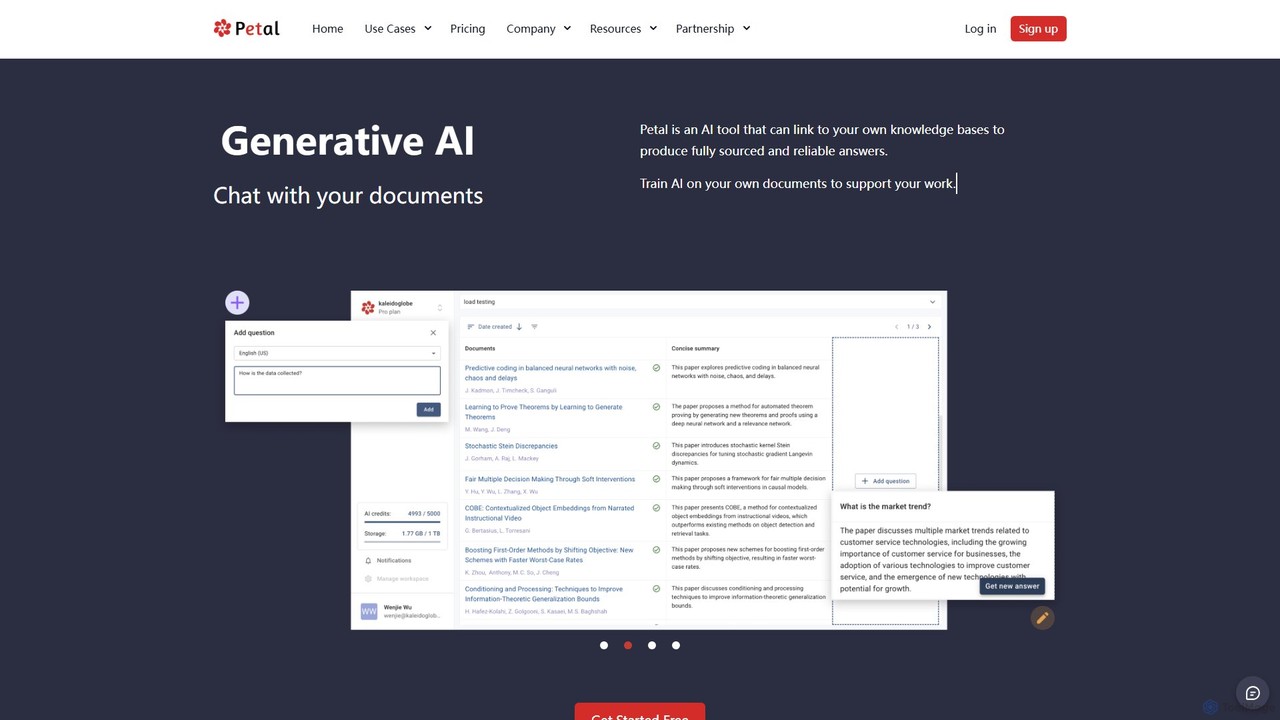
Petal
Petal is an AI-powered document analysis platform that transforms your documents into an interactive knowledge base. Chat with your research papers, reports, and books to get instant, sourced answers. Ideal for researchers, academics, and students, it features a reference manager, collaboration tools, and a secure cloud drive.
ChatChatDOC Categories
ChatDOC Embed Widget
Copy this embed code to place the badge on your blog, article, or product site and send readers directly to this ToolMage detail page.

Related AI tools
AI ChatDocs
AI ChatDocs is a GPT-4 powered platform that allows you to chat interactively with your documents, websites, and YouTube videos. Instantly summarize long files, extract key insights, and get accurate answers from PDFs, DOCX, and more, streamlining research and analysis for professionals and academics.
Study
Three Sigma
Three Sigma is an AI-powered research assistant that allows you to chat with your documents. Upload PDFs, Word docs, and PowerPoints to ask questions, extract key information, and get instant, source-cited answers, reducing reading time by up to 90%.
StudyPaperChat
PaperChat is an AI-powered platform that lets you chat with your documents. Instantly read, understand, summarize, and search through lengthy files like PDFs, Word docs, and PowerPoints. Simply upload your document and start asking questions to get sourced answers in seconds. It's designed to boost productivity for students, researchers, lawyers, and professionals by transforming how they interact with information, saving hours of manual reading.
Study
Lateral
Lateral is an AI-powered research assistant designed for academics, students, and professionals. It helps you rapidly search, organize, and synthesize information from multiple documents, transforming the literature review and document analysis process into a fast and structured workflow.
Academia
pdf_talk
pdf_talk is an AI-powered platform that revolutionizes how you interact with documents. Simply upload your PDF files and start a conversation. Ask questions, request summaries, and extract key information instantly. It supports querying across multiple documents, making it ideal for students, researchers, and professionals.
Data Extraction
DocumentLLM
DocumentLLM is an AI-powered platform that revolutionizes document analysis. It enables users to chat with multiple documents, build automated workflows, compare texts, extract key insights, and generate visualizations and presentations. Designed for professionals across various industries, it streamlines complex document processing tasks, saving time and enhancing accuracy with enterprise-grade security.
Business Intelligence
Jyek
Jyek is an AI agent platform that understands objectives, creates execution plans, uses tools, and delivers verifiable results for complex, multi-step tasks.
AutomationPortableDocs
PortableDocs is an AI-powered platform that allows you to chat with your PDF documents. Instantly get summaries, ask complex questions, and extract key information in seconds. It also offers a suite of free tools to encrypt, merge, and remove pages from your PDFs, streamlining your entire document workflow.
StudyDoclime
Doclime is an AI-powered document assistant that lets you chat with your PDFs. Upload any document, ask questions in plain English, and get instant, accurate answers with citations. It's designed to help students, researchers, and professionals quickly extract information and insights from dense materials.
Study
ChatDocuments
ChatDocuments is an AI-powered platform that allows you to interact with your documents through a conversational chat interface. Upload PDFs, Word files, and other formats to ask questions, get instant summaries, extract key information, and gain insights without manually reading through pages. It's designed to boost productivity for students, researchers, and professionals.
Data AnalysisPetal
Petal is an AI-powered document analysis platform that transforms your documents into an interactive knowledge base. Chat with your research papers, reports, and books to get instant, sourced answers. Ideal for researchers, academics, and students, it features a reference manager, collaboration tools, and a secure cloud drive.
Chat
Socrates
Socrates is an advanced AI tool for deep document analysis. Upload PDFs, DOCX, and more to get complete, accurate answers instantly. Features like Deep Dive, Table AI, and local LLM support provide unparalleled insights while ensuring data privacy. Ideal for researchers, professionals, and anyone needing to understand long documents quickly.
Study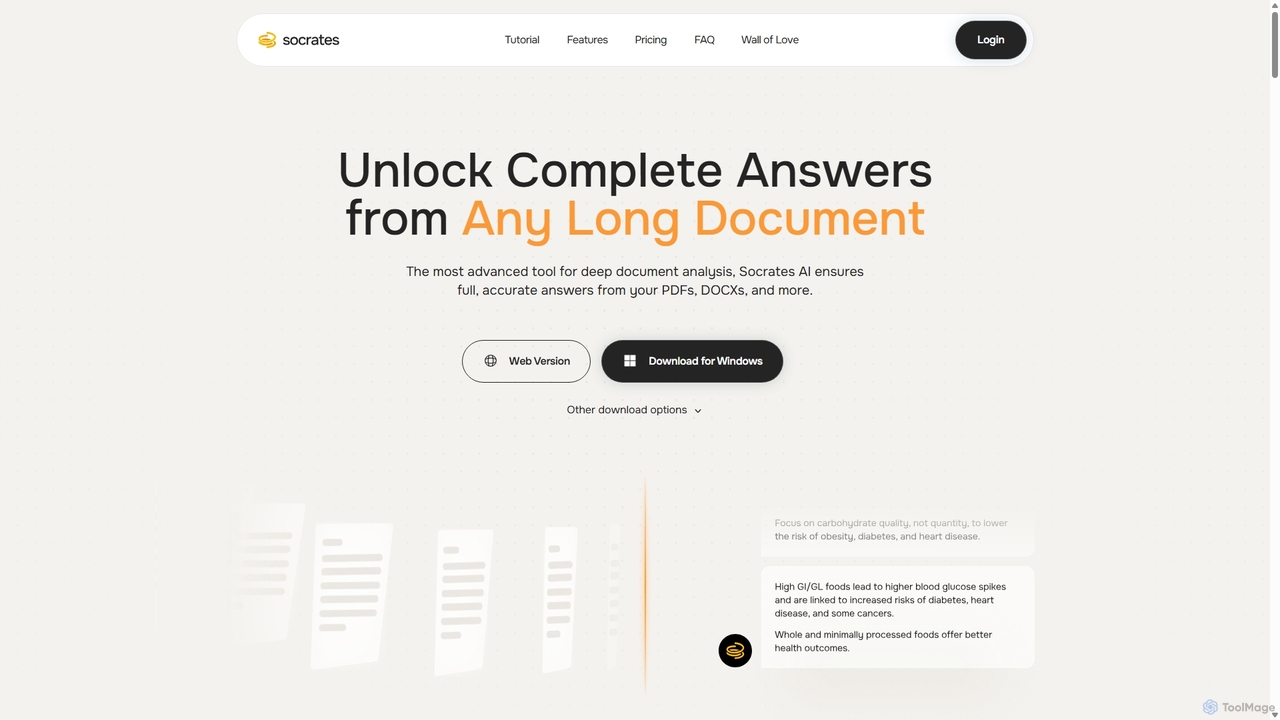
Socrates
Socrates is an advanced AI tool for deep document analysis. It allows users to upload long documents like PDFs and DOCX to get complete, accurate answers. Its unique 'Deep Dive' feature provides thorough analysis, while features like Table AI and Local LLM support cater to researchers, legal professionals, and students seeking detailed insights with enhanced data privacy.
Data Analysis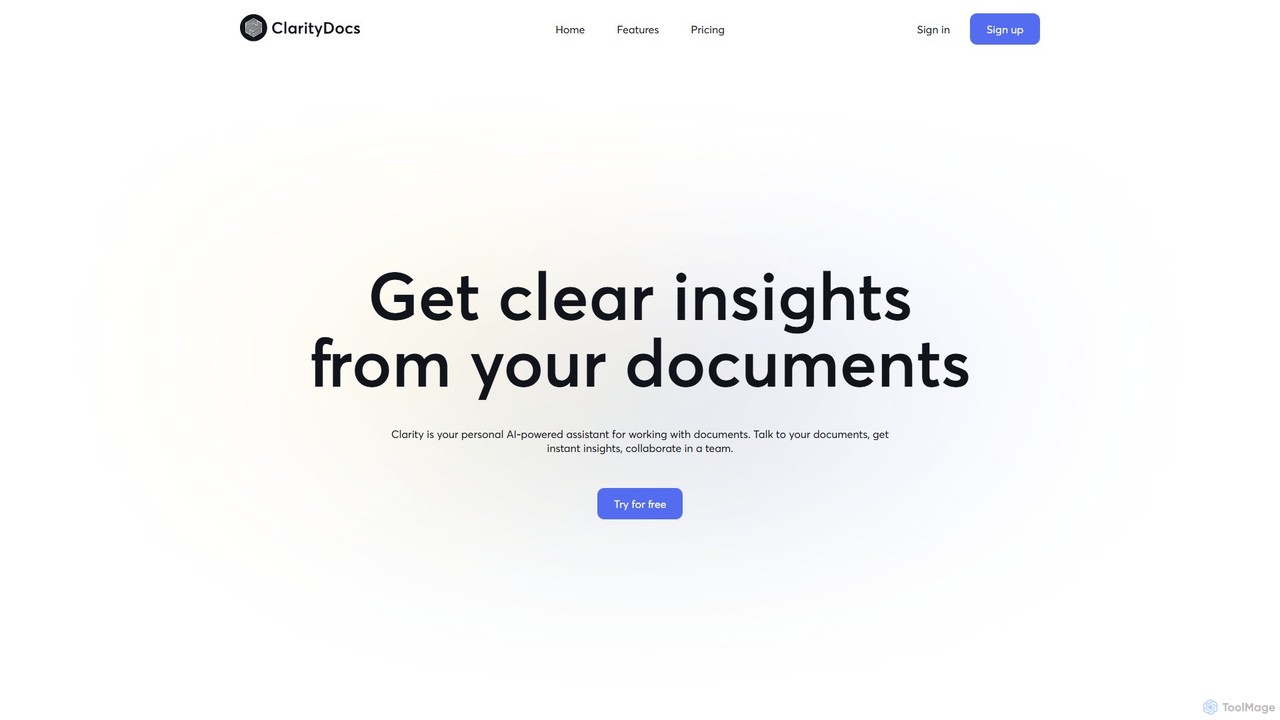
ClarityDocs
ClarityDocs is an AI-powered assistant for document analysis. It allows users to chat with single or multiple documents, extract instant insights from text and visuals, and collaborate with teams. It's designed to boost productivity for researchers, students, and professionals by simplifying information retrieval and synthesis.
Study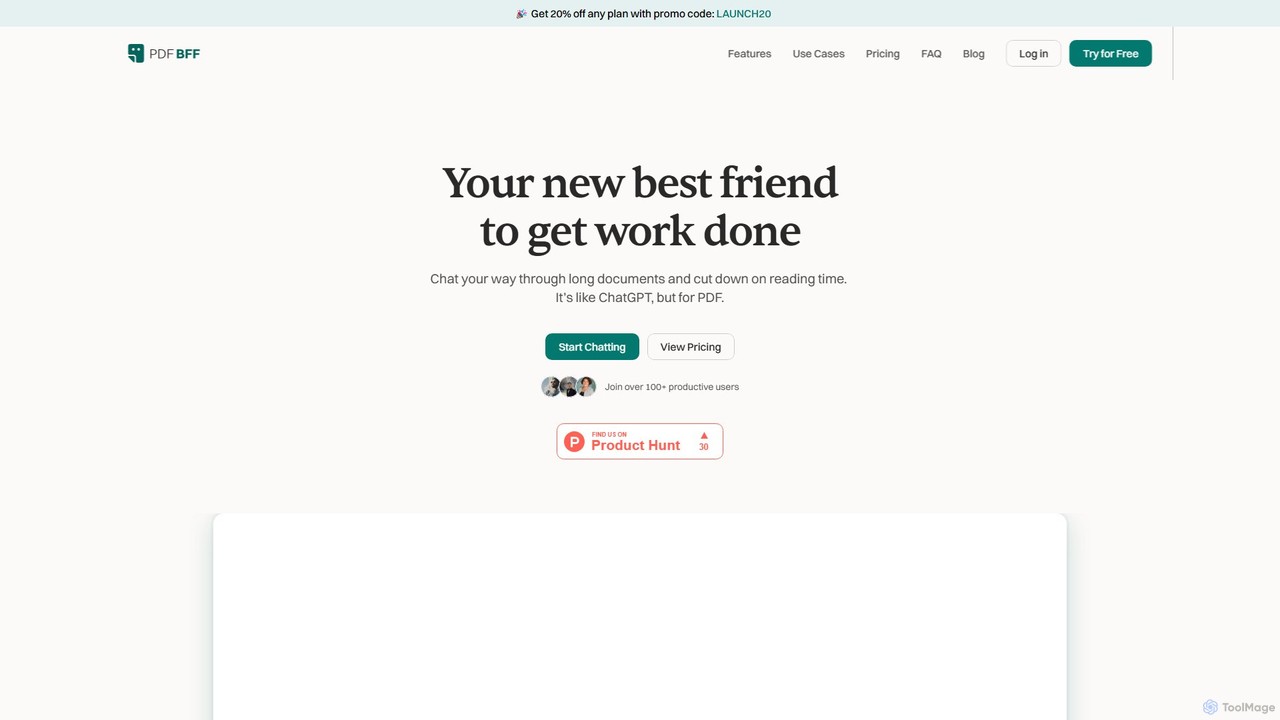
pdfbff
pdfbff is an AI chat tool, like ChatGPT, designed for your PDF documents. Interact with files by asking questions, get instant summaries, and extract key insights in any language. It helps students, researchers, and professionals save time, understand complex information, and streamline their workflow with features like automatic citations and document highlights.
Study
ChatDOC Comments (0)
Sign in to comment.
Sign inNo comments yet.