
Lateral Overview
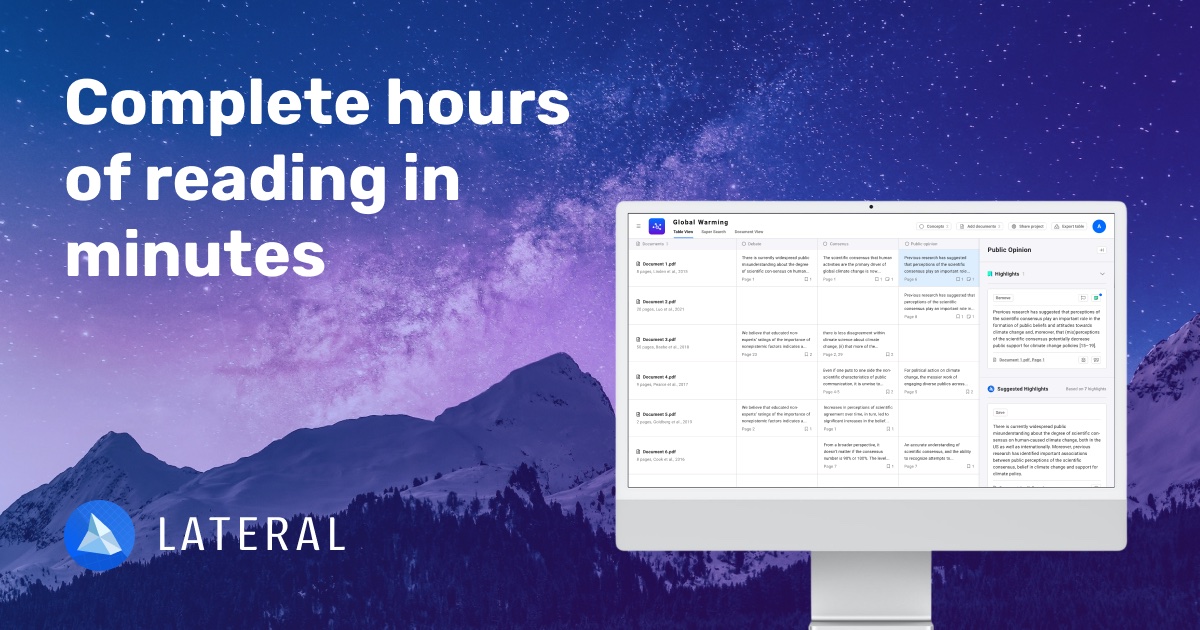
Lateral is a sophisticated AI-powered platform designed to revolutionize the way researchers, academics, and professionals interact with large volumes of documents. Founded with the mission to empower people to find information quickly, Lateral addresses the common struggle of navigating, reviewing, and synthesizing text across numerous files. It acts as a personal AI assistant, supercharging your research by moving beyond simple keyword searches and offering a structured environment for knowledge organization.
Instead of manually sifting through dozens of PDFs, users can upload their entire library into a Lateral project. The platform's AI then reads and indexes the content, allowing for intelligent, cross-document searching. This enables users to find specific concepts, data points, and thematic connections that would be nearly impossible to spot through traditional methods. The core of Lateral is its ability to help you build a structured understanding of your material, turning a chaotic research process into a clear, manageable, and even enjoyable one.
How to use Lateral
The workflow in Lateral is designed to be intuitive and align with the natural research process:
- Create a Project and Upload Documents: Start by creating a new project for your topic. Upload all relevant documents, such as PDF research papers, articles, reports, or book chapters.
- Use Super Search to Find Information: Instead of reading each document one by one, use the 'Super Search' feature. Ask questions or type in keywords, and the AI will instantly pull up the most relevant snippets from all your uploaded documents.
- Organize Snippets into Concepts: When you find a useful piece of information, save it directly to a 'Concept'. You can create concepts based on your research questions, themes, keywords, or the structure of your paper (e.g., 'Methodology', 'Key Findings').
- Review and Synthesize in the Table View: All your saved snippets are neatly organized in a table, sorted by concept. This view provides a powerful overview of your research, allowing you to compare findings, identify patterns, and synthesize information efficiently.
- Export for Writing: Once your research is organized, export your findings. You can export the entire table or specific concepts into formats like Word or CSV, creating a structured outline that serves as a strong foundation for your writing and helps you avoid writer's block.
Core Features of Lateral
- AI-Powered Super Search: A semantic search engine that understands the context of your query and finds relevant information across your entire document library in seconds.
- Conceptual Organization System: Move beyond simple folders. Tag and organize text snippets into flexible, user-defined concepts to build a structured knowledge base.
- Collaborative Workspaces: Share projects with colleagues or research partners. Work together in real-time to analyze documents and build a shared understanding.
- Automated Document Processing: Lateral's AI automatically segments documents into coherent sections and paragraphs, making them easier for both you and the AI to analyze.
- Data Export: Seamlessly export your organized notes, snippets, and concept maps to integrate with your writing workflow in tools like Word, Scrivener, or Zotero.
- Chrome Extension: Capture web articles and online resources directly into your Lateral projects with a single click.
Use Cases for Lateral
Lateral is versatile and valuable for anyone conducting document-intensive work:
- Academic Research & Literature Reviews: PhD candidates and academics can reduce the time spent on literature reviews from weeks to days, accelerating their research cycle.
- Legal Document Analysis: Lawyers and paralegals can quickly sift through thousands of pages of case files, contracts, and discovery documents to find critical evidence and clauses.
- Market & Business Analysis: Analysts can upload industry reports, financial statements, and news articles to identify market trends, competitor strategies, and key data points.
- Policy and Report Synthesis: Professionals in government or NGOs can analyze lengthy policy documents and reports to create concise briefings and summaries.
Advantages of Lateral
Lateral offers a significant competitive edge over traditional research methods and generic tools like Google Drive:
- Efficiency: Drastically reduces the time and effort required for comprehensive document review.
- Depth of Insight: Uncovers hidden connections and nuanced information that manual reading might miss.
- Structured Workflow: Transforms a potentially chaotic process into a systematic and organized one, reducing stress and improving output quality.
- Knowledge Retention: Creates a permanent, searchable, and reusable knowledge base from your research projects.
- Focus on Synthesis: The tool is built not just for finding information, but for helping you synthesize it into new knowledge.
Pricing and Plans
Lateral offers a freemium model with plans tailored to different needs:
- Free Plan: Perfect for trying out the platform. It includes core features with limitations on the number of documents and searches.
- Pro Plan: Aimed at individual researchers and professionals, this plan offers unlimited document uploads, unlimited projects, advanced search features, and priority support.
- Team Plan: Designed for collaborative research groups and organizations. It includes all Pro features plus shared workspaces, centralized billing, and team management tools.
For the most up-to-date pricing information, please visit the official Lateral website.
Traffic
Latest traffic
Status
Monthly traffic trend
- 2025-9: 20.5K
- 2026-1: 11.7K
- 2026-2: 10.3K
- 2026-3: 12.8K
- 2026-4: 11.3K
- 2026-5: 11.3K
Geography
Top 5 countries / regions
- 🇺🇸United States43.8%
- 🇮🇩Indonesia18.4%
- 🇧🇷Brazil13.0%
- 🇬🇧United Kingdom12.8%
- 🇮🇳India12.0%
Top keywords
| Keyword | Cost per click |
|---|---|
| extention to customise sites | $0.00 |
| lateral | $1.01 |
| lateral ai | $0.00 |
| lateral app | $0.00 |
| lateral au | $0.00 |
Lateral Alternatives
Otio
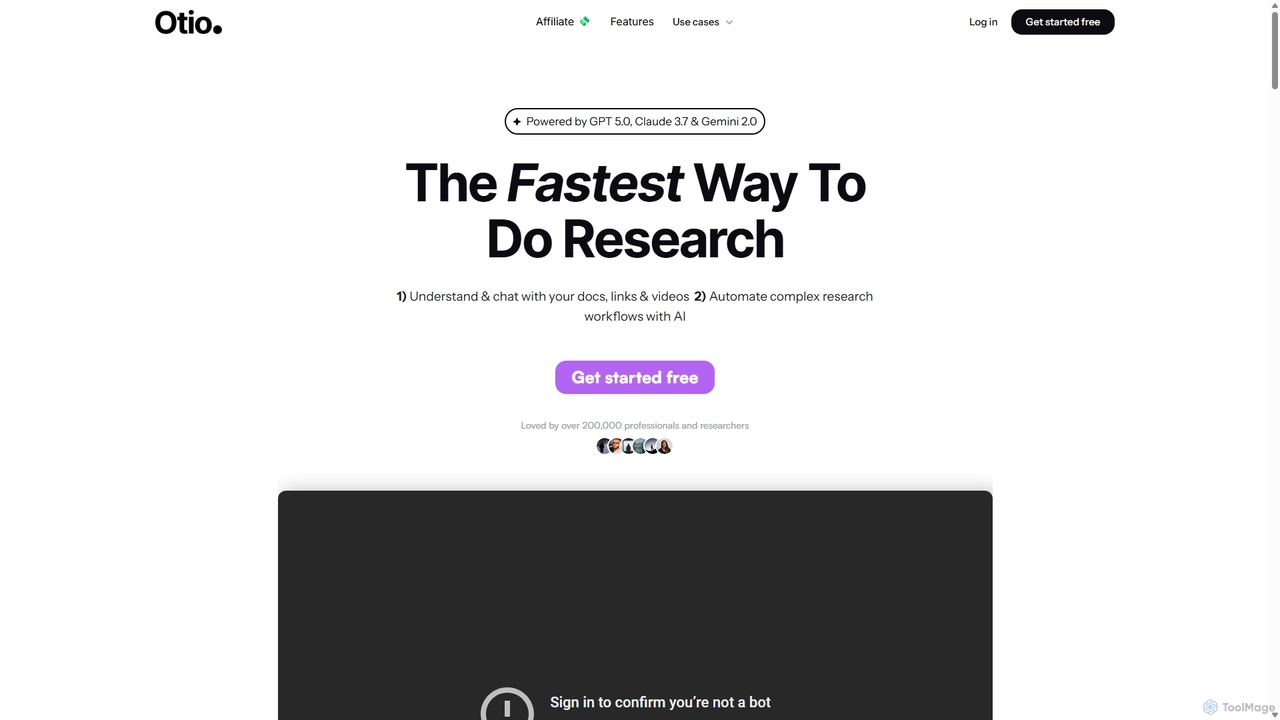
Otio is an AI-powered research and writing partner that streamlines your workflow. It allows you to understand and chat with documents, links, and videos, automate complex research tasks, and draft reports in an integrated AI editor. It's designed for students, researchers, and professionals to extract insights and produce high-quality written content efficiently.
Workflow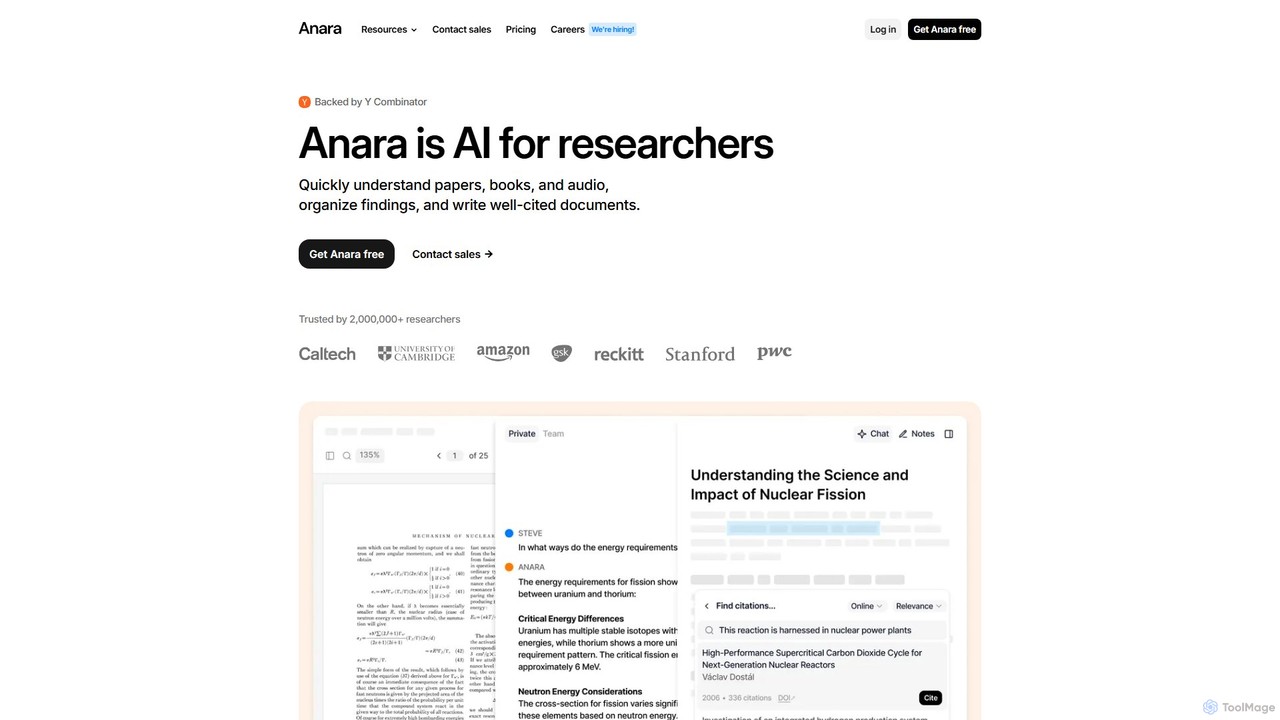
Anara
Anara (formerly Unriddle) is an AI-powered research platform designed to accelerate your workflow. It helps you quickly understand complex documents, books, audio, and video files, organize findings efficiently, and write well-cited papers. It provides referenced answers, ensuring accuracy and verifiability for all AI-generated insights.
Academic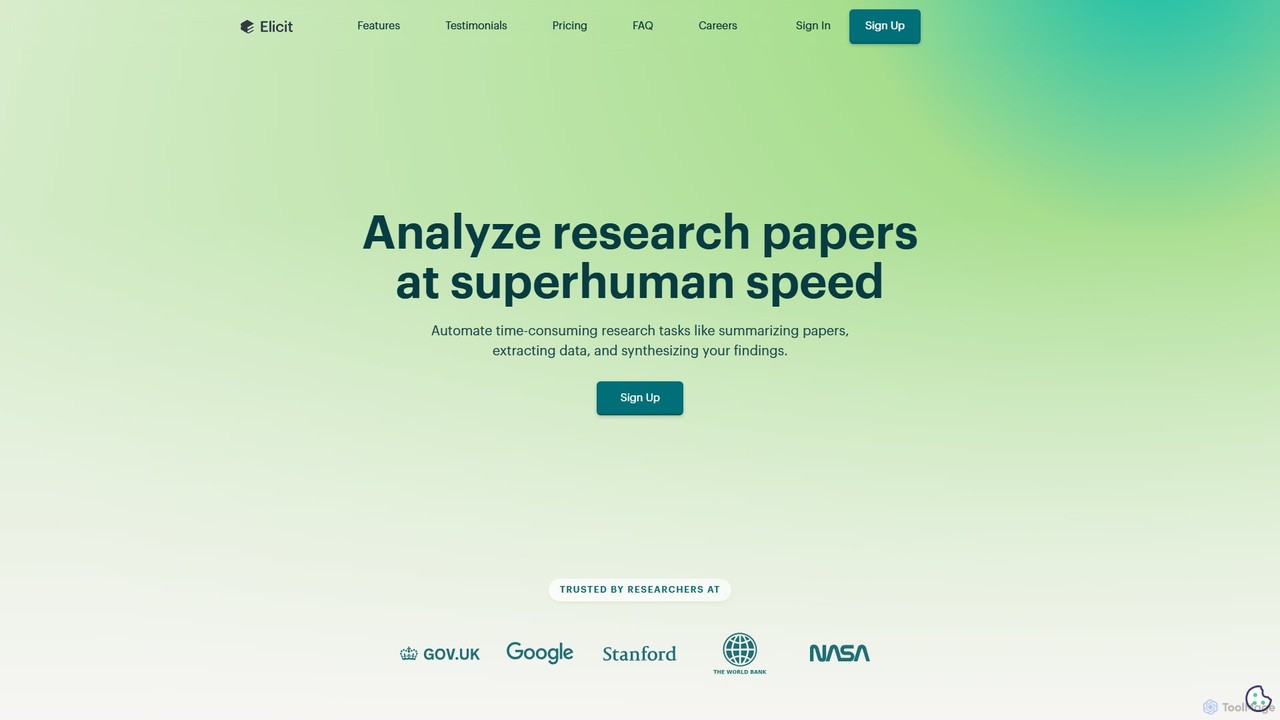
Elicit
Elicit is an AI research assistant designed to automate and accelerate the literature review process. It helps researchers find relevant papers, summarize key findings, extract data, and synthesize information from a vast database of over 125 million academic articles. Elicit streamlines time-consuming tasks, enabling users to analyze more evidence with greater accuracy and speed.
Academia
PaperPilot
PaperPilot is an AI-powered research assistant designed to streamline the academic workflow for students, researchers, and professionals. It helps users quickly discover, analyze, and understand complex research papers. With features like AI-driven summarization, question-answering with documents, and literature review automation, PaperPilot accelerates the entire research process from discovery to writing, making knowledge management more efficient and insightful.
Academic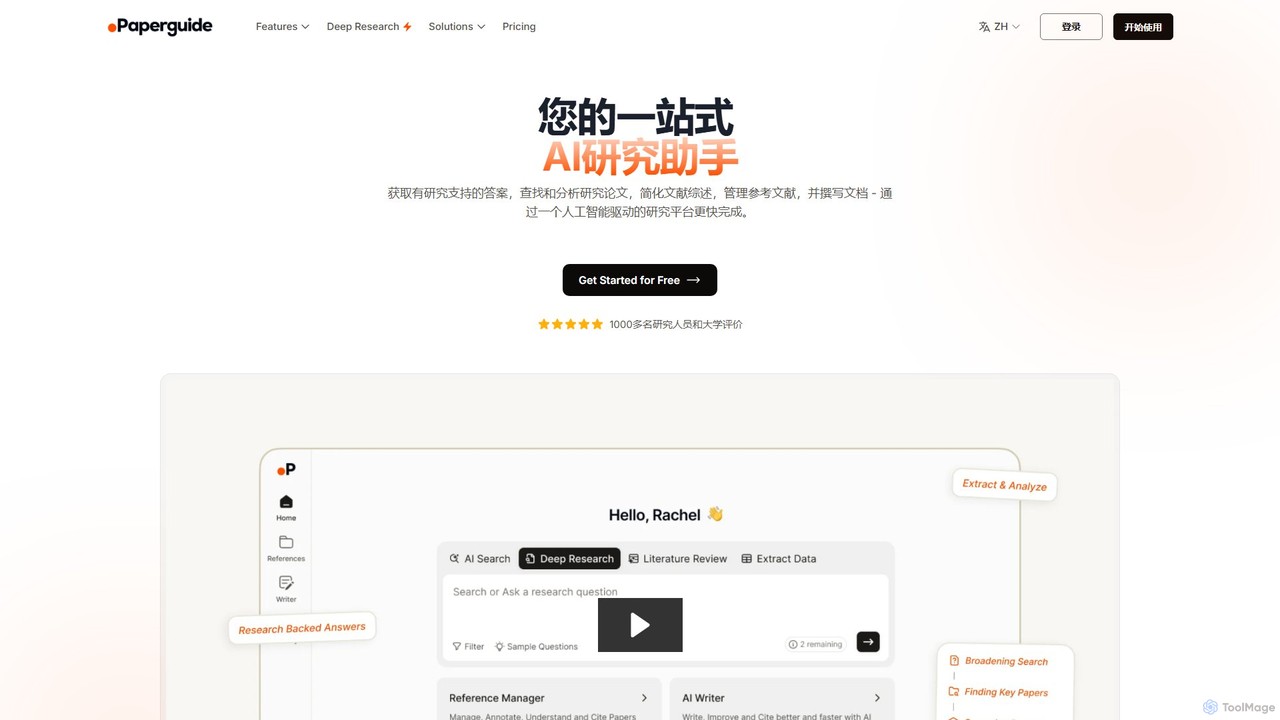
Paperguide
Paperguide is an all-in-one AI research assistant designed to accelerate academic and professional research. It helps users find papers, get research-backed answers, conduct literature reviews, manage references, and write documents with AI assistance. By leveraging a vast database of over 200 million papers, it streamlines the entire research workflow from discovery to final draft.
AcademicLateral Categories
Lateral Embed Widget
Copy this embed code to place the badge on your blog, article, or product site and send readers directly to this ToolMage detail page.

Related AI tools
Otio
Otio is an AI-powered research and writing partner that streamlines your workflow. It allows you to understand and chat with documents, links, and videos, automate complex research tasks, and draft reports in an integrated AI editor. It's designed for students, researchers, and professionals to extract insights and produce high-quality written content efficiently.
Workflow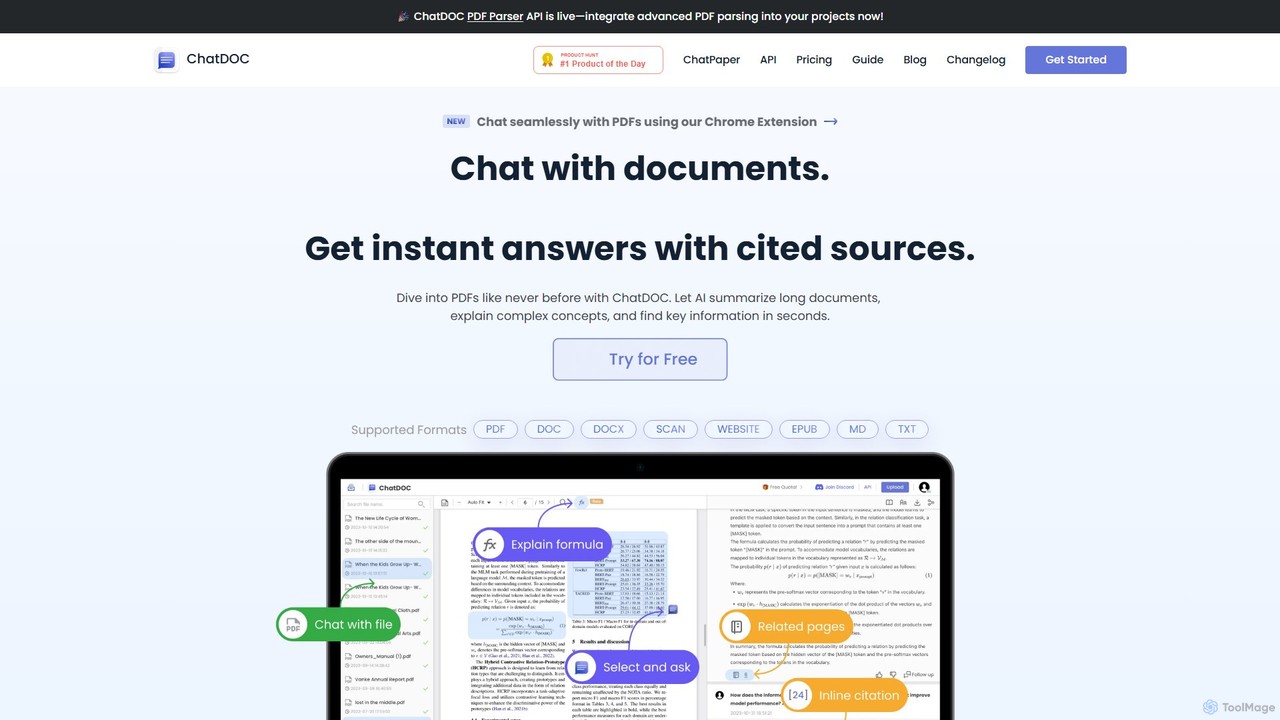
ChatDOC
ChatDOC is an AI-powered document reading assistant that lets you chat with your files. Instantly extract, summarize, and analyze information from PDFs, DOCs, websites, and more. Get answers with cited sources, making it ideal for researchers, students, and professionals to quickly understand complex documents.
Study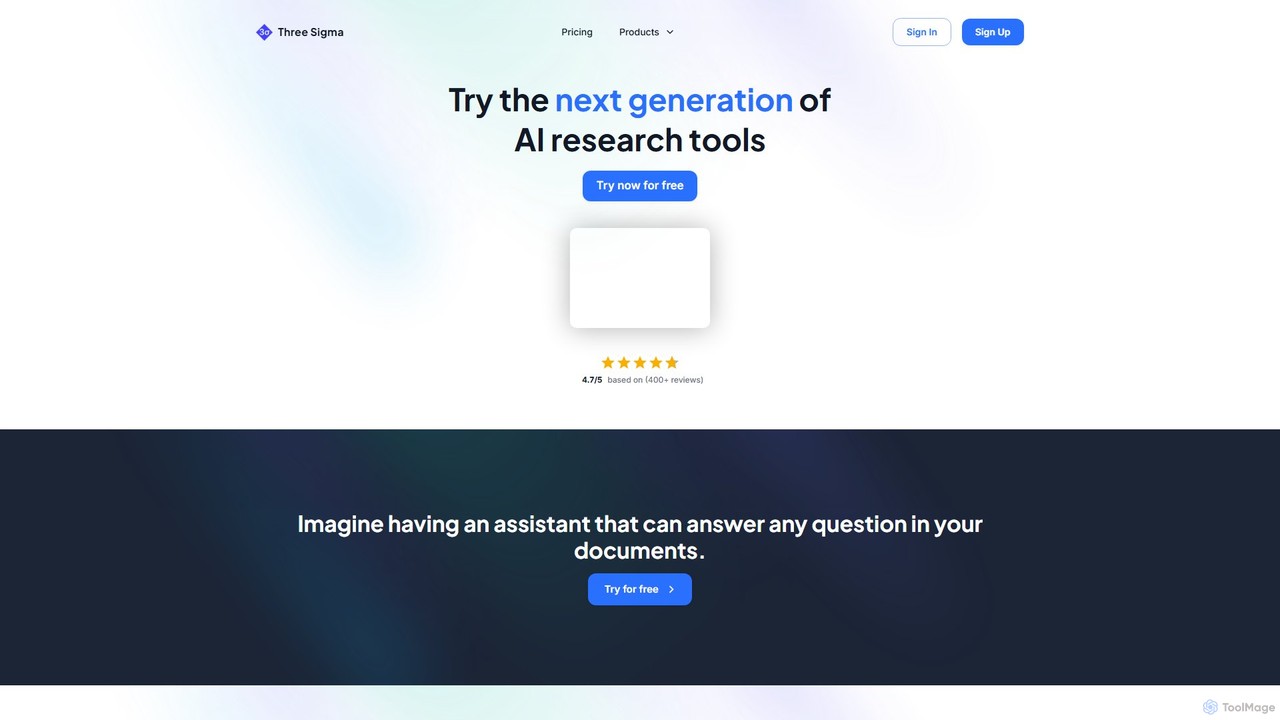
Three Sigma
Three Sigma is an AI-powered research assistant that allows you to chat with your documents. Upload PDFs, Word docs, and PowerPoints to ask questions, extract key information, and get instant, source-cited answers, reducing reading time by up to 90%.
Study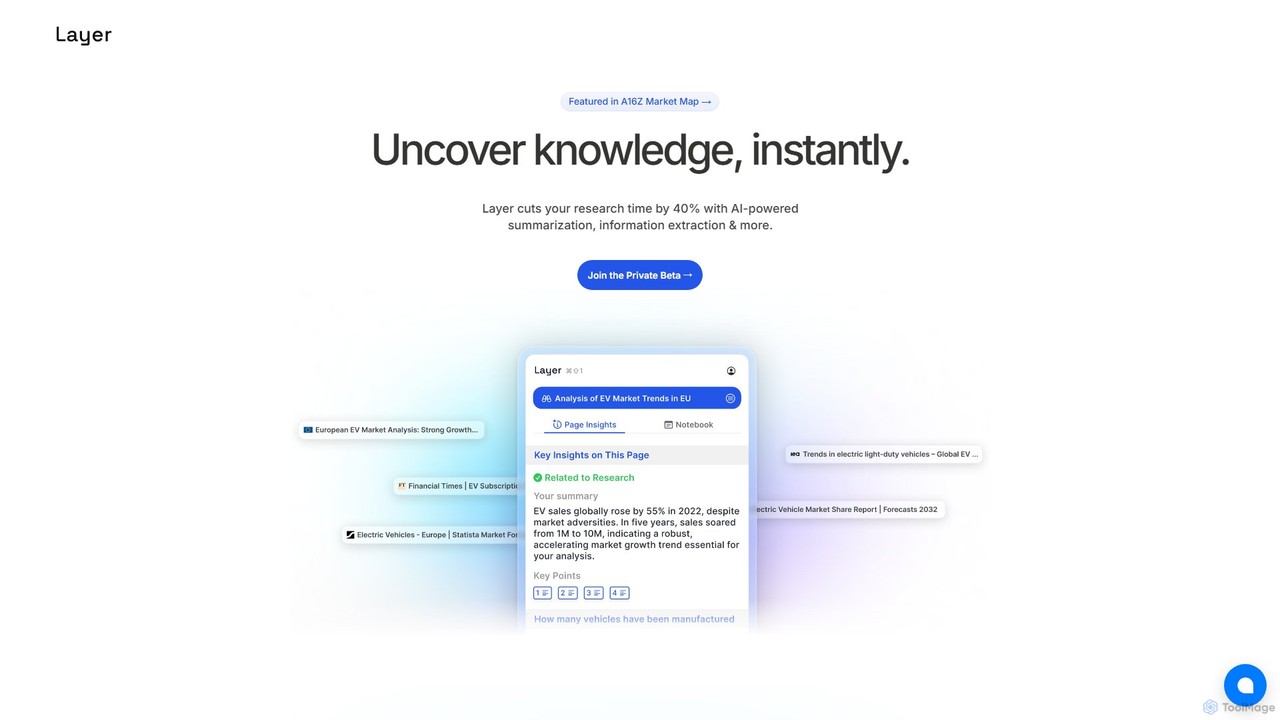
Layer
Layer is an AI research copilot designed to accelerate your workflow. It leverages AI for advanced summarization, information extraction, and semantic search, cutting research time by up to 40% and helping you uncover insights from complex documents effortlessly.
Academic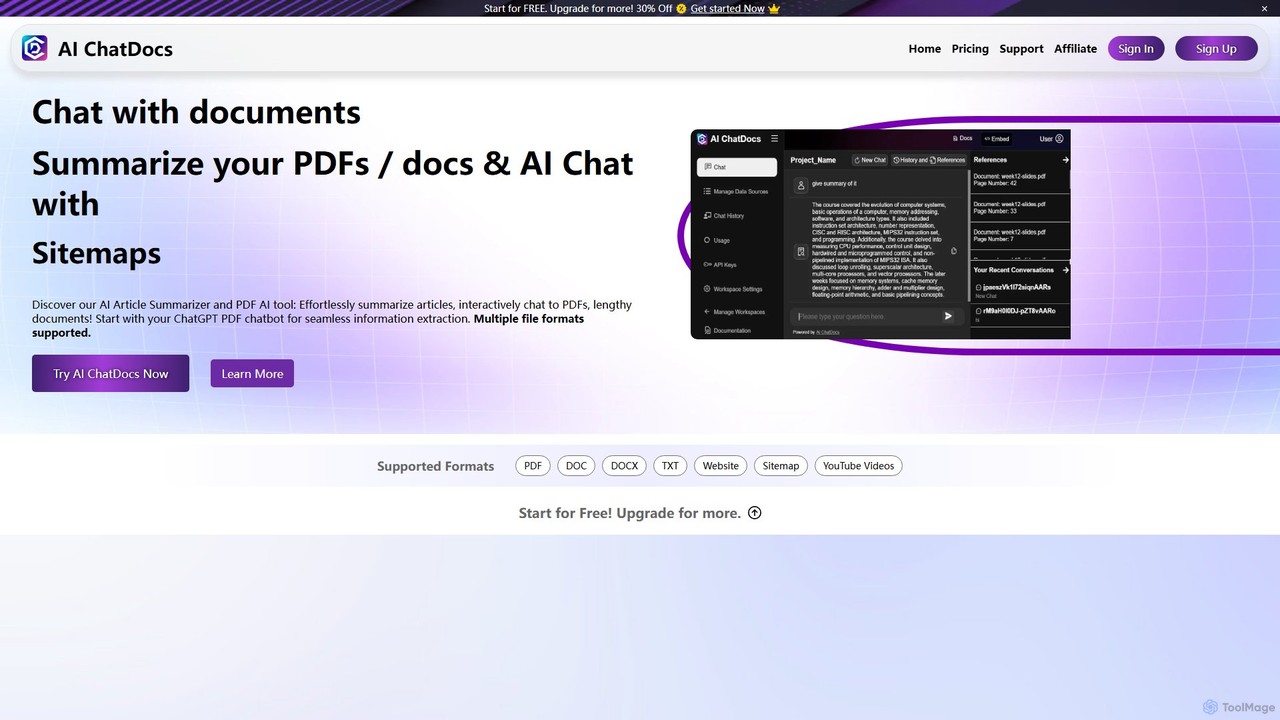
AI ChatDocs
AI ChatDocs is a GPT-4 powered platform that allows you to chat interactively with your documents, websites, and YouTube videos. Instantly summarize long files, extract key insights, and get accurate answers from PDFs, DOCX, and more, streamlining research and analysis for professionals and academics.
Study
papertalk.io
papertalk.io is an AI-powered research assistant that allows you to chat with your documents. Upload research papers, articles, or any PDF, and instantly get summaries, explanations, and answers to your questions, accelerating your literature review and comprehension.
Study Aid
Jyek
Jyek is an AI agent platform that understands objectives, creates execution plans, uses tools, and delivers verifiable results for complex, multi-step tasks.
AutomationAnara
Anara (formerly Unriddle) is an AI-powered research platform designed to accelerate your workflow. It helps you quickly understand complex documents, books, audio, and video files, organize findings efficiently, and write well-cited papers. It provides referenced answers, ensuring accuracy and verifiability for all AI-generated insights.
AcademicElicit
Elicit is an AI research assistant designed to automate and accelerate the literature review process. It helps researchers find relevant papers, summarize key findings, extract data, and synthesize information from a vast database of over 125 million academic articles. Elicit streamlines time-consuming tasks, enabling users to analyze more evidence with greater accuracy and speed.
AcademiaPaperPilot
PaperPilot is an AI-powered research assistant designed to streamline the academic workflow for students, researchers, and professionals. It helps users quickly discover, analyze, and understand complex research papers. With features like AI-driven summarization, question-answering with documents, and literature review automation, PaperPilot accelerates the entire research process from discovery to writing, making knowledge management more efficient and insightful.
Academic
Hebbia
Hebbia is an enterprise-grade AI platform designed for finance, legal, and corporate sectors. It enables firms to build custom AI agents that automate complex data analysis, document review, and multi-step workflows. By leveraging its proprietary Matrix architecture, Hebbia transforms vast amounts of unstructured data into actionable, transparent insights, significantly accelerating processes like due diligence, contract analysis, and market research.
Due Diligence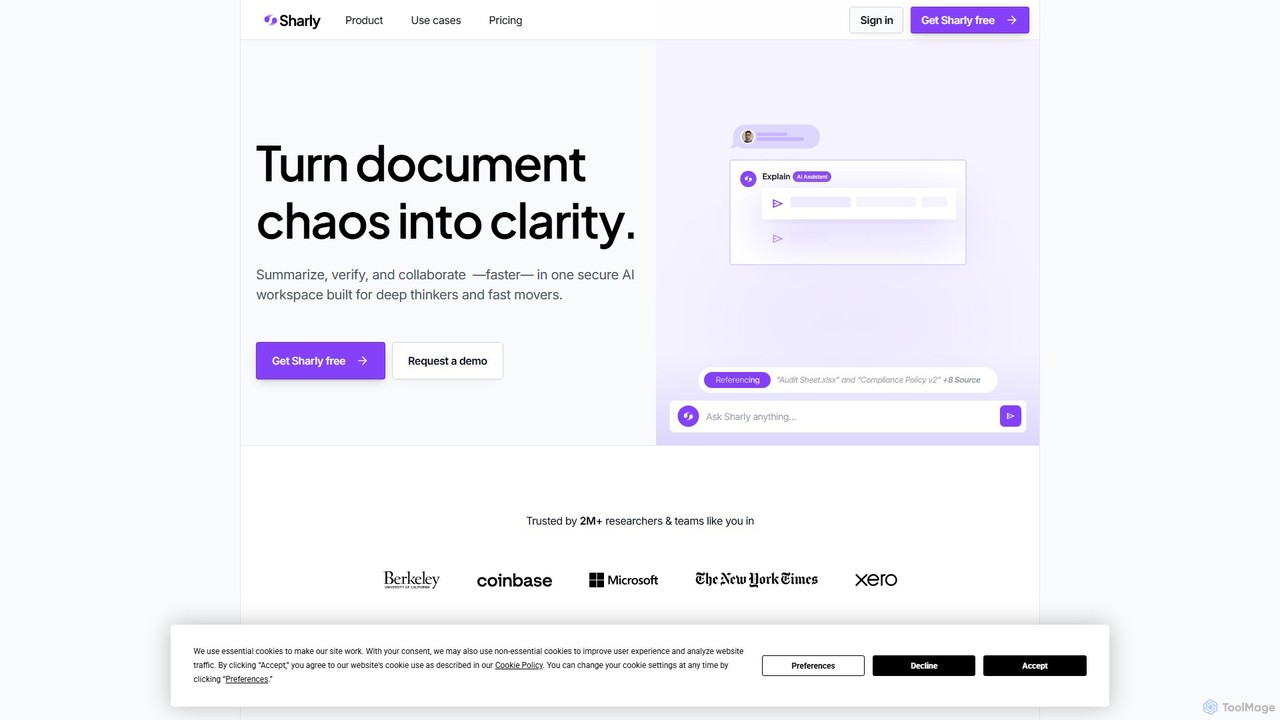
Sharly
Sharly is an AI-powered research assistant designed to transform document chaos into clarity. It enables users to summarize, compare, cite, and collaborate on various documents within a single, secure workspace, accelerating research and decision-making for individuals, teams, and enterprises.
Compliance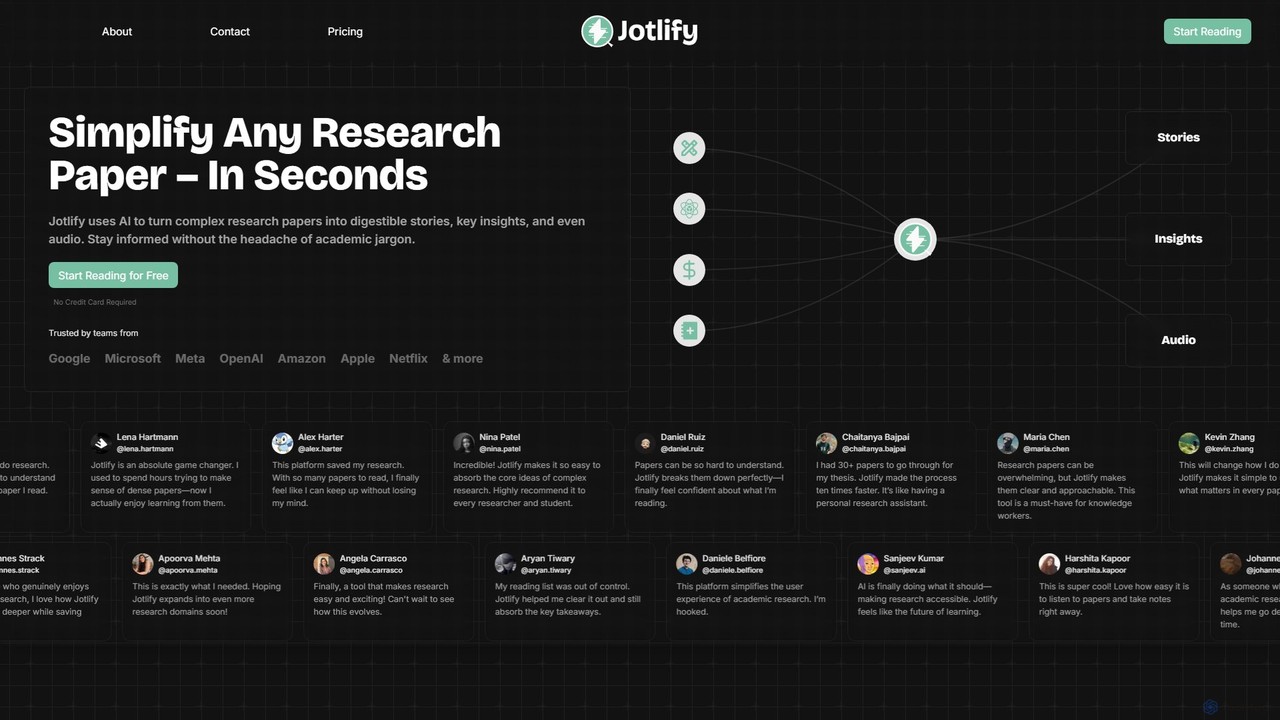
Jotlify
Jotlify is an AI-powered platform that transforms dense academic research papers into easy-to-understand summaries, key insights, and audio narrations. It helps students, researchers, and professionals save time, overcome jargon, and stay updated with the latest breakthroughs in their fields.
Text To Speech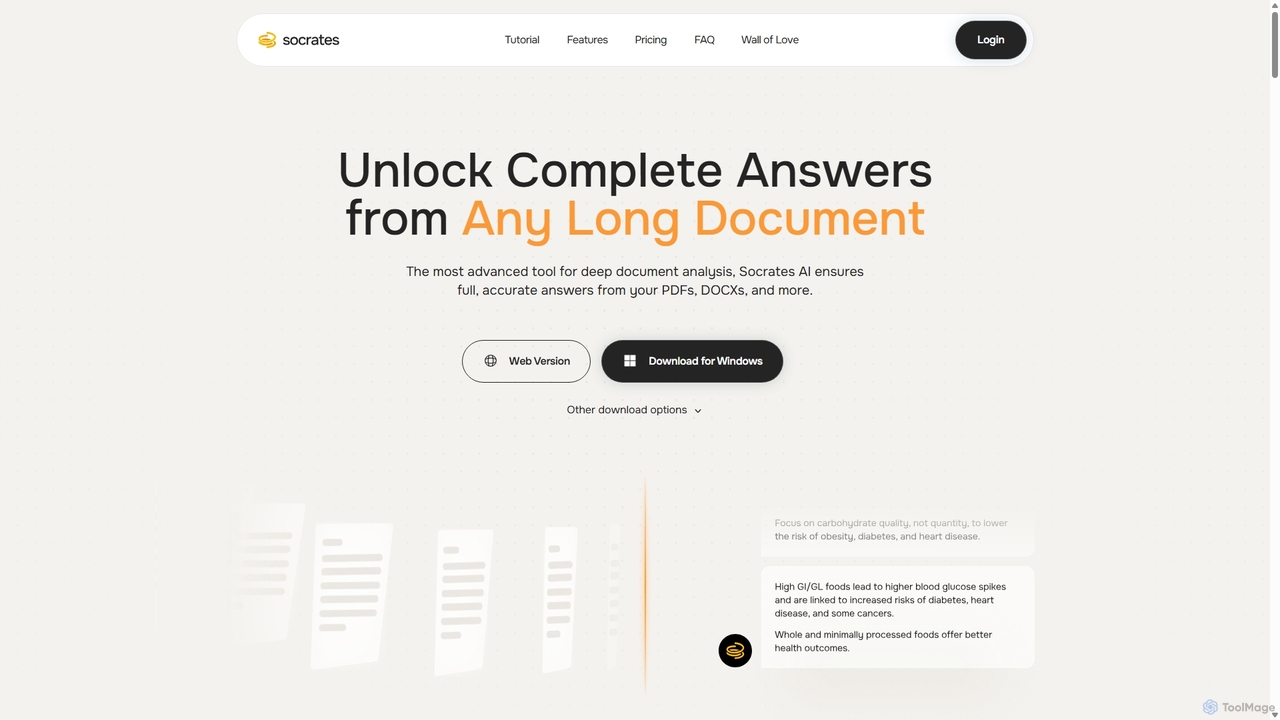
Socrates
Socrates is an advanced AI tool for deep document analysis. It allows users to upload long documents like PDFs and DOCX to get complete, accurate answers. Its unique 'Deep Dive' feature provides thorough analysis, while features like Table AI and Local LLM support cater to researchers, legal professionals, and students seeking detailed insights with enhanced data privacy.
Data Analysis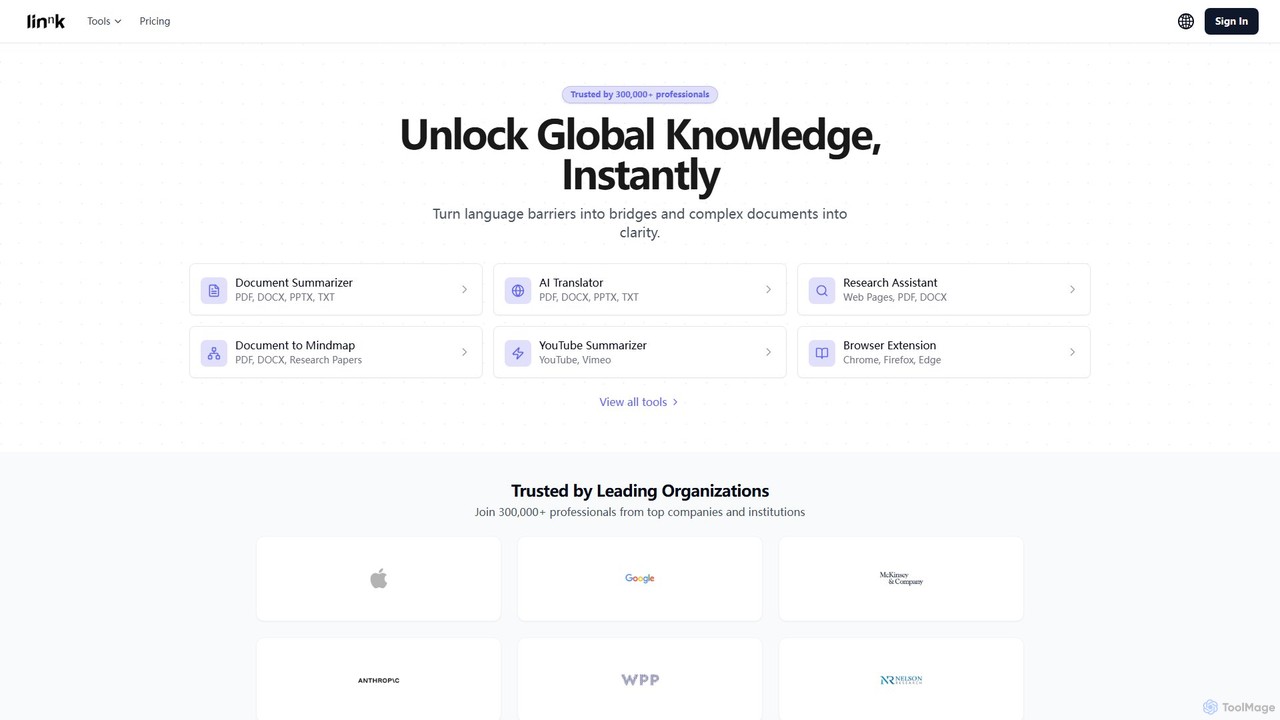
Linnk.ai
Linnk.ai is a comprehensive AI-powered suite for professionals, researchers, and students. It instantly summarizes complex documents, translates content into over 100 languages while preserving format, and acts as a research assistant. With features like document-to-mindmap and a browser extension, it streamlines workflows, enhances comprehension, and unlocks global knowledge.
Research
Lateral Comments (0)
Sign in to comment.
Sign inNo comments yet.