

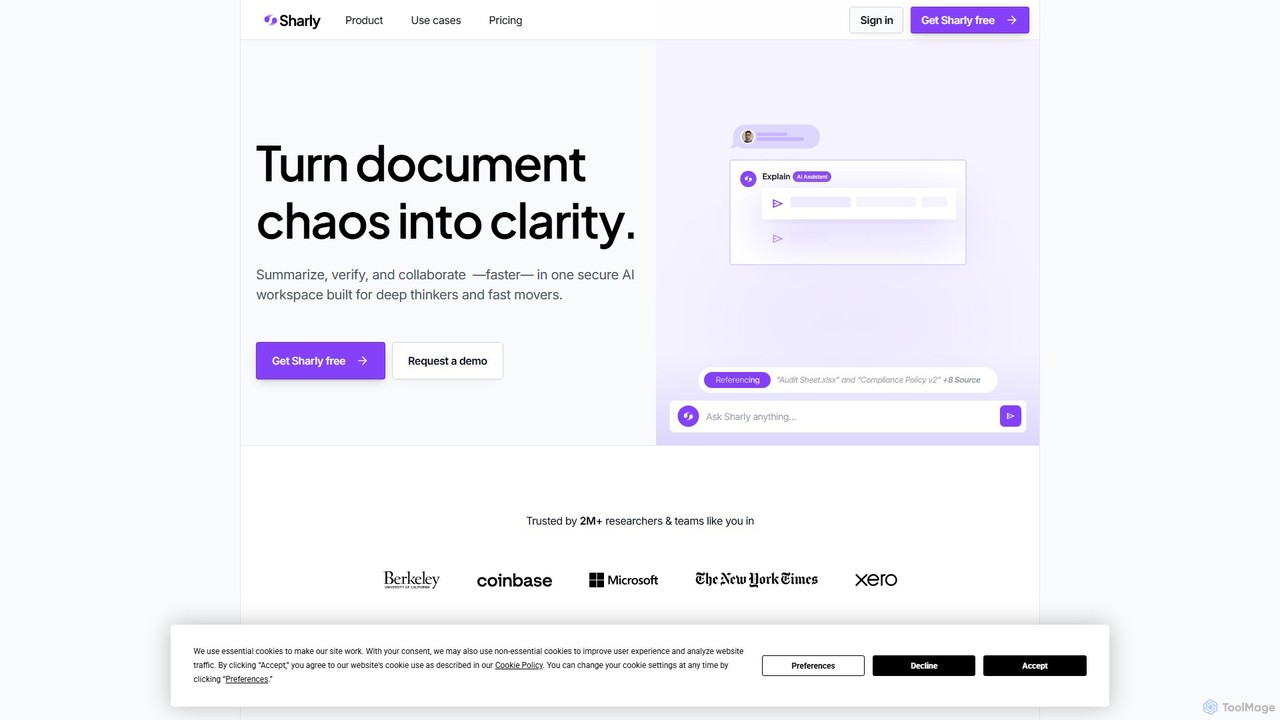
Sharly Overview
Sharly is a sophisticated AI research assistant built for deep thinkers and fast movers who need to navigate complex information with speed and confidence. It serves as a unified, secure workspace where users can turn dense documents into clear, source-backed insights. By leveraging advanced AI, Sharly streamlines the entire research process, from initial analysis to collaborative review and final citation, making it an indispensable tool for researchers, analysts, legal professionals, and strategic teams.
The platform is designed to handle a wide array of document types, allowing users to extract critical information, identify patterns, and verify claims effortlessly. Every piece of information generated by Sharly is traceable to its original source, ensuring credibility and allowing for quick verification. This focus on accuracy and transparency empowers users to build arguments, make decisions, and produce work they can trust.
How to use Sharly
Using Sharly is an intuitive process designed to maximize efficiency. First, users upload their documents into a secure workspace. Sharly supports a variety of formats, including PDF, DOCX, PPTX, XLSX, and even content from URLs or integrations like Google Docs and Notion. Once uploaded, the AI automatically generates smart summaries and suggests relevant questions to kickstart the analysis. Users can then interact with their documents using natural language, asking specific questions across a single file or multiple sources simultaneously. Sharly's AI chat will provide concise, source-backed answers, highlighting key data points, comparing metrics, and even identifying conflicting information. For academic or professional work, users can instantly generate citations in APA, MLA, or Chicago style. The platform also features a collaborative environment where teams can share document libraries, add annotations, and work together in real-time to build collective understanding.
Core Features of Sharly
- Multi-Source Summarization & Extraction: Instantly get key insights, summaries, and highlights from single or multiple documents. It supports various formats like PDF, DOCX, PPTX, and Notion, and can perform OCR to extract text from images.
- AI-Powered Validation & Comparison: Ask questions across all your uploaded documents to connect dots, compare key metrics, and surface conflicting claims. The 'Docs-only' mode ensures answers are based solely on your provided sources.
- Automatic & Accurate Citations: Every AI-generated insight is linked to its exact source. The tool automatically extracts metadata (authors, titles) and allows users to switch between citation styles (APA, MLA, Chicago) with a single click.
- Secure Team Collaboration: Features shared workspaces, real-time annotations, and collaborative Q&A. Role-based permissions and activity logs allow for controlled and transparent teamwork.
- Enterprise-Grade Security: All data is protected with end-to-end encryption (AES-256 at rest, TLS 1.3 in transit). The platform offers SSO/SAML integration, audit logs, and SOC 2 Type II compliance for enterprise needs.
- Broad Document & Language Support: Works fluently with over 100 languages and integrates with Google Drive, Dropbox, and Notion to keep workspaces synced.
Use Cases for Sharly
Sharly is versatile and provides significant value across various professional fields. For compliance teams and legal reviewers, it accelerates the review of contracts and audit trails by up to 60%, automatically flagging inconsistencies and conflicts. Academic researchers and students use it to speed up literature reviews by 75%, quickly summarizing papers, comparing theories, and generating accurate citations. For business analysts, VCs, and strategists, Sharly can quadruple the speed of the insight-to-decision cycle by enabling rapid analysis of market reports, investment memos, and business plans, ensuring all claims are verified and traceable.
Advantages of Sharly
The primary advantage of Sharly is its ability to deliver clarity, credibility, and momentum. It saves users a significant amount of time—over 12 hours per analyst per week in some cases—by automating tedious tasks. The emphasis on source-backed, verifiable answers builds confidence and trust in the research output. Its collaborative features foster team alignment and knowledge sharing, while its robust, enterprise-grade security ensures that sensitive information remains private and protected at all times. This combination of speed, accuracy, collaboration, and security makes Sharly a powerful asset for any knowledge-driven work.
Pricing and Plans
Sharly offers a freemium model with plans tailored to different needs:
- Free: For individuals exploring the tool. Includes instant summaries, 5 docs/day, and up to 10 documents per month with 50 messages.
- Pro ($12.5/month, billed yearly): For solo researchers. Offers unlimited uploads, 1,000 messages/month, high-quality answers, and advanced security.
- Team ($24/month per seat, billed yearly): For research teams and labs. Includes unlimited documents and chats, team annotations, knowledge retention, and analytics.
- Business (Custom Pricing): For large organizations and institutions. Provides unlimited seats, an admin dashboard, SSO/SAML, audit logs, and dedicated support.
Traffic
Latest traffic
Status
Monthly traffic trend
- 2025-9: 159.1K
- 2026-1: 97.6K
- 2026-2: 76.8K
- 2026-3: 78.2K
- 2026-4: 106.8K
- 2026-5: 90.5K
Geography
Top 5 countries / regions
- 🇺🇸United States48.4%
- 🇨🇦Canada13.3%
- 🇳🇬Nigeria13.1%
- 🇮🇳India12.9%
- 🇵🇭Philippines12.3%
Traffic sources
| Source type | Percentage |
|---|---|
Direct | 92.5% |
Referral | 4.1% |
Email | 3.5% |
Top keywords
| Keyword | Cost per click |
|---|---|
| ai summarizer | $1.18 |
| a.i. that reads documents and summarize | $0.00 |
| article summarizer | $1.53 |
| sharly ai | $0.00 |
| summairze document files ai | $0.00 |
Sharly Alternatives
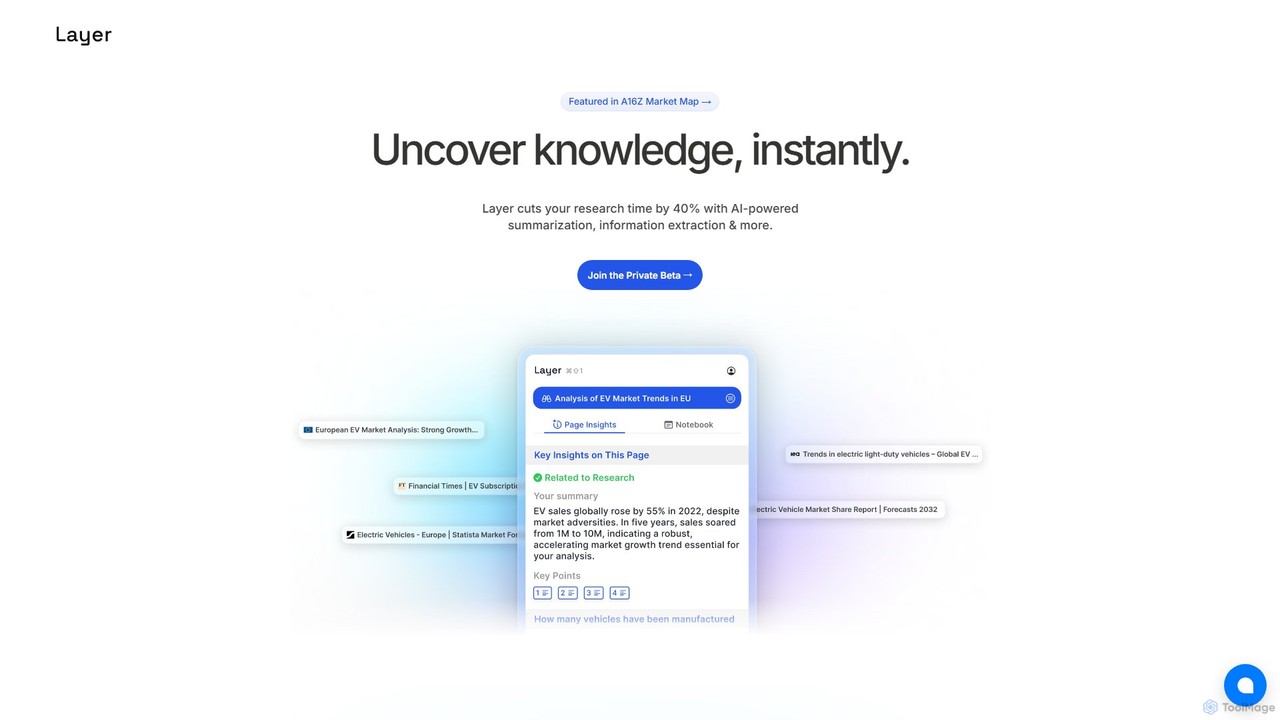
Layer
Layer is an AI research copilot designed to accelerate your workflow. It leverages AI for advanced summarization, information extraction, and semantic search, cutting research time by up to 40% and helping you uncover insights from complex documents effortlessly.
Academic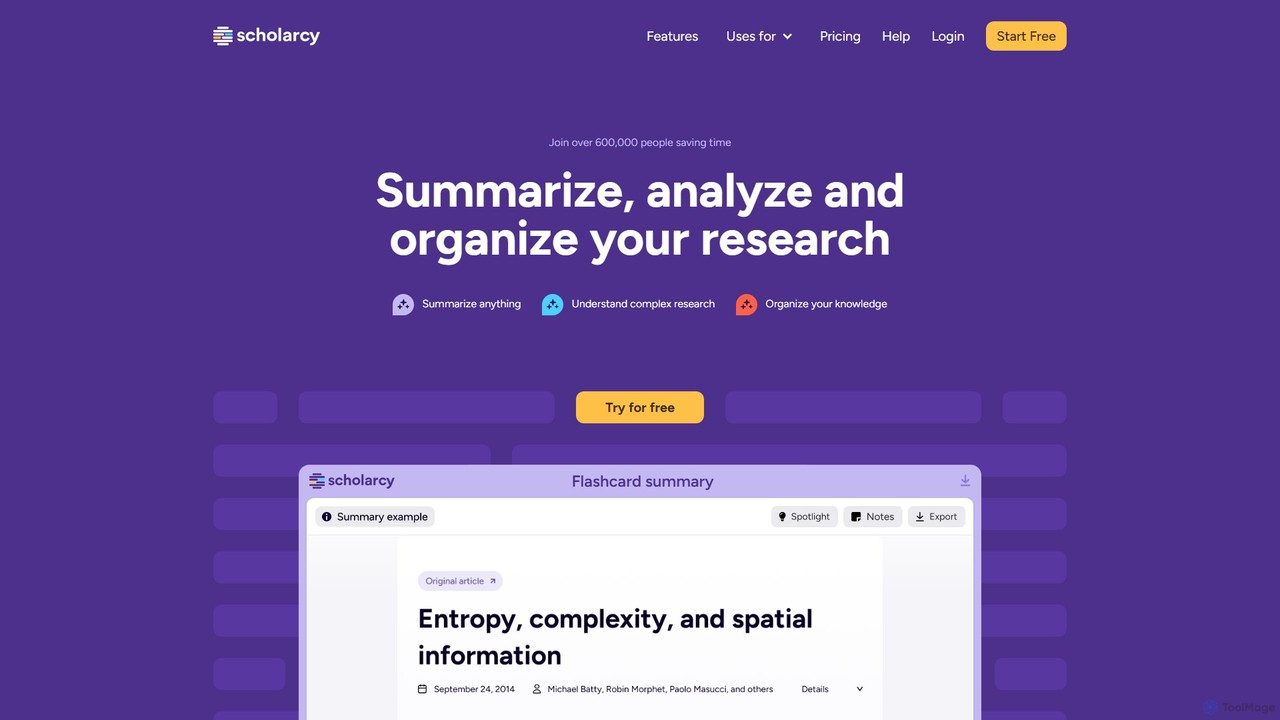
Scholarcy
Scholarcy is an AI-powered research assistant that transforms long articles, papers, and book chapters into interactive summary flashcards. It helps students, researchers, and academics to quickly read, understand, and analyze complex texts. By highlighting key findings, extracting references, and enabling critical analysis, Scholarcy streamlines the literature review process and boosts research productivity.
Academic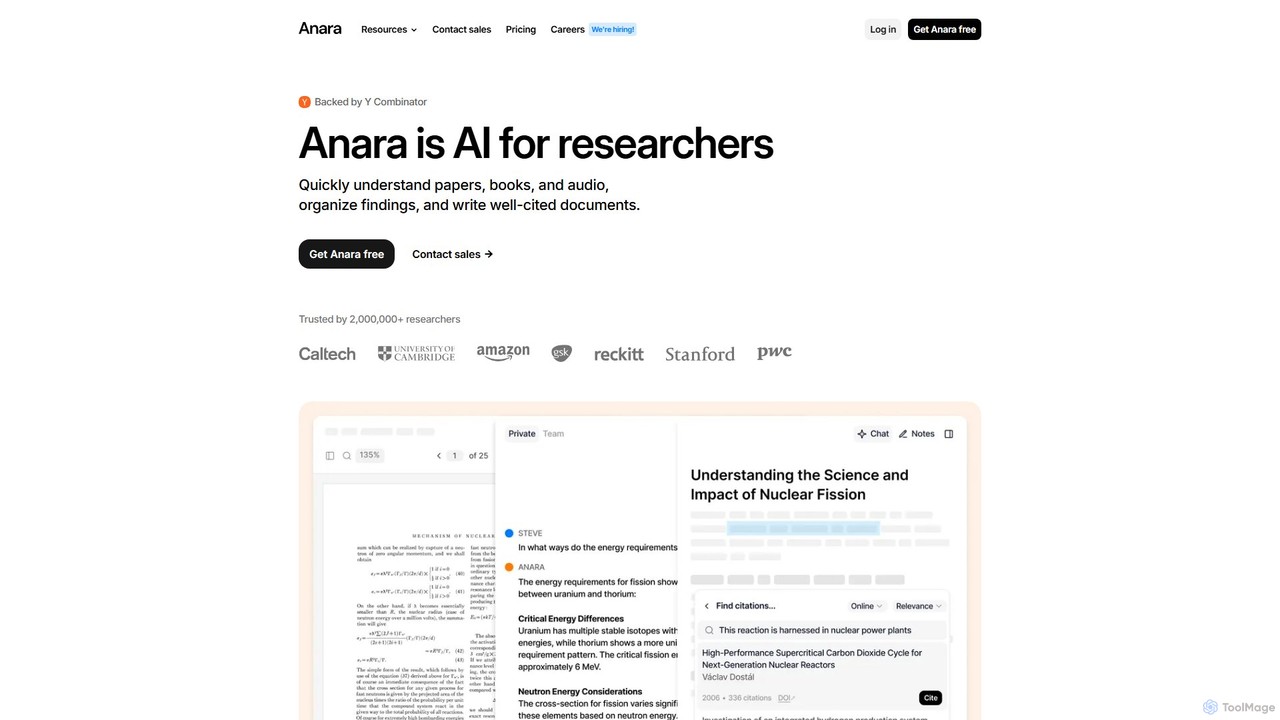
Anara
Anara (formerly Unriddle) is an AI-powered research platform designed to accelerate your workflow. It helps you quickly understand complex documents, books, audio, and video files, organize findings efficiently, and write well-cited papers. It provides referenced answers, ensuring accuracy and verifiability for all AI-generated insights.
Academic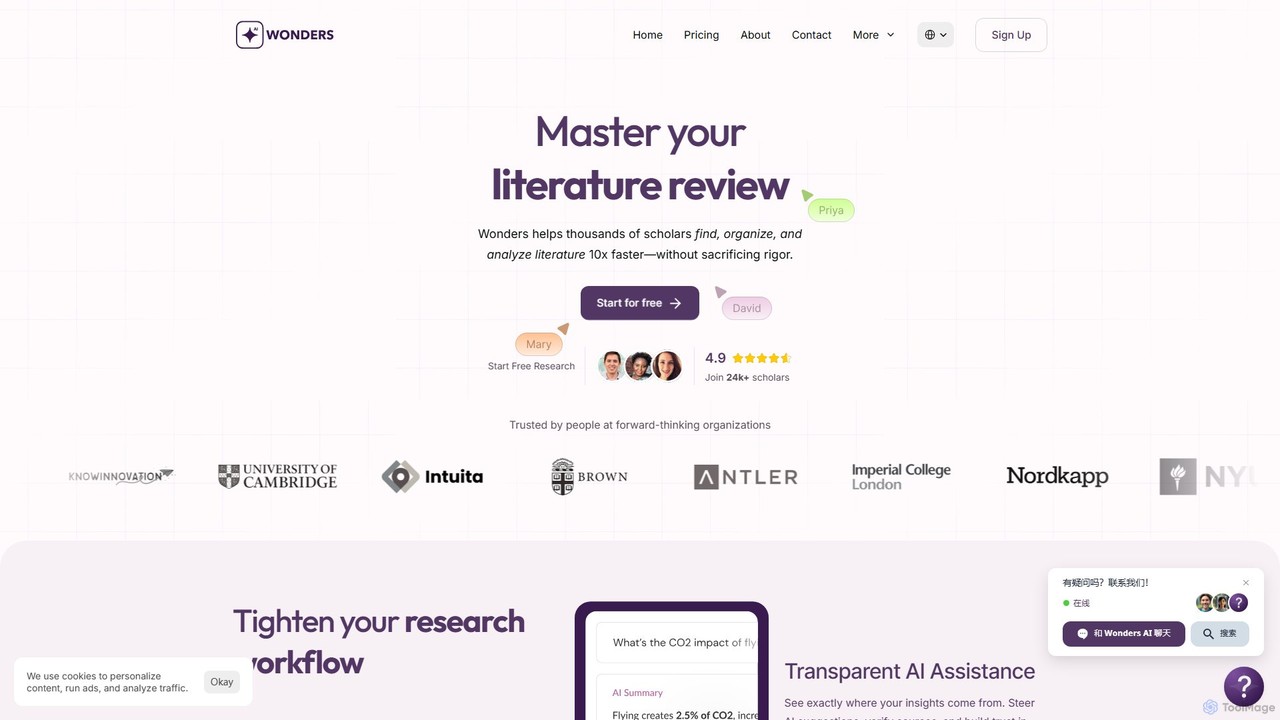
readwonders
readwonders is an AI-powered research workspace designed to streamline the entire research workflow. It integrates advanced search across 550M+ scholarly resources, AI-assisted analysis, collaborative note-taking, and report generation into a single platform. Ideal for academics, students, and professional teams, it accelerates literature reviews and evidence discovery.
Teamwork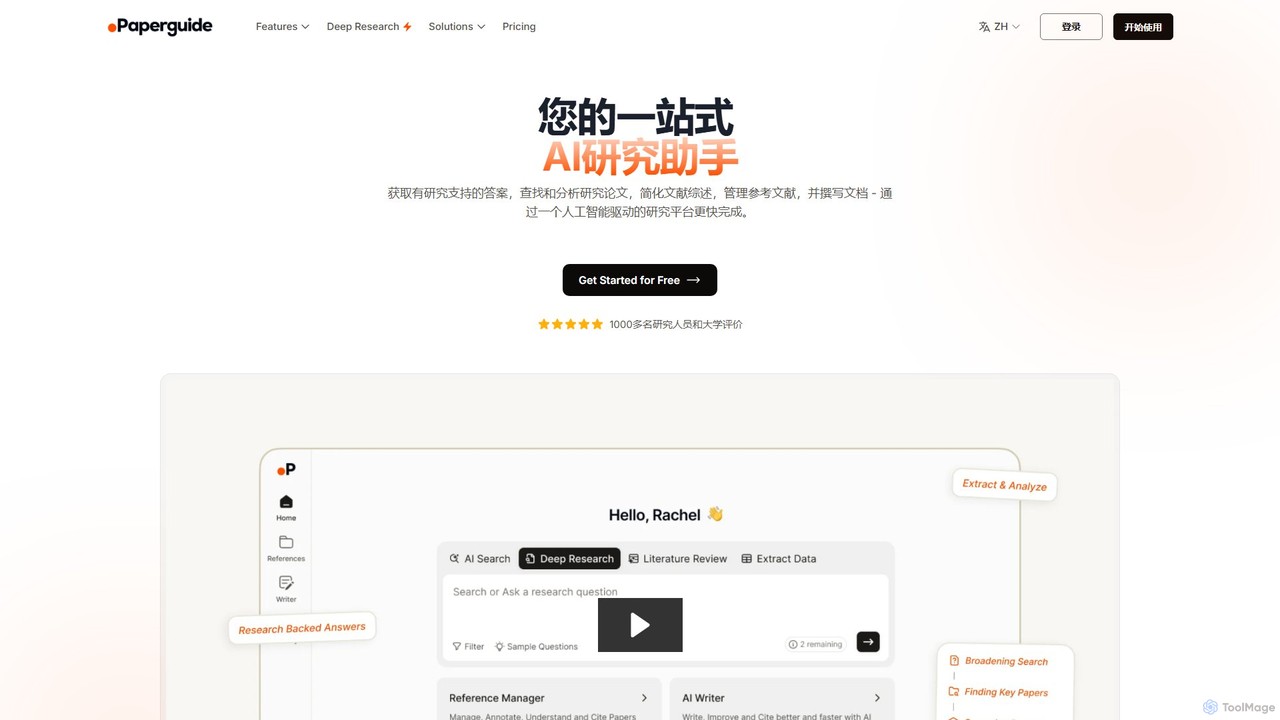
Paperguide
Paperguide is an all-in-one AI research assistant designed to accelerate academic and professional research. It helps users find papers, get research-backed answers, conduct literature reviews, manage references, and write documents with AI assistance. By leveraging a vast database of over 200 million papers, it streamlines the entire research workflow from discovery to final draft.
AcademicSharly Categories
Sharly Embed Widget
Copy this embed code to place the badge on your blog, article, or product site and send readers directly to this ToolMage detail page.

Related AI tools
Layer
Layer is an AI research copilot designed to accelerate your workflow. It leverages AI for advanced summarization, information extraction, and semantic search, cutting research time by up to 40% and helping you uncover insights from complex documents effortlessly.
Academic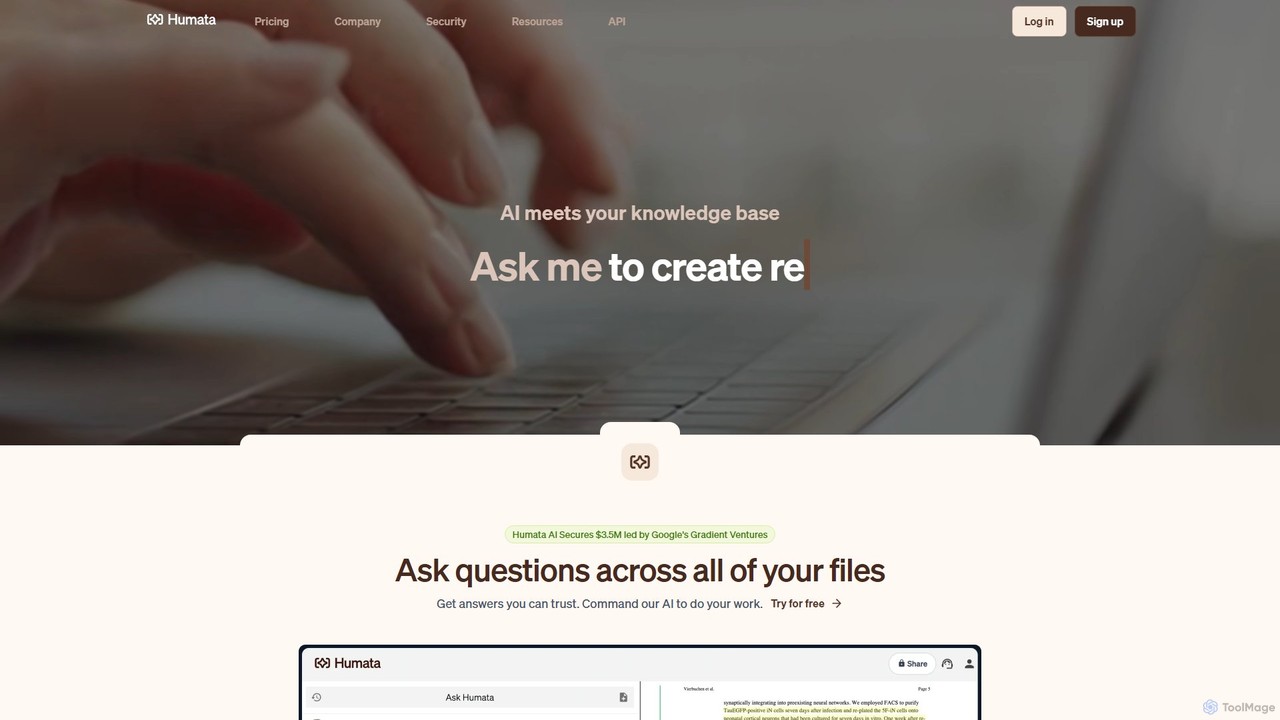
Humata
Humata is an AI platform that acts like ChatGPT for your files. Upload any document, such as PDFs, research papers, or legal contracts, and ask questions to get instant, accurate answers. The AI summarizes, synthesizes, and extracts valuable information, providing citations from your source documents to ensure trustworthiness. It's designed to accelerate research, analysis, and knowledge discovery for students, professionals, and teams.
Data AnalysisAnara
Anara (formerly Unriddle) is an AI-powered research platform designed to accelerate your workflow. It helps you quickly understand complex documents, books, audio, and video files, organize findings efficiently, and write well-cited papers. It provides referenced answers, ensuring accuracy and verifiability for all AI-generated insights.
Academic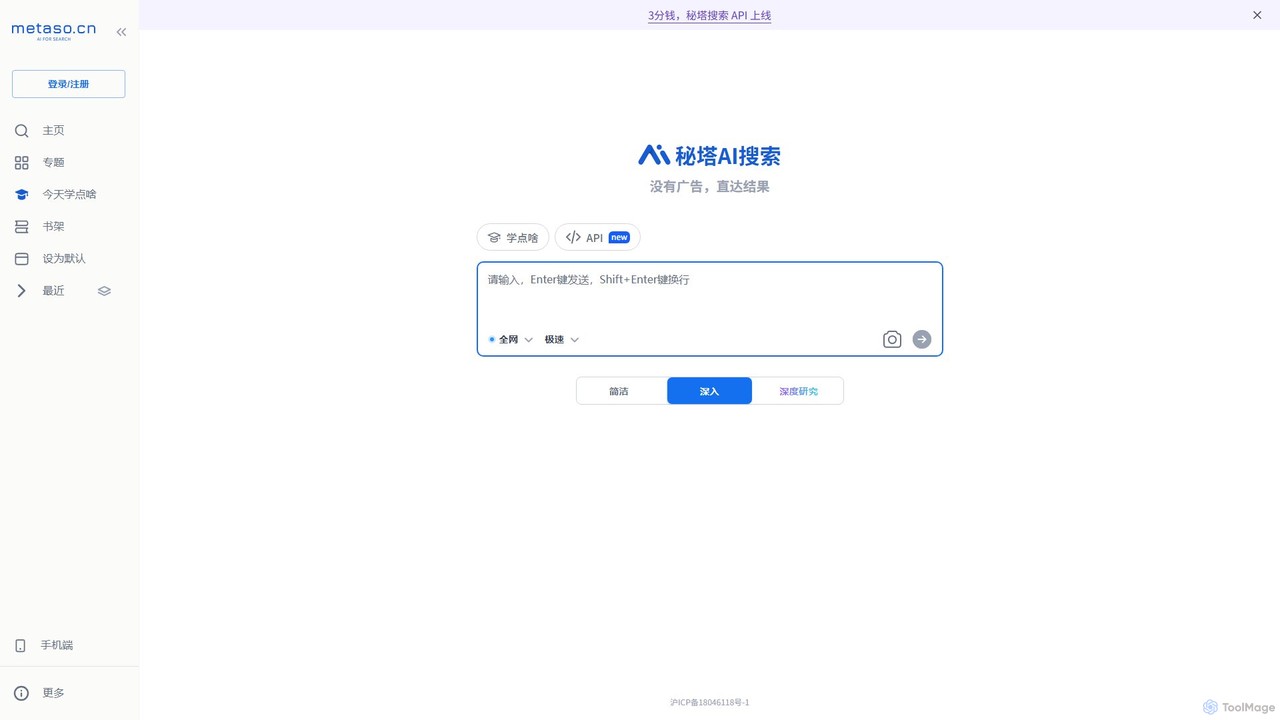
metaso
metaso is an AI-powered answer engine that delivers direct, ad-free results from across the web. It synthesizes information, provides source citations, and offers advanced features like in-depth research reports and document analysis to streamline knowledge discovery for students, researchers, and professionals.
Learning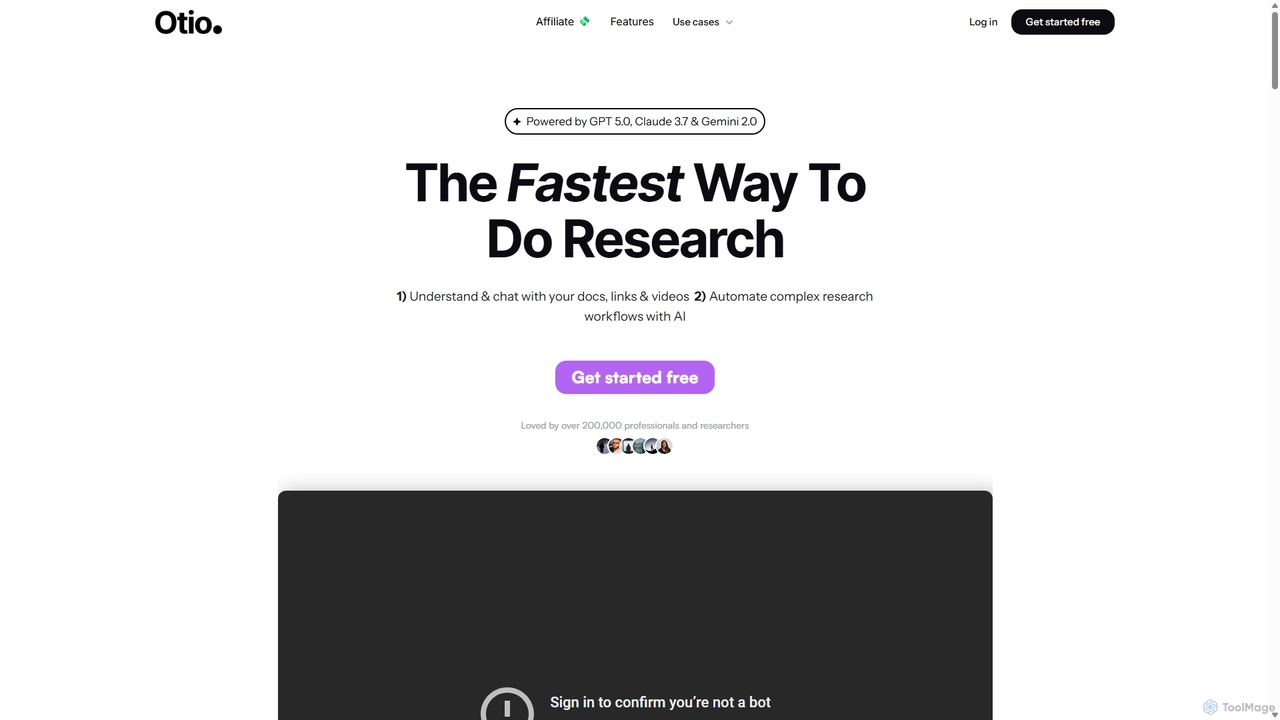
Otio
Otio is an AI-powered research and writing partner that streamlines your workflow. It allows you to understand and chat with documents, links, and videos, automate complex research tasks, and draft reports in an integrated AI editor. It's designed for students, researchers, and professionals to extract insights and produce high-quality written content efficiently.
Workflow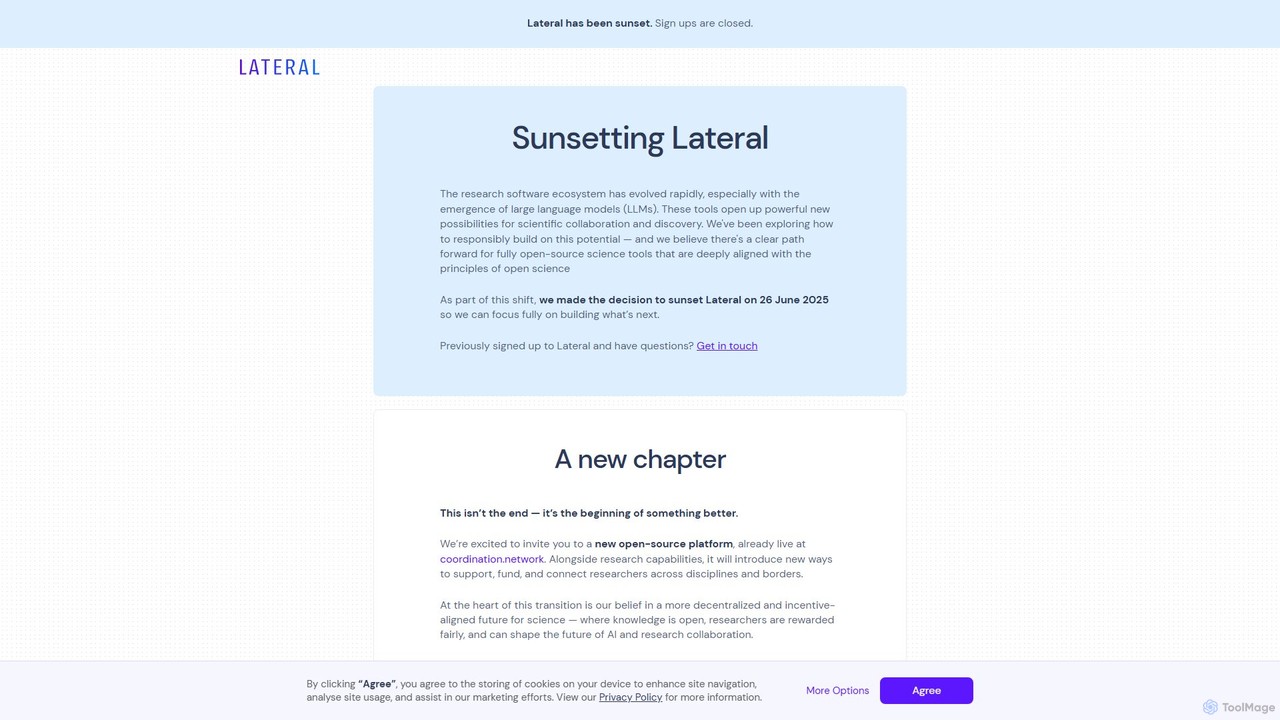
Lateral
Lateral is an AI-powered research assistant designed for academics, students, and professionals. It helps you rapidly search, organize, and synthesize information from multiple documents, transforming the literature review and document analysis process into a fast and structured workflow.
Academia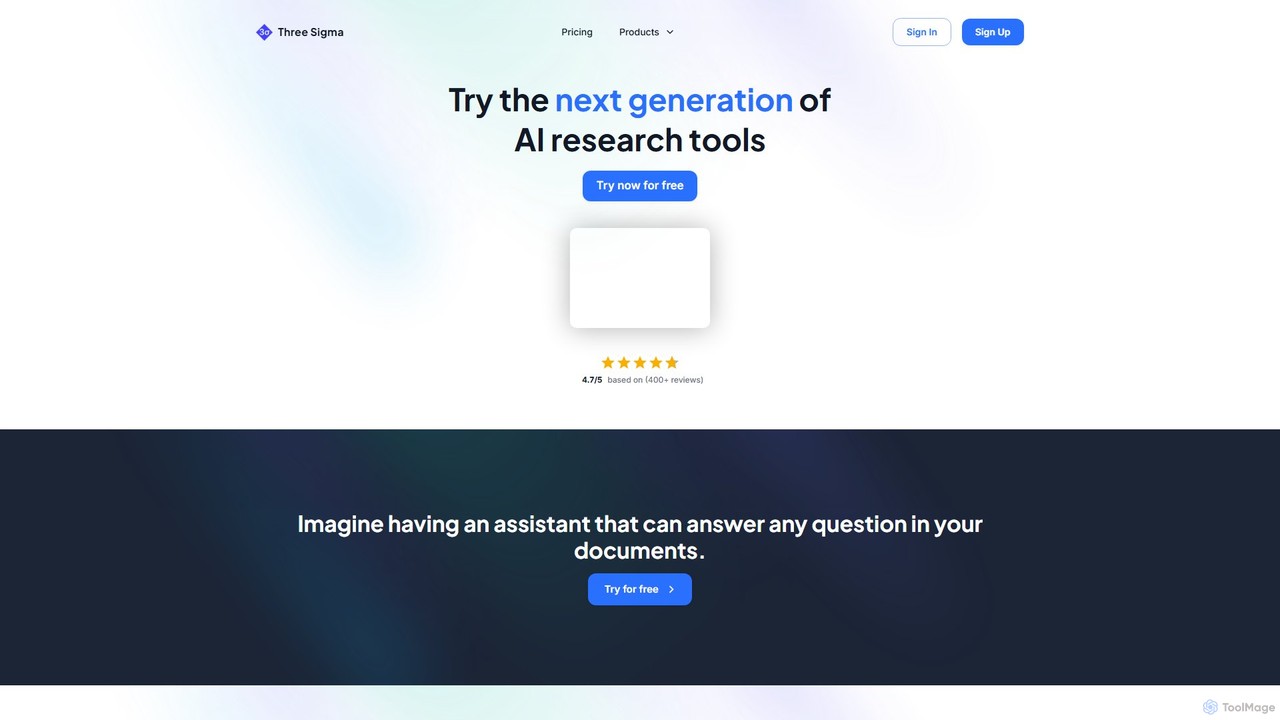
Three Sigma
Three Sigma is an AI-powered research assistant that allows you to chat with your documents. Upload PDFs, Word docs, and PowerPoints to ask questions, extract key information, and get instant, source-cited answers, reducing reading time by up to 90%.
Study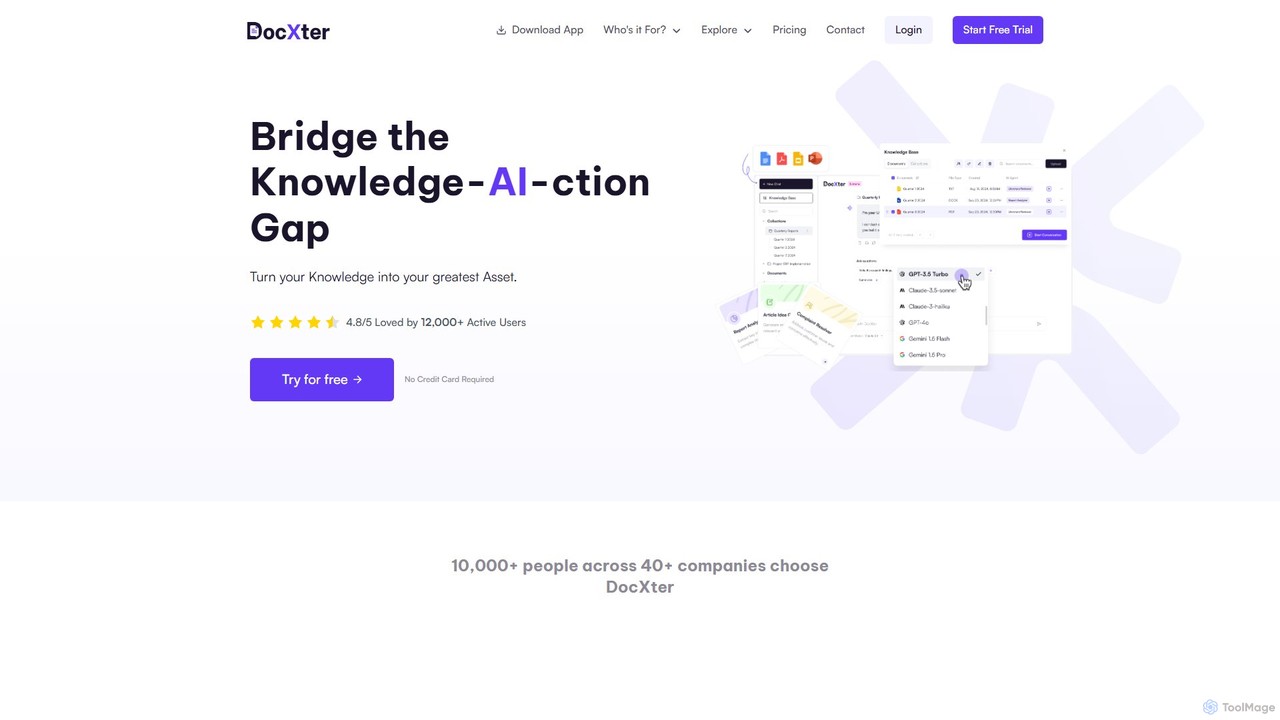
DocXter
DocXter is an AI-powered knowledge intelligence platform that allows you to interact with any document. Upload PDFs, DOCX, or even scanned files, and use natural language to ask questions, summarize content, extract key insights, and analyze information across multiple documents. It's designed to boost productivity for professionals, teams, and researchers by turning static documents into interactive knowledge bases.
Knowledge Management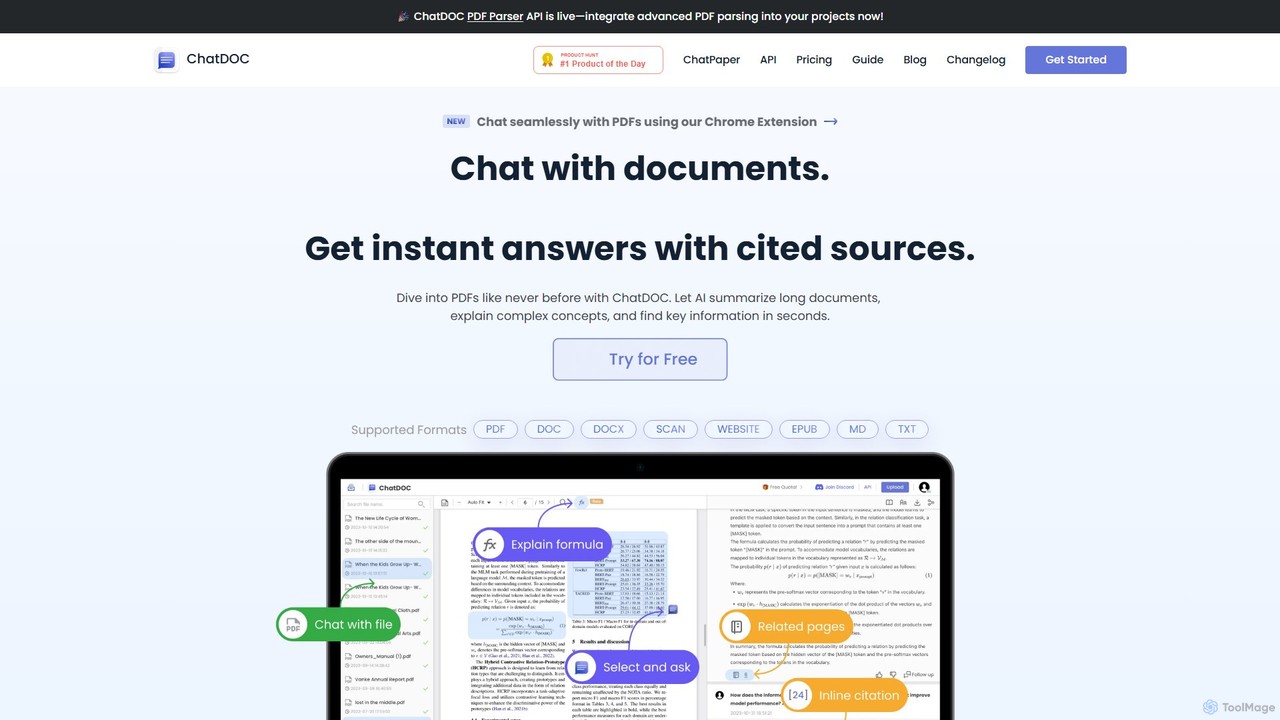
ChatDOC
ChatDOC is an AI-powered document reading assistant that lets you chat with your files. Instantly extract, summarize, and analyze information from PDFs, DOCs, websites, and more. Get answers with cited sources, making it ideal for researchers, students, and professionals to quickly understand complex documents.
Study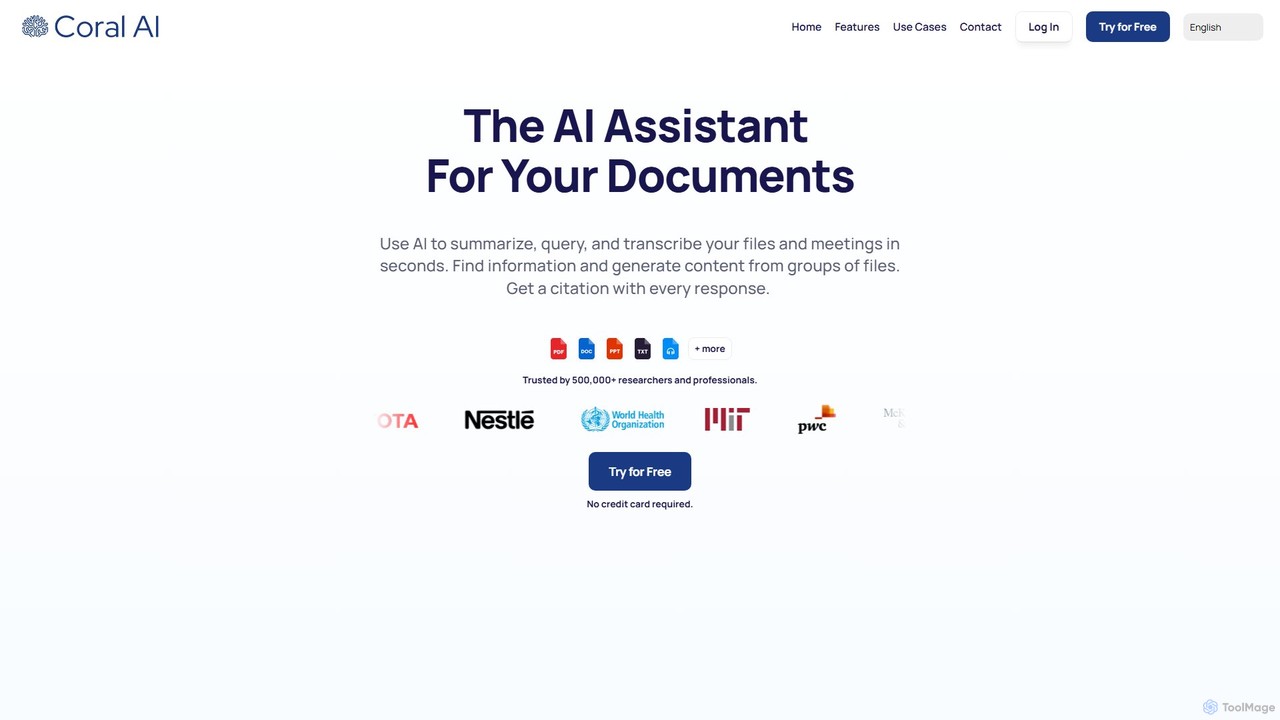
Coral AI
Coral AI is an intelligent assistant that transforms your documents, audio, and video files into interactive resources. Upload your files to summarize content, ask specific questions, extract key information, and transcribe media in seconds. It provides precise, citable answers, making it an essential tool for students, researchers, and professionals to enhance productivity and understanding.
Transcription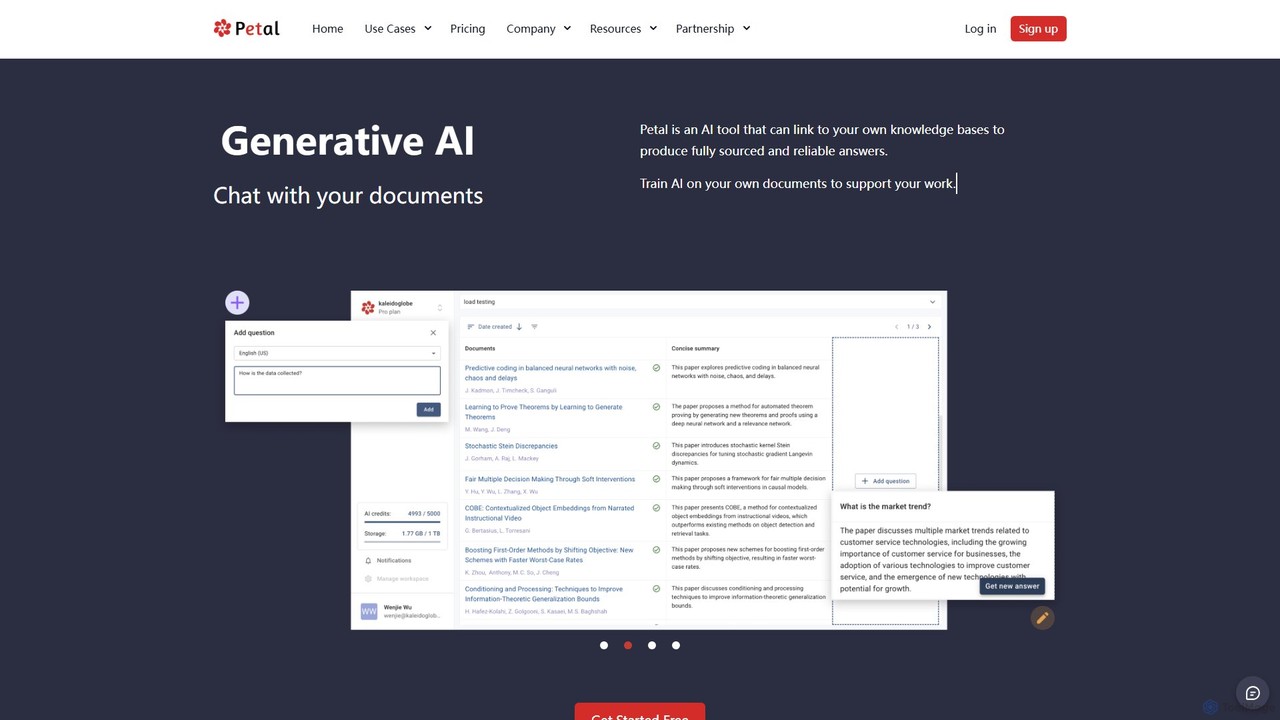
Petal
Petal is an AI-powered document analysis platform that transforms your documents into an interactive knowledge base. Chat with your research papers, reports, and books to get instant, sourced answers. Ideal for researchers, academics, and students, it features a reference manager, collaboration tools, and a secure cloud drive.
Chat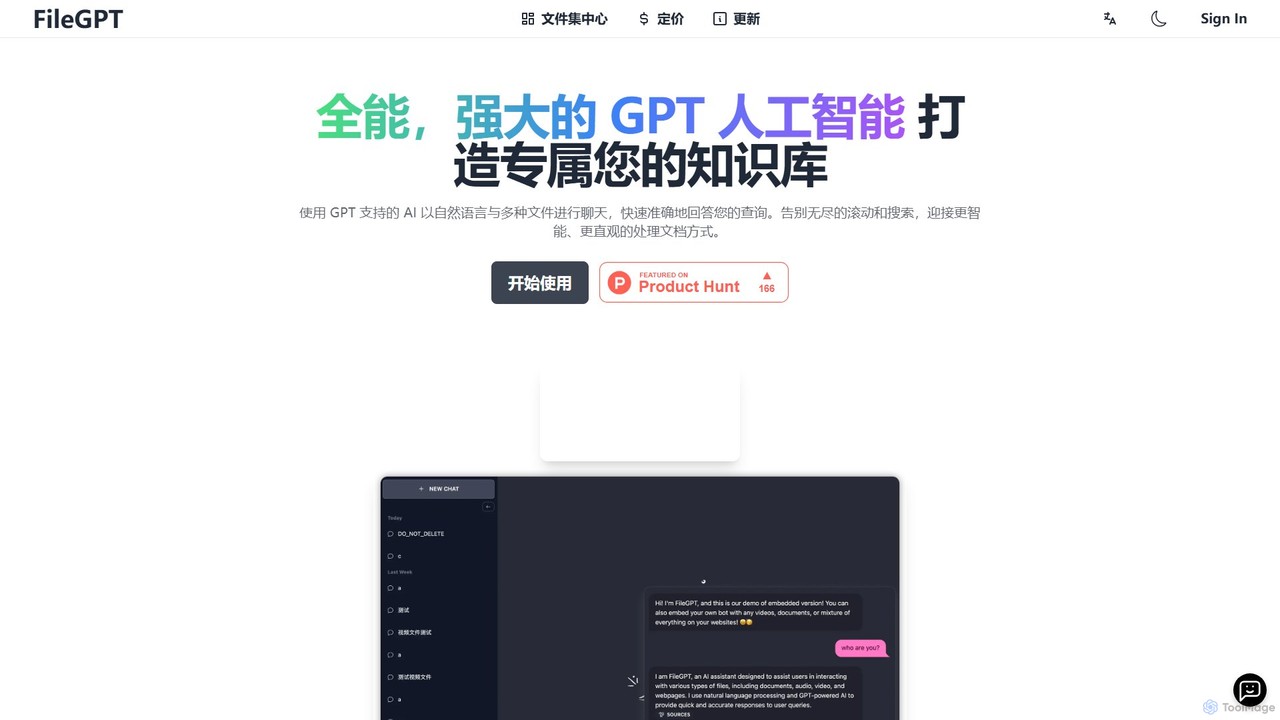
FileGPT
FileGPT is a powerful AI assistant that allows you to create a personalized knowledge base by chatting with your files. It supports a wide range of formats, including documents, audio, video, and web pages, enabling you to get instant, accurate answers and insights from your content without endless searching.
Data Extraction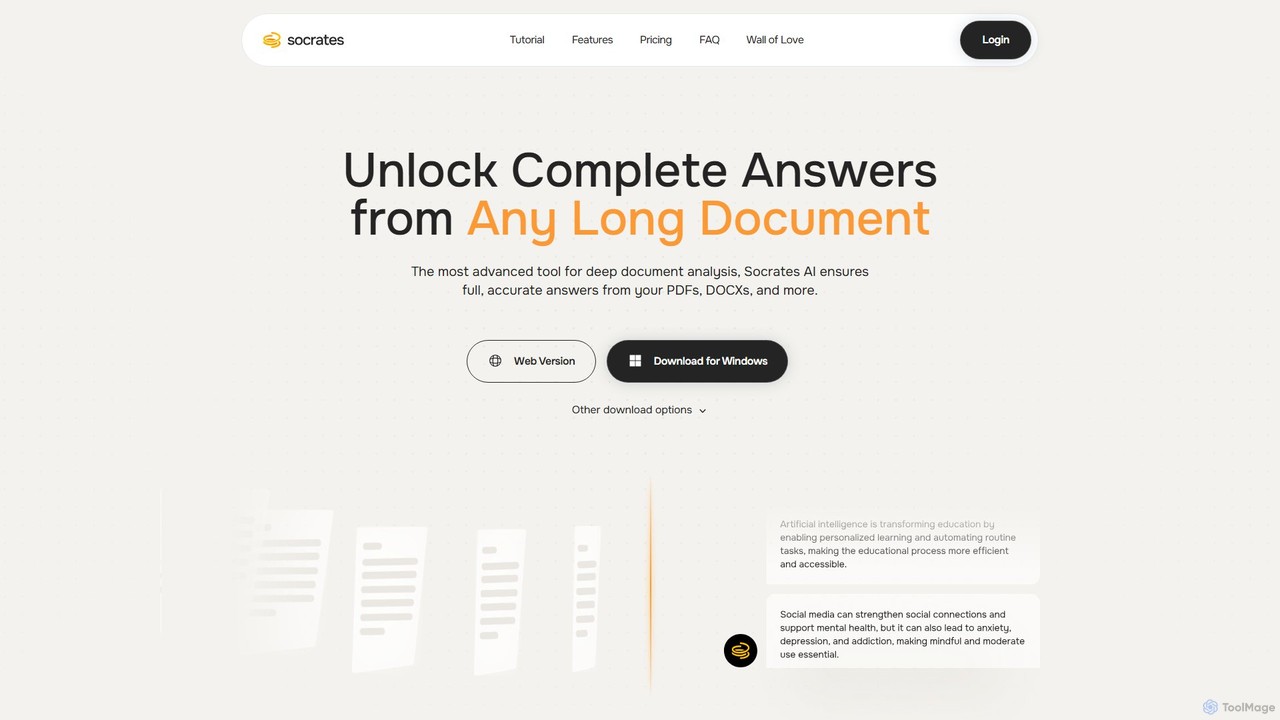
Socrates
Socrates is an advanced AI tool for deep document analysis. Upload PDFs, DOCX, and more to get complete, accurate answers instantly. Features like Deep Dive, Table AI, and local LLM support provide unparalleled insights while ensuring data privacy. Ideal for researchers, professionals, and anyone needing to understand long documents quickly.
Study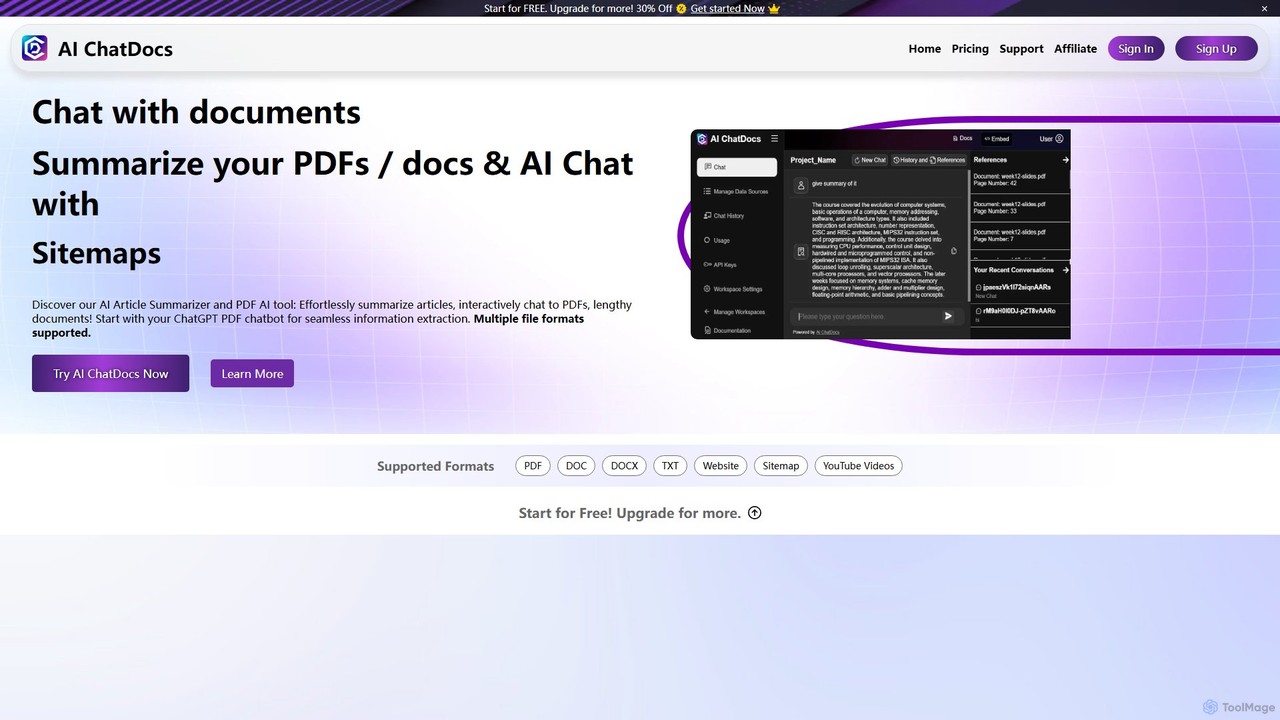
AI ChatDocs
AI ChatDocs is a GPT-4 powered platform that allows you to chat interactively with your documents, websites, and YouTube videos. Instantly summarize long files, extract key insights, and get accurate answers from PDFs, DOCX, and more, streamlining research and analysis for professionals and academics.
Study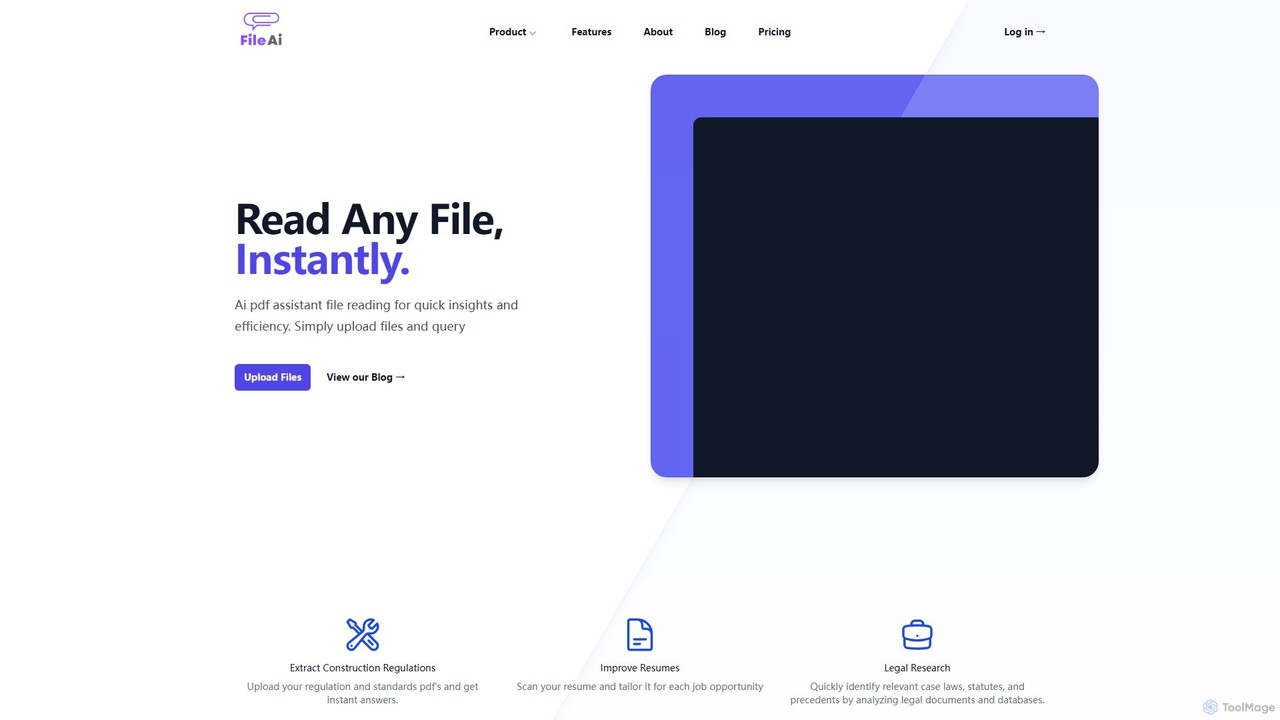
File AI
File AI is an intelligent document assistant that allows you to chat with your files. Instantly read, summarize, and extract key information from various document types like PDFs, DOCX, and more. It's designed to boost productivity for students, researchers, legal professionals, and anyone working with documents.
Research
Sharly Comments (0)
Sign in to comment.
Sign inNo comments yet.