

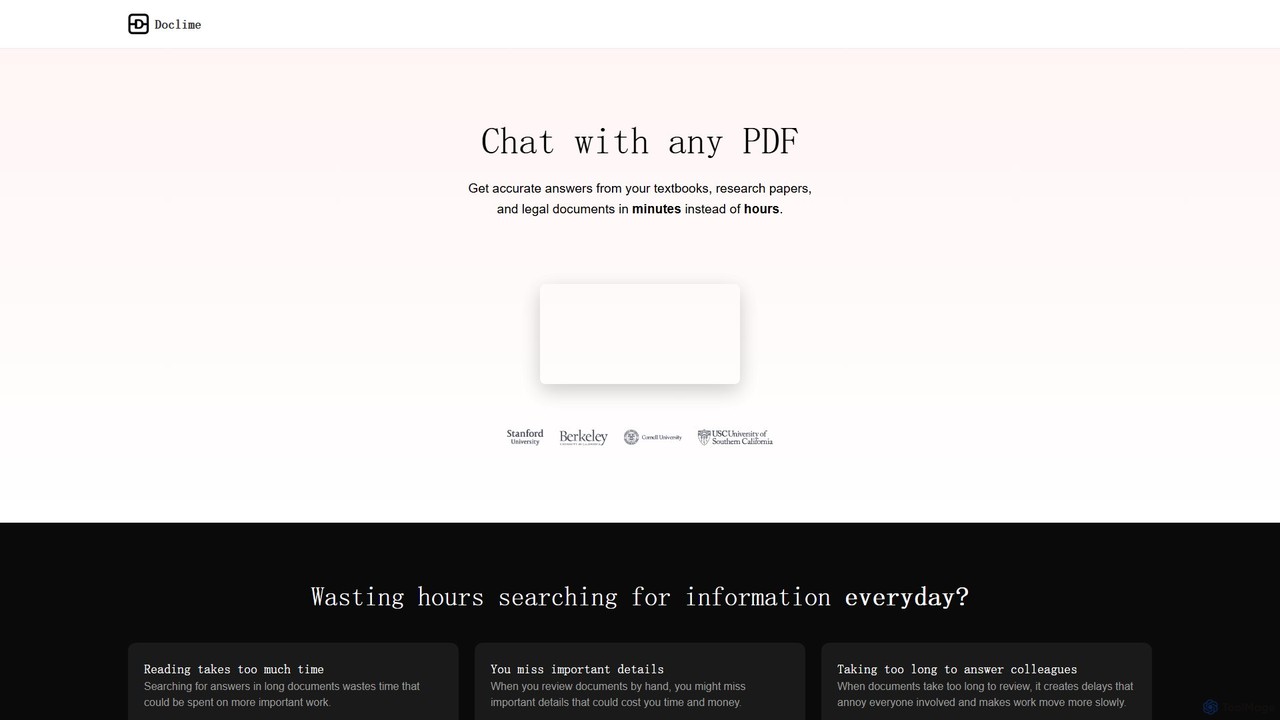
Doclime Overview
Doclime is an advanced AI-powered platform designed to revolutionize how you interact with your documents. It transforms static PDFs into dynamic, conversational partners, allowing you to quickly find information, summarize content, and gain deeper insights without manually sifting through pages. By simply uploading your files, you can ask complex questions and receive instant, accurate answers that are directly referenced to the source material, ensuring reliability and verifiability.
The platform integrates a powerful suite of tools into a single, intuitive workspace. It combines an AI chat interface with an advanced PDF viewer, a rich-text note-taking system, and a hierarchical file organizer. This unified environment is built for efficiency, enabling users to manage their research, study, or analysis workflows seamlessly.
How to use Doclime
Using Doclime is a straightforward and intuitive process designed for maximum efficiency:
- Upload Documents: Begin by uploading one or more PDF files to your secure Doclime workspace. The platform will quickly process and index the content.
- Start a Conversation: Open the chat interface and start asking questions about your documents in natural language. You can ask for summaries, definitions, data points, or comparisons between multiple files.
- Receive AI-Powered Answers: The AI will analyze the documents and provide a concise, relevant answer in seconds. Crucially, each answer includes citations that link directly to the specific page and section in the source PDF, allowing for instant verification.
- Organize and Take Notes: Use the built-in file tree to organize your documents and the rich-text editor to take notes. The split-screen view allows you to view your PDF, chat, and notes simultaneously, creating a powerful research environment.
- Utilize Advanced Search: For complex queries, use the context-aware search to scan across all your uploaded documents, ensuring you never miss a critical piece of information.
Core Features of Doclime
- AI Chat with Citations: Ask questions and get answers with direct references to the source text, eliminating ambiguity and building trust.
- Multi-Document Analysis: Upload and chat with multiple documents at once to synthesize information and compare insights across different sources.
- Integrated Workspace: A unified interface featuring a PDF viewer, AI chat, note-taker, and file management system.
- Split-Screen View: Work on multiple tasks simultaneously by viewing your document, chat history, and notes side-by-side.
- Advanced PDF Viewer: Includes essential tools like search, zoom, and easy page navigation to enhance your reading experience.
- Rich Text Note-Taking: Create, edit, and organize your thoughts and findings in a powerful notes editor with real-time saving.
- Hierarchical File Organization: Keep your projects tidy with a clear file tree structure for both your uploaded documents and your personal notes.
Use Cases for Doclime
Doclime is a versatile tool for various professionals and students:
- Researchers & Academics: Quickly conduct literature reviews, summarize dense academic papers, and find specific data points or methodologies across dozens of studies.
- Students: Prepare for exams by asking questions about textbooks, digest lecture notes, and write essays with accurately cited sources.
- Legal Professionals: Rapidly review contracts, case law, and legal briefs to find relevant clauses, precedents, and critical information.
- Business Analysts: Analyze financial reports, market research, and business plans to extract key metrics, trends, and strategic insights.
- Technical Writers: Sift through technical manuals and documentation to find specific instructions or specifications.
Advantages of Doclime
The primary advantage of Doclime is its ability to dramatically increase productivity and comprehension. By automating the tedious process of searching for information, it saves users hours of work. The citation feature ensures accuracy and allows for easy fact-checking, which is critical in academic and professional settings. The integrated, all-in-one workspace prevents context switching and keeps all relevant materials organized and accessible, streamlining the entire research and analysis workflow.
Pricing and Plans
Doclime operates on a freemium model, offering plans for different levels of usage:
- Free Plan: Ideal for casual users, this plan typically includes a limited number of document uploads, a maximum page count per document, and a cap on the number of AI questions per month.
- Pro Plan: Designed for individual power users like students and researchers, this plan offers unlimited document uploads, a higher page limit, unlimited questions, and access to advanced features like multi-document chat.
- Team/Enterprise Plan: Tailored for businesses and academic institutions, this plan includes all Pro features, plus collaborative workspaces, centralized billing, user management, and priority support.
Traffic
Latest traffic
Status
Monthly traffic trend
- 2025-9: 2.1K
- 2026-1: 510
- 2026-2: 1.1K
- 2026-3: 1.7K
- 2026-4: 1.2K
- 2026-5: 40
Geography
Top 5 countries / regions
- 🇵🇭Philippines100.0%
Doclime Alternatives

pdfai.io
pdfai.io is an AI-powered document assistant that lets you chat with your PDF files. Instantly summarize complex documents, ask questions, and extract key information effortlessly. It's designed to boost productivity for students, researchers, and professionals by turning static PDFs into interactive knowledge bases.
Data Extraction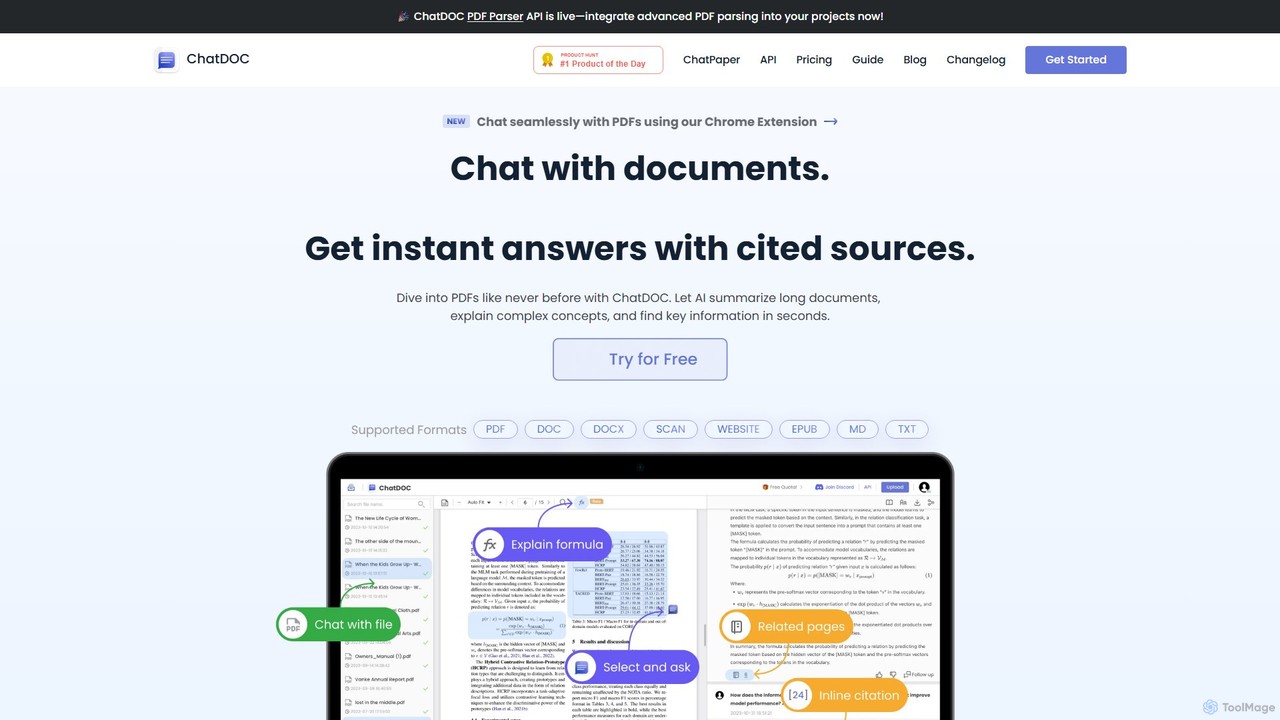
ChatDOC
ChatDOC is an AI-powered document reading assistant that lets you chat with your files. Instantly extract, summarize, and analyze information from PDFs, DOCs, websites, and more. Get answers with cited sources, making it ideal for researchers, students, and professionals to quickly understand complex documents.
Study
pdfpilot.ai
pdfpilot.ai is an AI-powered assistant that transforms your PDF documents into interactive chatbots. Instantly get summaries, ask complex questions, and extract key information from research papers, reports, and contracts, saving you hours of reading time.
Data Analysis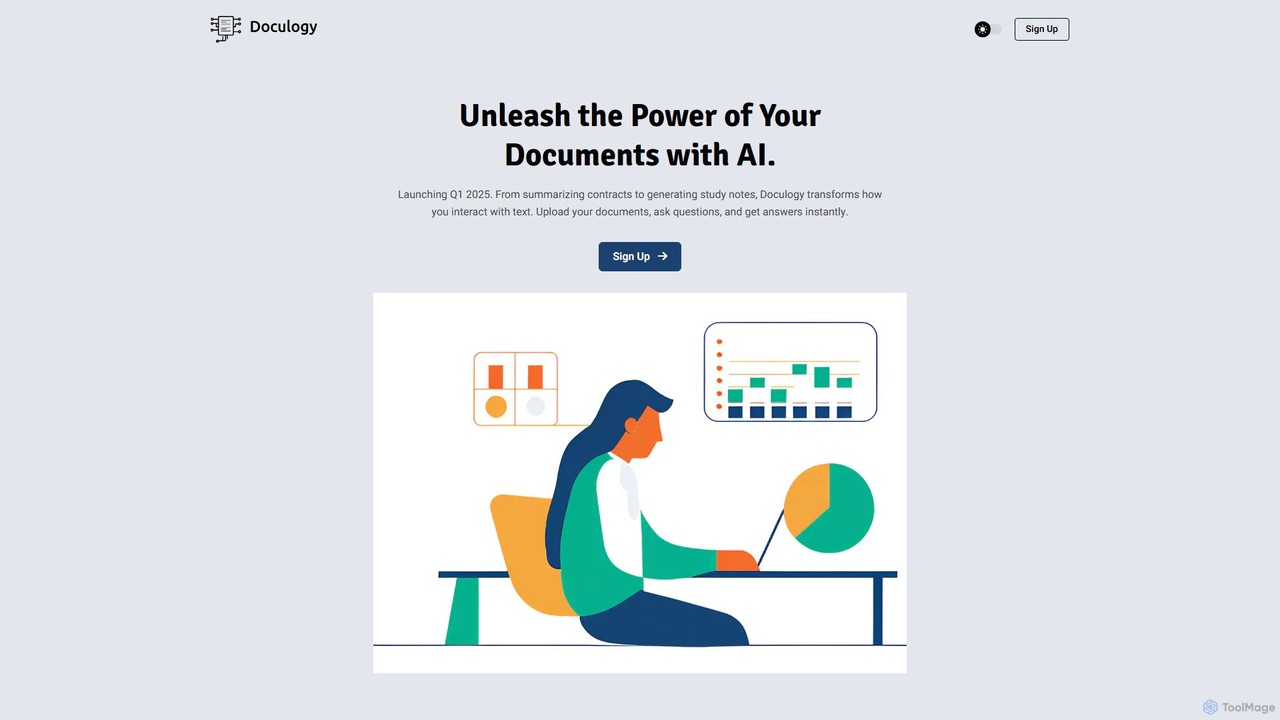
Doculogy
Doculogy is an AI-powered document analysis platform that transforms how you interact with text. Upload contracts, research papers, or CVs, ask questions in natural language, and receive instant, precise answers. It summarizes, analyzes multiple documents at once, and provides actionable insights, saving time and improving decision-making for professionals across various fields.
Reporting
PortableDocs
PortableDocs is an AI-powered platform that allows you to chat with your PDF documents. Instantly get summaries, ask complex questions, and extract key information in seconds. It also offers a suite of free tools to encrypt, merge, and remove pages from your PDFs, streamlining your entire document workflow.
StudyDoclime Categories
Doclime Embed Widget
Copy this embed code to place the badge on your blog, article, or product site and send readers directly to this ToolMage detail page.

Related AI tools
pdfpilot.ai
pdfpilot.ai is an AI-powered assistant that transforms your PDF documents into interactive chatbots. Instantly get summaries, ask complex questions, and extract key information from research papers, reports, and contracts, saving you hours of reading time.
Data Analysis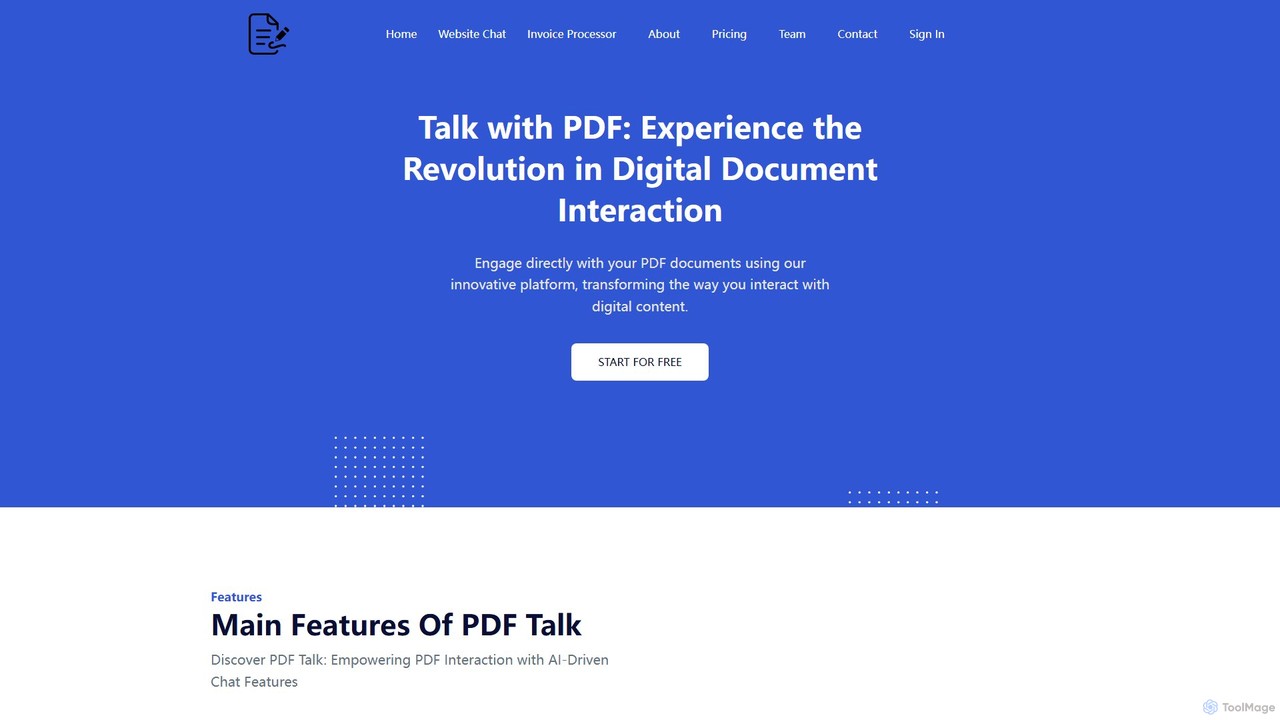
pdf_talk
pdf_talk is an AI-powered platform that revolutionizes how you interact with documents. Simply upload your PDF files and start a conversation. Ask questions, request summaries, and extract key information instantly. It supports querying across multiple documents, making it ideal for students, researchers, and professionals.
Data Extractionpdfai.io
pdfai.io is an AI-powered document assistant that lets you chat with your PDF files. Instantly summarize complex documents, ask questions, and extract key information effortlessly. It's designed to boost productivity for students, researchers, and professionals by turning static PDFs into interactive knowledge bases.
Data Extraction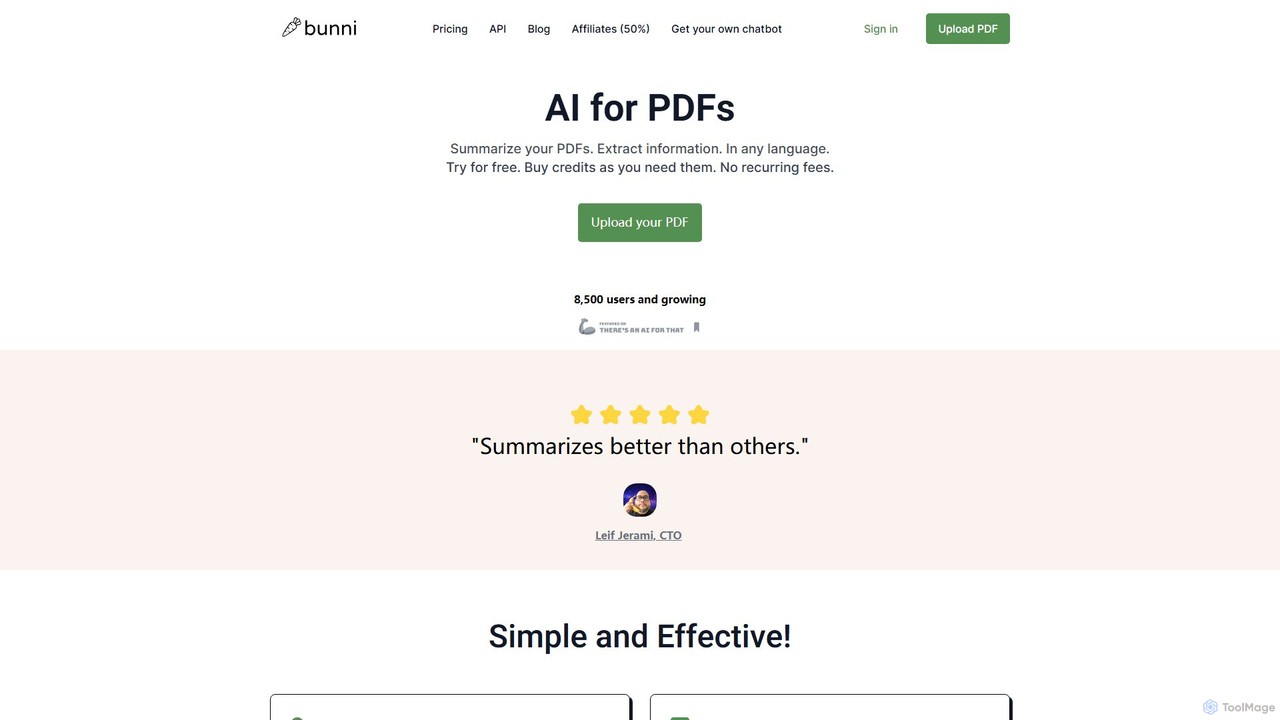
ClarifyPDF
ClarifyPDF is an AI-powered tool for interacting with your PDF documents. Simply upload one or more PDFs to summarize content, extract key information, and ask specific questions in any language. It supports large files and offers a shareable chat interface, making it ideal for students, researchers, and professionals to quickly understand complex documents without recurring subscription fees.
Data Extraction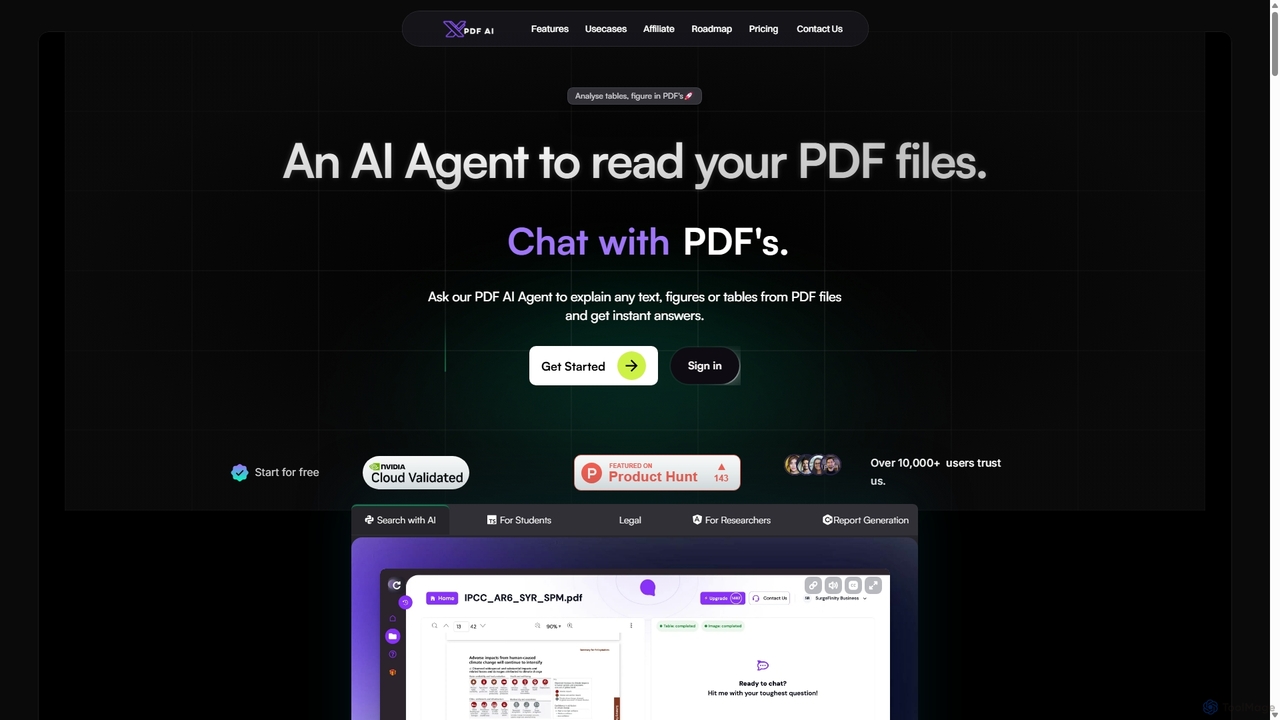
XPDF AI
xPDF AI is a personal AI assistant that transforms your interaction with PDF documents. Chat with any PDF, ask questions, and get instant answers from text, tables, and figures. It features multimodal analysis, an AI summarizer, report generation, and a voice-activated interface, making it an essential tool for students, researchers, and professionals to quickly extract insights and boost productivity.
Data Extraction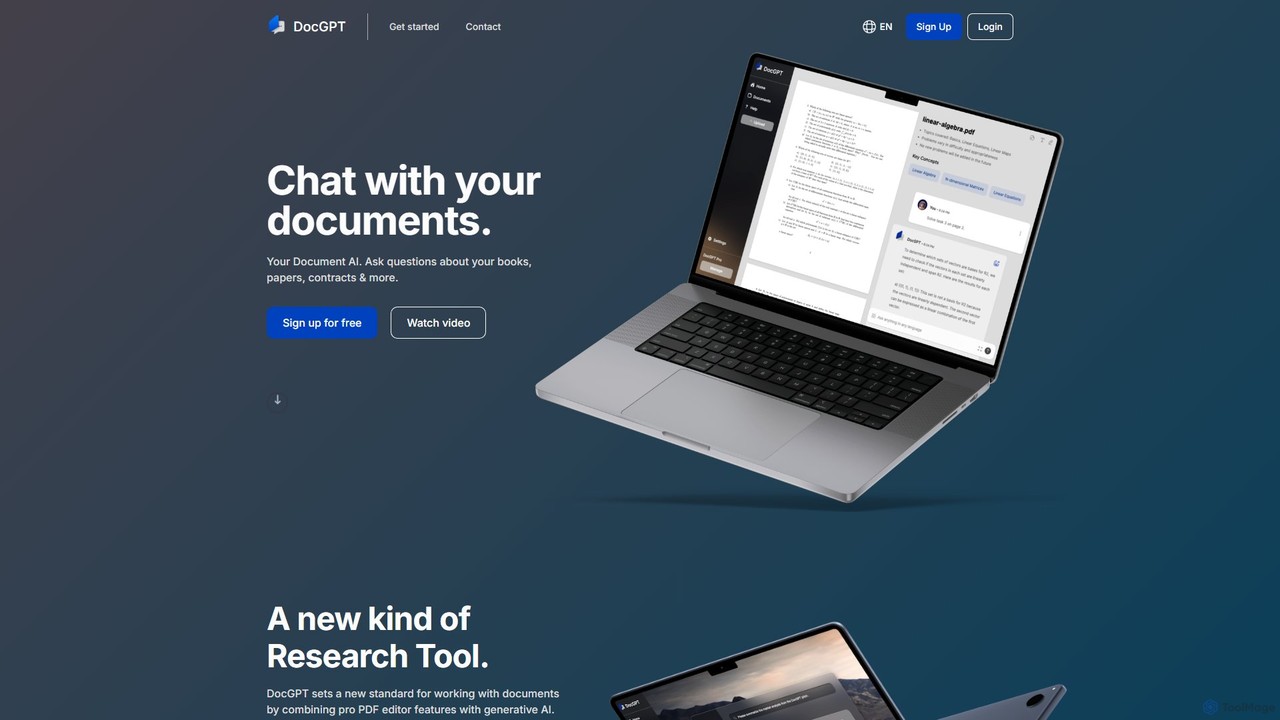
DocGPT
DocGPT is an AI-powered tool that allows you to chat directly with your documents. Simply upload files like PDFs, DOCX, or TXT, and ask questions in natural language to instantly extract information, get summaries, and find key insights. It's designed to boost productivity for students, researchers, and professionals by making document analysis fast and intuitive.
Study Aid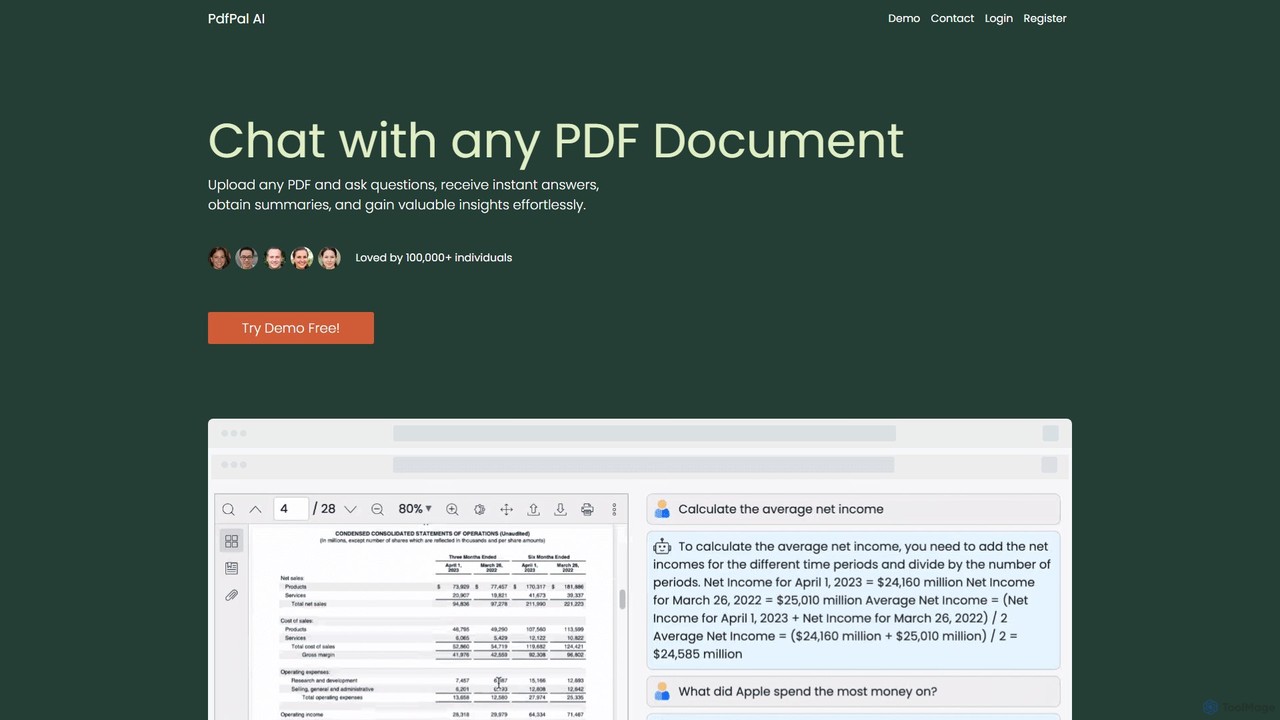
pdfpal
pdfpal is an AI-powered tool that lets you chat with any PDF document. Simply upload your file and ask questions in natural language to get instant summaries, find specific information, and gain deep insights without reading the entire document. It's designed to save time and boost productivity for students, researchers, and professionals by simplifying complex information.
Data Analysis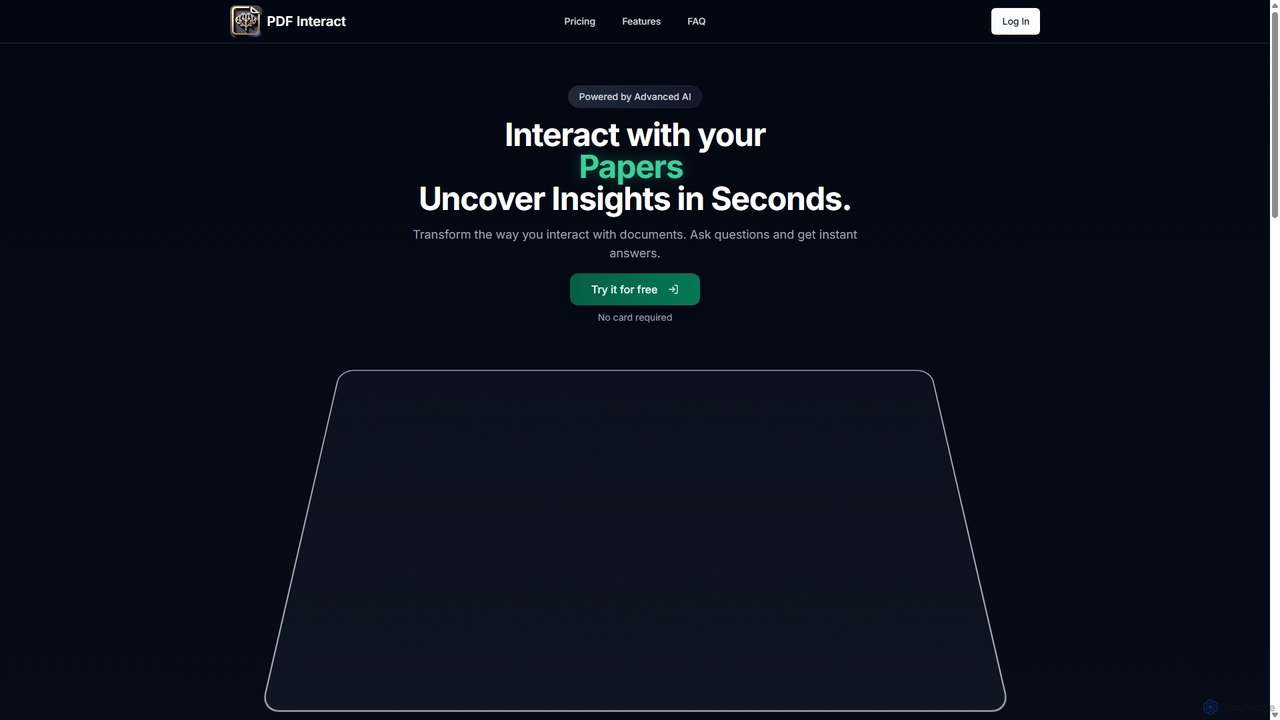
PDF Interact
PDF Interact is an AI-powered chat assistant that transforms how you engage with your documents. Simply upload a PDF and ask questions in natural language to get instant answers, summaries, and key insights. Ideal for students, researchers, and professionals looking to save time and analyze complex information efficiently.
Data AnalysisDoculogy
Doculogy is an AI-powered document analysis platform that transforms how you interact with text. Upload contracts, research papers, or CVs, ask questions in natural language, and receive instant, precise answers. It summarizes, analyzes multiple documents at once, and provides actionable insights, saving time and improving decision-making for professionals across various fields.
Reporting
bunni
Bunni is an AI-powered tool that allows you to chat with your PDF documents. Simply upload a file to summarize its content, extract key information, and ask specific questions in any language. It supports large files, multiple document chats, and offers a flexible pay-as-you-go pricing model, making it ideal for researchers, students, and professionals who need to quickly analyze and understand dense documents.
Data Extraction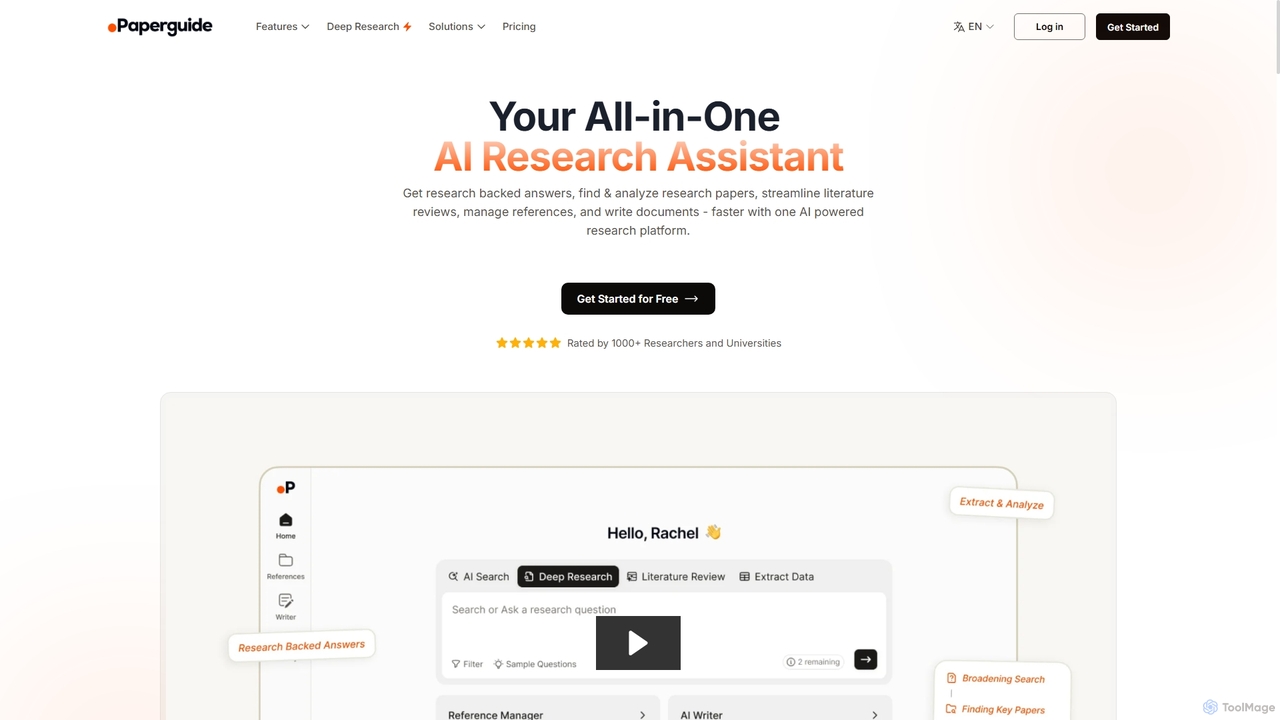
Chatwithpdf
Chatwithpdf is an AI-powered tool that allows you to interact with your PDF documents conversationally. Simply upload a file and start asking questions, get summaries, and extract key information instantly. It's designed for students, researchers, and professionals to analyze documents faster and more efficiently.
Data Extraction
brainypdf
BrainyPDF is an AI-powered tool that transforms your static PDF documents into interactive sources of knowledge. Chat directly with your files, get instant summaries of lengthy reports, and extract crucial information effortlessly. It's the ultimate productivity booster for students, researchers, and professionals who need to process dense documents quickly and efficiently.
Data Extraction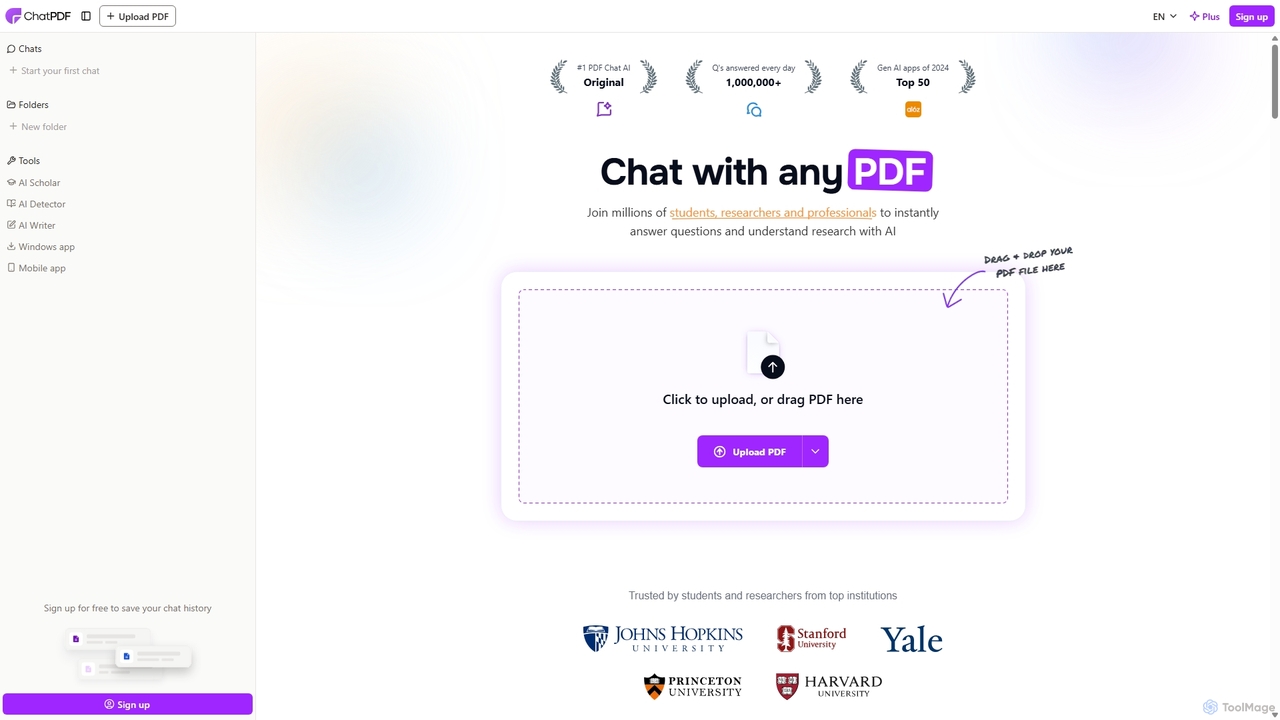
ChatPDF
ChatPDF is an AI-powered platform that allows you to interact with your documents as if you were having a conversation. Simply upload a PDF, and the AI will help you summarize content, answer specific questions, and extract key information in seconds. It's designed for students, researchers, and professionals to enhance productivity and understanding.
Research
AskYourPDF
AskYourPDF is an AI-powered document assistant that allows you to chat with your PDFs and other documents. Instantly get summaries, ask questions, and extract key information to save time and boost productivity. It supports multiple platforms and includes a suite of over 40 free AI writing and content creation tools.
ResearchPortableDocs
PortableDocs is an AI-powered platform that allows you to chat with your PDF documents. Instantly get summaries, ask complex questions, and extract key information in seconds. It also offers a suite of free tools to encrypt, merge, and remove pages from your PDFs, streamlining your entire document workflow.
Study
Doclime Comments (0)
Sign in to comment.
Sign inNo comments yet.