

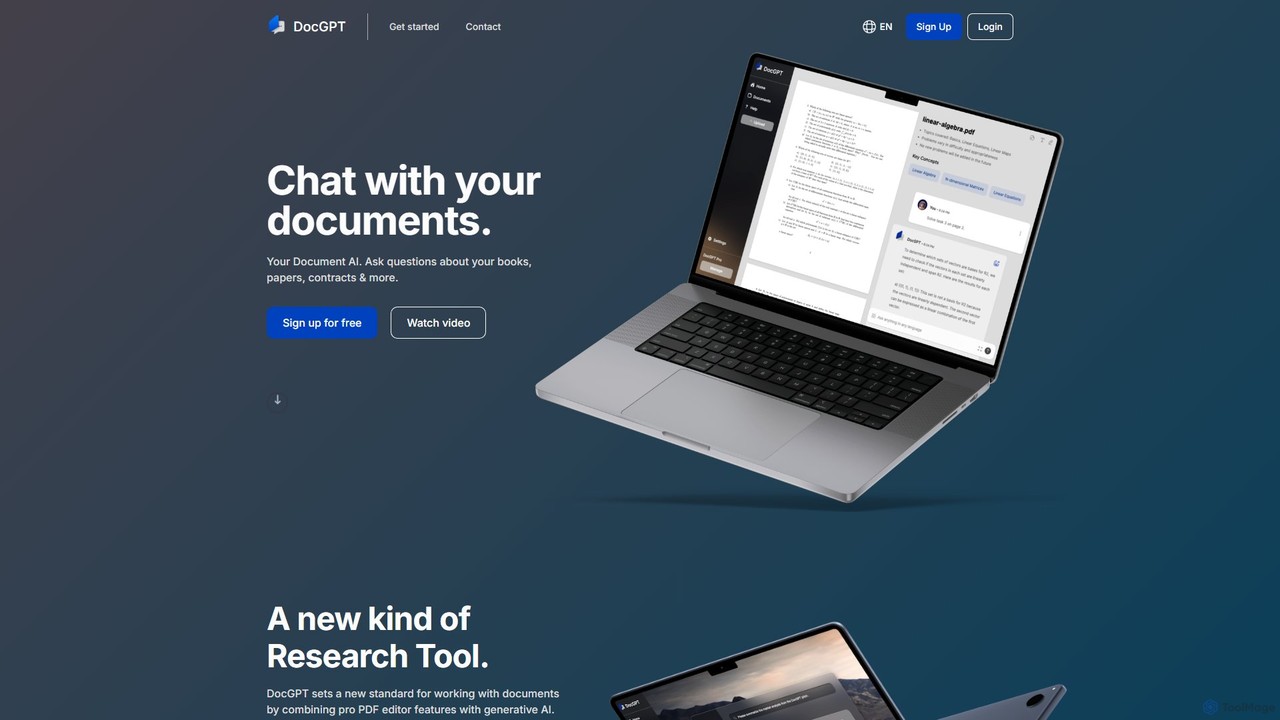
DocGPT Overview
DocGPT is an innovative AI platform designed to revolutionize how you interact with your documents. By transforming static files into interactive conversational partners, DocGPT allows users to 'chat' with their content. You can upload a wide range of document formats, including PDFs, Word documents, and text files, and the platform's advanced AI will process and understand the content within seconds. This enables you to ask direct questions, request summaries, and extract specific data points without having to manually sift through pages of text.
The core principle behind DocGPT is to make information more accessible and to significantly enhance productivity. Instead of spending hours reading dense reports, academic papers, or legal contracts, you can simply ask the AI what you need to know. For example, you can ask, "What were the key findings of this research paper?" or "Summarize the main obligations in this contract," and receive a concise, accurate answer based solely on the provided document.
How to use DocGPT
Using DocGPT is a straightforward and user-friendly process designed for efficiency:
- Sign Up: Create a free account on the DocGPT website to get started. The process is quick and only requires an email verification.
- Upload Your Document: Navigate to your dashboard and upload the document you wish to analyze. DocGPT supports popular formats like PDF, DOCX, TXT, and more.
- AI Processing: The platform's AI will instantly index and analyze the entire document, creating a knowledge base specific to that file.
- Start Chatting: Once processed, a chat window will open. You can now ask any question related to the document's content in plain English.
- Receive Instant Answers: DocGPT provides real-time answers, summaries, and data extractions, complete with references to the source text within the document, allowing for easy verification.
Core Features of DocGPT
- Conversational Document Interaction: Engage with your documents through an intuitive chat interface, making information retrieval feel like a conversation.
- Multi-Format Support: Upload and analyze various file types, including PDF, DOCX, PPTX, and TXT, providing flexibility for different needs.
- Accurate Information Extraction: Precisely pull out key data, figures, names, dates, and important clauses from dense texts.
- Intelligent Summarization: Generate summaries of entire documents or specific sections, saving you valuable time and effort.
- Source-Cited Answers: All answers are backed by direct references from the source document, ensuring transparency and trustworthiness.
- Secure and Private: Your documents are processed in a secure environment, ensuring your data remains confidential.
Use Cases for DocGPT
DocGPT is a versatile tool with applications across various fields:
- For Students and Academics: Quickly digest research papers, study from digital textbooks, and prepare for exams by asking questions about key concepts.
- For Legal Professionals: Rapidly review contracts, case law, and legal briefs to identify critical information, potential risks, and relevant precedents.
- For Business Analysts: Analyze financial reports, market research, and business proposals to extract insights and data for strategic decision-making.
- For Content Creators: Repurpose information from long-form content like e-books or whitepapers by quickly summarizing key points.
- For General Users: Understand complex user manuals, insurance policies, or terms of service agreements without the hassle of reading them in full.
Advantages of DocGPT
The primary advantage of DocGPT is its ability to dramatically increase efficiency. It saves countless hours that would otherwise be spent on manual reading and searching. The tool enhances comprehension by breaking down complex information into simple, digestible answers. Its high accuracy and source-referencing build trust, while the secure platform ensures user data is always protected. By making document analysis accessible to everyone, DocGPT empowers users to work smarter, not harder.
Pricing and Plans
DocGPT operates on a freemium model, making it accessible to everyone.
- Free Plan: Ideal for casual users, this plan typically includes a limited number of document uploads per month, a maximum page count per document, and a set number of AI questions.
- Pro Plan (Paid): Designed for professionals and power users, this plan offers significantly higher limits on uploads and page counts, priority processing, advanced features like multi-document chat, and dedicated customer support.
For specific details on pricing and features, please visit the official DocGPT website.
Traffic
Latest traffic
Status
Monthly traffic trend
- 2025-9: 16.9K
- 2026-1: 4.7K
- 2026-2: 3.9K
- 2026-3: 5.6K
- 2026-4: 4.9K
- 2026-5: 4.1K
Geography
Top 5 countries / regions
- 🇺🇸United States69.3%
- 🇮🇳India30.7%
Top keywords
| Keyword | Cost per click |
|---|---|
| chatgpt docs | $4.31 |
| doc ai | $3.86 |
| docgpt | $0.00 |
| docsgpt | $0.00 |
| dokgpt | $0.00 |
DocGPT Alternatives

pdfpilot.ai
pdfpilot.ai is an AI-powered assistant that transforms your PDF documents into interactive chatbots. Instantly get summaries, ask complex questions, and extract key information from research papers, reports, and contracts, saving you hours of reading time.
Data Analysis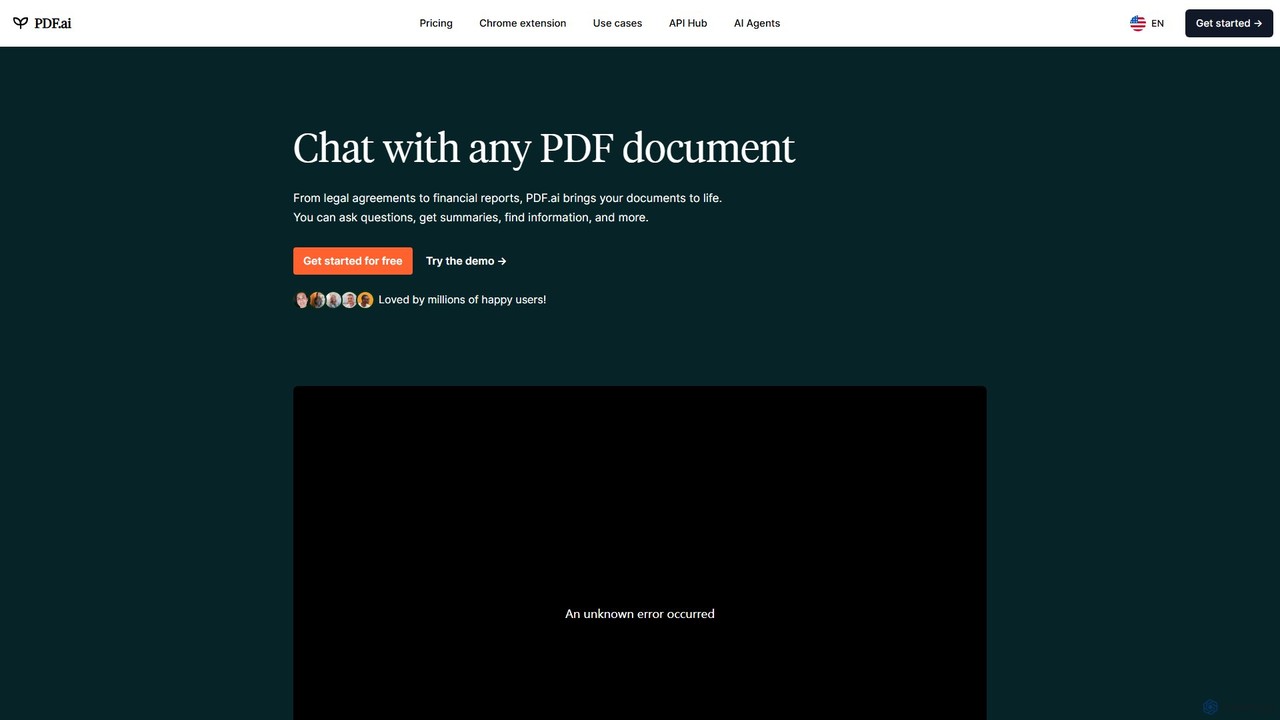
PDF.ai
PDF.ai is an AI-powered platform that allows you to chat with any PDF document. Instantly get summaries, find information, and extract data from various files like legal agreements, financial reports, research papers, and books. It enhances productivity by making document analysis fast, interactive, and efficient, with source-backed answers for reliability.
Study Aid
PDFChat
PDFChat is a professional AI-powered chat application for documents. Powered by ChatGPT and GPT-4o, it allows you to interact with PDFs, DOCs, websites, and more. Get instant, source-cited answers, analyze complex tables and images, and query multiple documents at once to boost your research and productivity.
Study Aid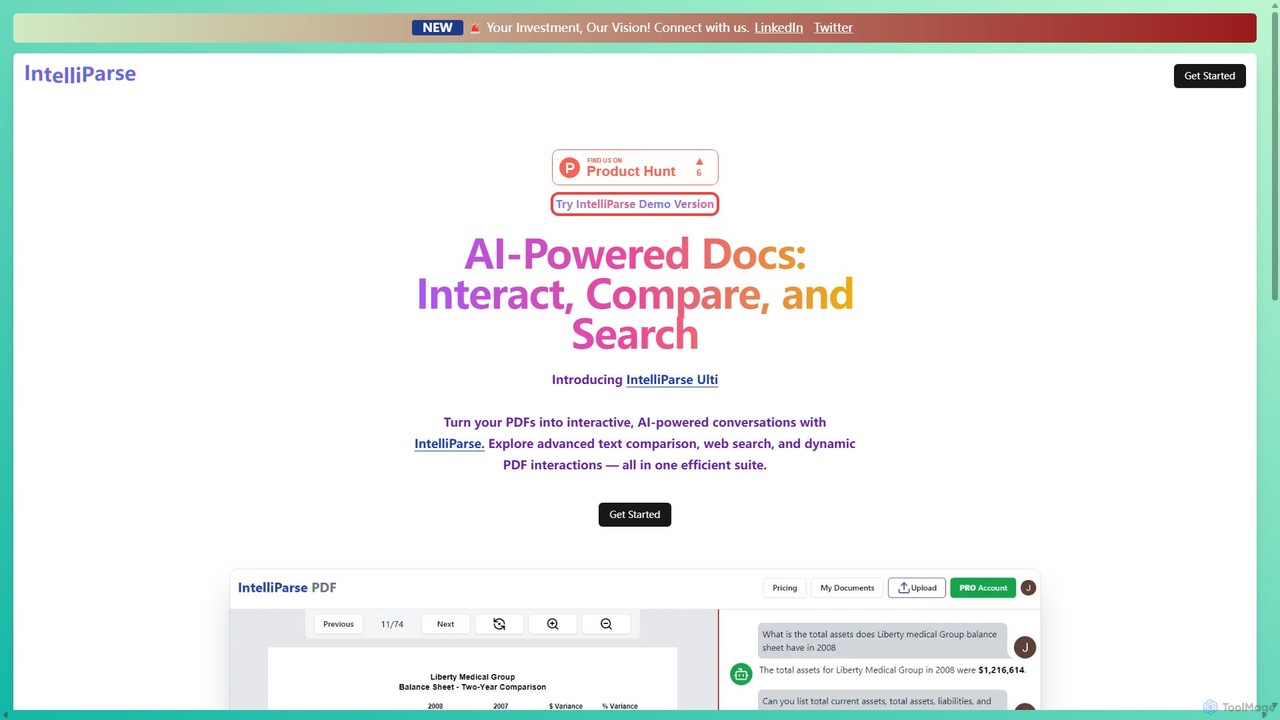
IntelliParse
IntelliParse is an AI-powered suite that transforms your PDFs into interactive conversations. It allows you to chat with your documents, compare text between files, and leverage an integrated web search to find information. It's designed for efficient document management and analysis.
Study Aid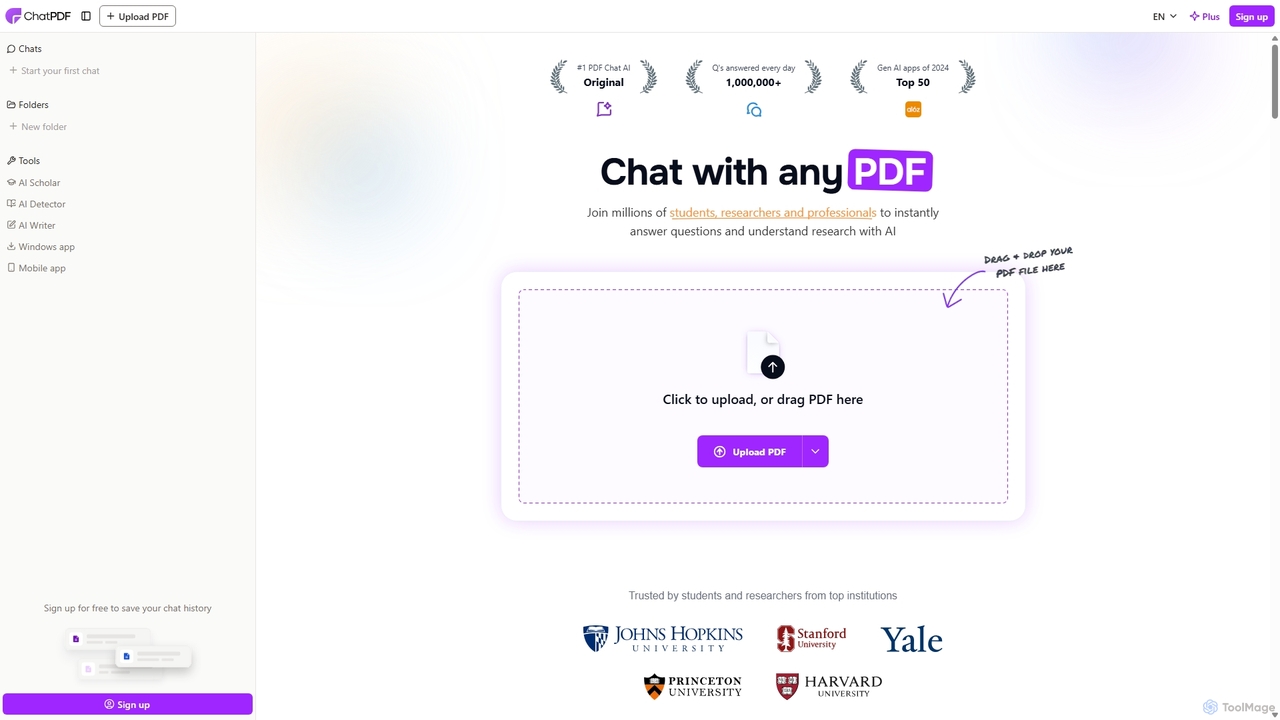
ChatPDF
ChatPDF is an AI-powered platform that allows you to interact with your documents as if you were having a conversation. Simply upload a PDF, and the AI will help you summarize content, answer specific questions, and extract key information in seconds. It's designed for students, researchers, and professionals to enhance productivity and understanding.
ResearchDocGPT Categories
DocGPT Embed Widget
Copy this embed code to place the badge on your blog, article, or product site and send readers directly to this ToolMage detail page.

Related AI tools
pdfpilot.ai
pdfpilot.ai is an AI-powered assistant that transforms your PDF documents into interactive chatbots. Instantly get summaries, ask complex questions, and extract key information from research papers, reports, and contracts, saving you hours of reading time.
Data Analysis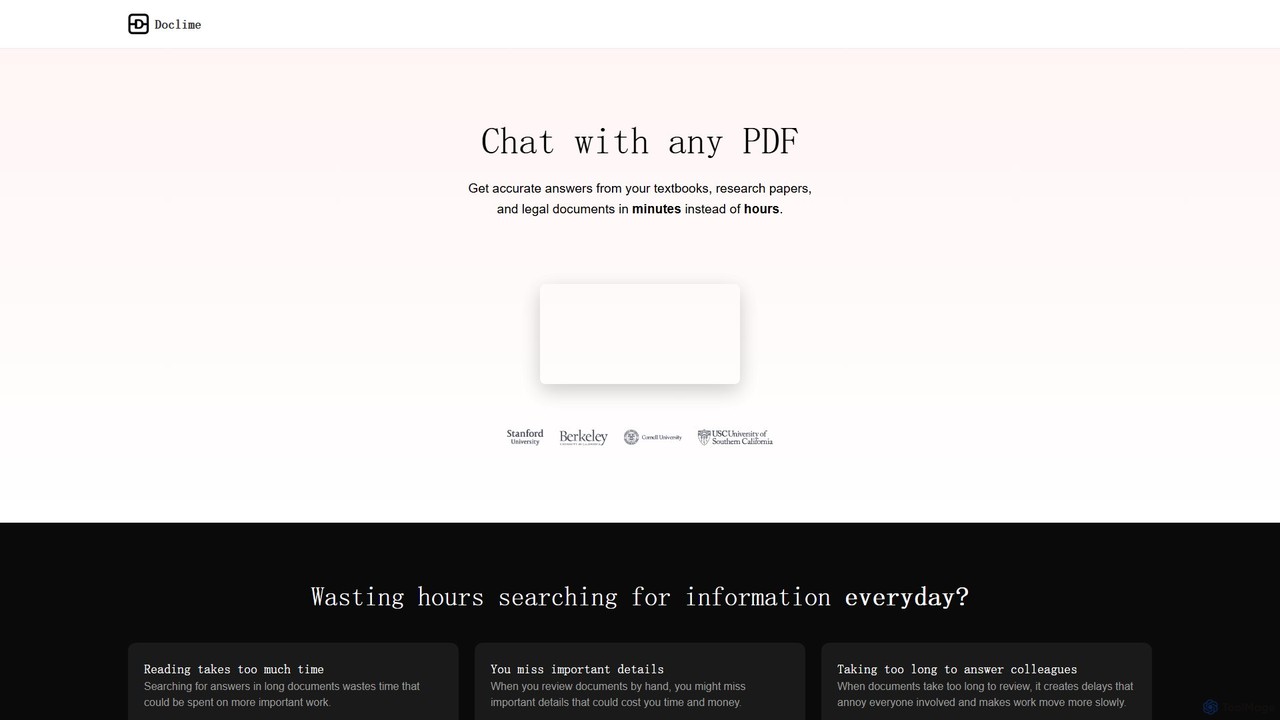
Doclime
Doclime is an AI-powered document assistant that lets you chat with your PDFs. Upload any document, ask questions in plain English, and get instant, accurate answers with citations. It's designed to help students, researchers, and professionals quickly extract information and insights from dense materials.
Study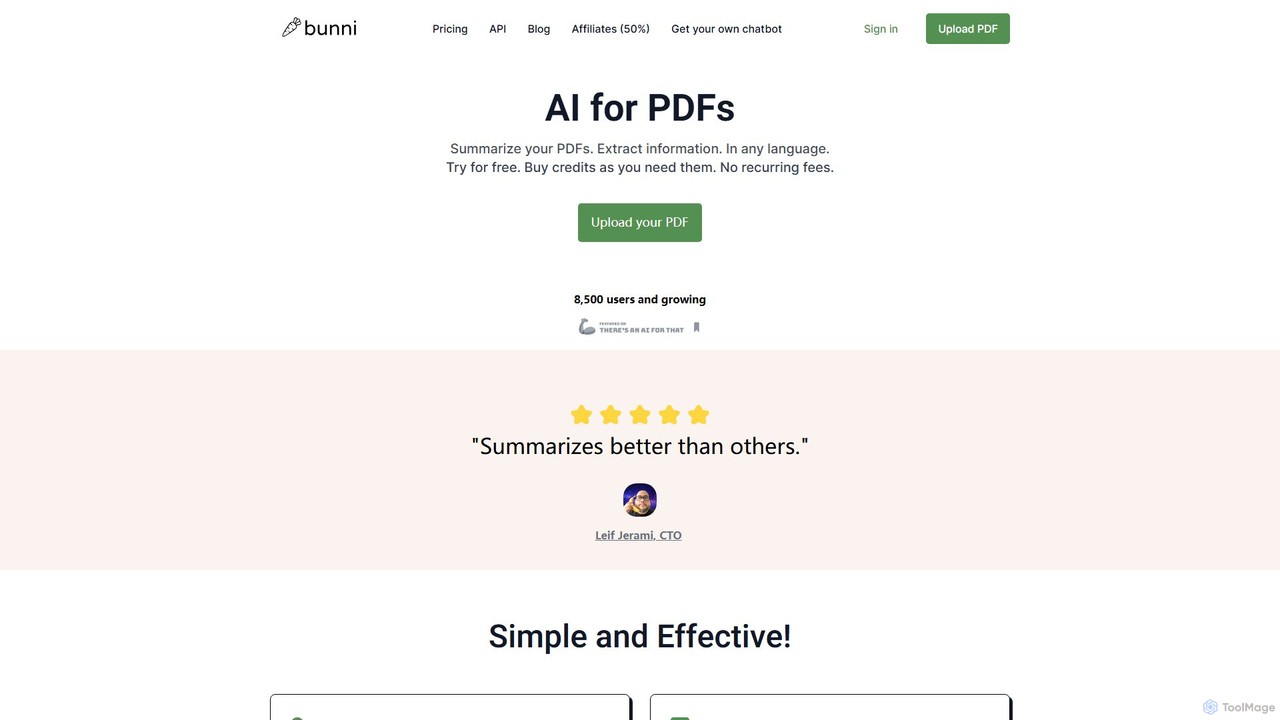
ClarifyPDF
ClarifyPDF is an AI-powered tool for interacting with your PDF documents. Simply upload one or more PDFs to summarize content, extract key information, and ask specific questions in any language. It supports large files and offers a shareable chat interface, making it ideal for students, researchers, and professionals to quickly understand complex documents without recurring subscription fees.
Data Extraction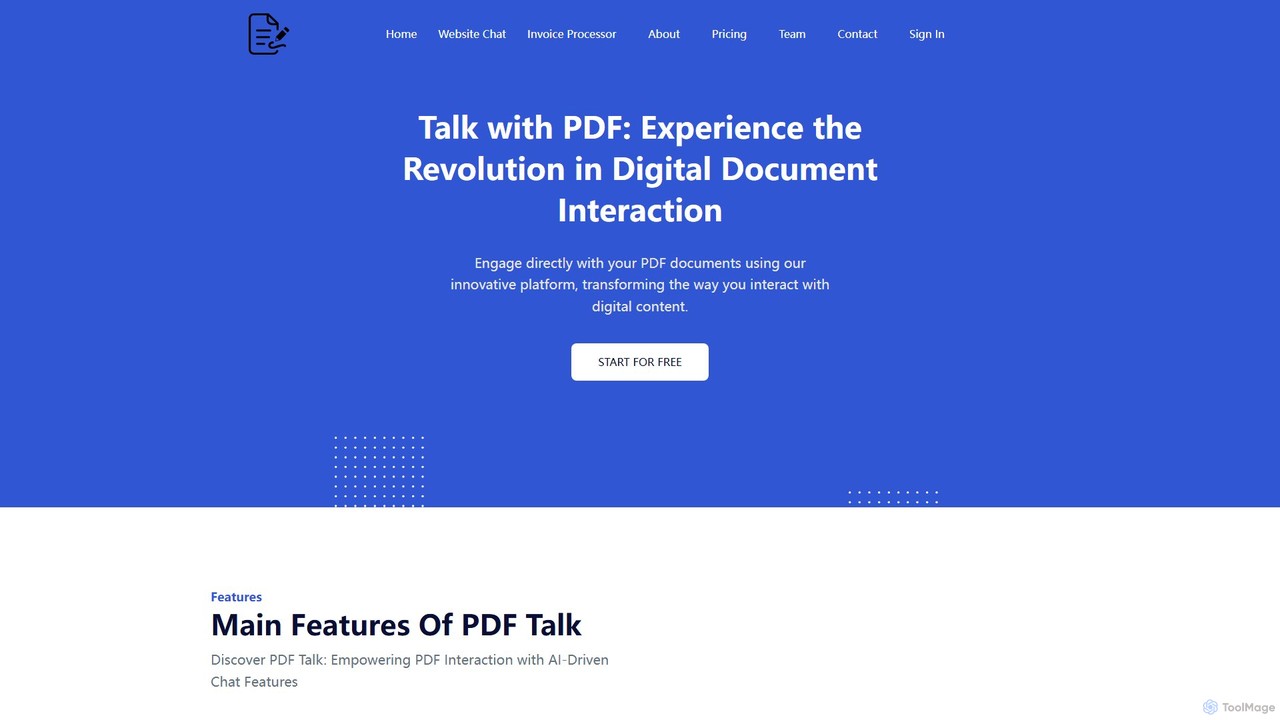
pdf_talk
pdf_talk is an AI-powered platform that revolutionizes how you interact with documents. Simply upload your PDF files and start a conversation. Ask questions, request summaries, and extract key information instantly. It supports querying across multiple documents, making it ideal for students, researchers, and professionals.
Data ExtractionChatPDF
ChatPDF is an AI-powered platform that allows you to interact with your documents as if you were having a conversation. Simply upload a PDF, and the AI will help you summarize content, answer specific questions, and extract key information in seconds. It's designed for students, researchers, and professionals to enhance productivity and understanding.
Research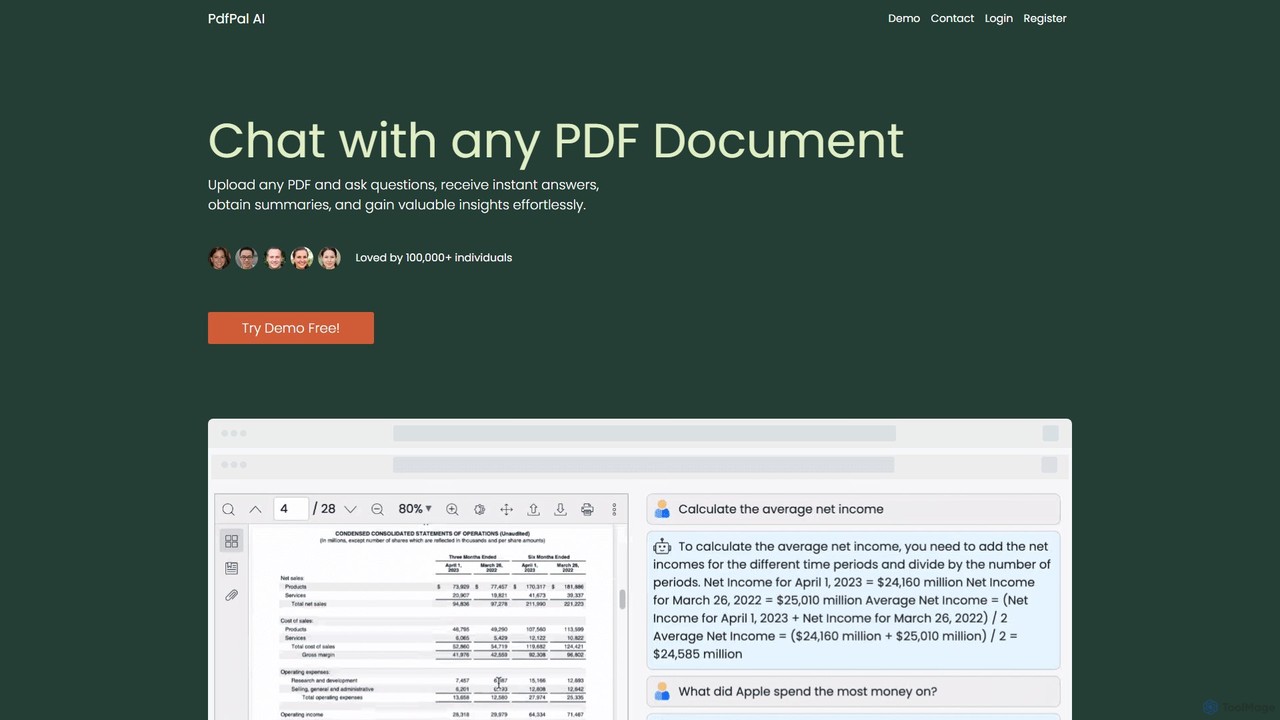
pdfpal
pdfpal is an AI-powered tool that lets you chat with any PDF document. Simply upload your file and ask questions in natural language to get instant summaries, find specific information, and gain deep insights without reading the entire document. It's designed to save time and boost productivity for students, researchers, and professionals by simplifying complex information.
Data Analysis
pdfai.io
pdfai.io is an AI-powered document assistant that lets you chat with your PDF files. Instantly summarize complex documents, ask questions, and extract key information effortlessly. It's designed to boost productivity for students, researchers, and professionals by turning static PDFs into interactive knowledge bases.
Data Extraction
AskYourPDF
AskYourPDF is an AI-powered document assistant that allows you to chat with your PDFs and other documents. Instantly get summaries, ask questions, and extract key information to save time and boost productivity. It supports multiple platforms and includes a suite of over 40 free AI writing and content creation tools.
Research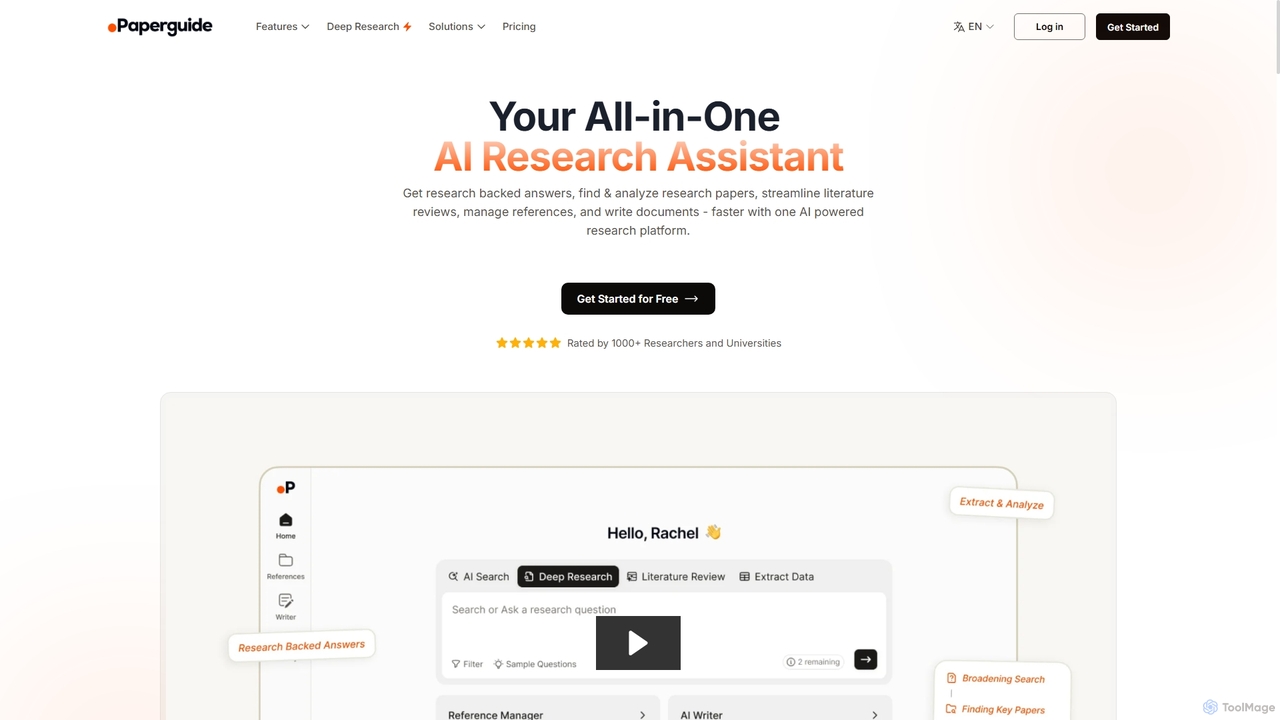
Chatwithpdf
Chatwithpdf is an AI-powered tool that allows you to interact with your PDF documents conversationally. Simply upload a file and start asking questions, get summaries, and extract key information instantly. It's designed for students, researchers, and professionals to analyze documents faster and more efficiently.
Data Extraction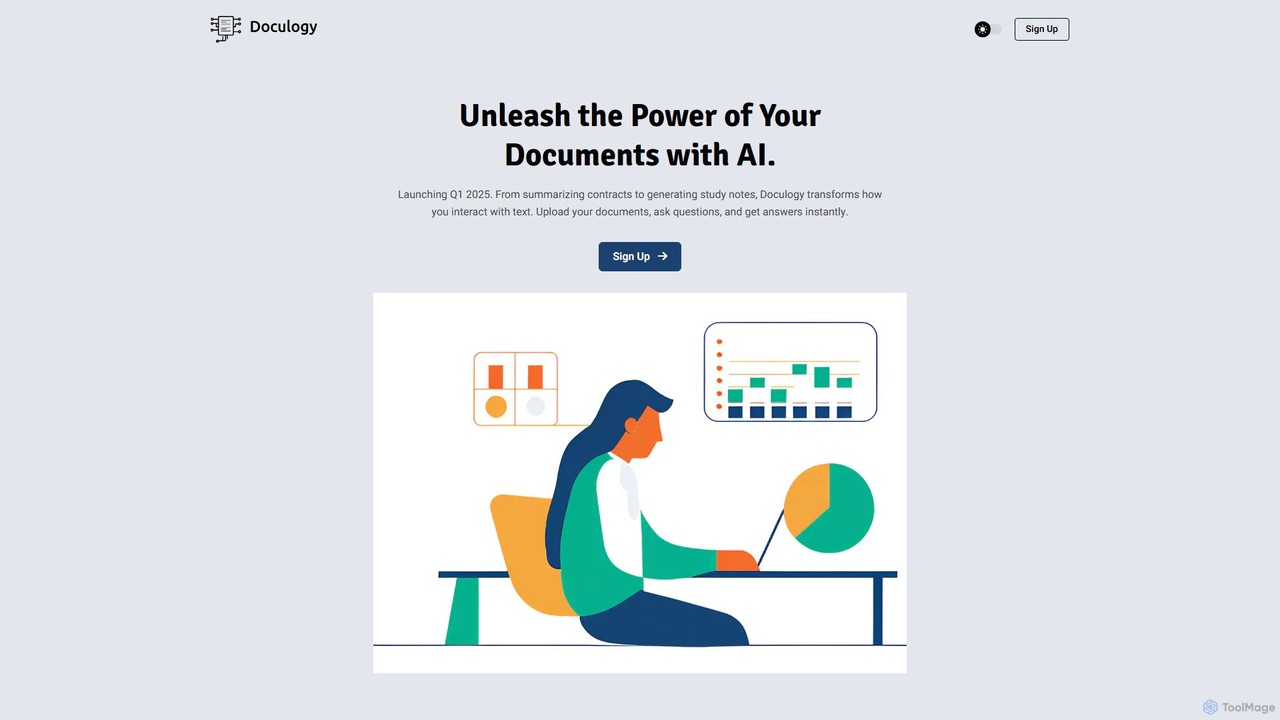
Doculogy
Doculogy is an AI-powered document analysis platform that transforms how you interact with text. Upload contracts, research papers, or CVs, ask questions in natural language, and receive instant, precise answers. It summarizes, analyzes multiple documents at once, and provides actionable insights, saving time and improving decision-making for professionals across various fields.
Reporting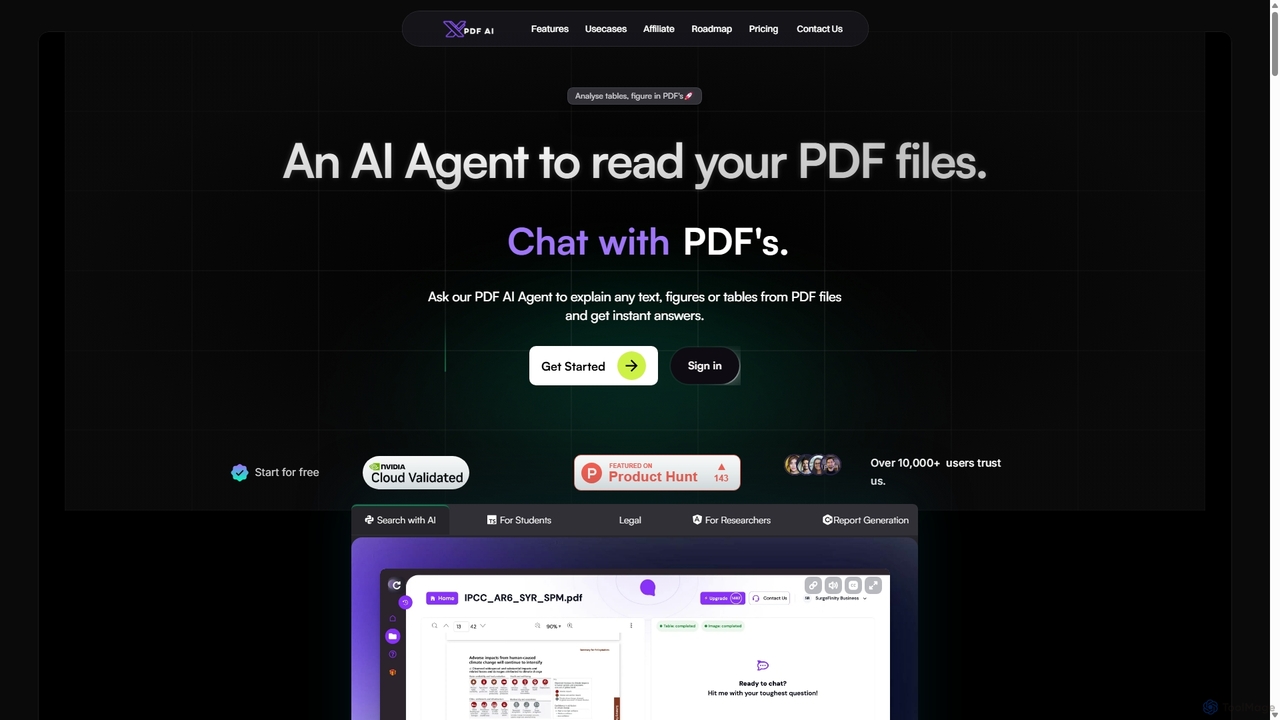
XPDF AI
xPDF AI is a personal AI assistant that transforms your interaction with PDF documents. Chat with any PDF, ask questions, and get instant answers from text, tables, and figures. It features multimodal analysis, an AI summarizer, report generation, and a voice-activated interface, making it an essential tool for students, researchers, and professionals to quickly extract insights and boost productivity.
Data Extraction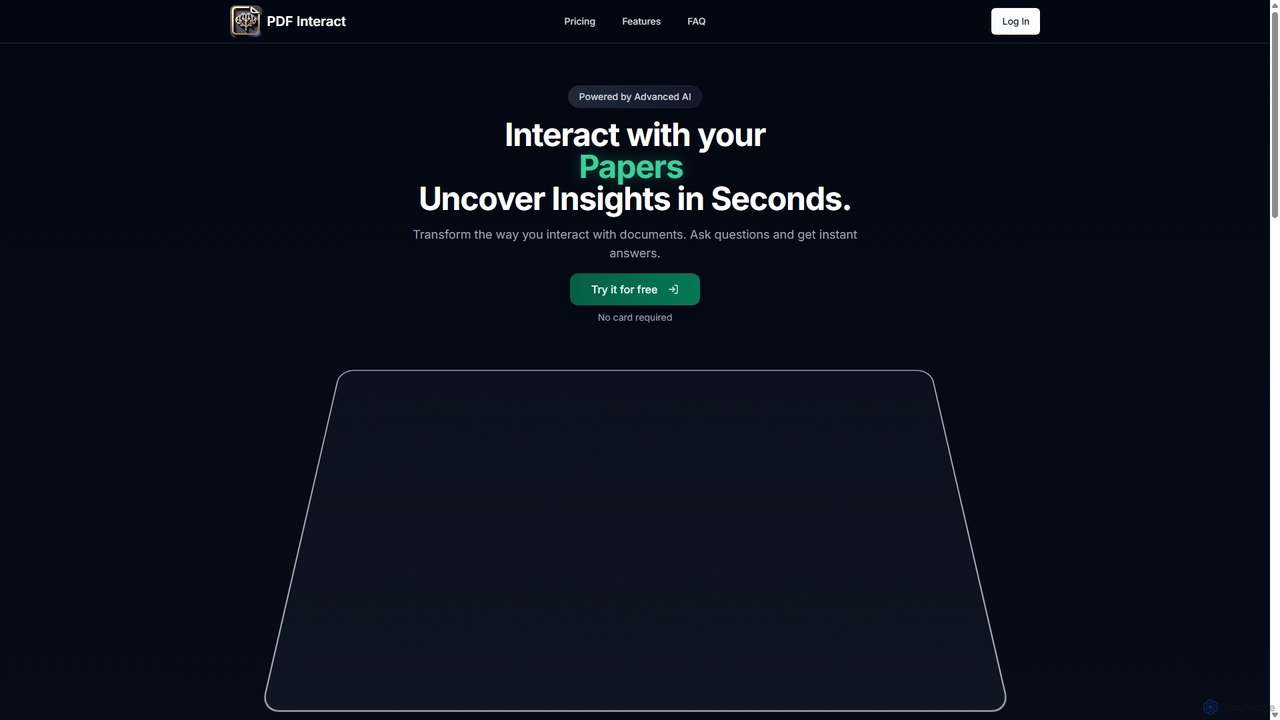
PDF Interact
PDF Interact is an AI-powered chat assistant that transforms how you engage with your documents. Simply upload a PDF and ask questions in natural language to get instant answers, summaries, and key insights. Ideal for students, researchers, and professionals looking to save time and analyze complex information efficiently.
Data Analysis
UPDF AI
UPDF AI is a powerful AI assistant integrated into the UPDF editor, designed to revolutionize how you interact with PDF documents. It allows you to chat with your PDFs, get instant summaries, translate entire documents or selected text, explain complex data, and even convert dense content into visual mind maps. Available on Windows, macOS, iOS, Android, and the web, it streamlines workflows for students, researchers, and professionals by making document comprehension and analysis faster and more efficient.
Research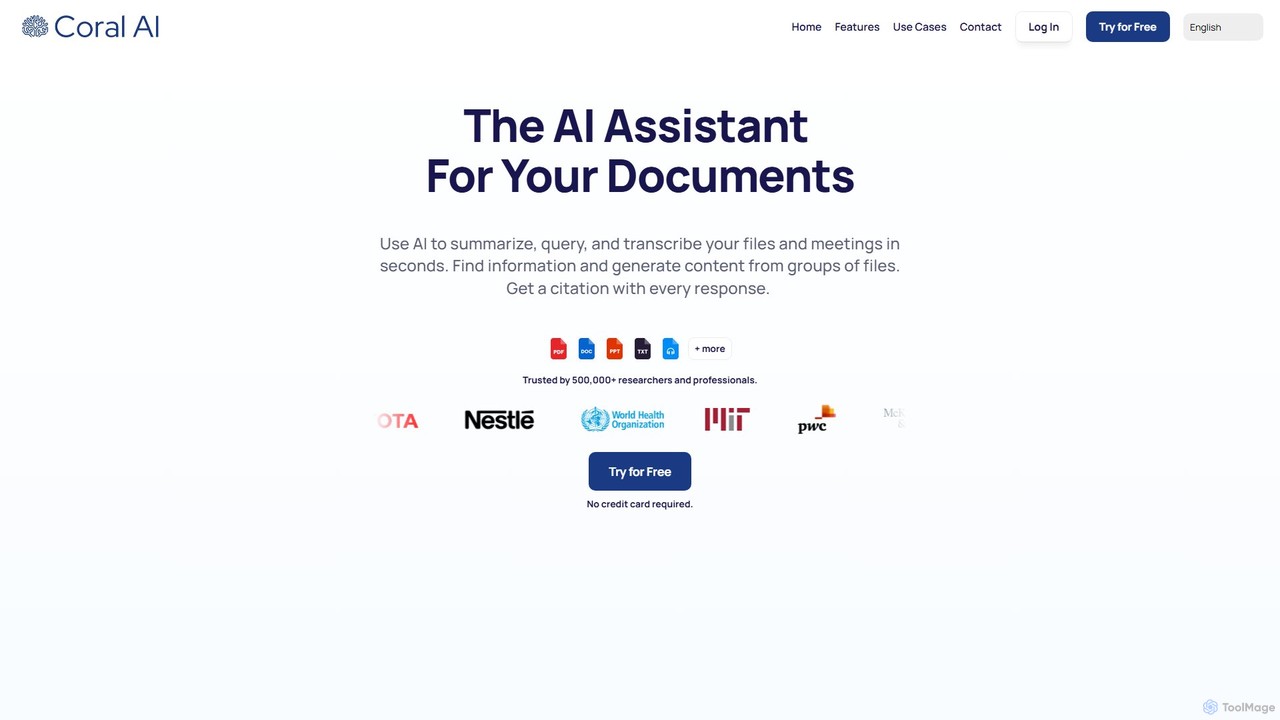
Coral AI
Coral AI is an intelligent assistant that transforms your documents, audio, and video files into interactive resources. Upload your files to summarize content, ask specific questions, extract key information, and transcribe media in seconds. It provides precise, citable answers, making it an essential tool for students, researchers, and professionals to enhance productivity and understanding.
Transcription
Pdfai
Pdfai is an AI-powered document assistant that allows you to chat with your PDF files. Instantly get summaries, ask complex questions, and extract key information from research papers, reports, and contracts. Boost your productivity and unlock insights from your documents in seconds.
Data Analysis
DocGPT Comments (0)
Sign in to comment.
Sign inNo comments yet.