
PDF.ai Overview
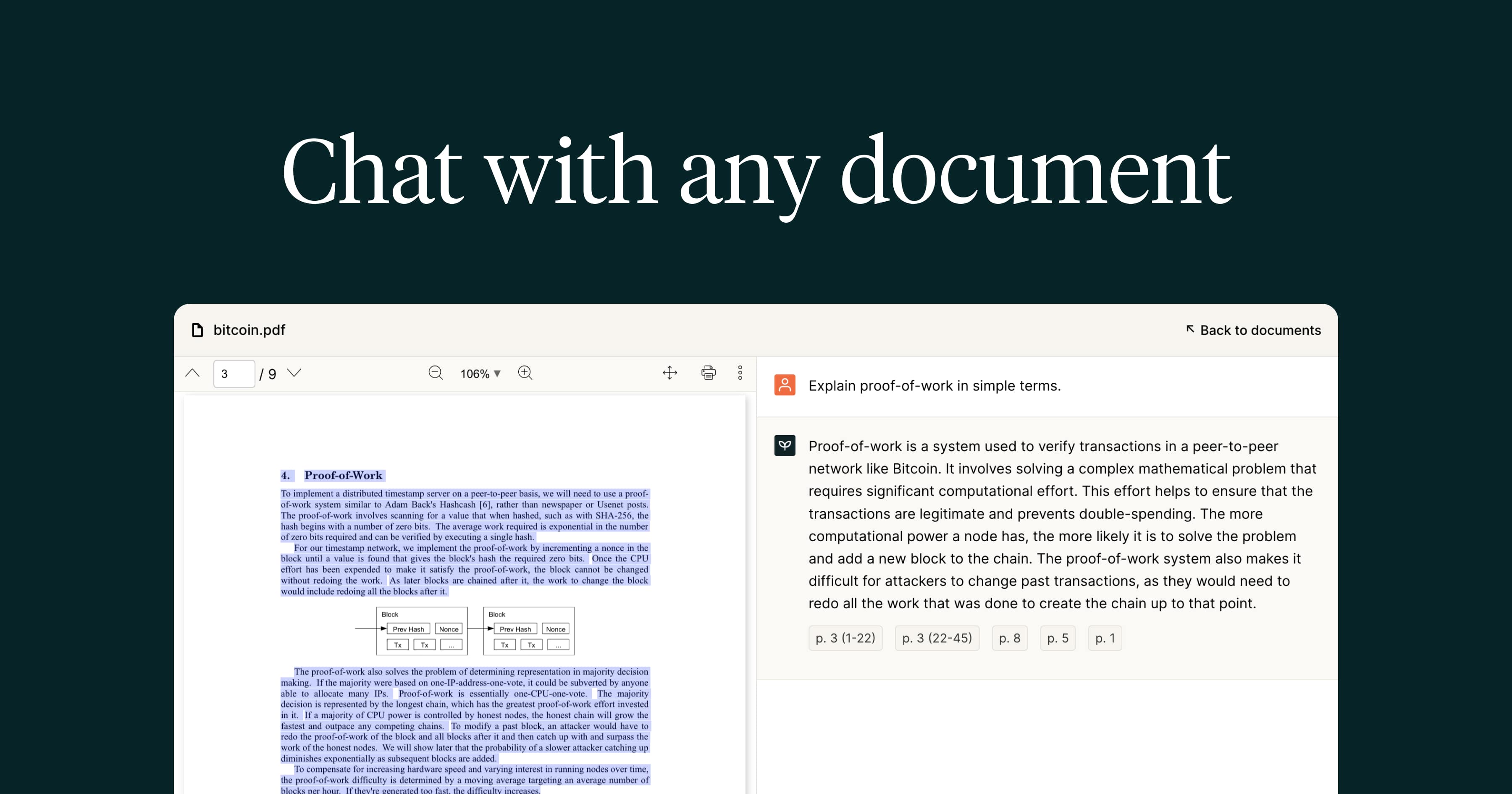
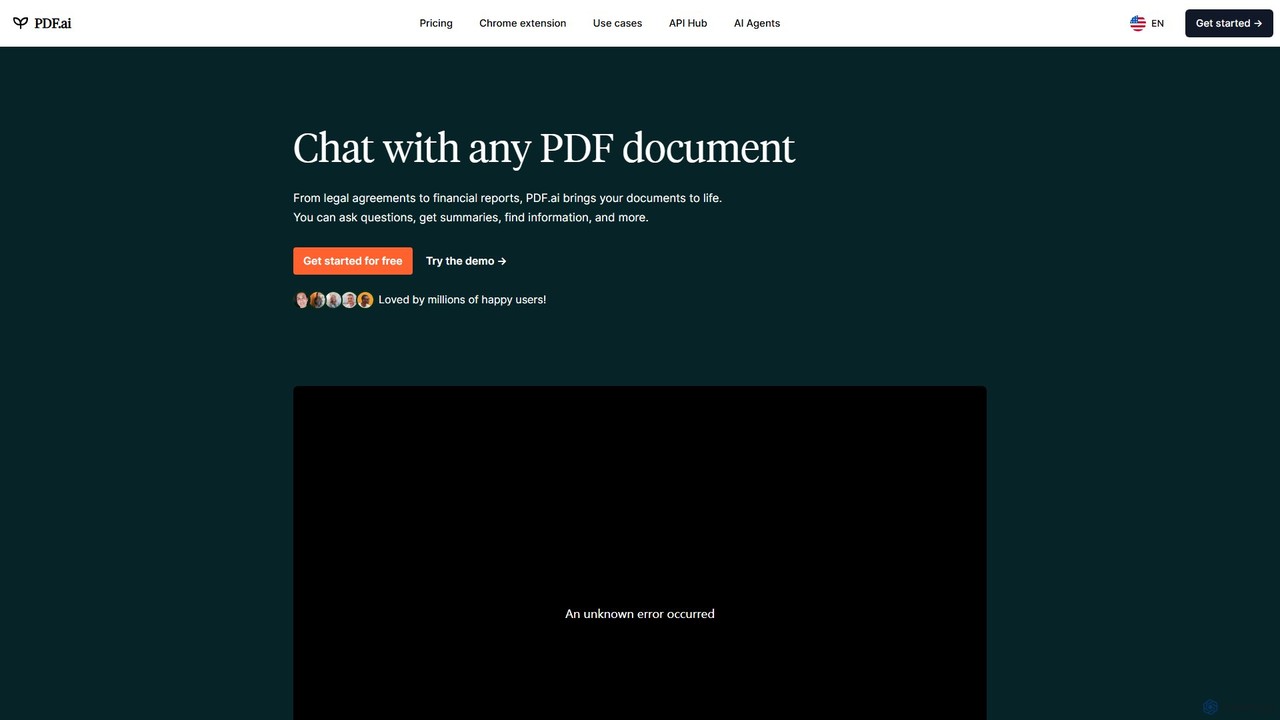
PDF.ai is a revolutionary AI tool designed to transform how users interact with their documents. It provides a chat-based interface that allows you to have a conversation with any PDF file. Whether you're a student, a legal professional, a financial analyst, or a researcher, PDF.ai brings your documents to life, enabling you to ask questions, get instant summaries, and find specific information effortlessly. The platform is built to handle a wide array of document types, from dense legal contracts and complex financial reports to academic books and scientific papers. Every answer provided by the AI is backed by sources extracted directly from the uploaded document, ensuring accuracy and allowing for easy verification. This feature is crucial for professionals who require precision and traceability in their work.
The platform also introduces AI Document Agents, which are specialized AI models trained for specific professional domains such as Law, Finance, Real Estate, Healthcare, Education, and Research. These agents can perform more nuanced and context-aware document analysis, automating tasks and extracting valuable insights tailored to the user's field. With its user-friendly interface and powerful backend, PDF.ai aims to provide a 10x boost in productivity, turning static documents into dynamic sources of information.
How to use PDF.ai
Using PDF.ai is a straightforward and intuitive process designed for efficiency:
- Upload Document: Begin by easily uploading the PDF document you wish to analyze. The platform supports various file sizes depending on your plan. You can also integrate with Google Drive, Docusign, and Dropbox for seamless access to your files.
- Start Chatting: Once the document is uploaded, a chat interface appears. You can start asking questions in natural language. For example, you can ask "What are the key takeaways from this report?", "Find the termination clause in this contract," or "Summarize the methodology of this research paper."
- Get Instant Answers: The AI processes your query and provides an instant response within the chat. Crucially, each answer includes citations that link back to the specific page and section in the original PDF, allowing you to verify the information's source.
- Utilize Advanced Features: For more complex tasks, you can use features like the Chrome extension to interact with PDFs online, the 'Capture & Ask' feature to ask questions about a screenshot, or set up specialized AI Agents for industry-specific analysis. You can also organize your documents with tags and invite team members to collaborate.
Core Features of PDF.ai
- AI-Powered Chat: Engage in a natural language conversation with your PDF documents.
- Summarization & Information Extraction: Quickly generate summaries or pull specific data points from lengthy documents.
- Source-Cited Responses: Every AI-generated answer is linked to its source within the document for accuracy and trust.
- AI Document Agents: Specialized AI agents for various professional fields like legal, finance, and research for tailored analysis.
- OCR Technology: AI-powered OCR can extract text from scanned documents, making them searchable and interactive.
- Chrome Extension: Interact with PDFs directly in your browser for a seamless workflow.
- Multi-language Support: Chat with your documents in your preferred language.
- Developer API: Integrate PDF.ai's powerful processing capabilities into your own applications.
- Chatbot Widget: Embed an AI chatbot on your website to allow visitors to interact with your public PDF files.
- Team Collaboration: Invite and manage team members to work on documents together.
- Capture & Ask: Take a screenshot of any content and ask questions about it directly.
Use Cases for PDF.ai
PDF.ai is versatile and serves a wide range of professionals and students:
- Legal Professionals: Quickly analyze legal agreements, find specific clauses, and summarize case law to expedite due diligence and research.
- Financial Analysts: Extract key figures, trends, and insights from dense financial reports, earnings calls, and market analyses.
- Researchers & Academics: Rapidly review scientific papers, extract methodologies and findings, and compile literature reviews more efficiently.
- Students: Understand complex textbooks, get summaries of reading materials, and prepare for exams by asking questions about lecture notes.
- Business Professionals: Analyze business plans, user manuals, and employee training documents to quickly find relevant information and streamline operations.
Advantages of PDF.ai
The primary advantage of PDF.ai is the massive productivity gain it offers. By automating the tedious process of manual document review, it saves users countless hours. The tool's accuracy, reinforced by source citations, builds trust and reliability. Its versatility across different document types and professional fields makes it a universally useful tool. Furthermore, features like the developer API and embeddable chatbot widget provide powerful options for businesses to enhance their own services. The tiered pricing model, including a free plan, makes it accessible to everyone from individual hobbyists to large enterprises.
Pricing and Plans
PDF.ai offers a flexible pricing structure with a 7-day free trial on paid plans.
- Hobby (Free): $0/month. Includes 1 PDF upload, 100 questions/month, 10MB max file size, and 2 pages/file OCR.
- Pro: $10/month (billed yearly). Includes 100 PDF uploads, 1,000 questions/month, 50MB max file size, 10 pages/file OCR, and Chrome extension.
- Ultimate: $20/user/month (billed yearly). Includes unlimited PDF uploads and questions, 50MB max file size, 50 pages/file OCR, advanced AI models, team member invites, Capture & Ask, and an optional Chatbot widget add-on.
- Enterprise: $30/user/month (billed yearly). Includes all Ultimate features plus 100MB max file size, 100 pages/file OCR, live chat support, and white-labeled PDF embeds.
- API Access: A separate commercial API add-on plan is available for developers, with pricing based on credit usage.
Traffic
Latest traffic
Status
Monthly traffic trend
- 2025-9: 342.0K
- 2026-1: 302.1K
- 2026-2: 239.9K
- 2026-3: 274.6K
- 2026-4: 324.6K
- 2026-5: 484.5K
Geography
Top 5 countries / regions
- 🇧🇷Brazil30.9%
- 🇺🇸United States19.5%
- 🇮🇳India17.8%
- 🇪🇬Egypt17.0%
- 🇻🇳Vietnam14.8%
Traffic sources
| Source type | Percentage |
|---|---|
Direct | 79.2% |
Referral | 19.4% |
Email | 1.4% |
Top keywords
| Keyword | Cost per click |
|---|---|
| $0.36 | |
| pdf ai | $0.67 |
| pdf to markdown | $1.14 |
| pdf to md | $0.87 |
| pdf to md converter | $1.23 |
PDF.ai Alternatives
IntelliParse
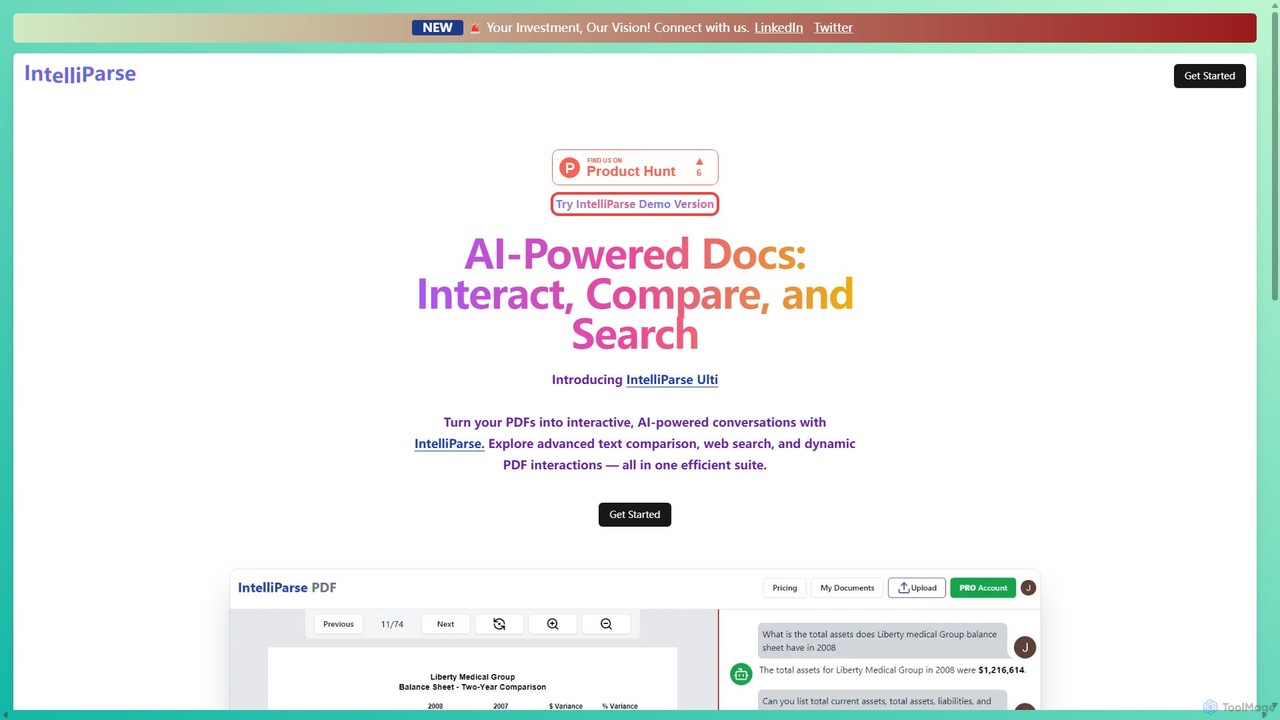
IntelliParse is an AI-powered suite that transforms your PDFs into interactive conversations. It allows you to chat with your documents, compare text between files, and leverage an integrated web search to find information. It's designed for efficient document management and analysis.
Study Aid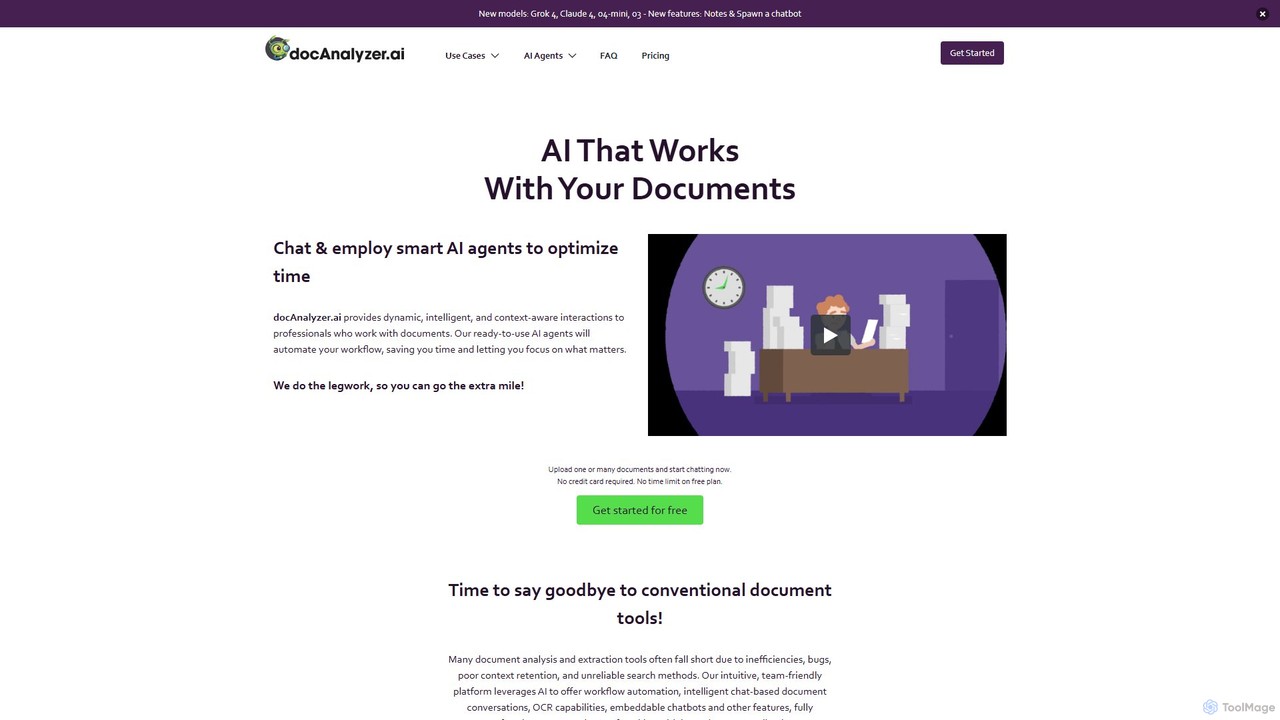
docanalyzer.ai
An advanced AI platform that enables dynamic conversations with your documents. Utilize intelligent agents to automate workflows, extract data, and gain insights from various file formats like PDF, DOCX, and more. It supports multiple top-tier AI models and offers features for individual and team collaboration.
Data Extraction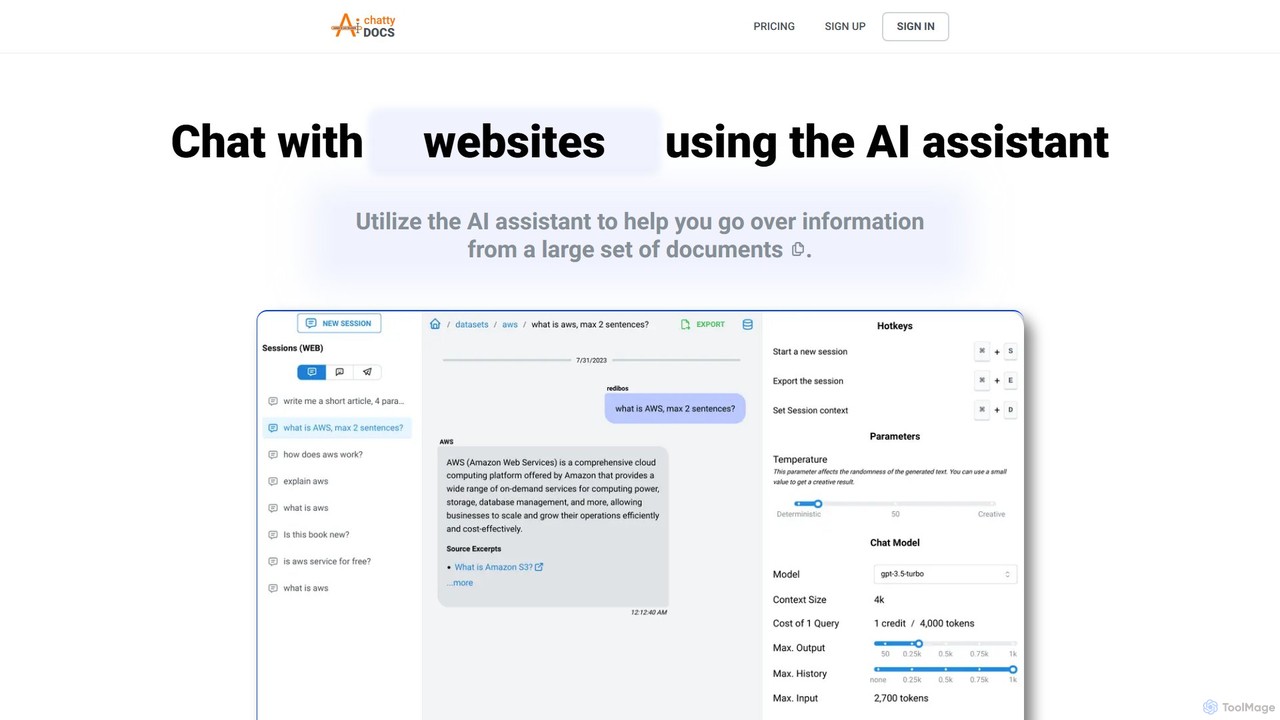
ChattyDocs
ChattyDocs is an AI assistant that transforms your documents and websites into interactive chatbots. Upload PDFs, text files, or provide a URL to create a custom knowledge base. Ask questions in natural language and receive instant, source-cited answers. Ideal for researchers, students, and businesses.
Chatbot Builder
pdfai.io
pdfai.io is an AI-powered document assistant that lets you chat with your PDF files. Instantly summarize complex documents, ask questions, and extract key information effortlessly. It's designed to boost productivity for students, researchers, and professionals by turning static PDFs into interactive knowledge bases.
Data Extraction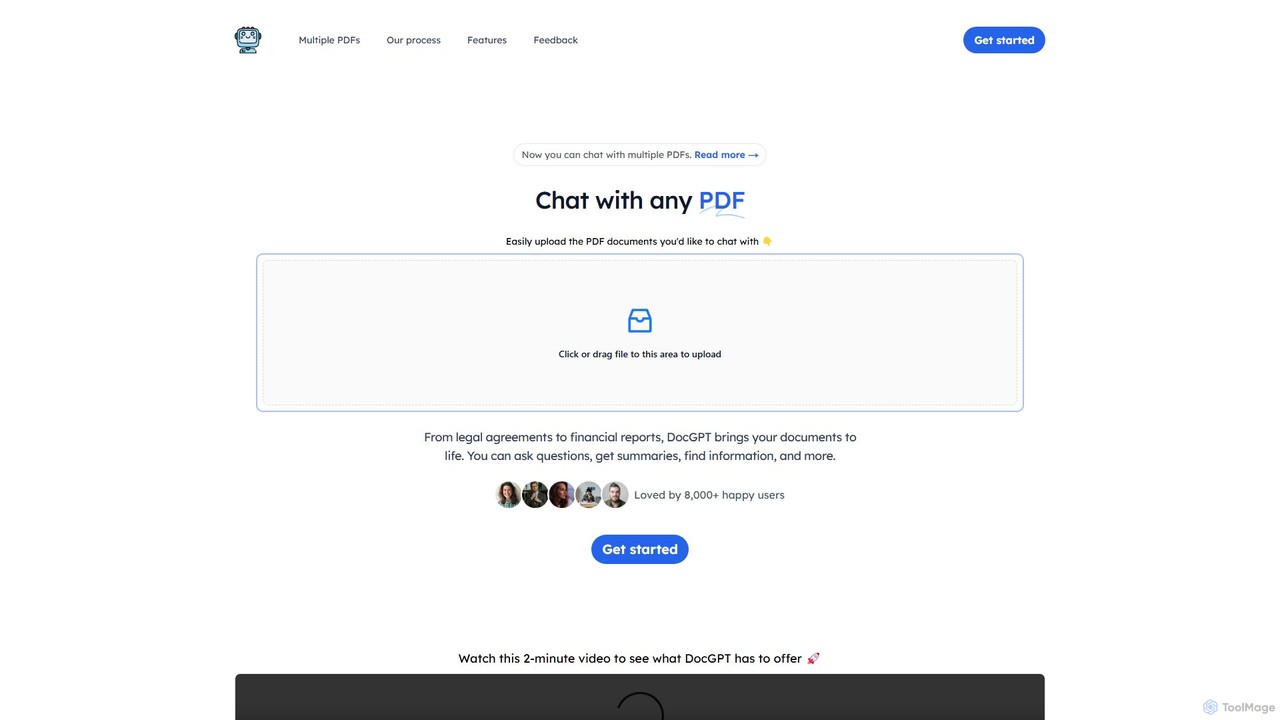
DocGPT
DocGPT is an AI-powered tool that transforms your static PDF documents into dynamic conversations. Upload single or multiple PDFs to ask questions, get instant summaries, extract key information, and receive answers with direct source citations. Ideal for students, researchers, and professionals.
ResearchPDF.ai Categories
PDF.ai Embed Widget
Copy this embed code to place the badge on your blog, article, or product site and send readers directly to this ToolMage detail page.

Related AI tools
aiPDF
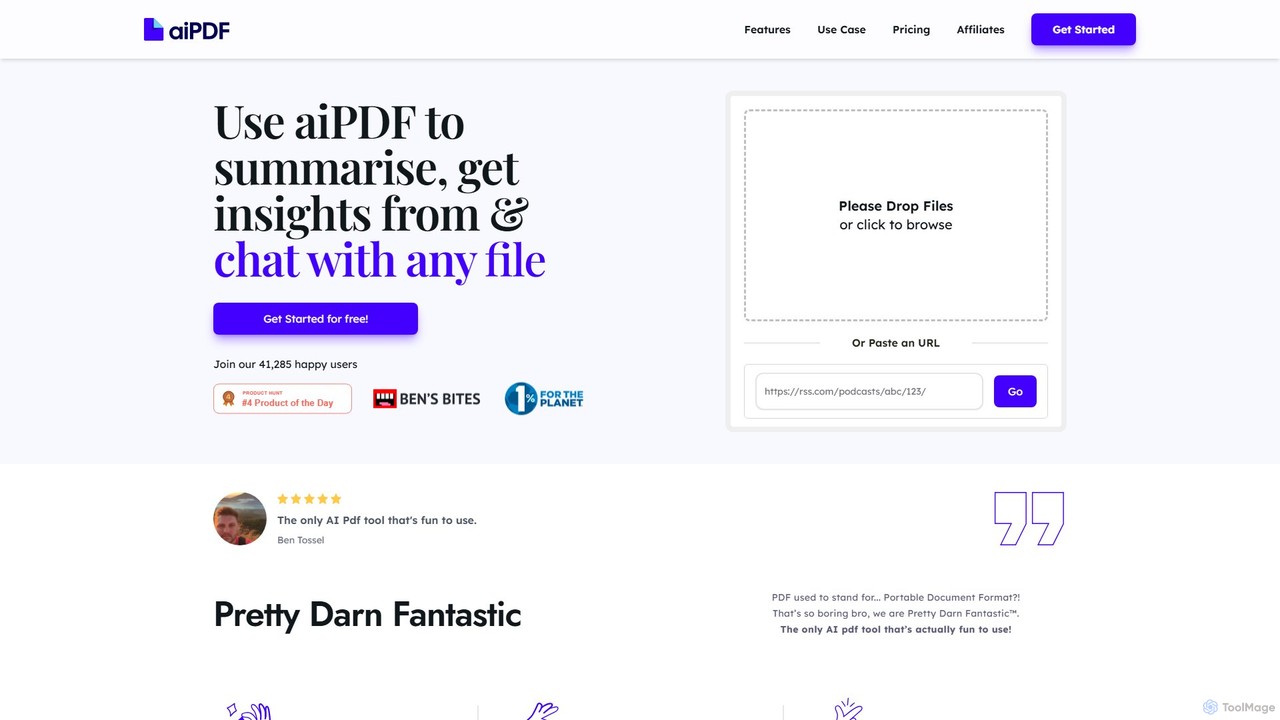
aiPDF is an AI-powered chat application that transforms static PDF documents into interactive conversations. Users can upload files, ask questions, summarize content, and extract key insights instantly. It supports various document types, including reports, essays, and ebooks, and provides source-backed answers for enhanced reliability. With a user-friendly interface and a focus on data privacy, aiPDF makes document analysis efficient and engaging for students, researchers, and professionals.
Data Analysisdocanalyzer.ai
An advanced AI platform that enables dynamic conversations with your documents. Utilize intelligent agents to automate workflows, extract data, and gain insights from various file formats like PDF, DOCX, and more. It supports multiple top-tier AI models and offers features for individual and team collaboration.
Data Extractionpdfai.io
pdfai.io is an AI-powered document assistant that lets you chat with your PDF files. Instantly summarize complex documents, ask questions, and extract key information effortlessly. It's designed to boost productivity for students, researchers, and professionals by turning static PDFs into interactive knowledge bases.
Data ExtractionDocGPT
DocGPT is an AI-powered tool that transforms your static PDF documents into dynamic conversations. Upload single or multiple PDFs to ask questions, get instant summaries, extract key information, and receive answers with direct source citations. Ideal for students, researchers, and professionals.
Research
Doculogy
Doculogy is an AI-powered document analysis platform that transforms how you interact with text. Upload contracts, research papers, or CVs, ask questions in natural language, and receive instant, precise answers. It summarizes, analyzes multiple documents at once, and provides actionable insights, saving time and improving decision-making for professionals across various fields.
Reporting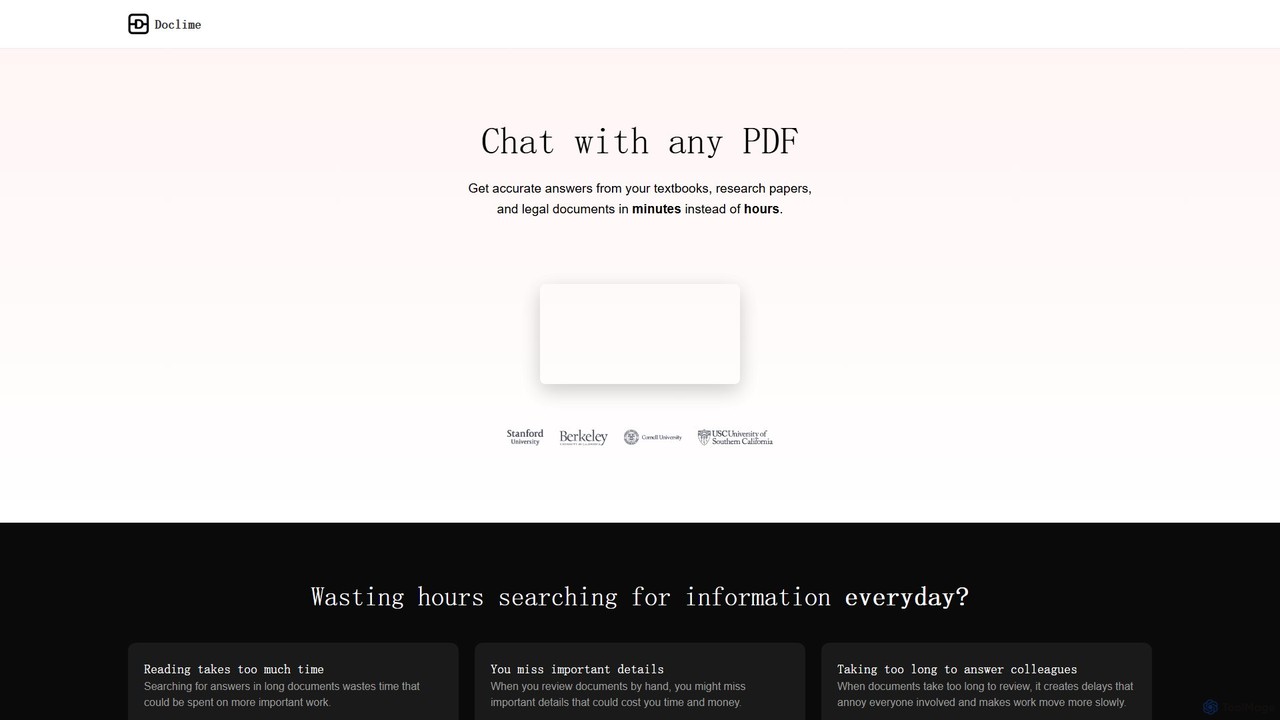
Doclime
Doclime is an AI-powered document assistant that lets you chat with your PDFs. Upload any document, ask questions in plain English, and get instant, accurate answers with citations. It's designed to help students, researchers, and professionals quickly extract information and insights from dense materials.
Study
Pdfai
Pdfai is an AI-powered document assistant that allows you to chat with your PDF files. Instantly get summaries, ask complex questions, and extract key information from research papers, reports, and contracts. Boost your productivity and unlock insights from your documents in seconds.
Data Analysis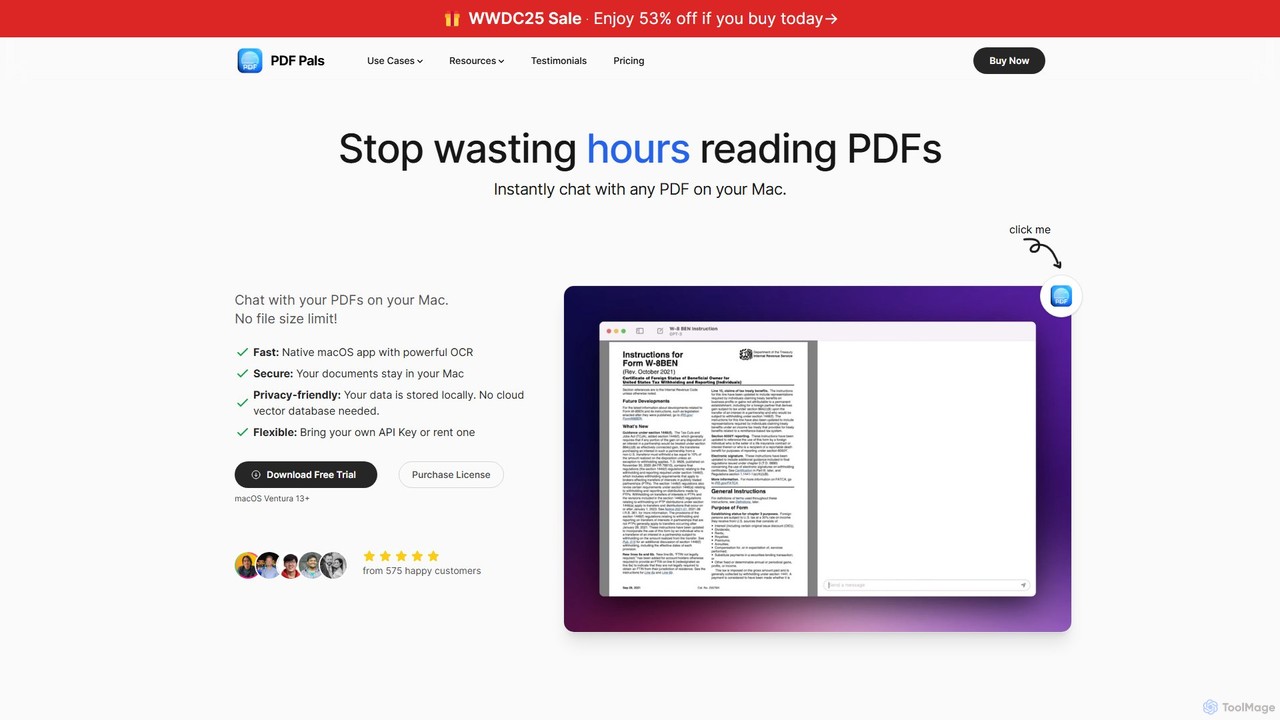
PDF Pals
PDF Pals is a native macOS application that allows you to chat with your PDF documents locally. It offers powerful OCR, multi-document support, and flexible API integration, ensuring your data remains private and secure on your Mac. There are no file size limits, making it ideal for researchers, developers, and legal professionals.
Documentation
pdfpilot.ai
pdfpilot.ai is an AI-powered assistant that transforms your PDF documents into interactive chatbots. Instantly get summaries, ask complex questions, and extract key information from research papers, reports, and contracts, saving you hours of reading time.
Data Analysis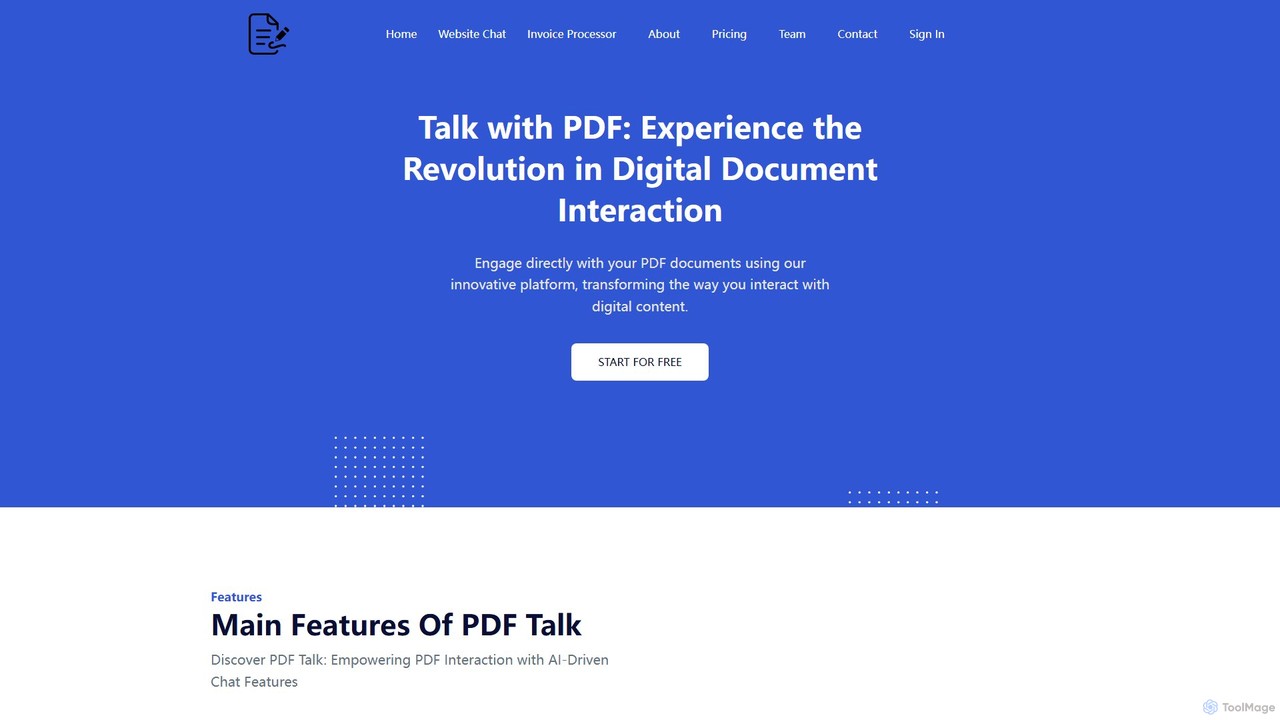
pdf_talk
pdf_talk is an AI-powered platform that revolutionizes how you interact with documents. Simply upload your PDF files and start a conversation. Ask questions, request summaries, and extract key information instantly. It supports querying across multiple documents, making it ideal for students, researchers, and professionals.
Data Extraction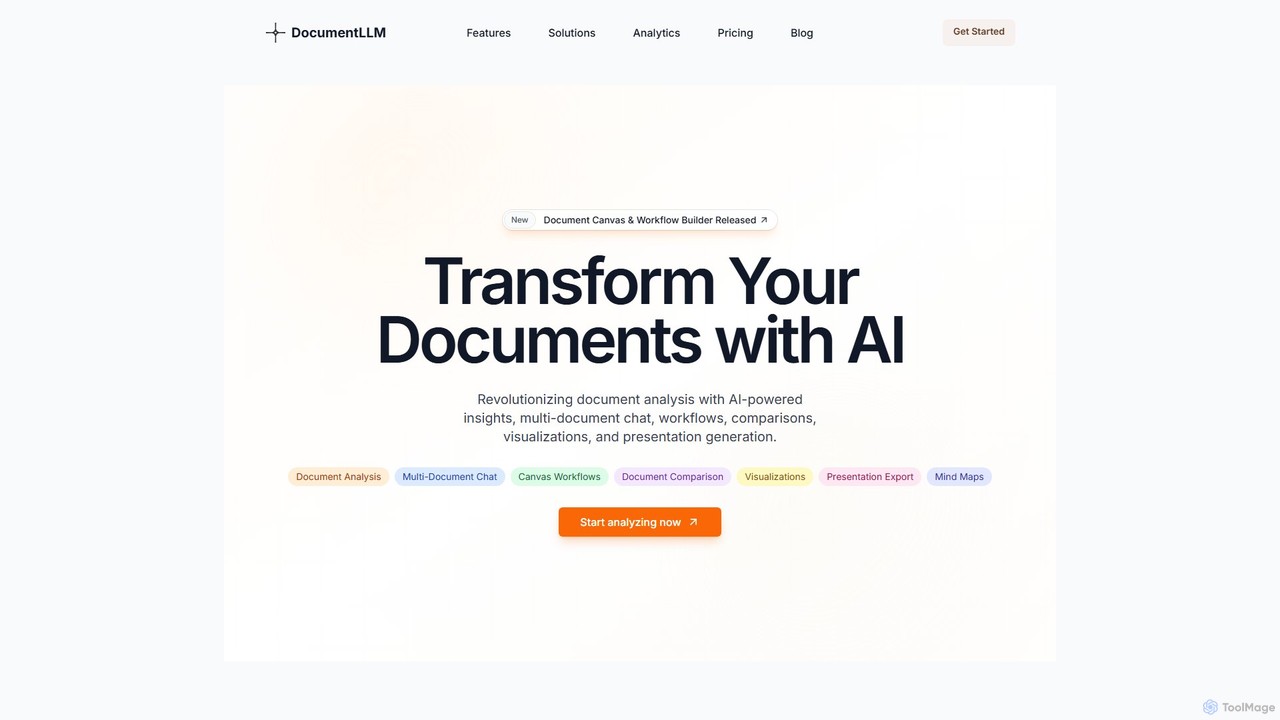
DocumentLLM
DocumentLLM is an AI-powered platform that revolutionizes document analysis. It enables users to chat with multiple documents, build automated workflows, compare texts, extract key insights, and generate visualizations and presentations. Designed for professionals across various industries, it streamlines complex document processing tasks, saving time and enhancing accuracy with enterprise-grade security.
Business Intelligence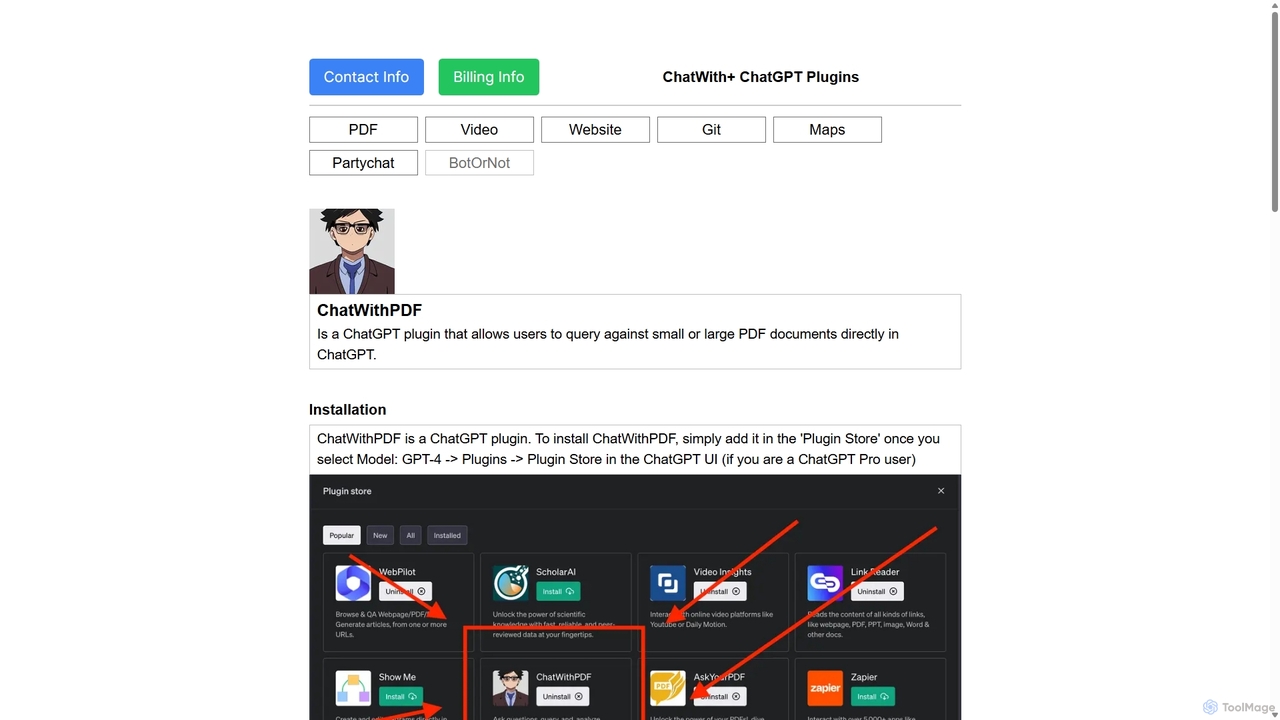
ChatWithPDF
A powerful ChatGPT plugin that allows you to have interactive conversations with any PDF document. Simply provide a public URL to a PDF, and you can ask questions, request summaries, and extract specific information directly within the ChatGPT interface. Ideal for students, researchers, and professionals.
Data ExtractionIntelliParse
IntelliParse is an AI-powered suite that transforms your PDFs into interactive conversations. It allows you to chat with your documents, compare text between files, and leverage an integrated web search to find information. It's designed for efficient document management and analysis.
Study Aid
UPDF AI
UPDF AI is a powerful AI assistant integrated into the UPDF editor, designed to revolutionize how you interact with PDF documents. It allows you to chat with your PDFs, get instant summaries, translate entire documents or selected text, explain complex data, and even convert dense content into visual mind maps. Available on Windows, macOS, iOS, Android, and the web, it streamlines workflows for students, researchers, and professionals by making document comprehension and analysis faster and more efficient.
Research
PDF AI Sheet
A Google Sheet add-on that allows you to chat with and extract information from multiple PDF documents in bulk directly within your spreadsheets. Automate data analysis and research by asking questions to your PDFs using a simple formula.
Extraction
PDF.ai Comments (0)
Sign in to comment.
Sign inNo comments yet.