

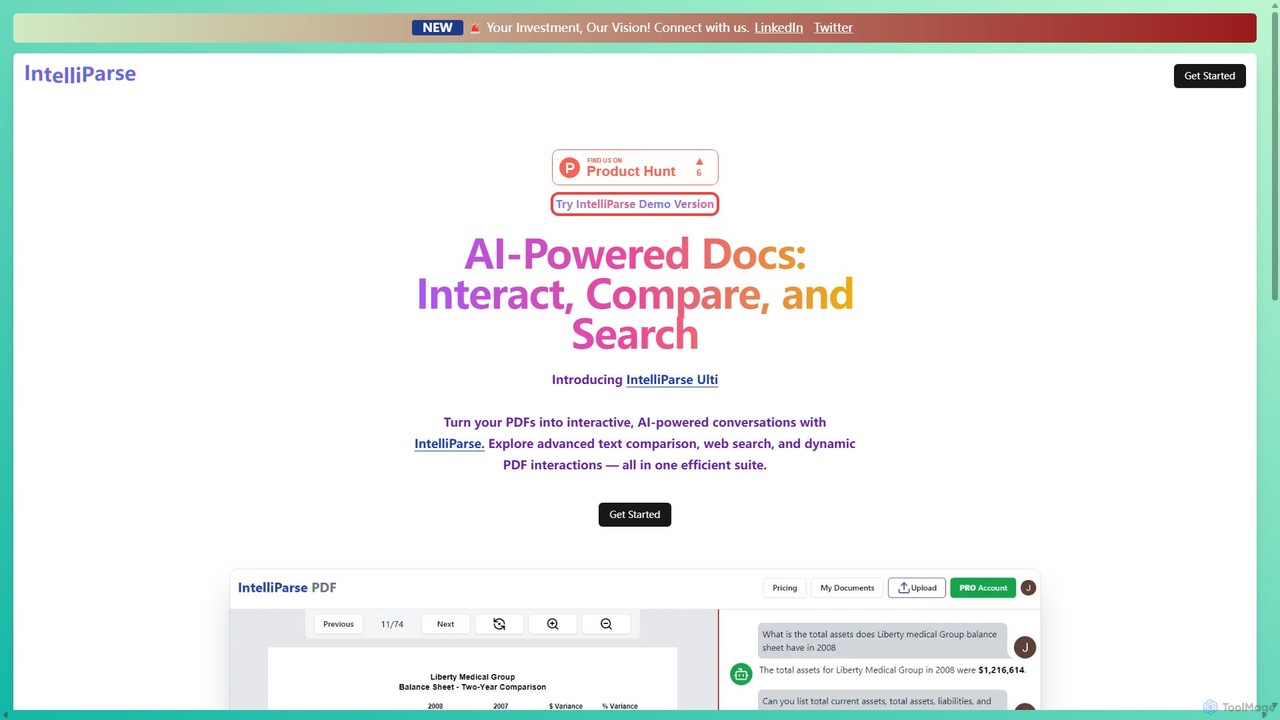
IntelliParse Overview
IntelliParse is an advanced AI-powered platform designed to revolutionize how users interact with their documents. It transforms static PDF files into dynamic, conversational assets, enabling deep engagement and efficient information retrieval. By integrating a sophisticated AI chat, powerful text comparison tools, and a web search engine, IntelliParse serves as a comprehensive suite for anyone who works extensively with documents, from researchers and students to legal and business professionals.
The core of IntelliParse is its ability to let you 'talk' to your documents. Instead of manually sifting through pages, you can ask direct questions and receive instant, contextually accurate answers. The platform ensures that your documents are managed safely with secure storage, and its intelligent chat memory maintains conversation history for a personalized and continuous workflow.
How to use IntelliParse
Using IntelliParse is a straightforward process designed for maximum efficiency:
- Sign Up: Create an account on the IntelliParse website. You can typically sign up using your Google account, GitHub, or a standard email and password.
- Upload Documents: Navigate to your dashboard and upload the PDF files you wish to analyze. The platform provides secure storage for your files.
- Start a Conversation: Open a document and begin interacting with the AI chat. Ask questions like "Summarize the key findings on page 5" or "What are the main arguments in this paper?".
- Compare Documents: To analyze differences, select the text comparison tool. Upload two documents (or two versions of the same document) to see a precise, side-by-side comparison highlighting changes.
- Use Web Search: If a query requires information not present in the document, the AI can use its integrated web search engine to find and provide relevant external information.
- Interact with the Viewer: Utilize the advanced PDF viewer to navigate the document, highlight text, and engage with the content directly while chatting with the AI.
Core Features of IntelliParse
- AI-Powered Document Chat: Engage in natural language conversations with your PDFs to ask questions, get summaries, and extract key information instantly.
- Advanced Text Comparison Tools: Precisely compare and analyze multiple documents or different versions of a file to identify discrepancies, additions, and deletions with high accuracy.
- Integrated Web Page Search Engine: The AI can search the web to supplement document information, providing more comprehensive answers to your queries.
- Advanced Interactive PDF Viewer: A rich, interactive viewer that enhances document engagement, allowing for more intuitive navigation and analysis.
- Intelligent Chat Memory: The AI remembers previous interactions within a session, providing a contextually aware and personalized communication experience.
- Secure PDF Storage: Efficiently manage and safeguard your important PDF documents with a secure cloud storage solution, accessible anytime.
- Rapid Response System: A high-speed system designed to deliver near-instantaneous responses to your queries, ensuring a smooth and efficient workflow.
Use Cases for IntelliParse
IntelliParse is a versatile tool suitable for various professional and academic fields:
- Legal Professionals: Quickly compare contract drafts, identify changes in legal documents, and search for specific clauses across vast case files.
- Researchers and Academics: Analyze dense academic papers, extract data and citations, summarize literature, and compare findings from different studies.
- Students: Interact with textbooks and study materials, ask clarifying questions about complex concepts, and generate summaries for revision.
- Business Analysts: Analyze financial reports, compare business proposals, and extract key metrics from market research documents.
- Content Creators: Fact-check information, gather research from multiple PDF sources, and synthesize information for articles or reports.
Advantages of IntelliParse
The primary advantage of IntelliParse is its ability to consolidate multiple document analysis functions into a single, user-friendly platform. It significantly boosts productivity by automating tedious tasks like manual searching and comparison. The combination of document chat and web search provides a uniquely comprehensive research experience. Furthermore, its focus on security and speed makes it a reliable tool for professional use, ensuring both data safety and workflow efficiency.
Pricing and Plans
IntelliParse operates on a freemium model, offering different tiers to suit various user needs.
- Demo/Free Plan: This plan is ideal for individual users or those looking to try the service. It typically includes a limited number of document uploads, a cap on pages per document, and access to basic chat features.
- Pro/Paid Plans: Aimed at professionals and power users, these plans offer higher limits on uploads and page counts, access to advanced features like the text comparison tool, priority support, and potentially team collaboration features.
For the most accurate and up-to-date pricing information, please visit the official IntelliParse website.
IntelliParse Alternatives
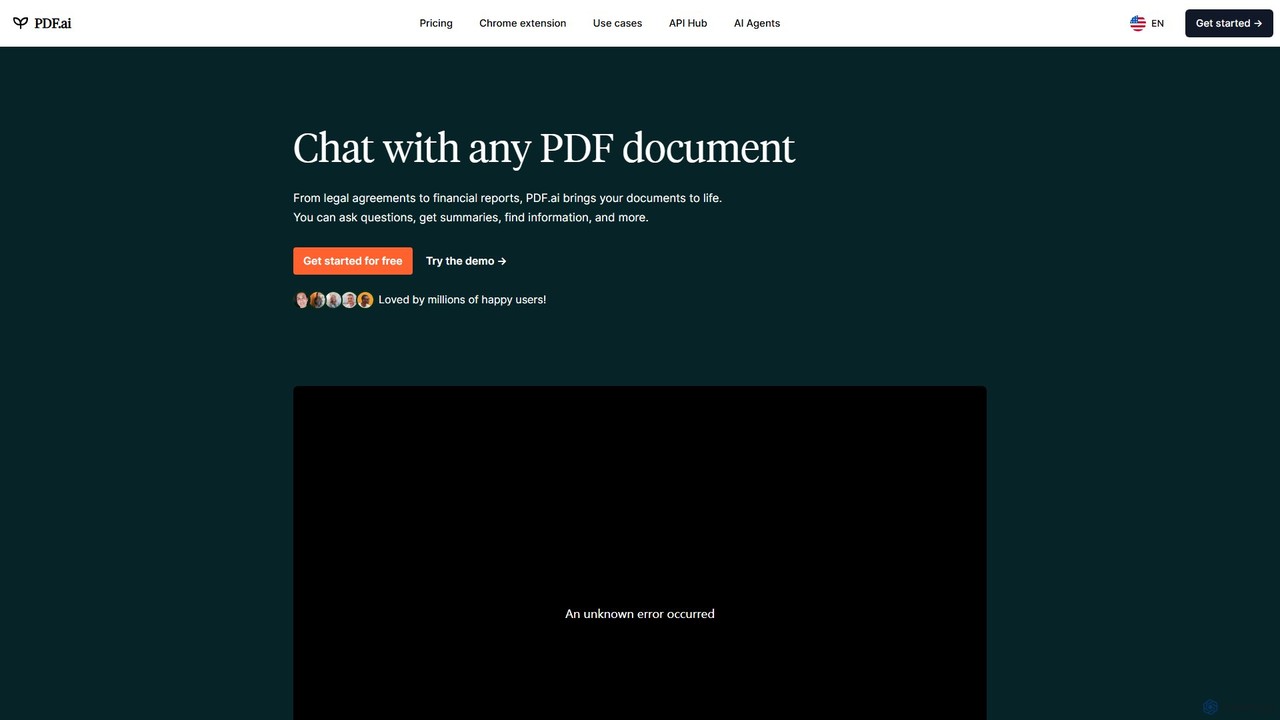
PDF.ai
PDF.ai is an AI-powered platform that allows you to chat with any PDF document. Instantly get summaries, find information, and extract data from various files like legal agreements, financial reports, research papers, and books. It enhances productivity by making document analysis fast, interactive, and efficient, with source-backed answers for reliability.
Study Aid
PDFChat
PDFChat is a professional AI-powered chat application for documents. Powered by ChatGPT and GPT-4o, it allows you to interact with PDFs, DOCs, websites, and more. Get instant, source-cited answers, analyze complex tables and images, and query multiple documents at once to boost your research and productivity.
Study Aid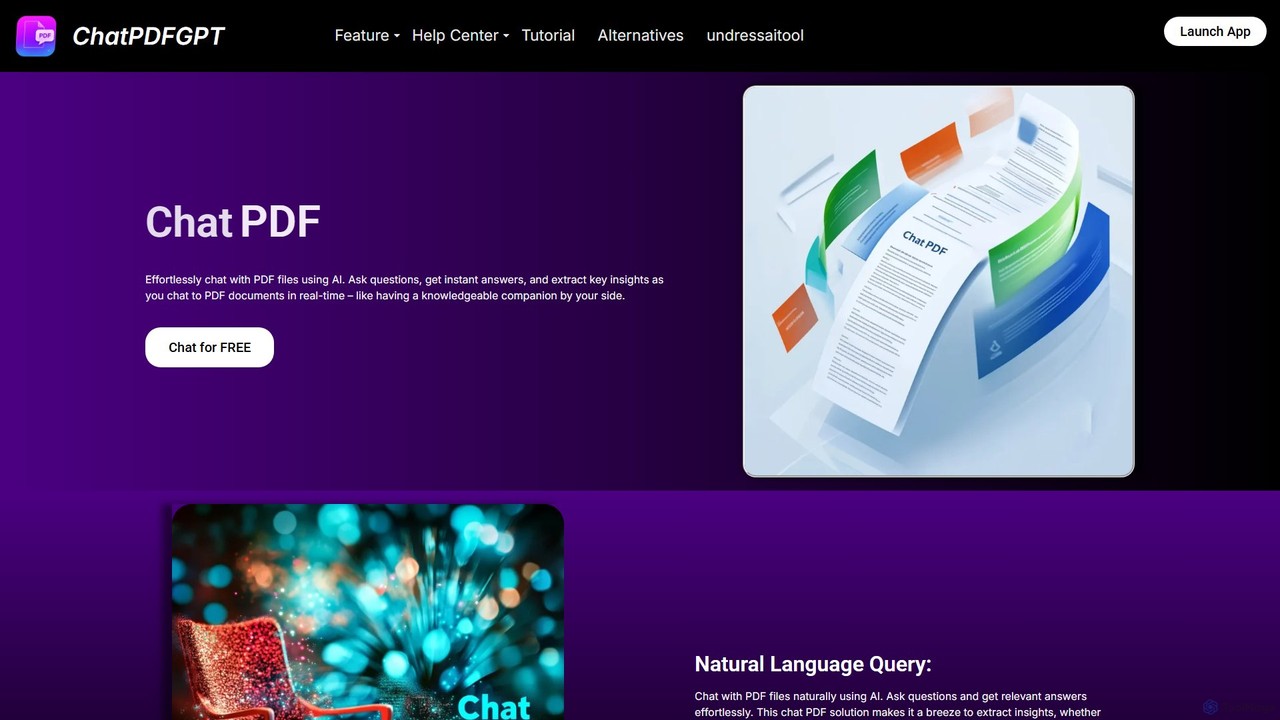
ChatPDFGPT
ChatPDFGPT is an AI-powered tool that transforms your static PDF documents into interactive conversations. Simply upload a file and ask questions to get instant summaries, find specific information, and understand complex concepts quickly. It's designed for students, researchers, and professionals to boost productivity and streamline document analysis.
Study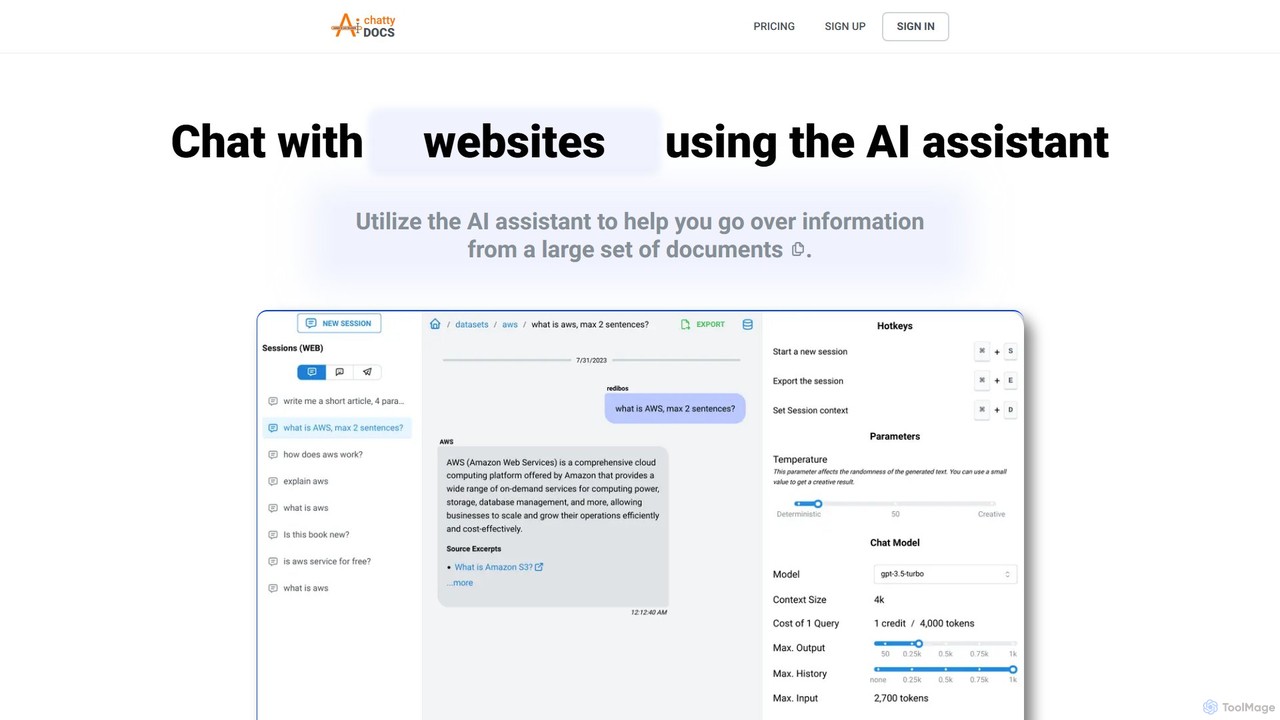
ChattyDocs
ChattyDocs is an AI assistant that transforms your documents and websites into interactive chatbots. Upload PDFs, text files, or provide a URL to create a custom knowledge base. Ask questions in natural language and receive instant, source-cited answers. Ideal for researchers, students, and businesses.
Chatbot Builder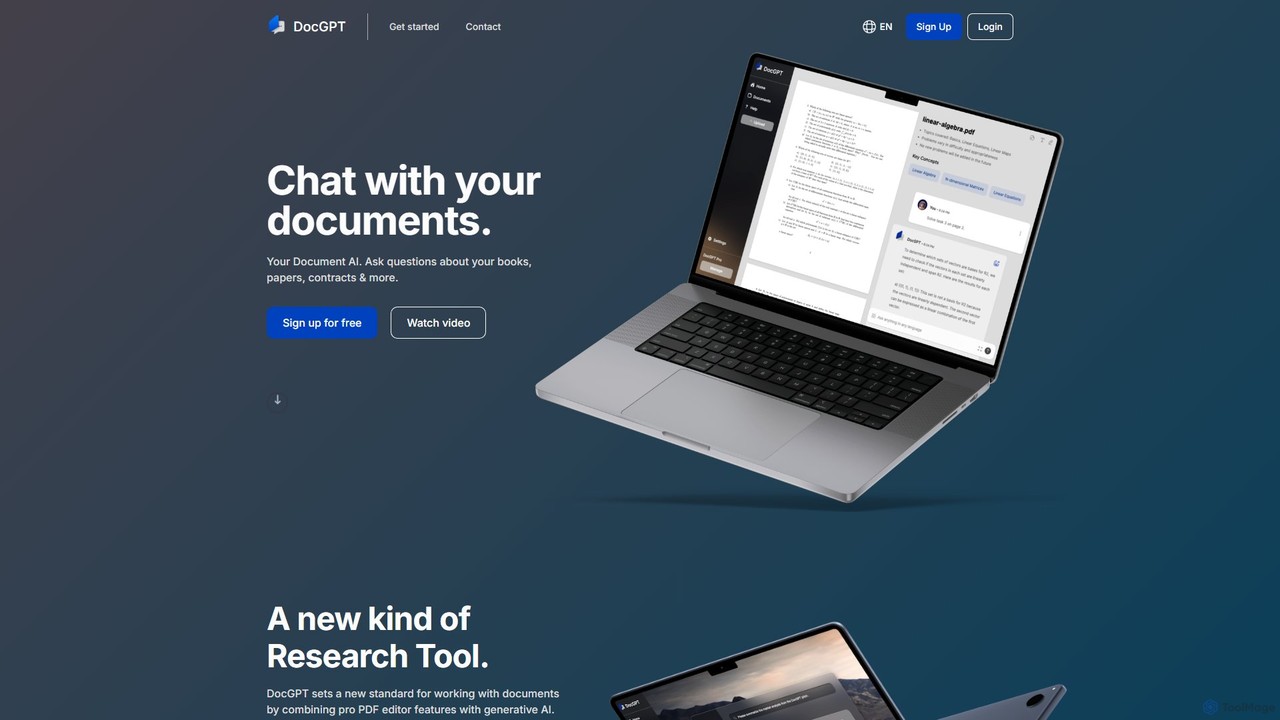
DocGPT
DocGPT is an AI-powered tool that allows you to chat directly with your documents. Simply upload files like PDFs, DOCX, or TXT, and ask questions in natural language to instantly extract information, get summaries, and find key insights. It's designed to boost productivity for students, researchers, and professionals by making document analysis fast and intuitive.
Study AidIntelliParse Categories
IntelliParse Embed Widget
Copy this embed code to place the badge on your blog, article, or product site and send readers directly to this ToolMage detail page.

Related AI tools
ChatPDFGPT
ChatPDFGPT is an AI-powered tool that transforms your static PDF documents into interactive conversations. Simply upload a file and ask questions to get instant summaries, find specific information, and understand complex concepts quickly. It's designed for students, researchers, and professionals to boost productivity and streamline document analysis.
Study
pdfai.io
pdfai.io is an AI-powered document assistant that lets you chat with your PDF files. Instantly summarize complex documents, ask questions, and extract key information effortlessly. It's designed to boost productivity for students, researchers, and professionals by turning static PDFs into interactive knowledge bases.
Data Extraction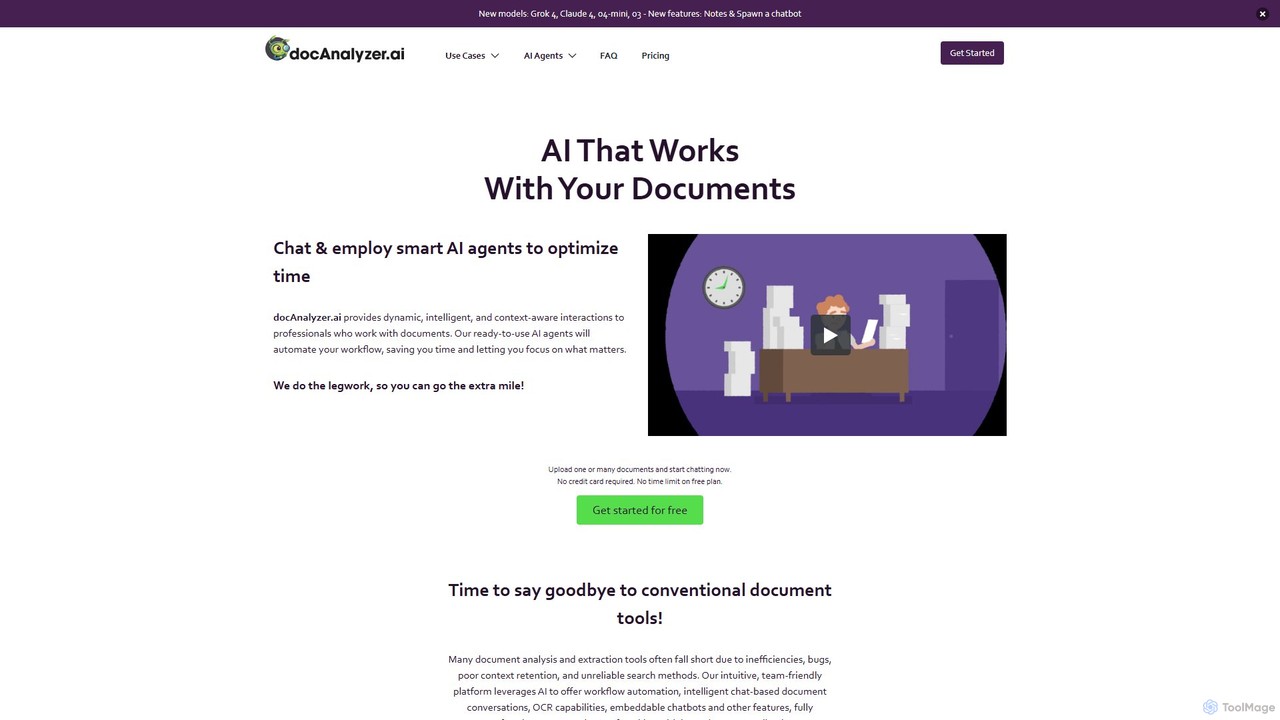
docanalyzer.ai
An advanced AI platform that enables dynamic conversations with your documents. Utilize intelligent agents to automate workflows, extract data, and gain insights from various file formats like PDF, DOCX, and more. It supports multiple top-tier AI models and offers features for individual and team collaboration.
Data Extraction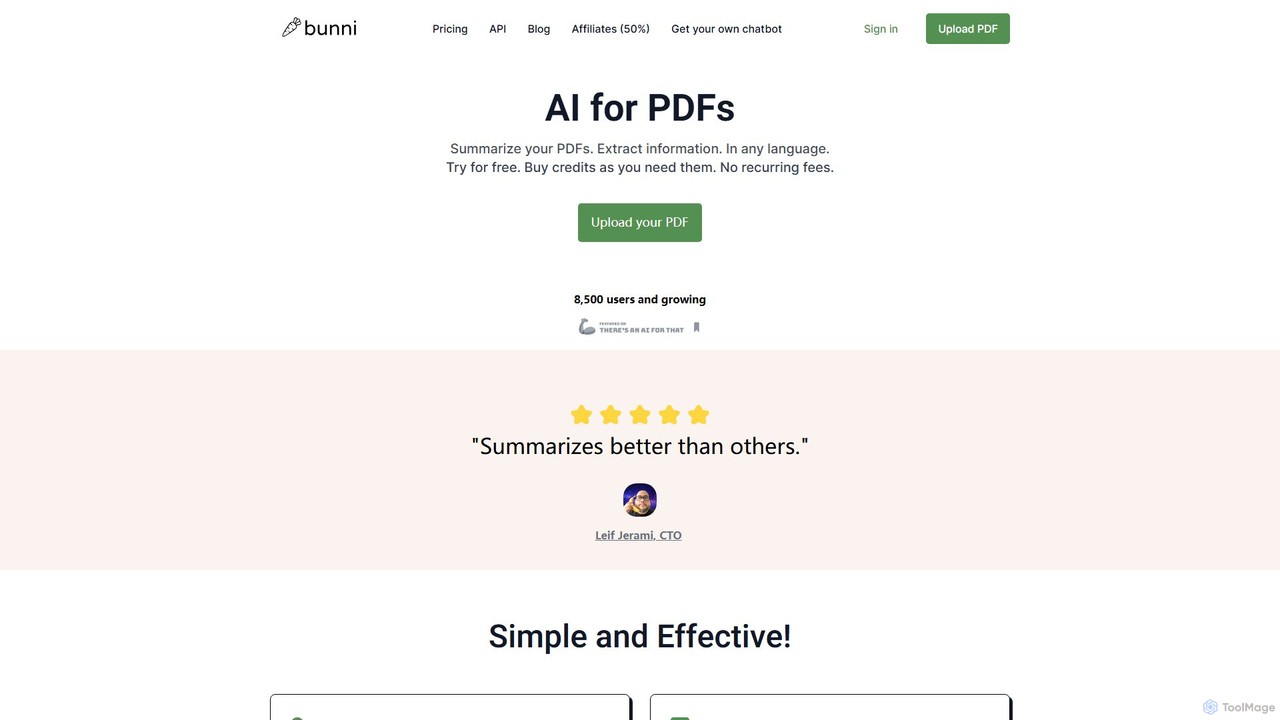
ClarifyPDF
ClarifyPDF is an AI-powered tool for interacting with your PDF documents. Simply upload one or more PDFs to summarize content, extract key information, and ask specific questions in any language. It supports large files and offers a shareable chat interface, making it ideal for students, researchers, and professionals to quickly understand complex documents without recurring subscription fees.
Data Extraction
bunni
Bunni is an AI-powered tool that allows you to chat with your PDF documents. Simply upload a file to summarize its content, extract key information, and ask specific questions in any language. It supports large files, multiple document chats, and offers a flexible pay-as-you-go pricing model, making it ideal for researchers, students, and professionals who need to quickly analyze and understand dense documents.
Data Extraction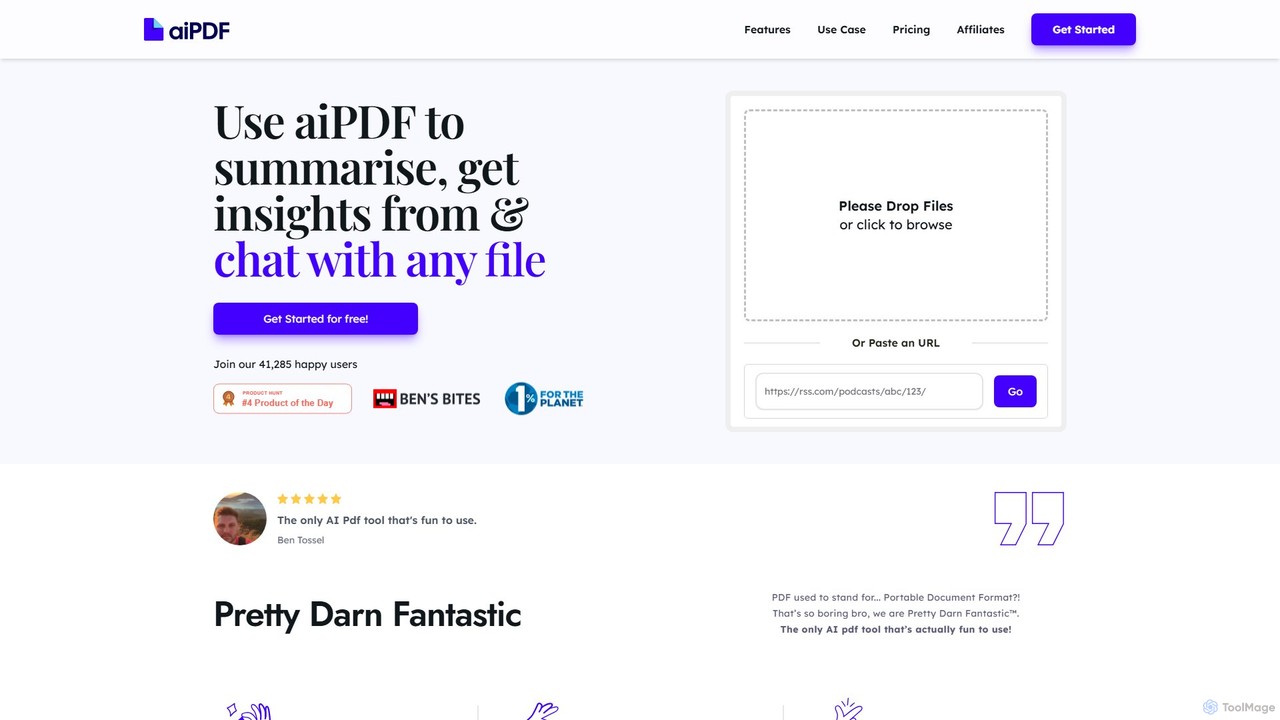
aiPDF
aiPDF is an AI-powered chat application that transforms static PDF documents into interactive conversations. Users can upload files, ask questions, summarize content, and extract key insights instantly. It supports various document types, including reports, essays, and ebooks, and provides source-backed answers for enhanced reliability. With a user-friendly interface and a focus on data privacy, aiPDF makes document analysis efficient and engaging for students, researchers, and professionals.
Data Analysis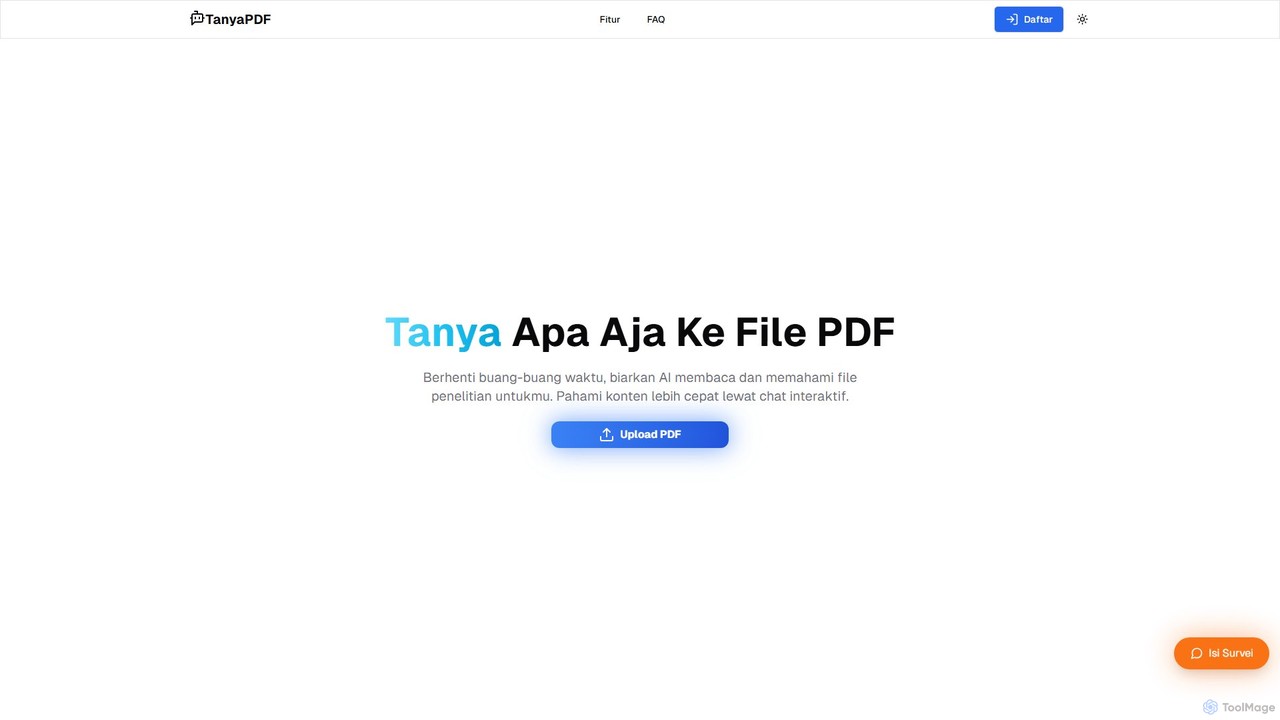
TanyaPDF
An AI-powered tool that allows you to chat with your PDF documents. Upload a file, ask questions in natural language, and get instant summaries and answers. Designed for students, researchers, and professionals to understand complex documents faster and more efficiently.
Report Analysis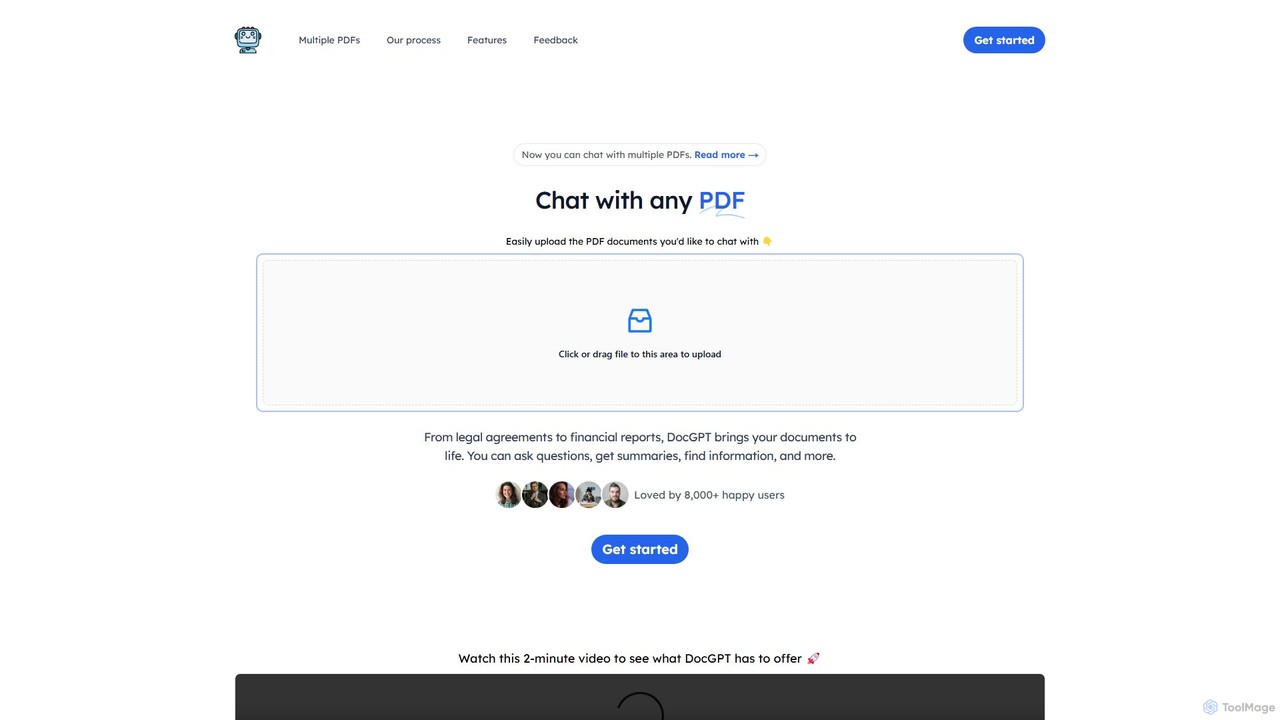
DocGPT
DocGPT is an AI-powered tool that transforms your static PDF documents into dynamic conversations. Upload single or multiple PDFs to ask questions, get instant summaries, extract key information, and receive answers with direct source citations. Ideal for students, researchers, and professionals.
Research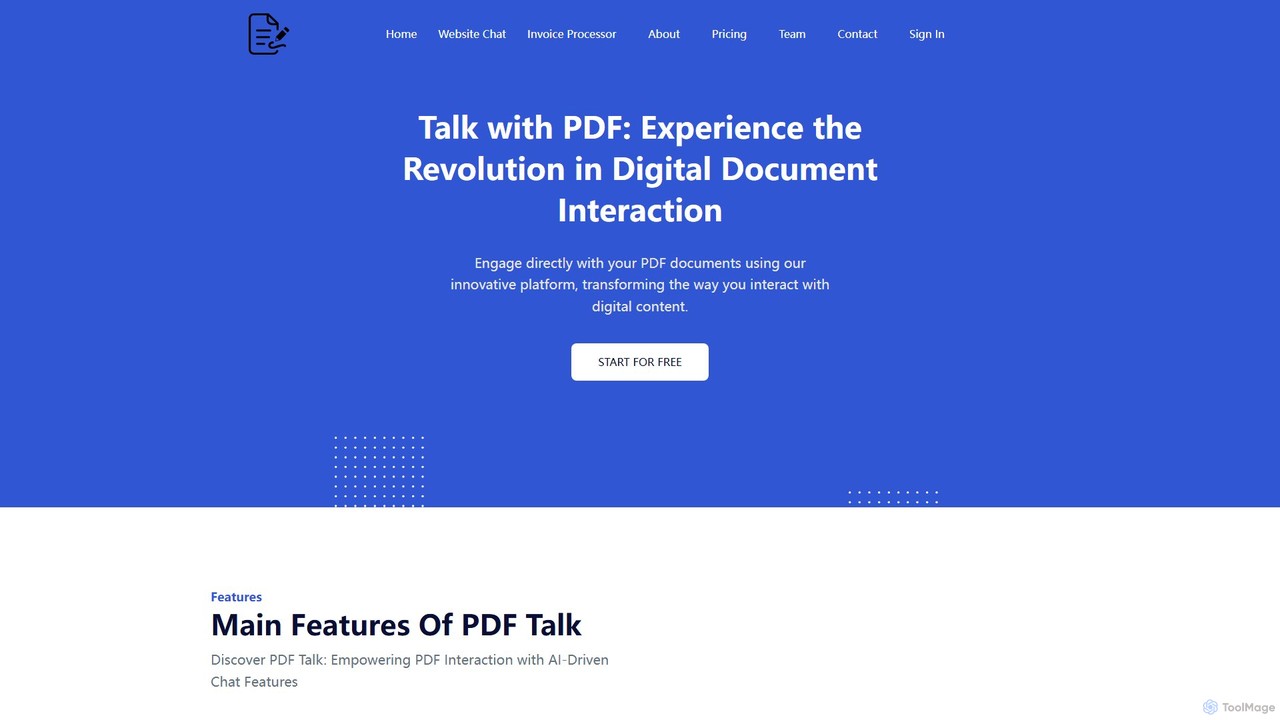
pdf_talk
pdf_talk is an AI-powered platform that revolutionizes how you interact with documents. Simply upload your PDF files and start a conversation. Ask questions, request summaries, and extract key information instantly. It supports querying across multiple documents, making it ideal for students, researchers, and professionals.
Data Extraction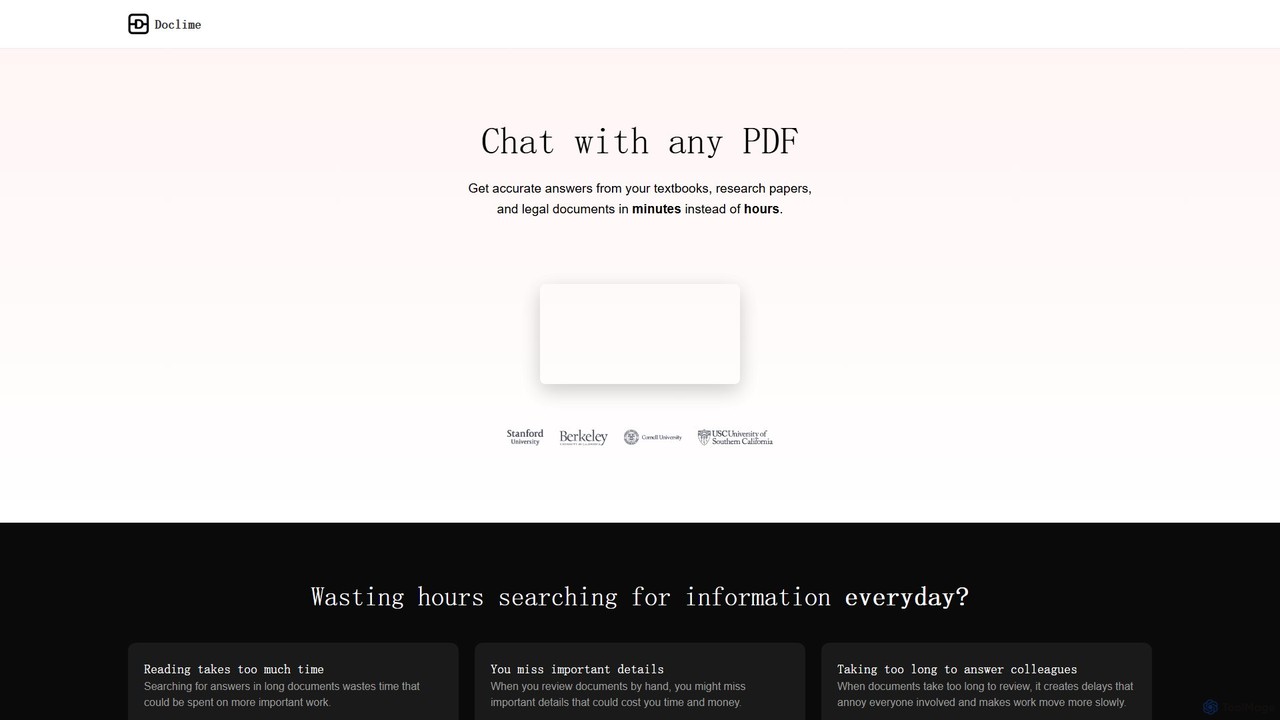
Doclime
Doclime is an AI-powered document assistant that lets you chat with your PDFs. Upload any document, ask questions in plain English, and get instant, accurate answers with citations. It's designed to help students, researchers, and professionals quickly extract information and insights from dense materials.
Study
brainypdf
BrainyPDF is an AI-powered tool that transforms your static PDF documents into interactive sources of knowledge. Chat directly with your files, get instant summaries of lengthy reports, and extract crucial information effortlessly. It's the ultimate productivity booster for students, researchers, and professionals who need to process dense documents quickly and efficiently.
Data Extraction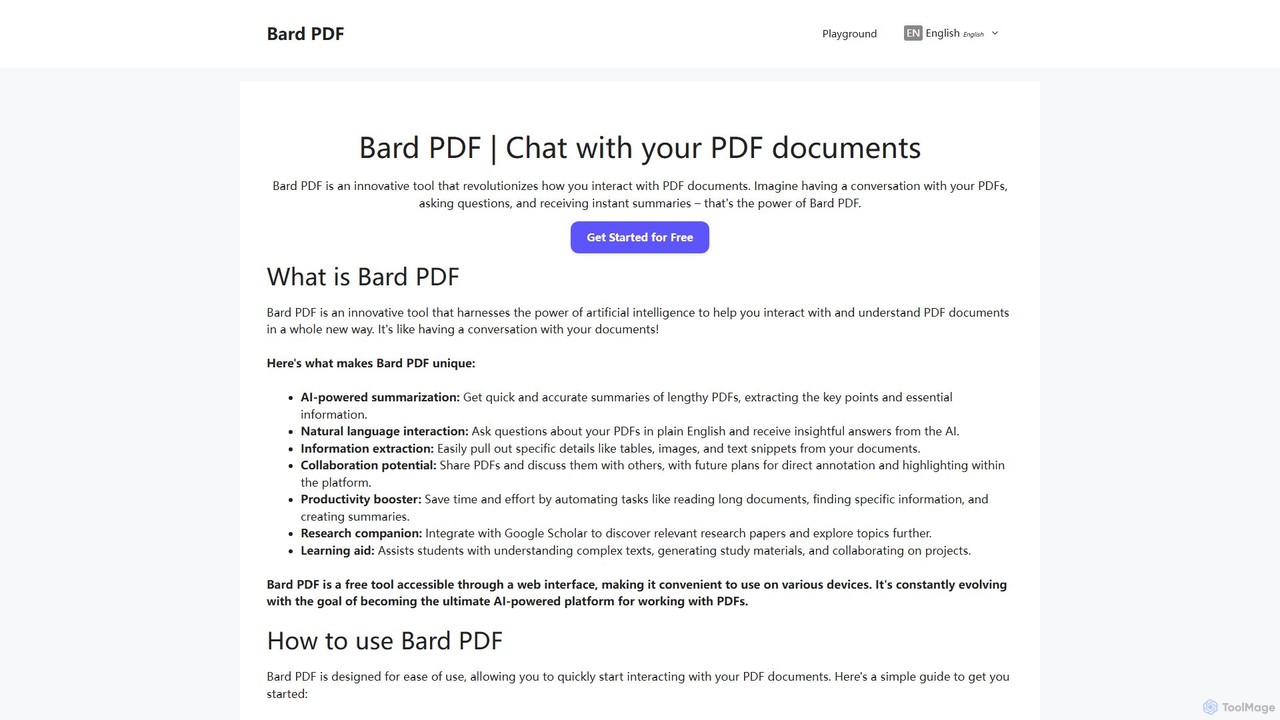
Bard PDF
Bard PDF is a free AI-powered web tool that revolutionizes interaction with PDF documents. Simply paste a PDF URL to chat with your document, ask questions in natural language, and receive instant, accurate summaries. It can extract key information like tables and text, making it an ideal companion for students, researchers, and professionals looking to quickly comprehend and analyze lengthy documents.
Summarizer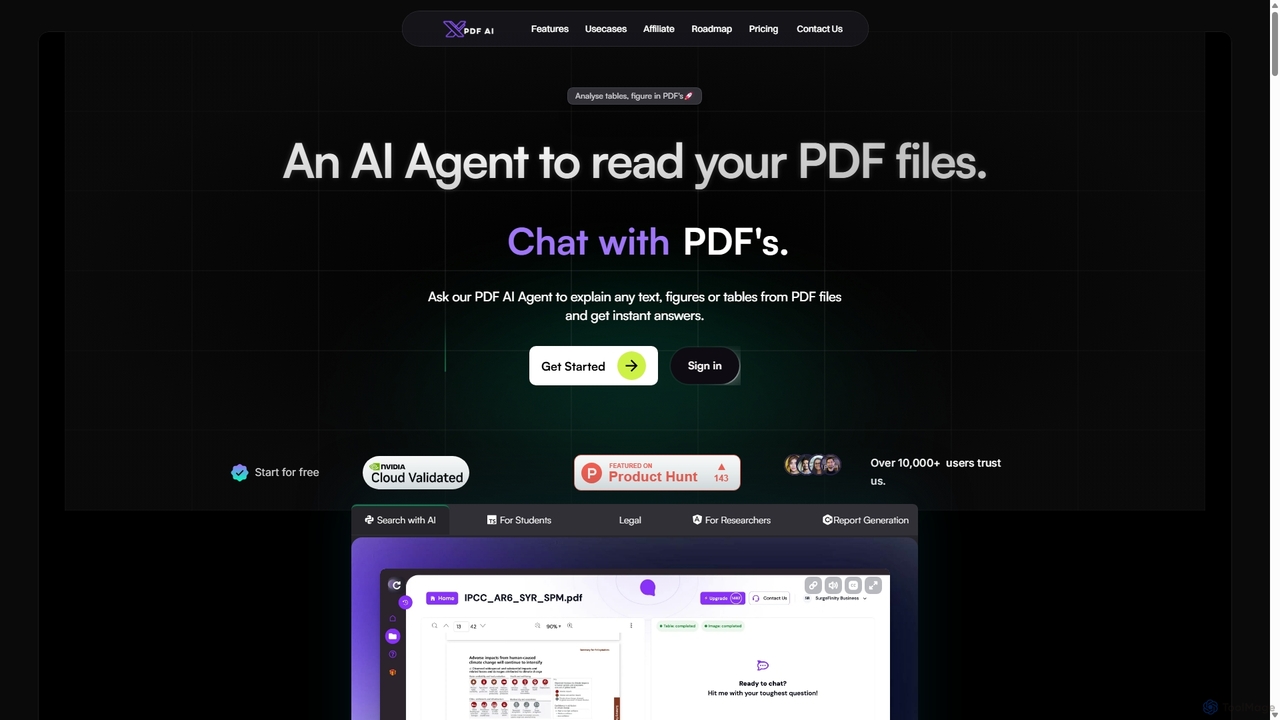
XPDF AI
xPDF AI is a personal AI assistant that transforms your interaction with PDF documents. Chat with any PDF, ask questions, and get instant answers from text, tables, and figures. It features multimodal analysis, an AI summarizer, report generation, and a voice-activated interface, making it an essential tool for students, researchers, and professionals to quickly extract insights and boost productivity.
Data ExtractionPDF.ai
PDF.ai is an AI-powered platform that allows you to chat with any PDF document. Instantly get summaries, find information, and extract data from various files like legal agreements, financial reports, research papers, and books. It enhances productivity by making document analysis fast, interactive, and efficient, with source-backed answers for reliability.
Study Aid
Pdfai
Pdfai is an AI-powered document assistant that allows you to chat with your PDF files. Instantly get summaries, ask complex questions, and extract key information from research papers, reports, and contracts. Boost your productivity and unlock insights from your documents in seconds.
Data Analysis
IntelliParse Comments (0)
Sign in to comment.
Sign inNo comments yet.