

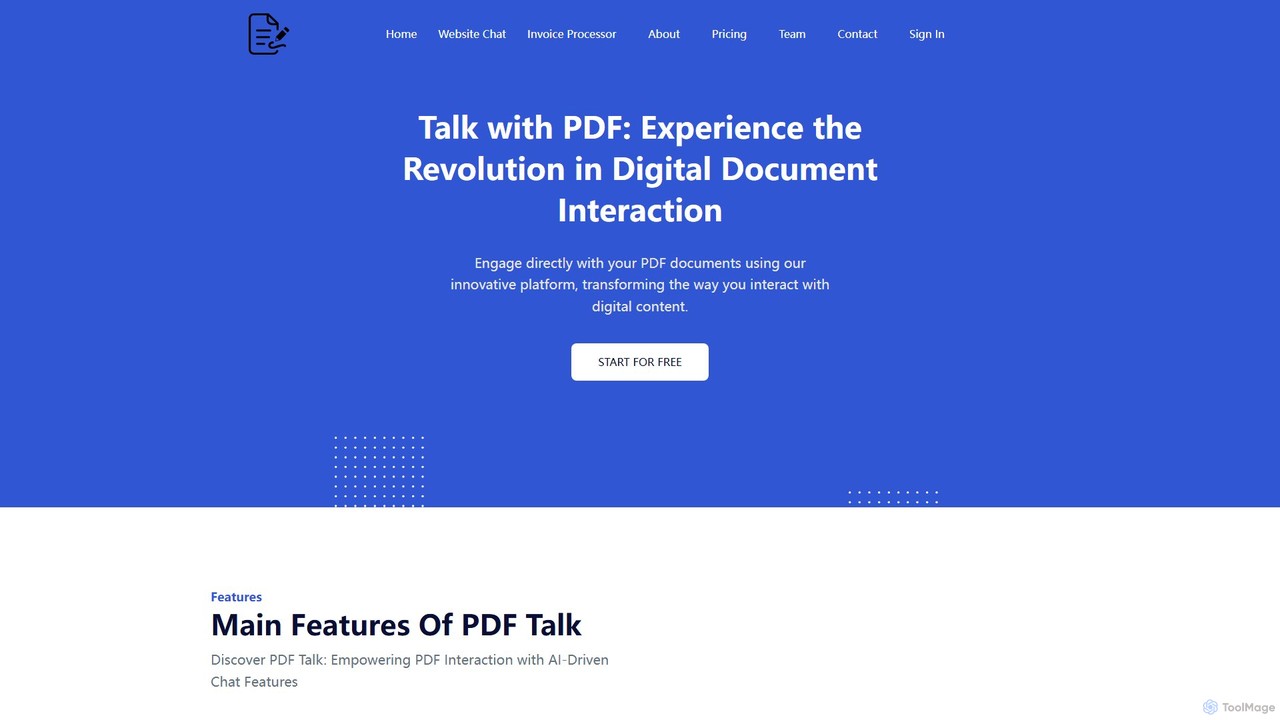
pdf_talk Overview
pdf_talk is a cutting-edge AI tool designed to transform static PDF documents into interactive conversational partners. Founded in 2023, the platform leverages advanced artificial intelligence to help users navigate, comprehend, and extract valuable insights from their files with unprecedented ease and efficiency. Instead of manually sifting through dense text, users can simply chat with their documents, asking direct questions and receiving precise, context-aware answers in seconds.
The core mission of pdf_talk is to make document processing seamless and intuitive for everyone, from academics and legal professionals to business analysts and casual readers. By providing a conversational interface, the tool breaks down the barriers of complex information, allowing you to unlock the knowledge hidden within your documents effortlessly.
How to use pdf_talk
Using pdf_talk is a straightforward and user-friendly process. Follow these simple steps to get started:
- Upload Your Document: Visit the pdf_talk website and upload one or more PDF files from your device. The platform securely processes your documents for analysis.
- Start a Conversation: Once the PDF is processed, a chat interface will appear. You can now start asking questions in natural language, just as you would with a human assistant.
- Ask Specific Questions: Ask for specific data points, definitions, or explanations. For example, 'What were the key findings of this research paper?' or 'Find the termination clause in this contract.'
- Request Summaries: Type commands like 'Summarize this document' or 'Give me a bullet-point summary of chapter 3' to get concise overviews of the content.
- Query Across Multiple PDFs: Upload multiple related documents (e.g., several financial reports or research articles) and ask comparative questions. The AI will synthesize information from all uploaded files to provide a comprehensive answer.
- Get Cited Answers: Every answer provided by the AI includes a reference to the source page number in the original PDF, allowing for quick verification and deeper context.
Core Features of pdf_talk
- AI-Powered Chat: Engage in a natural language conversation with your PDF documents to find information quickly.
- Instant Summarization: Generate concise summaries of entire documents or specific sections to grasp key points in a fraction of the time.
- Precise Question Answering: Get direct answers to your specific questions, with the AI pinpointing the exact information you need.
- Multi-PDF Querying: Upload and analyze multiple documents simultaneously. Ask questions across the entire document set to compare data and synthesize insights.
- Source-Cited Responses: All answers are backed by citations, linking directly to the page number in the source document for full transparency and trust.
- Secure and Private: Your documents are processed with a strong emphasis on security and user privacy.
Use Cases for pdf_talk
pdf_talk is a versatile tool that caters to a wide range of users:
- For Students and Academics: Quickly digest dense textbooks, summarize academic papers for literature reviews, and prepare for exams by asking targeted questions about study materials.
- For Legal Professionals: Rapidly analyze long contracts, legal briefs, and case files to find specific clauses, precedents, and critical information, saving hours of manual review.
- For Business and Financial Analysts: Extract key metrics from financial reports, business plans, and market research. Compare performance across different periods by querying multiple reports at once.
- For Researchers: Accelerate the research process by sifting through numerous articles and studies to identify trends, methodologies, and supporting evidence.
- For General Users: Easily understand complex technical manuals, official reports, or e-books without needing to read them from start to finish.
Advantages of pdf_talk
The primary advantage of pdf_talk is its ability to dramatically boost productivity and comprehension. It saves countless hours that would otherwise be spent on manual reading and searching. The interactive chat format makes information discovery more engaging and less tedious. Furthermore, its multi-document querying capability is a powerful feature for deep analysis, offering insights that are difficult to obtain through traditional methods.
Pricing and Plans
pdf_talk likely operates on a freemium model, offering different tiers to suit various needs. While specific details from the website were unavailable, a typical structure would be:
- Free Plan: Ideal for casual users, offering a limited number of PDF uploads, a maximum page count per document, and a cap on daily questions.
- Pro Plan (Monthly/Annual Subscription): Designed for students, researchers, and professionals, this plan would offer significantly higher limits on uploads and page counts, access to advanced features like multi-PDF querying, and priority support.
- Business/Enterprise Plan: A custom solution for teams and organizations, providing unlimited access, advanced security features, API access for integrations, and dedicated account management.
Please visit the official pdf-talk.com website for the most current and detailed pricing information.
pdf_talk Alternatives

pdfai.io
pdfai.io is an AI-powered document assistant that lets you chat with your PDF files. Instantly summarize complex documents, ask questions, and extract key information effortlessly. It's designed to boost productivity for students, researchers, and professionals by turning static PDFs into interactive knowledge bases.
Data Extraction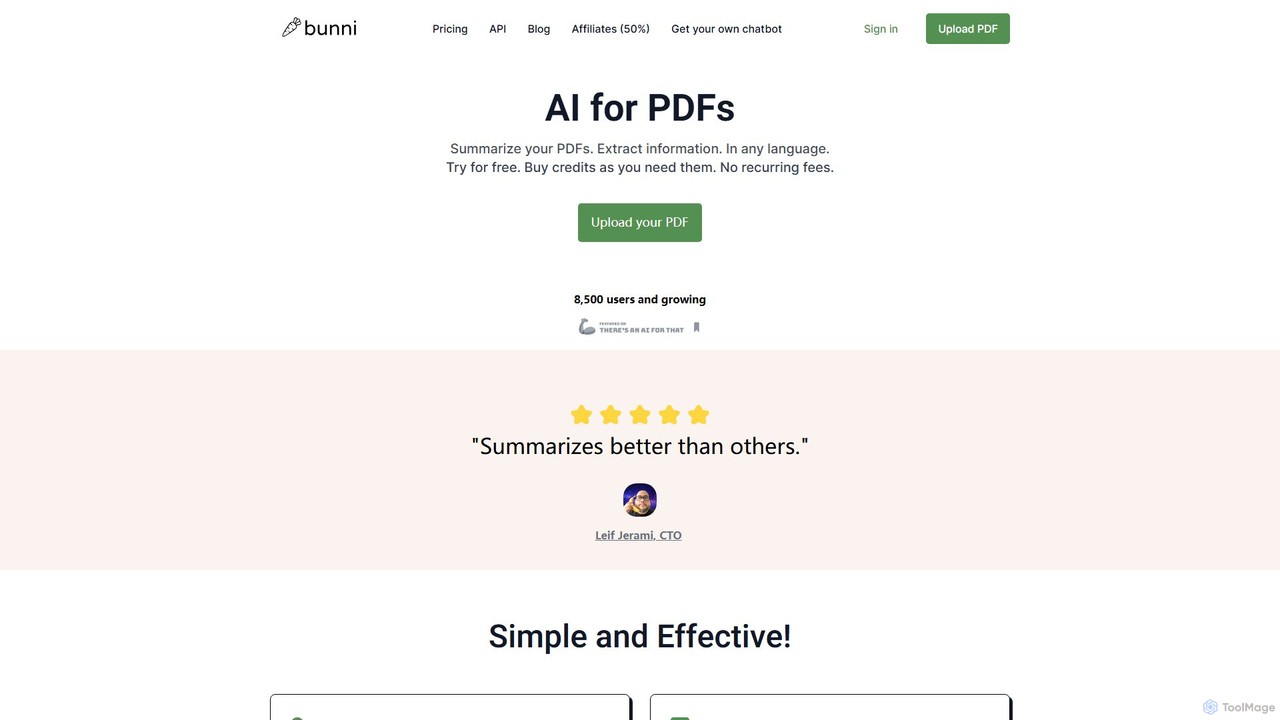
ClarifyPDF
ClarifyPDF is an AI-powered tool for interacting with your PDF documents. Simply upload one or more PDFs to summarize content, extract key information, and ask specific questions in any language. It supports large files and offers a shareable chat interface, making it ideal for students, researchers, and professionals to quickly understand complex documents without recurring subscription fees.
Data Extraction
bunni
Bunni is an AI-powered tool that allows you to chat with your PDF documents. Simply upload a file to summarize its content, extract key information, and ask specific questions in any language. It supports large files, multiple document chats, and offers a flexible pay-as-you-go pricing model, making it ideal for researchers, students, and professionals who need to quickly analyze and understand dense documents.
Data Extraction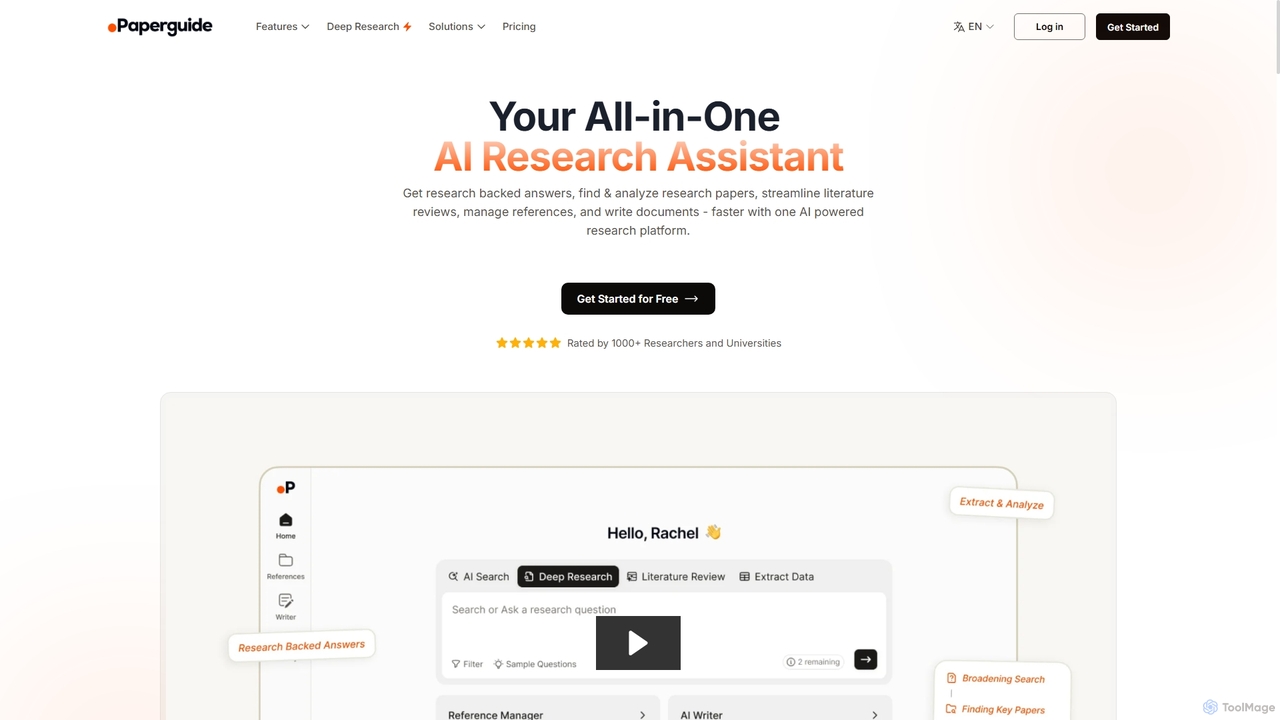
Chatwithpdf
Chatwithpdf is an AI-powered tool that allows you to interact with your PDF documents conversationally. Simply upload a file and start asking questions, get summaries, and extract key information instantly. It's designed for students, researchers, and professionals to analyze documents faster and more efficiently.
Data Extraction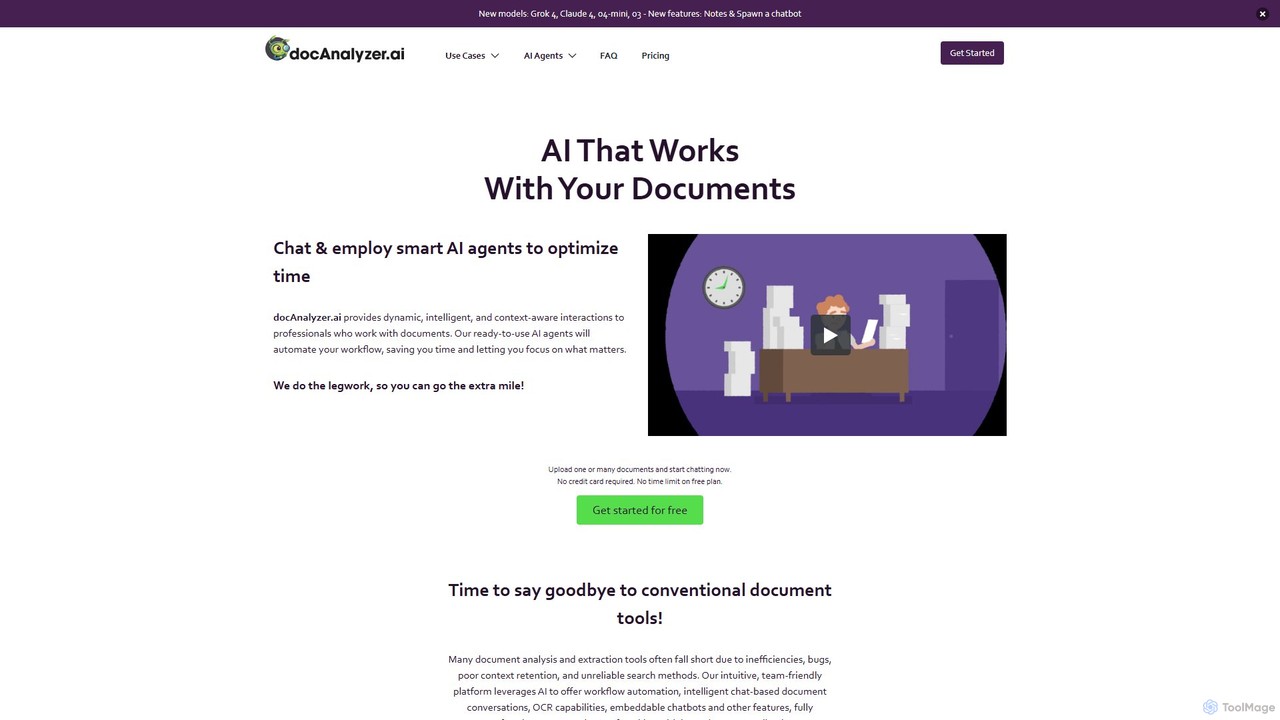
docanalyzer.ai
An advanced AI platform that enables dynamic conversations with your documents. Utilize intelligent agents to automate workflows, extract data, and gain insights from various file formats like PDF, DOCX, and more. It supports multiple top-tier AI models and offers features for individual and team collaboration.
Data Extractionpdf_talk Categories
pdf_talk Embed Widget
Copy this embed code to place the badge on your blog, article, or product site and send readers directly to this ToolMage detail page.

Related AI tools

pdfpilot.ai
pdfpilot.ai is an AI-powered assistant that transforms your PDF documents into interactive chatbots. Instantly get summaries, ask complex questions, and extract key information from research papers, reports, and contracts, saving you hours of reading time.
Data Analysis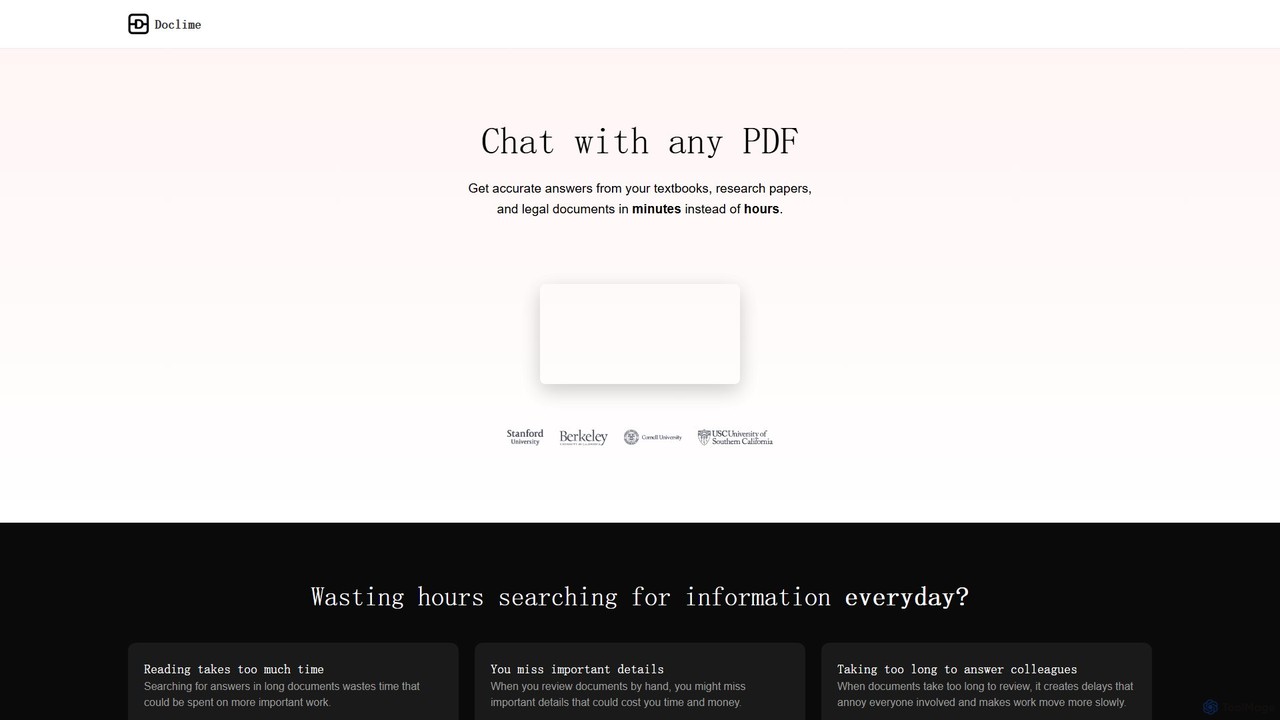
Doclime
Doclime is an AI-powered document assistant that lets you chat with your PDFs. Upload any document, ask questions in plain English, and get instant, accurate answers with citations. It's designed to help students, researchers, and professionals quickly extract information and insights from dense materials.
Study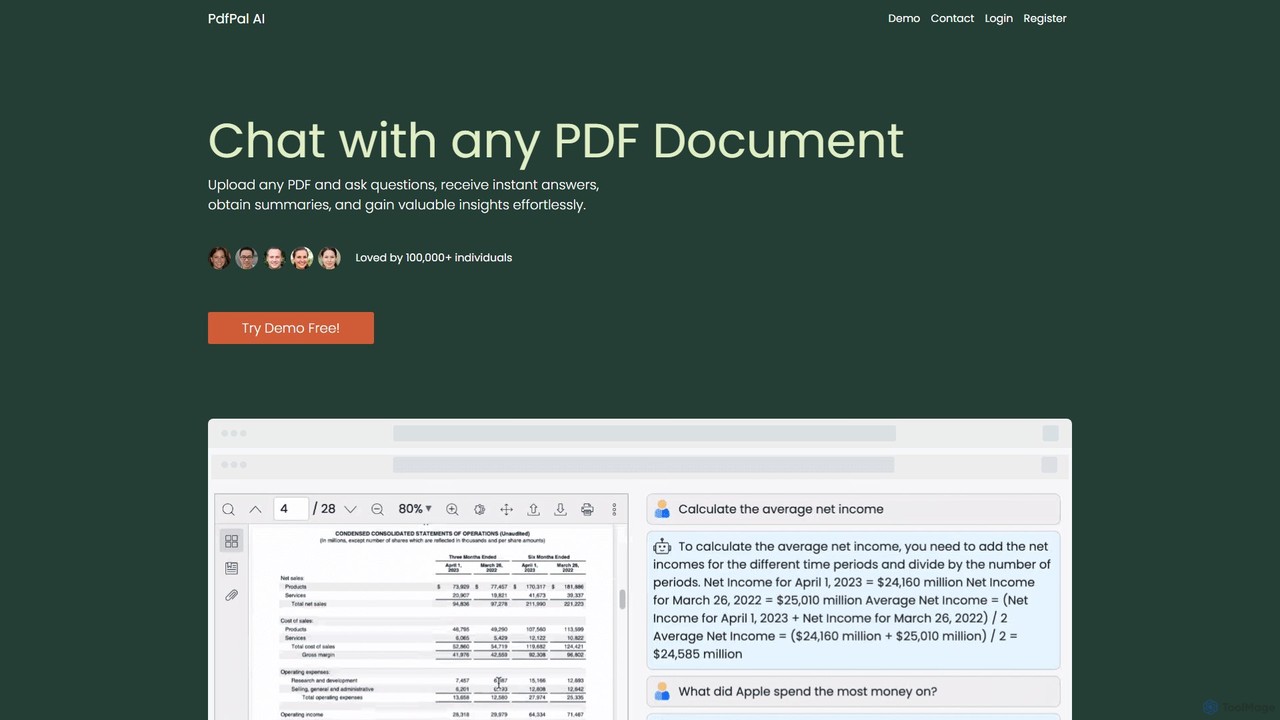
pdfpal
pdfpal is an AI-powered tool that lets you chat with any PDF document. Simply upload your file and ask questions in natural language to get instant summaries, find specific information, and gain deep insights without reading the entire document. It's designed to save time and boost productivity for students, researchers, and professionals by simplifying complex information.
Data Analysispdfai.io
pdfai.io is an AI-powered document assistant that lets you chat with your PDF files. Instantly summarize complex documents, ask questions, and extract key information effortlessly. It's designed to boost productivity for students, researchers, and professionals by turning static PDFs into interactive knowledge bases.
Data ExtractionClarifyPDF
ClarifyPDF is an AI-powered tool for interacting with your PDF documents. Simply upload one or more PDFs to summarize content, extract key information, and ask specific questions in any language. It supports large files and offers a shareable chat interface, making it ideal for students, researchers, and professionals to quickly understand complex documents without recurring subscription fees.
Data Extractionbunni
Bunni is an AI-powered tool that allows you to chat with your PDF documents. Simply upload a file to summarize its content, extract key information, and ask specific questions in any language. It supports large files, multiple document chats, and offers a flexible pay-as-you-go pricing model, making it ideal for researchers, students, and professionals who need to quickly analyze and understand dense documents.
Data Extraction
brainypdf
BrainyPDF is an AI-powered tool that transforms your static PDF documents into interactive sources of knowledge. Chat directly with your files, get instant summaries of lengthy reports, and extract crucial information effortlessly. It's the ultimate productivity booster for students, researchers, and professionals who need to process dense documents quickly and efficiently.
Data Extraction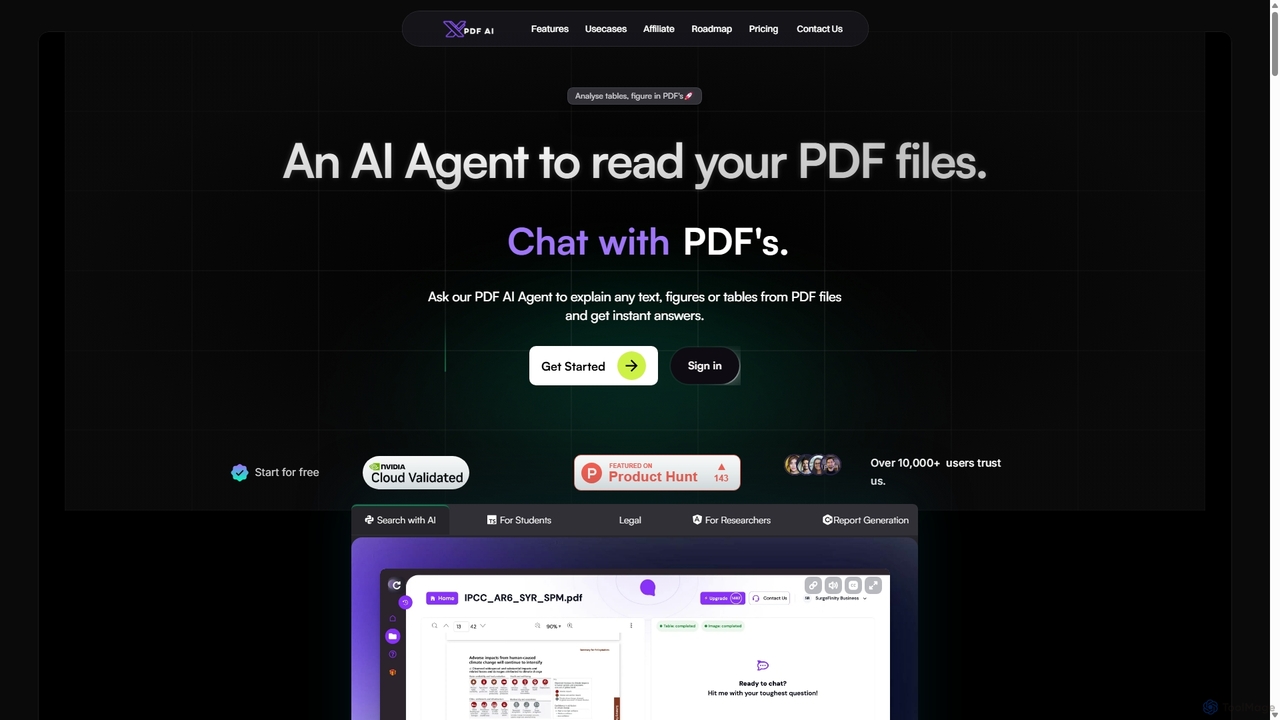
XPDF AI
xPDF AI is a personal AI assistant that transforms your interaction with PDF documents. Chat with any PDF, ask questions, and get instant answers from text, tables, and figures. It features multimodal analysis, an AI summarizer, report generation, and a voice-activated interface, making it an essential tool for students, researchers, and professionals to quickly extract insights and boost productivity.
Data Extraction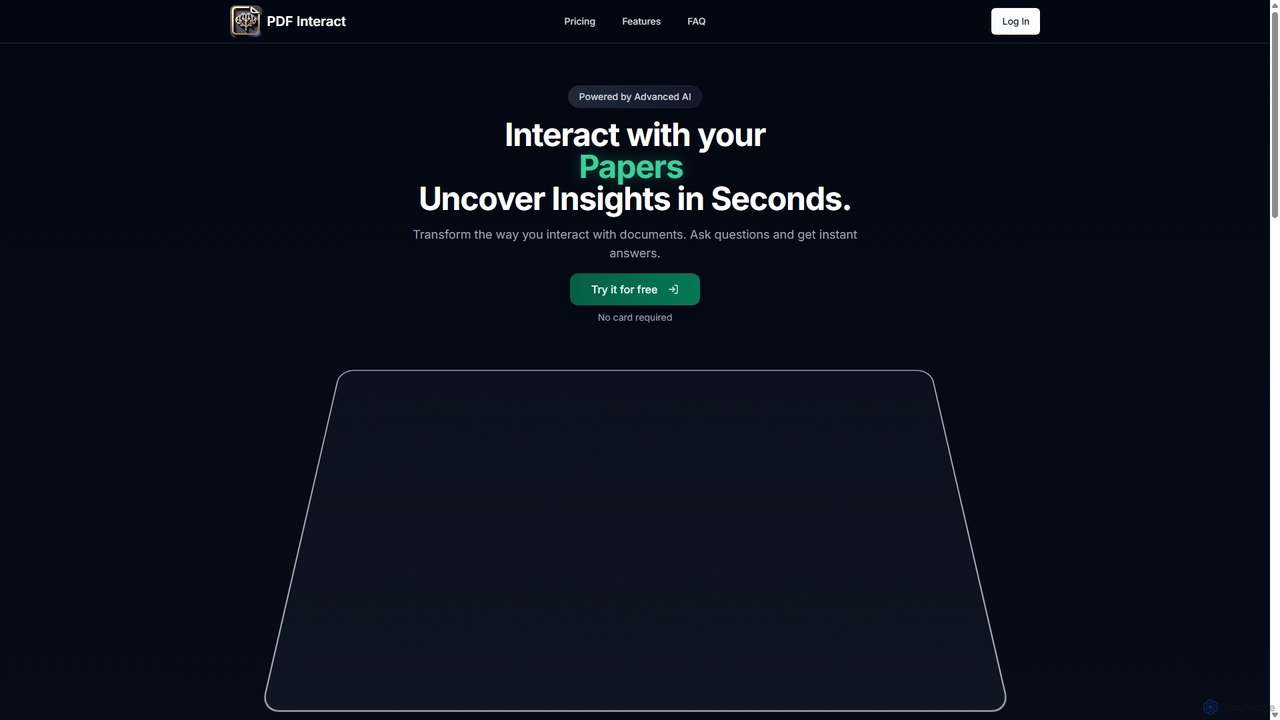
PDF Interact
PDF Interact is an AI-powered chat assistant that transforms how you engage with your documents. Simply upload a PDF and ask questions in natural language to get instant answers, summaries, and key insights. Ideal for students, researchers, and professionals looking to save time and analyze complex information efficiently.
Data AnalysisChatwithpdf
Chatwithpdf is an AI-powered tool that allows you to interact with your PDF documents conversationally. Simply upload a file and start asking questions, get summaries, and extract key information instantly. It's designed for students, researchers, and professionals to analyze documents faster and more efficiently.
Data Extraction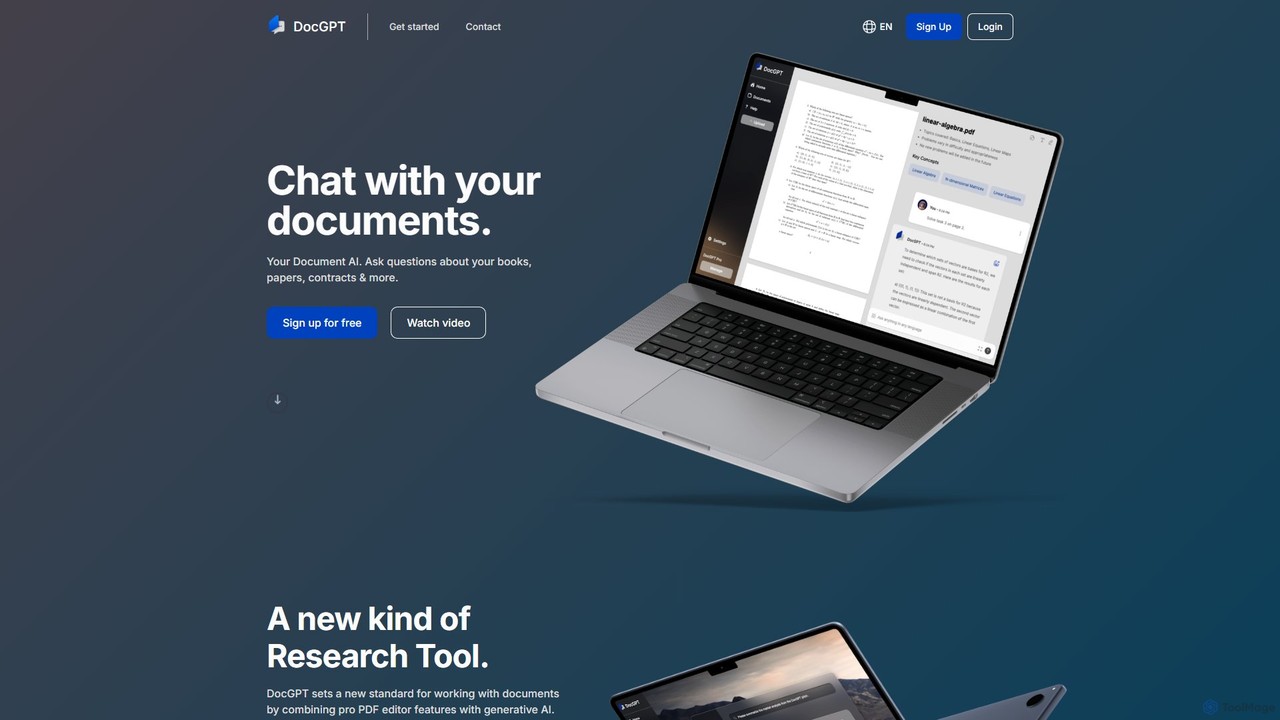
DocGPT
DocGPT is an AI-powered tool that allows you to chat directly with your documents. Simply upload files like PDFs, DOCX, or TXT, and ask questions in natural language to instantly extract information, get summaries, and find key insights. It's designed to boost productivity for students, researchers, and professionals by making document analysis fast and intuitive.
Study Aid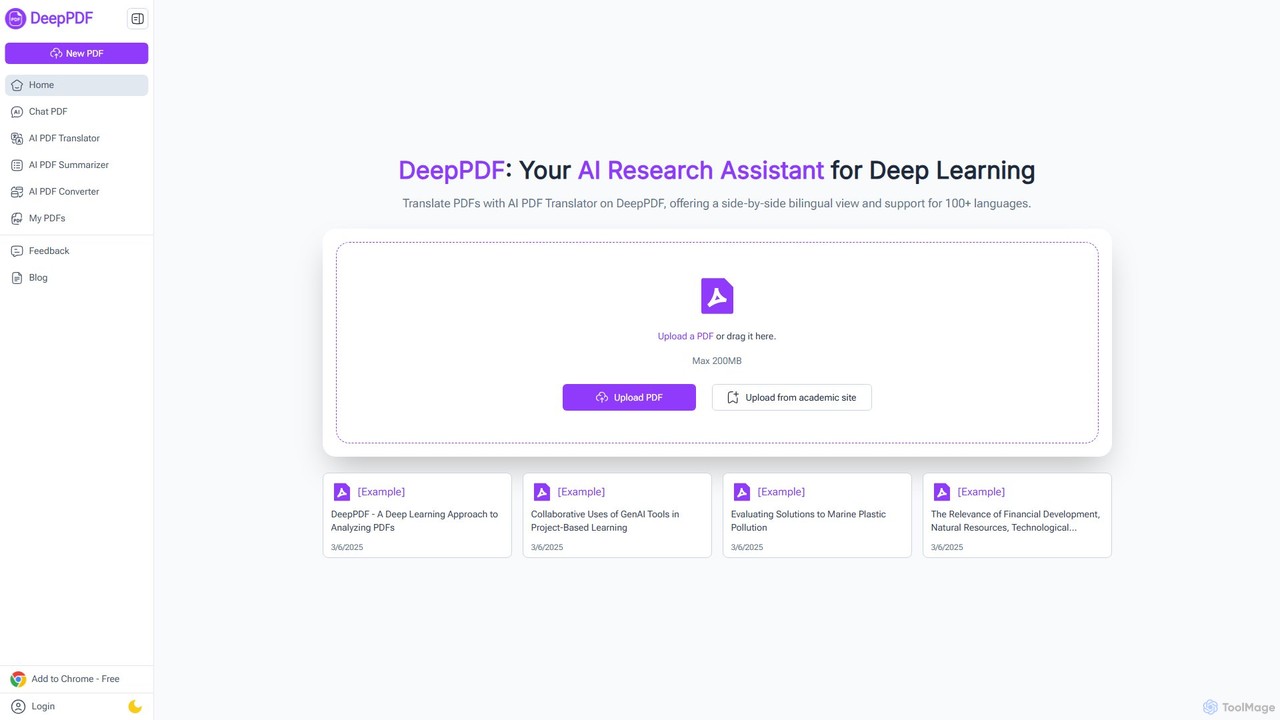
DeepPDF
DeepPDF is an AI-powered research assistant for deep interaction with PDF documents. It allows users to chat with their PDFs, get instant summaries, translate content into over 100 languages with a side-by-side view, and convert files. Featuring OCR, image analysis, and academic search integration, it's designed to enhance productivity for students, researchers, and professionals by making complex documents easy to understand and manage.
Document Management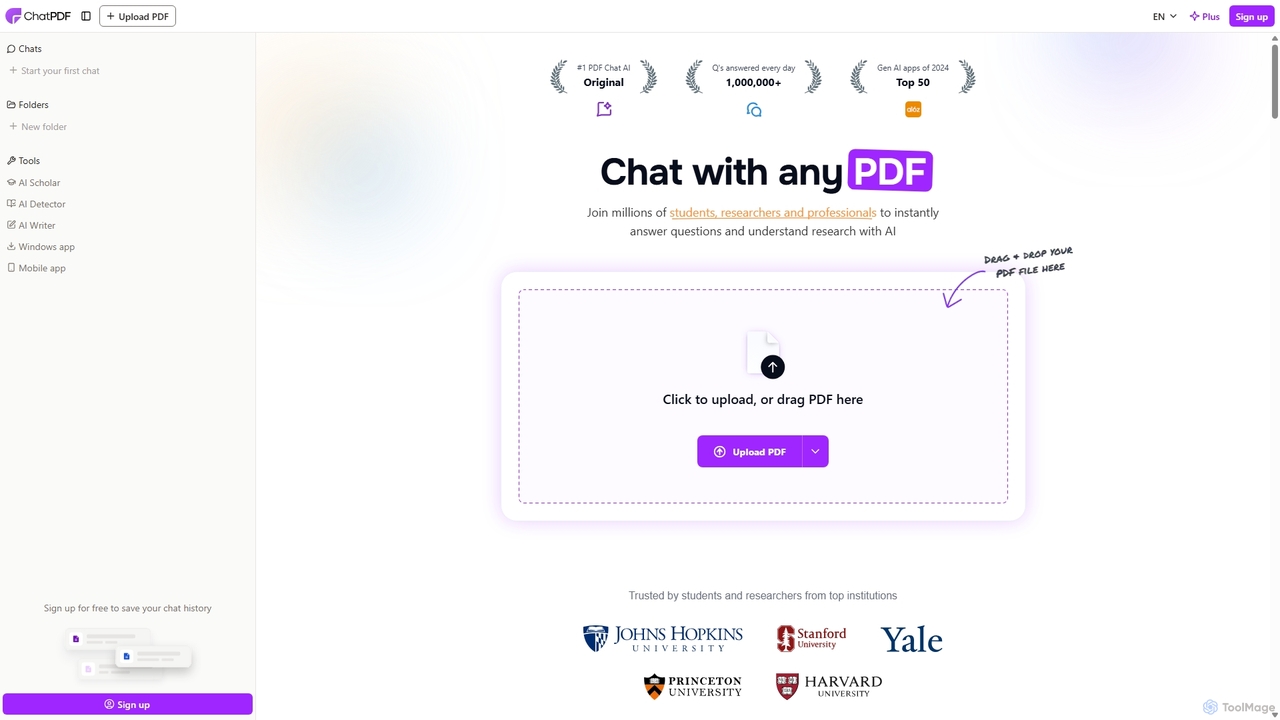
ChatPDF
ChatPDF is an AI-powered platform that allows you to interact with your documents as if you were having a conversation. Simply upload a PDF, and the AI will help you summarize content, answer specific questions, and extract key information in seconds. It's designed for students, researchers, and professionals to enhance productivity and understanding.
Research
AskYourPDF
AskYourPDF is an AI-powered document assistant that allows you to chat with your PDFs and other documents. Instantly get summaries, ask questions, and extract key information to save time and boost productivity. It supports multiple platforms and includes a suite of over 40 free AI writing and content creation tools.
Research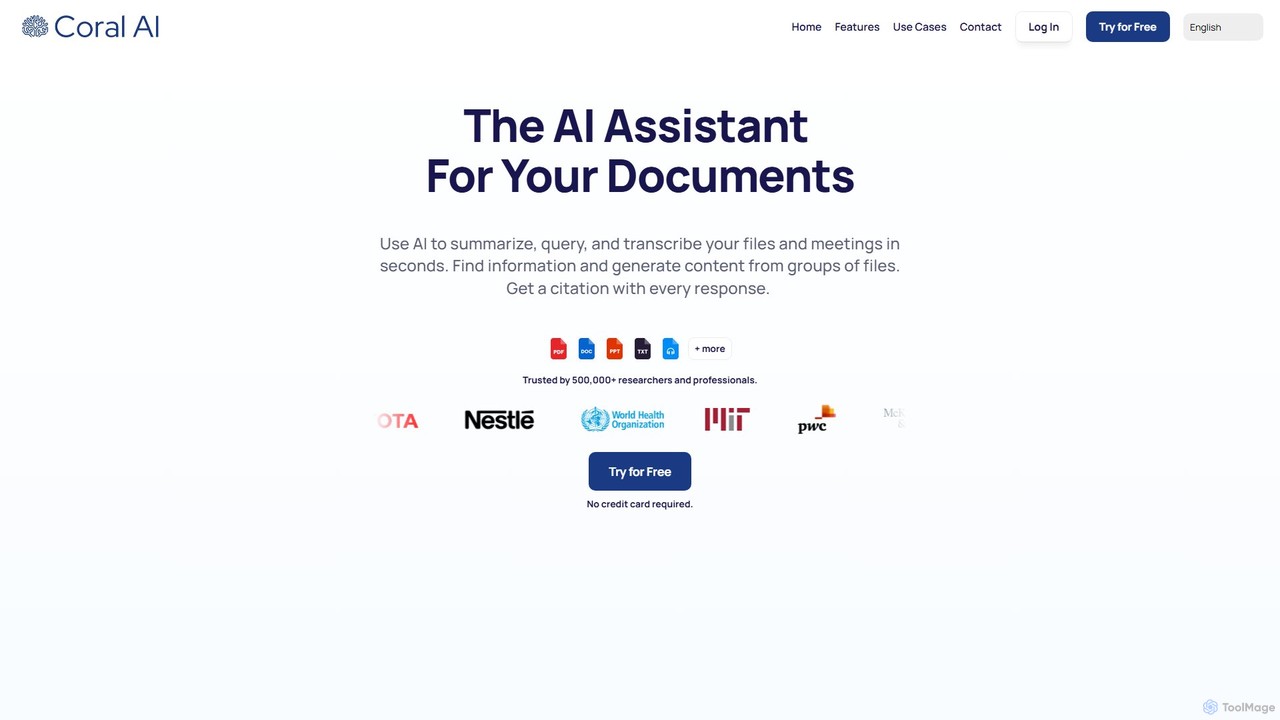
Coral AI
Coral AI is an intelligent assistant that transforms your documents, audio, and video files into interactive resources. Upload your files to summarize content, ask specific questions, extract key information, and transcribe media in seconds. It provides precise, citable answers, making it an essential tool for students, researchers, and professionals to enhance productivity and understanding.
Transcription
pdf_talk Comments (0)
Sign in to comment.
Sign inNo comments yet.