
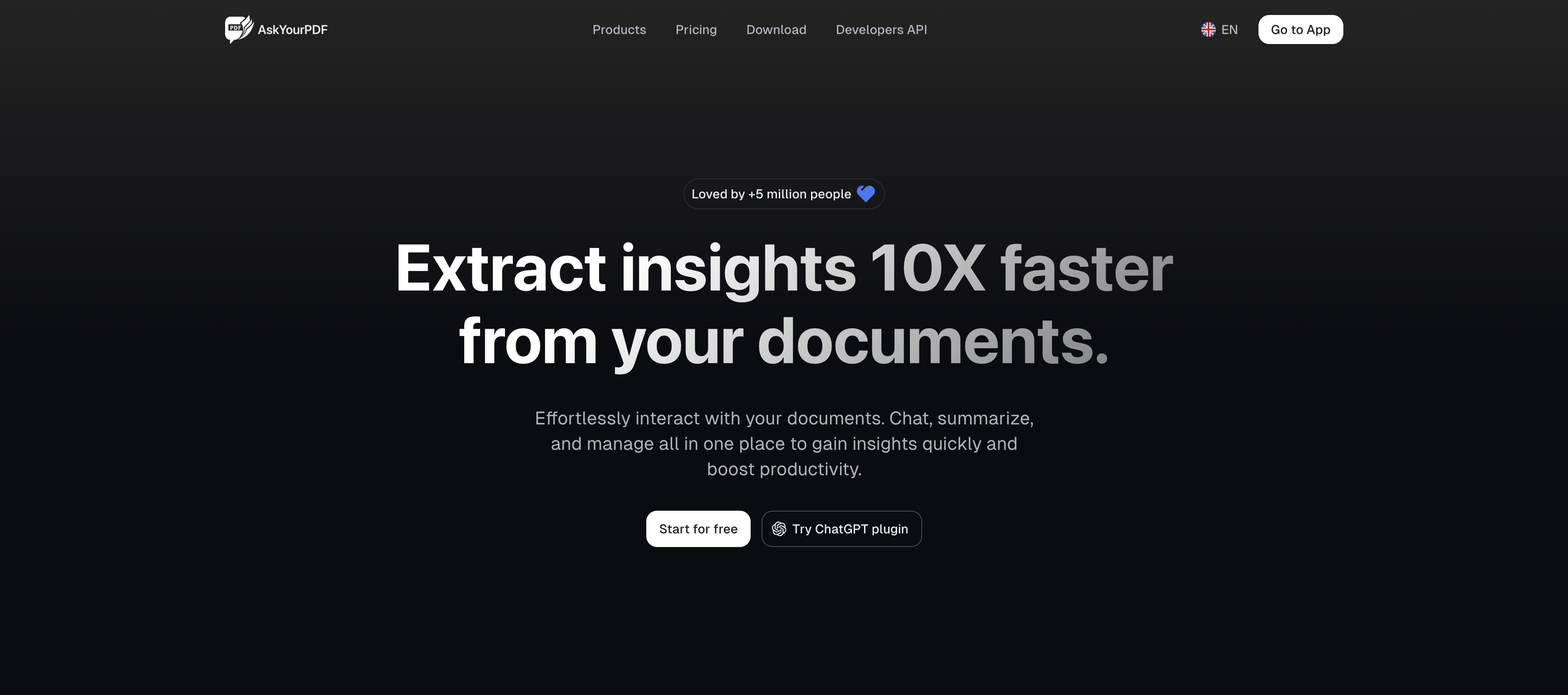

AskYourPDF Overview
AskYourPDF is an intelligent document interaction platform designed to revolutionize how users engage with their files. Trusted by over 5 million users, it acts as a powerful search engine for your documents, allowing you to extract insights 10 times faster. By uploading a PDF, TXT, or other document types, you can start a conversation with it, asking complex questions, requesting summaries, or extracting specific data points in seconds. This eliminates the need for tedious manual reading and searching, making it an indispensable tool for students, researchers, and professionals.
Beyond its core chat functionality, AskYourPDF offers a comprehensive ecosystem of tools. It provides a centralized and organized library to manage all your documents, preventing clutter and improving workflow efficiency. The platform also features a vast collection of over 40 free AI-powered tools, including a Literature Review Writer, AI Essay Maker, Paraphrasing Tool, and various content generators for stories, poems, and social media captions. This makes AskYourPDF not just a document reader, but a complete productivity and creativity suite.
How to use AskYourPDF
Using AskYourPDF is simple and intuitive. Follow these steps to get started:
- Upload Your Document: Go to the AskYourPDF website and upload your file. You can upload PDFs, text files, and other supported formats. You can also interact with multiple documents at once.
- Start Chatting: Once uploaded, an interactive chat interface will appear. Type your questions in natural language, such as "Summarize the main arguments on page 5" or "What are the key terms of this contract?"
- Get Instant Insights: The AI will analyze the document and provide immediate, accurate answers, summaries, or extracted information, complete with source references from the document.
- Use Integrations: For enhanced productivity, install the Chrome Extension to interact with PDFs directly in your browser, connect it with Zotero for academic research, or use the ChatGPT plugin. Mobile apps for iOS and Android are also available for on-the-go access.
- Explore Free Tools: Navigate to the 'Tools' section to access over 40 free AI utilities for writing, editing, and content creation to support your various tasks.
Core Features of AskYourPDF
- Interactive Document Chat: Engage in natural language conversations with your documents to find information quickly.
- AI-Powered Summarization: Generate clear and concise summaries of lengthy documents instantly.
- Multi-Document Analysis: Upload and chat with multiple documents simultaneously to synthesize information from various sources.
- Organized Document Library: A centralized space to store, manage, and easily access all your documents.
- Cross-Platform Accessibility: Use AskYourPDF on the web, as a mobile app (iOS/Android), a Chrome Extension, or via integrations with Zotero and ChatGPT.
- Extensive Suite of Free AI Tools: Access over 40 tools for writing, content generation, text analysis, and PDF management (e.g., AI Essay Maker, Paraphrasing Tool, PDF Splitter, OCR).
- Developer API: An API is available for developers to integrate AskYourPDF's capabilities into their own applications.
- High Security Standards: GDPR-compliant, ensuring your data is handled with the highest level of security and privacy.
Use Cases for AskYourPDF
AskYourPDF is versatile and beneficial for a wide range of users:
- Students and Academics: Quickly review literature, summarize research papers, generate thesis statements, and find citations, streamlining the study and research process.
- Legal Professionals: Analyze contracts, legal briefs, and case files to extract key clauses, identify risks, and find precedents without hours of reading.
- Business Professionals: Digest long reports, financial statements, and business proposals to make informed decisions faster.
- Content Creators and Marketers: Utilize the suite of AI tools to generate blog post ideas, write essays, create social media captions, and rephrase content for different platforms.
- General Users: Understand complex user manuals, summarize e-books, or even extract information from trivia books for fun activities.
Advantages of AskYourPDF
The primary advantage of AskYourPDF is its ability to dramatically save time and increase efficiency. It transforms static documents into interactive sources of knowledge. Its high accuracy, intuitive interface, and seamless cross-platform integrations make it a superior choice for document analysis. The inclusion of a comprehensive suite of free AI writing and editing tools provides immense added value, making it a one-stop solution for both information retrieval and content creation.
Pricing and Plans
AskYourPDF operates on a freemium model. It offers a generous Free Plan that allows users to experience the core functionalities, including a limited number of document uploads and interactions. For users with more demanding needs, there are Paid/Pro Plans that provide access to more advanced AI models, unlimited document uploads, unlimited summaries, higher file size limits, multi-document chat, and priority support. This flexible pricing structure makes the tool accessible to everyone, from casual users to power users in academic and professional fields.
Traffic
Latest traffic
Status
Monthly traffic trend
- 2026-1: 327.9K
- 2026-2: 247.6K
- 2026-3: 211.8K
- 2026-4: 250.9K
- 2026-5: 225.8K
Geography
Top 5 countries / regions
- 🇺🇸United States35.1%
- 🇮🇳India30.0%
- 🇵🇭Philippines13.9%
- 🇧🇷Brazil11.9%
- 🇨🇴Colombia9.1%
Traffic sources
| Source type | Percentage |
|---|---|
Direct | 92.1% |
Referral | 7.2% |
Email | 0.7% |
Top keywords
| Keyword | Cost per click |
|---|---|
| ai humanizer | $0.72 |
| ask pdf | $0.12 |
| ask your pdf | $0.12 |
| askyourpdf | $0.89 |
| humanize ai | $0.36 |
AskYourPDF Videos on YouTube

Quick Research Reviews (QRR)

Quick Research Reviews (QRR)

Quick Research Reviews (QRR)

Quick Research Reviews (QRR)
Quick Research Reviews (QRR)

Quick Research Reviews (QRR)
Quick Research Reviews (QRR)

Quick Research Reviews (QRR)
AskYourPDF Alternatives

PDF Interact
PDF Interact is an AI-powered chat assistant that transforms how you engage with your documents. Simply upload a PDF and ask questions in natural language to get instant answers, summaries, and key insights. Ideal for students, researchers, and professionals looking to save time and analyze complex information efficiently.
Data Analysis
UPDF AI
UPDF AI is a powerful AI assistant integrated into the UPDF editor, designed to revolutionize how you interact with PDF documents. It allows you to chat with your PDFs, get instant summaries, translate entire documents or selected text, explain complex data, and even convert dense content into visual mind maps. Available on Windows, macOS, iOS, Android, and the web, it streamlines workflows for students, researchers, and professionals by making document comprehension and analysis faster and more efficient.
Research
PDFGPT.IO
PDFGPT.IO is an advanced AI platform that allows you to chat with your PDF documents. Instantly get summaries, ask complex questions, and extract key information from research papers, textbooks, and reports. It supports multiple documents, image and table interpretation, and offers a full suite of PDF management tools, powered by models like GPT-4o and Claude, to revolutionize your document workflow.
Document Management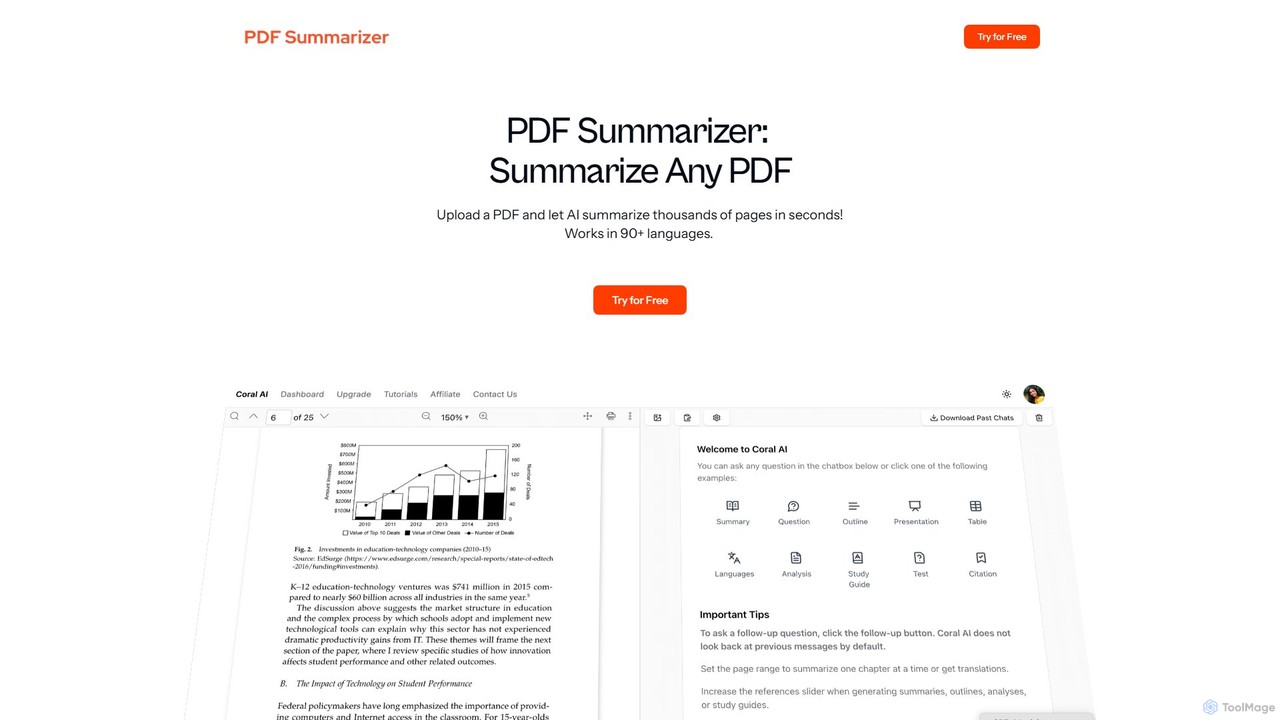
pdfsummarizer
A free, secure AI tool that instantly summarizes PDF documents. Chat with your files, ask questions, get key insights, and translate content in multiple languages. No installation or registration required, works on any device.
Research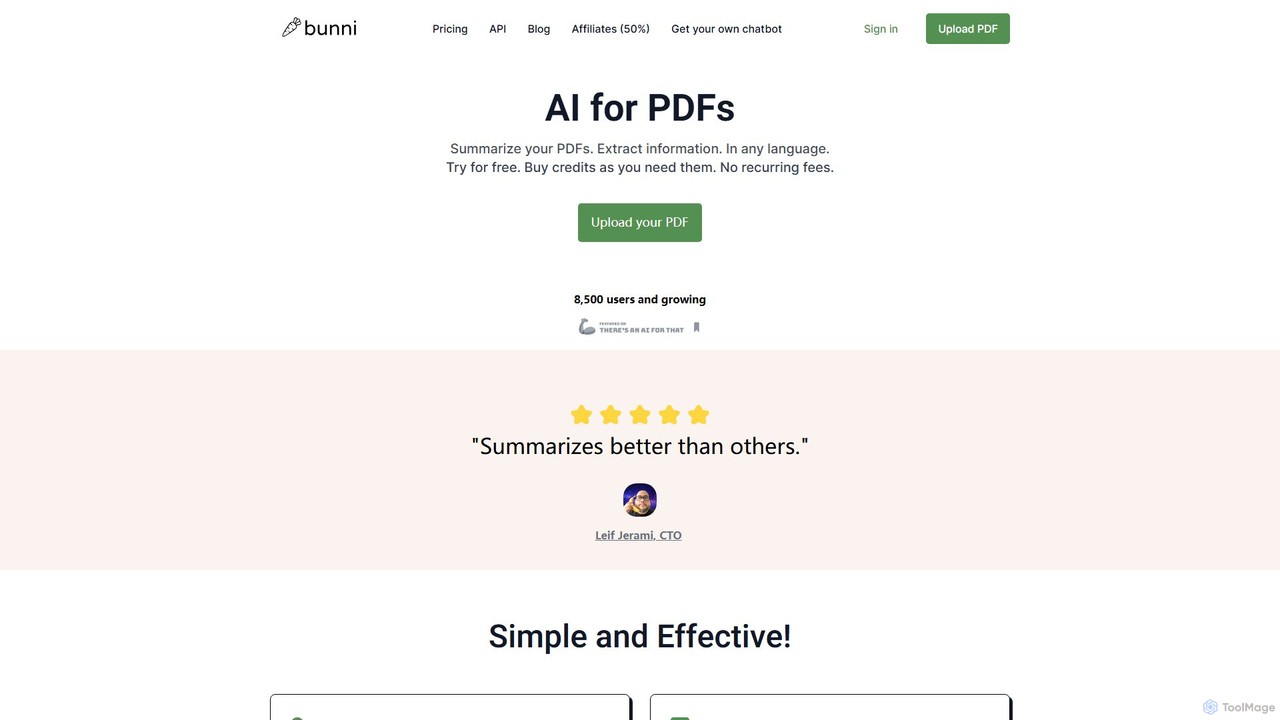
ClarifyPDF
ClarifyPDF is an AI-powered tool for interacting with your PDF documents. Simply upload one or more PDFs to summarize content, extract key information, and ask specific questions in any language. It supports large files and offers a shareable chat interface, making it ideal for students, researchers, and professionals to quickly understand complex documents without recurring subscription fees.
Data ExtractionAskYourPDF Categories
AskYourPDF Embed Widget
Copy this embed code to place the badge on your blog, article, or product site and send readers directly to this ToolMage detail page.

Related AI tools
ClarifyPDF
ClarifyPDF is an AI-powered tool for interacting with your PDF documents. Simply upload one or more PDFs to summarize content, extract key information, and ask specific questions in any language. It supports large files and offers a shareable chat interface, making it ideal for students, researchers, and professionals to quickly understand complex documents without recurring subscription fees.
Data Extraction
pdfpilot.ai
pdfpilot.ai is an AI-powered assistant that transforms your PDF documents into interactive chatbots. Instantly get summaries, ask complex questions, and extract key information from research papers, reports, and contracts, saving you hours of reading time.
Data Analysis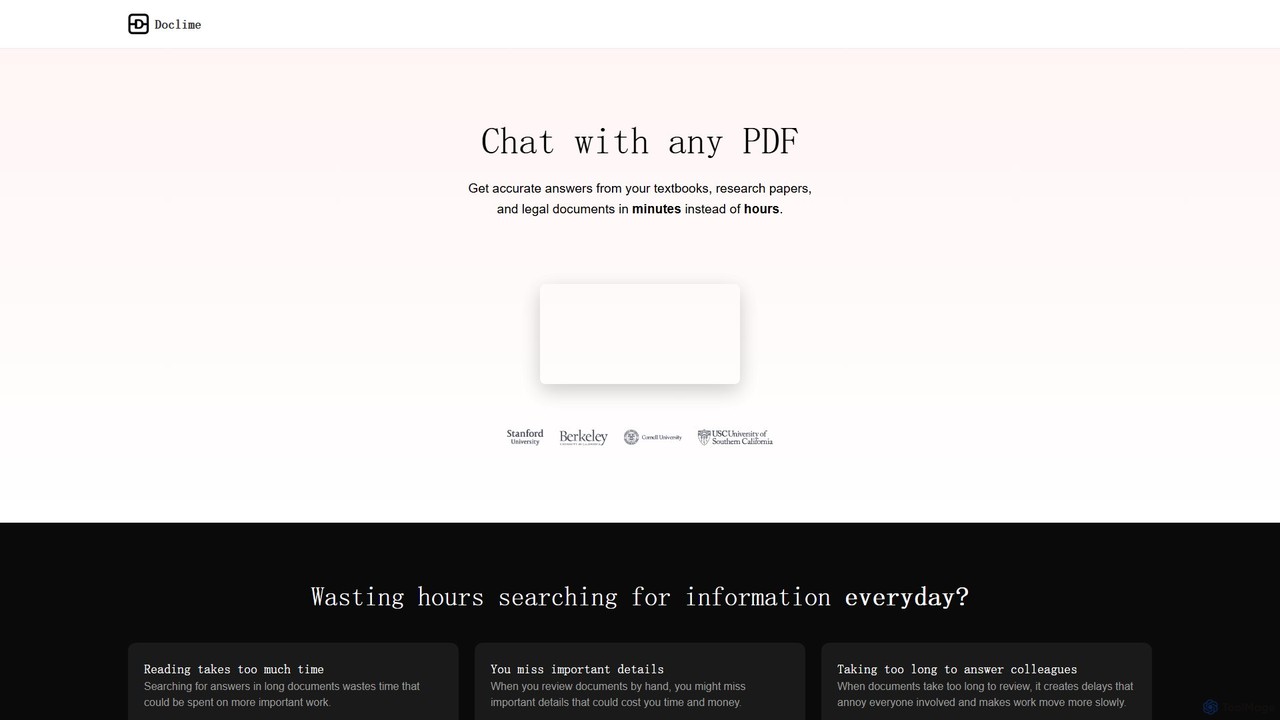
Doclime
Doclime is an AI-powered document assistant that lets you chat with your PDFs. Upload any document, ask questions in plain English, and get instant, accurate answers with citations. It's designed to help students, researchers, and professionals quickly extract information and insights from dense materials.
StudyPDF Interact
PDF Interact is an AI-powered chat assistant that transforms how you engage with your documents. Simply upload a PDF and ask questions in natural language to get instant answers, summaries, and key insights. Ideal for students, researchers, and professionals looking to save time and analyze complex information efficiently.
Data Analysis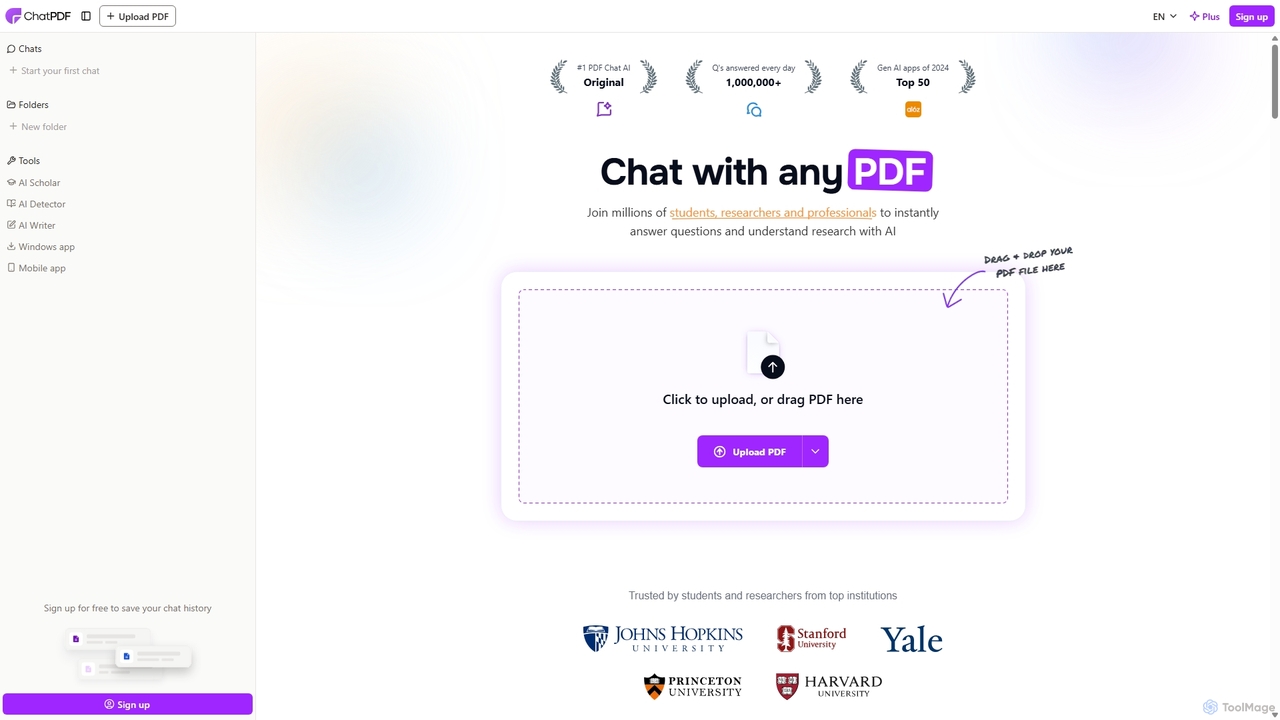
ChatPDF
ChatPDF is an AI-powered platform that allows you to interact with your documents as if you were having a conversation. Simply upload a PDF, and the AI will help you summarize content, answer specific questions, and extract key information in seconds. It's designed for students, researchers, and professionals to enhance productivity and understanding.
Research
pdfai.io
pdfai.io is an AI-powered document assistant that lets you chat with your PDF files. Instantly summarize complex documents, ask questions, and extract key information effortlessly. It's designed to boost productivity for students, researchers, and professionals by turning static PDFs into interactive knowledge bases.
Data Extraction
Chatwithpdf
Chatwithpdf is an AI-powered tool that allows you to interact with your PDF documents conversationally. Simply upload a file and start asking questions, get summaries, and extract key information instantly. It's designed for students, researchers, and professionals to analyze documents faster and more efficiently.
Data Extraction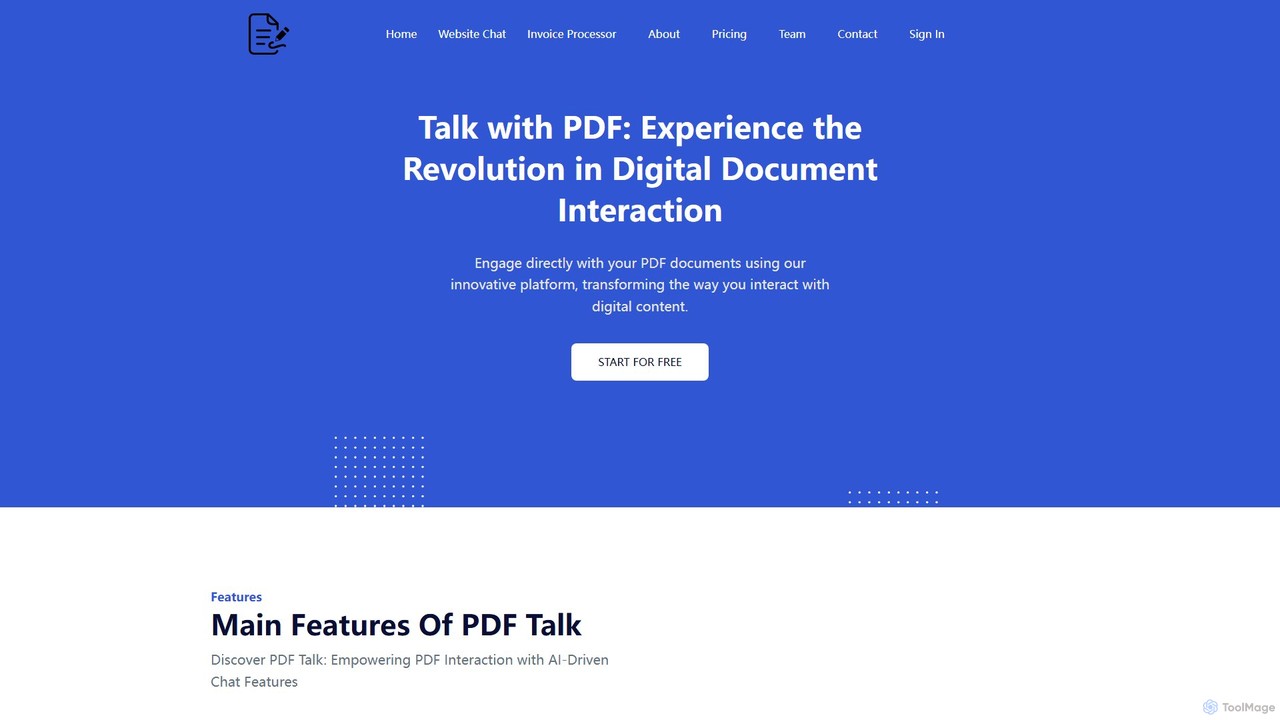
pdf_talk
pdf_talk is an AI-powered platform that revolutionizes how you interact with documents. Simply upload your PDF files and start a conversation. Ask questions, request summaries, and extract key information instantly. It supports querying across multiple documents, making it ideal for students, researchers, and professionals.
Data Extraction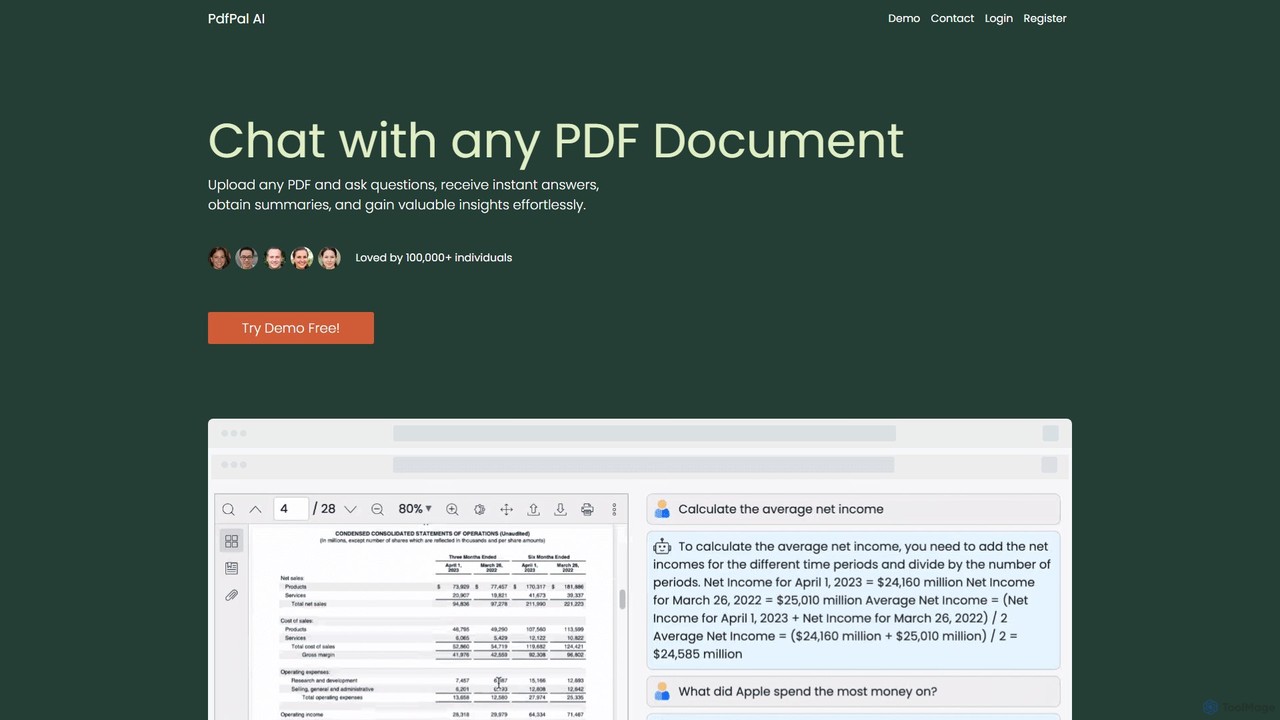
pdfpal
pdfpal is an AI-powered tool that lets you chat with any PDF document. Simply upload your file and ask questions in natural language to get instant summaries, find specific information, and gain deep insights without reading the entire document. It's designed to save time and boost productivity for students, researchers, and professionals by simplifying complex information.
Data Analysis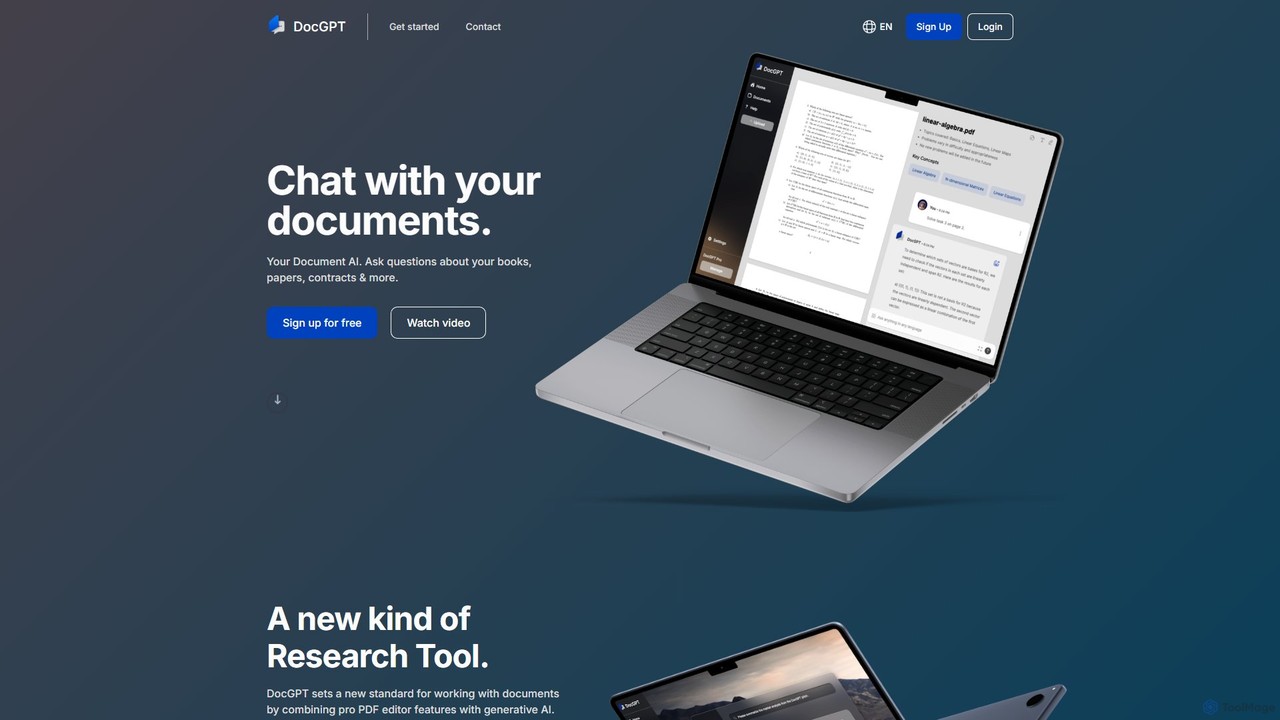
DocGPT
DocGPT is an AI-powered tool that allows you to chat directly with your documents. Simply upload files like PDFs, DOCX, or TXT, and ask questions in natural language to instantly extract information, get summaries, and find key insights. It's designed to boost productivity for students, researchers, and professionals by making document analysis fast and intuitive.
Study Aid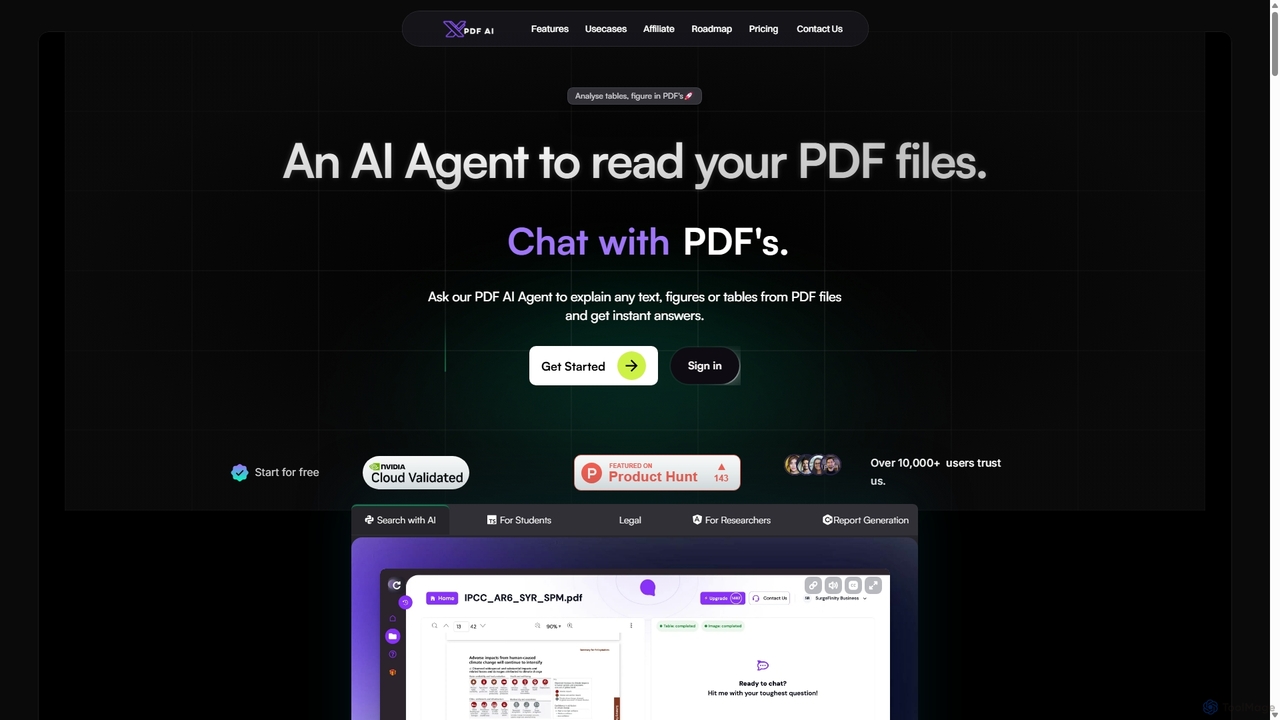
XPDF AI
xPDF AI is a personal AI assistant that transforms your interaction with PDF documents. Chat with any PDF, ask questions, and get instant answers from text, tables, and figures. It features multimodal analysis, an AI summarizer, report generation, and a voice-activated interface, making it an essential tool for students, researchers, and professionals to quickly extract insights and boost productivity.
Data Extraction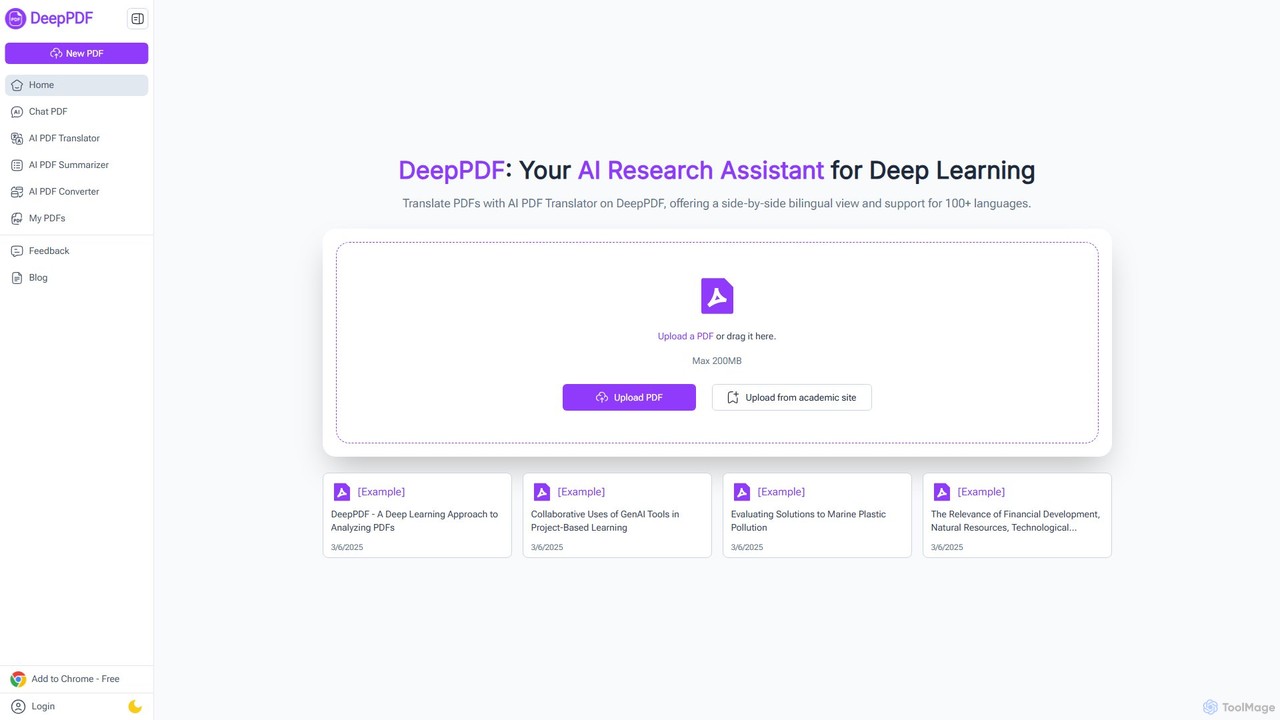
DeepPDF
DeepPDF is an AI-powered research assistant for deep interaction with PDF documents. It allows users to chat with their PDFs, get instant summaries, translate content into over 100 languages with a side-by-side view, and convert files. Featuring OCR, image analysis, and academic search integration, it's designed to enhance productivity for students, researchers, and professionals by making complex documents easy to understand and manage.
Document Management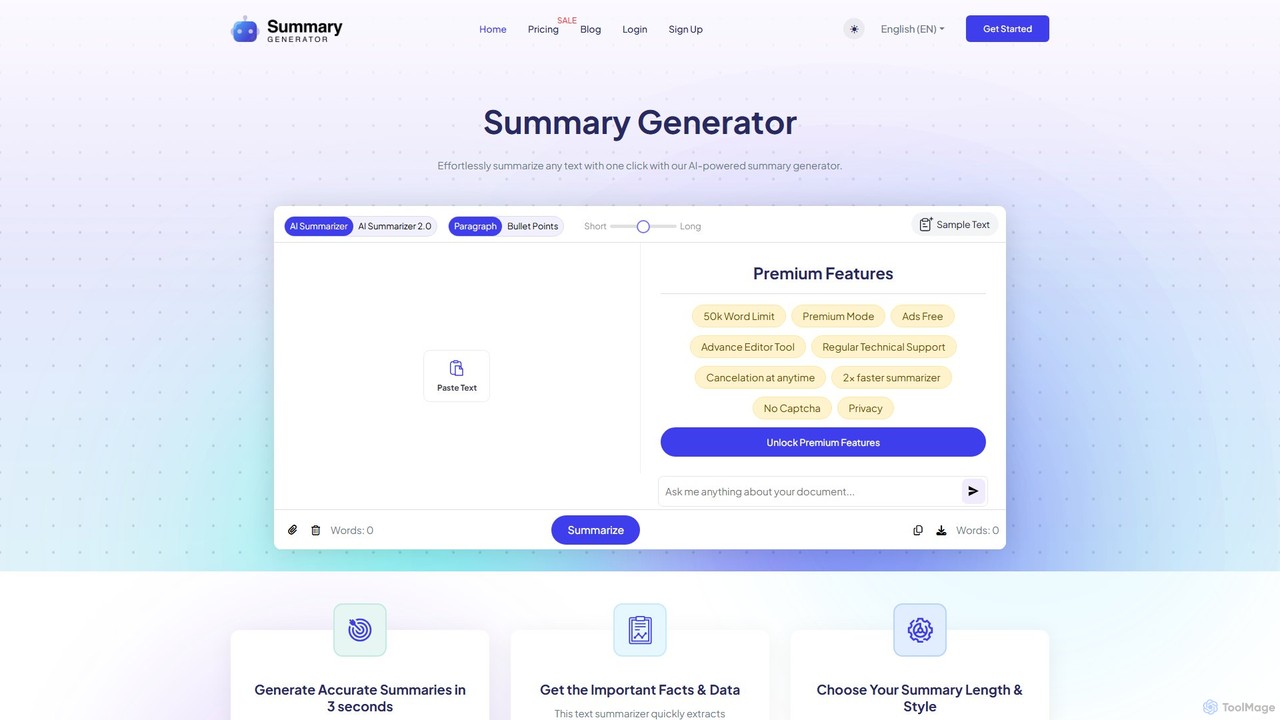
SummaryGenerator.io
An AI-powered tool that condenses long texts, articles, and documents into concise summaries in seconds. Customize summary length and format (paragraph or bullet points) to quickly extract key information and improve comprehension. Supports text input and file uploads (PDF, DOC).
Document Management
Pdfai
Pdfai is an AI-powered document assistant that allows you to chat with your PDF files. Instantly get summaries, ask complex questions, and extract key information from research papers, reports, and contracts. Boost your productivity and unlock insights from your documents in seconds.
Data Analysis
bunni
Bunni is an AI-powered tool that allows you to chat with your PDF documents. Simply upload a file to summarize its content, extract key information, and ask specific questions in any language. It supports large files, multiple document chats, and offers a flexible pay-as-you-go pricing model, making it ideal for researchers, students, and professionals who need to quickly analyze and understand dense documents.
Data Extraction
AskYourPDF Comments (0)
Sign in to comment.
Sign inNo comments yet.