

ChatPDF Overview
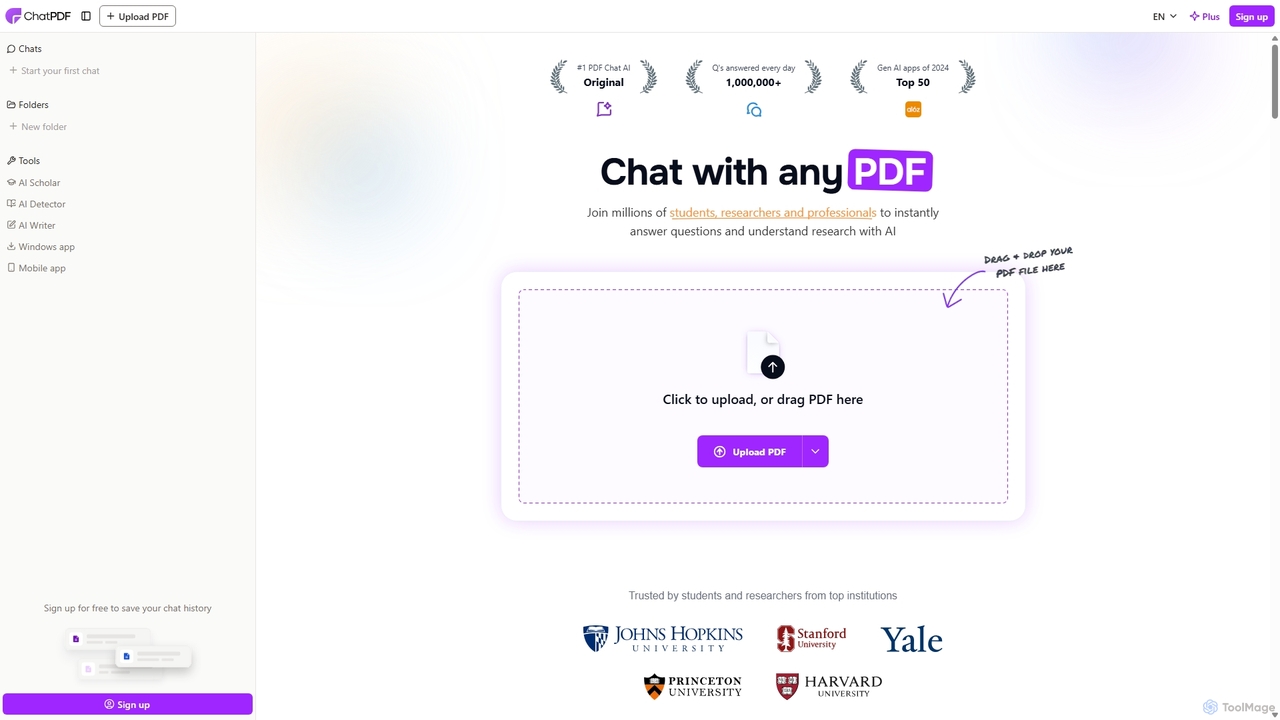
ChatPDF revolutionizes the way we interact with documents by transforming any PDF into an interactive conversational partner. Powered by advanced AI, this tool allows users to 'talk' to their documents, making the process of information retrieval and comprehension faster and more intuitive than ever before. Whether you're a student tackling dense textbooks, a researcher analyzing complex academic papers, or a professional reviewing lengthy reports and contracts, ChatPDF serves as your personal document assistant, providing instant summaries, precise answers, and key insights without the need to manually scan through pages.
The platform is built with user-friendliness in mind, offering a clean, side-by-side interface where you can view your document and the chat simultaneously. This design, combined with clickable citations that take you directly to the source within the PDF, ensures that all AI-generated responses are transparent and verifiable. ChatPDF supports a wide range of document types beyond PDF, including Word, PowerPoint, and text files, making it a versatile hub for all your document analysis needs.
How to use ChatPDF
Using ChatPDF is incredibly straightforward and requires no technical expertise. Follow these simple steps to get started:
- Upload Your Document: Go to the ChatPDF website and upload your file. You can either drag and drop the document directly onto the page or click to select a file from your device. The platform supports various formats, including PDF, DOCX, PPTX, TXT, and MD.
- Start Asking Questions: Once the document is processed, a chat interface will appear next to your document viewer. You can start asking questions immediately. For example, you can ask for a summary of the entire document, inquire about specific data points, or ask for explanations of complex concepts.
- Receive Instant Answers: The AI analyzes your document in real-time and provides concise, relevant answers to your questions.
- Verify with Citations: Each answer is accompanied by references to the specific pages in the document where the information was found. You can click on these citations to navigate directly to the source, making it easy to verify accuracy.
- Manage and Organize: For users with an account, you can create folders to organize your documents and even chat with multiple files at once, allowing you to synthesize information across different sources in a single conversation.
Core Features of ChatPDF
- Conversational AI Chat: Engage in a natural language conversation with your documents to find information quickly.
- Summarization & Question Answering: Instantly generate summaries of entire documents or specific sections, and get direct answers to your questions.
- Cited Sources: All AI responses are linked back to the original text in the PDF, ensuring transparency and allowing for easy fact-checking.
- Multi-File Chat: Organize multiple documents into a folder and chat with them simultaneously to compare and synthesize information across sources.
- Multilingual Support: Upload documents in any language and ask questions in another. The AI is fully multilingual, breaking down language barriers in research and analysis.
- Broad Document Compatibility: Supports not only PDFs but also Word (.doc, .docx), PowerPoint (.ppt, .pptx), Markdown (.md), and Text (.txt) files.
- High-Level Security: Documents are stored in a secure, encrypted cloud environment (SOC2 Type II certified), and users have full control to delete their files at any time.
- Cross-Device Accessibility: As a web-based tool, ChatPDF works on any device with a browser, including desktops, tablets, and smartphones.
Use Cases for ChatPDF
ChatPDF is a versatile tool that caters to a wide range of users:
- For Students: Quickly understand dense textbooks, prepare for exams by asking targeted questions, and get help with homework and multiple-choice questions.
- For Researchers: Accelerate literature reviews by summarizing academic papers and scientific articles. Efficiently extract data, methodologies, and conclusions from multiple sources.
- For Professionals: Analyze legal contracts, financial reports, business proposals, and training manuals. Quickly grasp the key points of a document to make informed decisions.
Advantages of ChatPDF
Compared to traditional document reading and general AI chatbots, ChatPDF offers distinct advantages:
- Efficiency: Saves hours of reading time by providing instant access to the information you need.
- Accuracy and Trust: The built-in citation feature anchors responses in the source material, making it more reliable than general AI models that can hallucinate information.
- Context-Specific: The AI's knowledge is strictly limited to the content of the uploaded documents, ensuring relevant and focused answers.
- User-Friendly Interface: The side-by-side view of the document and chat is intuitive and designed specifically for document analysis.
- Accessibility: The free plan makes powerful AI analysis accessible to everyone, with no sign-up required to get started.
Pricing and Plans
ChatPDF operates on a freemium model, providing both a free and a paid plan to suit different user needs.
- Free Plan: Ideal for casual users, this plan allows you to analyze up to 2 documents per day (up to 120 pages each) and ask a limited number of questions. It's a great way to experience the core features without any commitment.
- Plus Plan: Aimed at power users like students, researchers, and professionals, the Plus plan offers unlimited document uploads, unlimited questions, larger file size limits, and advanced features like multi-file chats. For the most current pricing, please visit the official ChatPDF website.
Traffic
Latest traffic
Status
Monthly traffic trend
- 2025-9: 2.6M
- 2026-1: 1.7M
- 2026-2: 1.6M
- 2026-3: 1.8M
- 2026-4: 1.9M
- 2026-5: 1.8M
Geography
Top 5 countries / regions
- 🇨🇴Colombia22.2%
- 🇧🇷Brazil22.0%
- 🇵🇪Peru21.7%
- 🇺🇸United States17.1%
- 🇮🇩Indonesia17.0%
Traffic sources
| Source type | Percentage |
|---|---|
Direct | 86.1% |
Referral | 12.1% |
Email | 1.9% |
Top keywords
| Keyword | Cost per click |
|---|---|
| chat pdf | $0.20 |
| chatpdf | $0.21 |
| chatpdf ai | $0.07 |
| chat with pdf | $0.11 |
| pdf ai | $0.67 |
ChatPDF Videos on YouTube

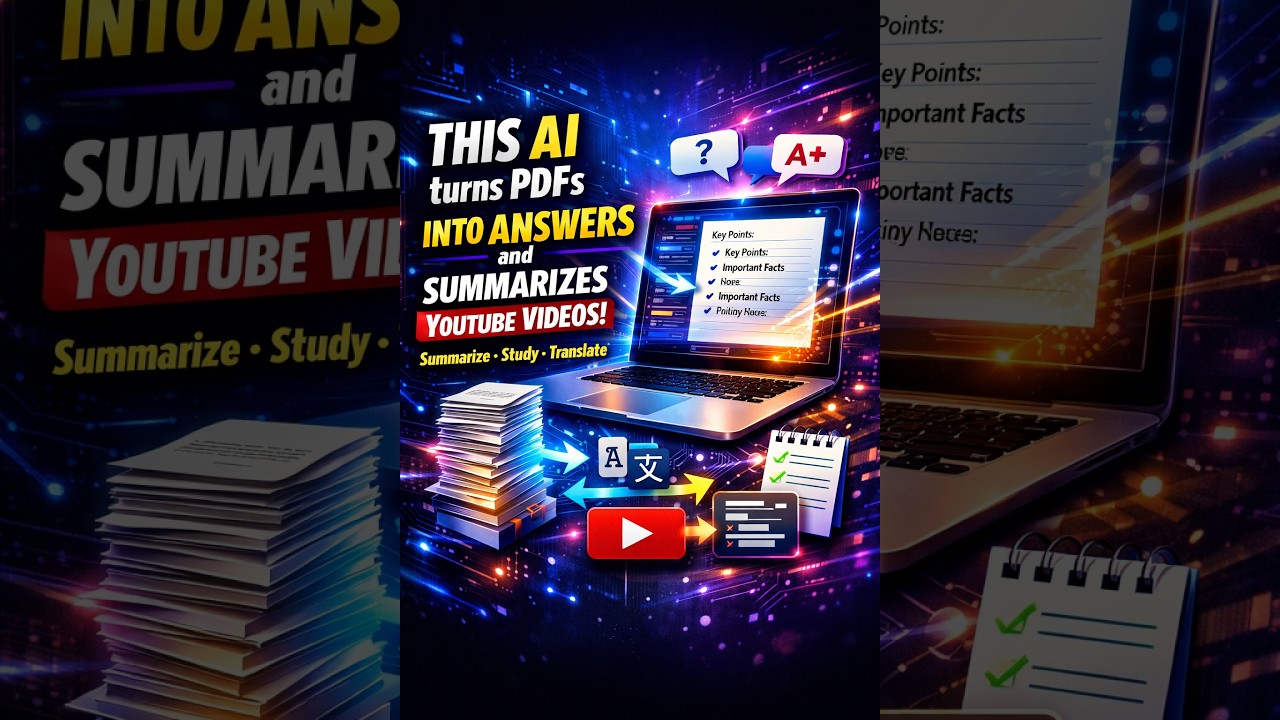



Quick Research Reviews (QRR)

ChatPDF Alternatives
Pdfai
Pdfai is an AI-powered document assistant that allows you to chat with your PDF files. Instantly get summaries, ask complex questions, and extract key information from research papers, reports, and contracts. Boost your productivity and unlock insights from your documents in seconds.
Data Analysis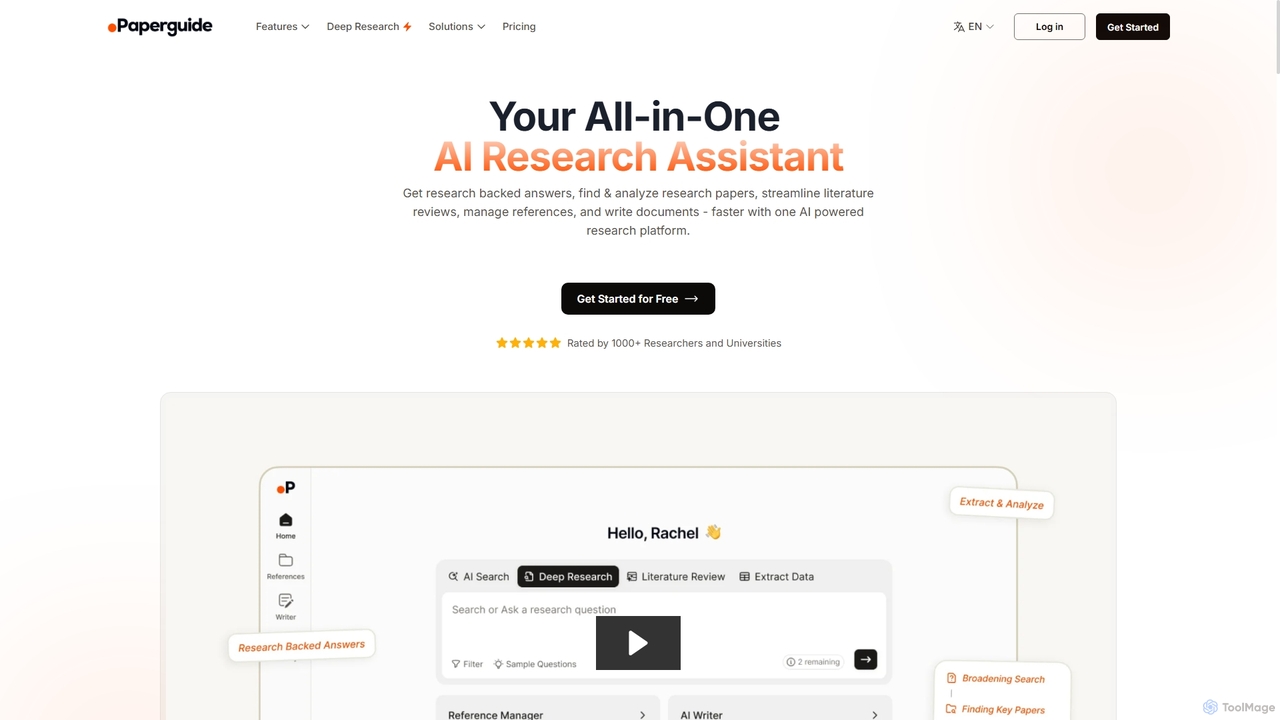
Chatwithpdf
Chatwithpdf is an AI-powered tool that allows you to interact with your PDF documents conversationally. Simply upload a file and start asking questions, get summaries, and extract key information instantly. It's designed for students, researchers, and professionals to analyze documents faster and more efficiently.
Data Extraction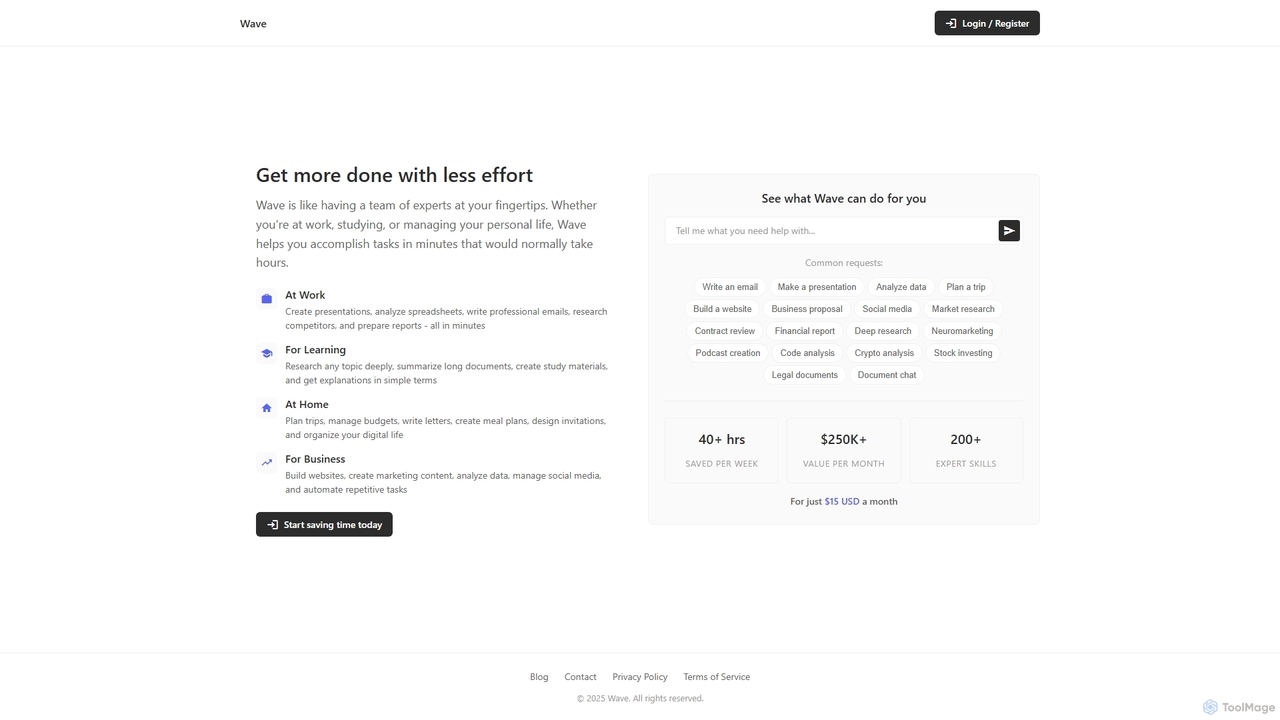
ChatDocuments
ChatDocuments is an AI-powered platform that allows you to interact with your documents through a conversational chat interface. Upload PDFs, Word files, and other formats to ask questions, get instant summaries, extract key information, and gain insights without manually reading through pages. It's designed to boost productivity for students, researchers, and professionals.
Data Analysis
UPDF AI
UPDF AI is a powerful AI assistant integrated into the UPDF editor, designed to revolutionize how you interact with PDF documents. It allows you to chat with your PDFs, get instant summaries, translate entire documents or selected text, explain complex data, and even convert dense content into visual mind maps. Available on Windows, macOS, iOS, Android, and the web, it streamlines workflows for students, researchers, and professionals by making document comprehension and analysis faster and more efficient.
Research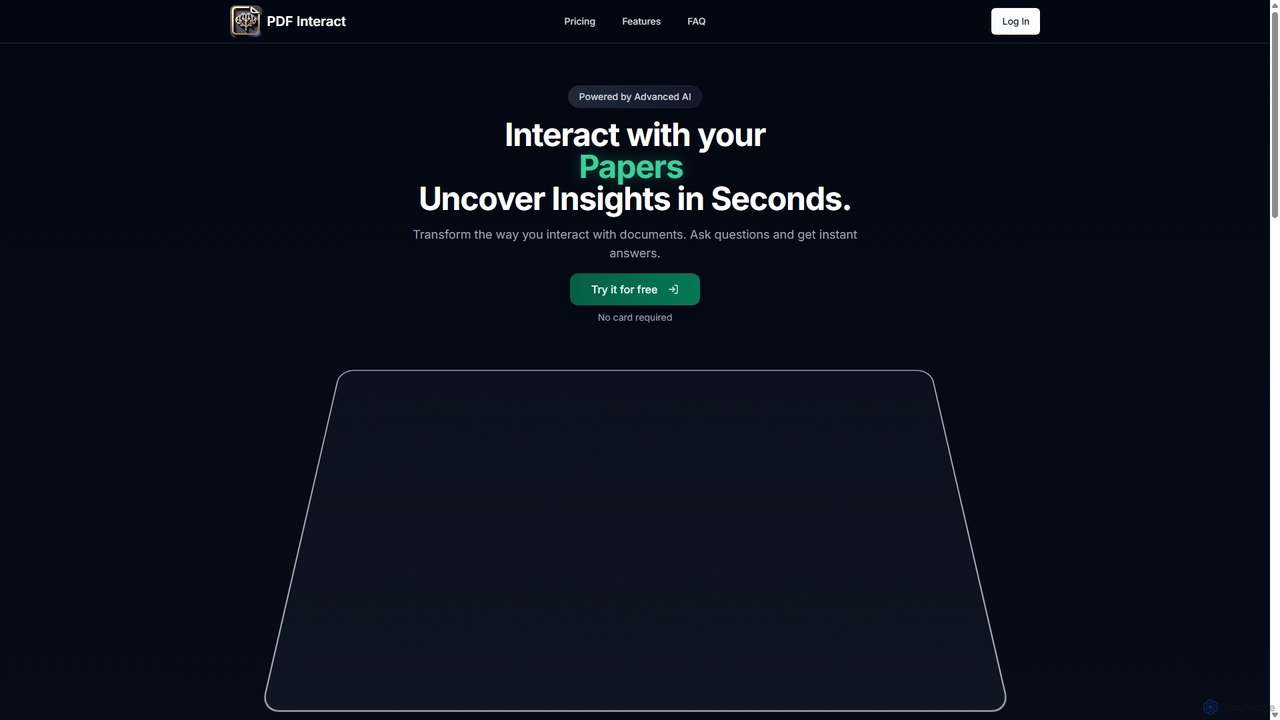
PDF Interact
PDF Interact is an AI-powered chat assistant that transforms how you engage with your documents. Simply upload a PDF and ask questions in natural language to get instant answers, summaries, and key insights. Ideal for students, researchers, and professionals looking to save time and analyze complex information efficiently.
Data AnalysisChatPDF Categories
ChatPDF Jobs
ChatPDF Embed Widget
Copy this embed code to place the badge on your blog, article, or product site and send readers directly to this ToolMage detail page.

Related AI tools
Chatwithpdf
Chatwithpdf is an AI-powered tool that allows you to interact with your PDF documents conversationally. Simply upload a file and start asking questions, get summaries, and extract key information instantly. It's designed for students, researchers, and professionals to analyze documents faster and more efficiently.
Data ExtractionPDF Interact
PDF Interact is an AI-powered chat assistant that transforms how you engage with your documents. Simply upload a PDF and ask questions in natural language to get instant answers, summaries, and key insights. Ideal for students, researchers, and professionals looking to save time and analyze complex information efficiently.
Data Analysis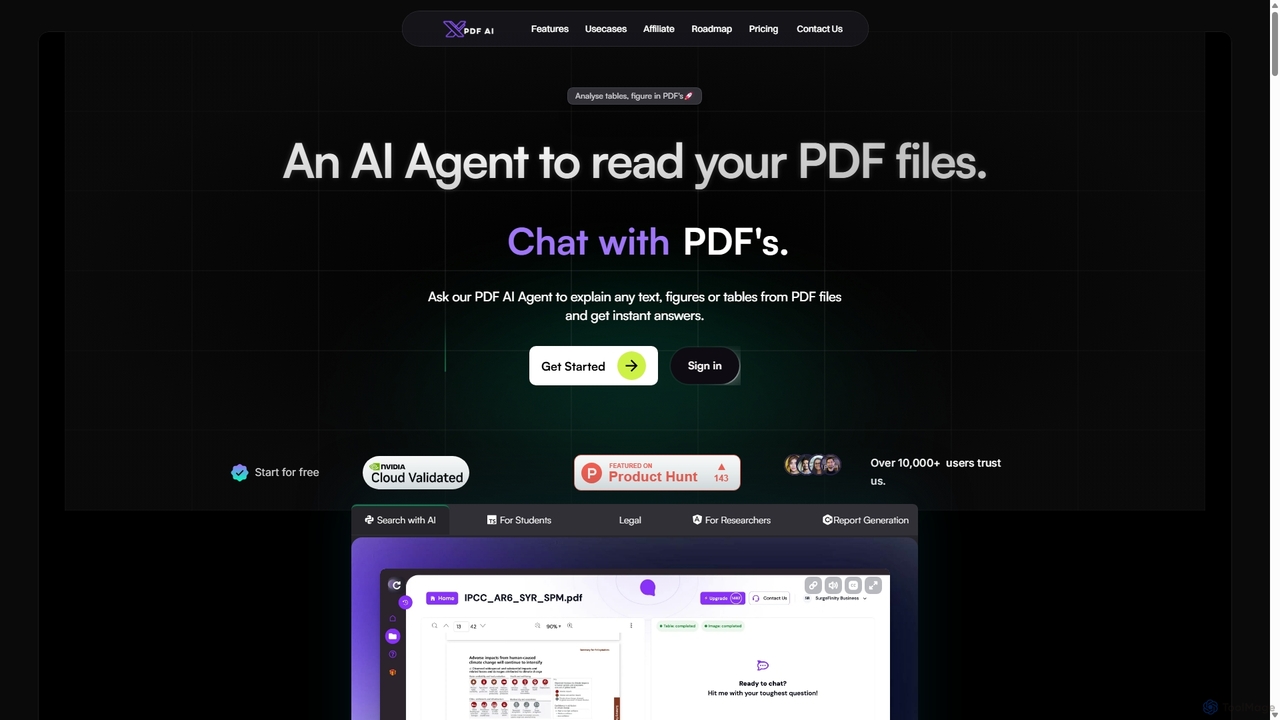
XPDF AI
xPDF AI is a personal AI assistant that transforms your interaction with PDF documents. Chat with any PDF, ask questions, and get instant answers from text, tables, and figures. It features multimodal analysis, an AI summarizer, report generation, and a voice-activated interface, making it an essential tool for students, researchers, and professionals to quickly extract insights and boost productivity.
Data ExtractionPdfai
Pdfai is an AI-powered document assistant that allows you to chat with your PDF files. Instantly get summaries, ask complex questions, and extract key information from research papers, reports, and contracts. Boost your productivity and unlock insights from your documents in seconds.
Data Analysis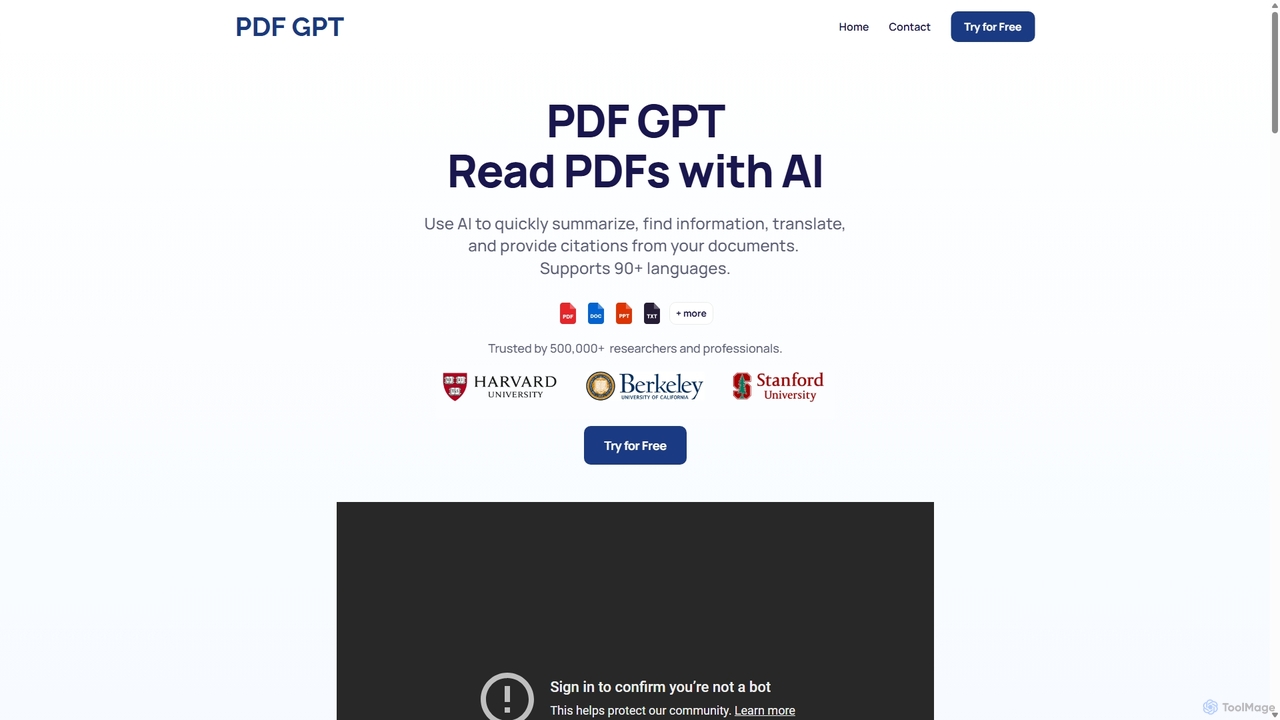
PDF GPT
PDF GPT is an AI-powered tool that lets you chat with your PDF documents. Instantly summarize long reports, find specific information, get answers with citations, and search across multiple files. It supports over 90 languages, making it ideal for researchers, students, and professionals to enhance productivity and document comprehension.
Data ManagementChatDocuments
ChatDocuments is an AI-powered platform that allows you to interact with your documents through a conversational chat interface. Upload PDFs, Word files, and other formats to ask questions, get instant summaries, extract key information, and gain insights without manually reading through pages. It's designed to boost productivity for students, researchers, and professionals.
Data Analysis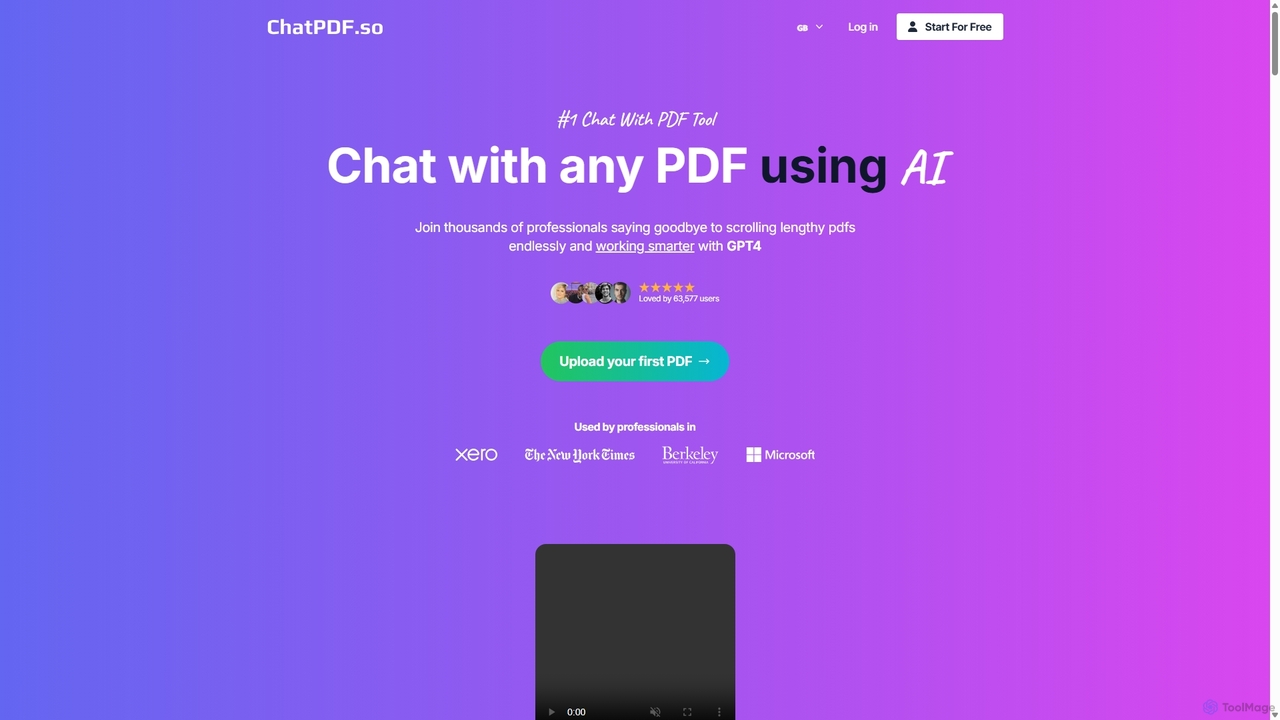
ChatPDF.so
ChatPDF.so is an AI-powered tool that allows you to chat with any PDF document. Instantly get answers, summaries, and insights from textbooks, research papers, legal contracts, and more. Supports bulk uploads, multi-document conversations, and chatbot creation.
ChatbotUPDF AI
UPDF AI is a powerful AI assistant integrated into the UPDF editor, designed to revolutionize how you interact with PDF documents. It allows you to chat with your PDFs, get instant summaries, translate entire documents or selected text, explain complex data, and even convert dense content into visual mind maps. Available on Windows, macOS, iOS, Android, and the web, it streamlines workflows for students, researchers, and professionals by making document comprehension and analysis faster and more efficient.
Research
PDF Summarizer
PDF Summarizer is an AI-powered tool that instantly condenses any PDF document into a concise summary. Supporting over 90 languages, it helps students, researchers, and professionals save hours of reading time. Features include generating outlines, creating study guides, and an interactive Q&A with source-linked citations, boosting productivity and comprehension.
Study Tools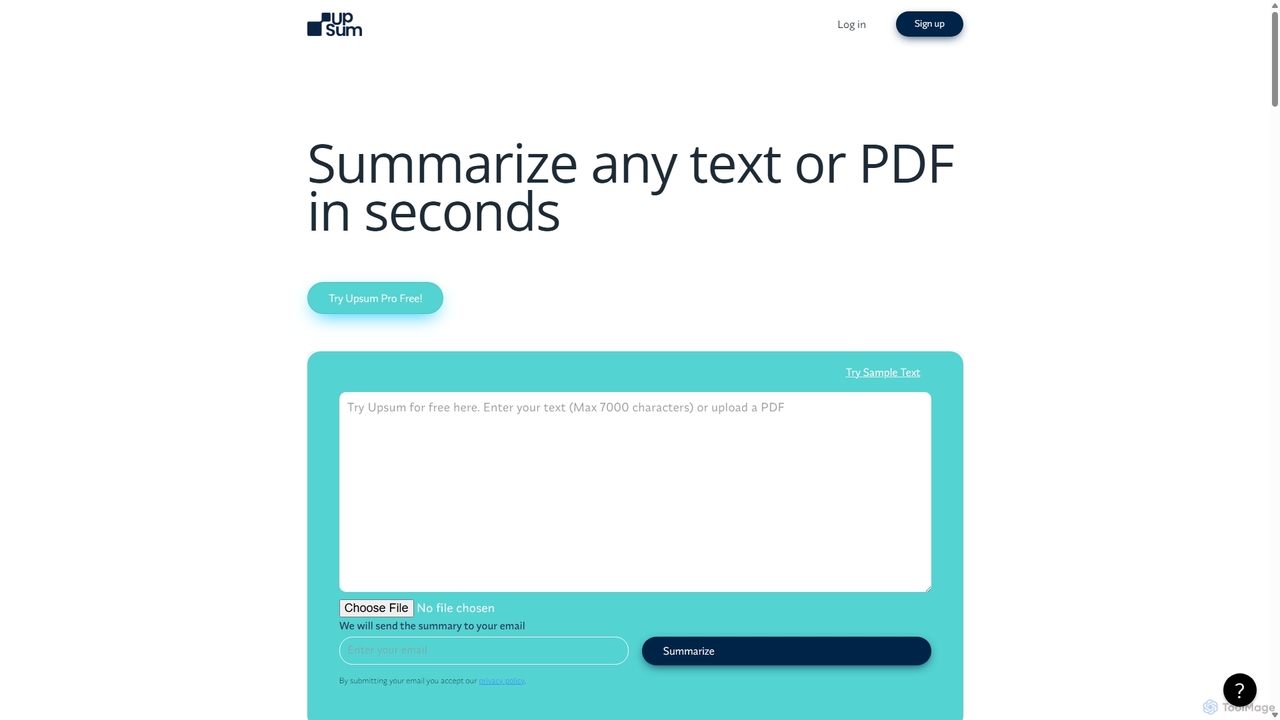
Upsum
Upsum is an AI-powered tool that summarizes any text or PDF in seconds. It features an interactive 'Chat to PDF' function, allowing users to ask questions and extract key information from their documents. It's designed for academics, consultants, and marketers to enhance productivity and accelerate research.
Document Analysis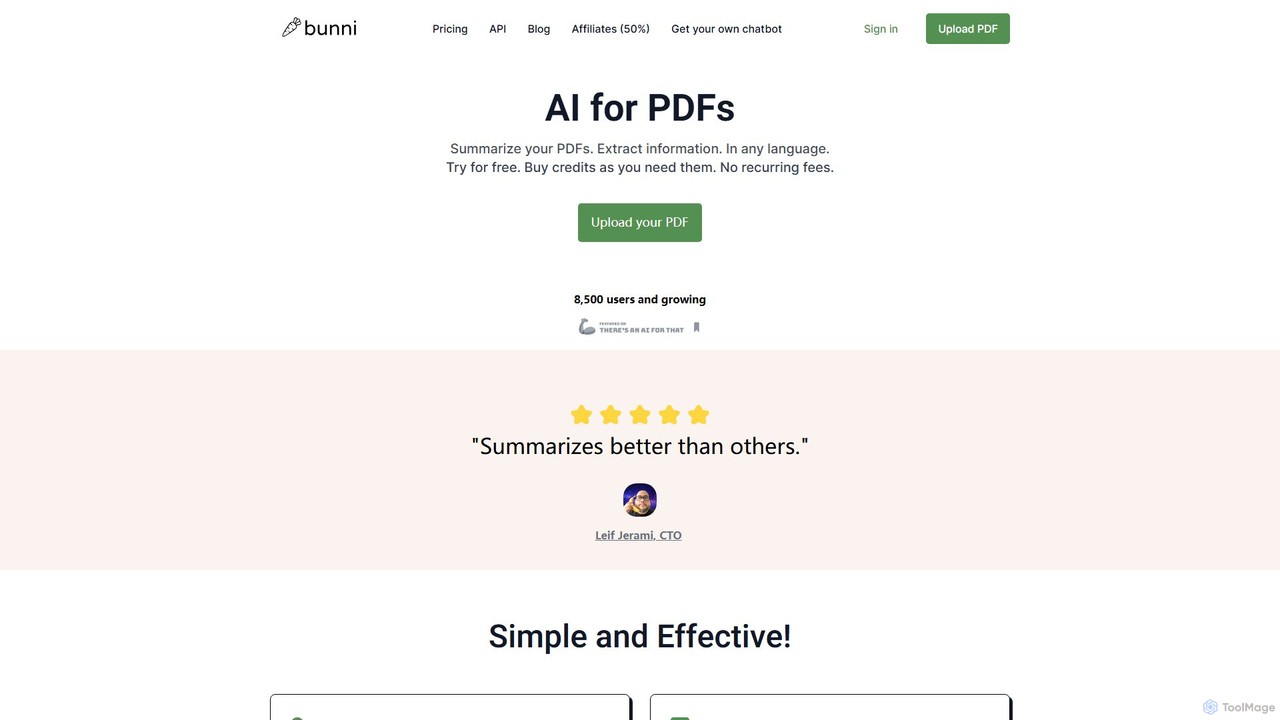
ClarifyPDF
ClarifyPDF is an AI-powered tool for interacting with your PDF documents. Simply upload one or more PDFs to summarize content, extract key information, and ask specific questions in any language. It supports large files and offers a shareable chat interface, making it ideal for students, researchers, and professionals to quickly understand complex documents without recurring subscription fees.
Data Extraction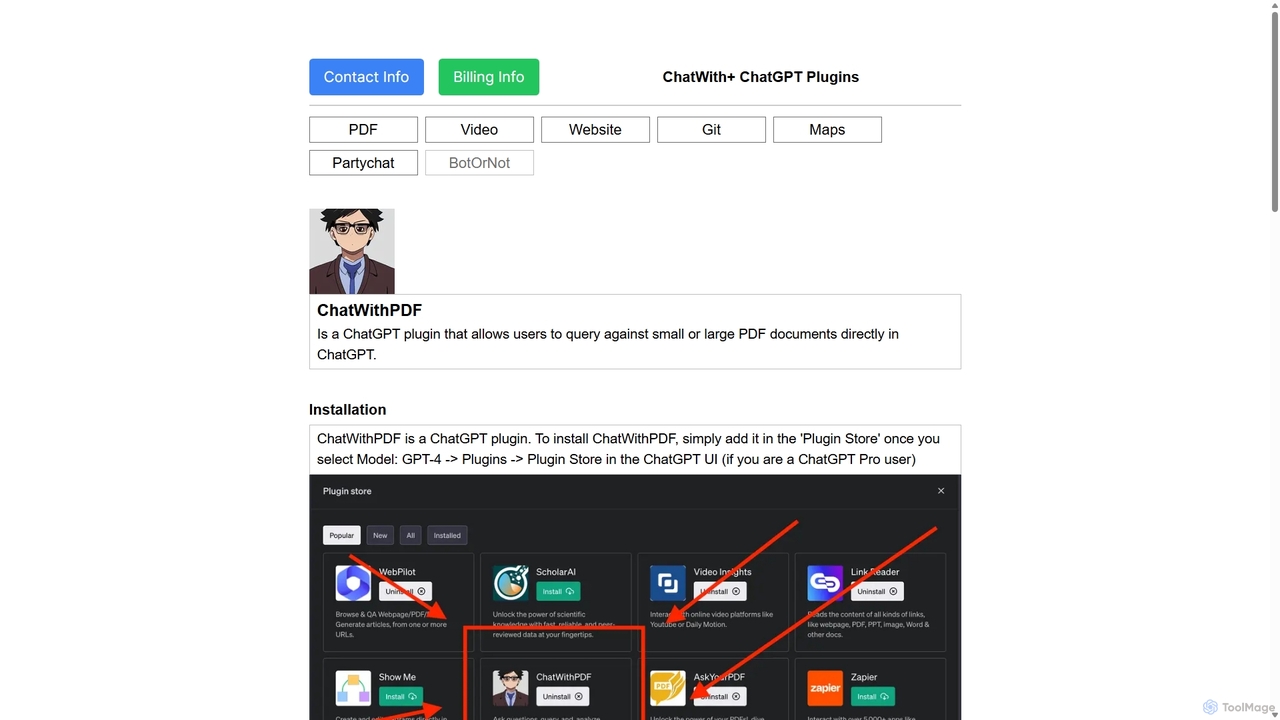
ChatWithPDF
A powerful ChatGPT plugin that allows you to have interactive conversations with any PDF document. Simply provide a public URL to a PDF, and you can ask questions, request summaries, and extract specific information directly within the ChatGPT interface. Ideal for students, researchers, and professionals.
Data Extraction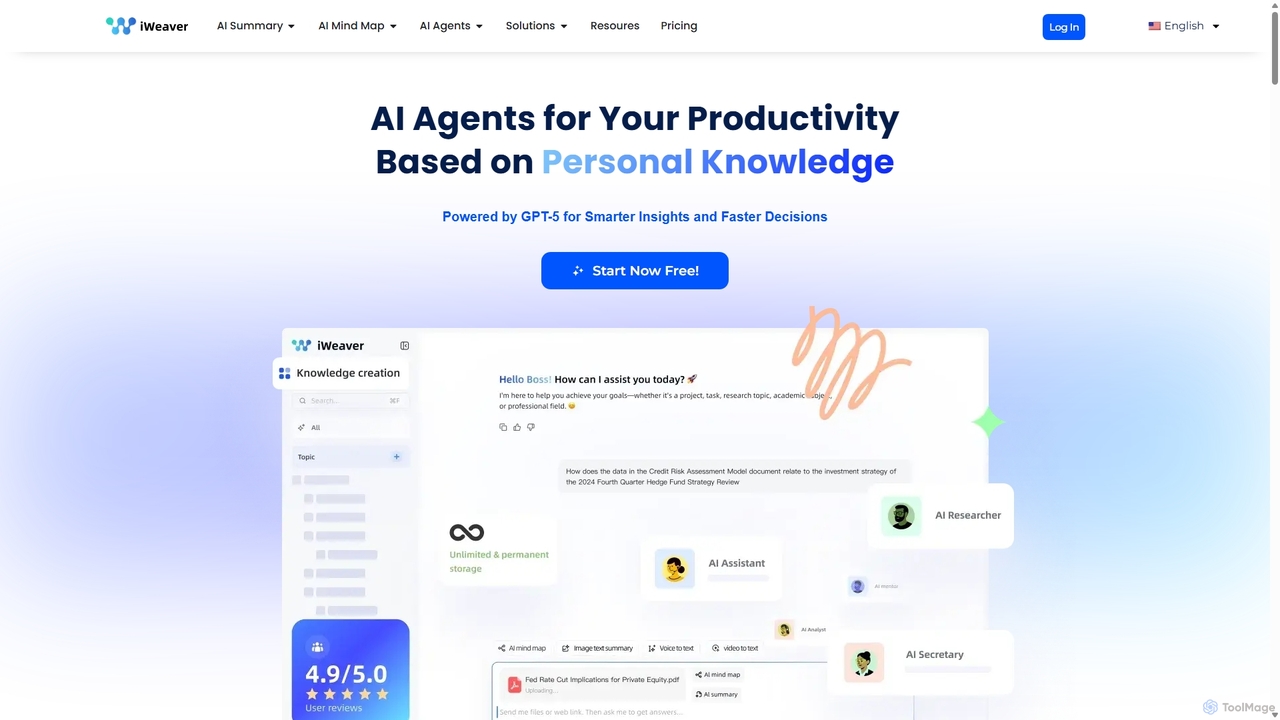
Iweaver
Iweaver is an AI-powered personal knowledge management platform that transforms your documents, images, and videos into an intelligent knowledge base. Utilize over 200 specialized AI agents to automate tasks, generate summaries, create mind maps, and get precise answers from your data. It learns your work habits to provide personalized, context-aware assistance, streamlining workflows for professionals in finance, research, law, and content creation.
Study Tools
pdfpilot.ai
pdfpilot.ai is an AI-powered assistant that transforms your PDF documents into interactive chatbots. Instantly get summaries, ask complex questions, and extract key information from research papers, reports, and contracts, saving you hours of reading time.
Data Analysis
PDF Summarizer
PDF Summarizer is an AI-powered tool that lets you understand documents in seconds. Upload PDFs, Word files, or PowerPoints, and instantly get summaries or ask specific questions. It supports multi-file chats for comprehensive research, works with any language, and provides source-linked answers for easy verification. Ideal for students, researchers, and professionals looking to save time and extract key information efficiently.
Analysis
ChatPDF Comments (0)
Sign in to comment.
Sign inNo comments yet.