

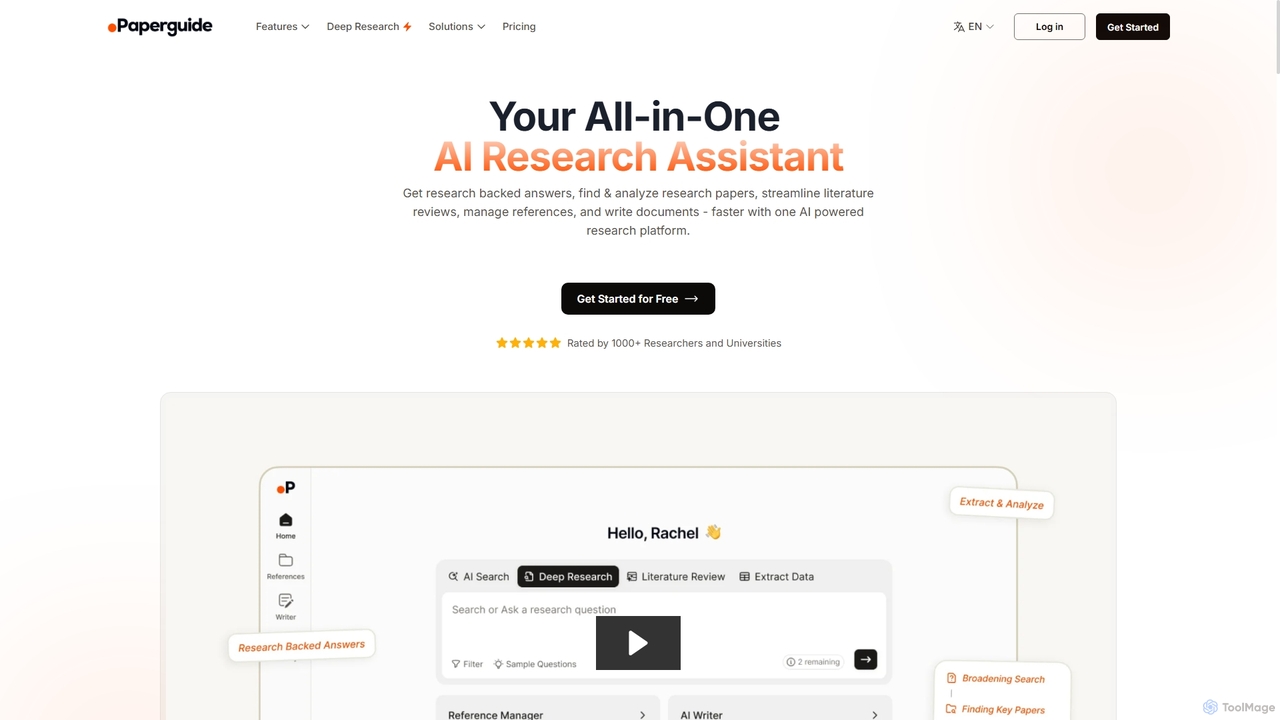
Chatwithpdf Overview
Chatwithpdf is a revolutionary AI-powered tool designed to transform your interaction with PDF documents. Instead of tediously scrolling through pages, you can now have a conversation with your files. This platform allows users to upload any PDF—be it a dense academic paper, a lengthy legal contract, a detailed financial report, or a complex user manual—and instantly start asking questions in natural language. The AI reads and understands the content, providing accurate, context-aware answers in seconds, complete with references to the source page. This streamlines research, simplifies learning, and boosts productivity by making information within documents more accessible and digestible.
How to use Chatwithpdf
Using Chatwithpdf is incredibly straightforward and designed for efficiency. Follow these simple steps to get started:
- Upload Your PDF: Navigate to the Chatwithpdf website and upload your document. You can either drag and drop the file directly onto the page or use the file selector.
- AI Processing: The tool's AI will quickly process and analyze the entire content of your PDF, creating a searchable knowledge base from it. This usually takes just a few seconds.
- Start Asking Questions: Once processed, a chat interface will appear. You can type any question related to the document's content, such as "What are the main conclusions of this study?" or "Find the clause related to termination fees."
- Receive Instant Answers: The AI will provide a direct answer based on the information in the PDF. Crucially, most answers come with citations, indicating the page number where the information was found, allowing for easy verification.
- Extract and Summarize: You can also ask the tool to summarize the entire document, specific chapters, or extract key data points, tables, or figures.
Core Features of Chatwithpdf
- Conversational Q&A: Engage in a natural dialogue with your documents to find the exact information you need without manual searching.
- Instant Summarization: Generate concise summaries of entire PDFs or specific sections to grasp key concepts quickly.
- Source-Cited Responses: Build trust and verify information easily, as the AI provides page numbers and direct quotes from the source text for its answers.
- Multi-Language Support: Works with PDFs in various languages and allows you to ask questions in your preferred language.
- Secure and Private: Documents are stored in a secure cloud environment, and user data is handled with strict privacy protocols. Files are not used to train the AI models.
- High Accuracy Data Extraction: Effortlessly pull specific data points, figures, names, dates, and other critical information from dense text.
- User-Friendly Interface: A clean, intuitive design that requires no technical expertise, making document analysis accessible to everyone.
Use Cases for Chatwithpdf
Chatwithpdf is a versatile tool beneficial across various fields:
- For Students & Academics: Quickly digest research papers, review textbooks for exams, and streamline literature reviews by asking targeted questions to find relevant theories, data, and citations.
- For Legal Professionals: Analyze contracts, case files, and legal statutes with speed. Instantly locate specific clauses, precedents, and definitions, saving hours of manual review.
- For Business & Finance Professionals: Efficiently review financial reports, business plans, market research, and contracts. Extract key metrics, identify risks, and summarize findings for presentations.
- For Technical Users & Developers: Navigate technical manuals, documentation, and whitepapers to find specific instructions, code snippets, or configuration details without reading the entire document.
Advantages of Chatwithpdf
The primary advantage of Chatwithpdf is the massive boost in efficiency and productivity. It transforms the static, one-way experience of reading a PDF into a dynamic, interactive dialogue. This saves countless hours, reduces the cognitive load of processing dense information, and helps prevent critical details from being overlooked. Its accuracy, coupled with source verification, makes it a reliable assistant for any knowledge-based work. The platform is accessible from any web browser, requiring no installation and offering a seamless user experience.
Pricing and Plans
Chatwithpdf typically operates on a freemium model, making it accessible to everyone.
- Free Plan: Ideal for casual users, this plan usually allows you to process a limited number of PDFs per day (e.g., 2-3 files), with restrictions on file size (e.g., up to 10MB) and page count (e.g., up to 120 pages).
- Plus/Pro Plan: Aimed at professionals and power users, this subscription plan (often priced around $5-$15 per month) offers features like unlimited PDF uploads, support for larger file sizes and page counts, folder organization, chat history, and priority support. Some premium plans may also include advanced features like OCR for scanned PDFs and multi-document chat capabilities.
Chatwithpdf Alternatives
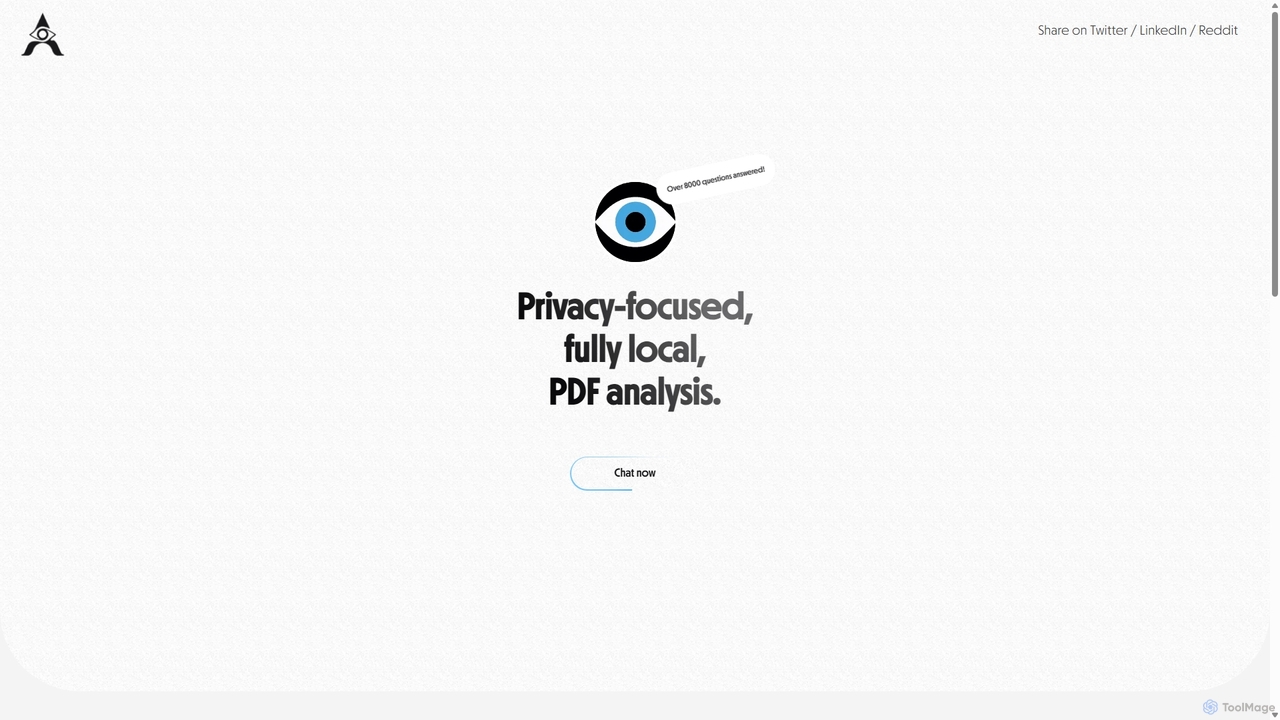
AetheriumAI
AetheriumAI is a secure, privacy-focused AI tool that allows you to chat with your PDF documents. It operates entirely on your local machine, ensuring no data is ever uploaded to a server. Supports multiple PDF uploads for comprehensive, cross-document analysis and insights.
Data Extraction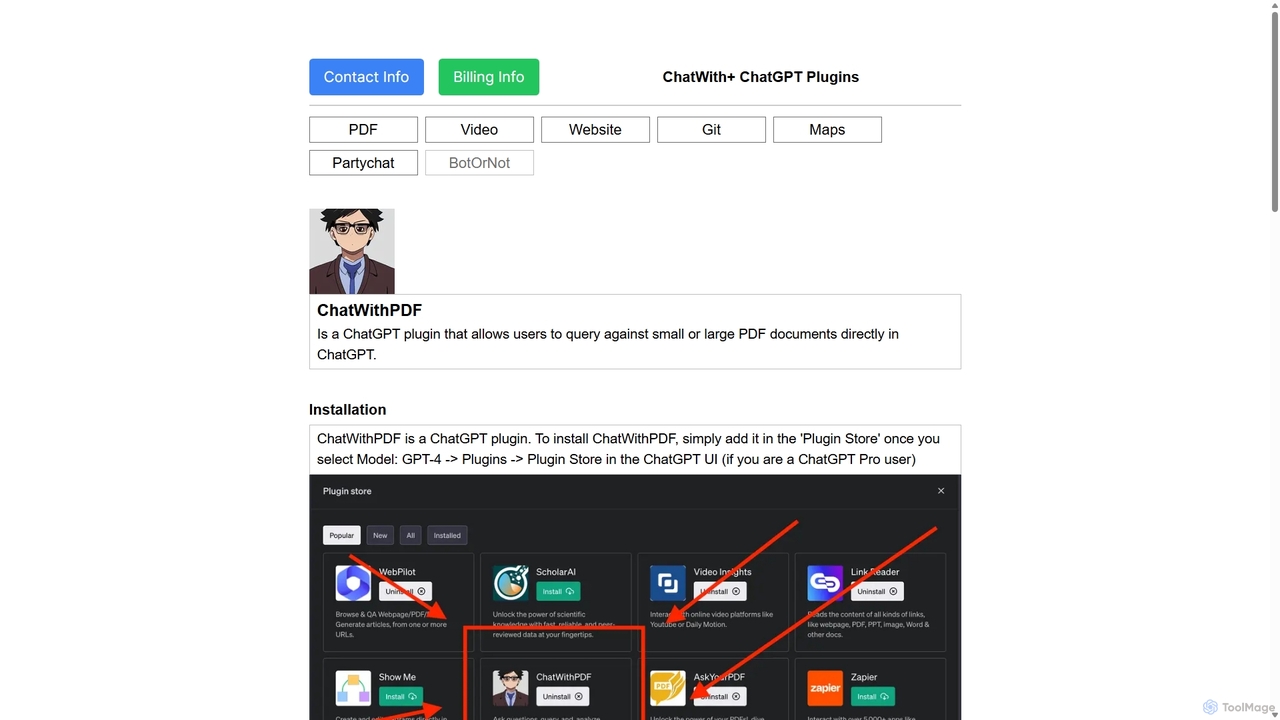
ChatWithPDF
A powerful ChatGPT plugin that allows you to have interactive conversations with any PDF document. Simply provide a public URL to a PDF, and you can ask questions, request summaries, and extract specific information directly within the ChatGPT interface. Ideal for students, researchers, and professionals.
Data Extraction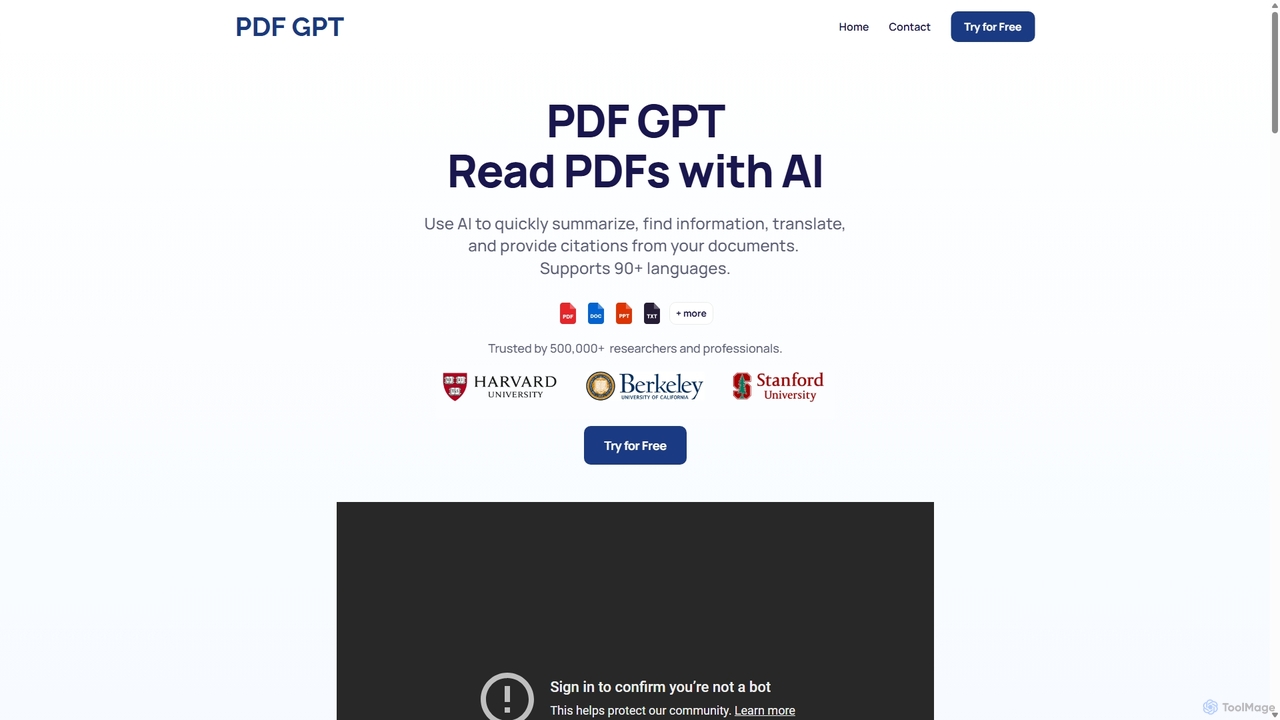
PDF GPT
PDF GPT is an AI-powered tool that lets you chat with your PDF documents. Instantly summarize long reports, find specific information, get answers with citations, and search across multiple files. It supports over 90 languages, making it ideal for researchers, students, and professionals to enhance productivity and document comprehension.
Data Management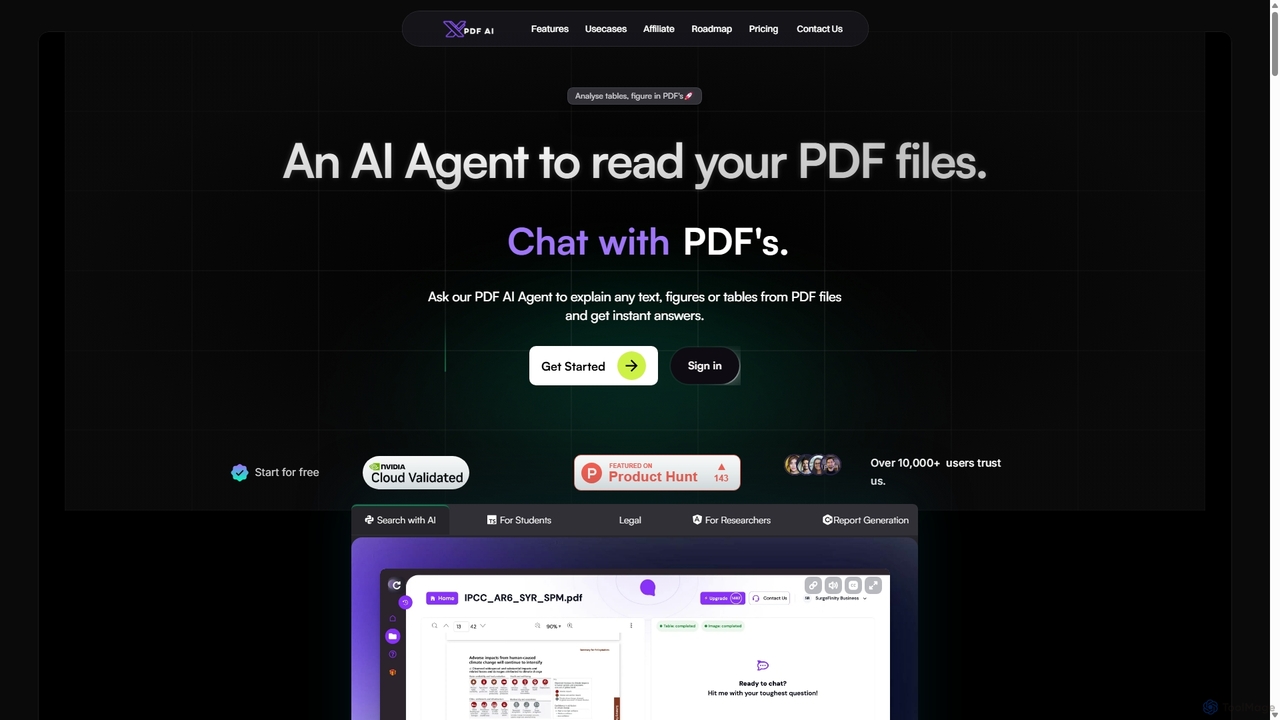
XPDF AI
xPDF AI is a personal AI assistant that transforms your interaction with PDF documents. Chat with any PDF, ask questions, and get instant answers from text, tables, and figures. It features multimodal analysis, an AI summarizer, report generation, and a voice-activated interface, making it an essential tool for students, researchers, and professionals to quickly extract insights and boost productivity.
Data Extraction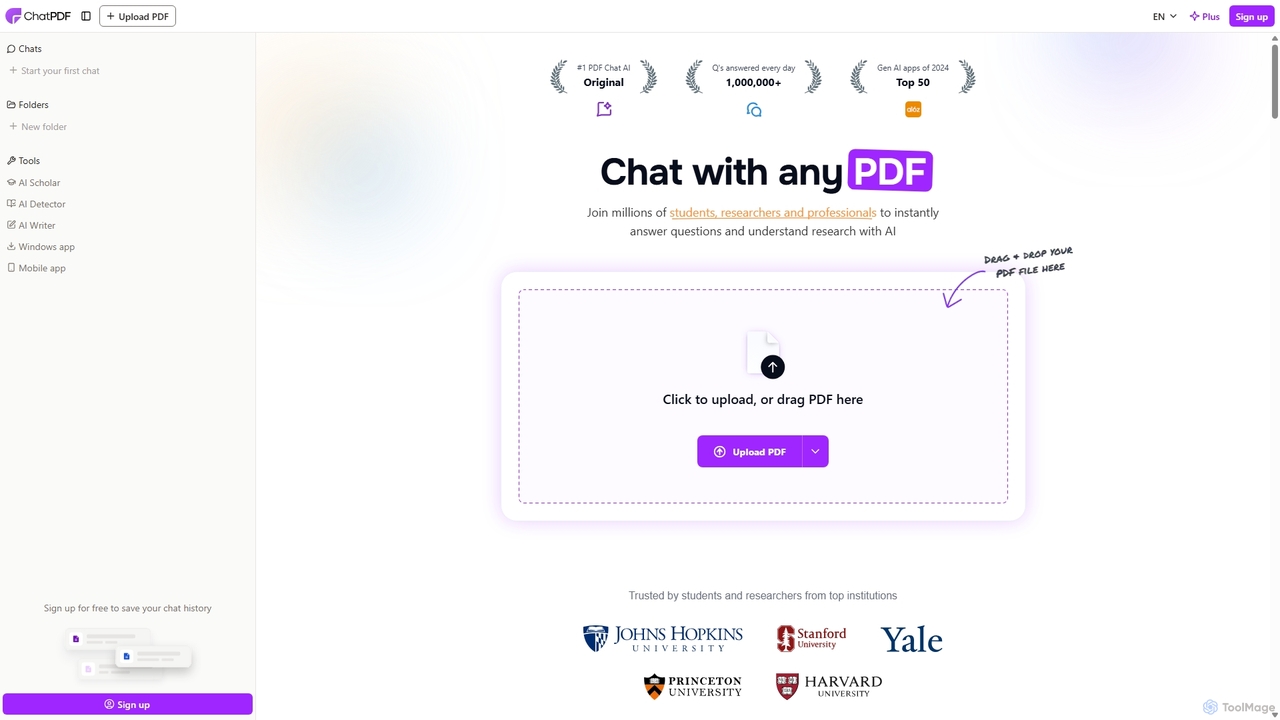
ChatPDF
ChatPDF is an AI-powered platform that allows you to interact with your documents as if you were having a conversation. Simply upload a PDF, and the AI will help you summarize content, answer specific questions, and extract key information in seconds. It's designed for students, researchers, and professionals to enhance productivity and understanding.
ResearchChatwithpdf Categories
Chatwithpdf Jobs
Chatwithpdf Embed Widget
Copy this embed code to place the badge on your blog, article, or product site and send readers directly to this ToolMage detail page.

Related AI tools
ChatPDF
ChatPDF is an AI-powered platform that allows you to interact with your documents as if you were having a conversation. Simply upload a PDF, and the AI will help you summarize content, answer specific questions, and extract key information in seconds. It's designed for students, researchers, and professionals to enhance productivity and understanding.
ResearchPDF GPT
PDF GPT is an AI-powered tool that lets you chat with your PDF documents. Instantly summarize long reports, find specific information, get answers with citations, and search across multiple files. It supports over 90 languages, making it ideal for researchers, students, and professionals to enhance productivity and document comprehension.
Data ManagementXPDF AI
xPDF AI is a personal AI assistant that transforms your interaction with PDF documents. Chat with any PDF, ask questions, and get instant answers from text, tables, and figures. It features multimodal analysis, an AI summarizer, report generation, and a voice-activated interface, making it an essential tool for students, researchers, and professionals to quickly extract insights and boost productivity.
Data Extraction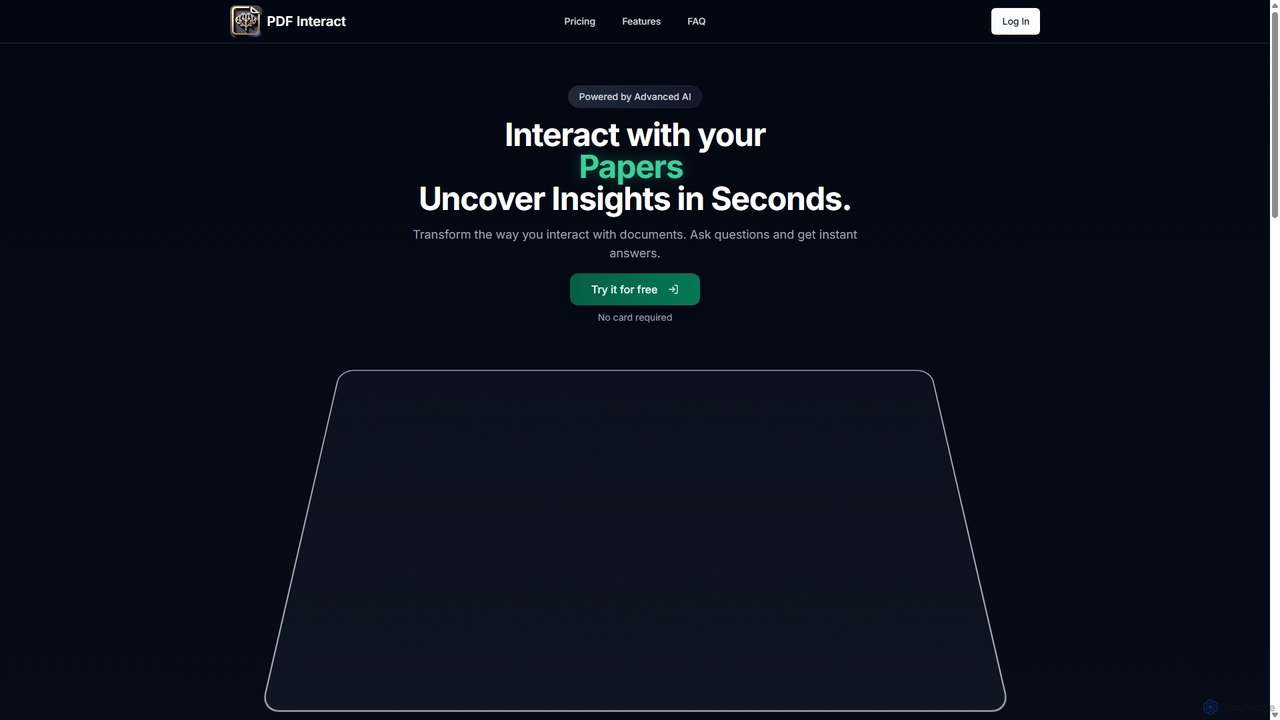
PDF Interact
PDF Interact is an AI-powered chat assistant that transforms how you engage with your documents. Simply upload a PDF and ask questions in natural language to get instant answers, summaries, and key insights. Ideal for students, researchers, and professionals looking to save time and analyze complex information efficiently.
Data Analysis
ChatDocuments
ChatDocuments is an AI-powered platform that allows you to interact with your documents through a conversational chat interface. Upload PDFs, Word files, and other formats to ask questions, get instant summaries, extract key information, and gain insights without manually reading through pages. It's designed to boost productivity for students, researchers, and professionals.
Data AnalysisAetheriumAI
AetheriumAI is a secure, privacy-focused AI tool that allows you to chat with your PDF documents. It operates entirely on your local machine, ensuring no data is ever uploaded to a server. Supports multiple PDF uploads for comprehensive, cross-document analysis and insights.
Data Extraction
Pdfai
Pdfai is an AI-powered document assistant that allows you to chat with your PDF files. Instantly get summaries, ask complex questions, and extract key information from research papers, reports, and contracts. Boost your productivity and unlock insights from your documents in seconds.
Data Analysis
PDF Summarizer
PDF Summarizer is an AI-powered tool that instantly condenses any PDF document into a concise summary. Supporting over 90 languages, it helps students, researchers, and professionals save hours of reading time. Features include generating outlines, creating study guides, and an interactive Q&A with source-linked citations, boosting productivity and comprehension.
Study Tools
PDF Summarizer
PDF Summarizer is an AI-powered tool that lets you understand documents in seconds. Upload PDFs, Word files, or PowerPoints, and instantly get summaries or ask specific questions. It supports multi-file chats for comprehensive research, works with any language, and provides source-linked answers for easy verification. Ideal for students, researchers, and professionals looking to save time and extract key information efficiently.
Analysis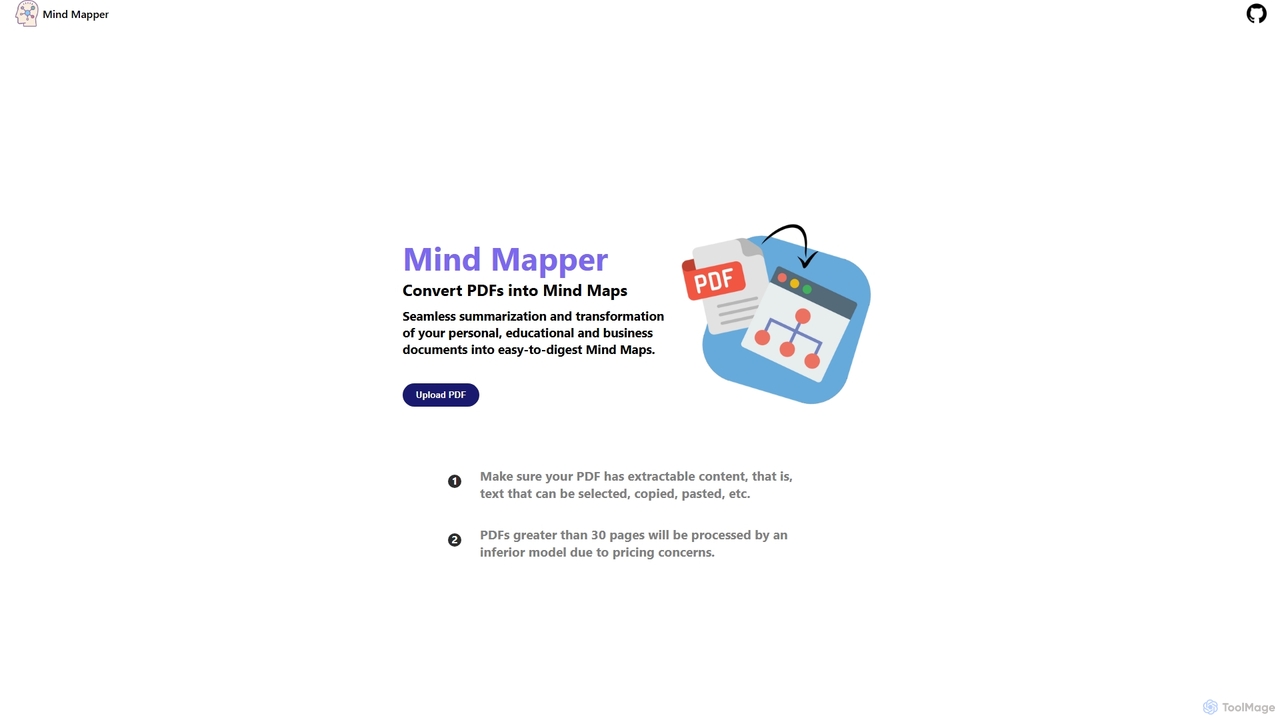
MindmapAI
MindmapAI is an AI-powered tool that transforms PDF documents into clear, structured mind maps. Using Google's Gemini AI, it automatically summarizes and visualizes complex information, making it ideal for students, researchers, and professionals to quickly grasp key concepts from dense texts.
Document Management
UPDF AI
UPDF AI is a powerful AI assistant integrated into the UPDF editor, designed to revolutionize how you interact with PDF documents. It allows you to chat with your PDFs, get instant summaries, translate entire documents or selected text, explain complex data, and even convert dense content into visual mind maps. Available on Windows, macOS, iOS, Android, and the web, it streamlines workflows for students, researchers, and professionals by making document comprehension and analysis faster and more efficient.
Research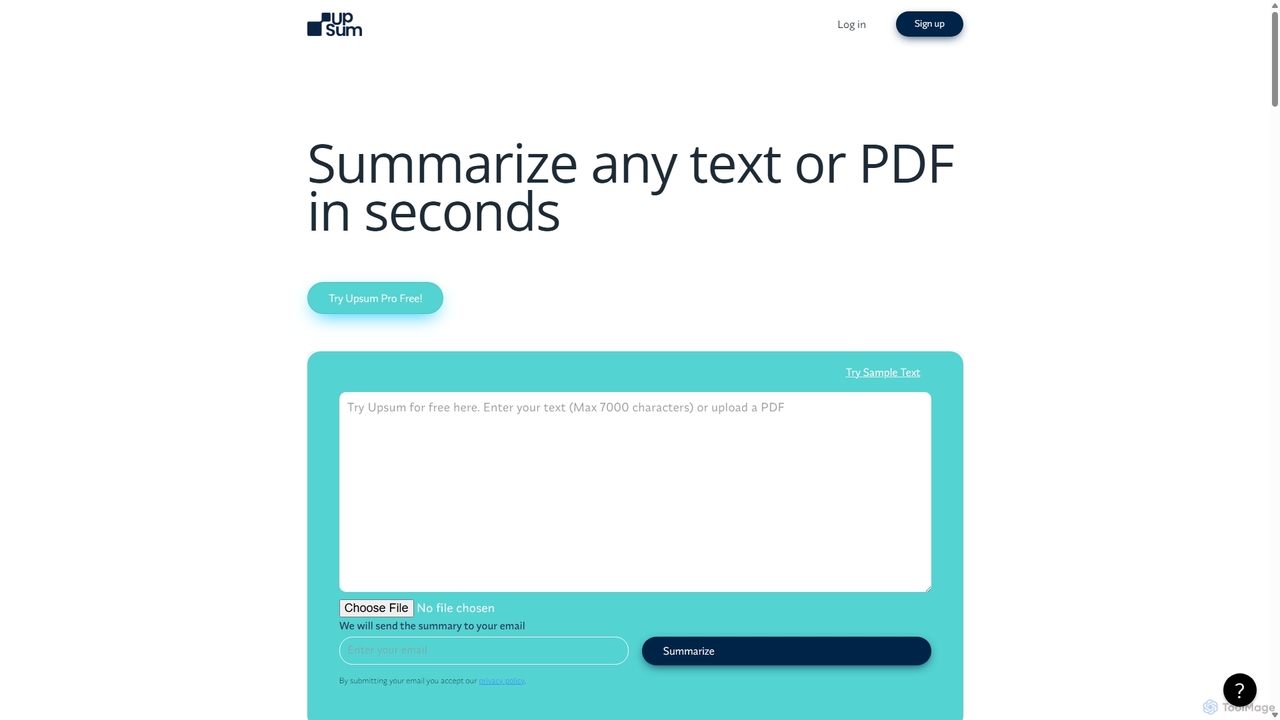
Upsum
Upsum is an AI-powered tool that summarizes any text or PDF in seconds. It features an interactive 'Chat to PDF' function, allowing users to ask questions and extract key information from their documents. It's designed for academics, consultants, and marketers to enhance productivity and accelerate research.
Document AnalysisChatWithPDF
A powerful ChatGPT plugin that allows you to have interactive conversations with any PDF document. Simply provide a public URL to a PDF, and you can ask questions, request summaries, and extract specific information directly within the ChatGPT interface. Ideal for students, researchers, and professionals.
Data Extraction
Jyek
Jyek is an AI agent platform that understands objectives, creates execution plans, uses tools, and delivers verifiable results for complex, multi-step tasks.
Automation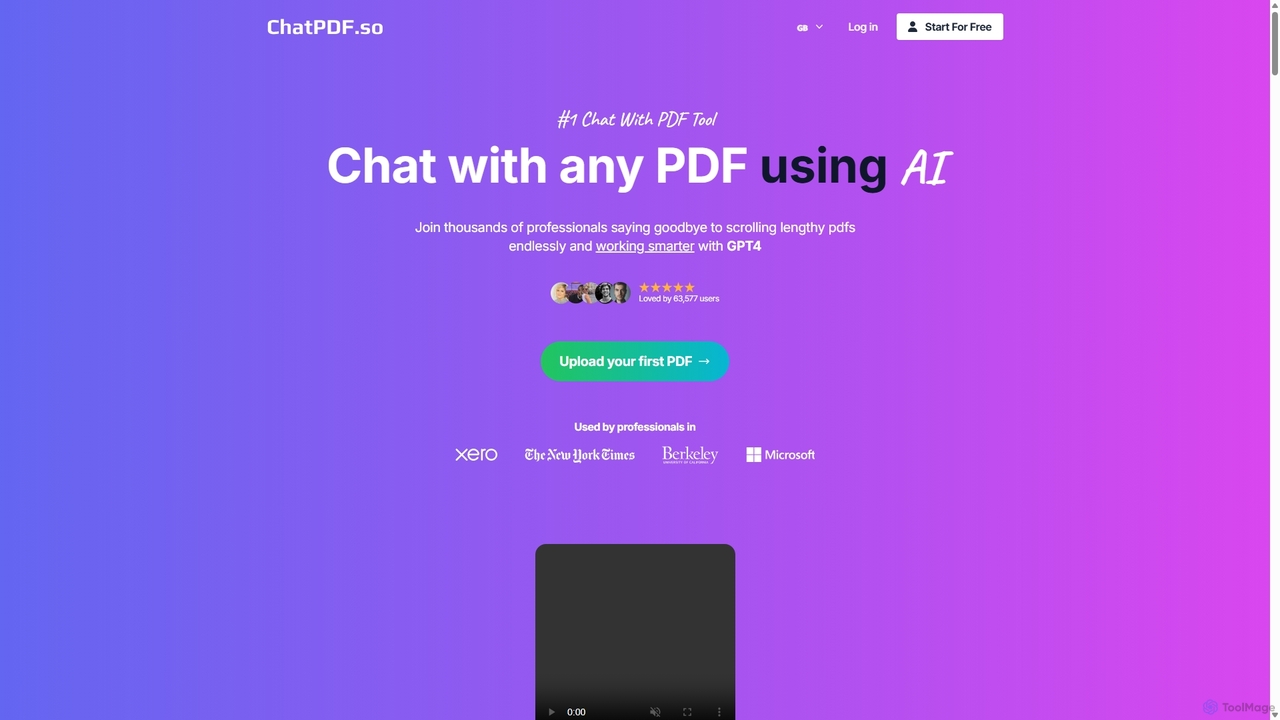
ChatPDF.so
ChatPDF.so is an AI-powered tool that allows you to chat with any PDF document. Instantly get answers, summaries, and insights from textbooks, research papers, legal contracts, and more. Supports bulk uploads, multi-document conversations, and chatbot creation.
Chatbot
Chatwithpdf Comments (0)
Sign in to comment.
Sign inNo comments yet.