Productivity Best in category 29 results Document Assistant AI Tool

Popular AI tools in the Document Assistant field of Productivity include ChatPDF、LightPDF、Spellbook、GPT for Work、UPDF AI、ailawyer、Raccoon、myaidrive、Coral AI、DocGPT, etc., helping you quickly improve efficiency.

ChatPDF

ChatPDF

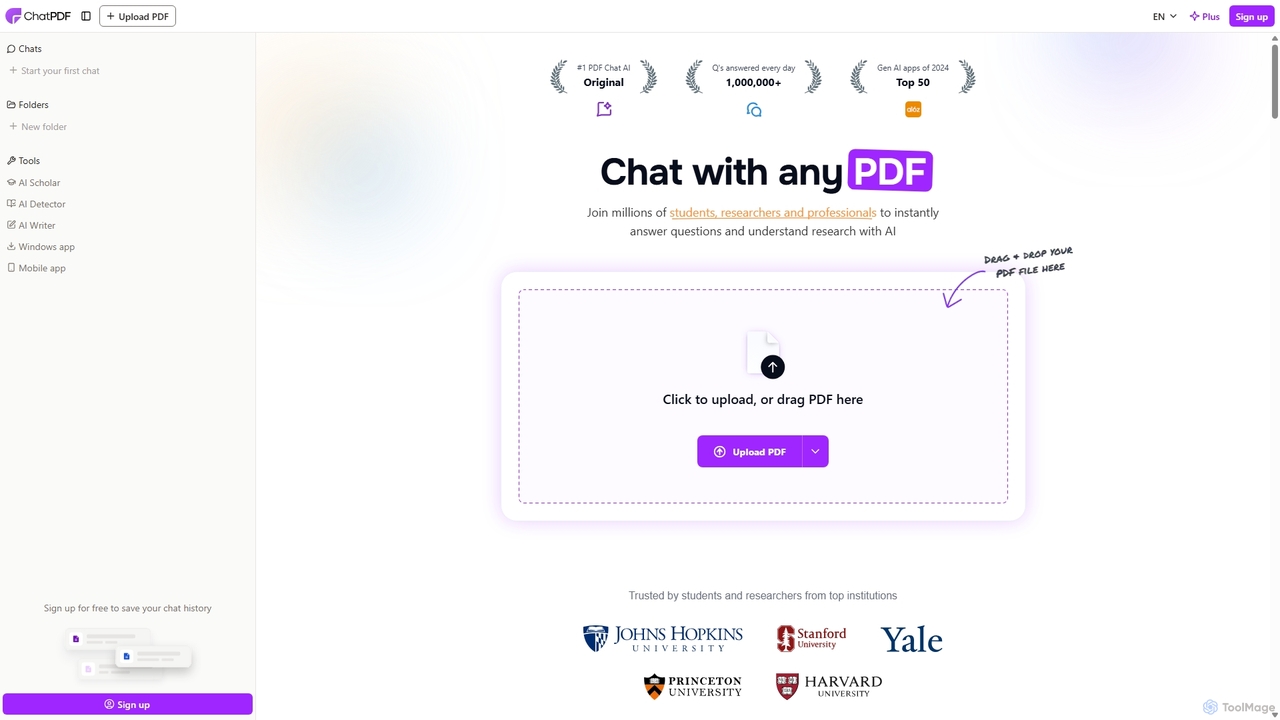
ChatPDF is an AI-powered platform that allows you to interact with your documents as if you were having …

1.8M
UPDF AI

UPDF AI

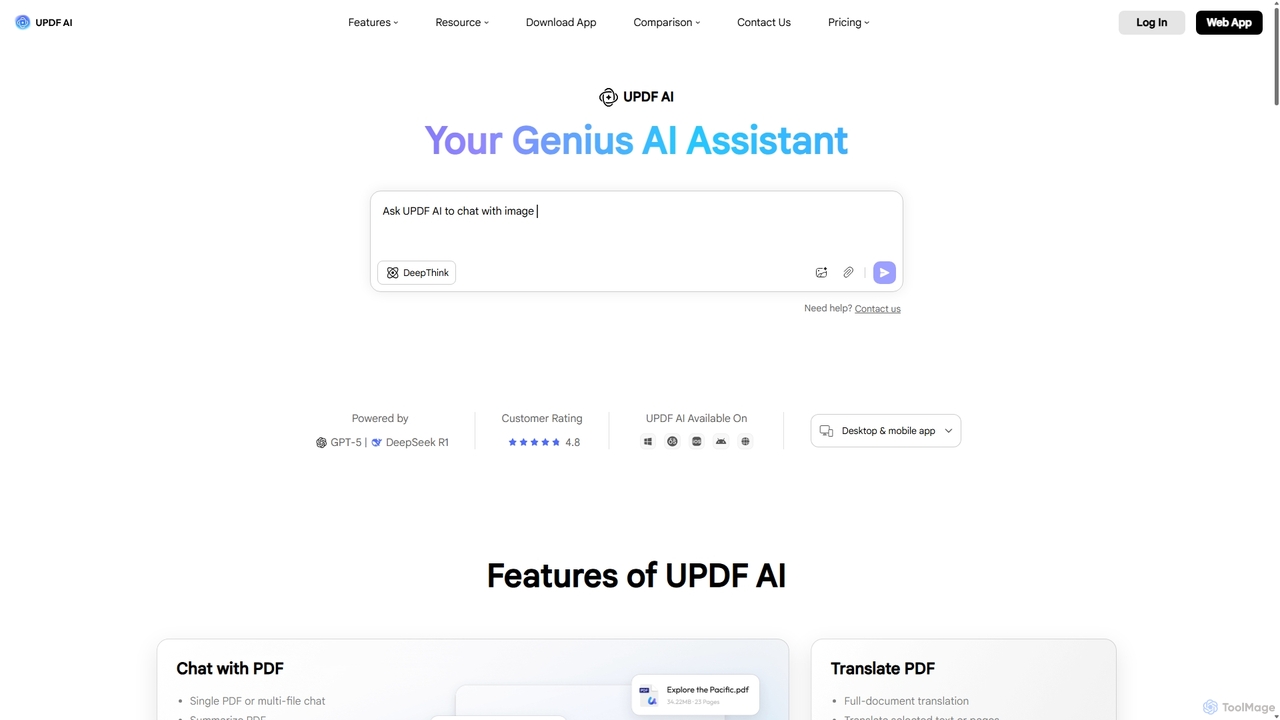
UPDF AI is a powerful AI assistant integrated into the UPDF editor, designed to revolutionize how you interact …

191.1K
Pdfai

Pdfai

Pdfai is an AI-powered document assistant that allows you to chat with your PDF files. Instantly get summaries, …

5.7K
ChatDocuments

ChatDocuments

ChatDocuments is an AI-powered platform that allows you to interact with your documents through a conversational chat interface. …

2.6K
pdfpilot.ai

pdfpilot.ai

pdfpilot.ai is an AI-powered assistant that transforms your PDF documents into interactive chatbots. Instantly get summaries, ask complex …

3.3K
Spellbook

Spellbook

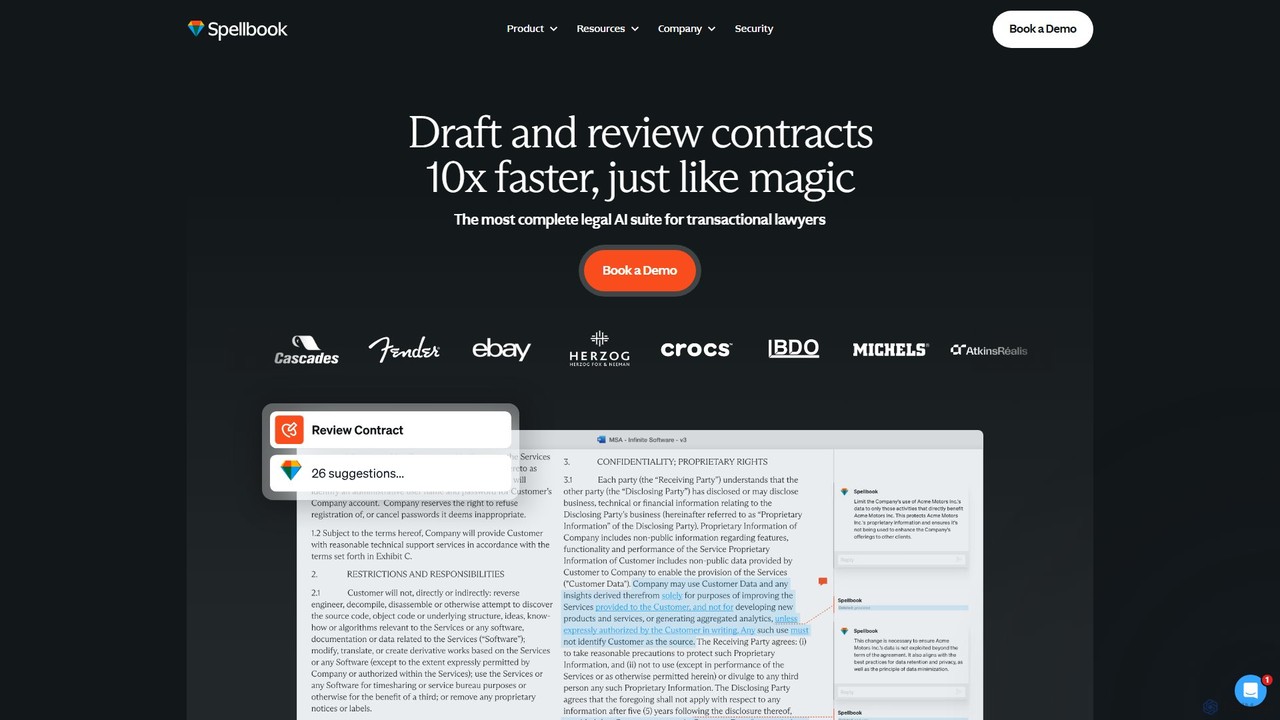
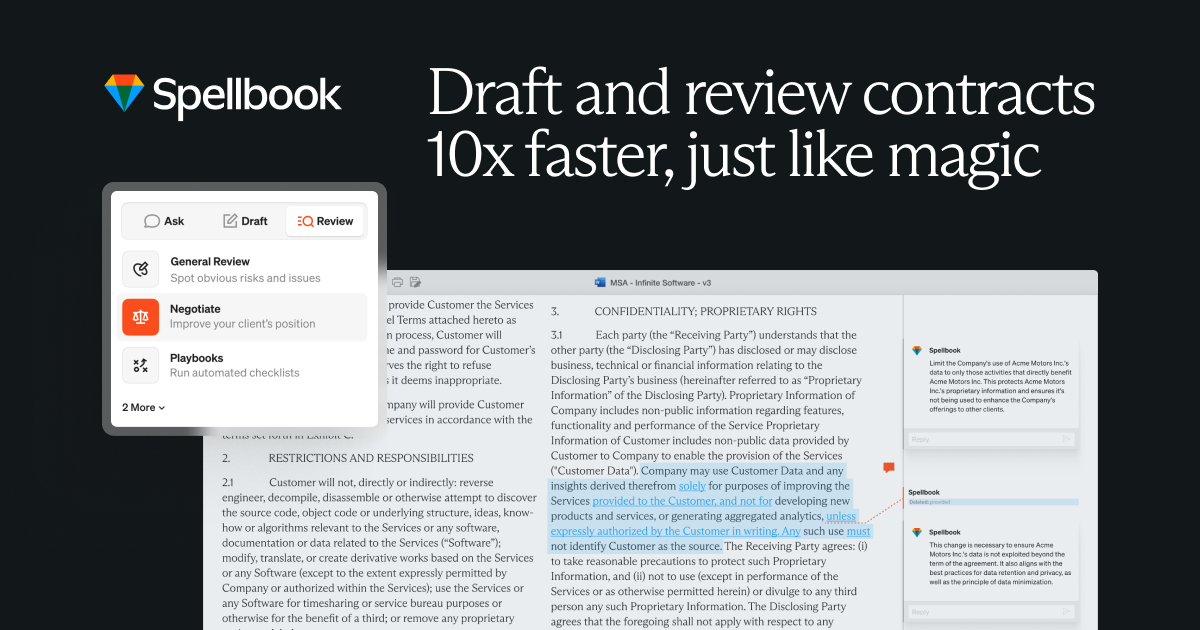
Spellbook is an AI-powered legal assistant that integrates directly into Microsoft Word. It leverages advanced models like GPT-4o …

419.0K
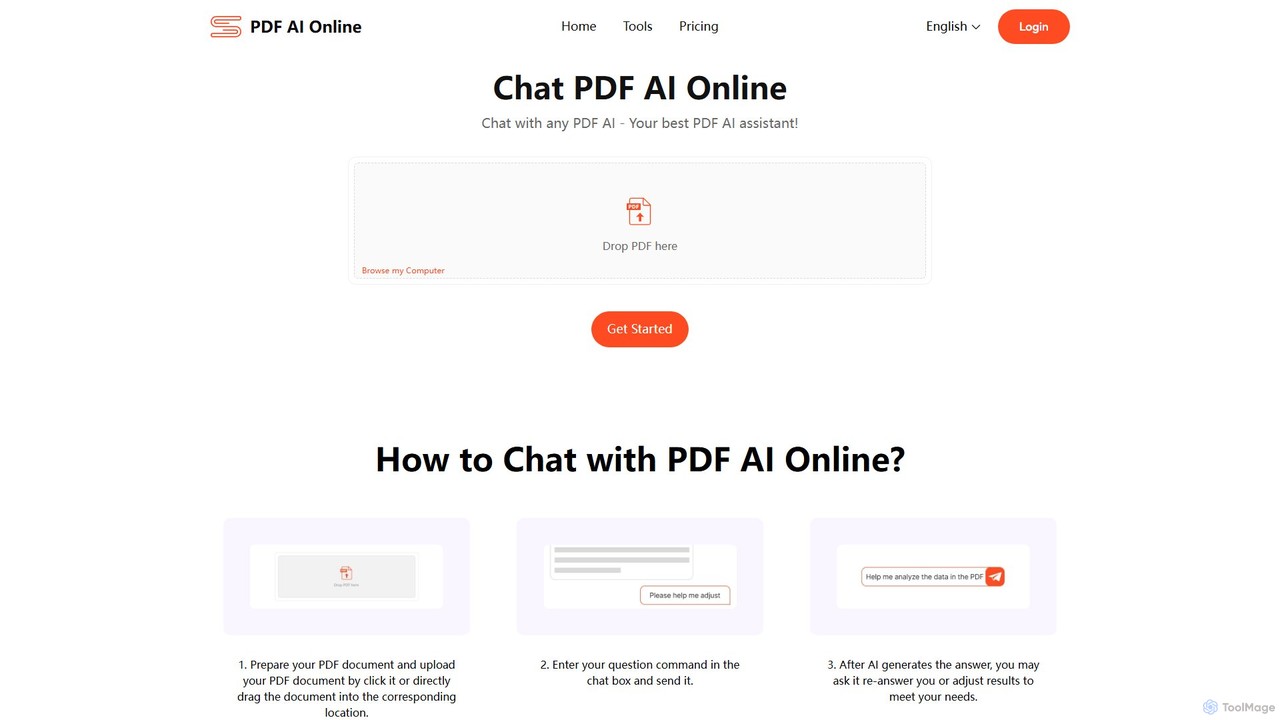
pdfaionline

pdfaionline

pdfaionline is a comprehensive AI-powered platform for interacting with your PDF documents. Chat with any PDF to get …

4.7K
&AI

&AI

&AI is a professional-grade AI platform designed for patent attorneys and IP teams. It features an AI agent, …

4.2K
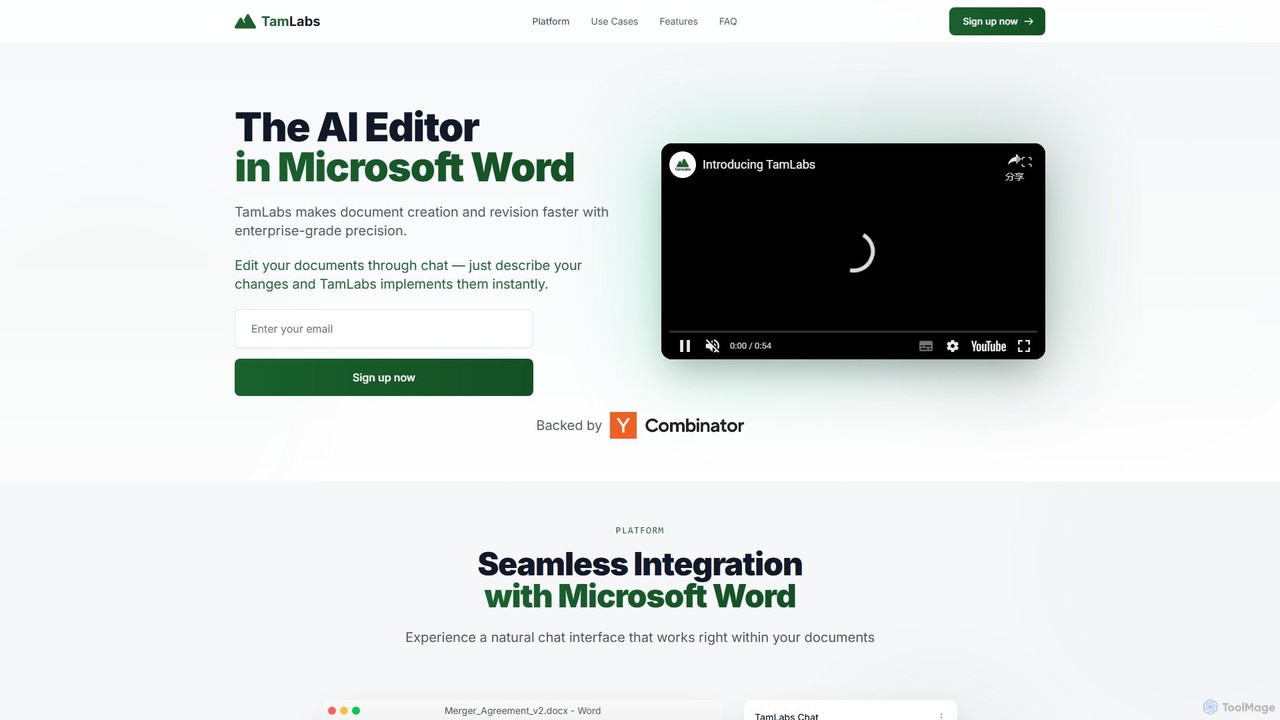
TamLabs

TamLabs

TamLabs is an AI-powered editor that integrates directly into Microsoft Word. It allows users to edit documents using …

2.7K
ailawyer

ailawyer

ailawyer is a personal AI legal assistant designed to simplify complex legal tasks for consumers, lawyers, law firms, …

166.7K
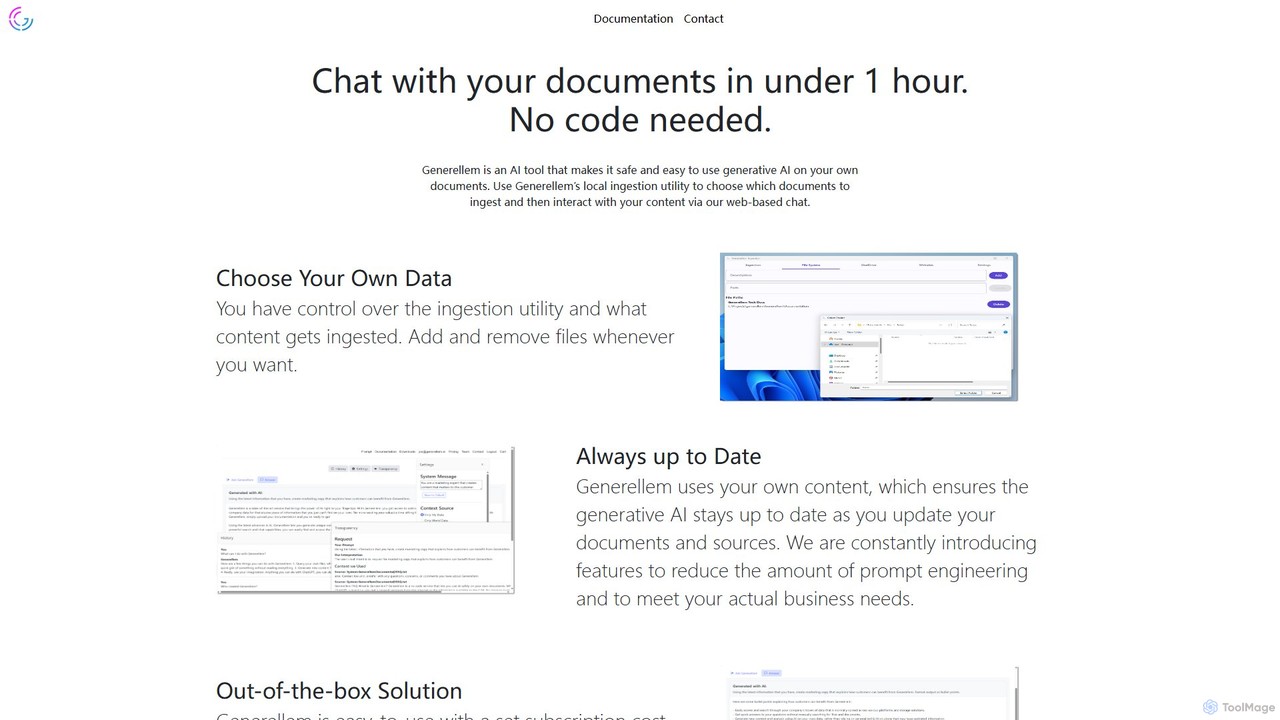
Generellem

Generellem

Generellem is a secure, no-code AI tool that allows you to chat with your own documents. It uses …

3.2K
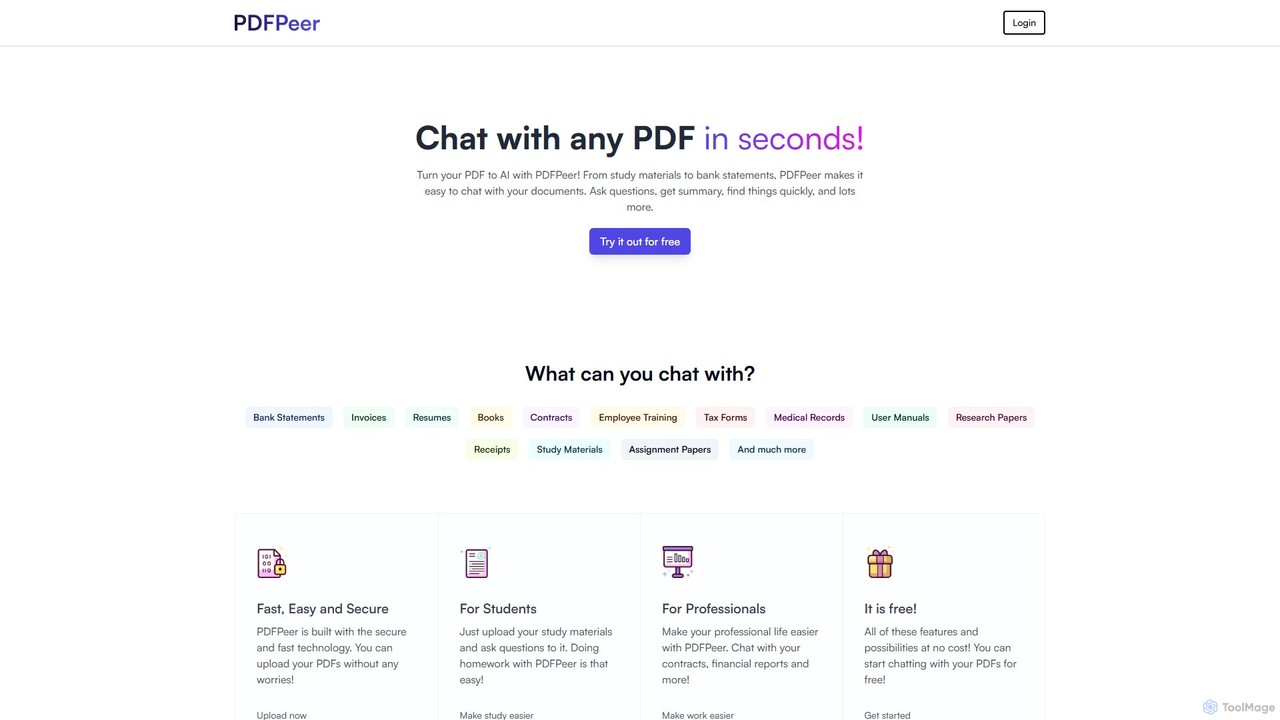
PDFPeer

PDFPeer

PDFPeer is a versatile AI-powered platform that lets you chat with your PDF documents to instantly get summaries, …

2.7K
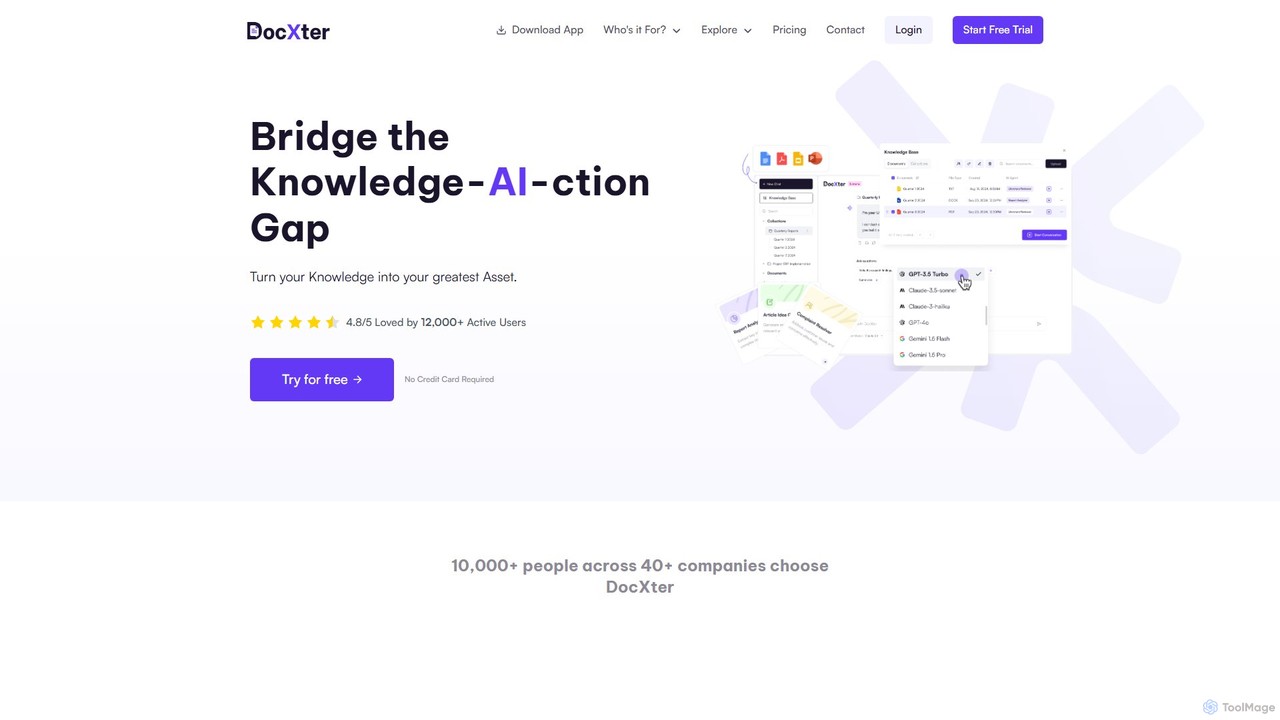
DocXter

DocXter

DocXter is an AI-powered knowledge intelligence platform that allows you to interact with any document. Upload PDFs, DOCX, …

3.3K
pdfy.ai

pdfy.ai

pdfy.ai is an AI-powered chat assistant that allows you to interact with various content formats, including PDFs, audio …

2.7K
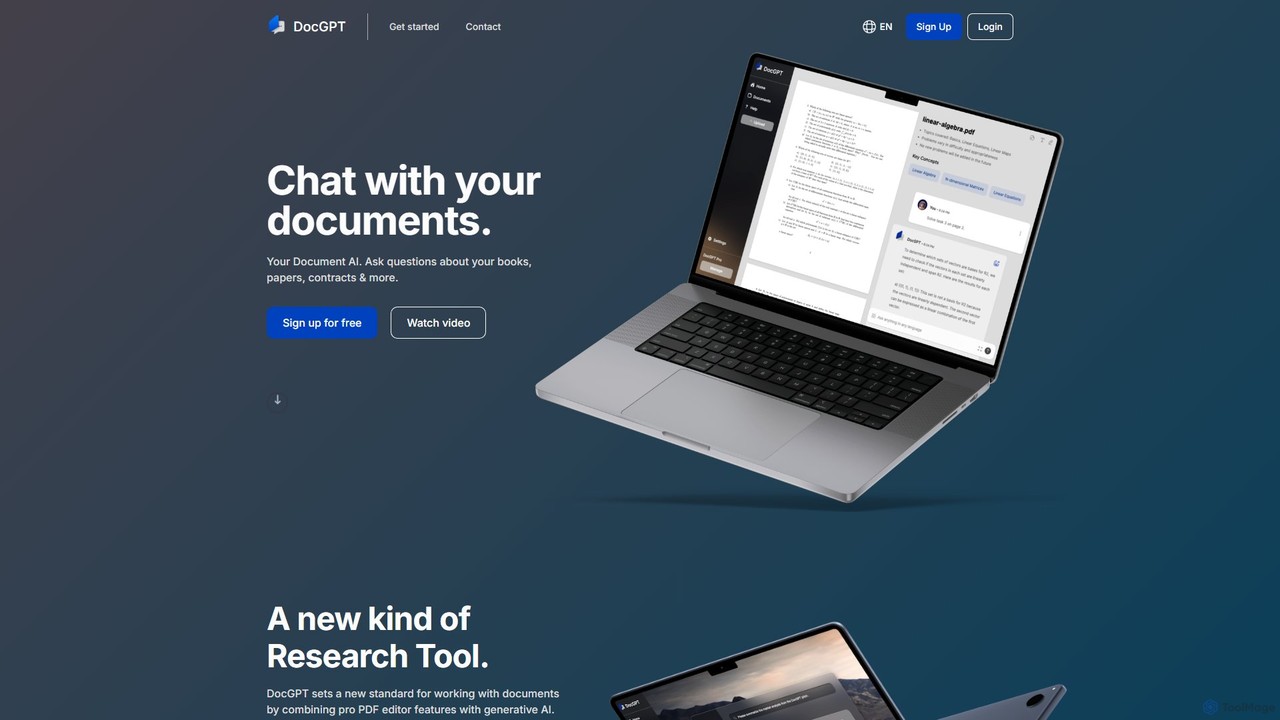
DocGPT

DocGPT

DocGPT is an AI-powered tool that allows you to chat directly with your documents. Simply upload files like …

6.8K
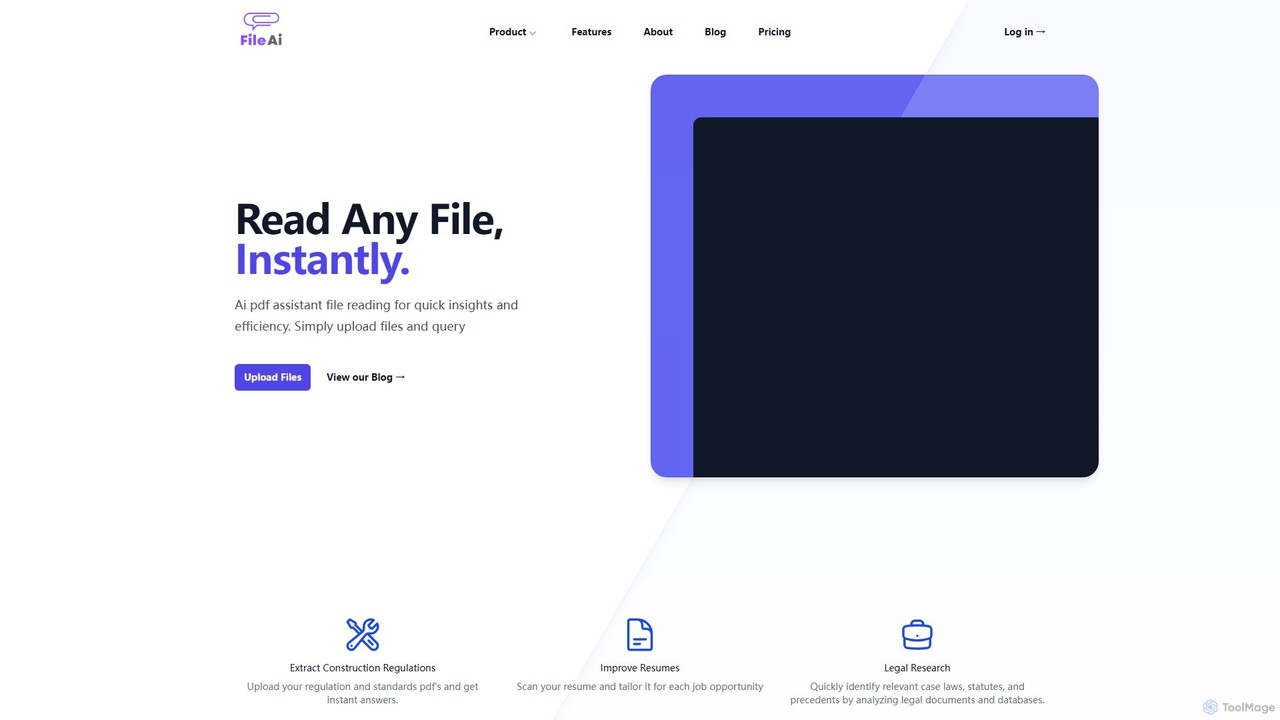
File AI

File AI

File AI is an intelligent document assistant that allows you to chat with your files. Instantly read, summarize, …

5.3K
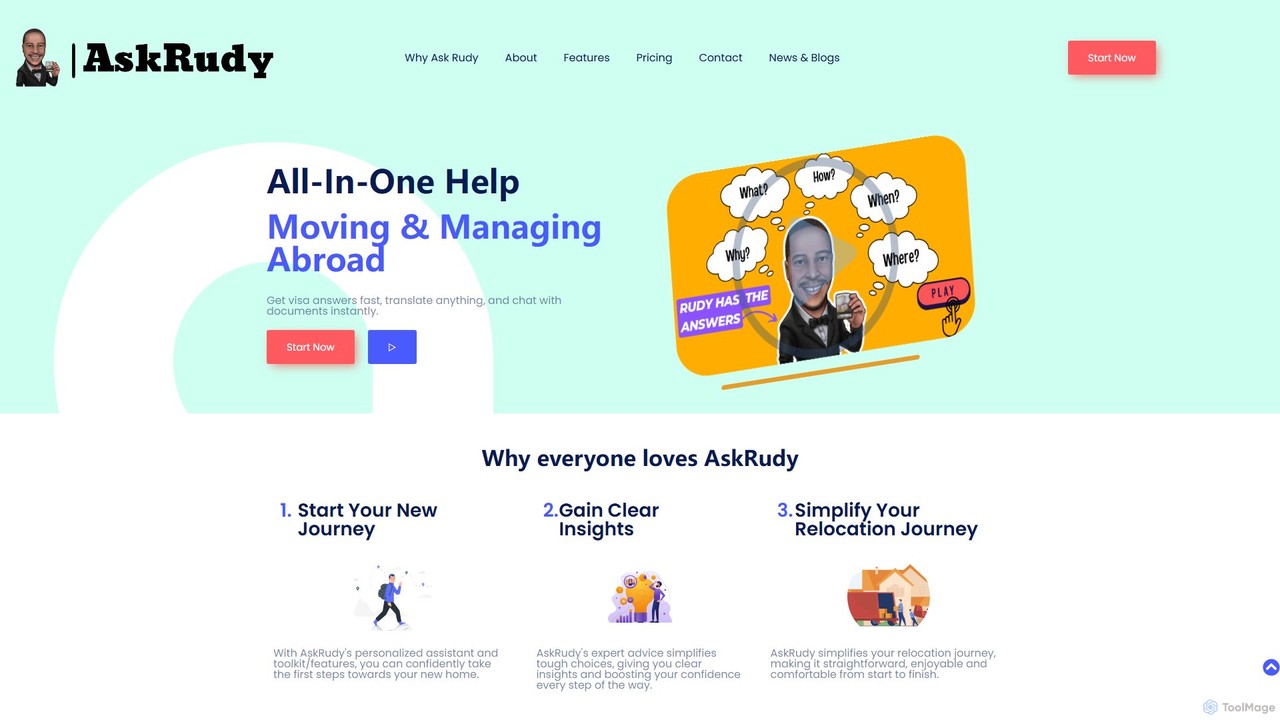
AskRudy

AskRudy

AskRudy is an all-in-one AI assistant for expats, digital nomads, and travelers. It helps you move and manage …

2.6K
pdfpal

pdfpal

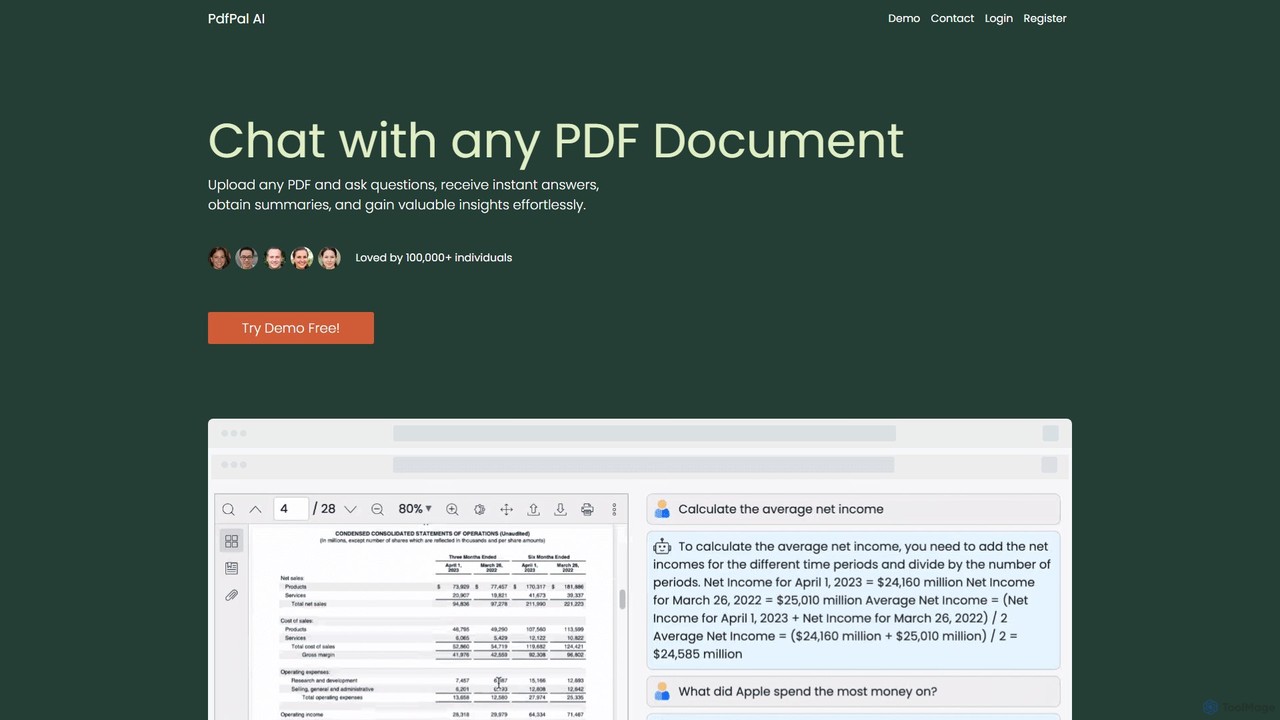
pdfpal is an AI-powered tool that lets you chat with any PDF document. Simply upload your file and …

2.6K
Raccoon

Raccoon

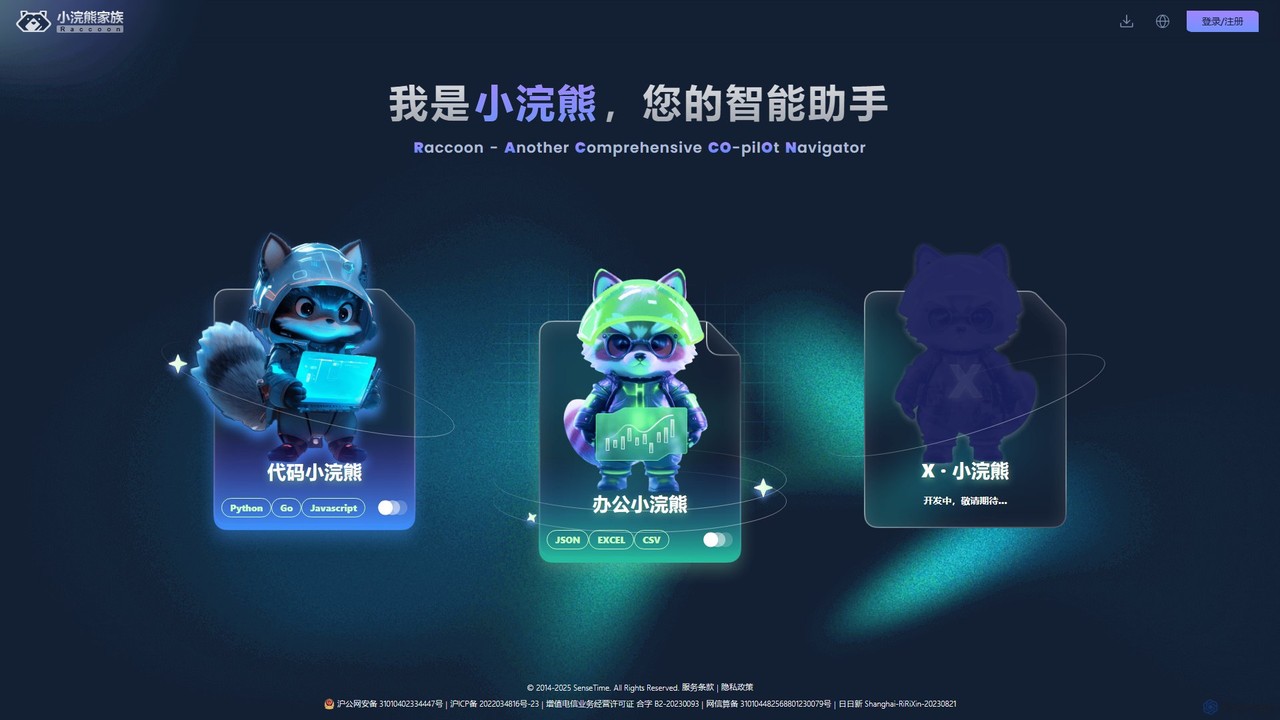
Raccoon, by SenseTime, is an AI-powered assistant suite designed to boost productivity for developers and office professionals. It …

102.4K
myaidrive

myaidrive

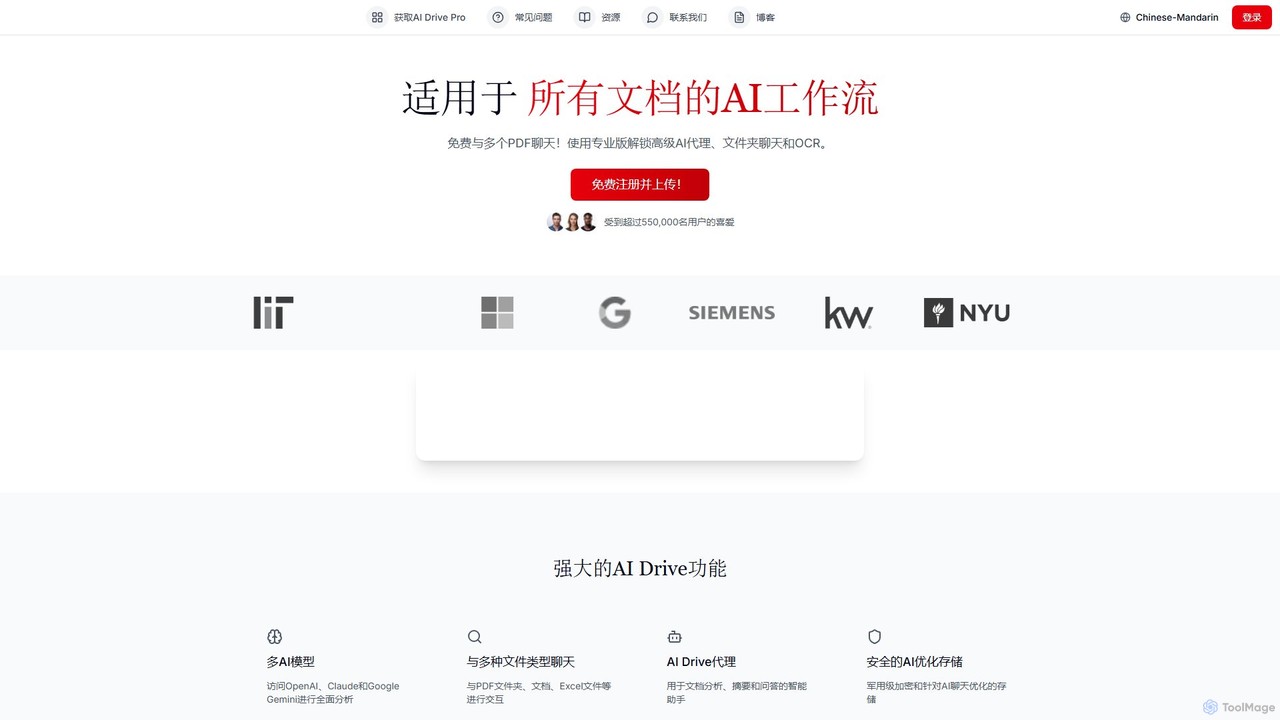
myaidrive is an AI-powered cloud storage platform that allows you to summarize, chat with, and organize your files. …

43.5K
mysolace

mysolace

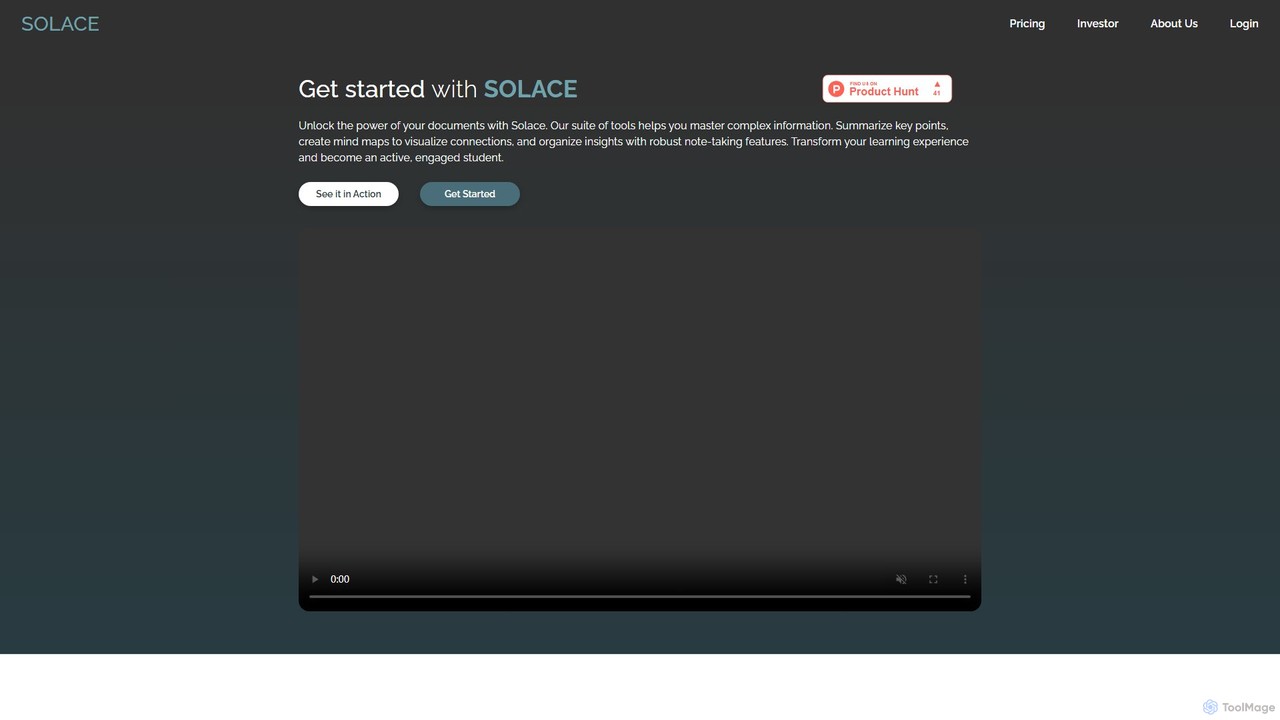
Solace is an AI-powered platform that revolutionizes document interaction. Chat with your PDFs and Word documents, get instant …

4.9K
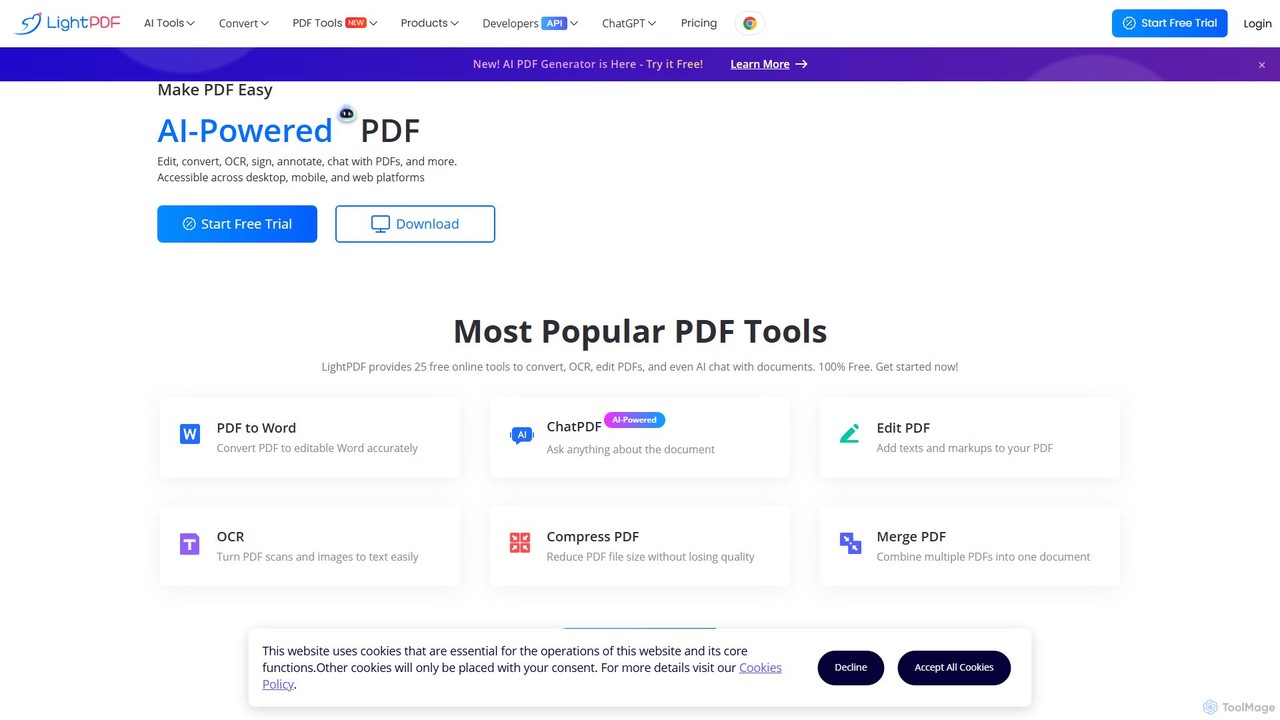
LightPDF

LightPDF

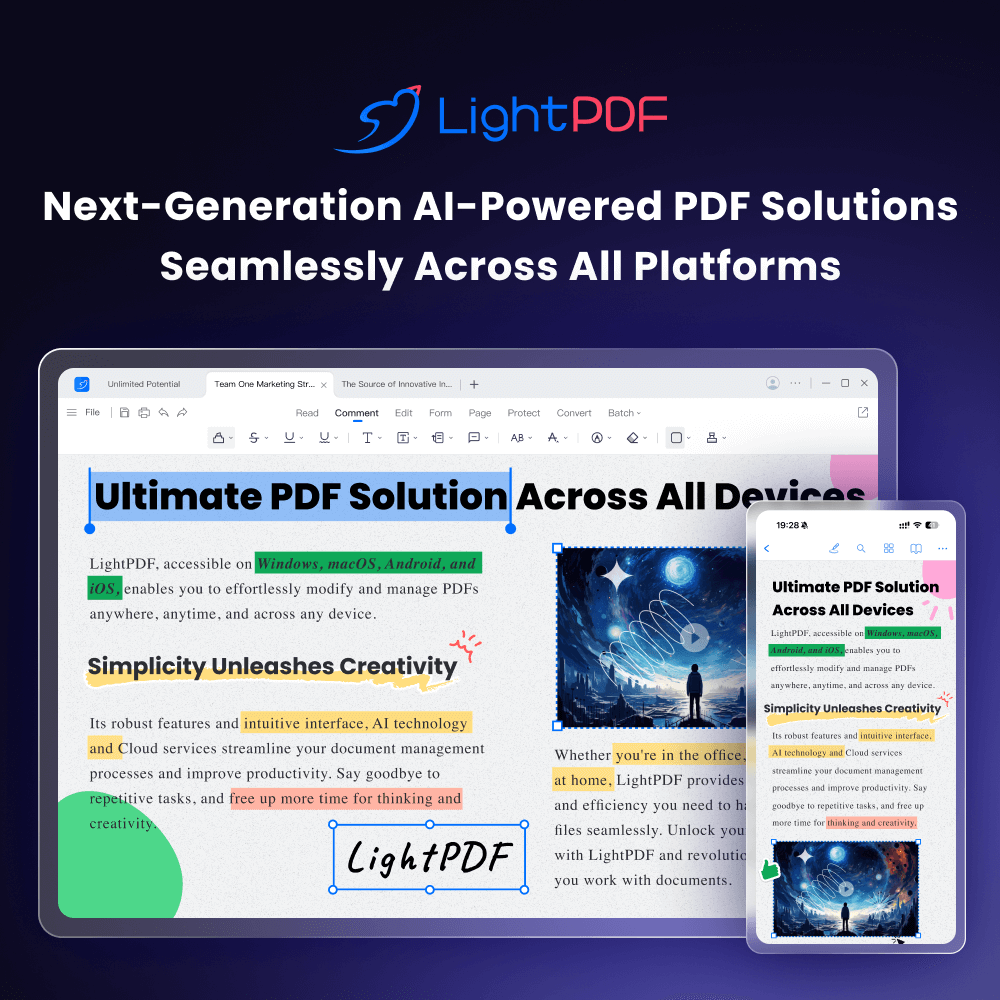
LightPDF is an AI-powered, all-in-one PDF solution designed to simplify document workflows. It allows users to chat with …

1.8M
Not Legal Advice

Not Legal Advice

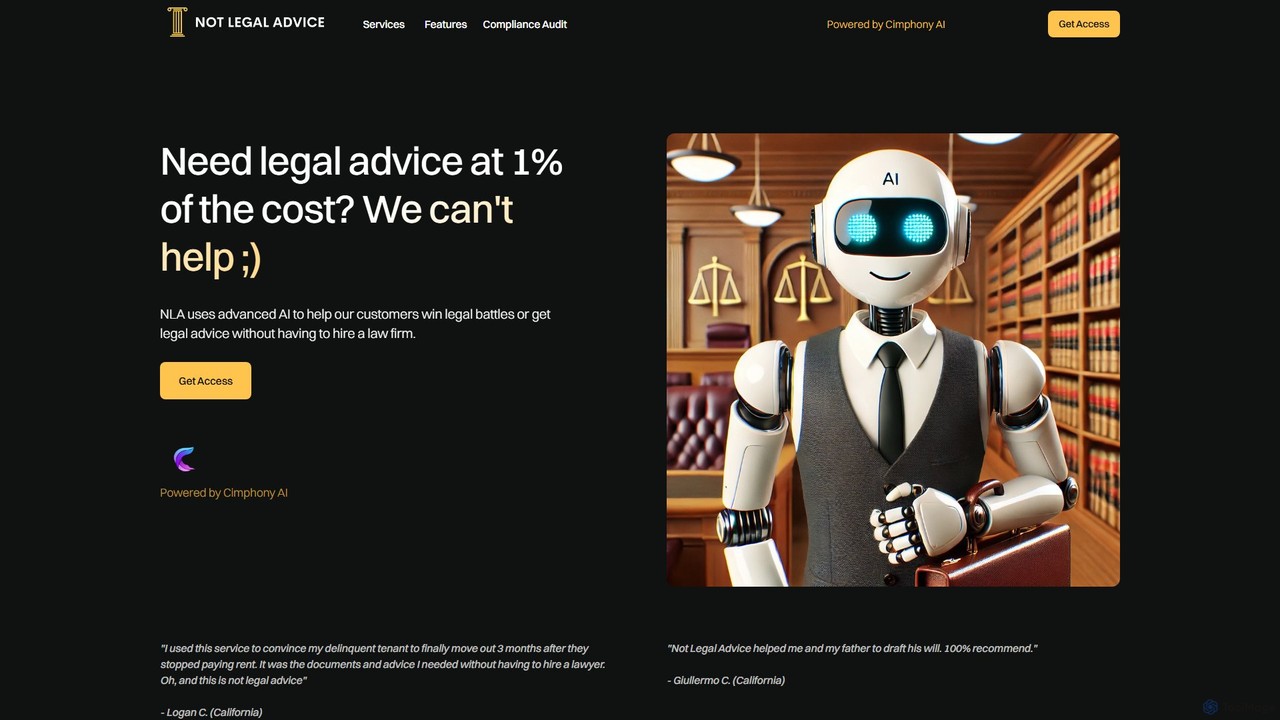
Not Legal Advice is an AI-powered platform offering guidance and document assistance for common legal issues. It provides …

2.5K
Amigotor

Amigotor

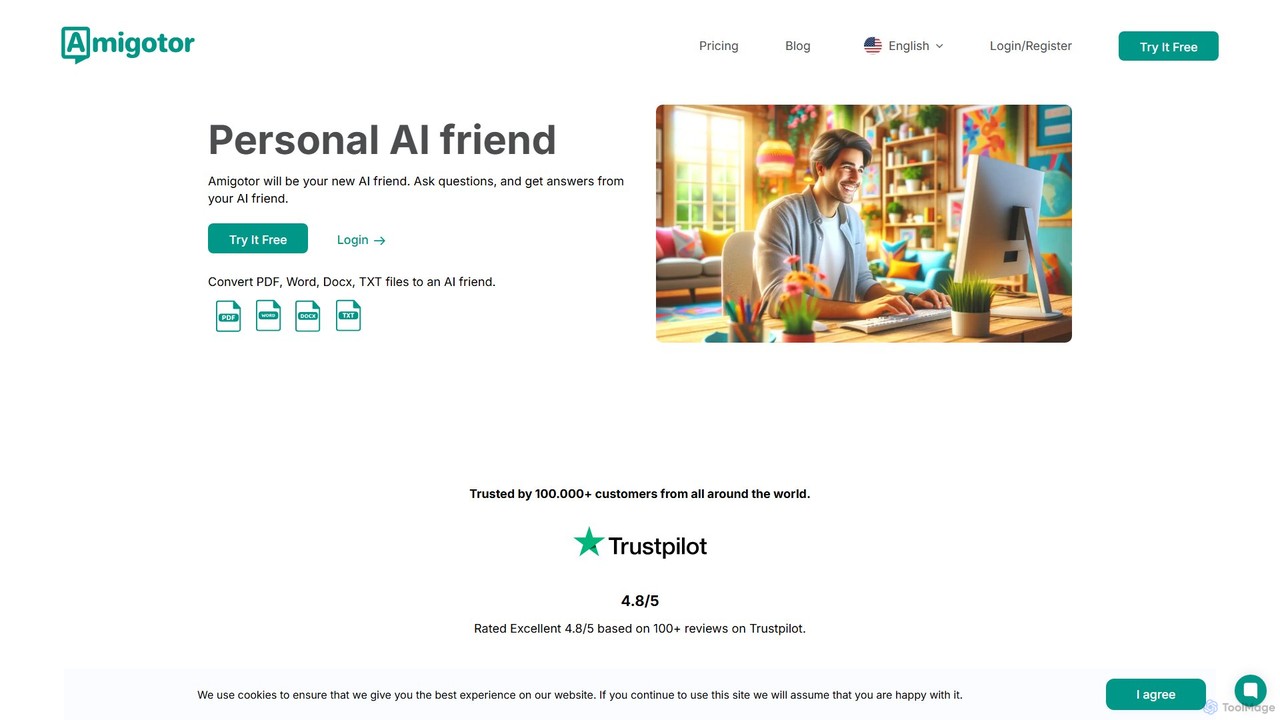
Amigotor is a personal AI companion that transforms your documents (PDF, Word, TXT, images) into interactive AI friends. …

4.2K
CreateDraft

CreateDraft

An AI-powered legal assistant that drafts, analyzes, and provides insights from legal documents in seconds. Features over 340 …

3.1K
docubro

docubro

docubro is an AI-powered document intelligence platform designed to help users instantly summarize, query, and extract key information …

2.6K
Smart Doc AI

Smart Doc AI

Smart Doc AI is an intelligent document processing platform that creates, summarizes, and analyzes complex documents. Interact with …

2.6K
Coral AI

Coral AI

Coral AI is an intelligent assistant that transforms your documents, audio, and video files into interactive resources. Upload …

28.4K
GPT for Work

GPT for Work

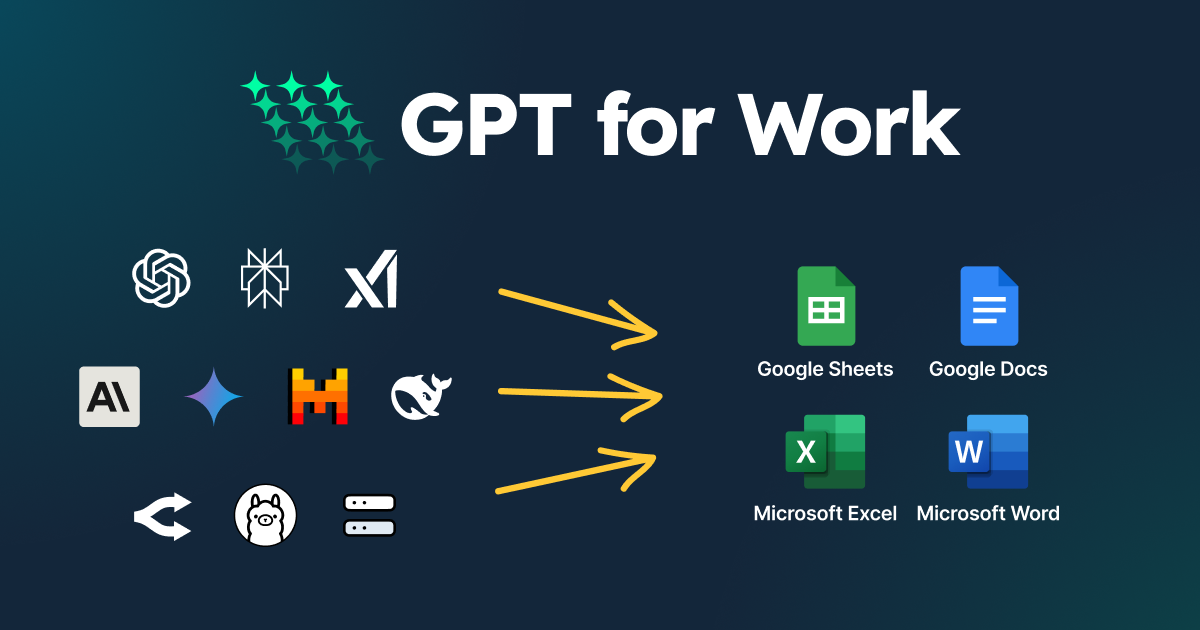
A powerful AI add-on that integrates GPT capabilities directly into Google Sheets, Docs, Microsoft Excel, and Word. Automate …

261.4K

About Document Assistant

Document Assistants are AI-powered tools designed to help you interactively understand, summarize, and query your files. Using Natural Language Processing (NLP), these tools allow you to 'chat' with your documents, asking specific questions and receiving context-aware answers directly from the text. This transforms static files like PDFs, reports, and contracts into dynamic knowledge bases, significantly accelerating research and data extraction. They are a key component of modern productivity, enabling users to quickly distill insights from dense materials without manual reading.

Core Features

  • Interactive Q&A: Ask direct questions about the document's content and receive precise, source-cited answers.
  • AI-Powered Summarization: Generate multi-level summaries, from a single paragraph to detailed bullet points, for long documents.
  • Information Extraction: Automatically identify and pull specific data such as names, dates, financial figures, or key terms.
  • Cross-Document Analysis: Upload multiple files and ask questions across the entire collection to synthesize information.
  • Content Generation: Assist in drafting emails, reports, or articles based on the information contained within the source documents.

Use Cases

These tools are invaluable for professionals and students who handle large volumes of text. Legal professionals use them to quickly review contracts for specific clauses, researchers analyze academic papers for key findings, and financial analysts query earnings reports for critical data. In corporate settings, they help teams quickly get up to speed on project documentation or internal knowledge bases.

How to Choose

When selecting a Document Assistant, consider the supported file types (PDF, DOCX, PPTX) and size limits. Evaluate the accuracy and citation capabilities of the AI's responses. For business use, prioritize tools with robust security features, data privacy policies, and potential integrations with cloud storage services like Google Drive or Dropbox. Finally, assess the user interface and collaboration features if working in a team.

Document AssistantUse Cases

1

Accelerate Academic Literature Review

A postgraduate researcher is working on their thesis and needs to analyze over 50 academic papers. Instead of reading each one cover-to-cover, they upload the entire collection to a Document Assistant. They can then ask specific questions like, 'Which papers use a quantitative methodology?' or 'Summarize the key findings related to neuroplasticity across all documents.' The tool provides synthesized answers with direct citations, allowing the researcher to identify relevant papers and map out scholarly conversations in hours instead of weeks, significantly speeding up the research process.

2

Streamline Legal Contract Analysis

A paralegal at a law firm is tasked with reviewing a 150-page service agreement for potential risks and non-standard clauses. By uploading the document to an AI Document Assistant, they can instantly ask, 'What are the liability limitations?' or 'Identify all confidentiality obligations for our client.' The AI highlights the relevant sections and provides concise summaries. This process reduces the initial review time by over 70%, allowing the legal team to focus their expertise on strategic negotiation points rather than manual information finding.

3

Quickly Understand Financial Reports

A financial analyst needs to prepare a briefing on a competitor's quarterly earnings report. The report is a dense, 80-page PDF filled with tables and text. Using a Document Assistant, the analyst uploads the file and asks, 'What was the reported net income for Q3?' and 'Compare the revenue growth year-over-year.' The tool extracts the exact figures and provides context from the management discussion section. This allows the analyst to draft an accurate executive summary in under 30 minutes, a task that would typically take several hours of careful reading and data compilation.

4

Create Study Guides from Lecture Notes

A university student has a semester's worth of lecture notes and textbook chapters in digital format. To prepare for final exams, they upload all the materials into a Document Assistant. They then issue commands like, 'Create a bulleted list of all key theories mentioned' and 'Generate five potential exam questions about the Industrial Revolution based on these documents.' The AI synthesizes the information into a structured study guide and practice questions, transforming disorganized notes into a powerful and efficient revision tool.

5

Synthesize Market Research Reports

A marketing manager has gathered multiple market research reports, competitor analyses, and customer survey results. To develop a new marketing strategy, they need to synthesize key trends from these disparate sources. They upload all documents to an AI assistant and ask, 'What are the top three customer pain points mentioned across all surveys?' and 'Which new market opportunities are identified in the research reports?' The tool provides a consolidated summary, saving the manager days of manual cross-referencing and data compilation, enabling faster strategic decision-making.

6

Onboard New Employees with Internal Documentation

A human resources manager needs to onboard a new software developer. Instead of having the new hire read hundreds of pages of technical documentation and company policies, they provide access to a Document Assistant pre-loaded with all relevant materials. The new developer can ask questions like, 'What is the process for code deployment?' or 'Summarize the company's remote work policy.' This interactive approach provides instant, contextual answers, making the onboarding process more efficient and engaging, and helping the new employee become productive faster.

Document AssistantFrequently Asked Questions