
LightPDF Overview
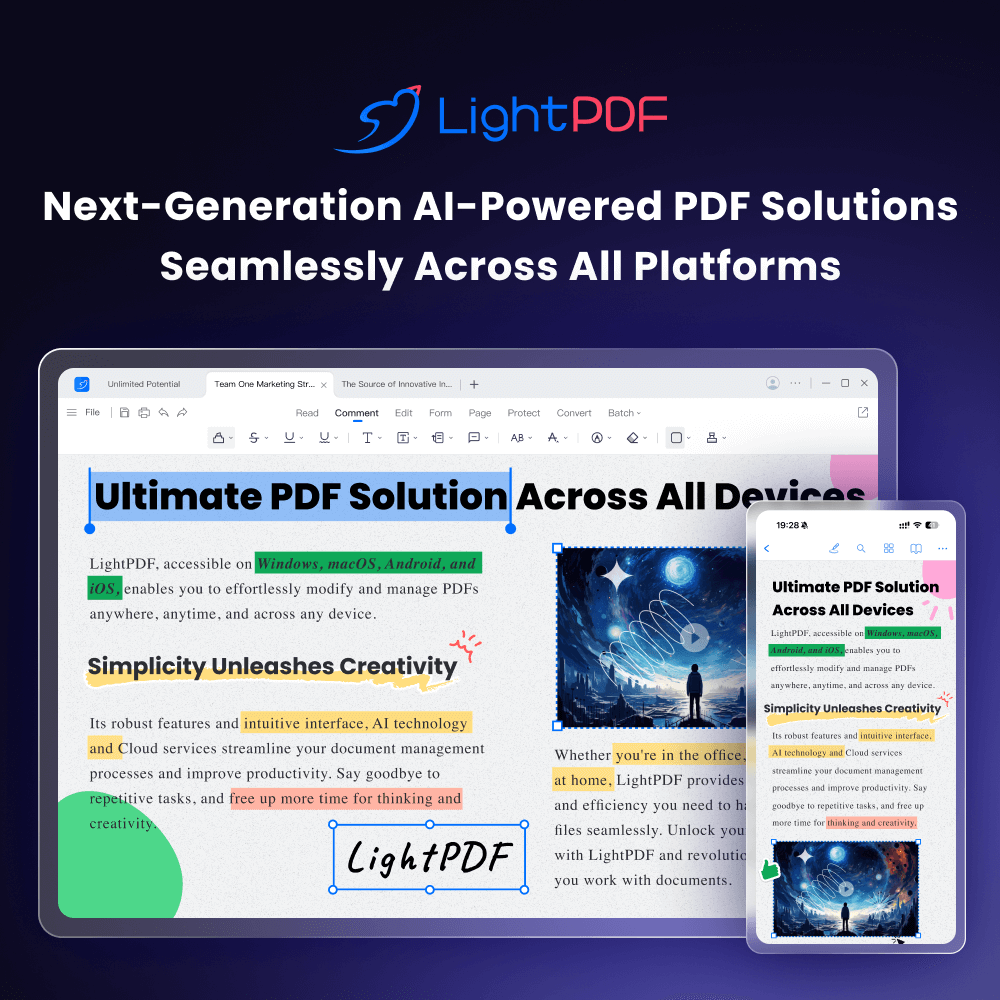
LightPDF is a multifaceted, AI-driven platform that redefines how users interact with their documents. Born from the mission to "Make PDF Easy," it has evolved from a simple converter into a comprehensive, one-stop solution for all PDF-related tasks. It serves over a million active users across 100+ countries, providing a seamless experience on web, Windows, Mac, Android, and iOS. At its core, LightPDF integrates powerful artificial intelligence, allowing you to not just manage, but truly understand and analyze your documents.
The standout feature, "AI for Docs," transforms your static PDFs into interactive conversational partners. You can upload any document—be it a dense research paper, a lengthy legal contract, or a complex financial report—and start asking questions in plain language. The AI will instantly scan the content and provide accurate answers, summaries, outlines, and key data points. This eliminates the need for manual reading and searching, dramatically boosting productivity and comprehension.
How to use LightPDF
Using LightPDF is designed to be simple and intuitive, whether you're using the online tools or the dedicated applications.
- Upload Your Document: Begin by visiting the LightPDF website or opening the app. You can drag and drop your file, or select it from your computer or cloud storage.
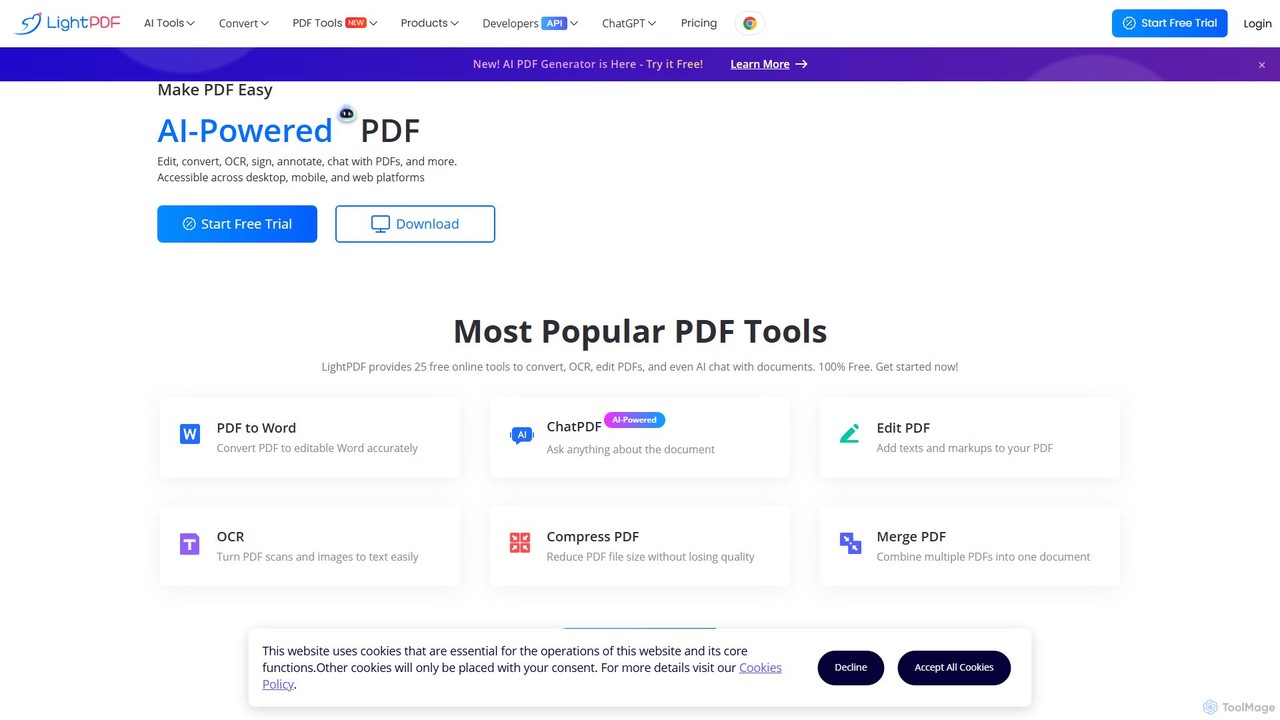
- Choose Your Tool: The dashboard presents a clear array of options. To analyze a document, select "AI for Docs." For other tasks, choose from tools like "Convert," "Edit," "Merge," "Sign," or "OCR."
- Interact with AI: In the "AI for Docs" interface, your document appears alongside a chat window. Simply type your questions (e.g., "Summarize this report in five bullet points," "What are the key financial figures for Q3?," "Explain the main argument of this paper"). The AI will generate responses instantly.
- Edit and Convert: If you need to edit text, add images, or convert the file, select the appropriate tool and follow the on-screen prompts. The conversion process is fast and maintains high fidelity to the original layout.
- Manage and Secure: Use tools like "Merge" or "Split" to organize your pages. Apply an electronic signature with the "Sign PDF" tool for legally binding documents.
- Download and Share: Once you're finished, you can download the processed file to your device or save it directly to your LightPDF cloud account, making it accessible from anywhere.
Core Features of LightPDF
- AI Document Analysis: Chat with your PDFs to get instant summaries, answers, outlines, and data extraction. This feature supports complex documents and helps you gain insights quickly.
- Comprehensive PDF Conversion Suite: Convert PDFs to and from a wide range of formats, including Word, Excel, PowerPoint, JPG, PNG, and TXT, while preserving the original formatting with high accuracy.
- Full-Featured PDF Editor: Edit PDF text and images directly, just like in a word processor. Add comments, highlights, shapes, and watermarks to your documents.
- Advanced OCR Technology: Turn scanned PDFs and images into fully editable and searchable documents. The Optical Character Recognition (OCR) engine accurately recognizes text in multiple languages.
- Electronic Signature: Create and add legally binding electronic signatures to your documents, streamlining contract and approval workflows.
- Complete Document Management: Easily merge multiple PDFs into one, split a large PDF into smaller files, compress files to reduce their size without losing quality, and protect your documents with passwords.
- Cross-Platform Syncing: Work seamlessly across web, desktop (Windows/Mac), and mobile (iOS/Android) devices. All your documents are synced to your cloud account for easy access.
Use Cases for LightPDF
LightPDF is a versatile tool suitable for a wide range of users:
- Students and Academics: Quickly summarize dense textbooks and research articles, extract key arguments for essays, and prepare for exams by asking questions directly to lecture notes.
- Business Professionals: Analyze business reports, financial statements, and market research to extract critical insights. Review and sign contracts on the go.
- Legal Professionals: Rapidly search through long legal documents, case files, and contracts to find specific clauses and information, saving hours of manual review.
- Developers and Enterprises: Integrate LightPDF's powerful functionalities into their own applications and workflows using the available API and SDK services.
Advantages of LightPDF
LightPDF stands out as a superior alternative to other PDF software. Its primary advantages include its all-in-one nature, which eliminates the need for multiple single-purpose tools. The AI integration provides a level of intelligence and efficiency that traditional editors lack. Its cross-platform availability ensures you can work from anywhere, on any device. Furthermore, the platform is built with security in mind, being ISO 27001/27701 certified and GDPR compliant, guaranteeing the privacy and safety of your data.
Pricing and Plans
LightPDF operates on a freemium model, making it accessible to everyone. The Free Plan offers basic access to many tools, including a limited number of AI interactions and file processes. For users with more demanding needs, LightPDF offers premium plans:
- Personal Plan: Aimed at individuals, this plan unlocks unlimited document processing, advanced AI features, larger file size limits, and batch processing capabilities.
- Business Plan: Designed for teams and enterprises, this plan includes all the features of the Personal plan, plus team management features, priority support, and options for API integration.
A free trial is available, allowing users to experience the full capabilities of the premium plans before committing.
Traffic
Latest traffic
Status
Monthly traffic trend
- 2025-9: 1.6M
- 2026-1: 1.9M
- 2026-2: 1.7M
- 2026-3: 1.9M
- 2026-4: 1.9M
- 2026-5: 1.8M
Geography
Top 5 countries / regions
- 🇮🇳India49.6%
- 🇺🇸United States15.8%
- 🇧🇷Brazil13.9%
- 🇹🇼Taiwan11.2%
- 🇮🇩Indonesia9.5%
Traffic sources
| Source type | Percentage |
|---|---|
Direct | 86.7% |
Referral | 11.6% |
Email | 1.7% |
Top keywords
| Keyword | Cost per click |
|---|---|
| libgen | $1.78 |
| light pdf | $0.15 |
| lightpdf | $0.16 |
| oceanofpdf | $1.16 |
| watermark remover | $0.27 |
LightPDF Videos on YouTube

Digital Product Wizard


Imran Arif Tech


Elesha Naomi

J3M 一分鐘AI教學 | 提升工作效率
LightPDF Alternatives

UPDF AI
UPDF AI is a powerful AI assistant integrated into the UPDF editor, designed to revolutionize how you interact with PDF documents. It allows you to chat with your PDFs, get instant summaries, translate entire documents or selected text, explain complex data, and even convert dense content into visual mind maps. Available on Windows, macOS, iOS, Android, and the web, it streamlines workflows for students, researchers, and professionals by making document comprehension and analysis faster and more efficient.
Research
ChatPDF
ChatPDF is an AI-powered platform that allows you to interact with your documents as if you were having a conversation. Simply upload a PDF, and the AI will help you summarize content, answer specific questions, and extract key information in seconds. It's designed for students, researchers, and professionals to enhance productivity and understanding.
Research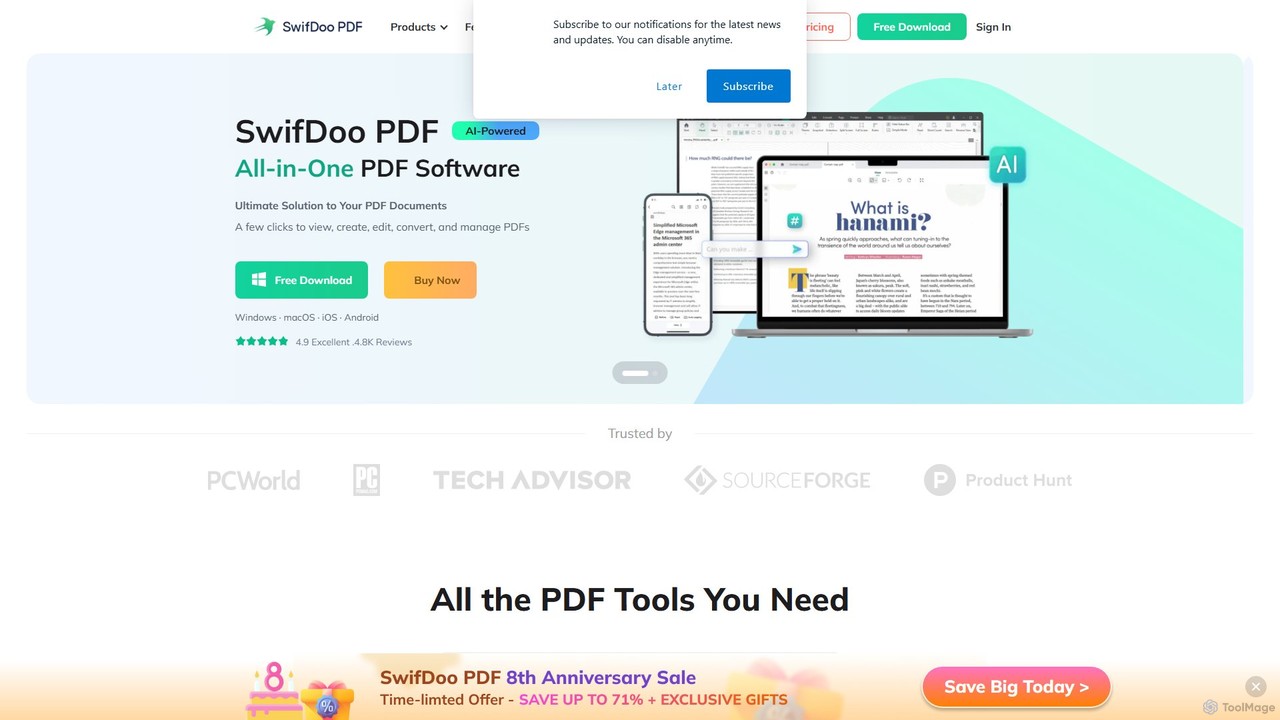
SwifDoo PDF
SwifDoo PDF is an all-in-one, AI-powered PDF software for effortless document management. It allows users to create, edit, convert, merge, compress, and sign PDF files. With integrated AI features, you can summarize, translate, proofread, and chat with your documents. Available on Windows, macOS, iOS, and Android, it offers a lightweight yet powerful solution for both individual and business users.
Document Signing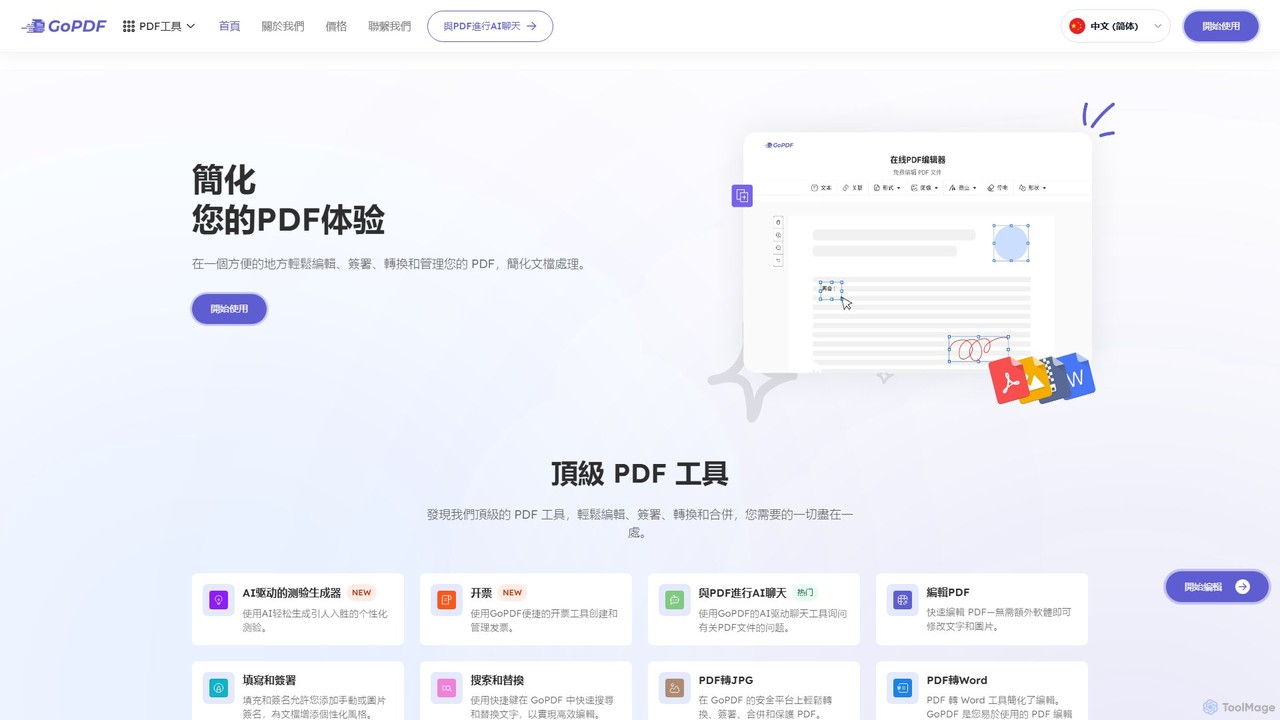
GoPDF
GoPDF is an AI-powered, all-in-one online PDF solution. It allows users to easily edit, convert, sign, merge, compress, and interact with PDF documents through an intuitive web interface and mobile app. AI features enable users to chat with their documents for quick summaries and answers.
Chat With Document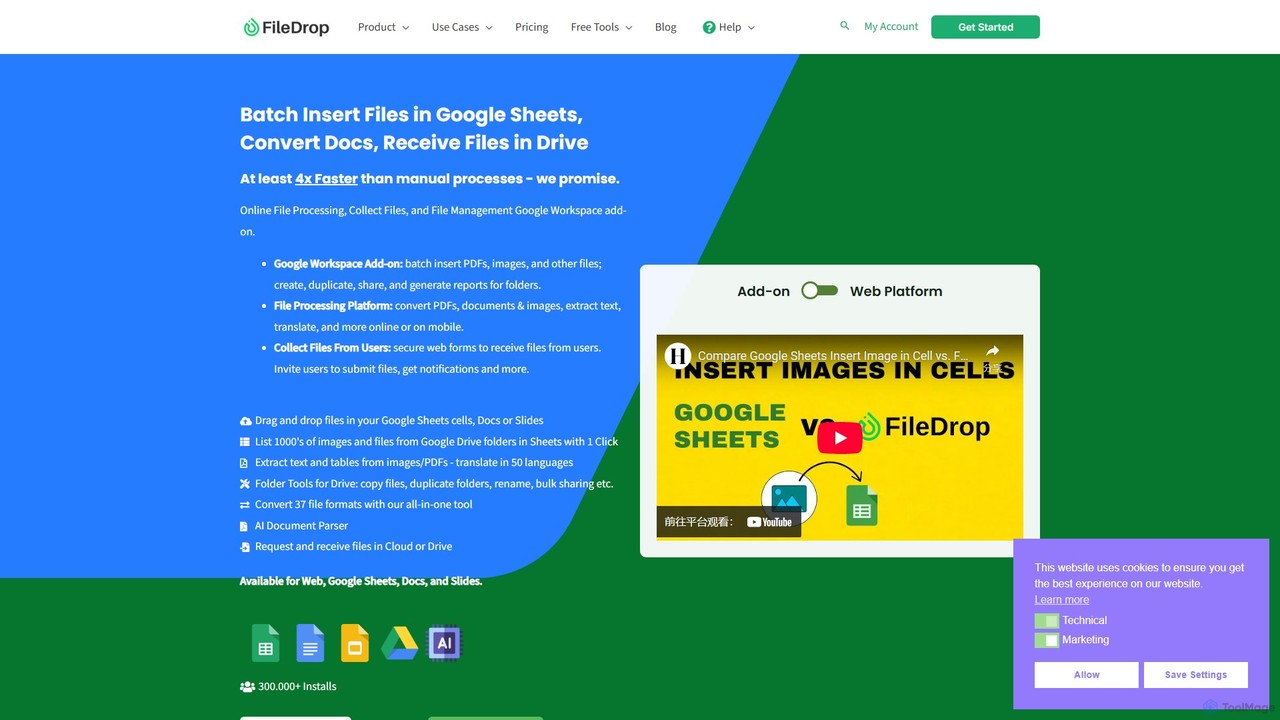
FileDrop
FileDrop is a productivity suite for Google Workspace and a web platform that streamlines file management. It enables batch insertion of files into Google Sheets & Docs, offers a powerful file converter for 37+ formats, extracts text with AI-powered OCR, and provides secure file collection forms.
Data ExtractionLightPDF Categories
LightPDF Embed Widget
Copy this embed code to place the badge on your blog, article, or product site and send readers directly to this ToolMage detail page.

Related AI tools
SwifDoo PDF
SwifDoo PDF is an all-in-one, AI-powered PDF software for effortless document management. It allows users to create, edit, convert, merge, compress, and sign PDF files. With integrated AI features, you can summarize, translate, proofread, and chat with your documents. Available on Windows, macOS, iOS, and Android, it offers a lightweight yet powerful solution for both individual and business users.
Document SigningGoPDF
GoPDF is an AI-powered, all-in-one online PDF solution. It allows users to easily edit, convert, sign, merge, compress, and interact with PDF documents through an intuitive web interface and mobile app. AI features enable users to chat with their documents for quick summaries and answers.
Chat With Document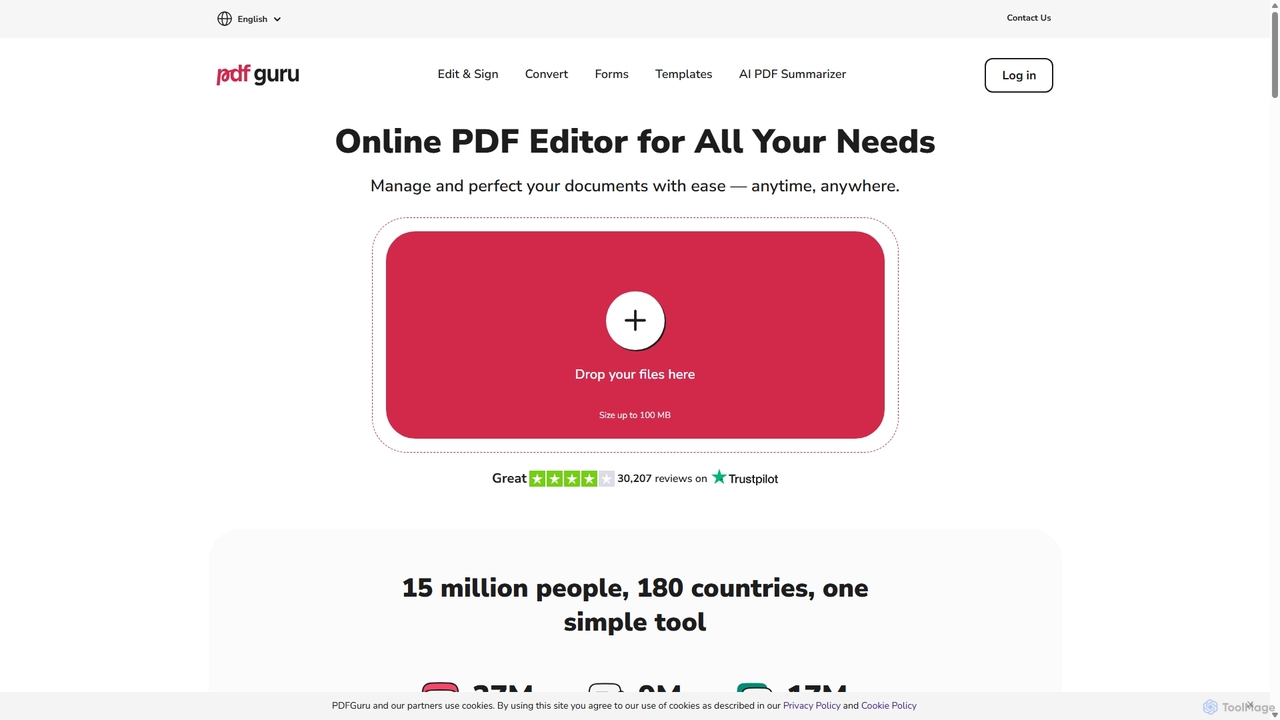
PDFflex
PDFflex is a comprehensive, all-in-one online platform for managing PDF documents. It allows users to edit, convert, merge, split, and sign PDFs with ease. Featuring an intuitive interface and robust security, PDFflex also incorporates AI-powered tools like OCR for scanned documents and summarizers for long texts. It supports a vast range of file formats, making it a versatile solution for both personal and professional use, accessible from any browser without installation.
Summarizer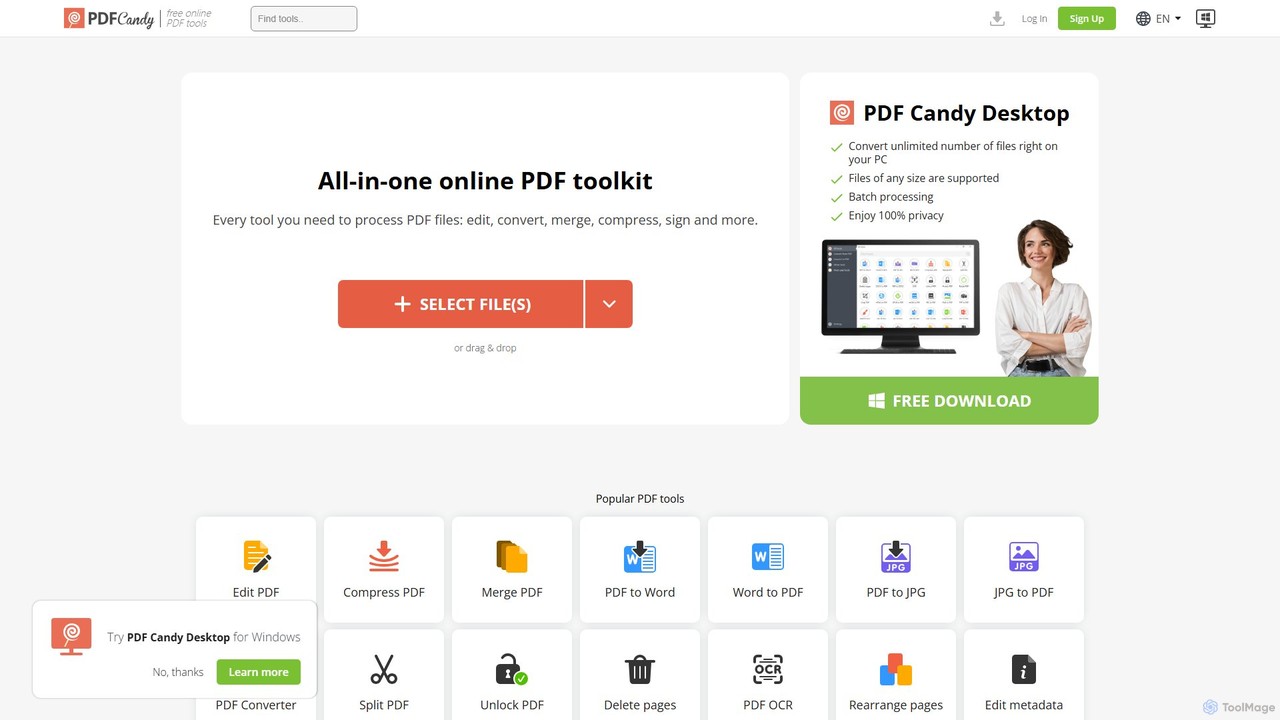
PDF Candy
PDF Candy is a comprehensive all-in-one online and desktop toolkit offering over 90 free tools to manage PDF files. Users can easily edit, convert from and to various formats, merge, compress, sign, unlock, and perform OCR on documents. It provides a user-friendly interface for both casual and professional use, ensuring high-quality results for all your PDF needs.
File Conversion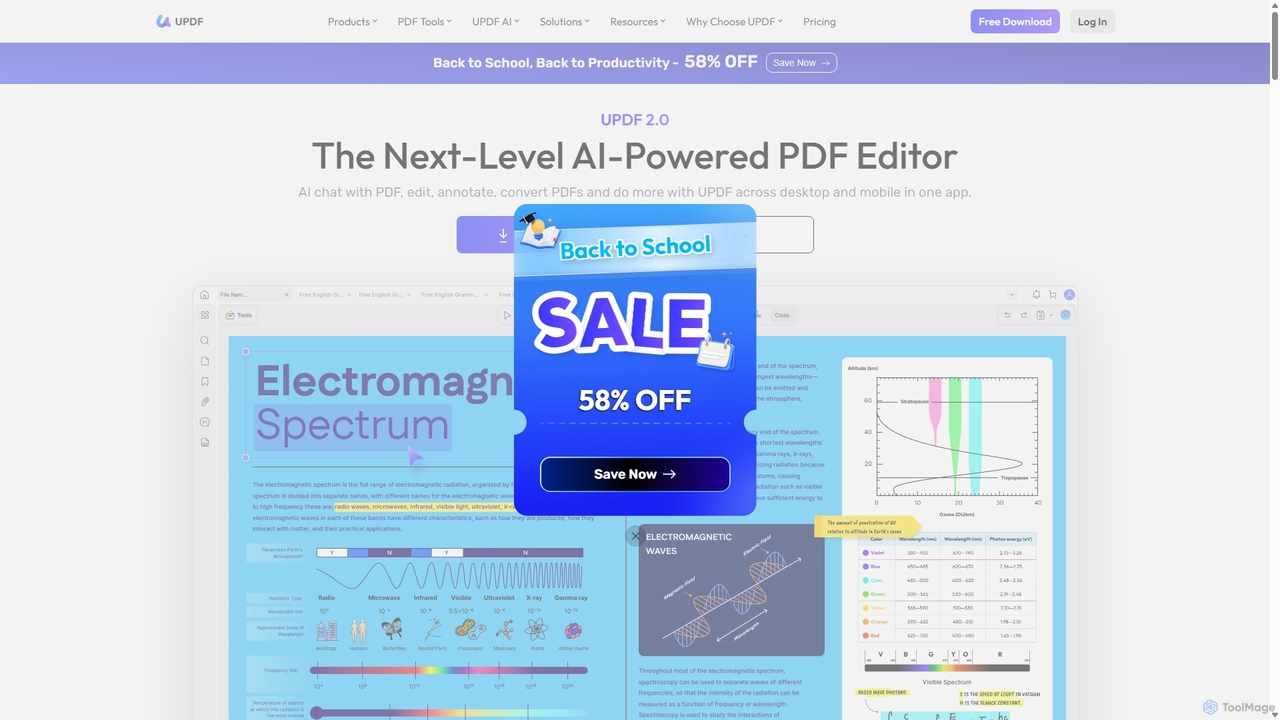
UPDF
UPDF is an AI-integrated, all-in-one PDF editor that allows users to edit, annotate, convert, summarize, translate, and chat with PDF documents. It offers a seamless experience across Windows, macOS, iOS, and Android, boosting productivity for individuals, students, and businesses.
Document Analysis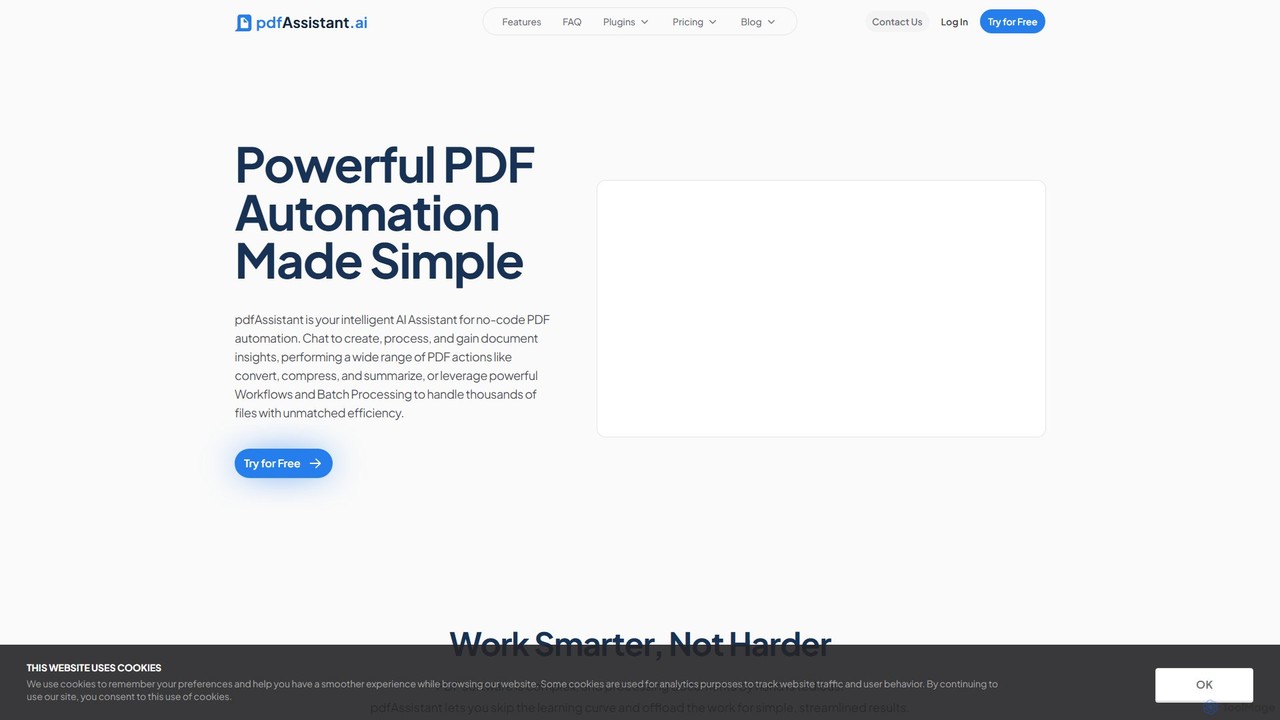
pdfAssistant.ai
pdfAssistant.ai is an intelligent, no-code platform for PDF automation. Use its intuitive chat interface to create, convert, compress, summarize, and manage PDFs with simple natural language commands. Automate complex, multi-step tasks with Workflows and process thousands of files efficiently using Batch Processing.
Automation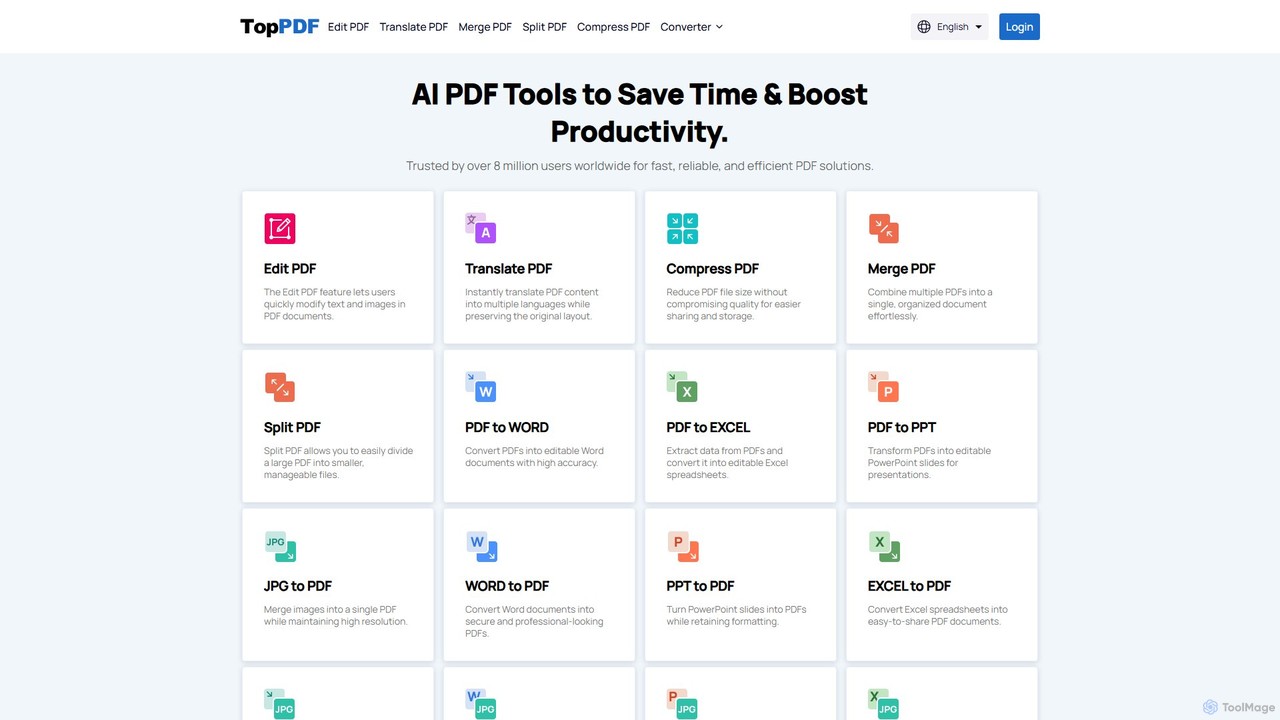
TopPDF
TopPDF is an all-in-one, AI-powered online platform offering a comprehensive suite of tools to edit, convert, translate, merge, split, and compress PDF files. It's designed to enhance productivity by simplifying document workflows for users worldwide.
File ConversionUPDF AI
UPDF AI is a powerful AI assistant integrated into the UPDF editor, designed to revolutionize how you interact with PDF documents. It allows you to chat with your PDFs, get instant summaries, translate entire documents or selected text, explain complex data, and even convert dense content into visual mind maps. Available on Windows, macOS, iOS, Android, and the web, it streamlines workflows for students, researchers, and professionals by making document comprehension and analysis faster and more efficient.
Research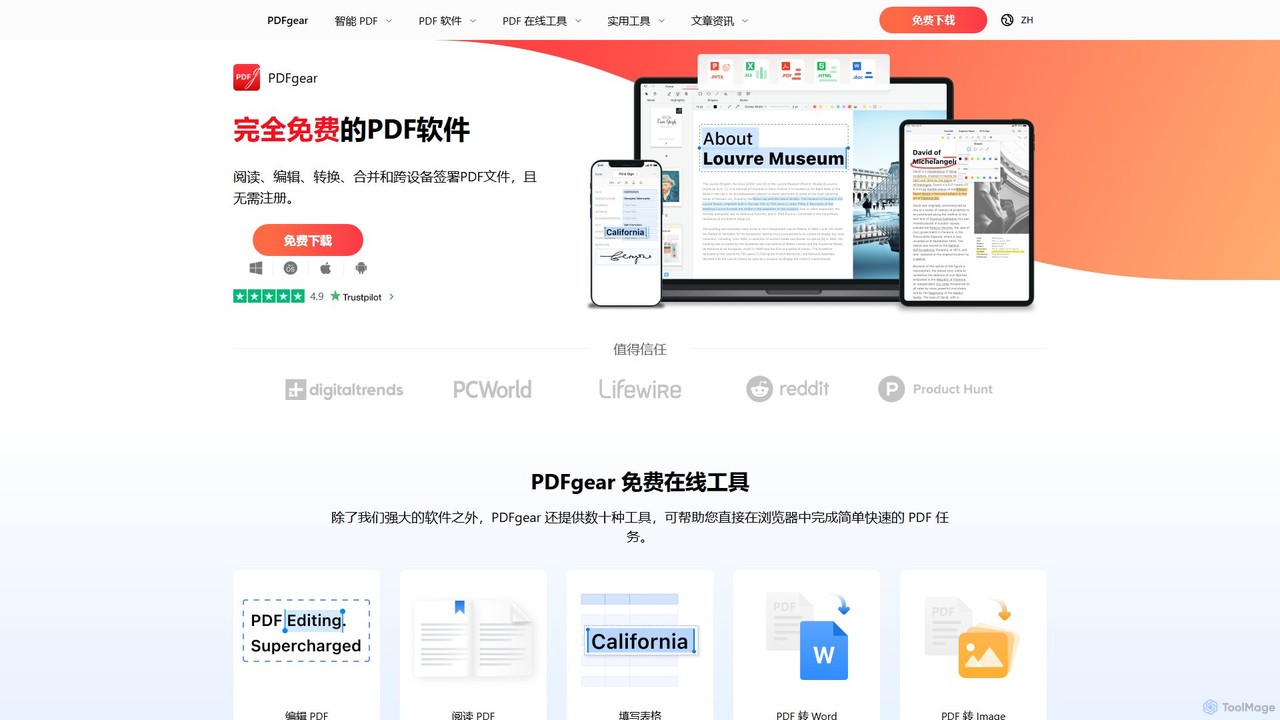
PDFgear
PDFgear is a completely free, AI-powered PDF editor and management suite. It integrates a ChatGPT-based Copilot to chat with, summarize, and analyze your documents. It offers comprehensive features like editing, converting, OCR, and signing across all platforms (Windows, macOS, iOS, Android) and online.
Document Analysis
Tenorshare AI
Tenorshare AI is an all-in-one AI-powered suite designed to enhance productivity. It features an advanced AI text humanizer to bypass AI detectors, a comprehensive set of free online PDF tools (edit, merge, OCR, sign), an AI PDF summarizer, and content generators for writing and presentations. It offers a secure, fast, and user-friendly experience for students, professionals, and content creators.
Content Creation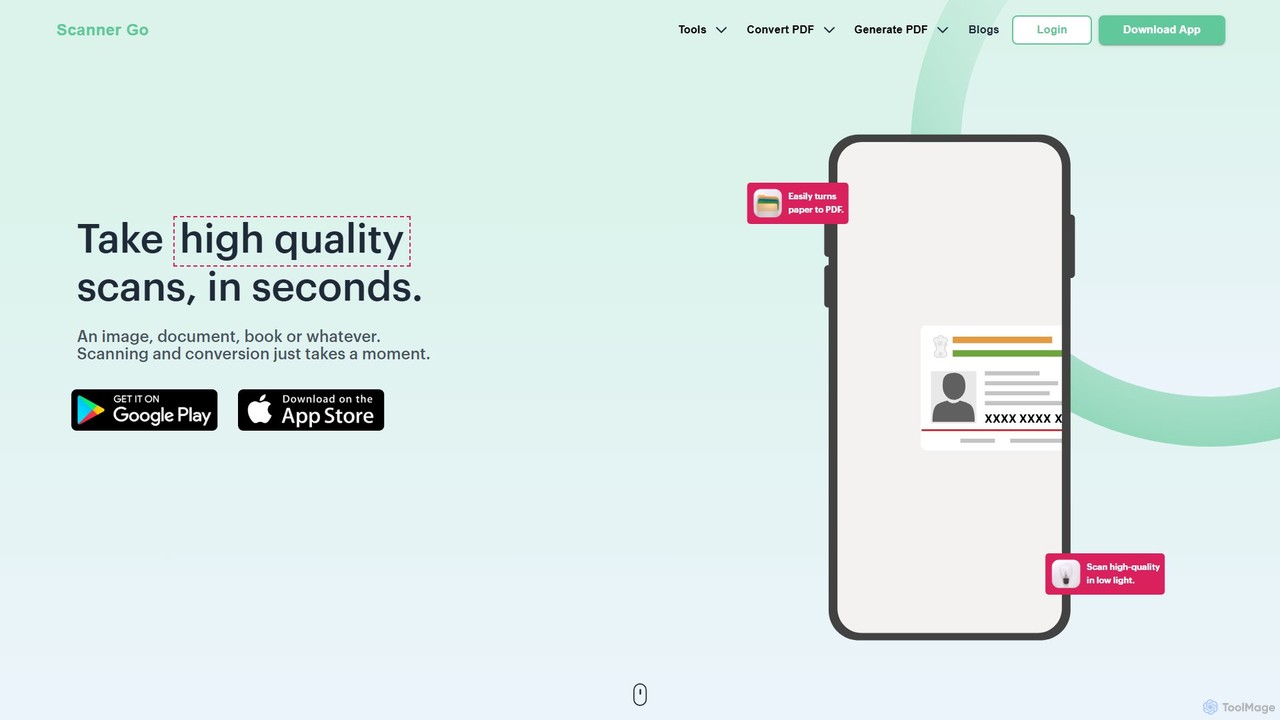
ScannerGo
ScannerGo is an all-in-one productivity tool that combines a powerful mobile document scanner with a comprehensive suite of online PDF utilities. Easily scan, convert, edit, merge, split, and secure your documents on any device, enhanced with OCR technology to extract text from images and PDFs.
File Conversion
Kaagaz
Kaagaz is an all-in-one, mobile-first productivity suite featuring an AI-powered PDF scanner, editor, poster maker, and resume builder. Designed for modern users, it simplifies document management, creative design, and job applications, offering a powerful alternative to traditional desktop software and tools like CamScanner.
Graphics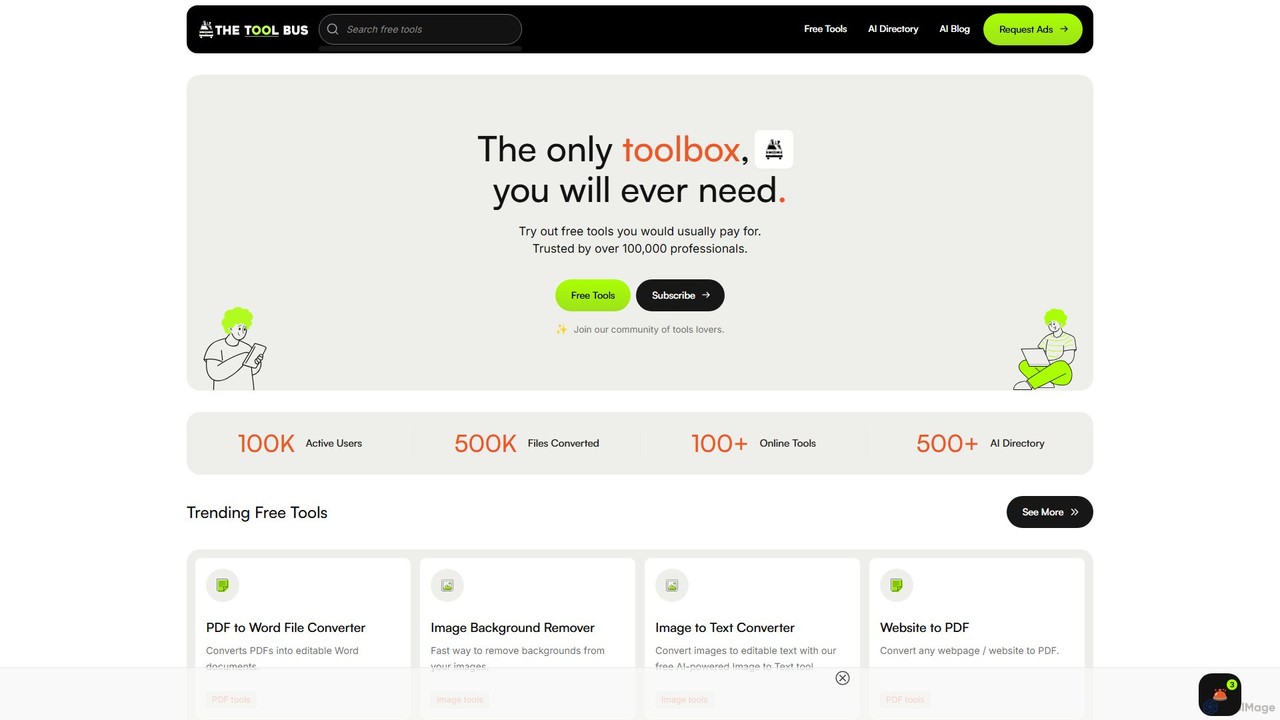
TheToolBus.ai
TheToolBus.ai is a comprehensive, free-to-use online platform offering a suite of AI-powered tools. It features PDF and image converters, an AI cover letter writer, a QR code generator, and more. It also serves as a resource hub with an extensive AI tool directory and an insightful blog on AI trends and tutorials.
Image Editing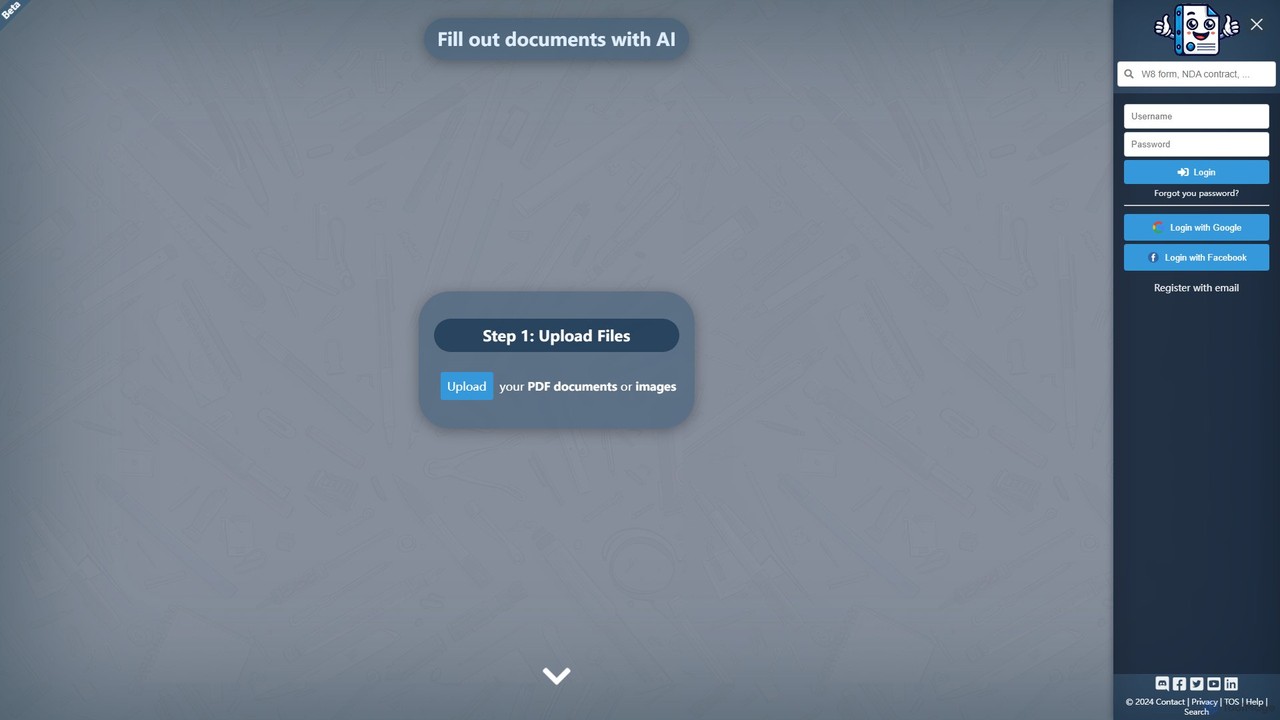
Docamine
Docamine is an AI-powered tool that automates the process of filling out documents and forms. Simply upload a PDF or image, and the AI will identify fields, autofill information from your saved profiles or reference documents, and allow you to add a digital signature.
Forms Automation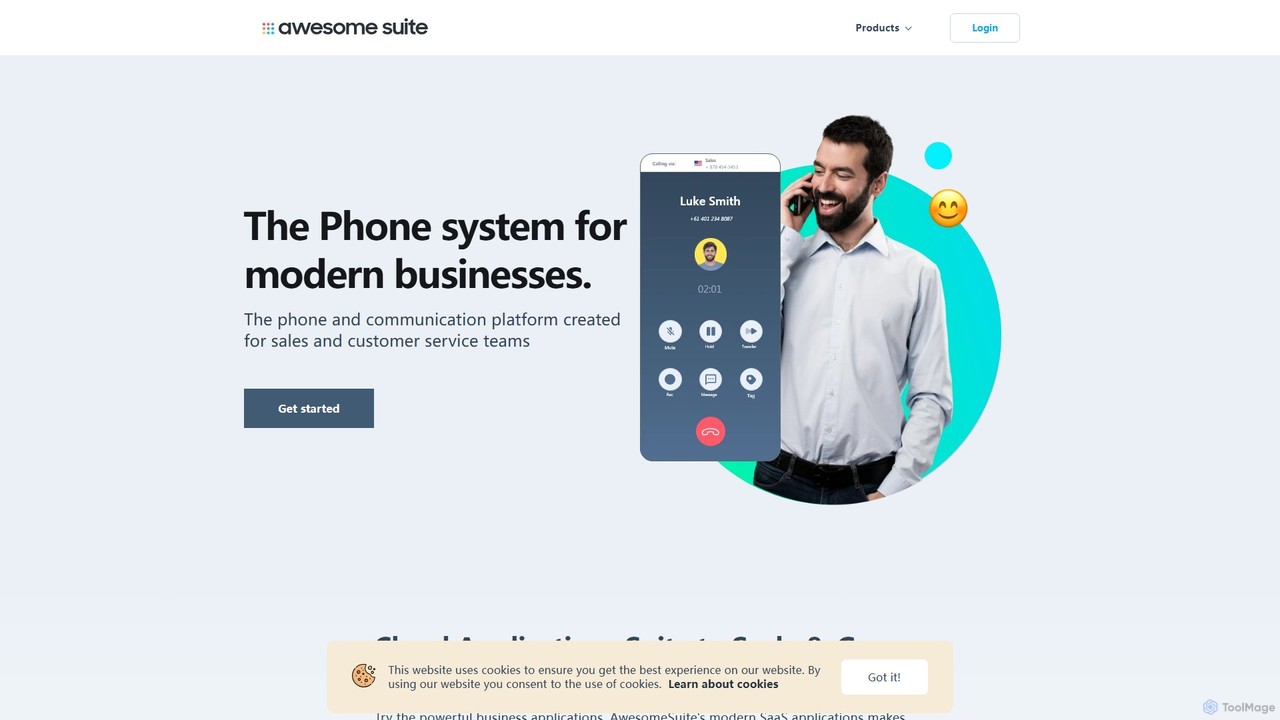
AwesomeSuite
AwesomeSuite is a comprehensive cloud-based software suite for businesses and agencies, offering integrated tools for social media management, electronic signatures, and business communication. It's designed to streamline workflows, enhance productivity, and scale with your business needs.
Cloud Communication
LightPDF Comments (0)
Sign in to comment.
Sign inNo comments yet.