

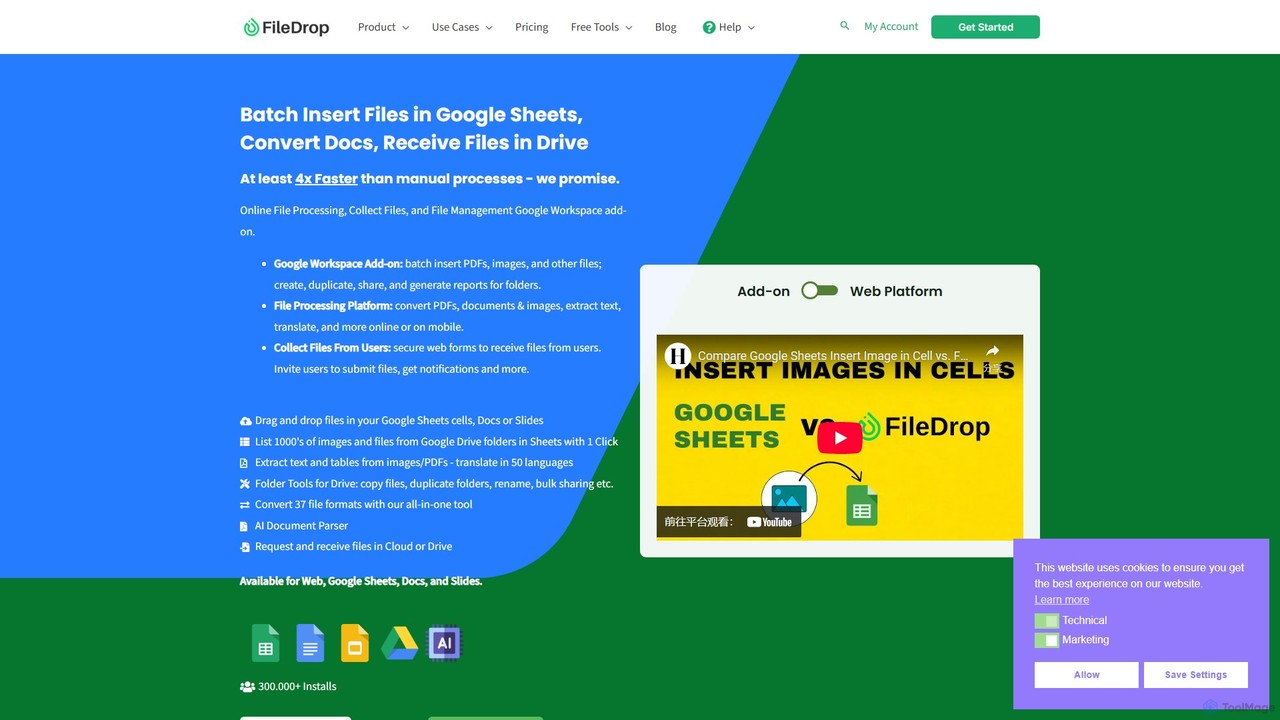
FileDrop Overview
FileDrop is a comprehensive productivity solution designed to eliminate the tedious manual work associated with file management, particularly within the Google Workspace ecosystem. It originated from a simple need—to easily insert images into Google Sheets—and has since evolved into a powerful suite of tools that saves users countless hours. FileDrop operates as both a seamless Google Workspace add-on (for Sheets, Docs, and Slides) and a versatile standalone web platform, catering to a wide range of file processing needs.
At its core, FileDrop is built for efficiency. It allows users to perform complex batch operations in just a few clicks, transforming workflows that would typically take hours into tasks completed in minutes. Whether you're an HR professional managing hundreds of employee files, an accountant attaching invoices to spreadsheets, or a project manager organizing visual assets, FileDrop provides the tools to automate and simplify your process. The platform also includes AI-driven features like OCR for text extraction and an AI Document Parser, further enhancing its data processing capabilities.
How to use FileDrop
Using FileDrop is straightforward across its different platforms:
1. As a Google Workspace Add-on:
- First, install the FileDrop add-on from the Google Workspace Marketplace.
- Open a Google Sheet, Doc, or Slide. Navigate to 'Extensions' > 'FileDrop' and launch the sidebar.
- To insert files, simply drag and drop them from your computer into the FileDrop sidebar. They will be uploaded to your Google Drive and linked directly in your document or cell.
- You can also use the 'Drive' tab within the sidebar to search for and insert files that are already in your Google Drive.
2. On the Web Platform:
- Visit the getfiledrop.com website.
- On the file processing page, drag and drop a file into the designated area.
- Choose from the available actions, such as converting the file to a different format, extracting text via OCR, or translating the document.
3. For File Collection:
- Use the 'File Forms' feature to create a secure, branded file upload form.
- Customize the form and share the unique link with clients, colleagues, or users.
- Users can upload files without needing to log in. The collected files are delivered directly to your specified cloud storage or Google Drive folder.
Core Features of FileDrop
- Google Workspace Integration: Seamlessly drag and drop and batch insert any file type (images, PDFs, documents) into Google Sheets cells, Docs, or Slides.
- Advanced Google Drive Management: The 'Folder Tools' feature allows for bulk operations like copying entire folder structures, renaming thousands of files at once, managing sharing permissions in bulk, and generating insightful reports on folder contents and access.
- All-in-One File Converter: Convert between 37 different file formats online, including PDF to Word, PDF to Excel, and various image format conversions.
- AI-Powered Data Extraction: Utilize Optical Character Recognition (OCR) to extract text and tables from images and PDF documents. The AI Document Parser can intelligently pull structured data from files.
- Document & Text Translation: Translate text snippets or entire documents into over 50 languages directly within the platform.
- Secure File Collection Forms: Create unlimited custom forms to securely receive files from external users, streamlining data collection processes.
- Image Kit & Management: Bulk insert and resize thousands of images in Google Sheets, extract EXIF data, and use your device's camera as a scanner.
- AI Functions for Sheets: Leverage AI directly in Google Sheets to analyze, summarize, or process text from your linked documents and data, boosting data-driven insights.
Use Cases for FileDrop
FileDrop is trusted by a diverse range of professionals and organizations:
- Human Resources: Onboarding new hires by managing documents, renaming hundreds of files for system migrations, and organizing performance reviews.
- Inventory & E-commerce: Creating detailed visual inventories by bulk-inserting thousands of product images into spreadsheets.
- Finance & Accounting: Attaching invoices, receipts, and financial documents directly to corresponding entries in Google Sheets for easy auditing and record-keeping.
- Project Management & Creative Agencies: Uploading storyboard frames, design assets, and client feedback into a centralized tracking sheet.
- Legal & Sales Teams: Managing case files, contracts, and sales collateral, ensuring all documents are linked and accessible from a single source.
- Education & Research: Used by universities and schools for administrative data management, research material organization, and simplifying paperwork.
Advantages of FileDrop
- Massive Time Savings: Automates repetitive file operations, reducing tasks that take hours to mere minutes.
- Centralized Workflow: Integrates perfectly with Google Workspace, keeping documents and data interconnected in one place.
- High Versatility: Functions as both a powerful Google add-on and a comprehensive standalone web platform for all file processing needs.
- Enhanced Security: Built in the EU with a strong focus on privacy, FileDrop is GDPR compliant and uses industry-leading encryption to protect your data.
- Improved Collaboration: Simplifies bulk sharing of files and provides clear insights into who has access to what, enhancing team efficiency.
- Exceptional Customer Support: Renowned for its 24/7, highly responsive, and detailed customer service.
Pricing and Plans
FileDrop operates on a freemium model, providing both a free and paid subscription service.
- Free Plan: Users can get started for free to access basic features, which may include a limited number of file uploads, conversions, or OCR operations per month. This is ideal for individual users with light usage needs.
- Paid Plans: For professionals and teams, paid subscriptions unlock the full power of FileDrop. These plans typically offer unlimited file operations, access to all advanced features like Folder Tools, AI Document Parser, bulk processing, and priority customer support. Subscriptions are usually available on a monthly or annual basis. For the most current and detailed pricing, please visit the official FileDrop website.
Traffic
Latest traffic
Status
Monthly traffic trend
- 2025-9: 77.8K
- 2026-1: 79.9K
- 2026-2: 46.9K
- 2026-3: 42.8K
- 2026-4: 37.4K
- 2026-5: 36.3K
Geography
Top 5 countries / regions
- 🇺🇸United States38.9%
- 🇨🇦Canada21.4%
- 🇬🇧United Kingdom14.6%
- 🇮🇳India13.5%
- 🇧🇷Brazil11.6%
Traffic sources
| Source type | Percentage |
|---|---|
Referral | 54.3% |
Direct | 45.7% |
Top keywords
| Keyword | Cost per click |
|---|---|
| etension google sheet | $0.00 |
| filedrop | $2.54 |
| google sheets employee schedule | $12.71 |
| how to insert a pdf file in google sheets | $0.00 |
| personal injury crm spreadsheet template colectons | $0.00 |
FileDrop Videos on YouTube




FileDrop Alternatives
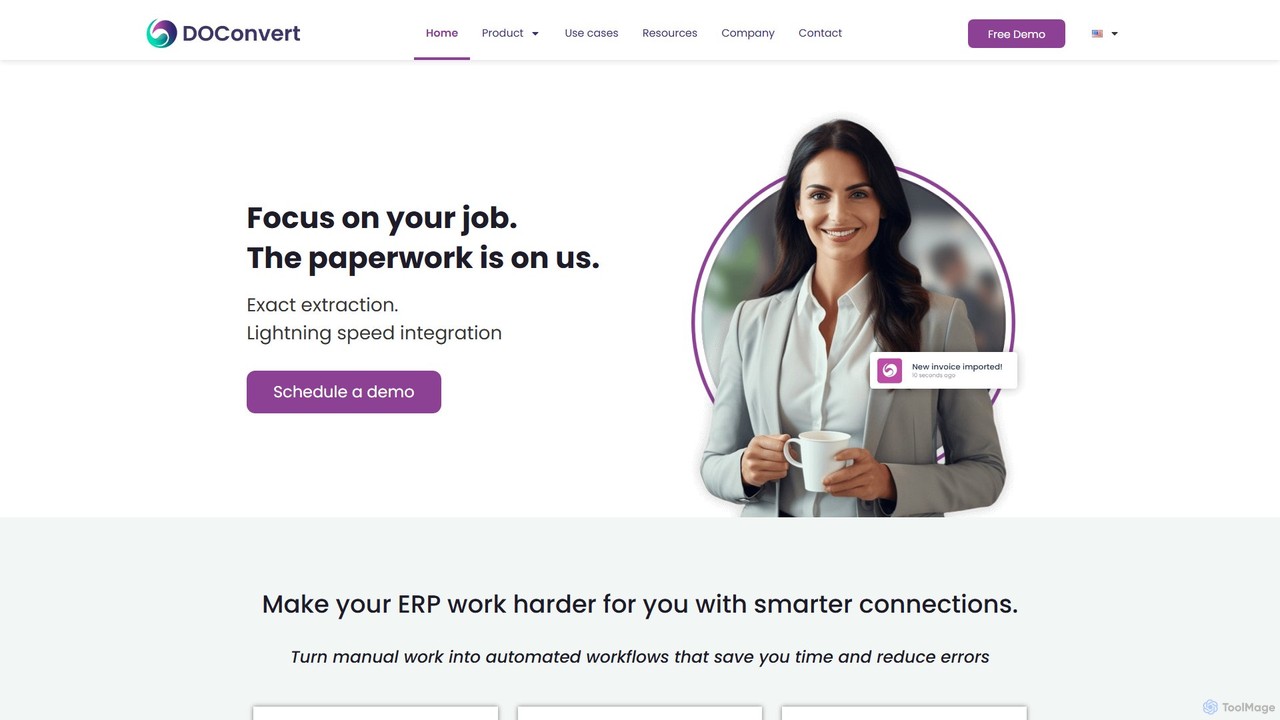
doconvert
doconvert is an AI-powered intelligent document processing (IDP) platform that automates data extraction from business documents. It seamlessly integrates with leading ERP systems like SAP and Oracle, turning manual paperwork into automated workflows. The platform is designed to save significant time, reduce human error, and enhance operational efficiency for businesses by accurately extracting data from invoices, orders, and shipping documents at lightning speed.
Workflow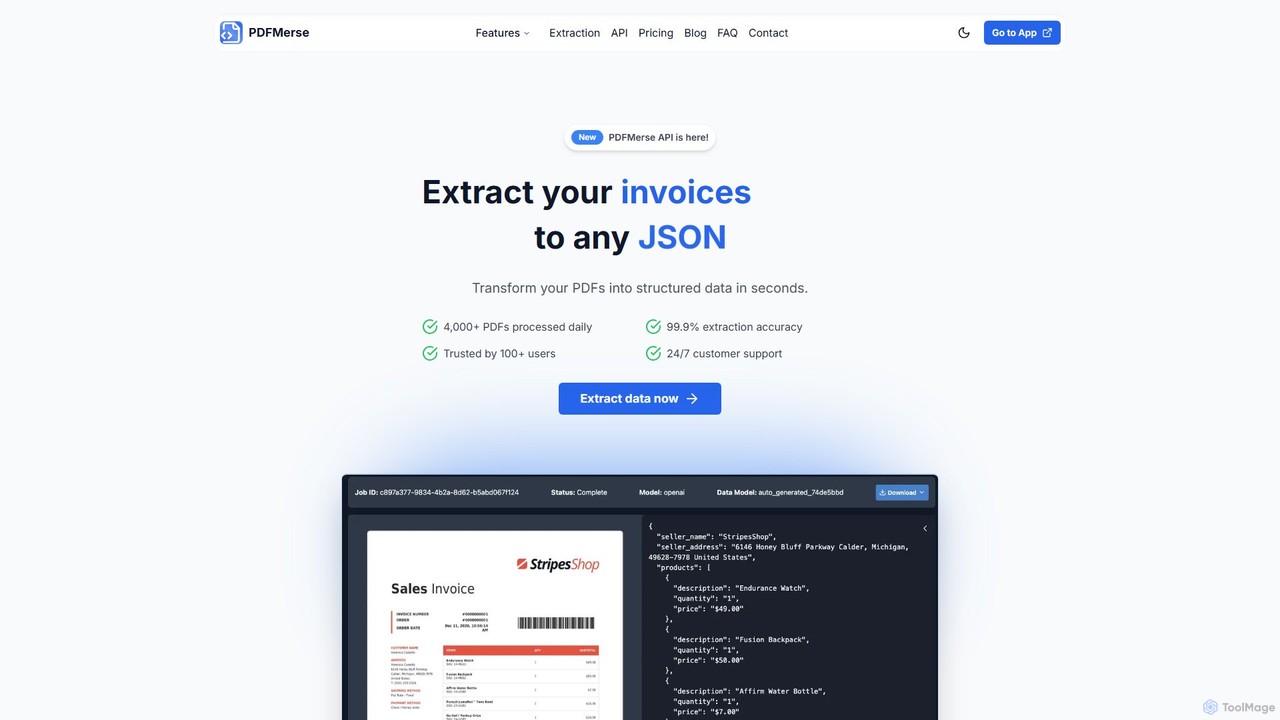
pdfmerse
pdfmerse is an AI-powered data extractor that automates the process of capturing information from any PDF document. It intelligently converts unstructured PDF data into structured formats like JSON and text. Ideal for businesses and individuals looking to streamline document processing, reduce manual data entry, and improve workflow efficiency with high accuracy.
Automation
Dropbox
Dropbox is a modern workspace designed to reduce busywork, bringing your files, cloud content, and web shortcuts together in one place. It offers secure cloud storage, file synchronization, large file transfer, e-signatures, and AI-powered universal search to help you and your team stay organized, focused, and in sync.
Collaboration
TeraBox
TeraBox is a comprehensive cloud storage solution offering a generous 1TB of free space. It integrates a powerful suite of AI tools for enhanced productivity, including a document scanner, essay writer, and slideshow maker. With a focus on security and cross-platform accessibility, TeraBox allows users to store, back up, share, and manage their files effortlessly, while also providing opportunities to monetize content through its referral program.
Presentation Maker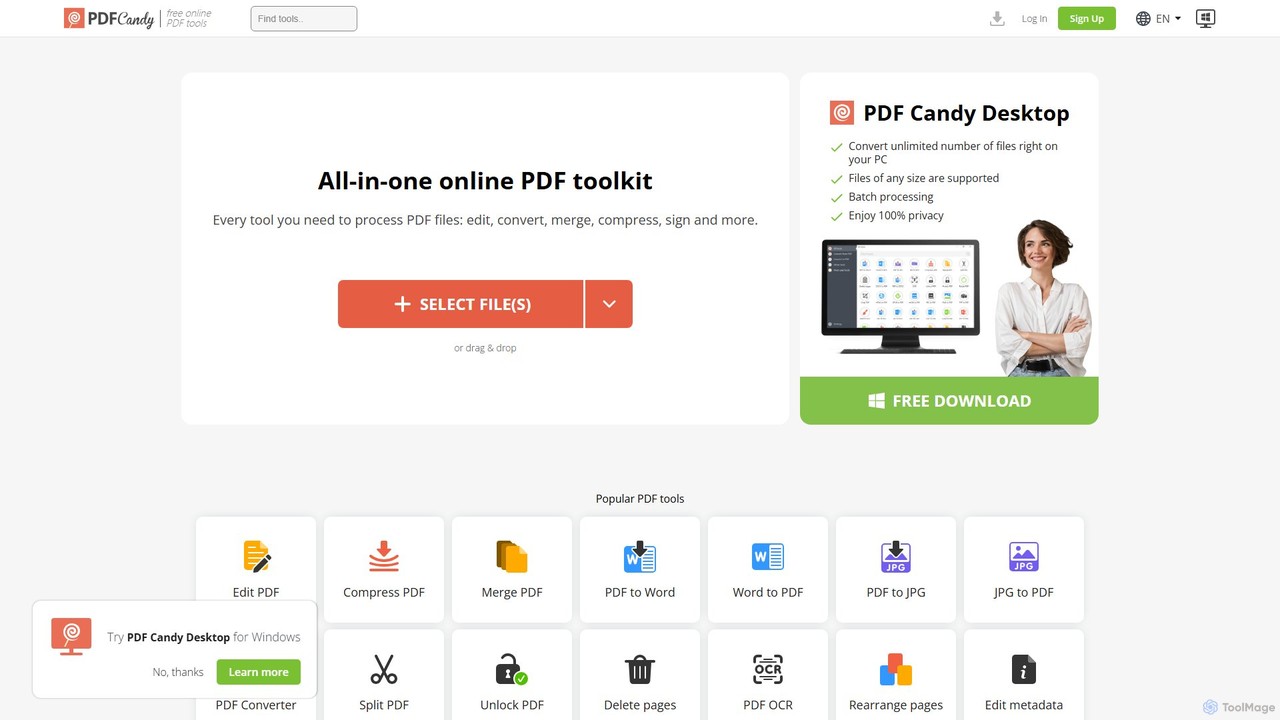
PDF Candy
PDF Candy is a comprehensive all-in-one online and desktop toolkit offering over 90 free tools to manage PDF files. Users can easily edit, convert from and to various formats, merge, compress, sign, unlock, and perform OCR on documents. It provides a user-friendly interface for both casual and professional use, ensuring high-quality results for all your PDF needs.
File ConversionFileDrop Categories
FileDrop Embed Widget
Copy this embed code to place the badge on your blog, article, or product site and send readers directly to this ToolMage detail page.

Related AI tools
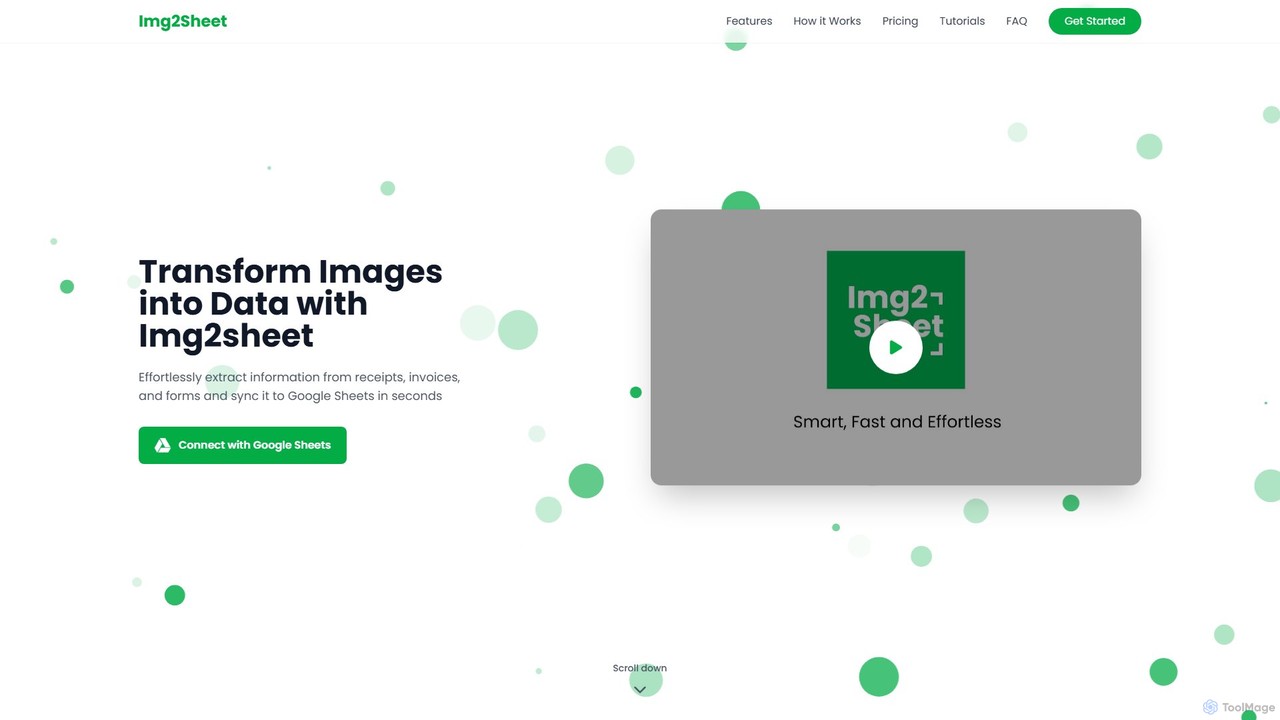
Img2Sheet
Img2Sheet is an AI-powered tool that automates data extraction from images like receipts, invoices, and forms, syncing the information directly into Google Sheets. It eliminates manual data entry, saves time, and increases accuracy with a simple, pay-per-use model.
Extraction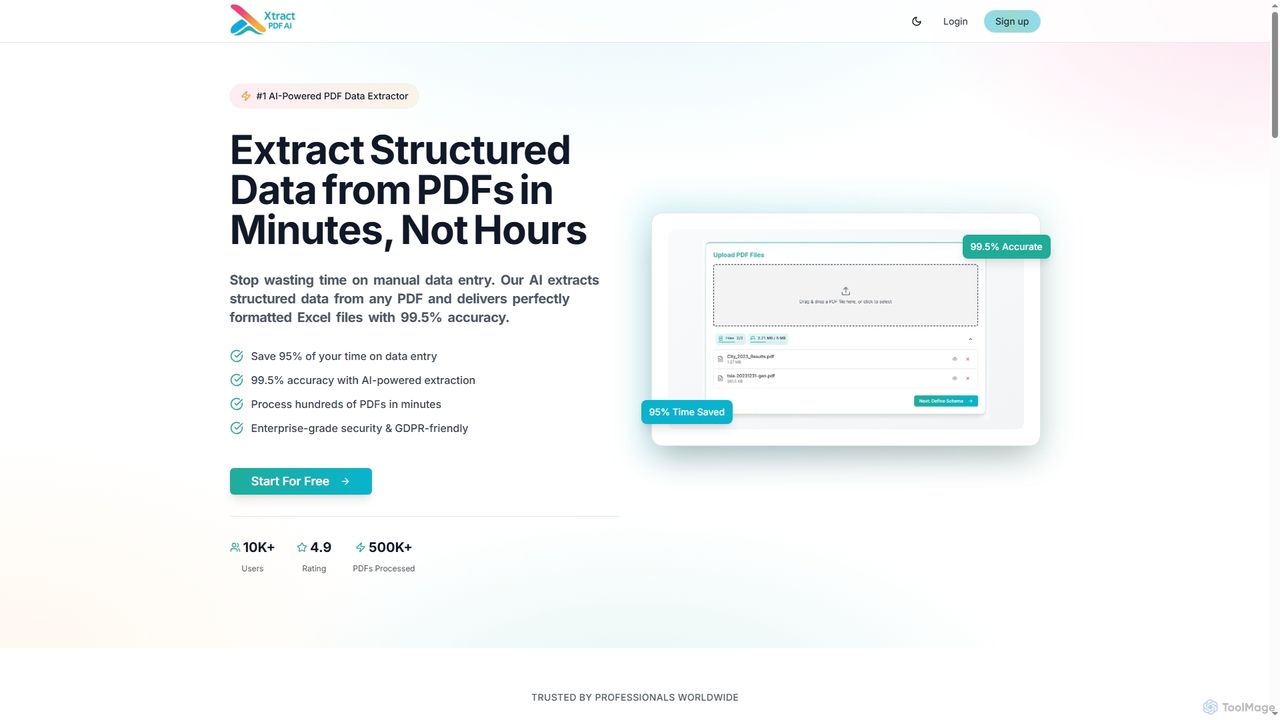
Xtractpdfai
Xtractpdfai is an AI-powered tool designed to extract structured data from PDF documents and convert them into perfectly formatted Excel, CSV, or JSON files. It boasts 99.5% accuracy and significantly reduces manual data entry time, making document processing efficient and secure for professionals.
Data AutomationDropbox
Dropbox is a modern workspace designed to reduce busywork, bringing your files, cloud content, and web shortcuts together in one place. It offers secure cloud storage, file synchronization, large file transfer, e-signatures, and AI-powered universal search to help you and your team stay organized, focused, and in sync.
CollaborationTeraBox
TeraBox is a comprehensive cloud storage solution offering a generous 1TB of free space. It integrates a powerful suite of AI tools for enhanced productivity, including a document scanner, essay writer, and slideshow maker. With a focus on security and cross-platform accessibility, TeraBox allows users to store, back up, share, and manage their files effortlessly, while also providing opportunities to monetize content through its referral program.
Presentation MakerPDF Candy
PDF Candy is a comprehensive all-in-one online and desktop toolkit offering over 90 free tools to manage PDF files. Users can easily edit, convert from and to various formats, merge, compress, sign, unlock, and perform OCR on documents. It provides a user-friendly interface for both casual and professional use, ensuring high-quality results for all your PDF needs.
File Conversion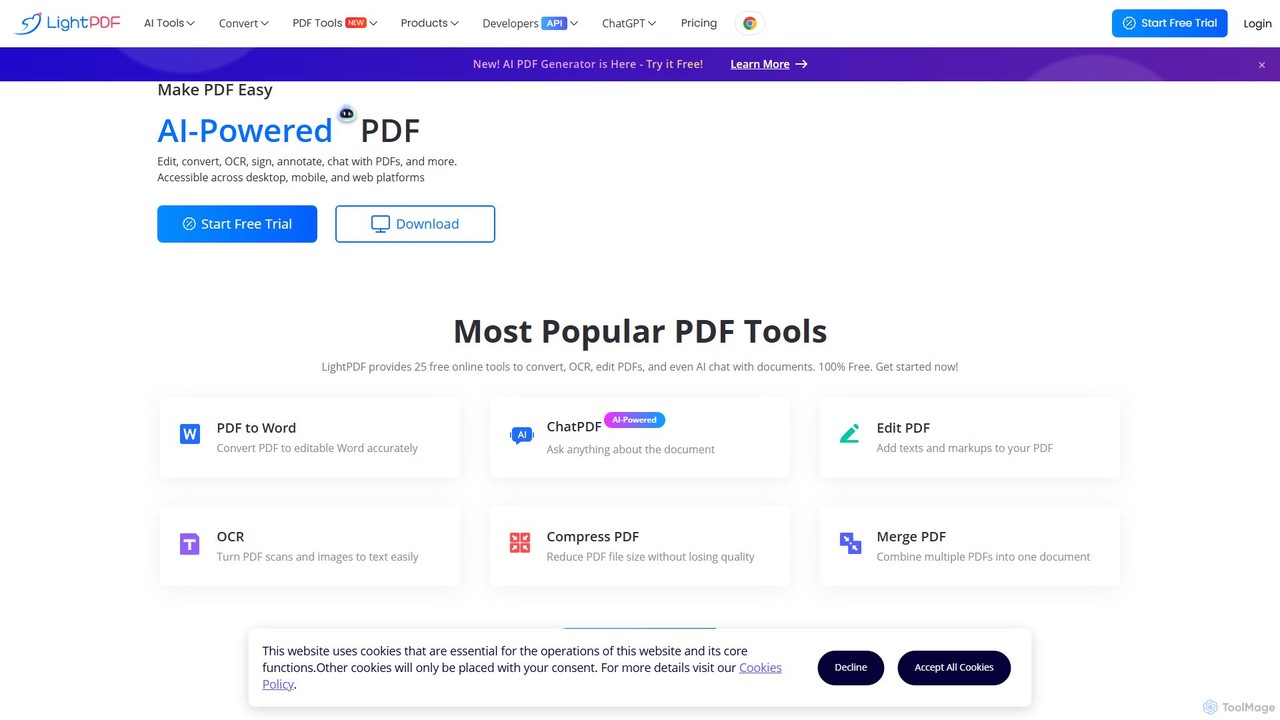
LightPDF
LightPDF is an AI-powered, all-in-one PDF solution designed to simplify document workflows. It allows users to chat with documents, get instant summaries, and ask questions. Beyond its AI capabilities, it offers a comprehensive suite of tools for editing, converting, merging, signing, and performing OCR on PDF files. Available on web, desktop, and mobile, LightPDF makes managing documents efficient and intuitive for students, professionals, and businesses alike.
Chat With Your Docs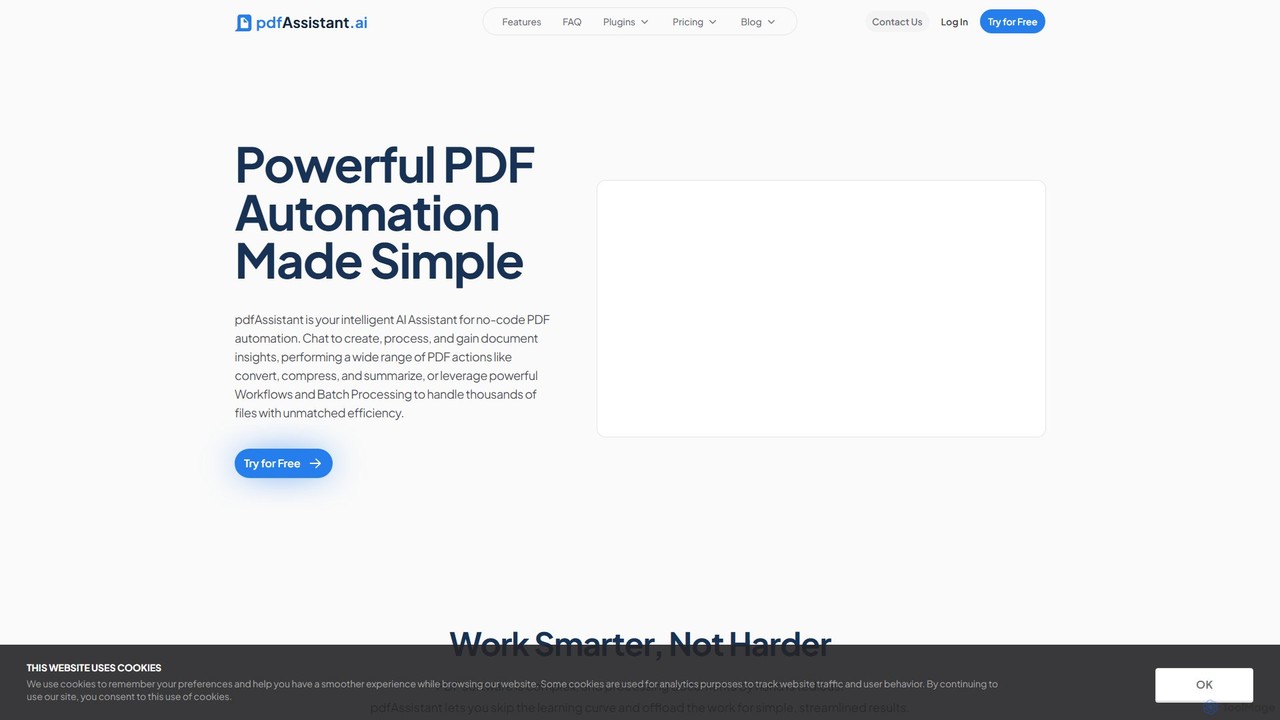
pdfAssistant.ai
pdfAssistant.ai is an intelligent, no-code platform for PDF automation. Use its intuitive chat interface to create, convert, compress, summarize, and manage PDFs with simple natural language commands. Automate complex, multi-step tasks with Workflows and process thousands of files efficiently using Batch Processing.
Automation
Lutra AI
Lutra AI is a productivity agent that automates workflows by connecting all your work apps. It transforms natural language instructions into code to perform tasks like data extraction from PDFs, contact enrichment, data analysis, and email campaign management. By integrating with tools like Google Workspace, HubSpot, and Slack, Lutra streamlines repetitive processes, allowing users to build and share custom automations, called Playbooks, to enhance efficiency across sales, marketing, and operations.
Data Extraction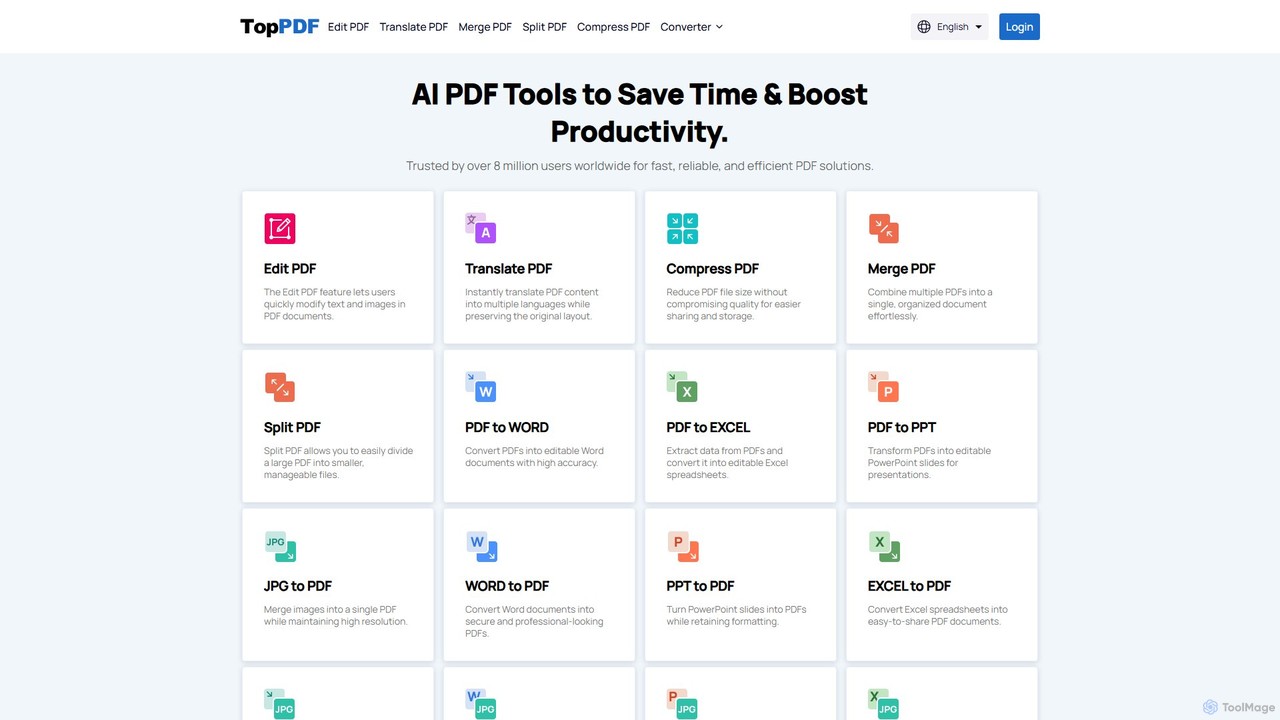
TopPDF
TopPDF is an all-in-one, AI-powered online platform offering a comprehensive suite of tools to edit, convert, translate, merge, split, and compress PDF files. It's designed to enhance productivity by simplifying document workflows for users worldwide.
File Conversion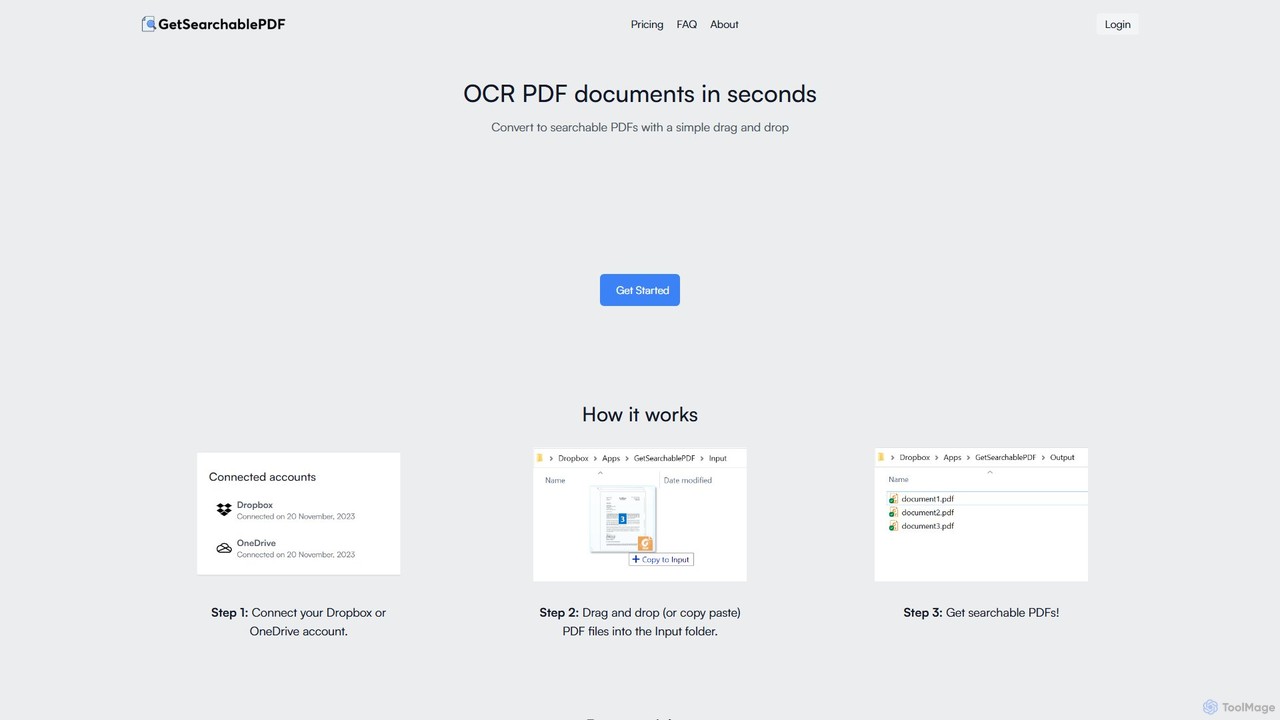
GetSearchablePDF
GetSearchablePDF is an AI-powered OCR tool that effortlessly converts scanned documents, images, and even handwritten notes into fully searchable and indexable PDFs. By integrating with Dropbox or OneDrive, it automates the conversion process through a simple drag-and-drop workflow, ensuring high accuracy and top-tier security for all your files.
Automation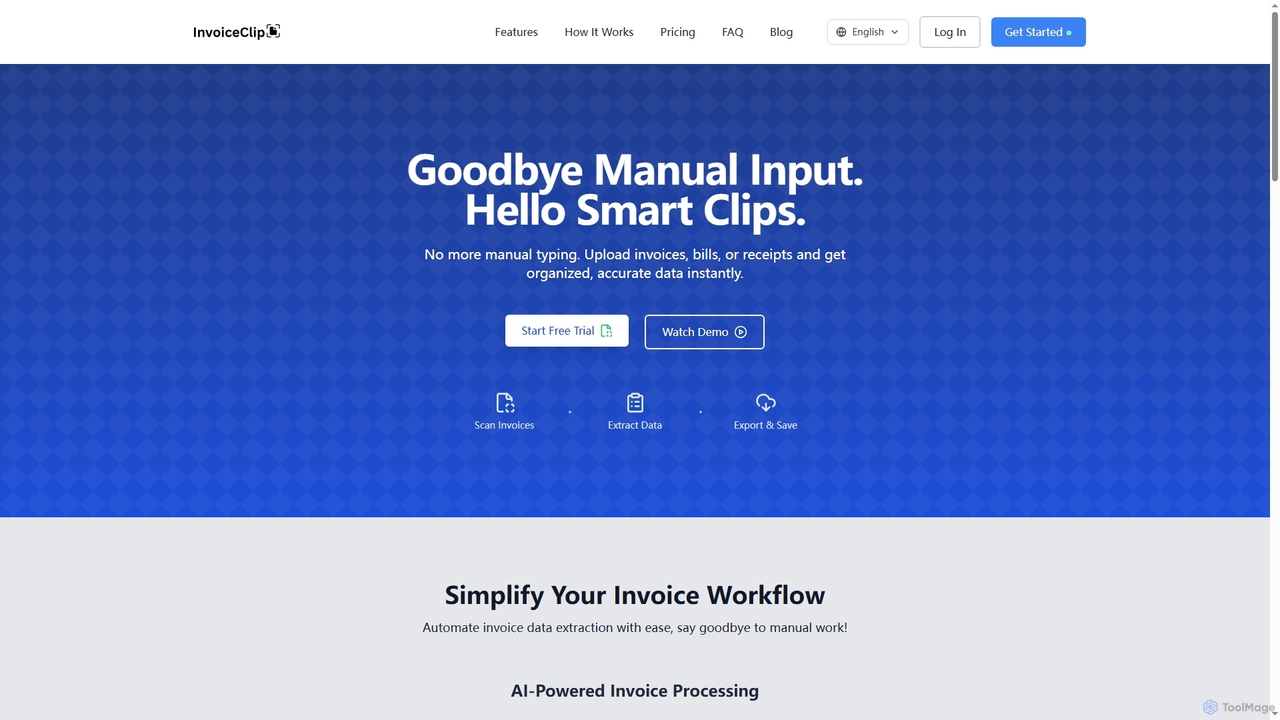
InvoiceClip
InvoiceClip is an AI-powered invoice and receipt scanner app designed to automate data extraction, categorization, and organization for businesses. It eliminates manual data entry by instantly converting uploaded documents into accurate, structured data, streamlining financial workflows.
Invoice Processing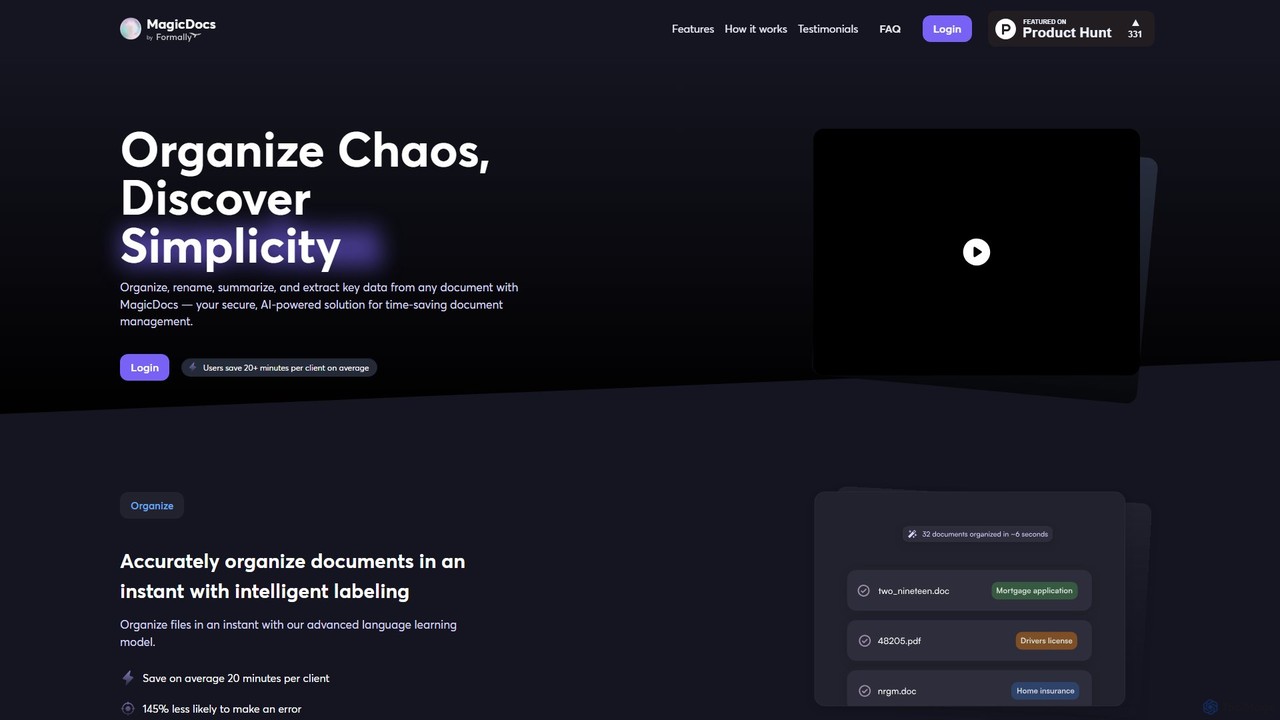
Magic Documents
Magic Documents is a secure, AI-powered solution that transforms chaotic document management. It automatically organizes, renames, summarizes, and extracts key data from any document, saving professionals significant time and reducing errors. Ideal for legal, financial, and business teams, it streamlines workflows and enhances collaboration with enterprise-grade security.
Data Extraction
UPDF AI
UPDF AI is a powerful AI assistant integrated into the UPDF editor, designed to revolutionize how you interact with PDF documents. It allows you to chat with your PDFs, get instant summaries, translate entire documents or selected text, explain complex data, and even convert dense content into visual mind maps. Available on Windows, macOS, iOS, Android, and the web, it streamlines workflows for students, researchers, and professionals by making document comprehension and analysis faster and more efficient.
Research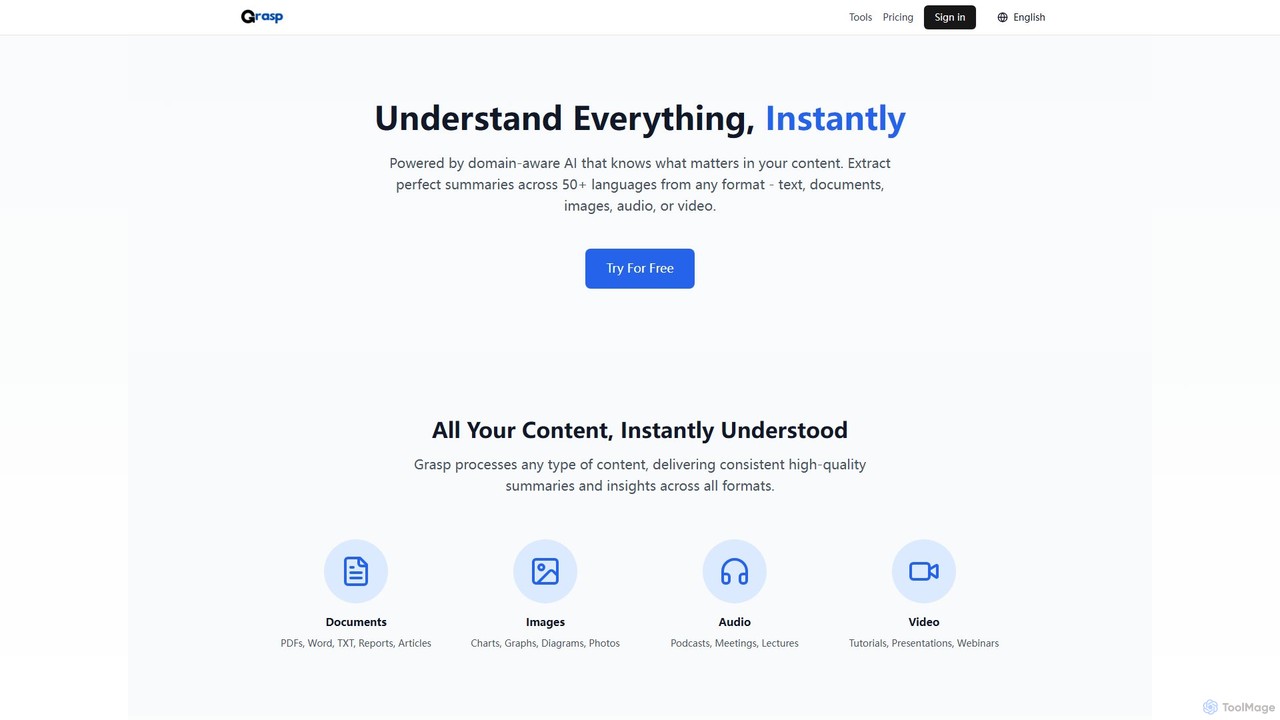
Grasp
Grasp is a comprehensive AI-powered platform that instantly extracts key insights from any content. It processes text, documents, images, audio, and video in over 50 languages, offering a suite of tools for summarization, analysis, content generation, and data extraction. Ideal for students, professionals, and creators.
Document Management
Rune
Rune is a comprehensive online toolkit offering over 80 AI-powered tools for productivity, learning, and daily tasks. It provides free utilities for PDF, image, text, video, and developer needs, designed for students, professionals, and institutions seeking efficient digital solutions.
Unit Converters
FileDrop Comments (0)
Sign in to comment.
Sign inNo comments yet.