ToolMage
Sign in

Best 5 File Conversion AI tools for Business

Popular File Conversion AI tools in Business include PDFflex, PDF Candy, ScannerGo, TopPDF, and pdftopdf.ai, helping you work more efficiently.

PDFflex
Freemium

PDFflex

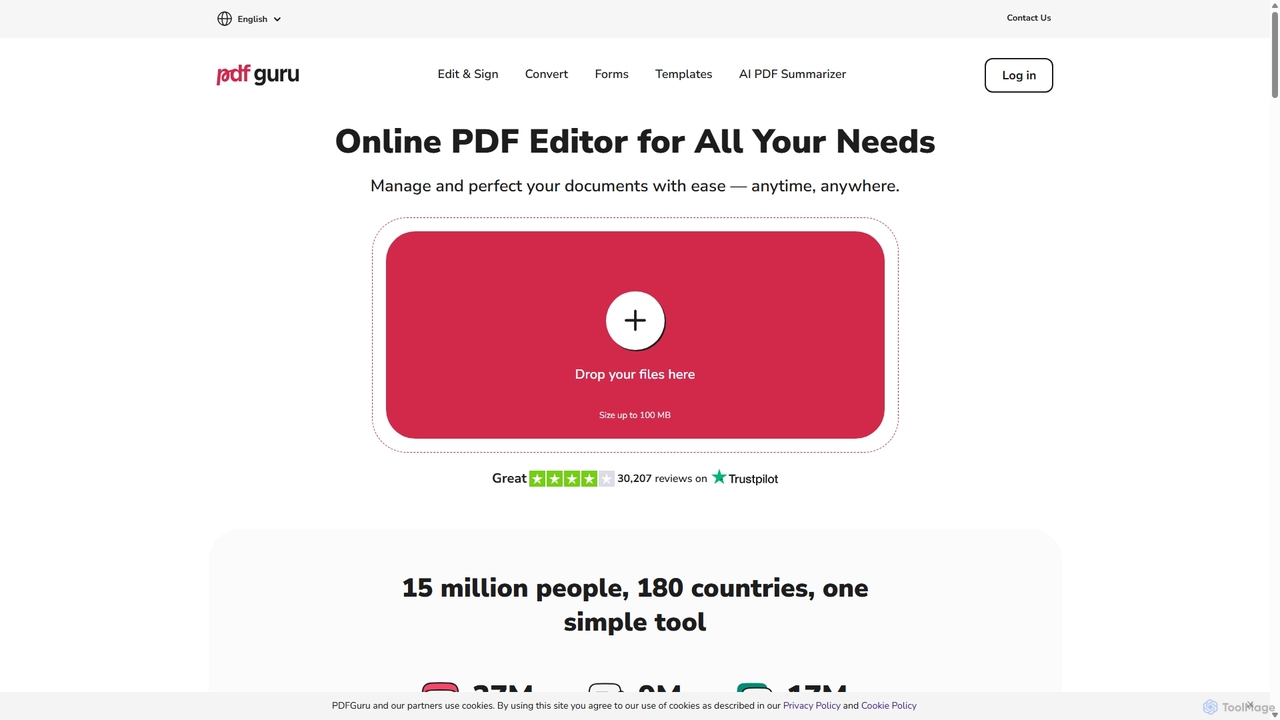
PDFflex is a comprehensive, all-in-one online platform for managing PDF documents. It allows users to edit, convert, merge, split, and sign PDFs with ease. Featuring an intuitive interface and robust security, PDFflex also incorporates AI-powered tools like OCR for scanned documents and summarizers for long texts. It supports a vast range of file formats, making it a versatile solution for both personal and professional use, accessible from any browser without installation.

Summarizer
Visits 12.4MFavorites 143Likes 146
TopPDF
Freemium

TopPDF

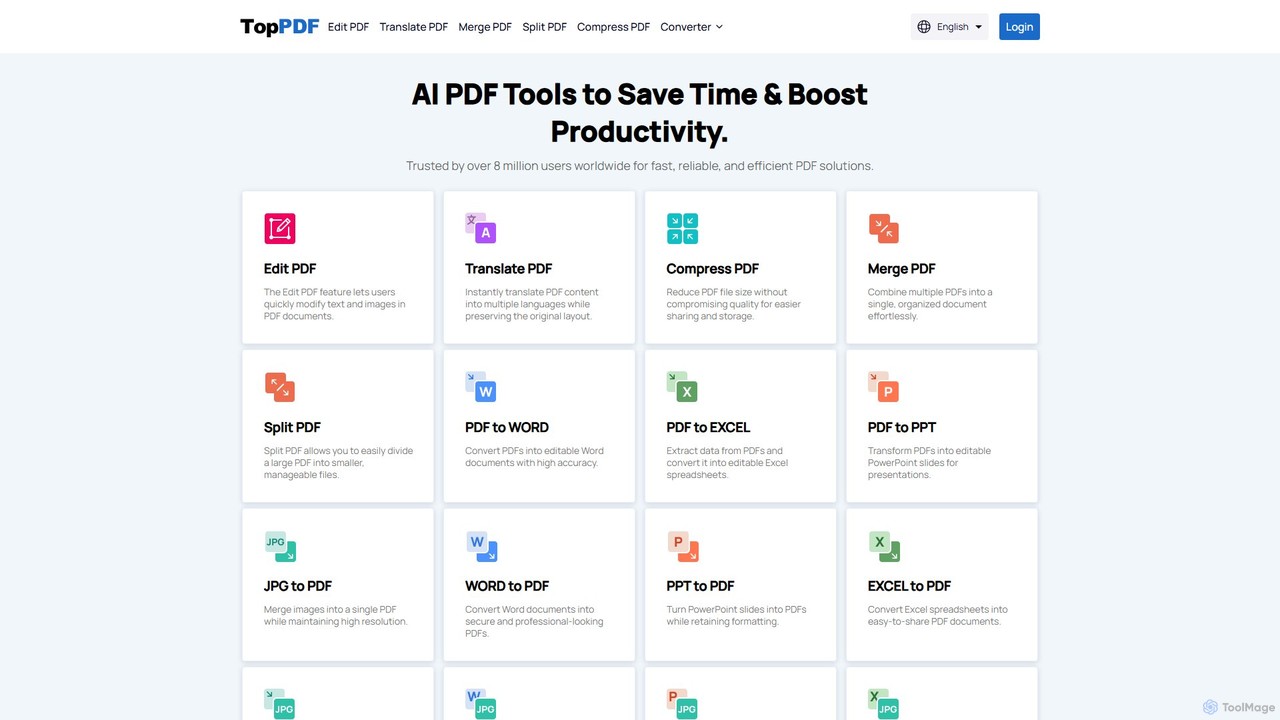
TopPDF is an all-in-one, AI-powered online platform offering a comprehensive suite of tools to edit, convert, translate, merge, split, and compress PDF files. It's designed to enhance productivity by simplifying document workflows for users worldwide.

File Conversion
Visits 9.9KFavorites 146Likes 111
pdftopdf.ai
Freemium

pdftopdf.ai

pdftopdf.ai is an AI-powered online tool designed to optimize, enhance, and transform PDF files. It uses artificial intelligence for advanced functions like high-fidelity OCR to make scanned documents searchable, intelligent compression to reduce file size without quality loss, and PDF repair. It's a comprehensive solution for managing and improving your PDF documents efficiently.

File Conversion
Visits 5.5KFavorites 145Likes 152
ScannerGo
Freemium

ScannerGo

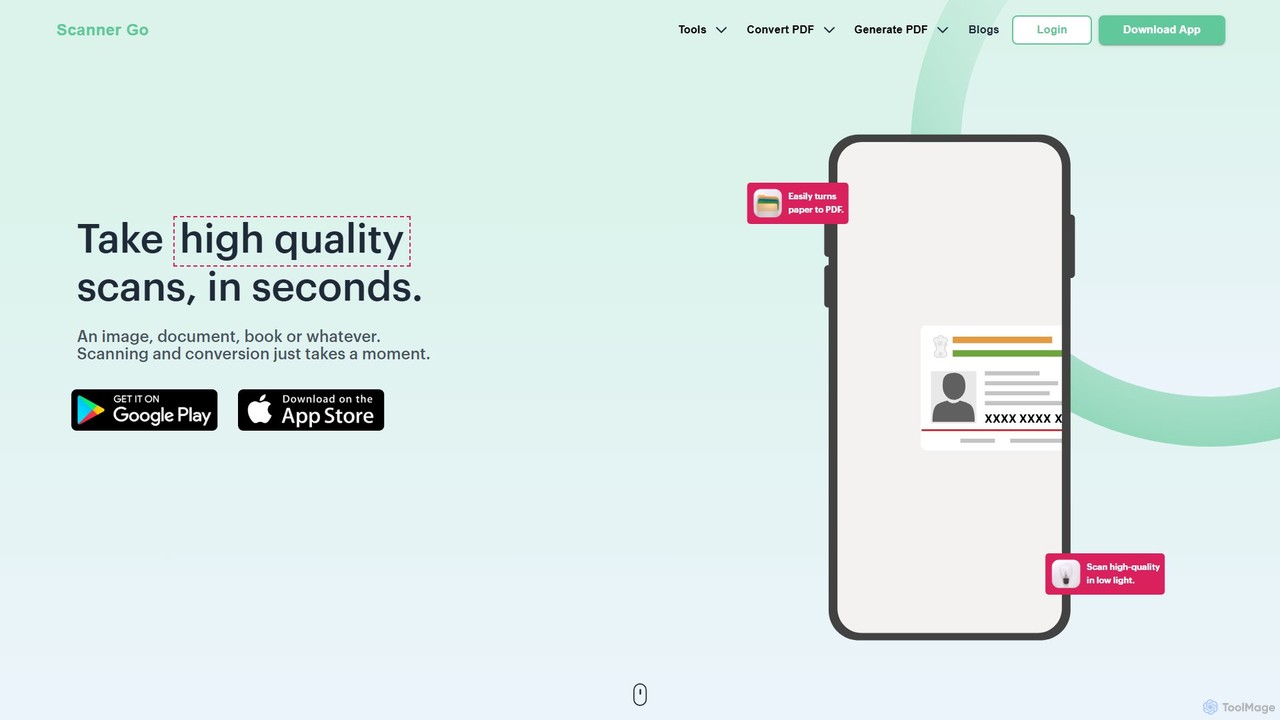
ScannerGo is an all-in-one productivity tool that combines a powerful mobile document scanner with a comprehensive suite of online PDF utilities. Easily scan, convert, edit, merge, split, and secure your documents on any device, enhanced with OCR technology to extract text from images and PDFs.

File Conversion
Visits 100.2KFavorites 106Likes 117
PDF Candy
Freemium

PDF Candy

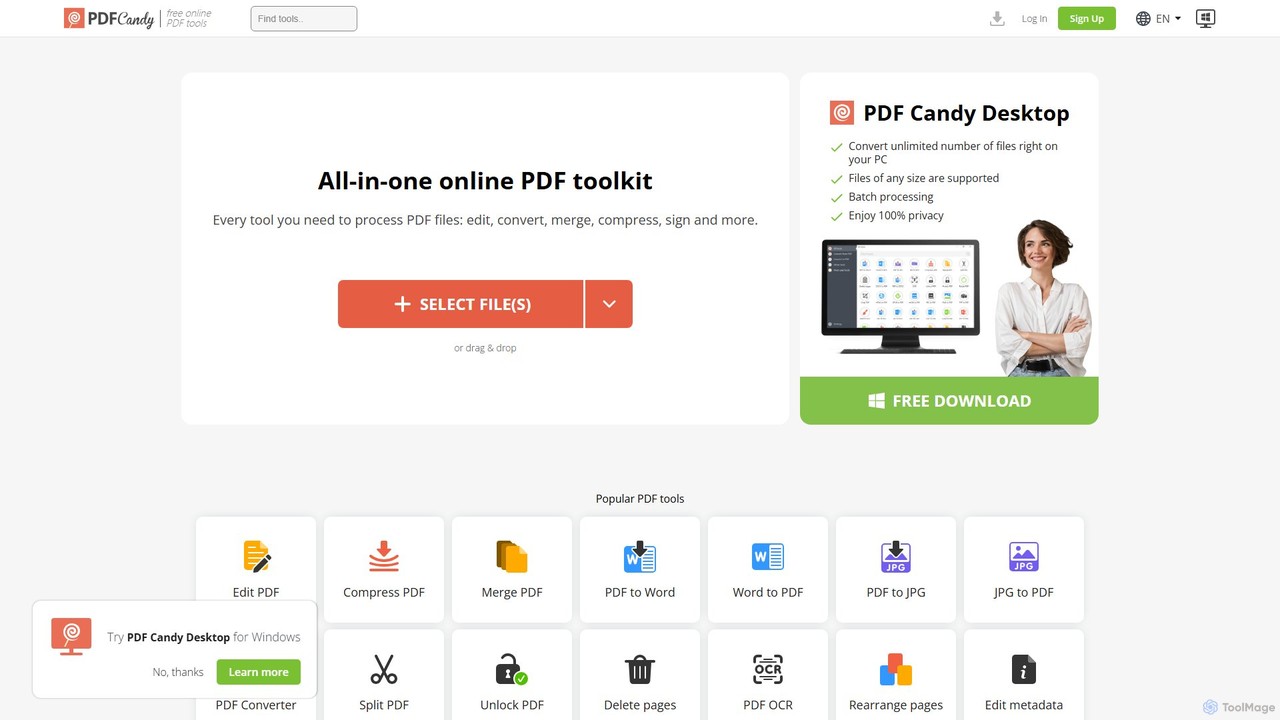
PDF Candy is a comprehensive all-in-one online and desktop toolkit offering over 90 free tools to manage PDF files. Users can easily edit, convert from and to various formats, merge, compress, sign, unlock, and perform OCR on documents. It provides a user-friendly interface for both casual and professional use, ensuring high-quality results for all your PDF needs.

File Conversion
Visits 2.5MFavorites 149Likes 124

About File Conversion

AI File Conversion tools are applications that use machine learning to intelligently transform files from one format to another, often extracting or restructuring data in the process. Unlike traditional converters that simply change a file's container, these AI-powered tools analyze the content's structure and context. This enables advanced capabilities like converting scanned documents into editable text, extracting tables from PDFs, or automatically reframing videos for different platforms. For businesses, this means automating complex document workflows, unlocking data from unstructured sources, and ensuring seamless content interoperability.

Core Features

  • Intelligent OCR (Optical Character Recognition): Accurately extracts and digitizes text from images, scanned documents, and non-selectable PDFs, preserving layout.
  • Content-Aware Transformation: Automatically adjusts formatting, layout, and resolution based on the content and target format for optimal results.
  • Batch Processing: Efficiently converts hundreds or thousands of files simultaneously with consistent settings and high throughput.
  • Data Extraction: Identifies and pulls specific structured data, such as tables, invoice details, or forms, into formats like CSV or JSON.
  • Multi-Format Support: Handles a diverse range of file types, including documents, images, audio, and video, ensuring broad compatibility.

Use Cases

These tools are widely used in sectors with heavy document processing needs, such as legal, finance, and healthcare, for digitizing archives and automating data entry. Marketing and creative teams use them to adapt multimedia content for various channels, while researchers and data scientists convert unstructured documents into analyzable formats. Any organization looking to migrate legacy data or integrate different software systems can benefit significantly.

How to Choose

When selecting an AI File Conversion tool, evaluate the accuracy of its core technology, especially OCR or transcription. Consider the breadth of supported input and output formats to ensure it meets your needs. Assess its batch processing capabilities and speed for large-scale tasks. For business integration, check for API availability, and always verify the platform's security protocols for handling sensitive information.

File Conversion use cases

1

Automating Invoice Data Entry for Accounting

An accounting department receives hundreds of invoices daily in various formats like PDF, JPG, and PNG. Manually entering data from these invoices into their ERP system is time-consuming and prone to errors. By using an AI File Conversion tool with advanced OCR and data extraction, they automate the entire process. The tool automatically ingests the invoice files, converts them into a structured data format like JSON or CSV, and accurately extracts key fields such as invoice number, date, vendor name, and line-item amounts. This data is then seamlessly fed into the accounting software, reducing manual labor by over 90% and minimizing costly data entry mistakes.

2

Digitizing Legal Archives into Searchable Documents

A law firm possesses decades of case files stored as scanned PDFs and physical documents, making legal research slow and inefficient. They employ an AI File Conversion tool to digitize this entire archive. The tool's batch processing feature handles thousands of documents at once. Its high-accuracy OCR engine converts the scanned images into fully searchable and editable Word or PDF documents, while maintaining the original layout and formatting. Paralegals and attorneys can now perform keyword searches across the entire case history in seconds, instead of manually reading through documents for days. This accelerates case preparation and improves the accuracy of legal research.

3

Adapting Video Content for Multiple Social Media Platforms

A marketing team creates a high-resolution landscape video (16:9) for a new product launch. To maximize reach, they need to post it on Instagram (9:16), TikTok (9:16), and LinkedIn (1:1). Manually re-editing the video for each platform is a significant effort. They use an AI video conversion tool that features content-aware reframing. The AI analyzes the video, identifies the main subject or action, and automatically generates versions in the required aspect ratios, ensuring the key elements are always in frame. It can also convert the video to different file formats (e.g., MP4 to MOV) and compress it for web optimization, saving the team hours of video editing work per campaign.

4

Transcribing Audio Interviews for Journalism

A journalist conducts multiple hour-long interviews for an investigative report. Manually transcribing these audio recordings (MP3, WAV) is a tedious process that can take 4-5 hours for every hour of audio. By using an AI file converter with speech-to-text capabilities, the journalist uploads the audio files and receives a full, time-stamped text transcript within minutes. The AI can often distinguish between different speakers and provides a draft that is over 95% accurate. This allows the journalist to quickly search for key quotes, analyze the content, and focus on writing the story, transforming a multi-day task into a task of less than an hour.

5

Converting Research Papers for Large-Scale Text Analysis

A data science team at a university needs to analyze thousands of academic papers, which are only available as PDFs with complex layouts, tables, and charts. To perform text mining, they need the core text in a clean, machine-readable format. They use an AI file converter to process the entire corpus of PDFs. The tool intelligently extracts the main body of text, ignoring headers, footers, and sidebars. It also converts tables within the PDFs into structured CSV files and extracts captions from images. The result is a clean dataset of text and structured data, ready for natural language processing (NLP) analysis, saving the team weeks of manual data cleaning and preparation.

6

Migrating Legacy Document Formats to a Modern Cloud System

A large enterprise is migrating its on-premise file servers to a cloud-based document management system. Their archive contains millions of documents in outdated formats like WordPerfect (.wpd), Lotus 1-2-3 (.wk1), and old versions of Word (.doc). These formats are not compatible with the new system's online viewers and collaboration tools. An IT team uses an AI-powered file conversion service with broad legacy format support. They set up a batch conversion workflow that processes entire directories, converting all legacy files to modern, standardized formats like DOCX and XLSX. The AI ensures high-fidelity conversion, preserving complex formatting and embedded objects, ensuring business continuity and making all historical data accessible in the new environment.

File Conversion FAQ

What are AI File Conversion tools?

AI File Conversion tools are advanced applications that use machine learning algorithms to transform files from one format to another. Unlike standard converters, they analyze the file's content and structure to perform intelligent conversions. Key features include Optical Character Recognition (OCR) to turn images into text, data extraction to pull tables from PDFs, and content-aware reframing for videos. They are designed to automate complex workflows, make unstructured data usable, and ensure high-fidelity transformations that preserve important formatting and context.

How do AI converters differ from standard file converters?

The primary difference lies in intelligence and content awareness. Standard converters typically perform a direct, rule-based transformation of the file's container (e.g., changing a .JPG to a .PNG). They don't understand the content within.

  • AI Converters: Analyze the content. An AI can 'read' text in a scanned PDF, identify a person in a video to keep them in frame, or recognize a table's structure to export it to a spreadsheet.
  • Standard Converters: Only change the format. They might compress a file or change its encoding, but they cannot extract structured information or intelligently alter the content's presentation.

In essence, AI converters transform the information itself, while standard converters mainly change the file's technical wrapper.

How to choose the right AI File Conversion tool?

Selecting the best tool depends on your specific needs. Consider these key factors:

  • Conversion Type and Accuracy: What is your primary task? If it's OCR, test the accuracy on your sample documents. If it's audio transcription, check its error rate and speaker identification.
  • Supported Formats: Ensure the tool supports the specific input and output formats you work with, including legacy or uncommon ones if needed.
  • Batch Processing and Speed: If you have large volumes of files, look for a tool that offers efficient batch processing and fast turnaround times.
  • Integration and API Access: For business workflows, check if the tool offers an API to integrate directly with your existing software (e.g., ERP, Document Management System).
  • Security and Privacy: If you handle sensitive documents, verify the tool's security measures, data handling policies, and compliance with regulations like GDPR or HIPAA.
What types of files can AI converters handle?

AI converters are versatile and can typically handle a wide range of file types across different categories. Common examples include:

  • Documents: Converting scanned PDFs, images (JPG, PNG, TIFF), and legacy formats (.wpd) into searchable and editable formats like DOCX, searchable PDF, or TXT.
  • Data Files: Extracting tables and structured data from PDFs or images and converting them into CSV, XLSX, or JSON formats for analysis.
  • Audio: Transcribing speech from audio files (MP3, WAV, M4A) into text documents (TXT, DOCX), often with speaker labels and timestamps.
  • Video: Transcoding video files (MP4, MOV, AVI) to different formats, compressing them for web use, or intelligently reframing them for various social media aspect ratios.
Who benefits most from AI File Conversion tools?

While many individuals can use these tools, they provide the most significant value to professionals and businesses with specific, recurring needs. Key beneficiaries include:

  • Legal and Finance Professionals: For digitizing vast archives of paper documents, extracting data from invoices, and making case files searchable.
  • Content Creators and Marketers: To quickly adapt video and audio content for different platforms and transcribe interviews or podcasts to create written content.
  • Researchers and Academics: To convert large volumes of PDFs and scanned texts into machine-readable formats for data analysis and text mining.
  • IT and Operations Managers: For migrating legacy data to new systems and automating document-centric workflows across an organization.