
ScannerGo Overview
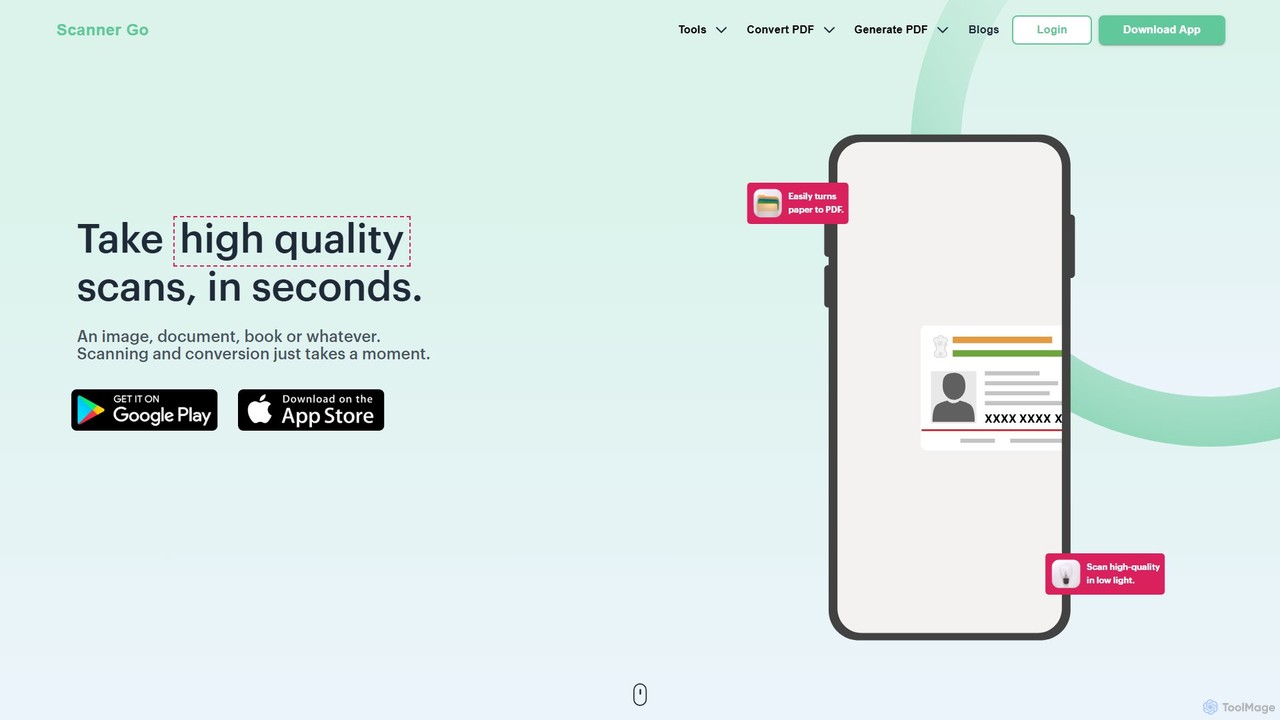
ScannerGo is a versatile and user-friendly digital document management solution designed to boost your daily productivity. It functions as both a high-quality mobile scanning application and a robust web-based platform offering a wide array of PDF tools. With over 10 million application downloads and high customer ratings, ScannerGo has established itself as a trusted tool for individuals and professionals to digitize paperwork, manage documents, and streamline workflows. Whether you need to turn a paper contract into an editable Word file, combine multiple reports into a single PDF, or simply archive your receipts, ScannerGo provides a seamless and efficient experience. The platform is built with security in mind, being ISO 27001 certified and GDPR compliant, ensuring your sensitive documents are handled with the utmost care using TLS encryption.
How to use ScannerGo
ScannerGo is designed for simplicity and can be used in two primary ways: via its mobile app or its web-based tools.
Using the Mobile App:
- Download the ScannerGo app on your smartphone.
- Open the app and use your phone's camera to scan any document, book, receipt, or image. The app automatically enhances the scan for clarity, even in low-light conditions.
- Once scanned, you can crop, rotate, and apply filters to the image.
- Save the scan as a high-quality PDF or JPG file.
- Use the integrated OCR feature to extract text, or use other tools to manage, share, or print your document directly from the app.
Using the Web Tools:
- Navigate to the ScannerGo website.
- Choose the specific tool you need from the extensive list, such as 'PDF to Word', 'Merge PDF', or 'Compress PDF'.
- Upload your file(s) by dragging and dropping them into the conversion box or selecting them from your computer, Google Drive, or Dropbox.
- The tool will automatically process your file. For conversions, simply click the 'Convert' button.
- Once the process is complete, download your new file to your device. The entire process is quick, secure, and requires no software installation.
Core Features of ScannerGo
- High-Quality Mobile Scanning: Instantly digitize physical documents, books, and images with your phone's camera, featuring automatic edge detection and image enhancement.
- Powerful OCR Technology: Accurately extract editable text from scanned PDFs and images, allowing you to easily edit and repurpose content without manual retyping.
- Comprehensive PDF Conversion Suite: Convert files to and from PDF format. Supports PDF to Word, Excel, PPT, JPG, PNG, and ZIP, as well as Word, Excel, PPT, JPG, PNG, and ZIP to PDF.
- Advanced PDF Management Tools: A full set of utilities to manipulate your PDFs, including merging multiple files into one, splitting a PDF into separate pages, and compressing PDFs to reduce file size without losing quality.
- Document Security: Protect your sensitive documents by adding a password with the 'Lock PDF' tool. Conversely, remove passwords from unprotected files with the 'Unlock PDF' feature.
- Cloud Storage and Accessibility: Save your documents to the cloud and access them anytime, anywhere, from any device, ensuring your files are always at your fingertips.
- User-Friendly Interface: Both the mobile app and web platform are designed with a clean, intuitive interface that makes document management tasks straightforward for all users.
Use Cases for ScannerGo
For Students: Digitize lecture notes, scan textbook pages for research, and convert assignments into PDF format for submission. Merge research papers into a single document for easy reading.
For Business Professionals: Scan and archive receipts for expense reports, convert contracts from PDF to Word for editing, and compress large presentations for easy emailing. Secure confidential reports with a password.
For Remote Workers: Easily share and manage documents with team members across different locations. Scan and sign documents digitally, and access all necessary files from a centralized cloud storage.
For Personal Administration: Create digital backups of important personal documents like passports, IDs, certificates, and warranties. Convert bank statements and bills to Excel for budgeting.
Advantages of ScannerGo
ScannerGo stands out by offering a complete ecosystem for document management. Its primary advantage is the combination of a top-tier mobile scanner with a full-featured online PDF toolkit, eliminating the need for multiple separate applications. The platform prioritizes high-quality output, ensuring that all scans are clear and all file conversions are accurate. Its cross-platform accessibility (mobile and web) combined with cloud integration provides ultimate flexibility. Furthermore, its commitment to security with ISO 27001 certification and GDPR compliance gives users peace of mind when handling sensitive information.
Pricing and Plans
ScannerGo operates on a freemium model. The extensive suite of online PDF tools on the website is available for free, allowing users to perform conversions, merges, splits, and more without any cost. The mobile application is free to download and offers a robust set of core scanning and management features. For users requiring advanced capabilities, such as unlimited OCR, larger file processing, or an ad-free experience, premium subscription plans are available within the app.
Traffic
Latest traffic
Status
Monthly traffic trend
- 2025-9: 112.5K
- 2026-1: 78.6K
- 2026-2: 65.9K
- 2026-3: 73.1K
- 2026-4: 81.8K
- 2026-5: 94.7K
Geography
Top 5 countries / regions
- 🇺🇸United States29.1%
- 🇮🇳India28.8%
- 🇮🇩Indonesia19.3%
- 🇧🇷Brazil12.0%
- 🇵🇭Philippines10.7%
Traffic sources
| Source type | Percentage |
|---|---|
Direct | 84.4% |
Referral | 15.6% |
Top keywords
| Keyword | Cost per click |
|---|---|
| convert zip to pdf | $0.22 |
| pdf to zip file | $0.14 |
| zip file to pdf | $0.14 |
| zip to pdf | $0.19 |
| zip to pdf converter | $0.13 |
ScannerGo Alternatives
PDFflex
PDFflex is a comprehensive, all-in-one online platform for managing PDF documents. It allows users to edit, convert, merge, split, and sign PDFs with ease. Featuring an intuitive interface and robust security, PDFflex also incorporates AI-powered tools like OCR for scanned documents and summarizers for long texts. It supports a vast range of file formats, making it a versatile solution for both personal and professional use, accessible from any browser without installation.
Summarizer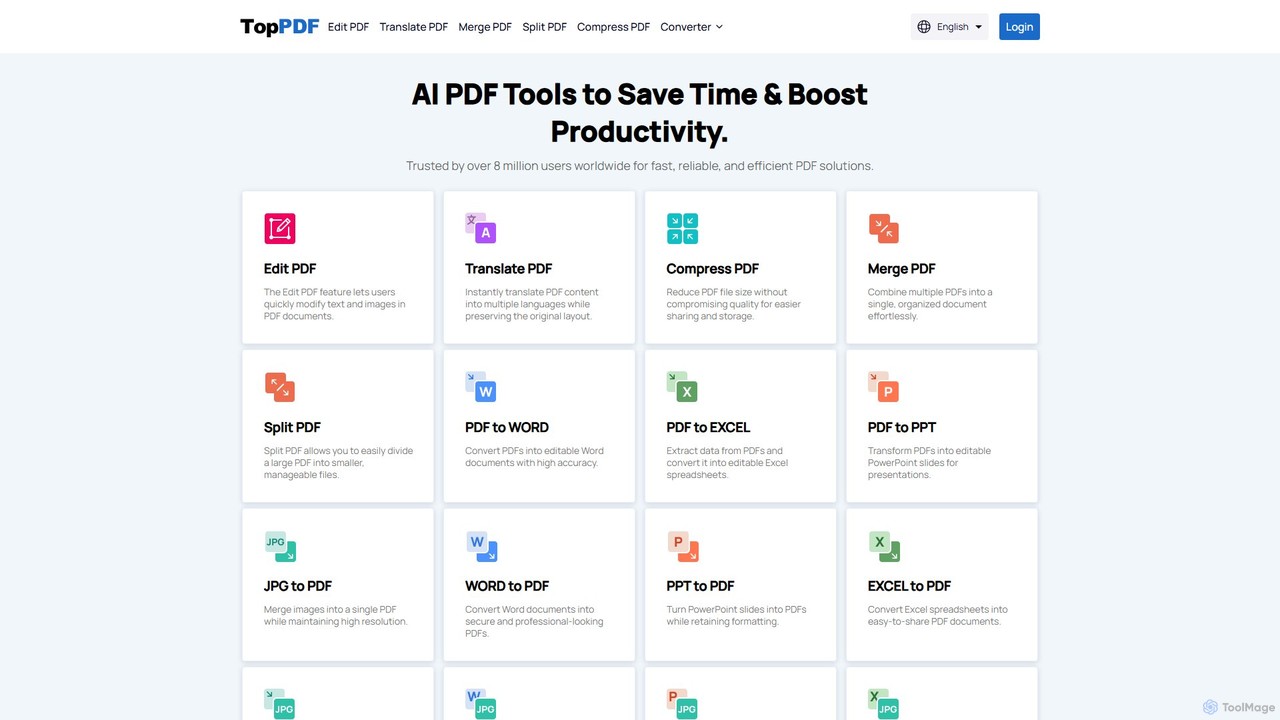
TopPDF
TopPDF is an all-in-one, AI-powered online platform offering a comprehensive suite of tools to edit, convert, translate, merge, split, and compress PDF files. It's designed to enhance productivity by simplifying document workflows for users worldwide.
File Conversion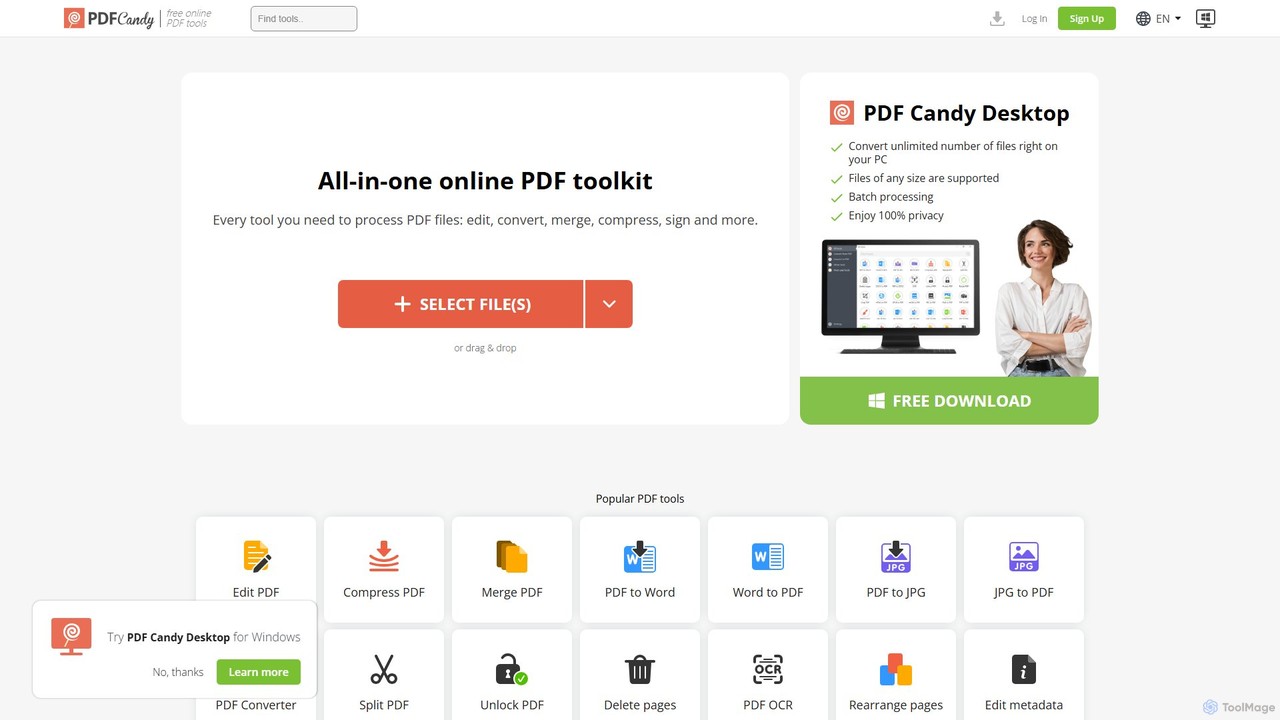
PDF Candy
PDF Candy is a comprehensive all-in-one online and desktop toolkit offering over 90 free tools to manage PDF files. Users can easily edit, convert from and to various formats, merge, compress, sign, unlock, and perform OCR on documents. It provides a user-friendly interface for both casual and professional use, ensuring high-quality results for all your PDF needs.
File Conversion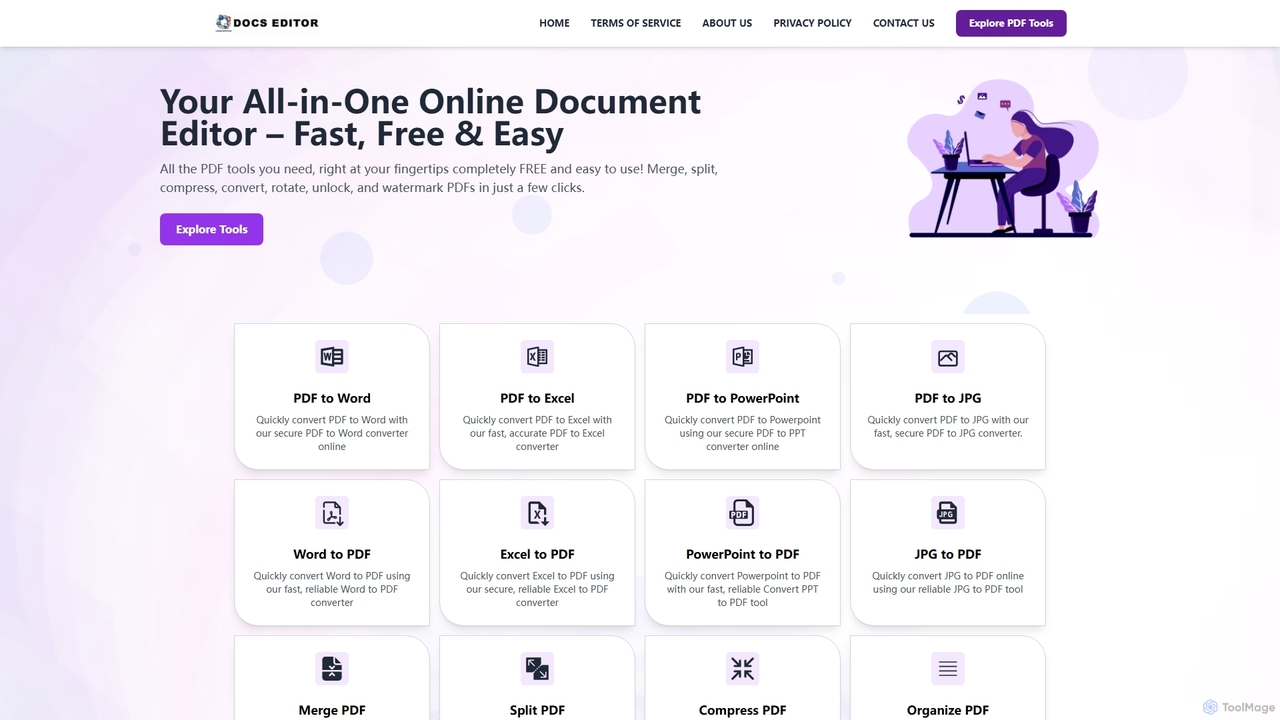
Docseditor
Docseditor is a comprehensive, free online document toolkit for all your PDF needs. It allows users to effortlessly edit, convert, merge, split, compress, sign, and manage PDF files directly in their browser without any installation.
Document Management
pdftopdf.ai
pdftopdf.ai is an AI-powered online tool designed to optimize, enhance, and transform PDF files. It uses artificial intelligence for advanced functions like high-fidelity OCR to make scanned documents searchable, intelligent compression to reduce file size without quality loss, and PDF repair. It's a comprehensive solution for managing and improving your PDF documents efficiently.
File ConversionScannerGo Categories
ScannerGo Embed Widget
Copy this embed code to place the badge on your blog, article, or product site and send readers directly to this ToolMage detail page.

Related AI tools
PDFflex
PDFflex is a comprehensive, all-in-one online platform for managing PDF documents. It allows users to edit, convert, merge, split, and sign PDFs with ease. Featuring an intuitive interface and robust security, PDFflex also incorporates AI-powered tools like OCR for scanned documents and summarizers for long texts. It supports a vast range of file formats, making it a versatile solution for both personal and professional use, accessible from any browser without installation.
SummarizerTopPDF
TopPDF is an all-in-one, AI-powered online platform offering a comprehensive suite of tools to edit, convert, translate, merge, split, and compress PDF files. It's designed to enhance productivity by simplifying document workflows for users worldwide.
File ConversionDocseditor
Docseditor is a comprehensive, free online document toolkit for all your PDF needs. It allows users to effortlessly edit, convert, merge, split, compress, sign, and manage PDF files directly in their browser without any installation.
Document ManagementPDF Candy
PDF Candy is a comprehensive all-in-one online and desktop toolkit offering over 90 free tools to manage PDF files. Users can easily edit, convert from and to various formats, merge, compress, sign, unlock, and perform OCR on documents. It provides a user-friendly interface for both casual and professional use, ensuring high-quality results for all your PDF needs.
File Conversion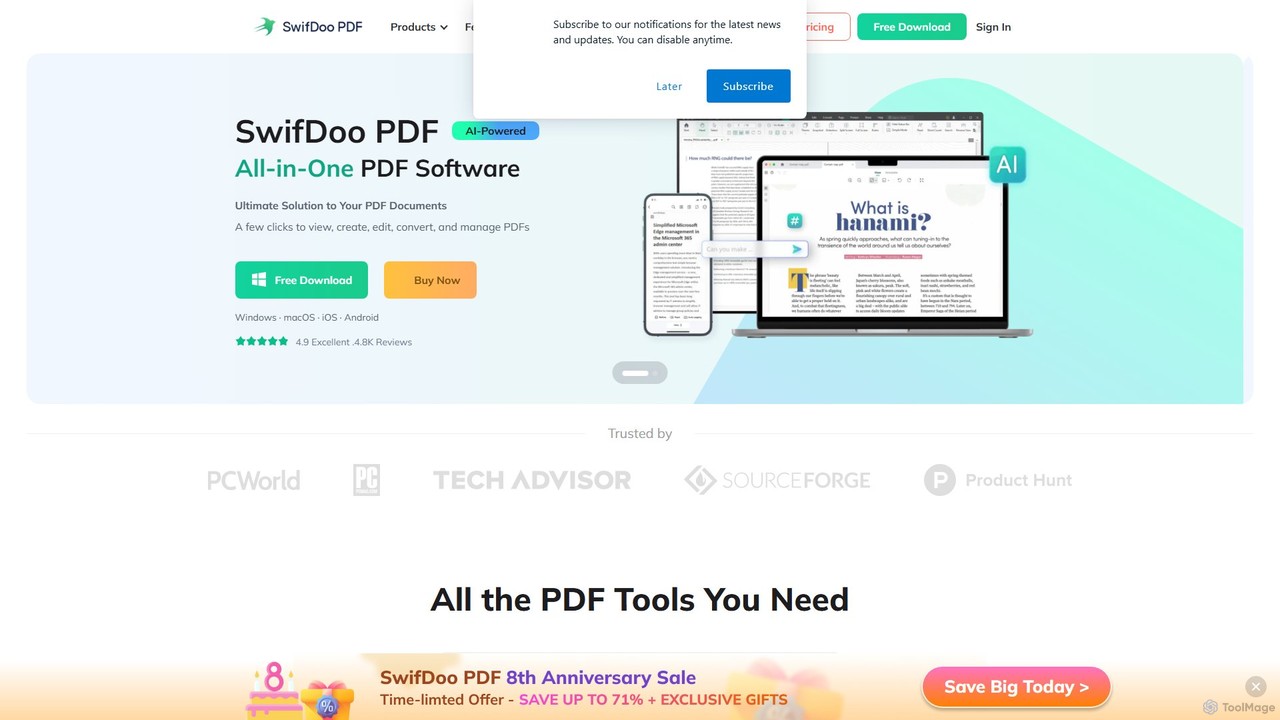
SwifDoo PDF
SwifDoo PDF is an all-in-one, AI-powered PDF software for effortless document management. It allows users to create, edit, convert, merge, compress, and sign PDF files. With integrated AI features, you can summarize, translate, proofread, and chat with your documents. Available on Windows, macOS, iOS, and Android, it offers a lightweight yet powerful solution for both individual and business users.
Document Signing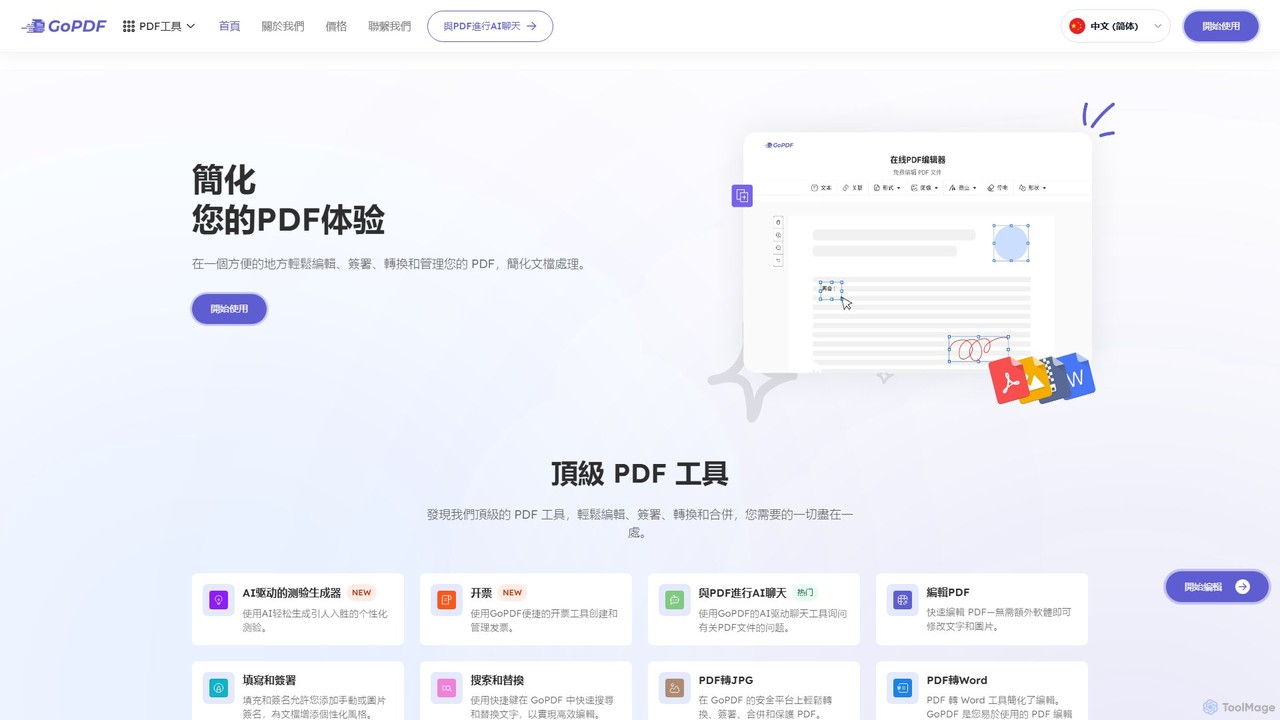
GoPDF
GoPDF is an AI-powered, all-in-one online PDF solution. It allows users to easily edit, convert, sign, merge, compress, and interact with PDF documents through an intuitive web interface and mobile app. AI features enable users to chat with their documents for quick summaries and answers.
Chat With Documentpdftopdf.ai
pdftopdf.ai is an AI-powered online tool designed to optimize, enhance, and transform PDF files. It uses artificial intelligence for advanced functions like high-fidelity OCR to make scanned documents searchable, intelligent compression to reduce file size without quality loss, and PDF repair. It's a comprehensive solution for managing and improving your PDF documents efficiently.
File Conversion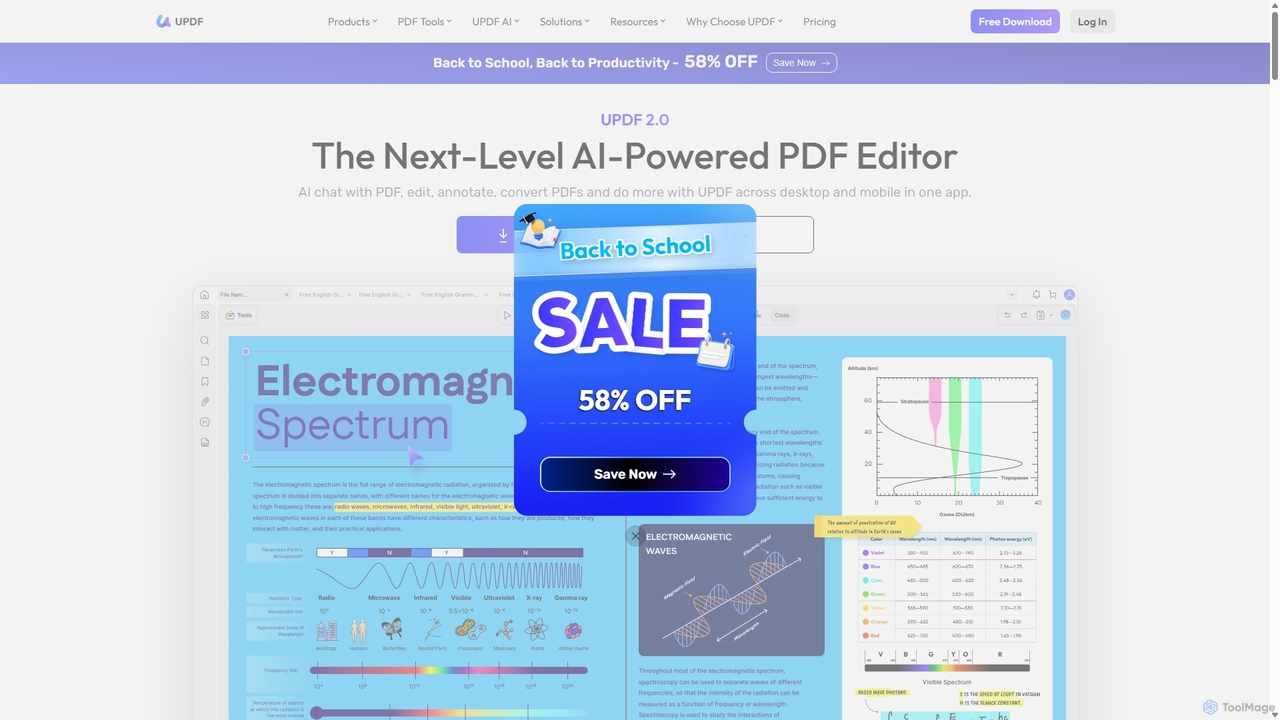
UPDF
UPDF is an AI-integrated, all-in-one PDF editor that allows users to edit, annotate, convert, summarize, translate, and chat with PDF documents. It offers a seamless experience across Windows, macOS, iOS, and Android, boosting productivity for individuals, students, and businesses.
Document Analysis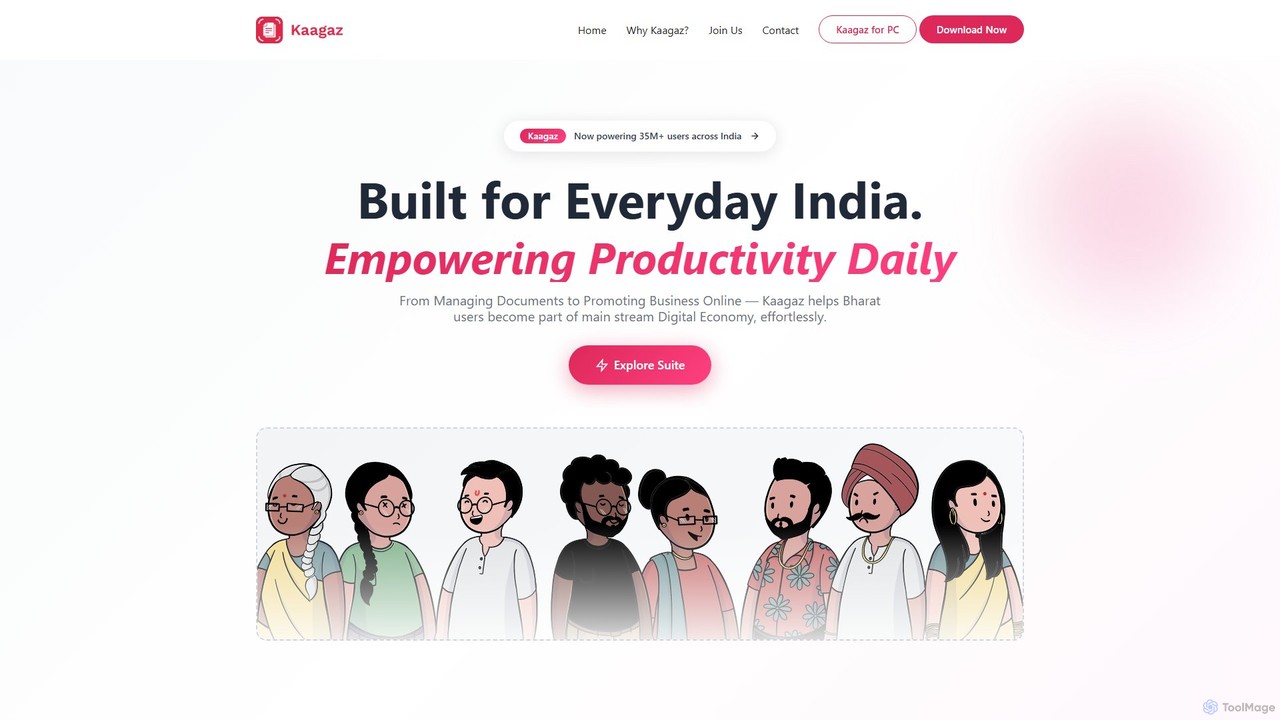
Kaagaz
Kaagaz is an all-in-one, mobile-first productivity suite featuring an AI-powered PDF scanner, editor, poster maker, and resume builder. Designed for modern users, it simplifies document management, creative design, and job applications, offering a powerful alternative to traditional desktop software and tools like CamScanner.
Graphics
Jyek
Jyek is an AI agent platform that understands objectives, creates execution plans, uses tools, and delivers verifiable results for complex, multi-step tasks.
Automation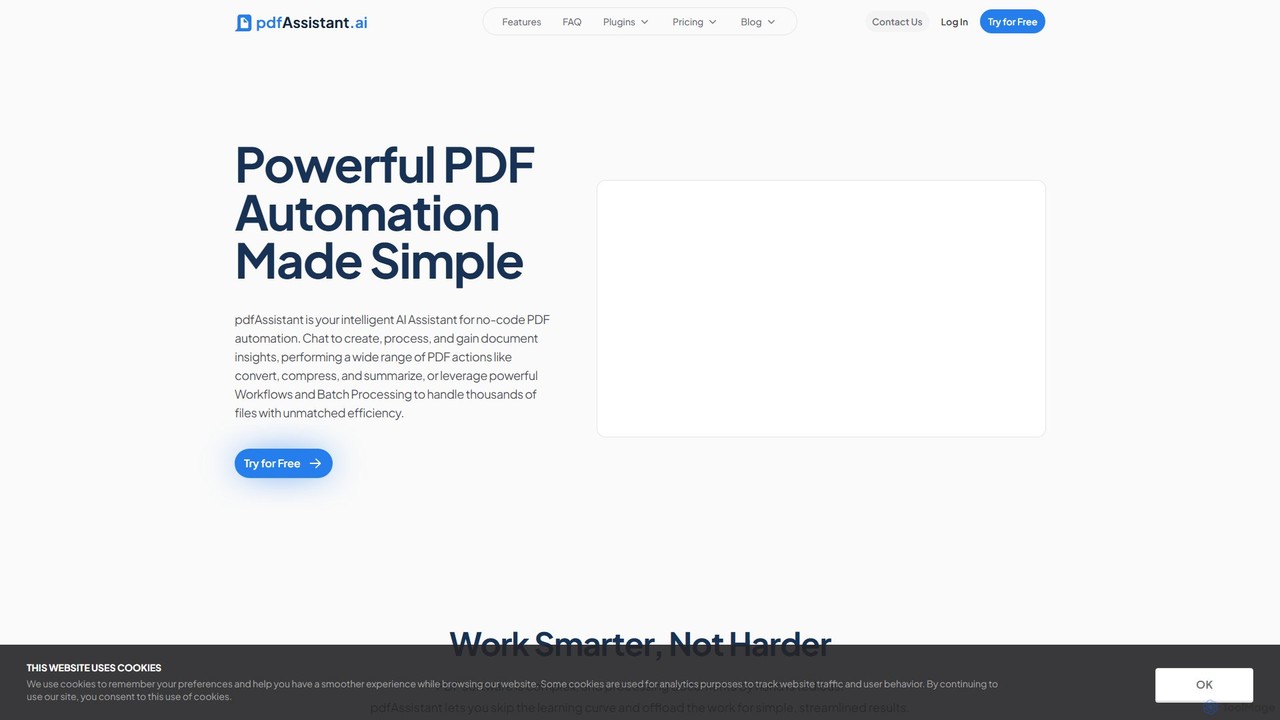
pdfAssistant.ai
pdfAssistant.ai is an intelligent, no-code platform for PDF automation. Use its intuitive chat interface to create, convert, compress, summarize, and manage PDFs with simple natural language commands. Automate complex, multi-step tasks with Workflows and process thousands of files efficiently using Batch Processing.
Automation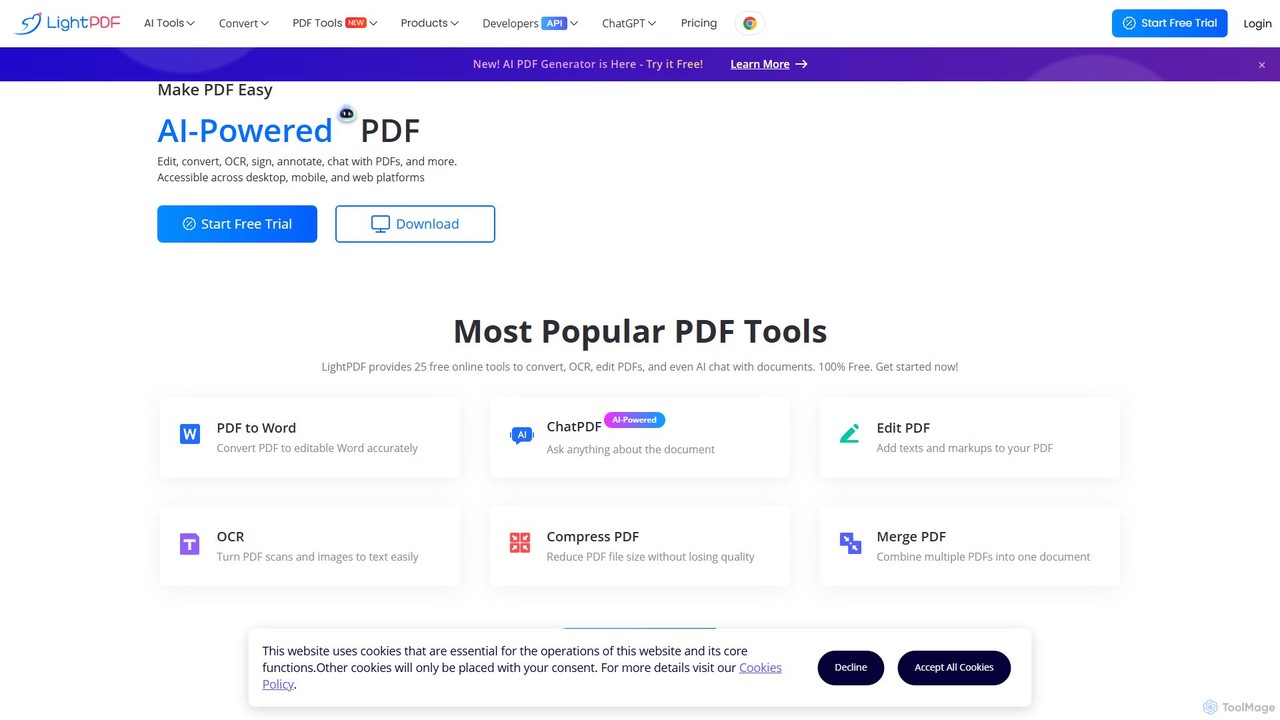
LightPDF
LightPDF is an AI-powered, all-in-one PDF solution designed to simplify document workflows. It allows users to chat with documents, get instant summaries, and ask questions. Beyond its AI capabilities, it offers a comprehensive suite of tools for editing, converting, merging, signing, and performing OCR on PDF files. Available on web, desktop, and mobile, LightPDF makes managing documents efficient and intuitive for students, professionals, and businesses alike.
Chat With Your Docs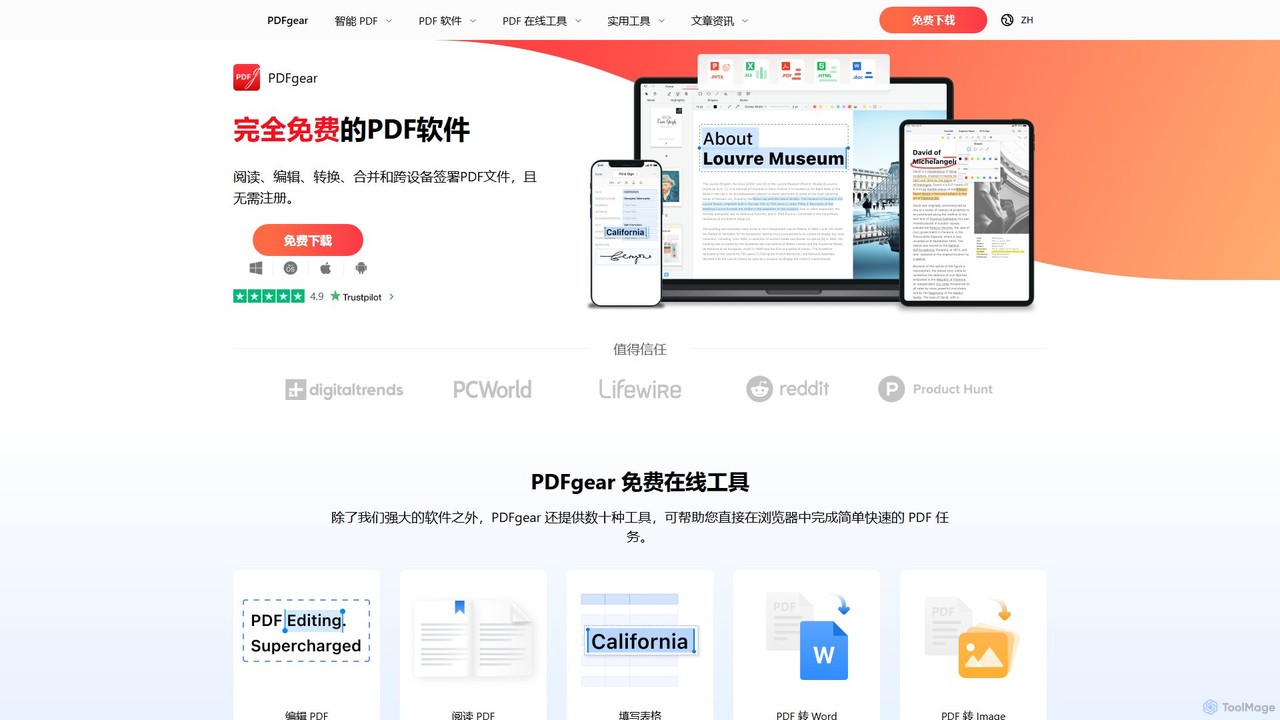
PDFgear
PDFgear is a completely free, AI-powered PDF editor and management suite. It integrates a ChatGPT-based Copilot to chat with, summarize, and analyze your documents. It offers comprehensive features like editing, converting, OCR, and signing across all platforms (Windows, macOS, iOS, Android) and online.
Document Analysis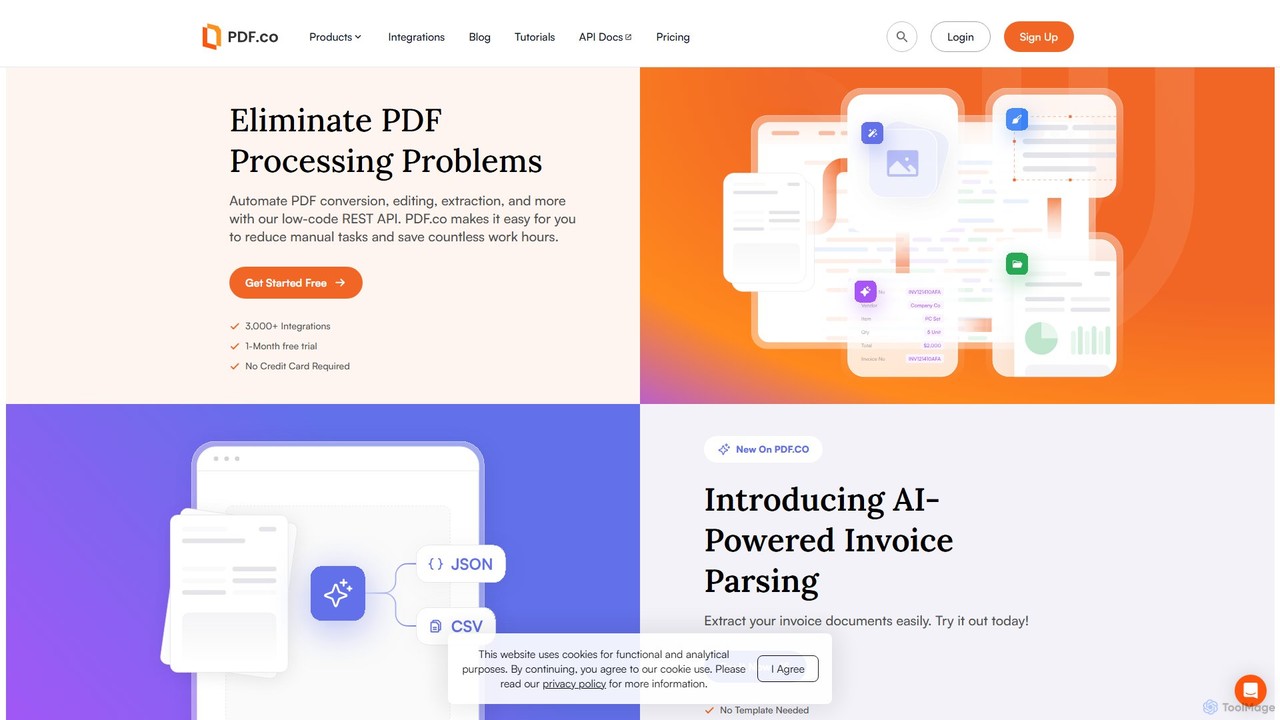
PDF.co
PDF.co is a powerful REST API platform for developers and businesses to automate all PDF-related tasks. It enables PDF data extraction, editing, conversion, creation, and form filling. Featuring AI-powered invoice parsing and seamless integration with over 3,000 platforms like Zapier and Make, it helps eliminate manual work and streamline document workflows.
Automation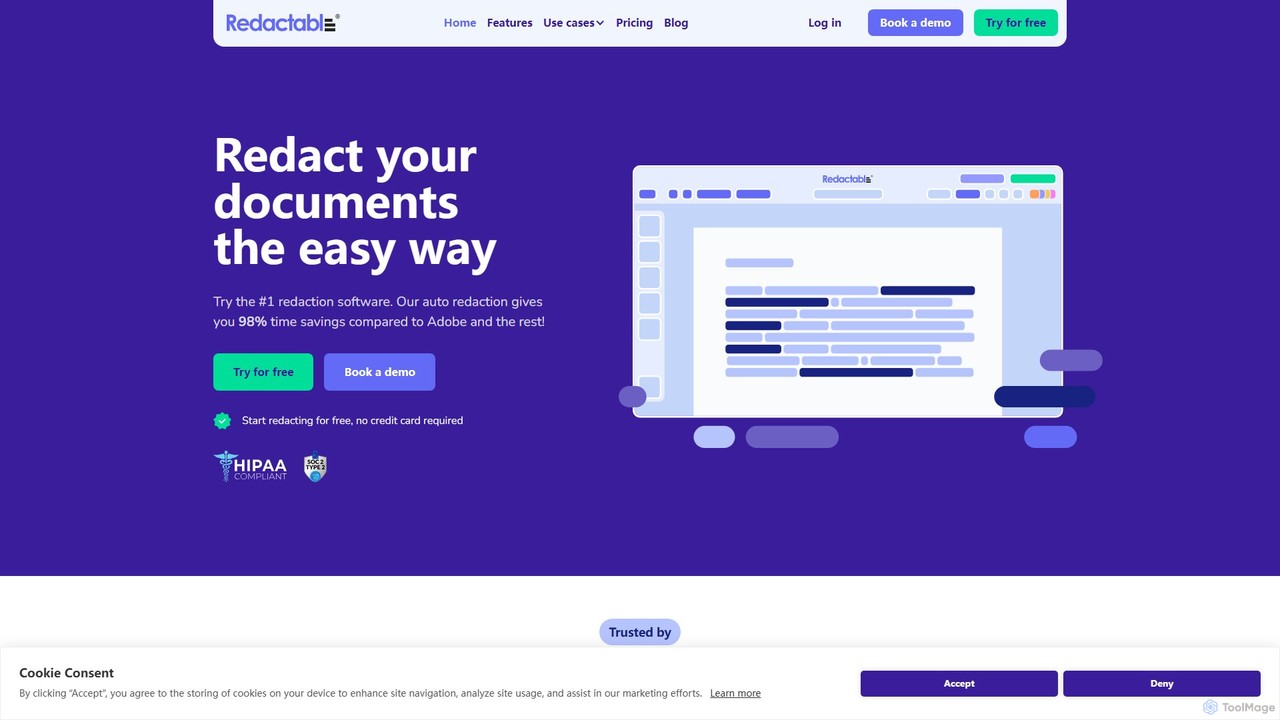
Redactable
Redactable is an AI-powered, web-based platform for automated document redaction. It helps users securely and permanently remove sensitive information from documents, including scanned files via OCR. Designed for legal, finance, healthcare, and government sectors, it streamlines workflows, ensures compliance (like GDPR & HIPAA), and saves up to 98% of redaction time with features like real-time collaboration and automatic audit trails.
Compliance
ScannerGo Comments (0)
Sign in to comment.
Sign inNo comments yet.