

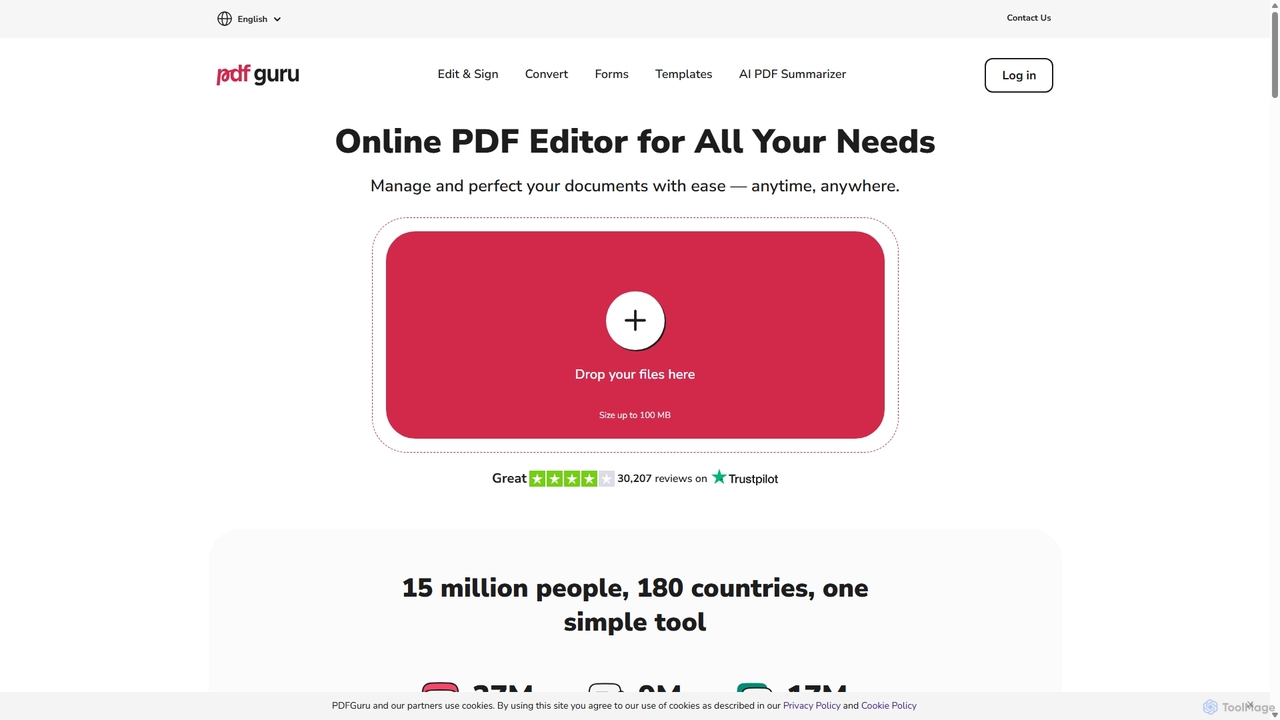
PDFflex Overview
PDFflex is a powerful and intuitive online platform designed to simplify every aspect of document management. Born from the goal of making PDF handling simpler and faster, PDFflex has quickly grown into a globally trusted tool used by millions in over 180 countries. It provides a complete suite of tools to edit, convert, sign, and manage documents directly in your browser, eliminating the need for any software installation. With a strong emphasis on security and user experience, PDFflex ensures your files are protected with top-tier encryption while offering a seamless and user-friendly interface.
How to use PDFflex
Using PDFflex is designed to be straightforward and hassle-free. Here’s a simple step-by-step guide to get you started:
- Upload Your File: Simply drag and drop your PDF file into the upload window on the website, or click to select a file from your device. The platform supports files up to 100 MB.
- Edit and Modify: Once your document is loaded, use the extensive toolbar to make your desired changes. You can edit text, add images, highlight sections, insert shapes, leave comments, and much more.
- Apply Tools: Choose from a wide array of tools such as converting to other formats, merging multiple files, splitting pages, compressing the file size, or adding an electronic signature.
- Download Your Document: After you've finished editing, click the 'Done' button. You can then choose your desired output format and download the perfected document to your device.
Core Features of PDFflex
- All-in-One Editing Suite: Edit PDF text directly, just like in a word processor. Add comments, highlight key information, insert images and shapes, and annotate your documents with ease.
- Flexible File Conversion: Convert PDFs to and from a wide variety of formats, including Word, Excel, PowerPoint, JPG, PNG, HTML, EPUB, and even technical formats like DWG and DXF, all while preserving the original layout.
- AI-Powered Tools: Leverage artificial intelligence with features like Optical Character Recognition (OCR) to turn scanned documents into editable and searchable text. Use the AI Summarizer to quickly get the gist of long PDFs or books.
- E-Signatures and Forms: Securely sign documents electronically with three simple e-signing options. Access a library of professional, fillable forms for tax, real estate, financial, and military purposes.
- Comprehensive Document Management: Organize your PDFs by merging multiple files into one, splitting a single PDF into several, compressing files to reduce their size, rotating pages, deleting or extracting specific pages, and protecting documents with a password.
Use Cases for PDFflex
PDFflex is a versatile tool suitable for a wide range of users:
- Students and Researchers: Quickly summarize long research papers, convert articles to editable formats for notes, and annotate study materials.
- Business Professionals: Edit contracts and reports, sign agreements electronically, convert PDFs to PowerPoint for presentations, and fill out tax or financial forms.
- Legal Professionals: Handle legal documents by adding annotations, protecting sensitive information with passwords, and securely signing files.
- Real Estate Agents: Fill out and sign property agreements, contracts, and other forms on the go.
- HR Managers: Manage employee records, create fillable HR forms, and securely handle sensitive documents.
Advantages of PDFflex
PDFflex stands out with several key advantages:
- Intuitive Design: The interface is clean, familiar, and easy to navigate, requiring no learning curve.
- Top-Tier Security: Your files are protected with SSL encryption during transfer and AES encryption on servers. The platform is GDPR-compliant and verified by Google Safe Browsing.
- No Installation Required: As a fully browser-based tool, it works on any operating system without needing to download or install software.
- 24/7 Customer Support: A dedicated team of real people is available around the clock to assist with any issues or questions.
- Cost-Effective: With flexible subscription plans, it offers a powerful set of features at a competitive price point.
Pricing and Plans
PDFflex operates on a subscription-based model, offering both monthly and yearly plans to fit different user needs. The yearly plan typically provides the best value for long-term users. New users can explore the platform's features and process a document for free before being prompted to subscribe for the download, allowing you to test the service and ensure it meets your requirements.
Traffic
Latest traffic
Status
Monthly traffic trend
- 2025-9: 5.9M
- 2026-1: 7.6M
- 2026-2: 8.1M
- 2026-3: 10.2M
- 2026-4: 11.7M
- 2026-5: 12.4M
Geography
Top 5 countries / regions
- 🇮🇳India25.3%
- 🇮🇩Indonesia24.1%
- 🇧🇷Brazil17.4%
- 🇺🇸United States17.3%
- 🇮🇹Italy15.9%
Traffic sources
| Source type | Percentage |
|---|---|
Direct | 40.2% |
Email | 31.1% |
Referral | 28.7% |
Top keywords
| Keyword | Cost per click |
|---|---|
| compress pdf | $0.19 |
| edit pdf | $0.36 |
| pdf editor | $0.40 |
| pdf guru | $0.85 |
| pdf to word | $0.14 |
PDFflex Alternatives
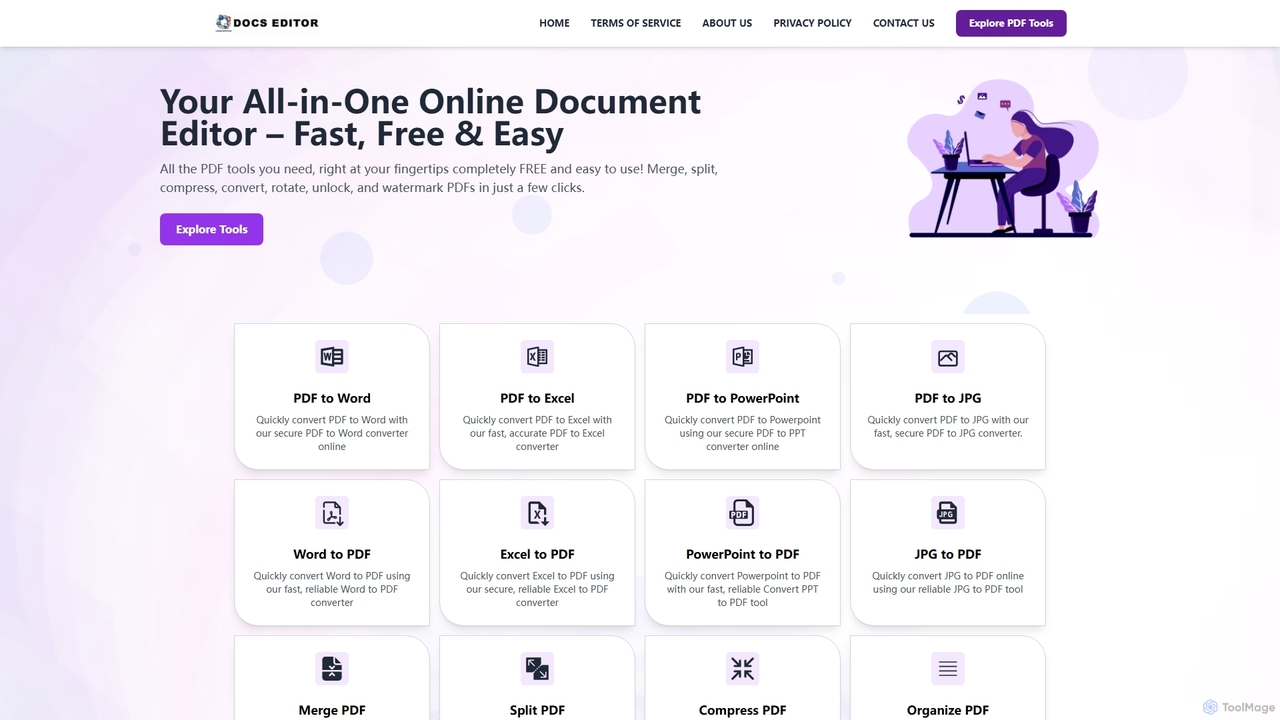
Docseditor
Docseditor is a comprehensive, free online document toolkit for all your PDF needs. It allows users to effortlessly edit, convert, merge, split, compress, sign, and manage PDF files directly in their browser without any installation.
Document Management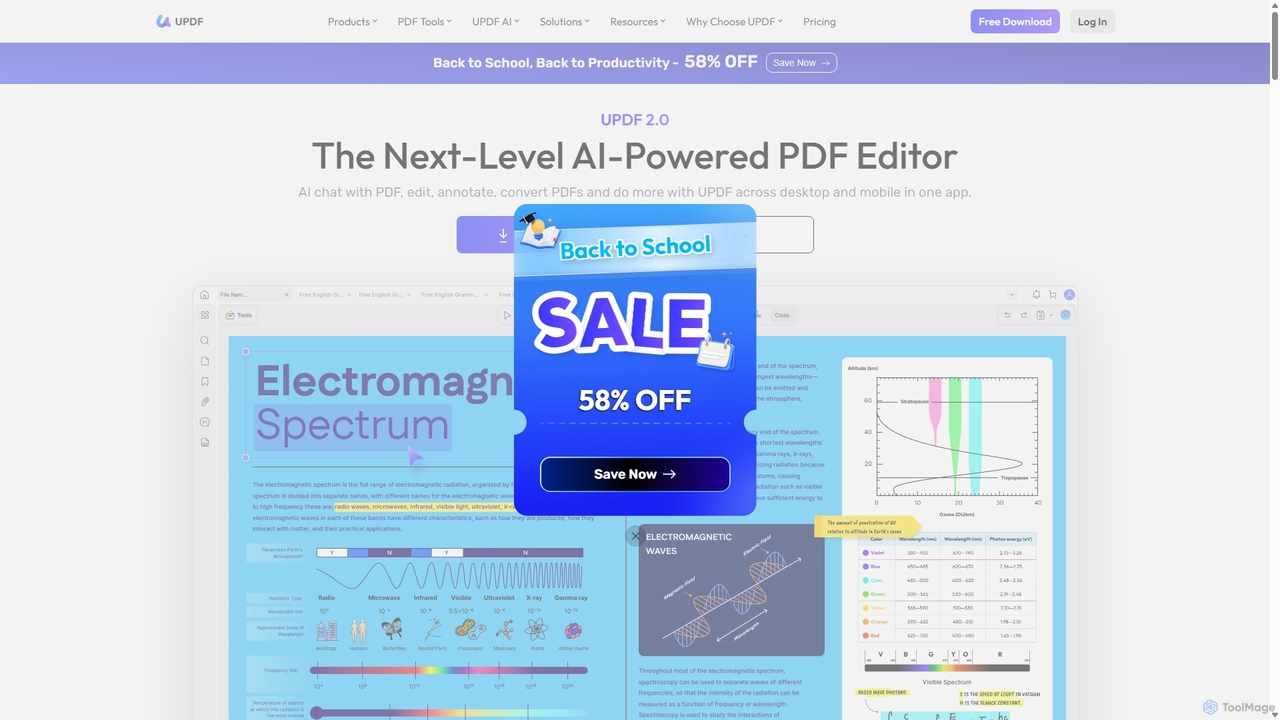
UPDF
UPDF is an AI-integrated, all-in-one PDF editor that allows users to edit, annotate, convert, summarize, translate, and chat with PDF documents. It offers a seamless experience across Windows, macOS, iOS, and Android, boosting productivity for individuals, students, and businesses.
Document Analysis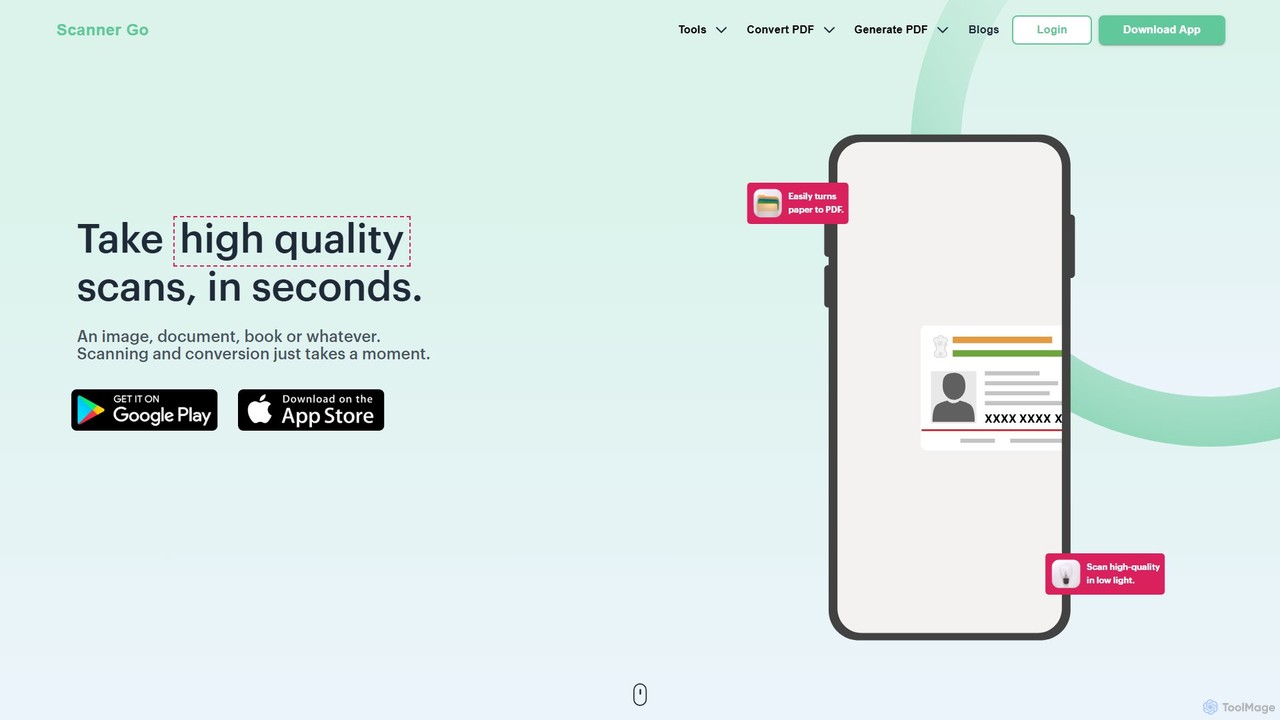
ScannerGo
ScannerGo is an all-in-one productivity tool that combines a powerful mobile document scanner with a comprehensive suite of online PDF utilities. Easily scan, convert, edit, merge, split, and secure your documents on any device, enhanced with OCR technology to extract text from images and PDFs.
File Conversion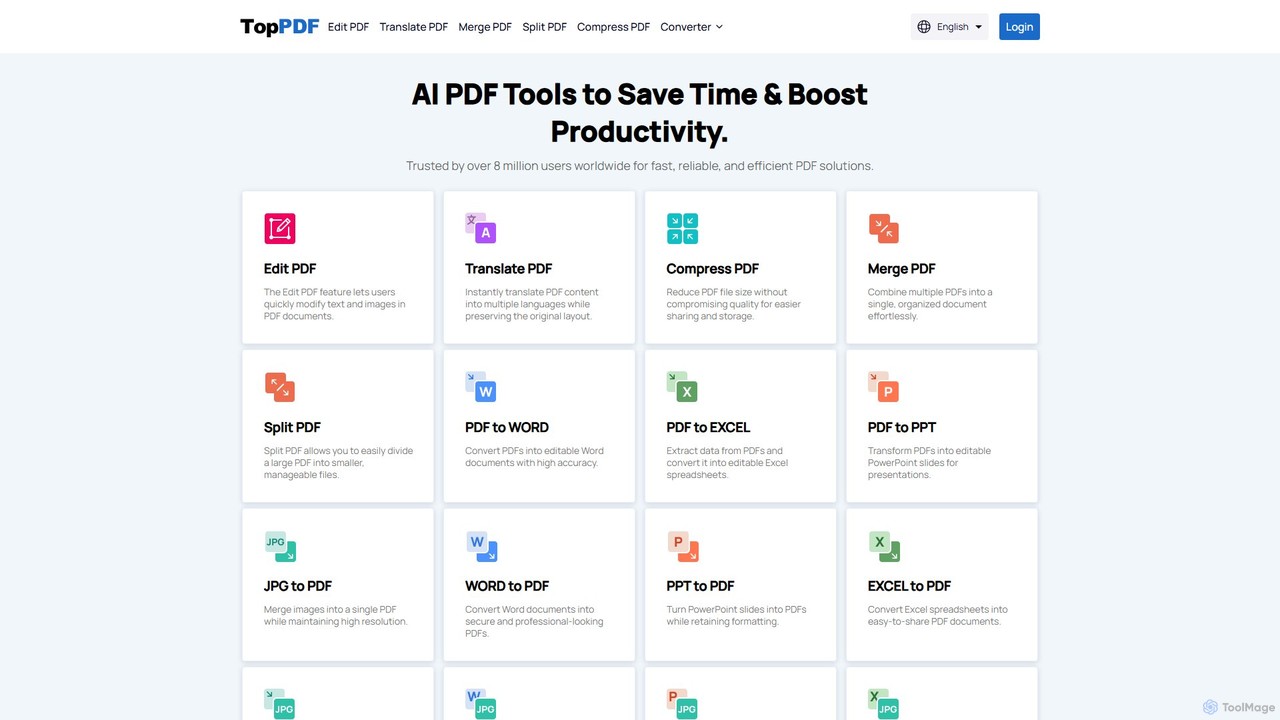
TopPDF
TopPDF is an all-in-one, AI-powered online platform offering a comprehensive suite of tools to edit, convert, translate, merge, split, and compress PDF files. It's designed to enhance productivity by simplifying document workflows for users worldwide.
File Conversion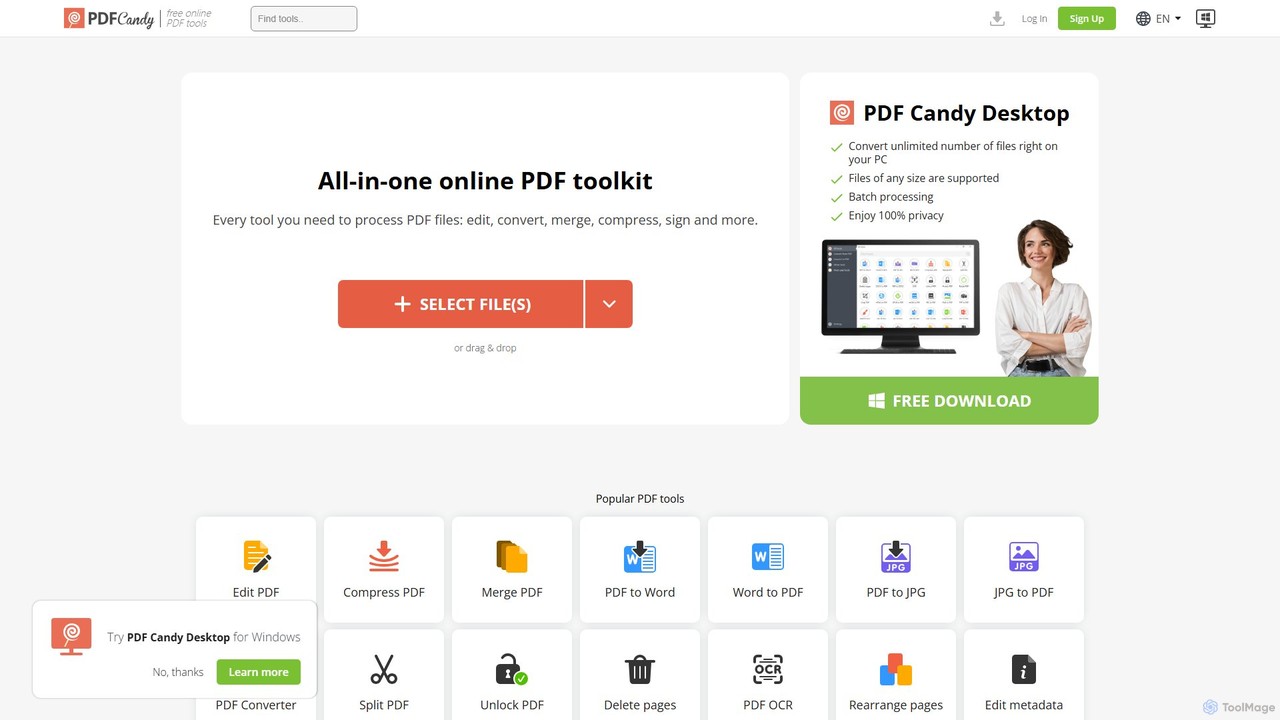
PDF Candy
PDF Candy is a comprehensive all-in-one online and desktop toolkit offering over 90 free tools to manage PDF files. Users can easily edit, convert from and to various formats, merge, compress, sign, unlock, and perform OCR on documents. It provides a user-friendly interface for both casual and professional use, ensuring high-quality results for all your PDF needs.
File ConversionPDFflex Categories
PDFflex Jobs
PDFflex Embed Widget
Copy this embed code to place the badge on your blog, article, or product site and send readers directly to this ToolMage detail page.

Related AI tools
Docseditor
Docseditor is a comprehensive, free online document toolkit for all your PDF needs. It allows users to effortlessly edit, convert, merge, split, compress, sign, and manage PDF files directly in their browser without any installation.
Document ManagementUPDF
UPDF is an AI-integrated, all-in-one PDF editor that allows users to edit, annotate, convert, summarize, translate, and chat with PDF documents. It offers a seamless experience across Windows, macOS, iOS, and Android, boosting productivity for individuals, students, and businesses.
Document AnalysisScannerGo
ScannerGo is an all-in-one productivity tool that combines a powerful mobile document scanner with a comprehensive suite of online PDF utilities. Easily scan, convert, edit, merge, split, and secure your documents on any device, enhanced with OCR technology to extract text from images and PDFs.
File ConversionTopPDF
TopPDF is an all-in-one, AI-powered online platform offering a comprehensive suite of tools to edit, convert, translate, merge, split, and compress PDF files. It's designed to enhance productivity by simplifying document workflows for users worldwide.
File Conversion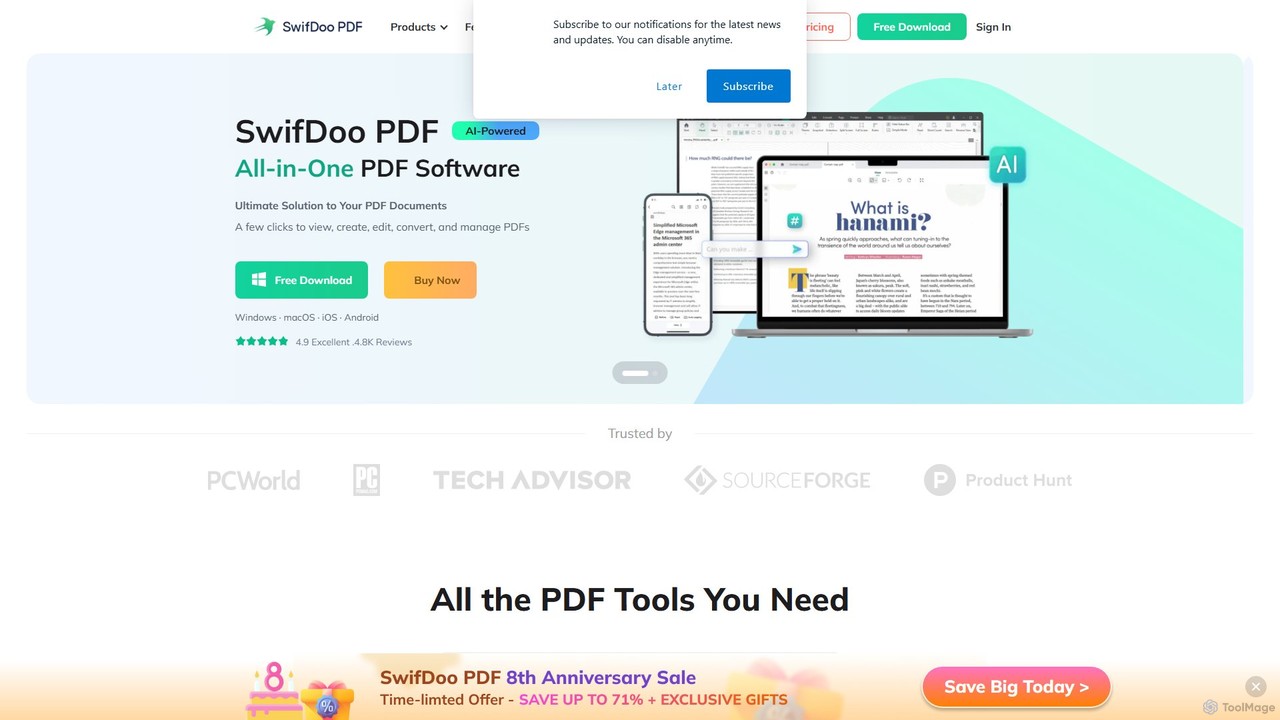
SwifDoo PDF
SwifDoo PDF is an all-in-one, AI-powered PDF software for effortless document management. It allows users to create, edit, convert, merge, compress, and sign PDF files. With integrated AI features, you can summarize, translate, proofread, and chat with your documents. Available on Windows, macOS, iOS, and Android, it offers a lightweight yet powerful solution for both individual and business users.
Document Signing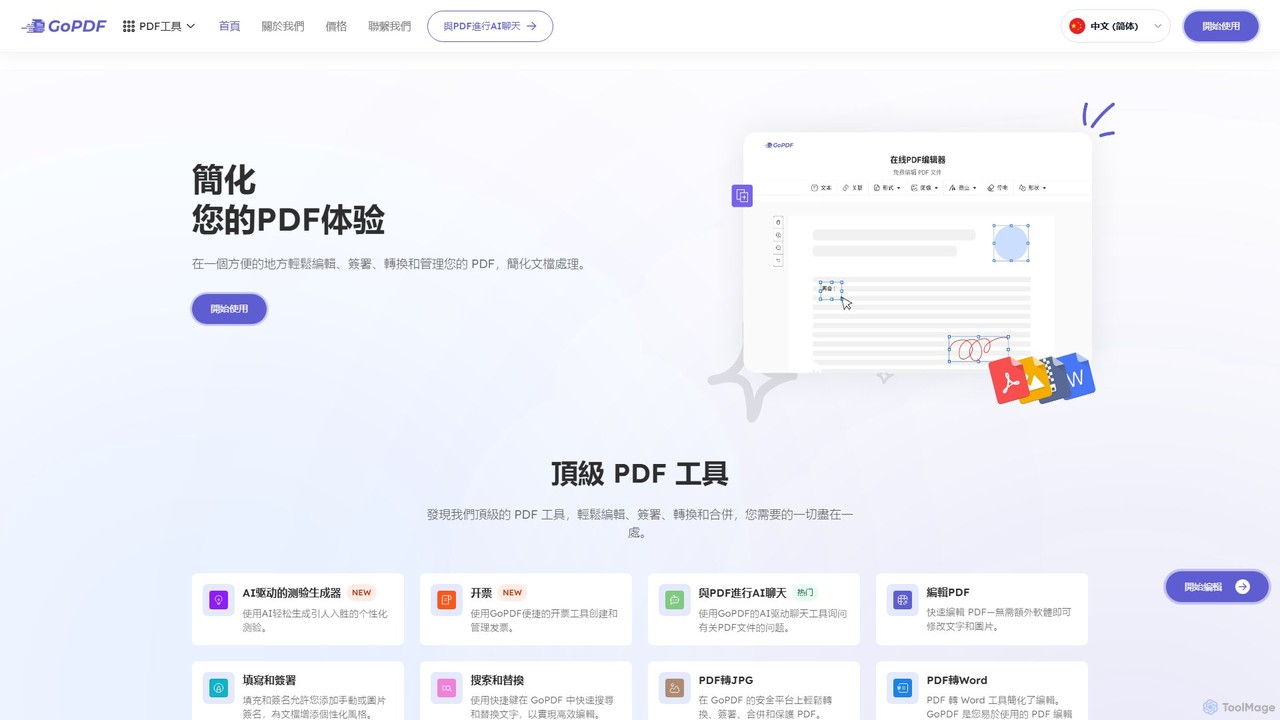
GoPDF
GoPDF is an AI-powered, all-in-one online PDF solution. It allows users to easily edit, convert, sign, merge, compress, and interact with PDF documents through an intuitive web interface and mobile app. AI features enable users to chat with their documents for quick summaries and answers.
Chat With DocumentPDF Candy
PDF Candy is a comprehensive all-in-one online and desktop toolkit offering over 90 free tools to manage PDF files. Users can easily edit, convert from and to various formats, merge, compress, sign, unlock, and perform OCR on documents. It provides a user-friendly interface for both casual and professional use, ensuring high-quality results for all your PDF needs.
File Conversion
UPDF AI
UPDF AI is a powerful AI assistant integrated into the UPDF editor, designed to revolutionize how you interact with PDF documents. It allows you to chat with your PDFs, get instant summaries, translate entire documents or selected text, explain complex data, and even convert dense content into visual mind maps. Available on Windows, macOS, iOS, Android, and the web, it streamlines workflows for students, researchers, and professionals by making document comprehension and analysis faster and more efficient.
Research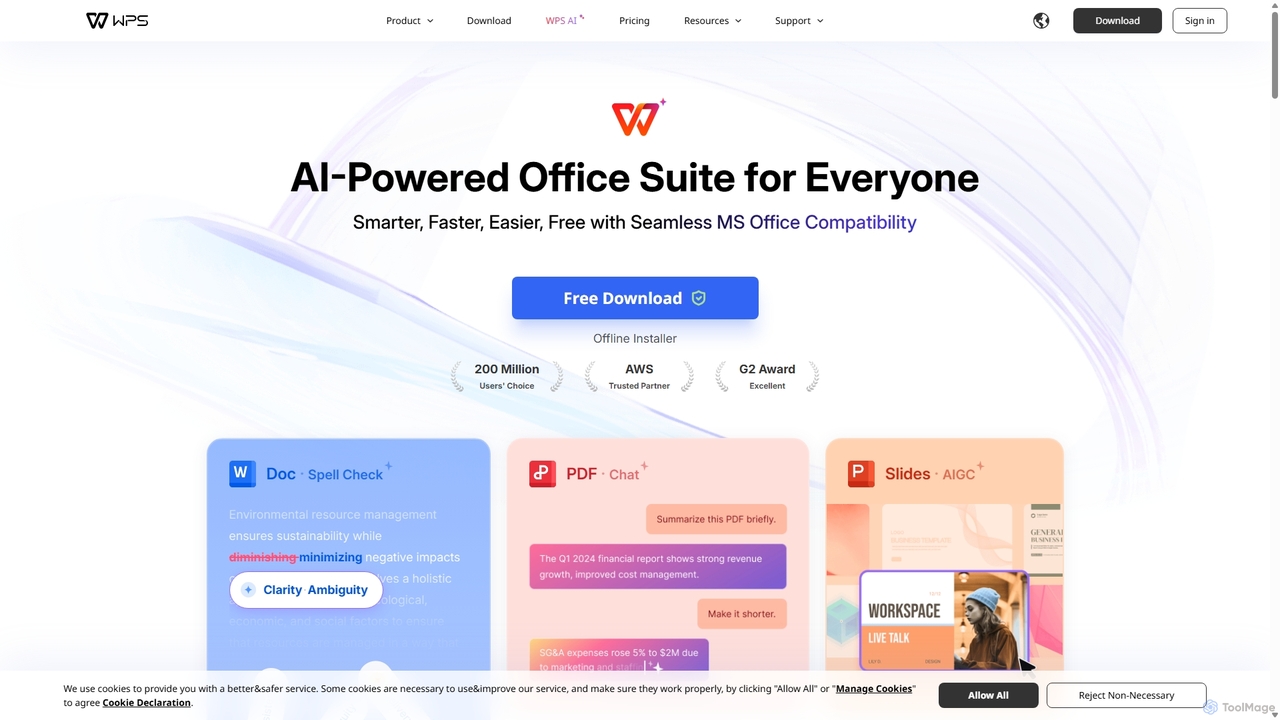
WPS Office
WPS Office is an AI-powered, all-in-one office suite offering a free and lightweight alternative to Microsoft Office. It integrates Writer, Spreadsheet, Presentation, and PDF tools with advanced AI features like content generation, spell checking, PDF summarization, and one-click presentation creation. With seamless MS Office compatibility and cross-platform support, it boosts productivity for individuals and teams.
Presentation Generator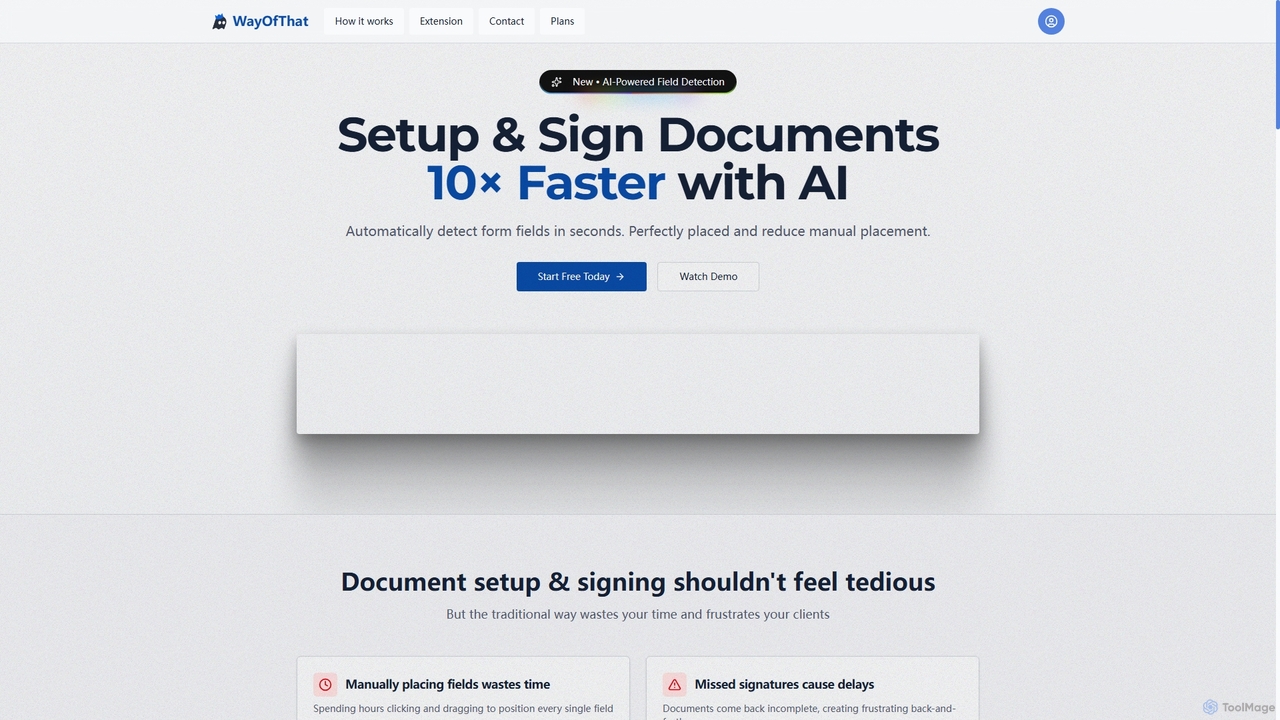
WayOfThat
WayOfThat is an AI-powered document setup and e-signature platform designed to automate the detection and placement of form fields. It helps users sign documents up to 10 times faster, eliminating tedious manual work and improving workflow efficiency for various business and legal documents.
Workflow Automation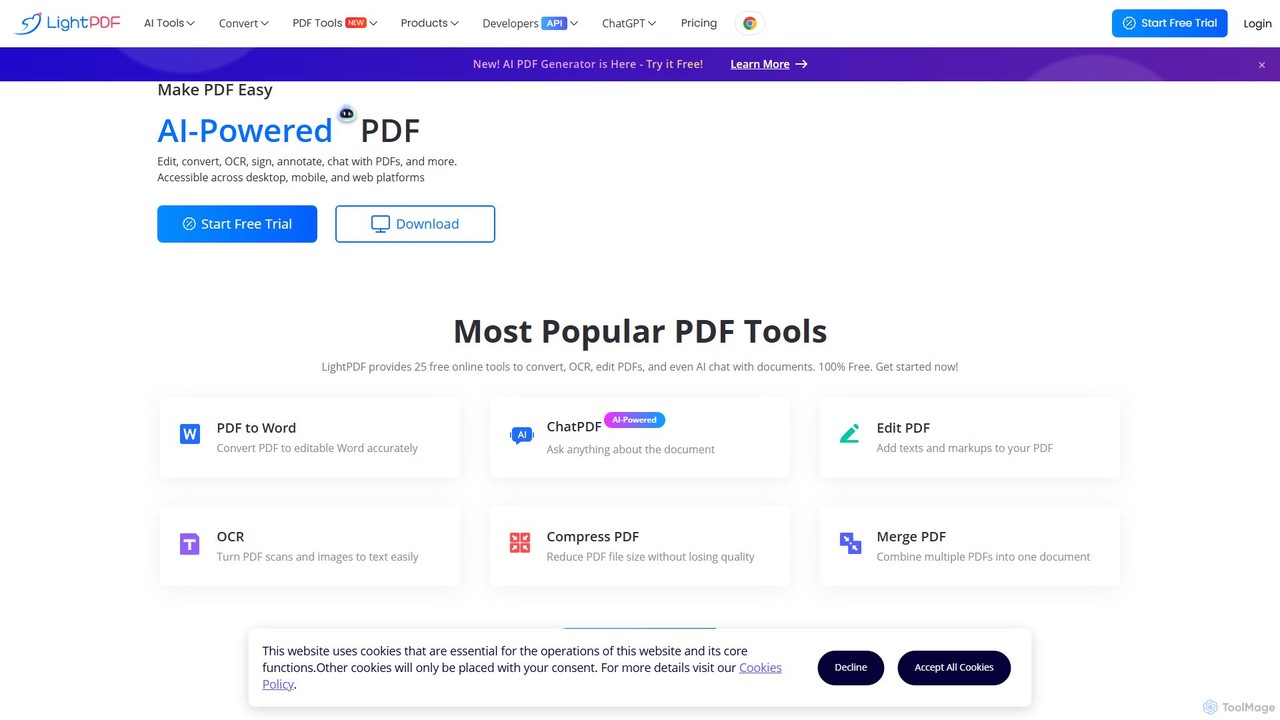
LightPDF
LightPDF is an AI-powered, all-in-one PDF solution designed to simplify document workflows. It allows users to chat with documents, get instant summaries, and ask questions. Beyond its AI capabilities, it offers a comprehensive suite of tools for editing, converting, merging, signing, and performing OCR on PDF files. Available on web, desktop, and mobile, LightPDF makes managing documents efficient and intuitive for students, professionals, and businesses alike.
Chat With Your Docs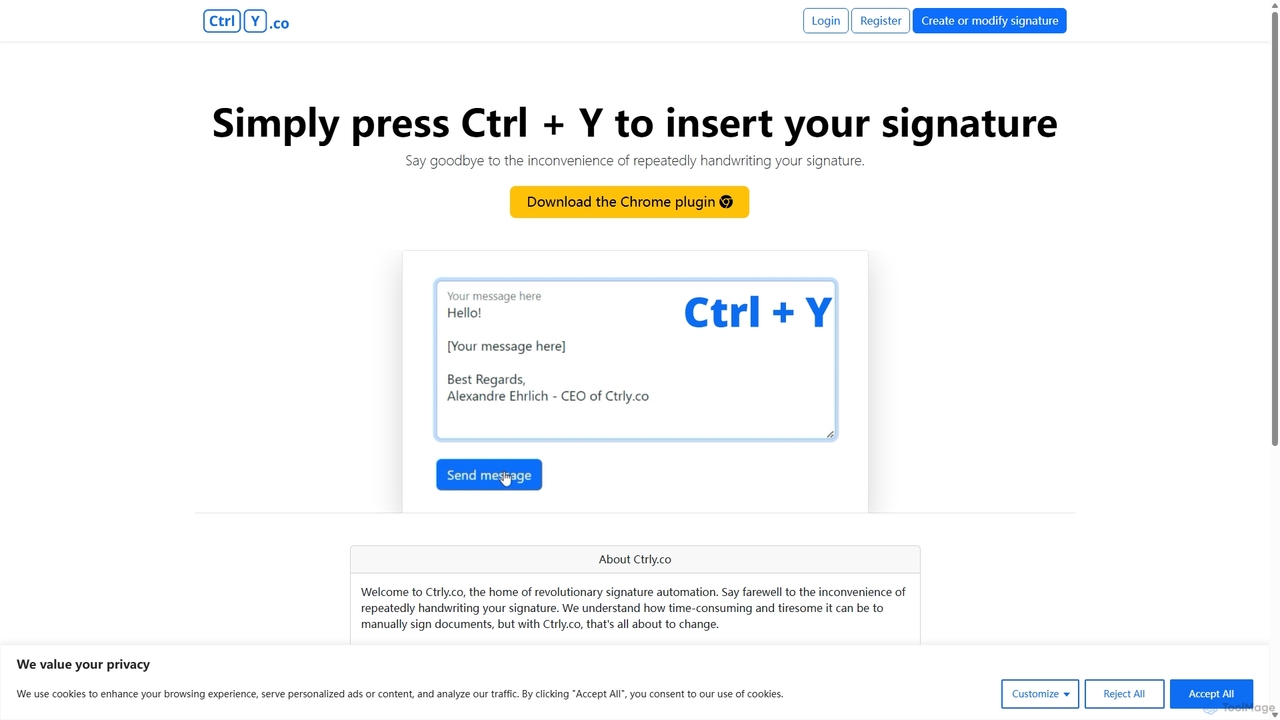
Ctrly
Ctrly is a revolutionary Chrome extension that automates your signature process. Simply press Ctrl + Y to instantly insert your pre-saved digital signature into any web-based document, email, or form. It eliminates the need for printing, signing, and scanning, saving you valuable time and boosting productivity. Ideal for professionals, entrepreneurs, and anyone who frequently signs digital documents, Ctrly streamlines your workflow with unparalleled ease and efficiency.
E Signature
pdftopdf.ai
pdftopdf.ai is an AI-powered online tool designed to optimize, enhance, and transform PDF files. It uses artificial intelligence for advanced functions like high-fidelity OCR to make scanned documents searchable, intelligent compression to reduce file size without quality loss, and PDF repair. It's a comprehensive solution for managing and improving your PDF documents efficiently.
File Conversion
PDF Interact
PDF Interact is an AI-powered chat assistant that transforms how you engage with your documents. Simply upload a PDF and ask questions in natural language to get instant answers, summaries, and key insights. Ideal for students, researchers, and professionals looking to save time and analyze complex information efficiently.
Data Analysis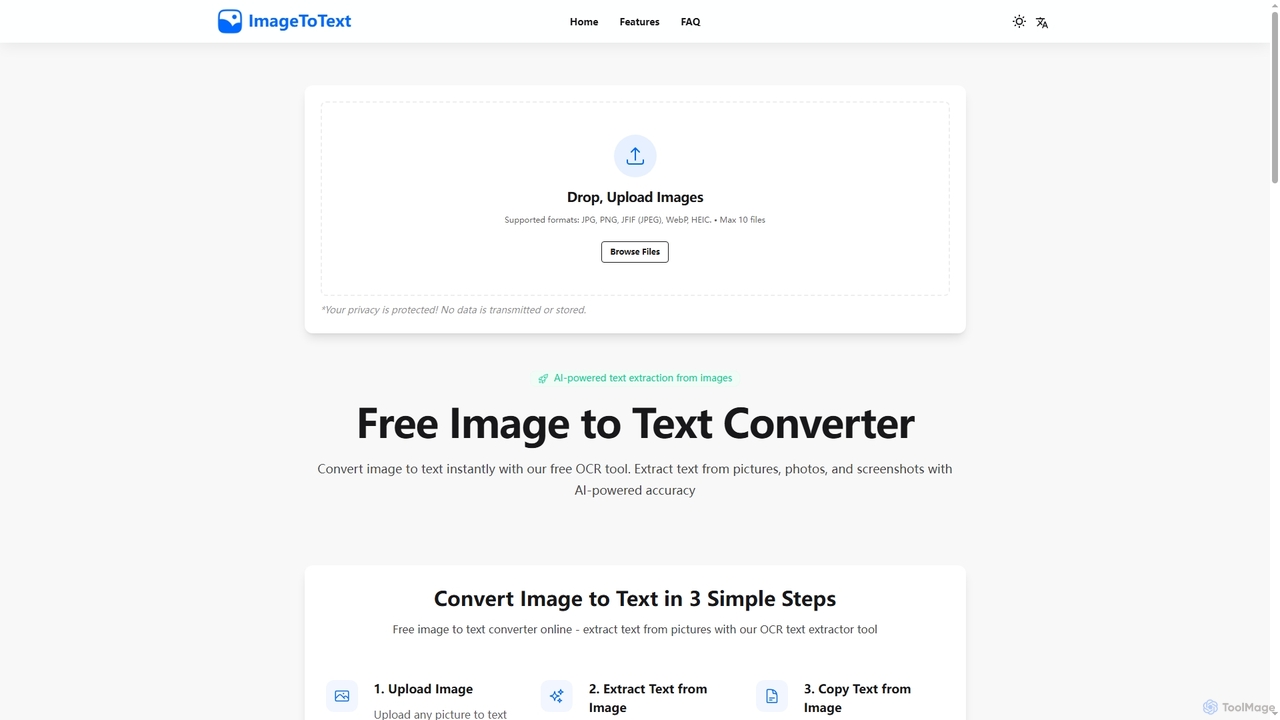
Imagetotext
A free, AI-powered online OCR tool that instantly converts images to text. It accurately extracts text from various formats like JPG, PNG, and even handwritten notes, ensuring user privacy with end-to-end encryption and no data storage.
Digitization
PDFflex Comments (0)
Sign in to comment.
Sign inNo comments yet.