
GoPDF Overview
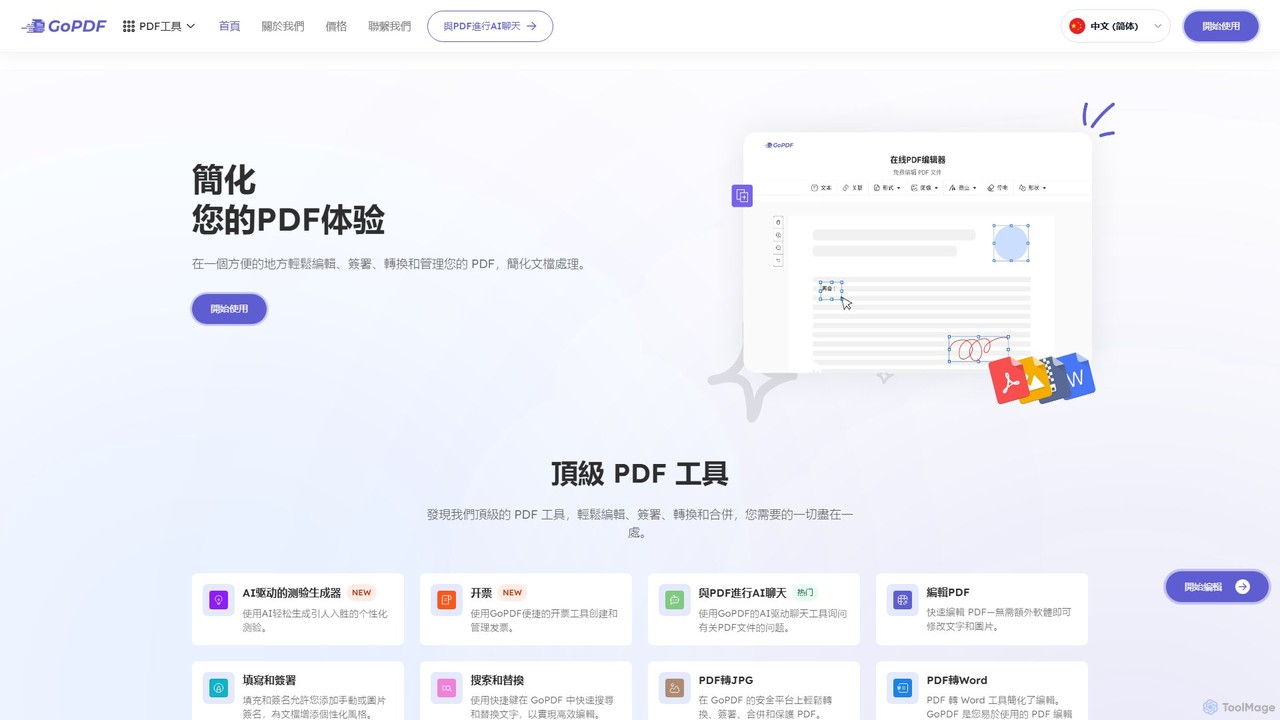
GoPDF is a comprehensive, AI-driven online platform designed to simplify every aspect of PDF management. It serves as an all-in-one solution for professionals, students, and creatives, eliminating the need for multiple software tools. With a user-friendly interface and a powerful set of features, GoPDF streamlines document workflows, enhancing productivity and efficiency. The platform is entirely web-based, requiring no software installation, and is also accessible via a mobile app, allowing you to manage your documents from anywhere, at any time.
The integration of Artificial Intelligence sets GoPDF apart. Its innovative AI chat feature allows you to interact with your PDF documents in a conversational manner. You can ask questions about the content, request summaries of long reports, or find specific information instantly, transforming static documents into dynamic sources of knowledge.
How to use GoPDF
Using GoPDF is designed to be simple and intuitive. The process typically involves these steps:
- Upload Your File: Navigate to the GoPDF website and drag-and-drop your PDF file into the designated area, or select it from your device or cloud storage.
- Choose a Tool: From the main dashboard, select the function you need. Options include Edit, Convert, Sign, Merge, Compress, Split, and the AI Chat feature.
- Process Your Document: Follow the on-screen instructions. For editing, use the toolbar to add text, images, or annotations. For converting, select your desired output format. For e-signing, create your signature and place it on the document.
- Download and Share: Once you've finished, you can download the modified document to your device or share it directly with others via a secure link. The entire process is fast and requires no technical expertise.
Core Features of GoPDF
- AI Chat with PDF: Interact with your documents by asking questions, getting instant summaries, and extracting key information without reading the entire file.
- Comprehensive PDF Editor: Directly edit PDF files. Add or modify text, insert images and shapes, highlight important sections, and add freehand annotations and comments.
- E-Signature Solution: Fill out forms and sign documents electronically with a legally binding e-signature. You can also request signatures from others and track the document's status throughout the signing process.
- Versatile PDF Converter: Convert PDFs to and from various formats, including Microsoft Word, Excel, PowerPoint, and image files like JPG and PNG, while preserving the original layout.
- Powerful File Management: Easily manage your documents by merging multiple PDFs into one, splitting a large PDF into smaller files, compressing files to reduce their size without losing quality, and deleting or reorganizing pages.
- Top-Tier Security: All file transfers are protected with SSL encryption, ensuring your documents and data remain private and secure. Files are automatically deleted from servers after processing.
Use Cases for GoPDF
GoPDF is a versatile tool suitable for a wide range of users and scenarios:
- For Students: Quickly summarize lengthy academic papers for research, highlight key points in textbooks, merge notes into a single study guide, and prepare homework assignments.
- For Business Professionals: Edit reports on the fly, securely sign contracts and agreements with clients, compress large presentations for email, and collaborate on documents with team members.
- For Legal and HR Departments: Fill and sign official forms, redact sensitive information, and manage employee contracts and client agreements in a secure, centralized platform.
- For Creatives and Freelancers: Convert portfolios to PDF, merge design mockups for client review, and protect intellectual property with watermarks or password protection.
Advantages of GoPDF
GoPDF offers a distinct edge over traditional PDF software. Its primary advantage is its all-in-one nature, combining dozens of tools into a single, accessible platform. The intuitive, user-friendly interface makes complex tasks simple for everyone. The AI integration provides a significant productivity boost, saving hours of manual work. Being a web-based service with a mobile app, it offers unparalleled accessibility across all devices. Furthermore, GoPDF provides a cost-effective solution with a robust free plan and affordable premium options, making advanced PDF management accessible to all.
Pricing and Plans
GoPDF operates on a freemium model, providing flexibility for different user needs. The Free Plan offers access to a wide range of basic PDF tools with certain usage limits, making it ideal for occasional users. For those requiring more advanced features and unlimited access, GoPDF offers several Premium Plans. These paid plans unlock features like advanced AI capabilities, higher file size limits, batch processing, and priority customer support, catering to the demands of power users, professionals, and businesses.
Traffic
Latest traffic
Status
Monthly traffic trend
- 2026-1: 78.9K
- 2026-2: 60.5K
- 2026-3: 65.8K
- 2026-4: 66.5K
- 2026-5: 77.1K
Geography
Top 5 countries / regions
- 🇮🇳India28.2%
- 🇺🇸United States24.1%
- 🇳🇬Nigeria20.0%
- 🇹🇷Türkiye14.1%
- 🇮🇩Indonesia13.6%
Traffic sources
| Source type | Percentage |
|---|---|
Direct | 93.8% |
Referral | 4.8% |
Email | 1.4% |
Top keywords
| Keyword | Cost per click |
|---|---|
| ai for pdf editor free | $0.00 |
| ai pdf editor | $0.51 |
| online free pdf edditer ai | $0.00 |
| pdf düzenleme | $0.25 |
| pdf editor ai | $0.23 |
GoPDF Videos on YouTube
Best Lifetime Deals
GoPDF Alternatives
SwifDoo PDF
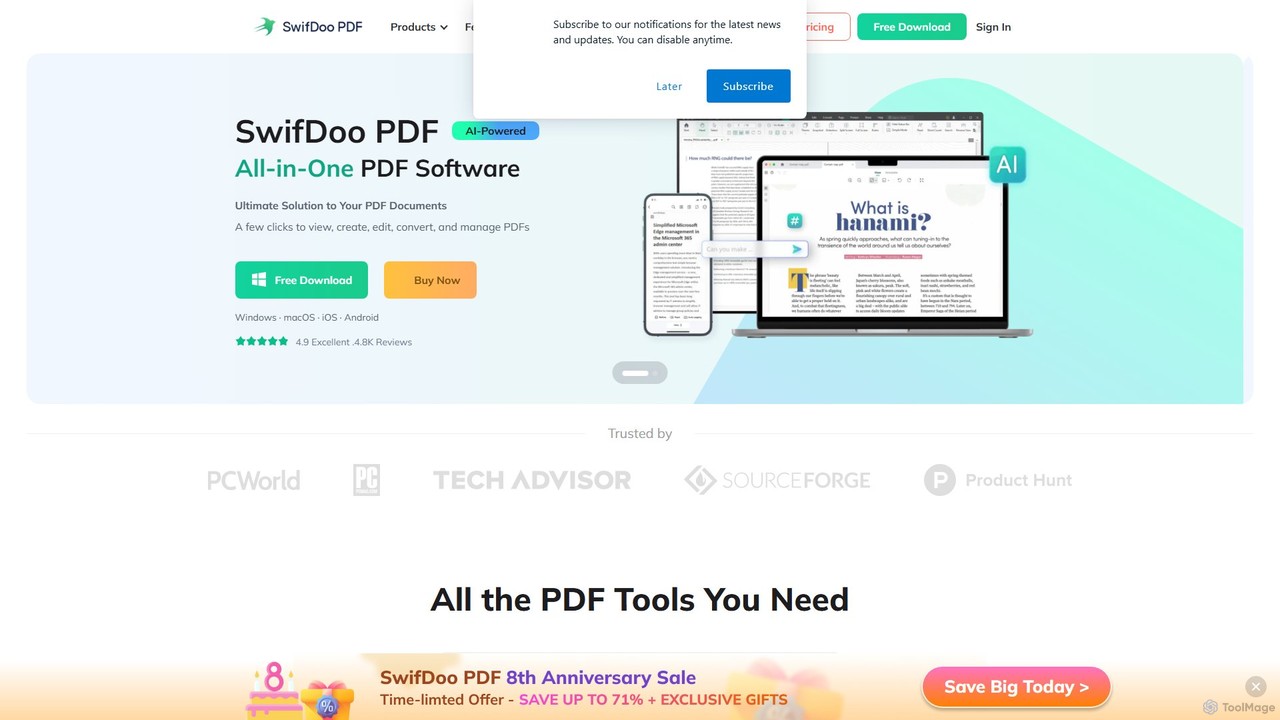
SwifDoo PDF is an all-in-one, AI-powered PDF software for effortless document management. It allows users to create, edit, convert, merge, compress, and sign PDF files. With integrated AI features, you can summarize, translate, proofread, and chat with your documents. Available on Windows, macOS, iOS, and Android, it offers a lightweight yet powerful solution for both individual and business users.
Document Signing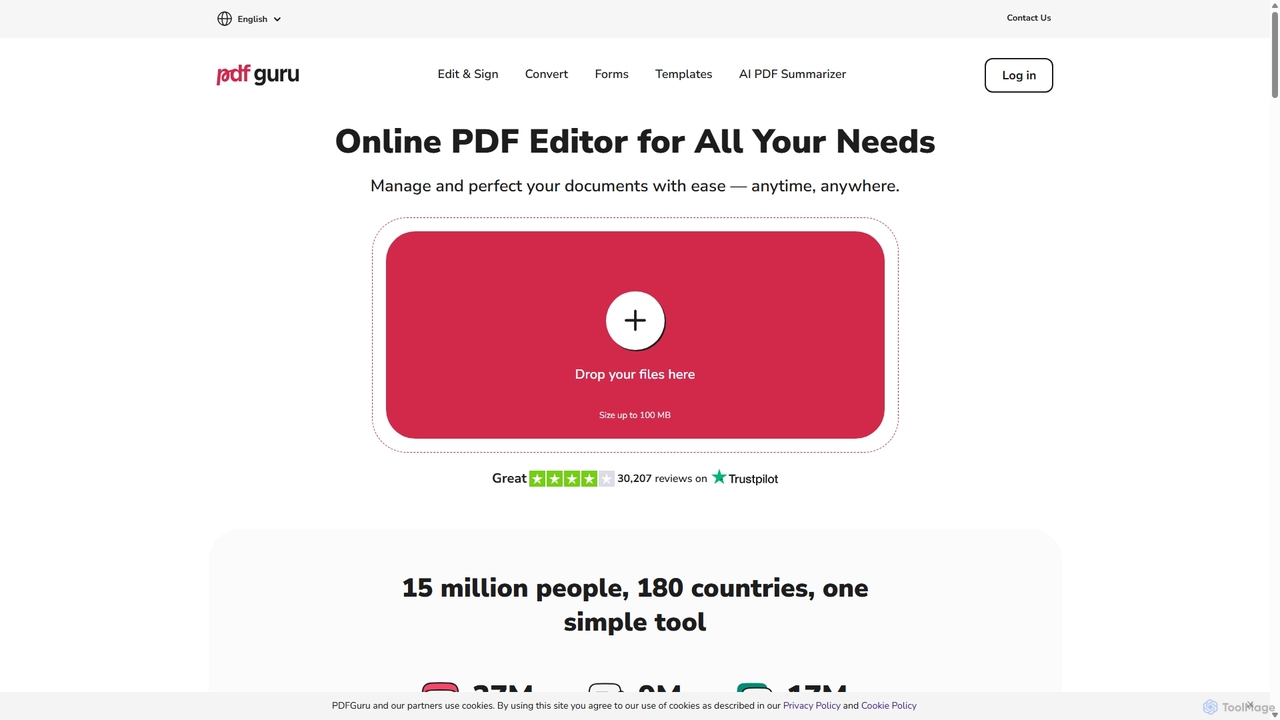
PDFflex
PDFflex is a comprehensive, all-in-one online platform for managing PDF documents. It allows users to edit, convert, merge, split, and sign PDFs with ease. Featuring an intuitive interface and robust security, PDFflex also incorporates AI-powered tools like OCR for scanned documents and summarizers for long texts. It supports a vast range of file formats, making it a versatile solution for both personal and professional use, accessible from any browser without installation.
Summarizer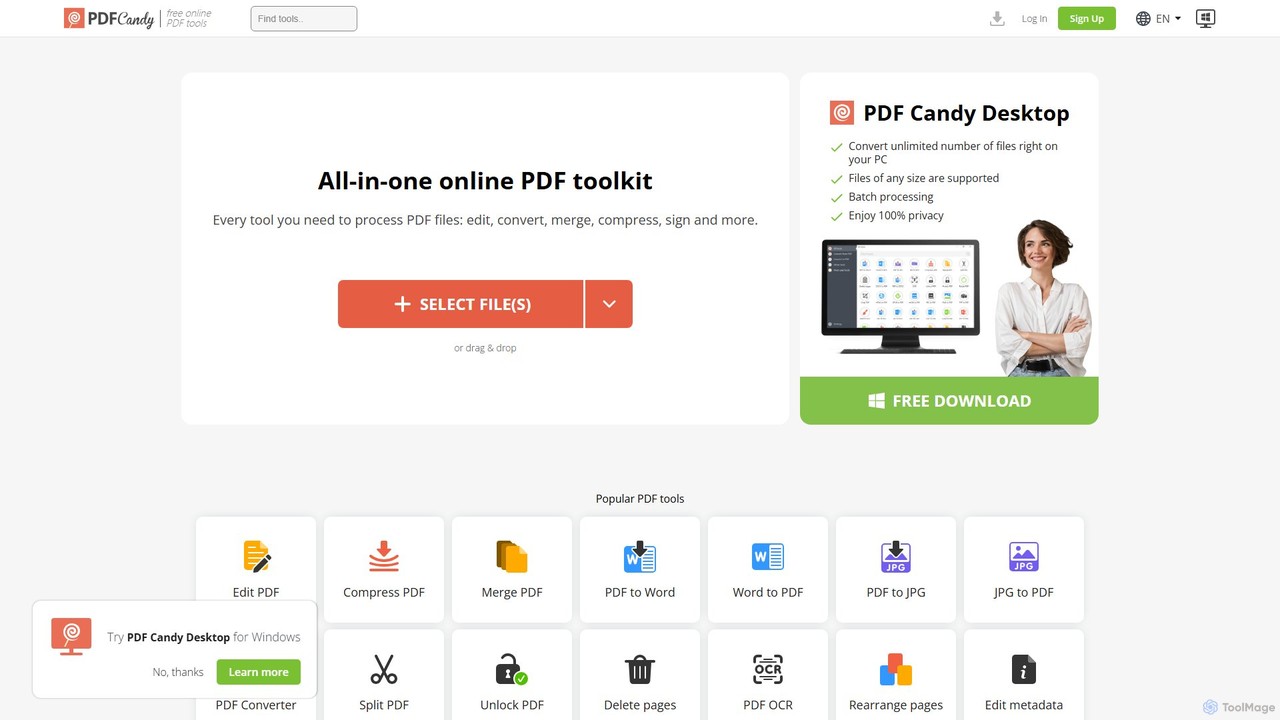
PDF Candy
PDF Candy is a comprehensive all-in-one online and desktop toolkit offering over 90 free tools to manage PDF files. Users can easily edit, convert from and to various formats, merge, compress, sign, unlock, and perform OCR on documents. It provides a user-friendly interface for both casual and professional use, ensuring high-quality results for all your PDF needs.
File Conversion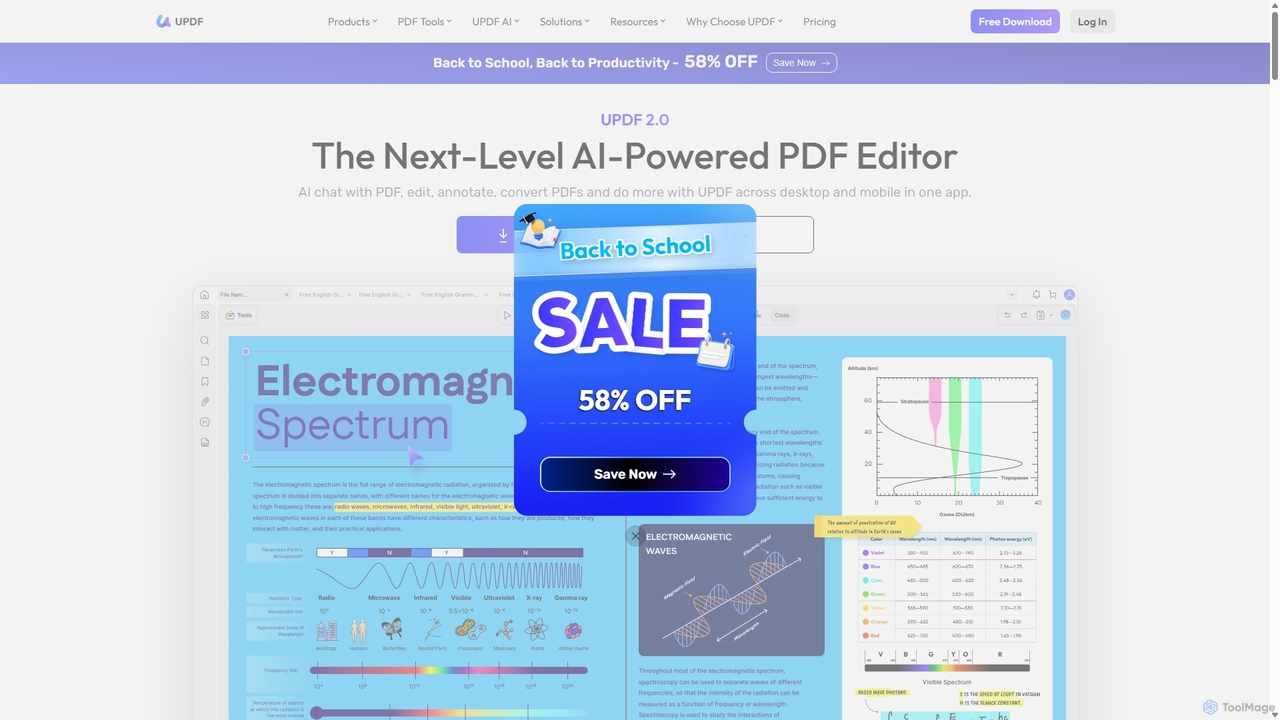
UPDF
UPDF is an AI-integrated, all-in-one PDF editor that allows users to edit, annotate, convert, summarize, translate, and chat with PDF documents. It offers a seamless experience across Windows, macOS, iOS, and Android, boosting productivity for individuals, students, and businesses.
Document Analysis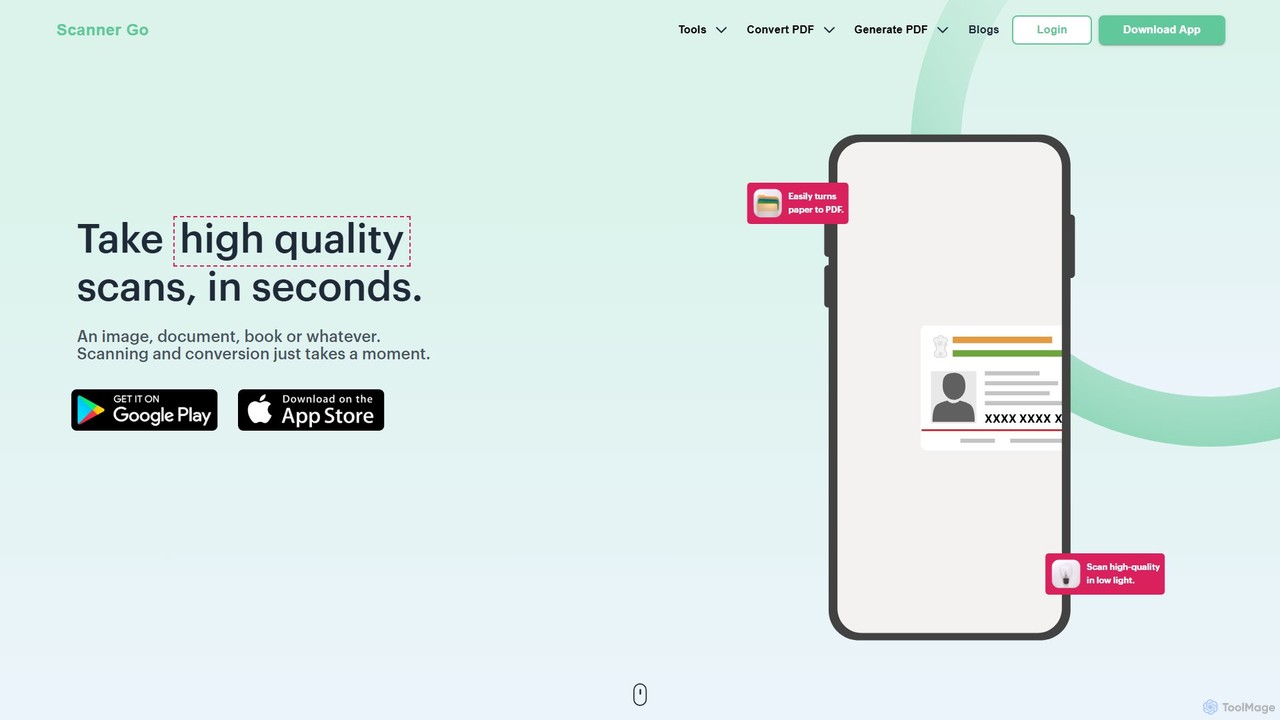
ScannerGo
ScannerGo is an all-in-one productivity tool that combines a powerful mobile document scanner with a comprehensive suite of online PDF utilities. Easily scan, convert, edit, merge, split, and secure your documents on any device, enhanced with OCR technology to extract text from images and PDFs.
File ConversionGoPDF Categories
GoPDF Embed Widget
Copy this embed code to place the badge on your blog, article, or product site and send readers directly to this ToolMage detail page.

Related AI tools
SwifDoo PDF
SwifDoo PDF is an all-in-one, AI-powered PDF software for effortless document management. It allows users to create, edit, convert, merge, compress, and sign PDF files. With integrated AI features, you can summarize, translate, proofread, and chat with your documents. Available on Windows, macOS, iOS, and Android, it offers a lightweight yet powerful solution for both individual and business users.
Document SigningPDFflex
PDFflex is a comprehensive, all-in-one online platform for managing PDF documents. It allows users to edit, convert, merge, split, and sign PDFs with ease. Featuring an intuitive interface and robust security, PDFflex also incorporates AI-powered tools like OCR for scanned documents and summarizers for long texts. It supports a vast range of file formats, making it a versatile solution for both personal and professional use, accessible from any browser without installation.
SummarizerPDF Candy
PDF Candy is a comprehensive all-in-one online and desktop toolkit offering over 90 free tools to manage PDF files. Users can easily edit, convert from and to various formats, merge, compress, sign, unlock, and perform OCR on documents. It provides a user-friendly interface for both casual and professional use, ensuring high-quality results for all your PDF needs.
File ConversionUPDF
UPDF is an AI-integrated, all-in-one PDF editor that allows users to edit, annotate, convert, summarize, translate, and chat with PDF documents. It offers a seamless experience across Windows, macOS, iOS, and Android, boosting productivity for individuals, students, and businesses.
Document AnalysisScannerGo
ScannerGo is an all-in-one productivity tool that combines a powerful mobile document scanner with a comprehensive suite of online PDF utilities. Easily scan, convert, edit, merge, split, and secure your documents on any device, enhanced with OCR technology to extract text from images and PDFs.
File Conversion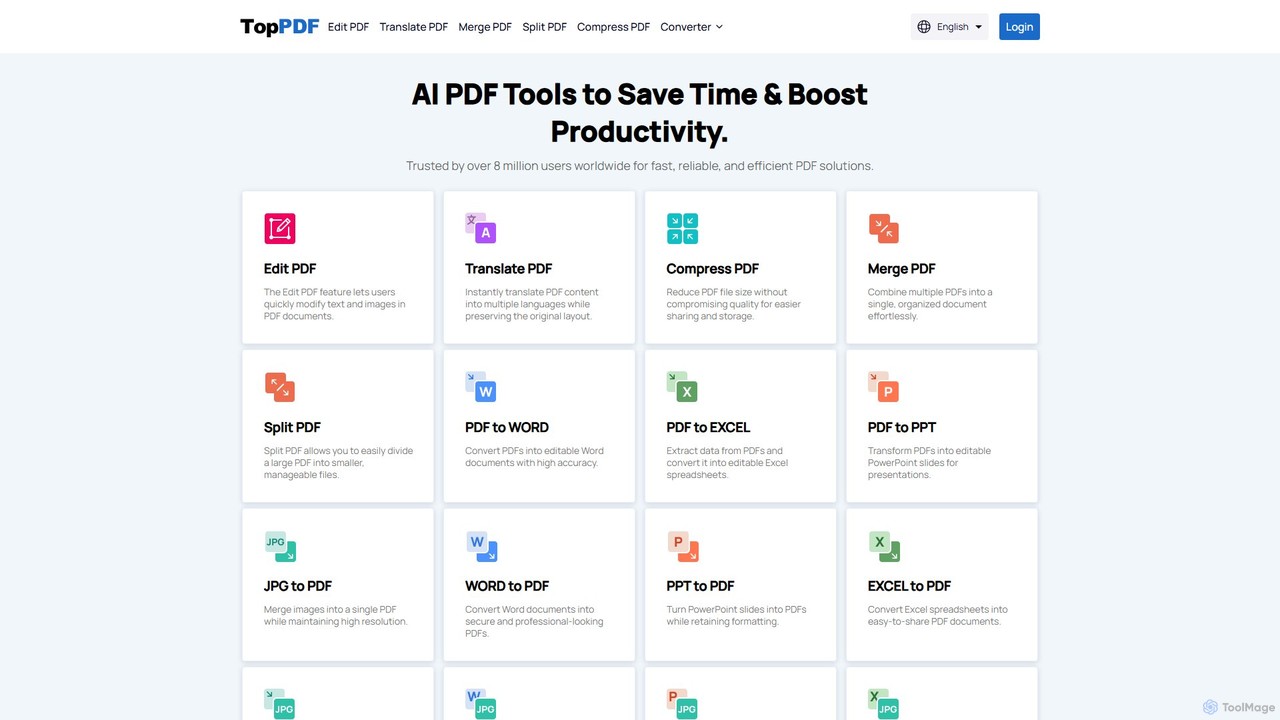
TopPDF
TopPDF is an all-in-one, AI-powered online platform offering a comprehensive suite of tools to edit, convert, translate, merge, split, and compress PDF files. It's designed to enhance productivity by simplifying document workflows for users worldwide.
File Conversion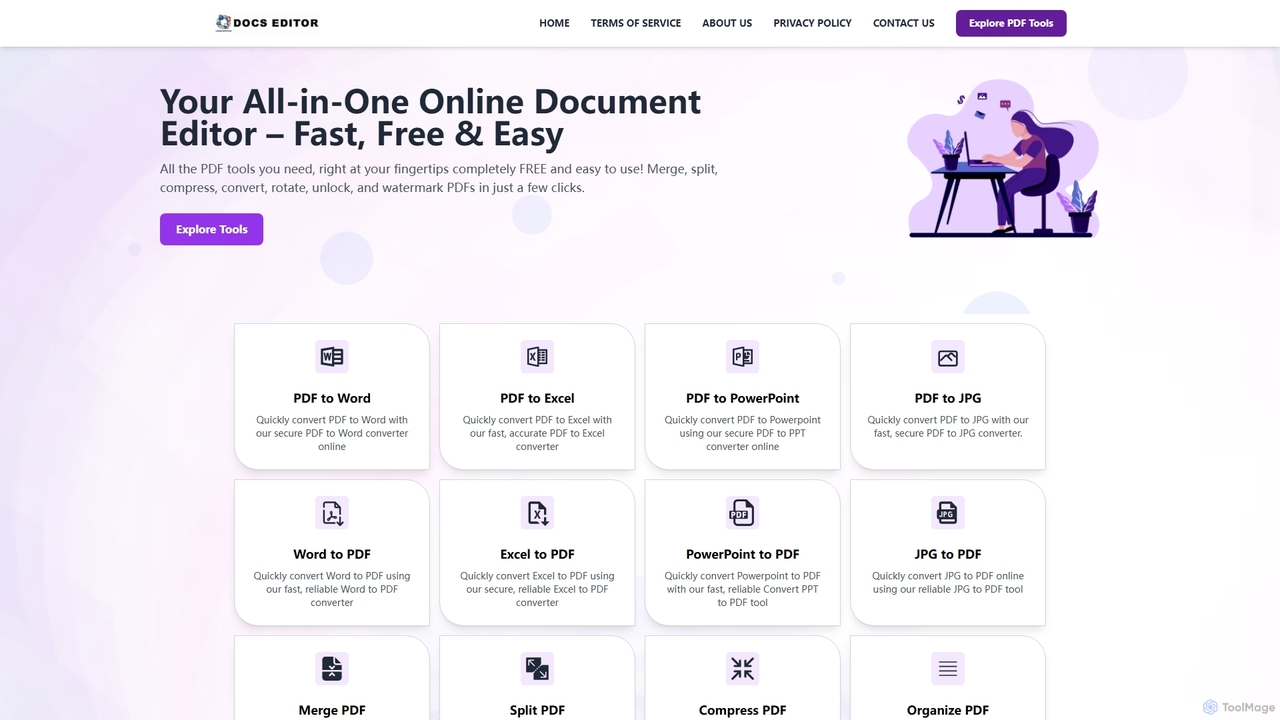
Docseditor
Docseditor is a comprehensive, free online document toolkit for all your PDF needs. It allows users to effortlessly edit, convert, merge, split, compress, sign, and manage PDF files directly in their browser without any installation.
Document Management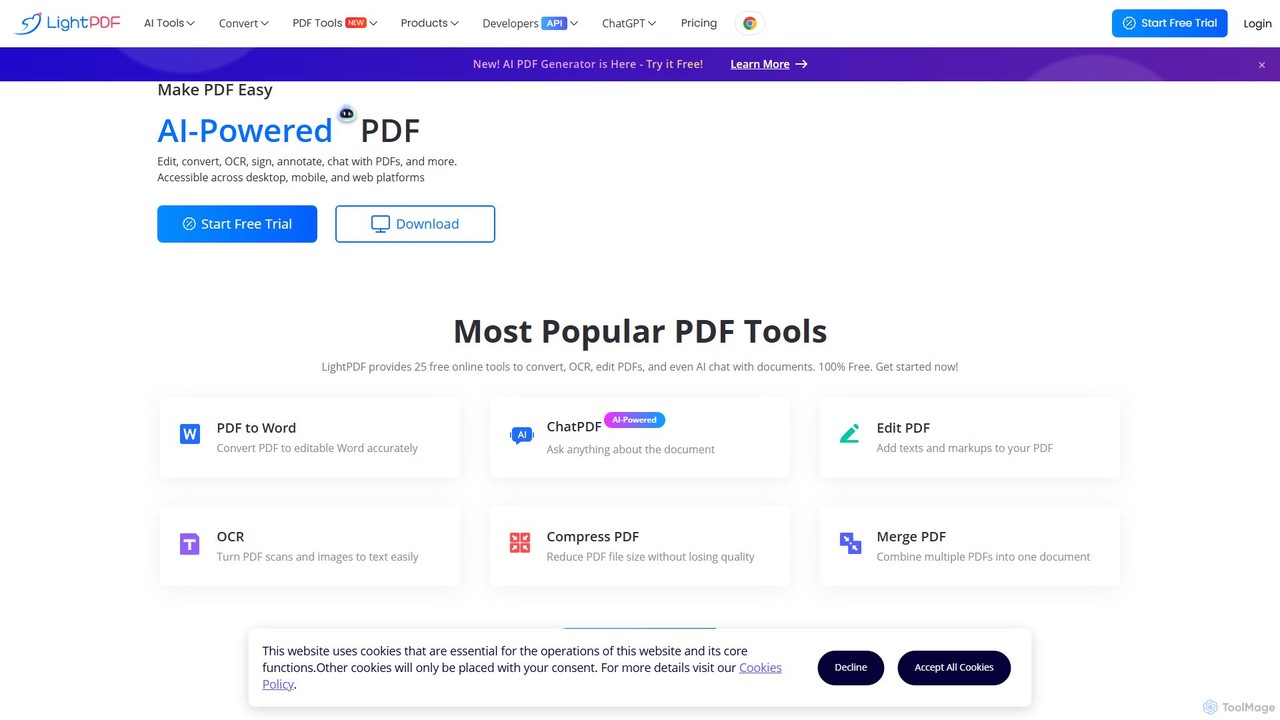
LightPDF
LightPDF is an AI-powered, all-in-one PDF solution designed to simplify document workflows. It allows users to chat with documents, get instant summaries, and ask questions. Beyond its AI capabilities, it offers a comprehensive suite of tools for editing, converting, merging, signing, and performing OCR on PDF files. Available on web, desktop, and mobile, LightPDF makes managing documents efficient and intuitive for students, professionals, and businesses alike.
Chat With Your Docs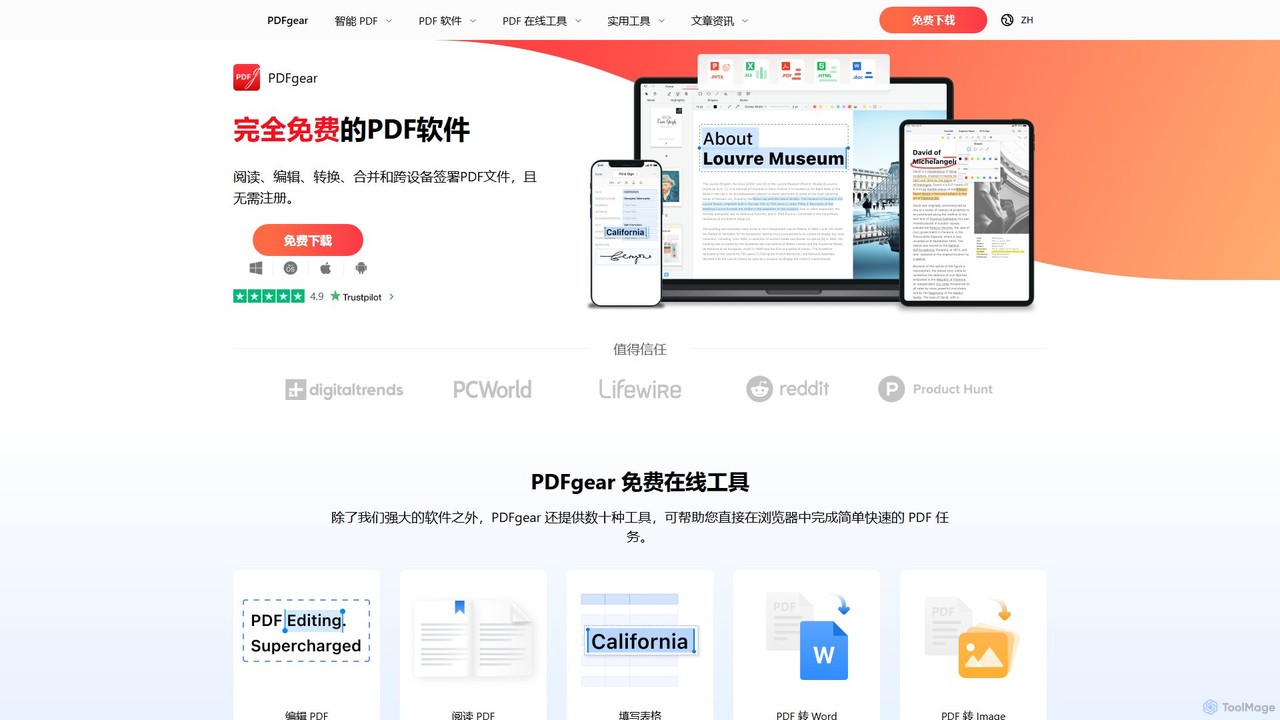
PDFgear
PDFgear is a completely free, AI-powered PDF editor and management suite. It integrates a ChatGPT-based Copilot to chat with, summarize, and analyze your documents. It offers comprehensive features like editing, converting, OCR, and signing across all platforms (Windows, macOS, iOS, Android) and online.
Document Analysis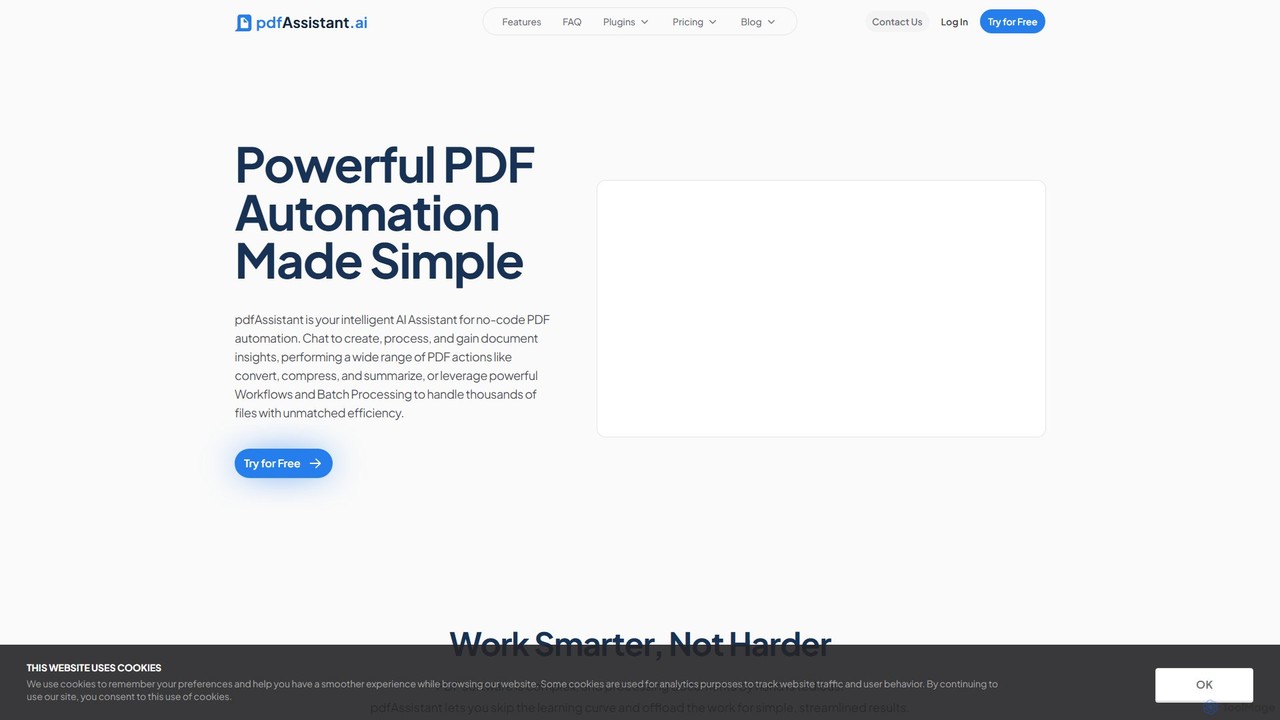
pdfAssistant.ai
pdfAssistant.ai is an intelligent, no-code platform for PDF automation. Use its intuitive chat interface to create, convert, compress, summarize, and manage PDFs with simple natural language commands. Automate complex, multi-step tasks with Workflows and process thousands of files efficiently using Batch Processing.
Automation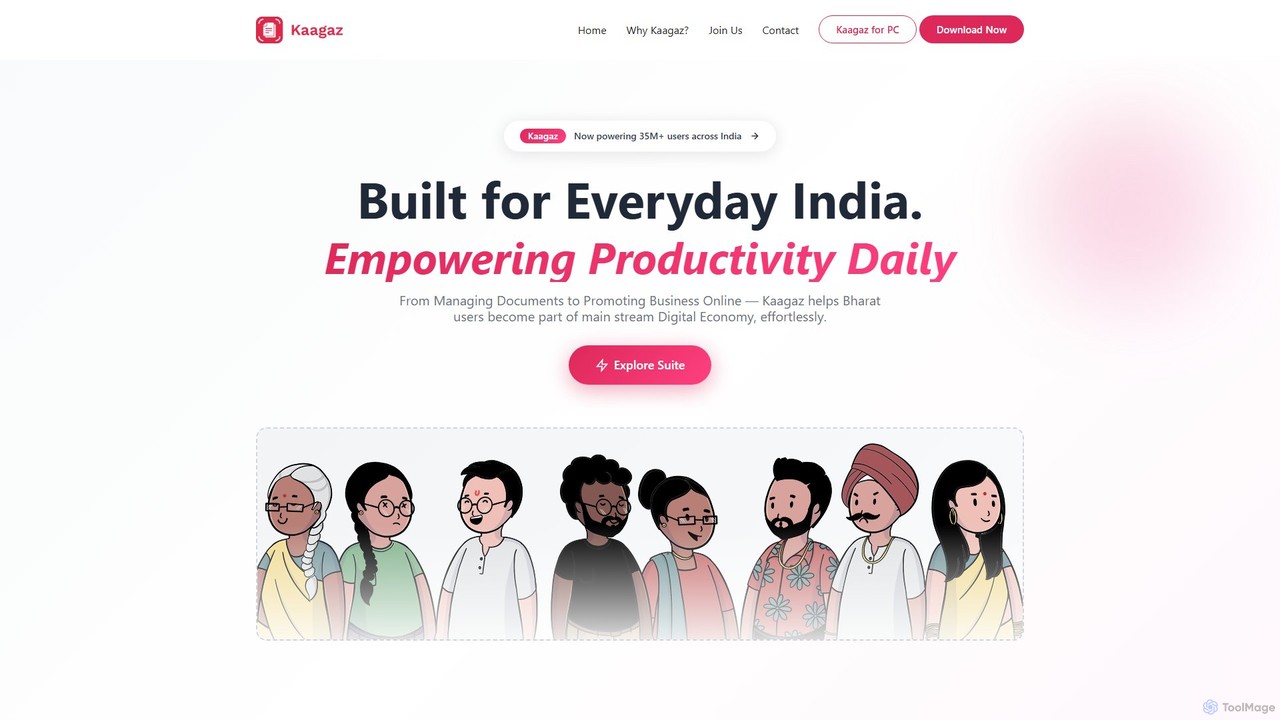
Kaagaz
Kaagaz is an all-in-one, mobile-first productivity suite featuring an AI-powered PDF scanner, editor, poster maker, and resume builder. Designed for modern users, it simplifies document management, creative design, and job applications, offering a powerful alternative to traditional desktop software and tools like CamScanner.
Graphics
pdftopdf.ai
pdftopdf.ai is an AI-powered online tool designed to optimize, enhance, and transform PDF files. It uses artificial intelligence for advanced functions like high-fidelity OCR to make scanned documents searchable, intelligent compression to reduce file size without quality loss, and PDF repair. It's a comprehensive solution for managing and improving your PDF documents efficiently.
File Conversion
Tenorshare AI
Tenorshare AI is an all-in-one AI-powered suite designed to enhance productivity. It features an advanced AI text humanizer to bypass AI detectors, a comprehensive set of free online PDF tools (edit, merge, OCR, sign), an AI PDF summarizer, and content generators for writing and presentations. It offers a secure, fast, and user-friendly experience for students, professionals, and content creators.
Content Creation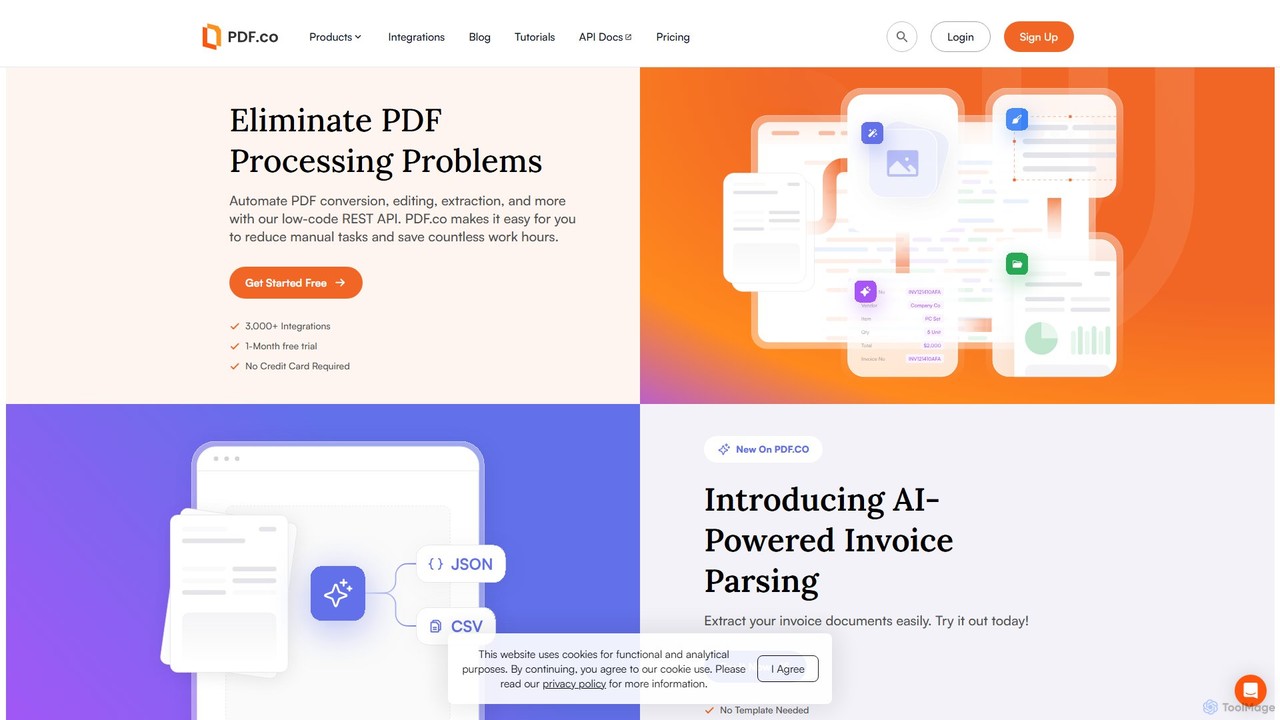
PDF.co
PDF.co is a powerful REST API platform for developers and businesses to automate all PDF-related tasks. It enables PDF data extraction, editing, conversion, creation, and form filling. Featuring AI-powered invoice parsing and seamless integration with over 3,000 platforms like Zapier and Make, it helps eliminate manual work and streamline document workflows.
Automation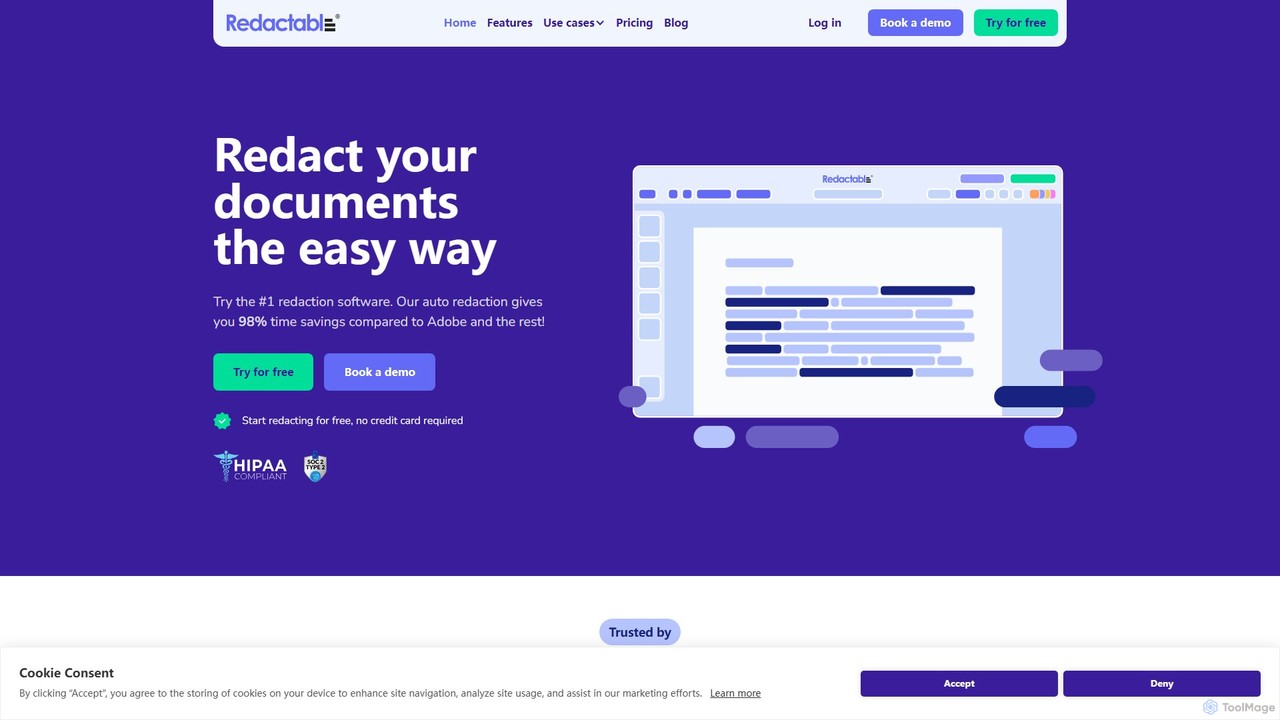
Redactable
Redactable is an AI-powered, web-based platform for automated document redaction. It helps users securely and permanently remove sensitive information from documents, including scanned files via OCR. Designed for legal, finance, healthcare, and government sectors, it streamlines workflows, ensures compliance (like GDPR & HIPAA), and saves up to 98% of redaction time with features like real-time collaboration and automatic audit trails.
Compliance
GoPDF Comments (0)
Sign in to comment.
Sign inNo comments yet.