


Tenorshare AI Overview
Tenorshare AI is a versatile and powerful AI-driven platform designed to revolutionize your workflow by integrating a wide array of tools for content creation and document management. It serves as a comprehensive solution for individuals and organizations looking to enhance efficiency, streamline tasks, and improve the quality of their output. The platform is built on a foundation of security and user-friendliness, ensuring that all data is protected with end-to-end encryption and that the tools are accessible to users of all skill levels.
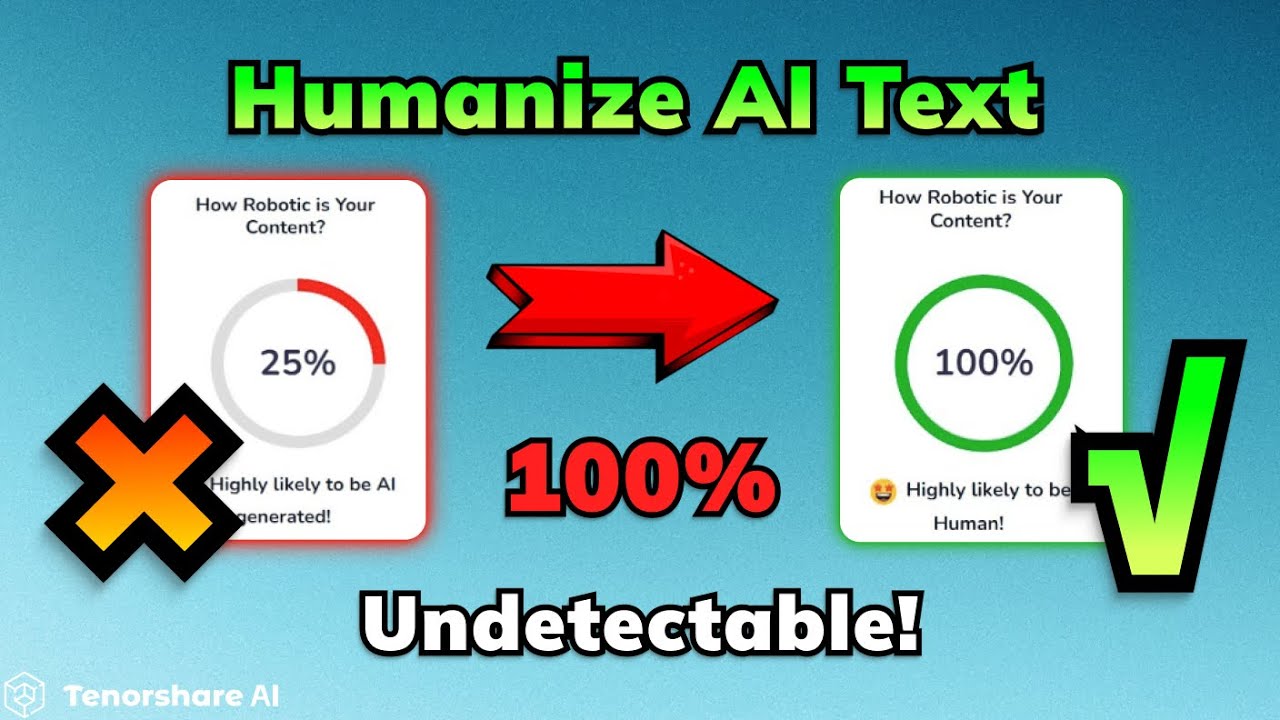
The suite is broadly divided into two main categories: AI-powered content tools and a robust online PDF toolkit. The AI content suite is designed to tackle modern challenges in digital communication, featuring an AI Humanizer that rewrites AI-generated text to sound natural and human-like, effectively bypassing sophisticated AI detectors such as Turnitin and GPTZero. It also includes an AI Writer to overcome writer's block by generating high-quality text for blogs, social media, and professional documents, as well as an AI Slides maker that can create professional presentations from a simple topic prompt.
How to use Tenorshare AI
Using the various tools within the Tenorshare AI platform is designed to be intuitive and straightforward.
For the AI Text Humanizer:
1. Navigate to the AI Bypass tool on the Tenorshare AI website.
2. Paste your AI-generated text into the input box.
3. Click the 'Humanize' button to initiate the rewriting process.
4. The tool will analyze and transform the text into a more natural, human-like style.
5. Copy the refined text to use in your documents, ensuring it passes AI detection checks.
For the Online PDF Tools:
1. Select the desired PDF tool from the dashboard (e.g., 'Merge PDF', 'Compress PDF', 'Sign PDF', 'OCR').
2. Upload your PDF file(s) from your device.
3. Follow the simple on-screen instructions for the specific tool. For example, to merge, add multiple files and arrange their order. To sign, create or upload your signature and place it on the document.
4. Once the process is complete, download your modified PDF file.
For the AI PDF Summarizer (ChatPDF):
1. Upload the PDF document you want to analyze.
2. The AI will process the document, making it ready for interaction.
3. Type your questions about the document into the chat interface (e.g., "Summarize the main findings," or "What are the key statistics in this report?").
4. Receive instant, accurate answers and summaries extracted directly from the PDF.
Core Features of Tenorshare AI
- AI Text Humanizer & Detector: Rewrites AI content to be undetectable and natural, and also identifies AI-generated text with high accuracy.
- Comprehensive Free PDF Suite: Includes tools to edit, OCR, sign, batch convert, compress, merge, and split PDF files online for free.
- AI PDF Summarizer (ChatPDF): An interactive chat interface to ask questions, summarize content, and extract key insights from any PDF document instantly.
- AI Writer: A versatile content generator for creating text for social media posts, website copy, blogs, cover letters, taglines, and more.
- AI Presentation Maker: Automatically generates professional and visually appealing presentation slides from a given topic in minutes.
- Text-to-Visual Converter (Diagrimo): A forthcoming tool to convert text descriptions into flowcharts, diagrams, and infographics.
- Top-Tier Security: Ensures user privacy with a no-tracking policy, end-to-end encryption for all documents, and a guarantee of no third-party data access.
Use Cases for Tenorshare AI
For Students and Academics: Use the AI Humanizer to refine essays and assignments, ensuring originality. Employ the ChatPDF tool to quickly summarize dense research papers and textbooks for efficient study. Create presentations for class projects with the AI Slides maker.
For Content Creators and Marketers: Generate engaging blog posts, social media updates, and ad copy with the AI Writer. Humanize AI-assisted drafts to maintain a unique brand voice and avoid search engine penalties. Create visual assets from text ideas with the upcoming Diagrimo tool.
For Business Professionals: Streamline document workflows by merging reports, compressing files for email, and securely signing contracts with the PDF toolkit. Quickly extract key information from business proposals and legal documents using the AI summarizer. Develop professional presentations for meetings and clients.
For Legal and HR Departments: Utilize the OCR feature to digitize scanned documents and handwritten notes accurately. Securely sign employment contracts and agreements. Use batch processing to convert large volumes of documents efficiently.
Advantages of Tenorshare AI
Tenorshare AI stands out by offering a holistic suite of tools that address both content creation and document management needs. Its primary advantage is its integration of multiple high-demand functions into a single, secure platform. The AI Humanizer is a critical tool for anyone using AI for writing, providing a reliable way to ensure content authenticity. The free, yet powerful, PDF toolkit makes professional document management accessible to everyone. Furthermore, its unwavering commitment to user privacy and data security builds trust and makes it a reliable choice for handling sensitive information. The platform's user-friendly design ensures a minimal learning curve, boosting productivity from day one.
Pricing and Plans
Tenorshare AI operates on a freemium model. Many of its powerful features, particularly the comprehensive online PDF toolkit (including OCR, conversion, merging, etc.), are available completely free of charge. This allows users to handle many daily document tasks without any cost. For more advanced features, such as the AI Text Humanizer, AI Writer, and AI Slides maker, there are usage-based free trials and premium plans. These paid plans unlock higher usage limits, advanced functionalities, and priority support, catering to the needs of heavy users and professional organizations.
Traffic
Latest traffic
Status
Monthly traffic trend
- 2025-9: 10.6K
- 2026-1: 1.1M
- 2026-2: 1.1M
- 2026-3: 961.7K
- 2026-4: 579.1K
- 2026-5: 528.0K
Geography
Top 5 countries / regions
- 🇮🇳India32.6%
- 🇺🇸United States30.7%
- 🇹🇼Taiwan15.2%
- 🇹🇷Türkiye11.4%
- 🇩🇪Germany10.1%
Traffic sources
| Source type | Percentage |
|---|---|
Direct | 55.4% |
Referral | 44.1% |
Email | 0.5% |
Top keywords
| Keyword | Cost per click |
|---|---|
| diagrimo | $0.31 |
| scribd downloader | $0.38 |
| socialmediagirls | $2.14 |
| tenorshare | $1.10 |
| terabox downloader | $0.32 |
Tenorshare AI Videos on YouTube

TenorshareOfficial

TECH BONGO

Lavishka Tech


Techno Maya Kannada
SupriyaTechTalks

Tenorshare AI Alternatives
Tenorshare AI
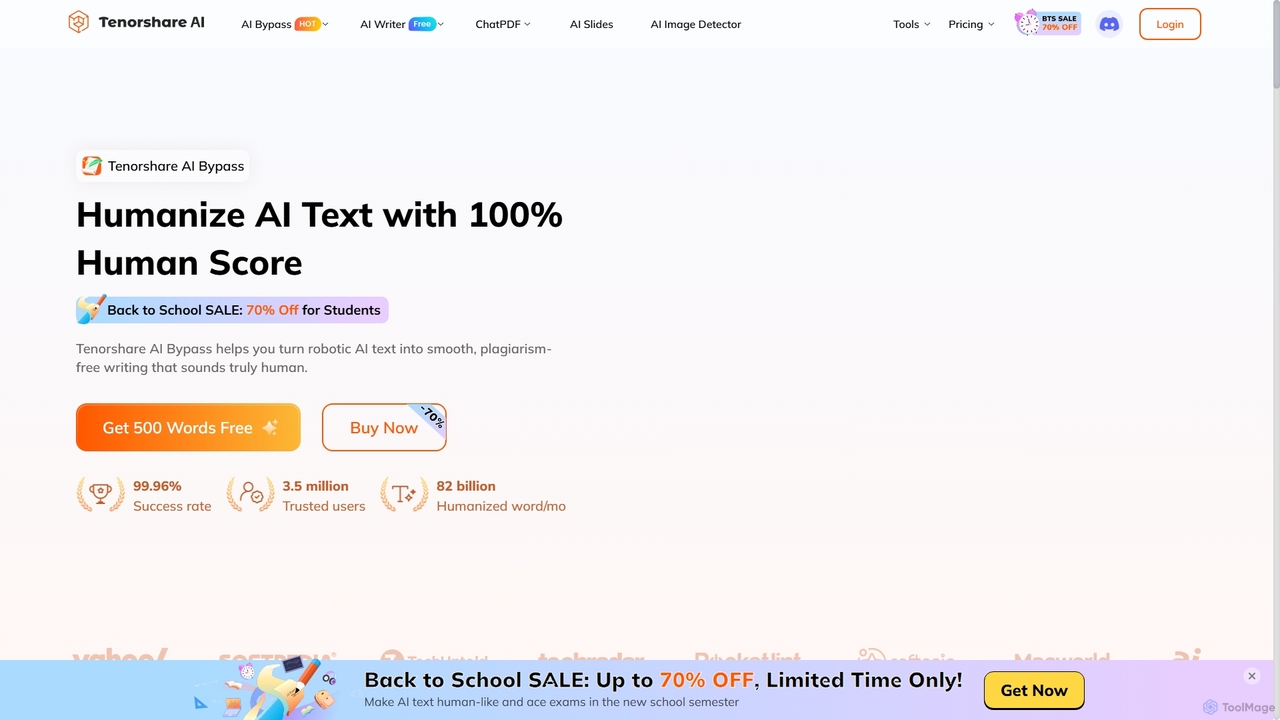
Tenorshare AI is a comprehensive suite of AI-powered tools designed to enhance productivity and creativity. It features an AI humanizer to bypass AI detection, an AI writer with over 120 tools for content creation, an AI PDF/DOC summarizer for quick document analysis, and an AI presentation maker to generate slides instantly. It's built for students, writers, marketers, and professionals to streamline their workflows.
Presentation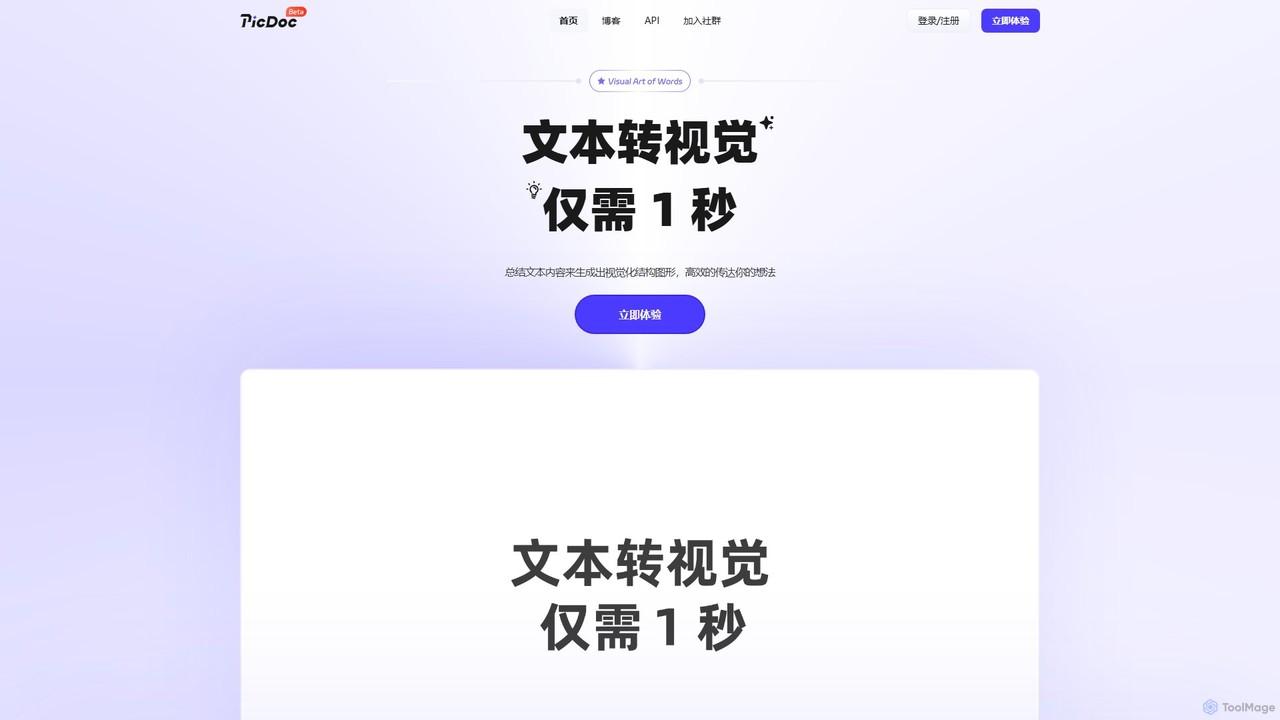
PicDoc
PicDoc is an AI-powered text-to-visual tool that instantly transforms text into stunning infographics, flowcharts, and diagrams. Simply input your content, and PicDoc's AI will analyze, summarize, and visualize it in seconds, helping you communicate complex ideas effectively and create professional-looking visuals without design skills.
Infographics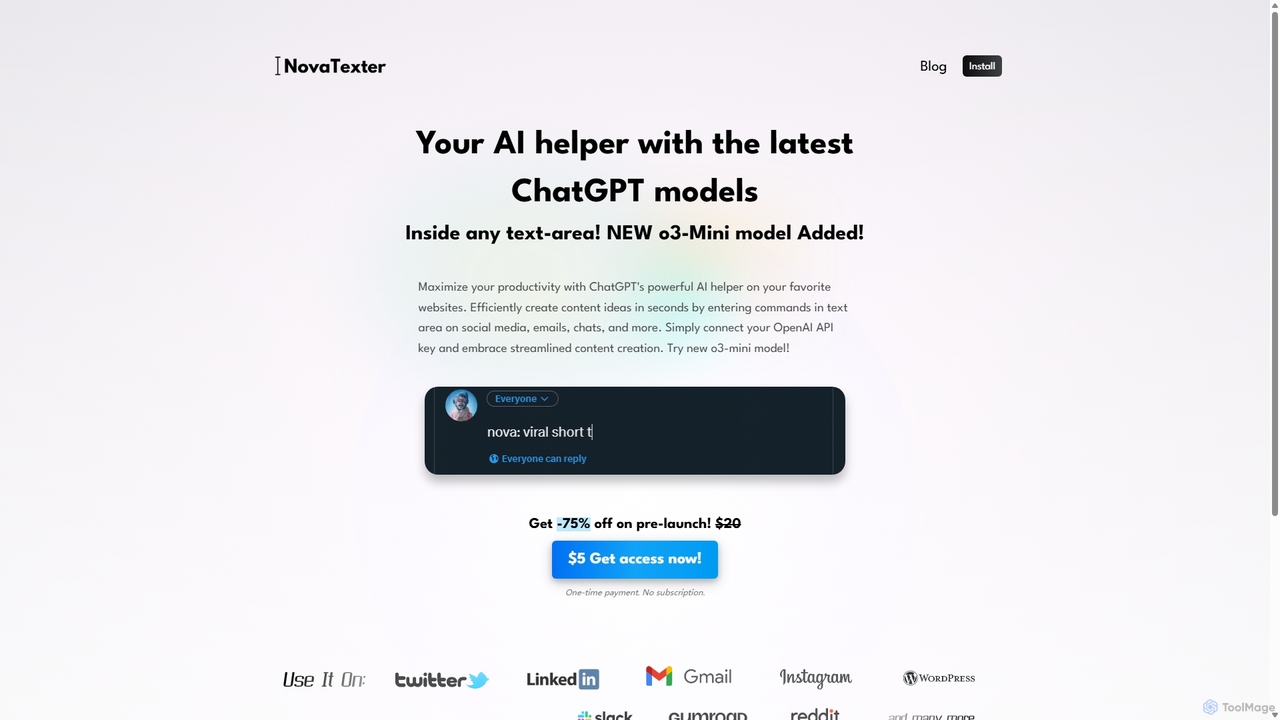
NovaTexter
NovaTexter is an AI-powered browser extension that integrates ChatGPT models directly into your workflow. It allows you to generate content, ideas, and responses on any website by simply typing commands in a text area. Connect your OpenAI API key for a seamless, productive content creation experience with a single one-time payment.
Chrome Extensions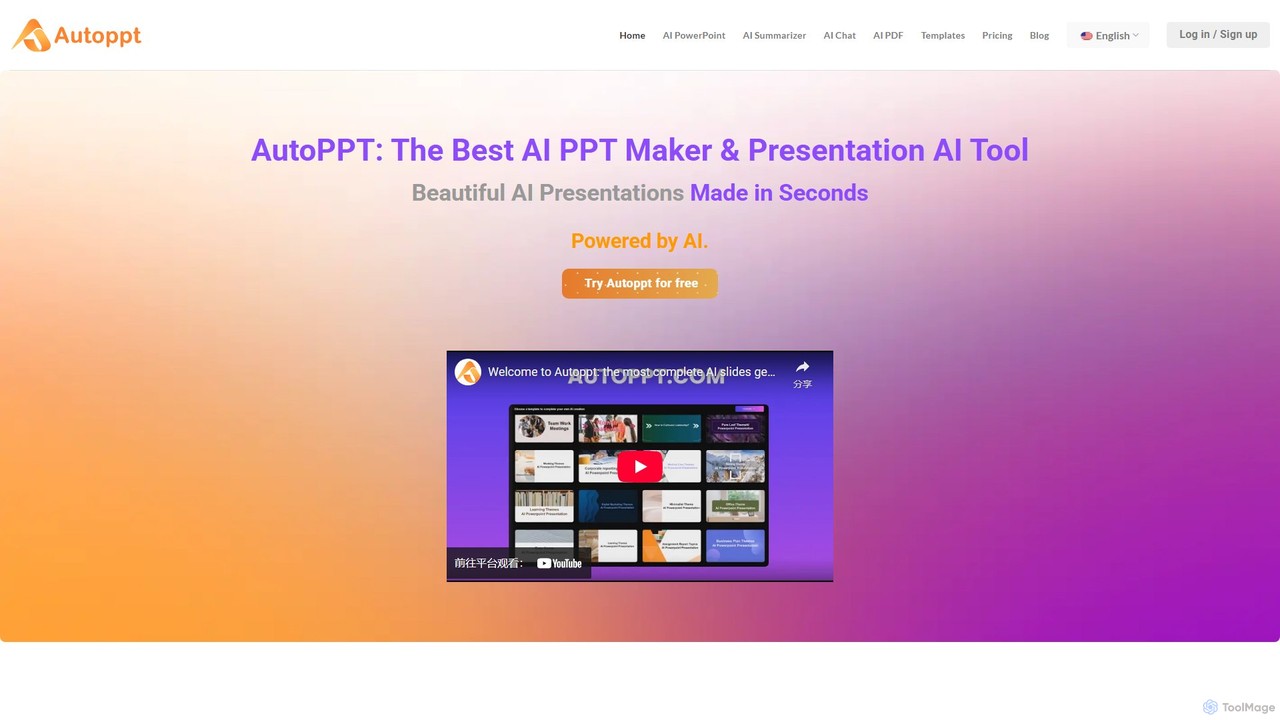
Autoppt
Autoppt is an AI-powered presentation generator that creates stunning PowerPoint slides in seconds. Simply provide a topic or upload a document (PDF, Word, etc.), and Autoppt will instantly generate a professional, fully-editable presentation using its vast library of templates. It's designed for users of all skill levels to save time and effort on creating visually appealing slideshows.
Student Tools
SlidesAI
SlidesAI is an AI-powered presentation maker that integrates directly into Google Slides and PowerPoint. It instantly transforms your text, documents, or ideas into professionally designed, ready-to-present slides. Save hours of manual work by automatically generating outlines, content, and visuals. It's perfect for educators, professionals, and students who need to create compelling presentations quickly and efficiently, with support for over 100 languages.
AutomationTenorshare AI Categories
Tenorshare AI Embed Widget
Copy this embed code to place the badge on your blog, article, or product site and send readers directly to this ToolMage detail page.

Related AI tools
Tenorshare AI
Tenorshare AI is a comprehensive suite of AI-powered tools designed to enhance productivity and creativity. It features an AI humanizer to bypass AI detection, an AI writer with over 120 tools for content creation, an AI PDF/DOC summarizer for quick document analysis, and an AI presentation maker to generate slides instantly. It's built for students, writers, marketers, and professionals to streamline their workflows.
Presentation
Baidu Wenku AI
Baidu Wenku AI is an all-in-one intelligent document productivity platform powered by Baidu's ERNIE LLM. It transforms the traditional document library into a dynamic creation suite, enabling users to instantly generate PPTs, write articles, summarize complex documents, conduct AI-powered web searches, and chat with their files for quick insights. It's designed to streamline workflows for students, professionals, and researchers.
Presentation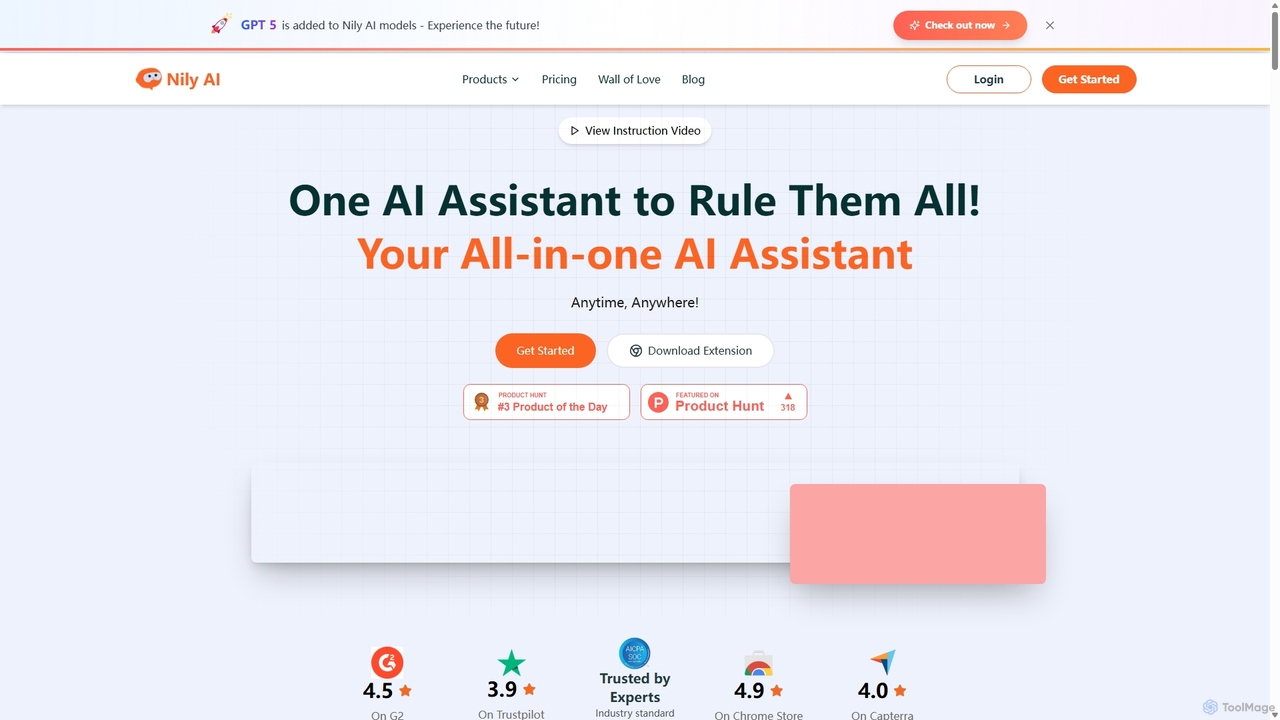
Nily AI
Nily AI is an all-in-one AI assistant designed to boost productivity. It integrates over 20 advanced AI tools into a single platform, accessible via a convenient Chrome sidebar. Key features include LLM comparison, AI writing, image generation, email assistance, and chatting with PDFs or YouTube videos, catering to a wide range of professionals.
Image Generation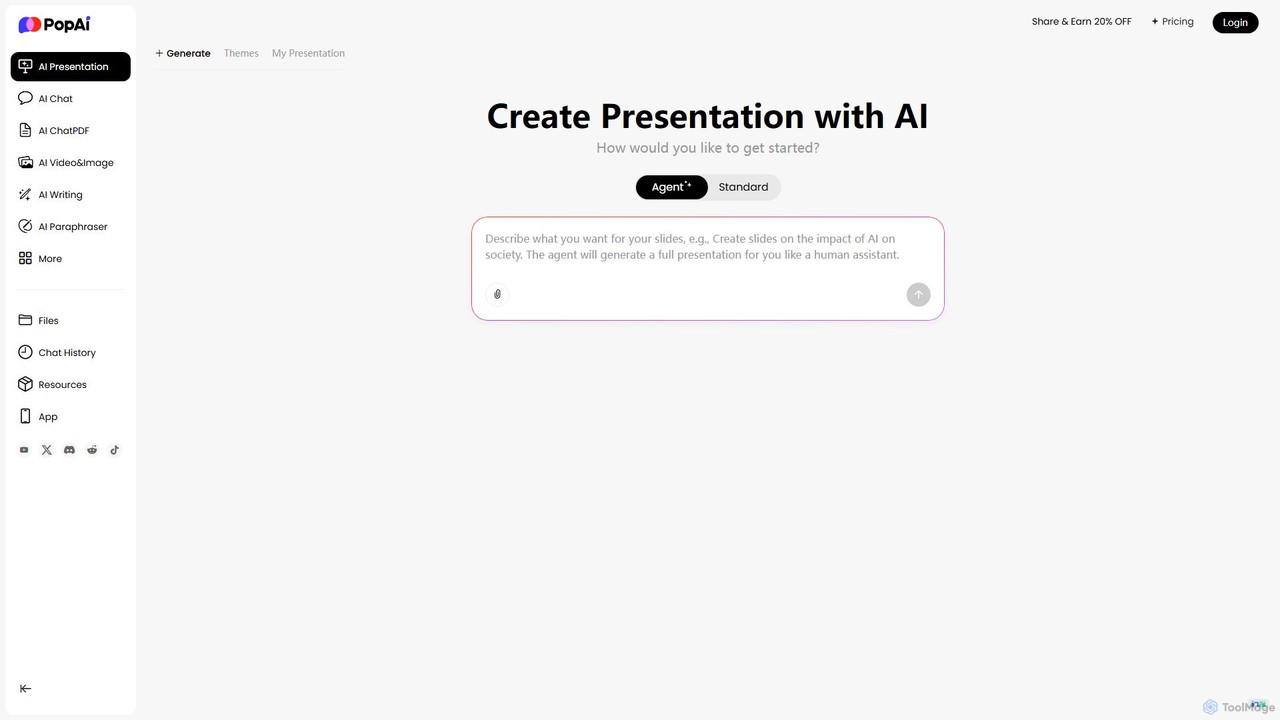
PopAi
PopAi is an all-in-one AI-powered productivity platform designed to streamline your workflow. It excels at creating professional presentations from prompts, documents, or URLs. It also features AI chat, document analysis (ChatPDF), AI writing, and paraphrasing tools, making it ideal for students, educators, and professionals.
Assistant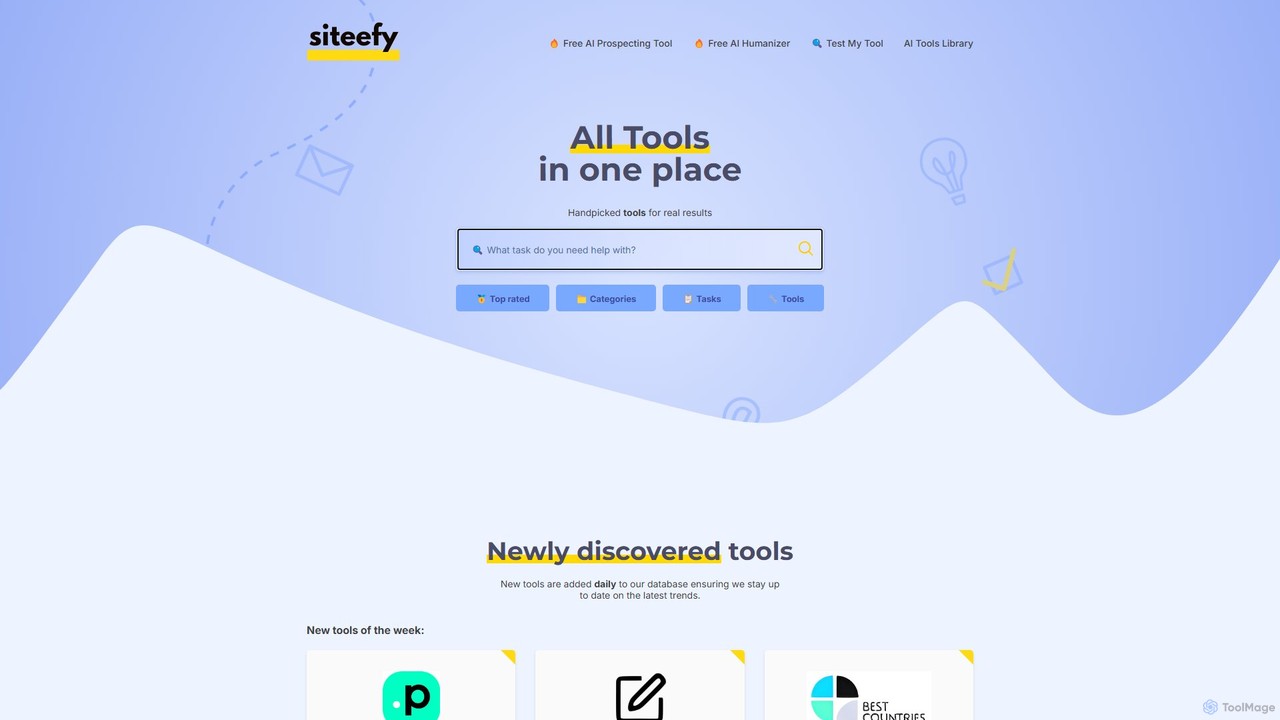
siteefy
siteefy is a comprehensive platform featuring a curated library of AI and business tools, alongside its own suite of free utilities like an AI Text Humanizer. It's designed to help users discover the right tools for any task, from content creation and marketing to website development, ensuring efficiency and high-quality results.
Content Creation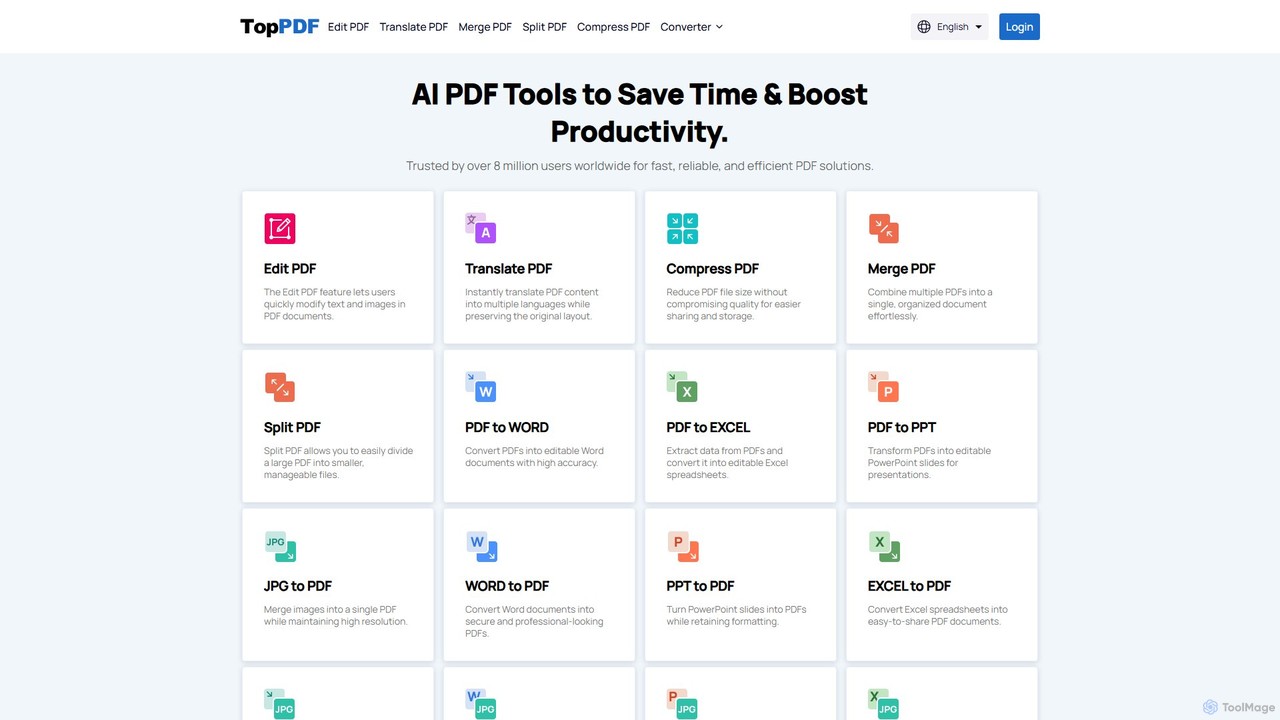
TopPDF
TopPDF is an all-in-one, AI-powered online platform offering a comprehensive suite of tools to edit, convert, translate, merge, split, and compress PDF files. It's designed to enhance productivity by simplifying document workflows for users worldwide.
File Conversion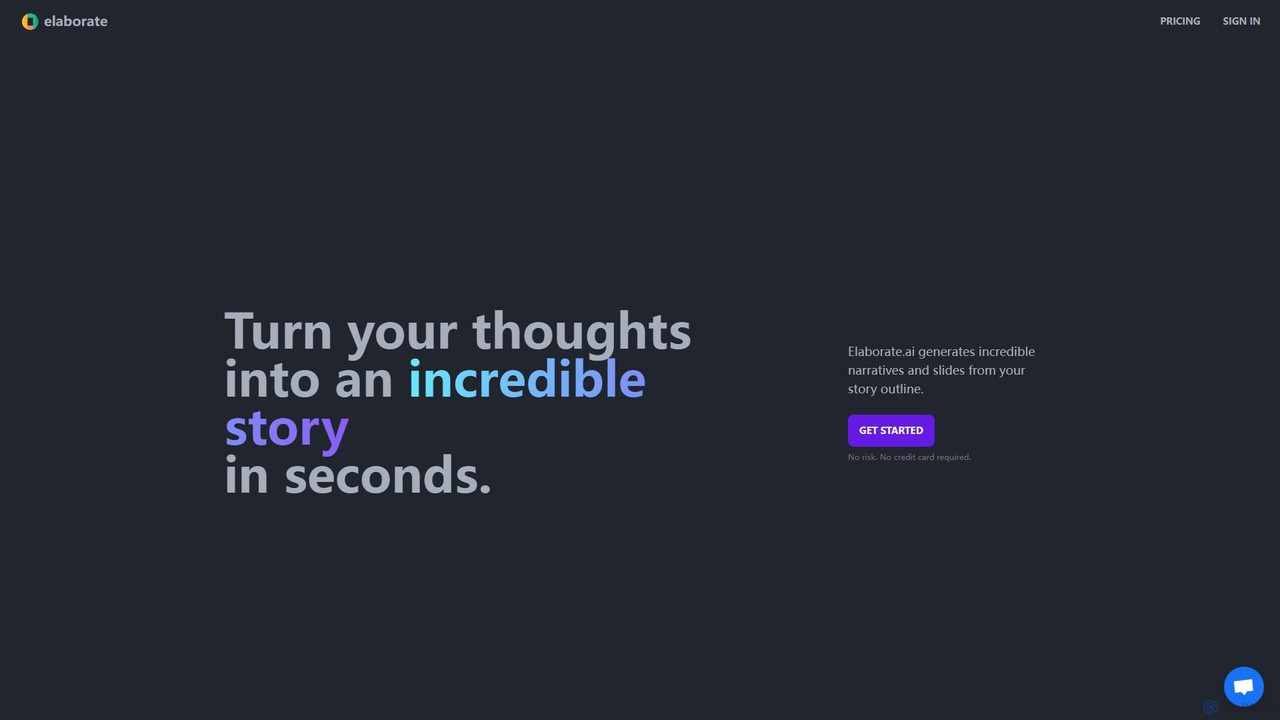
Elaborate
Elaborate is an AI-powered tool that transforms your simple outlines, topics, or plot points into compelling narratives and professional slide presentations in seconds. It streamlines the content creation process, allowing you to focus on your core message while the AI handles the detailed writing and structuring.
Lesson Planning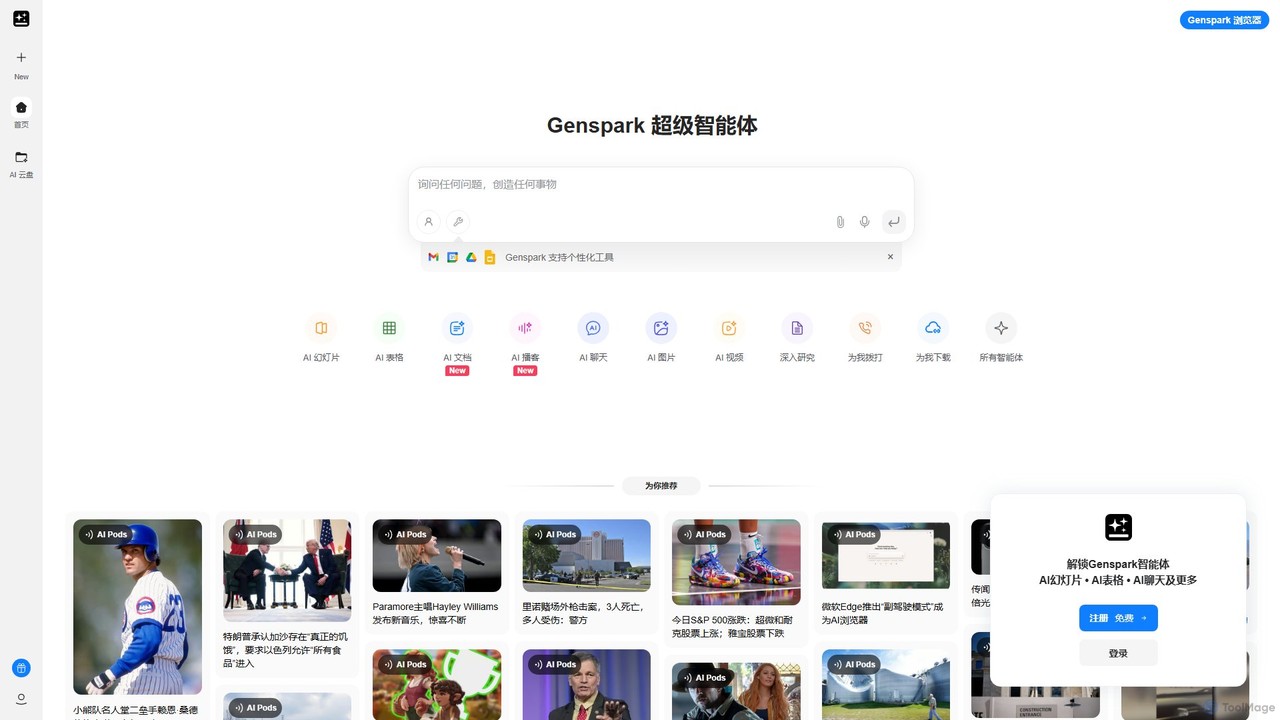
Genspark
Genspark is an all-in-one AI workspace that integrates a next-generation search engine with a suite of content creation tools. It transforms how you research, learn, and create by generating comprehensive summary pages called "Sparks" and providing integrated AI tools for documents, slides, images, and more.
Slides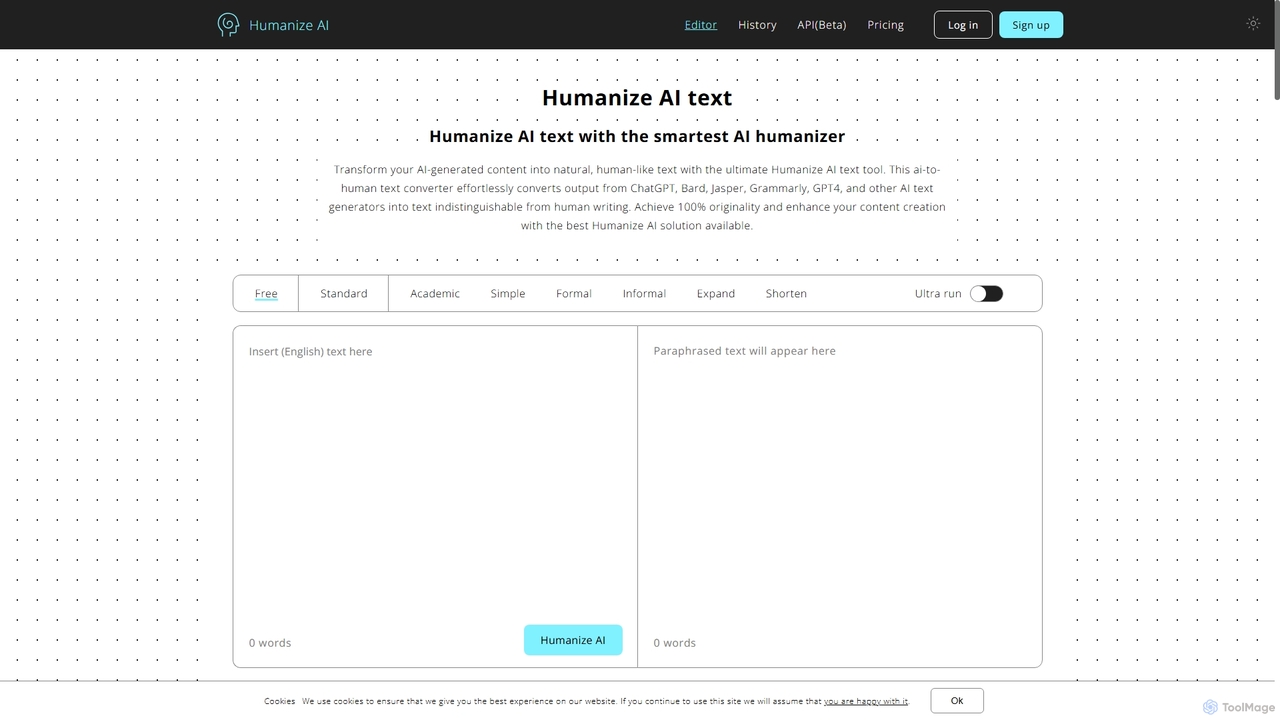
Humanize AI
Humanize AI is an advanced AI-to-human text converter that transforms robotic AI-generated content into natural, engaging, and undetectable human-like writing. It helps users bypass all major AI detectors like GPTZero and Turnitin while ensuring the output is 100% original, plagiarism-free, and SEO-friendly.
Academic Writing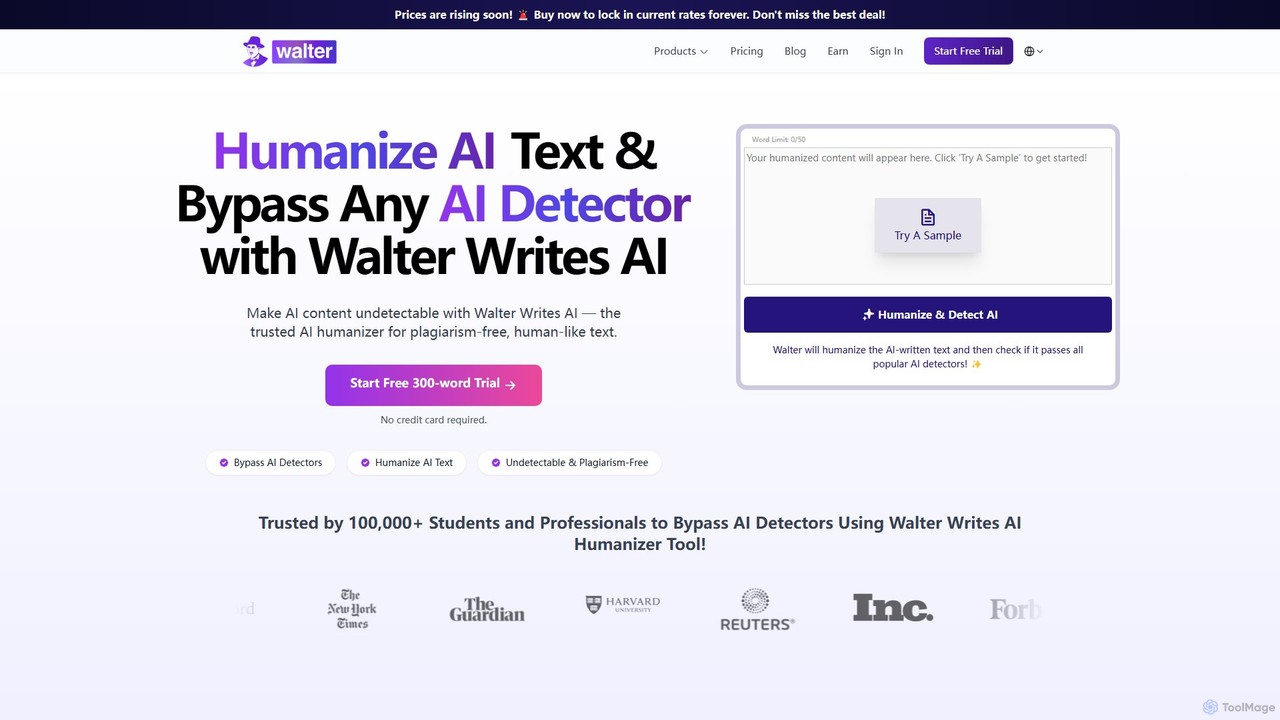
walterwrites
A powerful AI humanizer and detector designed to make AI-generated text undetectable by tools like Turnitin and GPTZero. It refines robotic text into natural, plagiarism-free, and human-like writing. Ideal for students, content creators, and professionals, it supports over 80 languages and ensures academic and professional integrity.
Academic Writing
Jyek
Jyek is an AI agent platform that understands objectives, creates execution plans, uses tools, and delivers verifiable results for complex, multi-step tasks.
Automation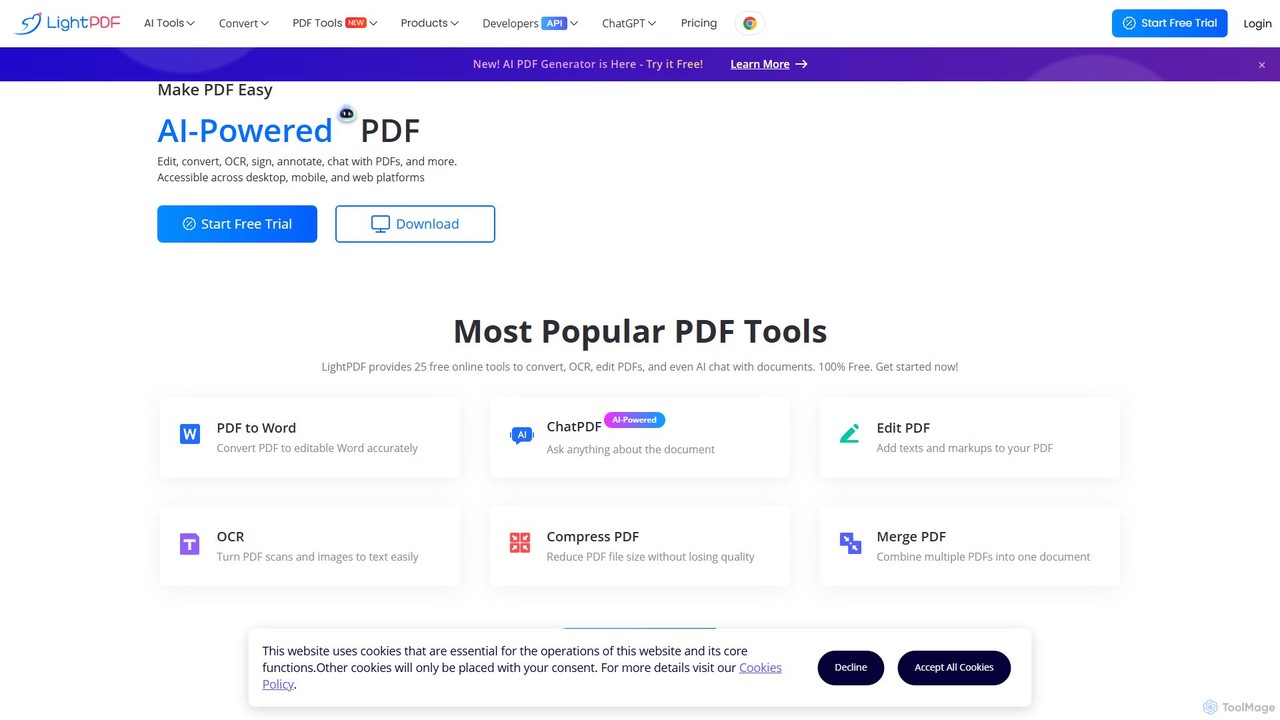
LightPDF
LightPDF is an AI-powered, all-in-one PDF solution designed to simplify document workflows. It allows users to chat with documents, get instant summaries, and ask questions. Beyond its AI capabilities, it offers a comprehensive suite of tools for editing, converting, merging, signing, and performing OCR on PDF files. Available on web, desktop, and mobile, LightPDF makes managing documents efficient and intuitive for students, professionals, and businesses alike.
Chat With Your Docs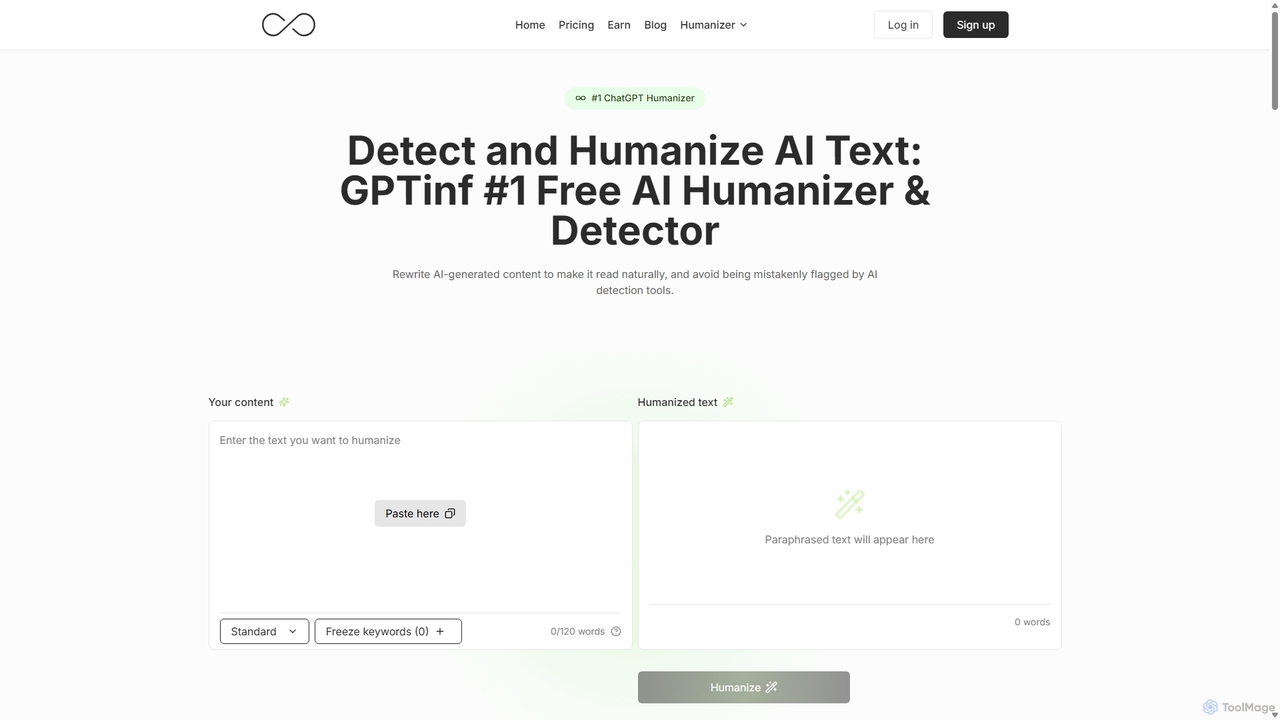
GPTinf
GPTinf is a dual-function AI tool featuring a powerful AI text humanizer and a free AI content detector. It rewrites AI-generated content to sound natural and human, effectively bypassing advanced AI detection systems like Turnitin and GPTZero. It is designed for students, writers, and content creators who need their work to be undetectable and authentic.
Academic Writing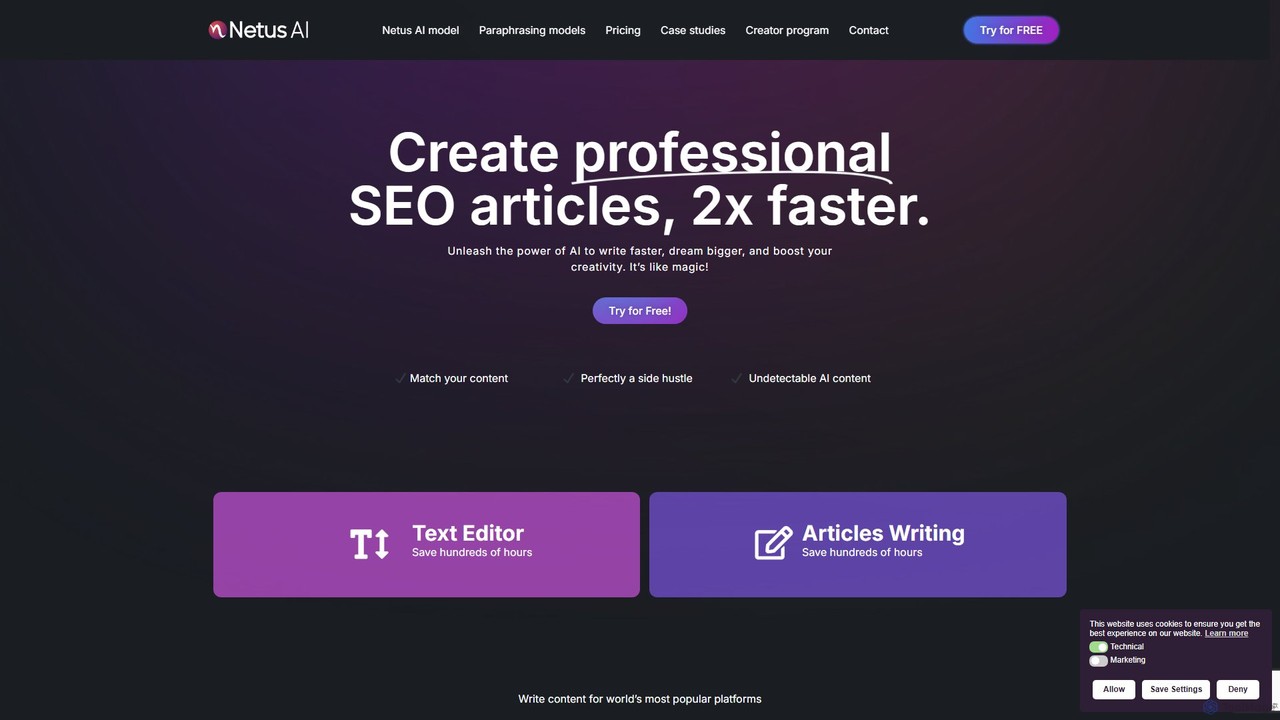
Netus AI SEO Article Writer
Netus AI is a powerful SEO article writer that helps you create professional, optimized content twice as fast. It features an AI humanizer, a built-in AI detector, support for over 30 languages, and 12+ tones of voice. This all-in-one platform is designed to boost your creativity, save hundreds of hours, and improve your search engine rankings with engaging, high-quality articles.
Content Marketing
UPDF AI
UPDF AI is a powerful AI assistant integrated into the UPDF editor, designed to revolutionize how you interact with PDF documents. It allows you to chat with your PDFs, get instant summaries, translate entire documents or selected text, explain complex data, and even convert dense content into visual mind maps. Available on Windows, macOS, iOS, Android, and the web, it streamlines workflows for students, researchers, and professionals by making document comprehension and analysis faster and more efficient.
Research
Tenorshare AI Comments (0)
Sign in to comment.
Sign inNo comments yet.