


SlidesAI Overview
SlidesAI is a revolutionary AI tool designed to streamline the presentation creation process. It functions as an add-on for Google Slides and an add-in for Microsoft PowerPoint, allowing users to generate complete, visually appealing presentations directly within their preferred software. By simply providing text, a topic, a document, or even a web link, SlidesAI's advanced algorithms analyze the content, generate a logical outline, and populate slides with concise text and relevant imagery. This eliminates the tedious task of manual slide design and content formatting, enabling users to focus on delivering their message. With over 15 million installs, it's a trusted solution for individuals and teams looking to boost productivity and create impactful presentations in minutes.
How to use SlidesAI
Getting started with SlidesAI is simple and intuitive, as it works within platforms you already know:
- Installation: Install the SlidesAI add-on from the Google Workspace Marketplace for Google Slides, or the add-in from the Microsoft AppSource for PowerPoint.
- Access: Open a new or existing presentation. In Google Slides, go to 'Extensions' > 'SlidesAI.io' > 'Create Slides'. In PowerPoint, find SlidesAI on the 'Home' tab.
- Provide Input: Enter your content. You can paste a long script, detailed notes, an article, or simply enter a topic you want to create a presentation about.
- Customize: Review the AI-generated outline. You can adjust the number of slides and other parameters before generation.
- Select Design: Choose a professional design theme, including color palettes and font styles, that best fits your presentation's tone and branding.
- Generate: Click 'Create Slides'. SlidesAI will automatically generate the full presentation, complete with text, layouts, and images, directly in your editor.
Core Features of SlidesAI
- Text to Presentation: Instantly converts long text, scripts, notes, or articles into summarized, structured, and ready-to-present slides.
- Seamless Integration: Works natively inside Google Slides and Microsoft PowerPoint (Web and Desktop), eliminating the need to learn a new tool or switch between applications.
- AI-Powered Editing: Refine your presentation with a suite of AI tools. Rewrite content for better clarity, change the tone, shorten text for brevity, and translate slides into different languages.
- Smart Visuals: Automatically finds and suggests royalty-free stock images and icons relevant to your slide content. It also features an AI image generator to create unique visuals from text prompts.
- Customizable Themes & Layouts: Offers a variety of professionally designed themes and allows you to instantly re-arrange content and design for a fresh layout.
- Extensive Language Support: Supports content input and generation in over 100 languages, making it a versatile tool for a global audience.
Use Cases for SlidesAI
SlidesAI is a versatile tool perfect for a wide range of users:
- Professionals: Quickly create business proposals, marketing reports, project updates, and training materials from existing documents or briefs, saving valuable work hours.
- Educators: Transform lecture notes, research papers, and lesson plans into engaging and easy-to-follow slideshows for students, freeing up time for teaching.
- Students: Generate presentations for class projects, reports, and assignments by simply inputting their research notes or essays, helping them focus on content and delivery.
- Marketers: Develop compelling sales pitches and product demos in a fraction of the time, ensuring brand consistency with custom themes and impactful visuals.
Advantages of SlidesAI
Using SlidesAI provides several key benefits:
- Massive Time Savings: Reduces presentation creation time by up to 10x by automating the most time-consuming tasks of outlining, writing, and designing.
- No Design Skills Needed: Creates professional-looking, well-structured presentations without requiring any prior design expertise.
- Enhanced Productivity: By integrating into existing workflows (Google Slides & PowerPoint), it minimizes context switching and has virtually no learning curve.
- Improved Content Quality: AI features like summarization, paraphrasing, and translation help create more concise, clear, and impactful content.
- Global Reach: The ability to generate and translate content in over 100 languages makes it easy to communicate with international audiences.
Pricing and Plans
SlidesAI offers a freemium model with plans to suit different needs:
- Basic Plan (Free): Perfect for getting started. It offers a limited number of presentations per month (e.g., 3), a character limit per presentation (e.g., 2,500), and a set amount of AI credits.
- Pro Plan (Paid): Ideal for students, educators, and frequent users. This plan increases the monthly presentation and character limits, provides more AI credits, and unlocks premium design themes.
- Premium Plan (Paid): Designed for professionals, teams, and businesses. It offers unlimited presentations, the highest character limits, a generous allocation of AI credits, and advanced features like custom branding.
Annual subscriptions are available at a significant discount.
Traffic
Latest traffic
Status
Monthly traffic trend
- 2026-1: 559.5K
- 2026-2: 379.5K
- 2026-3: 357.5K
- 2026-4: 349.3K
- 2026-5: 308.5K
Geography
Top 5 countries / regions
- 🇺🇸United States46.5%
- 🇷🇺Russia18.2%
- 🇮🇳India13.8%
- 🇮🇩Indonesia13.7%
- 🇬🇧United Kingdom7.8%
Traffic sources
| Source type | Percentage |
|---|---|
Direct | 80.2% |
Referral | 17.8% |
Email | 2.0% |
Top keywords
| Keyword | Cost per click |
|---|---|
| slide ai | $1.02 |
| slides ai | $0.68 |
| slidesai | $1.07 |
| slidesai.io | $0.55 |
| slidy ai | $0.00 |
SlidesAI Videos on YouTube
Review N Discount



Теплица социальных технологий


Quick Demo Review
SlidesAI Alternatives
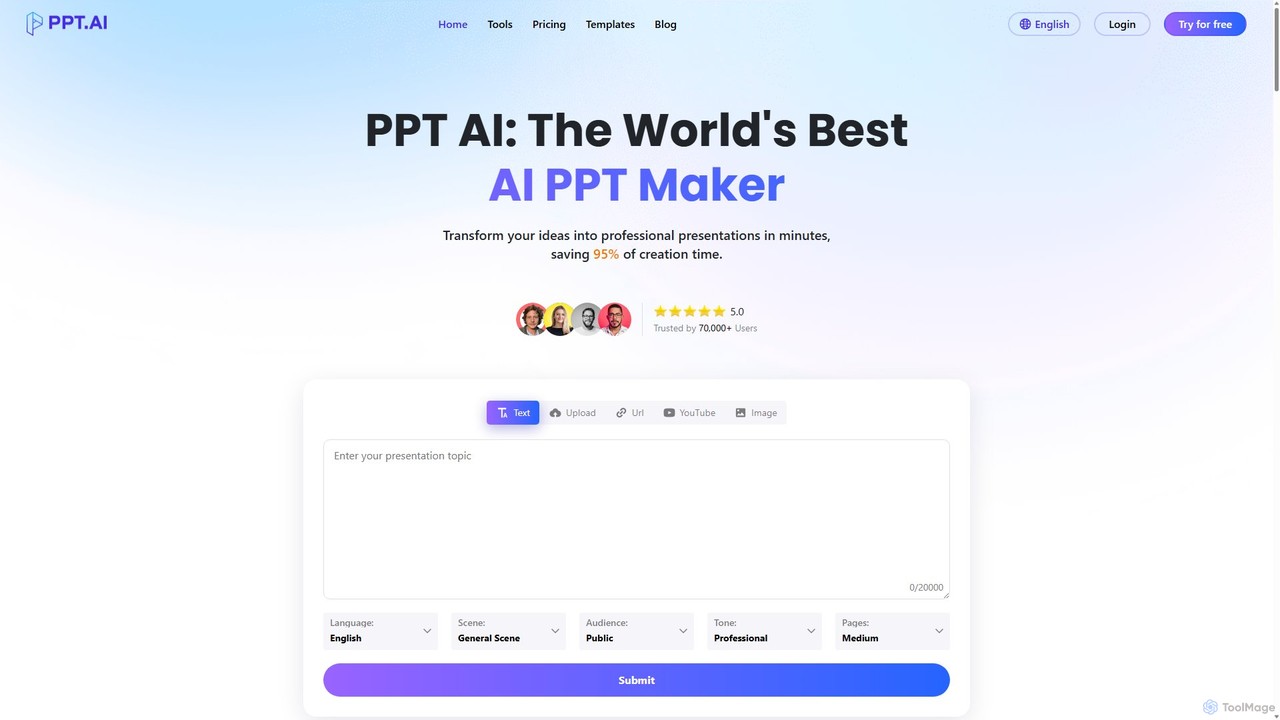
PPT.AI
PPT.AI is an AI-powered presentation maker that transforms your text, ideas, or documents into professional, ready-to-present slides in minutes. It automates the design process, offering intelligent layouts, customizable templates, and consistent branding, making it ideal for professionals and students who need to create high-impact presentations quickly without design expertise.
Automation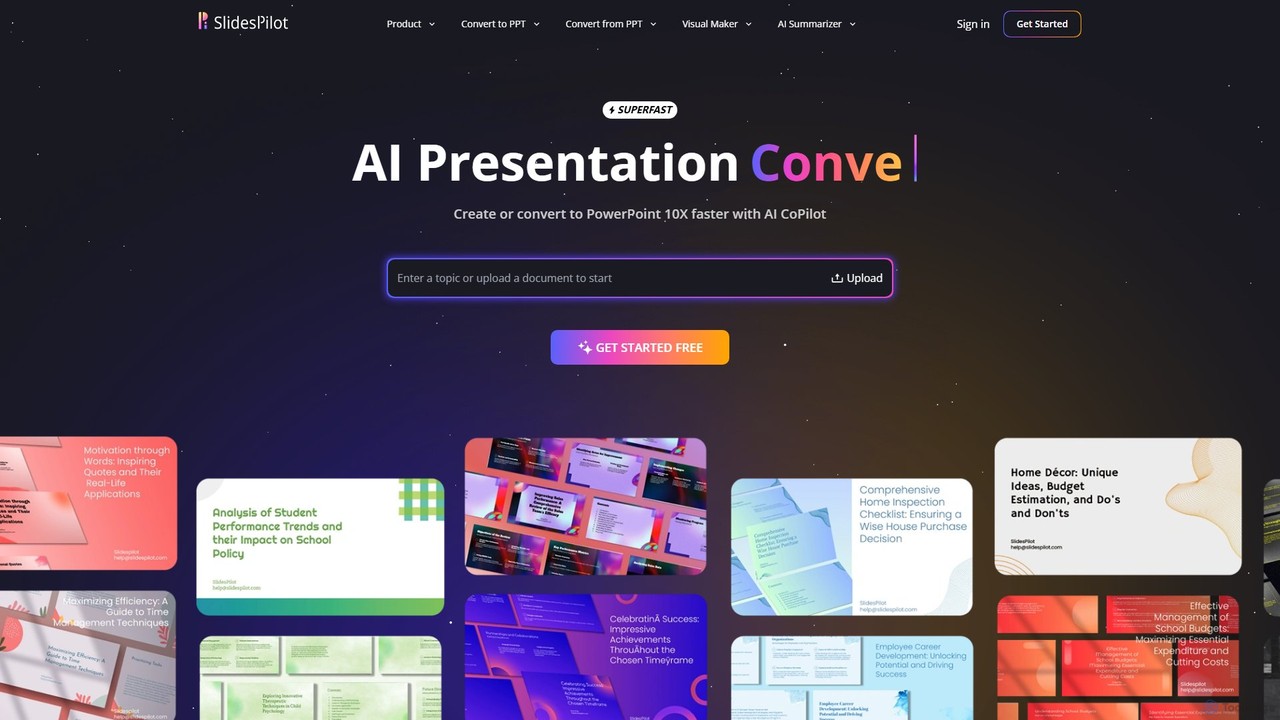
SlidesPilot
SlidesPilot is an AI-powered presentation generator that creates professional PowerPoint and Google Slides 10x faster. It can generate presentations from a topic, convert documents (PDF, Word), text, YouTube videos, and webpages into slides, and features an AI Copilot for real-time editing, image generation, and content rewriting.
Document Management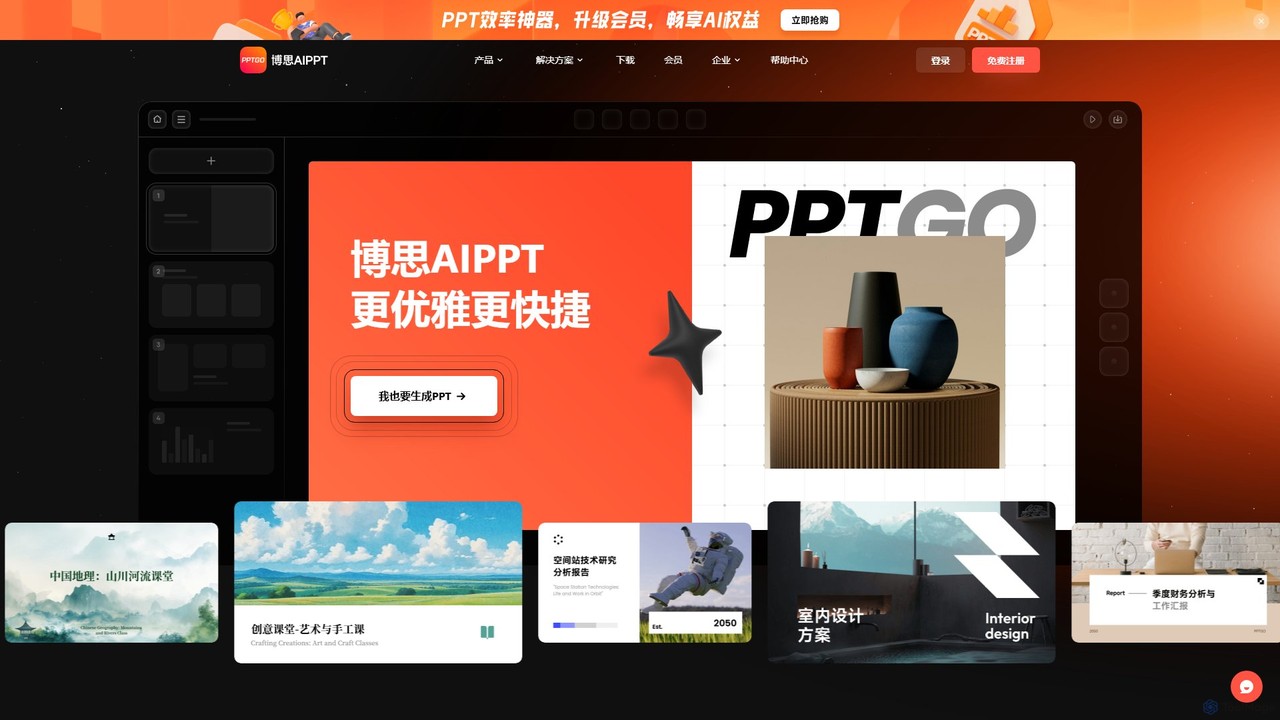
pptgo
pptgo is an AI-powered presentation generator that creates professional, visually appealing slides in seconds. Simply provide a topic, text, or document, and let the AI handle the outlining, content creation, design, and layout, dramatically boosting your productivity.
Teaching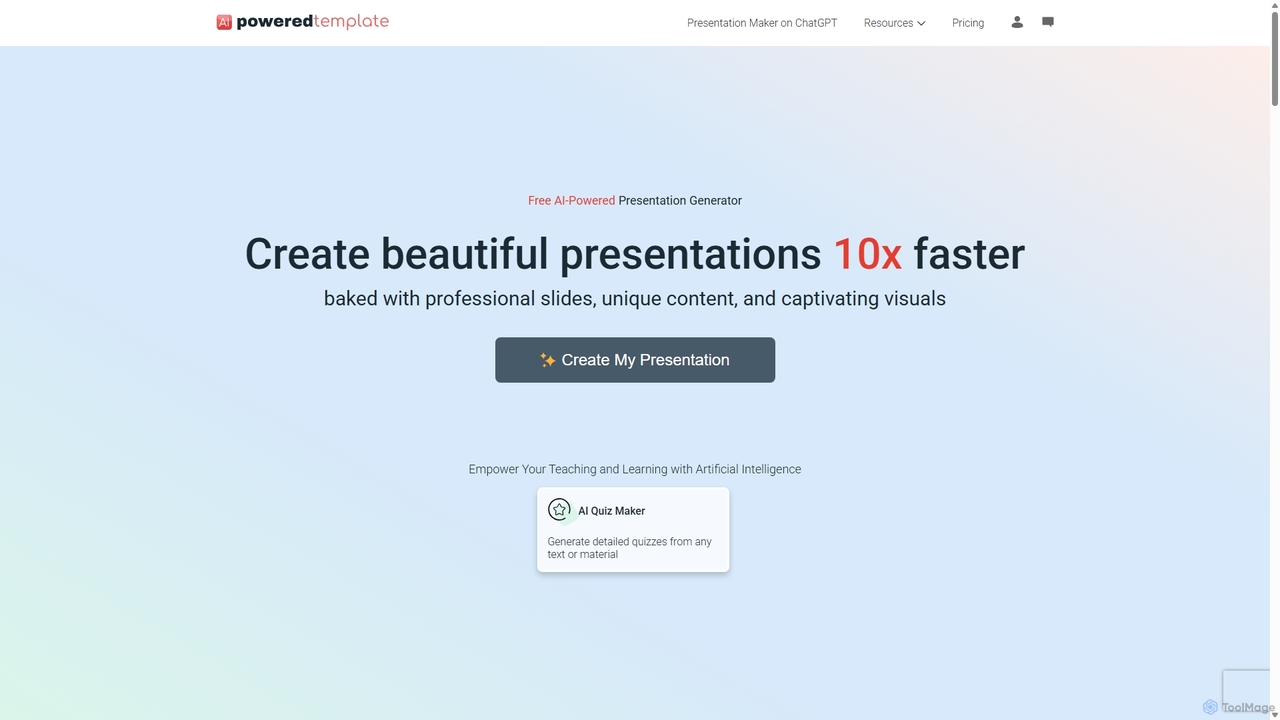
PoweredTemplate AI Presentation Maker
PoweredTemplate AI Presentation Maker is a free, AI-powered tool that transforms your ideas and text into stunning, professional presentations 10x faster. Instantly generate high-quality slides with unique content and captivating visuals for business, education, and marketing. It supports export to PowerPoint, Google Slides, and PDF, offering extensive customization through a vast library of templates and stock media.
Proposals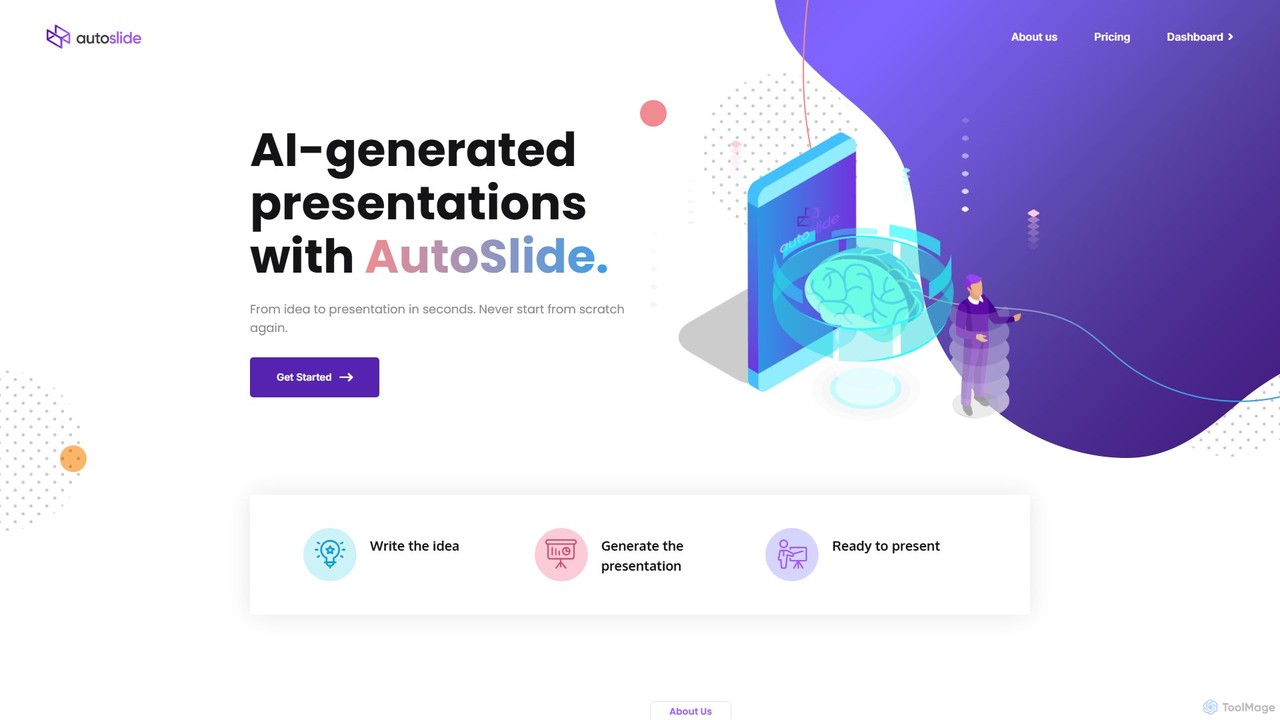
AutoSlide
AutoSlide is an AI-powered presentation generator that transforms your text, topics, or documents into professional, ready-to-present slides in seconds. Leveraging advanced AI like GPT-3, it automates content creation and design, allowing you to focus on your message. Ideal for business professionals, educators, and marketers.
TeachingSlidesAI Categories
SlidesAI Embed Widget
Copy this embed code to place the badge on your blog, article, or product site and send readers directly to this ToolMage detail page.

Related AI tools
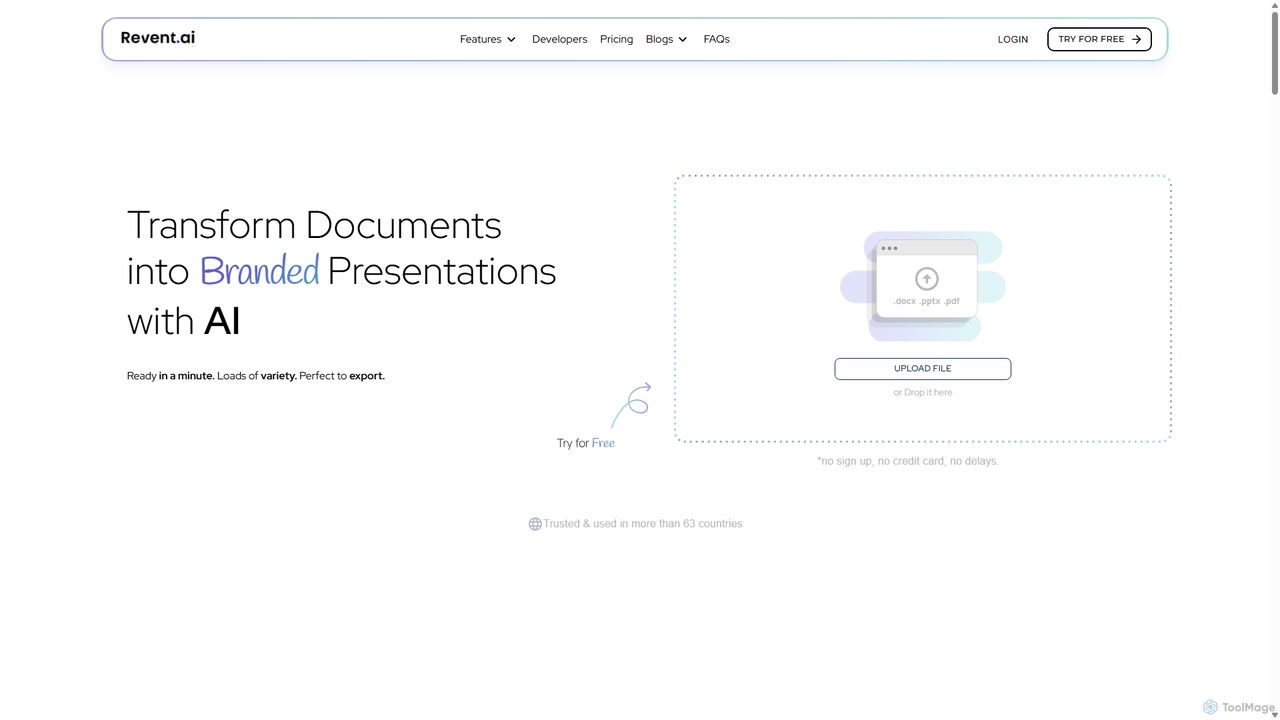
Revent
Revent is an AI-powered presentation design tool that instantly transforms documents like PDFs, Word files, and plain text into professionally designed, branded presentations. It automates slide creation, ensures brand consistency by mirroring your website's design, and offers a vast library of smart templates to streamline your workflow and produce stunning decks in minutes.
Document Management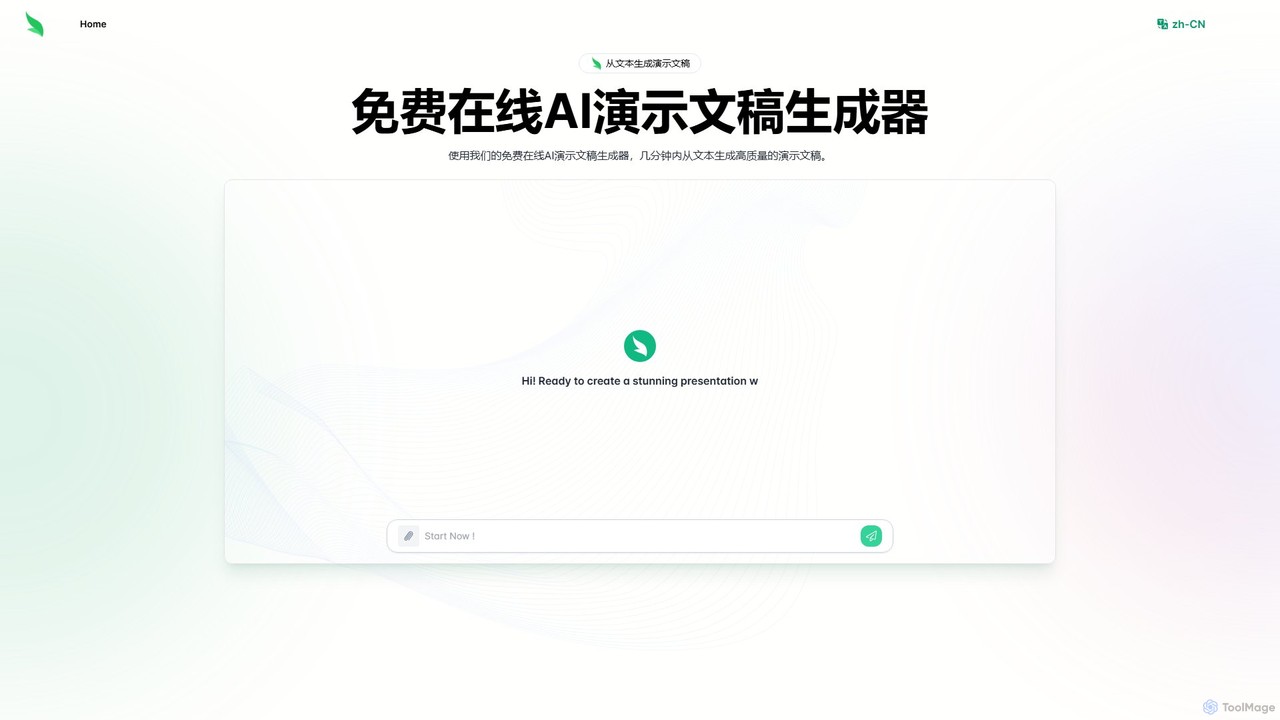
Slides.bot
Slides.bot is a free, GPT-4o powered AI presentation maker that transforms text into professional, visually appealing slides in minutes. Simply provide a prompt, and the AI will generate a complete, customizable presentation, saving you hours of design work.
E LearningPPT.AI
PPT.AI is an AI-powered presentation maker that transforms your text, ideas, or documents into professional, ready-to-present slides in minutes. It automates the design process, offering intelligent layouts, customizable templates, and consistent branding, making it ideal for professionals and students who need to create high-impact presentations quickly without design expertise.
AutomationSlidesPilot
SlidesPilot is an AI-powered presentation generator that creates professional PowerPoint and Google Slides 10x faster. It can generate presentations from a topic, convert documents (PDF, Word), text, YouTube videos, and webpages into slides, and features an AI Copilot for real-time editing, image generation, and content rewriting.
Document Managementpptgo
pptgo is an AI-powered presentation generator that creates professional, visually appealing slides in seconds. Simply provide a topic, text, or document, and let the AI handle the outlining, content creation, design, and layout, dramatically boosting your productivity.
Teaching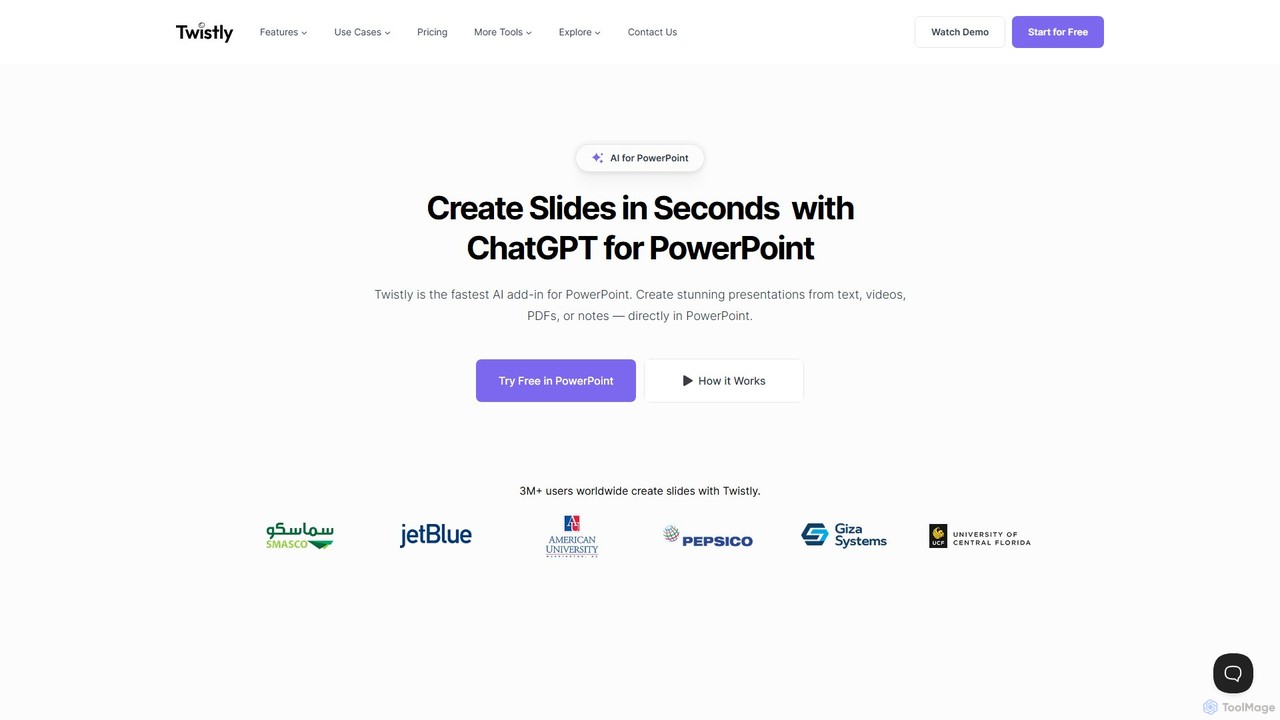
Twistly
Twistly is a powerful AI add-in for Microsoft PowerPoint that integrates ChatGPT to revolutionize presentation creation. It allows users to generate complete, stunning presentations from text, documents, PDFs, or even YouTube videos in seconds, directly within the PowerPoint interface. This eliminates the need for context switching, streamlining the workflow for professionals, educators, and students.
Teaching Tool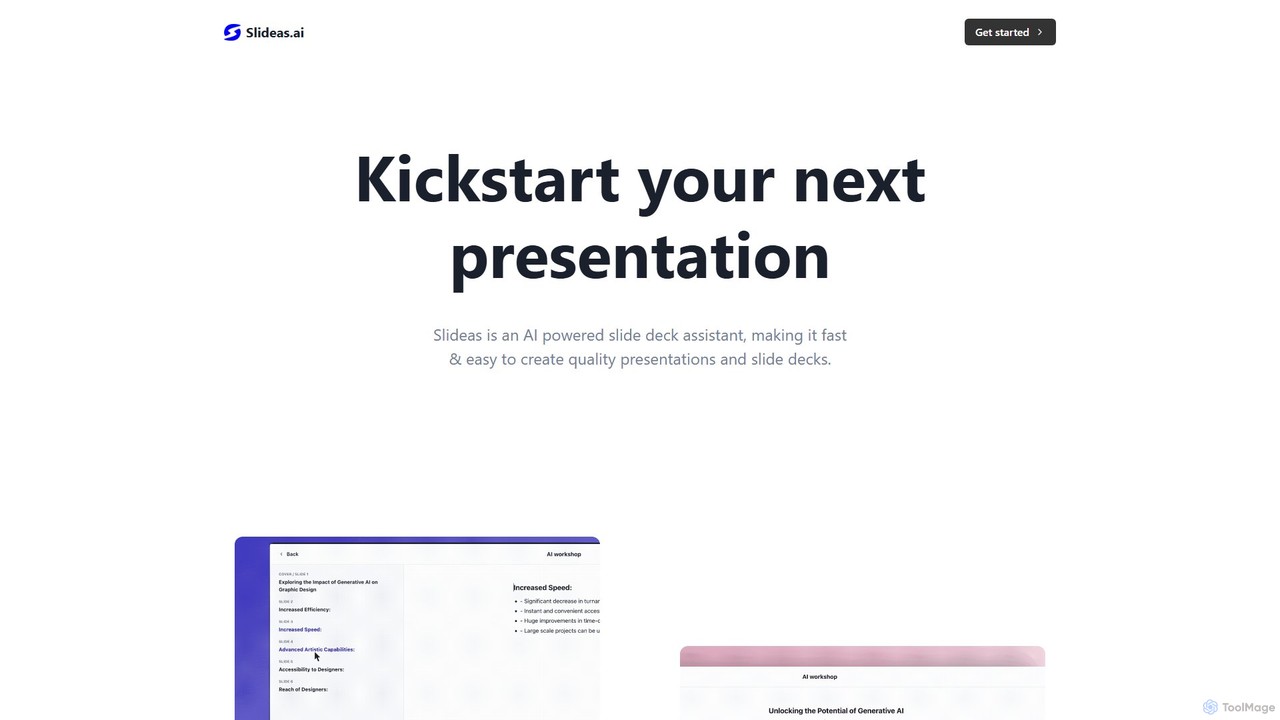
slideas.ai
slideas.ai is an AI-powered presentation assistant that rapidly creates professional slide decks. Simply provide a topic, and the AI generates headlines and talking points. Edit with an intuitive Notion-like editor, collaborate with your team in real-time, and present directly or export to Google Slides and PowerPoint.
Student Tools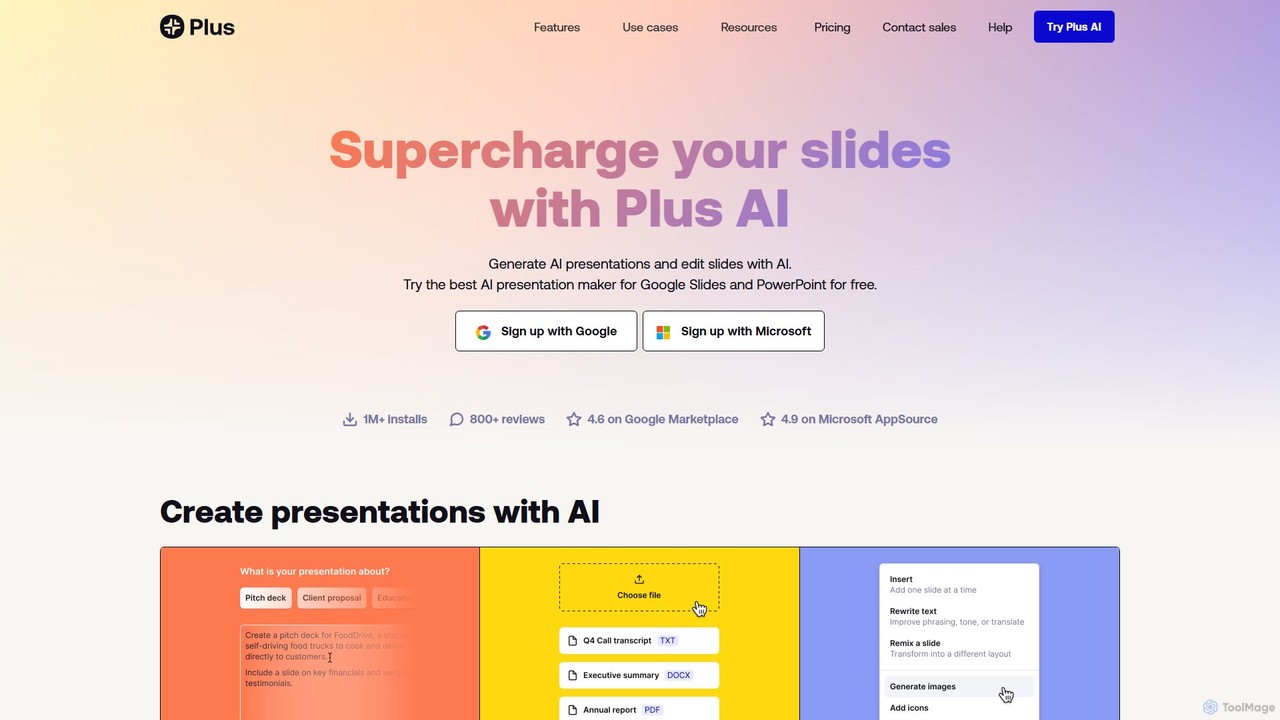
Plus AI
Plus AI is an advanced AI presentation maker designed for professionals. It integrates directly into Google Slides and PowerPoint, allowing you to generate, edit, and reformat slides seamlessly within your existing workflow. Convert documents like PDFs and Word files into stunning, fully-editable presentations, or create them from a simple text prompt. It's built for high-quality, branded content with enterprise-grade security.
Marketing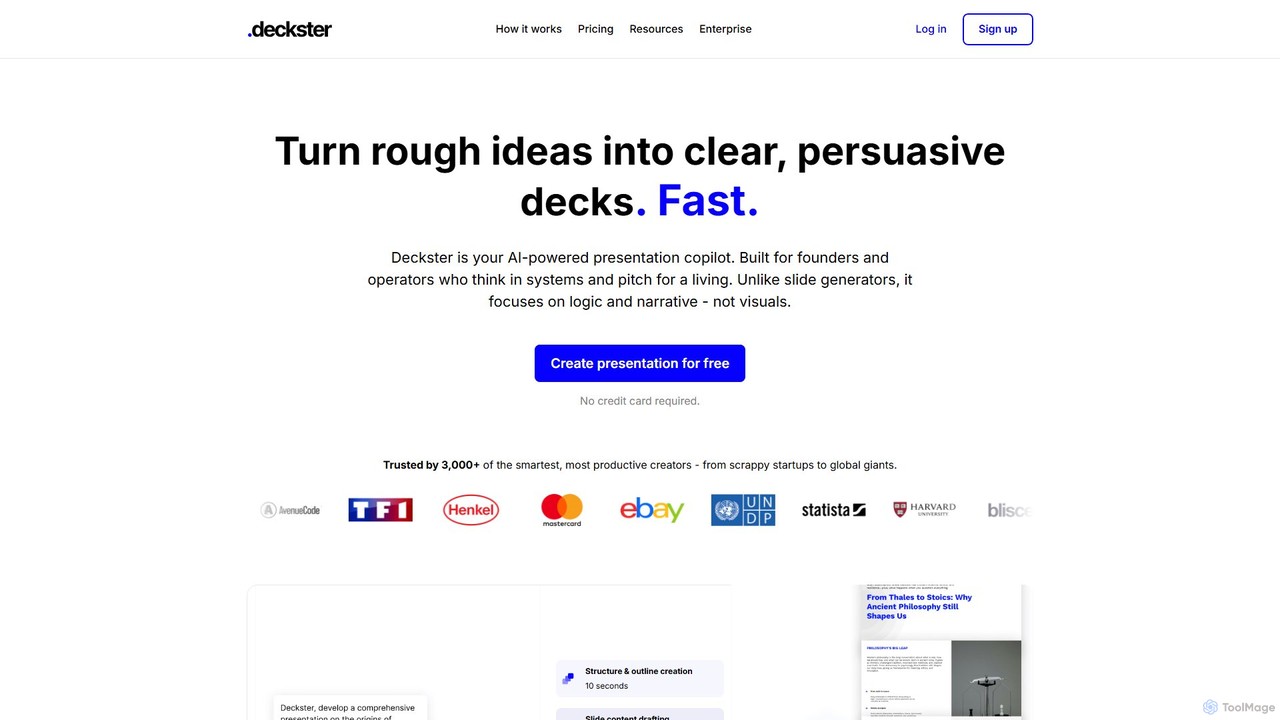
Deckster
Deckster is an AI-powered presentation copilot designed for founders and professionals. It transforms rough ideas into clear, persuasive presentations by focusing on logic, narrative, and structure, not just visuals. Generate a 95% ready draft in minutes, complete with smart content, auto-generated charts, and delivery tips, and export it directly to Google Slides or PowerPoint.
CommunicationPoweredTemplate AI Presentation Maker
PoweredTemplate AI Presentation Maker is a free, AI-powered tool that transforms your ideas and text into stunning, professional presentations 10x faster. Instantly generate high-quality slides with unique content and captivating visuals for business, education, and marketing. It supports export to PowerPoint, Google Slides, and PDF, offering extensive customization through a vast library of templates and stock media.
ProposalsAutoSlide
AutoSlide is an AI-powered presentation generator that transforms your text, topics, or documents into professional, ready-to-present slides in seconds. Leveraging advanced AI like GPT-3, it automates content creation and design, allowing you to focus on your message. Ideal for business professionals, educators, and marketers.
Teaching
ChatPPT
ChatPPT is a powerful AI presentation generator that creates professional slides from simple text prompts, documents, webpages, or even images. It streamlines the entire creation process, from content generation with live web search to intelligent layout and design, allowing users to produce stunning presentations in minutes.
Reporting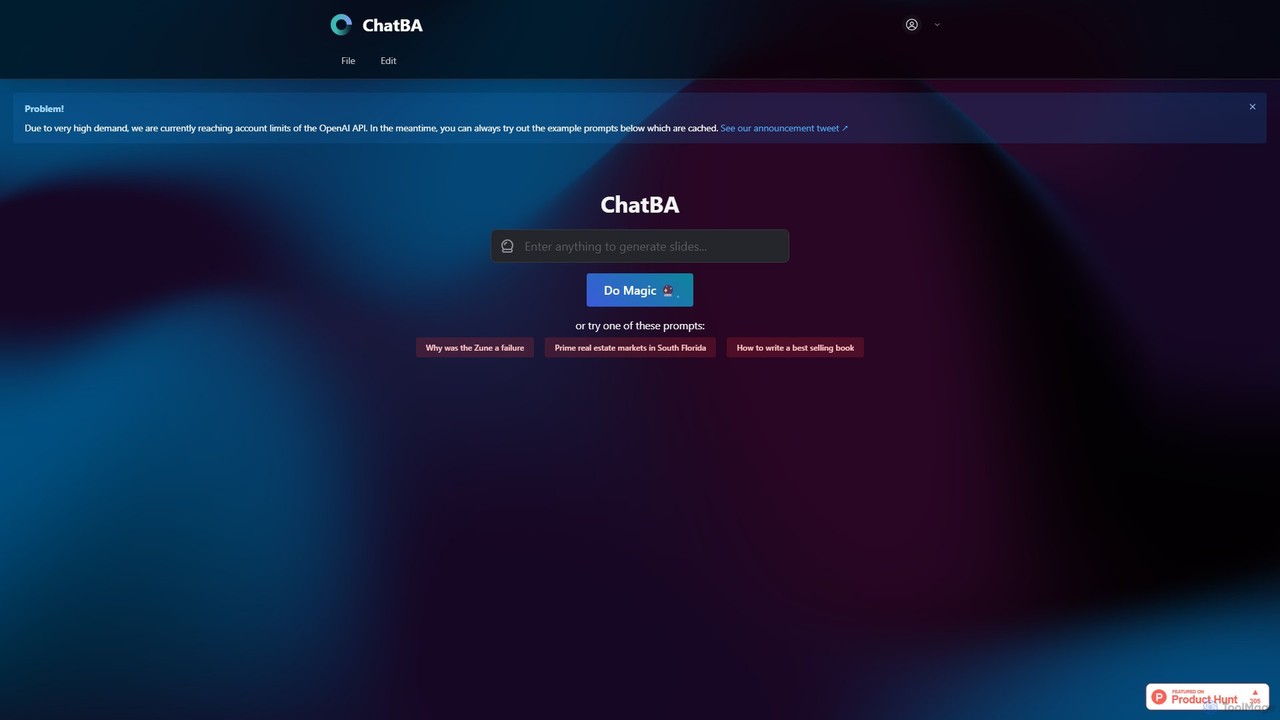
ChatBA
ChatBA is a generative AI tool that transforms simple text prompts into complete, professional presentations. Instantly create slide decks for business, education, or marketing by just describing your topic. It automates content writing, structuring, and design, saving you hours of manual work.
Student Tools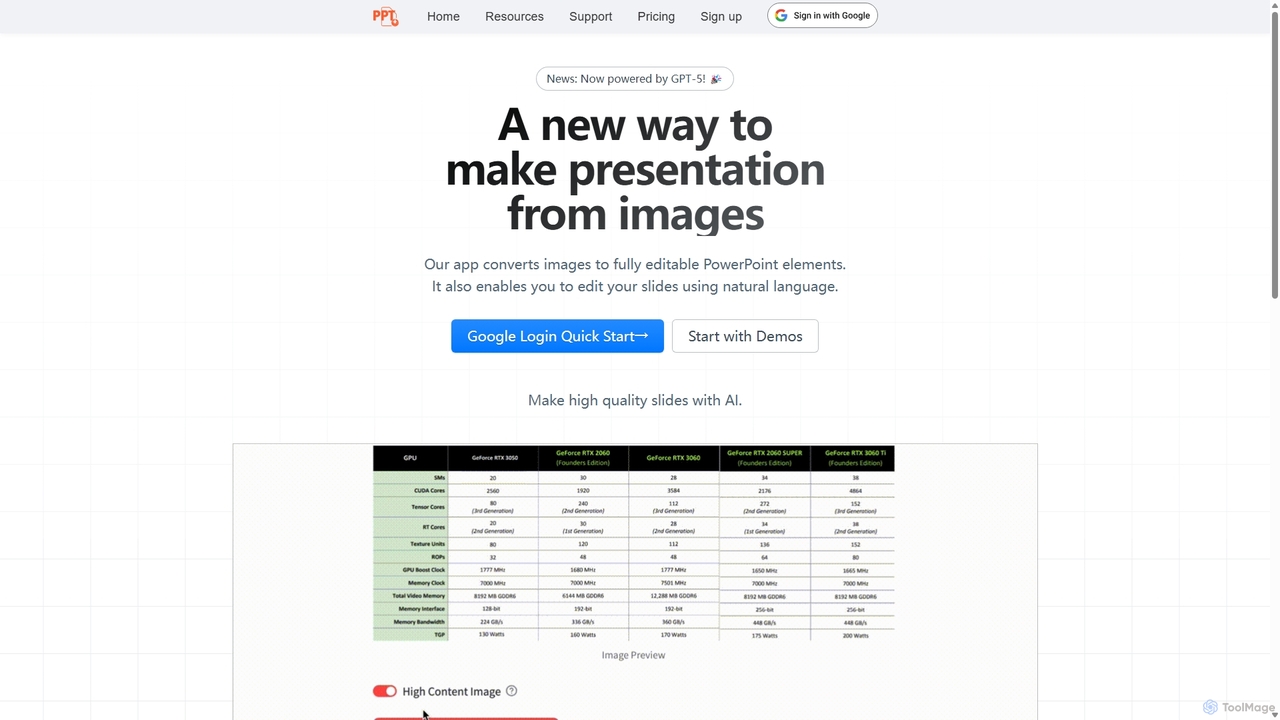
Edit in PPT
Edit in PPT is an AI-powered tool that converts images, screenshots, and static slides into fully editable PowerPoint presentations. It uses advanced vision models to recognize text, charts, and shapes, saving users hours of manual recreation. The tool also features natural language commands for editing slides, streamlining the entire presentation creation process.
Automation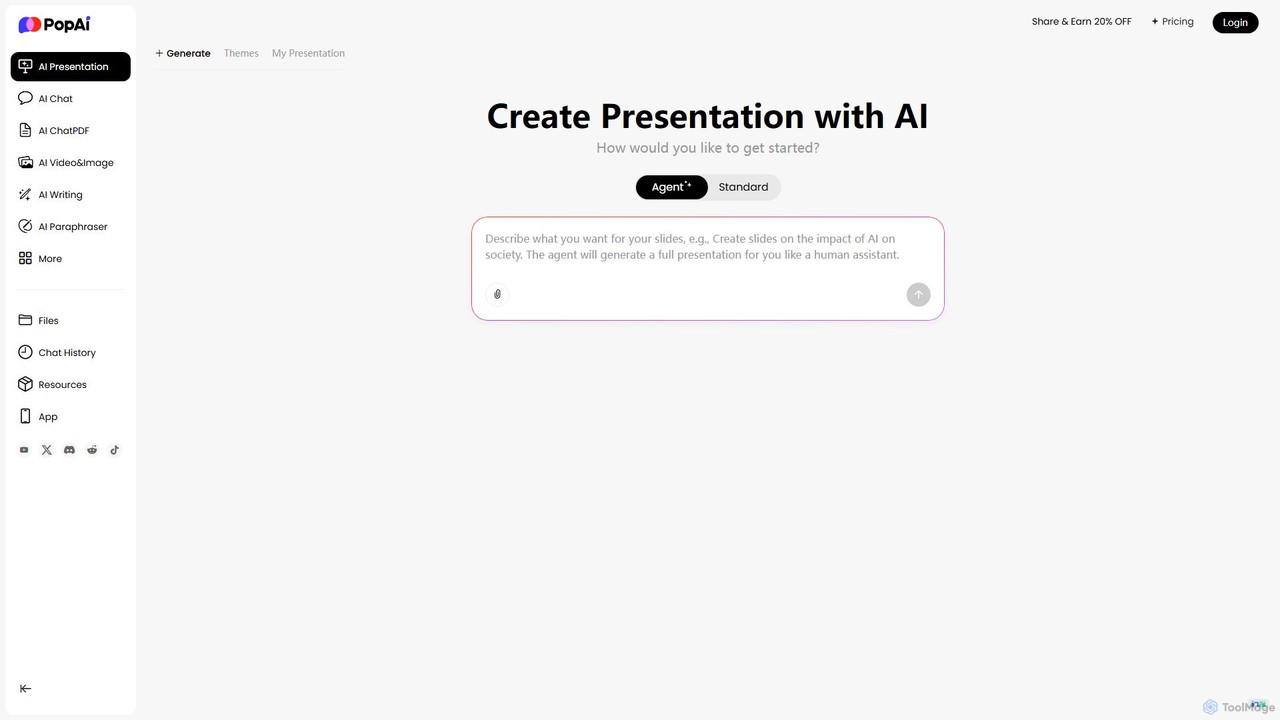
PopAi
PopAi is an all-in-one AI-powered productivity platform designed to streamline your workflow. It excels at creating professional presentations from prompts, documents, or URLs. It also features AI chat, document analysis (ChatPDF), AI writing, and paraphrasing tools, making it ideal for students, educators, and professionals.
Assistant
SlidesAI Comments (0)
Sign in to comment.
Sign inNo comments yet.