

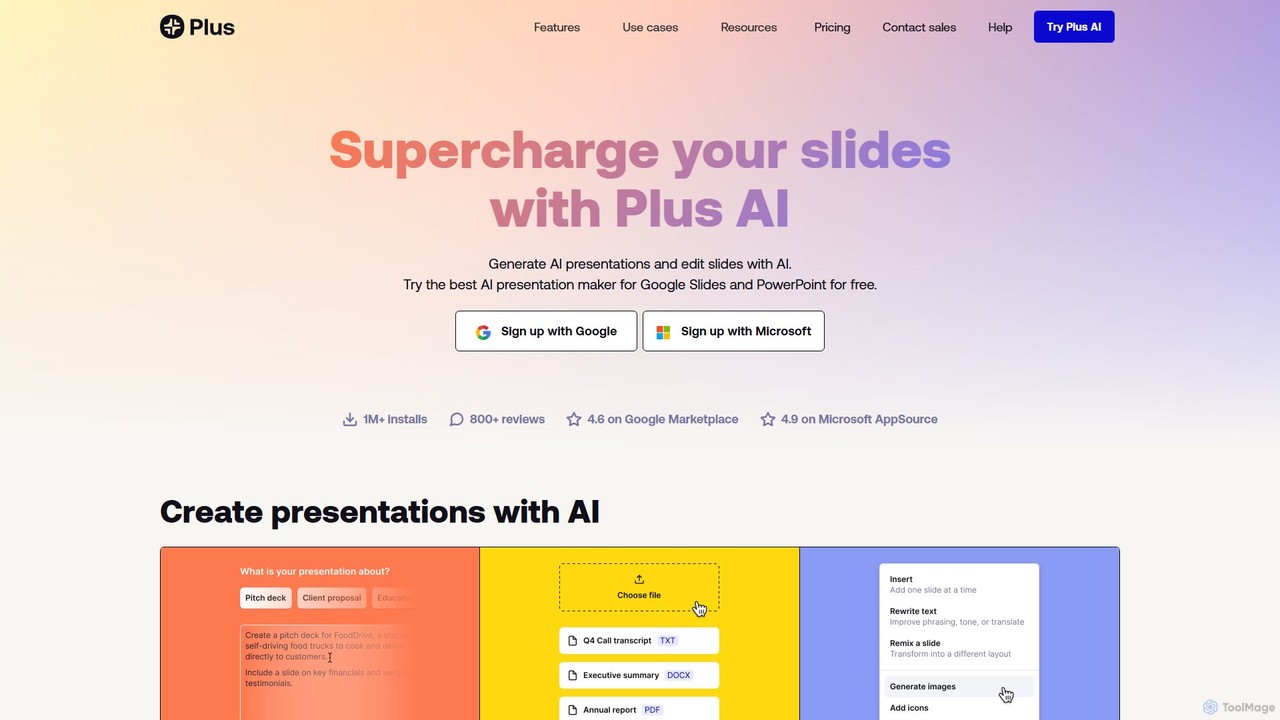
Plus AI Overview
Plus AI is a powerful AI-driven tool designed to supercharge your presentation creation process directly within Google Slides and PowerPoint. It's crafted for professionals, consultants, marketers, and students who need to create high-quality, visually appealing, and well-structured slide decks without leaving their familiar work environment. Unlike standalone presentation apps, Plus AI functions as a native add-on, ensuring that every slide you create is a fully editable, standard PPTX or Google Slides file, maintaining perfect compatibility with your existing templates and collaborative workflows.
The core philosophy of Plus AI is to seamlessly blend the power of artificial intelligence with the user's existing skills and tools. You can generate an entire presentation from a simple text prompt, a detailed outline, or even by uploading existing documents such as PDFs, Word files, or text files. The AI analyzes your content and generates a complete deck with a logical structure, relevant text, and professional design. For those who need more granular control, Plus AI also allows for the creation of individual slides, making it easy to add new content to an ongoing project.
How to use Plus AI
Getting started with Plus AI is straightforward and designed for quick adoption. First, you need to install the Plus AI add-on for either Google Slides or PowerPoint from their respective marketplaces. Once installed, you can begin a 7-day free trial to access all premium features. To create a new presentation, you can use the 'Generate' feature by providing a text prompt or a longer document. The AI will then create a full set of slides. To add a single slide to an existing presentation, you can use the 'Insert' tab. For modifying your current slides, the 'Remix' feature is incredibly powerful; it allows you to instantly reformat a slide into various layouts and designs, or even rewrite the content for a different tone or focus.
Core Features of Plus AI
- Text-to-Presentation: Generate complete, multi-slide presentations from a simple text prompt or a detailed outline.
- Document-to-Presentation: Upload and convert various document formats (PDF, Word, TXT) into fully-structured and designed presentations.
- AI Slide Remix: Instantly reformat and redesign existing slides with a single click. Change layouts, color schemes, and styles to fit your needs.
- Seamless Integration: Works as a native add-on for Google Slides and PowerPoint, eliminating the need to learn a new application or deal with file compatibility issues.
- Custom Template Support: For teams and enterprises, Plus AI supports the use of custom branded templates, ensuring all AI-generated content adheres to your organization's style guidelines.
- Enterprise-Grade Security: With SOC 2 Type II compliance, Plus AI ensures your data is handled with the highest security standards, with all sensitive data encrypted in transit and at rest.
- AI Writing Assistant: Beyond presentations, Plus AI also offers an AI writing assistant for Google Docs to help draft and refine documents.
Use Cases for Plus AI
Plus AI is versatile and caters to a wide range of professional and academic needs. Marketing teams can use it to quickly generate monthly reports, campaign proposals, and market analysis presentations. Management consultants can accelerate their workflow by instantly converting research documents into client-ready pitch decks. Sales professionals can create personalized sales presentations tailored to specific clients by feeding the AI relevant information. For students and educators, it's an invaluable tool for creating lecture materials, project presentations, and research summaries, saving hours of design and formatting work.
Advantages of Plus AI
The primary advantage of Plus AI is its deep integration into the tools professionals already use every day. This eliminates the learning curve and context-switching associated with other AI presentation tools. The output quality is another key differentiator; it produces native, fully-editable slides that look professionally designed, not just AI-generated. The focus on enterprise needs, including custom branding, asset libraries, and robust security (SOC 2 compliance), makes it a reliable choice for businesses of all sizes. The flexibility to create entire decks, single slides, or remix existing content provides a comprehensive solution for all presentation-related tasks.
Pricing and Plans
Plus AI operates on a freemium model. New users can start with a 7-day free trial of a paid plan, which requires a credit card but provides full access to premium features like unlimited AI generation. After the trial, users can choose from several paid tiers, including plans for individuals, teams, and enterprises. The Team plan unlocks features like shared access and the ability to use custom branded templates in Google Slides. The Enterprise plan offers more advanced capabilities, such as support for specialized slide designs, asset libraries with pre-approved images and icons, and dedicated support. You can manage or cancel your subscription at any time through the Help Center.
Traffic
Latest traffic
Status
Monthly traffic trend
- 2025-9: 584.1K
- 2026-1: 553.4K
- 2026-2: 456.0K
- 2026-3: 468.6K
- 2026-4: 429.7K
- 2026-5: 387.4K
Geography
Top 5 countries / regions
- 🇺🇸United States62.2%
- 🇮🇳India15.7%
- 🇮🇩Indonesia8.3%
- 🇧🇷Brazil7.8%
- 🇸🇳Senegal6.1%
Traffic sources
| Source type | Percentage |
|---|---|
Direct | 81.0% |
Referral | 18.2% |
Email | 0.7% |
Top keywords
| Keyword | Cost per click |
|---|---|
| gamma | $0.19 |
| gamma ai | $0.20 |
| microsoft powerpoint | $0.84 |
| plus ai | $2.74 |
| plusai | $4.52 |
Plus AI Alternatives
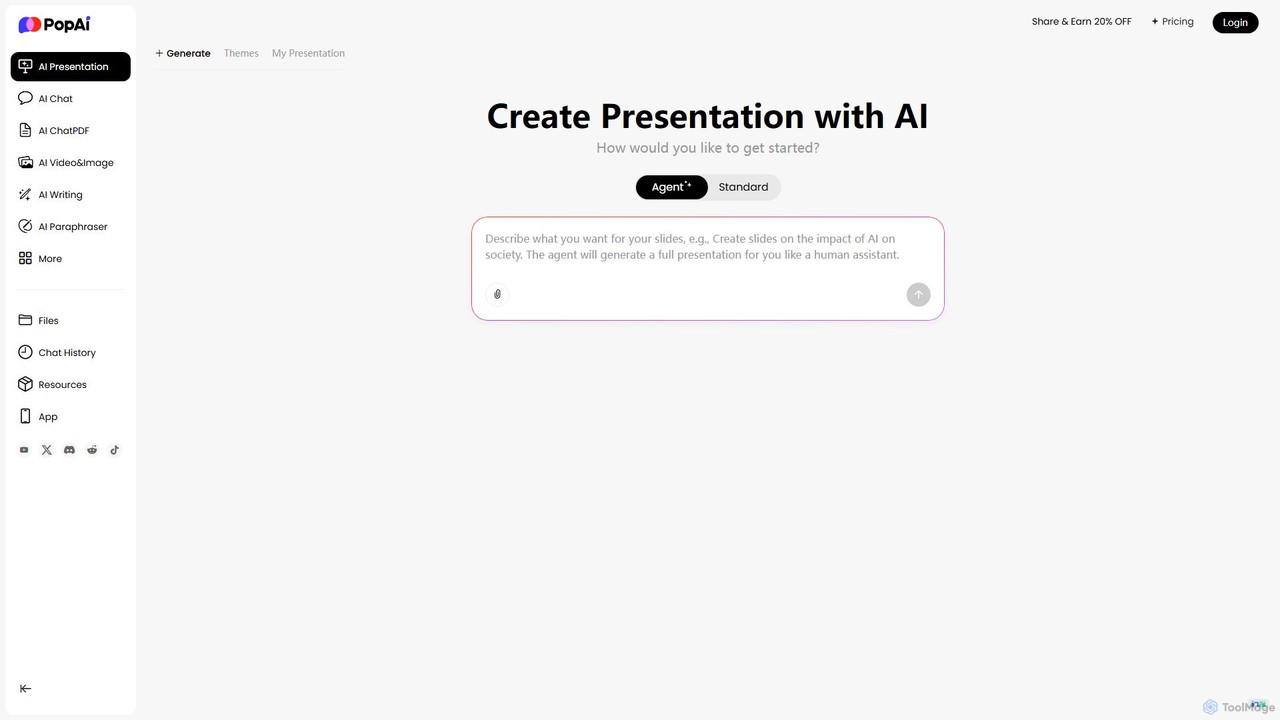
PopAi
PopAi is an all-in-one AI-powered productivity platform designed to streamline your workflow. It excels at creating professional presentations from prompts, documents, or URLs. It also features AI chat, document analysis (ChatPDF), AI writing, and paraphrasing tools, making it ideal for students, educators, and professionals.
Assistant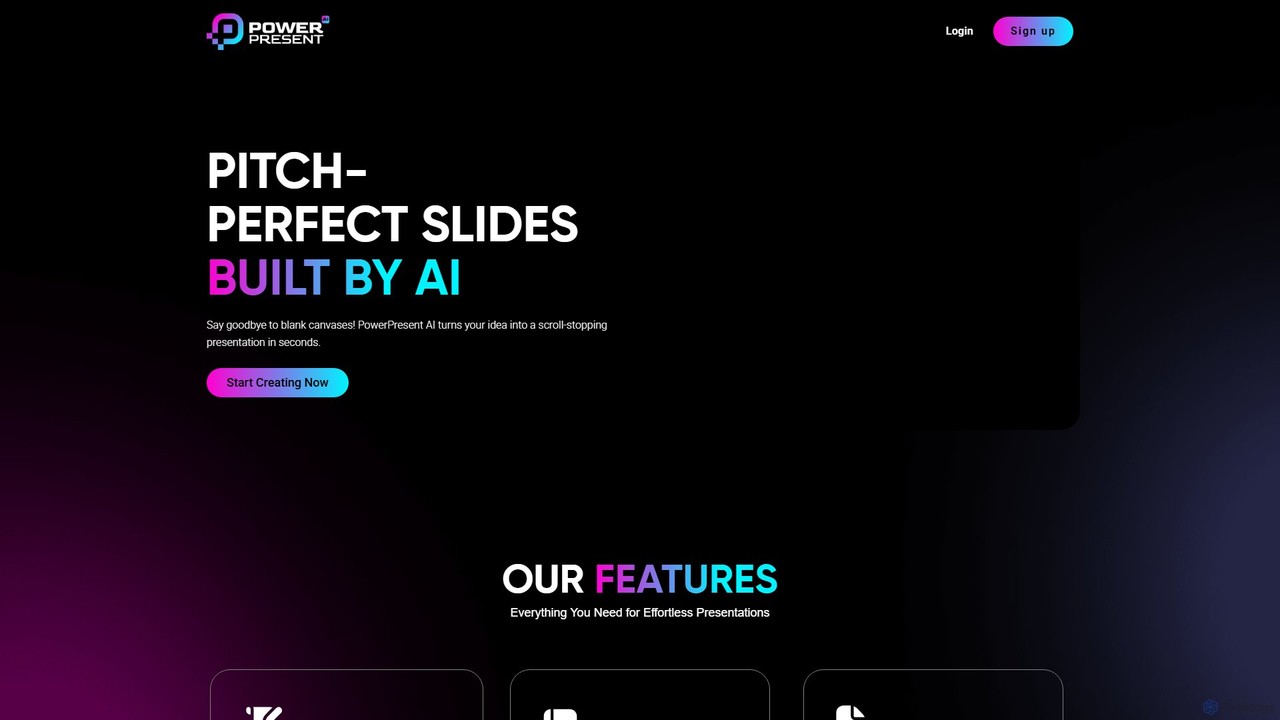
PowerPresent
PowerPresent is an AI-powered presentation maker that instantly transforms your ideas, documents, links, or text into professional, editable slides. Say goodbye to blank canvases and create stunning, pitch-perfect presentations in seconds for business, education, or personal projects.
Marketing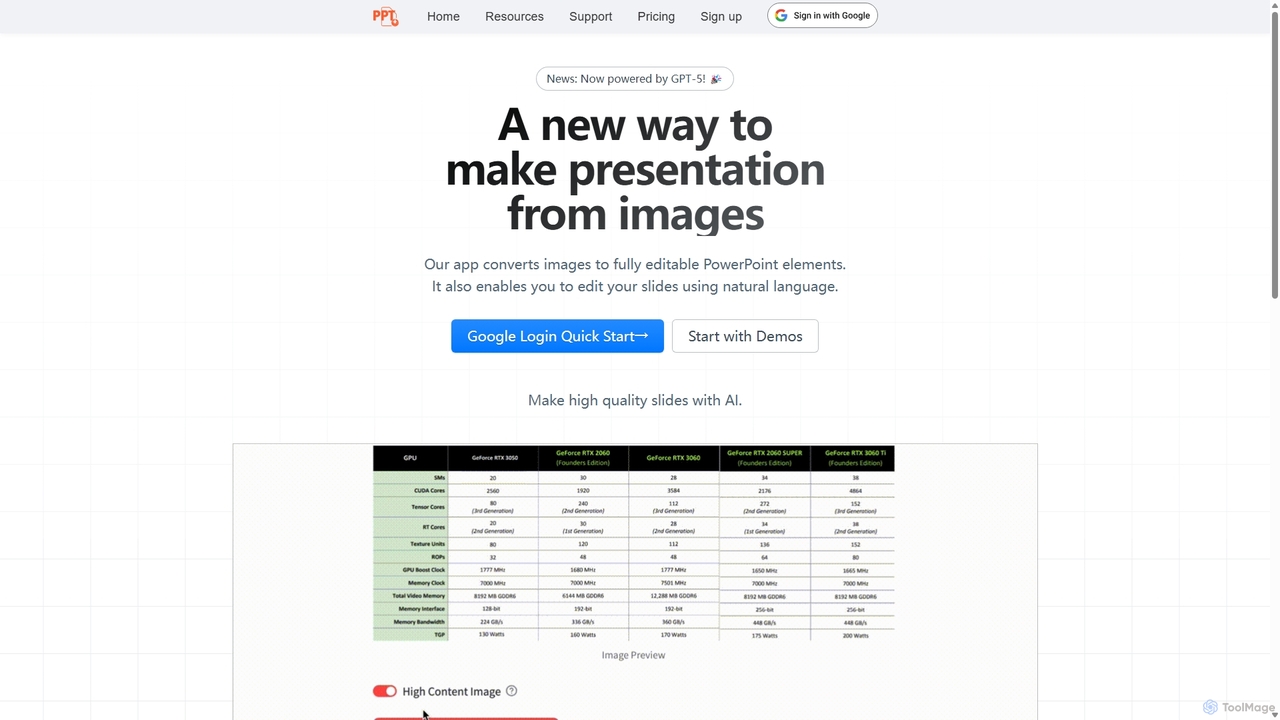
Edit in PPT
Edit in PPT is an AI-powered tool that converts images, screenshots, and static slides into fully editable PowerPoint presentations. It uses advanced vision models to recognize text, charts, and shapes, saving users hours of manual recreation. The tool also features natural language commands for editing slides, streamlining the entire presentation creation process.
Automation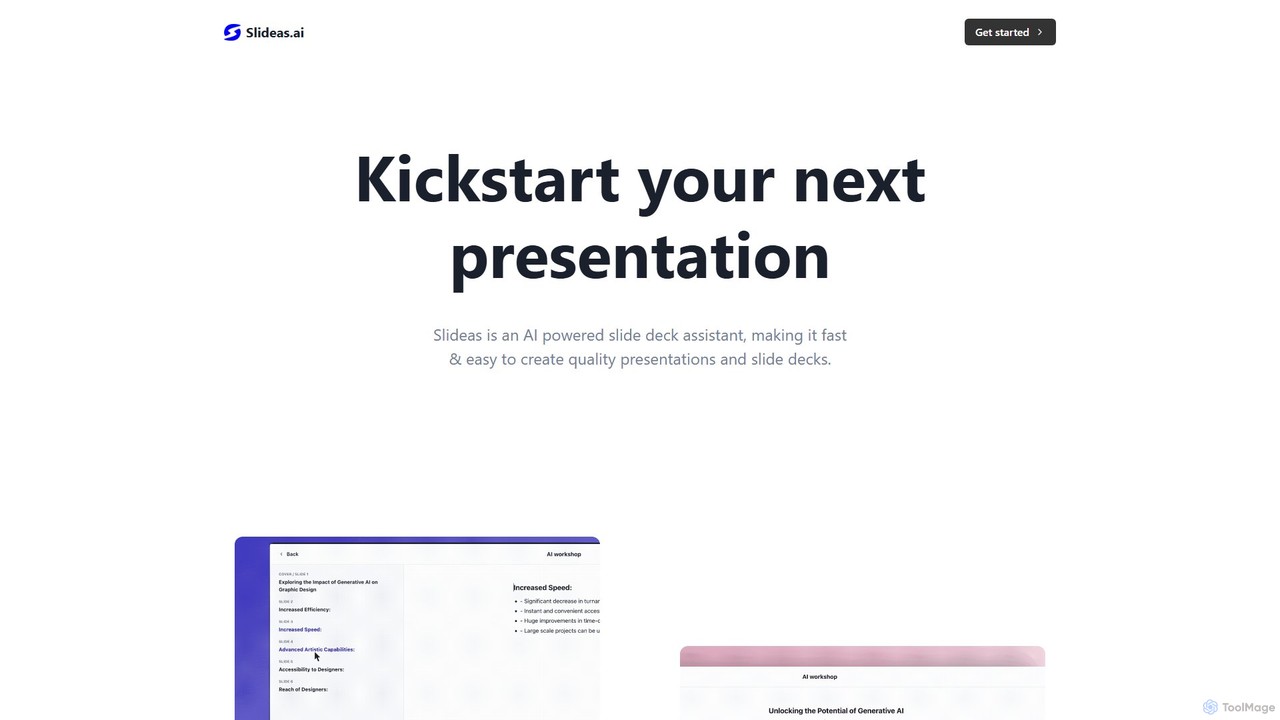
slideas.ai
slideas.ai is an AI-powered presentation assistant that rapidly creates professional slide decks. Simply provide a topic, and the AI generates headlines and talking points. Edit with an intuitive Notion-like editor, collaborate with your team in real-time, and present directly or export to Google Slides and PowerPoint.
Student Tools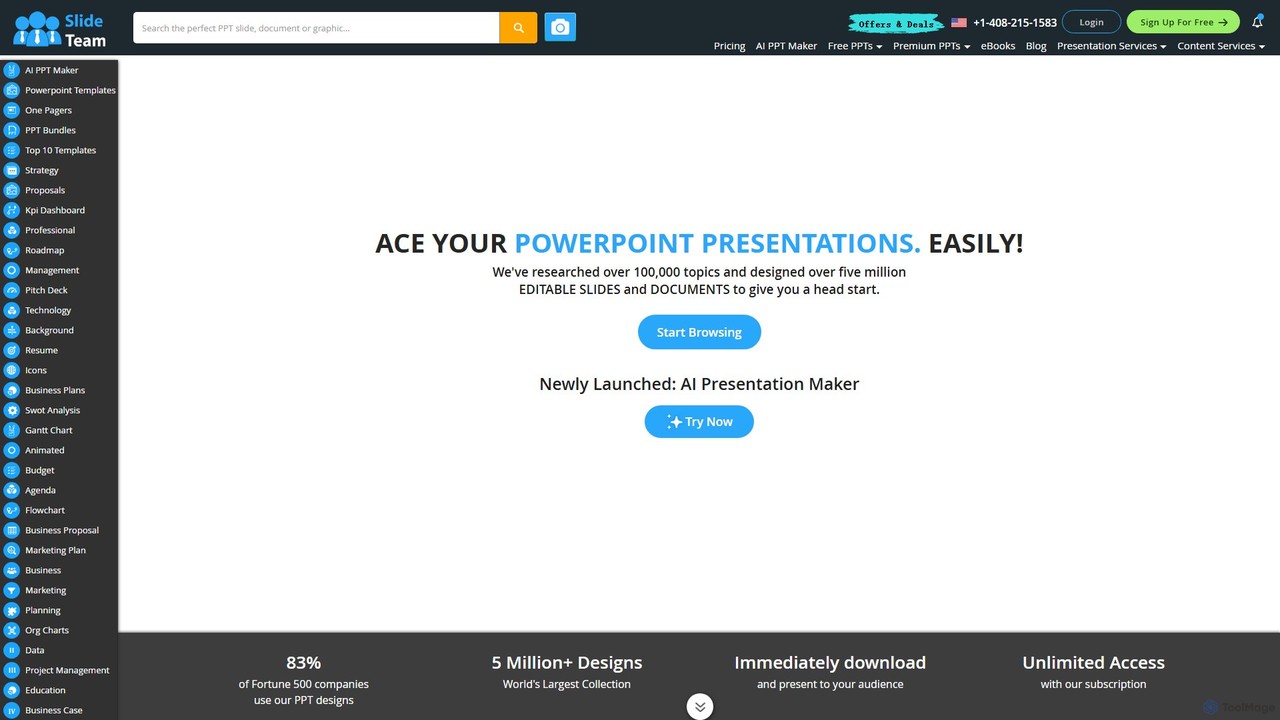
Slideteam
Slideteam is a comprehensive platform featuring an AI Presentation Maker and the world's largest library of over 5 million professional PowerPoint templates. It enables users to instantly generate or download fully editable slides, diagrams, and data-driven charts for any business topic. Trusted by Fortune 500 companies, Slideteam helps you create stunning, high-impact presentations in minutes, saving significant time and ensuring professional quality.
MarketingPlus AI Categories
Plus AI Embed Widget
Copy this embed code to place the badge on your blog, article, or product site and send readers directly to this ToolMage detail page.

Related AI tools
slideas.ai
slideas.ai is an AI-powered presentation assistant that rapidly creates professional slide decks. Simply provide a topic, and the AI generates headlines and talking points. Edit with an intuitive Notion-like editor, collaborate with your team in real-time, and present directly or export to Google Slides and PowerPoint.
Student Tools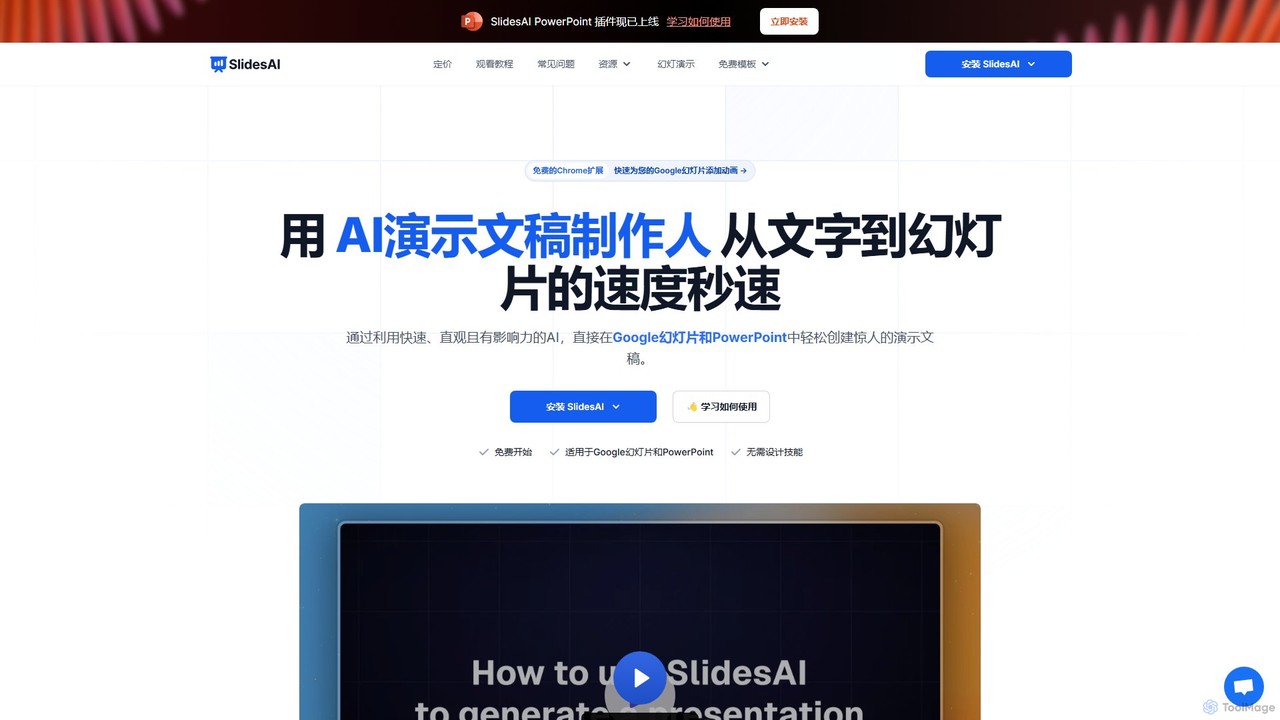
SlidesAI
SlidesAI is an AI-powered presentation maker that integrates directly into Google Slides and PowerPoint. It instantly transforms your text, documents, or ideas into professionally designed, ready-to-present slides. Save hours of manual work by automatically generating outlines, content, and visuals. It's perfect for educators, professionals, and students who need to create compelling presentations quickly and efficiently, with support for over 100 languages.
Automation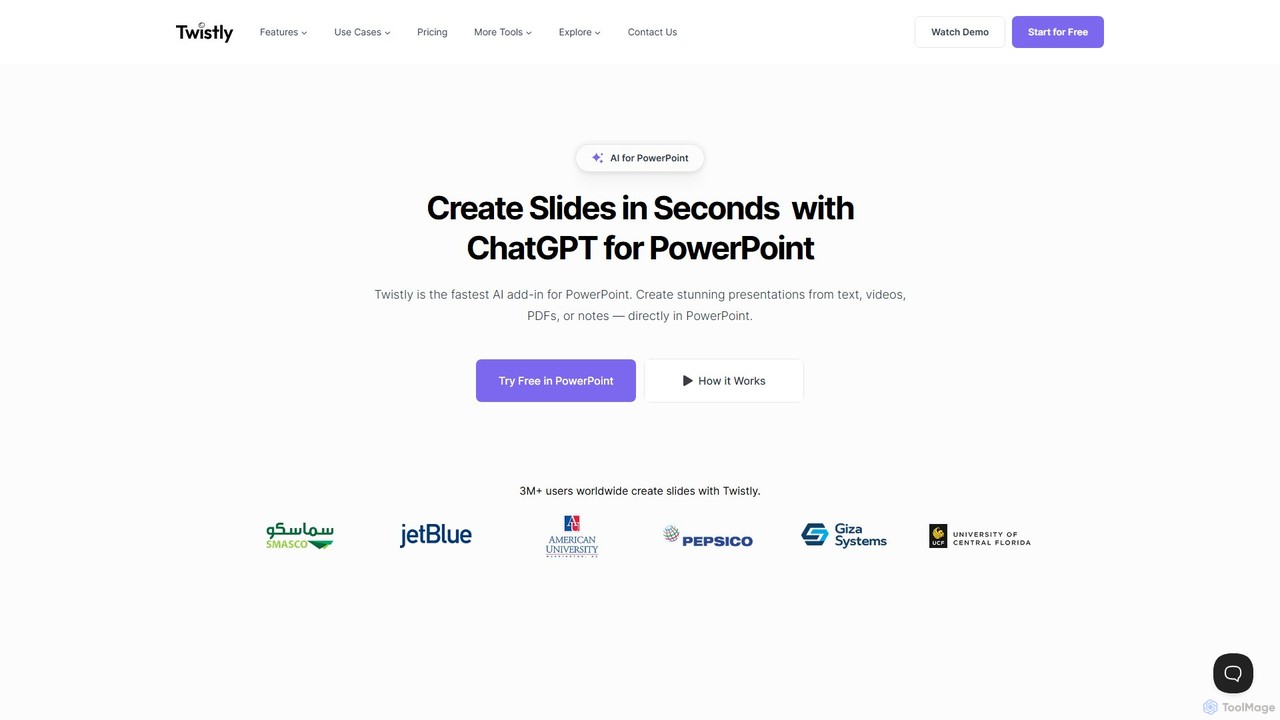
Twistly
Twistly is a powerful AI add-in for Microsoft PowerPoint that integrates ChatGPT to revolutionize presentation creation. It allows users to generate complete, stunning presentations from text, documents, PDFs, or even YouTube videos in seconds, directly within the PowerPoint interface. This eliminates the need for context switching, streamlining the workflow for professionals, educators, and students.
Teaching Tool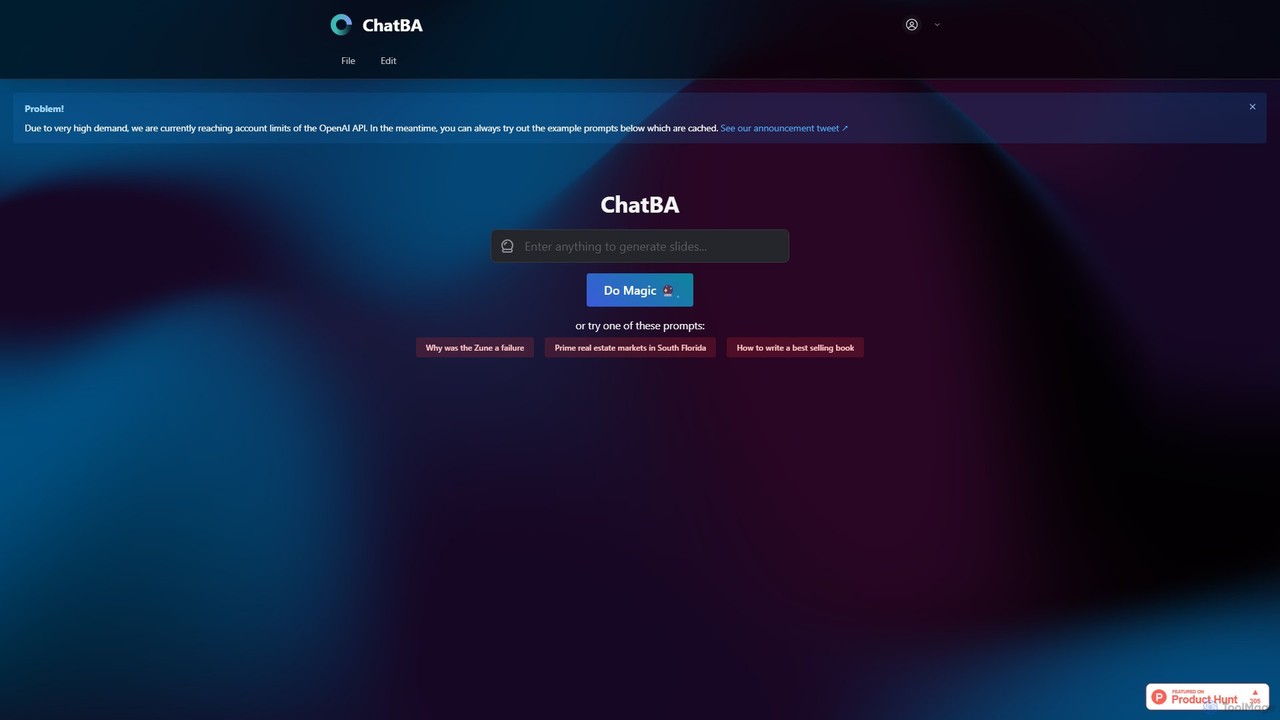
ChatBA
ChatBA is a generative AI tool that transforms simple text prompts into complete, professional presentations. Instantly create slide decks for business, education, or marketing by just describing your topic. It automates content writing, structuring, and design, saving you hours of manual work.
Student Tools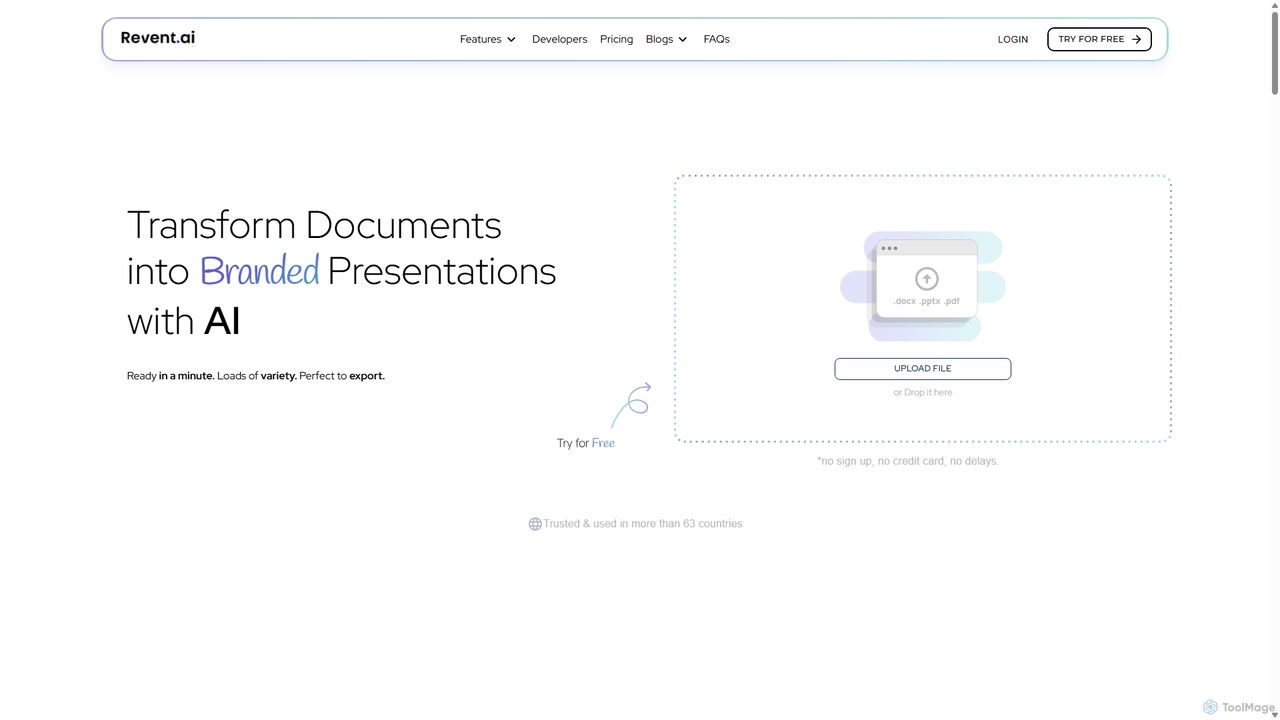
Revent
Revent is an AI-powered presentation design tool that instantly transforms documents like PDFs, Word files, and plain text into professionally designed, branded presentations. It automates slide creation, ensures brand consistency by mirroring your website's design, and offers a vast library of smart templates to streamline your workflow and produce stunning decks in minutes.
Document Management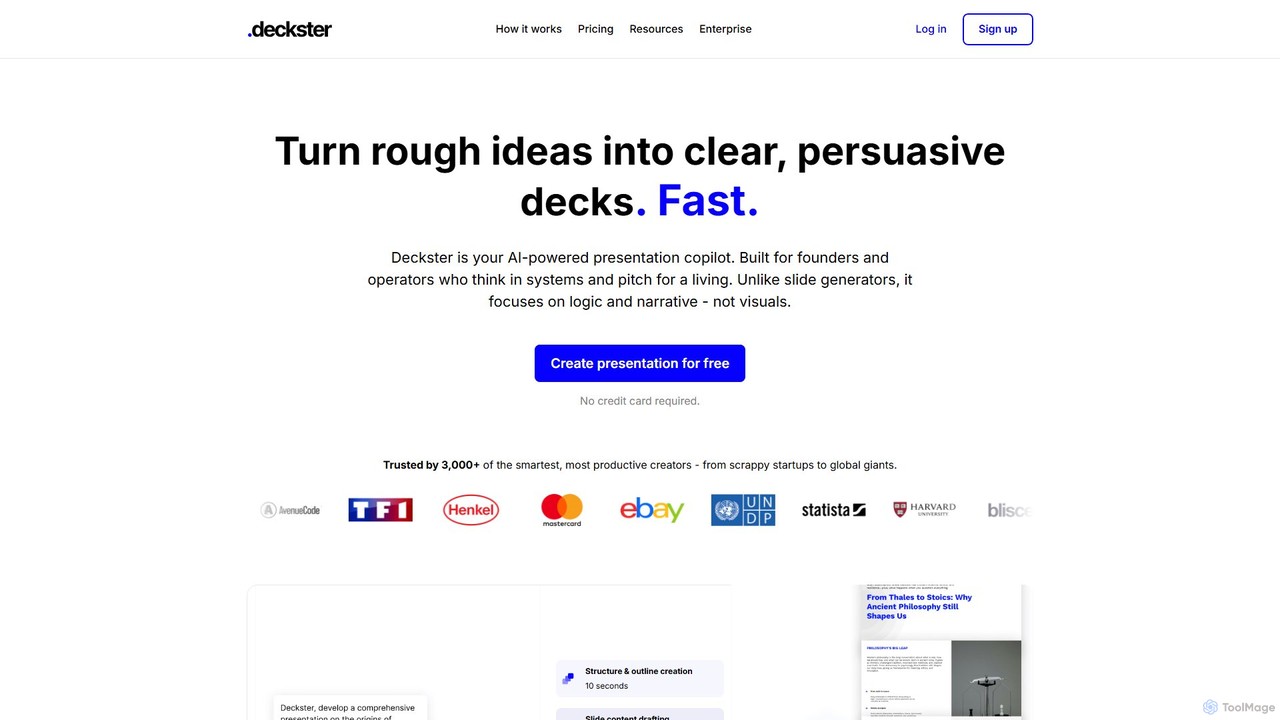
Deckster
Deckster is an AI-powered presentation copilot designed for founders and professionals. It transforms rough ideas into clear, persuasive presentations by focusing on logic, narrative, and structure, not just visuals. Generate a 95% ready draft in minutes, complete with smart content, auto-generated charts, and delivery tips, and export it directly to Google Slides or PowerPoint.
Communication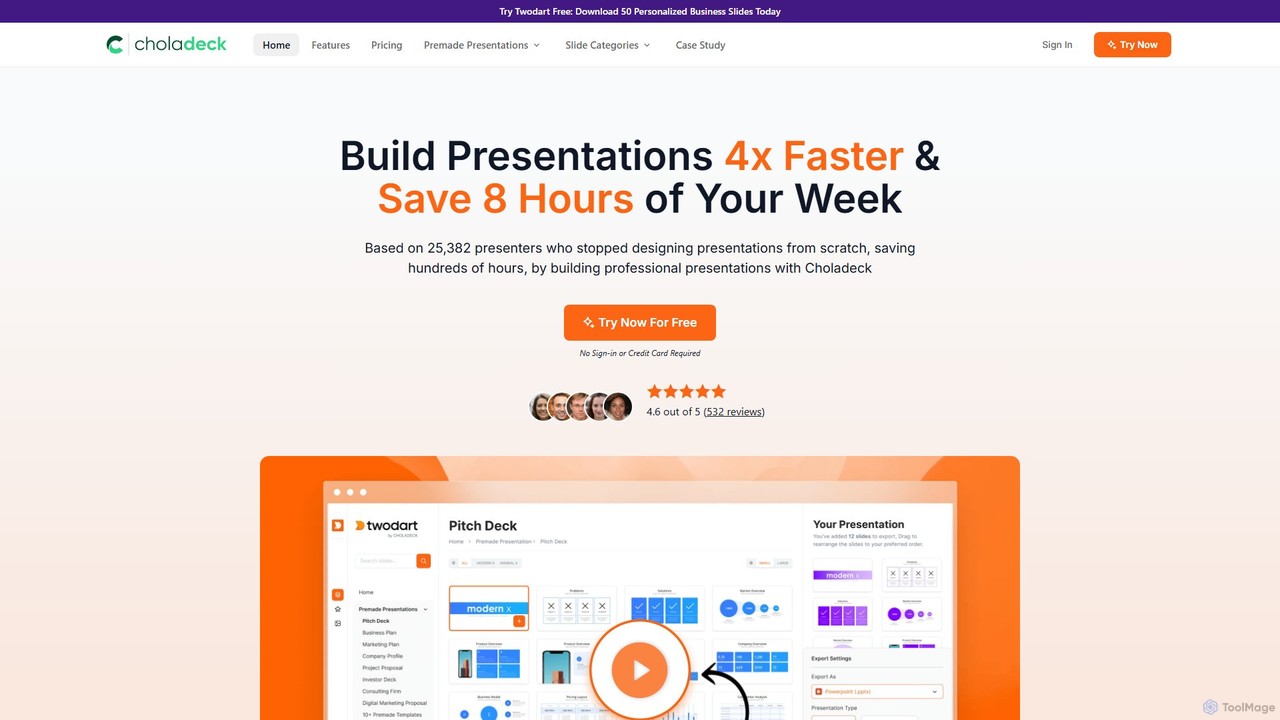
Choladeck
Choladeck (also known as the Twodart platform) is a powerful presentation builder designed to help users create professional, on-brand presentations 4x faster. With a massive library of over 9,870 customizable slides, 50+ premade templates, and seamless integration with PowerPoint, Google Slides, and Keynote, it eliminates the need to start from scratch. Ideal for professionals, teams, and businesses looking to save time, enhance visual communication, and maintain brand consistency across all their presentations.
Templates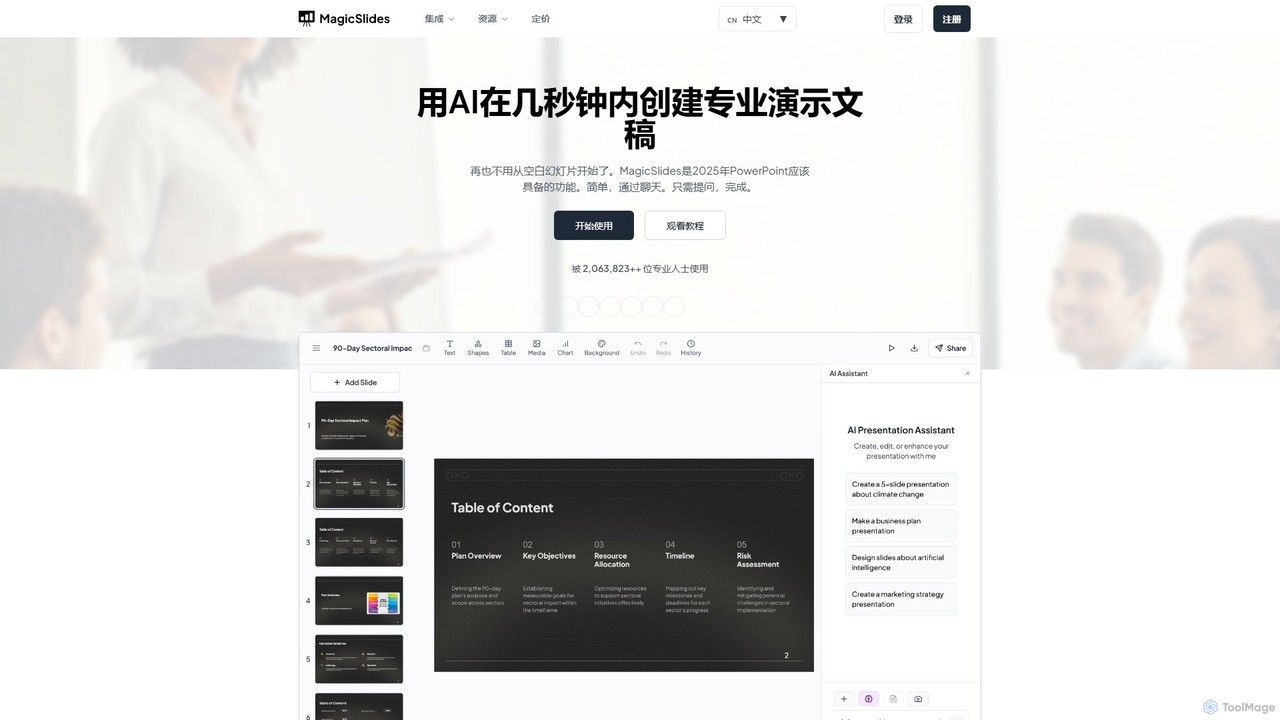
MagicSlides
MagicSlides is an AI-powered presentation maker that instantly creates professional slides from various sources, including text, topics, PDFs, YouTube videos, and URLs. It integrates seamlessly with Google Slides, PowerPoint, Figma, and more, supporting over 136 languages to streamline your workflow and save hours of design time.
Automation
ChatPPT
ChatPPT is a powerful AI presentation generator that creates professional slides from simple text prompts, documents, webpages, or even images. It streamlines the entire creation process, from content generation with live web search to intelligent layout and design, allowing users to produce stunning presentations in minutes.
Reporting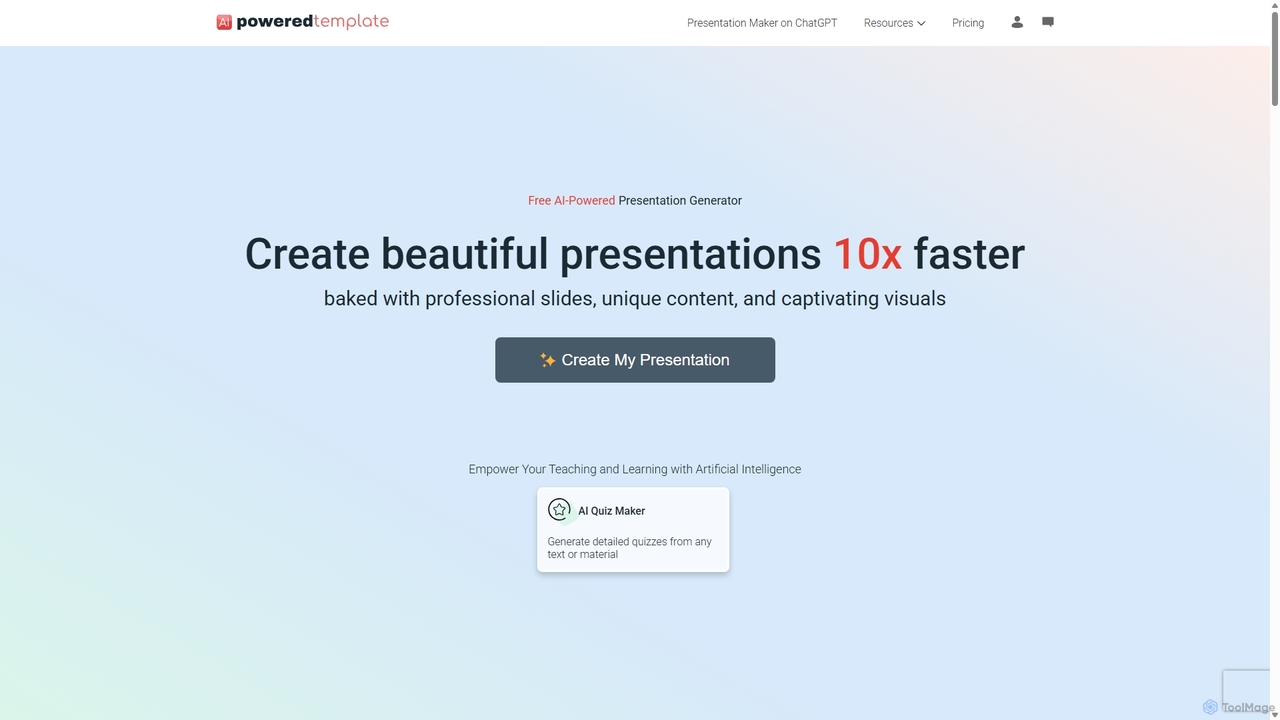
PoweredTemplate AI Presentation Maker
PoweredTemplate AI Presentation Maker is a free, AI-powered tool that transforms your ideas and text into stunning, professional presentations 10x faster. Instantly generate high-quality slides with unique content and captivating visuals for business, education, and marketing. It supports export to PowerPoint, Google Slides, and PDF, offering extensive customization through a vast library of templates and stock media.
Proposals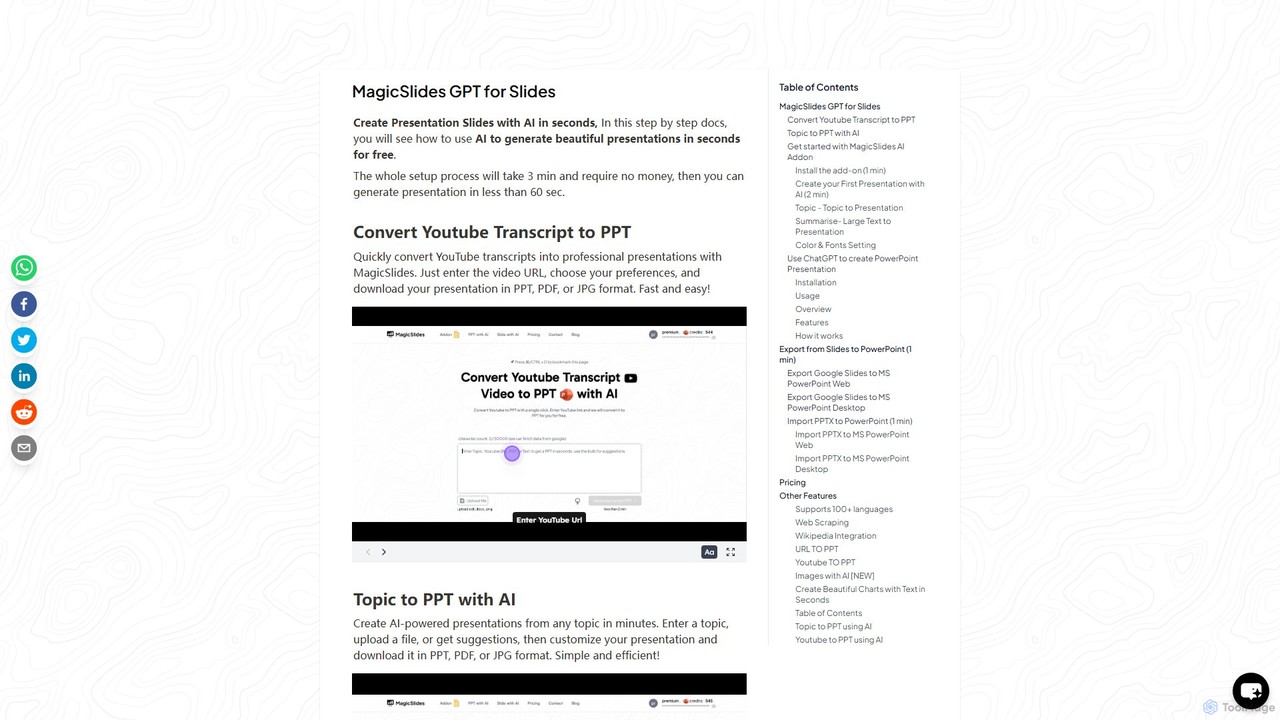
gptforslides
gptforslides (also known as MagicSlides) is an AI-powered presentation generator that creates professional slides in seconds. Integrated with Google Slides and ChatGPT, it can convert text, topics, URLs, YouTube videos, PDFs, and documents into visually appealing presentations, complete with AI-generated images and customizable designs.
Automation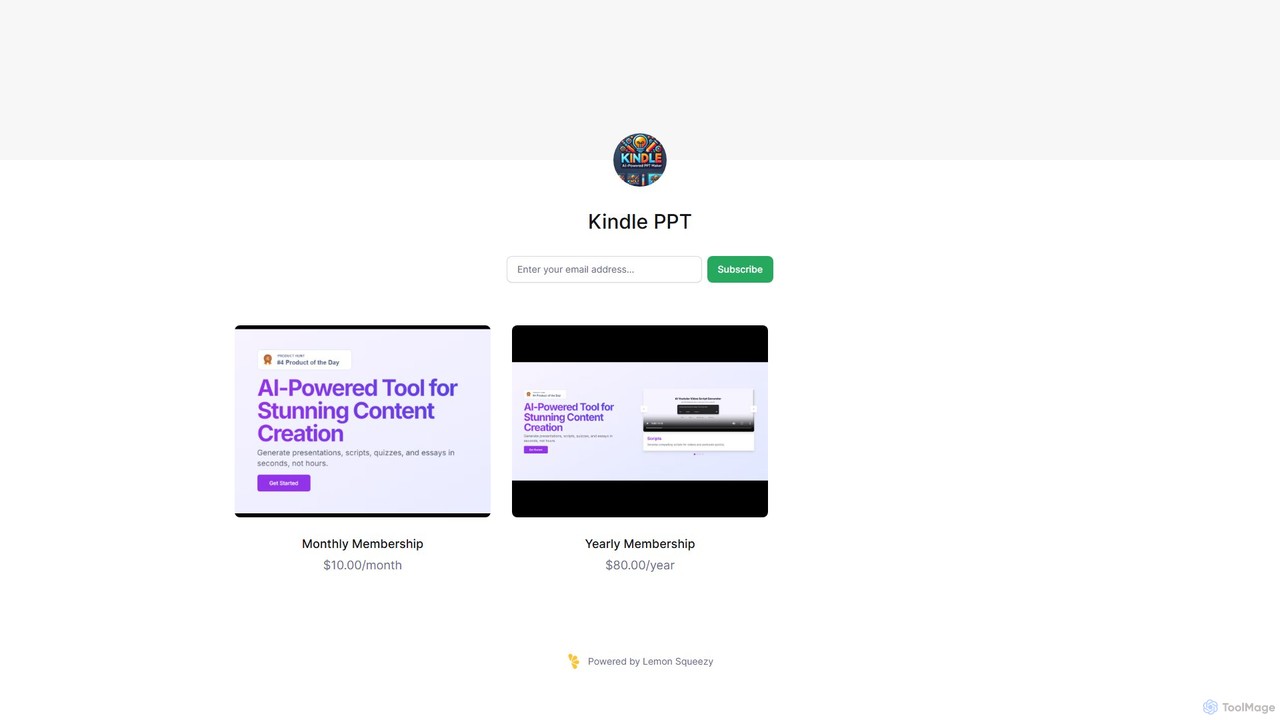
Kindle PPT
Kindle PPT is an AI-powered tool that transforms your Kindle highlights and notes into polished, ready-to-use PowerPoint presentations. It automates summarizing key ideas, structuring content into slides, and designing professional layouts. Ideal for students, professionals, and avid readers, it saves hours of manual work, helping you turn insights from books into compelling visual presentations effortlessly.
Study ToolsPopAi
PopAi is an all-in-one AI-powered productivity platform designed to streamline your workflow. It excels at creating professional presentations from prompts, documents, or URLs. It also features AI chat, document analysis (ChatPDF), AI writing, and paraphrasing tools, making it ideal for students, educators, and professionals.
AssistantPowerPresent
PowerPresent is an AI-powered presentation maker that instantly transforms your ideas, documents, links, or text into professional, editable slides. Say goodbye to blank canvases and create stunning, pitch-perfect presentations in seconds for business, education, or personal projects.
MarketingEdit in PPT
Edit in PPT is an AI-powered tool that converts images, screenshots, and static slides into fully editable PowerPoint presentations. It uses advanced vision models to recognize text, charts, and shapes, saving users hours of manual recreation. The tool also features natural language commands for editing slides, streamlining the entire presentation creation process.
Automation
Plus AI Comments (0)
Sign in to comment.
Sign inNo comments yet.