
gptforslides Overview
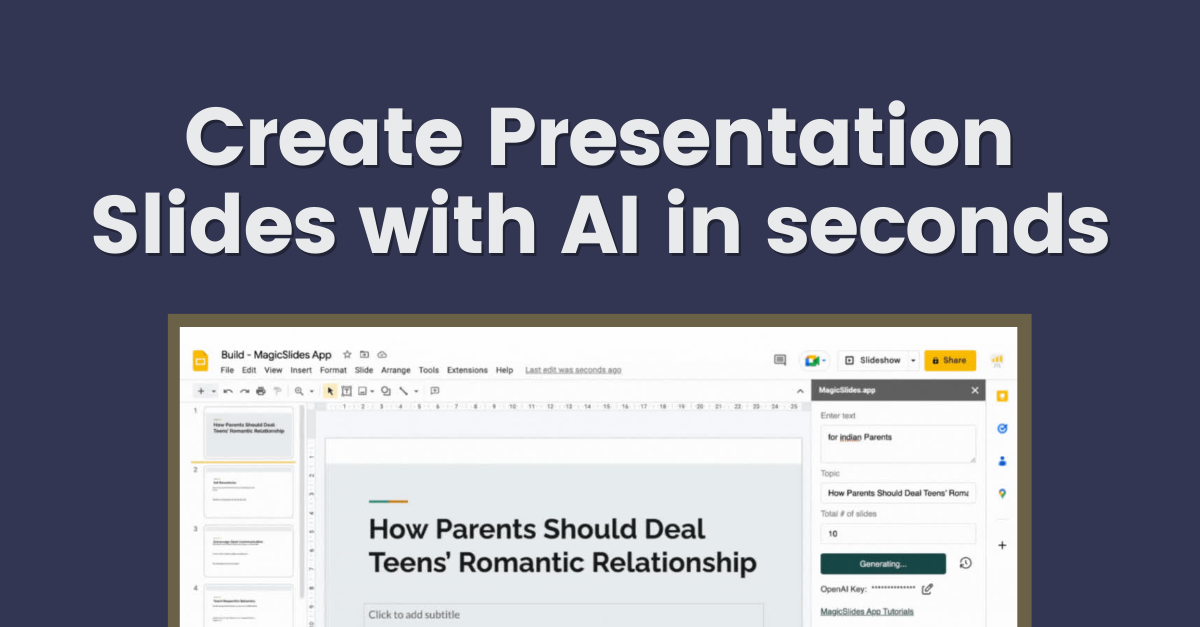
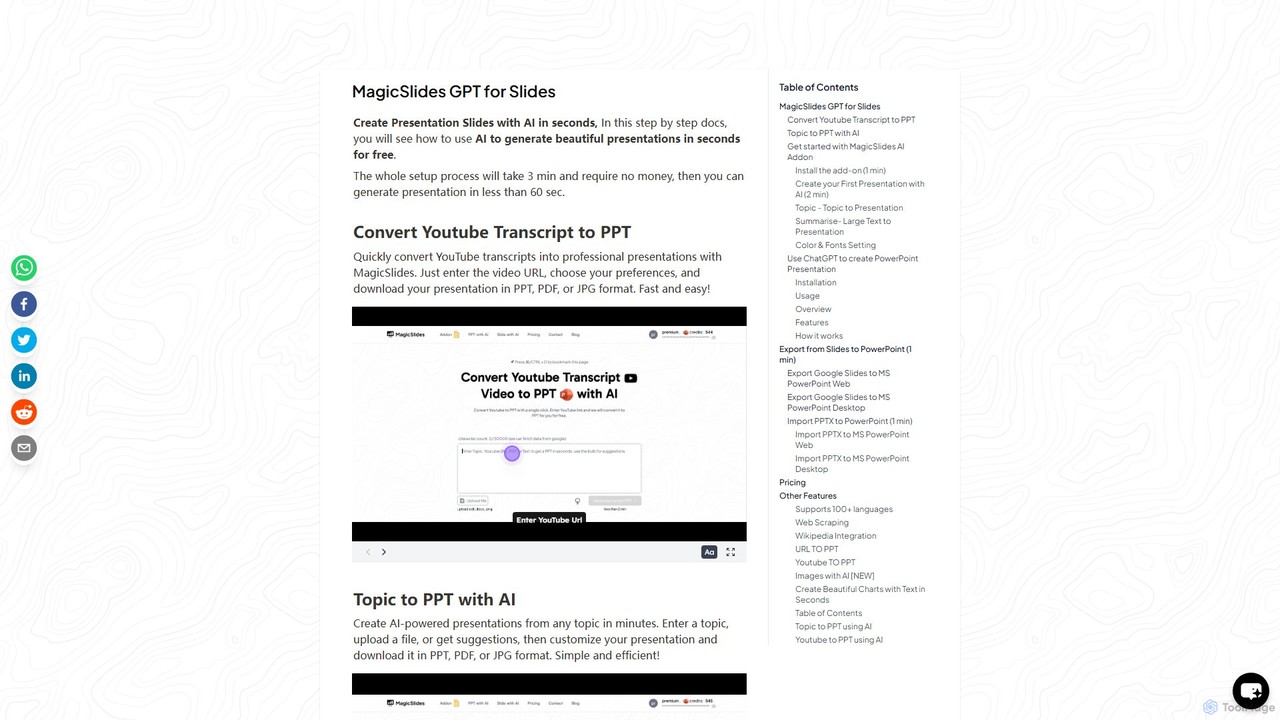
gptforslides, also known and marketed as MagicSlides, is a versatile AI-powered tool designed to automate and streamline the presentation creation process. It functions primarily as a Google Slides add-on and a ChatGPT plugin, enabling users to generate complete, well-structured presentations from a wide variety of inputs in just a few minutes. Whether you're starting with a simple topic, a block of text, a webpage URL, a YouTube video, or a document like a PDF or DOCX, gptforslides can intelligently summarize the content and transform it into a series of professional slides.
The tool is designed for efficiency, eliminating the tedious tasks of manual research, content summarization, and slide design. It automatically populates slides with relevant text and can even enhance them with AI-generated images, ensuring your presentation is not only informative but also visually engaging. With support for over 100 languages and extensive customization options for fonts and colors, it caters to a global user base with diverse needs.
How to use gptforslides
Getting started with gptforslides is a simple, three-minute process:
- Installation: Navigate to the Google Workspace Marketplace and install the "MagicSlides App" add-on for your Google account.
- Activation: Open a new or existing Google Slides presentation (you can go to slide.new). Click on Extensions > MagicSlides App > Open to launch the tool in the sidebar.
- Content Generation: Choose your preferred method for creating the presentation:
- Topic to Presentation: Enter a title or topic. For better results, provide some reference text to guide the AI.
- Summarize Text: Paste a large amount of text, and the AI will summarize it into concise slides.
- URL/YouTube to Presentation: Paste the URL of a webpage, blog post, or YouTube video. The tool will scrape the content or transcript and convert it into a presentation.
- Document to Presentation: Upload a file such as a PDF, DOCX, or even a presentation from another platform like Tome or Gamma to convert it.
- Customization: Before generating, you can go to the 'Color & Font' settings to choose from pre-made templates or customize the colors and fonts for titles and body text. You can also opt-in to have AI-generated images included in your slides.
- Generate and Export: Click the "Generate" button. Within a minute or two, your slides will be created directly in Google Slides. From there, you can easily export the presentation to Microsoft PowerPoint (.pptx), PDF, or JPG formats via the File > Download menu.
- ChatGPT Plugin Usage: For ChatGPT Plus users, you can enable the MagicSlides plugin and simply ask ChatGPT to create a presentation on a specific topic. It will generate the content and provide a download link.
Core Features of gptforslides
- Multi-Source Input: Generates presentations from topics, raw text, web URLs, YouTube videos, PDFs, DOCX files, and even other presentation URLs (Tome, Gamma).
- AI-Powered Content & Summarization: Intelligently processes input to create structured, relevant, and concise content for each slide.
- AI Image Generation: Automatically adds contextually relevant, AI-generated images to make presentations more visually appealing.
- Seamless Integration: Works directly within Google Slides as an add-on and as a plugin for ChatGPT, fitting into existing workflows.
- Full Customization: Offers control over templates, color schemes, font styles, and font sizes to match your branding or personal preference.
- Multi-Language Support: Capable of generating presentations in over 100 languages.
- Versatile Export Options: Easily download your finished work as a .pptx file for PowerPoint, a PDF for sharing, or JPG images.
- Companion Tools: Includes additional functionalities like MagicChart (text-to-chart), a PPT translator, and various file converters (PPT to MP4, Text, etc.).
Use Cases for gptforslides
gptforslides is a valuable asset for a wide range of users:
- Students and Educators: Quickly create lecture slides, project presentations, and study guides from course materials, research papers, or Wikipedia articles.
- Business Professionals: Generate pitch decks, business reports, marketing updates, and training materials from internal documents, product pages, or industry articles in minutes.
- Marketers and Content Creators: Effortlessly repurpose blog posts and YouTube videos into engaging slide decks for platforms like SlideShare or for use in webinars, expanding content reach.
- Researchers and Analysts: Convert dense PDF reports, data-heavy articles, and web-based information into digestible presentations to share key findings with stakeholders.
Advantages of gptforslides
The primary advantage of gptforslides is its massive time-saving capability. It condenses what could be hours of work into a few clicks. Its versatility in handling diverse inputs makes it a one-stop solution for presentation needs. The integration with Google Slides and ChatGPT ensures a smooth user experience. Finally, the quality of the output, combining structured text with AI imagery, results in professional and effective presentations with minimal effort.
Pricing and Plans
gptforslides operates on a freemium model:
- Free Plan: Users can create up to 3 presentations per month at no cost. This is perfect for occasional use or for testing the tool's capabilities.
- Paid Plans: For users with more frequent needs, paid subscriptions are available. These plans offer a higher quota of monthly presentations, access to all advanced features like AI image generation, and priority customer support. Specific details can be found on the official pricing page.
Traffic
Latest traffic
Status
Monthly traffic trend
- 2025-9: 9.7K
- 2026-1: 6.2K
- 2026-2: 4.9K
- 2026-3: 4.3K
- 2026-4: 7.1K
- 2026-5: 3.1K
Geography
Top 5 countries / regions
- 🇺🇸United States48.4%
- 🇮🇳India35.2%
- 🇯🇵Japan16.4%
Top keywords
| Keyword | Cost per click |
|---|---|
| ai slides | $1.57 |
| gpt for slides | $2.94 |
| magicslides | $0.75 |
| slides | $1.36 |
| slidesgpt | $0.70 |
gptforslides Alternatives
ChatBA
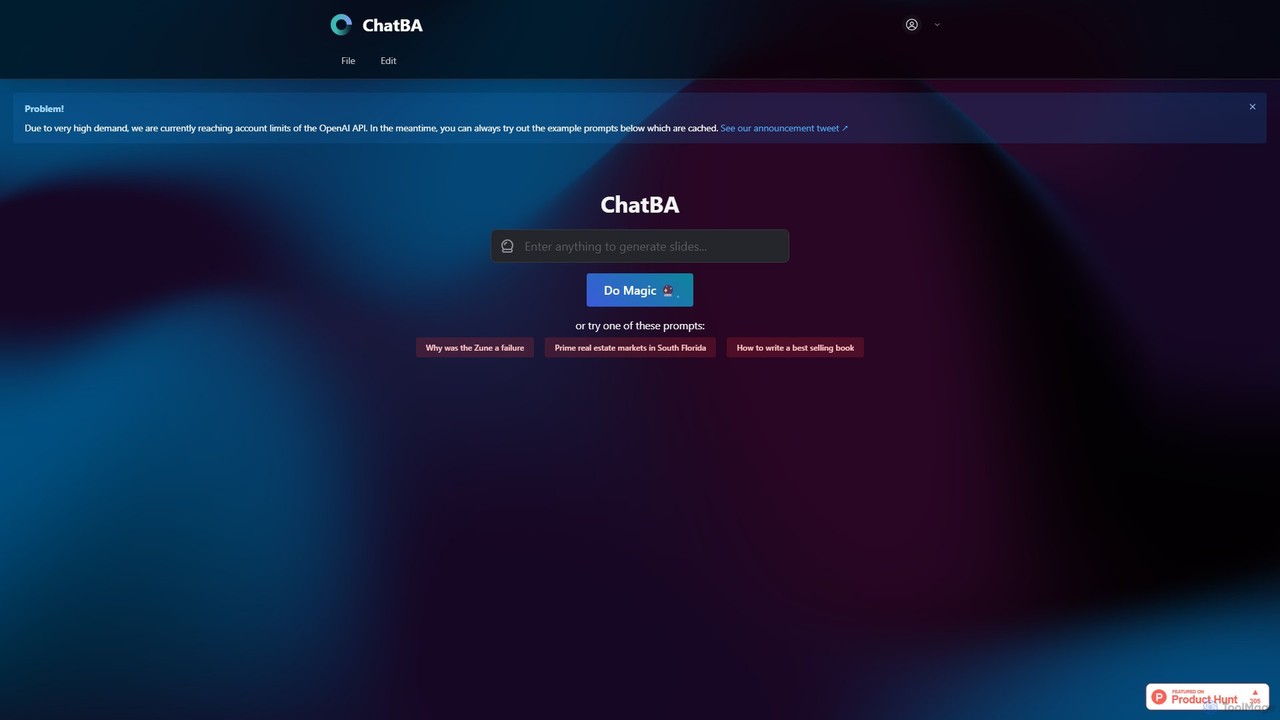
ChatBA is a generative AI tool that transforms simple text prompts into complete, professional presentations. Instantly create slide decks for business, education, or marketing by just describing your topic. It automates content writing, structuring, and design, saving you hours of manual work.
Student Tools
SlidesAI
SlidesAI is an AI-powered presentation maker that integrates directly into Google Slides and PowerPoint. It instantly transforms your text, documents, or ideas into professionally designed, ready-to-present slides. Save hours of manual work by automatically generating outlines, content, and visuals. It's perfect for educators, professionals, and students who need to create compelling presentations quickly and efficiently, with support for over 100 languages.
Automation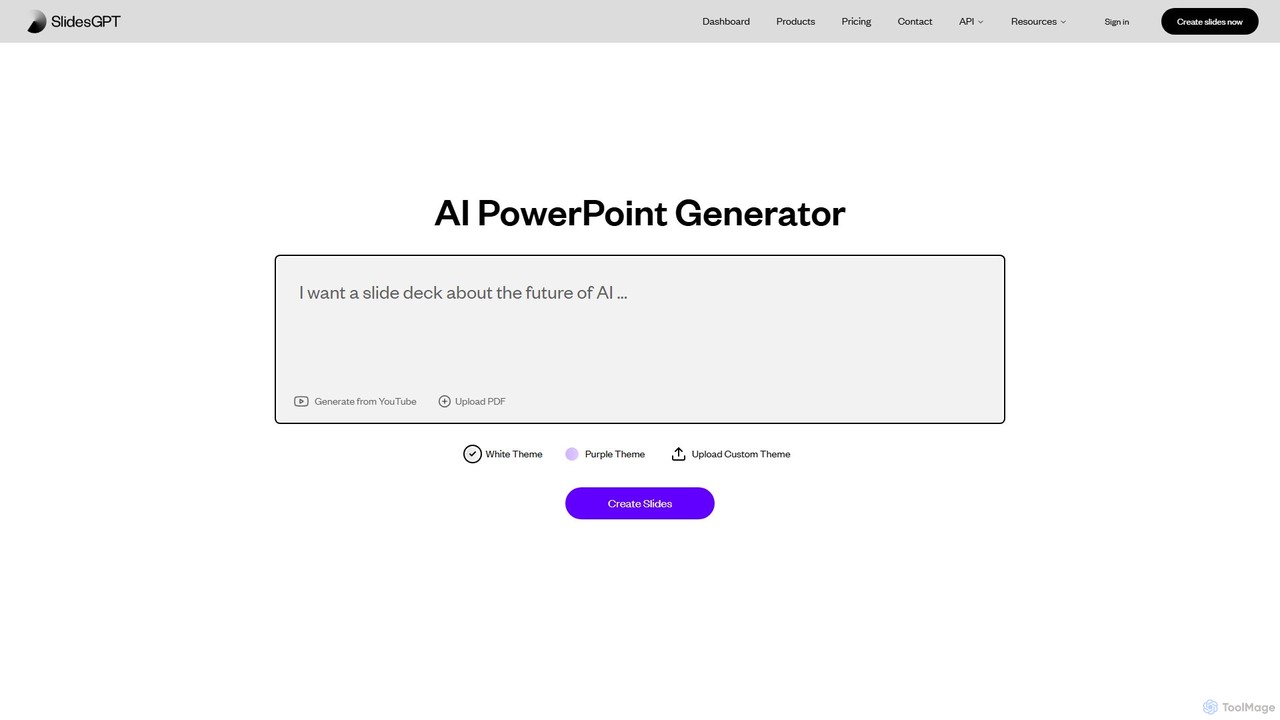
SlidesGPT
SlidesGPT is an AI-powered presentation generator that creates professional PowerPoint and Google Slides presentations from text, prompts, PDFs, or YouTube videos. It automates the slide creation process, saving users hours of work and enabling them to produce engaging slideshows 10x faster.
Sales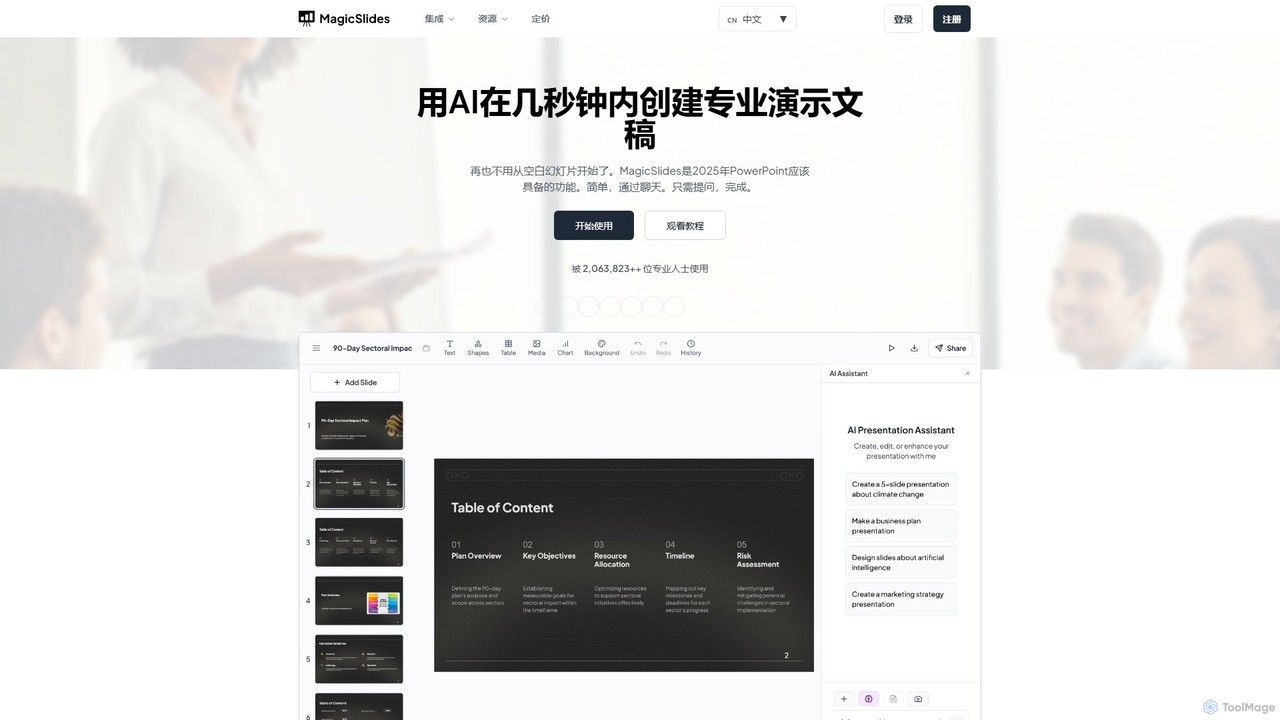
MagicSlides
MagicSlides is an AI-powered presentation maker that instantly creates professional slides from various sources, including text, topics, PDFs, YouTube videos, and URLs. It integrates seamlessly with Google Slides, PowerPoint, Figma, and more, supporting over 136 languages to streamline your workflow and save hours of design time.
Automation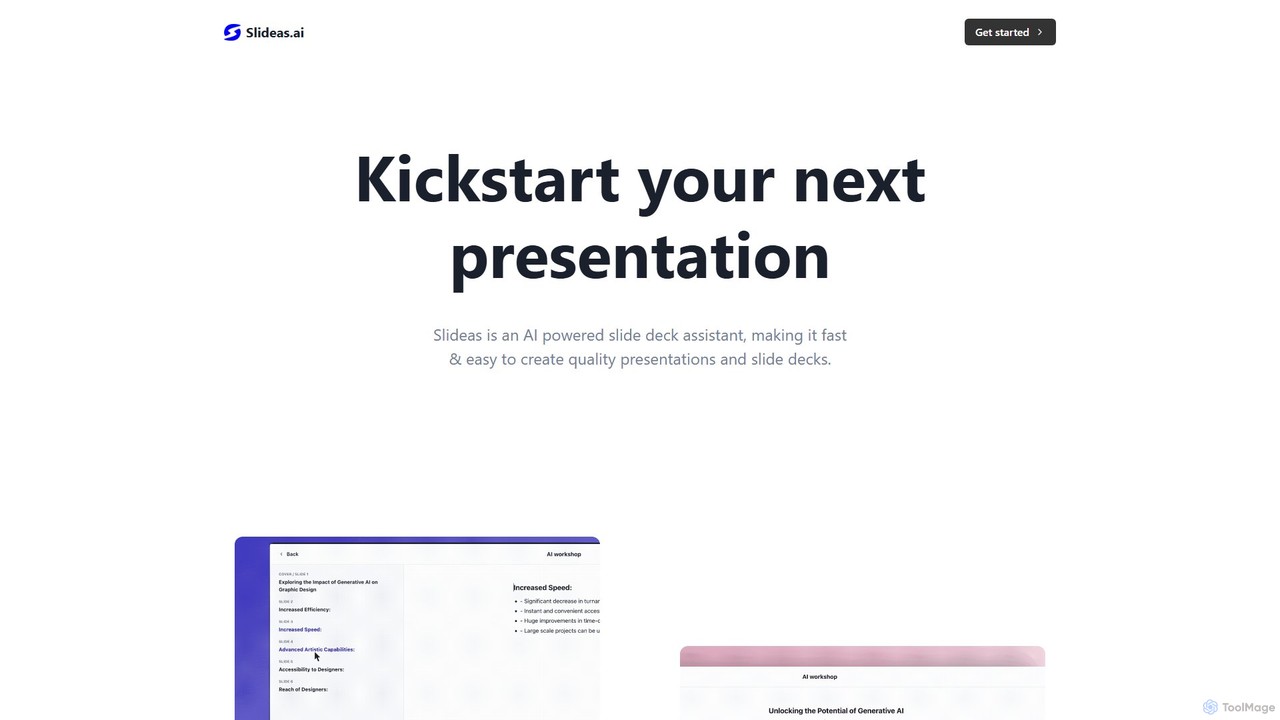
slideas.ai
slideas.ai is an AI-powered presentation assistant that rapidly creates professional slide decks. Simply provide a topic, and the AI generates headlines and talking points. Edit with an intuitive Notion-like editor, collaborate with your team in real-time, and present directly or export to Google Slides and PowerPoint.
Student Toolsgptforslides Categories
gptforslides Embed Widget
Copy this embed code to place the badge on your blog, article, or product site and send readers directly to this ToolMage detail page.

Related AI tools
ChatBA
ChatBA is a generative AI tool that transforms simple text prompts into complete, professional presentations. Instantly create slide decks for business, education, or marketing by just describing your topic. It automates content writing, structuring, and design, saving you hours of manual work.
Student Tools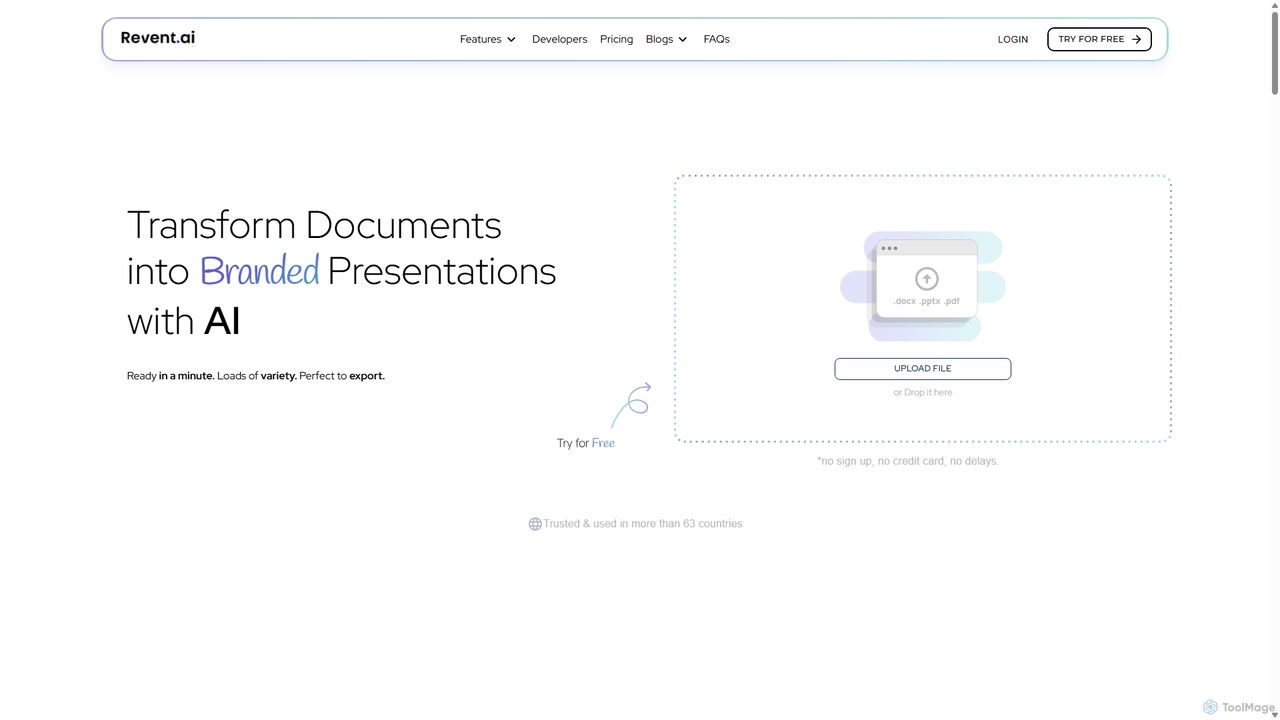
Revent
Revent is an AI-powered presentation design tool that instantly transforms documents like PDFs, Word files, and plain text into professionally designed, branded presentations. It automates slide creation, ensures brand consistency by mirroring your website's design, and offers a vast library of smart templates to streamline your workflow and produce stunning decks in minutes.
Document Management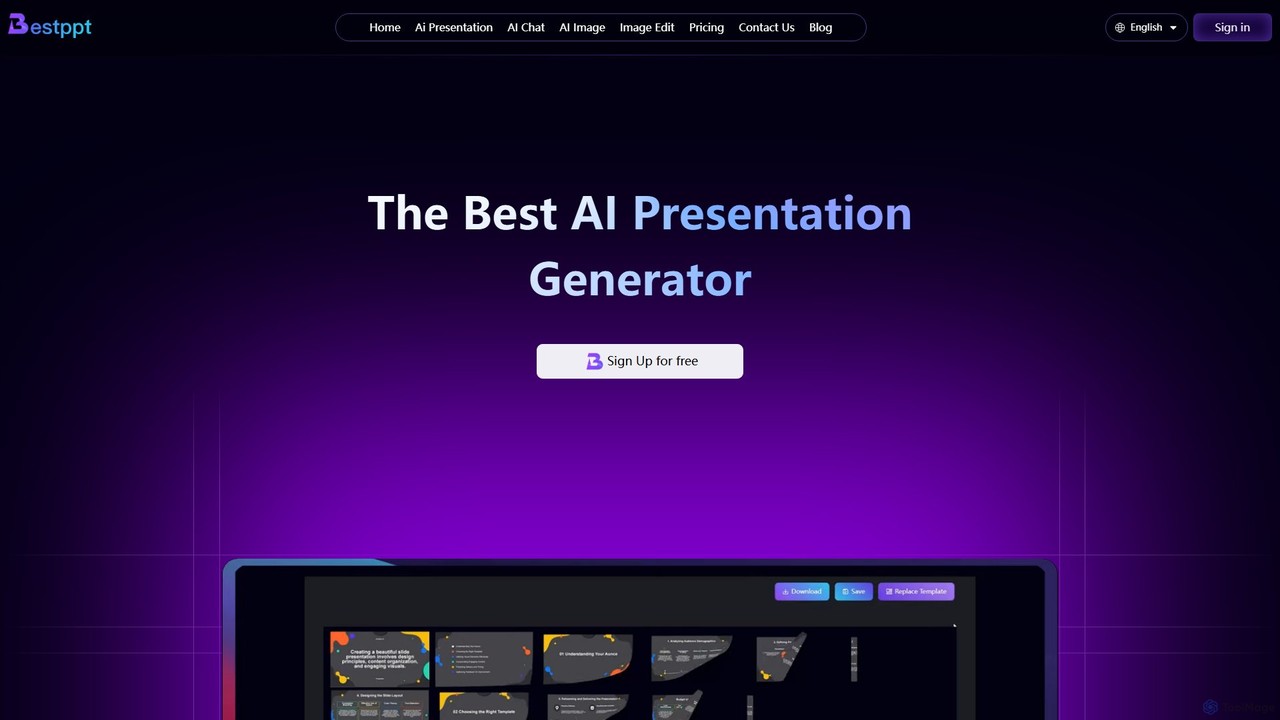
bestppt.ai
bestppt.ai is an AI-powered presentation generator that transforms text, topics, or files into professional PowerPoint slides in minutes. It integrates an AI chatbot, image generator, and a vast template library to streamline the entire creation process for business, education, and creative projects.
Teaching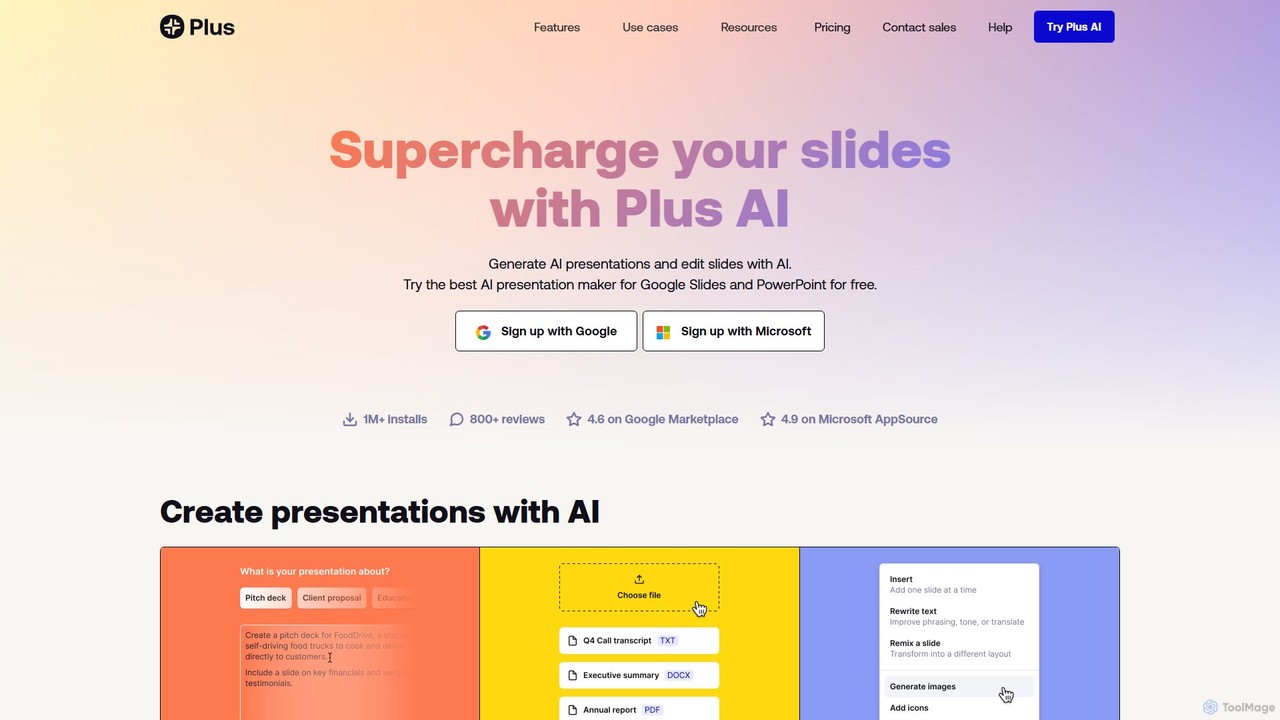
Plus AI
Plus AI is an advanced AI presentation maker designed for professionals. It integrates directly into Google Slides and PowerPoint, allowing you to generate, edit, and reformat slides seamlessly within your existing workflow. Convert documents like PDFs and Word files into stunning, fully-editable presentations, or create them from a simple text prompt. It's built for high-quality, branded content with enterprise-grade security.
Marketing
PPTX.ai
PPTX.ai is an AI-powered tool that rapidly transforms text, PDFs, and Word documents into professional presentations for PowerPoint and Google Slides. It automatically generates slide content, bullet points, and detailed speaker notes, helping users create compelling presentations in minutes.
Document Summarization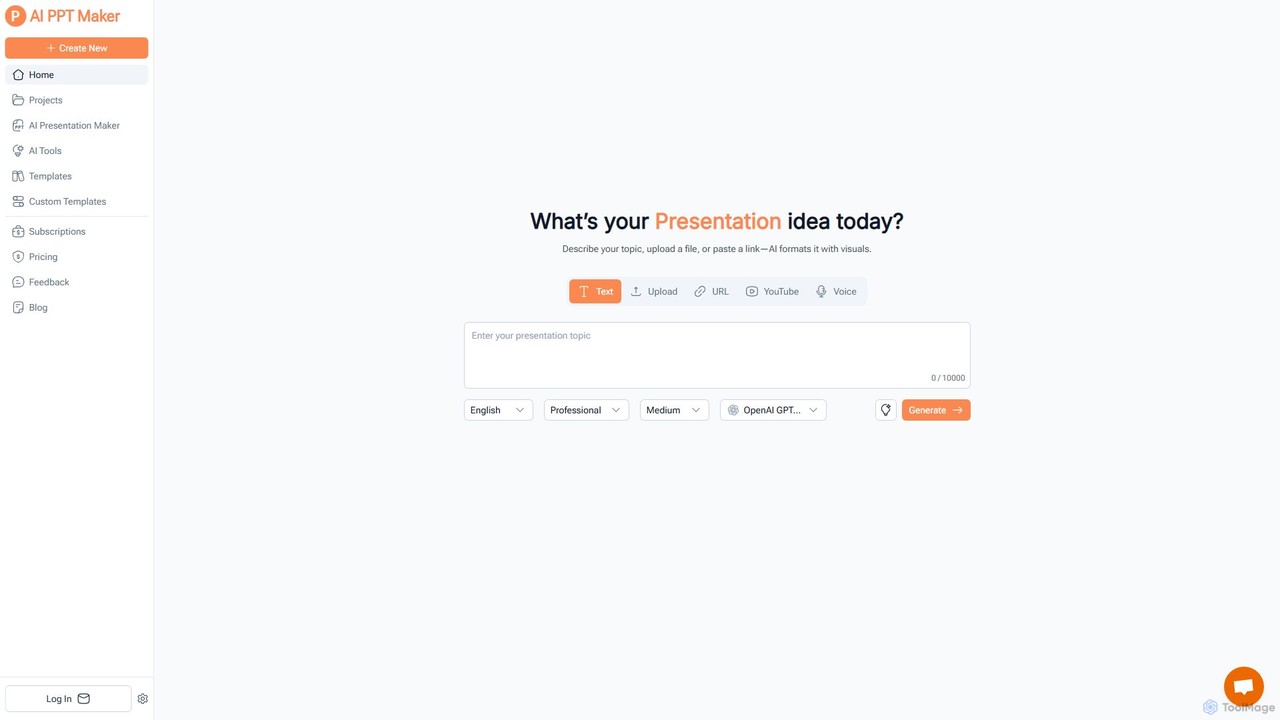
aipptmaker
aipptmaker is a free, AI-powered online tool that instantly generates professional PowerPoint presentations. It transforms text, PDFs, URLs, YouTube videos, and even voice recordings into stunning, editable slides in seconds. Powered by advanced models like GPT-4o and DeepSeek, it offers extensive customization with over 1000 templates, making it ideal for business, education, and personal use.
MarketingSlidesAI
SlidesAI is an AI-powered presentation maker that integrates directly into Google Slides and PowerPoint. It instantly transforms your text, documents, or ideas into professionally designed, ready-to-present slides. Save hours of manual work by automatically generating outlines, content, and visuals. It's perfect for educators, professionals, and students who need to create compelling presentations quickly and efficiently, with support for over 100 languages.
AutomationSlidesGPT
SlidesGPT is an AI-powered presentation generator that creates professional PowerPoint and Google Slides presentations from text, prompts, PDFs, or YouTube videos. It automates the slide creation process, saving users hours of work and enabling them to produce engaging slideshows 10x faster.
SalesMagicSlides
MagicSlides is an AI-powered presentation maker that instantly creates professional slides from various sources, including text, topics, PDFs, YouTube videos, and URLs. It integrates seamlessly with Google Slides, PowerPoint, Figma, and more, supporting over 136 languages to streamline your workflow and save hours of design time.
Automationslideas.ai
slideas.ai is an AI-powered presentation assistant that rapidly creates professional slide decks. Simply provide a topic, and the AI generates headlines and talking points. Edit with an intuitive Notion-like editor, collaborate with your team in real-time, and present directly or export to Google Slides and PowerPoint.
Student Tools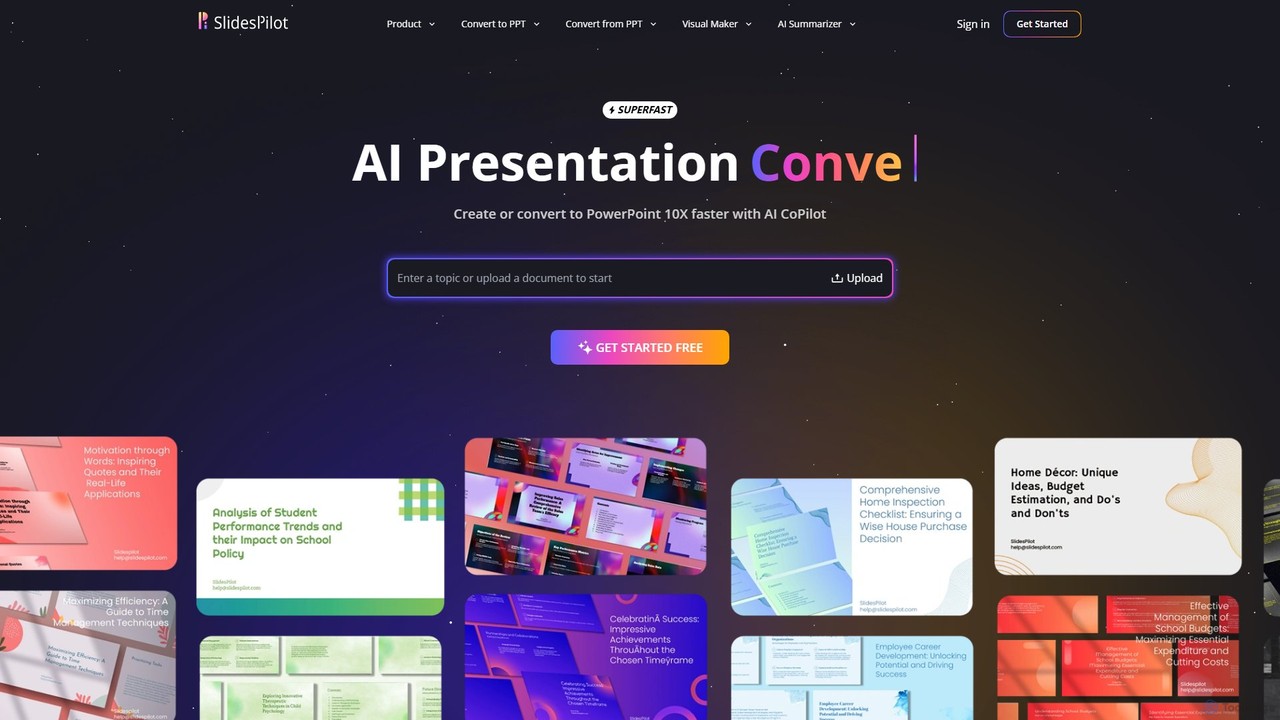
SlidesPilot
SlidesPilot is an AI-powered presentation generator that creates professional PowerPoint and Google Slides 10x faster. It can generate presentations from a topic, convert documents (PDF, Word), text, YouTube videos, and webpages into slides, and features an AI Copilot for real-time editing, image generation, and content rewriting.
Document Management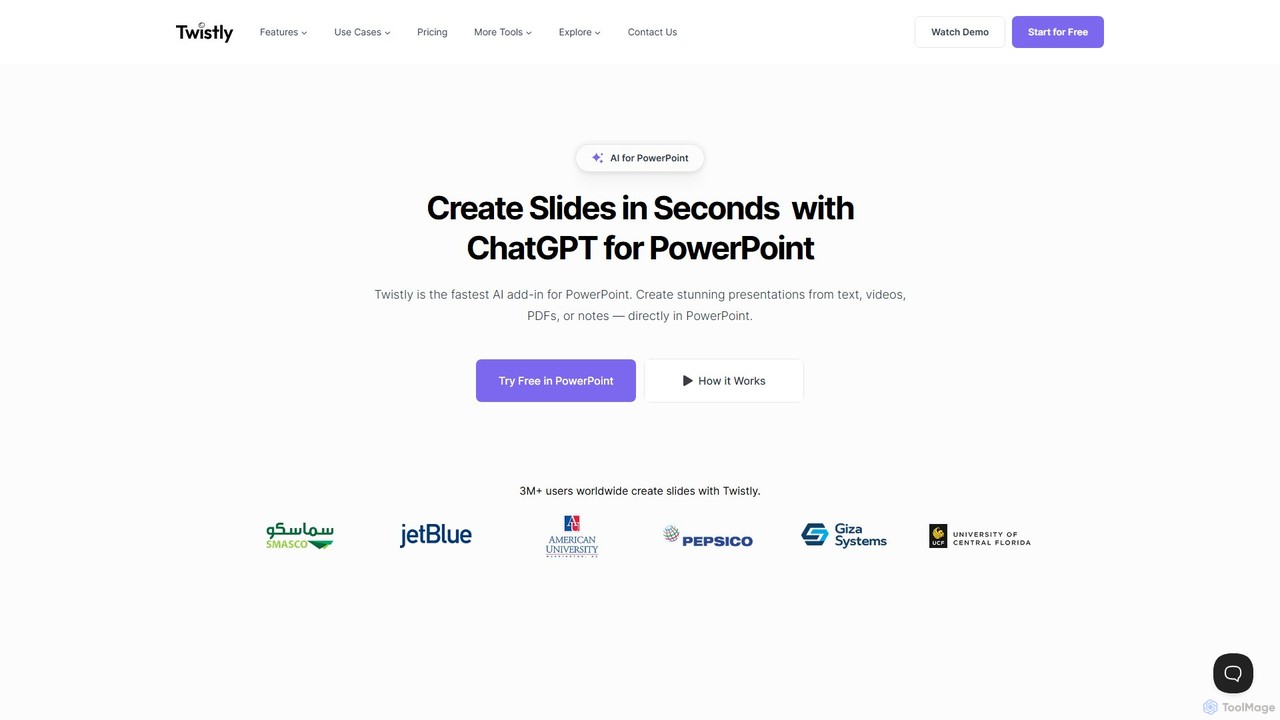
Twistly
Twistly is a powerful AI add-in for Microsoft PowerPoint that integrates ChatGPT to revolutionize presentation creation. It allows users to generate complete, stunning presentations from text, documents, PDFs, or even YouTube videos in seconds, directly within the PowerPoint interface. This eliminates the need for context switching, streamlining the workflow for professionals, educators, and students.
Teaching Tool
pptgo
pptgo is an AI-powered presentation generator that creates professional, visually appealing slides in seconds. Simply provide a topic, text, or document, and let the AI handle the outlining, content creation, design, and layout, dramatically boosting your productivity.
Teaching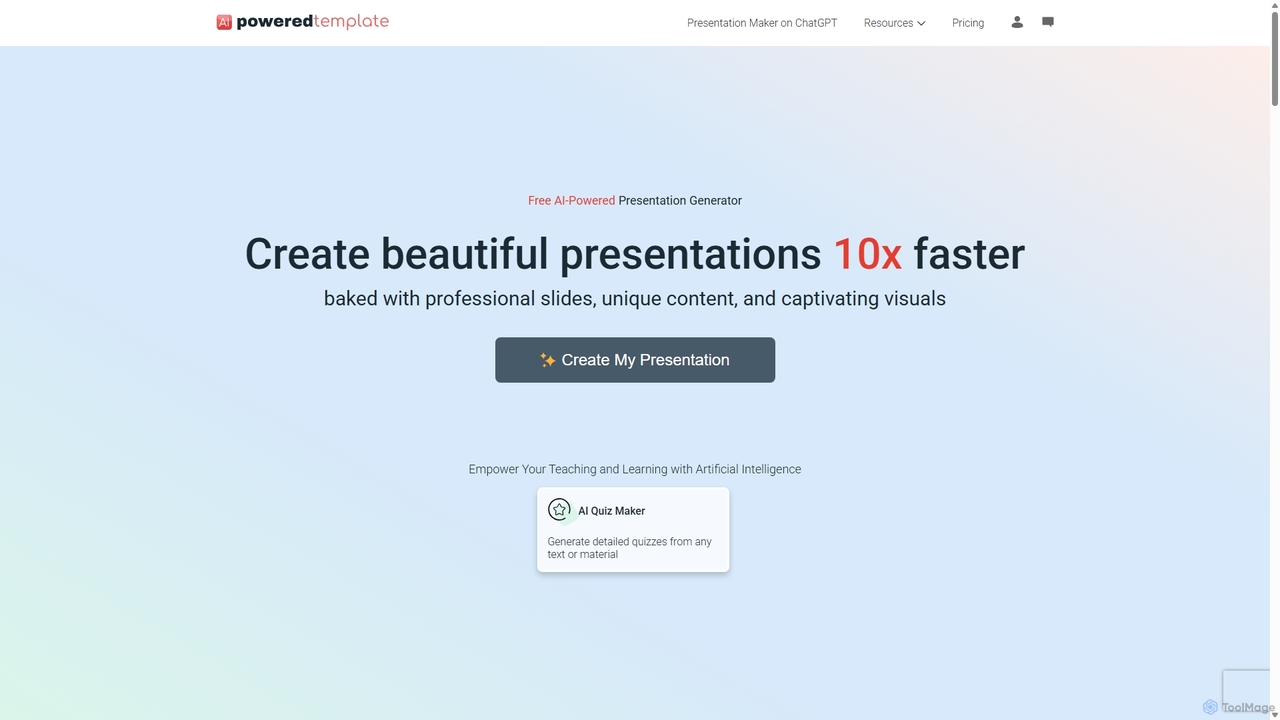
PoweredTemplate AI Presentation Maker
PoweredTemplate AI Presentation Maker is a free, AI-powered tool that transforms your ideas and text into stunning, professional presentations 10x faster. Instantly generate high-quality slides with unique content and captivating visuals for business, education, and marketing. It supports export to PowerPoint, Google Slides, and PDF, offering extensive customization through a vast library of templates and stock media.
Proposals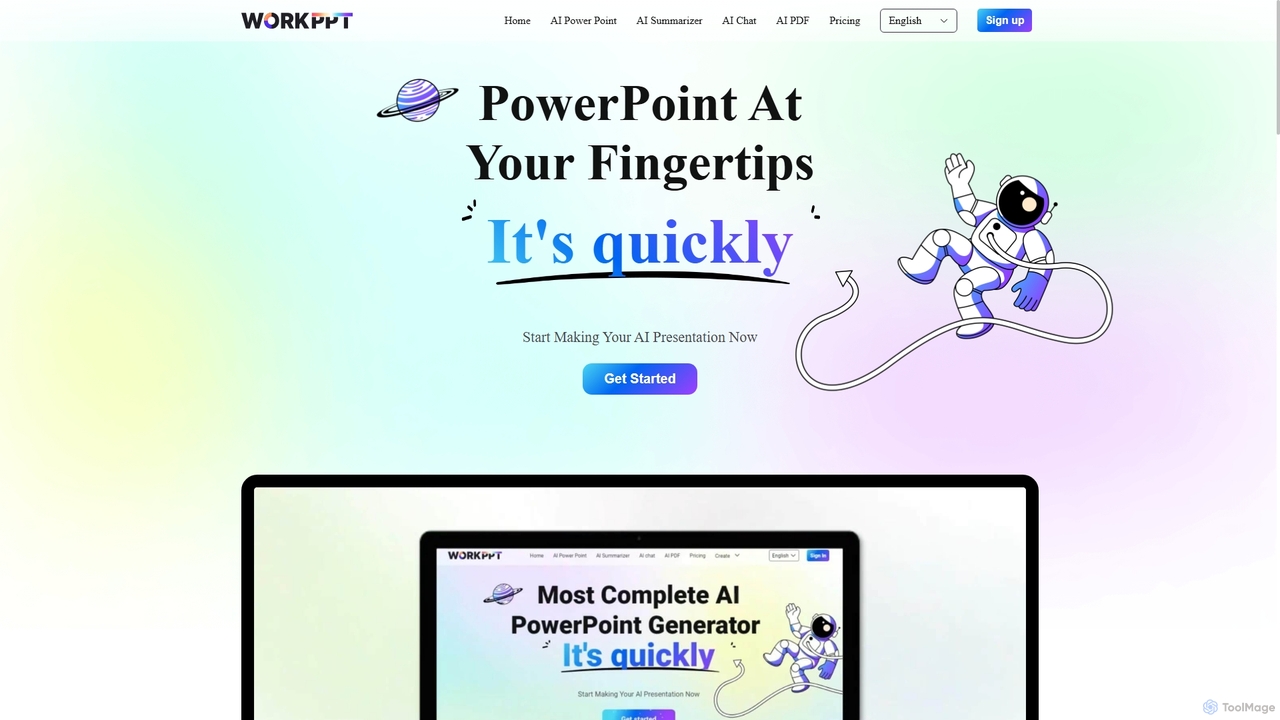
Workppt
Workppt is an AI-powered presentation generator that creates professional PowerPoint slides, websites, and summaries in seconds. Simply provide a title or upload a document, and the AI will generate a complete presentation with relevant content and design, saving you hours of manual work.
Marketing
gptforslides Comments (0)
Sign in to comment.
Sign inNo comments yet.