Business Best in category 1 results Document Summarization AI Tool

Popular AI tools in the Document Summarization field of Business include PPTX.ai, etc., helping you quickly improve efficiency.

PPTX.ai

PPTX.ai

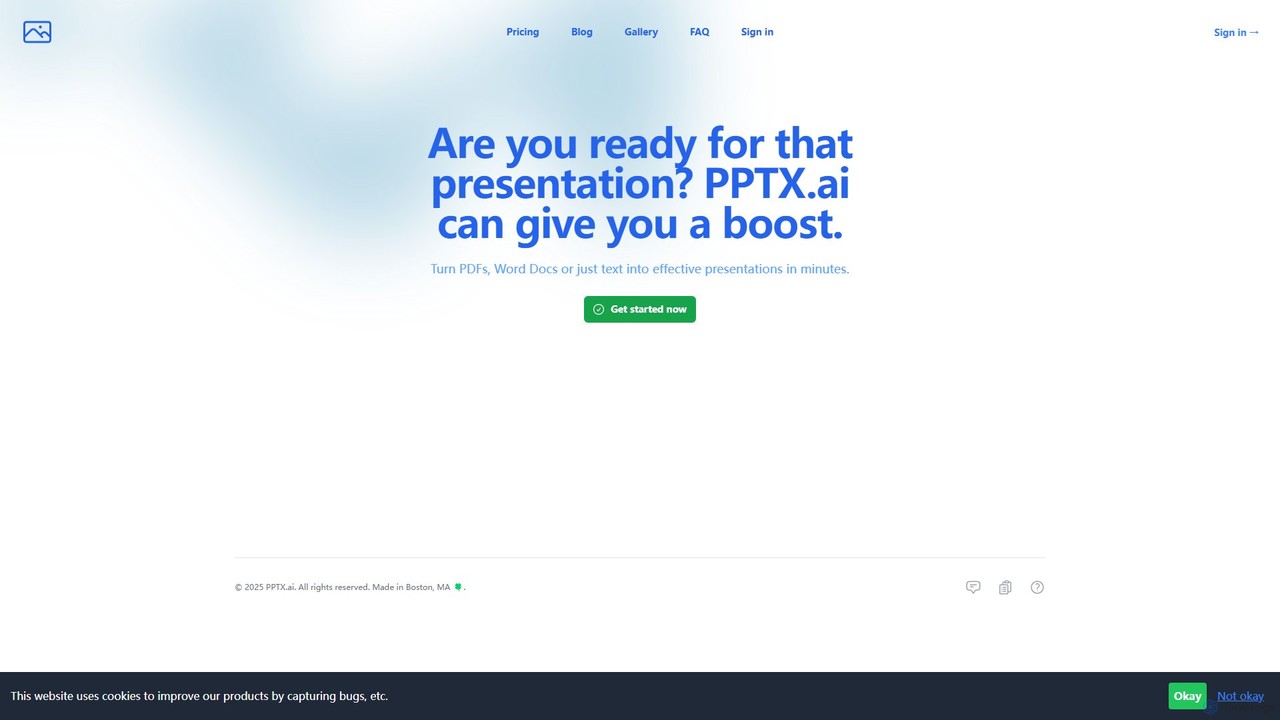
PPTX.ai is an AI-powered tool that rapidly transforms text, PDFs, and Word documents into professional presentations for PowerPoint …

6.2K

About Document Summarization

Document Summarization tools are AI applications designed to automatically condense lengthy texts into concise and coherent summaries. These tools utilize advanced Natural Language Processing (NLP) models to identify and extract key information, main ideas, and critical data points from documents. This enables users to quickly understand the essence of reports, articles, or research papers without reading them in their entirety. The primary value is a significant reduction in reading time, which accelerates research, decision-making, and information analysis in business and academic settings.

Core Features

  • Extractive & Abstractive Methods: Tools may use extractive summarization to pull key sentences directly, or abstractive methods to generate new, human-like sentences that capture the core meaning.
  • Customizable Summary Length: Allows users to specify the desired length of the summary, either as a percentage of the original text, a word count, or a number of sentences.
  • Key Point Identification: Automatically highlights or lists the most crucial sentences, phrases, or bullet points for a quick overview.
  • Multi-Format Support: Capable of processing various file types, including PDF, DOCX, TXT, and even content from web URLs.

Applicable Scenarios

These tools are invaluable for professionals and academics who handle large volumes of text. For instance, legal professionals use them to summarize case files and depositions, financial analysts to digest market reports, and researchers to conduct rapid literature reviews. In a corporate environment, they help teams quickly grasp the content of long internal reports or meeting transcripts.

Selection Criteria

When choosing a document summarization tool, evaluate its accuracy and the coherence of the generated summaries. Consider the range of supported document formats and languages. Also, assess its integration capabilities with your existing workflow tools (e.g., cloud storage, communication platforms) and review its data security policies, especially when handling confidential information.

Document SummarizationUse Cases

1

Accelerate Academic Literature Reviews

A graduate student or researcher often faces the task of reviewing dozens or even hundreds of academic papers for a literature review. Manually reading each paper is extremely time-consuming. By using a document summarization tool, they can upload a batch of PDF research papers and generate concise summaries for each one in minutes. This allows them to quickly identify the most relevant papers, understand their core findings and methodologies, and decide which ones require a full, in-depth reading, reducing the initial screening time by up to 80%.

2

Efficiently Brief Legal Cases

Paralegals and lawyers constantly deal with voluminous legal documents, such as depositions, contracts, and court filings. A document summarization tool can process these lengthy texts and extract key arguments, facts, and legal precedents. For example, a lawyer can upload a 100-page deposition transcript and receive a one-page summary highlighting key testimonies and admissions. This streamlines the case preparation process, helps in quickly drafting motions or briefs, and ensures that critical details are not overlooked, saving hours of manual review per document.

3

Analyze Financial Reports and Market News

Financial analysts need to stay updated by consuming vast amounts of information, including quarterly earnings reports, market analyses, and financial news. A summarization tool can quickly process these documents, extracting key financial metrics like revenue, profit margins, and future outlooks. An analyst can feed the tool a 50-page earnings report and instantly get a bulleted list of highlights and risks. This allows for faster comparison between companies and quicker identification of market trends, enabling more timely and informed investment decisions.

4

Create Meeting Minutes and Action Items

After a long project meeting, a project manager or team lead is responsible for creating and distributing minutes. Instead of manually re-listening to a recording or sifting through a lengthy transcript, they can upload the transcript file to a summarization tool. The tool can generate a concise summary of the key discussion points, decisions made, and a list of action items with assigned owners. This not only saves significant time but also improves accuracy and ensures that all team members are aligned on the outcomes and next steps.

5

Synthesize Customer Feedback and Reviews

Product managers and market researchers need to understand customer sentiment by analyzing feedback from surveys, support tickets, and online reviews. Manually reading through hundreds or thousands of entries is impractical. A summarization tool can process this unstructured text data and generate a summary of the most common themes, feature requests, and complaints. This provides a high-level overview of customer voice, helping teams prioritize product improvements and identify emerging issues quickly without manual data tagging.

6

Generate Executive Briefings from Internal Reports

Executives and senior managers have limited time to read long, detailed internal reports from various departments (e.g., sales, marketing, R&D). An internal communications specialist or an executive assistant can use a summarization tool to transform these comprehensive documents into concise executive briefings. By uploading a 30-page quarterly marketing report, they can generate a one-page summary focusing on key performance indicators (KPIs), major achievements, and strategic challenges. This ensures leadership stays informed and can make strategic decisions efficiently without getting bogged down in operational details.

Document SummarizationFrequently Asked Questions