
SlidesGPT Overview
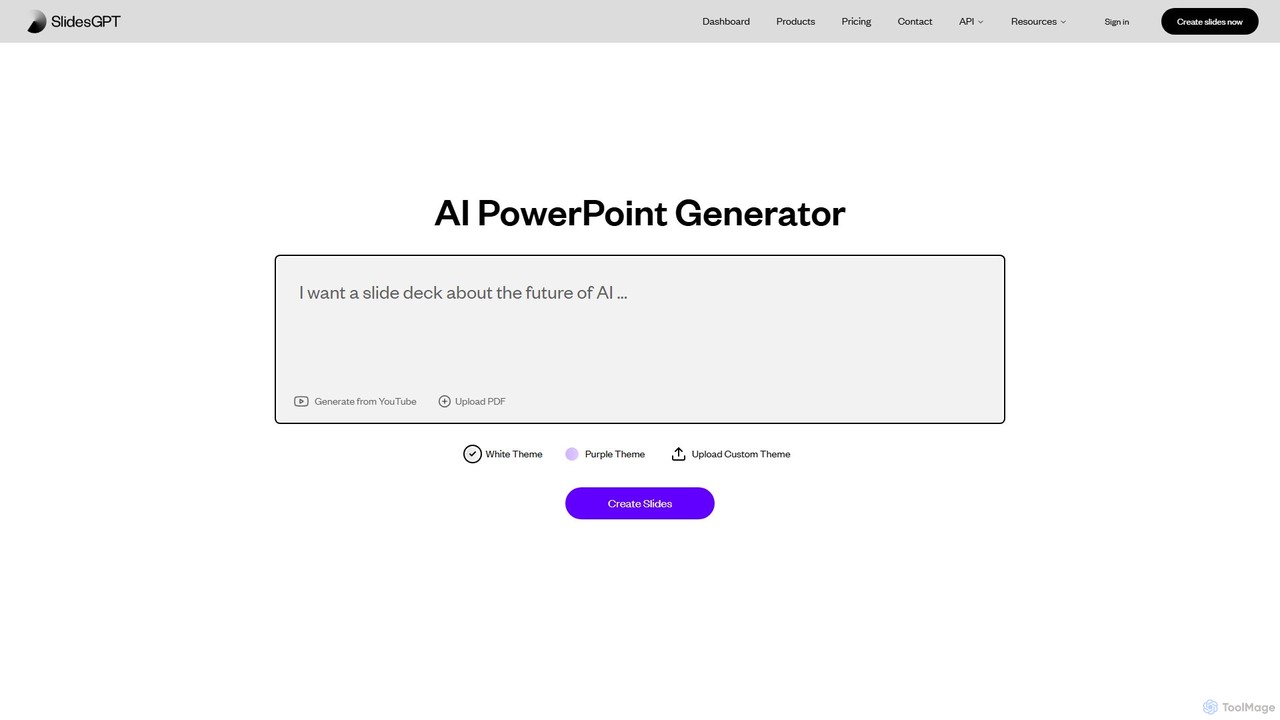
SlidesGPT is a leading AI PowerPoint Generator and Slideshow Maker, trusted by over 2 million users, including students, educators, consultants, and professionals from Fortune 500 companies. This powerful tool is designed to streamline and automate the creation of presentations, transforming raw text, documents, or simple prompts into visually appealing and well-structured slideshows in seconds. By leveraging advanced AI, SlidesGPT eliminates the tedious manual effort of slide design, content structuring, and formatting, allowing users to focus on the core message of their presentation.
The platform is incredibly versatile, accepting various input formats. You can paste text from a blog post, upload a comprehensive PDF report, or even provide a link to a YouTube video, and the AI will intelligently analyze the content and generate a complete presentation. It is compatible with major presentation software, ensuring that the generated slides can be easily edited, shared, and presented offline.
How to use SlidesGPT
Using SlidesGPT is a straightforward, three-step process designed for maximum efficiency:
- Provide Your Content: Start by giving the AI your source material. You can copy and paste text directly into the tool, type a descriptive prompt (e.g., “Create a presentation on the impact of AI in education for college students”), upload a PDF document, or input a YouTube video URL.
- AI-Powered Generation: Once the input is provided, SlidesGPT's AI engine gets to work. It analyzes the structure and key points of your content, automatically generating a series of slides complete with titles, bullet points, and relevant information. The tool also applies a consistent design theme.
- Customize and Export: After the initial generation, you can review the slides. While the AI does the heavy lifting, you have the final say. Once you are satisfied, you can export the presentation in high-quality formats, including PowerPoint (.pptx), Google Slides, or PDF, making it ready for editing, printing, or presenting.
Core Features of SlidesGPT
- Text-to-Presentation: Instantly converts any written content, such as articles, notes, or scripts, into a structured slideshow.
- PDF-to-Presentation: Upload a PDF file, and SlidesGPT will extract the information and build a presentation based on its contents.
- YouTube-to-Presentation: Generate a summary presentation from a YouTube video, perfect for capturing key insights from lectures or tutorials.
- Prompt-Based Creation: Simply describe the topic you want to present, and the AI will research and create a full presentation from scratch.
- Custom Theme Support: Choose from pre-made themes or upload your own custom theme to maintain brand consistency (CI).
- Multiple Export Options: Download your finished presentations as PowerPoint, Google Slides, or PDF files for seamless compatibility and offline use.
- Developer API: Offers a robust API for businesses to integrate presentation generation into their own applications and automate workflows at scale.
Use Cases for SlidesGPT
SlidesGPT is a valuable asset across various fields:
- Education: Students can quickly turn research notes or essays into presentations for class projects. Teachers and professors can generate lecture materials from academic papers or textbooks in minutes.
- Business and Sales: Sales teams can create customized client pitches on the fly. Consultants can rapidly generate reports and proposals from data and documents. Marketing professionals can repurpose blog posts and whitepapers into engaging visual content for webinars or social media.
- Research: Researchers can summarize complex studies and findings into a clear and concise presentation format for conferences, team meetings, or grant proposals.
Advantages of SlidesGPT
The primary benefits of using SlidesGPT include:
- Exceptional Speed: Generate complete presentations up to 10 times faster than traditional methods.
- Effortless Workflow: Save significant time and mental energy by automating the most time-consuming parts of presentation creation.
- High Compatibility: Seamlessly export to the most popular presentation platforms (PowerPoint, Google Slides) for easy editing and collaboration.
- Professional Quality: Create well-structured and visually consistent slides without needing any design expertise.
- Scalability: The available API allows for powerful automation and integration for corporate use.
Pricing and Plans
SlidesGPT offers a freemium model with plans for individuals and businesses:
- Free Starter: $0/month. Allows for unlimited creation and viewing of presentations, sharing, and includes 10 free downloads per month in HQ formats (PowerPoint, Google Slides, PDF).
- Pro: $7.50/month (billed annually at $89.99). Includes all features of the Free plan with 10 downloads per month. (Note: Download limit is the same as Free per the website, likely intended for users needing consistent access).
- Pro XL: $22.50/month (billed annually at $269.99). Increases the download limit to 50 presentations per month.
Developer API Plans:
- Free Starter API: $0/month base fee. Generate up to 100 presentations per month for free via API.
- Business API: $500/month base fee + $0.50/presentation. For higher volume needs, with support for custom templates and on-premise installation.
- Enterprise API: $9,999/month base fee + $0.50/presentation. Tailored for large organizations with extensive needs, including proprietary data sources and high-end layouts.
Traffic
Latest traffic
Status
Monthly traffic trend
- 2025-9: 762.3K
- 2026-1: 556.4K
- 2026-2: 434.2K
- 2026-3: 409.4K
- 2026-4: 333.6K
- 2026-5: 269.9K
Geography
Top 5 countries / regions
- 🇺🇸United States38.1%
- 🇮🇳India37.5%
- 🇬🇧United Kingdom9.3%
- 🇮🇩Indonesia8.9%
- 🇿🇦South Africa6.0%
Traffic sources
| Source type | Percentage |
|---|---|
Direct | 82.2% |
Referral | 16.7% |
Email | 1.2% |
Top keywords
| Keyword | Cost per click |
|---|---|
| ai powerpoint generator | $2.27 |
| free ai powerpoint presentation maker | $0.00 |
| slide gpt | $0.00 |
| slidegpt | $0.28 |
| slidesgpt | $0.70 |
SlidesGPT Alternatives
GenPPT
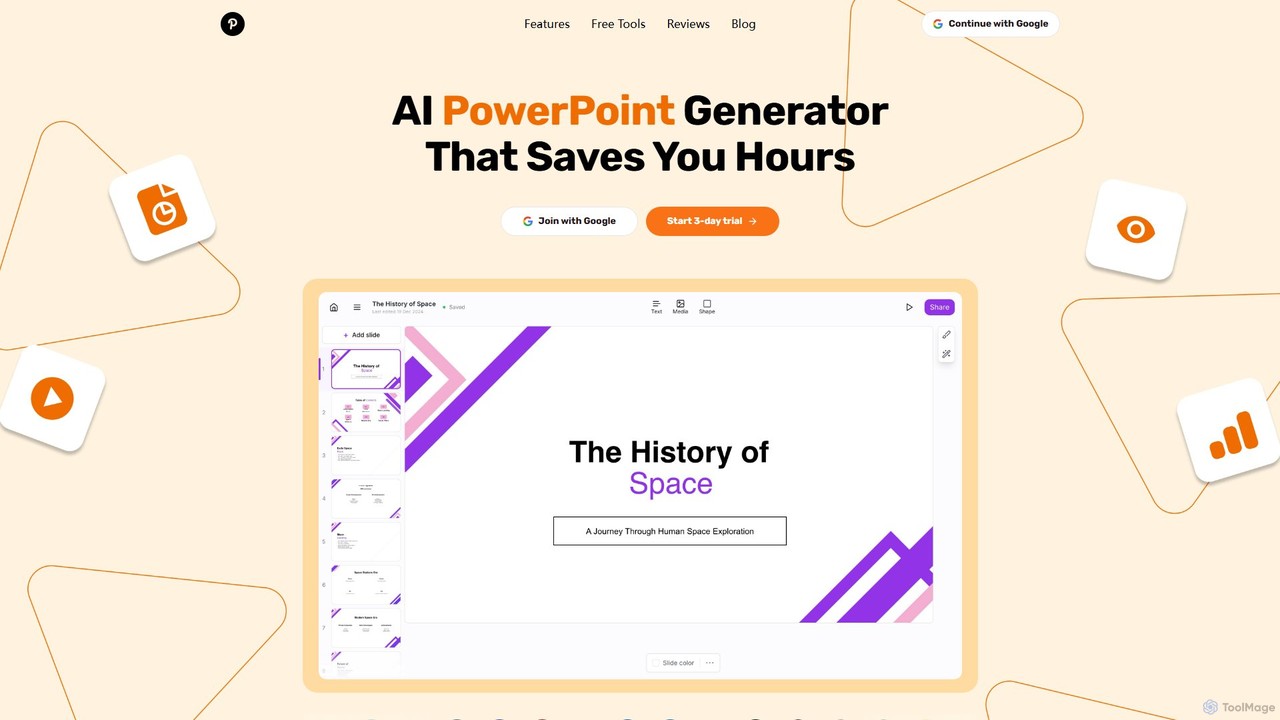
GenPPT is an AI-powered presentation generator that creates professional PowerPoint slides from simple text prompts in minutes. It's designed for professionals, marketers, and students to save hours on slide creation, focusing on logical structure, compelling content, and sleek design without needing any design skills.
Sales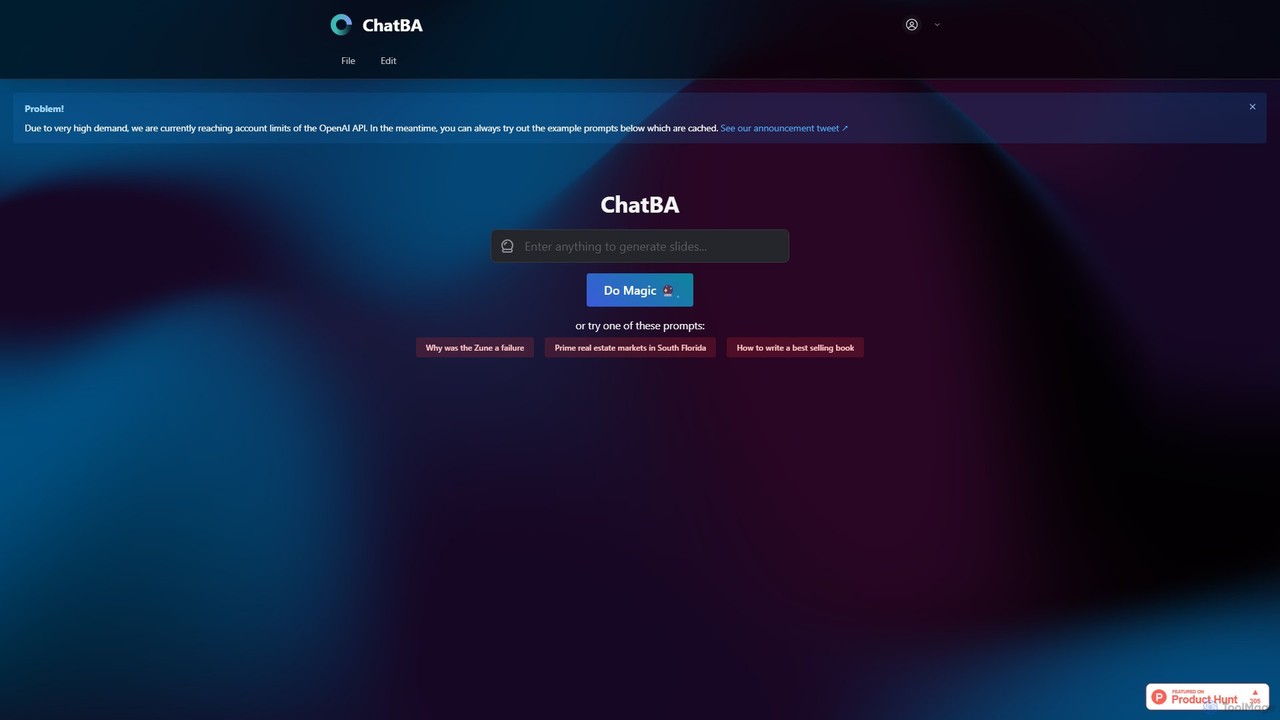
ChatBA
ChatBA is a generative AI tool that transforms simple text prompts into complete, professional presentations. Instantly create slide decks for business, education, or marketing by just describing your topic. It automates content writing, structuring, and design, saving you hours of manual work.
Student Tools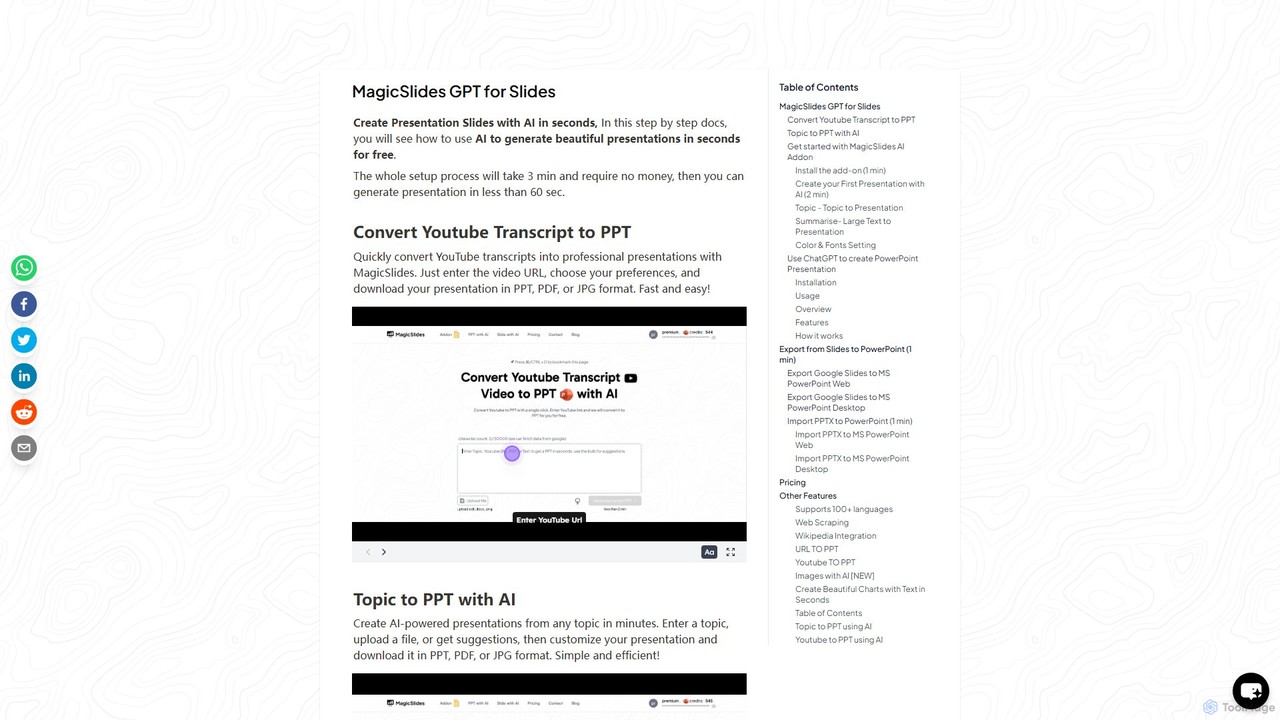
gptforslides
gptforslides (also known as MagicSlides) is an AI-powered presentation generator that creates professional slides in seconds. Integrated with Google Slides and ChatGPT, it can convert text, topics, URLs, YouTube videos, PDFs, and documents into visually appealing presentations, complete with AI-generated images and customizable designs.
Automation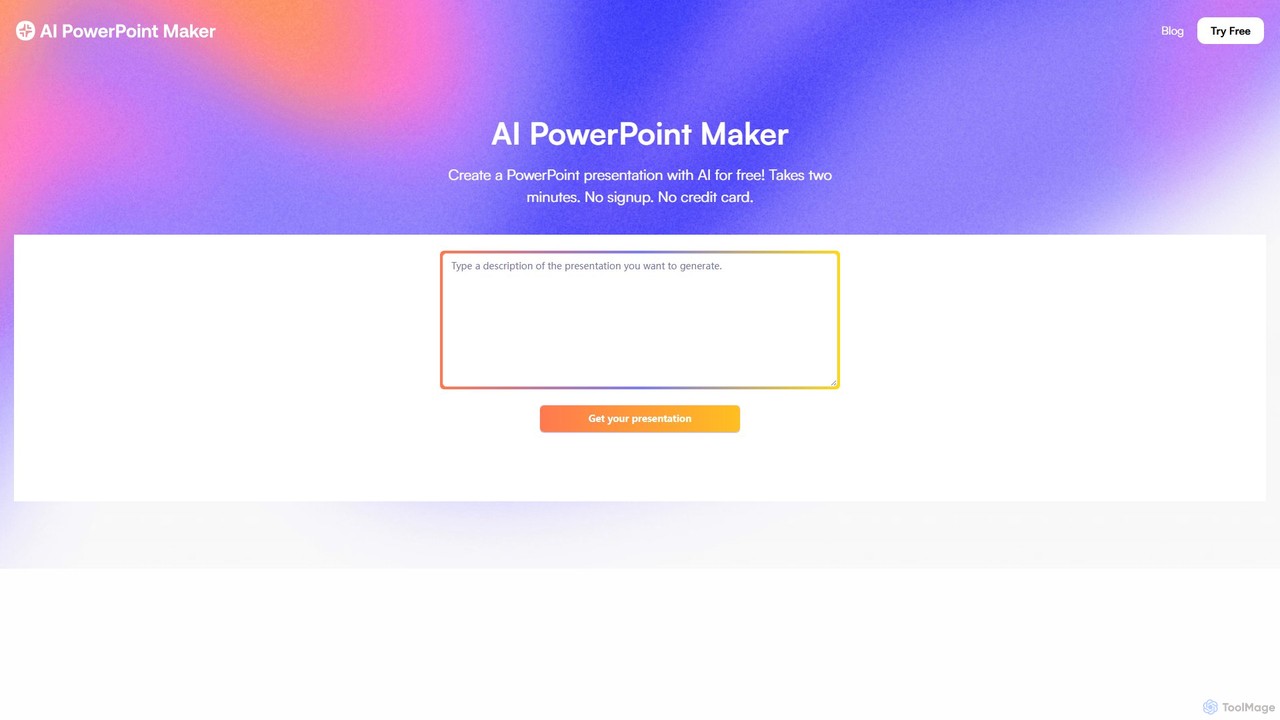
aipowerpointmaker
aipowerpointmaker is an AI-powered tool that instantly transforms text, documents, or rough notes into professional, fully-editable PowerPoint presentations. It automates design, content structuring, and image sourcing, enabling users to create client-ready slides in minutes. It's a web-based tool with seamless PowerPoint integration, perfect for business professionals, marketers, and students.
Sales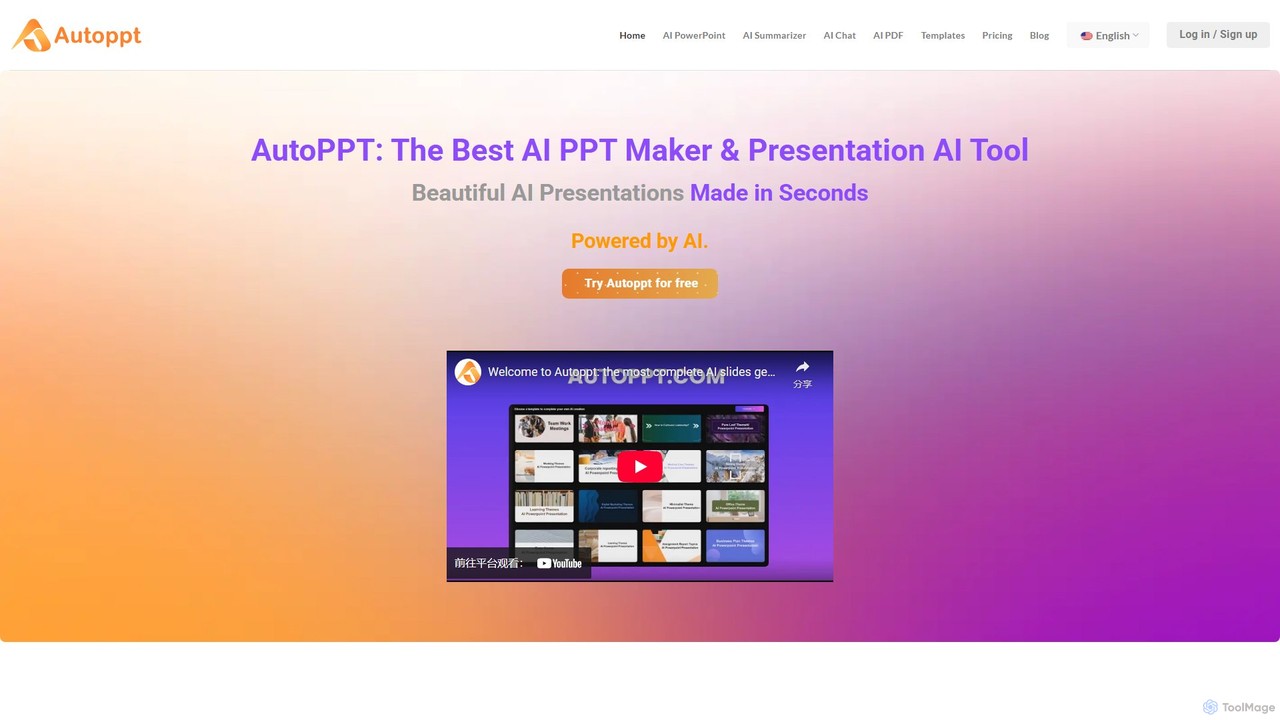
Autoppt
Autoppt is an AI-powered presentation generator that creates stunning PowerPoint slides in seconds. Simply provide a topic or upload a document (PDF, Word, etc.), and Autoppt will instantly generate a professional, fully-editable presentation using its vast library of templates. It's designed for users of all skill levels to save time and effort on creating visually appealing slideshows.
Student ToolsSlidesGPT Categories
SlidesGPT Embed Widget
Copy this embed code to place the badge on your blog, article, or product site and send readers directly to this ToolMage detail page.

Related AI tools
ChatBA
ChatBA is a generative AI tool that transforms simple text prompts into complete, professional presentations. Instantly create slide decks for business, education, or marketing by just describing your topic. It automates content writing, structuring, and design, saving you hours of manual work.
Student Toolsgptforslides
gptforslides (also known as MagicSlides) is an AI-powered presentation generator that creates professional slides in seconds. Integrated with Google Slides and ChatGPT, it can convert text, topics, URLs, YouTube videos, PDFs, and documents into visually appealing presentations, complete with AI-generated images and customizable designs.
Automationaipowerpointmaker
aipowerpointmaker is an AI-powered tool that instantly transforms text, documents, or rough notes into professional, fully-editable PowerPoint presentations. It automates design, content structuring, and image sourcing, enabling users to create client-ready slides in minutes. It's a web-based tool with seamless PowerPoint integration, perfect for business professionals, marketers, and students.
Sales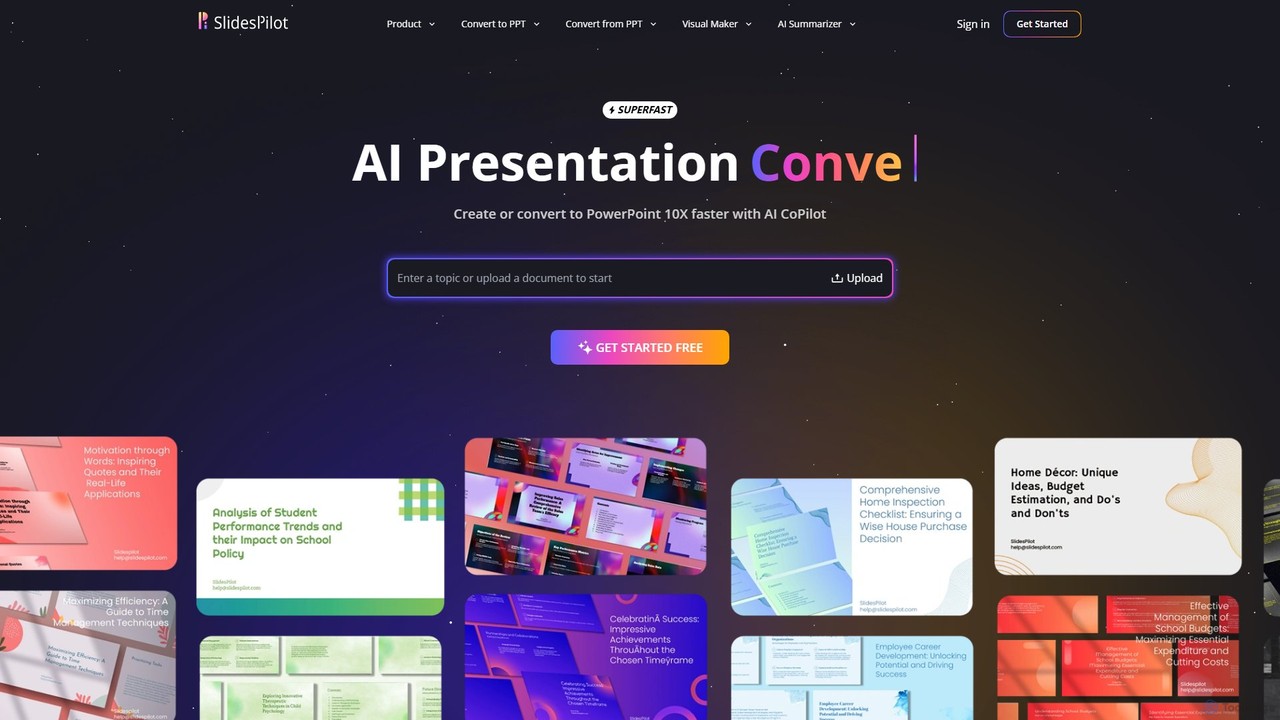
SlidesPilot
SlidesPilot is an AI-powered presentation generator that creates professional PowerPoint and Google Slides 10x faster. It can generate presentations from a topic, convert documents (PDF, Word), text, YouTube videos, and webpages into slides, and features an AI Copilot for real-time editing, image generation, and content rewriting.
Document Management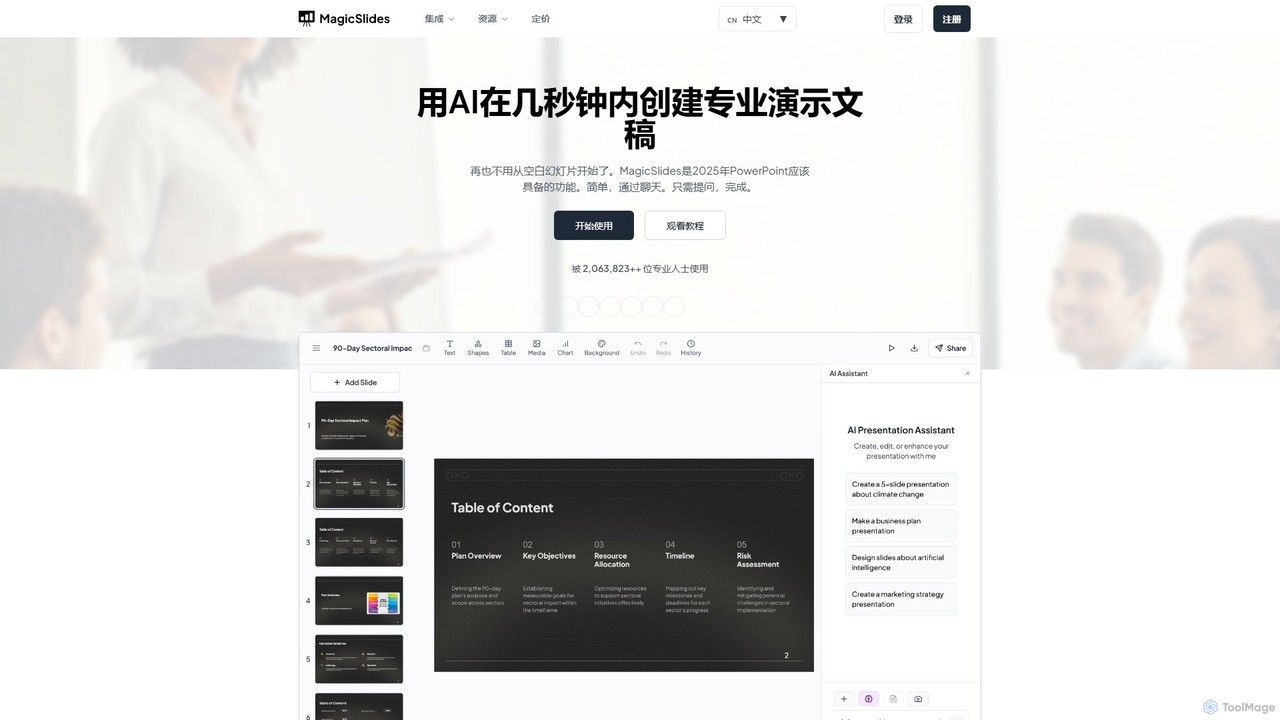
MagicSlides
MagicSlides is an AI-powered presentation maker that instantly creates professional slides from various sources, including text, topics, PDFs, YouTube videos, and URLs. It integrates seamlessly with Google Slides, PowerPoint, Figma, and more, supporting over 136 languages to streamline your workflow and save hours of design time.
Automation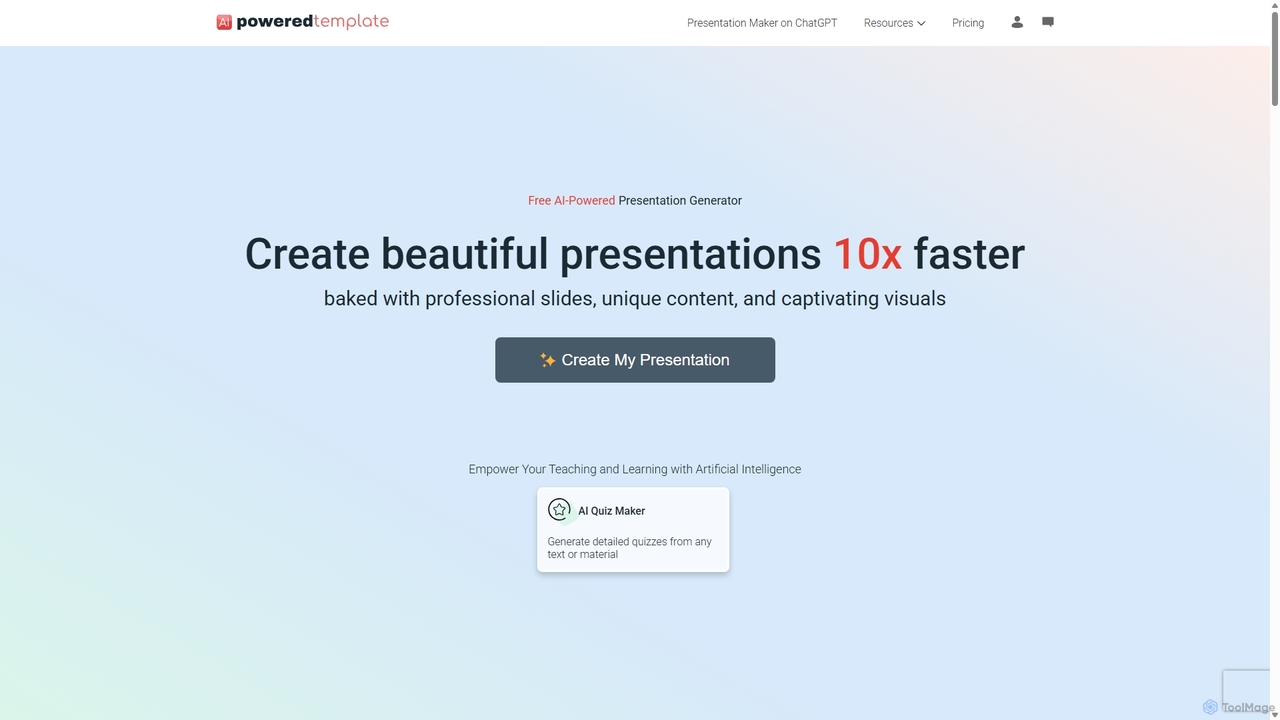
PoweredTemplate AI Presentation Maker
PoweredTemplate AI Presentation Maker is a free, AI-powered tool that transforms your ideas and text into stunning, professional presentations 10x faster. Instantly generate high-quality slides with unique content and captivating visuals for business, education, and marketing. It supports export to PowerPoint, Google Slides, and PDF, offering extensive customization through a vast library of templates and stock media.
ProposalsGenPPT
GenPPT is an AI-powered presentation generator that creates professional PowerPoint slides from simple text prompts in minutes. It's designed for professionals, marketers, and students to save hours on slide creation, focusing on logical structure, compelling content, and sleek design without needing any design skills.
Sales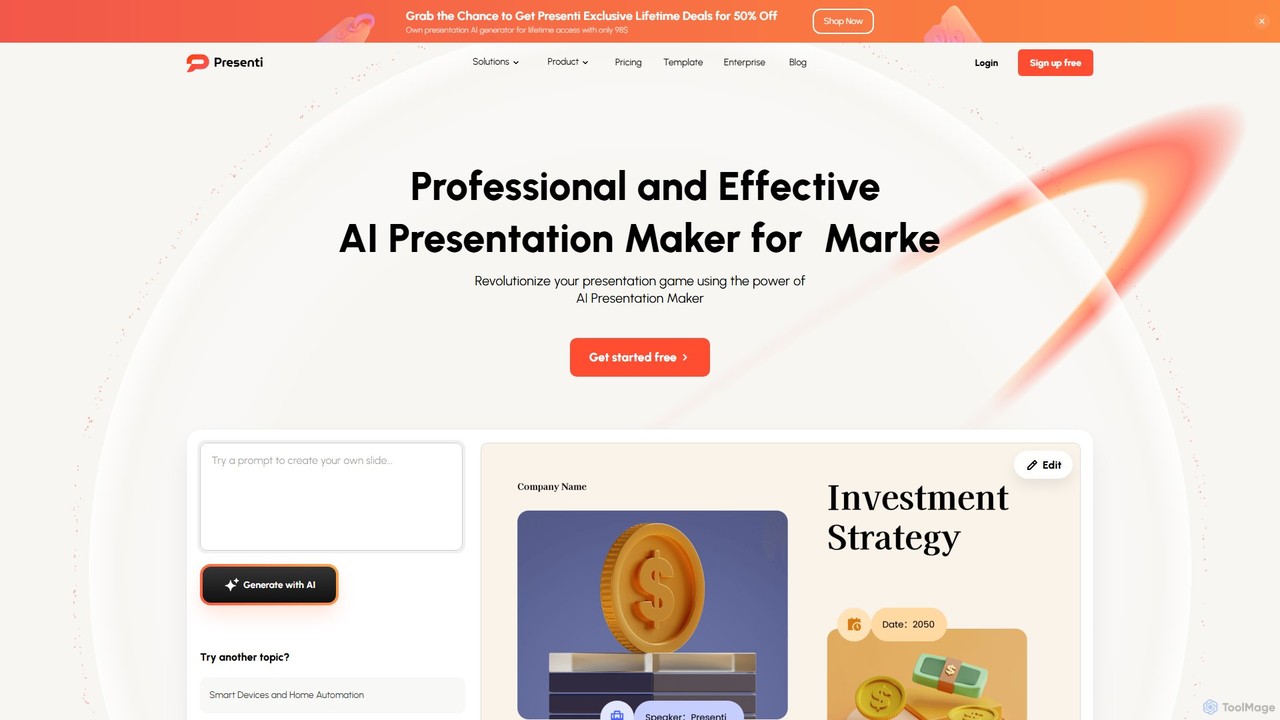
Presenti
Presenti is an AI-powered presentation maker that instantly transforms your text, documents (Word, PDF, Markdown), or ideas into stunning, professional slides. It features automated design optimization, a vast template library, and online collaboration tools to streamline your workflow and create impactful presentations in minutes.
Corporate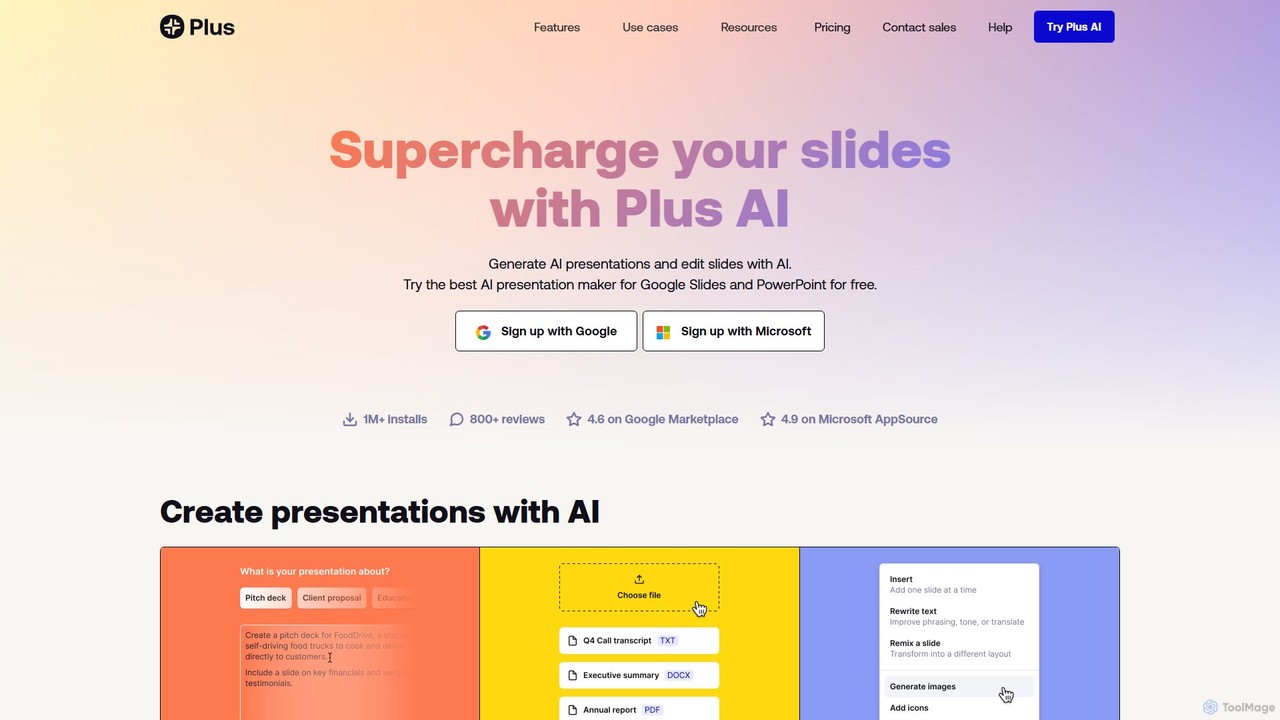
Plus AI
Plus AI is an advanced AI presentation maker designed for professionals. It integrates directly into Google Slides and PowerPoint, allowing you to generate, edit, and reformat slides seamlessly within your existing workflow. Convert documents like PDFs and Word files into stunning, fully-editable presentations, or create them from a simple text prompt. It's built for high-quality, branded content with enterprise-grade security.
Marketing
Glimmer AI
Glimmer AI is a state-of-the-art tool that uses GPT-3 and DALL·E 2 to magically generate stunning presentations from simple text or voice commands. Describe your idea, and Glimmer AI instantly creates a complete, editable slide deck, which you can then refine, share, or export to PPTX and PDF formats.
Graphics
qzoffice
qzoffice is an AI-powered presentation generator that creates professional slides in one click. It converts text, documents (Word/PDF), and URLs into stunning presentations, complete with outlines, content, and speaker notes. Ideal for business, education, and personal use.
MarketingAutoppt
Autoppt is an AI-powered presentation generator that creates stunning PowerPoint slides in seconds. Simply provide a topic or upload a document (PDF, Word, etc.), and Autoppt will instantly generate a professional, fully-editable presentation using its vast library of templates. It's designed for users of all skill levels to save time and effort on creating visually appealing slideshows.
Student Tools
ChatPPT
ChatPPT is a powerful AI presentation generator that creates professional slides from simple text prompts, documents, webpages, or even images. It streamlines the entire creation process, from content generation with live web search to intelligent layout and design, allowing users to produce stunning presentations in minutes.
Reporting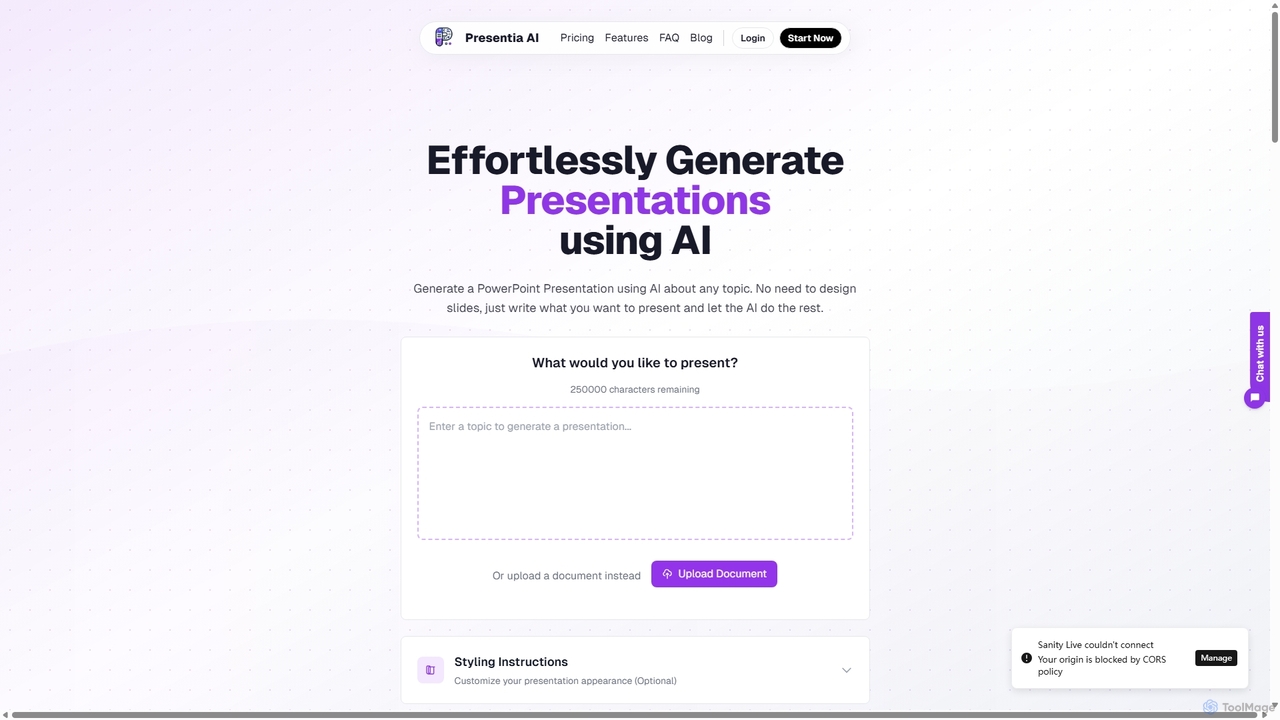
Presentia AI
Presentia AI is an advanced AI presentation maker that automatically generates professional PowerPoint slides from text prompts or documents. Simply input your topic or upload a PDF/Word file, and the AI will create a complete, visually appealing presentation with text and images in seconds, supporting multiple languages and custom styling.
Student Tools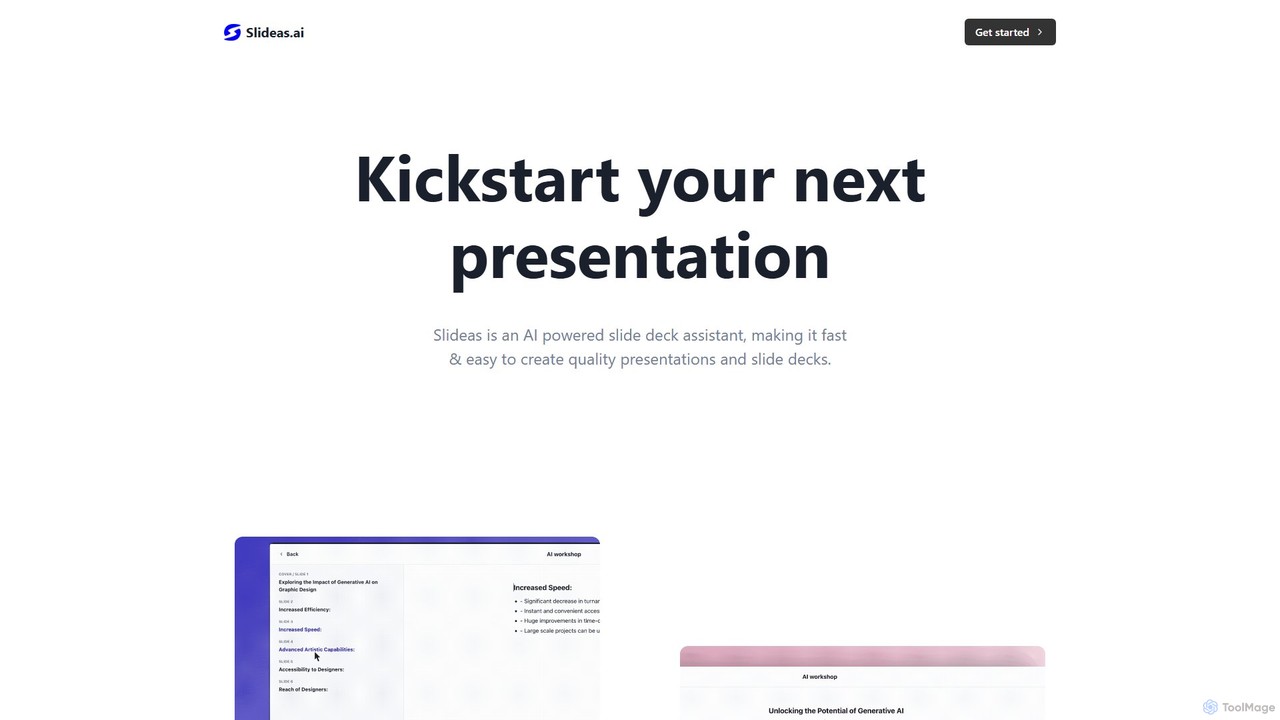
slideas.ai
slideas.ai is an AI-powered presentation assistant that rapidly creates professional slide decks. Simply provide a topic, and the AI generates headlines and talking points. Edit with an intuitive Notion-like editor, collaborate with your team in real-time, and present directly or export to Google Slides and PowerPoint.
Student Tools
SlidesGPT Comments (0)
Sign in to comment.
Sign inNo comments yet.