

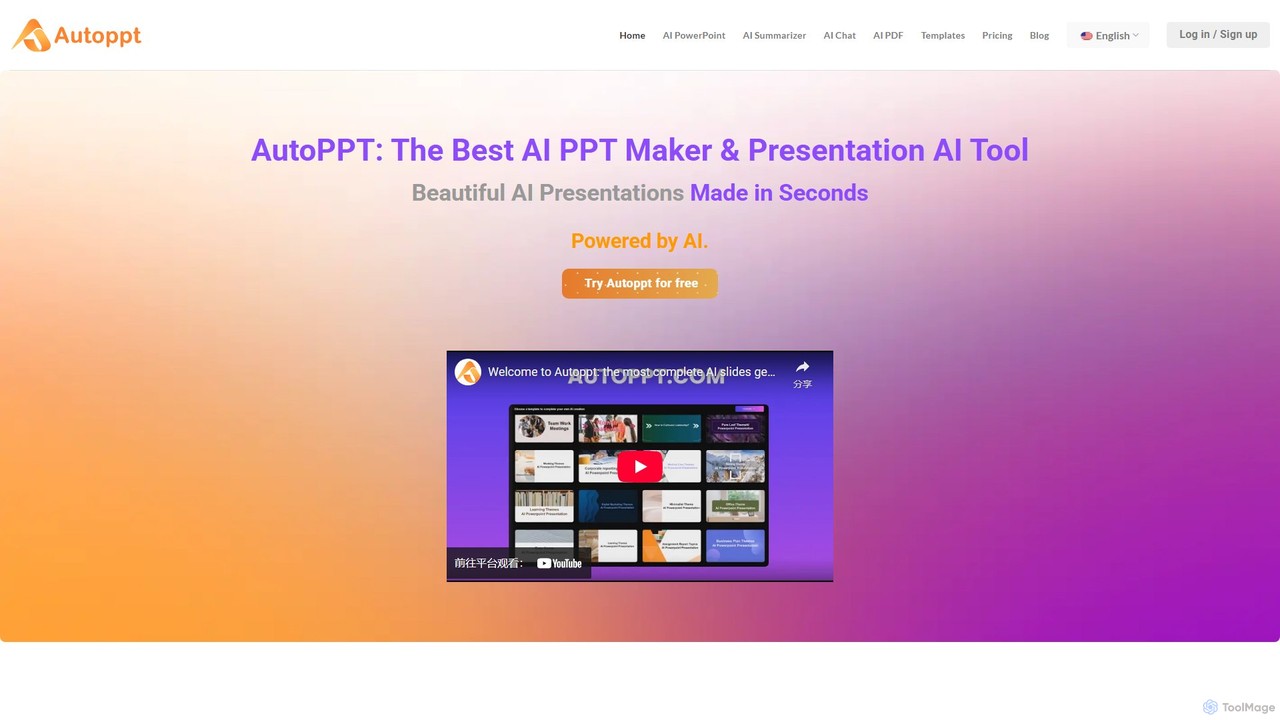
Autoppt Overview
Autoppt is a cutting-edge AI PowerPoint generator designed to revolutionize the way we create presentations. By harnessing the power of artificial intelligence, Autoppt transforms a simple text prompt or an existing document into a complete, beautifully designed, and fully customizable slideshow in mere seconds. This tool is built for a wide range of users, including business professionals, students, educators, and marketers, who need to produce high-quality presentations quickly and efficiently, without requiring any design expertise. It aims to save users over 90% of the time typically spent on slide creation, allowing them to focus on the content and delivery of their message.
The platform supports a seamless workflow, from idea to final presentation. You can start from scratch by just typing your topic, and the AI will generate the entire structure, content, and design. Alternatively, you can upload existing materials like Word documents, PDFs, or even text files, and Autoppt will intelligently convert that information into a structured presentation format. This versatility makes it an indispensable tool for repurposing content and streamlining work processes.
How to use Autoppt
Creating a presentation with Autoppt is a simple and intuitive four-step process:
- Choose Your Topic or Upload Your Document: Begin by entering the subject of your presentation. This can be anything from a business meeting agenda, a work summary, a study report, or even a personal topic. Alternatively, you can upload a file in various formats (PDF, Word, Txt, Excel, PPT, JPG). The AI will analyze your input to understand the core message and structure.
- Pick a Template: Autoppt offers a rich collection of professionally designed templates for various themes and purposes. Browse through the extensive library and select a style that best matches the tone and objective of your presentation. Whether you need a formal corporate look or a creative, vibrant design, there's a template for you.
- Customize Your AI Slides: Once the AI generates the initial draft of your slides, you can fine-tune every detail using the intuitive online editor. Adjust fonts, change color schemes, add or edit text, insert images, or create tables. This step ensures that the final presentation perfectly aligns with your vision and brand guidelines.
- Download and Share: After you've perfected your slides, they are ready to be shared with the world. You can export the presentation as a standard PowerPoint file for offline use or generate a shareable link to present it online. The content is responsive and looks great on any device, ensuring a seamless viewing experience for your audience.
Core Features of Autoppt
- AI-Powered Content Generation: Instantly create entire presentations from a single text prompt or topic. The AI generates relevant content, outlines, and speaker notes.
- Document-to-Presentation Conversion: Effortlessly convert various document types, including PDF, Word, and TXT, into structured and visually appealing slides.
- Extensive Template Library: Access a wide variety of beautifully designed, industry-specific templates that can be switched and applied with a single click.
- Intuitive Online Editor: A user-friendly editor allows for full customization of slides, including text, fonts, colors, images, and layouts, with no design skills required.
- Multi-language Support: Create and present in over 100 languages, making it a truly global tool for communication and collaboration.
- Responsive Design: All presentations are fully responsive, ensuring they look perfect on desktops, tablets, and mobile phones.
- Effortless Sharing and Export: Download your work as a PowerPoint (.pptx) file or share it via a direct link for easy online viewing and collaboration.
Use Cases for Autoppt
Autoppt is a versatile tool suitable for numerous applications:
- Business Professionals: Quickly create compelling presentations for client pitches, internal meetings, project proposals, and financial reports.
- Students and Educators: Generate engaging slides for lectures, class projects, research presentations, and study summaries.
- Marketers: Design visually striking presentations for product launches, marketing campaigns, webinars, and content marketing.
- Entrepreneurs: Develop professional pitch decks to present to investors and stakeholders, saving valuable time and resources.
Advantages of Autoppt
The primary advantage of Autoppt is its incredible efficiency, saving users hours of manual work. It democratizes design, enabling anyone to create professional-looking presentations regardless of their creative skills. The platform's flexibility in handling both text prompts and document uploads, combined with its extensive customization options and multi-language support, makes it a powerful and accessible tool for global users. It streamlines workflows, enhances productivity, and ensures a consistent, high-quality output every time.
Pricing and Plans
Autoppt operates on a freemium model. Users can get started with a free trial that allows them to explore the core features and generate a limited number of presentations. This is an excellent way to experience the power of the AI generator firsthand. For users who require more advanced capabilities, unlimited presentations, access to premium templates, and commercial usage rights, Autoppt offers several subscription plans. These paid tiers are designed to cater to the needs of individuals, teams, and enterprises, providing a scalable solution with secure payment processing and convenient auto-renewal options.
Traffic
Latest traffic
Status
Monthly traffic trend
- 2025-9: 595.2K
- 2026-1: 459.5K
- 2026-2: 371.0K
- 2026-3: 351.0K
- 2026-4: 372.3K
- 2026-5: 404.3K
Geography
Top 5 countries / regions
- 🇰🇷South Korea26.1%
- 🇯🇵Japan23.7%
- 🇹🇼Taiwan20.2%
- 🇺🇸United States17.4%
- 🇵🇪Peru12.7%
Traffic sources
| Source type | Percentage |
|---|---|
Direct | 82.1% |
Referral | 16.8% |
Email | 1.1% |
Top keywords
| Keyword | Cost per click |
|---|---|
| autoppt | $0.08 |
| autoppt com | $0.09 |
| autoppt.com | $0.00 |
| diapositivas con ia | $0.13 |
| gamma | $0.19 |
Autoppt Videos on YouTube

Autoppt Alternatives
GenPPT
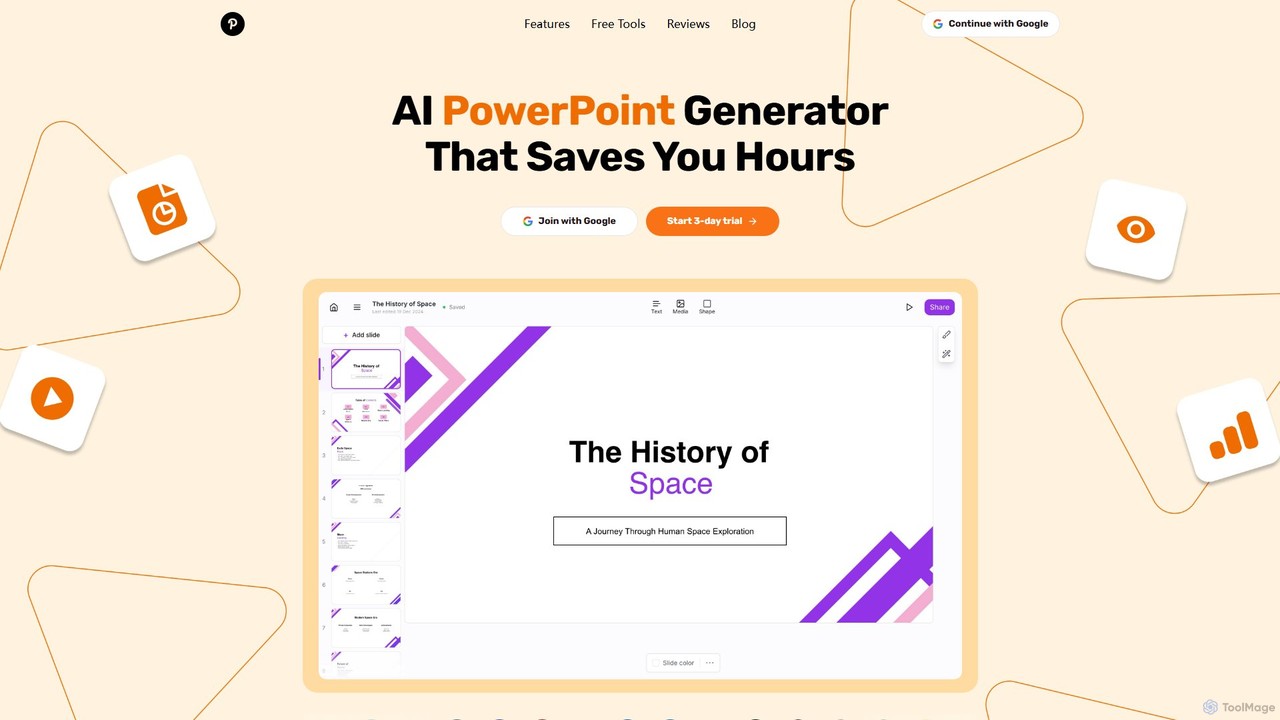
GenPPT is an AI-powered presentation generator that creates professional PowerPoint slides from simple text prompts in minutes. It's designed for professionals, marketers, and students to save hours on slide creation, focusing on logical structure, compelling content, and sleek design without needing any design skills.
Sales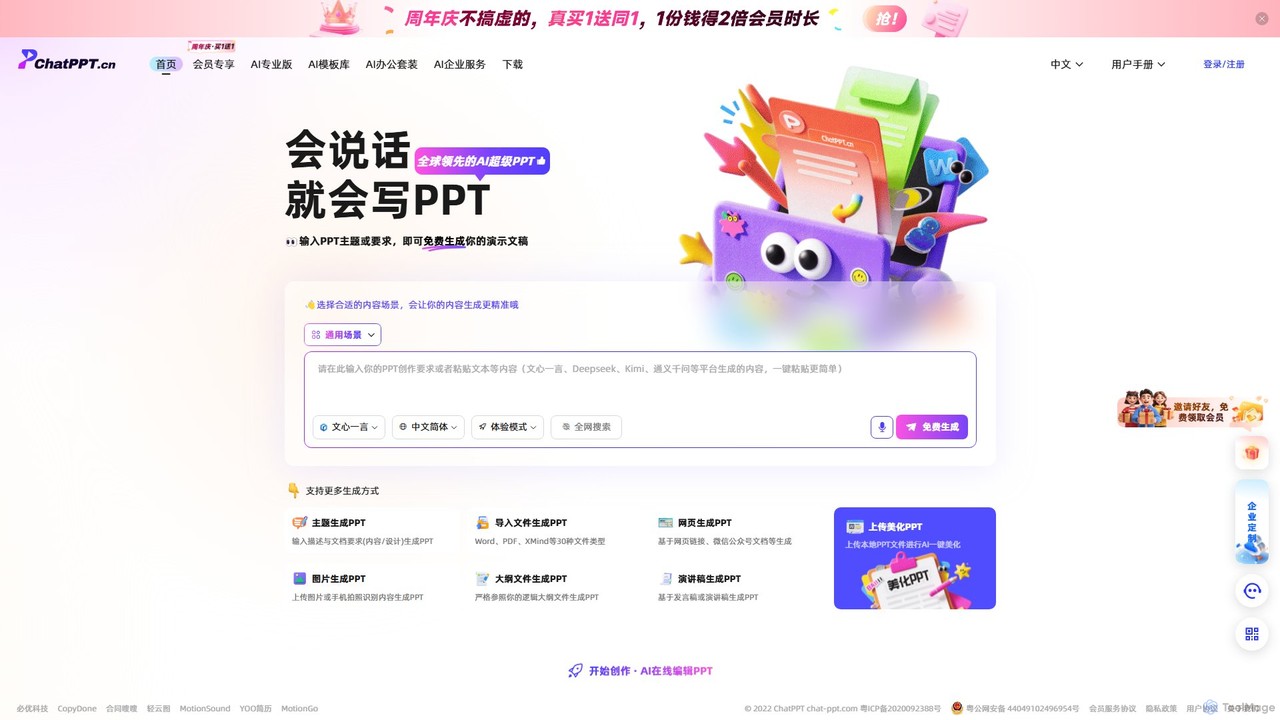
ChatPPT
ChatPPT is a powerful AI presentation generator that creates professional slides from simple text prompts, documents, webpages, or even images. It streamlines the entire creation process, from content generation with live web search to intelligent layout and design, allowing users to produce stunning presentations in minutes.
Reporting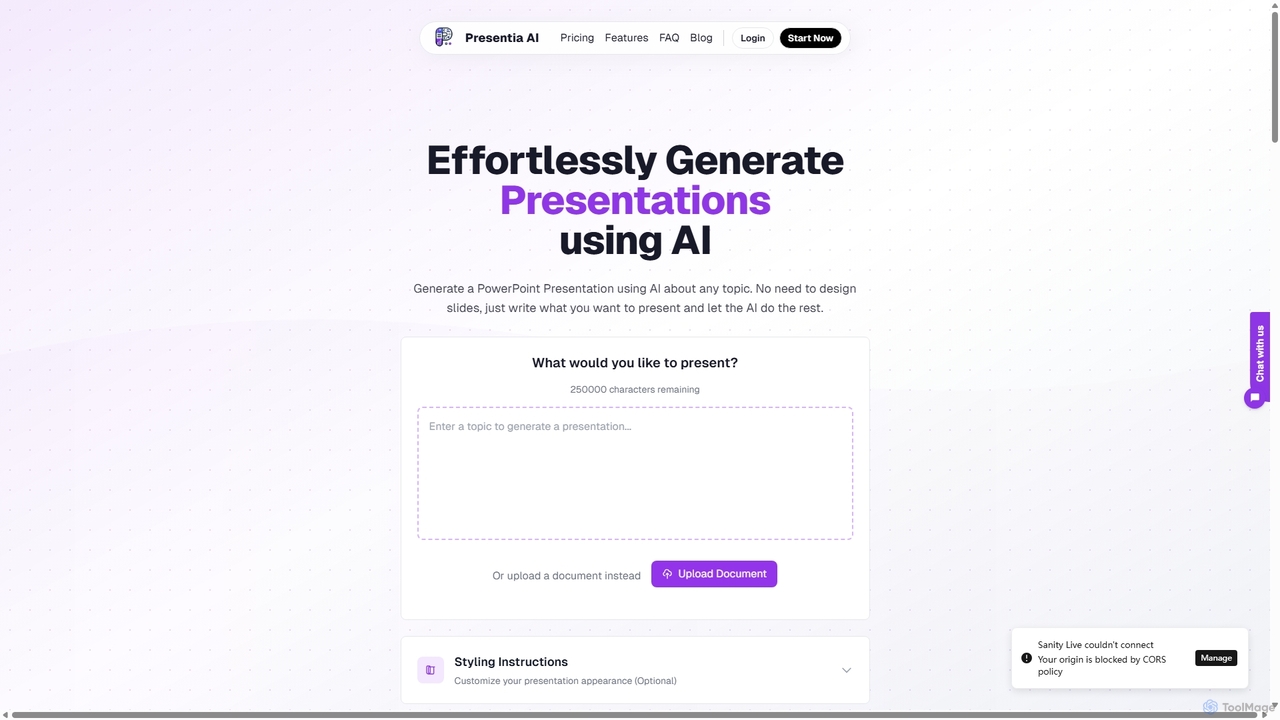
Presentia AI
Presentia AI is an advanced AI presentation maker that automatically generates professional PowerPoint slides from text prompts or documents. Simply input your topic or upload a PDF/Word file, and the AI will create a complete, visually appealing presentation with text and images in seconds, supporting multiple languages and custom styling.
Student Tools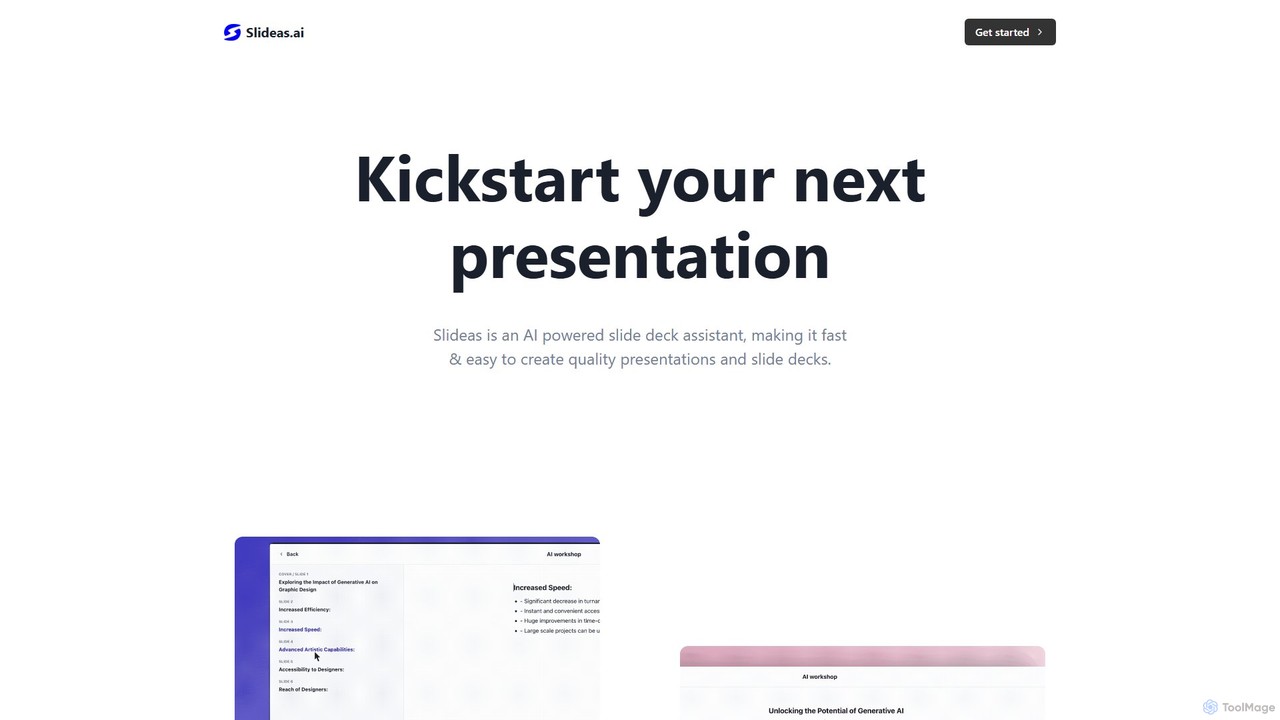
slideas.ai
slideas.ai is an AI-powered presentation assistant that rapidly creates professional slide decks. Simply provide a topic, and the AI generates headlines and talking points. Edit with an intuitive Notion-like editor, collaborate with your team in real-time, and present directly or export to Google Slides and PowerPoint.
Student Tools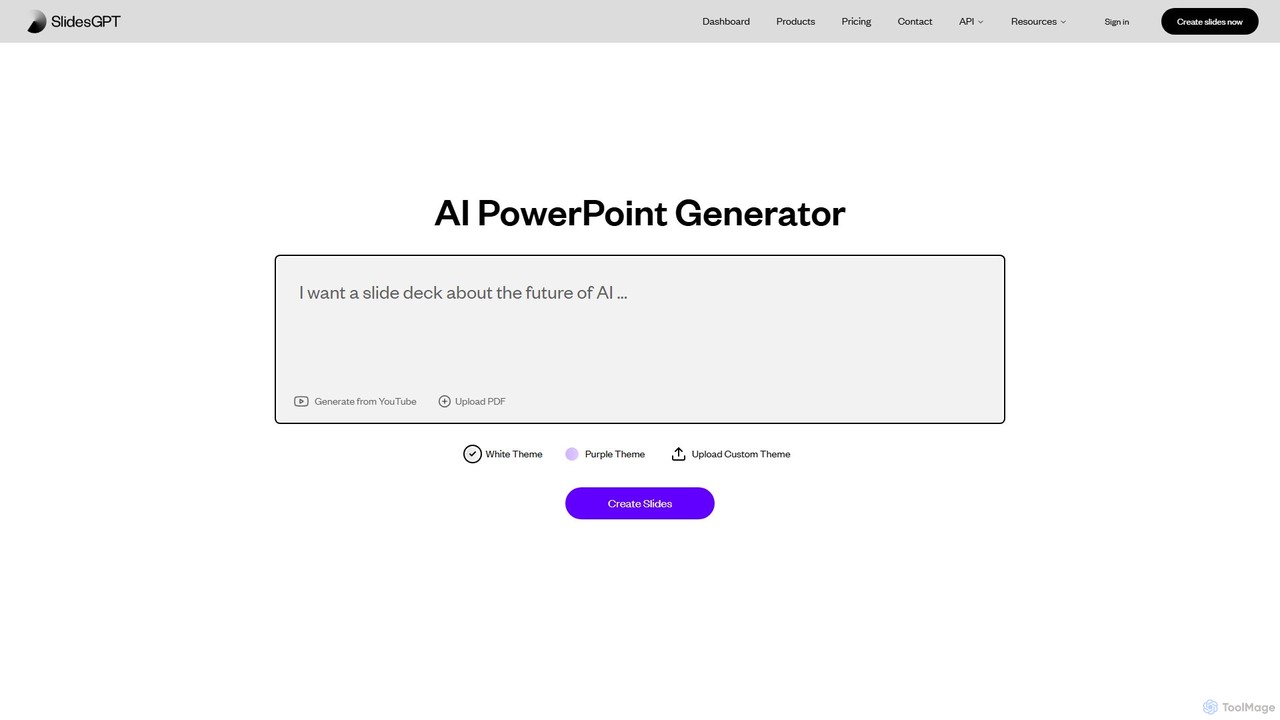
SlidesGPT
SlidesGPT is an AI-powered presentation generator that creates professional PowerPoint and Google Slides presentations from text, prompts, PDFs, or YouTube videos. It automates the slide creation process, saving users hours of work and enabling them to produce engaging slideshows 10x faster.
SalesAutoppt Categories
Autoppt Embed Widget
Copy this embed code to place the badge on your blog, article, or product site and send readers directly to this ToolMage detail page.

Related AI tools
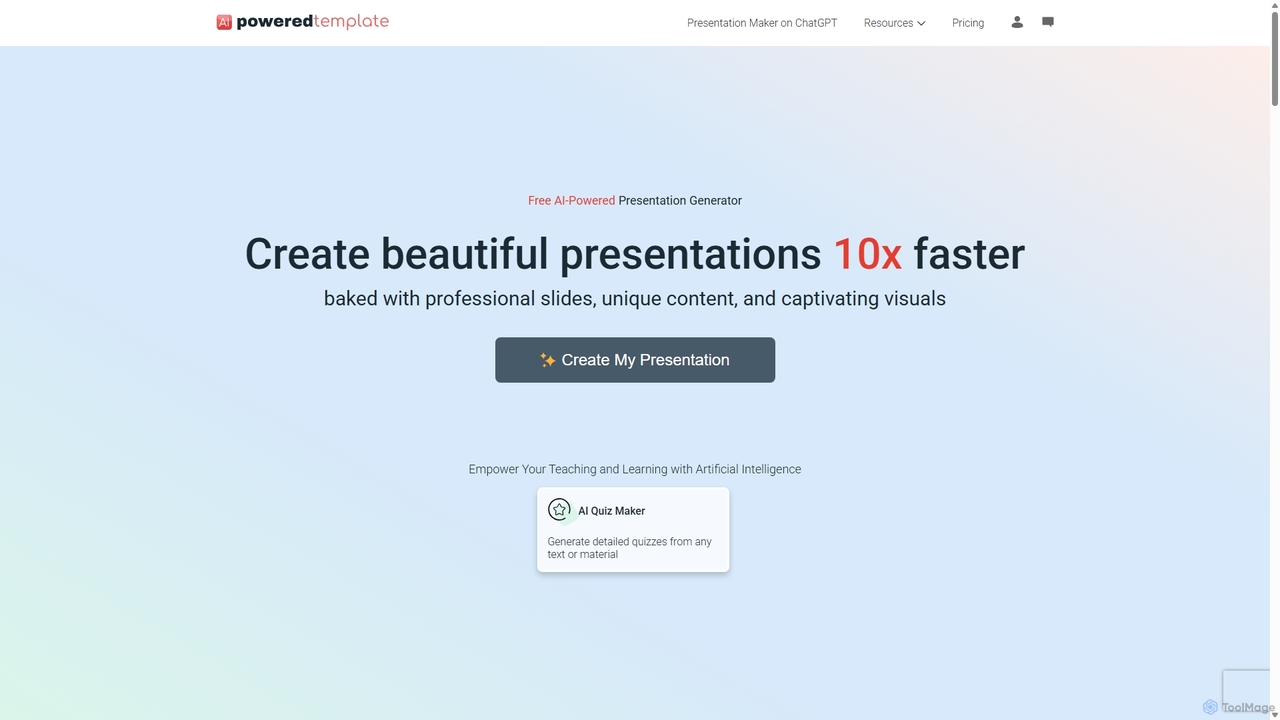
PoweredTemplate AI Presentation Maker
PoweredTemplate AI Presentation Maker is a free, AI-powered tool that transforms your ideas and text into stunning, professional presentations 10x faster. Instantly generate high-quality slides with unique content and captivating visuals for business, education, and marketing. It supports export to PowerPoint, Google Slides, and PDF, offering extensive customization through a vast library of templates and stock media.
Proposals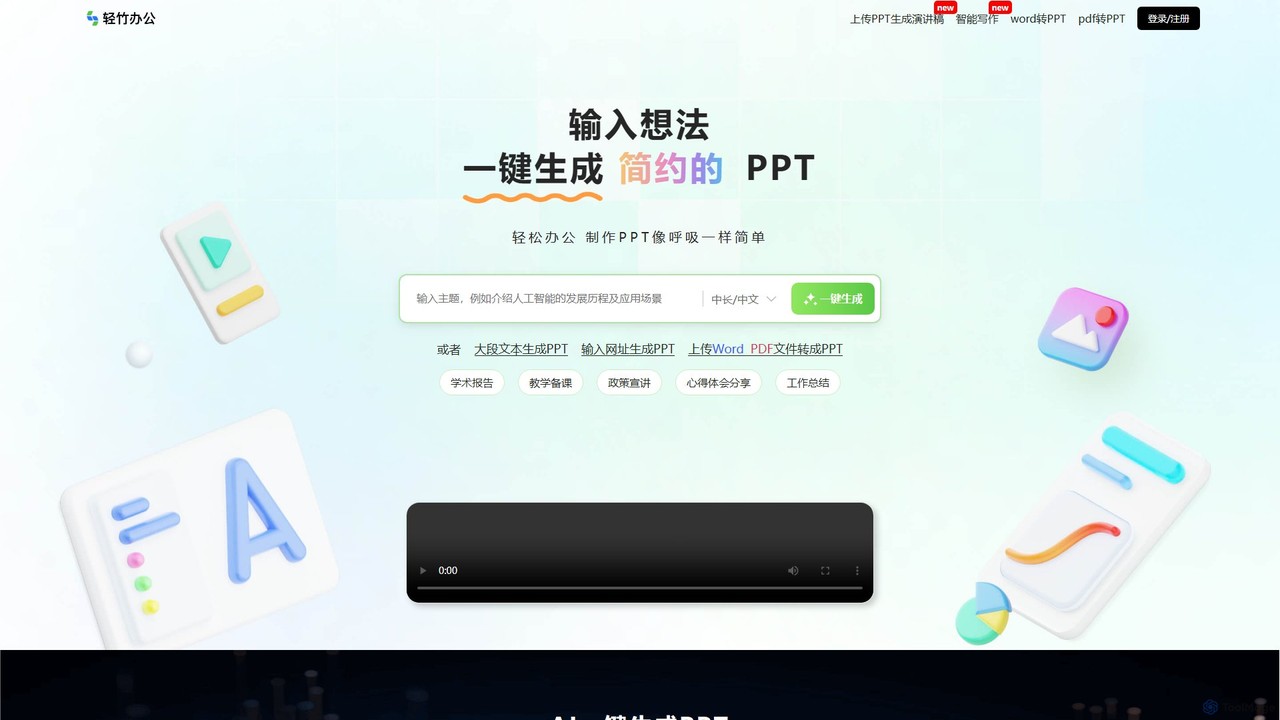
qzoffice
qzoffice is an AI-powered presentation generator that creates professional slides in one click. It converts text, documents (Word/PDF), and URLs into stunning presentations, complete with outlines, content, and speaker notes. Ideal for business, education, and personal use.
MarketingGenPPT
GenPPT is an AI-powered presentation generator that creates professional PowerPoint slides from simple text prompts in minutes. It's designed for professionals, marketers, and students to save hours on slide creation, focusing on logical structure, compelling content, and sleek design without needing any design skills.
SalesChatPPT
ChatPPT is a powerful AI presentation generator that creates professional slides from simple text prompts, documents, webpages, or even images. It streamlines the entire creation process, from content generation with live web search to intelligent layout and design, allowing users to produce stunning presentations in minutes.
ReportingPresentia AI
Presentia AI is an advanced AI presentation maker that automatically generates professional PowerPoint slides from text prompts or documents. Simply input your topic or upload a PDF/Word file, and the AI will create a complete, visually appealing presentation with text and images in seconds, supporting multiple languages and custom styling.
Student Toolsslideas.ai
slideas.ai is an AI-powered presentation assistant that rapidly creates professional slide decks. Simply provide a topic, and the AI generates headlines and talking points. Edit with an intuitive Notion-like editor, collaborate with your team in real-time, and present directly or export to Google Slides and PowerPoint.
Student Tools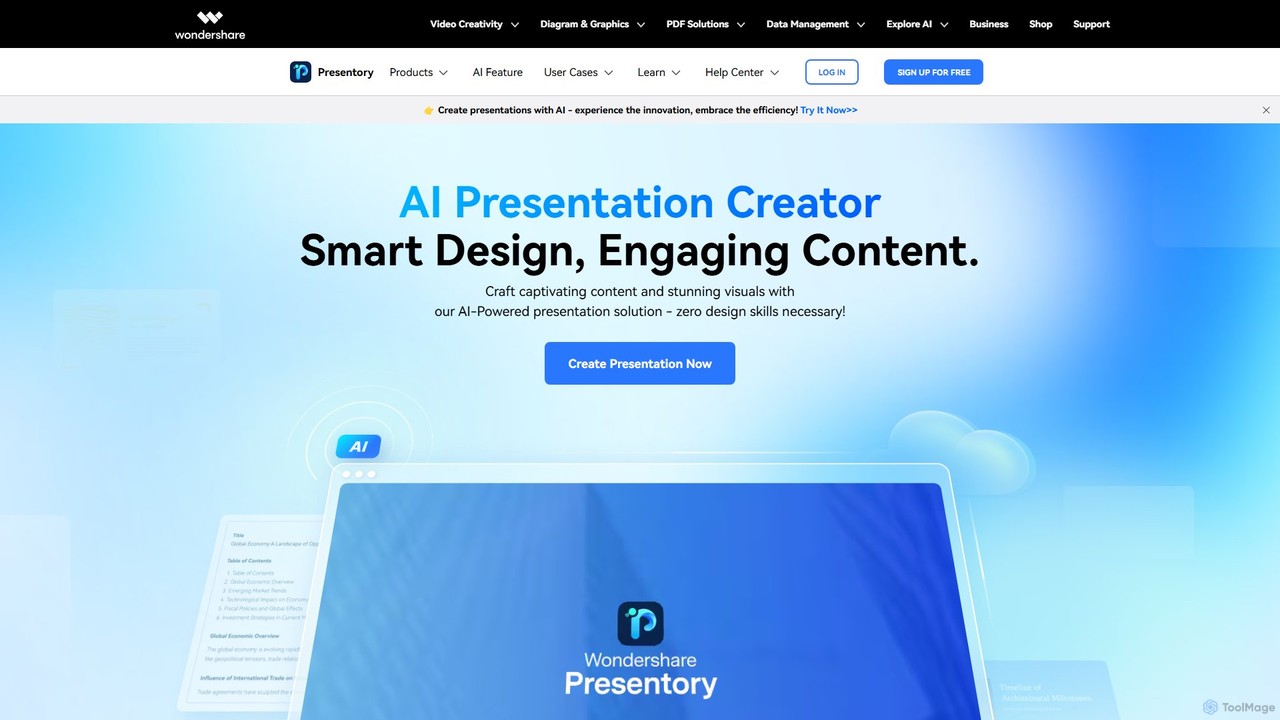
Presentory
Presentory is an AI-powered presentation maker by Wondershare that enables users to create professional and engaging presentations effortlessly. Leveraging GPT-4, it automates content generation, visual design, and layout adjustments. Ideal for business, education, and marketing, it requires no design skills and offers features like AI image generation, video presentation recording, and seamless sharing in various formats.
Elearning
SlidesAI
SlidesAI is an AI-powered presentation maker that integrates directly into Google Slides and PowerPoint. It instantly transforms your text, documents, or ideas into professionally designed, ready-to-present slides. Save hours of manual work by automatically generating outlines, content, and visuals. It's perfect for educators, professionals, and students who need to create compelling presentations quickly and efficiently, with support for over 100 languages.
Automation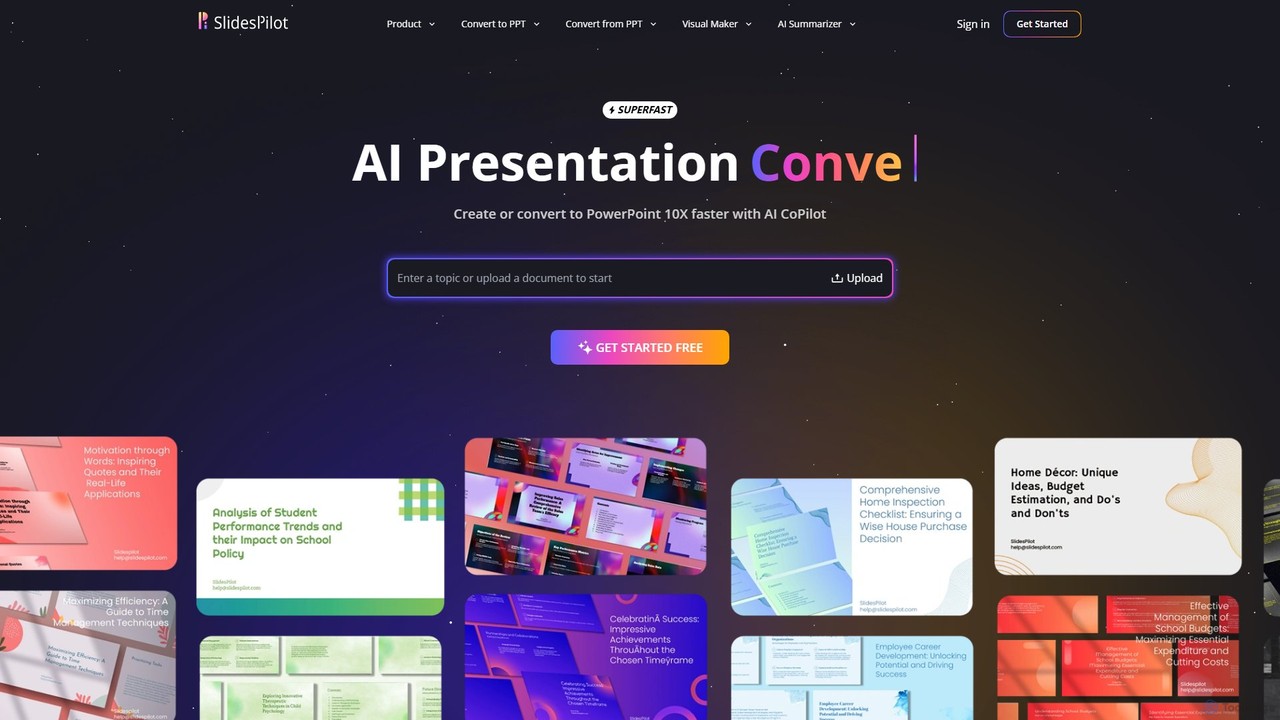
SlidesPilot
SlidesPilot is an AI-powered presentation generator that creates professional PowerPoint and Google Slides 10x faster. It can generate presentations from a topic, convert documents (PDF, Word), text, YouTube videos, and webpages into slides, and features an AI Copilot for real-time editing, image generation, and content rewriting.
Document Management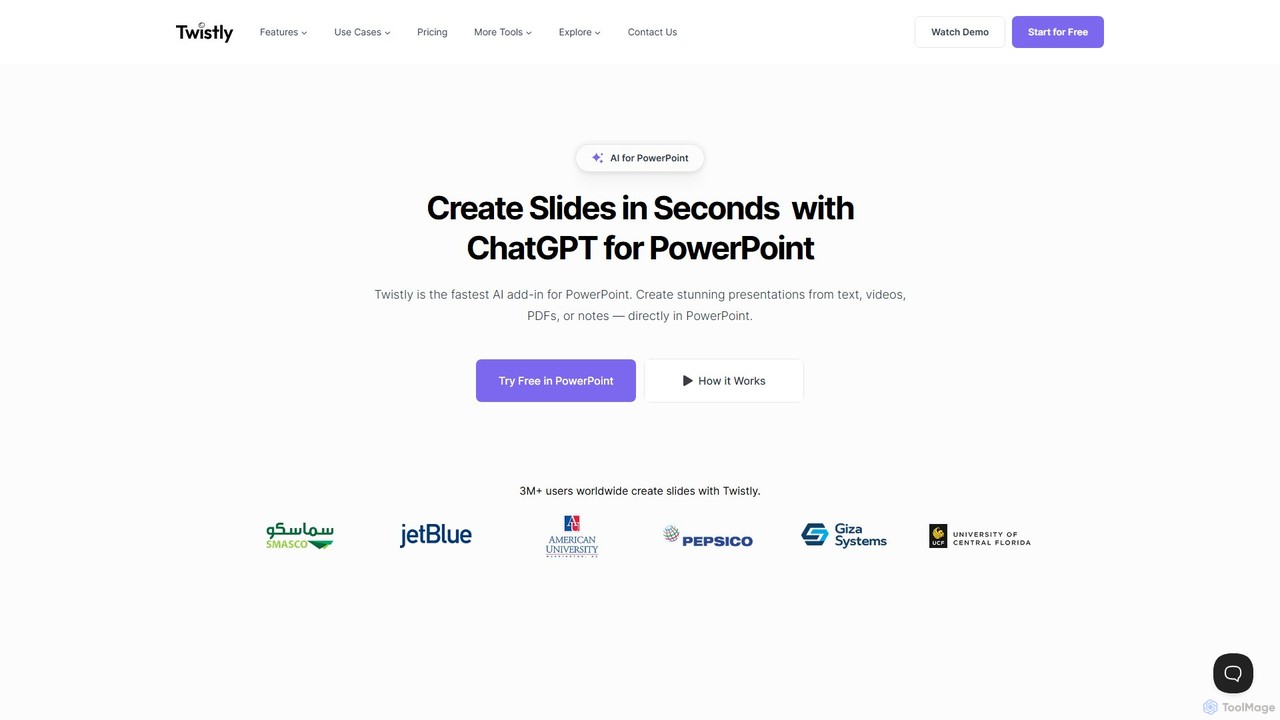
Twistly
Twistly is a powerful AI add-in for Microsoft PowerPoint that integrates ChatGPT to revolutionize presentation creation. It allows users to generate complete, stunning presentations from text, documents, PDFs, or even YouTube videos in seconds, directly within the PowerPoint interface. This eliminates the need for context switching, streamlining the workflow for professionals, educators, and students.
Teaching Tool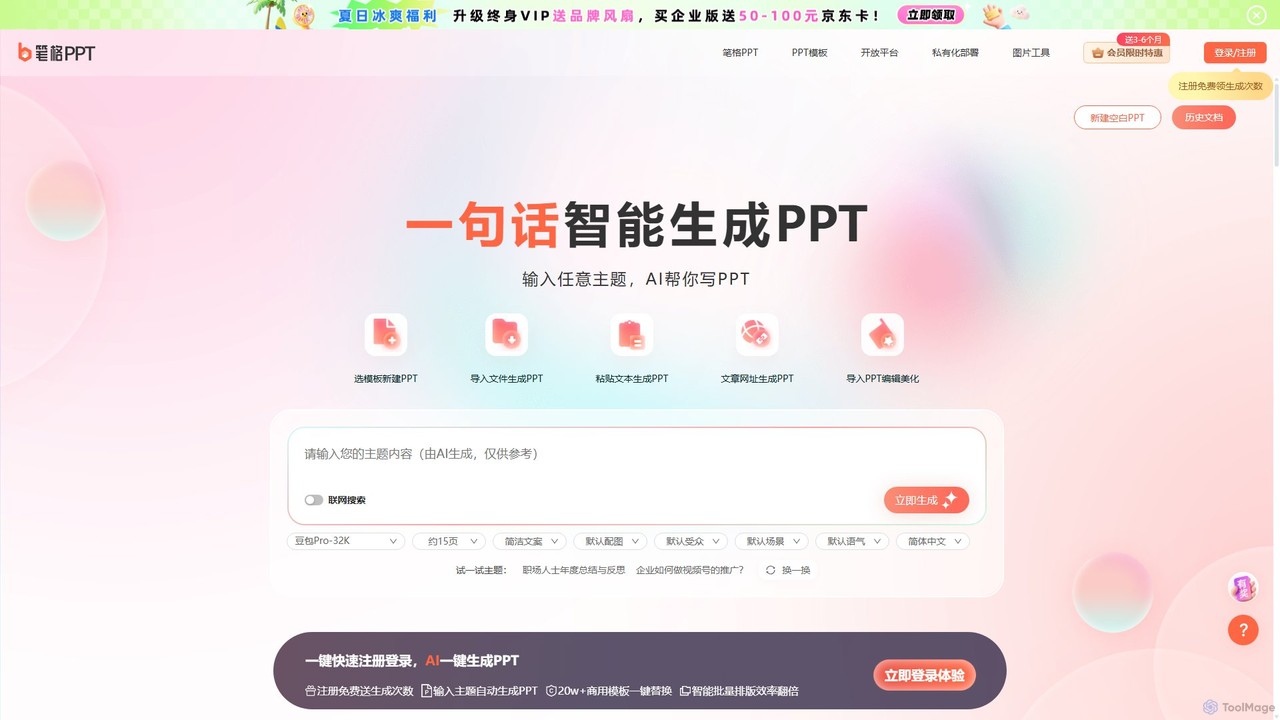
BigPPT
BigPPT is an AI-powered presentation generator that creates complete, professional-looking PPTs in seconds. Simply provide a topic, text, document, or URL, and the AI will automatically generate an outline, content, and a beautifully designed slideshow from a library of over 200,000 templates.
Courseware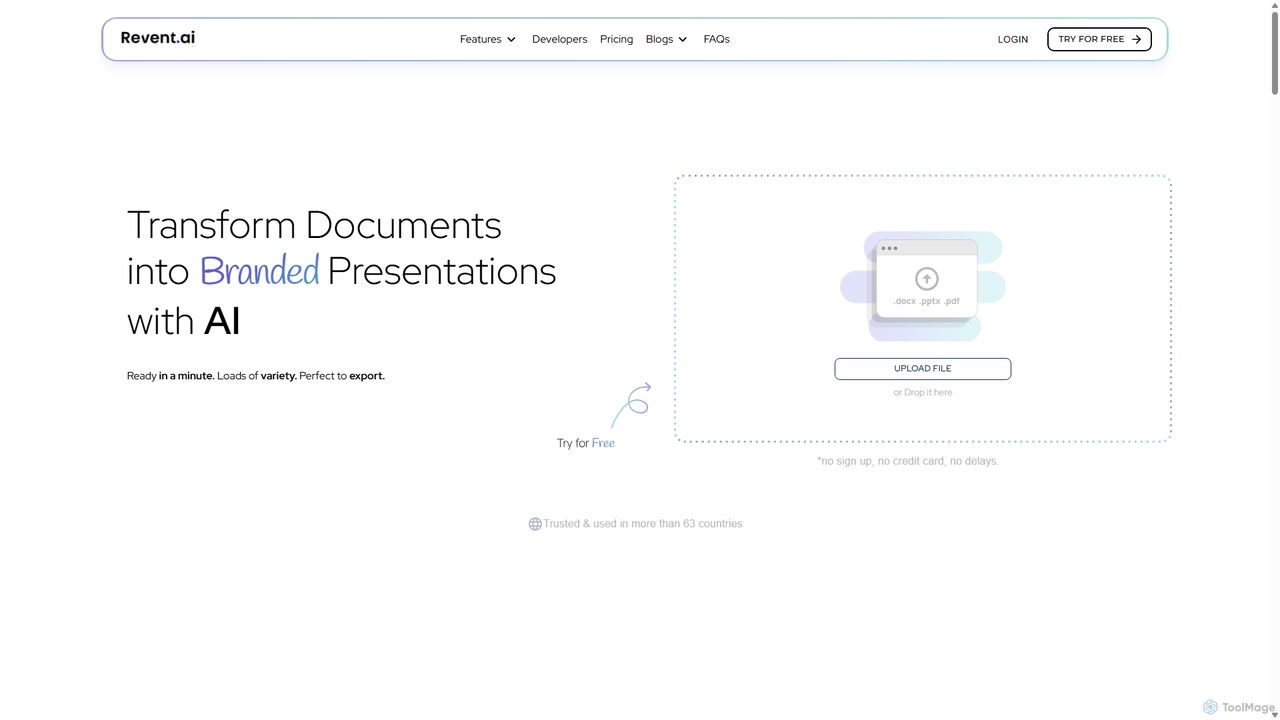
Revent
Revent is an AI-powered presentation design tool that instantly transforms documents like PDFs, Word files, and plain text into professionally designed, branded presentations. It automates slide creation, ensures brand consistency by mirroring your website's design, and offers a vast library of smart templates to streamline your workflow and produce stunning decks in minutes.
Document Management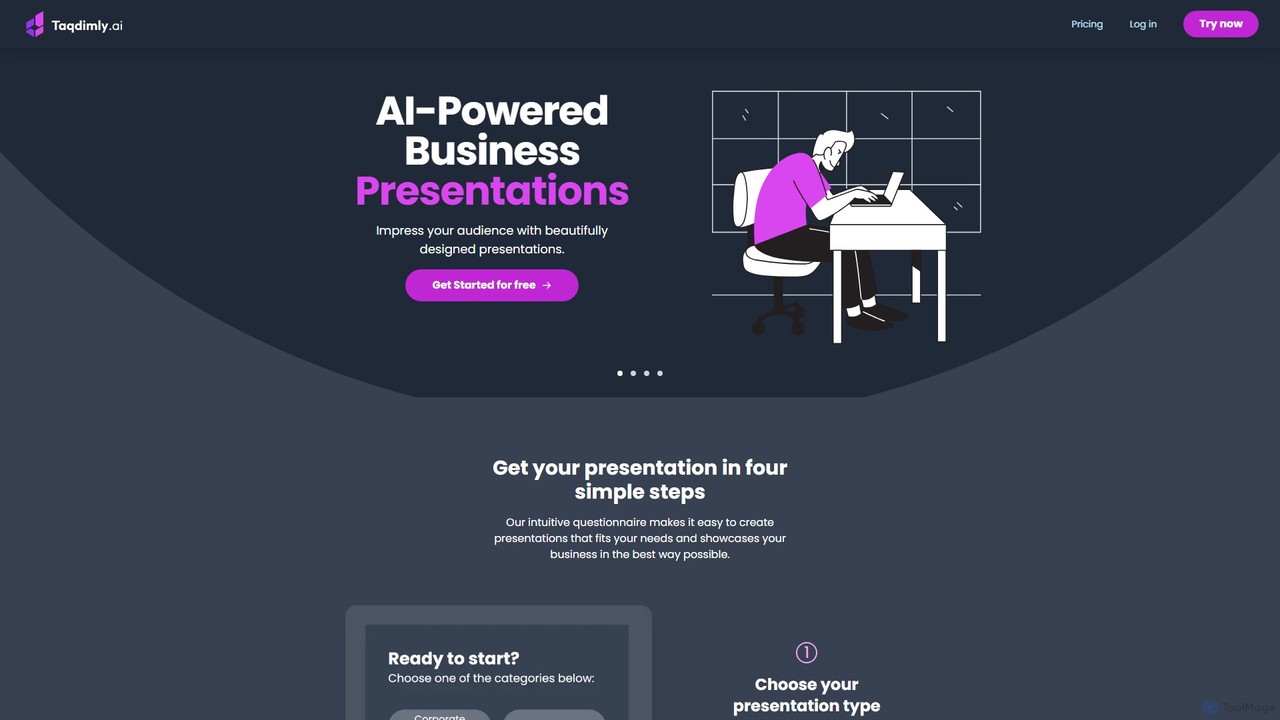
deckify
deckify is an AI-powered platform that enables users to create stunning, professional business presentations in minutes. It transforms your ideas into beautifully designed pitch decks, market research reports, and marketing plans with an intuitive, guided process. Perfect for professionals who need to impress their audience without spending hours on design.
Pitch Decks
displayease
displayease is an AI-powered platform that enables users to effortlessly create professional presentations and digital displays. Simply provide a topic or text, and the AI generates complete, well-designed slides with content and visuals in minutes. It's ideal for business, marketing, and education, saving time while ensuring high-quality, on-brand results.
Graphics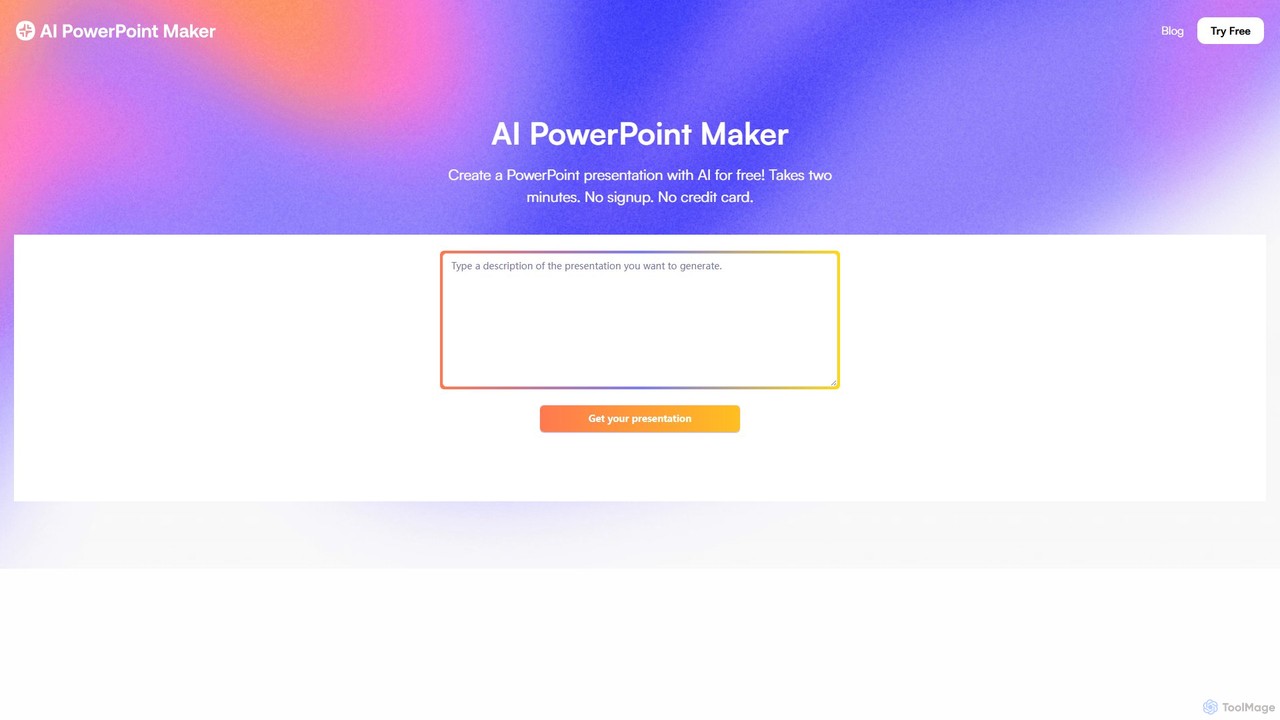
aipowerpointmaker
aipowerpointmaker is an AI-powered tool that instantly transforms text, documents, or rough notes into professional, fully-editable PowerPoint presentations. It automates design, content structuring, and image sourcing, enabling users to create client-ready slides in minutes. It's a web-based tool with seamless PowerPoint integration, perfect for business professionals, marketers, and students.
Sales
Autoppt Comments (0)
Sign in to comment.
Sign inNo comments yet.