

BigPPT Overview
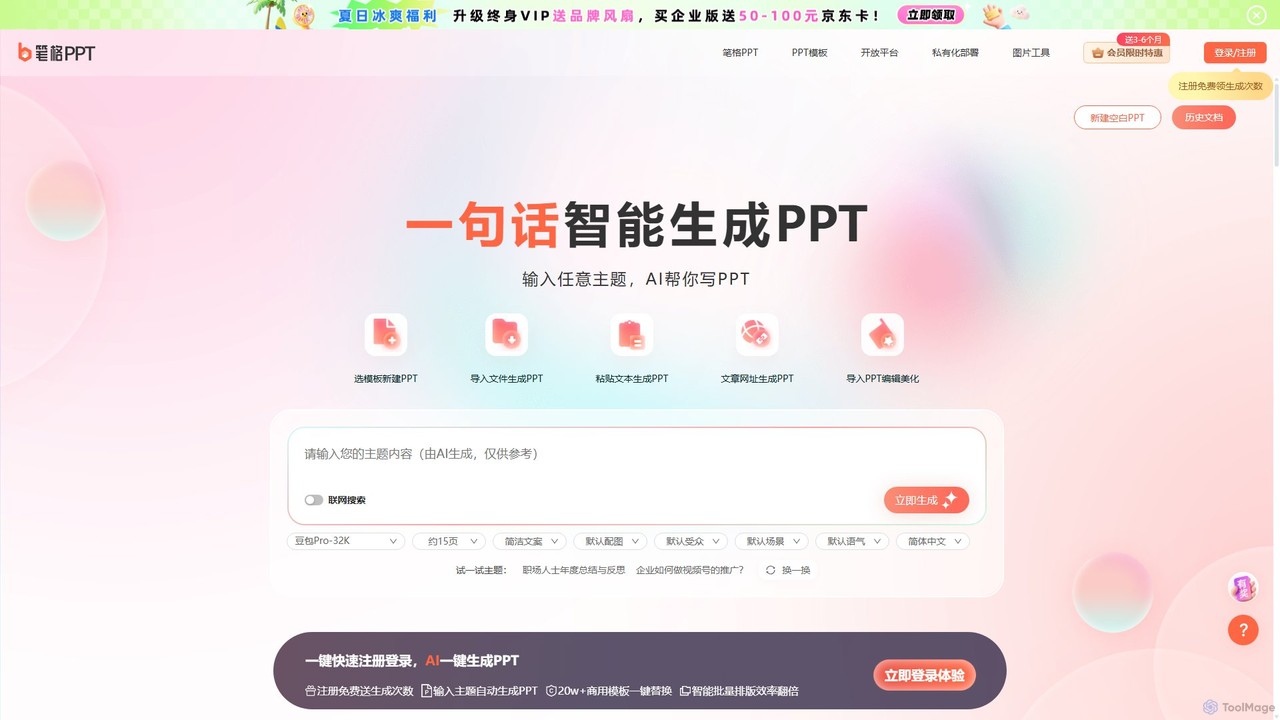
BigPPT (笔格PPT) is a cutting-edge AI tool designed to revolutionize the way presentations are created. It eliminates the tedious process of manual slide creation, allowing users to generate complete, well-structured, and visually appealing PowerPoint presentations with a single click. By simply inputting a topic, pasting text, uploading a document, or providing a URL, BigPPT's advanced AI engine takes over, handling everything from content structuring and copywriting to professional design and layout. This makes it an indispensable asset for students, educators, business professionals, and anyone who needs to create high-quality presentations quickly and efficiently.
The platform is built on a powerful AI model (like Doubao Pro-32K) that can understand context, generate relevant content, and apply sophisticated design principles. It intelligently analyzes input to create a logical outline, then populates each slide with concise text and appropriate imagery. With a massive library of over 200,000 commercially licensed templates spanning various industries and styles—from corporate and tech to education and creative—users can always find the perfect look for their message. The tool also offers a seamless online editing experience, allowing for further customization after the initial AI generation.
How to use BigPPT
Using BigPPT is designed to be incredibly intuitive and straightforward, requiring just a few simple steps:
- Choose Your Generation Method: Start by selecting how you want to create your presentation. You can enter a single sentence or topic (e.g., "How to promote a business on social media"), paste a block of text, upload a local document (like Word or PDF), or even provide a URL to an article.
- AI Generation: Click the "Generate" button. The AI will instantly analyze your input, create a detailed outline, write the content for each slide, and select a suitable design and layout. The entire process typically takes about 10 seconds.
- Review and Select a Template: The AI will present you with a fully formed presentation. You can then browse through the vast library of over 200,000 templates and apply a new design with a single click to instantly change the entire look and feel.
- Customize and Refine: Use the powerful online editor to make any necessary adjustments. You can easily edit text, replace images, change the color scheme for the entire presentation with one click, or modify the font globally.
- Export and Share: Once you are satisfied with your presentation, you can export it for use in various formats or share it directly.
Core Features of BigPPT
- AI One-Click Generation: Generate a complete PPT from a single topic, sentence, document, text, or URL.
- Intelligent Outline Creation: The AI automatically analyzes the topic to generate a clear, logical presentation structure and outline.
- AI Content Writing: Automatically populates slides with relevant, concise, and well-organized text.
- Smart Design and Layout: AI-powered formatting ensures professional and aesthetically pleasing layouts, saving you from manual adjustments.
- Massive Template Library: Access to over 200,000+ high-quality, commercially licensed templates for various industries (business, education, healthcare, tech) and styles (minimalist, corporate, creative).
- One-Click Beautification: Instantly change the entire presentation's template, color scheme, or font with a single click.
- Multi-Format Import: Supports importing various document formats to be instantly converted into a presentation.
- Online Editor: A user-friendly editor for fine-tuning and customizing the AI-generated slides.
- Cross-Platform Access: Available as a web tool and through a mobile-friendly WeChat Mini Program for on-the-go creation.
Use Cases for BigPPT
BigPPT is a versatile tool suitable for a wide range of users and scenarios:
- Students: Quickly create presentations for class projects, reports, and graduation defenses, ensuring a clear structure and professional design.
- Educators & Teachers: Effortlessly generate engaging teaching materials, lesson plans, and courseware, saving valuable preparation time.
- Business Professionals: Create compelling presentations for work summaries, project proposals, product introductions, brand marketing campaigns, and internal training.
- Marketers: Develop persuasive sales pitches and marketing presentations that are both informative and visually striking.
- Administrative Staff: Prepare presentations for meetings, reports, and official announcements for government or corporate entities.
Advantages of BigPPT
The primary advantage of BigPPT is its incredible efficiency. It transforms a task that could take hours into a process of seconds, freeing up users to focus on the core message rather than the design. The AI's ability to generate both content and design ensures a high-quality, professional result even for users with no design experience. Its vast template library and one-click customization features offer unparalleled flexibility, while its multiple input methods make it an extremely versatile and powerful productivity tool.
Pricing and Plans
BigPPT operates on a freemium model. New users can register to receive free generation credits, allowing them to experience the core features of the AI presentation generator at no cost. For users with more extensive needs, BigPPT offers membership plans. These paid plans typically provide a larger number of generation credits or unlimited use, access to premium templates, and advanced features. The platform often runs limited-time promotions and discounts on its membership subscriptions.
Traffic
Latest traffic
Status
Monthly traffic trend
- 2025-9: 33.1K
- 2026-1: 16.6K
- 2026-2: 7.2K
- 2026-3: 15.4K
- 2026-4: 12.9K
- 2026-5: 10.3K
Geography
Top 5 countries / regions
- 🇨🇳China96.8%
- 🇺🇸United States2.2%
- 🇸🇬Singapore1.0%
Traffic sources
| Source type | Percentage |
|---|---|
Direct | 52.1% |
Referral | 47.9% |
Top keywords
| Keyword | Cost per click |
|---|---|
| aippt | $0.34 |
| ppt美化 | $0.00 |
| 一键ppt | $0.00 |
| 演示文稿ppt 课件 | $0.00 |
| 笔格ppt | $0.00 |
BigPPT Alternatives
PitchGrade
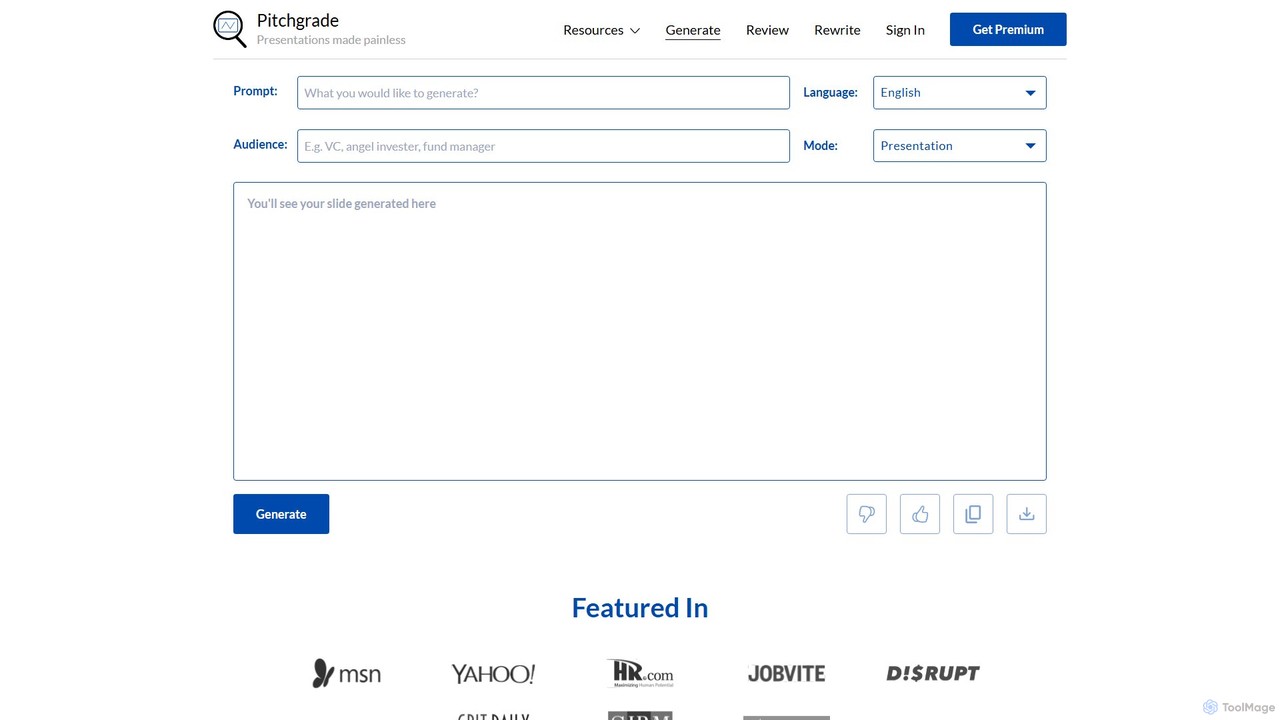
PitchGrade is an AI-powered platform that instantly generates and reviews professional presentations. Create high-quality pitch decks, sales decks, and more from a simple prompt in over 180 languages. Get instant AI feedback to refine your slides, saving you hours of work and helping you deliver a perfect pitch.
Pitch Decks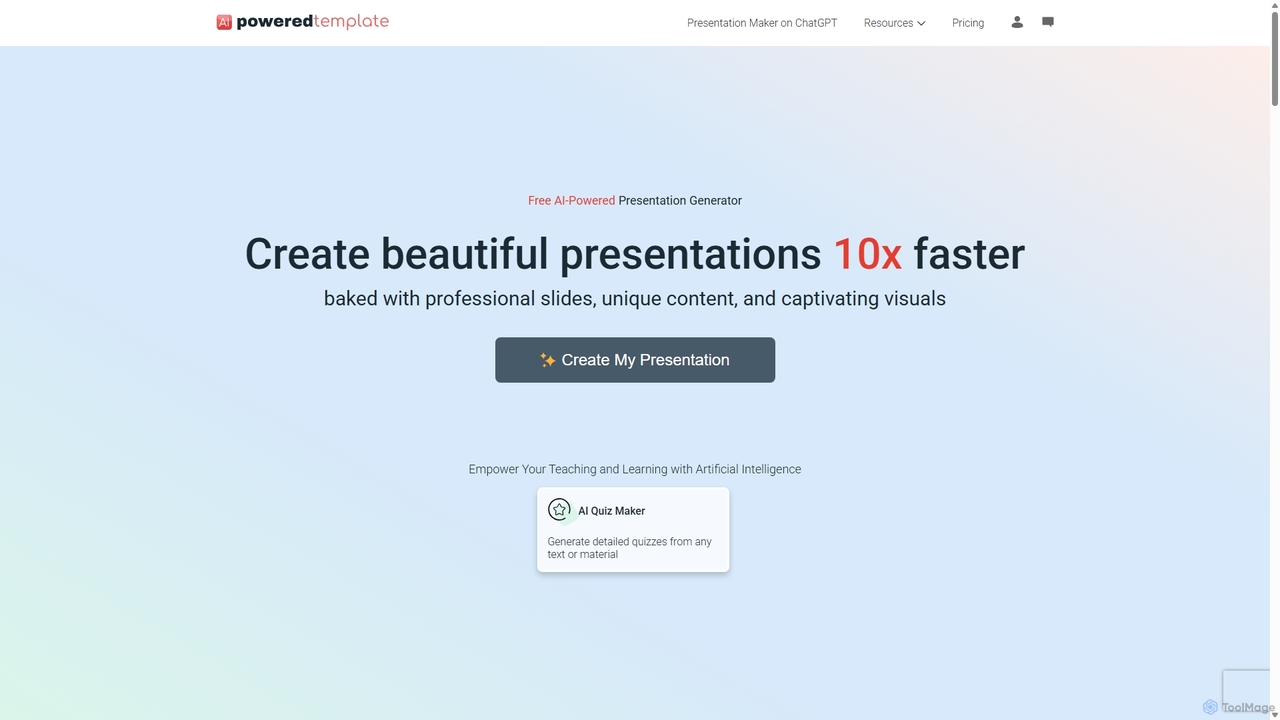
PoweredTemplate AI Presentation Maker
PoweredTemplate AI Presentation Maker is a free, AI-powered tool that transforms your ideas and text into stunning, professional presentations 10x faster. Instantly generate high-quality slides with unique content and captivating visuals for business, education, and marketing. It supports export to PowerPoint, Google Slides, and PDF, offering extensive customization through a vast library of templates and stock media.
Proposals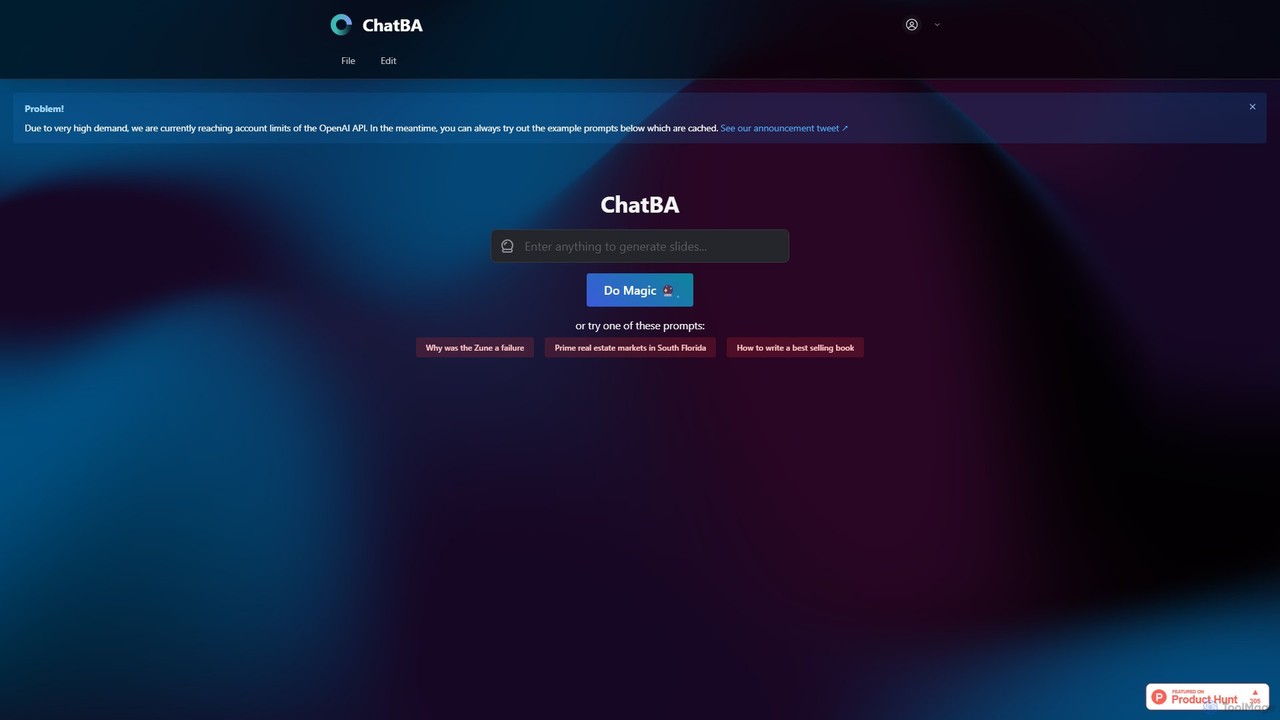
ChatBA
ChatBA is a generative AI tool that transforms simple text prompts into complete, professional presentations. Instantly create slide decks for business, education, or marketing by just describing your topic. It automates content writing, structuring, and design, saving you hours of manual work.
Student Tools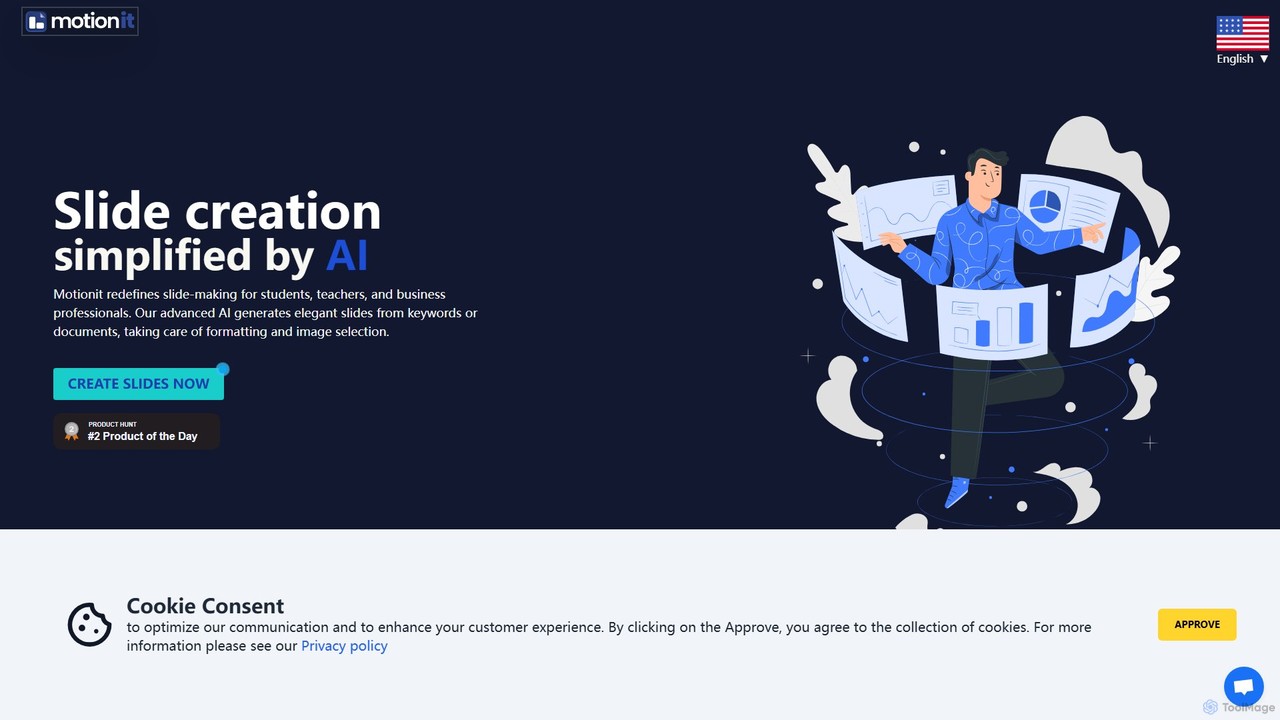
MotionIt
MotionIt is an AI-powered presentation generator that simplifies slide creation for students, educators, and business professionals. It automatically designs elegant slides from keywords or documents, complete with formatting and relevant image selection, and allows exporting to PowerPoint, Google Slides, and PDF.
Sales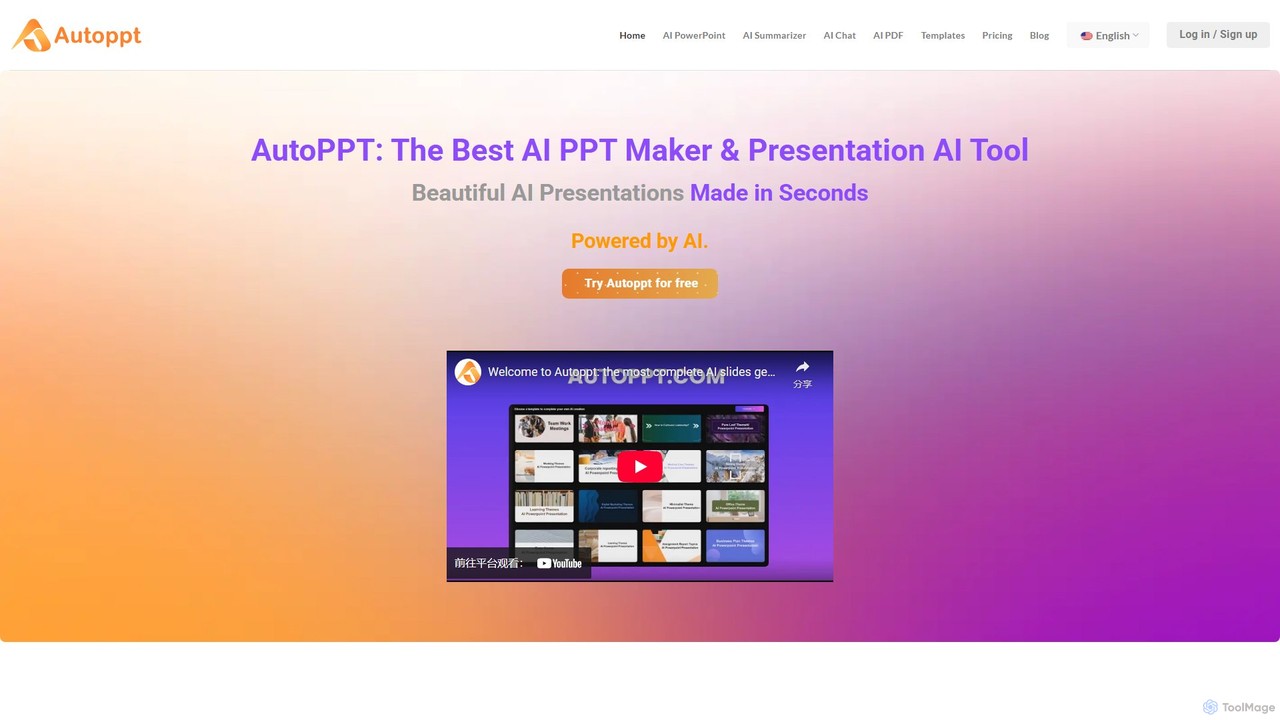
Autoppt
Autoppt is an AI-powered presentation generator that creates stunning PowerPoint slides in seconds. Simply provide a topic or upload a document (PDF, Word, etc.), and Autoppt will instantly generate a professional, fully-editable presentation using its vast library of templates. It's designed for users of all skill levels to save time and effort on creating visually appealing slideshows.
Student ToolsBigPPT Categories
BigPPT Embed Widget
Copy this embed code to place the badge on your blog, article, or product site and send readers directly to this ToolMage detail page.

Related AI tools
PitchGrade
PitchGrade is an AI-powered platform that instantly generates and reviews professional presentations. Create high-quality pitch decks, sales decks, and more from a simple prompt in over 180 languages. Get instant AI feedback to refine your slides, saving you hours of work and helping you deliver a perfect pitch.
Pitch DecksPoweredTemplate AI Presentation Maker
PoweredTemplate AI Presentation Maker is a free, AI-powered tool that transforms your ideas and text into stunning, professional presentations 10x faster. Instantly generate high-quality slides with unique content and captivating visuals for business, education, and marketing. It supports export to PowerPoint, Google Slides, and PDF, offering extensive customization through a vast library of templates and stock media.
ProposalsChatBA
ChatBA is a generative AI tool that transforms simple text prompts into complete, professional presentations. Instantly create slide decks for business, education, or marketing by just describing your topic. It automates content writing, structuring, and design, saving you hours of manual work.
Student ToolsMotionIt
MotionIt is an AI-powered presentation generator that simplifies slide creation for students, educators, and business professionals. It automatically designs elegant slides from keywords or documents, complete with formatting and relevant image selection, and allows exporting to PowerPoint, Google Slides, and PDF.
Sales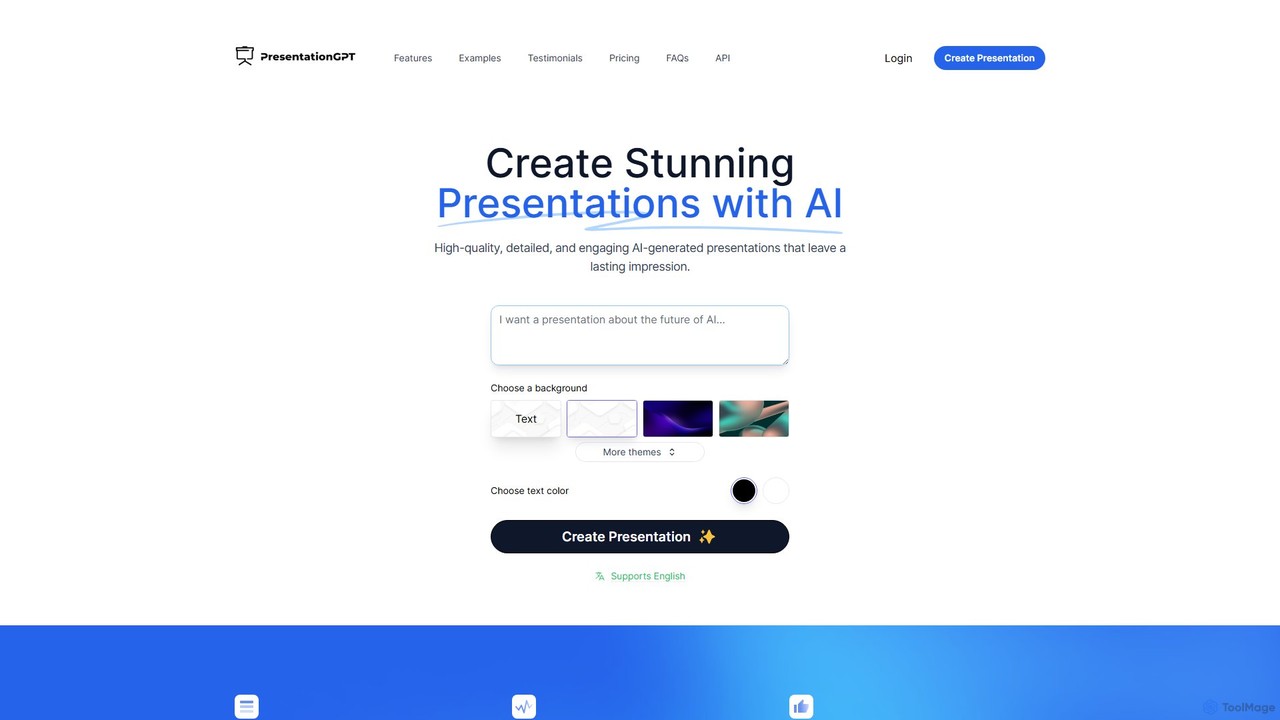
PresentationGPT
PresentationGPT is an AI-powered presentation generator that creates high-quality, detailed, and engaging slides in seconds. Powered by a proprietary language model, LISA, it supports seamless integration with PowerPoint and Google Slides, allowing for full customization after download. It offers a simple, transparent pricing model, including a free plan to create and share presentations.
Marketing
Slides.bot
Slides.bot is a free, GPT-4o powered AI presentation maker that transforms text into professional, visually appealing slides in minutes. Simply provide a prompt, and the AI will generate a complete, customizable presentation, saving you hours of design work.
E Learning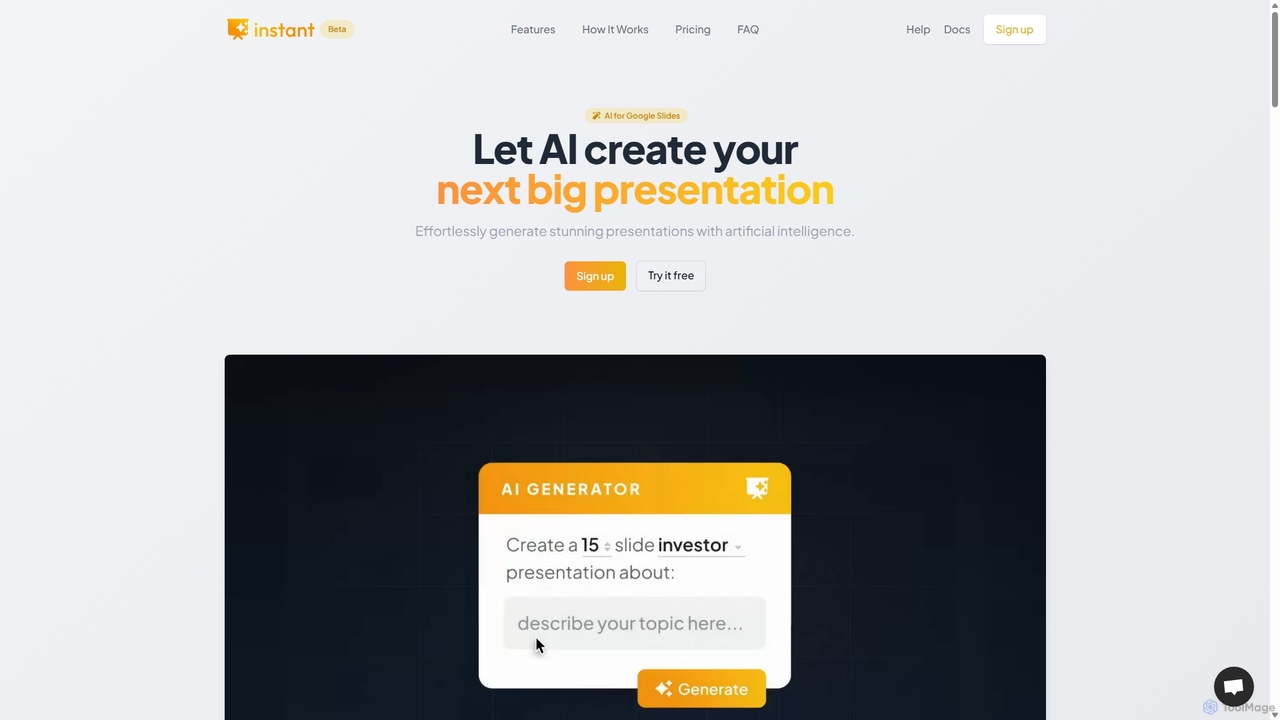
Instant
Instant is an AI-powered presentation generator designed as a Google Slides extension. It enables users to create visually stunning, fully-editable presentations directly within their familiar workflow. By combining advanced AI with a library of over 100 expert-designed templates, Instant excels at generating engaging slides with infographics, diagrams, and flowcharts, moving beyond simple text and bullet points. It automates content creation, outline generation, and layout design, saving time and effort while producing professional-grade results.
Learning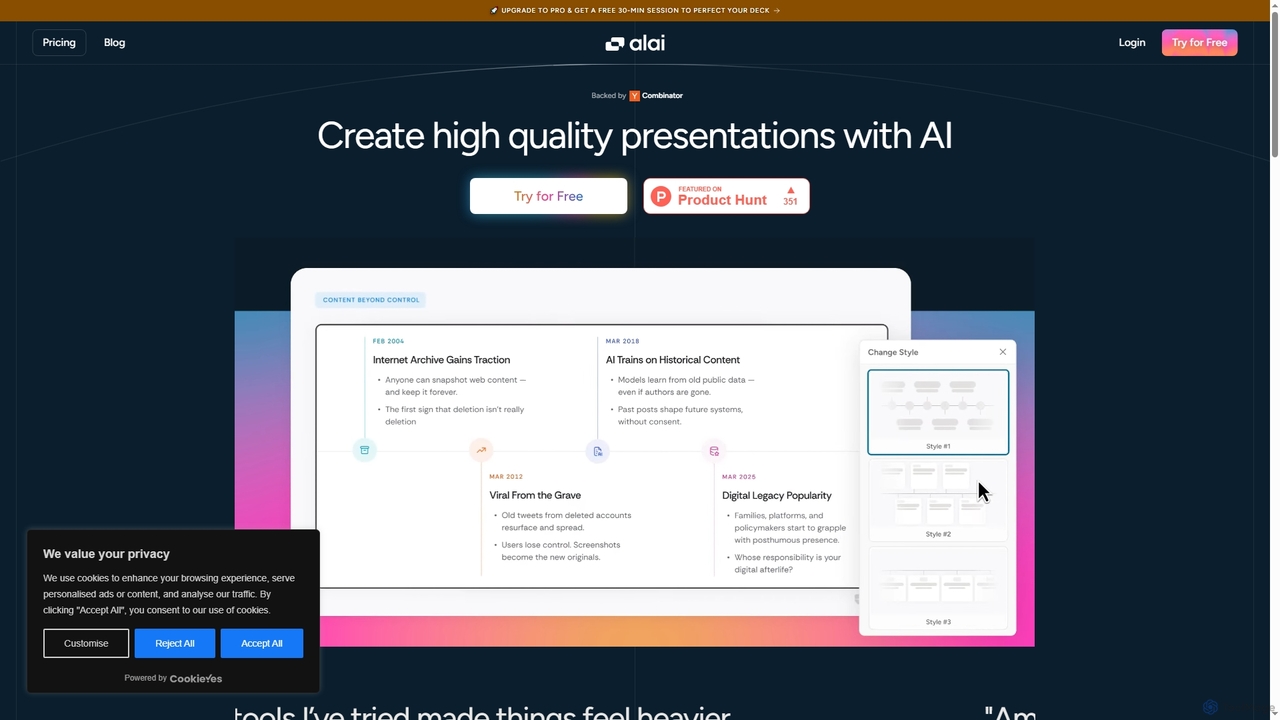
Alai
Alai is an AI-powered presentation maker that transforms your ideas into professional, high-quality slide decks in seconds. It streamlines the design process, allowing users to focus on content while ensuring visual consistency and compelling communication.
Content Creation
Slider AI
Slider AI is an AI-powered presentation builder that transforms your ideas, text, videos, or websites into stunning, professional presentations in seconds. It automates content creation, design, and image generation, significantly boosting productivity for professionals, educators, and students.
Marketing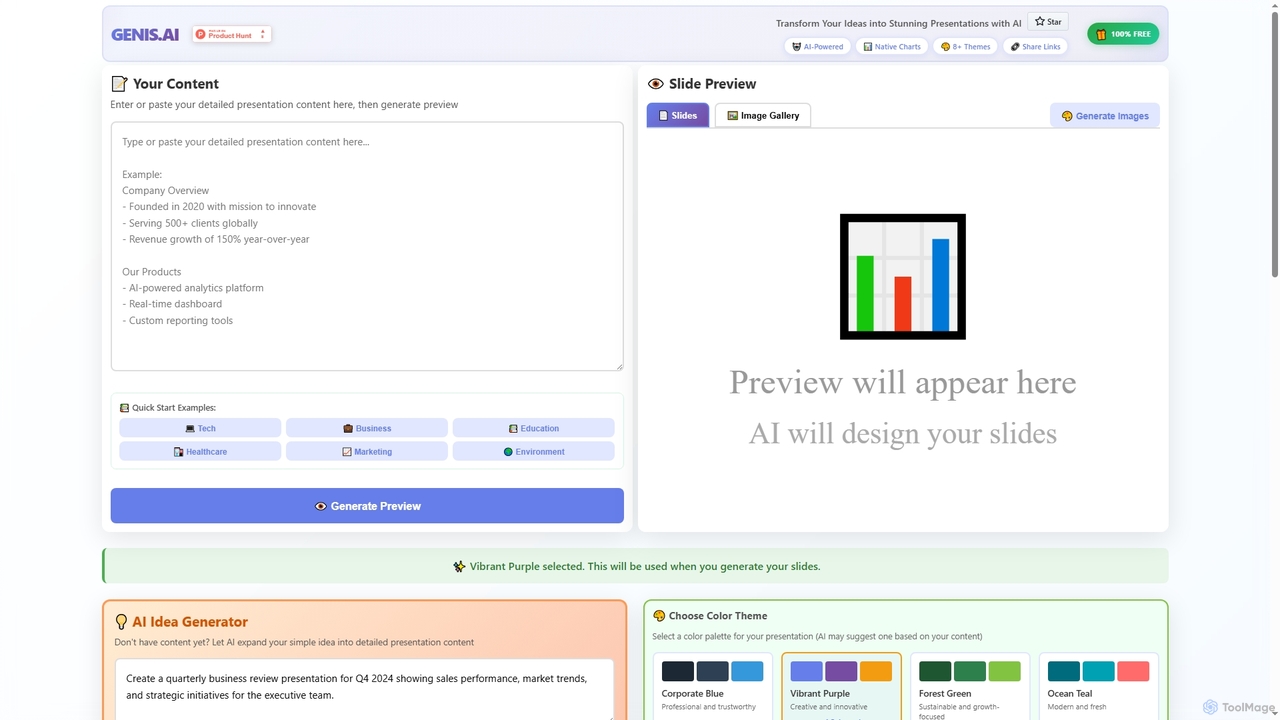
Genis
Genis is a free AI-powered presentation generator that transforms ideas and content into stunning, professional slides in seconds. It offers native charts, diverse themes, and flexible AI model integration, including free access to Amazon Bedrock, making high-quality presentation creation accessible to everyone.
Data VisualizationAutoppt
Autoppt is an AI-powered presentation generator that creates stunning PowerPoint slides in seconds. Simply provide a topic or upload a document (PDF, Word, etc.), and Autoppt will instantly generate a professional, fully-editable presentation using its vast library of templates. It's designed for users of all skill levels to save time and effort on creating visually appealing slideshows.
Student Tools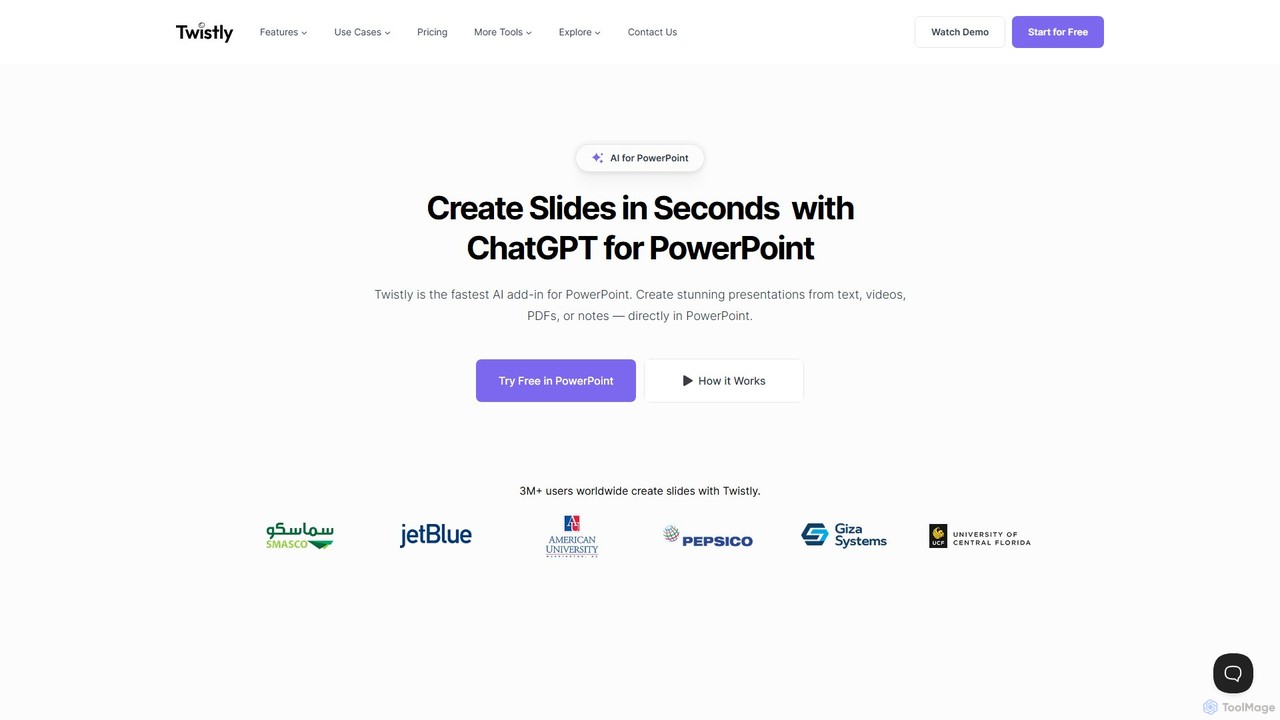
Twistly
Twistly is a powerful AI add-in for Microsoft PowerPoint that integrates ChatGPT to revolutionize presentation creation. It allows users to generate complete, stunning presentations from text, documents, PDFs, or even YouTube videos in seconds, directly within the PowerPoint interface. This eliminates the need for context switching, streamlining the workflow for professionals, educators, and students.
Teaching Tool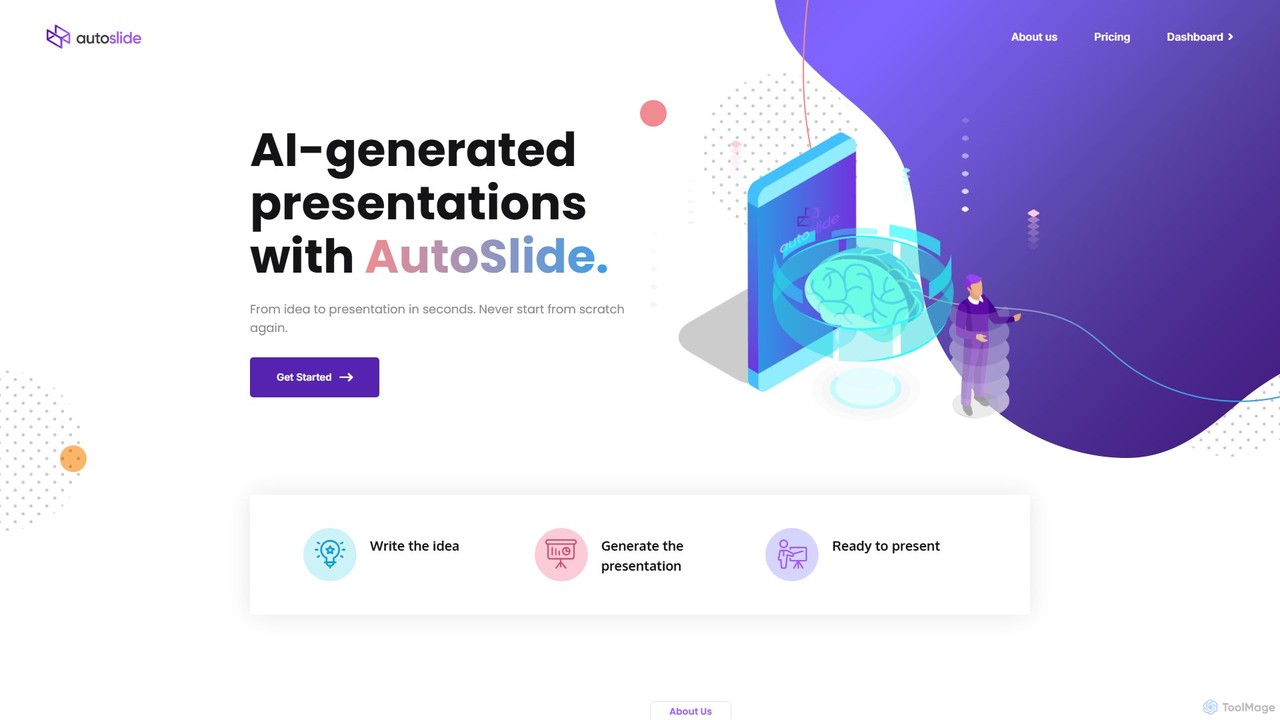
AutoSlide
AutoSlide is an AI-powered presentation generator that transforms your text, topics, or documents into professional, ready-to-present slides in seconds. Leveraging advanced AI like GPT-3, it automates content creation and design, allowing you to focus on your message. Ideal for business professionals, educators, and marketers.
Teaching
Gamma
Gamma is an AI-powered design partner that revolutionizes content creation. It enables users to effortlessly generate polished presentations, engaging websites, professional documents, and social media graphics from simple text prompts. Move beyond traditional slide decks and blank pages, and transform your ideas into visually stunning, ready-to-share materials in minutes, no design skills required.
Website Builder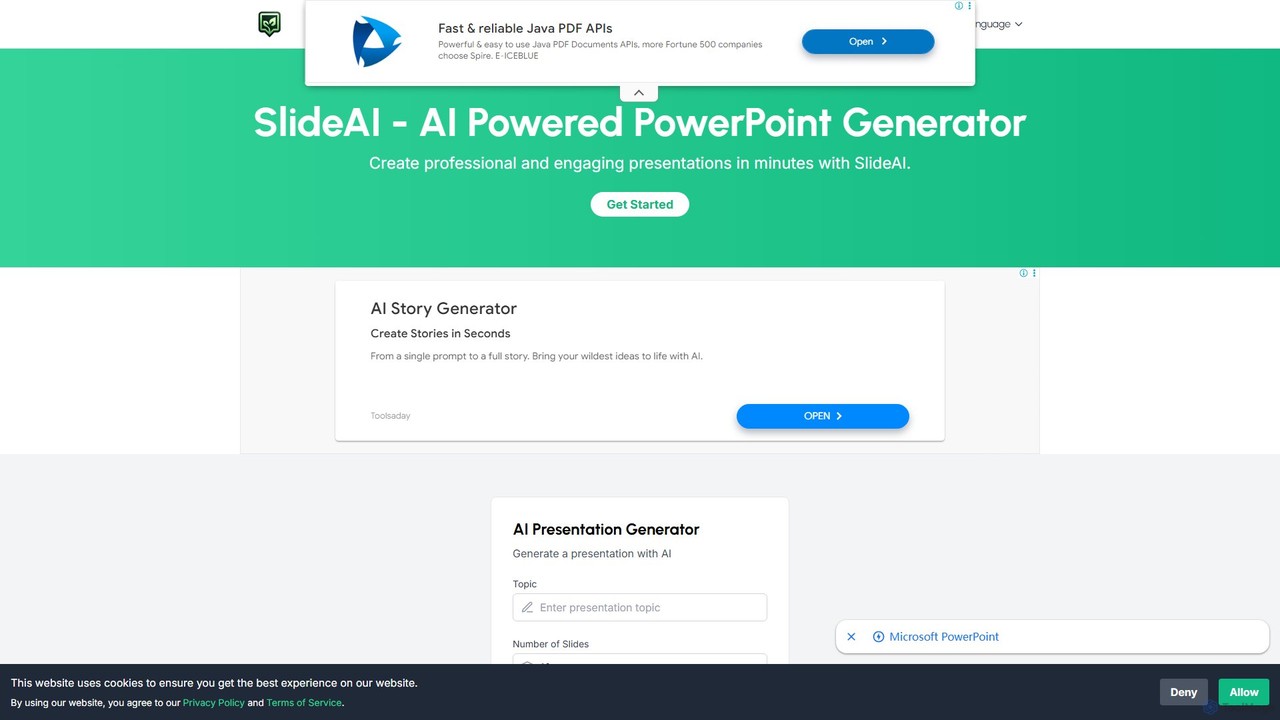
SlideAI
SlideAI is an AI-powered presentation generator that creates professional and engaging PowerPoint slides in minutes. Simply provide a topic, and the AI will automatically generate headings, content, and relevant images, helping you save time and effort.
Meetings
BigPPT Comments (0)
Sign in to comment.
Sign inNo comments yet.