

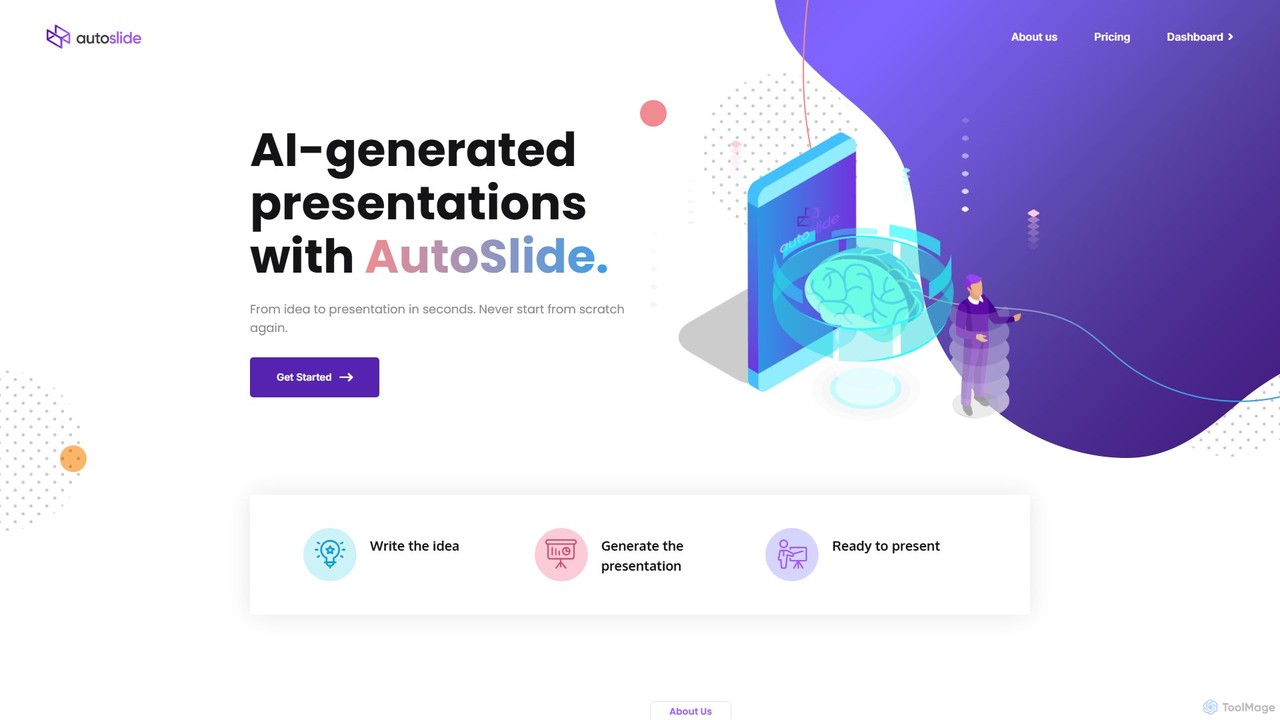
AutoSlide Overview
AutoSlide is a revolutionary AI-powered tool designed to automate and streamline the presentation creation process. Say goodbye to spending countless hours designing slides and struggling with content layout. With AutoSlide, you can generate a complete, visually appealing, and content-rich presentation from a simple text prompt, a detailed document, or a central topic in mere minutes. By harnessing the power of advanced language models like GPT-3, AutoSlide not only structures your information logically across slides but also populates them with high-quality, relevant text, ensuring your message is delivered with clarity and impact.
The platform is built for speed and efficiency, catering to a wide range of users, from business executives needing a last-minute pitch deck to students preparing for a project presentation. It intelligently analyzes your input to create a coherent narrative, complete with slide titles, bullet points, and explanatory paragraphs. This allows you to focus on what truly matters: refining your message and preparing for your delivery, while the AI handles the heavy lifting of design and initial content drafting.
How to use AutoSlide
Creating a professional presentation with AutoSlide is an intuitive and straightforward process:
- Provide Your Input: Start by entering your presentation topic. You can use a simple phrase (e.g., "Q3 Marketing Strategy"), a detailed paragraph, or even paste the entire content of a document or article you want to convert into slides.
- Let the AI Work: Click the 'Generate' button. AutoSlide's AI engine will process your input, outline the key themes, structure the content into a logical sequence of slides, and write the corresponding text for each one.
- Customize the Design: Once the initial draft is ready, browse through a library of professionally designed templates. Select a theme that best fits your topic and brand. You can further customize fonts, color schemes, and layouts with just a few clicks.
- Refine and Enhance: Review the AI-generated content. You can easily edit the text, reorder slides, or add new ones. Enhance your presentation by adding images from the integrated stock photo library or uploading your own visuals and company logo.
- Share and Export: When you are satisfied with your presentation, you can share it directly with others via a unique web link or export it in popular formats like PDF or Microsoft PowerPoint (.pptx) for offline access and further editing.
Core Features of AutoSlide
- AI Content Generation: Automatically creates all slide content, including headlines, bullet points, and detailed text, based on your topic.
- Text-to-Presentation Conversion: Instantly transforms long-form documents, articles, or notes into a structured and digestible presentation format.
- Professional Template Library: A diverse collection of modern and clean design templates suitable for any occasion, from corporate meetings to academic lectures.
- Smart Layout Engine: The AI intelligently arranges text and visual elements on each slide for maximum readability and aesthetic appeal.
- Custom Branding: Easily apply your own brand identity by adding a logo and setting a custom color palette that applies across the entire presentation.
- Rich Media Integration: Access to a built-in library of royalty-free images and icons to make your slides more engaging.
- Multiple Export Options: Download your finished presentation as a high-quality PDF or an editable PPTX file.
- Cloud-Based and Collaborative: Access your presentations from any device, anywhere. Future updates may include real-time collaboration features for teams.
Use Cases for AutoSlide
AutoSlide is a versatile tool perfect for various scenarios:
- Business Professionals: Quickly create compelling sales pitches, marketing reports, business proposals, quarterly reviews, and internal training materials.
- Educators and Students: Generate engaging lecture slides, summarize research papers, and prepare visually appealing project presentations with ease.
- Marketers: Develop content for webinars, product launch events, and strategic planning sessions in a fraction of the time.
- Entrepreneurs: Craft persuasive investor pitch decks and company overview presentations to secure funding and partnerships.
Advantages of AutoSlide
Using AutoSlide provides a significant competitive edge:
- Massive Time Savings: Reduce presentation creation time from hours to minutes, freeing you to focus on more strategic tasks.
- Effortless Design: No design expertise is needed. The AI acts as your personal designer, ensuring a professional and polished look every time.
- Enhanced Productivity: Overcome writer's block and the 'blank page' problem. The AI provides a solid foundation that you can build upon.
- Consistent and Professional: Maintain a consistent brand image and high standard of quality across all your presentations.
- Focus on Narrative: Concentrate on the story you want to tell, not the mechanics of slide creation.
Pricing and Plans
AutoSlide offers a flexible pricing structure to suit different needs:
- Free Plan: Ideal for casual users. This plan typically allows you to create a limited number of presentations per month with access to basic templates and includes an AutoSlide watermark on exports.
- Pro Plan: Perfect for individual professionals. This plan usually offers unlimited presentation creation, access to all premium templates, PPTX export, custom branding features, and no watermarks.
- Team Plan: Designed for businesses and collaborative groups. It includes all the features of the Pro plan, plus centralized billing, shared workspaces for team collaboration, and priority customer support.
AutoSlide Alternatives
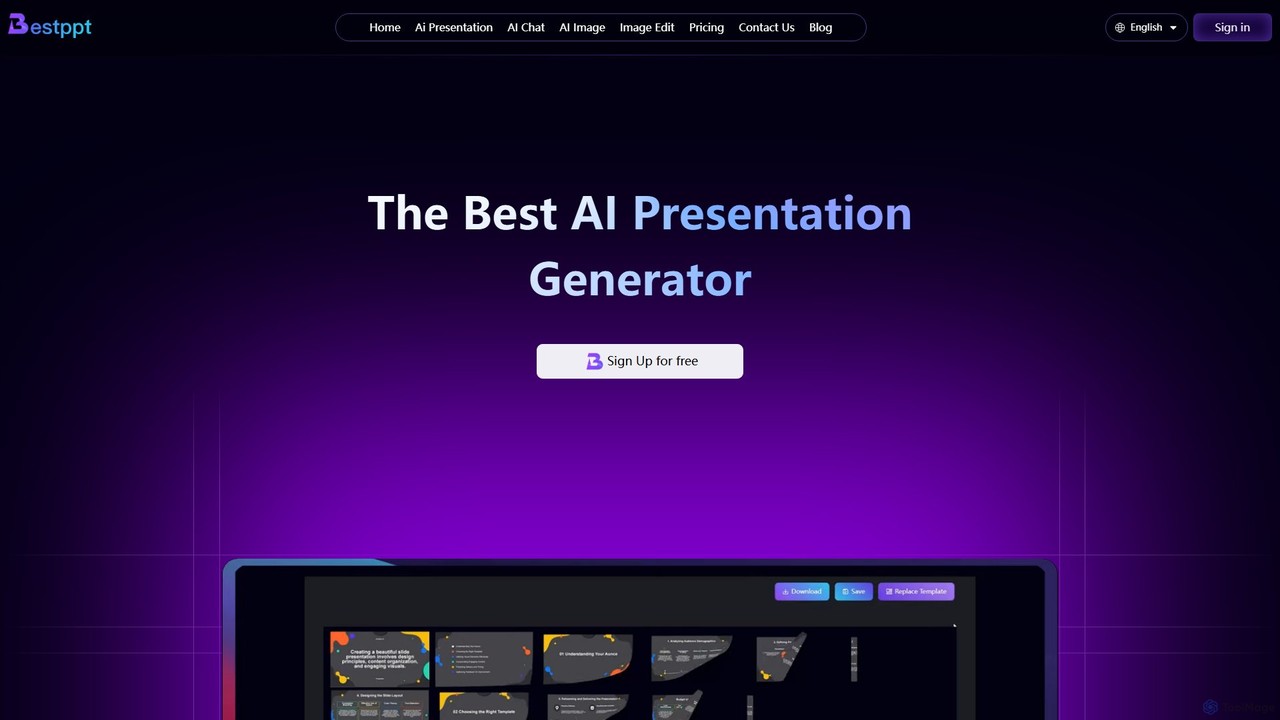
bestppt.ai
bestppt.ai is an AI-powered presentation generator that transforms text, topics, or files into professional PowerPoint slides in minutes. It integrates an AI chatbot, image generator, and a vast template library to streamline the entire creation process for business, education, and creative projects.
Teaching
SlidesAI
SlidesAI is an AI-powered presentation maker that integrates directly into Google Slides and PowerPoint. It instantly transforms your text, documents, or ideas into professionally designed, ready-to-present slides. Save hours of manual work by automatically generating outlines, content, and visuals. It's perfect for educators, professionals, and students who need to create compelling presentations quickly and efficiently, with support for over 100 languages.
Automation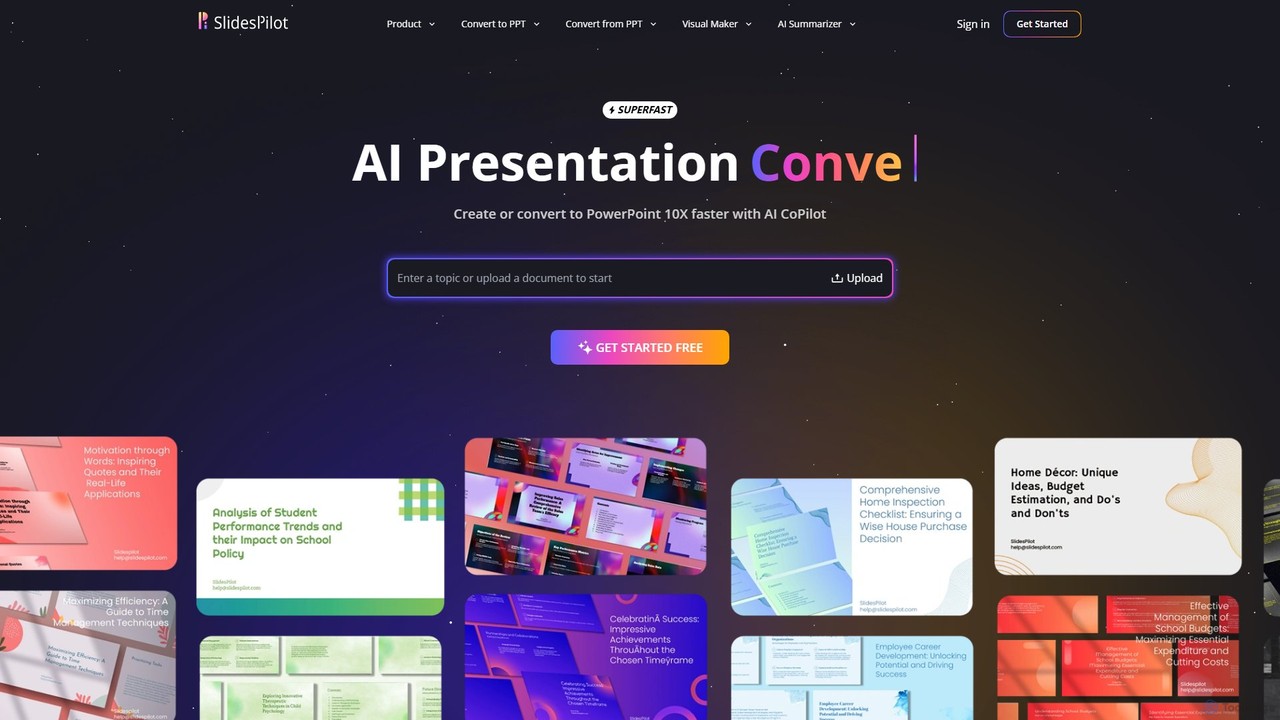
SlidesPilot
SlidesPilot is an AI-powered presentation generator that creates professional PowerPoint and Google Slides 10x faster. It can generate presentations from a topic, convert documents (PDF, Word), text, YouTube videos, and webpages into slides, and features an AI Copilot for real-time editing, image generation, and content rewriting.
Document Management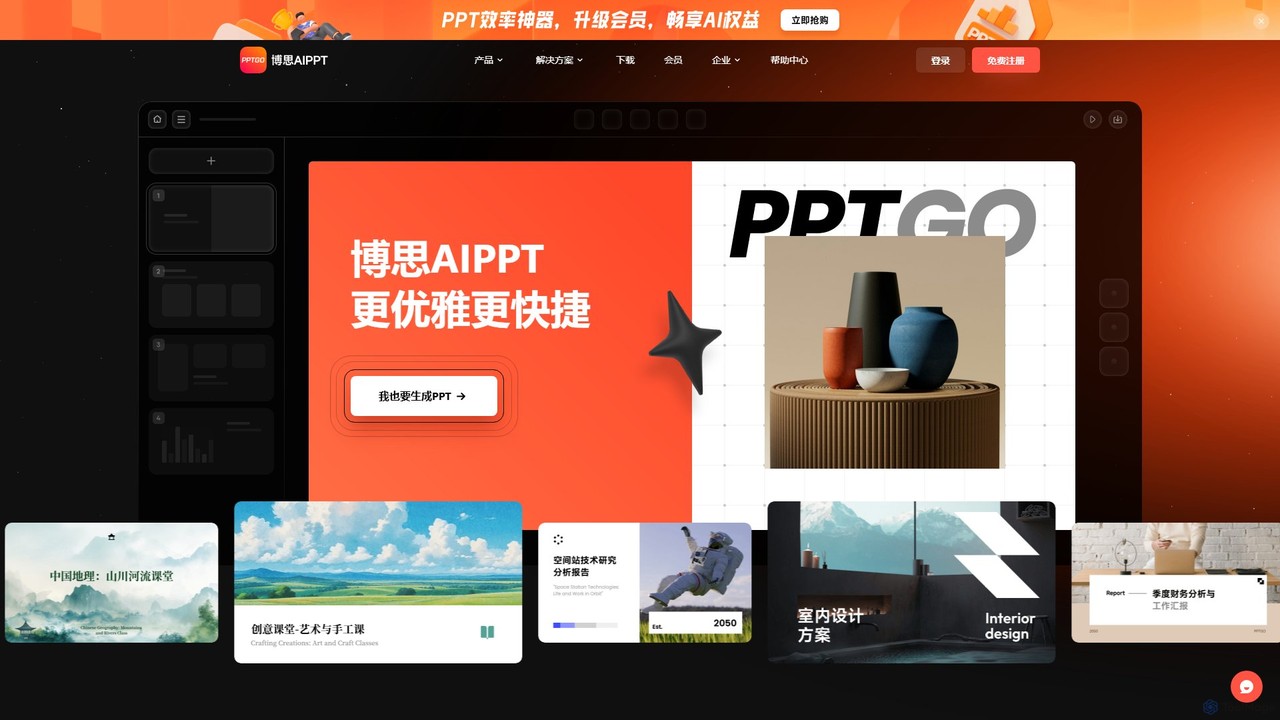
pptgo
pptgo is an AI-powered presentation generator that creates professional, visually appealing slides in seconds. Simply provide a topic, text, or document, and let the AI handle the outlining, content creation, design, and layout, dramatically boosting your productivity.
Teaching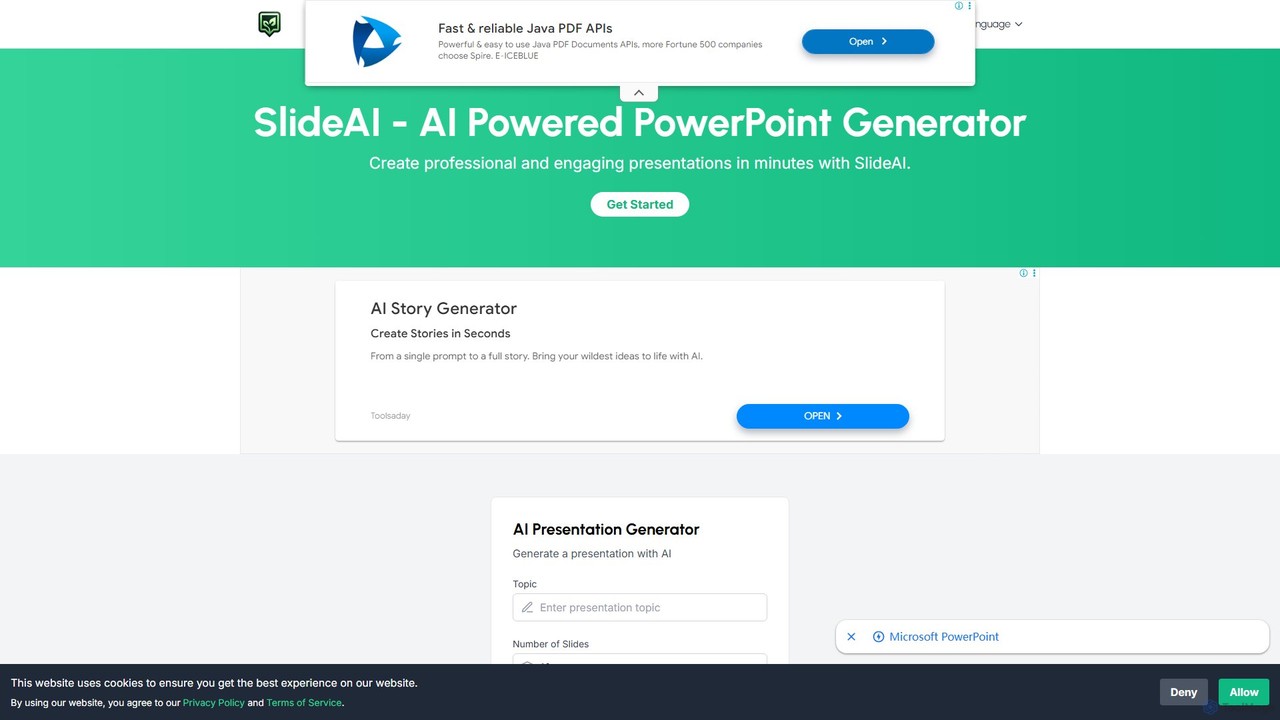
SlideAI
SlideAI is an AI-powered presentation generator that creates professional and engaging PowerPoint slides in minutes. Simply provide a topic, and the AI will automatically generate headings, content, and relevant images, helping you save time and effort.
MeetingsAutoSlide Categories
AutoSlide Embed Widget
Copy this embed code to place the badge on your blog, article, or product site and send readers directly to this ToolMage detail page.

Related AI tools
SlideAI
SlideAI is an AI-powered presentation generator that creates professional and engaging PowerPoint slides in minutes. Simply provide a topic, and the AI will automatically generate headings, content, and relevant images, helping you save time and effort.
Meetingsbestppt.ai
bestppt.ai is an AI-powered presentation generator that transforms text, topics, or files into professional PowerPoint slides in minutes. It integrates an AI chatbot, image generator, and a vast template library to streamline the entire creation process for business, education, and creative projects.
Teaching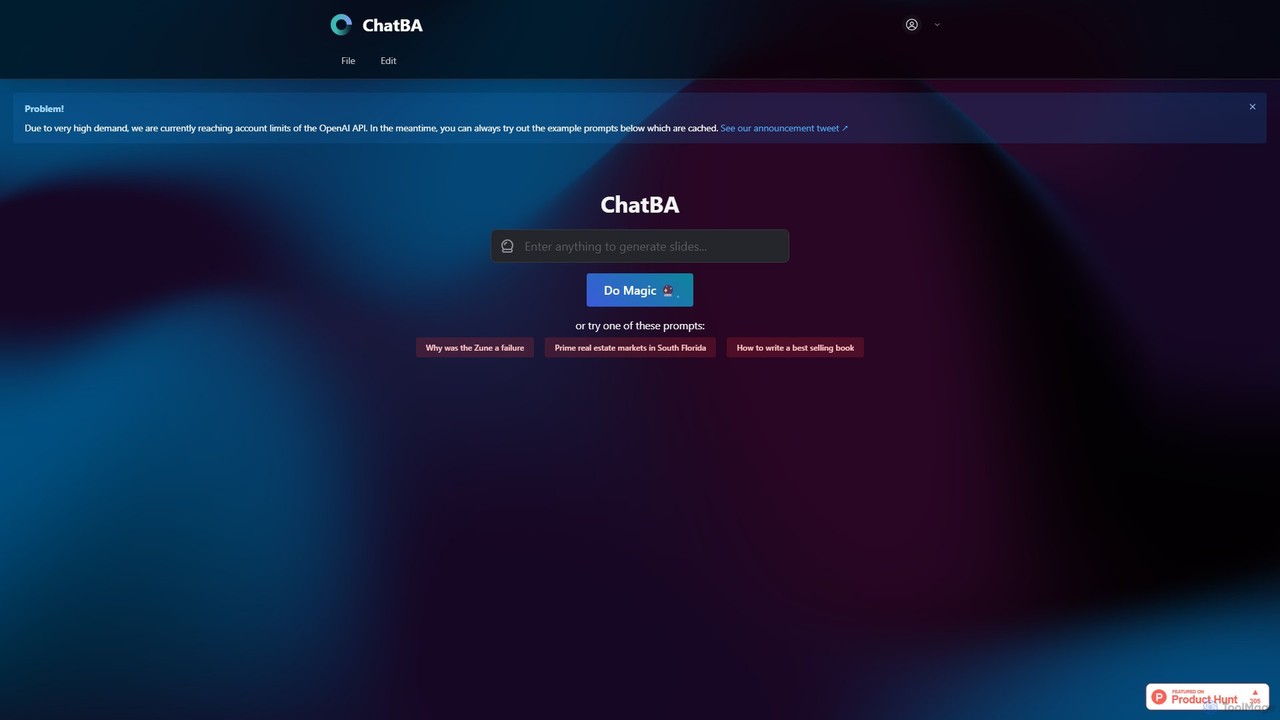
ChatBA
ChatBA is a generative AI tool that transforms simple text prompts into complete, professional presentations. Instantly create slide decks for business, education, or marketing by just describing your topic. It automates content writing, structuring, and design, saving you hours of manual work.
Student Tools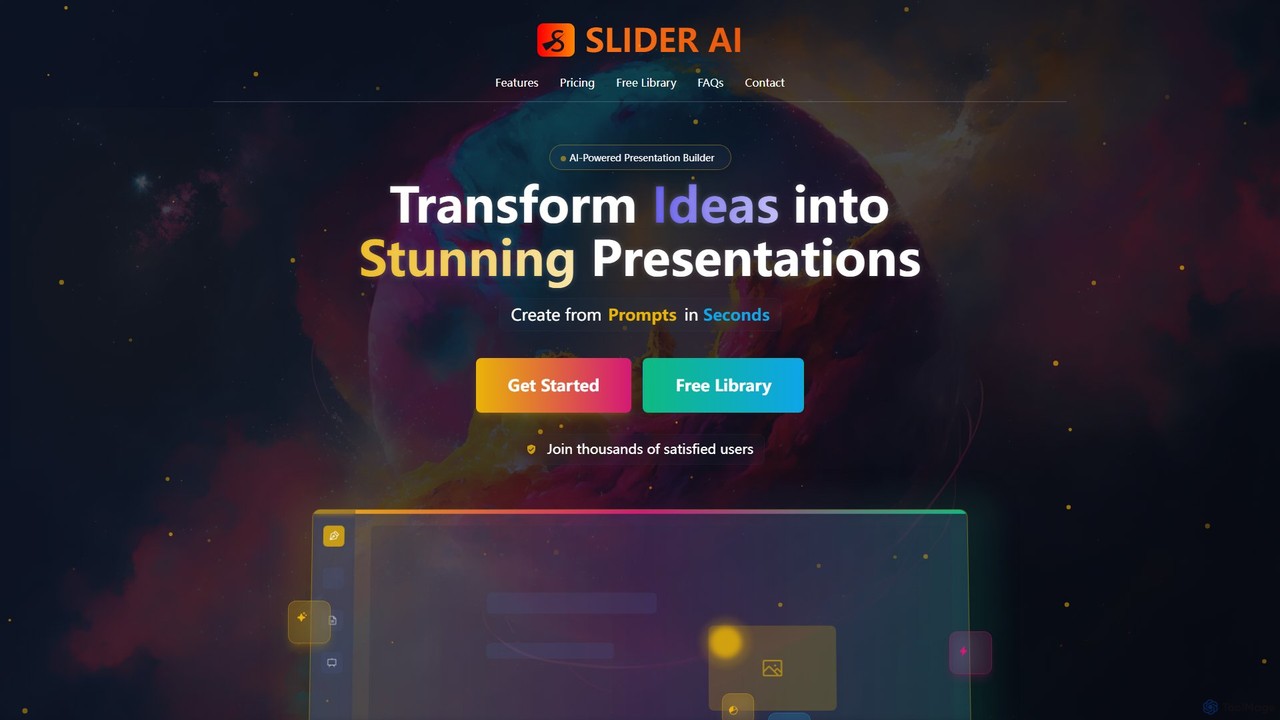
Slider AI
Slider AI is an AI-powered presentation builder that transforms your ideas, text, videos, or websites into stunning, professional presentations in seconds. It automates content creation, design, and image generation, significantly boosting productivity for professionals, educators, and students.
MarketingSlidesAI
SlidesAI is an AI-powered presentation maker that integrates directly into Google Slides and PowerPoint. It instantly transforms your text, documents, or ideas into professionally designed, ready-to-present slides. Save hours of manual work by automatically generating outlines, content, and visuals. It's perfect for educators, professionals, and students who need to create compelling presentations quickly and efficiently, with support for over 100 languages.
AutomationSlidesPilot
SlidesPilot is an AI-powered presentation generator that creates professional PowerPoint and Google Slides 10x faster. It can generate presentations from a topic, convert documents (PDF, Word), text, YouTube videos, and webpages into slides, and features an AI Copilot for real-time editing, image generation, and content rewriting.
Document Managementpptgo
pptgo is an AI-powered presentation generator that creates professional, visually appealing slides in seconds. Simply provide a topic, text, or document, and let the AI handle the outlining, content creation, design, and layout, dramatically boosting your productivity.
Teaching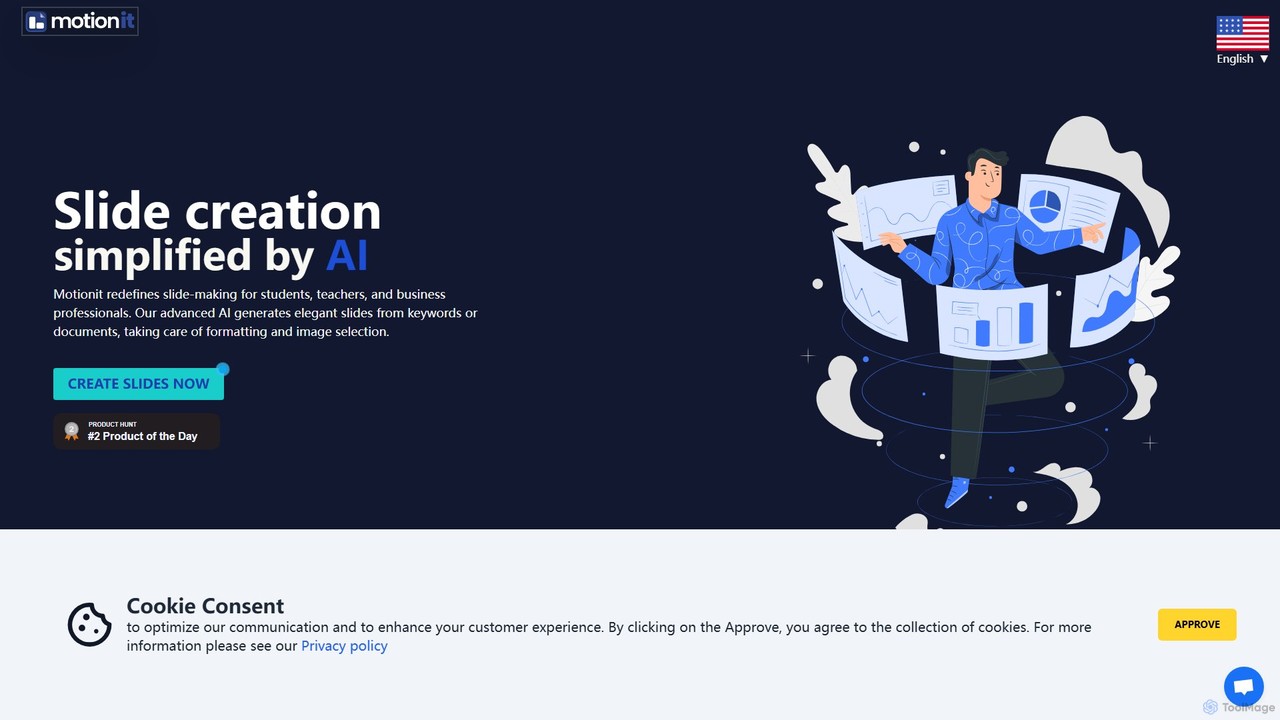
MotionIt
MotionIt is an AI-powered presentation generator that simplifies slide creation for students, educators, and business professionals. It automatically designs elegant slides from keywords or documents, complete with formatting and relevant image selection, and allows exporting to PowerPoint, Google Slides, and PDF.
Sales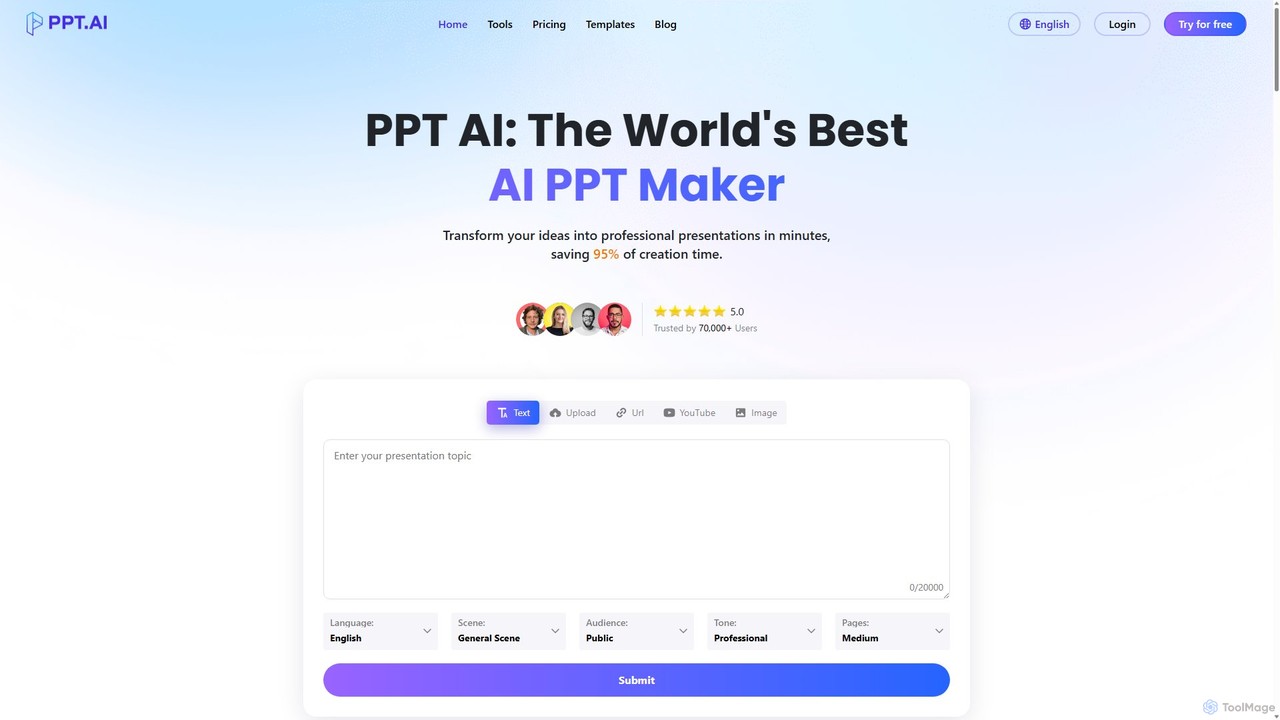
PPT.AI
PPT.AI is an AI-powered presentation maker that transforms your text, ideas, or documents into professional, ready-to-present slides in minutes. It automates the design process, offering intelligent layouts, customizable templates, and consistent branding, making it ideal for professionals and students who need to create high-impact presentations quickly without design expertise.
Automation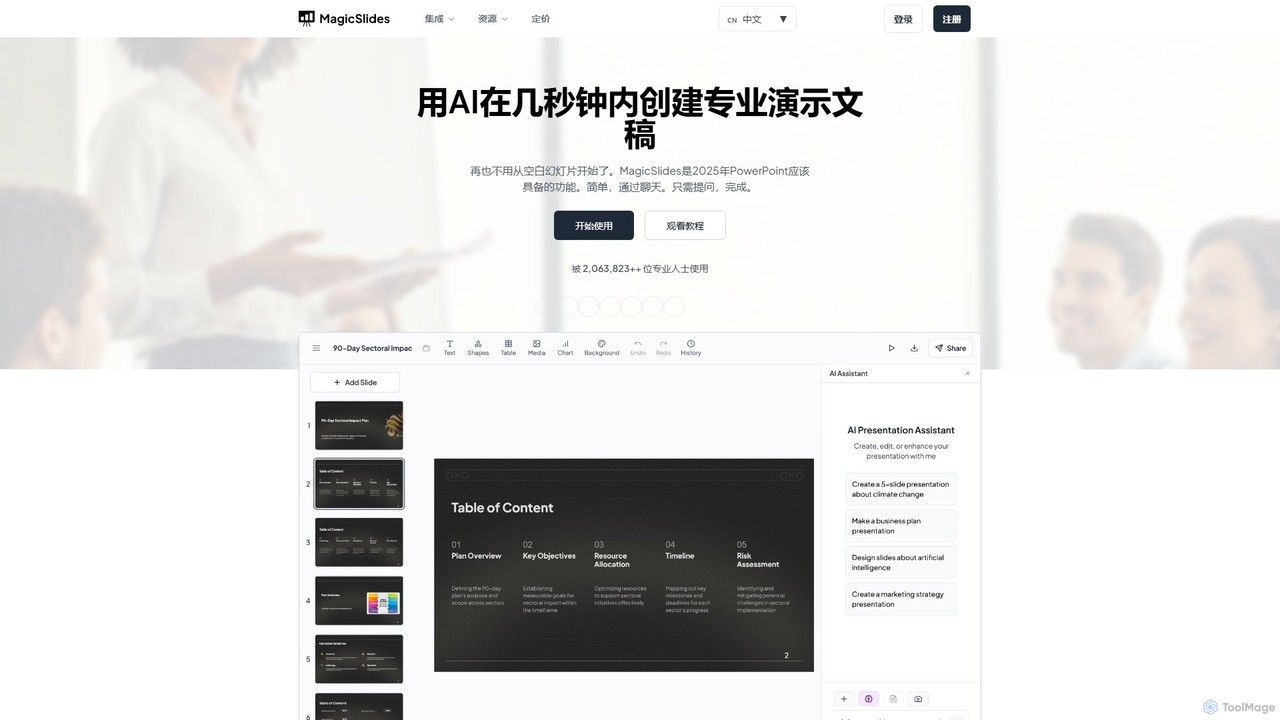
MagicSlides
MagicSlides is an AI-powered presentation maker that instantly creates professional slides from various sources, including text, topics, PDFs, YouTube videos, and URLs. It integrates seamlessly with Google Slides, PowerPoint, Figma, and more, supporting over 136 languages to streamline your workflow and save hours of design time.
Automation
Jyek
Jyek is an AI agent platform that understands objectives, creates execution plans, uses tools, and delivers verifiable results for complex, multi-step tasks.
Automation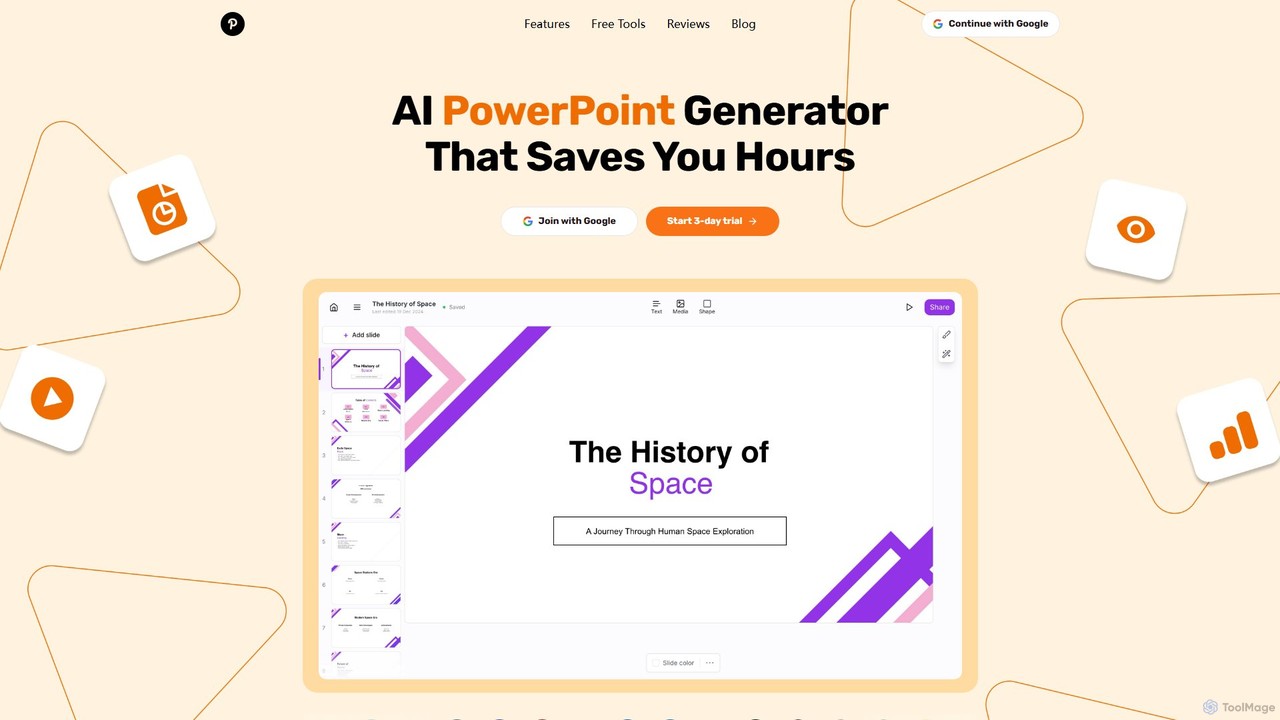
GenPPT
GenPPT is an AI-powered presentation generator that creates professional PowerPoint slides from simple text prompts in minutes. It's designed for professionals, marketers, and students to save hours on slide creation, focusing on logical structure, compelling content, and sleek design without needing any design skills.
Sales
Gamma
Gamma is an AI-powered design partner that revolutionizes content creation. It enables users to effortlessly generate polished presentations, engaging websites, professional documents, and social media graphics from simple text prompts. Move beyond traditional slide decks and blank pages, and transform your ideas into visually stunning, ready-to-share materials in minutes, no design skills required.
Website Builder
docmee
docmee is an AI-powered presentation generator that creates professional PPTs in minutes. Simply provide a title, text, or upload a document (like Word), and its AI will automatically generate the outline, content, and design. It features intelligent layout, AI-generated images, and various templates, streamlining the entire presentation creation process for business, education, and marketing.
Assistant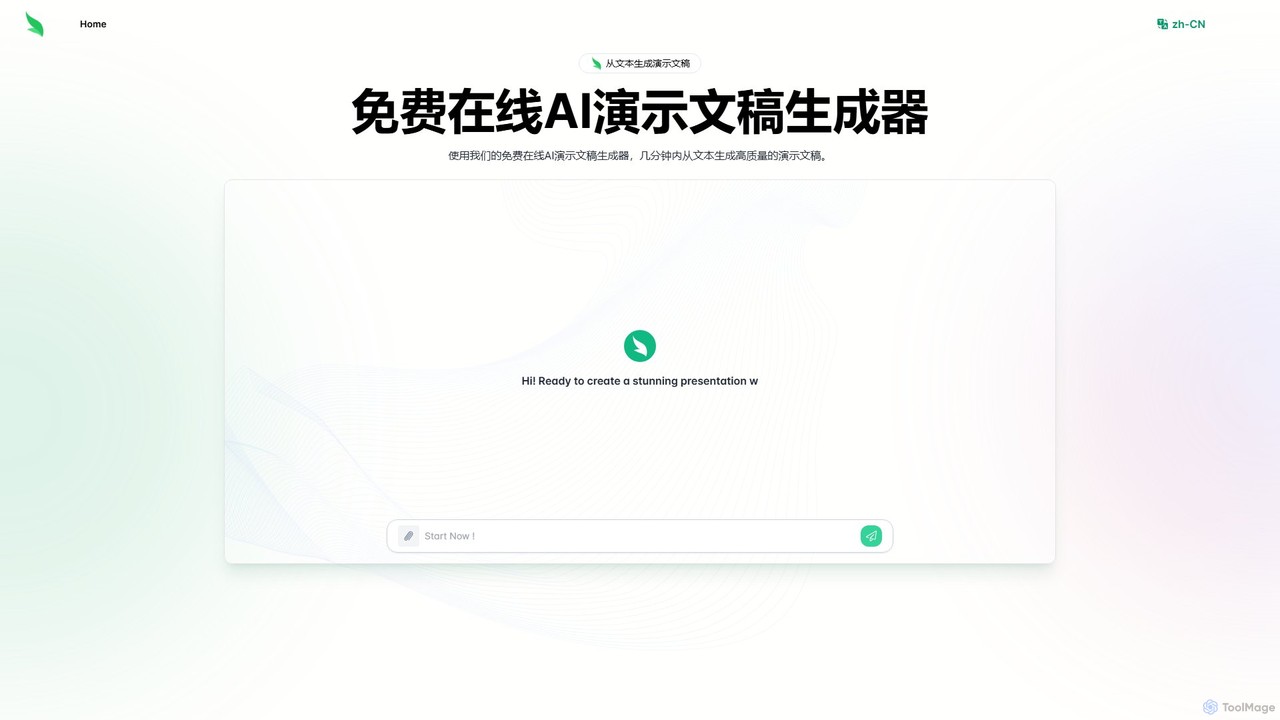
Slides.bot
Slides.bot is a free, GPT-4o powered AI presentation maker that transforms text into professional, visually appealing slides in minutes. Simply provide a prompt, and the AI will generate a complete, customizable presentation, saving you hours of design work.
E Learning
AutoSlide Comments (0)
Sign in to comment.
Sign inNo comments yet.