
PPT.AI Overview
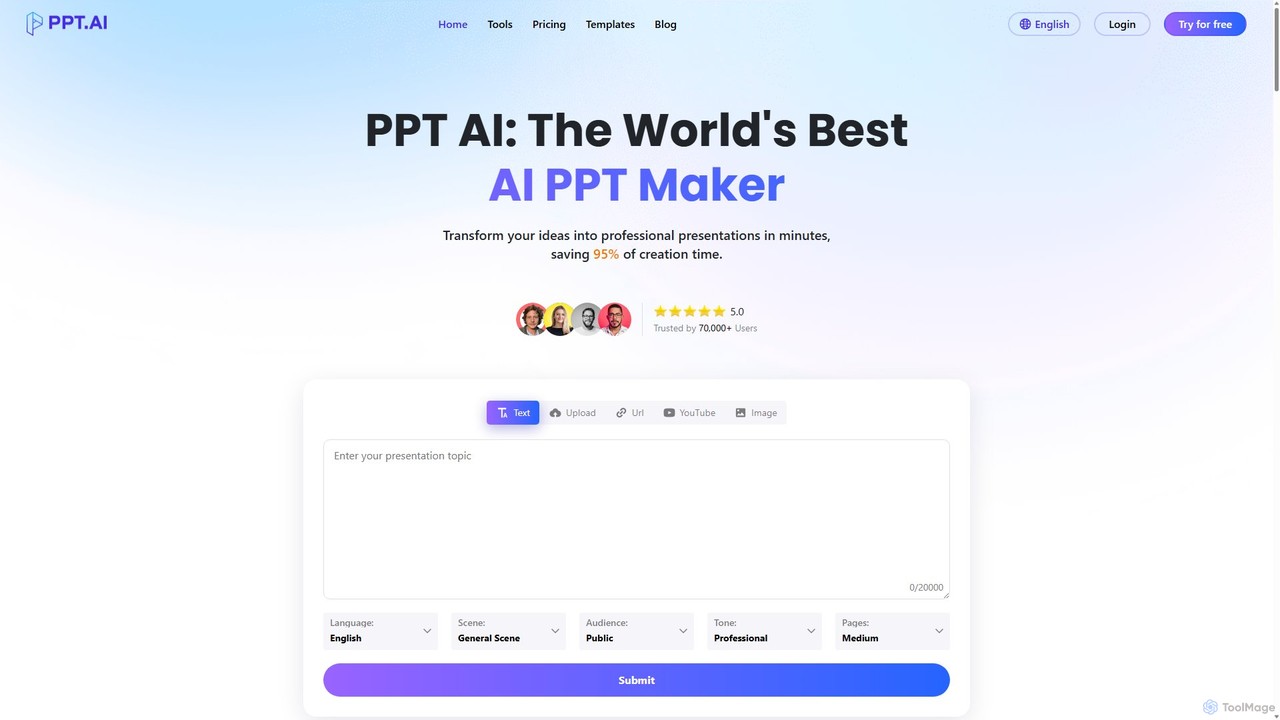
PPT.AI is a cutting-edge platform at the forefront of revolutionizing presentation creation. Developed by Quark Dance LLC, it harnesses the power of advanced artificial intelligence to democratize professional design, making it accessible to everyone, regardless of their technical or design skills. The core mission of PPT.AI is to empower individuals and organizations to communicate their ideas effectively by transforming raw content into visually compelling and cohesive presentations. This saves users countless hours of manual design work, allowing them to focus on what truly matters: the message and its delivery.
How to use PPT.AI
Creating a presentation with PPT.AI is a streamlined and intuitive process designed for maximum efficiency:
- Input Your Content: Start by providing your core message. You can enter a simple topic, a detailed outline, or paste the full text of a document.
- AI Generation: The AI engine analyzes your input and automatically generates a complete presentation draft. This includes structuring the content into logical slides, writing headlines and body text, and selecting relevant imagery.
- Customize and Refine: Review the AI-generated slides. You can easily edit text, swap images, and apply different themes or color palettes from a library of professional templates. The platform ensures design consistency across all slides.
- Fine-Tune the Design: Adjust layouts, fonts, and colors to perfectly match your brand identity or personal style. The user-friendly interface gives you full control over the final look and feel.
- Export and Share: Once you are satisfied with your presentation, you can export it in popular formats like PPTX for Microsoft PowerPoint or PDF for universal sharing and printing.
Core Features of PPT.AI
- AI-Powered Slide Generation: Automatically converts text prompts, outlines, or documents into fully designed presentation slides.
- Intelligent Design System: The AI suggests optimal layouts, color schemes, and typography based on professional design principles to ensure visual appeal and clarity.
- Professional & Customizable Templates: Access a wide range of pre-designed templates suitable for various industries and purposes, all of which can be fully customized.
- Brand Consistency: Business-tier plans allow users to create and apply a custom brand kit (logos, colors, fonts) to ensure all presentations are aligned with their corporate identity.
- Automated Visual Cohesion: Maintains a consistent and professional look throughout the entire presentation, from the title slide to the conclusion.
- Multi-Format Export: Easily download your finished presentations as editable PPTX files or universally compatible PDF documents.
- Team Collaboration: Features designed for teams to work together on presentations, streamlining workflows and improving productivity.
Use Cases for PPT.AI
PPT.AI is a versatile tool suitable for a wide array of professional and academic scenarios:
- Business Professionals: Quickly create compelling sales pitches, marketing proposals, quarterly business reviews, and internal training materials.
- Marketing Teams: Generate visually engaging presentations for product launches, campaign reports, and content marketing assets.
- Project Managers: Streamline the creation of project updates, stakeholder briefings, and team meeting presentations.
- Students and Educators: Effortlessly prepare high-quality presentations for lectures, class projects, and academic conferences.
- Entrepreneurs: Develop impressive pitch decks to secure funding and present business plans to investors.
Advantages of PPT.AI
Choosing PPT.AI offers significant benefits over traditional presentation software:
- Massive Time Savings: Reduces presentation creation time from hours to minutes, with users reporting up to an 80% reduction in workload.
- Professional Quality Guaranteed: Every presentation is built on a foundation of professional design principles, elevating the impact of your ideas.
- No Design Skills Needed: The intuitive, AI-driven platform empowers anyone to create beautiful presentations without prior design experience.
- Increased Productivity: By automating the design process, it allows teams and individuals to focus on content strategy and delivery.
- Cost-Effective: Provides access to professional-grade design at a fraction of the cost of hiring a graphic designer.
Pricing and Plans
PPT.AI typically offers a freemium model with various tiers to suit different needs. While specific plans should be verified on the official website, a common structure includes:
- Free Plan: Ideal for casual users, offering a limited number of AI presentation generations per month, access to basic templates, and potentially a watermark on exports.
- Pro Plan: A subscription-based plan for individuals and professionals, providing a higher number of credits, access to premium templates, no watermarks, and advanced customization options.
- Business/Team Plan: Designed for organizations, this plan usually includes unlimited presentations, collaborative features, centralized billing, brand kit management, and priority customer support.
Traffic
Latest traffic
Status
Monthly traffic trend
- 2025-9: 209.4K
- 2026-1: 597.7K
- 2026-2: 561.1K
- 2026-3: 643.9K
- 2026-4: 748.6K
- 2026-5: 738.6K
Geography
Top 5 countries / regions
- 🇮🇳India47.9%
- 🇮🇩Indonesia16.1%
- 🇷🇺Russia13.3%
- 🇺🇸United States13.0%
- 🇨🇳China9.7%
Traffic sources
| Source type | Percentage |
|---|---|
Direct | 88.5% |
Referral | 10.4% |
Email | 1.1% |
PPT.AI Alternatives
SlidesAI
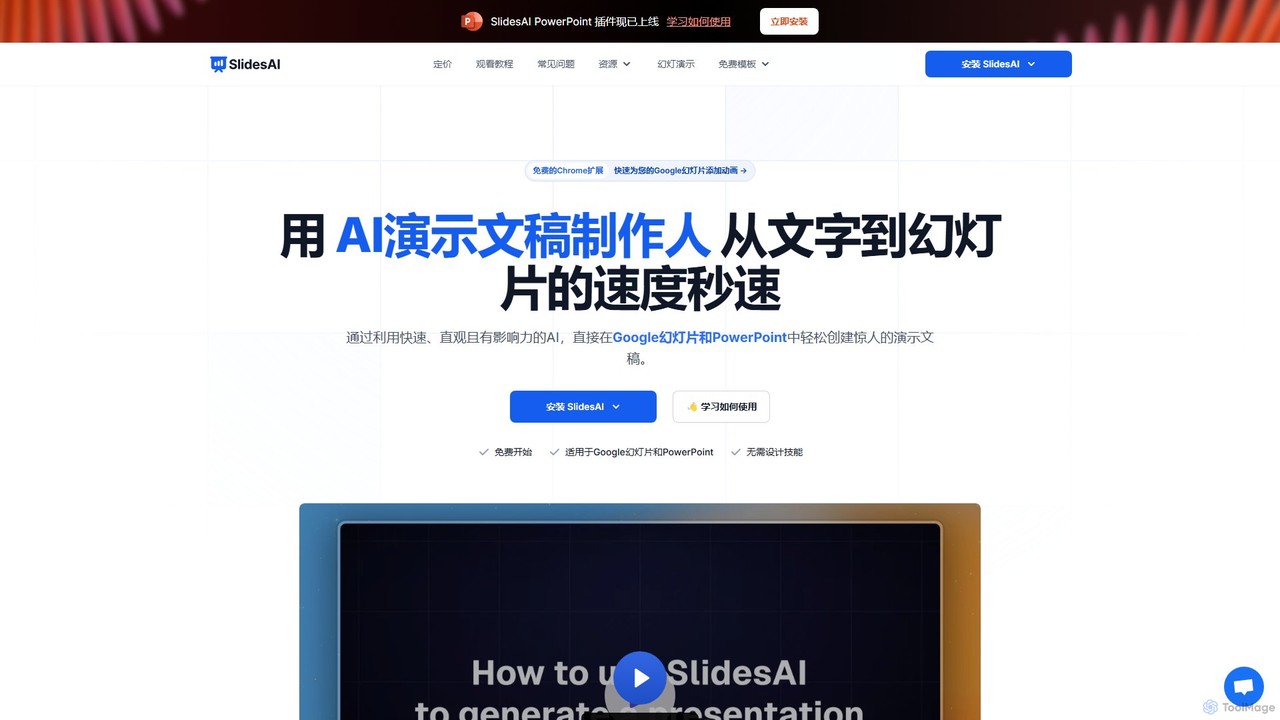
SlidesAI is an AI-powered presentation maker that integrates directly into Google Slides and PowerPoint. It instantly transforms your text, documents, or ideas into professionally designed, ready-to-present slides. Save hours of manual work by automatically generating outlines, content, and visuals. It's perfect for educators, professionals, and students who need to create compelling presentations quickly and efficiently, with support for over 100 languages.
Automation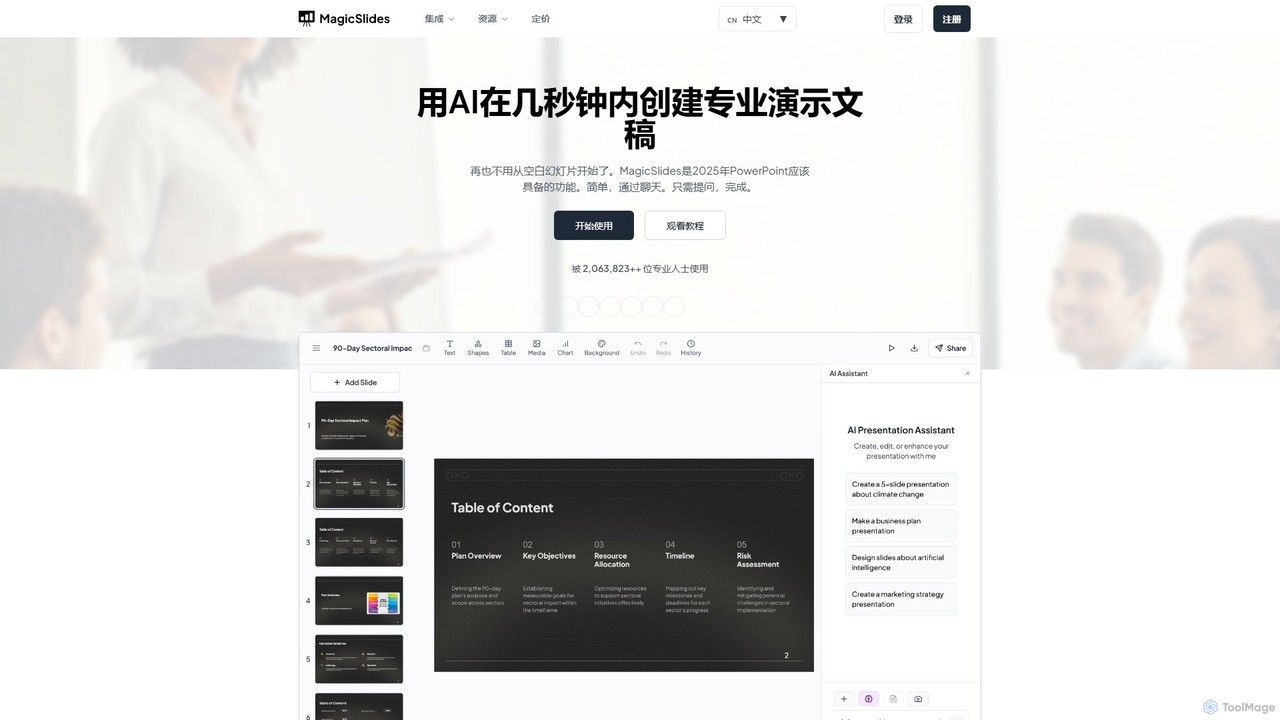
MagicSlides
MagicSlides is an AI-powered presentation maker that instantly creates professional slides from various sources, including text, topics, PDFs, YouTube videos, and URLs. It integrates seamlessly with Google Slides, PowerPoint, Figma, and more, supporting over 136 languages to streamline your workflow and save hours of design time.
Automation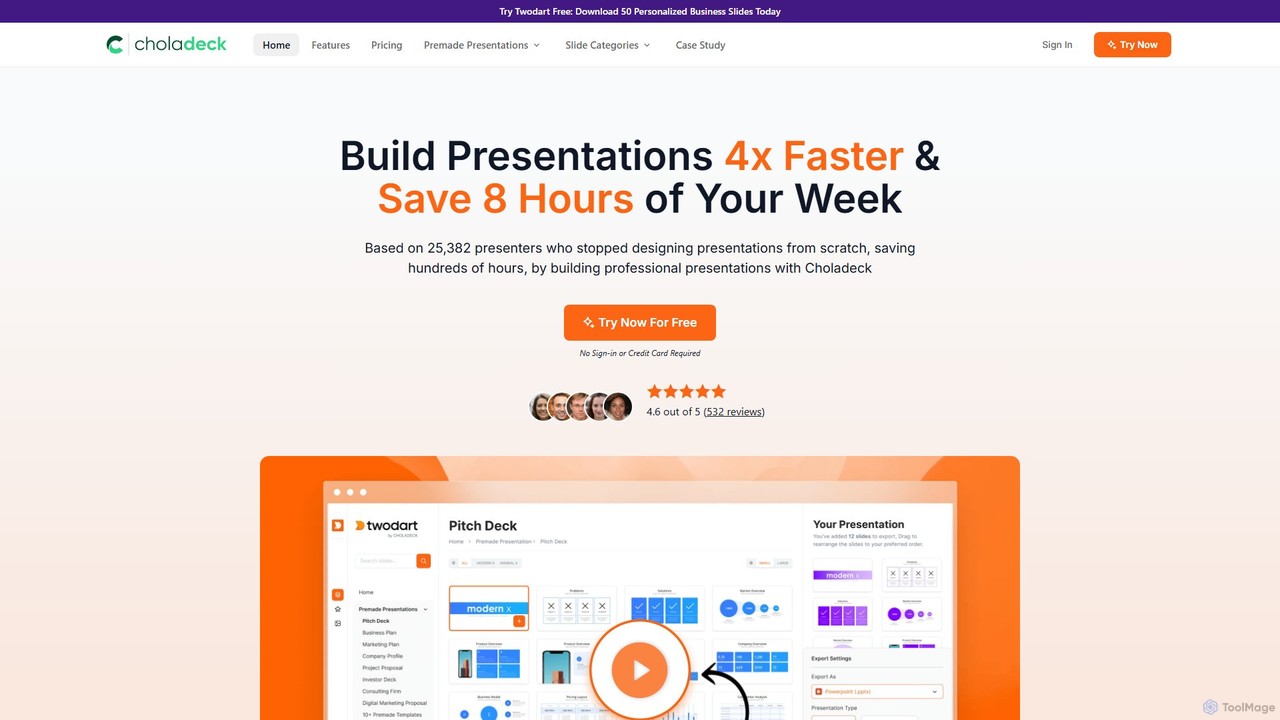
Choladeck
Choladeck (also known as the Twodart platform) is a powerful presentation builder designed to help users create professional, on-brand presentations 4x faster. With a massive library of over 9,870 customizable slides, 50+ premade templates, and seamless integration with PowerPoint, Google Slides, and Keynote, it eliminates the need to start from scratch. Ideal for professionals, teams, and businesses looking to save time, enhance visual communication, and maintain brand consistency across all their presentations.
Templates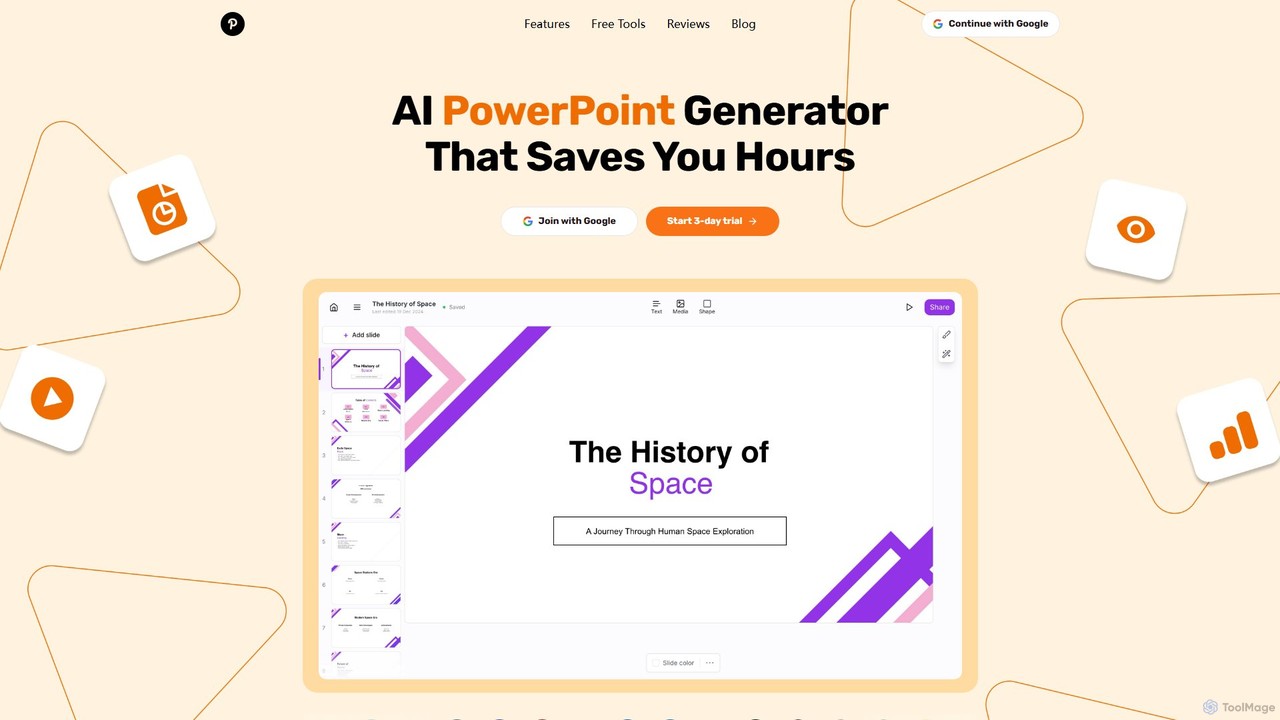
GenPPT
GenPPT is an AI-powered presentation generator that creates professional PowerPoint slides from simple text prompts in minutes. It's designed for professionals, marketers, and students to save hours on slide creation, focusing on logical structure, compelling content, and sleek design without needing any design skills.
Sales
ChatPPT
ChatPPT is a powerful AI presentation generator that creates professional slides from simple text prompts, documents, webpages, or even images. It streamlines the entire creation process, from content generation with live web search to intelligent layout and design, allowing users to produce stunning presentations in minutes.
ReportingPPT.AI Categories
PPT.AI Embed Widget
Copy this embed code to place the badge on your blog, article, or product site and send readers directly to this ToolMage detail page.

Related AI tools
SlidesAI
SlidesAI is an AI-powered presentation maker that integrates directly into Google Slides and PowerPoint. It instantly transforms your text, documents, or ideas into professionally designed, ready-to-present slides. Save hours of manual work by automatically generating outlines, content, and visuals. It's perfect for educators, professionals, and students who need to create compelling presentations quickly and efficiently, with support for over 100 languages.
AutomationCholadeck
Choladeck (also known as the Twodart platform) is a powerful presentation builder designed to help users create professional, on-brand presentations 4x faster. With a massive library of over 9,870 customizable slides, 50+ premade templates, and seamless integration with PowerPoint, Google Slides, and Keynote, it eliminates the need to start from scratch. Ideal for professionals, teams, and businesses looking to save time, enhance visual communication, and maintain brand consistency across all their presentations.
TemplatesGenPPT
GenPPT is an AI-powered presentation generator that creates professional PowerPoint slides from simple text prompts in minutes. It's designed for professionals, marketers, and students to save hours on slide creation, focusing on logical structure, compelling content, and sleek design without needing any design skills.
SalesChatPPT
ChatPPT is a powerful AI presentation generator that creates professional slides from simple text prompts, documents, webpages, or even images. It streamlines the entire creation process, from content generation with live web search to intelligent layout and design, allowing users to produce stunning presentations in minutes.
Reporting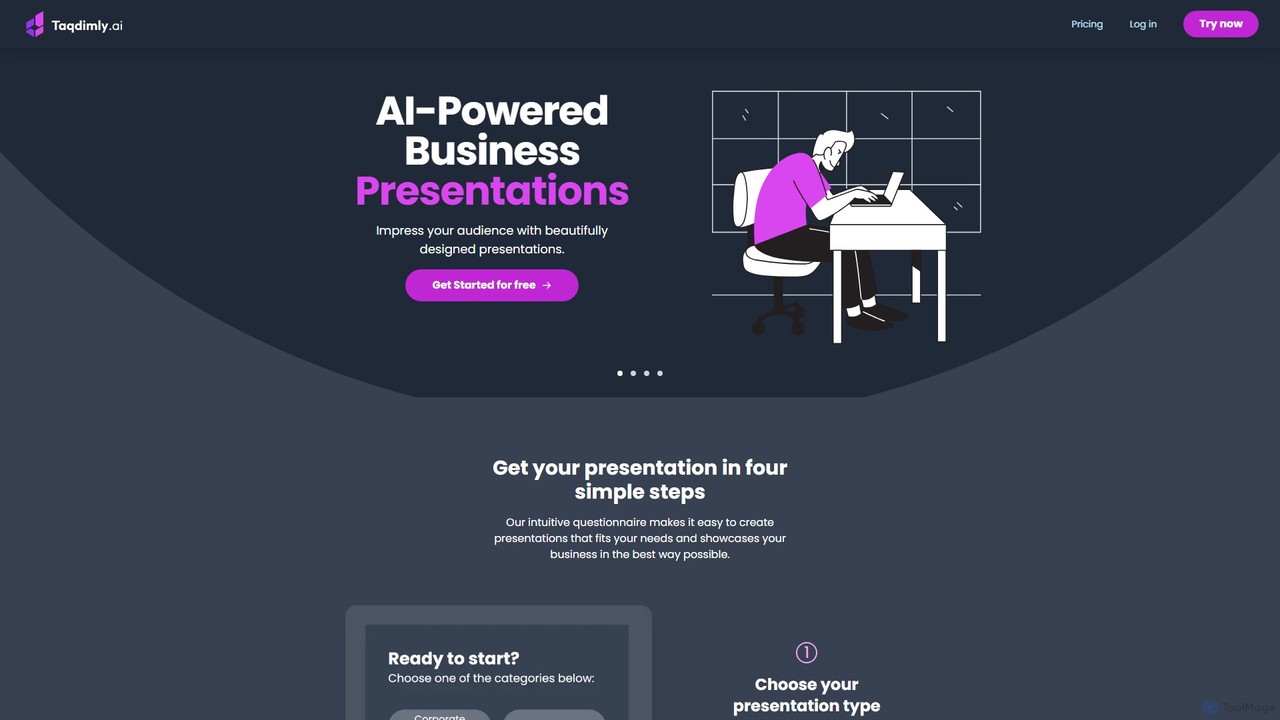
deckify
deckify is an AI-powered platform that enables users to create stunning, professional business presentations in minutes. It transforms your ideas into beautifully designed pitch decks, market research reports, and marketing plans with an intuitive, guided process. Perfect for professionals who need to impress their audience without spending hours on design.
Pitch Decks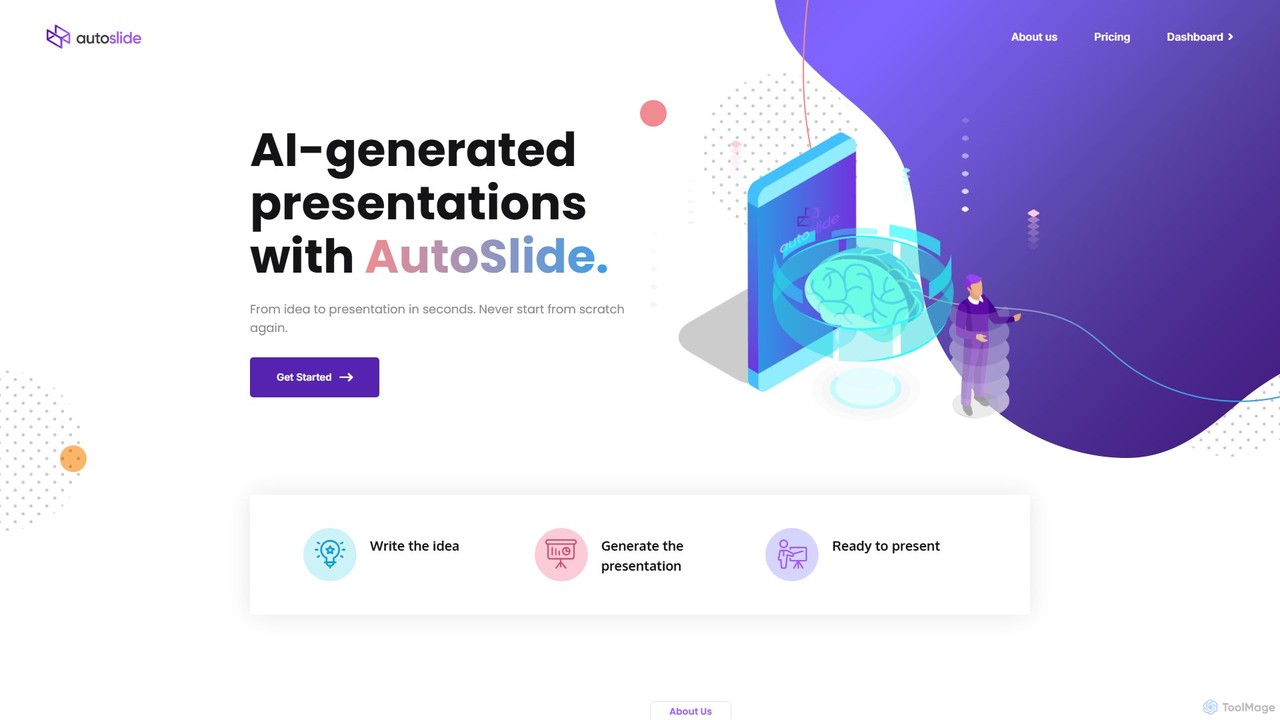
AutoSlide
AutoSlide is an AI-powered presentation generator that transforms your text, topics, or documents into professional, ready-to-present slides in seconds. Leveraging advanced AI like GPT-3, it automates content creation and design, allowing you to focus on your message. Ideal for business professionals, educators, and marketers.
Teaching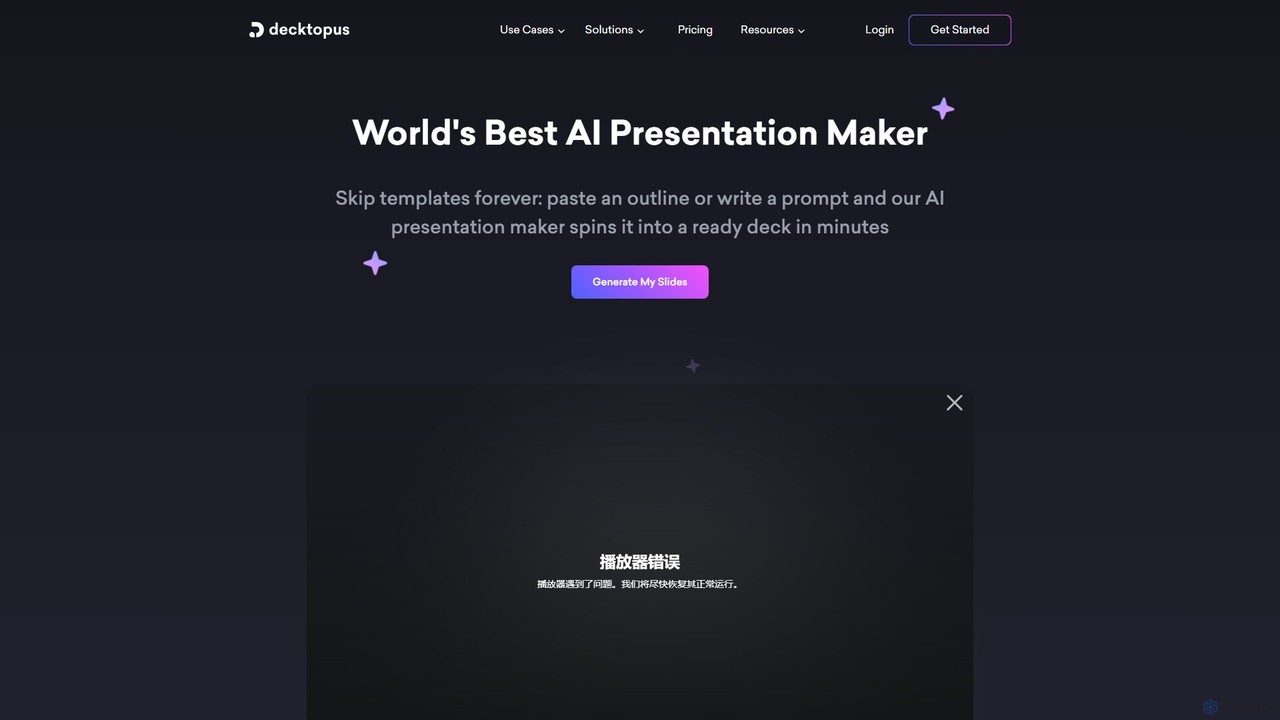
Decktopus
Decktopus is an AI-powered presentation maker that transforms your prompts, outlines, or documents into stunning, ready-to-present decks in minutes. It automates content creation, design, and image generation, allowing you to focus on delivering your message with impact.
Corporate
Jyek
Jyek is an AI agent platform that understands objectives, creates execution plans, uses tools, and delivers verifiable results for complex, multi-step tasks.
Automation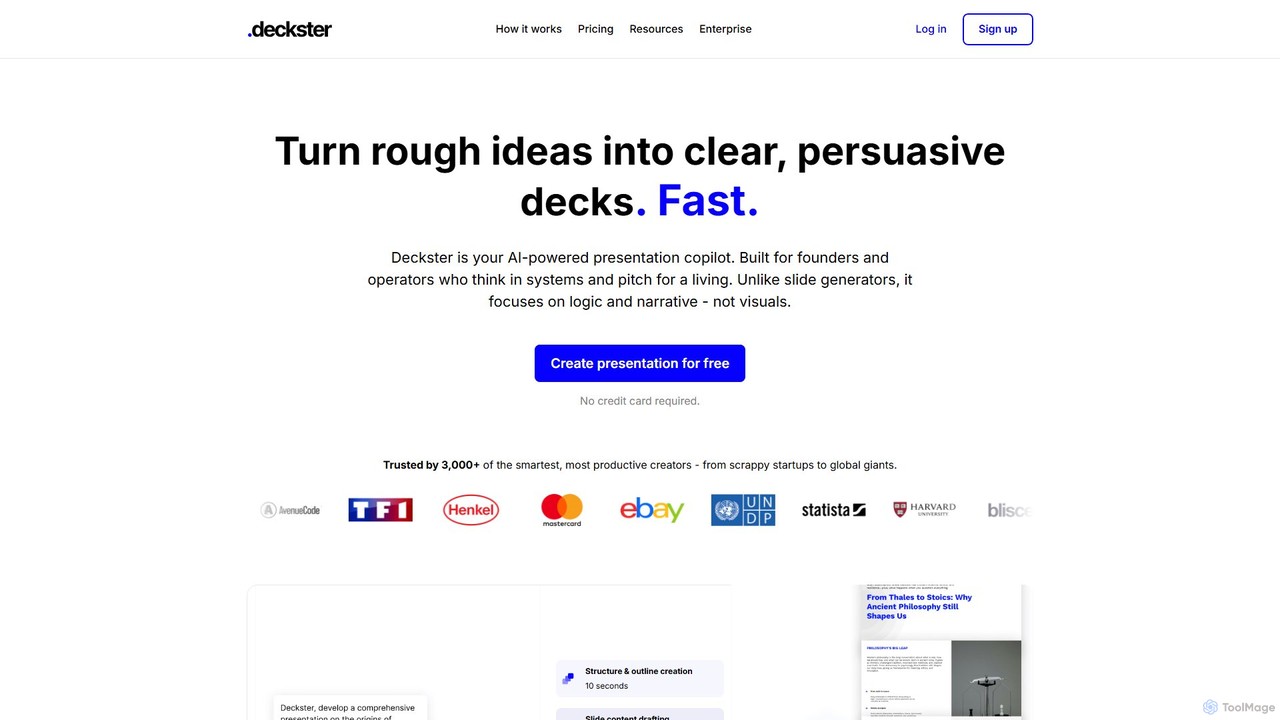
Deckster
Deckster is an AI-powered presentation copilot designed for founders and professionals. It transforms rough ideas into clear, persuasive presentations by focusing on logic, narrative, and structure, not just visuals. Generate a 95% ready draft in minutes, complete with smart content, auto-generated charts, and delivery tips, and export it directly to Google Slides or PowerPoint.
CommunicationMagicSlides
MagicSlides is an AI-powered presentation maker that instantly creates professional slides from various sources, including text, topics, PDFs, YouTube videos, and URLs. It integrates seamlessly with Google Slides, PowerPoint, Figma, and more, supporting over 136 languages to streamline your workflow and save hours of design time.
Automation
iMini
iMini is an all-in-one AI assistant and creation platform that integrates various AI agents for image generation, video creation, presentation slides, deep research, and document writing. It streamlines workflows, boosts productivity, and offers a unified chat interface for diverse creative and professional tasks.
Multifunctional Assistant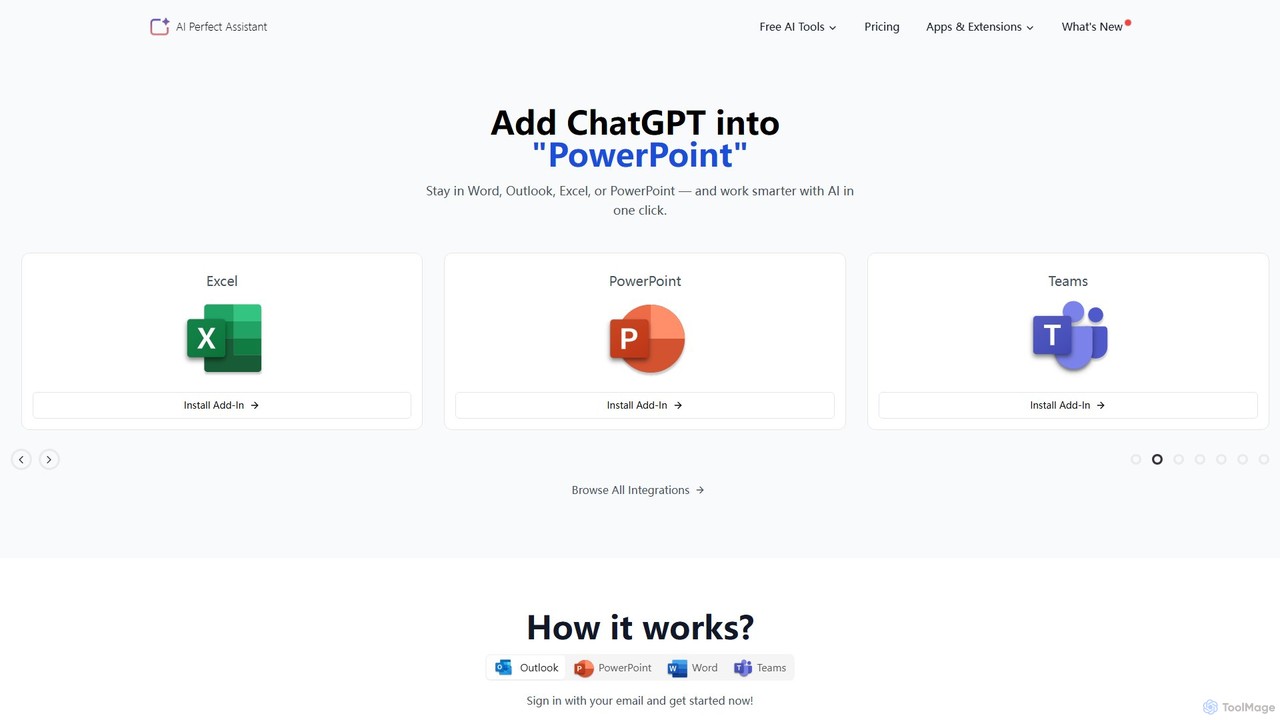
Perfect Assistant
Perfect Assistant is an AI-powered productivity suite that seamlessly integrates with Microsoft Office 365 (Word, Excel, PowerPoint, Outlook, Teams), Chrome, and Telegram. It offers over 60 specialized tools to automate tasks, generate content, create presentations, manage emails, and more. Designed for professionals, it enhances workflow efficiency by bringing the power of AI directly into the applications you use daily, eliminating the need to switch contexts.
Social Media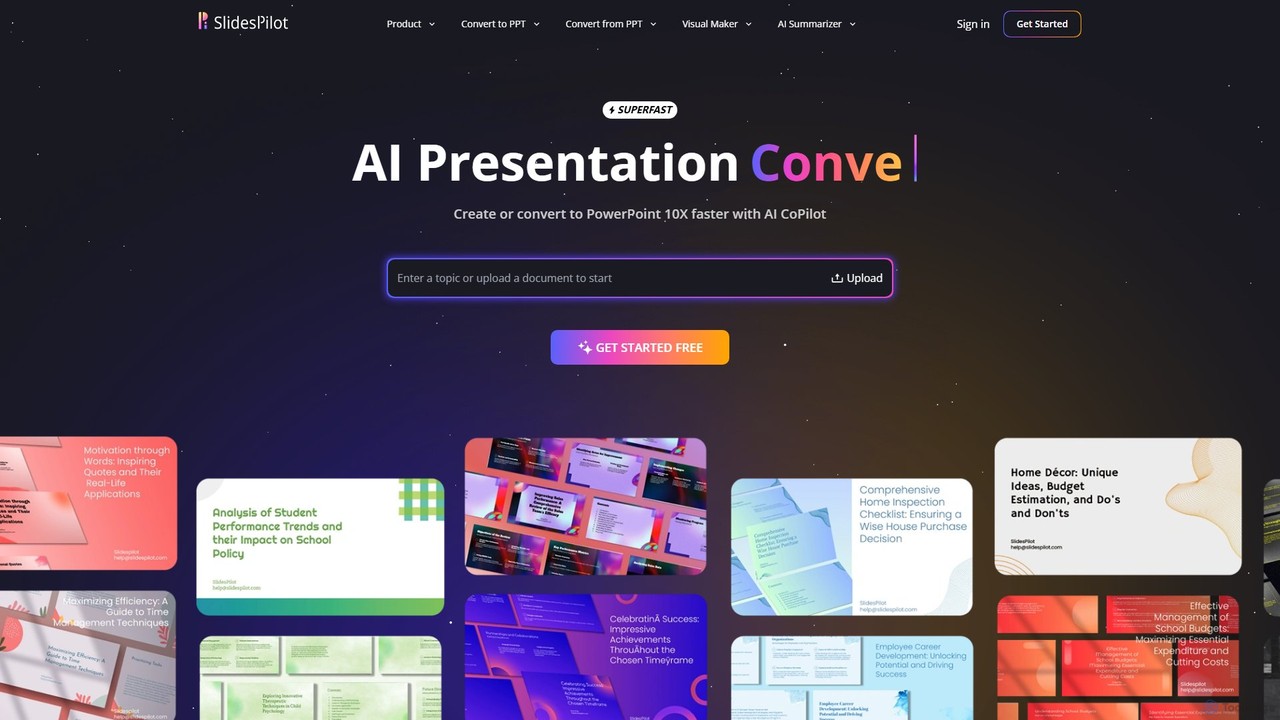
SlidesPilot
SlidesPilot is an AI-powered presentation generator that creates professional PowerPoint and Google Slides 10x faster. It can generate presentations from a topic, convert documents (PDF, Word), text, YouTube videos, and webpages into slides, and features an AI Copilot for real-time editing, image generation, and content rewriting.
Document Management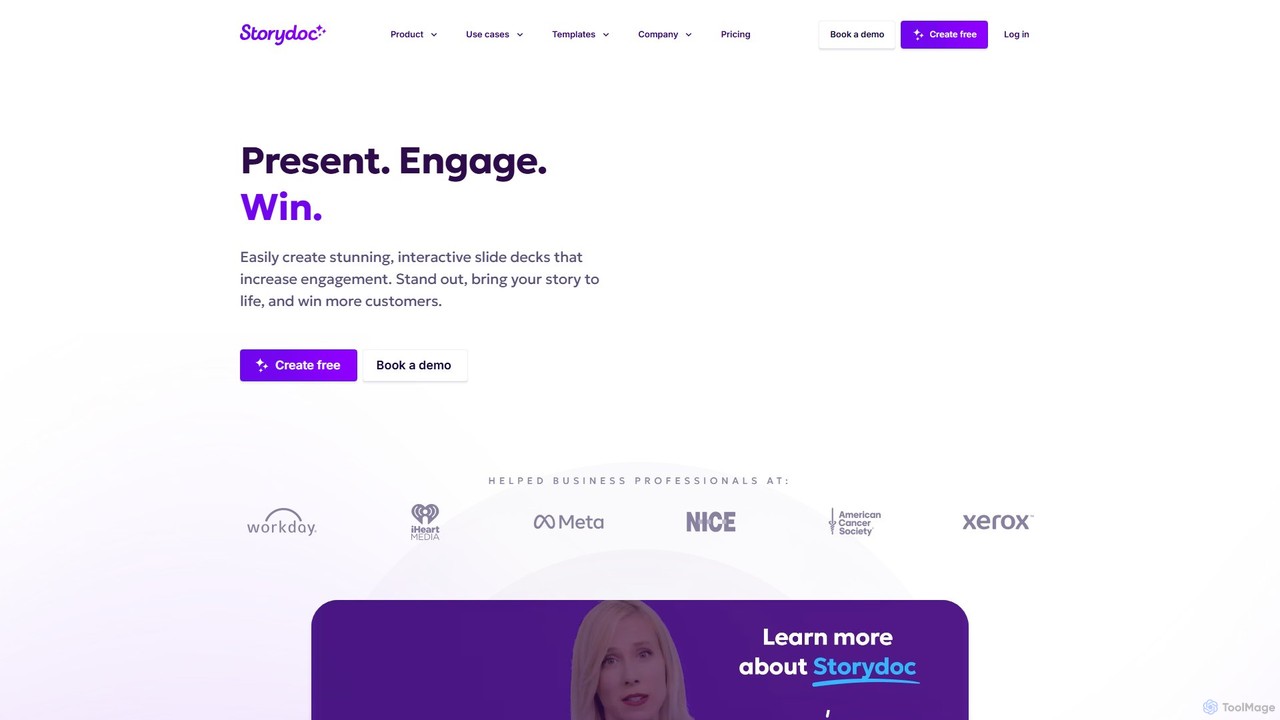
Storydoc
Storydoc is an AI-powered platform that transforms traditional presentations into interactive, engaging web-based experiences. It helps sales, marketing, and startup teams create stunning, data-driven decks that capture attention and drive results. With smart templates, AI assistance, and built-in analytics, Storydoc makes it easy to tell compelling stories and close more deals.
Content Creation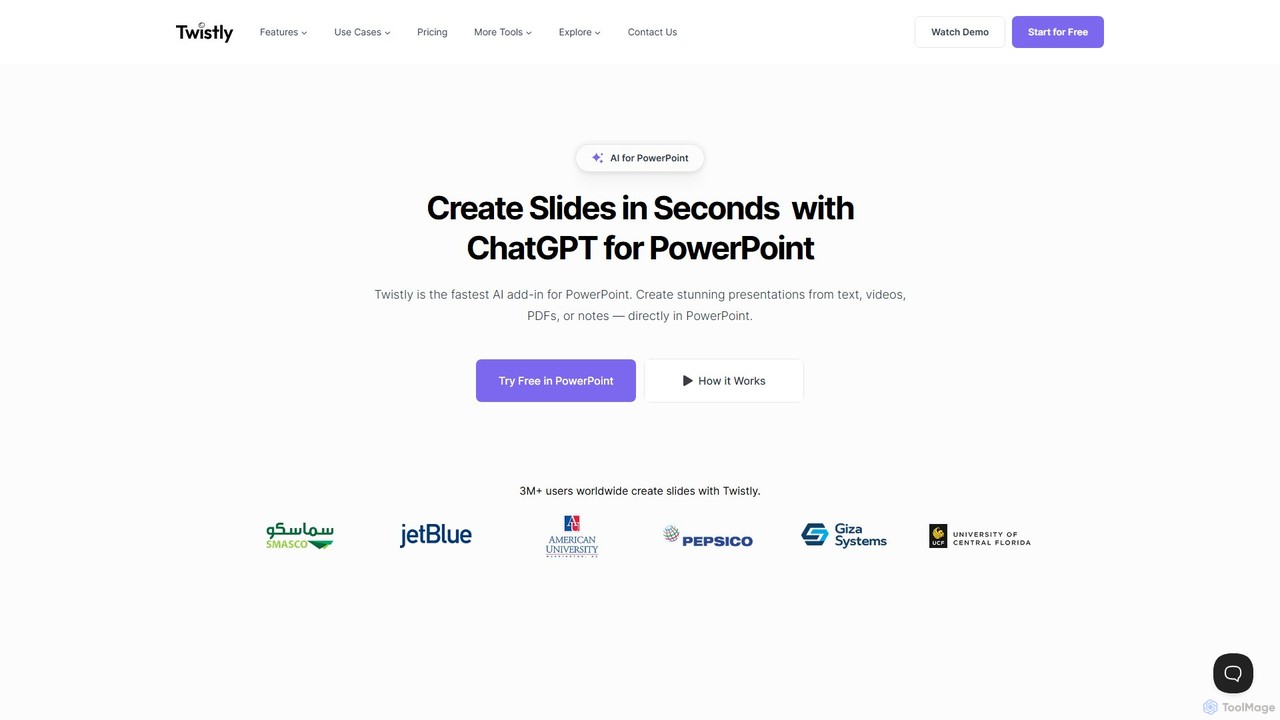
Twistly
Twistly is a powerful AI add-in for Microsoft PowerPoint that integrates ChatGPT to revolutionize presentation creation. It allows users to generate complete, stunning presentations from text, documents, PDFs, or even YouTube videos in seconds, directly within the PowerPoint interface. This eliminates the need for context switching, streamlining the workflow for professionals, educators, and students.
Teaching Tool
PPT.AI Comments (0)
Sign in to comment.
Sign inNo comments yet.