

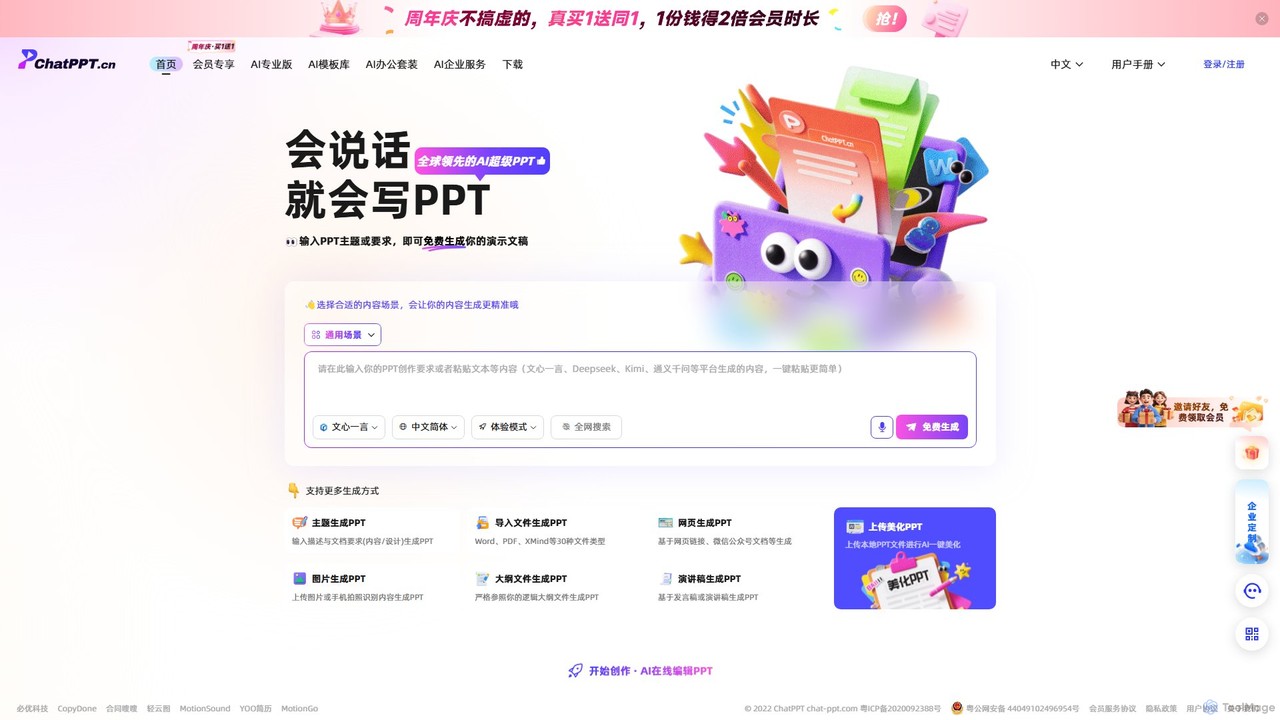
ChatPPT Overview
ChatPPT is a leading AI-powered presentation creation tool designed to revolutionize how we make slideshows. By simply describing a topic or providing source material, users can generate complete, well-designed, and content-rich presentations instantly. The platform leverages advanced AI models, including deep web search capabilities, to ensure the generated content is relevant, accurate, and up-to-date. It's built for efficiency, catering to business professionals, students, educators, and anyone who needs to create compelling presentations without spending hours on design and content research.
The core philosophy of ChatPPT is to make presentation creation as easy as having a conversation. It moves beyond traditional templates by offering a dynamic and intelligent generation process. Whether you're starting from scratch with just an idea, or you have an existing document, webpage, or even a simple outline, ChatPPT can transform it into a polished and professional presentation.
How to use ChatPPT
Using ChatPPT is an intuitive and straightforward process, designed for users of all skill levels. Here’s a typical workflow:
- Choose Your Generation Method: Start by selecting how you want to create your presentation. Options include generating from a theme/topic, importing a file (Word, PDF, XMind, etc.), using a webpage URL, uploading an image, providing an outline, or pasting a speech script.
- Provide Your Input: Depending on your choice, input the necessary information. This could be a simple phrase like "Q3 Marketing Performance Review," uploading a detailed report, or pasting a link to a news article. You can also specify the desired tone, style, and length.
- AI Generation: Click the 'Generate' button. ChatPPT's AI will analyze your input, search the web for relevant information if needed, structure the content logically into slides, and apply a professional design theme with appropriate visuals.
- Edit and Refine: Once generated, the presentation opens in the online AI editor. Here, you can easily edit text, swap images, change layouts, apply different themes, or ask the AI to rewrite or expand on specific slides.
- Beautify Existing PPTs: If you have an existing PowerPoint file, you can upload it and use the 'AI Beautify' feature to instantly improve its layout, color scheme, and overall visual appeal.
- Download and Share: When you're satisfied with the result, you can download the presentation in a standard format (like PPTX) or share it directly.
Core Features of ChatPPT
- Multi-Modal Generation: Create presentations from a wide variety of inputs, including text prompts, over 30 file types (Word, PDF, XMind), webpages, images, outlines, and speech scripts.
- AI-Powered Content Creation: The tool doesn't just design slides; it writes the content for you. It features deep web search capabilities to pull in the latest data and information.
- Intelligent Layout & Beautification: Automatically arranges content into visually appealing layouts. The one-click AI beautification feature can instantly upgrade the design of any presentation.
- Integrated AI Models: Seamlessly works with content generated from other major AI platforms like Wenxin Yiyan, Kimi, Deepseek, and more, simplifying the workflow.
- Online AI Editor: A powerful yet easy-to-use online editor allows for full customization of the AI-generated slides, from text and images to layouts and themes.
- Template Library: Access a rich library of AI-powered templates that adapt to your content, ensuring a unique and professional look every time.
Use Cases for ChatPPT
ChatPPT is versatile and can be used in numerous scenarios:
- Business Professionals: Quickly create sales pitches, quarterly business reviews, project proposals, and internal training materials.
- Students and Educators: Generate lecture slides, class project presentations, and research summaries in a fraction of the time.
- Marketers: Develop compelling presentations for product launches, marketing campaign reports, and content marketing assets.
- Consultants: Rapidly build client-facing decks and reports from raw data or briefing documents.
- Entrepreneurs: Craft persuasive investor pitch decks and company introductions with professional polish.
Advantages of ChatPPT
The primary advantage of ChatPPT is its massive boost in efficiency and accessibility. It democratizes presentation design, enabling anyone to create high-quality slides. Its key strengths include:
- Time-Saving: Reduces presentation creation time from hours to minutes.
- Versatility: The unparalleled range of input methods makes it adaptable to any user's existing workflow.
- Ease of Use: The conversational, prompt-based interface is intuitive for everyone, regardless of technical or design skills.
- High-Quality Output: Produces presentations that are not only well-written but also professionally designed and visually engaging.
- Content-Rich: By integrating live web search, it ensures presentations are filled with relevant and current information, not just placeholder text.
Pricing and Plans
ChatPPT operates on a freemium model, offering both free and paid plans to suit different needs.
- Free Plan: Users can get started for free to experience the core functionalities. This plan typically includes a limited number of free generations, access to basic features, and standard templates.
- Pro/Premium Plans: For more frequent users and professionals, paid plans (e.g., AI Pro Version) unlock advanced features such as unlimited generations, access to more powerful AI models, premium templates, priority support, and advanced import/export options.
- Enterprise Services: Custom plans are available for businesses and teams, offering features like team collaboration, brand customization, and API access for integration into corporate workflows.
For the most current and detailed pricing information, please visit the official ChatPPT website.
Traffic
Latest traffic
Status
Monthly traffic trend
- 2025-9: 67.3K
- 2026-1: 56.9K
- 2026-2: 27.7K
- 2026-3: 29.7K
- 2026-4: 19.6K
- 2026-5: 18.5K
Geography
Top 5 countries / regions
- 🇨🇳China75.7%
- 🇺🇸United States7.9%
- 🇭🇰Hong Kong SAR China7.9%
- 🇹🇼Taiwan6.8%
- 🇨🇦Canada1.8%
Traffic sources
| Source type | Percentage |
|---|---|
Direct | 50.0% |
Referral | 50.0% |
ChatPPT Alternatives
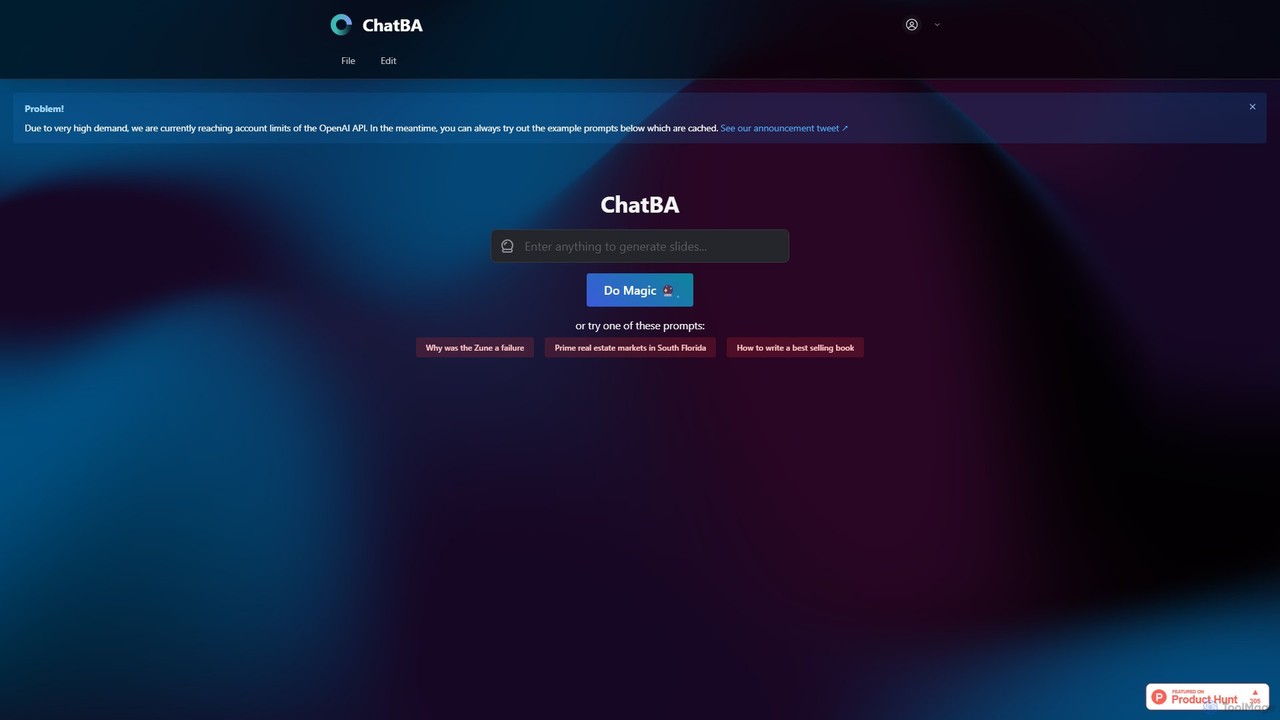
ChatBA
ChatBA is a generative AI tool that transforms simple text prompts into complete, professional presentations. Instantly create slide decks for business, education, or marketing by just describing your topic. It automates content writing, structuring, and design, saving you hours of manual work.
Student Tools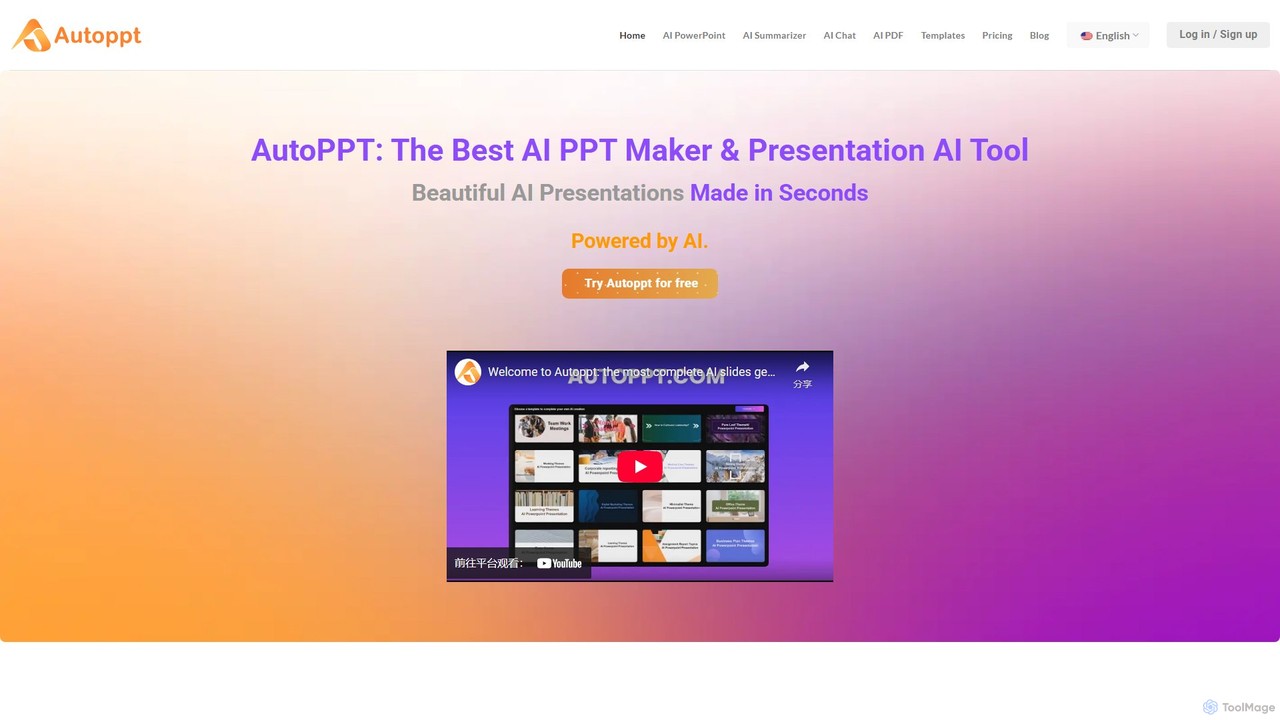
Autoppt
Autoppt is an AI-powered presentation generator that creates stunning PowerPoint slides in seconds. Simply provide a topic or upload a document (PDF, Word, etc.), and Autoppt will instantly generate a professional, fully-editable presentation using its vast library of templates. It's designed for users of all skill levels to save time and effort on creating visually appealing slideshows.
Student Tools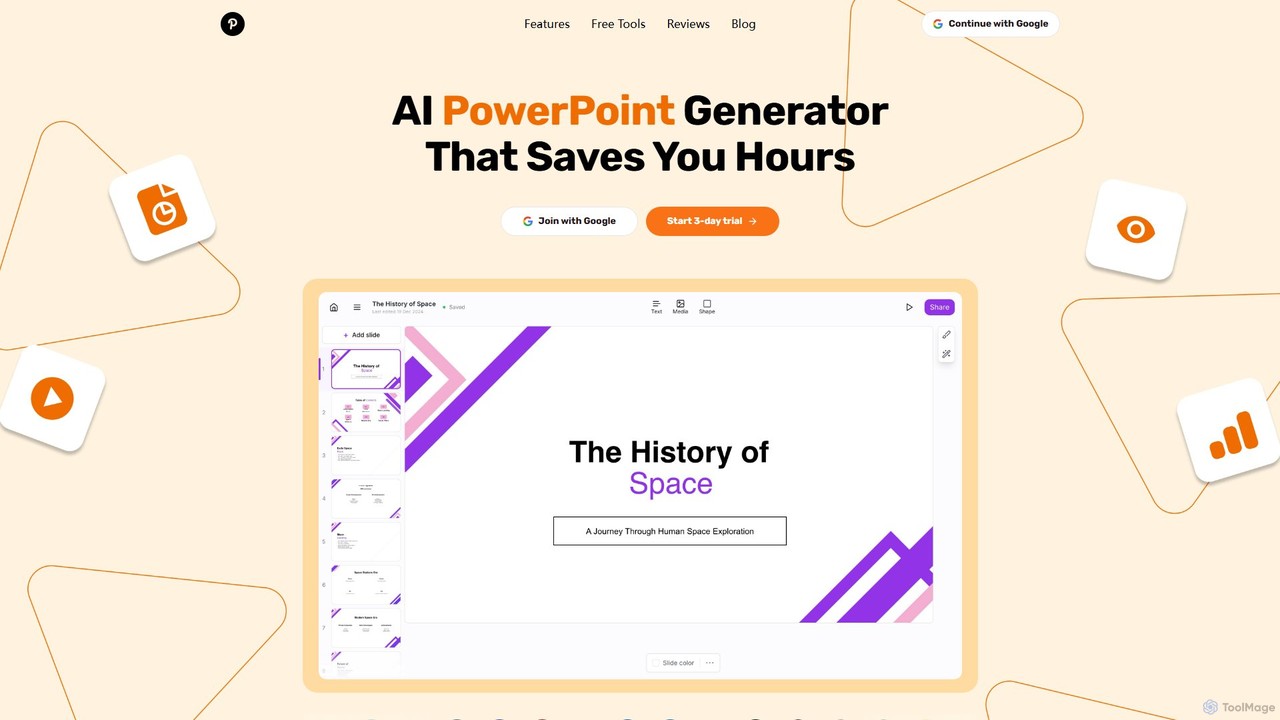
GenPPT
GenPPT is an AI-powered presentation generator that creates professional PowerPoint slides from simple text prompts in minutes. It's designed for professionals, marketers, and students to save hours on slide creation, focusing on logical structure, compelling content, and sleek design without needing any design skills.
Sales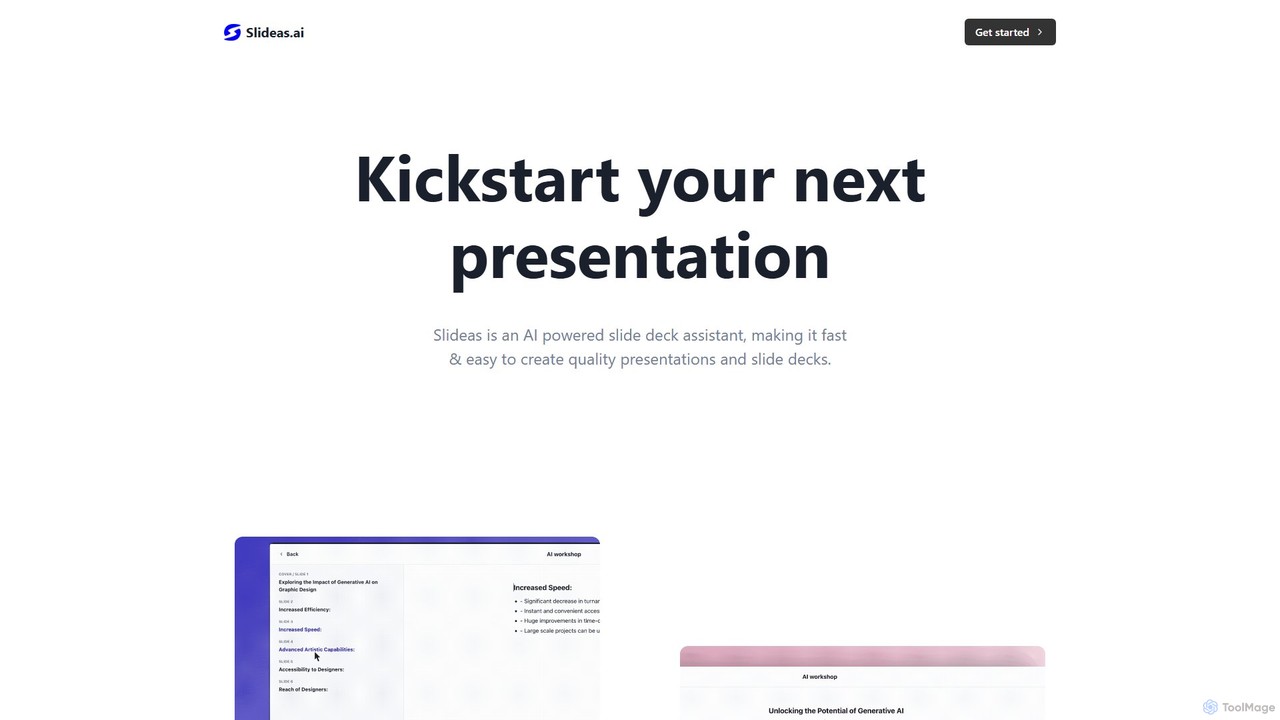
slideas.ai
slideas.ai is an AI-powered presentation assistant that rapidly creates professional slide decks. Simply provide a topic, and the AI generates headlines and talking points. Edit with an intuitive Notion-like editor, collaborate with your team in real-time, and present directly or export to Google Slides and PowerPoint.
Student Tools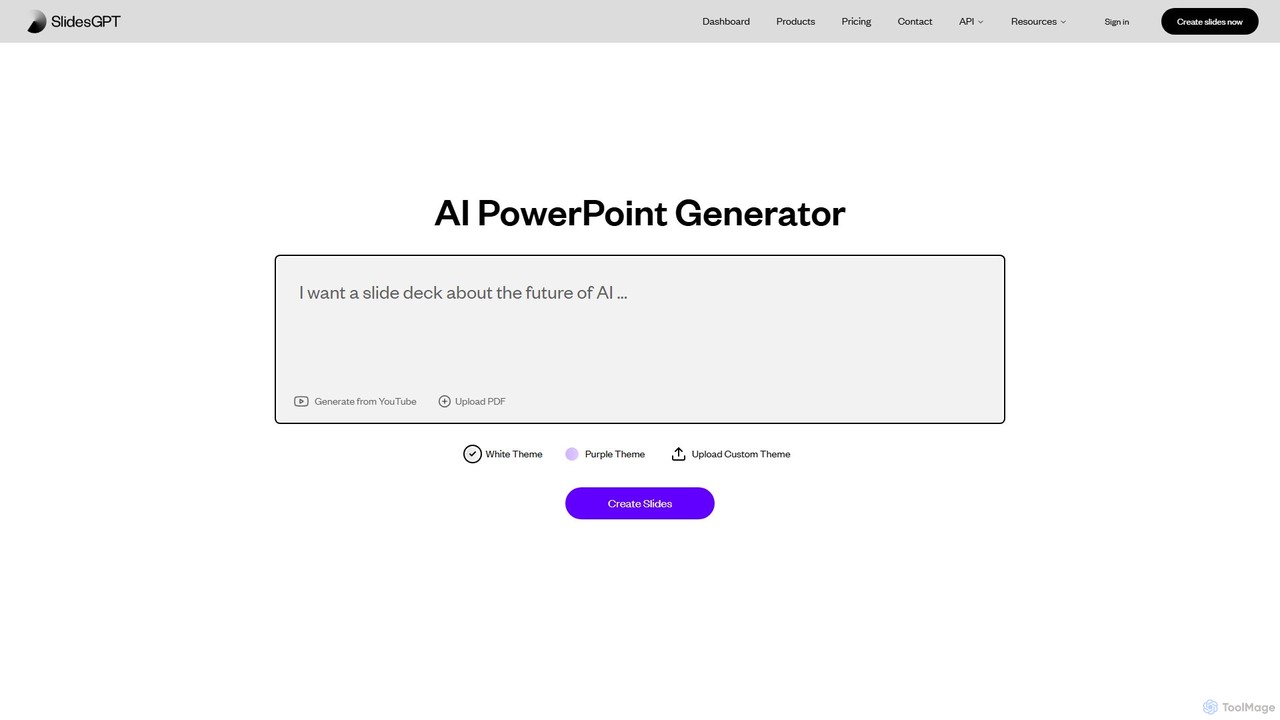
SlidesGPT
SlidesGPT is an AI-powered presentation generator that creates professional PowerPoint and Google Slides presentations from text, prompts, PDFs, or YouTube videos. It automates the slide creation process, saving users hours of work and enabling them to produce engaging slideshows 10x faster.
SalesChatPPT Categories
ChatPPT Embed Widget
Copy this embed code to place the badge on your blog, article, or product site and send readers directly to this ToolMage detail page.

Related AI tools
ChatBA
ChatBA is a generative AI tool that transforms simple text prompts into complete, professional presentations. Instantly create slide decks for business, education, or marketing by just describing your topic. It automates content writing, structuring, and design, saving you hours of manual work.
Student Tools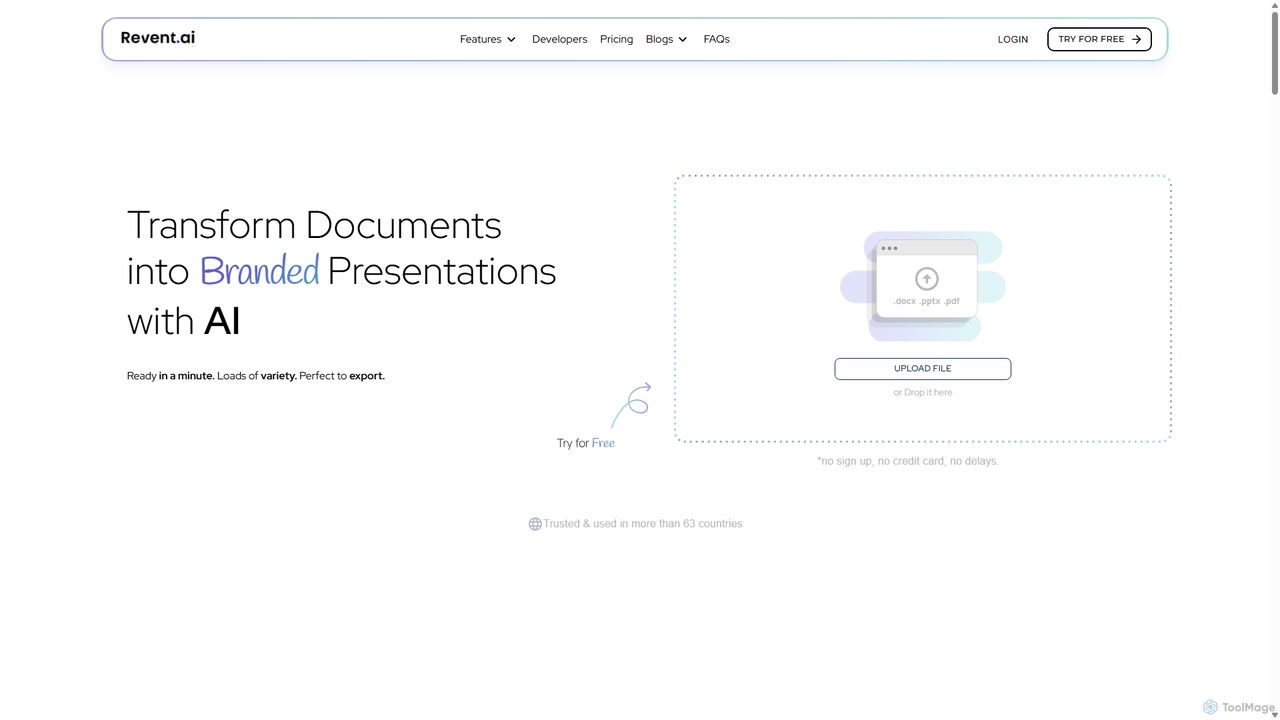
Revent
Revent is an AI-powered presentation design tool that instantly transforms documents like PDFs, Word files, and plain text into professionally designed, branded presentations. It automates slide creation, ensures brand consistency by mirroring your website's design, and offers a vast library of smart templates to streamline your workflow and produce stunning decks in minutes.
Document Management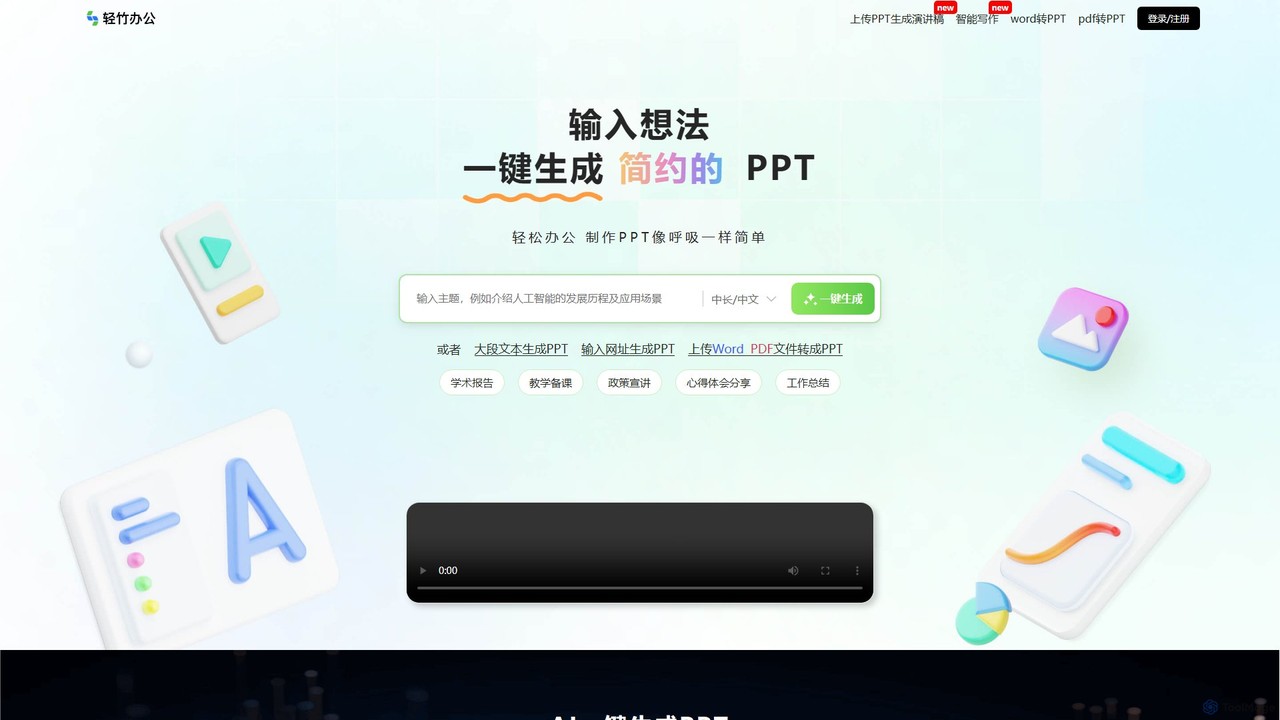
qzoffice
qzoffice is an AI-powered presentation generator that creates professional slides in one click. It converts text, documents (Word/PDF), and URLs into stunning presentations, complete with outlines, content, and speaker notes. Ideal for business, education, and personal use.
MarketingAutoppt
Autoppt is an AI-powered presentation generator that creates stunning PowerPoint slides in seconds. Simply provide a topic or upload a document (PDF, Word, etc.), and Autoppt will instantly generate a professional, fully-editable presentation using its vast library of templates. It's designed for users of all skill levels to save time and effort on creating visually appealing slideshows.
Student ToolsGenPPT
GenPPT is an AI-powered presentation generator that creates professional PowerPoint slides from simple text prompts in minutes. It's designed for professionals, marketers, and students to save hours on slide creation, focusing on logical structure, compelling content, and sleek design without needing any design skills.
Salesslideas.ai
slideas.ai is an AI-powered presentation assistant that rapidly creates professional slide decks. Simply provide a topic, and the AI generates headlines and talking points. Edit with an intuitive Notion-like editor, collaborate with your team in real-time, and present directly or export to Google Slides and PowerPoint.
Student Tools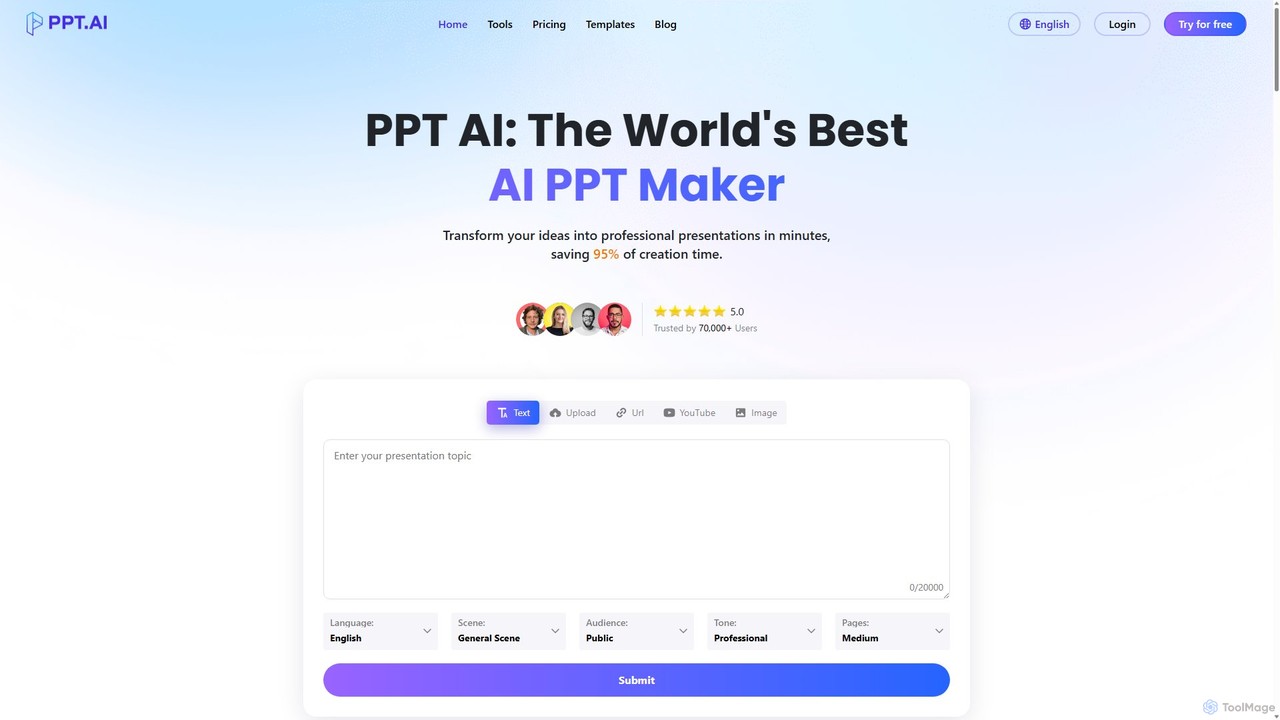
PPT.AI
PPT.AI is an AI-powered presentation maker that transforms your text, ideas, or documents into professional, ready-to-present slides in minutes. It automates the design process, offering intelligent layouts, customizable templates, and consistent branding, making it ideal for professionals and students who need to create high-impact presentations quickly without design expertise.
Automation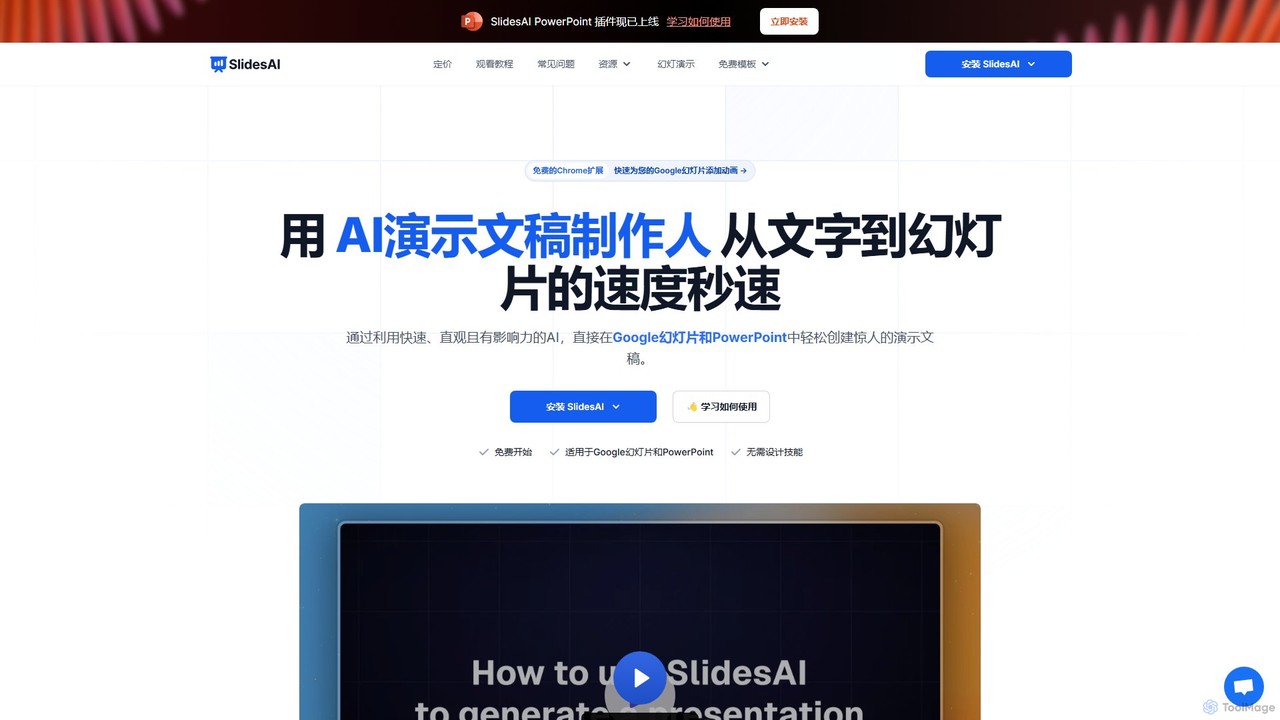
SlidesAI
SlidesAI is an AI-powered presentation maker that integrates directly into Google Slides and PowerPoint. It instantly transforms your text, documents, or ideas into professionally designed, ready-to-present slides. Save hours of manual work by automatically generating outlines, content, and visuals. It's perfect for educators, professionals, and students who need to create compelling presentations quickly and efficiently, with support for over 100 languages.
Automation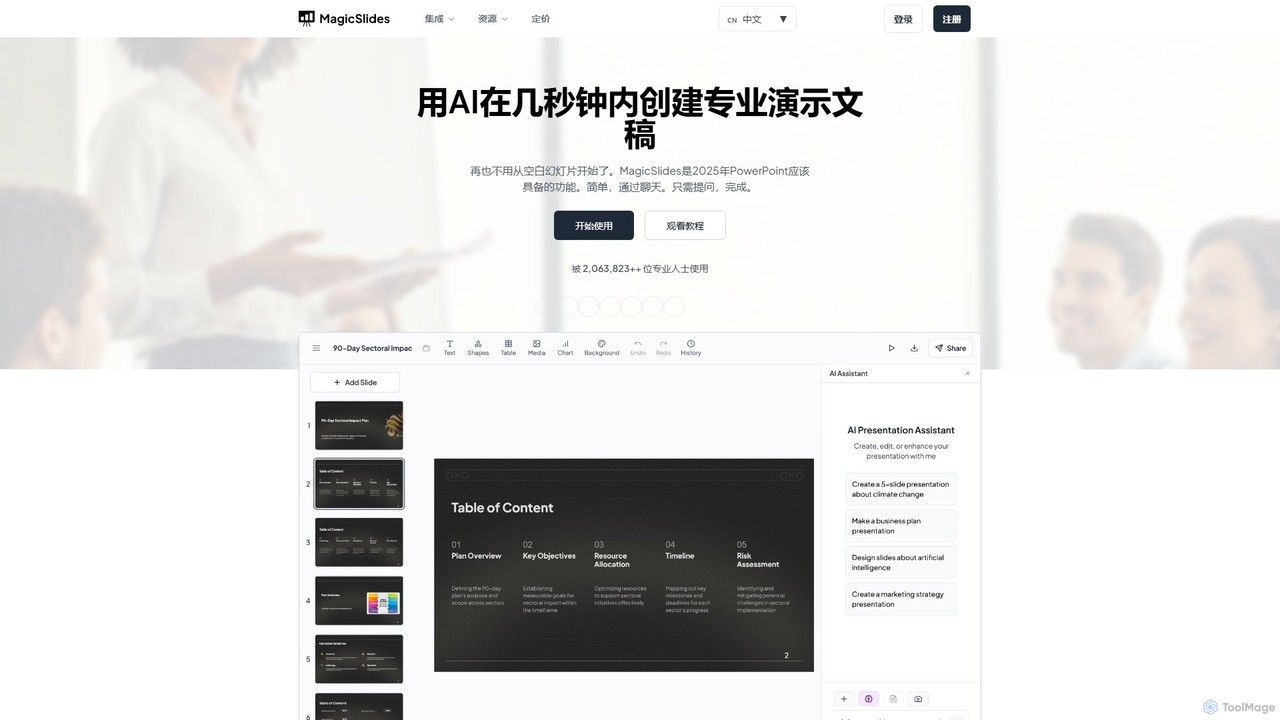
MagicSlides
MagicSlides is an AI-powered presentation maker that instantly creates professional slides from various sources, including text, topics, PDFs, YouTube videos, and URLs. It integrates seamlessly with Google Slides, PowerPoint, Figma, and more, supporting over 136 languages to streamline your workflow and save hours of design time.
Automation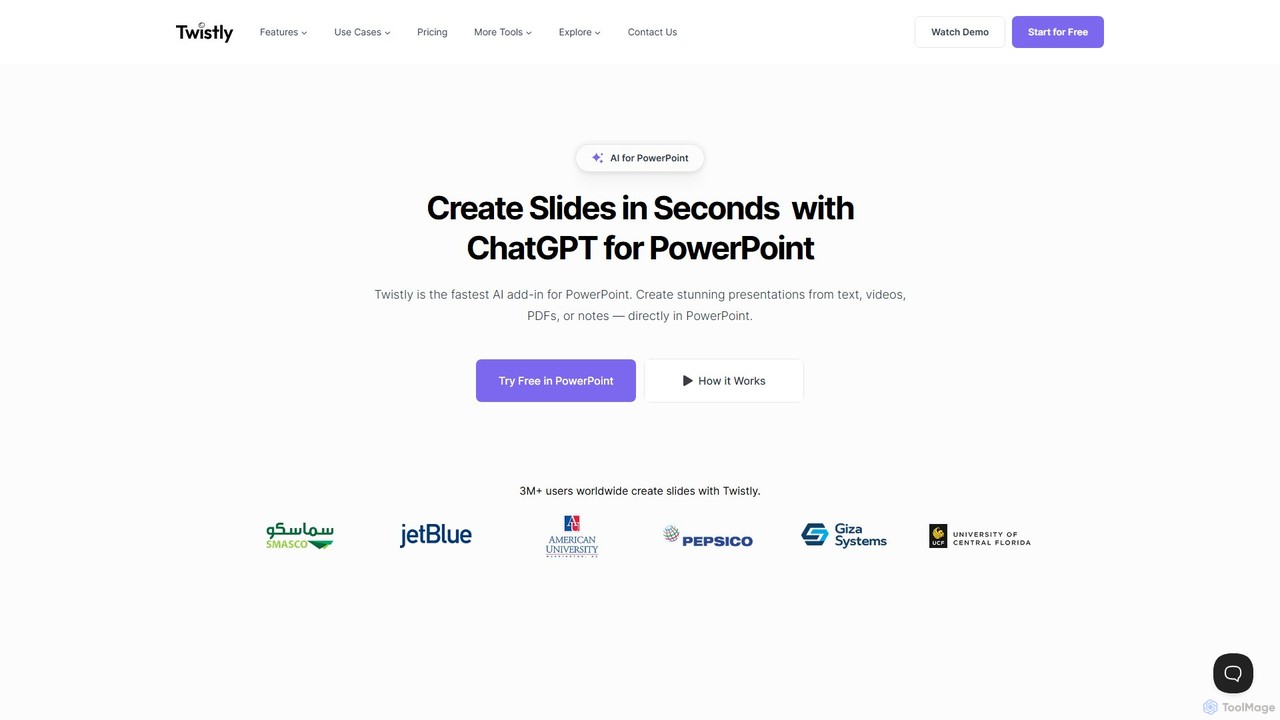
Twistly
Twistly is a powerful AI add-in for Microsoft PowerPoint that integrates ChatGPT to revolutionize presentation creation. It allows users to generate complete, stunning presentations from text, documents, PDFs, or even YouTube videos in seconds, directly within the PowerPoint interface. This eliminates the need for context switching, streamlining the workflow for professionals, educators, and students.
Teaching Tool
Gamma
Gamma is an AI-powered design partner that revolutionizes content creation. It enables users to effortlessly generate polished presentations, engaging websites, professional documents, and social media graphics from simple text prompts. Move beyond traditional slide decks and blank pages, and transform your ideas into visually stunning, ready-to-share materials in minutes, no design skills required.
Website Builder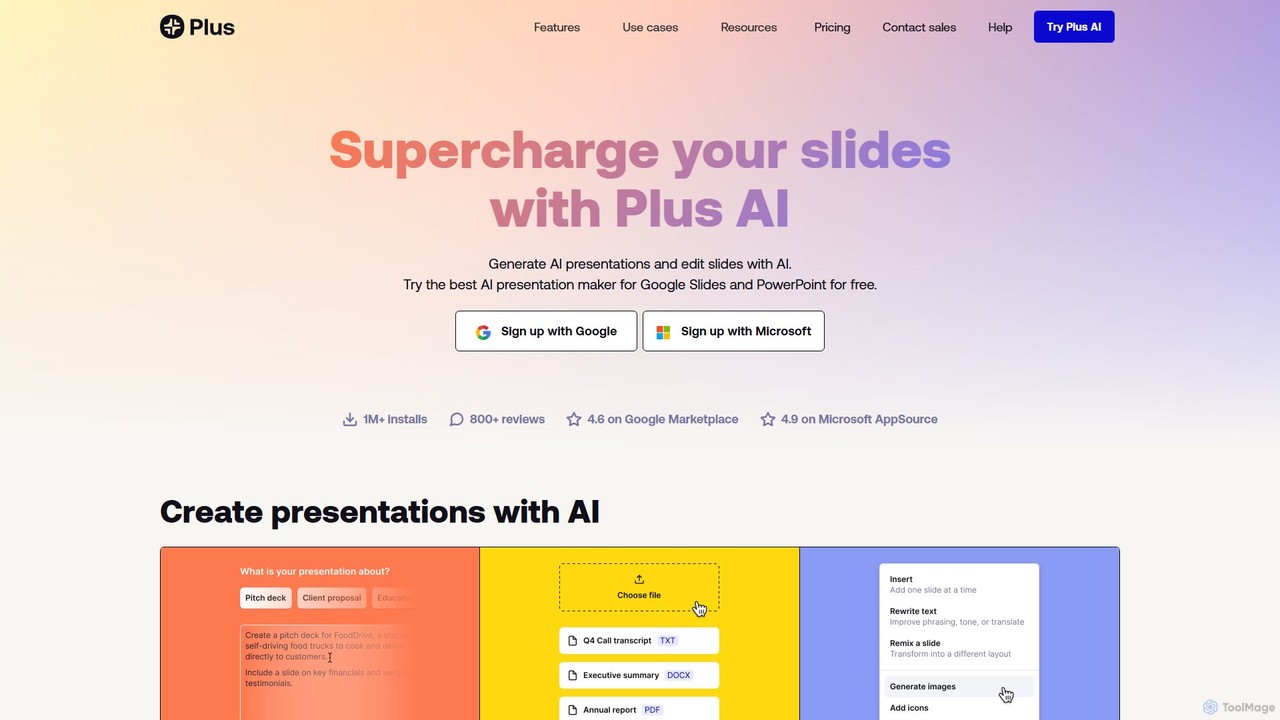
Plus AI
Plus AI is an advanced AI presentation maker designed for professionals. It integrates directly into Google Slides and PowerPoint, allowing you to generate, edit, and reformat slides seamlessly within your existing workflow. Convert documents like PDFs and Word files into stunning, fully-editable presentations, or create them from a simple text prompt. It's built for high-quality, branded content with enterprise-grade security.
Marketing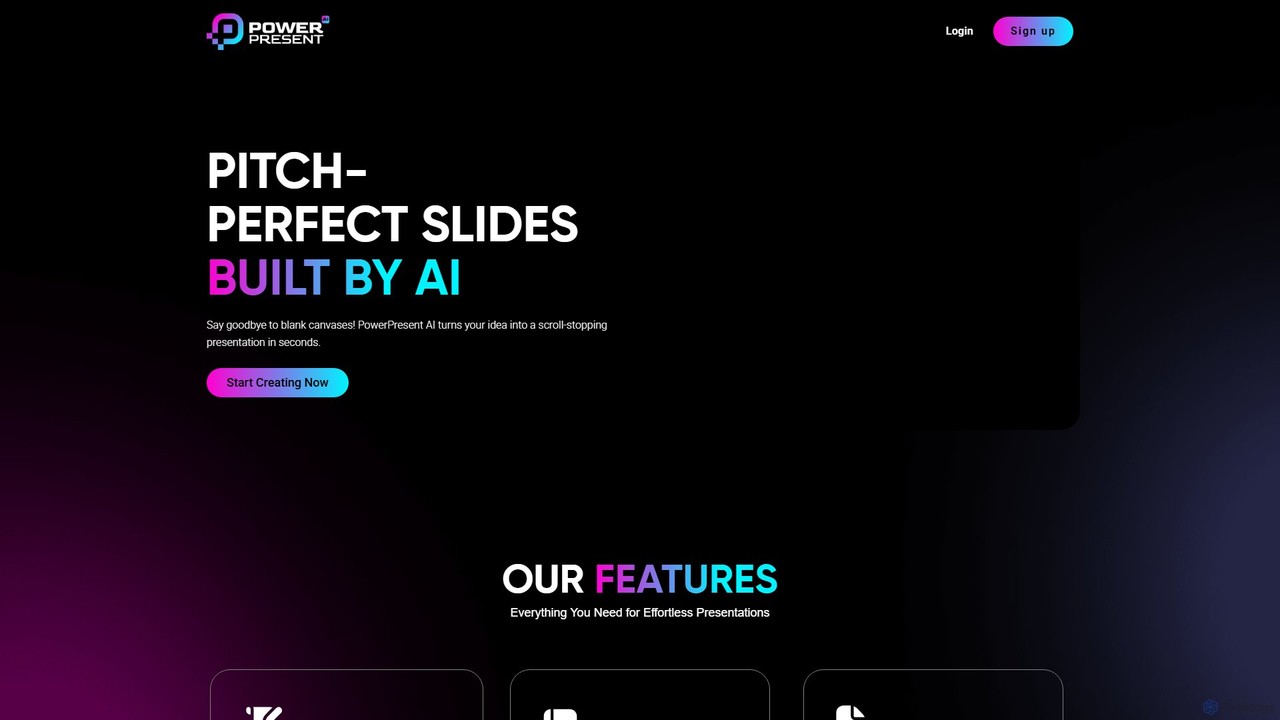
PowerPresent
PowerPresent is an AI-powered presentation maker that instantly transforms your ideas, documents, links, or text into professional, editable slides. Say goodbye to blank canvases and create stunning, pitch-perfect presentations in seconds for business, education, or personal projects.
Marketing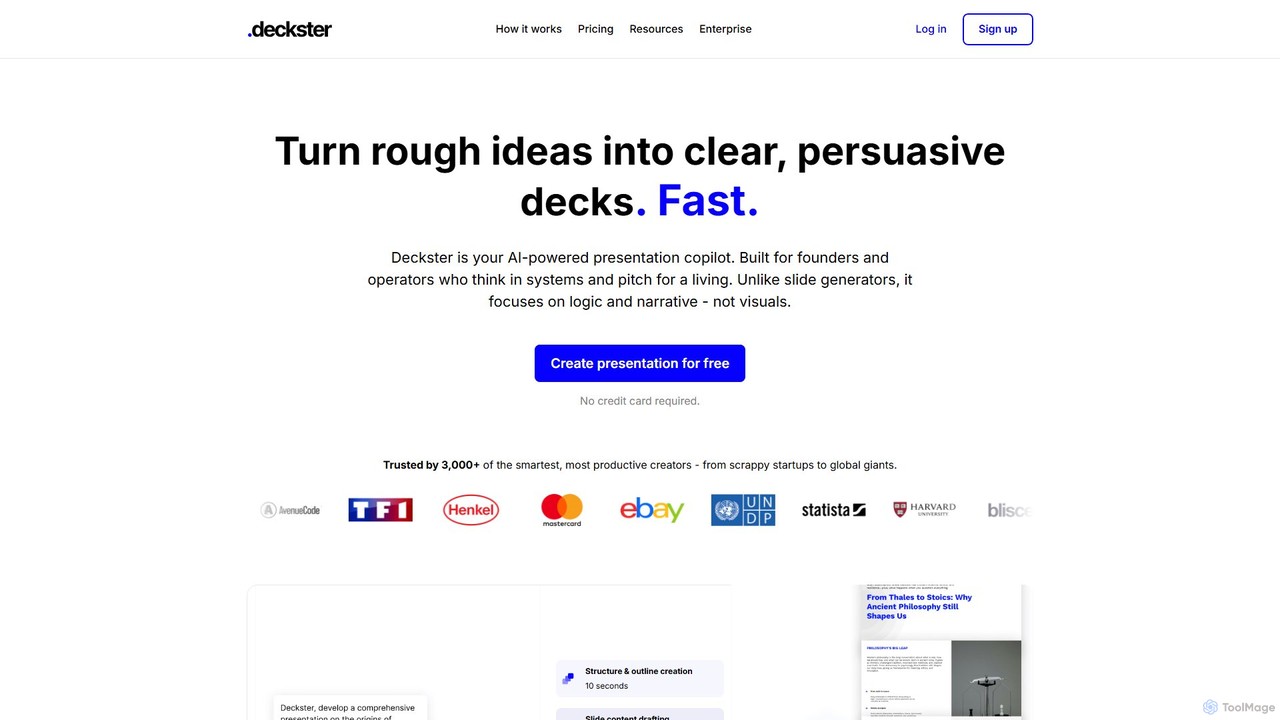
Deckster
Deckster is an AI-powered presentation copilot designed for founders and professionals. It transforms rough ideas into clear, persuasive presentations by focusing on logic, narrative, and structure, not just visuals. Generate a 95% ready draft in minutes, complete with smart content, auto-generated charts, and delivery tips, and export it directly to Google Slides or PowerPoint.
Communication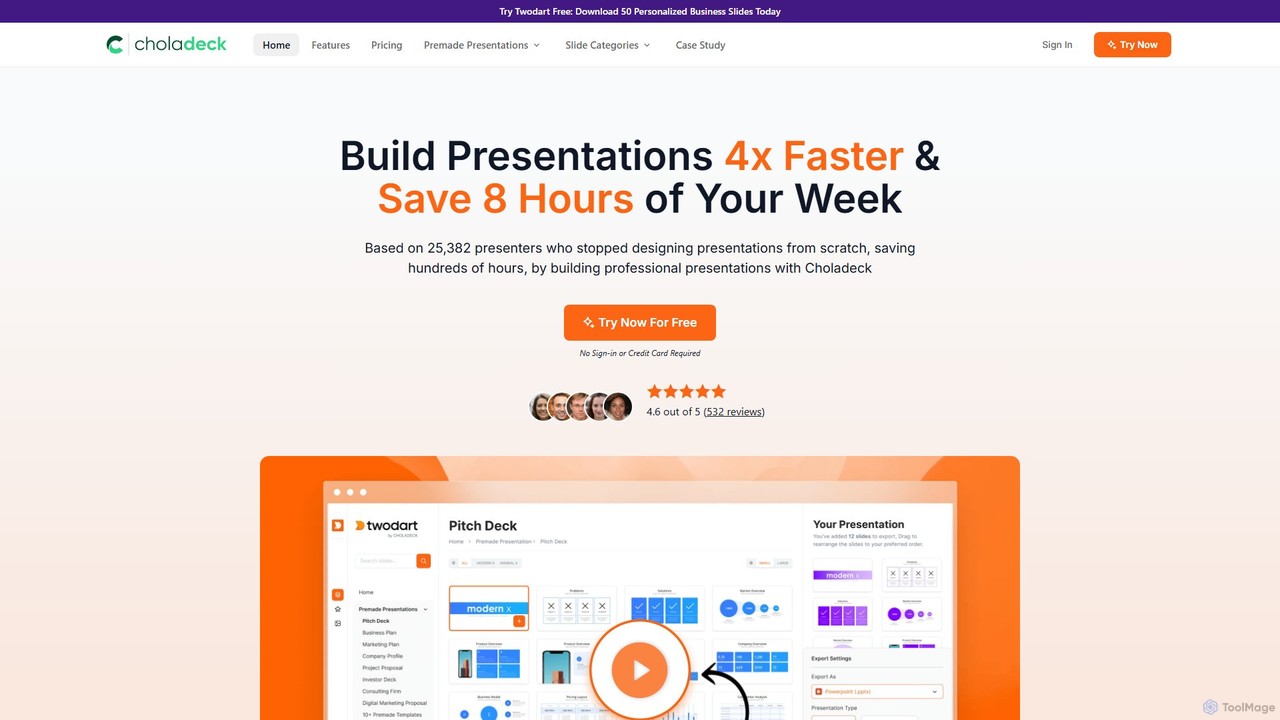
Choladeck
Choladeck (also known as the Twodart platform) is a powerful presentation builder designed to help users create professional, on-brand presentations 4x faster. With a massive library of over 9,870 customizable slides, 50+ premade templates, and seamless integration with PowerPoint, Google Slides, and Keynote, it eliminates the need to start from scratch. Ideal for professionals, teams, and businesses looking to save time, enhance visual communication, and maintain brand consistency across all their presentations.
Templates
ChatPPT Comments (0)
Sign in to comment.
Sign inNo comments yet.