

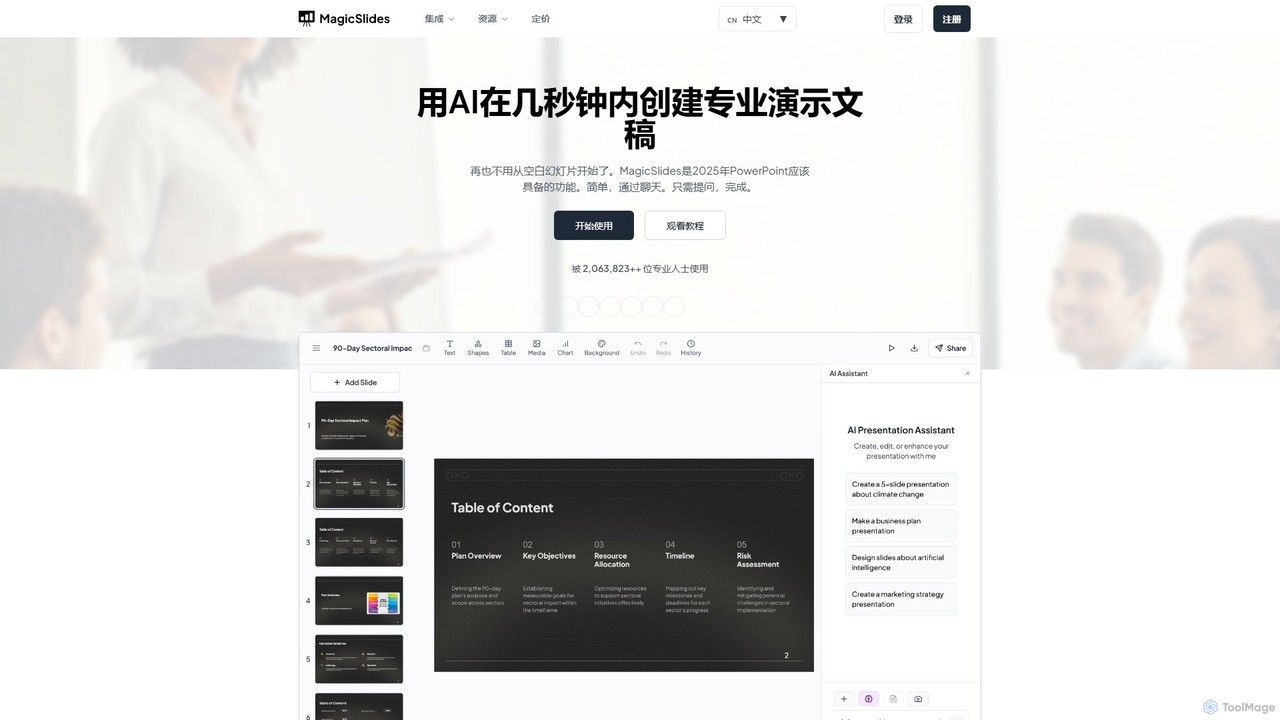
MagicSlides Overview
MagicSlides is a revolutionary AI-powered tool designed to eliminate the tedious process of creating presentations from scratch. It empowers professionals, students, and educators to generate stunning, well-structured slides in seconds. By simply providing a topic, raw text, a PDF document, a YouTube link, or a webpage URL, MagicSlides intelligently analyzes the content, extracts key information, and designs a complete presentation with relevant layouts, images, and branding consistency. It's the productivity boost that modern presentation creation demands, allowing you to focus on your message, not the manual design work.
The platform is built for versatility and accessibility. It operates as a standalone web app and also integrates deeply into the tools you already use every day. With add-ons for Google Slides and PowerPoint, a Chrome extension for on-the-fly creation, and plugins for Figma and even ChatGPT, MagicSlides fits naturally into any workflow. This multi-platform support ensures that whether you're brainstorming in a chat, designing in Figma, or working within your preferred presentation software, the power of AI-driven slide creation is just a click away.
How to use MagicSlides
Getting started with MagicSlides is incredibly simple and designed to be intuitive for all users. Follow these basic steps to create your first AI-generated presentation:
- Sign Up and Choose Your Platform: First, create a free account on the MagicSlides.app website. No credit card is required to start. Then, decide where you want to work: the web app, the Google Slides add-on, the PowerPoint plugin, or another integration.
- Provide Your Source Content: Select your desired method for content input. You can:
- Enter a Topic: Type a subject (e.g., "The Future of Renewable Energy") and specify the desired number of slides.
- Paste Text: Copy and paste your outline, script, or document text directly into the tool.
- Upload a File: Upload a PDF or DOCX file, and the AI will convert its content into presentation slides.
- Use a URL: Paste a link to a YouTube video or any webpage, and MagicSlides will summarize it into a presentation.
- Use Images: Upload a series of images, and the AI will structure them into a cohesive presentation.
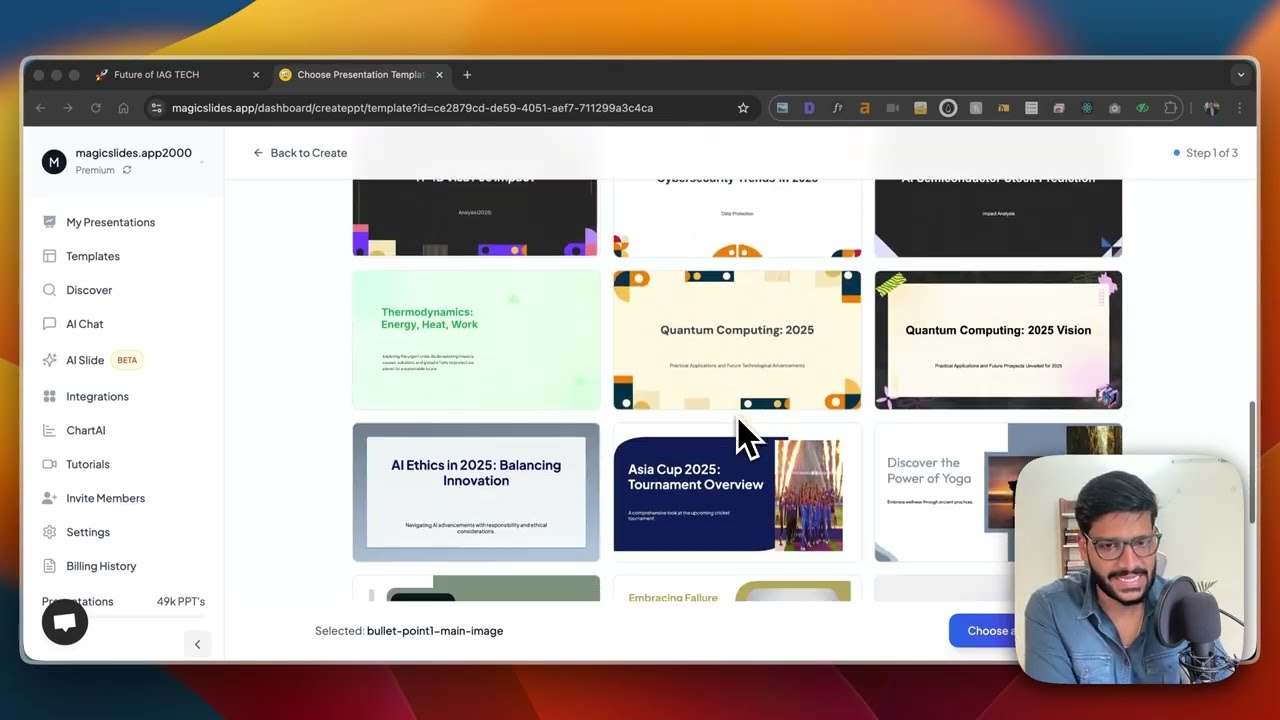
- Generate and Customize: Click the generate button. The AI will process your input and create a complete presentation in seconds. Once generated, you can review the slides, edit the text, change images, and customize the design to perfectly match your needs.
- Export and Share: Export your final presentation to your preferred format, such as PowerPoint (.pptx) or use it directly within Google Slides.
Core Features of MagicSlides
- Multi-Source Generation: Create presentations from a wide range of inputs including plain text, topics, PDF documents, DOCX files, YouTube videos, website URLs, and images.
- AI-Powered Slide Design: The AI not only generates text but also suggests optimal layouts, selects relevant stock images, and ensures a professional, consistent design throughout the deck.
- Smart Templates & Customization: Use your own PowerPoint presentation as a template to maintain brand consistency. The AI adapts new content to your existing style, colors, and formatting.
- Specific Slide Type Generation: Instantly create specialized slides like SWOT analysis, timelines, pros and cons, metrics, multi-column layouts, and more, just by providing a topic.
- Seamless Integrations: Works directly within Google Slides, Microsoft PowerPoint, Figma, and Chrome. It also offers integrations with ChatGPT, Telegram, and Zapier for advanced automation and workflow connectivity.
- Extensive Language Support: Generate presentations in over 136 languages, making it a truly global tool for teams and individuals worldwide.
Use Cases for MagicSlides
MagicSlides is a versatile tool that caters to a wide array of needs across different professions:
- Business Professionals: Quickly generate pitch decks for investors, create reports from documents, summarize competitor websites, and prepare internal meeting presentations in a fraction of the time.
- Marketers: Repurpose blog posts, articles, and whitepapers into engaging visual presentations for webinars, social media, or sales enablement. Convert video content from YouTube into shareable slide decks.
- Educators and Academics: Transform lecture notes, research papers (PDFs), and educational videos into structured, easy-to-follow slides for the classroom.
- Students: Create presentations for class projects and assignments by simply providing an outline or summarizing research sources, saving valuable study time.
- Consultants: Rapidly produce client-facing materials, including SWOT analyses, project timelines, and status updates, with a professional and polished look.
Advantages of MagicSlides
The primary advantage of MagicSlides is its incredible efficiency. It reduces the time spent on presentation design from hours to mere seconds. This allows users to focus on higher-value tasks like research, content refinement, and delivery. Furthermore, its AI-driven design ensures a high level of quality and consistency that can be difficult to achieve manually, especially for non-designers. The seamless integrations with popular platforms mean there's no steep learning curve, and it enhances existing workflows rather than replacing them. Finally, its ability to repurpose content from various sources makes it an invaluable tool for maximizing the reach and impact of your existing information.
Pricing and Plans
MagicSlides operates on a freemium model, making it accessible for everyone to get started.
- Free Plan: Ideal for casual users, this plan allows you to create a limited number of presentations per month for free. It's a great way to experience the core features without any commitment.
- Pro Plan: Aimed at individual professionals and power users, this paid plan typically offers a higher number of presentation credits, access to premium features, priority support, and more advanced customization options.
- Business/Team Plan: Designed for organizations and teams, this plan includes all Pro features plus collaboration tools, centralized billing, custom branding templates, and team management capabilities.
For the most current and detailed pricing information, please visit the official MagicSlides website.
Traffic
Latest traffic
Status
Monthly traffic trend
- 2026-1: 414.4K
- 2026-2: 261.4K
- 2026-3: 215.4K
- 2026-4: 230.3K
- 2026-5: 215.5K
Geography
Top 5 countries / regions
- 🇺🇸United States54.6%
- 🇮🇳India21.0%
- 🇨🇮Côte d’Ivoire10.0%
- 🇮🇩Indonesia7.3%
- 🇧🇷Brazil7.0%
Traffic sources
| Source type | Percentage |
|---|---|
Direct | 87.4% |
Referral | 11.9% |
Email | 0.7% |
Top keywords
| Keyword | Cost per click |
|---|---|
| ap chinese cultural presentation topics | $0.00 |
| can i see changes on my powerpoint presentation | $0.00 |
| magic slides | $0.14 |
| magicslides | $0.75 |
| magic slides ai | $0.20 |
MagicSlides Videos on YouTube


MagicSlides App
Powerpoint Tutorials by MagicSlides

MagicSlides App

MagicSlides App
MagicSlides Alternatives
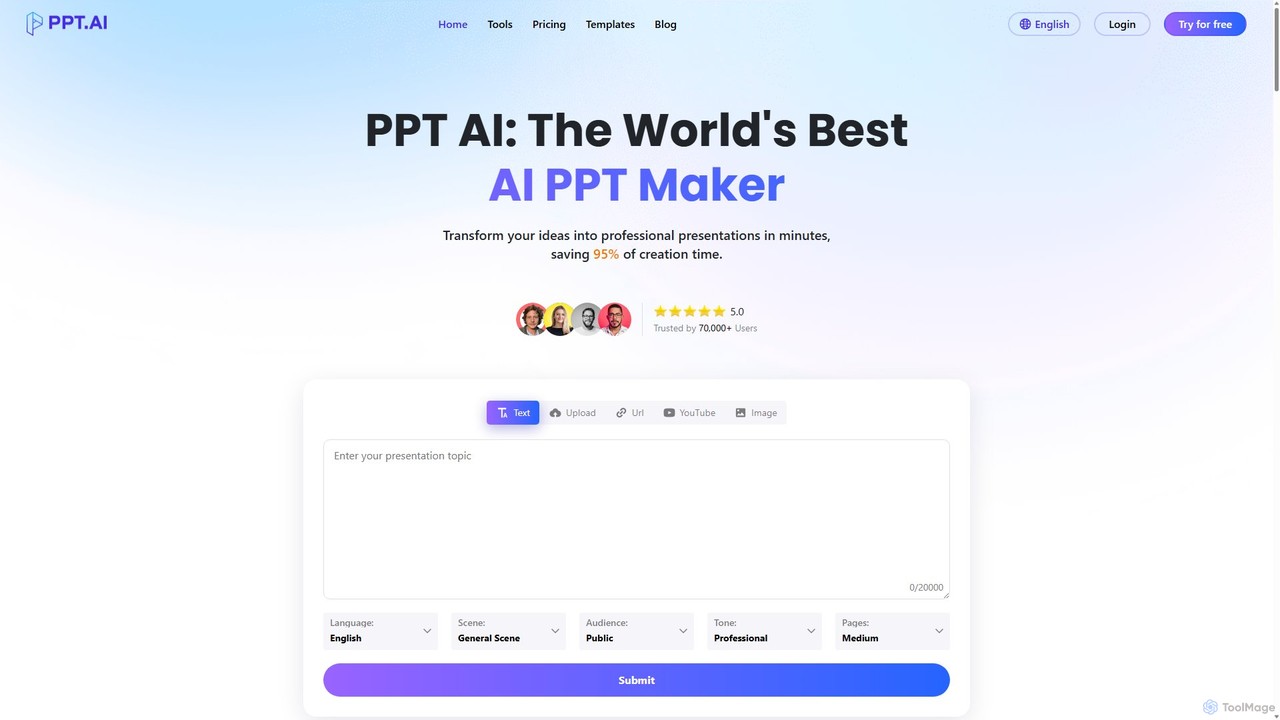
PPT.AI
PPT.AI is an AI-powered presentation maker that transforms your text, ideas, or documents into professional, ready-to-present slides in minutes. It automates the design process, offering intelligent layouts, customizable templates, and consistent branding, making it ideal for professionals and students who need to create high-impact presentations quickly without design expertise.
Automation
SlidesAI
SlidesAI is an AI-powered presentation maker that integrates directly into Google Slides and PowerPoint. It instantly transforms your text, documents, or ideas into professionally designed, ready-to-present slides. Save hours of manual work by automatically generating outlines, content, and visuals. It's perfect for educators, professionals, and students who need to create compelling presentations quickly and efficiently, with support for over 100 languages.
Automation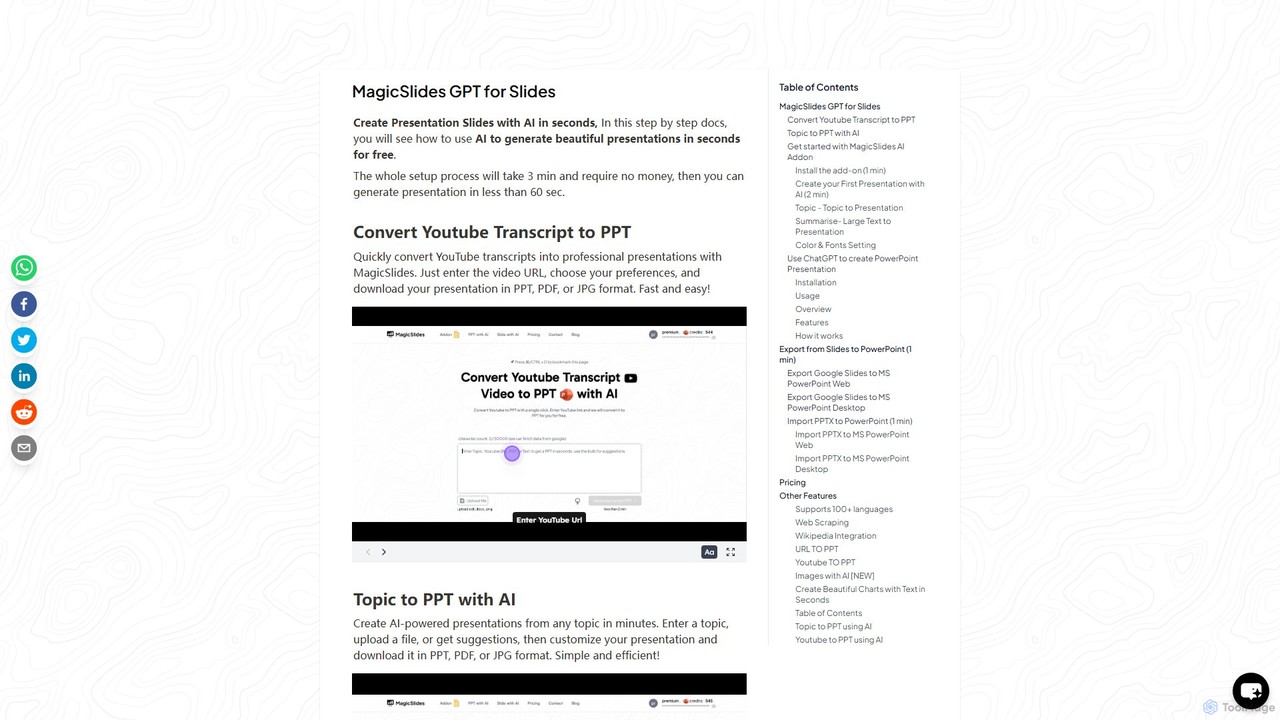
gptforslides
gptforslides (also known as MagicSlides) is an AI-powered presentation generator that creates professional slides in seconds. Integrated with Google Slides and ChatGPT, it can convert text, topics, URLs, YouTube videos, PDFs, and documents into visually appealing presentations, complete with AI-generated images and customizable designs.
Automation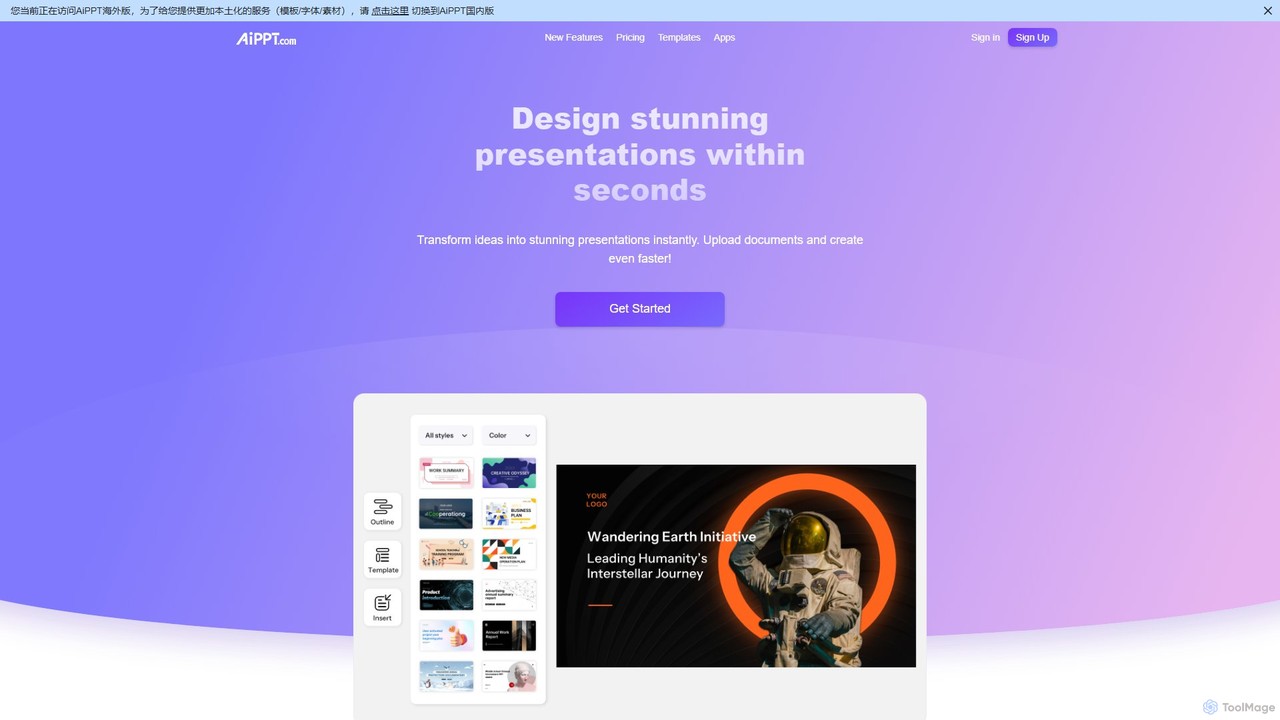
AiPPT
AiPPT is an AI-powered presentation generator that creates stunning, professional slides in seconds. It supports various input methods, including text prompts, documents (PDF, Word), and webpage URLs. With over 200,000 templates, an integrated AI image generator, and extensive customization options, AiPPT streamlines the entire presentation creation process for business, education, and marketing.
Teaching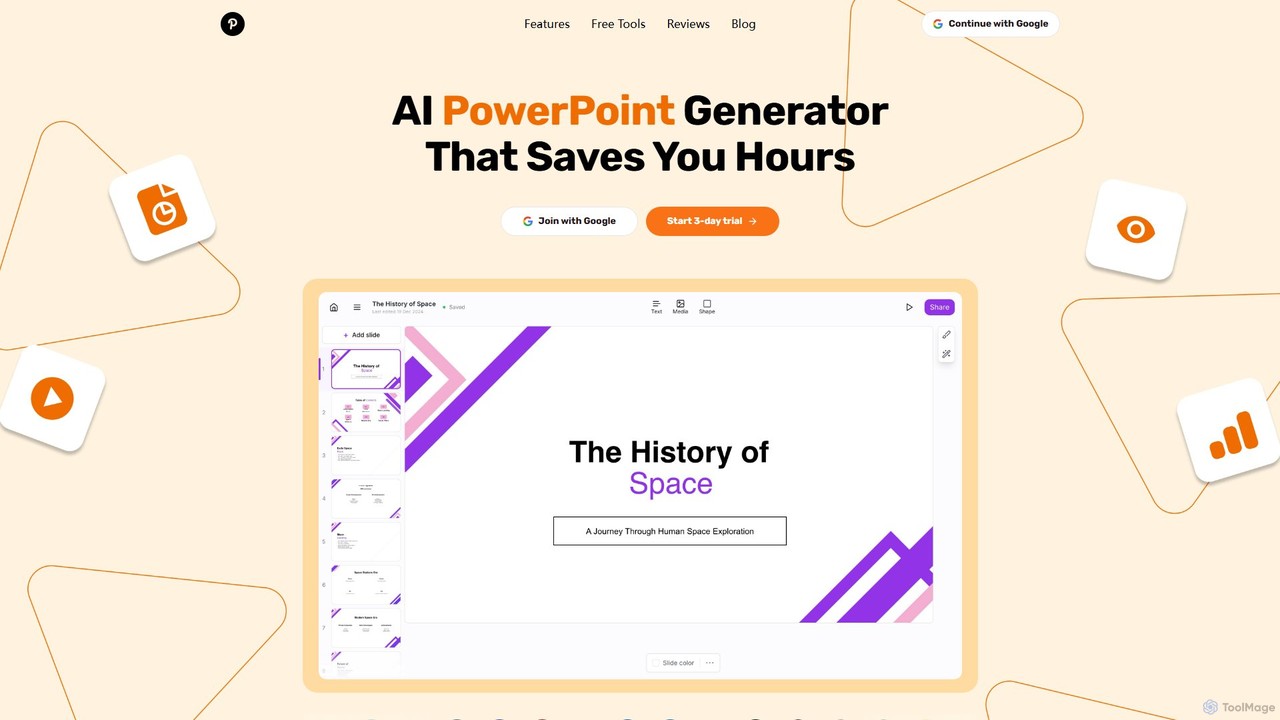
GenPPT
GenPPT is an AI-powered presentation generator that creates professional PowerPoint slides from simple text prompts in minutes. It's designed for professionals, marketers, and students to save hours on slide creation, focusing on logical structure, compelling content, and sleek design without needing any design skills.
SalesMagicSlides Categories
MagicSlides Embed Widget
Copy this embed code to place the badge on your blog, article, or product site and send readers directly to this ToolMage detail page.

Related AI tools
AiPPT
AiPPT is an AI-powered presentation generator that creates stunning, professional slides in seconds. It supports various input methods, including text prompts, documents (PDF, Word), and webpage URLs. With over 200,000 templates, an integrated AI image generator, and extensive customization options, AiPPT streamlines the entire presentation creation process for business, education, and marketing.
TeachingGenPPT
GenPPT is an AI-powered presentation generator that creates professional PowerPoint slides from simple text prompts in minutes. It's designed for professionals, marketers, and students to save hours on slide creation, focusing on logical structure, compelling content, and sleek design without needing any design skills.
Sales
ChatBA
ChatBA is a generative AI tool that transforms simple text prompts into complete, professional presentations. Instantly create slide decks for business, education, or marketing by just describing your topic. It automates content writing, structuring, and design, saving you hours of manual work.
Student Tools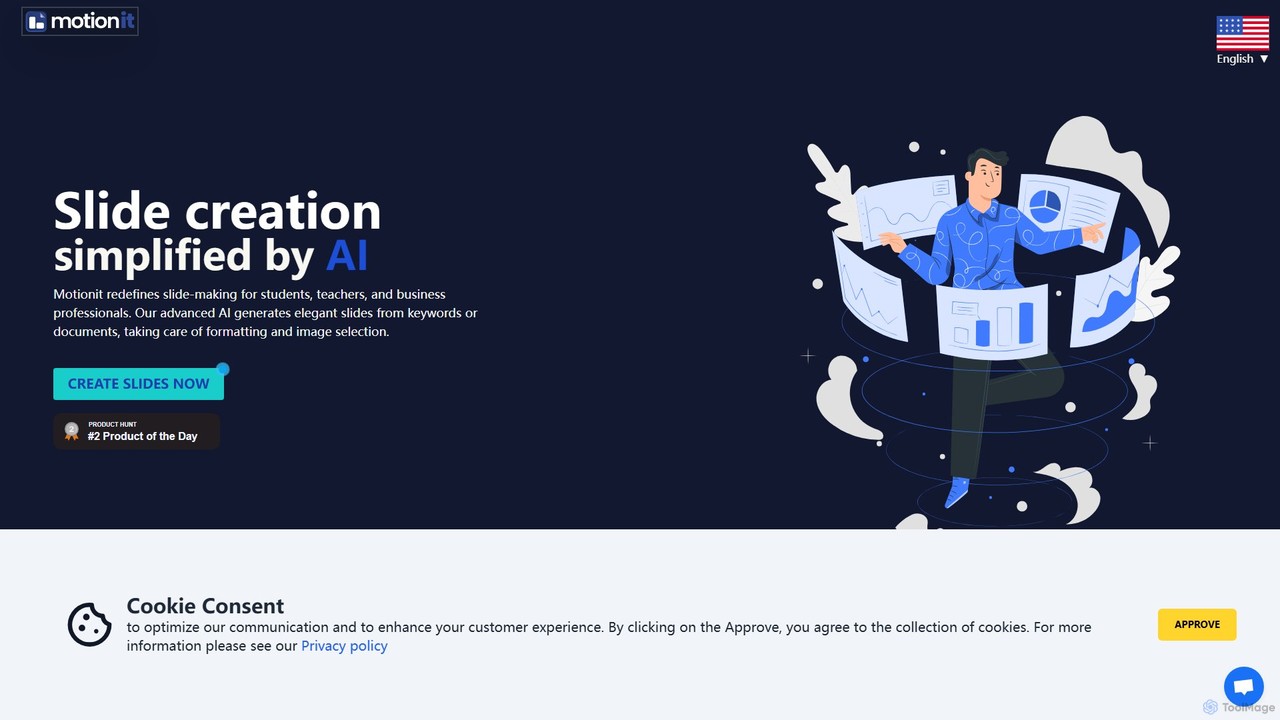
MotionIt
MotionIt is an AI-powered presentation generator that simplifies slide creation for students, educators, and business professionals. It automatically designs elegant slides from keywords or documents, complete with formatting and relevant image selection, and allows exporting to PowerPoint, Google Slides, and PDF.
Sales
PowerPresent
PowerPresent is an AI-powered presentation maker that instantly transforms your ideas, documents, links, or text into professional, editable slides. Say goodbye to blank canvases and create stunning, pitch-perfect presentations in seconds for business, education, or personal projects.
Marketing
Gamma
Gamma is an AI-powered design partner that revolutionizes content creation. It enables users to effortlessly generate polished presentations, engaging websites, professional documents, and social media graphics from simple text prompts. Move beyond traditional slide decks and blank pages, and transform your ideas into visually stunning, ready-to-share materials in minutes, no design skills required.
Website Builder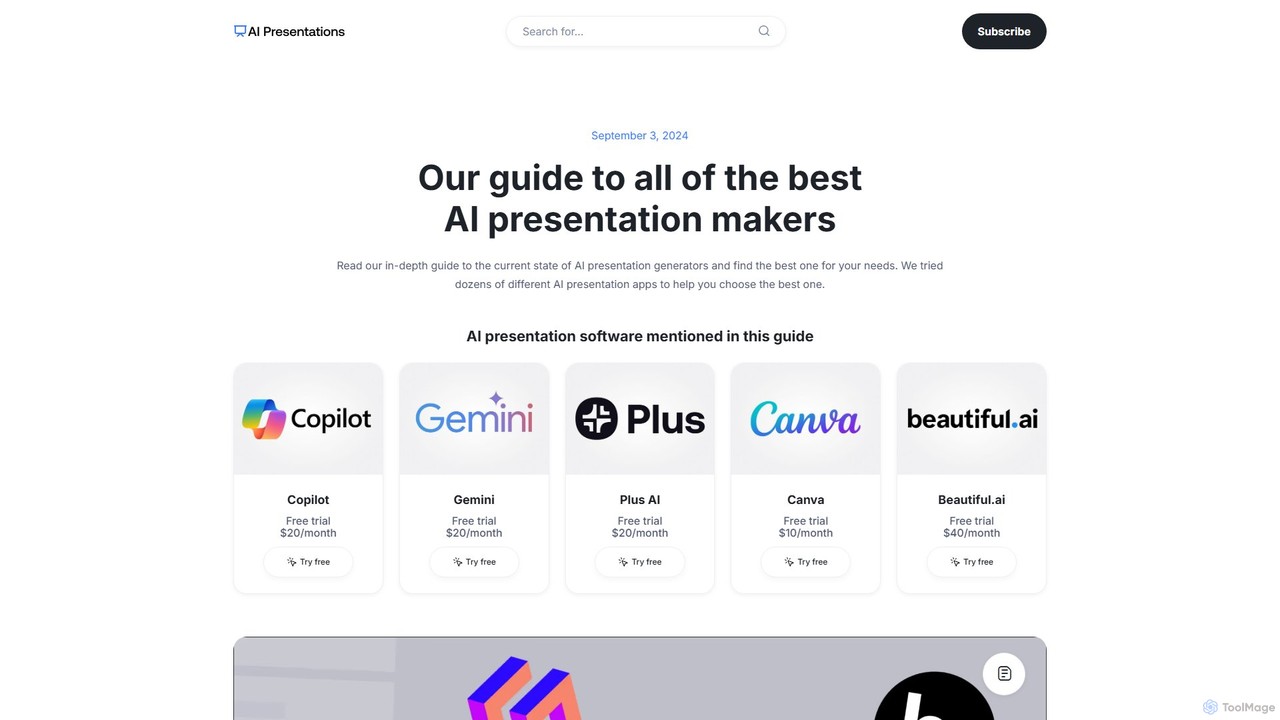
aipresentationmakers
aipresentationmakers is a comprehensive online guide that reviews and compares the best AI presentation makers. It offers in-depth analysis, pros and cons, and pricing information for dozens of tools, helping users find the perfect software for their specific needs, whether for business, education, or creative projects.
Resource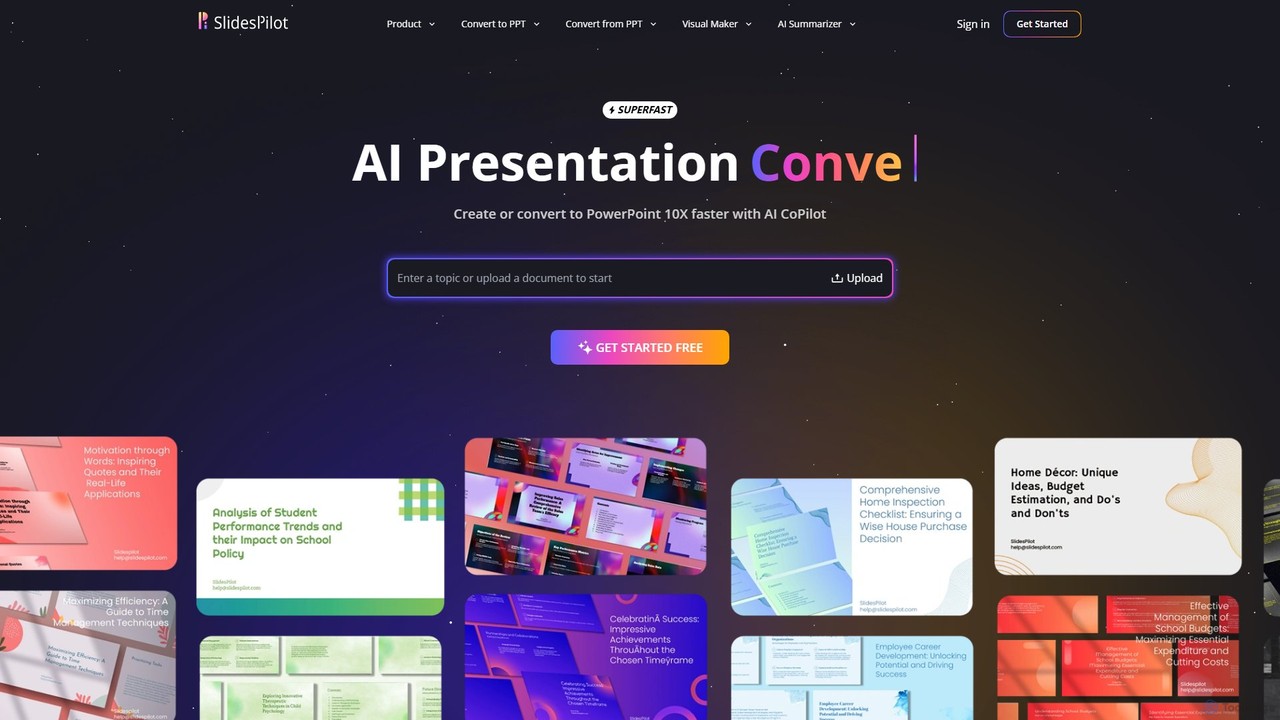
SlidesPilot
SlidesPilot is an AI-powered presentation generator that creates professional PowerPoint and Google Slides 10x faster. It can generate presentations from a topic, convert documents (PDF, Word), text, YouTube videos, and webpages into slides, and features an AI Copilot for real-time editing, image generation, and content rewriting.
Document Management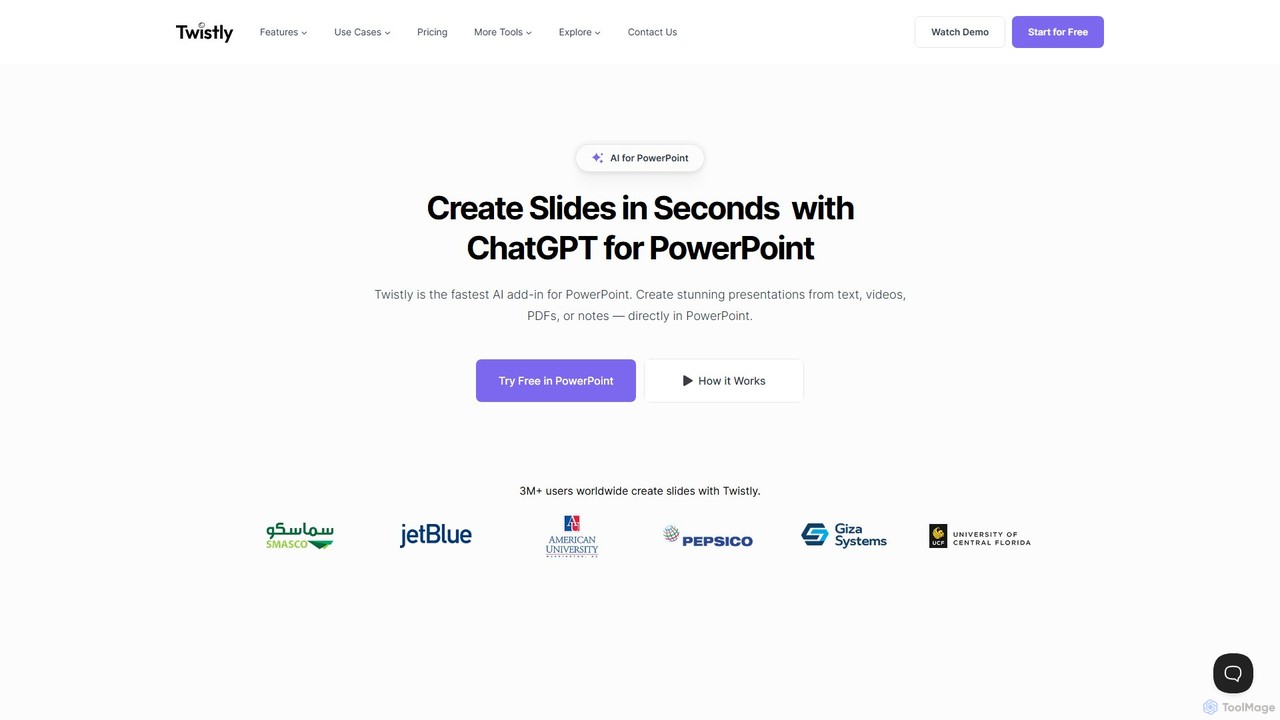
Twistly
Twistly is a powerful AI add-in for Microsoft PowerPoint that integrates ChatGPT to revolutionize presentation creation. It allows users to generate complete, stunning presentations from text, documents, PDFs, or even YouTube videos in seconds, directly within the PowerPoint interface. This eliminates the need for context switching, streamlining the workflow for professionals, educators, and students.
Teaching Tool
ChatPPT
ChatPPT is a powerful AI presentation generator that creates professional slides from simple text prompts, documents, webpages, or even images. It streamlines the entire creation process, from content generation with live web search to intelligent layout and design, allowing users to produce stunning presentations in minutes.
Reporting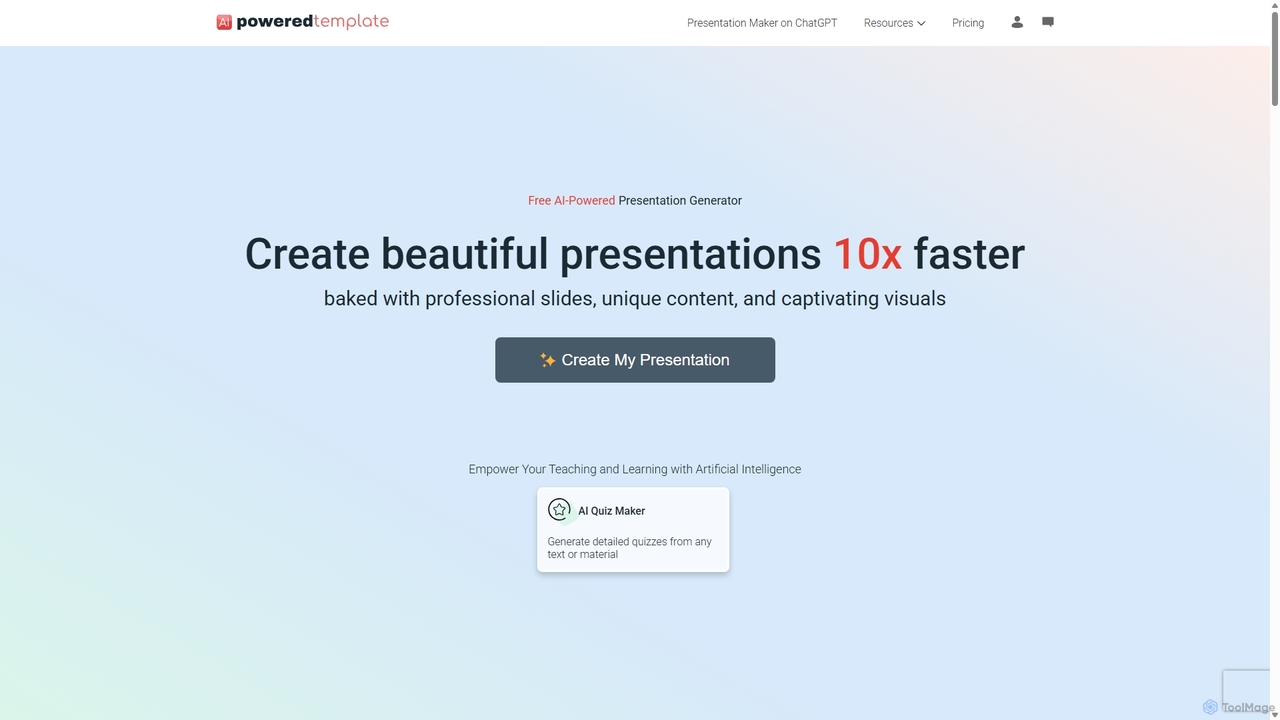
PoweredTemplate AI Presentation Maker
PoweredTemplate AI Presentation Maker is a free, AI-powered tool that transforms your ideas and text into stunning, professional presentations 10x faster. Instantly generate high-quality slides with unique content and captivating visuals for business, education, and marketing. It supports export to PowerPoint, Google Slides, and PDF, offering extensive customization through a vast library of templates and stock media.
Proposals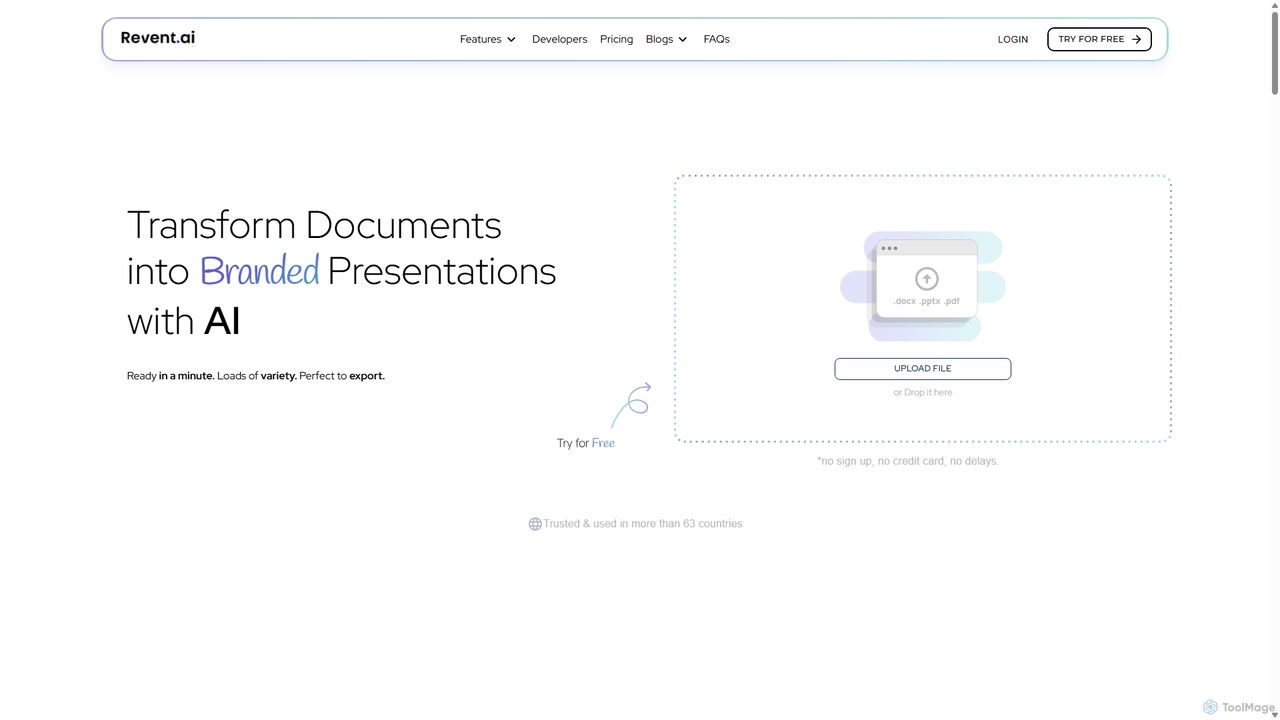
Revent
Revent is an AI-powered presentation design tool that instantly transforms documents like PDFs, Word files, and plain text into professionally designed, branded presentations. It automates slide creation, ensures brand consistency by mirroring your website's design, and offers a vast library of smart templates to streamline your workflow and produce stunning decks in minutes.
Document Management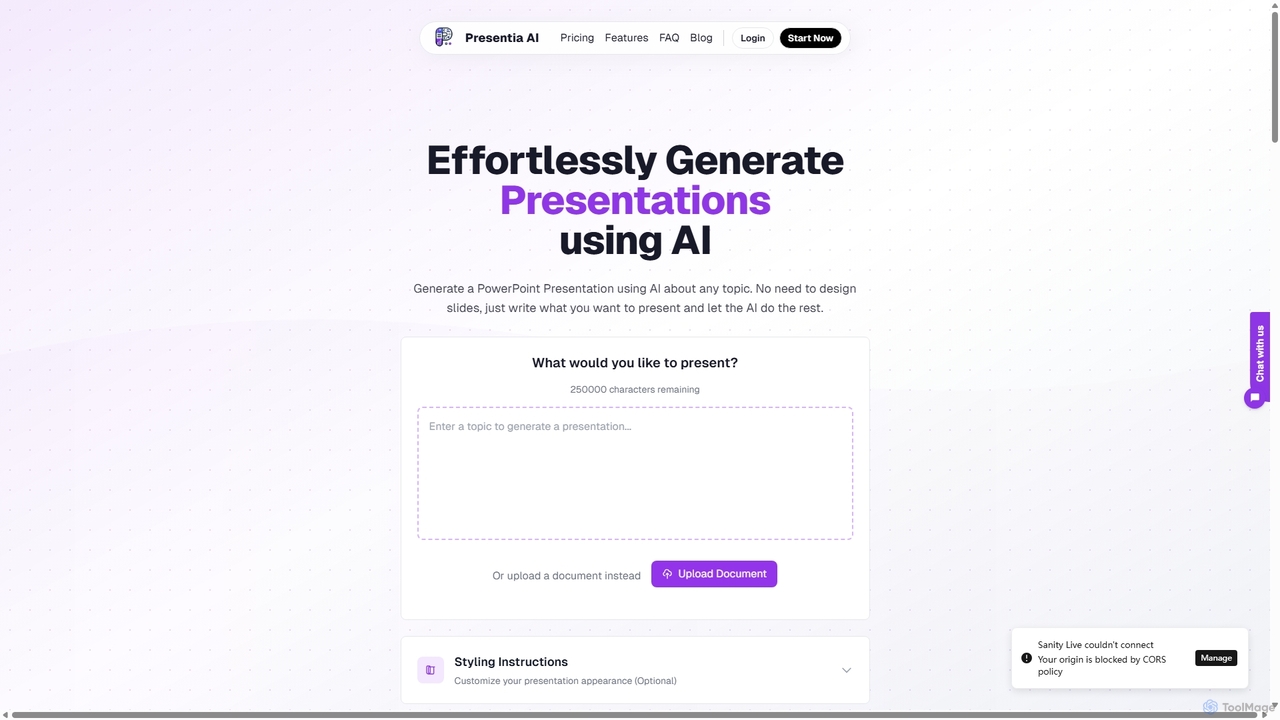
Presentia AI
Presentia AI is an advanced AI presentation maker that automatically generates professional PowerPoint slides from text prompts or documents. Simply input your topic or upload a PDF/Word file, and the AI will create a complete, visually appealing presentation with text and images in seconds, supporting multiple languages and custom styling.
Student Tools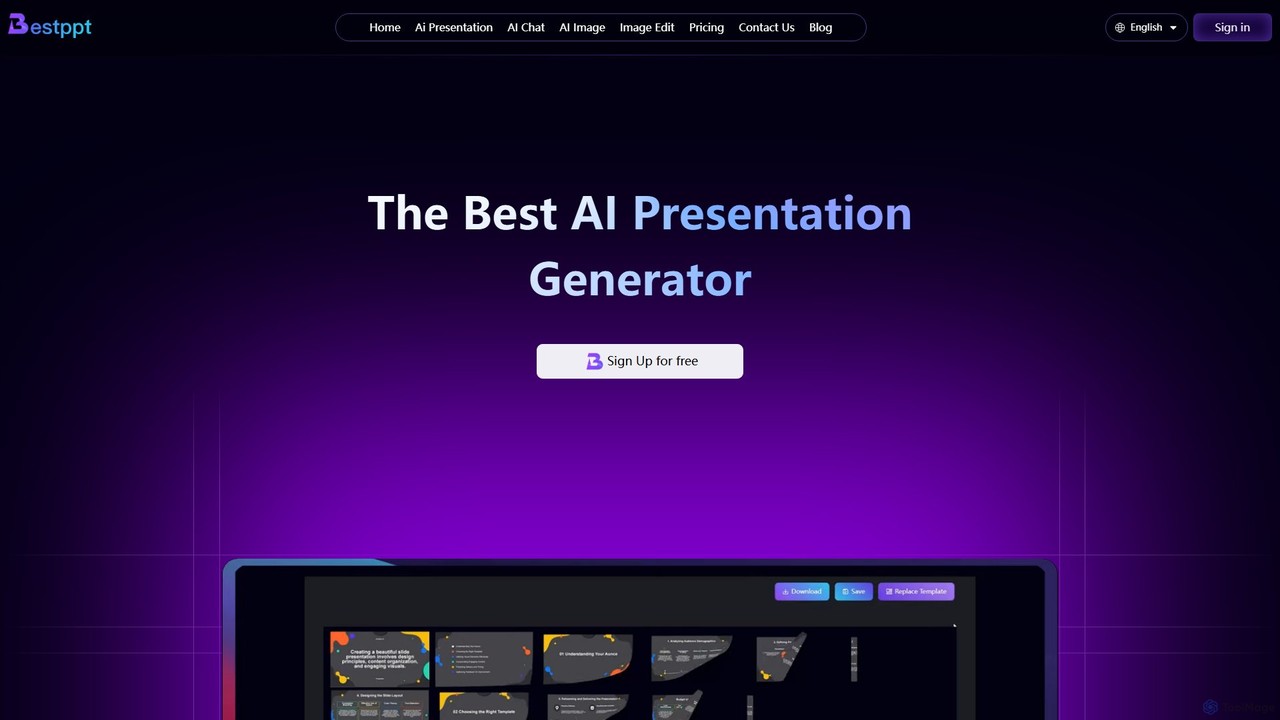
bestppt.ai
bestppt.ai is an AI-powered presentation generator that transforms text, topics, or files into professional PowerPoint slides in minutes. It integrates an AI chatbot, image generator, and a vast template library to streamline the entire creation process for business, education, and creative projects.
Teaching
Jyek
Jyek is an AI agent platform that understands objectives, creates execution plans, uses tools, and delivers verifiable results for complex, multi-step tasks.
Automation
MagicSlides Comments (0)
Sign in to comment.
Sign inNo comments yet.