ToolMage
Sign in

Best 3 Teaching Tool for Education

Popular Teaching Tool in Education include Twistly, Colorin, and Coloring Pages AI, helping you work more efficiently.

Colorin
Freemium

Colorin

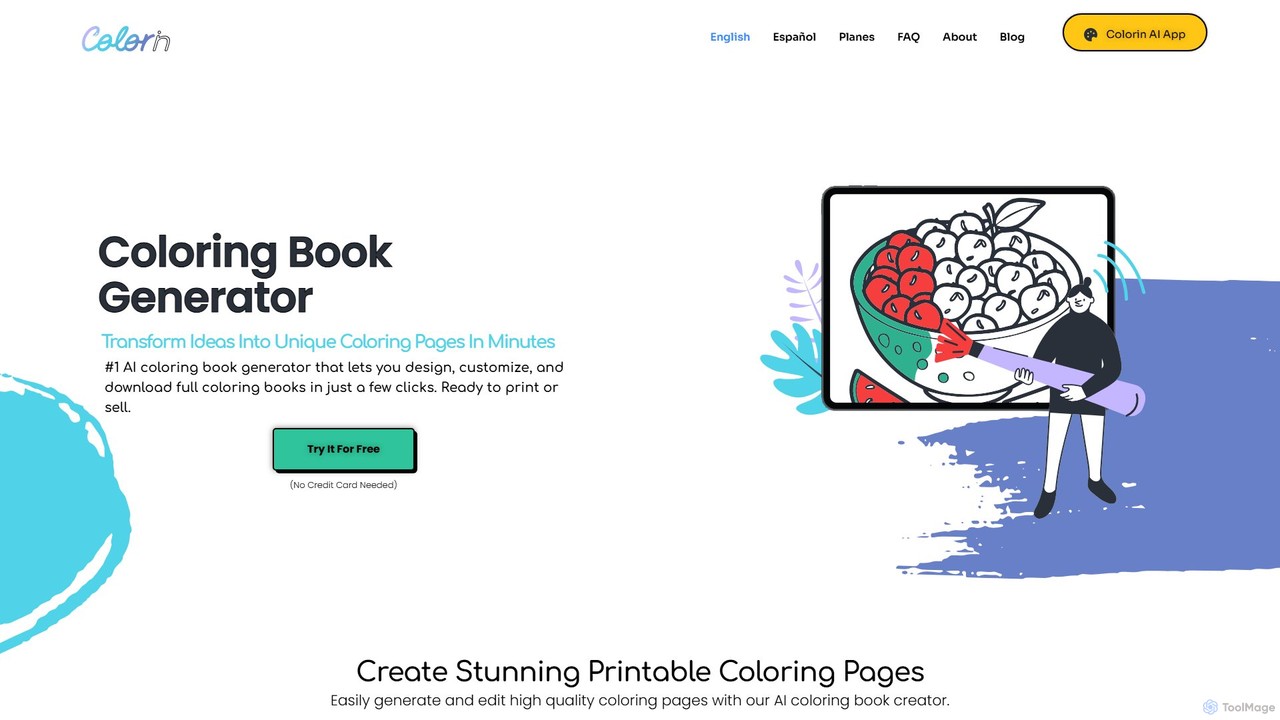
Colorin is a leading AI coloring book generator that empowers users to design, customize, and download complete, high-quality coloring books in just a few clicks. Transform your ideas, themes, or photos into unique, printable pages ready for personal enjoyment, educational use, or commercial sale.

Image Generation
Visits 21.8KFavorites 132Likes 120
Twistly
Freemium

Twistly

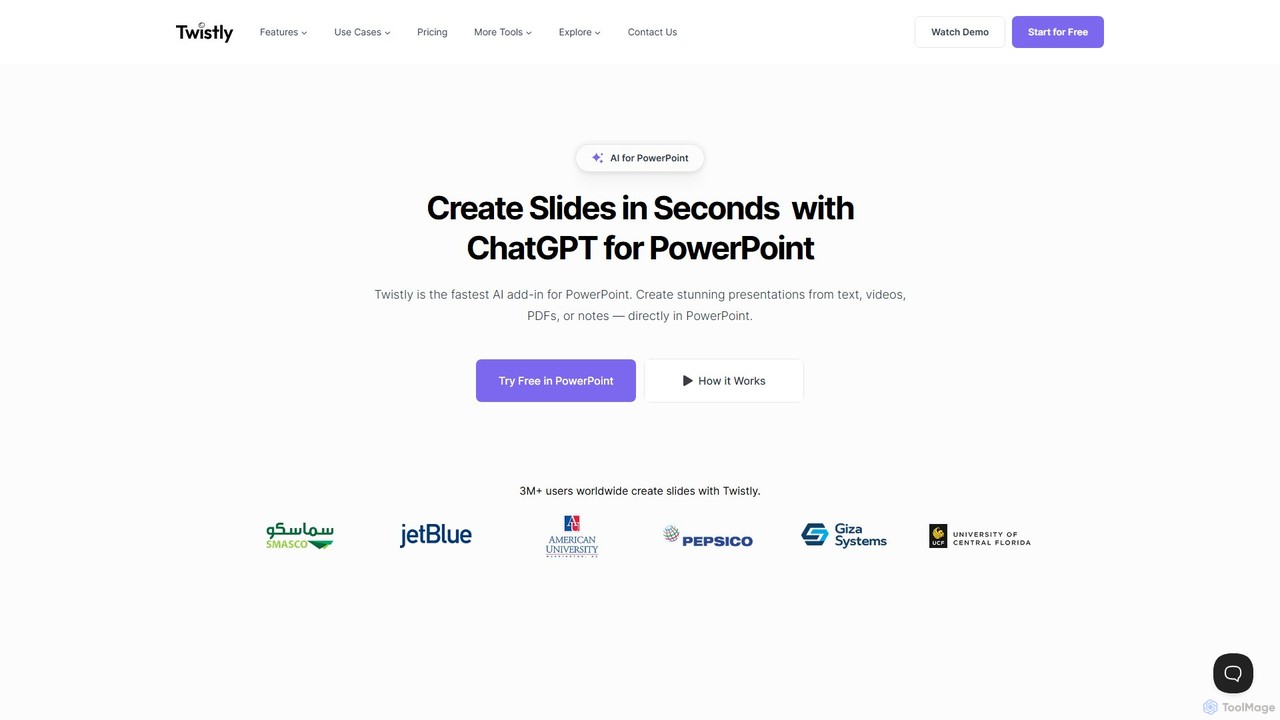
Twistly is a powerful AI add-in for Microsoft PowerPoint that integrates ChatGPT to revolutionize presentation creation. It allows users to generate complete, stunning presentations from text, documents, PDFs, or even YouTube videos in seconds, directly within the PowerPoint interface. This eliminates the need for context switching, streamlining the workflow for professionals, educators, and students.

Teaching Tool
Visits 94.2KFavorites 147Likes 159
Coloring Pages AI
Freemium

Coloring Pages AI

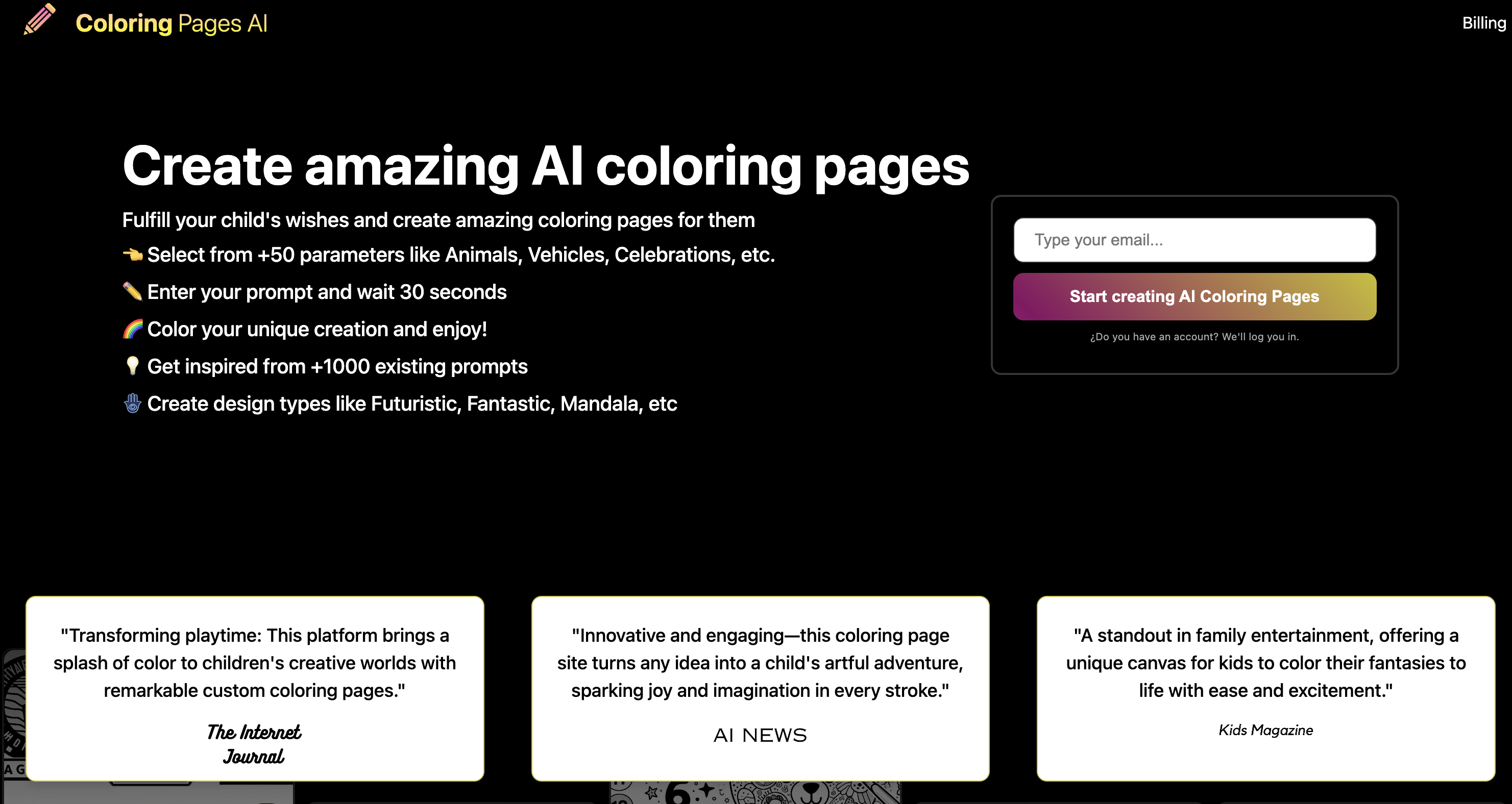
Coloring Pages AI is an innovative tool that uses artificial intelligence to generate unique, high-quality, and printable coloring pages from simple text prompts. Instantly create custom designs for kids, educational activities, or creative projects, eliminating the need to search for pre-made, watermarked images.

Image Generation
Visits 4.7KFavorites 132Likes 136

About Teaching Tool

AI Teaching Tools are a class of software designed to assist educators in creating, delivering, and managing educational content. These tools leverage natural language processing (NLP) and machine learning to automate tasks like lesson planning, quiz generation, and content personalization. Their primary value lies in saving teachers significant time on administrative work, enabling them to focus more on direct student interaction and creating differentiated learning experiences. Many of these tools can adapt materials to suit various learning levels within a single classroom.

Core Features

  • Lesson Plan Generation: Automatically creates structured lesson plans based on a given topic, grade level, and learning objectives.
  • Assessment Creation: Generates quizzes, worksheets, and exam questions in various formats from source material or keywords.
  • Content Personalization: Adapts educational materials and learning paths to meet the individual needs and pace of each student.
  • Automated Feedback: Provides initial grading and constructive feedback on assignments like essays or short-answer questions.
  • Material Simplification: Summarizes complex texts or explains difficult concepts in an easy-to-understand manner for specific age groups.

Use Cases

AI Teaching Tools are widely used by K-12 teachers, university professors, corporate trainers, and online course creators. For instance, a high school science teacher might use a tool to generate lab activity ideas, while a corporate trainer could create interactive role-playing scenarios for sales training. They are particularly effective in blended learning environments and for supporting students with diverse learning needs.

How to Choose

When selecting an AI Teaching Tool, consider the specific subject matter and age group it supports. Evaluate its integration capabilities with your existing Learning Management System (LMS), such as Google Classroom or Moodle. Assess the quality and customizability of the generated content. Finally, review the tool's data privacy and security policies, especially when used with student information.

Featured tool rankings

Teaching Tool use cases

1

Automated Lesson Plan Creation for History Class

A high school history teacher needs to prepare a week-long unit on the Industrial Revolution for their 10th-grade class. Using an AI Teaching Tool, they input the topic, grade level, and key learning objectives, such as understanding major inventions and their social impact. The AI generates a detailed 5-day lesson plan, including daily topics, engaging starter activities, links to relevant videos, discussion prompts, and a final project idea. This process reduces planning time from several hours to under 30 minutes, allowing the teacher to focus on refining activities and preparing supplementary materials.

2

Generating Differentiated Math Worksheets

An elementary school teacher is teaching fractions to a class with diverse skill levels. To cater to everyone, they use an AI tool to create differentiated worksheets. The teacher inputs the core concept 'adding fractions with unlike denominators'. The tool then generates three distinct worksheets: one with visual aids and simpler problems for struggling students, a standard version for the majority of the class, and an advanced version with complex word problems for students who need a challenge. This ensures each student can practice at an appropriate level, promoting better understanding and confidence.

3

Creating an Interactive Quiz for Corporate Training

A corporate trainer is developing an e-learning module on new data privacy regulations for employees. To make the training more engaging and assess comprehension, they use an AI Teaching Tool to build an interactive quiz. The trainer uploads a document with the regulations, and the AI automatically generates a 20-question quiz with multiple-choice, true/false, and scenario-based questions. It also suggests adding interactive elements like drag-and-drop matching for key terms. This saves the trainer hours of manual question writing and helps create a more effective assessment tool.

4

Providing Initial Feedback on Student Essays

A university literature professor assigns a 5-page essay to a class of 50 students. To manage the grading workload, they use an AI tool for initial feedback. Students submit their essays through the platform, and the AI analyzes each paper for grammar, spelling, sentence structure, and adherence to formatting guidelines (e.g., APA style). It provides instant, private feedback to each student, highlighting areas for improvement. This allows students to revise their work before final submission and enables the professor to focus their grading time on the essay's content, argument, and critical analysis rather than on basic writing mechanics.

5

Simplifying Complex Scientific Concepts

A middle school science teacher is introducing the topic of DNA replication. Recognizing that this can be a difficult concept, the teacher uses an AI tool to simplify it. They input a college-level text explaining the process. The AI then generates several outputs: a simplified explanation suitable for 12-year-olds, a helpful analogy comparing DNA replication to a zipper, and a list of key vocabulary words with simple definitions. The teacher uses these AI-generated resources to build a more accessible and engaging lesson, ensuring that students grasp the core ideas before moving on to more detailed information.

6

Developing Personalized Language Learning Drills

A private language tutor is teaching Spanish to several students, each with different strengths and weaknesses. To provide tailored practice, the tutor uses an AI Teaching Tool. For one student struggling with verb conjugations, the tutor generates a set of targeted fill-in-the-blank exercises. For another who needs to expand their vocabulary, the AI creates flashcards and a matching game based on recent lesson topics. This level of personalization, which would be time-consuming to create manually, helps each student focus on their specific areas of need, accelerating their learning progress.

Teaching Tool FAQ

What are AI Teaching Tools?

AI Teaching Tools are software applications designed to support educators with tasks related to instruction and classroom management. Unlike general education platforms, they focus specifically on automating content creation, personalizing learning experiences, and streamlining administrative duties. Key functions include generating lesson plans, creating quizzes from source material, providing automated feedback on assignments, and adapting content for different learning levels. They act as an assistant to the teacher, not a replacement.

How to choose the right AI Teaching Tool?

Choosing the right tool depends on your specific needs. Consider these factors:

  • Subject and Grade Level: Ensure the tool is designed for the subjects and age groups you teach. A tool for elementary math will differ greatly from one for university-level writing.
  • Integration: Check if it integrates with your existing Learning Management System (LMS) like Google Classroom, Canvas, or Moodle for seamless workflow.
  • Ease of Use: The interface should be intuitive for both teachers and students. A steep learning curve can be a barrier to adoption.
  • Content Quality: Evaluate the accuracy, relevance, and customizability of the content it generates. Look for tools that allow you to edit and refine the AI's output.
  • Data Privacy: Verify that the tool complies with student data privacy regulations like FERPA or GDPR.
What's the difference between an AI Teaching Tool and a Learning Management System (LMS)?

The primary difference lies in their core function. An AI Teaching Tool is focused on content creation and instructional support. It helps teachers generate materials like lesson plans, quizzes, and activities. A Learning Management System (LMS), on the other hand, is a platform for course administration and delivery. It is used to host course materials, manage student enrollment, track grades, and facilitate communication. While distinct, they are complementary; many AI Teaching Tools are designed to integrate with popular LMS platforms to create a more powerful educational ecosystem.

Can AI Teaching Tools replace human teachers?

No, AI Teaching Tools are not designed to replace human teachers. They are intended to be powerful assistants that augment a teacher's capabilities. These tools excel at handling repetitive, time-consuming tasks such as drafting lesson plans, creating worksheets, and providing initial feedback. This automation frees up educators to focus on the uniquely human aspects of teaching: mentoring students, fostering critical thinking, providing emotional support, and creating a dynamic and collaborative classroom environment. The goal is a partnership between teacher and technology, not a replacement.

What are the main functions of AI Teaching Tools?

AI Teaching Tools offer a range of functions to streamline the educational process. The most common features include:

  • Content Generation: Creating educational materials from scratch, such as lesson plans, presentations, and reading passages based on specified topics and learning levels.
  • Assessment Creation: Automatically generating quizzes, tests, and worksheets with various question types (multiple choice, short answer, etc.) to evaluate student understanding.
  • Personalized Learning: Adapting assignments and learning paths for individual students based on their performance and learning pace.
  • Automated Feedback & Grading: Providing instant feedback on grammar, structure, and correctness for certain types of assignments, offering a first pass of grading.
  • Resource Curation: Finding and suggesting relevant articles, videos, and other educational resources to supplement a lesson.