
FileSpeech
FileSpeech is a powerful text-to-speech iOS app that converts various files like PDFs, websites, and scanned documents into …
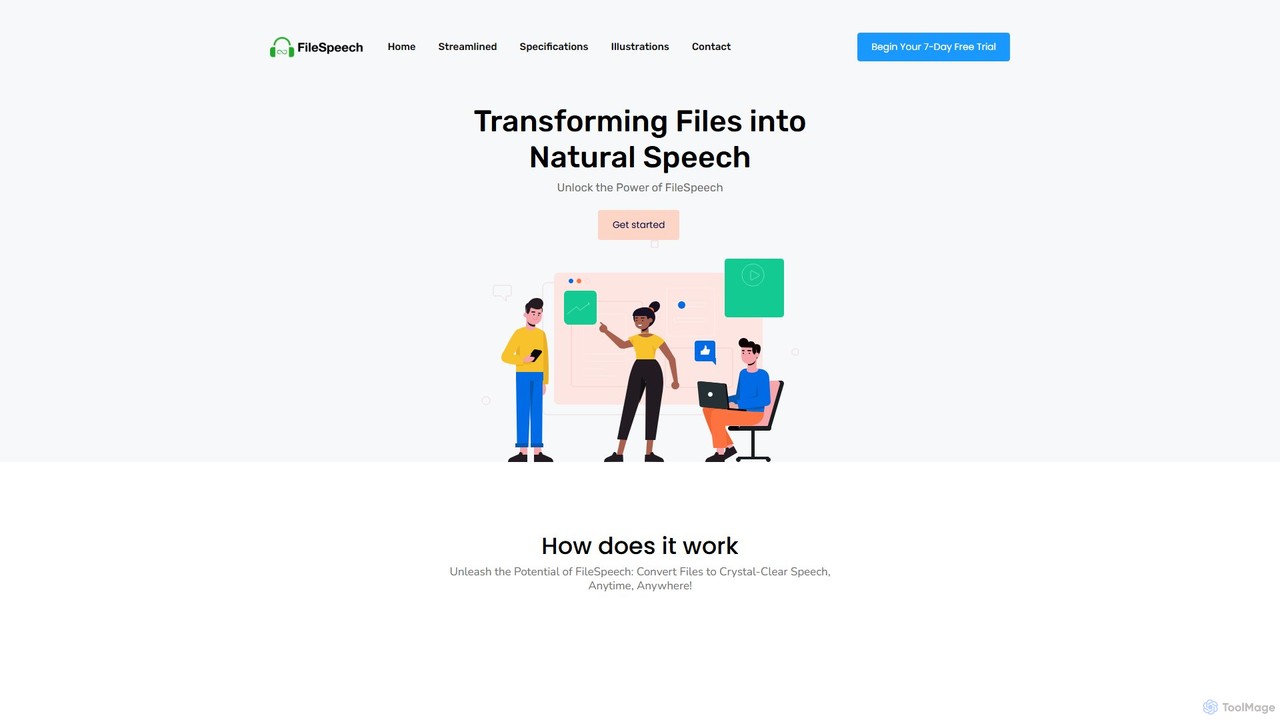
FileSpeech is a powerful text-to-speech iOS app that converts various files like PDFs, websites, and scanned documents into natural-sounding audio. It supports multiple languages and voices, with offline mode for listening anywhere. Ideal for enhancing accessibility, boosting productivity, and aiding content creation.
About Accessibility
AI Accessibility tools are a class of software designed to make digital educational content and learning environments more usable for individuals with disabilities. They leverage machine learning, natural language processing, and computer vision to automate tasks like generating alt text for images, creating real-time captions, and converting text to speech. The primary goal is to remove barriers to learning, ensuring equitable access to educational resources for all students. Unlike manual methods, these AI tools can provide accessibility solutions at scale and in real-time within educational platforms.
Core Features
- Automated Alt Text Generation: Uses computer vision to automatically create descriptive text for images in course materials.
- Real-time Transcription & Captioning: Converts spoken language from lectures and videos into text captions instantly.
- Text-to-Speech (TTS): Reads digital text aloud with natural-sounding voices for users with visual or reading impairments.
- Content Readability Analysis: Assesses text complexity and suggests simplifications to improve cognitive accessibility.
- Sign Language Translation: Generates animated sign language avatars from spoken or written text for deaf users.
Use Cases
These tools are essential for educational institutions like universities and K-12 schools, as well as online learning platforms (LMS) and corporate training departments. Instructional designers use them to create compliant courseware, while educators can make their live lectures inclusive. Students with various disabilities rely on them for daily learning and participation.
How to Choose
When selecting an AI Accessibility tool, consider its integration capabilities with your existing Learning Management System (LMS). Evaluate the accuracy of its features, such as transcription or alt text generation, and the range of languages it supports. Ensure the tool helps meet legal standards like WCAG (Web Content Accessibility Guidelines). Also, check for customization options that allow users to adjust settings like voice or caption appearance to their needs.
AccessibilityUse Cases
Real-time Captioning for Live University Lectures
A university professor conducts a live online lecture for a large class, which includes students who are deaf or hard of hearing. An AI accessibility tool integrates with the video conferencing platform. As the professor speaks, the tool automatically generates accurate, real-time captions displayed on the screen. This ensures students with hearing impairments can follow the lecture without delay, promoting inclusive participation and equal access to information.
Automated Alt Text for Digital Textbook Images
An instructional designer is creating an online biology course with hundreds of complex diagrams. Manually writing descriptive alt text for each image is time-consuming. Using an AI accessibility tool, they automatically generate descriptive alt text for all images. The tool's computer vision analyzes each image and produces a concise description (e.g., 'Mitochondrion cell diagram showing inner and outer membranes'), making the visual content accessible to students using screen readers.
Converting Course Readings into Accessible Audio
A student with dyslexia or a visual impairment needs to study several long academic articles. They use an AI-powered Text-to-Speech (TTS) tool to convert the PDF or web-based articles into natural-sounding audio files. The student can then listen to the materials on their computer or phone, adjust the reading speed, and choose a preferred voice, making it easier to comprehend and retain complex information.
Simplifying Texts for Enhanced Readability
A curriculum developer wants to ensure educational materials are understandable for students with cognitive disabilities or for whom the language is not their first. They use an AI tool that analyzes text for readability, identifies complex sentences and jargon, and then suggests simpler alternatives or provides summaries. This process helps create content that is more accessible and easier to comprehend for a wider range of learners, promoting educational equity.
Interactive Learning with Audio Descriptions
In an online art history class, a student with a visual impairment needs to understand the visual elements of paintings. An advanced AI accessibility tool provides real-time audio descriptions of on-screen content. As the instructor navigates a high-resolution image of a painting, the tool describes the colors, composition, and key subjects, allowing the student to engage with the visual material in a meaningful way beyond simple alt text.
Generating Sign Language Avatars for Educational Videos
An online education platform aims to serve the Deaf community by providing content in their native sign language. Instead of hiring interpreters for thousands of videos, they use an emerging AI tool. This tool analyzes the audio or text transcript of a video and generates a 3D avatar that performs the content in American Sign Language (ASL). This provides a more natural and direct way for Deaf students to access educational video content at scale.