

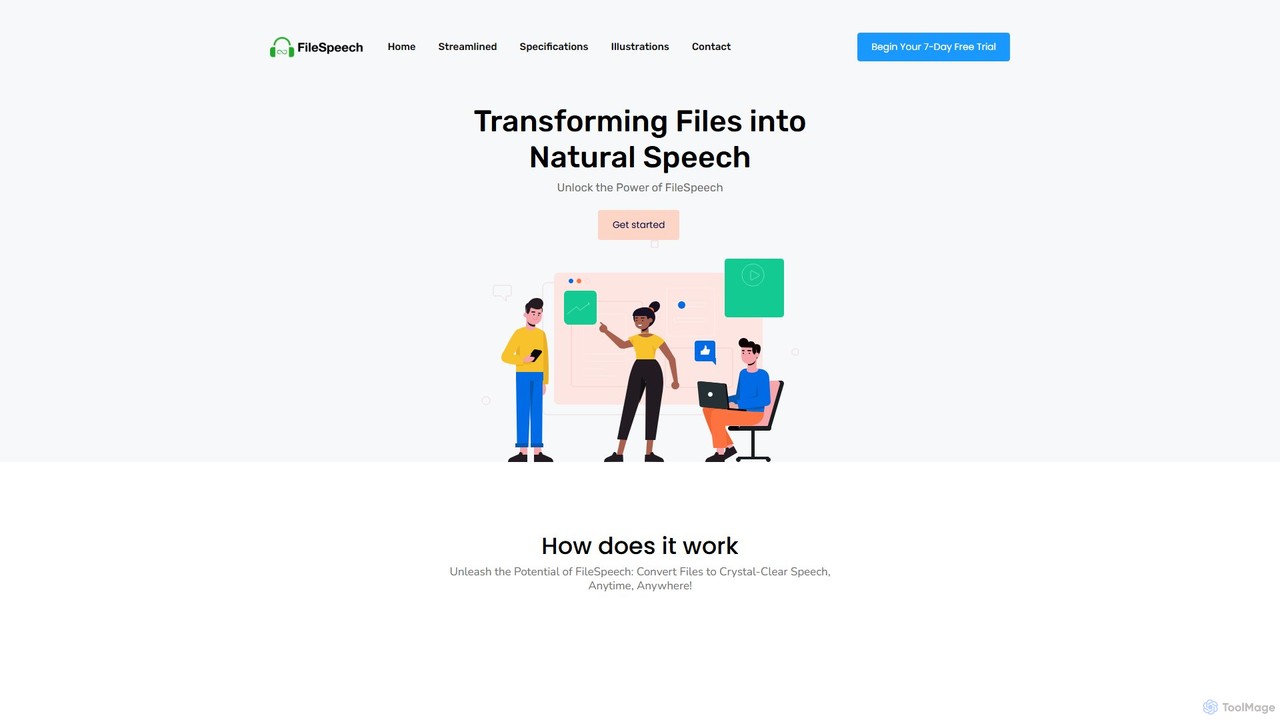
FileSpeech Overview
FileSpeech is an innovative iOS application designed to transform written content from various sources into crystal-clear, natural-sounding speech. Leveraging a state-of-the-art speech synthesis engine, the tool provides a seamless way for users to listen to their documents, articles, e-books, and even physical papers on the go. It's built to enhance accessibility for individuals with visual impairments, boost productivity for busy professionals and students, and streamline workflows for content creators. With its user-friendly interface and powerful features, FileSpeech makes consuming written information more convenient and efficient than ever before.
How to use FileSpeech
Using FileSpeech is a straightforward, four-step process designed for maximum convenience:
- File Upload: Begin by importing your content. FileSpeech offers multiple ways to do this. You can upload a PDF from your iCloud, paste a website link to convert an article, or use your device's camera to scan and digitize a physical document. The process is designed to be quick and seamless.
- Language and Voice Selection: Personalize your listening experience. Choose the language of your document to ensure accurate pronunciation. Then, browse through a selection of high-quality, natural voices to find the one that best suits your preference, whether you need a professional tone for a report or a friendly voice for a blog post.
- Conversion Process: Once you've set your preferences, FileSpeech's advanced algorithms get to work. The engine analyzes your content, processing the text and converting it into a high-fidelity audio file. This transformation captures the nuances of human speech, including intonation and cadence, for a pleasant listening experience.
- Download or Listen: After the conversion is complete, you have two options. You can listen to the audio directly within the FileSpeech app, or you can download the audio file to your device for offline access. This flexibility allows you to listen to your content anytime, anywhere, even without an internet connection.
Core Features of FileSpeech
- Advanced Speech Synthesis Engine: Employs sophisticated algorithms to produce highly natural and intelligible speech, ensuring accurate pronunciation and realistic cadence.
- Multilingual Support: Capable of converting text from a wide range of languages, handling diverse accents and phonetic structures for fluent output.
- Multiple Input Formats: Supports various content sources, including PDF documents, website URLs, and real-time text scanning via the device camera.
- Voice Personalization: Offers a selection of different natural-sounding voices, allowing users to choose the tone and style that they prefer for their audio content.
- Offline Mode: Converted audio files can be downloaded and accessed without an internet connection, providing ultimate convenience for users on the move.
- High Performance and Efficiency: Optimized to perform conversions quickly and accurately while minimizing the consumption of device resources for a smooth user experience.
Use Cases for FileSpeech
FileSpeech is a versatile tool with applications across various fields:
- Educational Accessibility: Universities and schools can use it to convert course materials, lecture notes, and e-books into audio, making education more accessible for students with visual impairments or learning disabilities like dyslexia.
- Content Creation Efficiency: Podcasters, YouTubers, and other content creators can convert written scripts into high-quality voiceovers in minutes, drastically reducing production time and effort.
- Language Learning Aid: Language learners can input text in their target language to hear native-like pronunciation, helping them improve listening comprehension and practice their skills immersively.
- Enhanced Customer Support: Support agents can convert lengthy knowledge base articles or customer tickets into speech to quickly grasp information and provide faster, more accurate assistance.
- Professional Productivity: Busy professionals can listen to reports, emails, and industry articles while commuting, exercising, or multitasking, allowing them to stay informed and productive.
Advantages of FileSpeech
FileSpeech stands out by offering significant benefits to its users. Its primary advantage is enhancing accessibility, breaking down barriers to information for people with visual impairments. It also greatly improves efficiency, saving valuable time for content creators and professionals. The high degree of personalization through voice and language selection ensures a comfortable and tailored listening experience. Furthermore, its offline capabilities and support for multiple file types provide unparalleled convenience and flexibility, making it a powerful tool for anyone looking to convert text into speech.
Pricing and Plans
FileSpeech operates on a freemium model. Users can download the app and access core features for free. For advanced functionalities, such as unlimited conversions, premium voices, and priority support, the app offers various subscription plans or in-app purchases. For the most current and detailed pricing information, please refer to the App Store listing or check within the FileSpeech application itself.
FileSpeech Alternatives
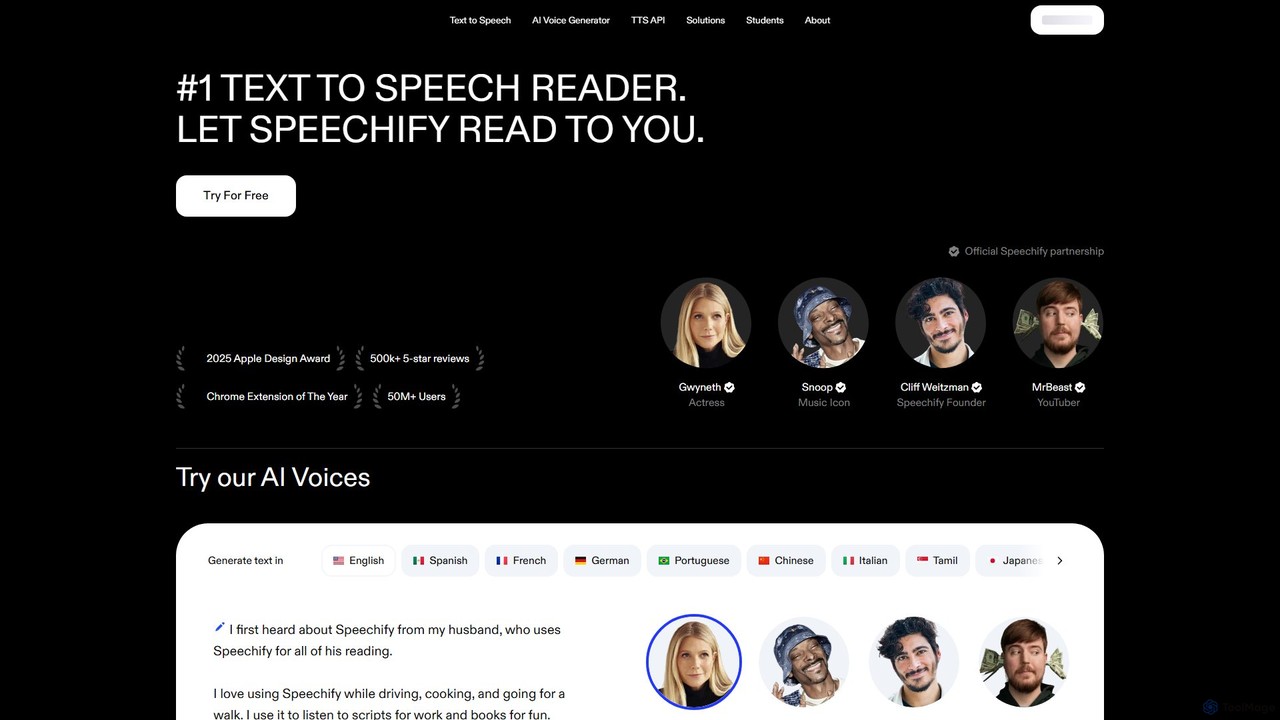
Speechify
Speechify is a leading AI-powered text-to-speech (TTS) reader that transforms any text into natural-sounding audio. It helps users listen to documents, articles, PDFs, and emails on any device, boosting productivity and making content more accessible. Ideal for students, professionals, and anyone with reading difficulties like dyslexia.
Text To Speech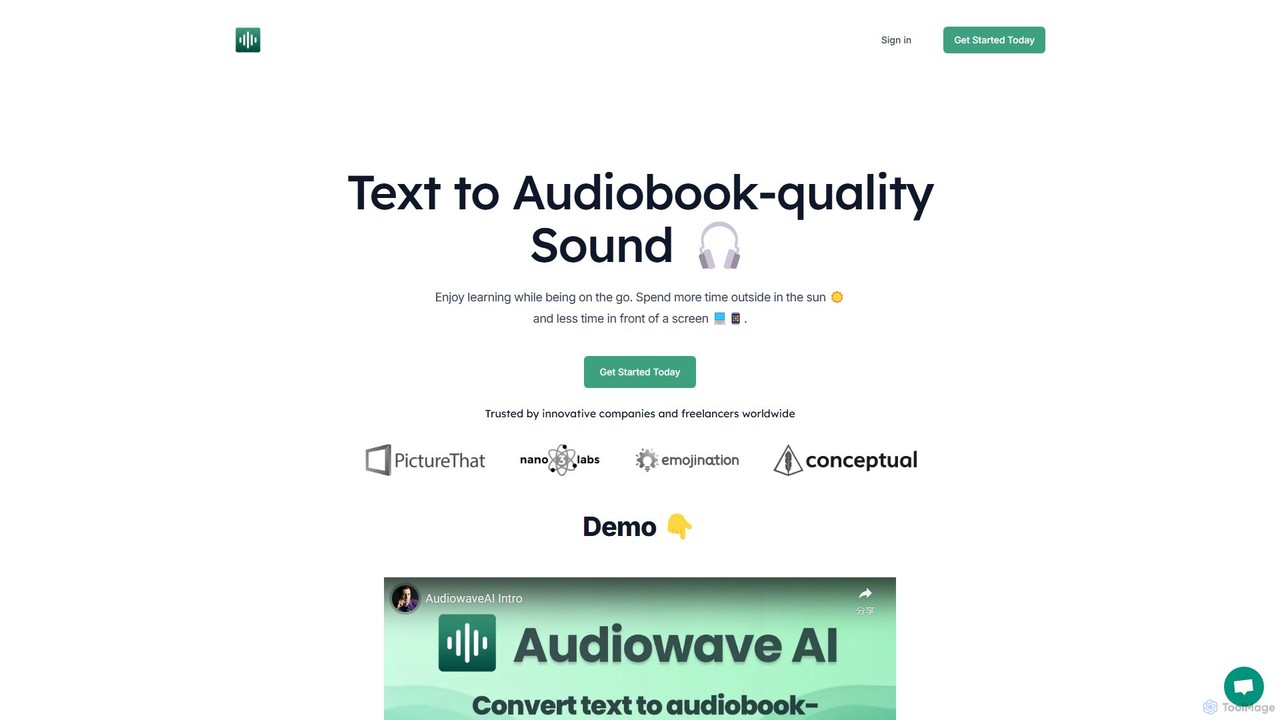
AudiowaveAI
AudiowaveAI is an advanced AI-powered text-to-speech tool that converts any written content, such as articles, PDFs, or e-books, into natural, audiobook-quality audio. It's designed for learners, professionals, and anyone who prefers listening to reading. With a focus on engaging, human-like voices, it helps users consume content on the go, turning their reading list into a personal podcast.
Text To Speech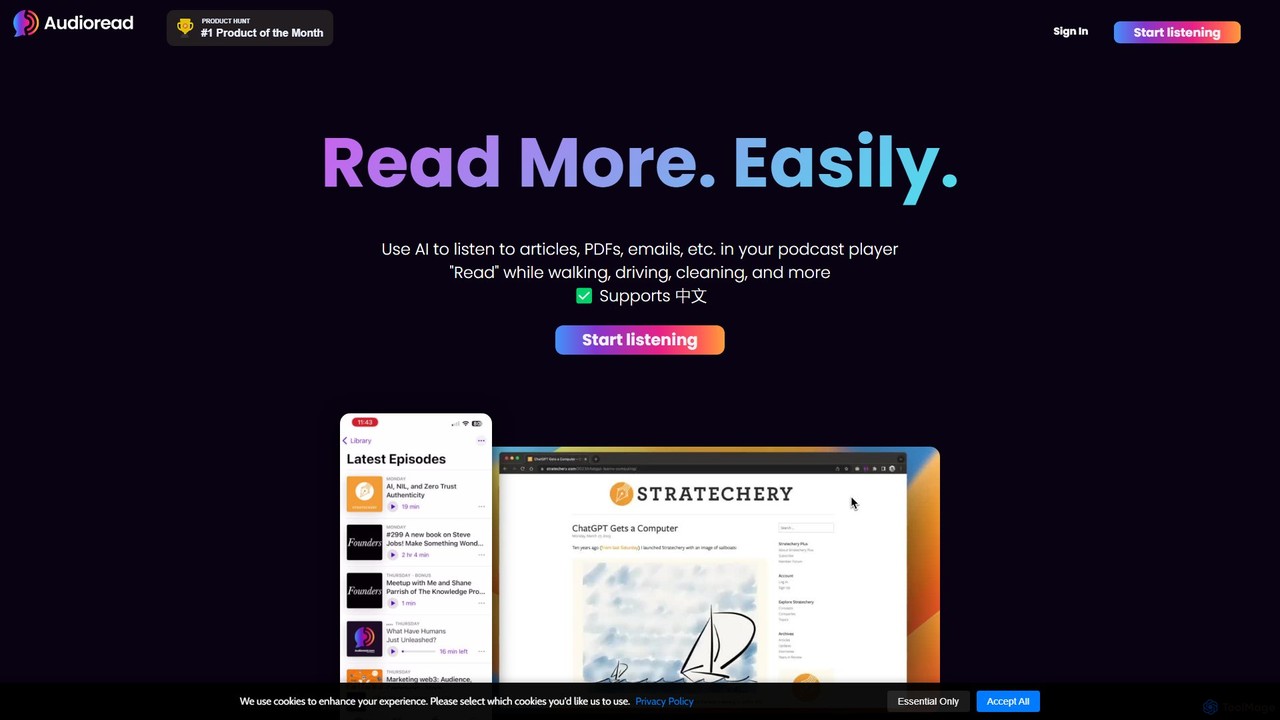
Audioread
Audioread is an advanced AI text-to-speech tool that converts any text—articles, PDFs, emails, and more—into ultra-realistic, natural-sounding audio. Listen on the go via your favorite podcast app, the web player, or by downloading MP3s. It's designed for long-form listening, helping busy individuals multitask and consume content efficiently.
Text To Speech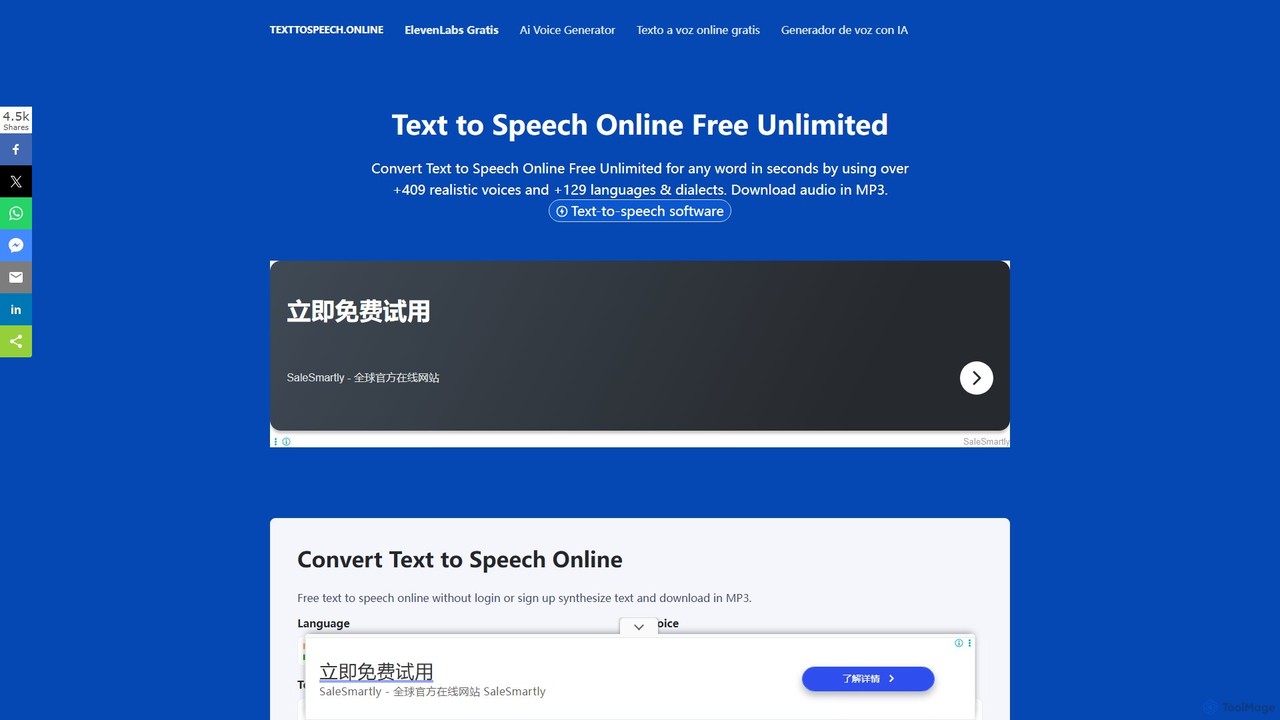
Text To Speech Online
A free and unlimited online AI tool that converts text into natural-sounding speech. It supports over 129 languages and dialects with more than 409 realistic voices. Users can download the audio in MP3 or WAV format without needing to sign up, making it ideal for content creation, learning, and accessibility.
Text To Speech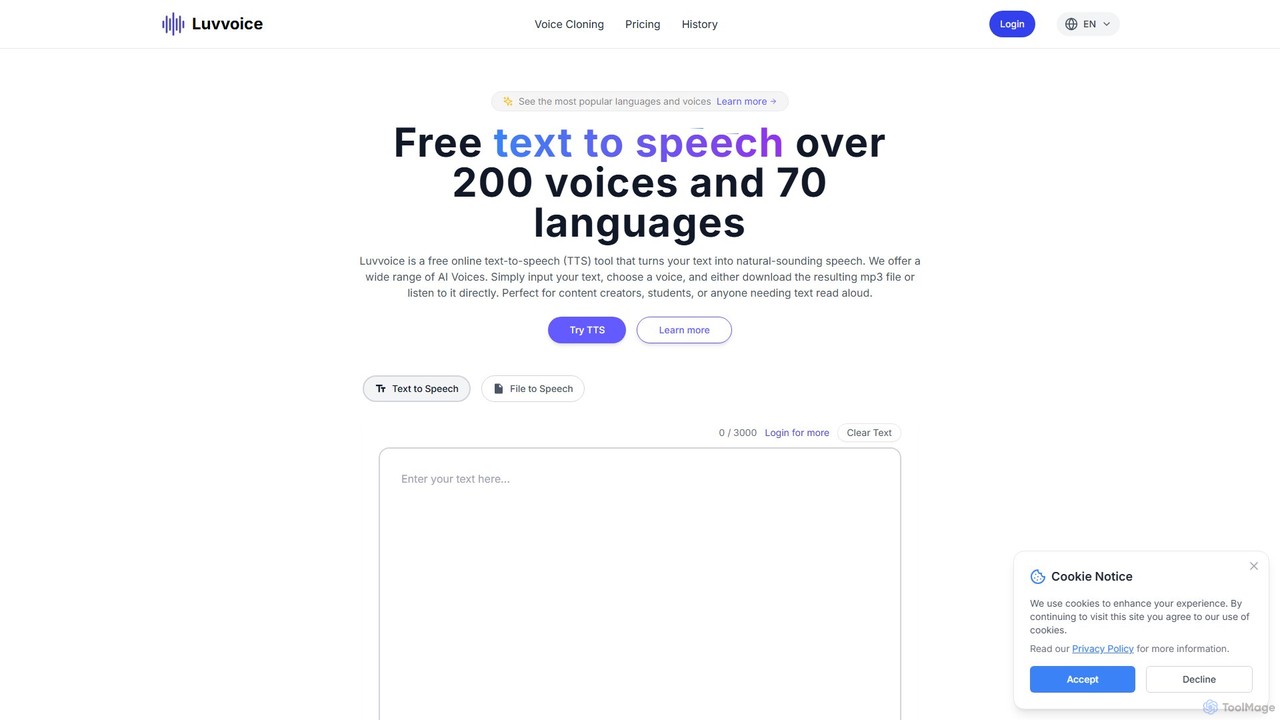
Luvvoice
Luvvoice is an advanced AI voice generator offering free text-to-speech (TTS) and voice cloning services. It converts text into natural-sounding speech with over 300 voices in 70+ languages. Key features include document-to-speech conversion (PDF, TXT), adjustable speech settings, and high-quality voice cloning from a short audio sample. It's ideal for content creators, educators, and businesses.
Voice CloningFileSpeech Categories
FileSpeech Embed Widget
Copy this embed code to place the badge on your blog, article, or product site and send readers directly to this ToolMage detail page.

Related AI tools
Text To Speech Online
A free and unlimited online AI tool that converts text into natural-sounding speech. It supports over 129 languages and dialects with more than 409 realistic voices. Users can download the audio in MP3 or WAV format without needing to sign up, making it ideal for content creation, learning, and accessibility.
Text To Speech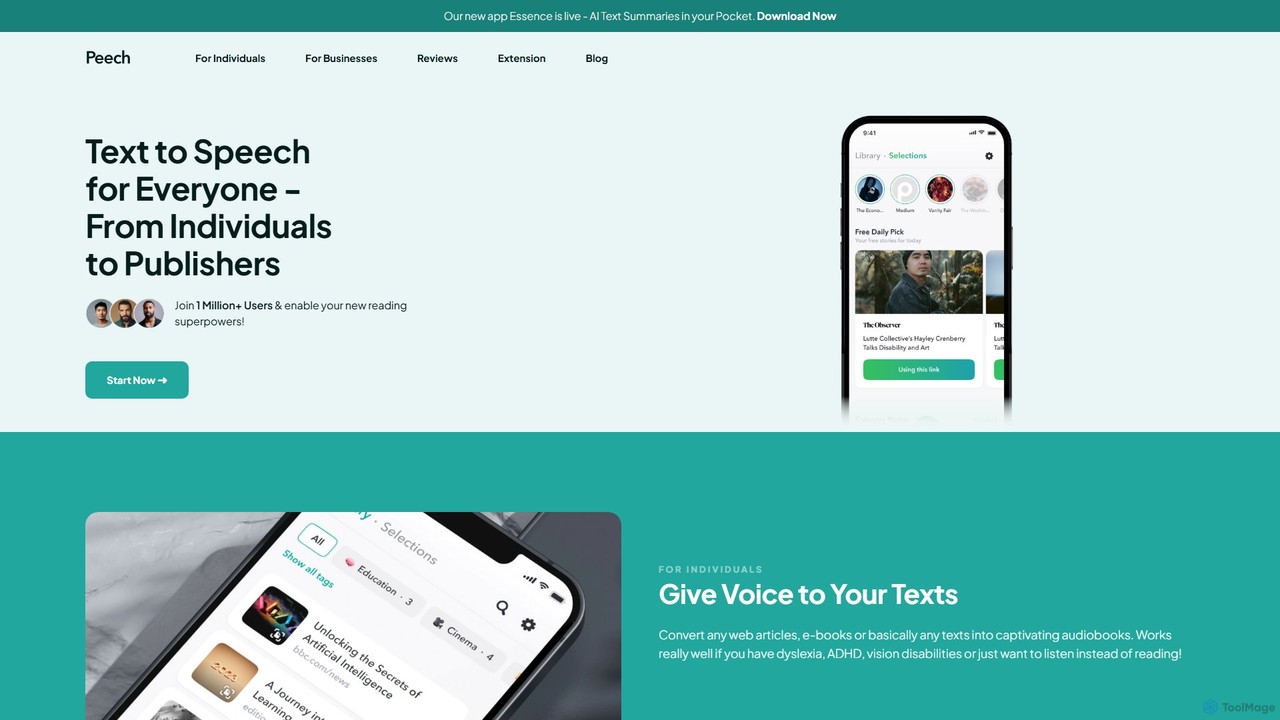
Peech
Peech is an AI-powered text-to-speech reader that converts any text, including web articles, PDFs, e-books, and even images, into high-quality, natural-sounding audio. Designed for individuals and publishers, it enhances productivity, accessibility for users with reading difficulties like dyslexia, and provides a cost-effective way to create audiobooks. Available on iOS, Android, and as a Chrome extension.
Reading Aid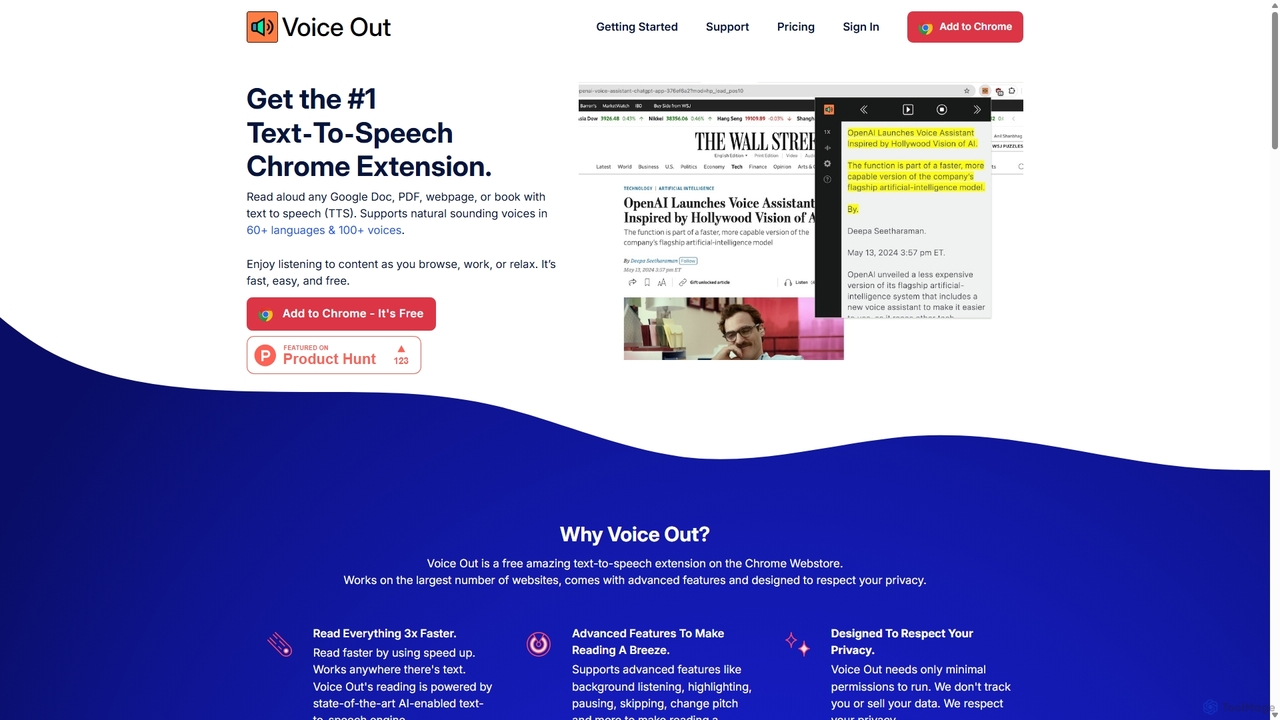
Voice Out
Voice Out is a leading text-to-speech (TTS) Chrome extension that converts any written content—from webpages and PDFs to Google Docs—into natural-sounding audio. Supporting over 60 languages with 100+ AI-powered voices, it enhances productivity, aids learning, and improves accessibility for all users. Listen to content while multitasking, proofread documents, or give your eyes a rest.
Screen Reader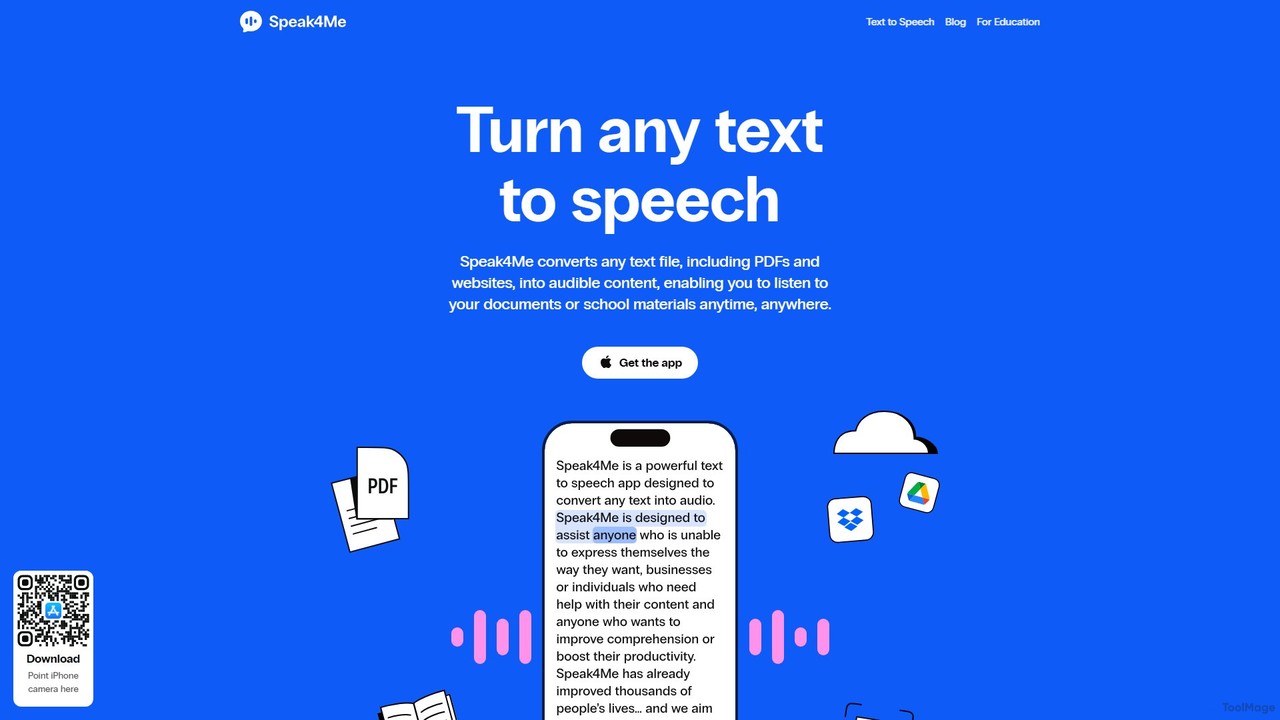
Speak4Me
Speak4Me is an advanced text-to-speech iOS app that converts any text from documents, websites, or scanned pages into natural-sounding audio. It features AI-powered chat for summarizing and querying documents, seamless cloud integration, and robust accessibility tools for users with dyslexia or ADHD. Listen to content on the go, increase productivity, and enhance your reading and learning experience.
Assistive Technology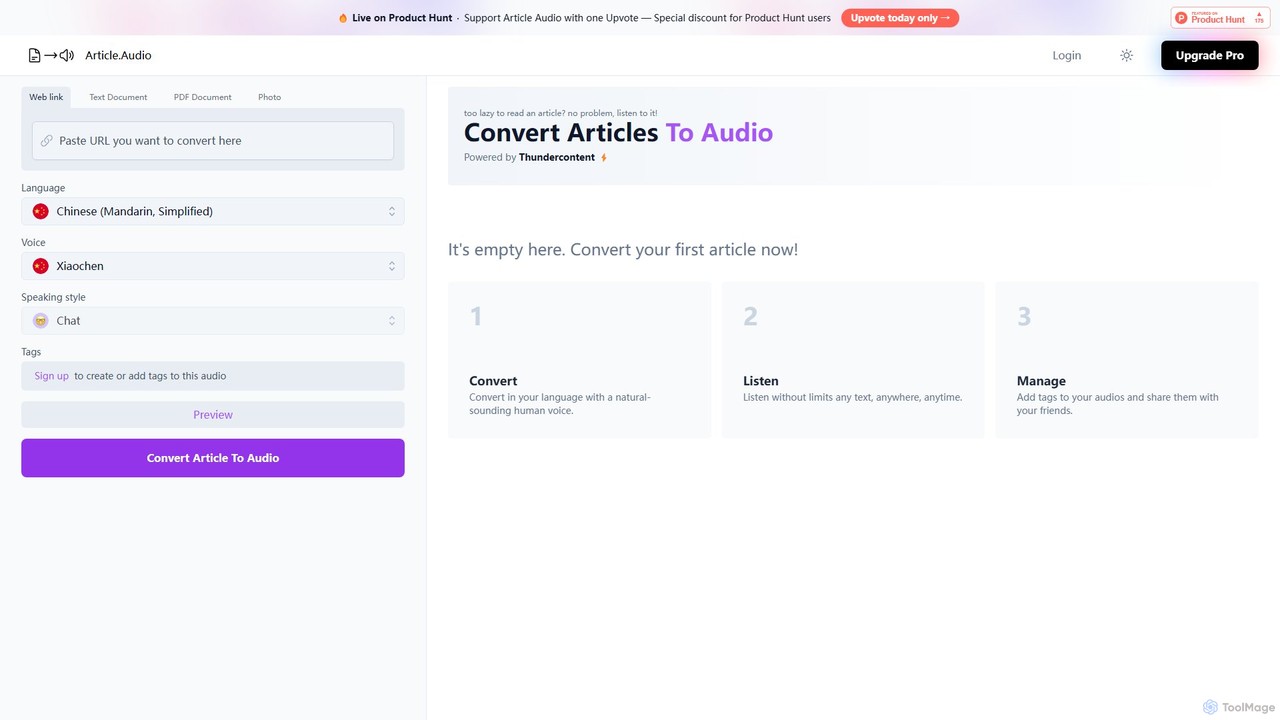
Article Audio
Article Audio is an AI-powered tool that instantly converts any web article into high-quality, natural-sounding audio. Choose from a wide range of languages and voices to listen to content on the go, making it perfect for multitasking, learning, and accessibility.
Reading AidSpeechify
Speechify is a leading AI-powered text-to-speech (TTS) reader that transforms any text into natural-sounding audio. It helps users listen to documents, articles, PDFs, and emails on any device, boosting productivity and making content more accessible. Ideal for students, professionals, and anyone with reading difficulties like dyslexia.
Text To SpeechAudiowaveAI
AudiowaveAI is an advanced AI-powered text-to-speech tool that converts any written content, such as articles, PDFs, or e-books, into natural, audiobook-quality audio. It's designed for learners, professionals, and anyone who prefers listening to reading. With a focus on engaging, human-like voices, it helps users consume content on the go, turning their reading list into a personal podcast.
Text To SpeechLuvvoice
Luvvoice is an advanced AI voice generator offering free text-to-speech (TTS) and voice cloning services. It converts text into natural-sounding speech with over 300 voices in 70+ languages. Key features include document-to-speech conversion (PDF, TXT), adjustable speech settings, and high-quality voice cloning from a short audio sample. It's ideal for content creators, educators, and businesses.
Voice Cloning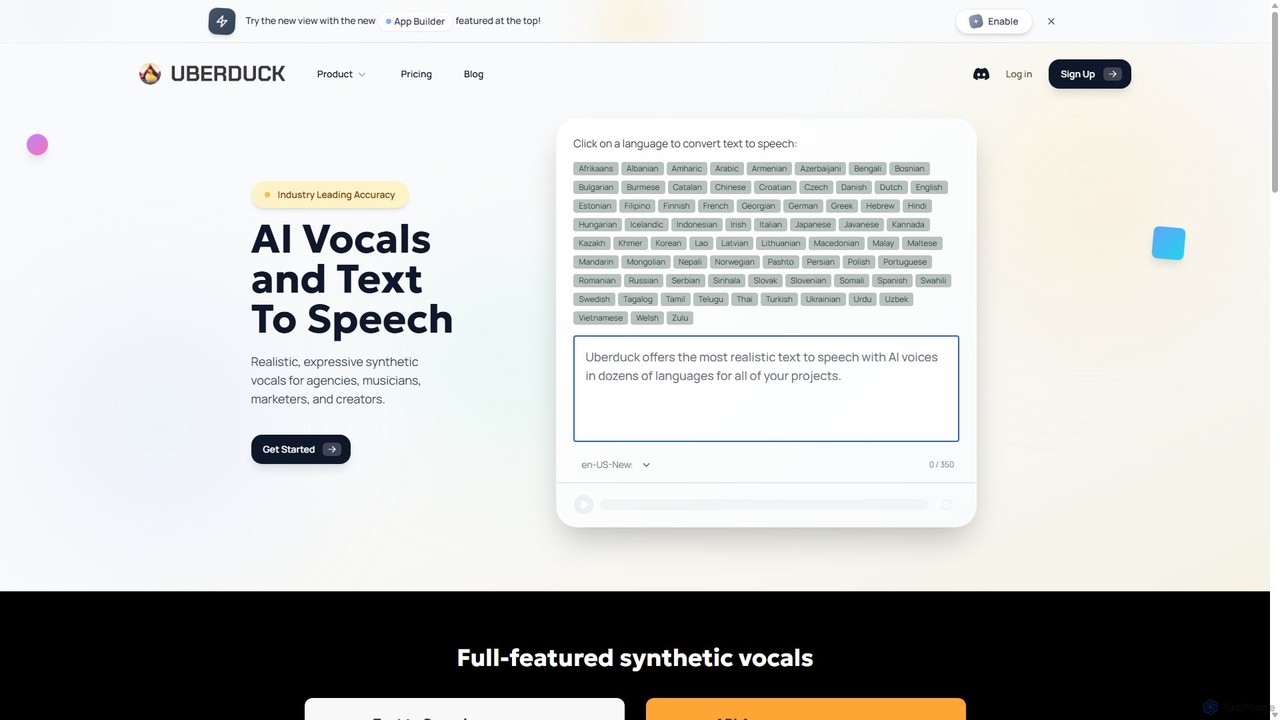
Uberduck
Uberduck is a versatile generative AI platform specializing in AI vocals, text-to-speech, voice cloning, and creative media generation. It enables users to create realistic speech, singing, and rapping from text, clone voices, and even generate AI images and videos, making it a comprehensive toolkit for musicians, creators, and developers.
Text To Speech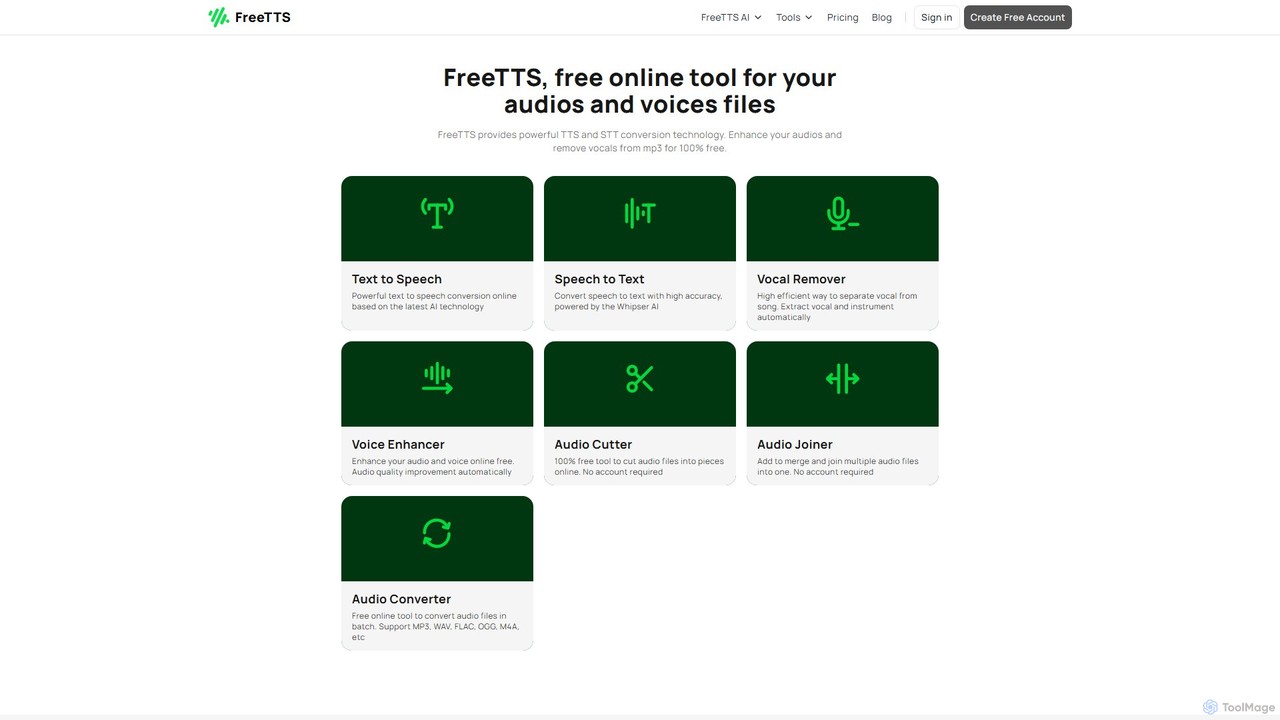
FreeTTS
FreeTTS is a versatile AI-powered audio toolkit offering a suite of free and premium services. It excels in converting text to natural-sounding speech with a wide range of human-like voices. Beyond TTS, it provides high-accuracy speech-to-text transcription, an AI vocal remover, a voice enhancer, and various audio editing tools like a converter, cutter, and joiner. It's an all-in-one solution for content creators, musicians, and anyone needing high-quality audio processing.
Audio Editing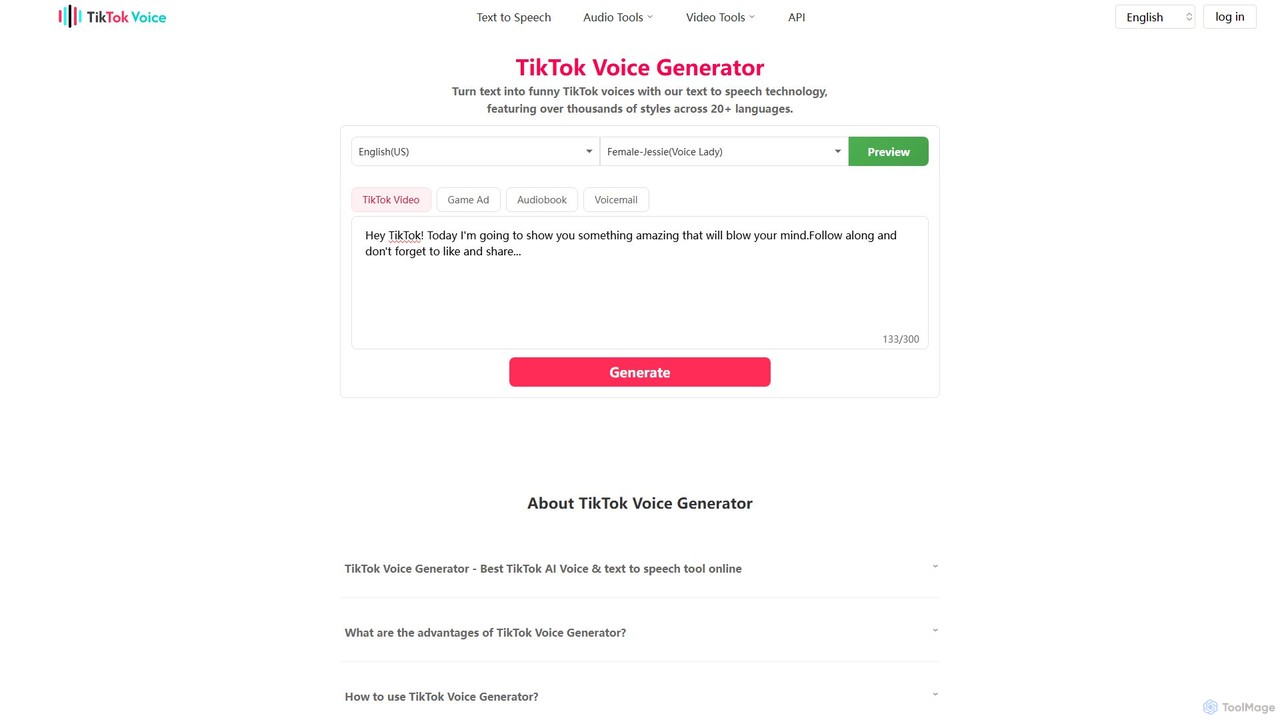
TikTok Voice Generator
An AI-powered text-to-speech tool that transforms text into popular and funny TikTok voices. It offers a vast library of over 100 voice styles, including famous characters and narrators, across more than 20 languages, empowering creators to produce engaging and viral content effortlessly.
Text To Speech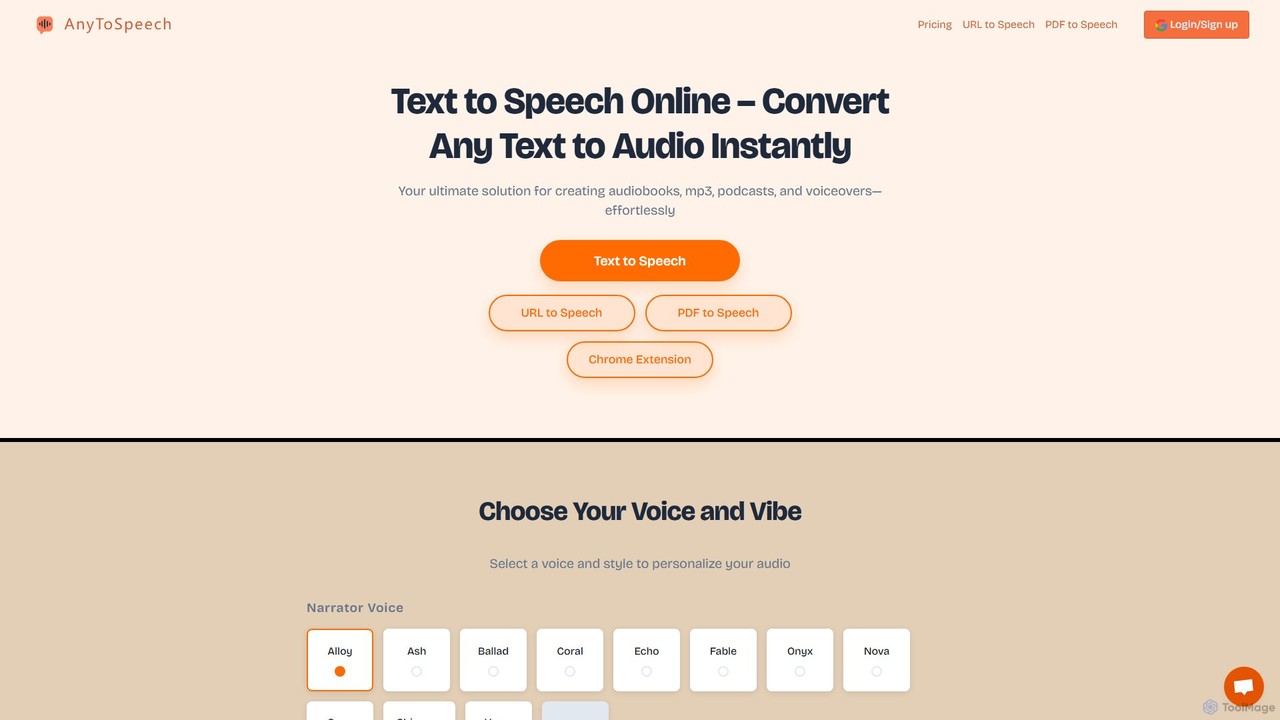
AnyToSpeech
AnyToSpeech is an advanced AI text-to-speech converter that instantly transforms text, documents (PDF, DOCX, TXT), and even entire web pages into natural-sounding audio. It offers a wide range of high-quality AI voices and styles, allowing users to create MP3 files for audiobooks, e-learning materials, voiceovers, and more. It features flexible pricing with both one-time purchase and subscription options, and a generous free trial that requires no registration.
Assistive Technology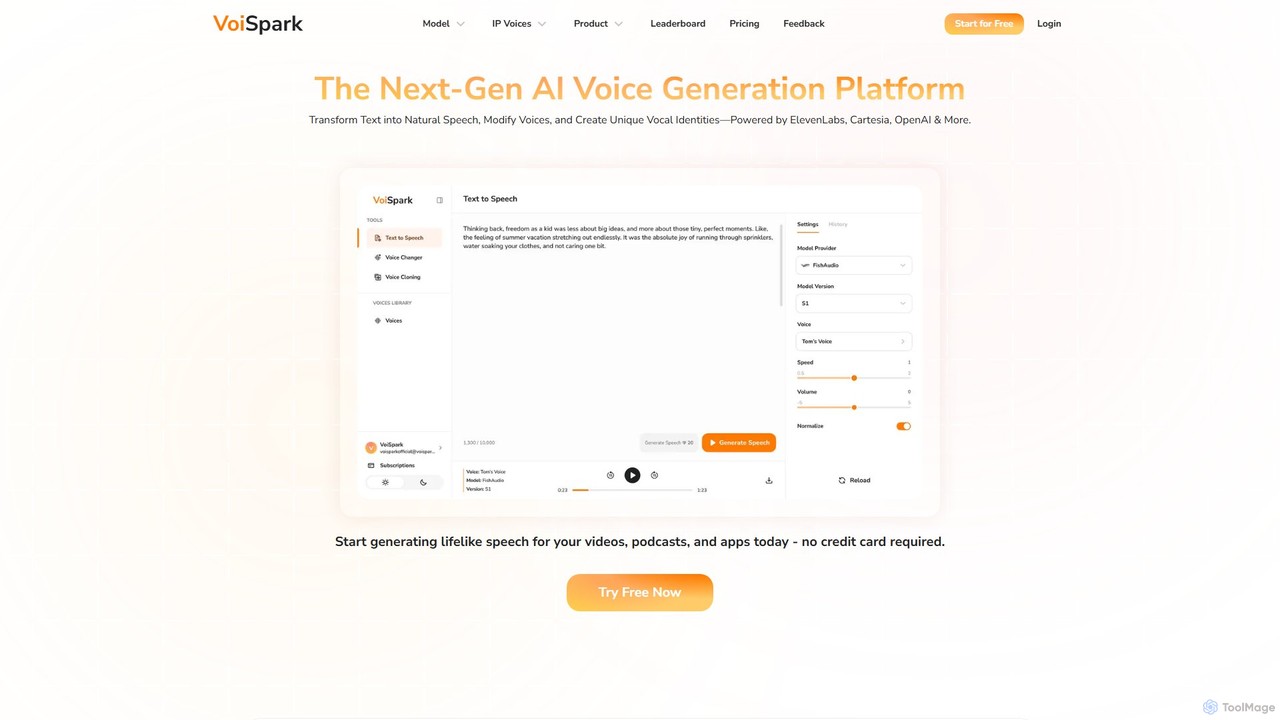
VoiSpark
VoiSpark is a next-generation AI voice platform offering a suite of tools for text-to-speech, voice cloning, voice changing, and custom voice design. Powered by leading models like ElevenLabs and OpenAI, it enables creators and businesses to generate ultra-realistic, studio-quality audio in over 50 languages for podcasts, videos, e-learning, and more.
Audio Editing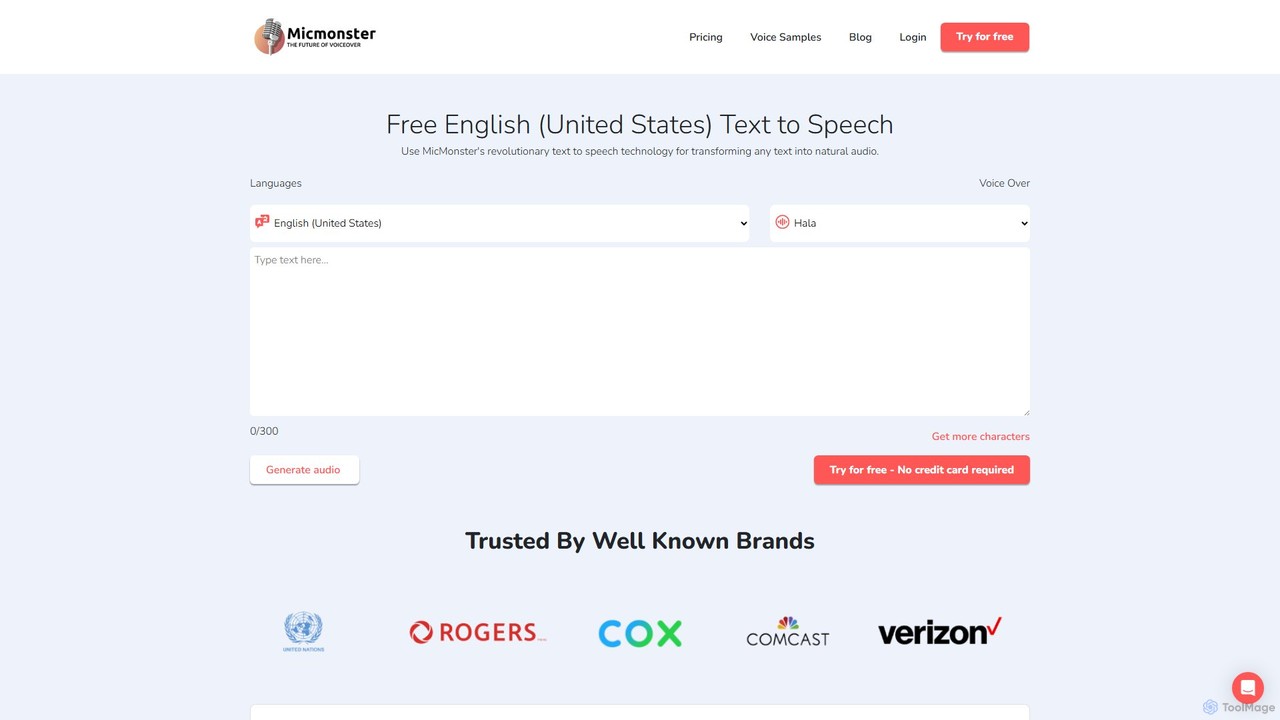
MicMonster
MicMonster is a powerful AI text-to-speech generator that transforms any text into natural-sounding voiceovers. It offers over 800 voices across 140+ languages, an advanced editor for fine-tuning, and a multi-voice feature. Ideal for content creators, marketers, and educators, it simplifies the creation of high-quality audio for YouTube, podcasts, e-learning, and more.
Text To Speech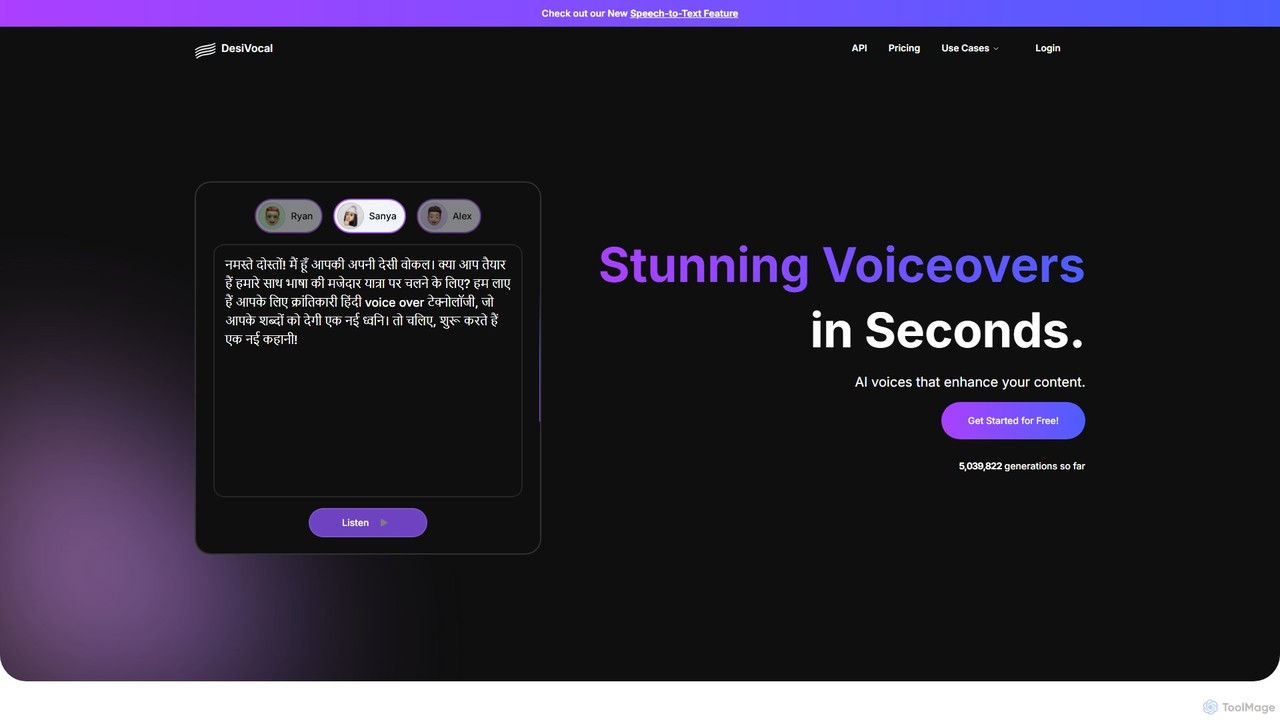
DesiVocal
DesiVocal is a powerful AI voice generator specializing in high-quality, authentic text-to-speech (TTS) conversions, with a strong focus on Indian and global languages. It enables content creators, marketers, and businesses to produce stunning voiceovers, audiobooks, and ad narrations in seconds. The platform also offers advanced features like ethical voice cloning, a voice changer, and speech-to-text transcription, making it a comprehensive solution for all audio content needs.
Text To Speech
FileSpeech Comments (0)
Sign in to comment.
Sign inNo comments yet.