

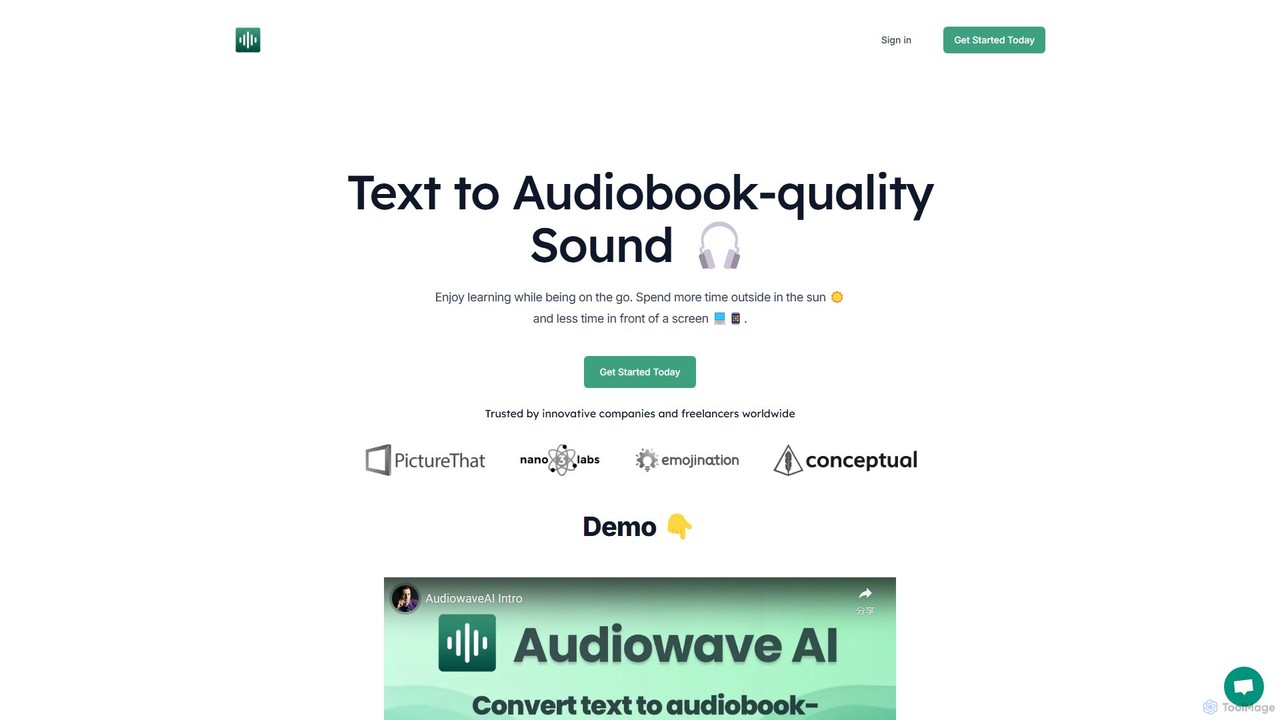
AudiowaveAI Overview
AudiowaveAI is a sophisticated AI tool designed to transform any text into exceptionally high-quality, natural-sounding audio. It stands in stark contrast to traditional, robotic text-to-speech (TTS) services by offering engaging, human-like voices that make listening a pleasure. This platform is perfect for individuals who want to increase their knowledge and productivity by consuming content while multitasking, commuting, or exercising. You can convert articles, blog posts, PDFs, e-pubs, and other text-based documents into audio files that you can listen to anywhere, anytime.
The platform emphasizes simplicity and a superior user experience. It allows users to create personalized audio playlists from their reading materials, effectively turning their to-do list of articles into a private podcast. Trusted by entrepreneurs, authors, and lifelong learners, AudiowaveAI helps you get through dense material, like technical papers or contracts, and stay updated on industry news without being tied to a screen.
How to use AudiowaveAI
Using AudiowaveAI is a straightforward process designed for efficiency:
- Sign Up for Free: Get started by creating a free account. No credit card is required. You receive free credits to test the service, which allows for up to 10 minutes of audio generation.
- Submit Your Text: Copy and paste text directly, or upload files such as PDFs and e-pubs. The tool can handle various text formats and even process long documents by breaking them into chapters.
- Choose a Voice: Select from a curated list of over 10 high-quality, natural-sounding voices. The platform supports over 100 languages, allowing you to generate audio in your preferred language or accent.
- Generate and Listen: Click to convert your text into an audio file. You can then play the audio directly on the platform's mobile-optimized web app, which works on any device.
- Create Playlists: Organize your generated audio files into playlists to listen to a series of articles or book chapters seamlessly.
- Download and Share: You own the generated audio files, so you can download them for offline listening or share them with others (while respecting the copyright of the original text).
Core Features of AudiowaveAI
- Audiobook-Quality Voices: Utilizes advanced AI to produce engaging, natural, and emotionally resonant voices, far superior to standard TTS.
- Multi-Language Support: Supports over 100 languages and various accents, making it a versatile tool for a global audience.
- Broad Content Compatibility: Converts a wide range of content, including articles, blog posts, PDFs, e-pubs, and custom text.
- Playlist Creation: Allows users to organize audio files into custom playlists for a continuous listening experience, similar to a podcast player.
- Mobile-Optimized Web App: Listen to your audio on any device (phone, tablet, computer) through a user-friendly web interface.
- User Ownership of Audio: Users have full ownership rights to the audio files they create.
- Pay-As-You-Go Model: A flexible and fair pricing structure where you buy credits as needed, and they never expire.
- Podcast Integration: A feature that allows users to add their converted articles directly to their personal podcast feed.
Use Cases for AudiowaveAI
AudiowaveAI is ideal for a variety of users and scenarios:
- Students and Researchers: Convert academic papers, textbooks, and research articles into audio to study while commuting or during breaks.
- Professionals and Executives: Stay on top of industry news, reports, and lengthy contracts by listening to them instead of reading.
- Authors and Writers: Proofread manuscripts by listening to them, or create audio versions of their books and articles.
- Content Creators: Generate voiceovers for videos or create audio versions of their blog posts to reach a wider audience.
- Casual Learners: Turn interesting articles and non-fiction books that don't have official audiobooks into a personal listening library.
- Visually Impaired Users: Provides an accessible way to consume written content through high-quality audio.
Advantages of AudiowaveAI
The primary advantage of AudiowaveAI is its exceptional audio quality, which makes listening enjoyable and non-fatiguing. Its simple, clean interface ensures a smooth user experience. The pay-as-you-go pricing is a major benefit, offering flexibility without the commitment of a monthly subscription, and credits that never expire provide excellent value. Furthermore, the platform is actively developed, with new features regularly added based on user feedback.
Pricing and Plans
AudiowaveAI offers a simple, credit-based, pay-as-you-go system.
- Free Plan: Perfect for testing the service. Includes $0 for 2 articles, up to 10 minutes of audio, and 10,000 characters.
- 10 Hours of Audio Plan: A pay-as-you-go package ideal for regular users. For $15 (a limited-time 50% discount from $30), you get credits for up to 10 hours of audio (approximately 600,000 characters), conversion for up to 100 articles, priority support, and early access to new features.
Credits do not expire, and the company offers a 30-day money-back guarantee on all purchases.
Traffic
Latest traffic
Status
Monthly traffic trend
- 2025-9: 1.4K
- 2026-1: 1.2K
- 2026-2: 1.1K
- 2026-3: 2.8K
- 2026-4: 1.5K
- 2026-5: 1.3K
Geography
Top 5 countries / regions
- 🇺🇸United States100.0%
Top keywords
| Keyword | Cost per click |
|---|---|
| audiowave | $2.77 |
| marc lou | $0.10 |
| marclou | $0.00 |
| marc lou twitter | $0.00 |
| what is product hunt | $0.00 |
AudiowaveAI Alternatives
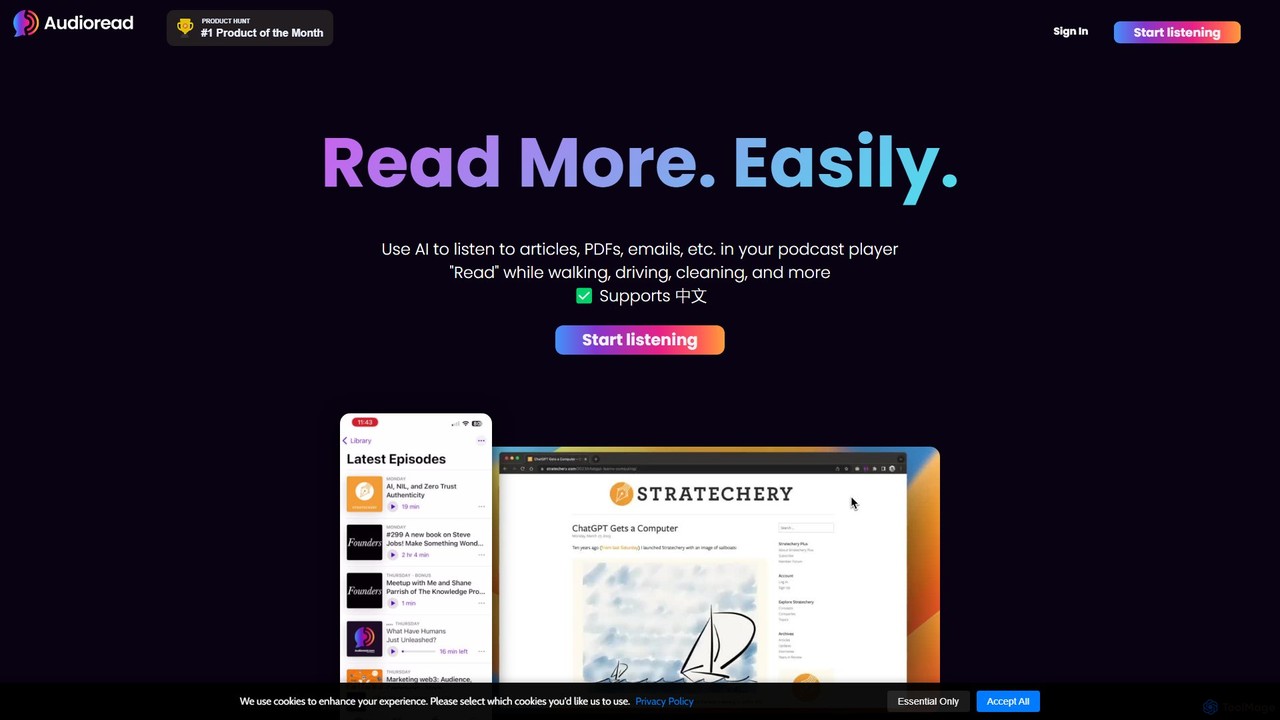
Audioread
Audioread is an advanced AI text-to-speech tool that converts any text—articles, PDFs, emails, and more—into ultra-realistic, natural-sounding audio. Listen on the go via your favorite podcast app, the web player, or by downloading MP3s. It's designed for long-form listening, helping busy individuals multitask and consume content efficiently.
Text To Speech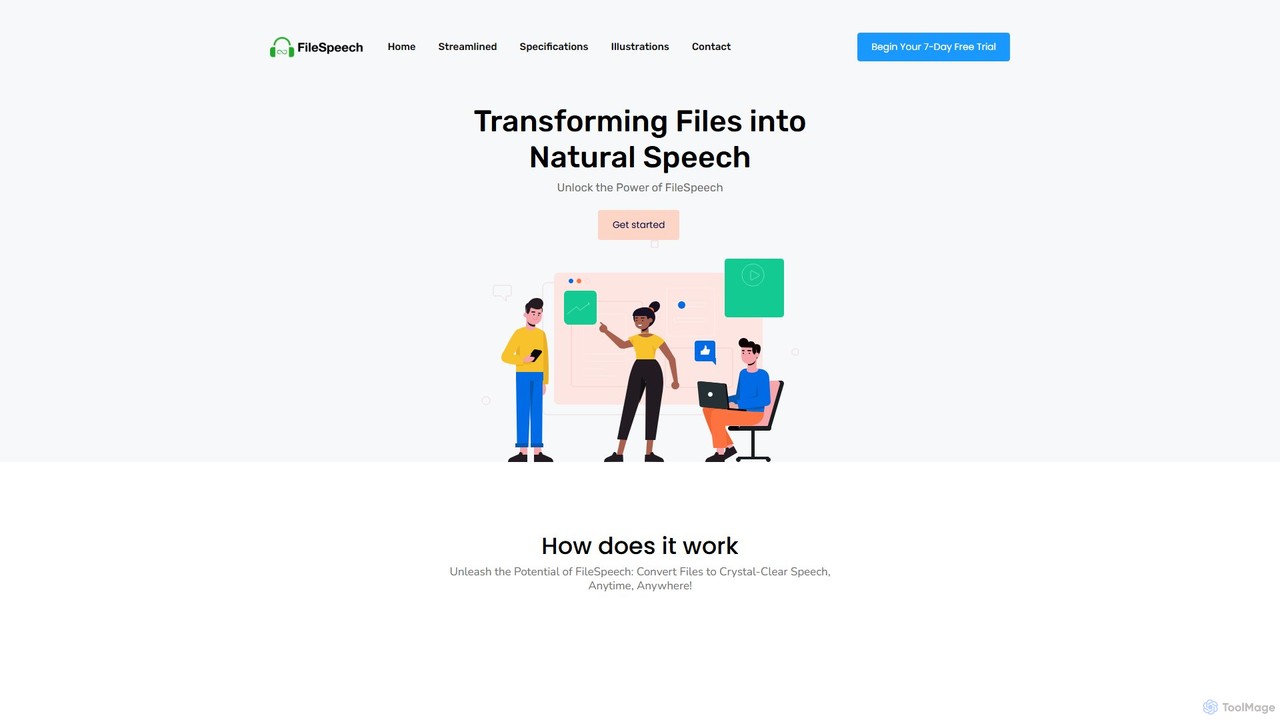
FileSpeech
FileSpeech is a powerful text-to-speech iOS app that converts various files like PDFs, websites, and scanned documents into natural-sounding audio. It supports multiple languages and voices, with offline mode for listening anywhere. Ideal for enhancing accessibility, boosting productivity, and aiding content creation.
Text To Speech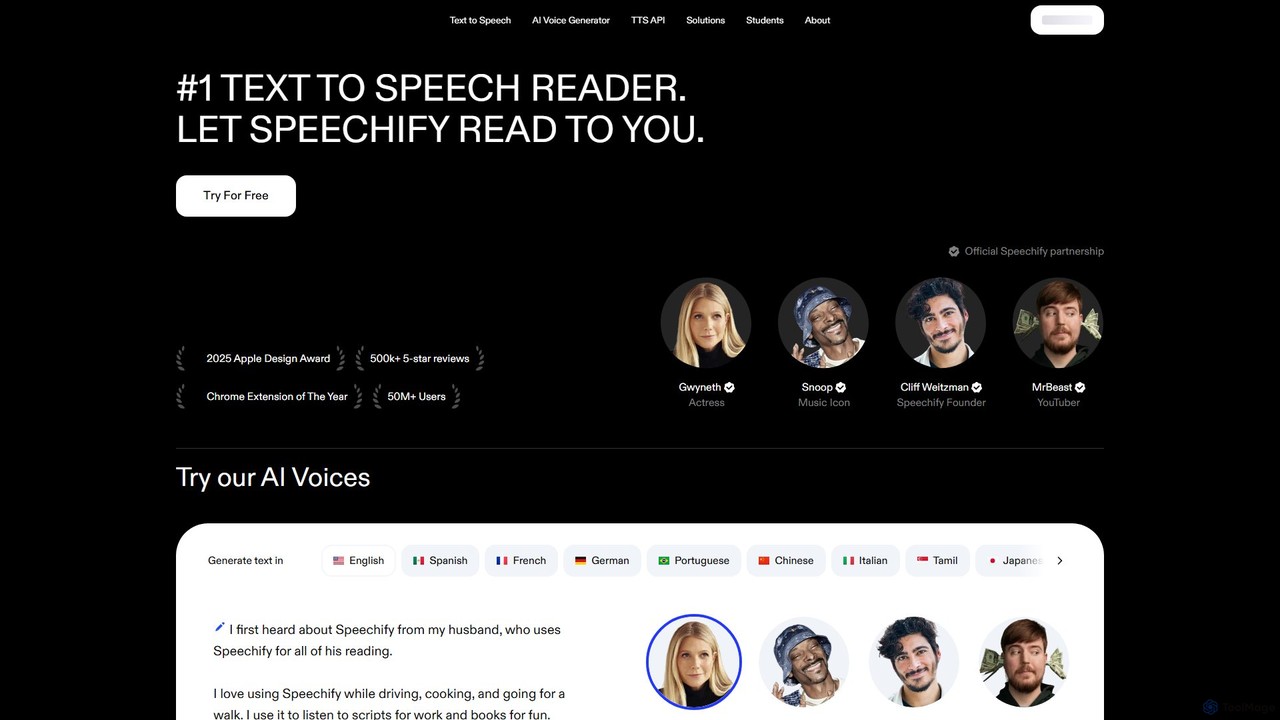
Speechify
Speechify is a leading AI-powered text-to-speech (TTS) reader that transforms any text into natural-sounding audio. It helps users listen to documents, articles, PDFs, and emails on any device, boosting productivity and making content more accessible. Ideal for students, professionals, and anyone with reading difficulties like dyslexia.
Text To Speech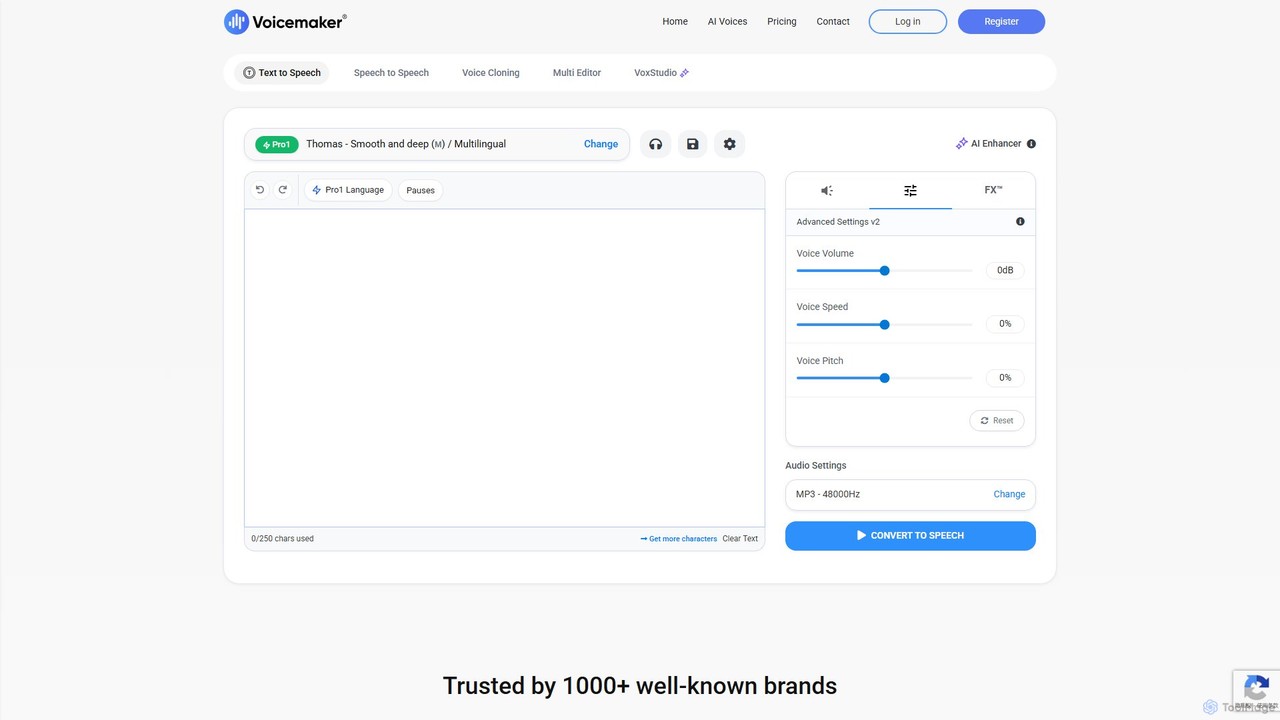
Voicemaker
Voicemaker is a powerful AI text-to-speech converter that transforms text into natural-sounding audio. It offers over 1000 voices in 140+ languages, advanced features like voice cloning, SSML support, and a rich voice effects library (VoxFX™). Ideal for content creators, developers, and businesses, it provides a versatile platform for creating high-quality voiceovers for videos, podcasts, e-learning, and more.
Text To Speech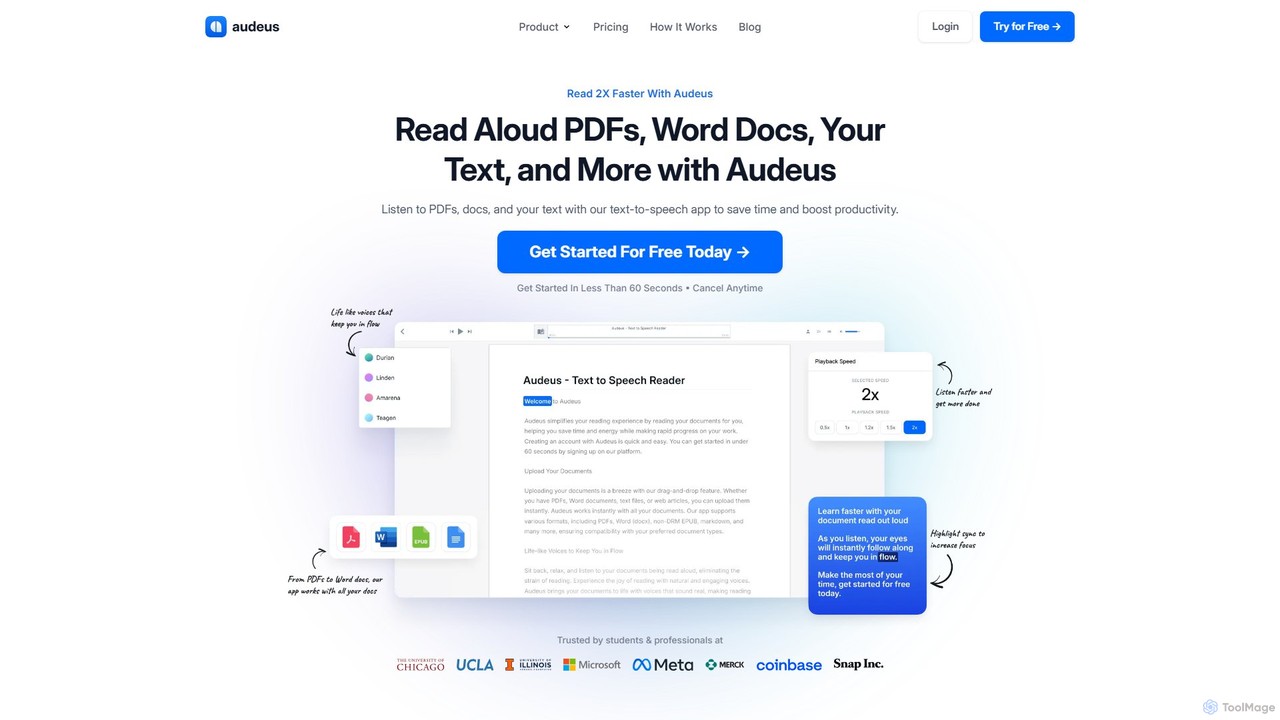
Audeus
Audeus is an advanced AI-powered text-to-speech (TTS) reader that transforms documents, web articles, and text into natural-sounding audio. It's designed for students, professionals, and anyone looking to increase productivity, improve focus, and absorb information more effectively. By listening and reading simultaneously with synced highlighting, users can double their reading speed, reduce eye strain, and enhance comprehension. It supports various formats like PDF, Word, and EPUB, and works seamlessly across devices.
Text To SpeechAudiowaveAI Categories
AudiowaveAI Embed Widget
Copy this embed code to place the badge on your blog, article, or product site and send readers directly to this ToolMage detail page.

Related AI tools
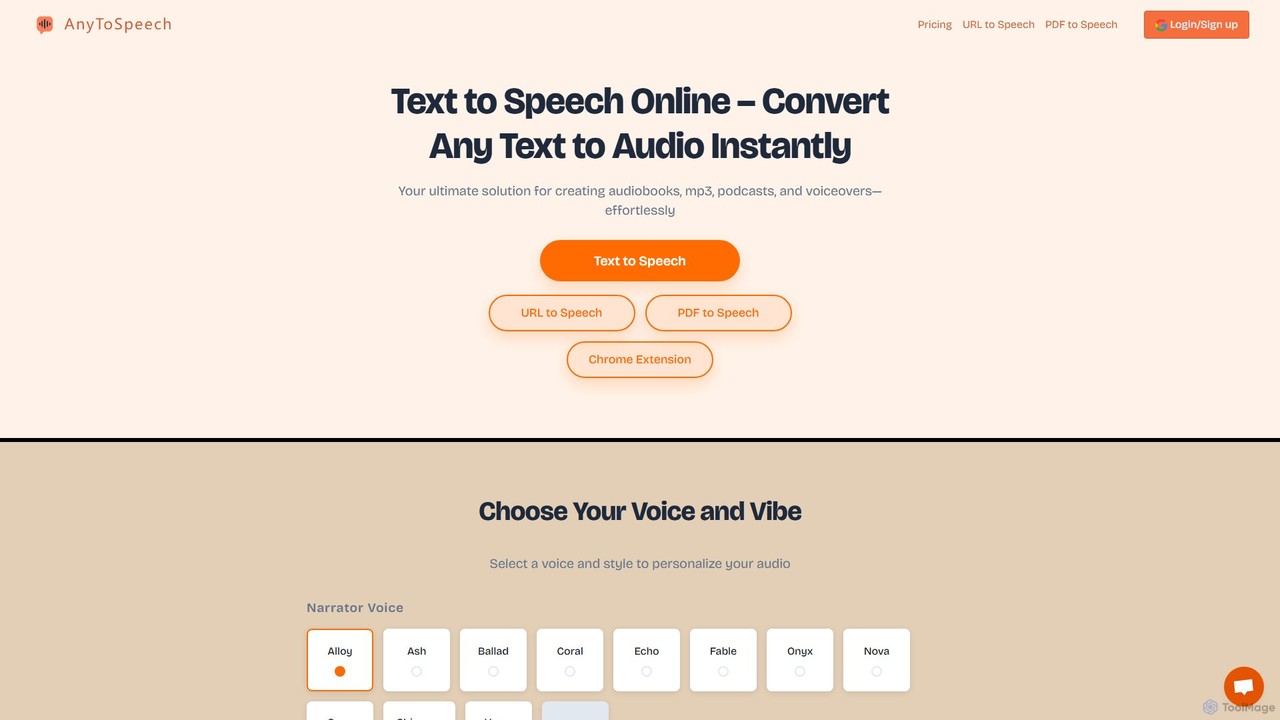
AnyToSpeech
AnyToSpeech is an advanced AI text-to-speech converter that instantly transforms text, documents (PDF, DOCX, TXT), and even entire web pages into natural-sounding audio. It offers a wide range of high-quality AI voices and styles, allowing users to create MP3 files for audiobooks, e-learning materials, voiceovers, and more. It features flexible pricing with both one-time purchase and subscription options, and a generous free trial that requires no registration.
Assistive Technology
Jyek
Jyek is an AI agent platform that understands objectives, creates execution plans, uses tools, and delivers verifiable results for complex, multi-step tasks.
AutomationAudioread
Audioread is an advanced AI text-to-speech tool that converts any text—articles, PDFs, emails, and more—into ultra-realistic, natural-sounding audio. Listen on the go via your favorite podcast app, the web player, or by downloading MP3s. It's designed for long-form listening, helping busy individuals multitask and consume content efficiently.
Text To SpeechFileSpeech
FileSpeech is a powerful text-to-speech iOS app that converts various files like PDFs, websites, and scanned documents into natural-sounding audio. It supports multiple languages and voices, with offline mode for listening anywhere. Ideal for enhancing accessibility, boosting productivity, and aiding content creation.
Text To Speech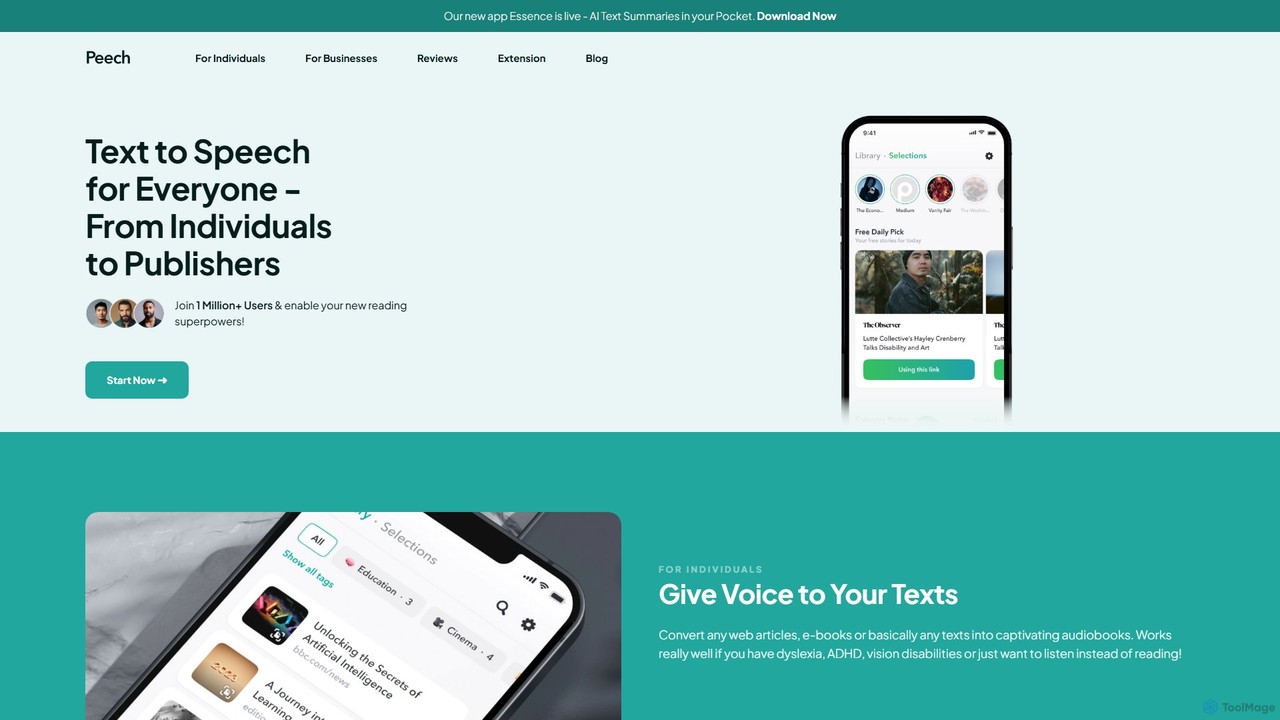
Peech
Peech is an AI-powered text-to-speech reader that converts any text, including web articles, PDFs, e-books, and even images, into high-quality, natural-sounding audio. Designed for individuals and publishers, it enhances productivity, accessibility for users with reading difficulties like dyslexia, and provides a cost-effective way to create audiobooks. Available on iOS, Android, and as a Chrome extension.
Reading Aid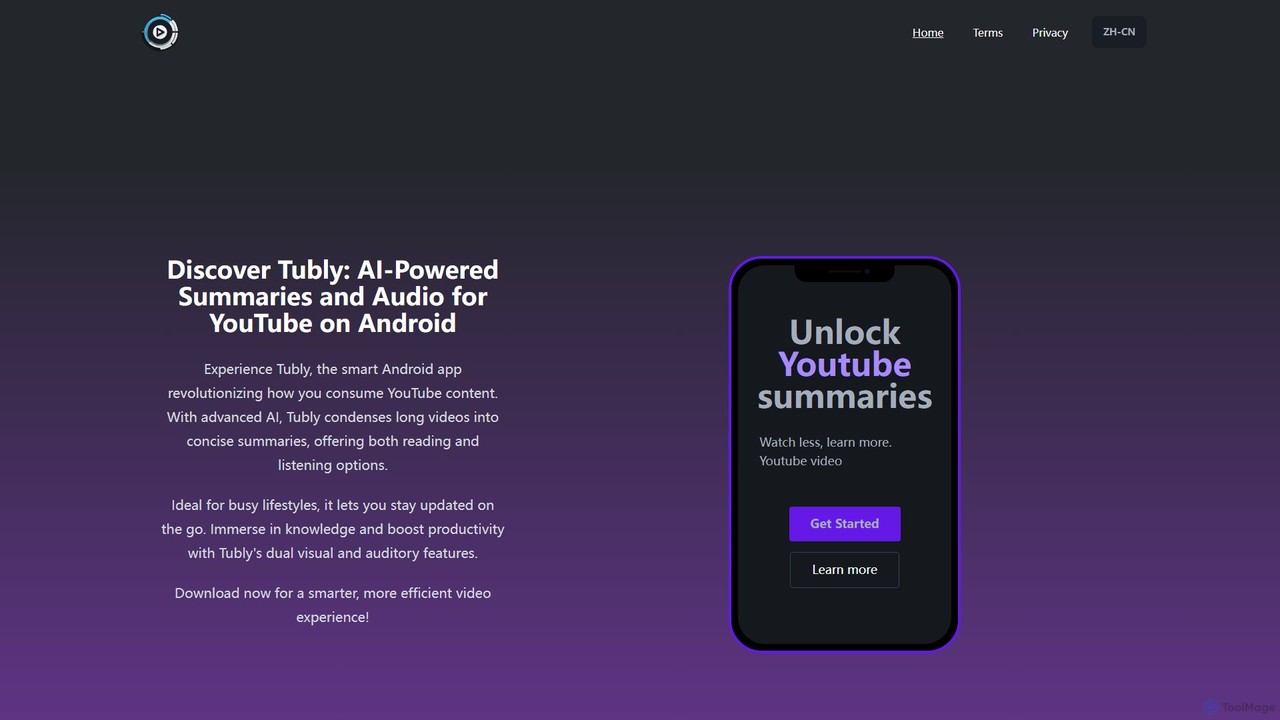
Tubly
Tubly is an AI-powered Android app that transforms long YouTube videos into concise text and audio summaries. It features multilingual translation, interactive timestamps, and a feed summarizer to help you learn more in less time. Ideal for busy individuals, it boosts productivity by making video content easily digestible on the go.
Learning
Speechelo
Speechelo is an AI-powered text-to-speech tool that instantly converts any text into a 100% human-sounding voiceover. With over 30 voices in 24 languages, it allows users to create professional audio for videos, podcasts, and training materials in just 3 clicks. It features customizable tones, inflections, and pacing to ensure a natural and engaging listening experience.
Text To Speech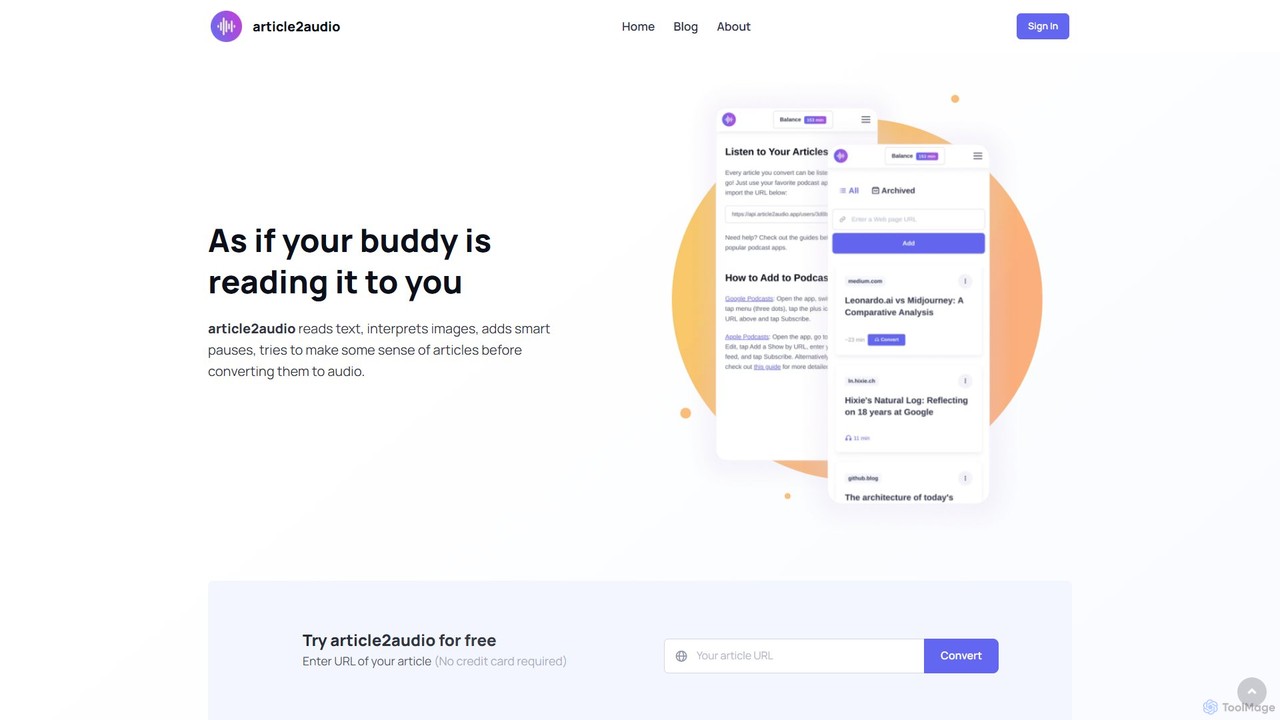
article2audio
article2audio is an advanced AI-powered text-to-speech tool that converts online articles into natural, human-like audio. It goes beyond simple narration by interpreting images, summarizing tables, and handling complex text like code. This makes listening to web content more engaging and informative, as if a friend were reading it to you. Ideal for turning your reading list into a personal podcast.
Voice Generation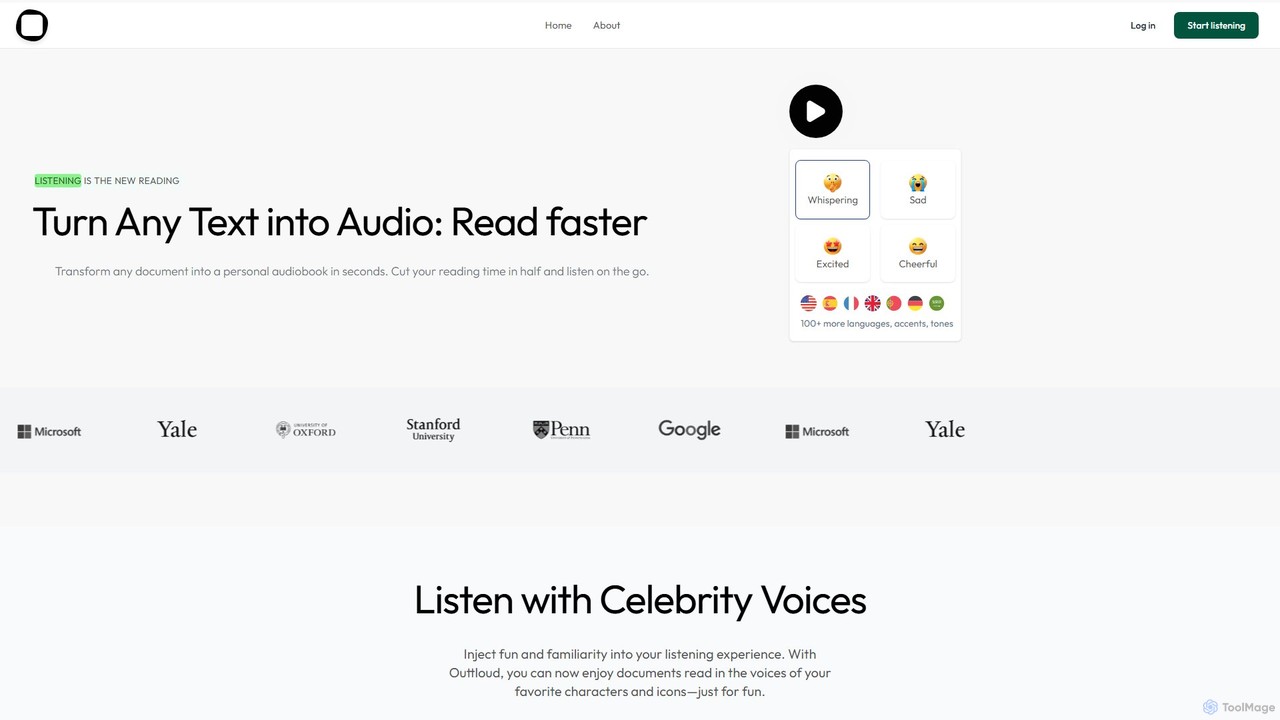
Outtloud
Outtloud is an AI-powered text-to-speech tool that converts any document (PDF, EPUB) or web content into high-quality, natural-sounding audio. It features over 100 voices in 50+ languages, emotional tones, and even celebrity voice clones. Designed for productivity and accessibility, it can create AI podcasts from web searches, generate summaries, and includes tools for bookmarking and annotation, making it ideal for students, researchers, and busy professionals.
Reading Aid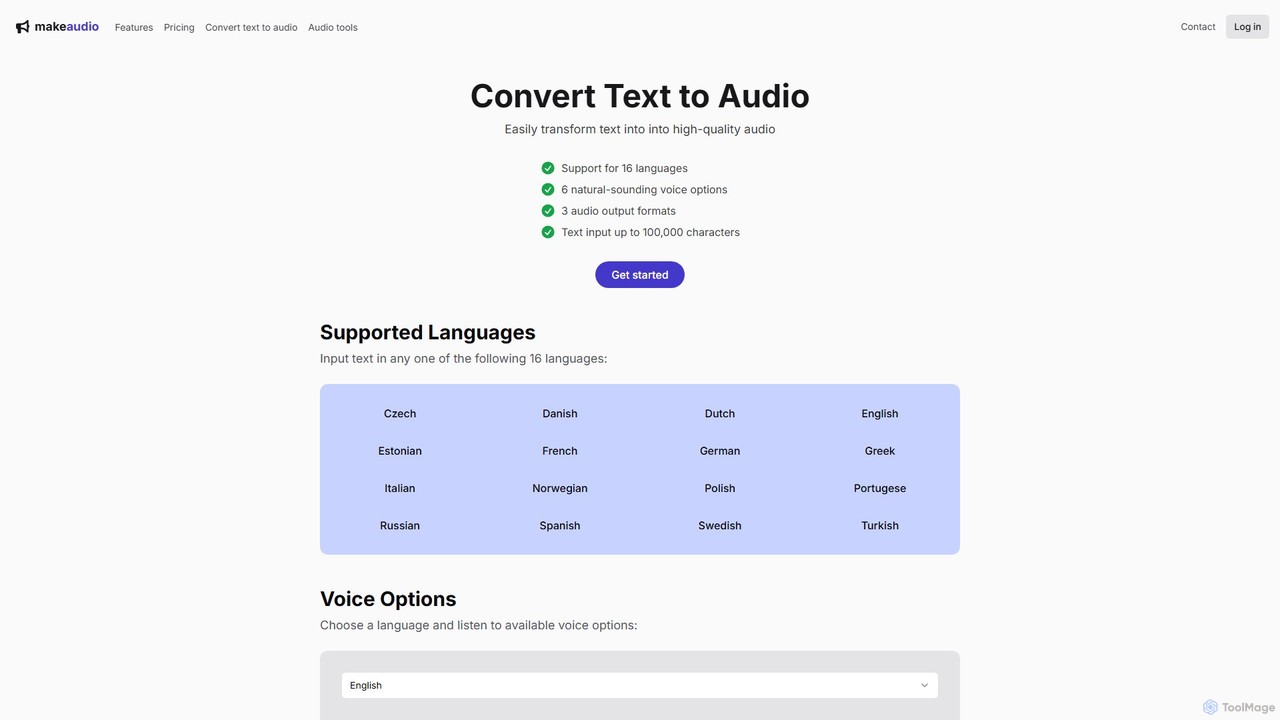
makeaudio.app
makeaudio.app is an AI-powered text-to-speech converter that transforms written text into high-quality, natural-sounding audio. It supports 16 languages, offers multiple voice options, and provides various output formats like MP3, WAV, and FLAC. With a simple one-time payment model and bonus audio merging tools, it's an accessible solution for content creators, educators, and businesses needing professional voiceovers or audio content.
Audio Editing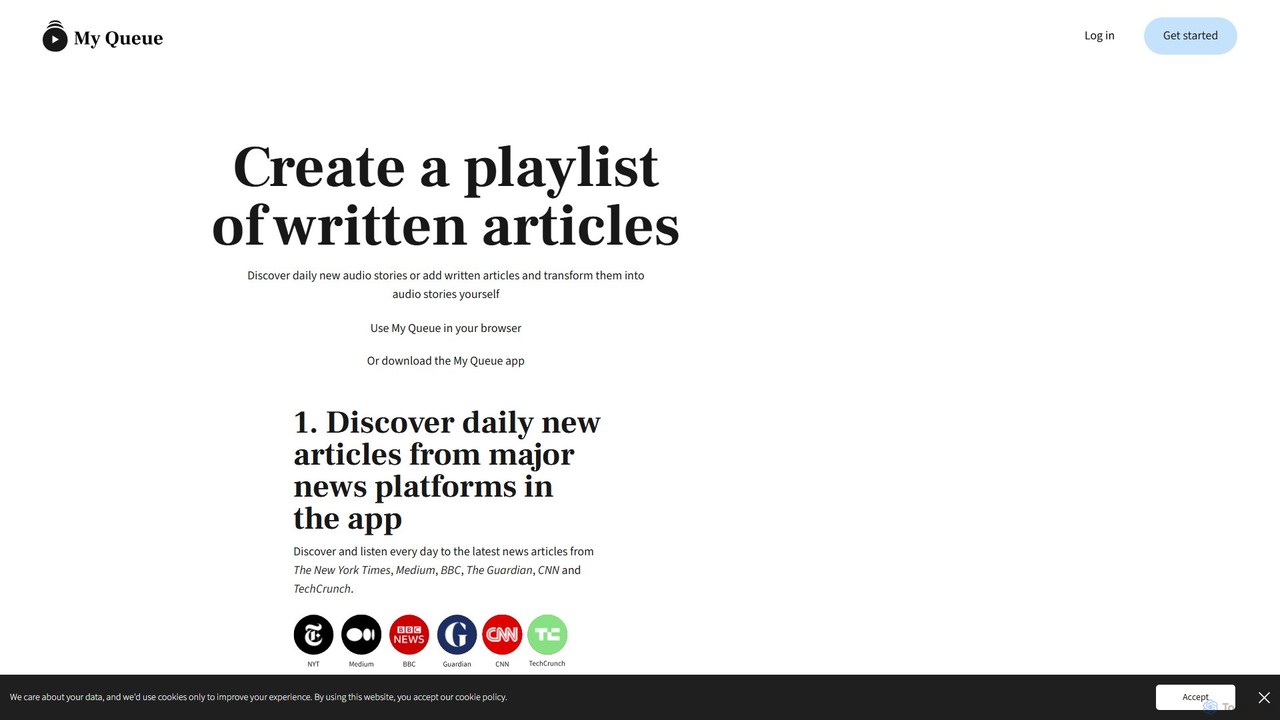
My Queue
My Queue transforms written articles from the web into a personal audio playlist. Save content from news sites and blogs using a browser extension or by pasting a link. Listen on the go with mobile and desktop apps to reduce screen time. It supports 48 languages, offers customizable playback, and helps you stay informed while multitasking.
Audio Generation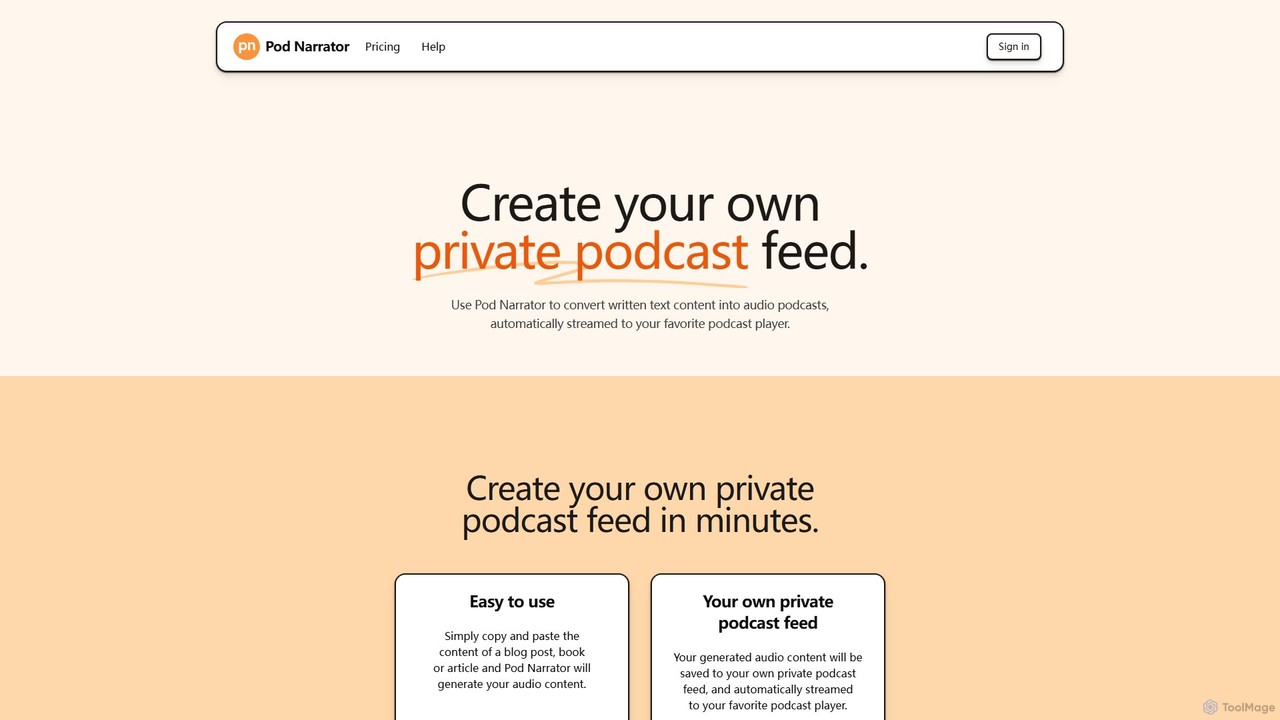
Podnarrator
Podnarrator is an AI-powered tool that converts any written text into a personal audio podcast. Simply paste your content—articles, study materials, or book chapters—and it generates high-quality audio episodes delivered to your private RSS feed. Listen on your favorite podcast app anytime, anywhere, making it perfect for students, professionals, and lifelong learners who want to consume content on the go.
Podcast Generation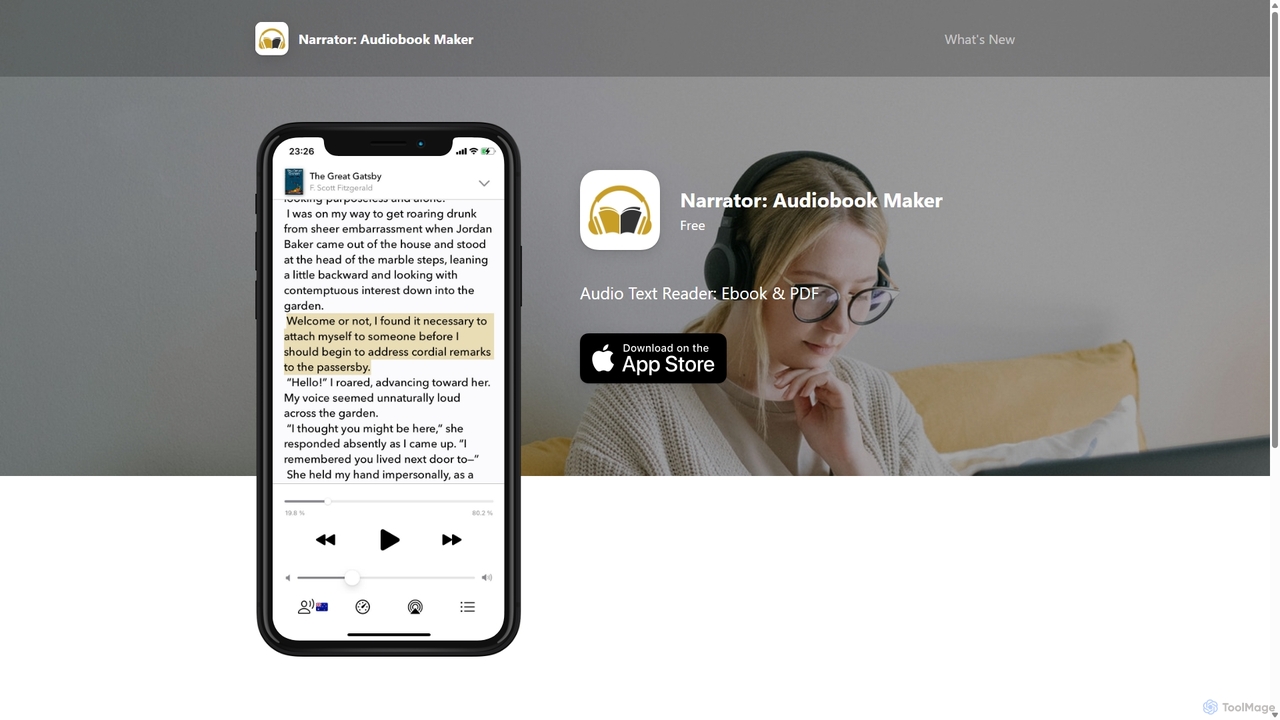
Narrator: Audiobook Maker
Narrator is an AI-powered mobile app that converts text from various formats like ePub, PDF, and DOCX into natural-sounding audiobooks. Supporting over 25 languages, it offers features like adjustable reading speed, AI-powered summaries, and premium voices, making it easy to listen to any document on the go.
Screen Reader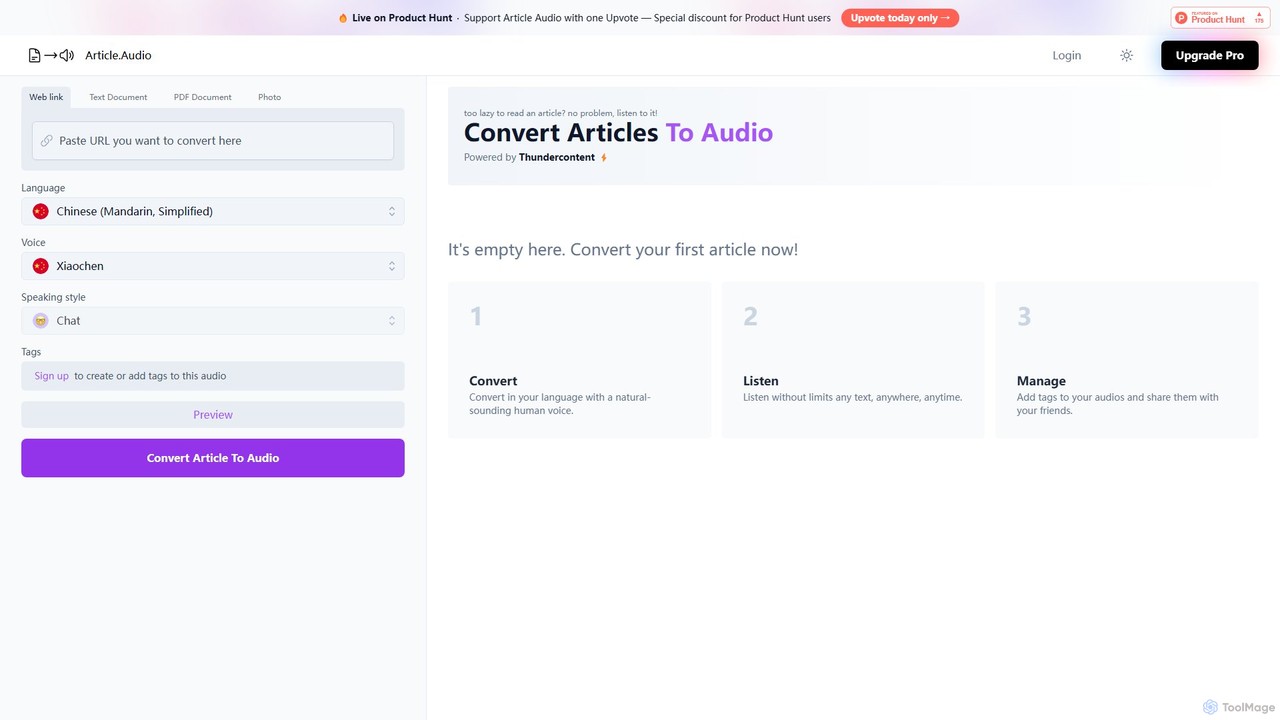
Article Audio
Article Audio is an AI-powered tool that instantly converts any web article into high-quality, natural-sounding audio. Choose from a wide range of languages and voices to listen to content on the go, making it perfect for multitasking, learning, and accessibility.
Reading Aid
newsletter2podcast
Effortlessly convert your favorite email newsletters into engaging podcasts. Using advanced AI-powered text-to-speech, newsletter2podcast transforms written content into high-quality, natural-sounding audio, allowing you to listen to your subscriptions on the go. Perfect for busy professionals, commuters, and auditory learners.
Text To Speech
AudiowaveAI Comments (0)
Sign in to comment.
Sign inNo comments yet.