Accessibility Best in category 5 results Reading Aid AI Tool

Popular AI tools in the Reading Aid field of Accessibility include Peech、Outtloud、Article Audio、Clipboard TTS、readit, etc., helping you quickly improve efficiency.

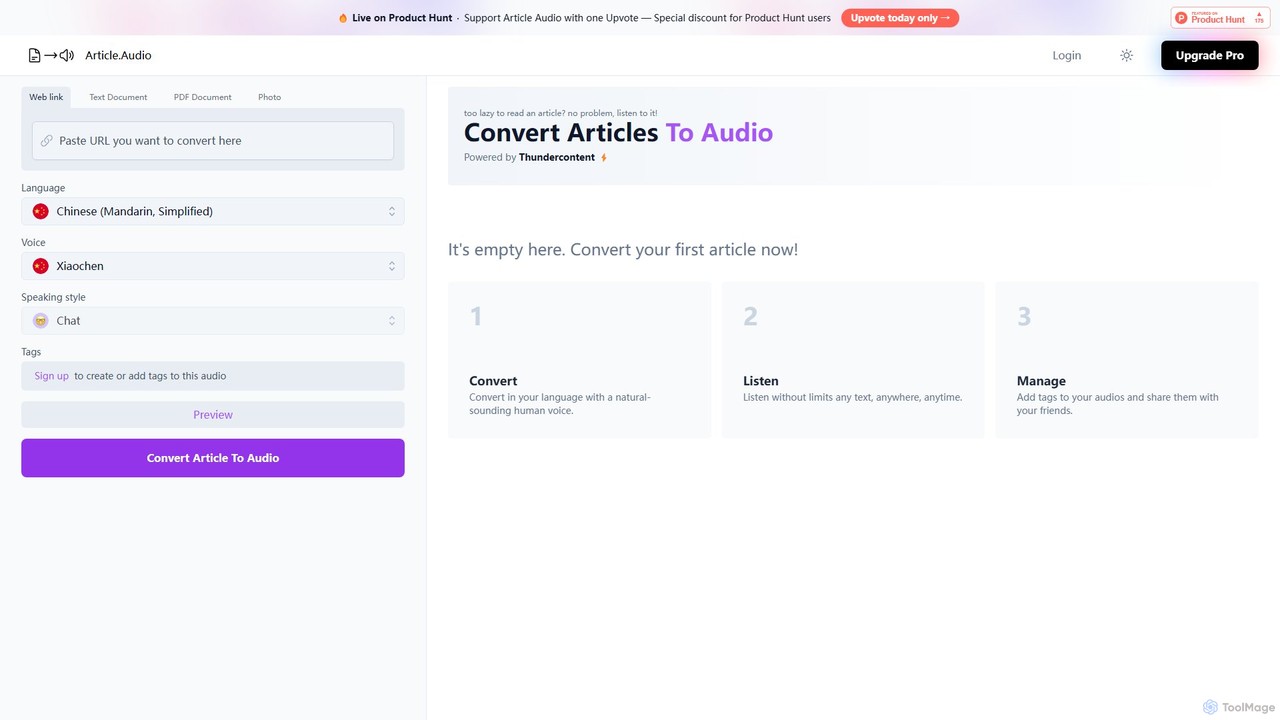
Article Audio

Article Audio

Article Audio is an AI-powered tool that instantly converts any web article into high-quality, natural-sounding audio. Choose from …

2.8K
Outtloud

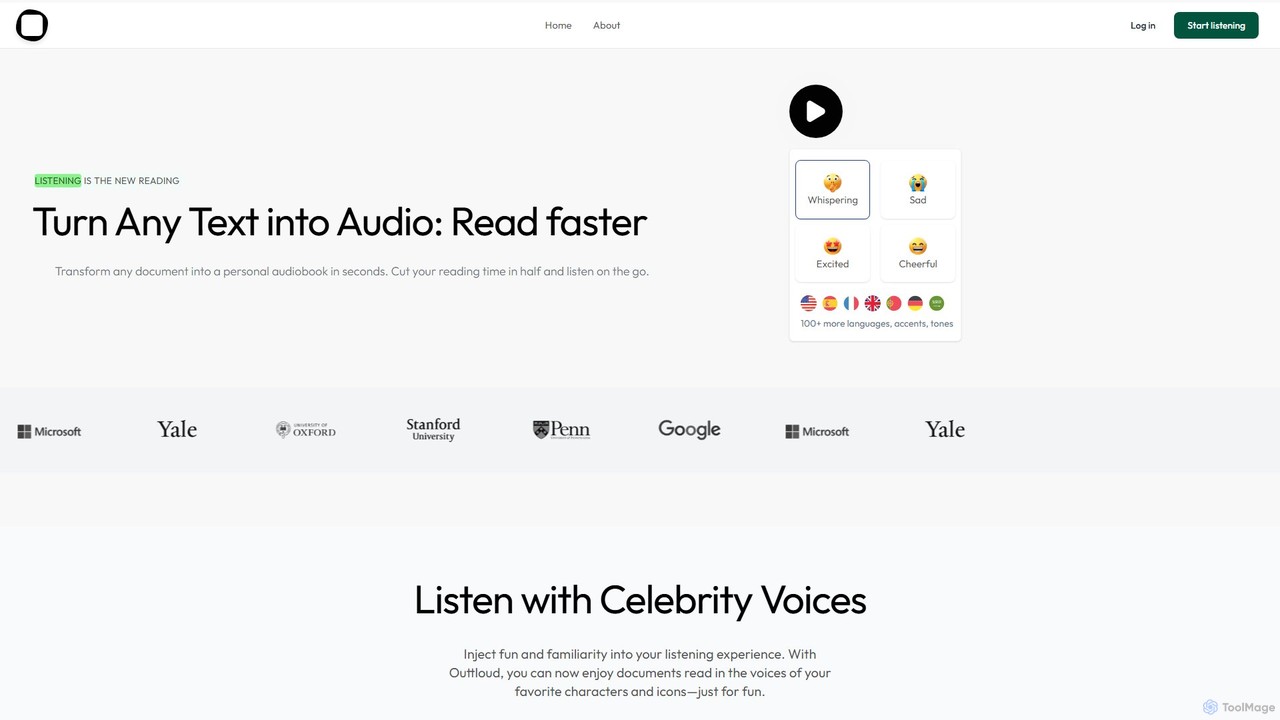
Outtloud

Outtloud is an AI-powered text-to-speech tool that converts any document (PDF, EPUB) or web content into high-quality, natural-sounding …

4.4K
Peech

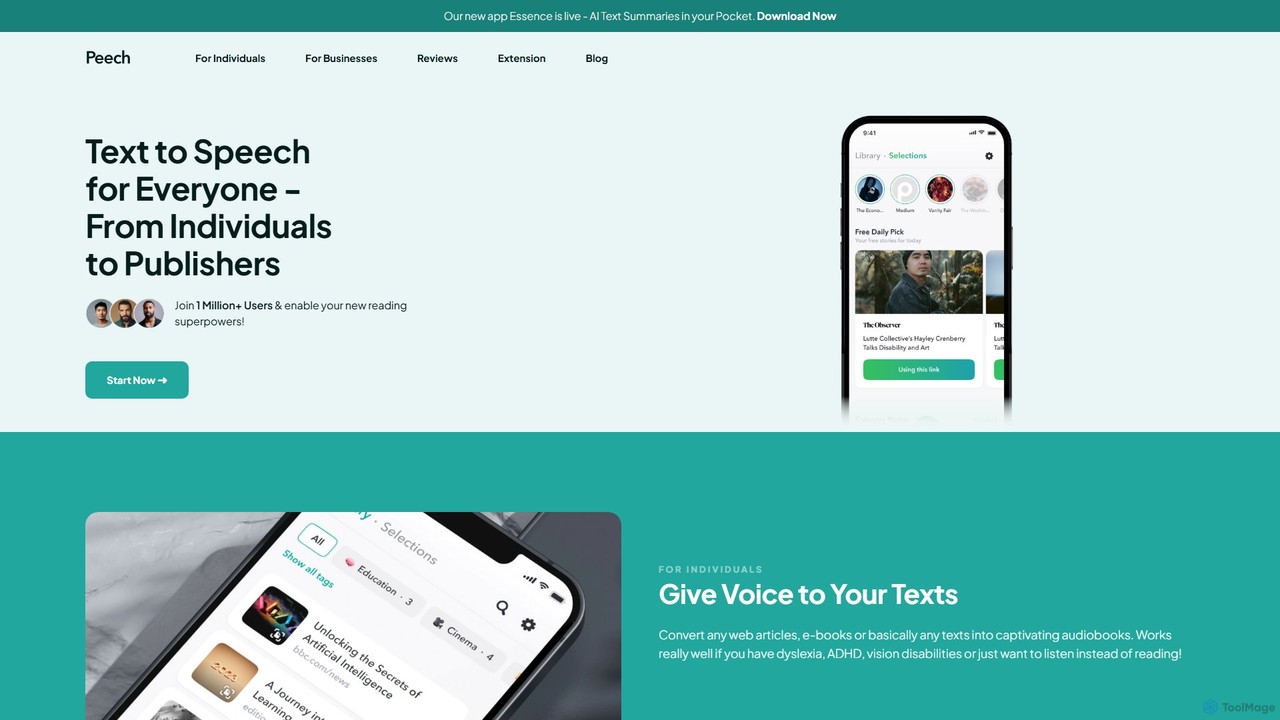
Peech

Peech is an AI-powered text-to-speech reader that converts any text, including web articles, PDFs, e-books, and even images, …

275.3K
Clipboard TTS

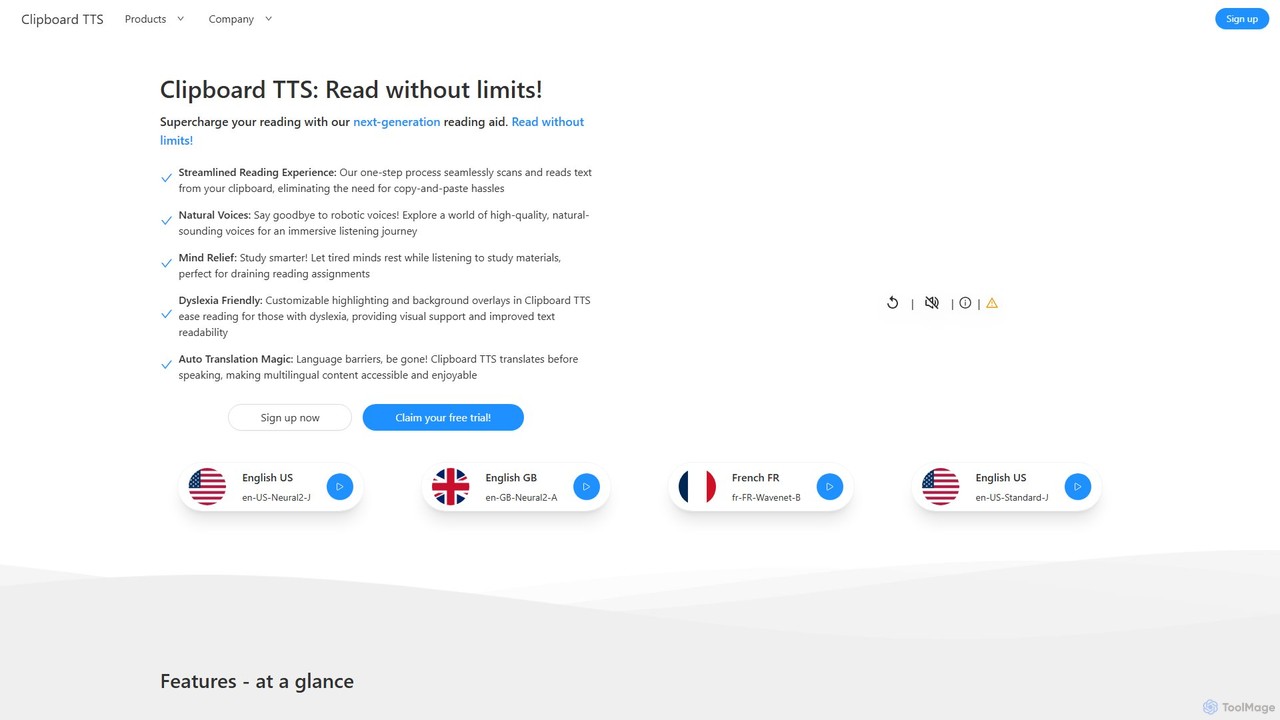
Clipboard TTS

An advanced text-to-speech application for Windows and Linux that automatically reads text from your clipboard. It features natural …

2.6K
readit

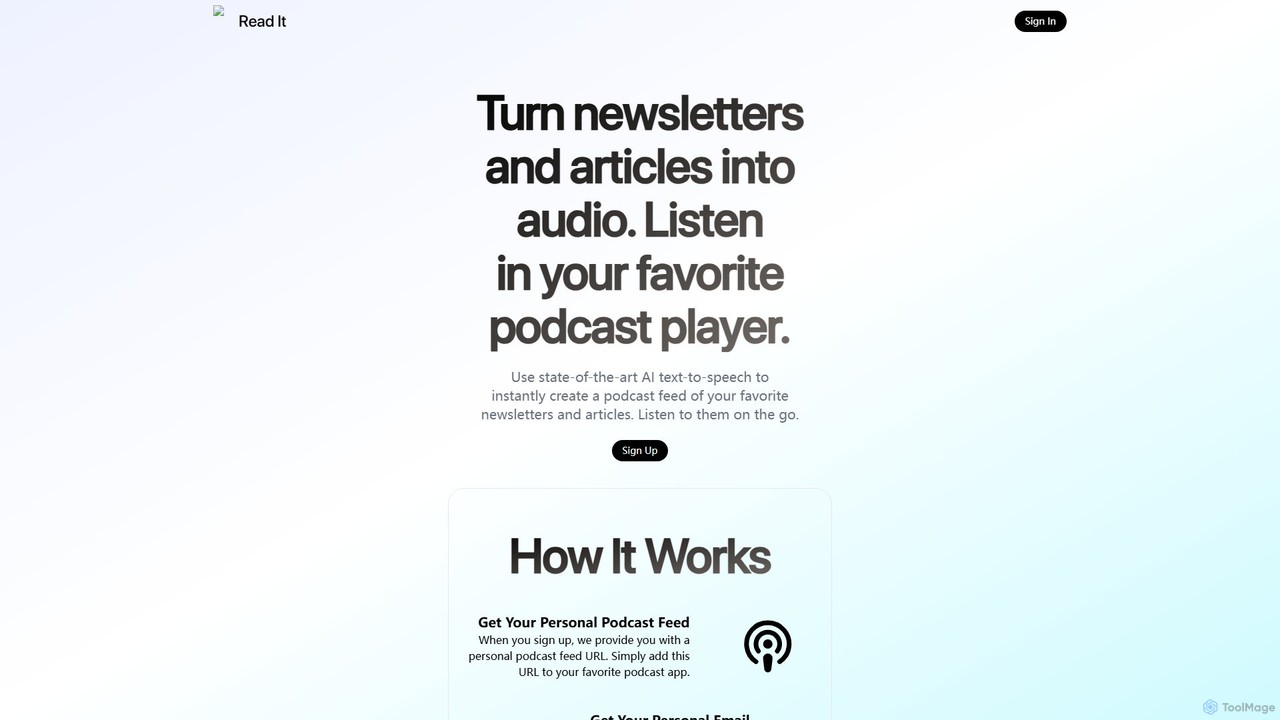
readit

readit transforms your favorite newsletters and web articles into a personal podcast. Using advanced AI text-to-speech, it converts …

2.5K

About Reading Aid

Reading Aid tools are AI-powered applications designed to improve reading comprehension, accessibility, and efficiency. They leverage technologies like natural language processing (NLP) and advanced text-to-speech (TTS) to convert written text into natural-sounding audio and provide visual support. These tools are invaluable for individuals with reading difficulties such as dyslexia, visual impairments, or anyone looking to consume large volumes of text more effectively. They go beyond simple screen readers by offering features that actively enhance the reading experience.

Core Features

  • Advanced Text-to-Speech (TTS): Converts text from websites, PDFs, and even images (via OCR) into high-quality, human-like speech with adjustable speeds and voices.
  • Synchronized Highlighting: Highlights words or sentences in real-time as they are being read aloud, improving focus and tracking for the reader.
  • Text Simplification & Summarization: Uses AI to rephrase complex sentences into simpler language or generate concise summaries of long articles.
  • Reading Focus Tools: Includes features like screen masking, reading rulers, and text formatting adjustments to minimize distractions and reduce visual stress.
  • Interactive Dictionary & Translation: Allows users to instantly look up definitions, get translations, or see picture dictionaries for selected words.

Use Cases

Reading Aid tools are widely used in education by students with learning disabilities like dyslexia and ADHD to keep up with reading assignments. In professional settings, they help employees process long reports, emails, and research papers without causing eye strain. Language learners also use them to improve pronunciation and listening comprehension by hearing text read by native-sounding voices.

How to Choose

When selecting a Reading Aid tool, consider the quality and variety of the TTS voices. Evaluate its platform compatibility—whether it works as a browser extension, desktop app, or mobile app. Check the range of supported languages and document types (PDF, DOCX, EPUB). Finally, assess the specific assistive features you need, such as OCR for reading text from images, summarization capabilities, or advanced customization options.

Reading AidUse Cases

1

Assisting Students with Dyslexia

A university student with dyslexia uses a reading aid tool integrated into their web browser and PDF reader. For research papers and online articles, the tool reads the text aloud with synchronized highlighting, allowing the student to follow along visually and aurally. This dual-sensory input significantly improves reading speed and comprehension. The student can also adjust the reading speed to match their processing ability and use the text simplification feature to understand complex academic language, enabling them to complete assignments more independently and effectively.

2

Processing Long Reports for Professionals

A market analyst needs to review dozens of lengthy industry reports and financial statements each week. To combat screen fatigue and increase efficiency, they use a desktop reading aid. The tool's OCR capability allows it to read text from scanned PDFs and images within reports. The analyst can listen to these documents while performing other tasks, like organizing data in a spreadsheet. They use the summarization feature to quickly extract key findings and statistics from each report, saving hours of manual reading and allowing them to focus on analysis and strategy.

3

Improving Pronunciation for Language Learners

A person learning French uses a reading aid browser extension to improve their listening and speaking skills. While reading news articles in French, they activate the tool to hear the text read by a native-sounding voice. This helps them learn the correct pronunciation and intonation of new words. They can slow down the playback speed to catch subtle nuances. When they encounter an unfamiliar word, they use the integrated dictionary to see its definition and translation without leaving the page, creating a seamless and immersive learning environment.

4

Proofreading Content for Writers

A content creator writes blog posts and articles daily. Before publishing, they use a reading aid tool to listen to their own writing. Hearing the text read aloud helps them identify awkward phrasing, grammatical errors, and typos that are easily missed when reading silently. The natural-sounding AI voice simulates how a reader would experience the content, providing a fresh perspective for editing. This process serves as a final quality check, ensuring the content is clear, engaging, and error-free, ultimately improving the quality of their published work.

5

Navigating the Web for Visually Impaired Users

A user with low vision relies on a reading aid tool with high-contrast modes and powerful text-to-speech features to browse the internet. The tool can increase font sizes and change color schemes on websites to improve readability. More importantly, its AI-powered TTS can intelligently identify and read the main content of a webpage, skipping over ads and irrelevant navigation menus. This provides a much cleaner and more focused listening experience than a traditional screen reader, allowing for faster and more enjoyable web navigation and content consumption.

6

Multitasking and Reducing Screen Fatigue

An office worker spends most of their day in front of a computer, leading to significant eye strain. To mitigate this, they use a reading aid to listen to long emails, internal memos, and training materials. This allows them to rest their eyes while still absorbing important information. During their commute, they use the mobile version of the app to catch up on industry news articles, effectively turning reading time into productive listening time. This multitasking capability helps them stay informed without adding to their daily screen time.

Reading AidFrequently Asked Questions