
Outtloud Overview
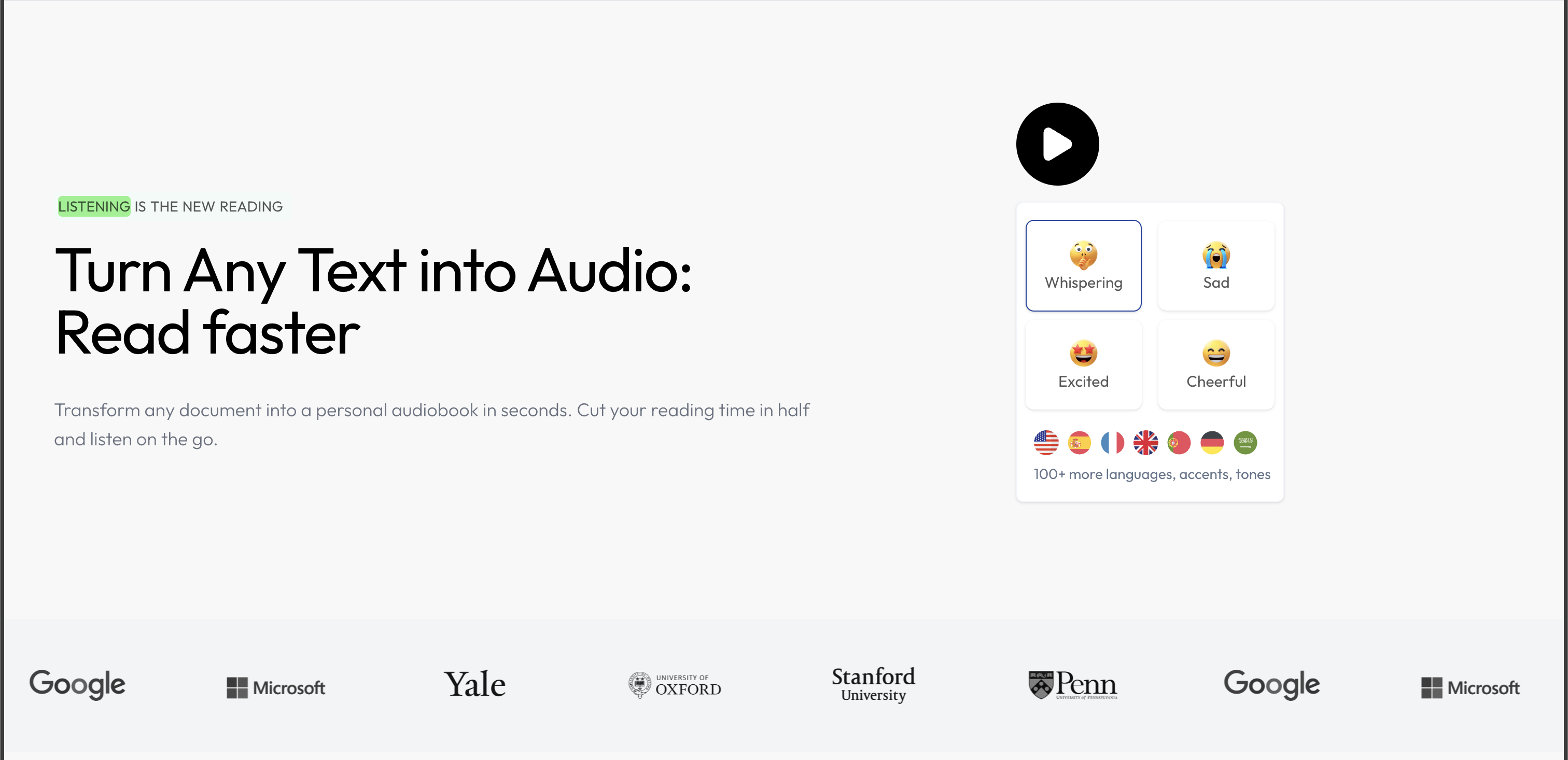
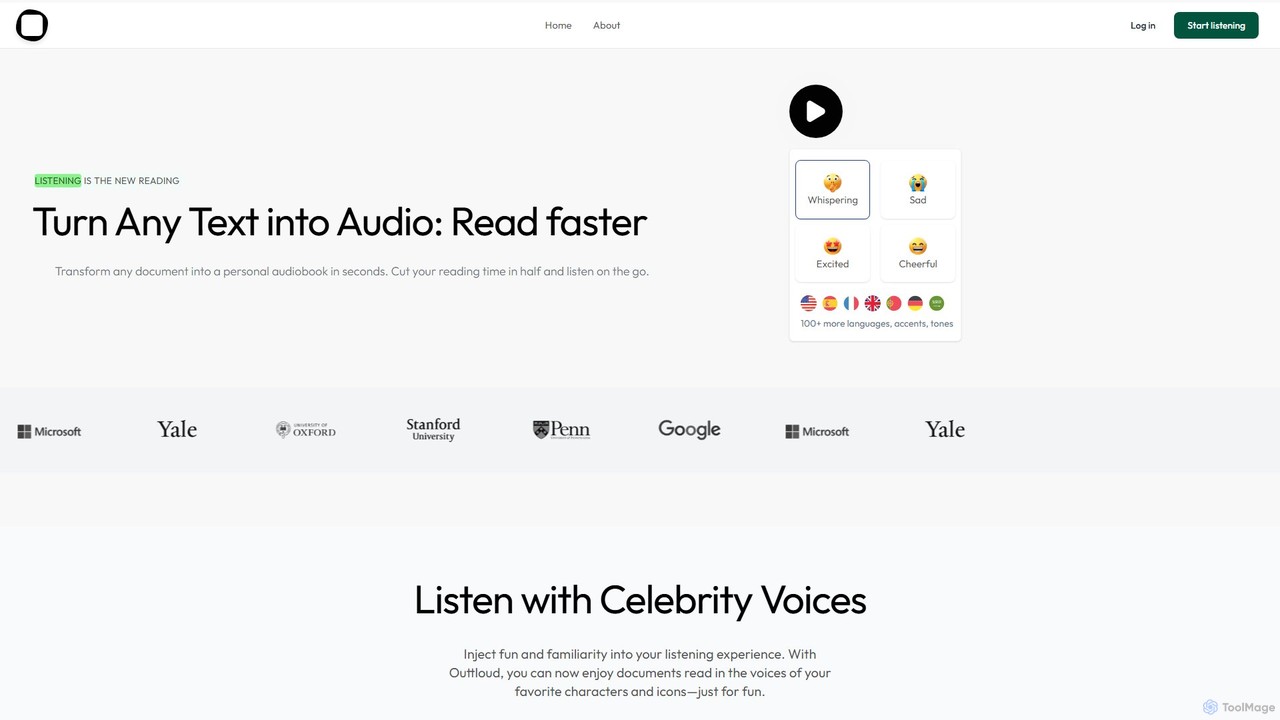
Outtloud is a cutting-edge AI platform designed to revolutionize the way we consume written content by transforming it into lifelike audio. At its core, Outtloud is a powerful text-to-speech (TTS) engine that allows users to convert documents, academic papers, web articles, and more into personal audiobooks. This enables users to 'read' while multitasking—during a commute, at the gym, or while doing chores—effectively cutting reading time in half and boosting productivity. The platform supports a wide range of file formats, including PDFs and EPUBs, making it a versatile tool for various content types.
What sets Outtloud apart is the exceptional quality and variety of its audio output. It offers a library of over 100 ultra-realistic, human-like voices across more than 50 languages and accents. Users can further customize their listening experience by selecting emotional tones such as cheerful, sad, excited, or whispering. For a touch of fun, the platform even includes celebrity voice clones, allowing you to listen to documents read in the voice of iconic characters and personalities.
How to use Outtloud
Using Outtloud is a simple and intuitive process designed for maximum efficiency:
- Upload or Search: Begin by uploading your document directly to the platform. Outtloud supports various formats like PDF, EPUB, DOC, and TXT. Alternatively, you can use the built-in web search feature to find real-time information on any topic.
- Customize Your Audio: Once your content is loaded, choose from over 100 premium voices, select a language, and even apply an emotional tone to match the context of the material. You can also adjust the playback speed to suit your listening preference.
- Generate and Listen: With a single click, Outtloud converts the text into high-quality audio. You can listen directly on the platform. For web content, you can create an engaging, multi-speaker AI podcast or generate a concise AI summary to grasp key points quickly.
- Enhance Your Experience: While listening, utilize built-in productivity features. You can bookmark important sections, annotate paragraphs, and save key highlights to a personal library for future reference. The tool also allows you to skip irrelevant parts like page numbers, footnotes, or prefaces.
Core Features of Outtloud
- Advanced Text-to-Speech (TTS): Converts documents (PDF, EPUB, etc.) and web articles into natural, human-like audio.
- Extensive Voice Library: Access to over 100 premium, high-definition voices in more than 50 languages and various accents.
- Emotional Tones & Celebrity Voices: Personalize audio with emotional styles (e.g., excited, whispering) and fun celebrity voice clones.
- AI Podcast Creation: Search the web for any topic and instantly generate a conversational AI podcast with multiple speakers.
- AI Summarization: Quickly generate concise summaries of your documents or audiobooks to understand key insights in minutes.
- Specialized for Technical Content: Excels at accurately pronouncing complex terminology, formulas, and jargon found in STEM, academic, and research papers.
- Productivity Tools: Features include bookmarking, annotating, saving paragraphs, adjustable playback speed, and the ability to skip irrelevant content.
Use Cases for Outtloud
Outtloud is a versatile tool that caters to a wide range of users:
- Researchers and Academics: Efficiently process dense research papers, scientific articles, and academic texts, improving comprehension and saving valuable time.
- Students: Convert textbooks, lecture notes, and study materials into audio to learn on the go, making study sessions more flexible and effective. It's also a powerful aid for students with dyslexia or other reading difficulties.
- Busy Professionals: Stay informed on industry news, reports, and articles without being tied to a screen, enabling learning during commutes or breaks.
- Lifelong Learners: Explore new topics by turning any web article or e-book into an engaging audio experience, making learning a seamless part of your daily routine.
Advantages of Outtloud
Outtloud offers significant advantages over traditional reading and other TTS tools. Its primary benefit is enhanced productivity through multitasking. The audio quality is exceptionally high, avoiding the robotic sound of older TTS systems. Its specialization in technical content ensures accuracy where other tools fail. Furthermore, its feature set, including AI podcasts, summaries, and annotations, provides a comprehensive listening and learning experience. Compared to competitors, Outtloud offers an 'unlimited' experience on its Pro plan at a highly competitive price point, making advanced audio conversion accessible to everyone.
Pricing and Plans
Outtloud operates on a freemium model, allowing users to experience its core features for free.
- Free Trial: A 3-day free trial is available, giving full access to premium features without any charge. You can cancel anytime.
- Pro Plan: For unlimited access, the Pro plan starts at just $8 per month (when billed annually). This plan includes unlimited audiobooks, access to all 100+ premium voices, emotional tones, unlimited AI summaries, bookmarking, annotation, and all other advanced features.
Traffic
Latest traffic
Status
Monthly traffic trend
- 2025-9: 1.1K
- 2026-1: 4.0K
- 2026-2: 9.3K
- 2026-3: 7.1K
- 2026-4: 1.9K
- 2026-5: 2.5K
Top keywords
| Keyword | Cost per click |
|---|---|
| read pdf aloud | $2.02 |
| text to speech | $0.45 |
| text to speech reader | $1.16 |
| tts reader | $0.74 |
| what applications out there will read my school text book to me | $0.00 |
Outtloud Alternatives
Peech
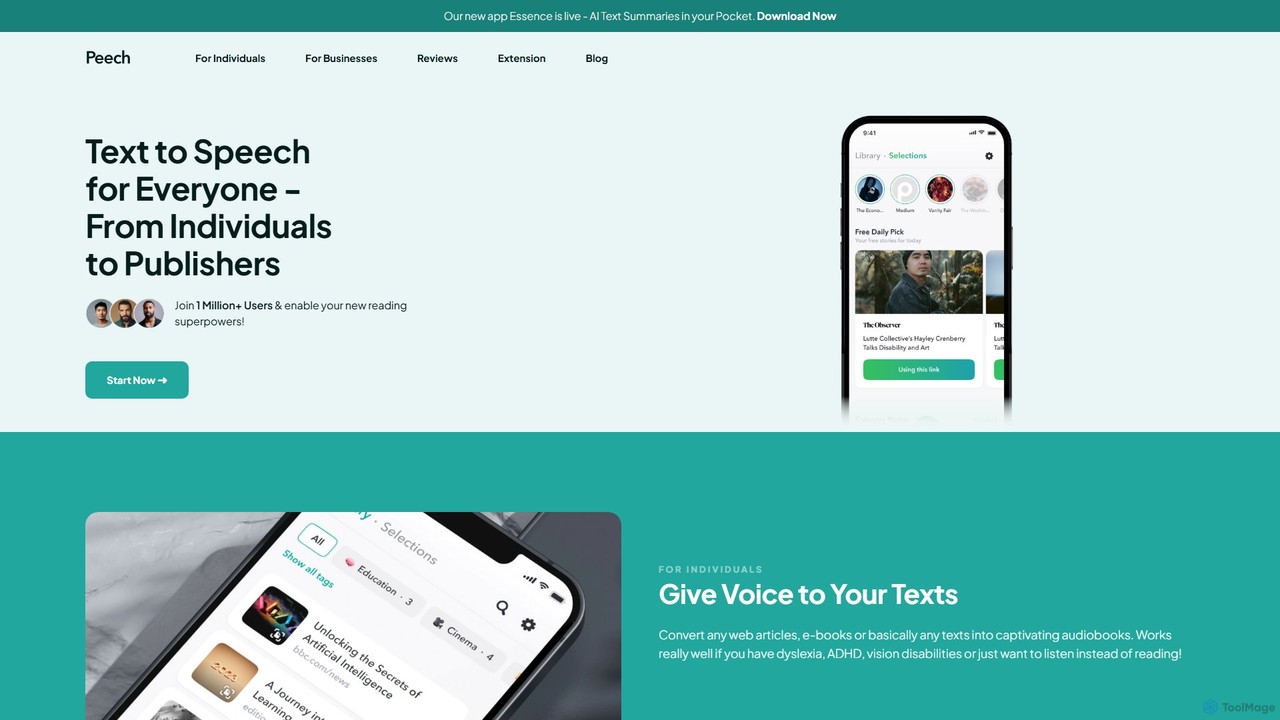
Peech is an AI-powered text-to-speech reader that converts any text, including web articles, PDFs, e-books, and even images, into high-quality, natural-sounding audio. Designed for individuals and publishers, it enhances productivity, accessibility for users with reading difficulties like dyslexia, and provides a cost-effective way to create audiobooks. Available on iOS, Android, and as a Chrome extension.
Reading Aid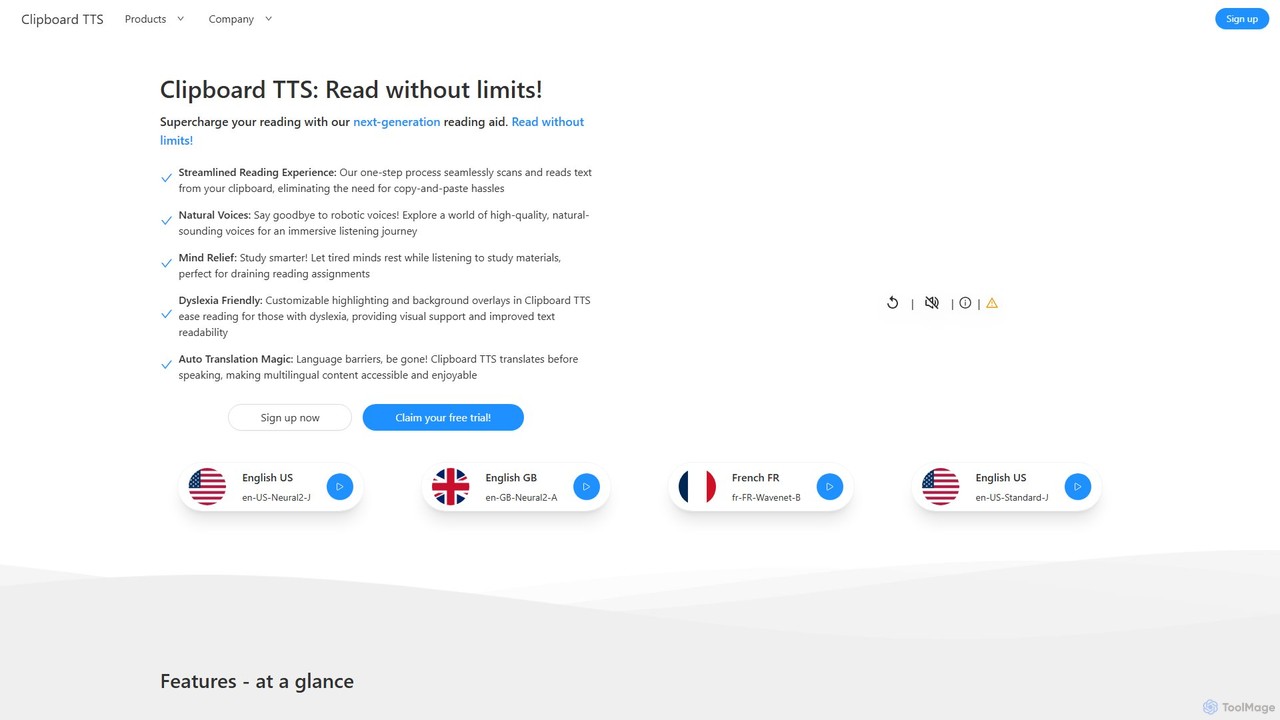
Clipboard TTS
An advanced text-to-speech application for Windows and Linux that automatically reads text from your clipboard. It features natural voices, auto-translation, OCR, and extensive accessibility tools, including dyslexia-friendly options, to create a seamless and powerful reading experience.
Reading Aid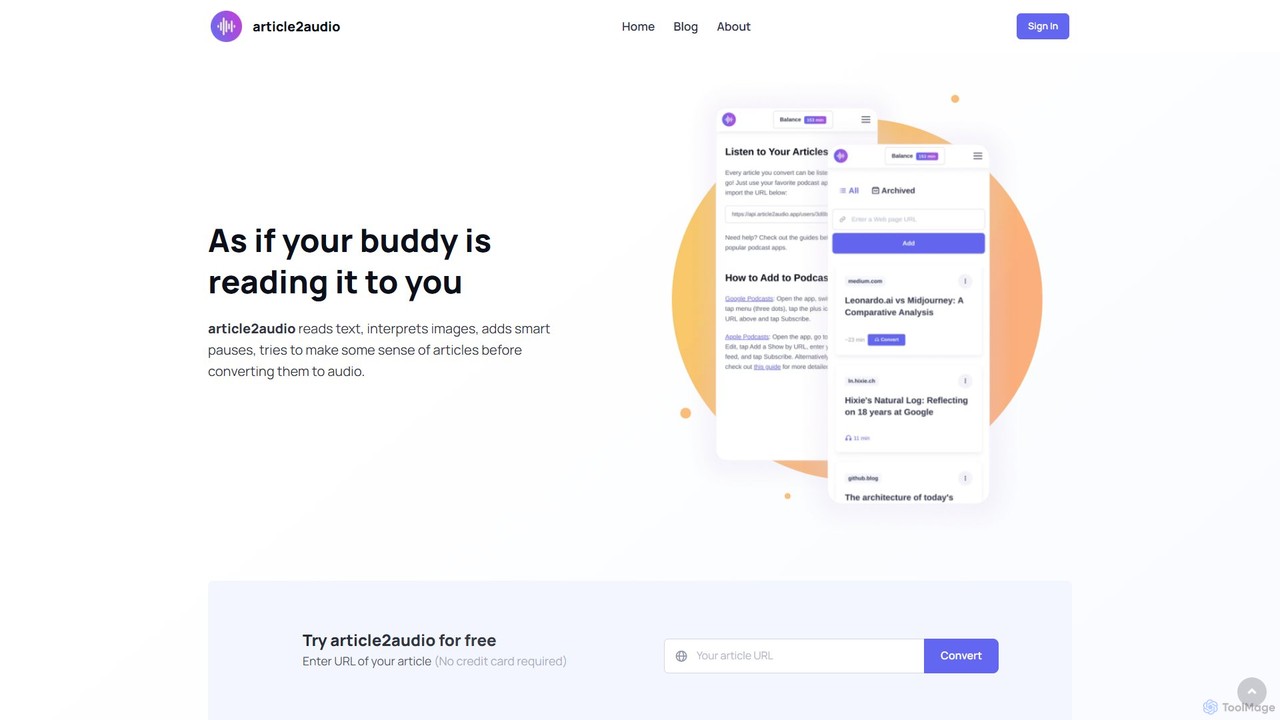
article2audio
article2audio is an advanced AI-powered text-to-speech tool that converts online articles into natural, human-like audio. It goes beyond simple narration by interpreting images, summarizing tables, and handling complex text like code. This makes listening to web content more engaging and informative, as if a friend were reading it to you. Ideal for turning your reading list into a personal podcast.
Voice Generation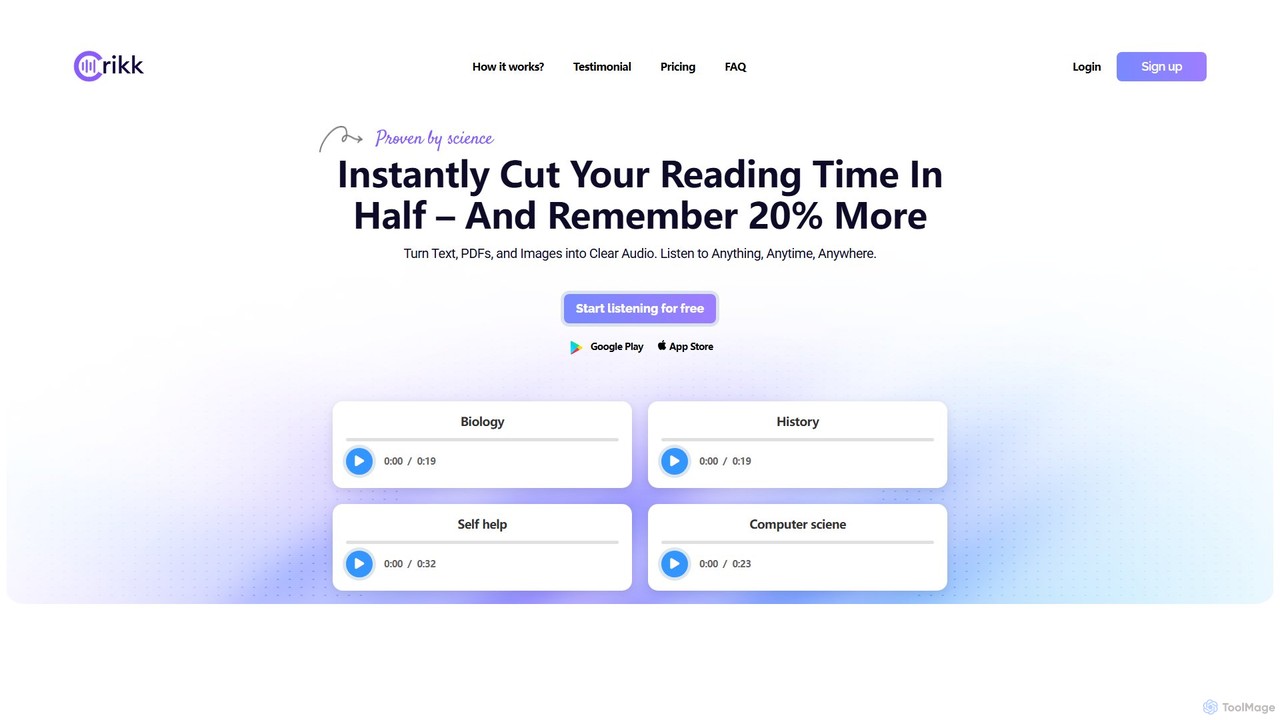
Crikk
Crikk is an AI-powered text-to-speech tool that converts documents, PDFs, and even images into natural-sounding audio. It's designed to enhance learning, boost productivity, and create professional voiceovers. With features like synchronized text highlighting, adjustable playback speed, and support for over 90 languages, Crikk makes it easy to listen to any content, anytime, anywhere, on web, Android, and iOS devices.
Voice Generation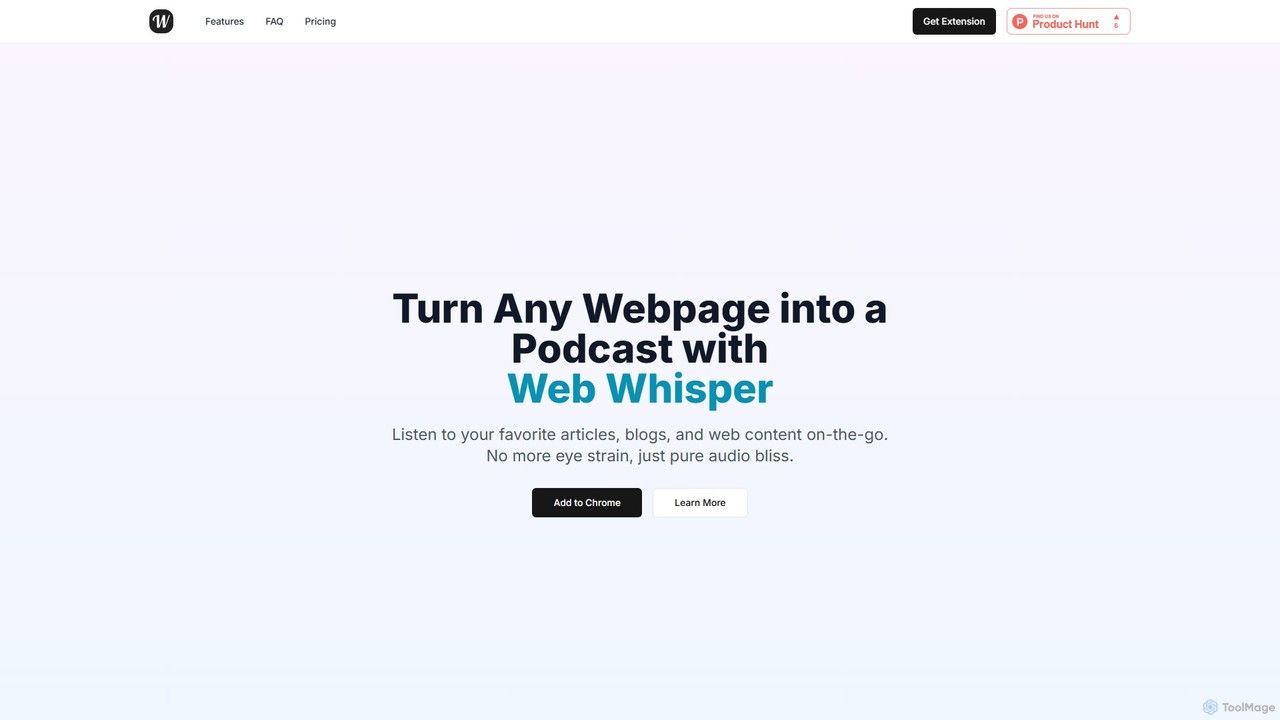
WebWhisper
WebWhisper is a free Chrome extension that instantly converts any webpage, article, or blog post into a high-quality audio podcast. It allows you to listen to web content on the go, create playlists for later, and even access them offline. With natural-sounding AI voices and automatic language detection, it transforms your reading experience into an effortless listening one, reducing eye strain and boosting productivity.
Screen ReaderOuttloud Categories
Outtloud Embed Widget
Copy this embed code to place the badge on your blog, article, or product site and send readers directly to this ToolMage detail page.

Related AI tools
article2audio
article2audio is an advanced AI-powered text-to-speech tool that converts online articles into natural, human-like audio. It goes beyond simple narration by interpreting images, summarizing tables, and handling complex text like code. This makes listening to web content more engaging and informative, as if a friend were reading it to you. Ideal for turning your reading list into a personal podcast.
Voice Generation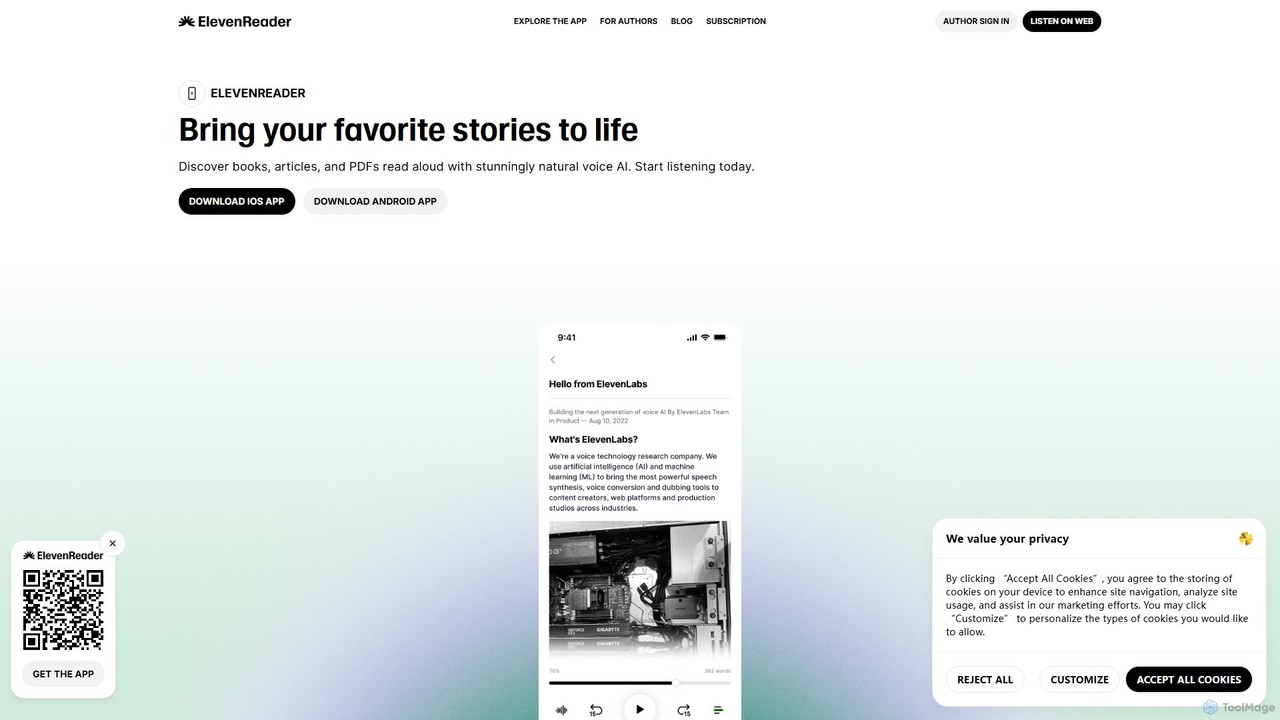
ElevenReader
ElevenReader is an advanced AI-powered text-to-speech application that converts any written text into incredibly natural-sounding audio. Leveraging the state-of-the-art voice synthesis technology from ElevenLabs, it allows you to listen to articles, documents, PDFs, and emails on the go. Ideal for multitasking, learning, and accessibility, ElevenReader transforms your reading material into a personal audiobook library with a wide range of lifelike voices and languages.
Reading Assistant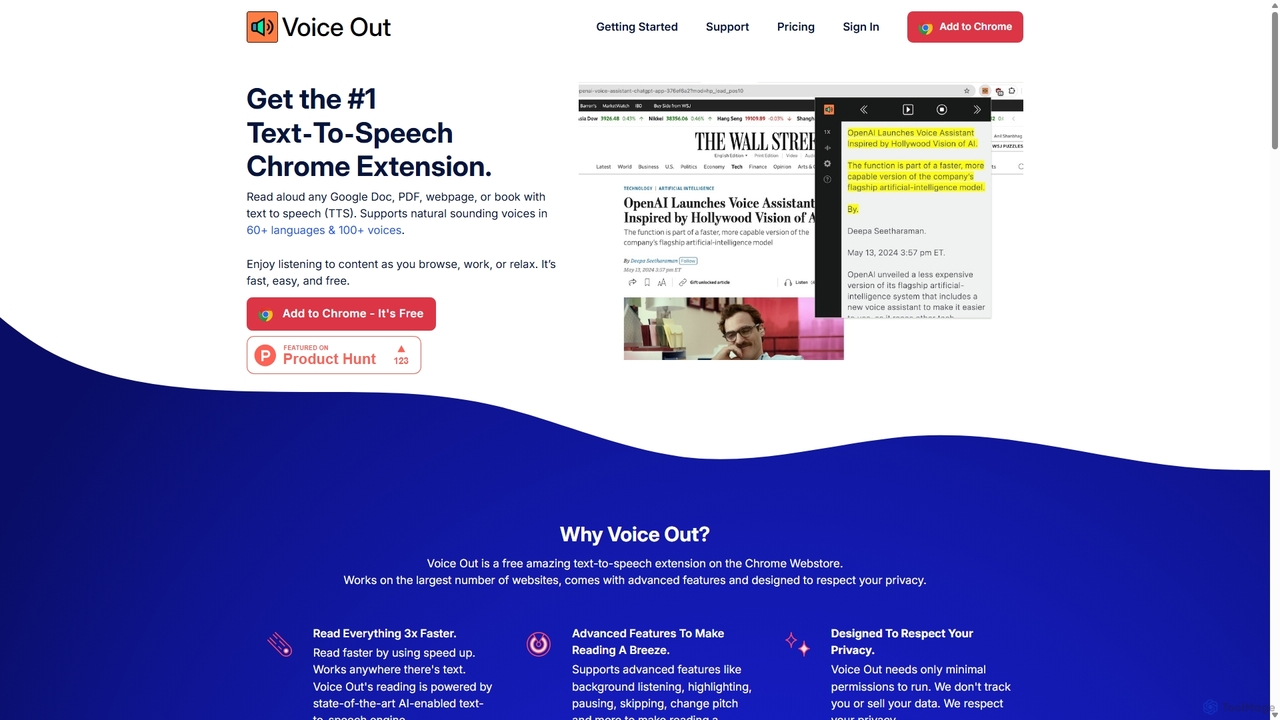
Voice Out
Voice Out is a leading text-to-speech (TTS) Chrome extension that converts any written content—from webpages and PDFs to Google Docs—into natural-sounding audio. Supporting over 60 languages with 100+ AI-powered voices, it enhances productivity, aids learning, and improves accessibility for all users. Listen to content while multitasking, proofread documents, or give your eyes a rest.
Screen Reader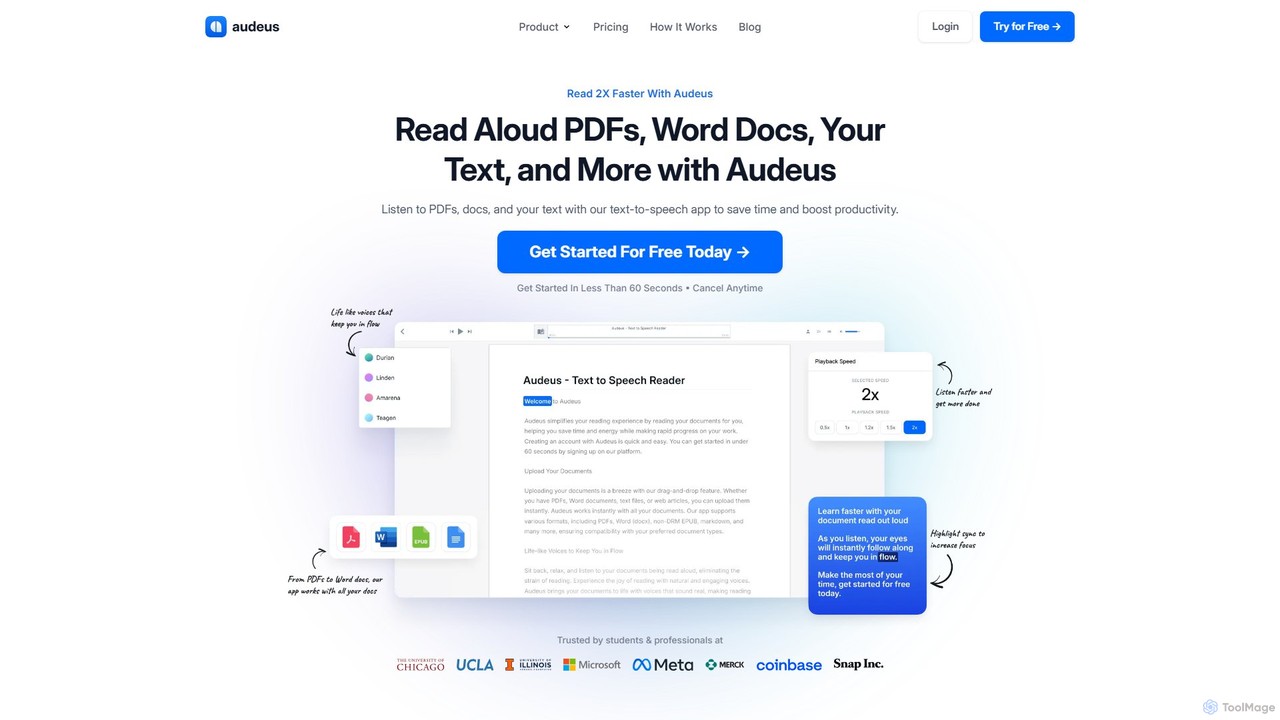
Audeus
Audeus is an advanced AI-powered text-to-speech (TTS) reader that transforms documents, web articles, and text into natural-sounding audio. It's designed for students, professionals, and anyone looking to increase productivity, improve focus, and absorb information more effectively. By listening and reading simultaneously with synced highlighting, users can double their reading speed, reduce eye strain, and enhance comprehension. It supports various formats like PDF, Word, and EPUB, and works seamlessly across devices.
Text To Speech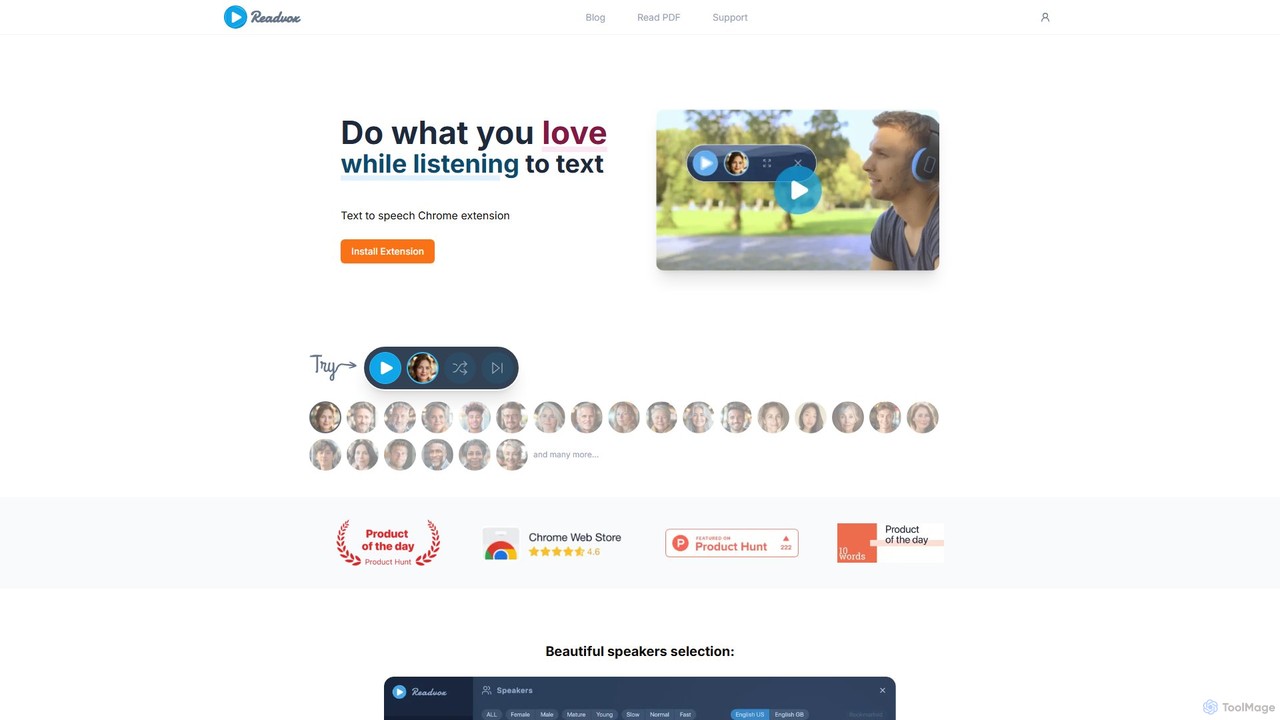
Readvox
Readvox is an AI-powered text-to-speech Chrome extension that converts web pages, PDFs, and Google Docs into natural-sounding audio. Listen to articles, books, and documents while multitasking, improving productivity and accessibility with its high-quality voices and customizable reading controls.
Chrome Extensions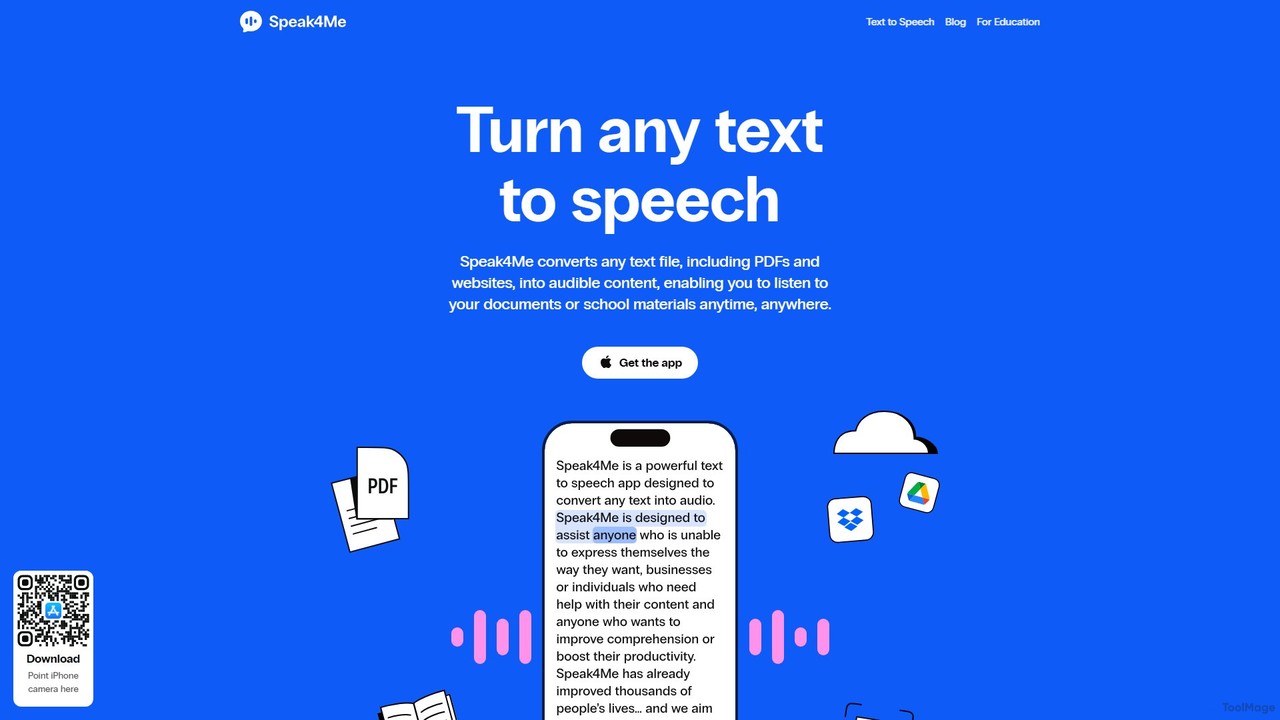
Speak4Me
Speak4Me is an advanced text-to-speech iOS app that converts any text from documents, websites, or scanned pages into natural-sounding audio. It features AI-powered chat for summarizing and querying documents, seamless cloud integration, and robust accessibility tools for users with dyslexia or ADHD. Listen to content on the go, increase productivity, and enhance your reading and learning experience.
Assistive Technology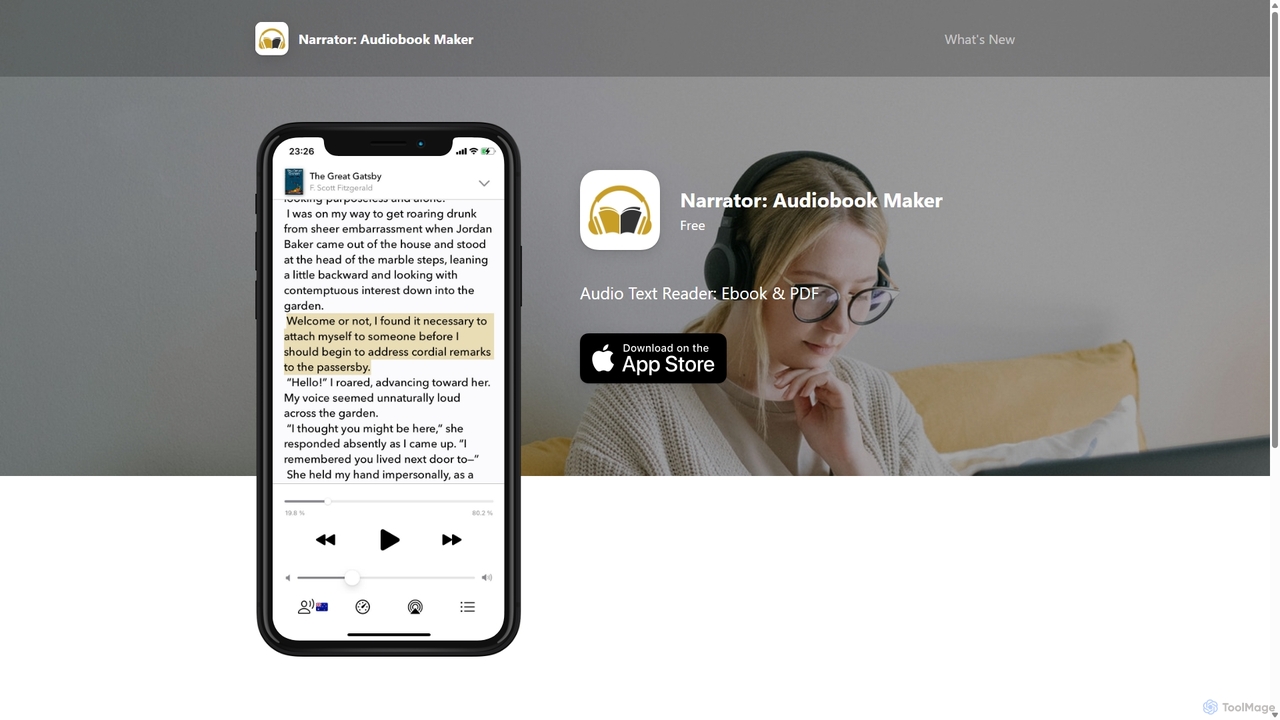
Narrator: Audiobook Maker
Narrator is an AI-powered mobile app that converts text from various formats like ePub, PDF, and DOCX into natural-sounding audiobooks. Supporting over 25 languages, it offers features like adjustable reading speed, AI-powered summaries, and premium voices, making it easy to listen to any document on the go.
Screen ReaderPeech
Peech is an AI-powered text-to-speech reader that converts any text, including web articles, PDFs, e-books, and even images, into high-quality, natural-sounding audio. Designed for individuals and publishers, it enhances productivity, accessibility for users with reading difficulties like dyslexia, and provides a cost-effective way to create audiobooks. Available on iOS, Android, and as a Chrome extension.
Reading AidClipboard TTS
An advanced text-to-speech application for Windows and Linux that automatically reads text from your clipboard. It features natural voices, auto-translation, OCR, and extensive accessibility tools, including dyslexia-friendly options, to create a seamless and powerful reading experience.
Reading Aid
Jyek
Jyek is an AI agent platform that understands objectives, creates execution plans, uses tools, and delivers verifiable results for complex, multi-step tasks.
Automation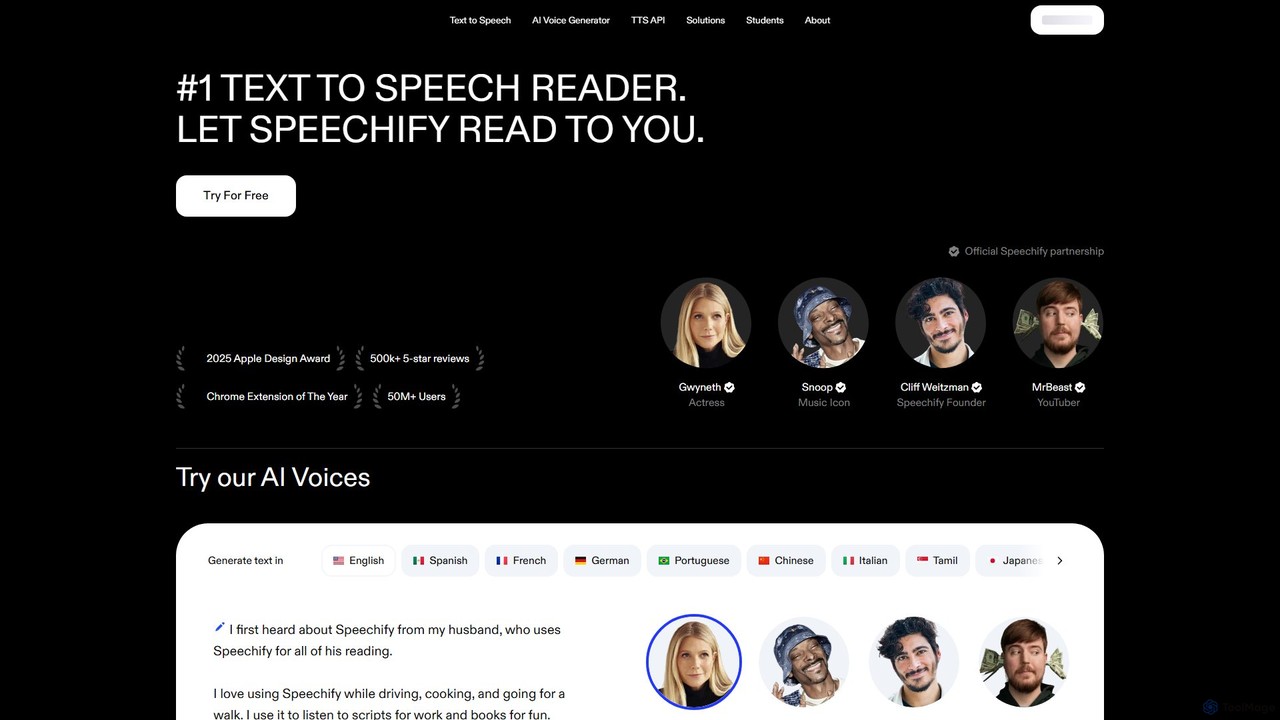
Speechify
Speechify is a leading AI-powered text-to-speech (TTS) reader that transforms any text into natural-sounding audio. It helps users listen to documents, articles, PDFs, and emails on any device, boosting productivity and making content more accessible. Ideal for students, professionals, and anyone with reading difficulties like dyslexia.
Text To Speech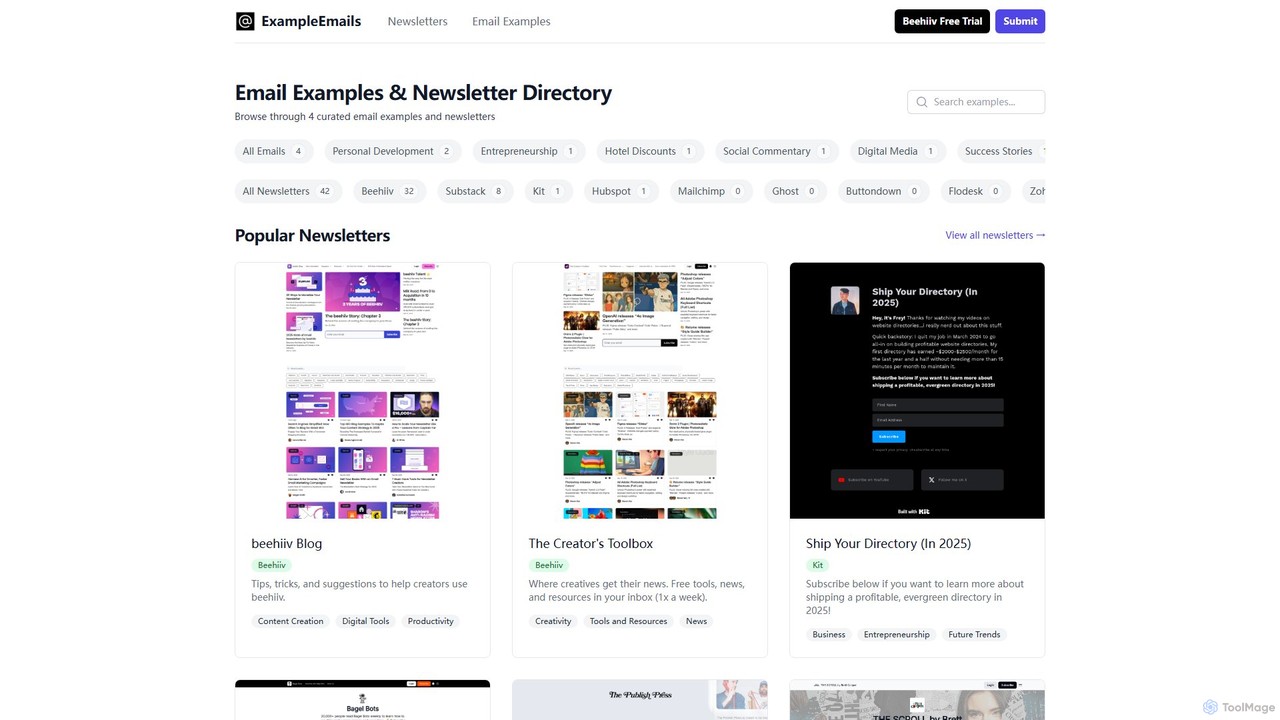
newsletter2podcast
Effortlessly convert your favorite email newsletters into engaging podcasts. Using advanced AI-powered text-to-speech, newsletter2podcast transforms written content into high-quality, natural-sounding audio, allowing you to listen to your subscriptions on the go. Perfect for busy professionals, commuters, and auditory learners.
Text To SpeechCrikk
Crikk is an AI-powered text-to-speech tool that converts documents, PDFs, and even images into natural-sounding audio. It's designed to enhance learning, boost productivity, and create professional voiceovers. With features like synchronized text highlighting, adjustable playback speed, and support for over 90 languages, Crikk makes it easy to listen to any content, anytime, anywhere, on web, Android, and iOS devices.
Voice GenerationWebWhisper
WebWhisper is a free Chrome extension that instantly converts any webpage, article, or blog post into a high-quality audio podcast. It allows you to listen to web content on the go, create playlists for later, and even access them offline. With natural-sounding AI voices and automatic language detection, it transforms your reading experience into an effortless listening one, reducing eye strain and boosting productivity.
Screen Reader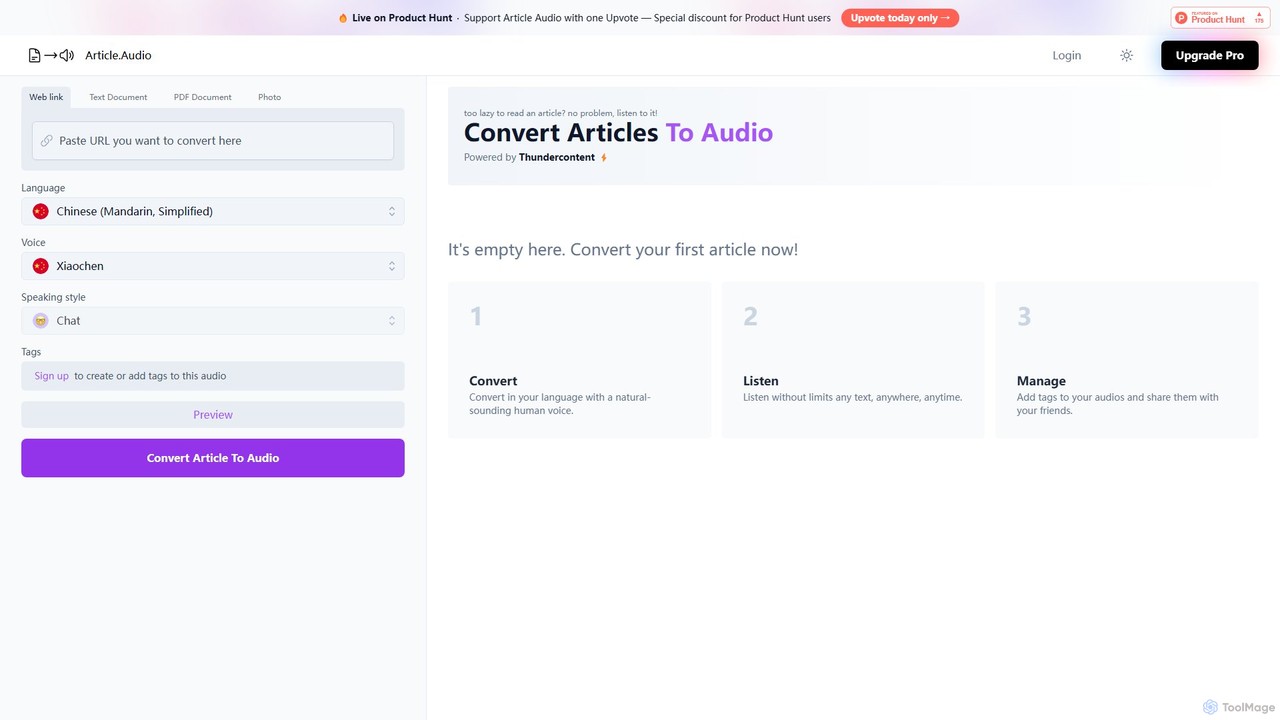
Article Audio
Article Audio is an AI-powered tool that instantly converts any web article into high-quality, natural-sounding audio. Choose from a wide range of languages and voices to listen to content on the go, making it perfect for multitasking, learning, and accessibility.
Reading Aid
Outtloud Comments (0)
Sign in to comment.
Sign inNo comments yet.