
Speak4Me Overview
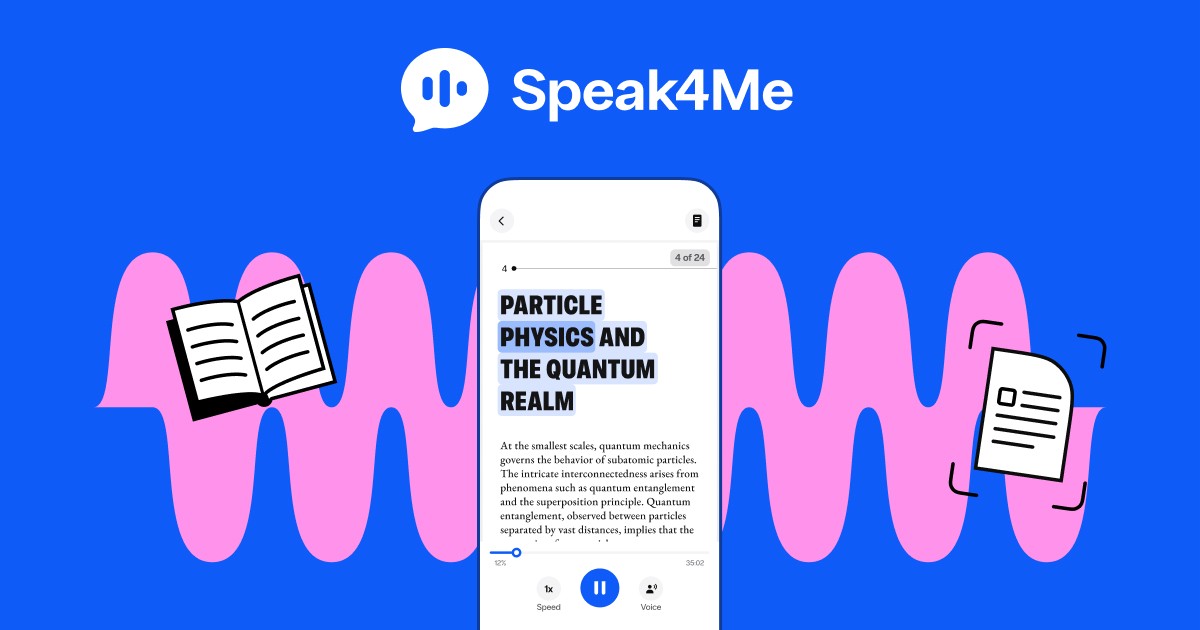
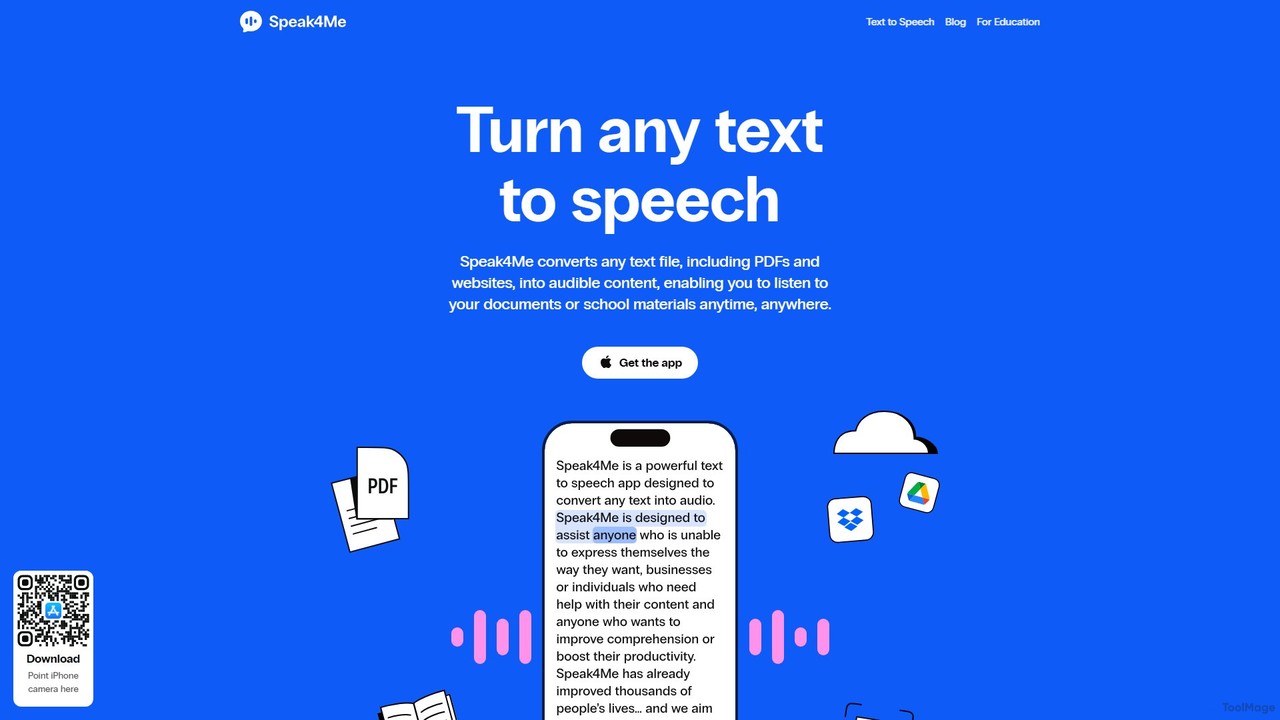
Speak4Me is a cutting-edge text-to-speech (TTS) application designed for iOS devices, transforming the way users interact with written content. It expertly converts any text—from PDFs and web articles to physical documents—into high-quality, natural-sounding audio. This allows you to listen to your documents, books, or study materials anytime, anywhere, turning reading into a dynamic auditory experience. Beyond simple narration, Speak4Me integrates advanced AI with its unique 'ChatWithMe' feature, enabling you to ask questions about your documents and receive instant, detailed answers or concise summaries. It's an indispensable tool for students, professionals, and anyone looking to boost productivity or overcome reading challenges.
How to use Speak4Me
Using Speak4Me is intuitive and straightforward, designed for a seamless user experience on your iPhone or iPad:
- Download and Install: Get the Speak4Me app from the Apple App Store.
- Import Your Content: You have multiple ways to add text. You can upload files like PDFs, eBooks, or text documents directly from your device or cloud services like iCloud, Google Drive, and Dropbox. Alternatively, use the in-app browser to open a web page or simply paste the URL.
- Scan Physical Documents: Use your device's camera to scan any physical text, such as a book page, a letter, or a handout. The app's OCR technology will digitize the text and prepare it for reading.
- Listen and Customize: Press the play button to start listening. You can choose from a variety of natural-sounding AI voices, adjust the playback speed (up to 2x faster than average reading), and even select a dyslexia-friendly font to improve readability.
- Interact with AI: For deeper understanding, use the 'ChatWithMe' feature. Ask questions about the content (e.g., "What are the main arguments in this paper?") and get instant AI-generated summaries or answers, which you can also have read aloud.
Core Features of Speak4Me
- Versatile Text-to-Speech: Converts a wide range of formats, including PDFs, eBooks, web articles, and text files, into audible speech.
- Advanced OCR Scanning: Digitize and listen to physical books, notes, and documents using your device's camera.
- High-Quality AI Voices: Features a selection of natural and expressive voices across different languages and accents (including US, UK, Brazil, Spain, France).
- AI Chat & Summarizer: The innovative 'ChatWithMe' feature allows you to interact with your documents, ask questions, and generate concise summaries on the fly.
- Seamless Cloud Integration: Easily access and import your files from iCloud, Google Drive, and Dropbox for a connected workflow.
- Customizable Reading Experience: Adjust listening speed, choose preferred voices, and utilize iOS widgets for quick access.
- Powerful Accessibility Support: Specifically designed to help individuals with reading difficulties like dyslexia and ADHD, featuring tools like a special dyslexia font and focused listening.
- Offline Mode: Download your audio files to listen to your content without needing an internet connection.
Use Cases for Speak4Me
Speak4Me is a versatile tool suitable for a wide audience:
- Students: Listen to textbooks, research papers, and lecture notes to improve comprehension and retention. Use the AI chat to quickly summarize chapters or clarify complex concepts for homework and exam preparation.
- Professionals: Catch up on reports, emails, and industry articles during your commute or while multitasking at the gym or home.
- Content Creators: Quickly digest long-form articles and research to generate ideas and repurpose content efficiently.
- Individuals with Reading Disabilities: An essential aid for users with dyslexia, ADHD, or other neurodivergent conditions, making written content accessible and reducing cognitive load.
- Visually Impaired Users: Provides an effective way to access and consume written information from both digital and physical sources.
- Language Learners: Improve listening skills and practice pronunciation by hearing text read aloud in a native accent.
Advantages of Speak4Me
Speak4Me stands out by offering a holistic and integrated experience. Its primary advantage is combining high-fidelity TTS with powerful AI interaction. This allows users not just to listen, but to understand and engage with their content more deeply. The seamless integration with cloud services and robust OCR capabilities make it an all-in-one solution for converting any text to audio. Furthermore, its strong focus on accessibility makes it an inclusive tool that empowers users of all abilities to learn and be more productive.
Pricing and Plans
Speak4Me operates on a freemium model. Users can download the app for free to access core text-to-speech functionalities. For advanced features such as unlimited document scanning, premium AI voices, and extensive use of the 'ChatWithMe' AI assistant, a premium subscription is available. The platform also offers a special program, 'Speak4Me for Education', providing free access for schools to make learning more accessible for everyone. For the most up-to-date pricing on the premium plans, please check the Speak4Me page on the Apple App Store.
Traffic
Latest traffic
Status
Monthly traffic trend
- 2025-9: 4.1K
- 2026-1: 5.4K
- 2026-2: 7.1K
- 2026-3: 7.9K
- 2026-4: 7.6K
- 2026-5: 6.8K
Geography
Top 5 countries / regions
- 🇺🇸United States38.2%
- 🇮🇳India24.7%
- 🇬🇧United Kingdom19.3%
- 🇳🇬Nigeria17.8%
Top keywords
| Keyword | Cost per click |
|---|---|
| ai for mute people | $0.00 |
| an application that would read a text to show the stress and the intonation | $0.00 |
| speak4me | $1.58 |
| speak for me | $0.64 |
| text to speech for dyslexia kids | $0.00 |
Speak4Me Alternatives
Crikk
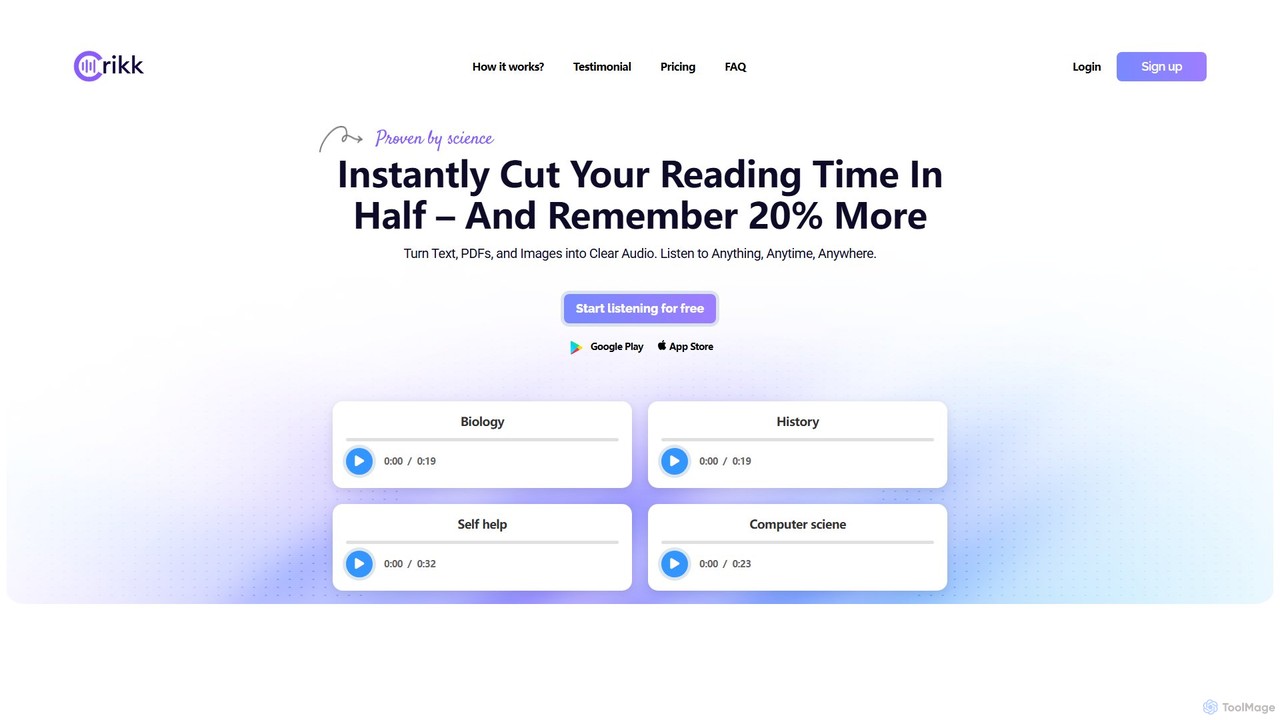
Crikk is an AI-powered text-to-speech tool that converts documents, PDFs, and even images into natural-sounding audio. It's designed to enhance learning, boost productivity, and create professional voiceovers. With features like synchronized text highlighting, adjustable playback speed, and support for over 90 languages, Crikk makes it easy to listen to any content, anytime, anywhere, on web, Android, and iOS devices.
Voice Generation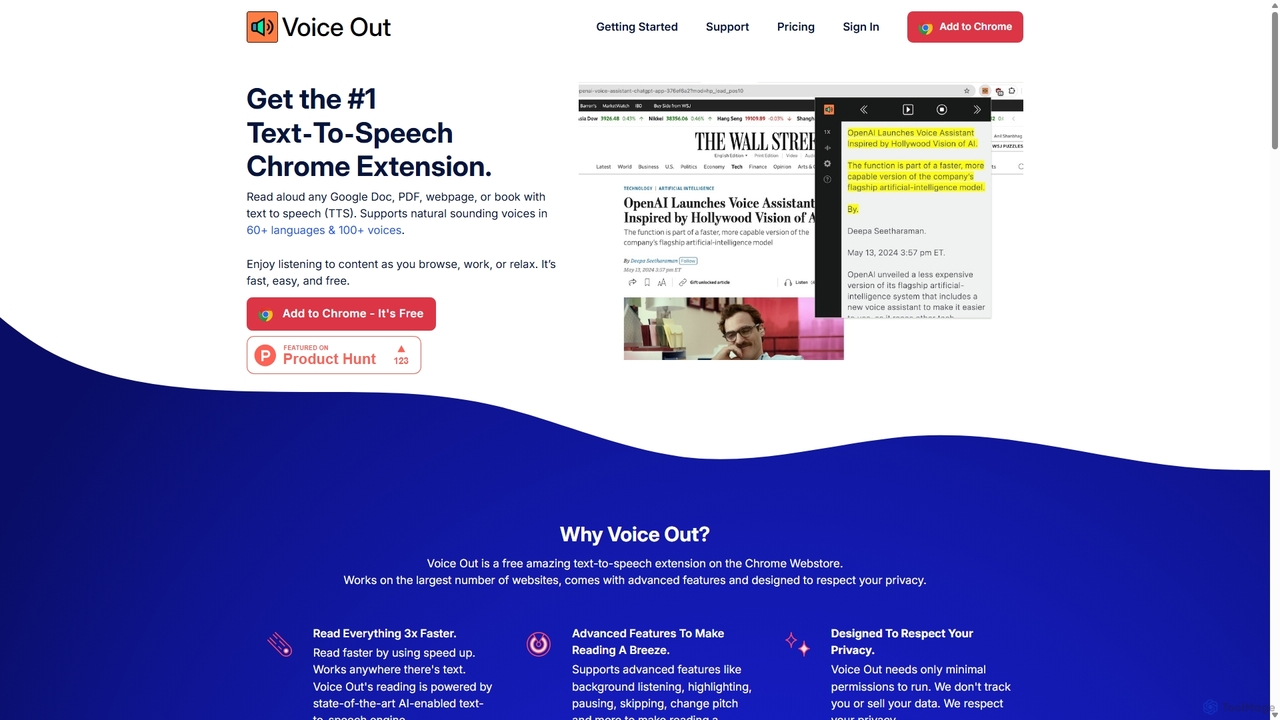
Voice Out
Voice Out is a leading text-to-speech (TTS) Chrome extension that converts any written content—from webpages and PDFs to Google Docs—into natural-sounding audio. Supporting over 60 languages with 100+ AI-powered voices, it enhances productivity, aids learning, and improves accessibility for all users. Listen to content while multitasking, proofread documents, or give your eyes a rest.
Screen Reader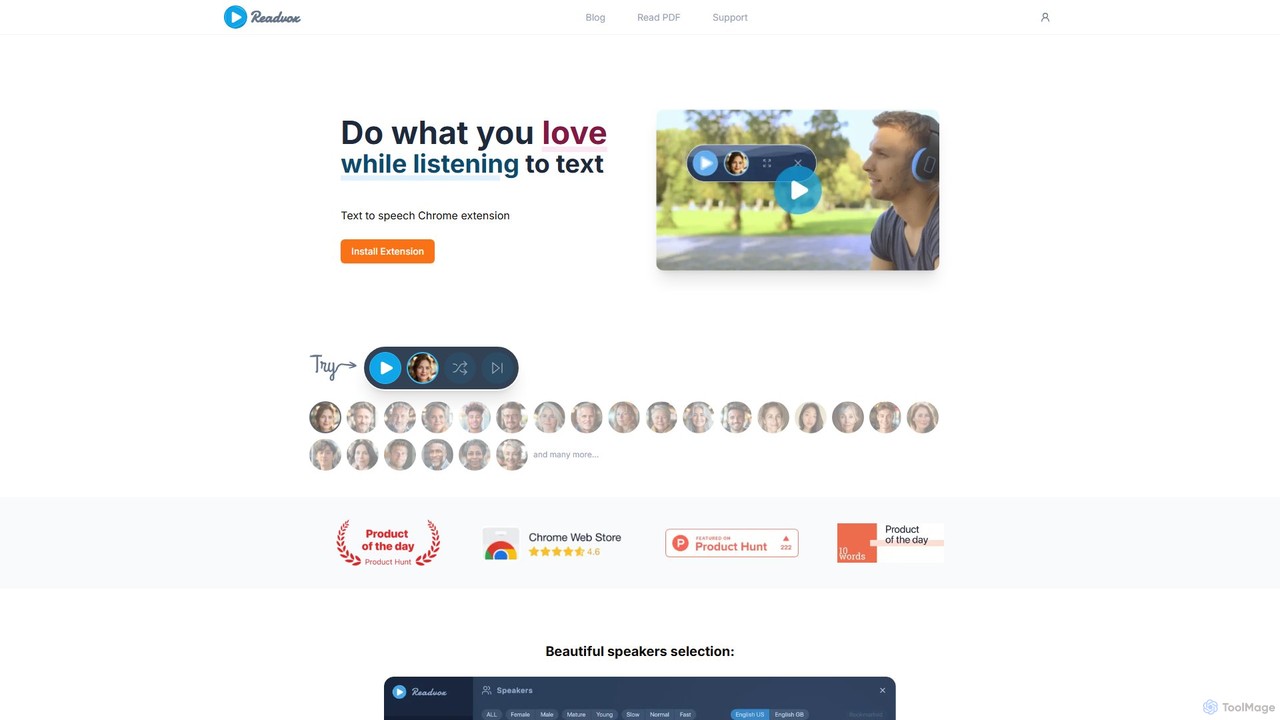
Readvox
Readvox is an AI-powered text-to-speech Chrome extension that converts web pages, PDFs, and Google Docs into natural-sounding audio. Listen to articles, books, and documents while multitasking, improving productivity and accessibility with its high-quality voices and customizable reading controls.
Chrome Extensions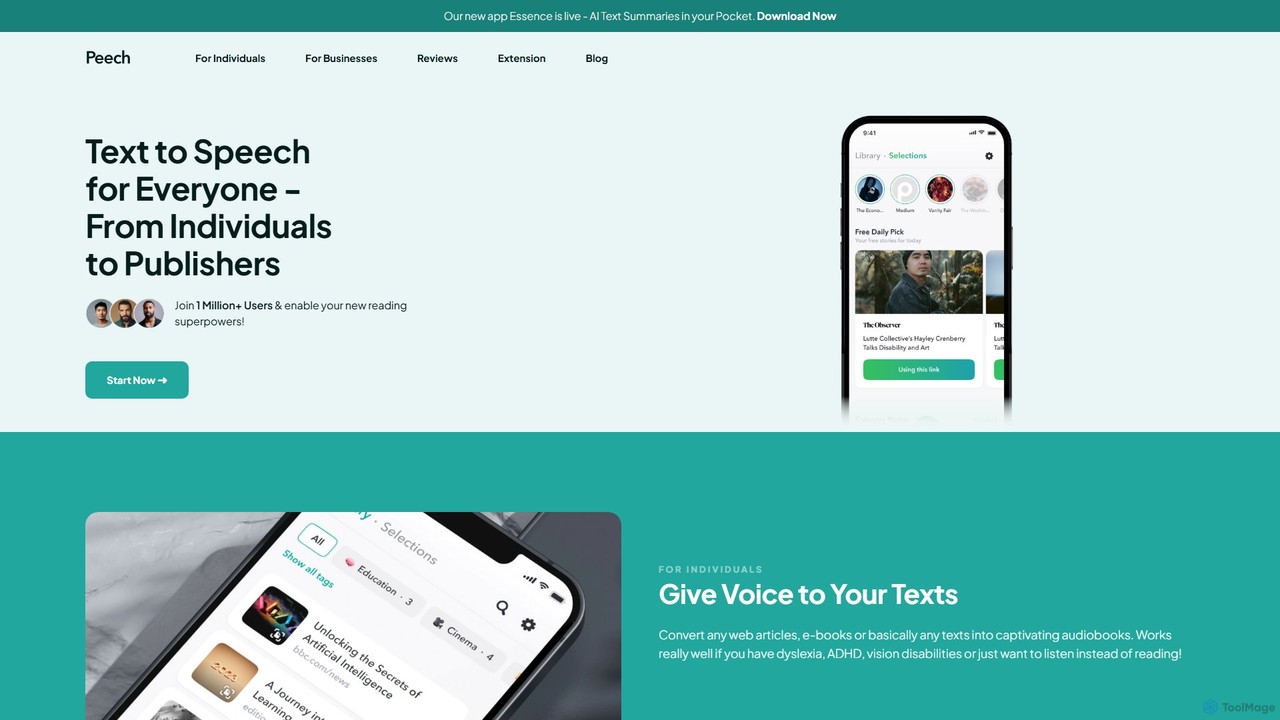
Peech
Peech is an AI-powered text-to-speech reader that converts any text, including web articles, PDFs, e-books, and even images, into high-quality, natural-sounding audio. Designed for individuals and publishers, it enhances productivity, accessibility for users with reading difficulties like dyslexia, and provides a cost-effective way to create audiobooks. Available on iOS, Android, and as a Chrome extension.
Reading Aid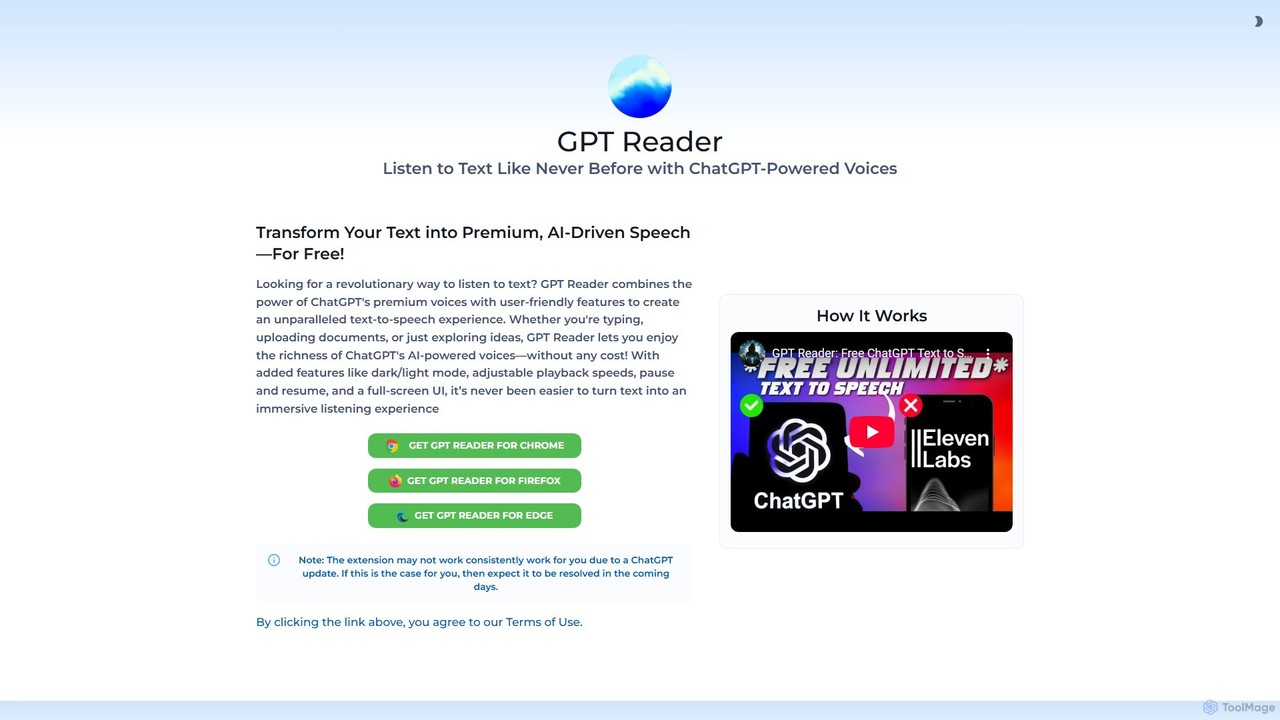
GPT Reader
A free text-to-speech browser extension that uses premium, natural-sounding voices from ChatGPT. Convert articles, documents, and any selected text into high-quality audio for enhanced productivity and accessibility.
Screen ReaderSpeak4Me Categories
Speak4Me Embed Widget
Copy this embed code to place the badge on your blog, article, or product site and send readers directly to this ToolMage detail page.

Related AI tools
Crikk
Crikk is an AI-powered text-to-speech tool that converts documents, PDFs, and even images into natural-sounding audio. It's designed to enhance learning, boost productivity, and create professional voiceovers. With features like synchronized text highlighting, adjustable playback speed, and support for over 90 languages, Crikk makes it easy to listen to any content, anytime, anywhere, on web, Android, and iOS devices.
Voice GenerationVoice Out
Voice Out is a leading text-to-speech (TTS) Chrome extension that converts any written content—from webpages and PDFs to Google Docs—into natural-sounding audio. Supporting over 60 languages with 100+ AI-powered voices, it enhances productivity, aids learning, and improves accessibility for all users. Listen to content while multitasking, proofread documents, or give your eyes a rest.
Screen Reader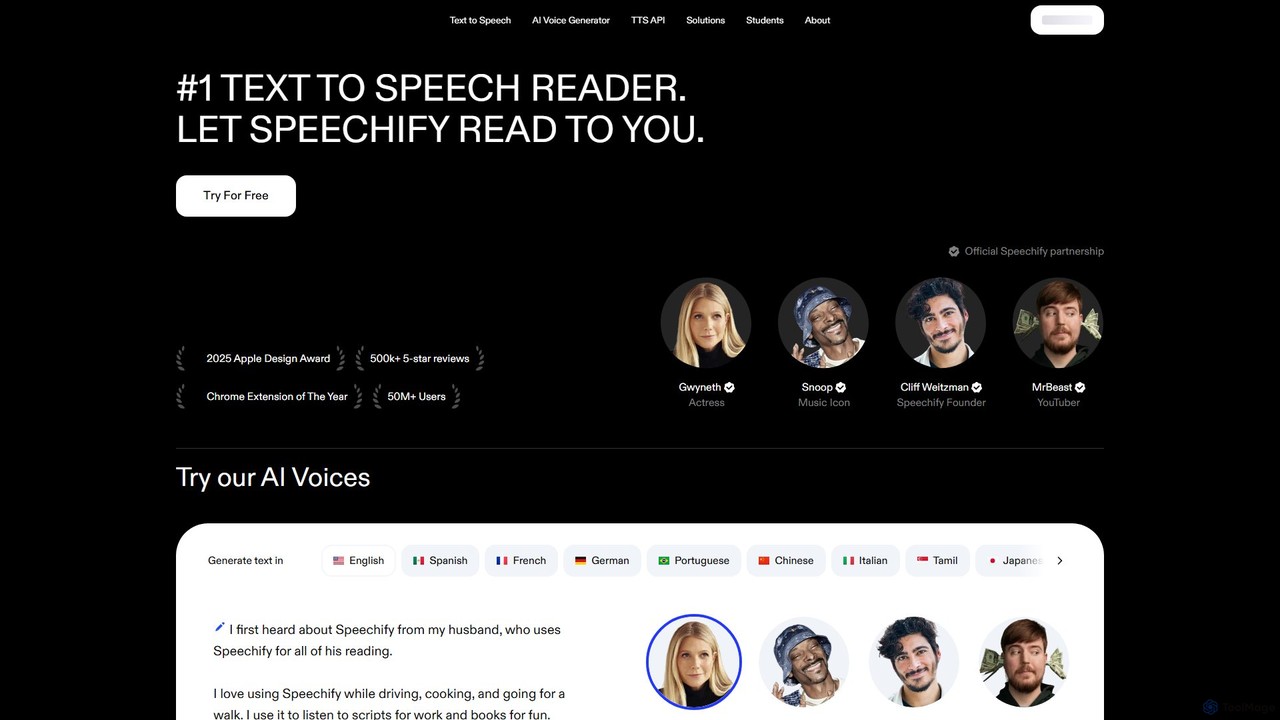
Speechify
Speechify is a leading AI-powered text-to-speech (TTS) reader that transforms any text into natural-sounding audio. It helps users listen to documents, articles, PDFs, and emails on any device, boosting productivity and making content more accessible. Ideal for students, professionals, and anyone with reading difficulties like dyslexia.
Text To SpeechReadvox
Readvox is an AI-powered text-to-speech Chrome extension that converts web pages, PDFs, and Google Docs into natural-sounding audio. Listen to articles, books, and documents while multitasking, improving productivity and accessibility with its high-quality voices and customizable reading controls.
Chrome ExtensionsPeech
Peech is an AI-powered text-to-speech reader that converts any text, including web articles, PDFs, e-books, and even images, into high-quality, natural-sounding audio. Designed for individuals and publishers, it enhances productivity, accessibility for users with reading difficulties like dyslexia, and provides a cost-effective way to create audiobooks. Available on iOS, Android, and as a Chrome extension.
Reading AidGPT Reader
A free text-to-speech browser extension that uses premium, natural-sounding voices from ChatGPT. Convert articles, documents, and any selected text into high-quality audio for enhanced productivity and accessibility.
Screen Reader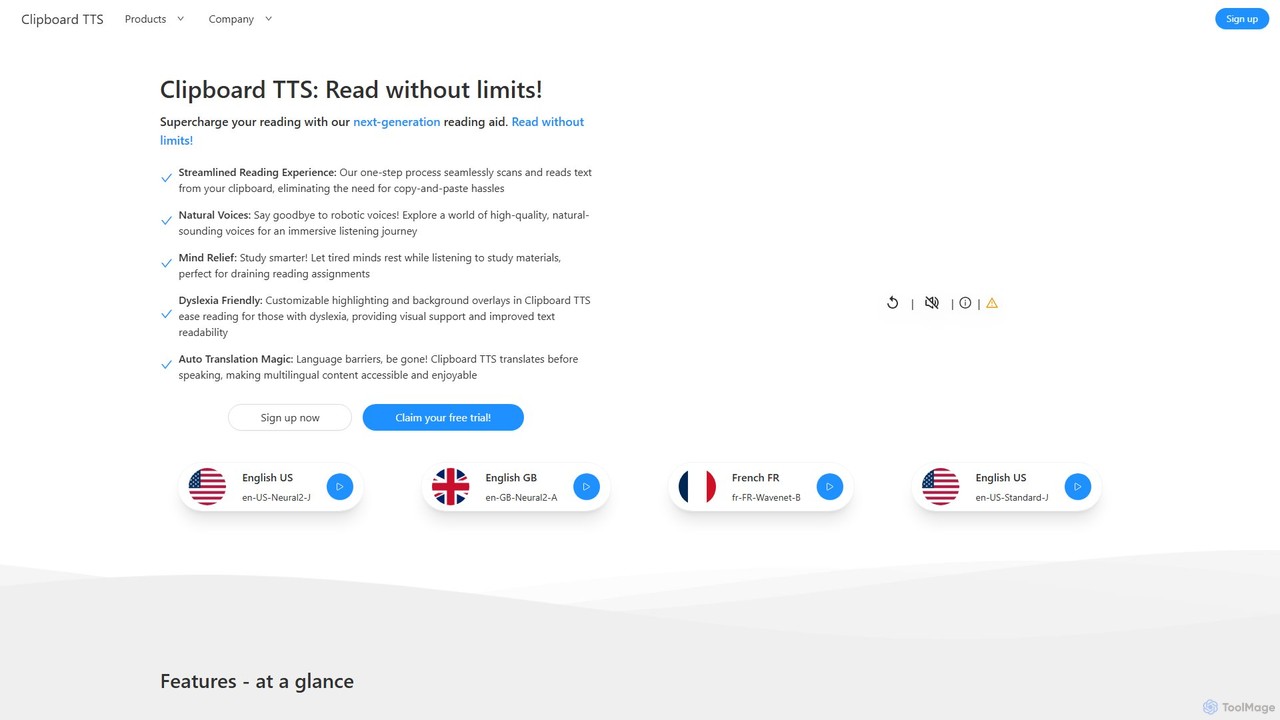
Clipboard TTS
An advanced text-to-speech application for Windows and Linux that automatically reads text from your clipboard. It features natural voices, auto-translation, OCR, and extensive accessibility tools, including dyslexia-friendly options, to create a seamless and powerful reading experience.
Reading Aid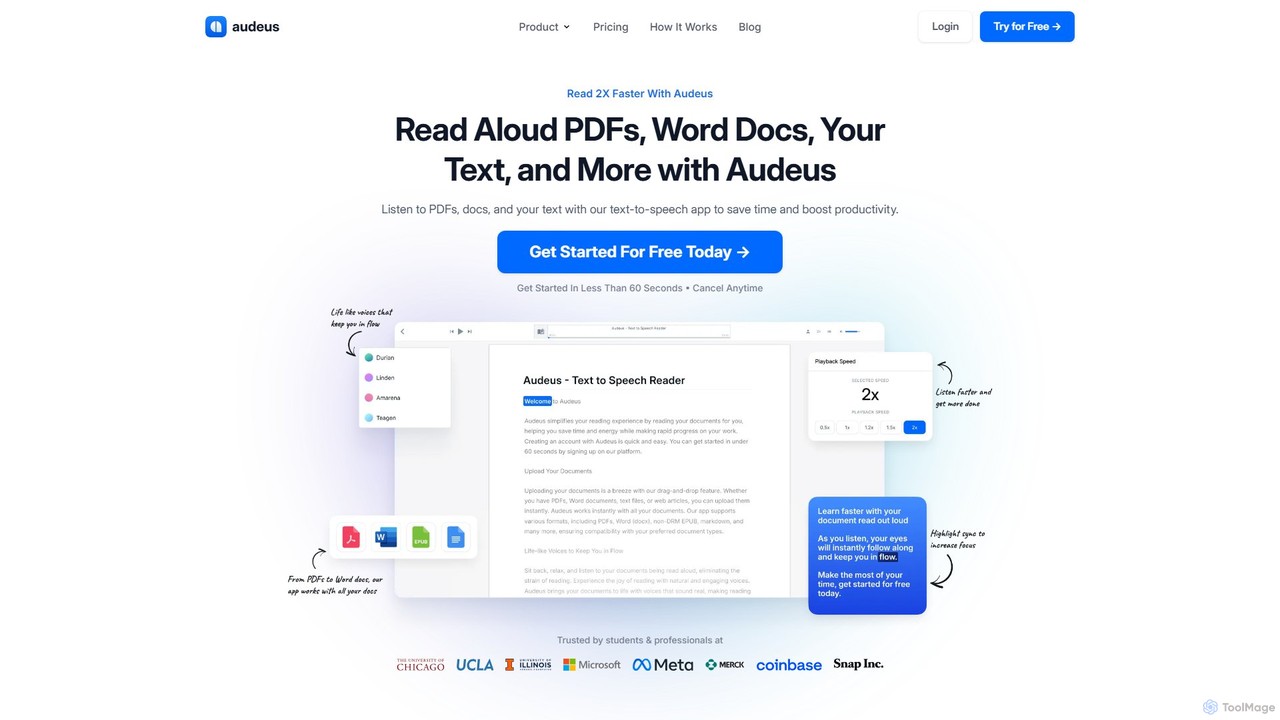
Audeus
Audeus is an advanced AI-powered text-to-speech (TTS) reader that transforms documents, web articles, and text into natural-sounding audio. It's designed for students, professionals, and anyone looking to increase productivity, improve focus, and absorb information more effectively. By listening and reading simultaneously with synced highlighting, users can double their reading speed, reduce eye strain, and enhance comprehension. It supports various formats like PDF, Word, and EPUB, and works seamlessly across devices.
Text To Speech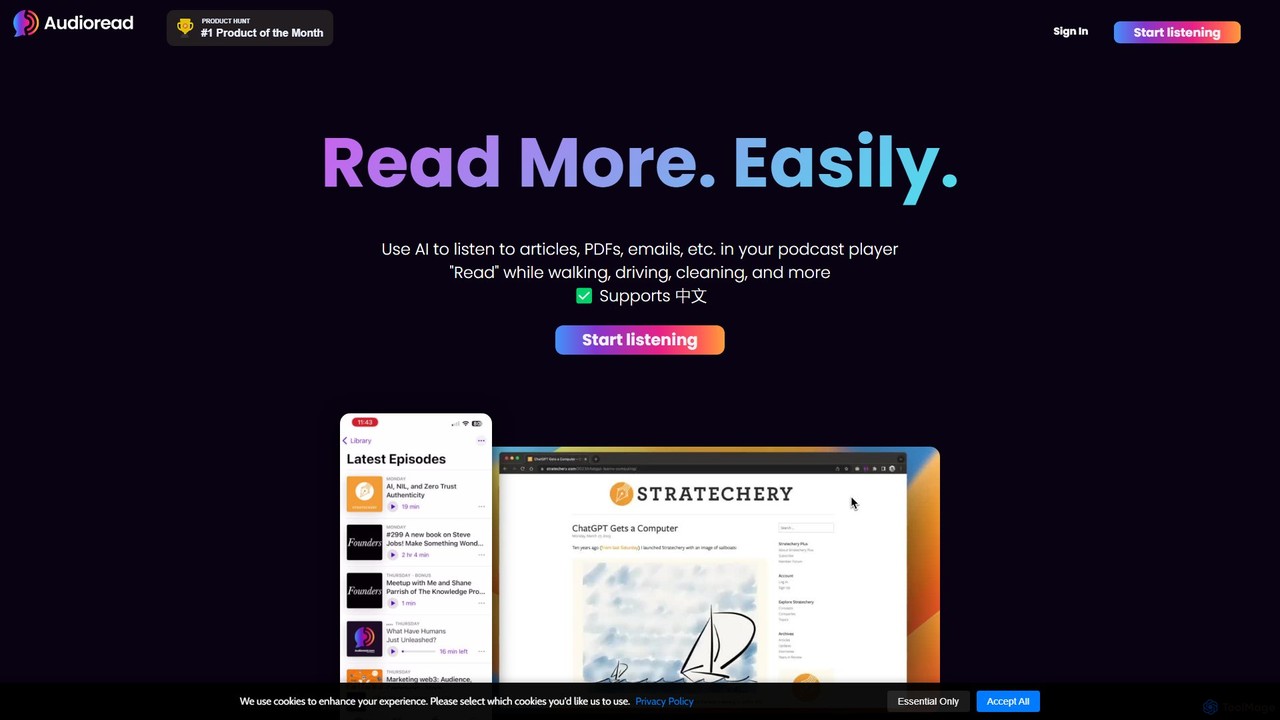
Audioread
Audioread is an advanced AI text-to-speech tool that converts any text—articles, PDFs, emails, and more—into ultra-realistic, natural-sounding audio. Listen on the go via your favorite podcast app, the web player, or by downloading MP3s. It's designed for long-form listening, helping busy individuals multitask and consume content efficiently.
Text To Speech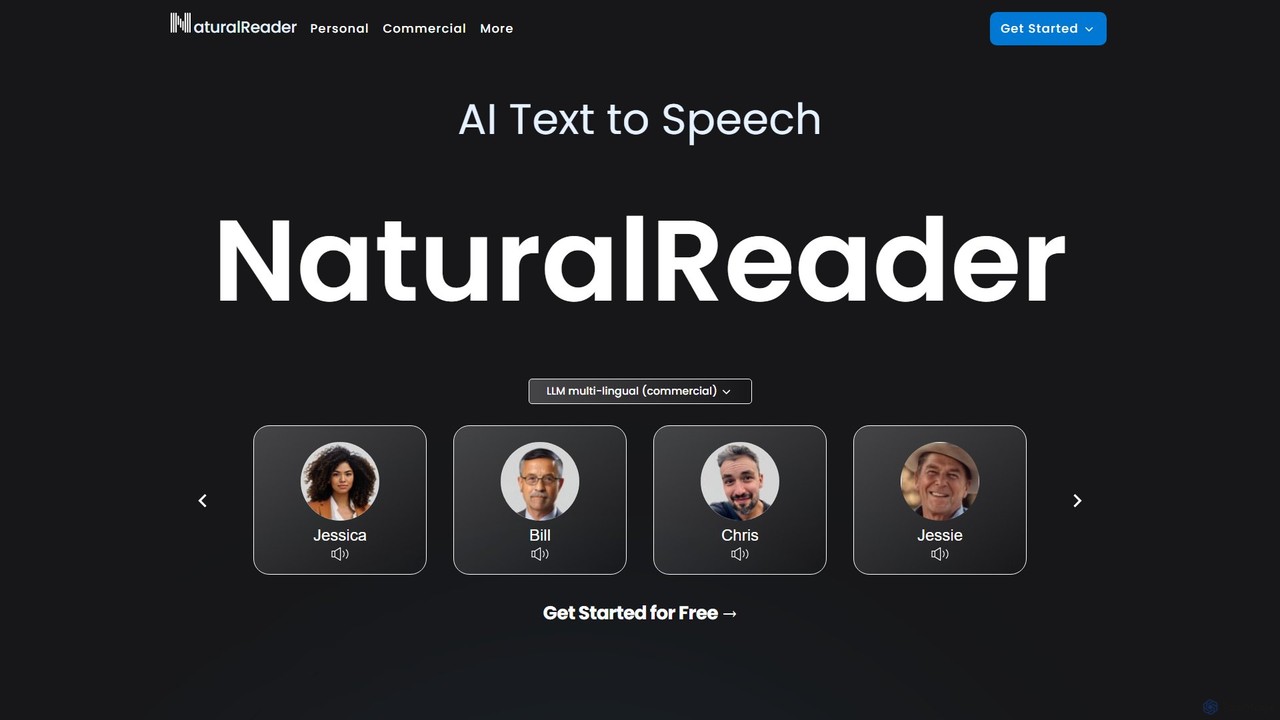
NaturalReader
NaturalReader is an advanced AI text-to-speech platform that converts text, PDFs, and webpages into natural-sounding audio. It leverages LLM technology for high-quality, multi-lingual voices and offers features like voice cloning, OCR, and commercial voiceover creation. It's designed for personal, educational, and professional use across web, mobile, and browser extensions.
Voice Generation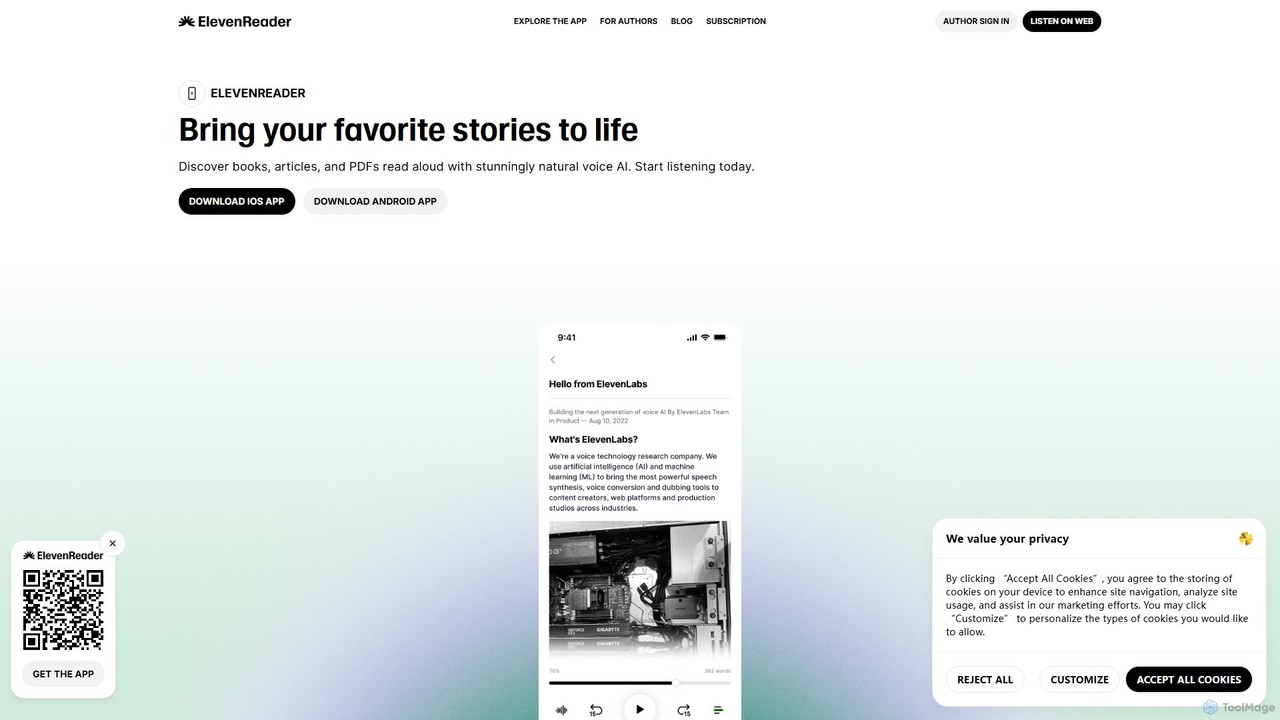
ElevenReader
ElevenReader is an advanced AI-powered text-to-speech application that converts any written text into incredibly natural-sounding audio. Leveraging the state-of-the-art voice synthesis technology from ElevenLabs, it allows you to listen to articles, documents, PDFs, and emails on the go. Ideal for multitasking, learning, and accessibility, ElevenReader transforms your reading material into a personal audiobook library with a wide range of lifelike voices and languages.
Reading Assistant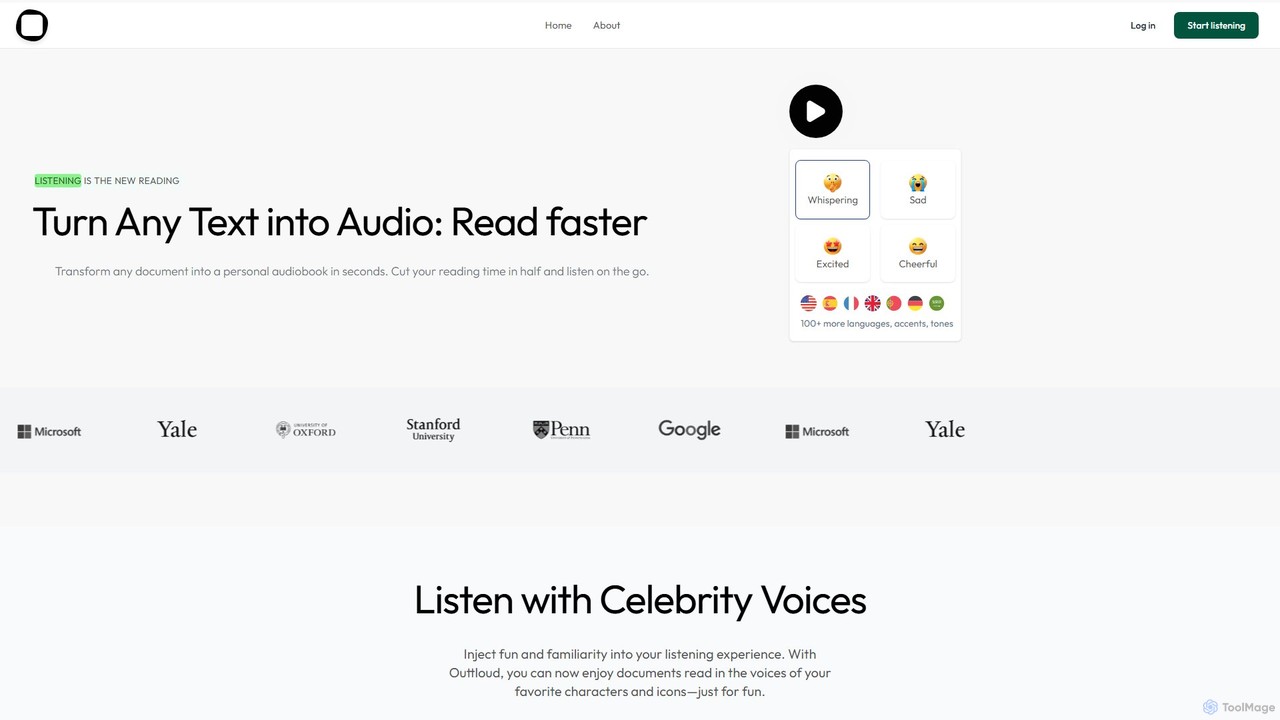
Outtloud
Outtloud is an AI-powered text-to-speech tool that converts any document (PDF, EPUB) or web content into high-quality, natural-sounding audio. It features over 100 voices in 50+ languages, emotional tones, and even celebrity voice clones. Designed for productivity and accessibility, it can create AI podcasts from web searches, generate summaries, and includes tools for bookmarking and annotation, making it ideal for students, researchers, and busy professionals.
Reading Aid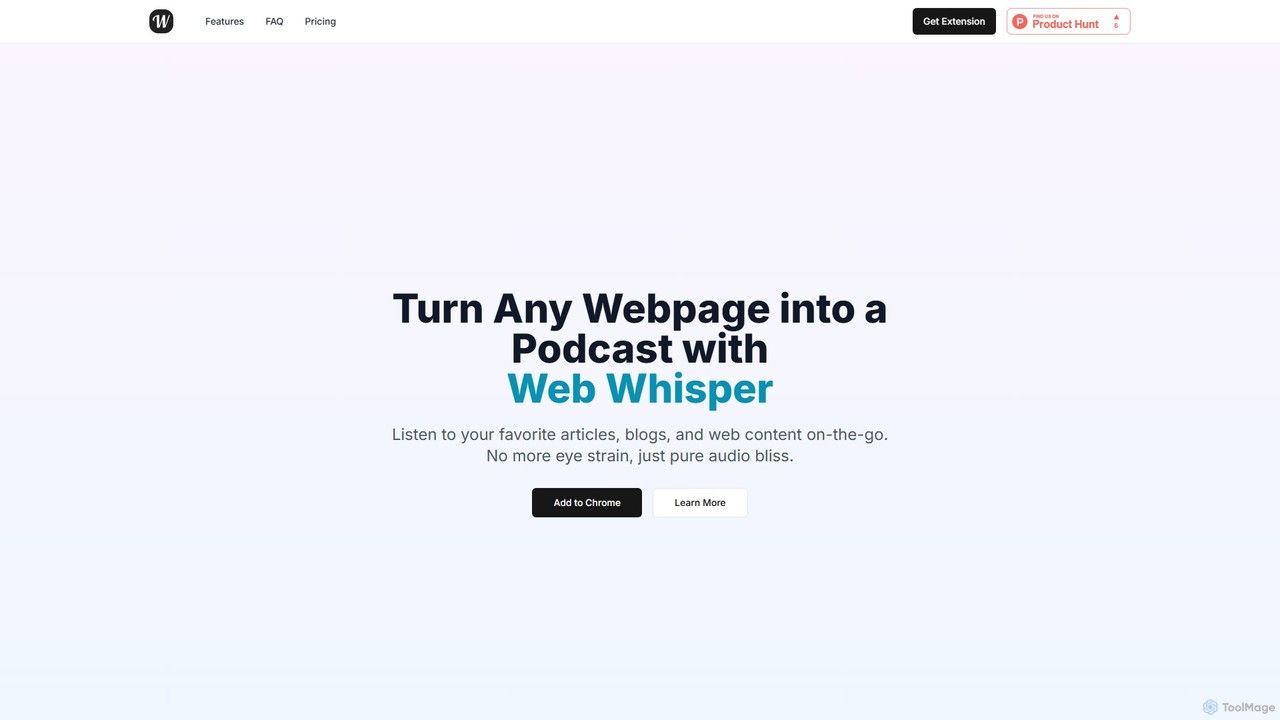
WebWhisper
WebWhisper is a free Chrome extension that instantly converts any webpage, article, or blog post into a high-quality audio podcast. It allows you to listen to web content on the go, create playlists for later, and even access them offline. With natural-sounding AI voices and automatic language detection, it transforms your reading experience into an effortless listening one, reducing eye strain and boosting productivity.
Screen Reader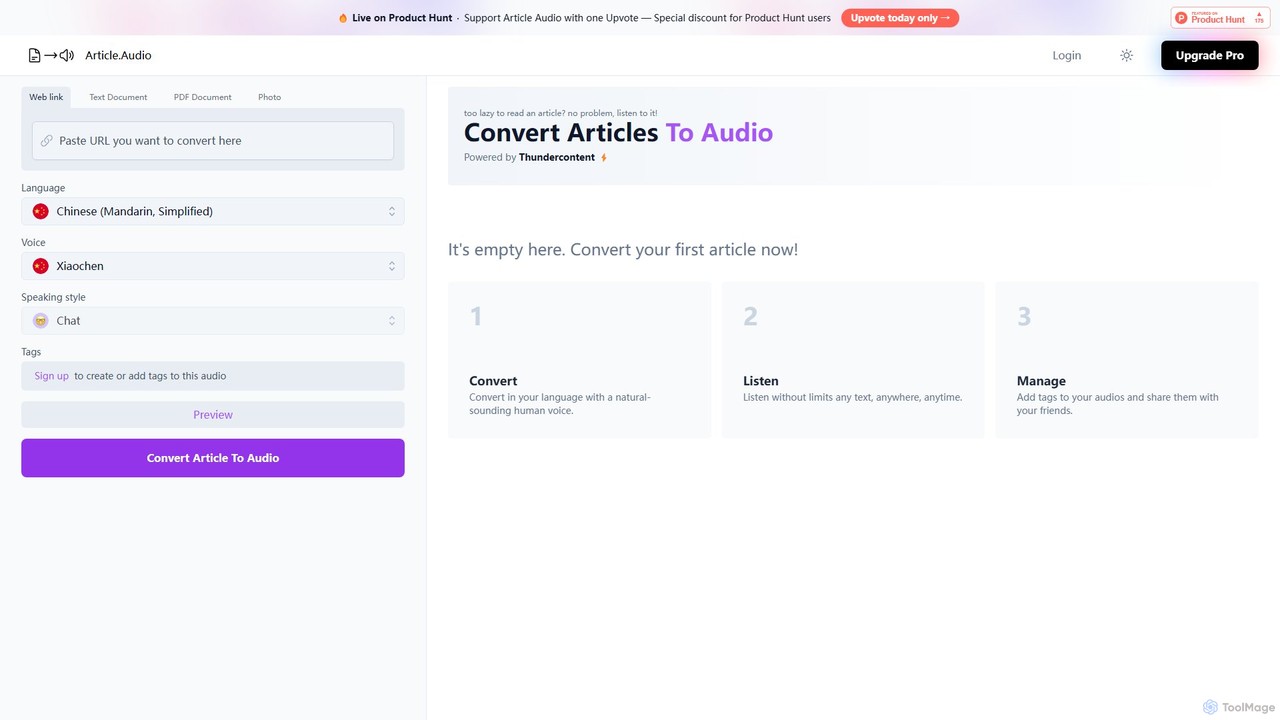
Article Audio
Article Audio is an AI-powered tool that instantly converts any web article into high-quality, natural-sounding audio. Choose from a wide range of languages and voices to listen to content on the go, making it perfect for multitasking, learning, and accessibility.
Reading Aid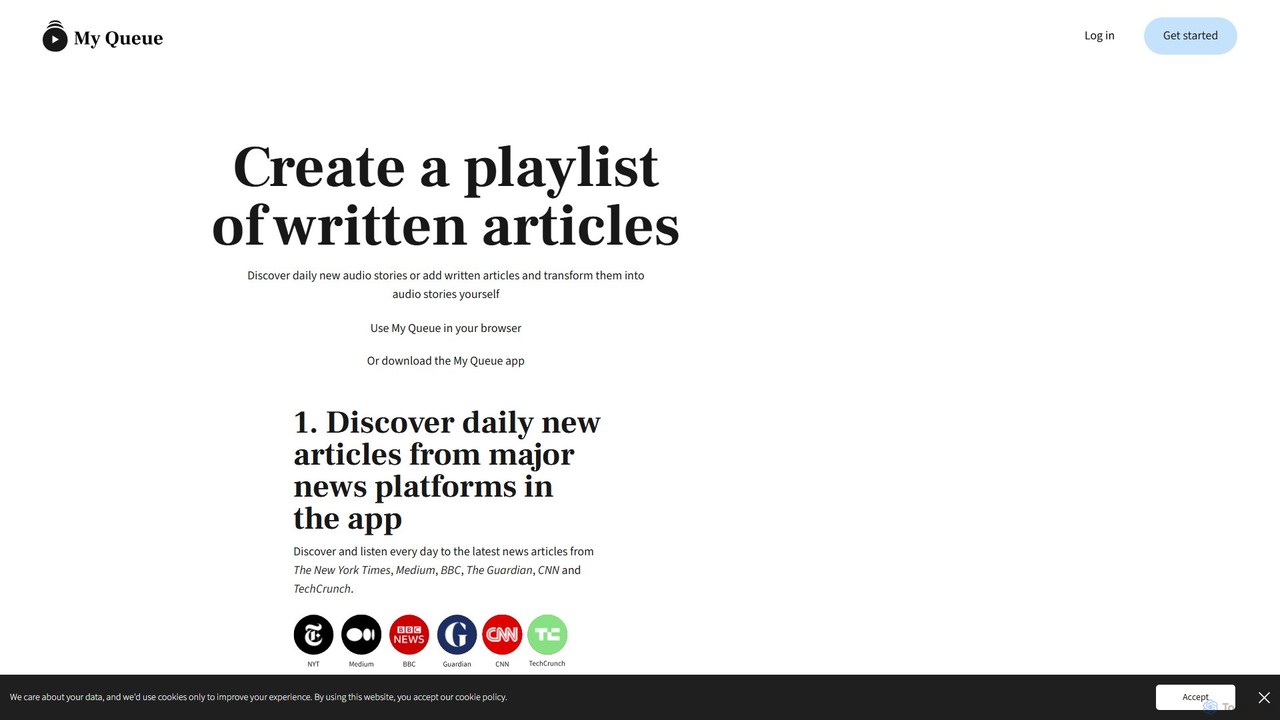
My Queue
My Queue transforms written articles from the web into a personal audio playlist. Save content from news sites and blogs using a browser extension or by pasting a link. Listen on the go with mobile and desktop apps to reduce screen time. It supports 48 languages, offers customizable playback, and helps you stay informed while multitasking.
Audio Generation
Speak4Me Comments (0)
Sign in to comment.
Sign inNo comments yet.