ToolMage
Sign in

Best 3 Reading Assistant for Education

Popular Reading Assistant in Education include Speak4Me, getbooknotes, and Narrator: Audiobook Maker, helping you work more efficiently.

Narrator: Audiobook Maker
Freemium

Narrator: Audiobook Maker

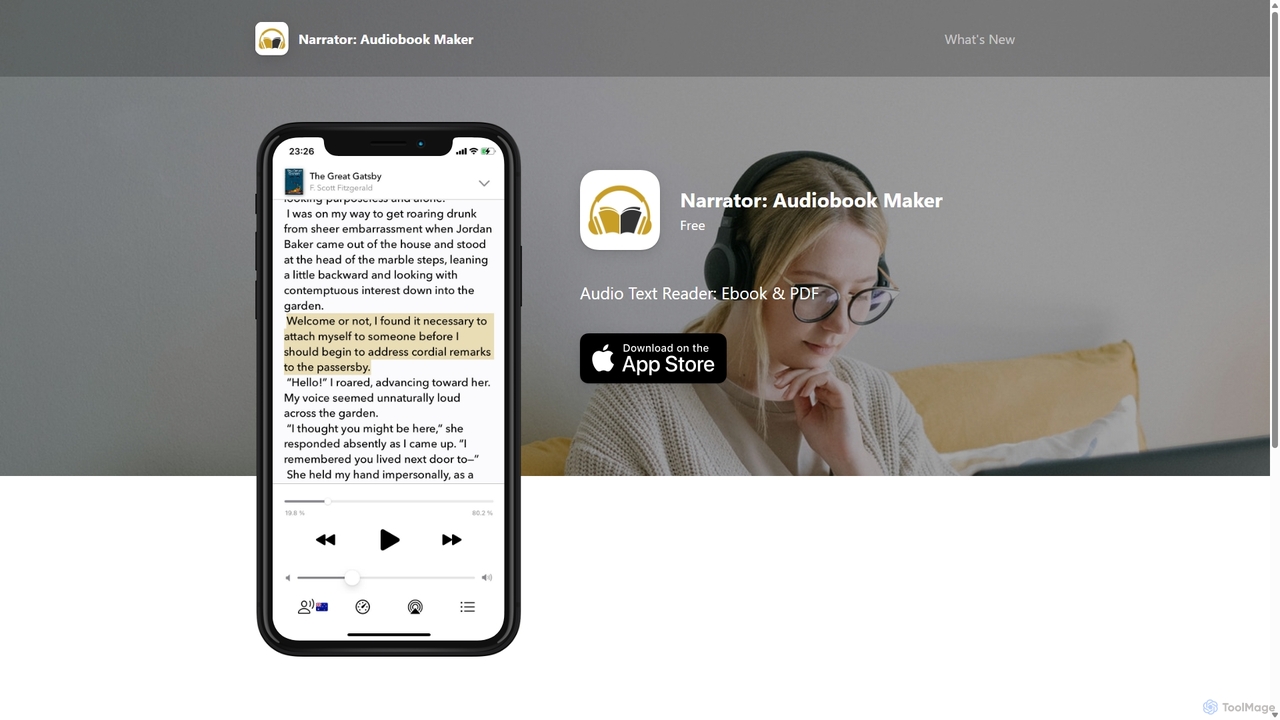
Narrator is an AI-powered mobile app that converts text from various formats like ePub, PDF, and DOCX into natural-sounding audiobooks. Supporting over 25 languages, it offers features like adjustable reading speed, AI-powered summaries, and premium voices, making it easy to listen to any document on the go.

Screen Reader
Visits 6.4KFavorites 113Likes 124
getbooknotes
Freemium

getbooknotes

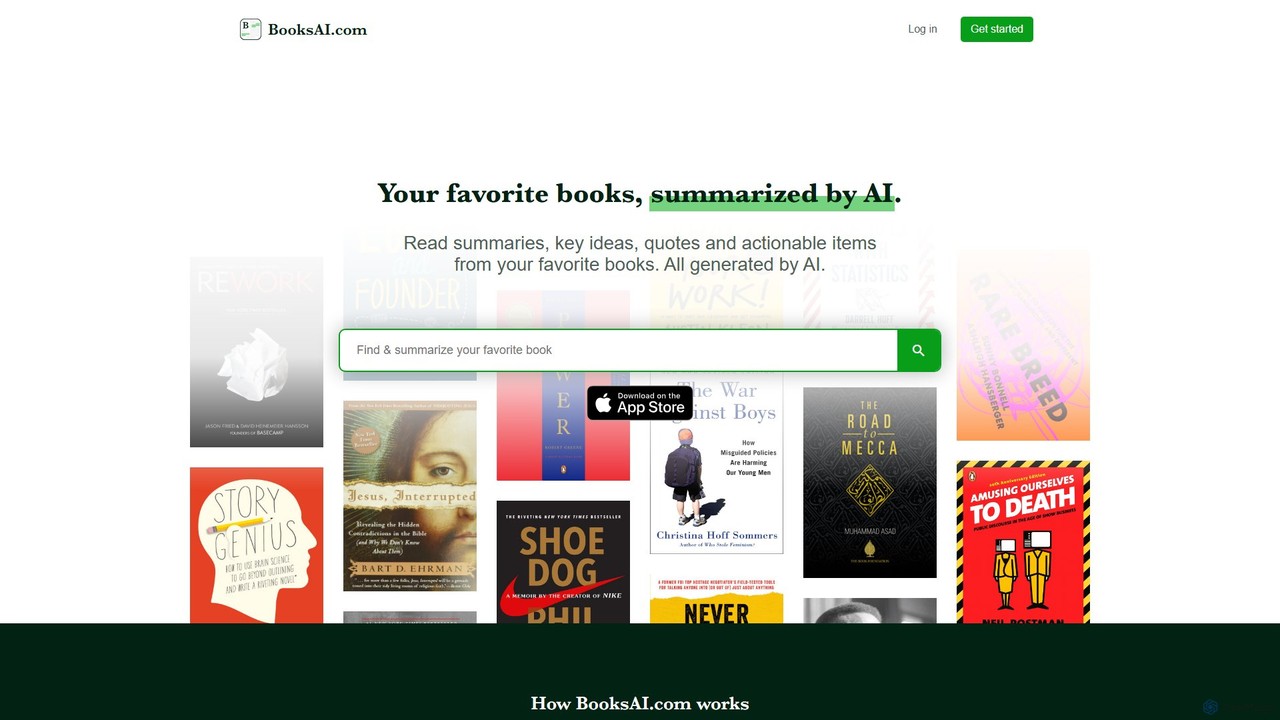
getbooknotes (BooksAI.com) is an AI-powered platform that transforms your reading experience. It generates concise summaries, key ideas, quotes, and actionable insights from a vast library of books. Go beyond static summaries with its unique feature that allows you to chat directly with books and your own documents, making learning faster, more interactive, and highly efficient.

Chat
Visits 8.1KFavorites 126Likes 132
Speak4Me
Freemium

Speak4Me

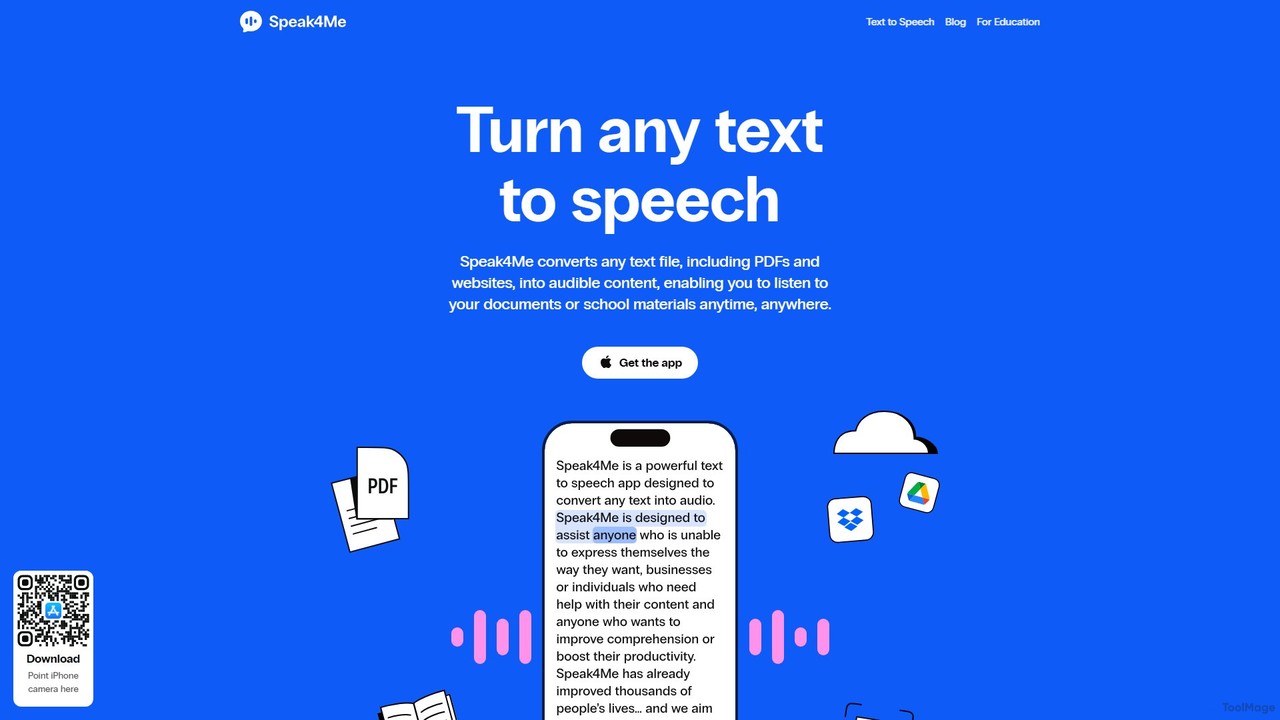
Speak4Me is an advanced text-to-speech iOS app that converts any text from documents, websites, or scanned pages into natural-sounding audio. It features AI-powered chat for summarizing and querying documents, seamless cloud integration, and robust accessibility tools for users with dyslexia or ADHD. Listen to content on the go, increase productivity, and enhance your reading and learning experience.

Assistive Technology
Visits 11.3KFavorites 132Likes 135

About Reading Assistant

Reading Assistant tools are AI-powered applications designed to enhance comprehension, speed, and efficiency for users engaging with digital text. Leveraging advanced natural language processing (NLP) and machine learning, these tools offer features like summarization, vocabulary lookup, and personalized reading experiences. They significantly aid students, researchers, and professionals in processing vast amounts of information, making learning and knowledge acquisition more accessible and productive.

Core Features

  • Text Summarization: Automatically condenses long articles, reports, or documents into concise summaries, highlighting key points.
  • Vocabulary Enhancement: Provides instant definitions, pronunciations, and contextual examples for unfamiliar words, often with translation capabilities.
  • Reading Speed Optimization: Offers features like Bionic Reading or Spritz-like displays to guide eye movement and improve reading pace without sacrificing comprehension.
  • Interactive Q&A: Allows users to ask questions about the text and receive AI-generated answers based on the document's content.
  • Content Annotation & Highlighting: Enables users to mark important sections, add notes, and organize insights directly within the reading interface.

Use Cases

Students preparing for exams, researchers reviewing academic papers, professionals analyzing industry reports, or anyone seeking to quickly grasp the essence of lengthy documents.

How to Choose

Consider the primary reading tasks (e.g., summarization, vocabulary, speed), supported document formats (PDF, web pages, e-books), integration with other tools (note-taking apps, browsers), and the accuracy of AI-generated insights. Evaluate the user interface for ease of use and the availability of personalized learning features.

Reading Assistant use cases

1

Summarizing Academic Papers for Research

University students and researchers often face hundreds of academic papers. A Reading Assistant can automatically generate concise summaries of these papers, extracting key findings, methodologies, and conclusions. This allows researchers to quickly assess relevance, prioritize reading, and save hours previously spent on manual skimming, accelerating literature reviews and knowledge synthesis.

2

Enhancing Vocabulary for Language Learners

Language learners reading foreign texts frequently encounter unknown words. Reading Assistants provide instant, in-context definitions, pronunciations, and even example sentences for any selected word. This eliminates the need to switch between apps or dictionaries, making the learning process smoother and more immersive, directly improving vocabulary acquisition and reading fluency.

3

Accelerating Review of Business Reports

Business professionals, such as managers or analysts, need to digest lengthy market analyses, financial reports, or project documentation efficiently. A Reading Assistant can optimize reading speed through guided techniques and provide quick summaries of sections, enabling them to grasp critical information rapidly. This facilitates faster decision-making and keeps them informed without extensive time commitment.

4

Preparing for Exams with Interactive Q&A

Students preparing for exams can utilize Reading Assistants to deepen their understanding of course materials. After uploading textbooks or notes, they can ask the AI specific questions about the content. The assistant provides answers directly from the text, helping students test their knowledge, clarify doubts, and identify areas needing further study, acting as a personalized tutor.

5

Extracting Key Information from Legal Documents

Legal professionals or paralegals often deal with dense contracts, case files, and regulations. Reading Assistants can help by summarizing complex clauses, identifying key terms, and allowing users to quickly navigate to relevant sections. This significantly reduces the time spent on document review, ensuring critical details are not overlooked and improving overall efficiency in legal research.

6

Personalized Reading Experience for Dyslexic Readers

Individuals with dyslexia can benefit from Reading Assistants that offer customizable display options, such as specific fonts, line spacing, and Bionic Reading modes. These features can reduce visual clutter and improve text readability, making the reading process less strenuous and more enjoyable. The AI adapts the text presentation to individual needs, fostering greater independence in reading.

Reading Assistant FAQ

What are AI Reading Assistants?

AI Reading Assistants are software tools that use artificial intelligence, primarily natural language processing (NLP), to help users read and understand digital text more effectively. They typically feature text summarization, vocabulary lookup, reading speed optimization, and interactive Q&A. Their core purpose is to enhance comprehension and efficiency across various reading tasks.

How do AI Reading Assistants differ from traditional e-readers?

While traditional e-readers focus on displaying text, AI Reading Assistants go further by actively processing and interacting with the content. E-readers offer basic features like highlighting, but AI assistants provide intelligent summarization, context-aware vocabulary help, and the ability to ask questions about the text. They transform passive reading into an active, AI-augmented learning experience.

What are the main benefits of using a Reading Assistant?

The main benefits include significantly improved reading comprehension, faster information processing through summarization and speed optimization, and enhanced vocabulary acquisition. They reduce the cognitive load of reading complex texts, save time for students and professionals, and offer personalized learning support, making large volumes of information more manageable.

Who can benefit most from using AI Reading Assistants?

A wide range of users can benefit. Students can use them for academic research and exam preparation, professionals for quickly digesting reports and documents, and language learners for vocabulary building. Individuals with reading difficulties, such as dyslexia, also find them invaluable for customizing text presentation and improving readability.

What features should I look for when choosing a Reading Assistant?

When choosing a Reading Assistant, prioritize features like accurate text summarization, comprehensive vocabulary support (with definitions, pronunciations, and translations), and flexible reading speed optimization options. Also, consider its compatibility with various document formats (PDF, web pages), integration capabilities with other tools, and the quality of its interactive Q&A functionality.