ToolMage
Sign in

Best 7 Audio Generation AI tools for Content Creation

Popular Audio Generation AI tools in Content Creation include VoiceBrief, My Main AI, EchoPod, Read This, Poddy.ai, My Queue, and newsletter2podcast, helping you work more efficiently.

VoiceBrief
Freemium

VoiceBrief

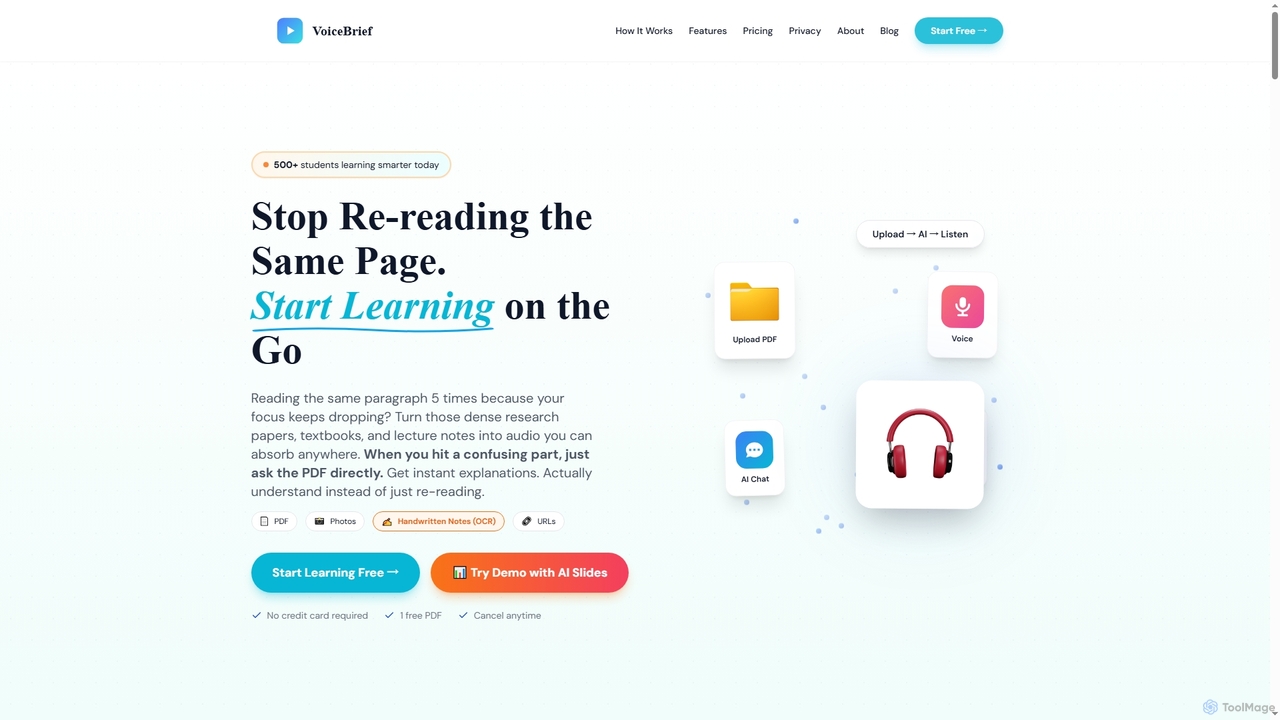
VoiceBrief is an AI-powered study tool that transforms dense academic materials like PDFs, textbooks, notes, and web articles into interactive audio lectures. Designed for students and professionals, it offers personalized AI tutoring, flashcards, and quizzes to enhance learning, improve retention, and save study time by enabling on-the-go learning.

Learning Assistant
Visits 18.4KFavorites 66Likes 70
My Main AI
Freemium

My Main AI

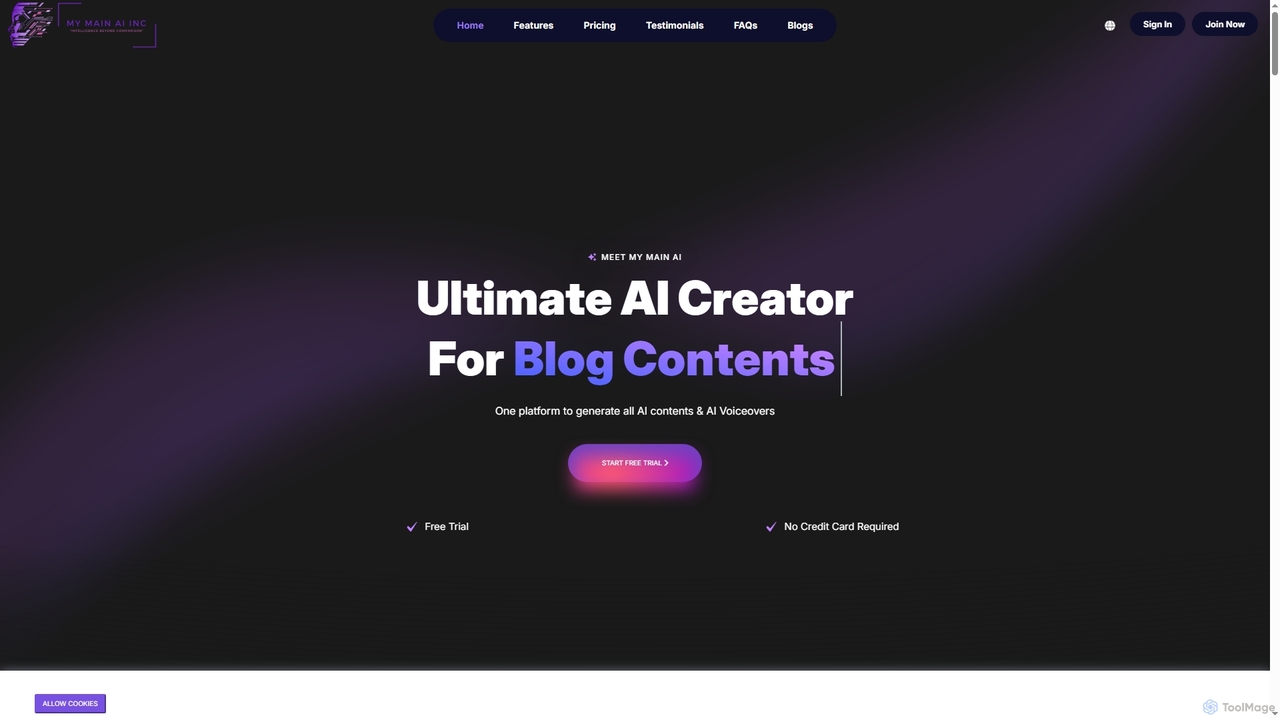
My Main AI is an all-in-one AI platform designed to accelerate content creation, image generation, voiceovers, speech-to-text, and code generation. It offers over 70 templates, multilingual support, and advanced AI models to streamline various tasks for individuals and businesses.

Chatbots
Visits 16.1KFavorites 111Likes 115
Read This
Freemium

Read This

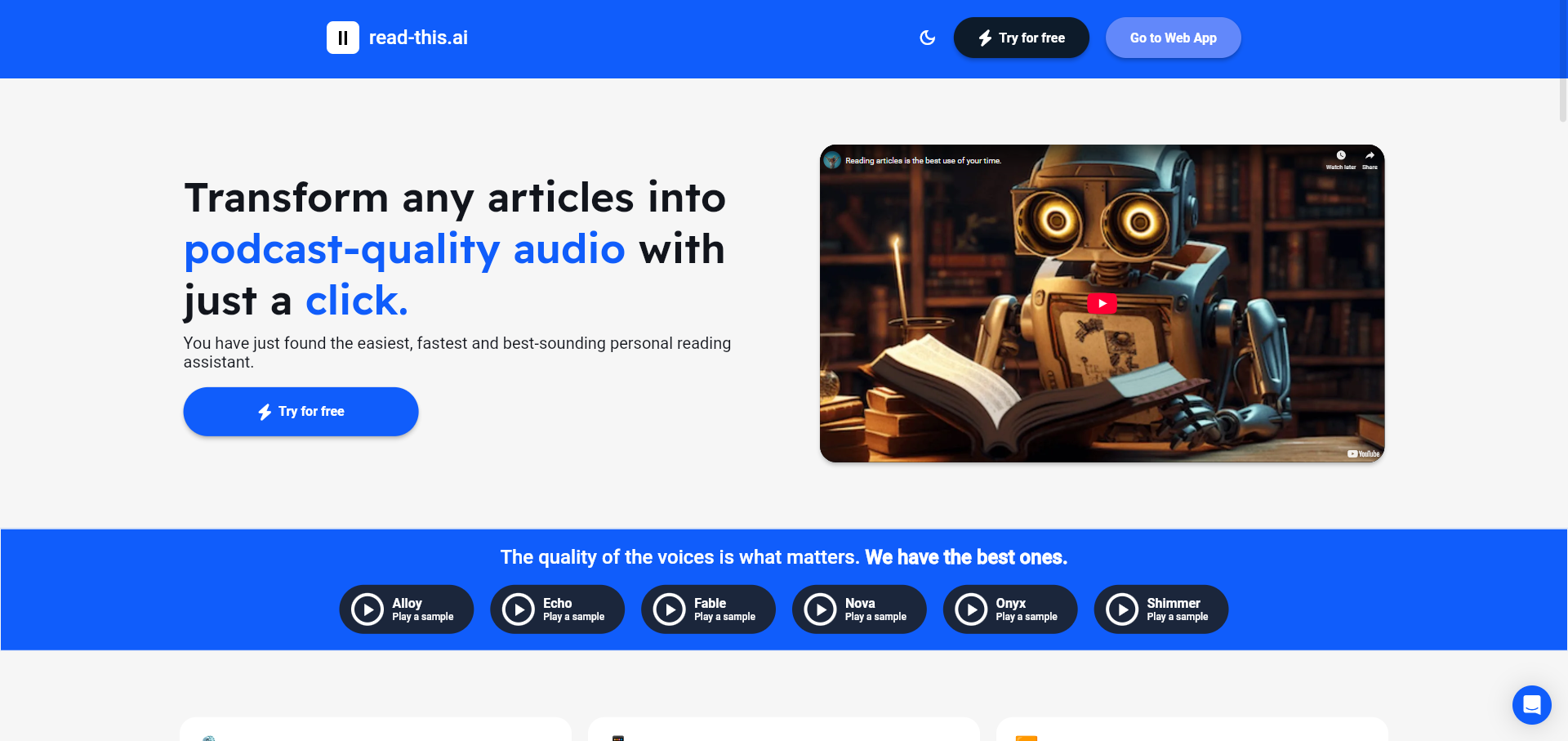
An AI-powered text-to-speech tool that transforms any article, text, or webpage into natural, podcast-quality audio with a single click. It supports multiple languages and offers a variety of high-quality AI voices, making content accessible and easy to consume on the go.

Screen Reader
Visits 4.9KFavorites 116Likes 101
EchoPod
Freemium

EchoPod

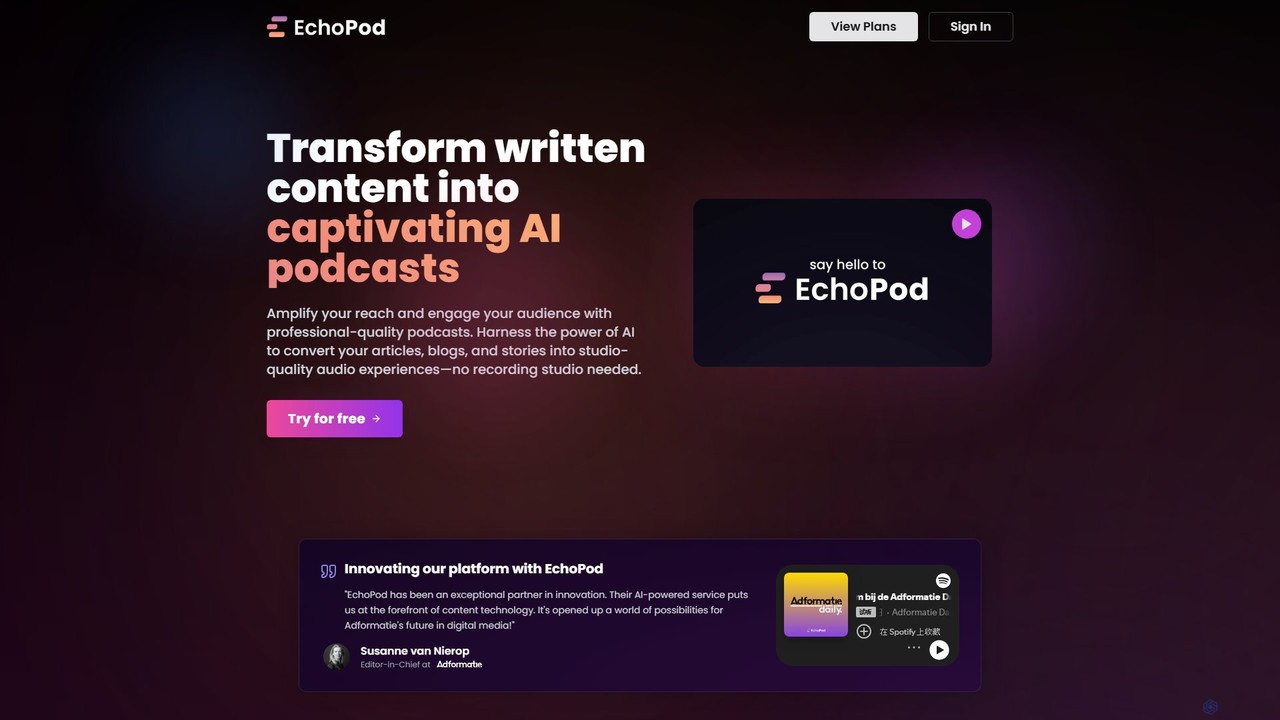
EchoPod is an AI-powered platform that transforms written content like articles, blogs, and newsletters into professional-quality, engaging podcasts. It automates the entire process from script creation to audio narration with AI voices and background music, providing a seamless way to repurpose content and expand audience reach.

Audio Generation
Visits 6.4KFavorites 115Likes 118
My Queue
Freemium

My Queue

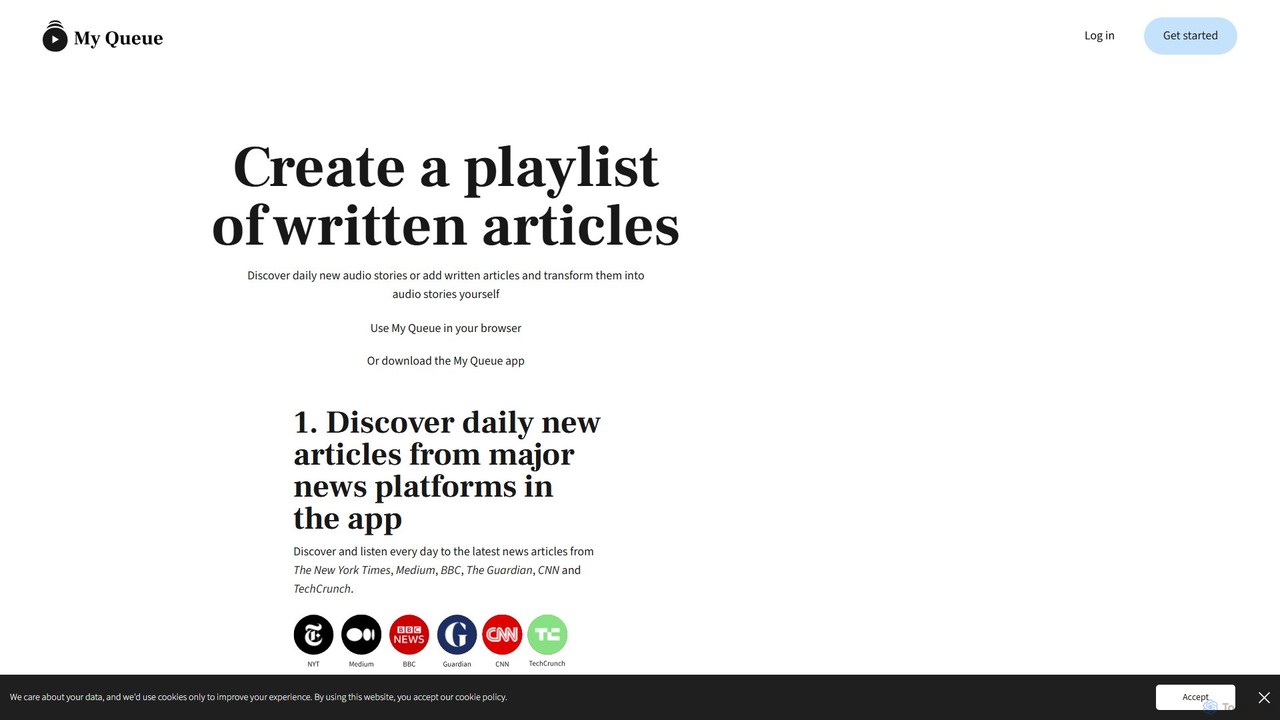
My Queue transforms written articles from the web into a personal audio playlist. Save content from news sites and blogs using a browser extension or by pasting a link. Listen on the go with mobile and desktop apps to reduce screen time. It supports 48 languages, offers customizable playback, and helps you stay informed while multitasking.

Audio Generation
Visits 4.9KFavorites 123Likes 117
Poddy.ai
Free

Poddy.ai

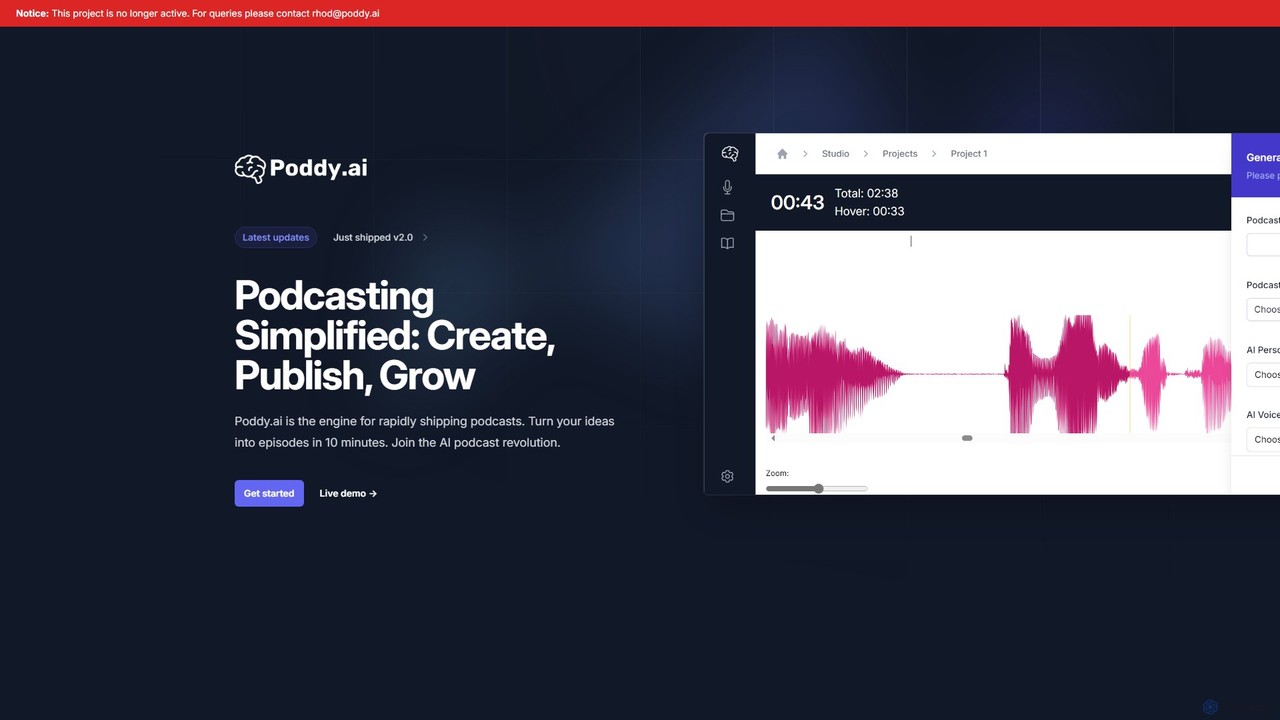
Poddy.ai was an all-in-one AI platform for effortless podcast creation, hosting, and distribution. It allowed users to turn ideas into full episodes with AI voices in minutes. Please note: This project is no longer active.

Podcast
Visits 4.9KFavorites 84Likes 95
newsletter2podcast
Freemium

newsletter2podcast

Effortlessly convert your favorite email newsletters into engaging podcasts. Using advanced AI-powered text-to-speech, newsletter2podcast transforms written content into high-quality, natural-sounding audio, allowing you to listen to your subscriptions on the go. Perfect for busy professionals, commuters, and auditory learners.

Text To Speech
Visits 4.8KFavorites 114Likes 133

About Audio Generation

Audio Generation tools are a class of AI applications that synthesize audio content, such as speech, music, and sound effects, from text prompts or other inputs. Leveraging advanced models like text-to-speech (TTS) and generative networks, these tools can produce realistic human-like voices, compose original musical pieces, or create custom soundscapes. They are invaluable for content creators, marketers, and developers, enabling the rapid production of voiceovers, podcast audio, and background music without needing recording studios or professional talent. Unlike traditional audio editing software, which modifies existing recordings, audio generation tools create entirely new audio assets from scratch.

Core Features

  • Text-to-Speech (TTS): Converts written text into natural-sounding speech in multiple languages, accents, and emotional tones.
  • Music Generation: Creates royalty-free music tracks based on genre, mood, tempo, or instrument descriptions.
  • Sound Effect Synthesis: Generates specific sound effects from text prompts, such as "ocean waves crashing" or "futuristic laser blast."
  • Voice Cloning: Replicates a specific voice from a short audio sample to generate new speech in that same voice for consistent branding.

Use Cases

These tools are widely used by podcasters for creating intros and outros, video creators for generating voiceovers and background scores, and game developers for producing dynamic sound effects. E-learning developers also use them to create accessible audio versions of course materials, while marketers produce audio ads and branded content efficiently.

How to Choose

When selecting an Audio Generation tool, consider the quality and naturalness of the output. Evaluate the range of available voices, languages, and musical styles. Assess the level of customization, such as control over pitch, speed, and emotion. Finally, check the licensing terms for commercial use and the platform's API availability for integration into applications.

Audio Generation use cases

1

Create Multilingual Voiceovers for Video Content

A marketing team needs to launch a product tutorial video in ten different languages to reach a global audience. Instead of the lengthy and costly process of hiring ten separate voice actors and coordinating recording sessions, they use an AI Audio Generation tool. They upload the final script, select the target languages, and choose a consistent, professional voice style for each. The tool generates high-quality, localized voiceovers in a matter of hours. This approach reduces production costs by over 90% and shortens the project timeline from weeks to a single day, enabling a much faster global launch.

2

Generate Custom Background Music for Podcasts

A podcaster needs unique, royalty-free intro, outro, and transition music that matches their show's specific theme of 'cyberpunk mystery'. Searching through stock music libraries yields generic results that don't fit the mood. Using an AI music generator, they input prompts like "dark synthwave, 100 bpm, mysterious, neon city ambiance." The AI generates several unique tracks. The podcaster can then ask for variations, such as "make it more tense" or "add a saxophone melody," to fine-tune the result. This provides a custom, perfectly-themed soundtrack that enhances brand identity and avoids copyright strikes, all without requiring any musical composition skills.

3

Produce Audiobooks and E-Learning Narration

An instructional designer for a corporate training company is tasked with converting 50 text-based modules into engaging audio-based e-learning courses. Hiring a narrator for this volume of content would be prohibitively expensive and time-consuming. Instead, they use an advanced text-to-speech (TTS) platform. They can choose from a variety of professional voices, control the pacing to match on-screen visuals, and even use a voice cloning feature to create a consistent narrator voice based on a sample from their CEO. The entire library of 50 modules is converted into high-quality audio in under a week, making training more accessible and scalable.

4

Design Unique Sound Effects for Game Development

An indie game developer is creating a sci-fi game and needs a library of unique sound effects, such as 'alien creature footsteps on a metal floor' and 'a plasma rifle overheating'. Sifting through generic sound libraries is time-consuming and often fails to match the game's specific aesthetic. By using an AI sound effect generator, the developer can type these highly descriptive prompts and instantly get several variations. They can further refine the sounds by adding qualifiers like 'reverb in a large hall' or 'low-pitched'. This allows for the creation of a completely custom and cohesive soundscape that enhances player immersion, all within the project's budget and timeline.

5

Create Personalized Audio Advertisements at Scale

A digital marketing agency wants to run a hyper-targeted audio ad campaign on streaming platforms. Their goal is to personalize ads by mentioning the listener's city. Manually recording hundreds of variations would be impractical. Using an AI voice generation API, they create a base ad script and programmatically insert different city names from a list. The API generates hundreds of high-quality, personalized ad versions in a consistent brand voice. This automated process allows the campaign to achieve higher engagement and conversion rates due to its personalized touch, while saving significant time and resources compared to traditional recording methods.

6

Develop Voice Prototypes for IVR and Smart Devices

A UX design team is creating a new voice assistant for a smart home device. They need to test different conversational flows and voice prompts to ensure a user-friendly experience. Instead of recording and re-recording audio with a voice actor for every iteration, they use an AI voice generator. This allows them to type new prompts, change the wording, or even switch the entire voice persona (e.g., from male to female, or from formal to casual) in seconds. They can then quickly build interactive prototypes to test with users, gathering feedback and iterating on the voice user interface (VUI) much faster than traditional methods would allow.

Audio Generation FAQ

What is AI Audio Generation?

AI Audio Generation refers to the use of artificial intelligence to create new audio content from scratch using inputs like text or descriptive prompts. Unlike traditional audio editing software that modifies existing recordings, these tools synthesize entirely new sounds. Key technologies include Text-to-Speech (TTS) for creating realistic voiceovers, and generative models for composing original music and creating custom sound effects. This technology enables creators to produce high-quality, unique audio assets quickly and cost-effectively without needing physical recording equipment or professional talent.

How to choose the right AI Audio Generation tool?

Choosing the right tool depends on your primary need. Consider these key factors:

  • Audio Type: Determine if you need speech (TTS), music, or sound effects. Some tools specialize in one area, while others offer a broader suite.
  • Quality and Realism: Listen to samples provided by the service. For TTS, check for natural intonation and clarity. For music, assess the composition quality and fidelity.
  • Customization Options: Look for controls over voice parameters (pitch, speed, emotion) or music elements (instruments, tempo, mood). The more control, the more you can tailor the output to your needs.
  • Licensing Terms: Carefully review the usage rights. Ensure the license allows for your intended use, especially for commercial projects, and clarify if attribution is required.
  • API Access: If you need to integrate audio generation into your own application or workflow, check if the tool provides a well-documented API.
What's the difference between AI Audio Generation and Audio Editing?

The key difference is creation versus modification. AI Audio Generation creates entirely new audio from non-audio inputs like text, while audio editing modifies existing audio recordings. An audio editor (like Adobe Audition or Audacity) is used to cut, mix, apply effects, and enhance pre-recorded sound files. In contrast, an audio generator synthesizes a voiceover from a script or composes a new song from a prompt. While some advanced tools may blend these capabilities, their core functions are distinct: generation is for producing new content, while editing is for refining existing content.

What are the main applications for AI-generated audio?

AI-generated audio has a wide range of applications across various industries. The most common uses include:

  • Content Creation: Generating voiceovers for YouTube videos, narrating audiobooks, and creating intros/outros for podcasts.
  • Marketing & Advertising: Producing scalable and personalized audio ads for streaming services and creating consistent voice prompts for brand communications.
  • Entertainment & Gaming: Composing unique, royalty-free background music for films and games, and synthesizing custom sound effects for immersive experiences.
  • E-Learning & Accessibility: Converting written educational materials into audio formats to support different learning styles and assist users with visual impairments.
  • Prototyping: Quickly creating voice prompts for testing voice user interfaces (VUIs) in smart devices and IVR systems.
Is AI-generated music and voice royalty-free?

This depends entirely on the terms of service of the specific tool you use. Many AI audio generation platforms, especially those with paid subscription plans, offer a commercial license that allows you to use the generated audio in your projects royalty-free. However, it is crucial to always read the fine print. Some services may have restrictions, such as:

  • Requiring attribution to the platform.
  • Prohibiting the use of generated audio in content that is then sold in a music library.
  • Offering different licenses for personal versus commercial use.

Free plans often come with more significant limitations, typically restricting use to non-commercial projects only. Always verify the licensing agreement before using AI-generated audio in any public or commercial work.