ToolMage
Sign in

Best 13 Podcast AI tools for Audio

Popular Podcast AI tools in Audio include Type Studio, Snipd, ChatPods, Getsermons, NewsBang, Inboxhiiv, PodPilot, Hacker FM, Poddy.ai, and AudioSage, helping you work more efficiently.

AudioSage
Freemium

AudioSage

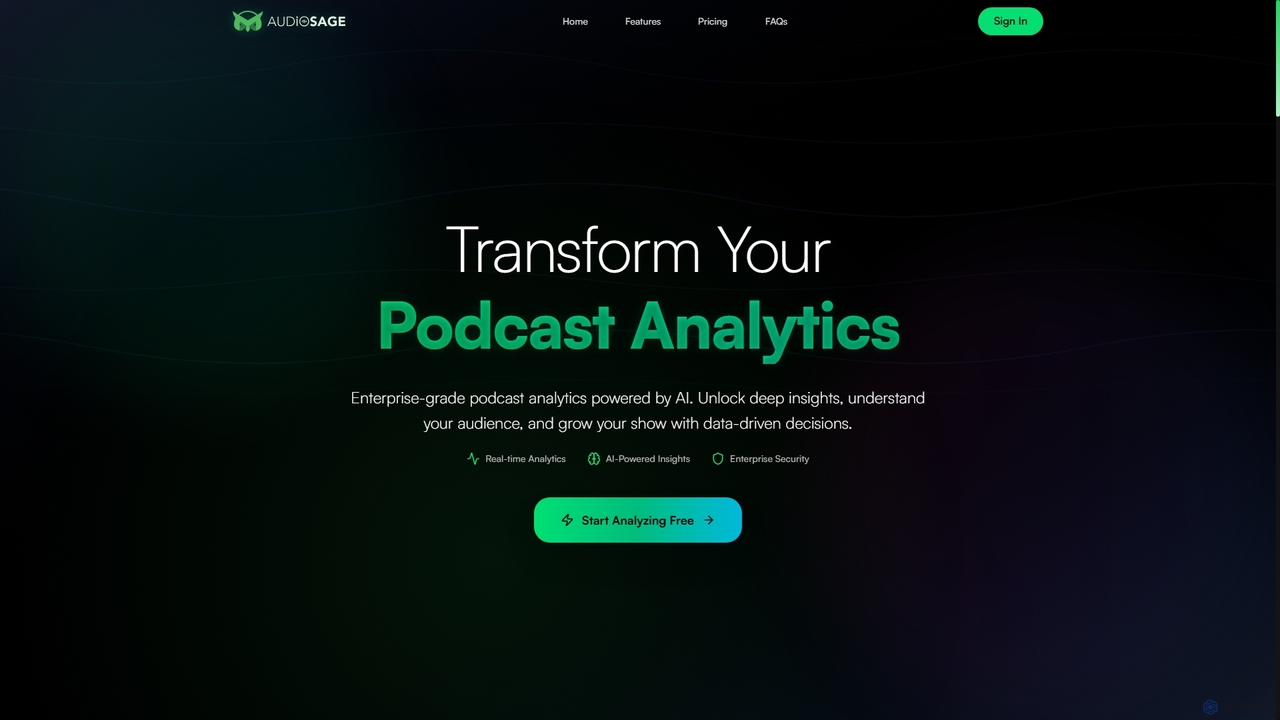
AudioSage is an AI-powered analytics platform designed for podcasters and media professionals. It delivers deep insights into content performance, audience engagement, and growth opportunities through real-time data, automatic transcription, and competitive analysis, enabling data-driven decisions to enhance your show.

Podcast
Visits 4.9KFavorites 109Likes 98
Inboxhiiv
Freemium

Inboxhiiv

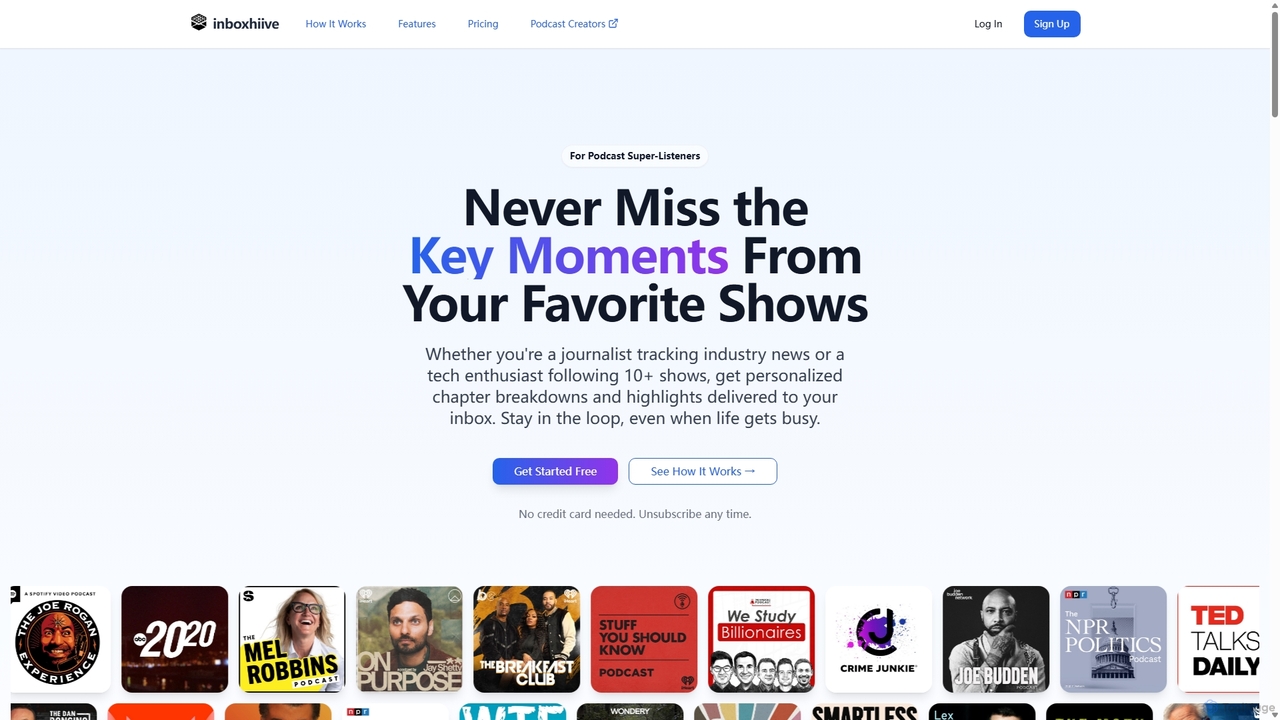
Inboxhiiv is an AI-powered platform for podcast listeners and creators. It delivers personalized summaries, chapter breakdowns, and highlights to listeners' inboxes. For podcasters, it automates content creation by generating transcripts, show notes, newsletters, and social media content from their RSS feed, saving time and boosting audience growth.

Podcast
Visits 5.6KFavorites 109Likes 111
NewsBang
Freemium

NewsBang

NewsBang is an AI-powered news and insights platform designed to combat information overload. It moves beyond simple summaries by using a unique 'Questioning Model' to foster critical thinking. Users can enjoy bite-sized takeaways from verified sources, interactive AI-anchored podcasts, and daily briefings with sentiment analysis, transforming how we understand and engage with the news.

3D
Visits 8.8KFavorites 136Likes 130
Hacker News Recap
Free

Hacker News Recap

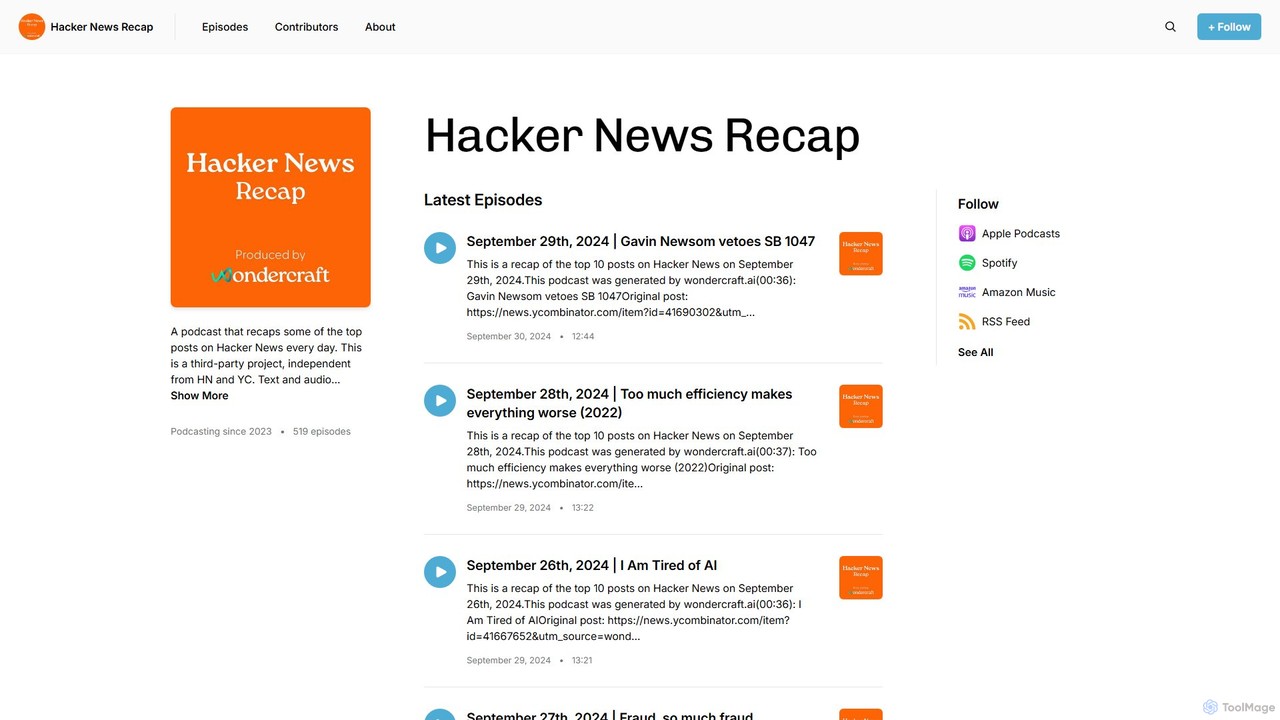
Hacker News Recap is a daily AI-generated podcast that summarizes the top posts from Hacker News. Stay updated on the latest in tech, startups, and programming in a concise, listenable format. Each episode, created by Wondercraft.ai, provides a quick and efficient way to consume key insights from the tech community, perfect for busy professionals and tech enthusiasts.

Podcast
Visits 4.9KFavorites 136Likes 100
ChatPods
Freemium

ChatPods

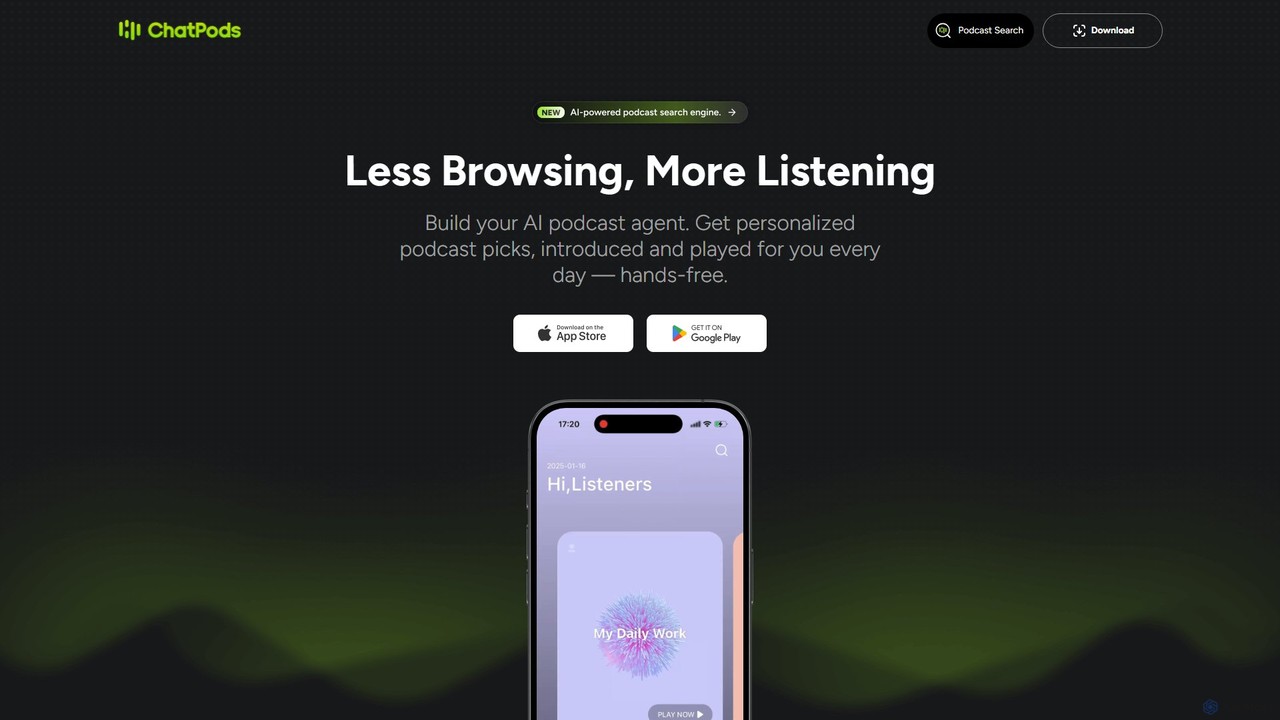
ChatPods is an AI-powered podcast agent that revolutionizes your listening experience. It offers a powerful search engine, personalized daily recommendations, instant episode summaries, and an interactive Q&A feature to get answers directly from the audio content.

Podcast
Visits 11.7KFavorites 136Likes 130
Type Studio
Freemium

Type Studio

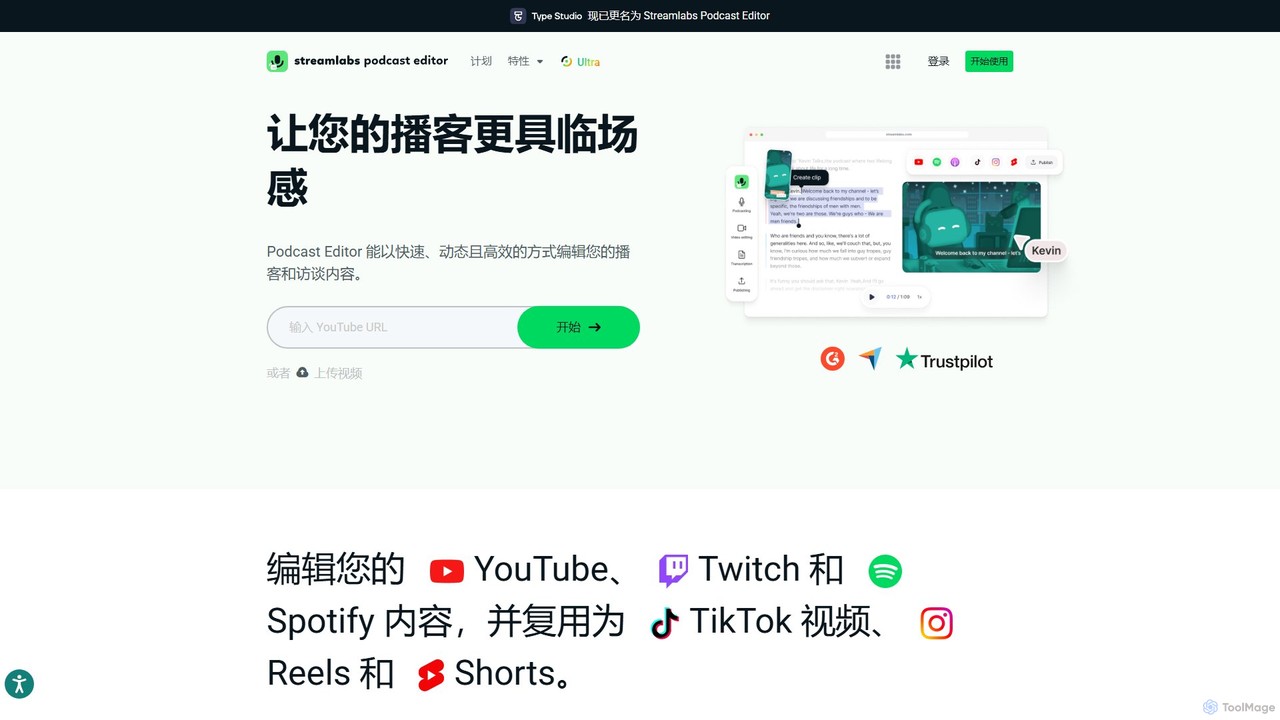
Type Studio (now Streamlabs Podcast Editor) is an AI-powered video editor that lets you edit video by simply editing its text transcript. It automatically transcribes your content, allowing you to cut scenes, remove filler words, and create short clips just by deleting text. It's designed for podcasters, streamers, and creators to repurpose long-form content for social media quickly and effortlessly, no editing experience required.

Podcast
Visits 4.5MFavorites 89Likes 89
Hacker FM
Free

Hacker FM

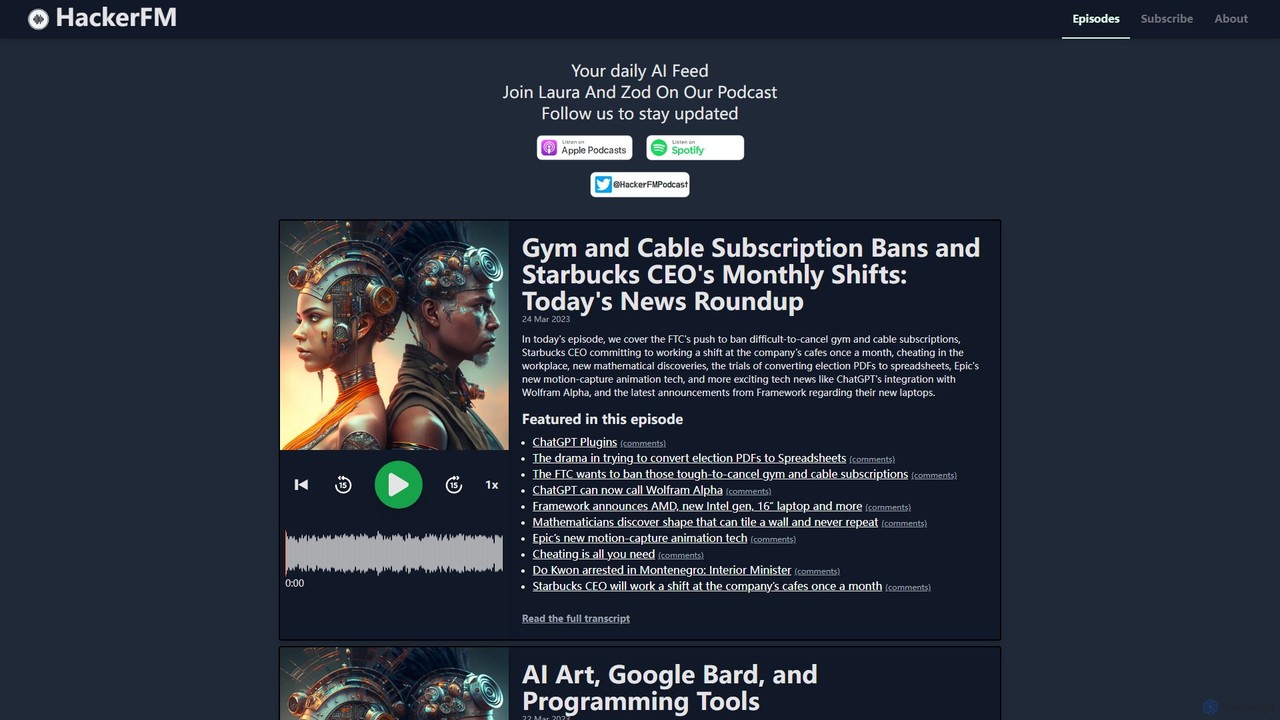
Hacker FM is a daily podcast entirely generated by AI, discussing the top stories from Hacker News. Hosted by AI personalities Laura and Zod, it offers a unique and entertaining perspective on the latest in technology, programming, AI developments, and cybersecurity. Stay informed with a daily dose of tech news in an innovative podcast format.

Podcast
Visits 5.1KFavorites 119Likes 123
Readbox
Free

Readbox

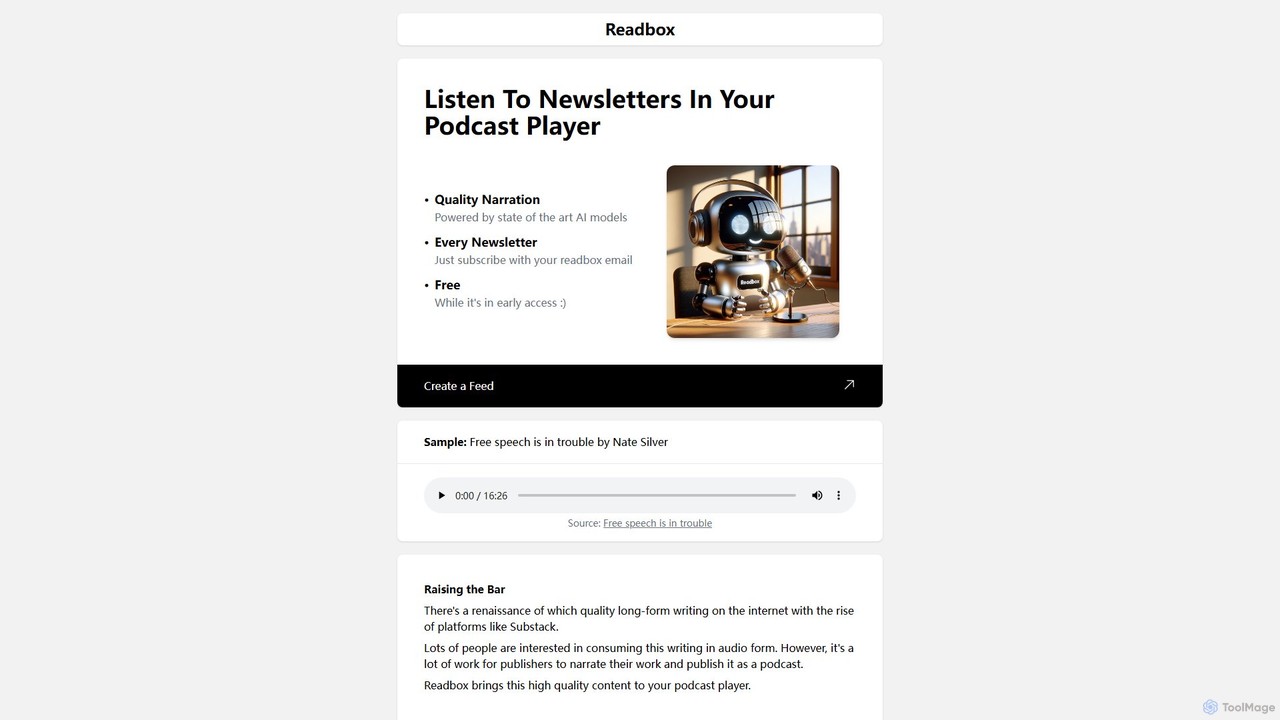
Readbox converts your favorite newsletters into a personal, high-quality podcast using advanced AI narration. Simply subscribe to newsletters with your unique Readbox email, and listen to them in any podcast player via a private RSS feed. Turn your reading list into a listening list effortlessly.

Podcast
Visits 4.8KFavorites 104Likes 106
Poddy.ai
Free

Poddy.ai

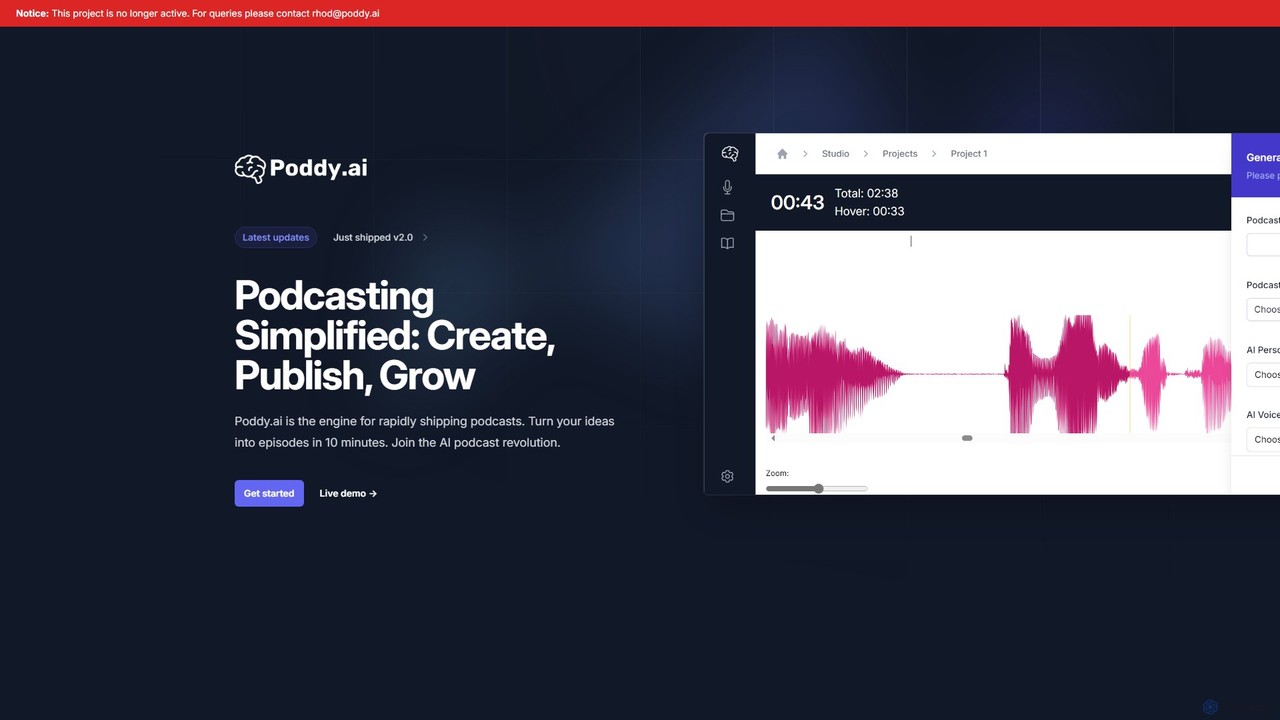
Poddy.ai was an all-in-one AI platform for effortless podcast creation, hosting, and distribution. It allowed users to turn ideas into full episodes with AI voices in minutes. Please note: This project is no longer active.

Podcast
Visits 5KFavorites 85Likes 96
podbrews
Freemium

podbrews

Podbrews is an AI-powered platform designed to supercharge your podcasting workflow. It automates tedious tasks like audio editing, transcription, and show note generation. With Podbrews, you can effortlessly repurpose your podcast episodes into engaging social media clips, blog posts, and more, saving you hours of work and maximizing your content's reach.

Podcast
Visits 4.9KFavorites 146Likes 163
Getsermons
Freemium

Getsermons

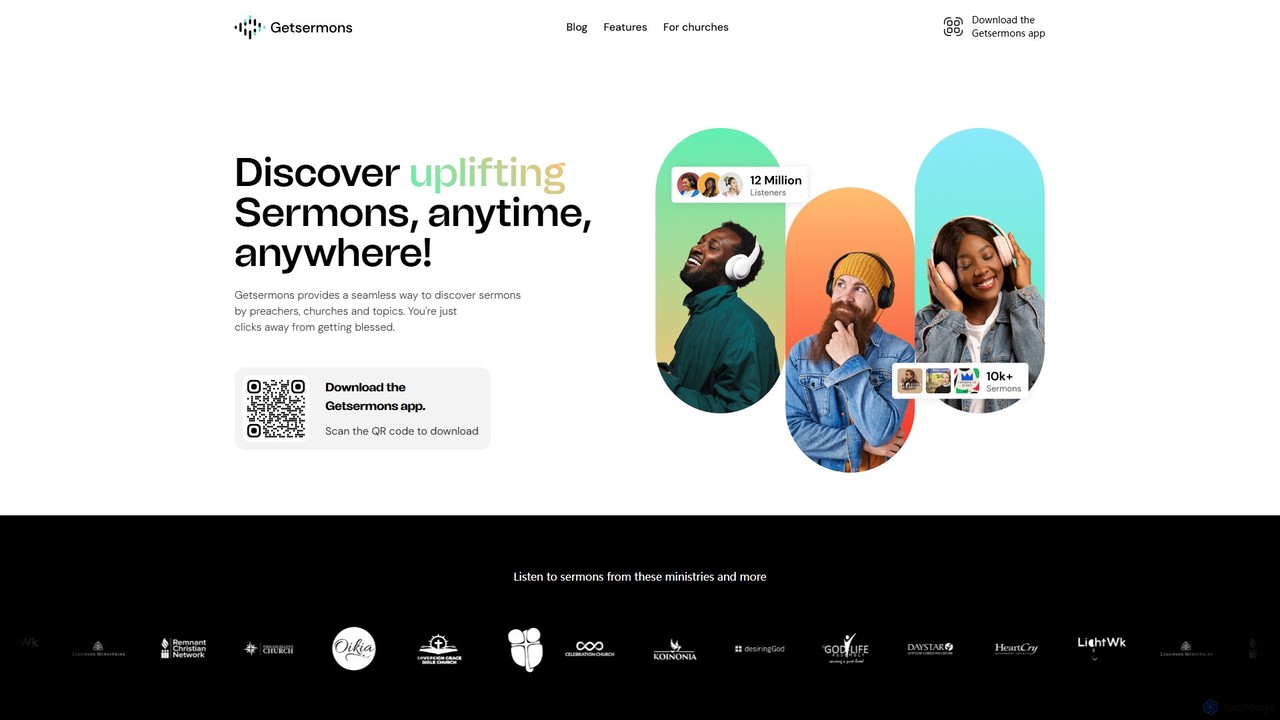
Getsermons is an AI-powered mobile app designed for discovering, listening to, and interacting with thousands of Christian sermons. It features Preachai, an innovative AI chatbot that allows users to 'chat' with sermons for deeper understanding. The platform also offers comprehensive hosting and distribution services for churches, helping them reach a global audience.

Podcast
Visits 10.8KFavorites 133Likes 127
Snipd
Freemium

Snipd

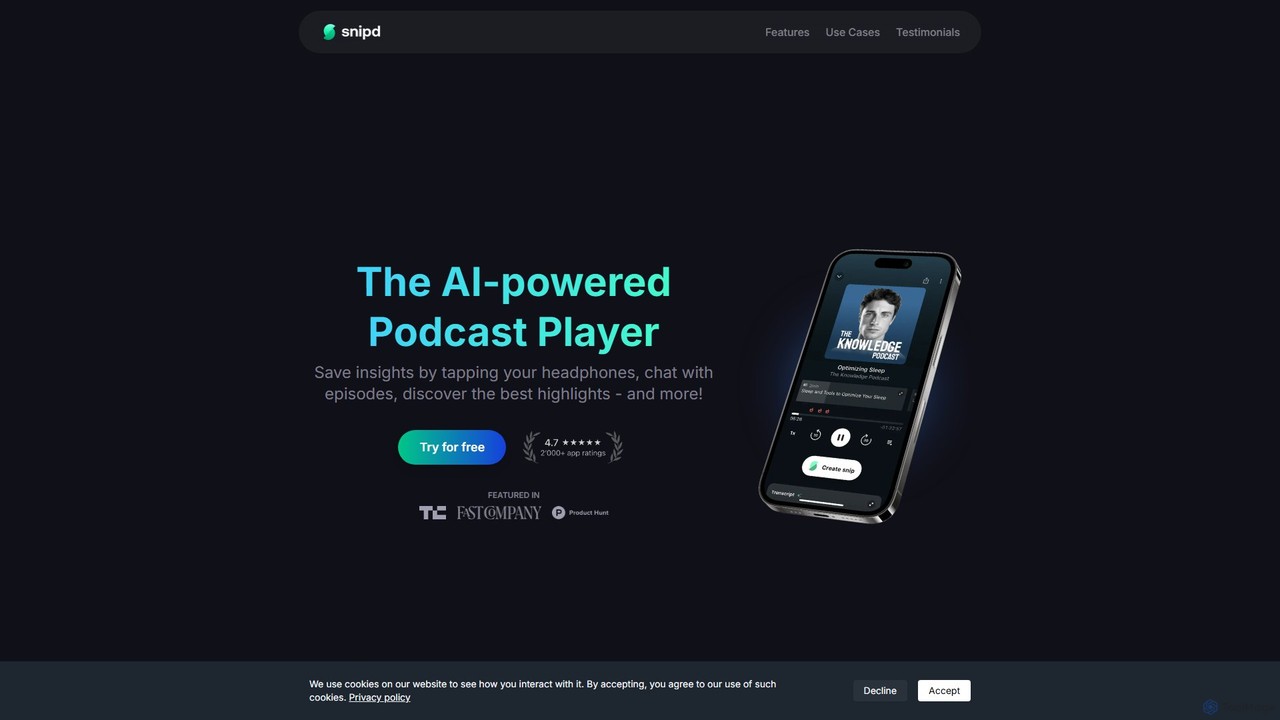
Snipd is an AI-powered podcast player that transforms passive listening into active learning. Capture key insights with a tap of your headphones, get AI-generated summaries and transcripts, and even chat with episodes to ask questions. It also supports audiobooks and YouTube videos, syncing your notes seamlessly with tools like Notion and Readwise.

Podcast
Visits 118.1KFavorites 130Likes 141
PodPilot
Paid

PodPilot

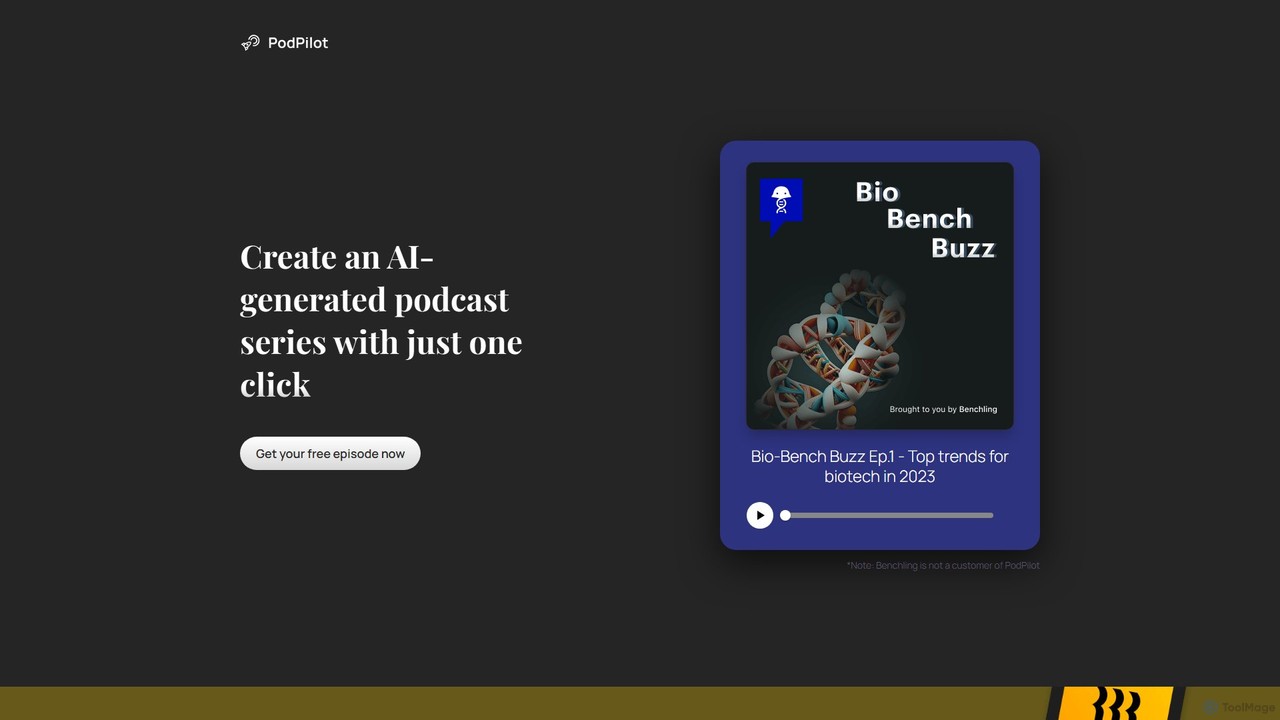
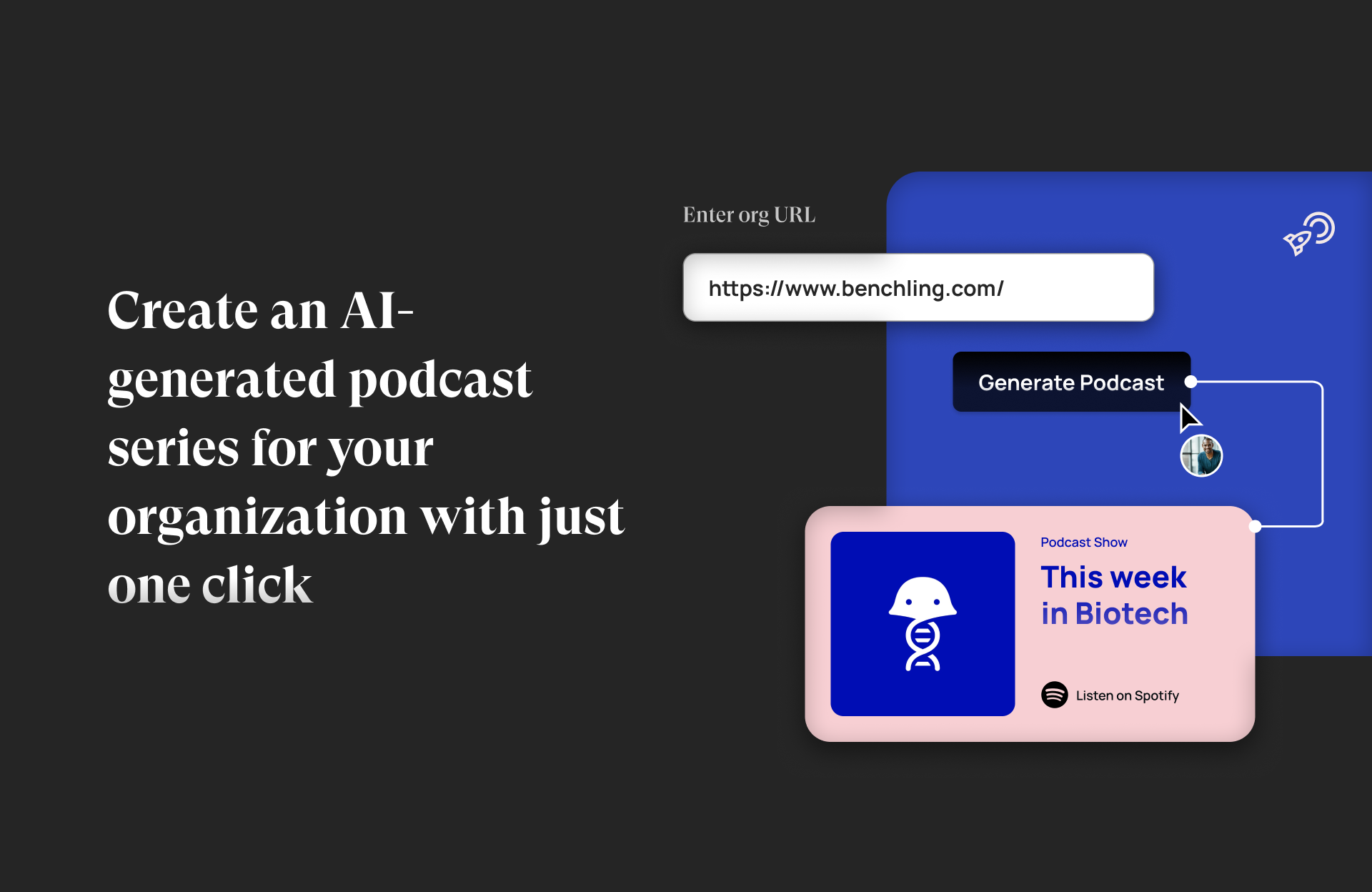
PodPilot is an AI-powered platform that enables organizations to effortlessly create professional podcast series. It transforms existing content like blog posts, articles, or documents into engaging audio episodes, complete with AI-generated voices, and facilitates one-click publishing to all major podcasting platforms.

Podcast
Visits 5.2KFavorites 129Likes 127

About Podcast

AI Podcast tools are specialized applications designed to automate and enhance the podcast production workflow. Leveraging technologies like natural language processing (NLP) and speech recognition, these tools streamline tedious tasks from editing to content repurposing. They significantly reduce manual effort, improve audio quality, and help creators maximize the reach of their content. This allows podcasters to focus more on creating compelling content and less on technical post-production challenges.

Core Features

  • Automated Transcription: Converts audio into text with high accuracy, often identifying different speakers.
  • Filler Word & Silence Removal: Automatically detects and removes ums, ahs, long pauses, and other disfluencies.
  • AI Audio Enhancement: Improves voice clarity by reducing background noise, balancing levels, and applying equalization.
  • Show Notes & Summary Generation: Creates concise summaries, chapter markers, and key takeaways from the transcript.
  • Social Clip Creation: Identifies engaging moments and automatically generates short video or audio clips for promotion.

Use Cases

These tools are ideal for solo podcasters, production teams, content marketers, and corporations. They are used to accelerate the editing process for interview-based shows, repurpose long-form content into social media assets, and improve the audio quality of remotely recorded episodes. Educational institutions also use them to make lecture recordings more accessible and searchable.

How to Choose

When selecting an AI Podcast tool, consider transcription accuracy and language support. Evaluate the effectiveness of its audio enhancement and filler word removal features. Assess its collaboration capabilities if you work in a team, and check for integrations with podcast hosting platforms. Finally, compare pricing models, such as per-hour processing versus monthly subscriptions, to find what fits your production volume.

Featured tool rankings

Podcast use cases

1

Automating Solo Podcaster Workflow

A solo content creator records a one-hour interview. Instead of spending 3-4 hours manually editing, they upload the audio file to an AI Podcast tool. The platform automatically transcribes the entire conversation, identifies both speakers, and allows editing the audio by simply deleting text in the transcript. With a few clicks, all filler words ('ums', 'ahs') and long silences are removed, saving over 80% of the typical editing time and allowing the creator to publish episodes faster.

2

Repurposing Content for Social Media Marketing

A marketing team produces a detailed 45-minute podcast episode. To maximize its reach, they use an AI tool to analyze the transcript and identify the most compelling questions, quotes, and stories. The tool then automatically generates several 30-60 second video clips, complete with animated captions and branding, perfectly formatted for platforms like TikTok, Instagram Reels, and LinkedIn. This transforms a single piece of content into a dozen shareable assets in minutes, not hours.

3

Improving Remote Interview Audio Quality

A podcaster conducts an interview with a guest over a video call, resulting in differing audio levels, background noise, and echo. They upload both audio tracks to an AI tool. The 'Studio Sound' feature processes each track separately, removing the guest's fan noise and the host's room echo. It then automatically balances the volume levels of both speakers, making the conversation sound as if it were recorded in a professional studio, significantly enhancing the listener's experience.

4

Generating Show Notes and Chapters for Accessibility

An educational podcast producer wants to make their content more accessible and discoverable. After uploading an episode, the AI tool generates a full transcript. From this transcript, it automatically creates a concise summary, a list of key topics discussed with timestamps, and suggested titles for the episode. This not only provides valuable show notes for listeners but also creates chapter markers for podcast players, allowing users to easily navigate to sections of interest and improving the podcast's SEO.

5

Collaborative Editing for Production Teams

A podcast production agency manages multiple shows with hosts, producers, and editors. They use a cloud-based AI Podcast tool as their central hub. The host uploads the raw audio, the AI transcribes it, and the producer reviews the transcript, leaving comments and making structural edits by rearranging text blocks. The audio editor then takes over, using the producer's notes to fine-tune the audio enhancement and sound design. This text-based, collaborative workflow streamlines communication and reduces revision cycles significantly.

6

Creating Multilingual Podcast Content

A corporate podcast aims for a global audience. After finalizing the original English episode, the team uses an AI tool that offers translation and voice cloning services. The English transcript is automatically translated into Spanish and German. Then, using a clone of the host's voice, the tool generates new audio tracks in the target languages, maintaining the host's original tone and cadence. This allows the company to efficiently produce localized versions of their podcast, expanding their international reach without needing to hire multiple voice actors.

Podcast FAQ

What are AI Podcast tools?

AI Podcast tools are specialized software that use artificial intelligence to automate and simplify the podcast creation process. Unlike general audio editors, they are built specifically for voice-based content. Key features include automatic transcription, removal of filler words (e.g., 'um', 'ah'), background noise reduction, and generation of show notes and social media clips. Their main purpose is to save creators significant time in post-production and improve the overall audio quality.

How do AI Podcast tools differ from traditional audio editors (DAWs)?

The main difference lies in workflow and automation. Traditional Digital Audio Workstations (DAWs) like Adobe Audition or Audacity offer deep, manual control over every aspect of audio. AI Podcast tools prioritize speed and efficiency by automating repetitive tasks. Key differences include:

  • Editing Interface: Many AI tools allow editing via a text transcript, whereas DAWs use a traditional audio timeline.
  • Core Functionality: AI tools excel at automated tasks like filler word removal and transcription, which are manual in DAWs.
  • Learning Curve: AI tools are generally much easier for beginners to use, while DAWs require more technical knowledge.
DAWs are for detailed sound design, while AI tools are for efficient production of voice-heavy content.

How to choose the right AI Podcast tool?

Choosing the right tool depends on your specific needs. Consider the following factors:

  • Transcription Accuracy: Check reviews and tests for how well the tool transcribes audio, especially with multiple speakers or accents.
  • Audio Quality Features: Evaluate the effectiveness of its noise reduction, equalization, and level balancing capabilities. Some tools offer a 'studio sound' feature.
  • Workflow Integration: Does it integrate with your podcast host, cloud storage, or other tools? Does it support video for creating social clips?
  • Collaboration: If you work with a team, look for features like commenting, shared workspaces, and user permissions.
  • Pricing Model: Compare if a pay-per-hour model or a monthly subscription is more cost-effective for your production frequency.

Can AI tools completely replace a human podcast editor?

Currently, AI tools are best viewed as powerful assistants rather than full replacements for skilled human editors. AI excels at tedious, time-consuming tasks like removing filler words, basic noise reduction, and transcription. This frees up human editors to focus on more creative and nuanced aspects of production, such as storytelling, pacing, sound design, and ensuring the final mix sounds natural and engaging. For high-quality productions, a combination of AI automation and human expertise often yields the best results.

What are the main benefits of using AI for podcasting?

The primary benefits of using AI in podcasting revolve around efficiency, quality, and content discoverability. Key advantages include:

  • Time Savings: Drastically reduces editing time by automating tasks like cutting silences, removing filler words, and transcribing audio.
  • Improved Audio Quality: AI algorithms can clean up audio by removing background noise and balancing speaker volumes, making content more professional.
  • Enhanced Accessibility: Automatic transcription makes podcasts accessible to the hearing-impaired and allows content to be read.
  • Content Repurposing: Easily create summaries, show notes, and social media clips from a single recording, maximizing content value.