

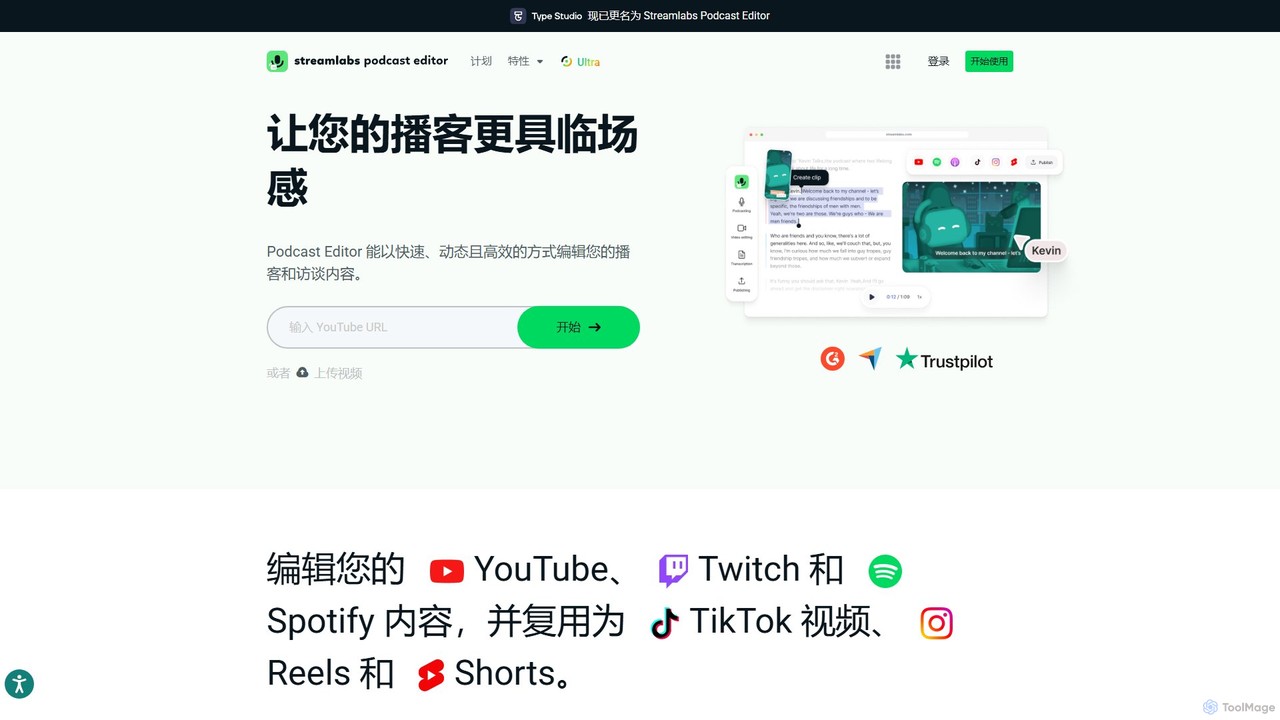
Type Studio Overview
Type Studio, now integrated into the Streamlabs ecosystem as the Streamlabs Podcast Editor, revolutionizes video editing by transforming it into a process as simple as editing a text document. This innovative, AI-powered platform is designed specifically for content creators, podcasters, streamers, and marketers who want to edit and repurpose their video content with unprecedented speed and ease. Instead of navigating complex timelines and audio waveforms, you work with an automatically generated, time-stamped transcript. Deleting a word or sentence in the text instantly removes the corresponding segment from the video, making the editing process intuitive, fast, and accessible to everyone, regardless of their technical skills.
The platform serves as a comprehensive solution for the entire content repurposing workflow. It starts with seamless recording or uploading, moves to intelligent AI-powered editing, and finishes with multi-platform optimization and sharing. Whether you're turning a long Twitch stream into engaging TikToks, a detailed podcast into shareable YouTube Shorts, or a business interview into promotional Reels, Type Studio provides the tools to maximize your content's reach and impact with minimal effort.
How to use Type Studio
Using Type Studio (Streamlabs Podcast Editor) is a straightforward, three-step process designed for maximum efficiency:
- Upload or Record: Begin by uploading your existing video or audio file. You can also record your content directly using the integrated Streamlabs Talk Studio for a seamless, all-in-one experience.
- Edit the Transcript: Once uploaded, the AI will automatically and accurately transcribe your entire video. You can then read through the transcript and edit your video by simply deleting unwanted words, phrases, or entire sections of text. This is perfect for removing filler words (like "um," "ah"), long pauses, or off-topic tangents. The corresponding video and audio are cut automatically.
- Customize and Export: Enhance your video by adding automatically generated subtitles, your brand logo, images, and other graphic elements from the built-in library. Use the AI to suggest compelling clips or manually select sections to create short-form videos. Finally, export your polished content, optimized for various social media platforms like TikTok, Instagram Reels, and YouTube Shorts.
Core Features of Type Studio
- AI-Powered Text-Based Editing: The core of the platform. Edit complex video and audio by simply editing the text transcript. What you delete in the text is removed from the video.
- Automatic Transcription & Subtitles: Get a fast and highly accurate transcription of your content in minutes. Instantly turn this transcript into burned-in or SRT subtitles to improve accessibility and engagement.
- AI Clip Generation: The AI can analyze your content and automatically suggest the most engaging or important segments, allowing you to create viral-worthy short clips with a single click.
- Filler Word Removal: Clean up your audio effortlessly by automatically detecting and removing filler words and awkward silences.
- Multi-Language Support & Translation: Transcribe content in various languages and even translate your subtitles to reach a global audience.
- Brand Customization: Maintain brand consistency by adding your own logos, watermarks, and brand colors. Access a library of images, emojis, and graphics to make your content visually appealing.
- Seamless Integration: Works perfectly within the Streamlabs ecosystem, connecting with tools like Talk Studio for recording and Cross Clip for further clipping.
Use Cases for Type Studio
Type Studio is versatile and ideal for a wide range of content creation needs:
- Podcasters: Easily edit out mistakes from podcast recordings and generate audiograms or video clips for social media promotion.
- Video Marketers: Quickly repurpose webinars, interviews, and customer testimonials into bite-sized video ads and social media content.
- Streamers: Convert long VODs from Twitch or YouTube into a series of highlights, funny moments, or tutorials for platforms like TikTok and Instagram.
- Educators and Coaches: Edit online course materials, lectures, and tutorials by cleaning up the transcript, making the final video more concise and professional.
- Journalists: Transcribe and edit interviews quickly, pulling key quotes and soundbites for news packages or social media updates.
Advantages of Type Studio
The primary advantage of Type Studio is its radical simplification of the video editing process, which leads to significant benefits:
- Massive Time Savings: What used to take hours in traditional video editors can now be done in minutes. The text-based approach eliminates the need to scrub through timelines.
- No Learning Curve: If you can edit a text document, you can edit a video. This accessibility opens up video creation to everyone, not just professional editors.
- Increased Content Output: By simplifying repurposing, creators can easily multiply their content output from a single long-form video, increasing their presence across all social platforms.
- Improved SEO and Accessibility: With automatic transcriptions and subtitles, your content becomes more discoverable by search engines and accessible to a wider audience, including those who are hard of hearing or watch videos on mute.
- All-in-One Workflow: As part of Streamlabs Ultra, it provides a unified solution from recording and editing to branding and cross-platform sharing.
Pricing and Plans
Type Studio (Streamlabs Podcast Editor) operates on a freemium model, offering both a free and a premium plan:
- Free Plan: Users can get started for free to access the basic features of the text-based editor. This is a great way to try out the core functionality and edit shorter projects.
- Streamlabs Ultra: For full access and advanced features, users can subscribe to Streamlabs Ultra. This plan, priced at approximately $27 per month, unlocks unlimited transcription, removes watermarks, and provides access to the entire suite of premium Streamlabs tools, including Streamlabs Desktop, Talk Studio, Cross Clip, and more. This offers comprehensive value for serious creators who need a full suite of tools for streaming, recording, and editing.
Traffic
Latest traffic
Status
Monthly traffic trend
- 2026-1: 5.5M
- 2026-2: 4.5M
- 2026-3: 4.5M
- 2026-4: 4.1M
- 2026-5: 4.3M
Geography
Top 5 countries / regions
- 🇺🇸United States61.6%
- 🇷🇺Russia11.2%
- 🇩🇪Germany10.6%
- 🇫🇷France8.5%
- 🇬🇧United Kingdom8.1%
Traffic sources
| Source type | Percentage |
|---|---|
Direct | 87.9% |
Referral | 10.5% |
Email | 1.6% |
Top keywords
| Keyword | Cost per click |
|---|---|
| pimpbunny | $0.62 |
| steamlab | $0.09 |
| stream labs | $0.36 |
| streamlabs | $0.34 |
| streamlabs obs | $1.04 |
Type Studio Alternatives
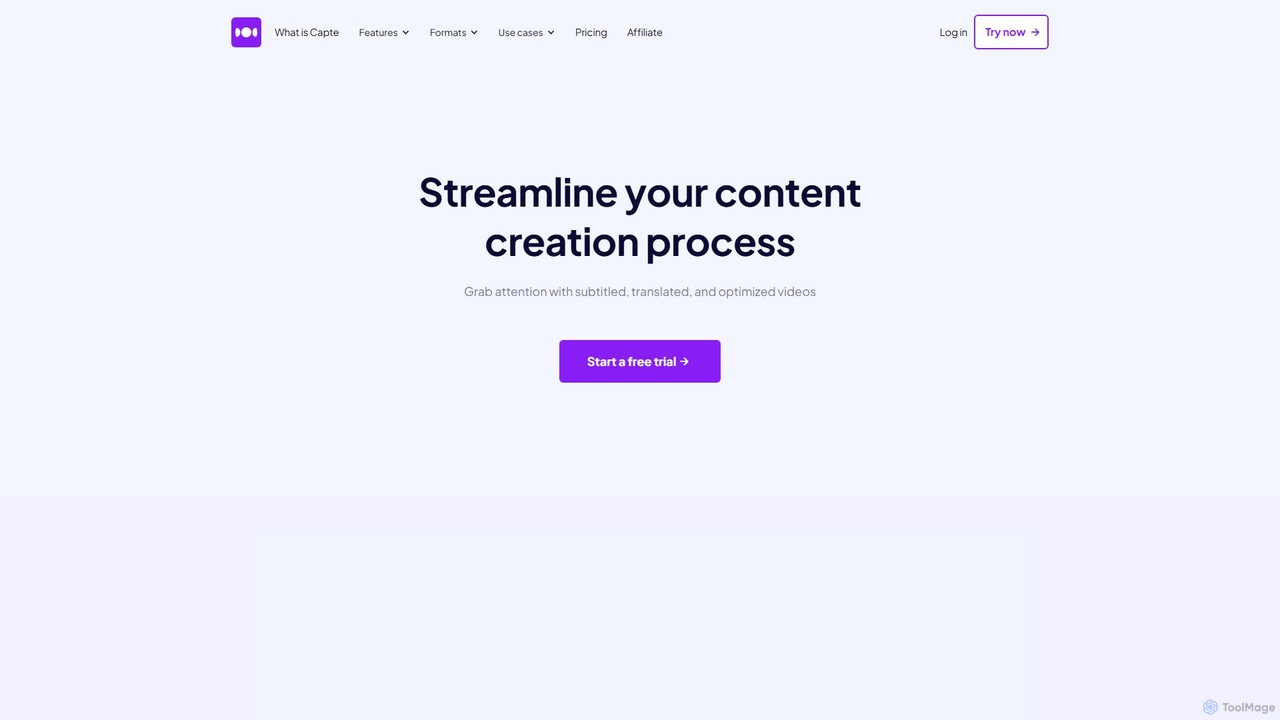
getcapte
getcapte is an AI-powered video editing platform designed to streamline content creation. It automatically generates accurate subtitles, translates them into multiple languages, and repurposes long-form videos into engaging short clips for social media. Ideal for creators, marketers, and podcasters looking to maximize their content's reach with minimal effort.
Repurposing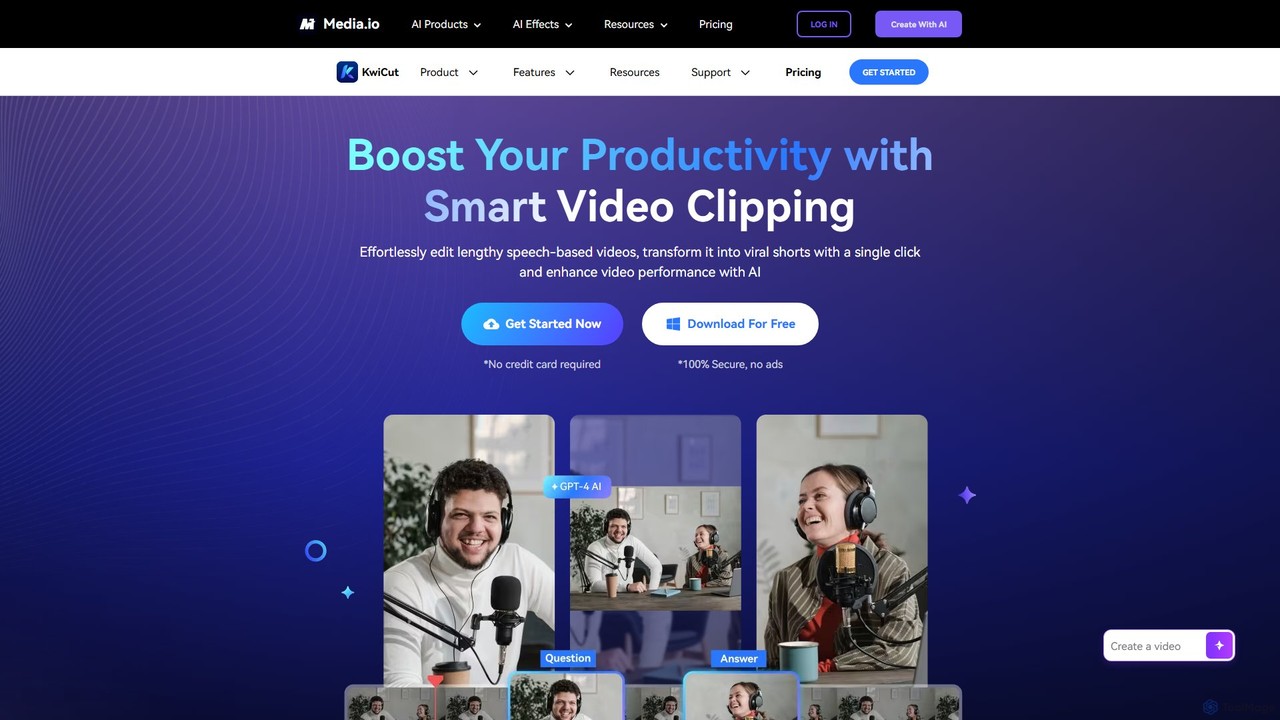
KwiCut
KwiCut is an AI-powered video editing suite designed to streamline the creation of speech-based content. It excels at transforming long videos, like podcasts and interviews, into engaging short clips. Key features include text-based video editing, automatic transcription, one-click filler word removal, noise cancellation, and GPT-4 powered content generation for social media.
Transcription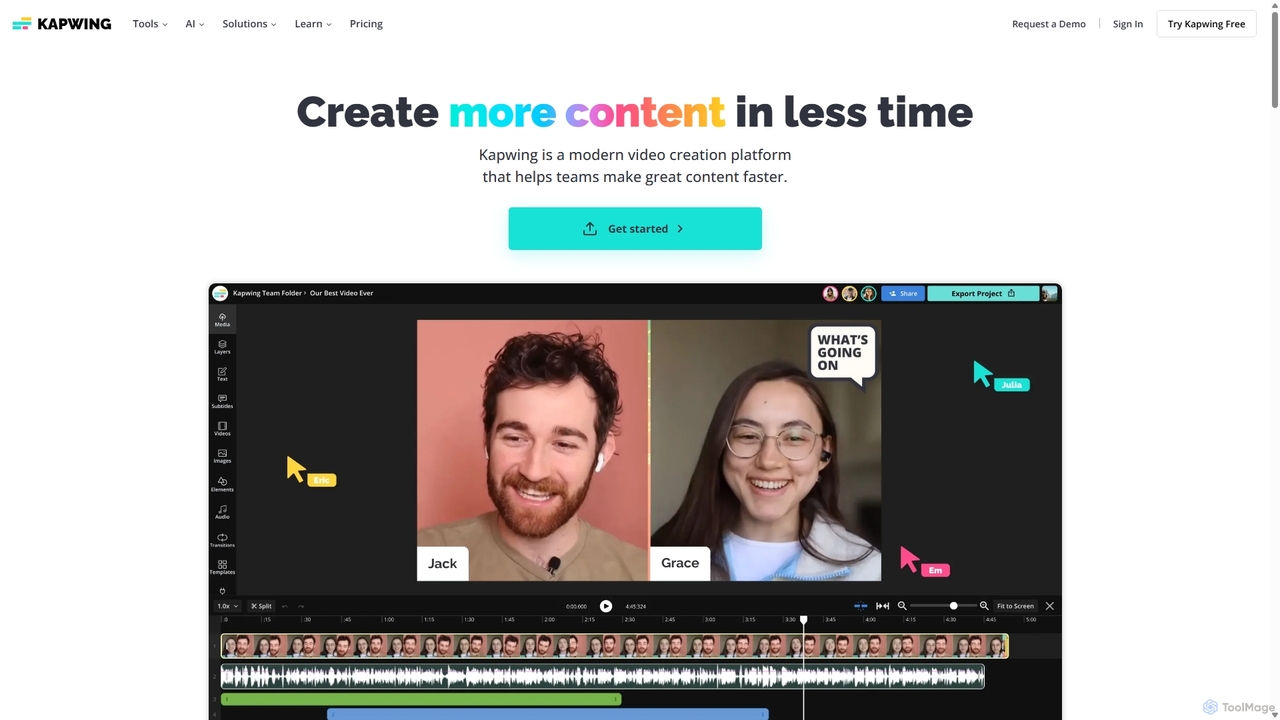
Kapwing
Kapwing is an AI-powered online video editor designed for teams and creators to produce high-quality content faster. It combines a full suite of editing tools with intelligent AI features like text-to-video, automatic subtitling, and background removal in a collaborative, browser-based platform, making video creation accessible to everyone.
Video Marketing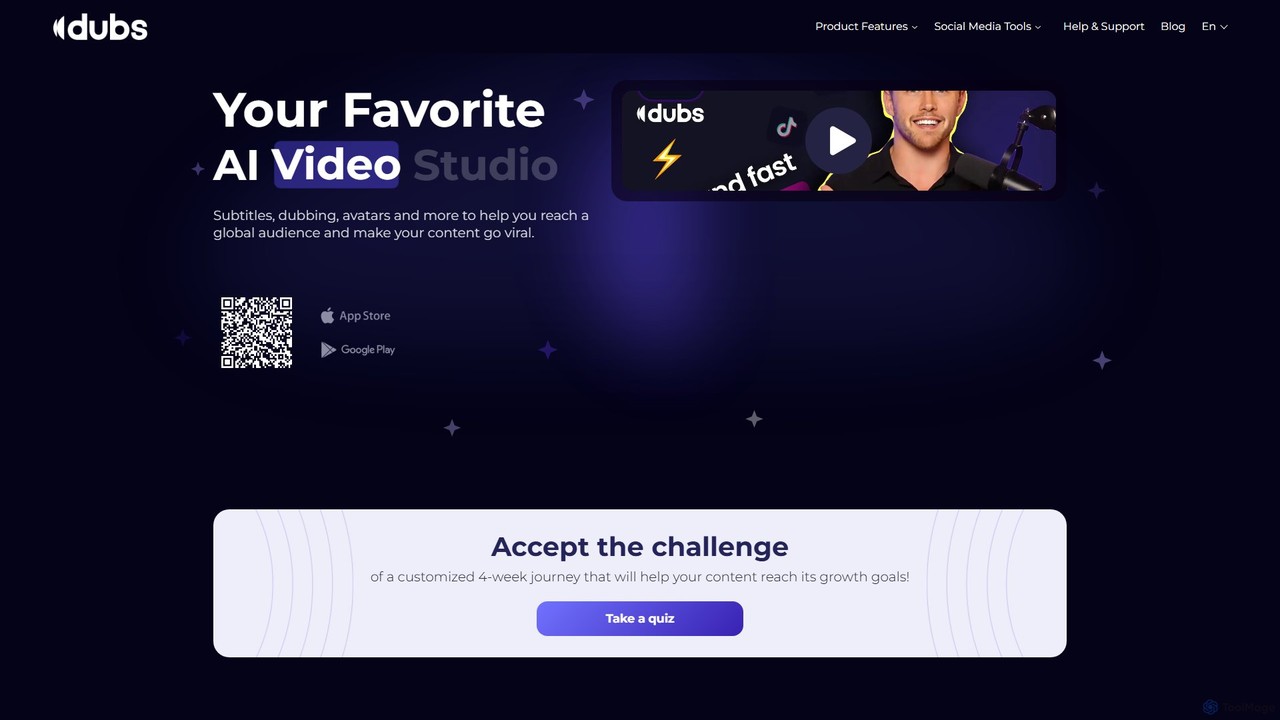
dubs
dubs is an all-in-one AI video studio designed for content creators and businesses. It offers a suite of powerful tools including automatic subtitles in 100+ languages, voice-cloning dubbing, AI avatars, and script generation. Enhance your videos, reach a global audience, and make your content more accessible and engaging with features like a teleprompter, noise removal, and customizable captions.
Transcription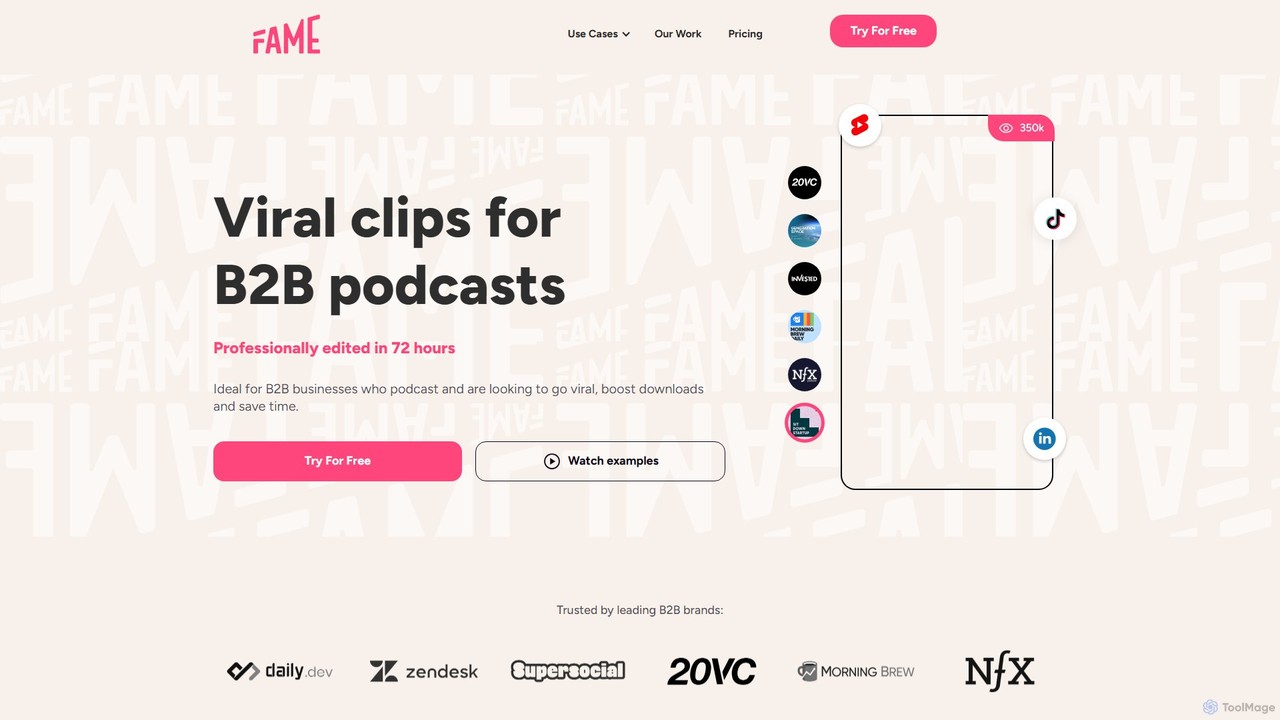
Fame Clips
Fame Clips is a done-for-you service that combines AI with professional human editors to create high-performance, viral-ready video clips from podcasts and X Spaces. Designed for B2B businesses, it delivers professionally edited clips in 72 hours, optimized for social media platforms, helping to boost downloads and save significant time.
Podcast MarketingType Studio Categories
Type Studio Embed Widget
Copy this embed code to place the badge on your blog, article, or product site and send readers directly to this ToolMage detail page.

Related AI tools
getcapte
getcapte is an AI-powered video editing platform designed to streamline content creation. It automatically generates accurate subtitles, translates them into multiple languages, and repurposes long-form videos into engaging short clips for social media. Ideal for creators, marketers, and podcasters looking to maximize their content's reach with minimal effort.
Repurposing
Jyek
Jyek is an AI agent platform that understands objectives, creates execution plans, uses tools, and delivers verifiable results for complex, multi-step tasks.
AutomationKwiCut
KwiCut is an AI-powered video editing suite designed to streamline the creation of speech-based content. It excels at transforming long videos, like podcasts and interviews, into engaging short clips. Key features include text-based video editing, automatic transcription, one-click filler word removal, noise cancellation, and GPT-4 powered content generation for social media.
Transcription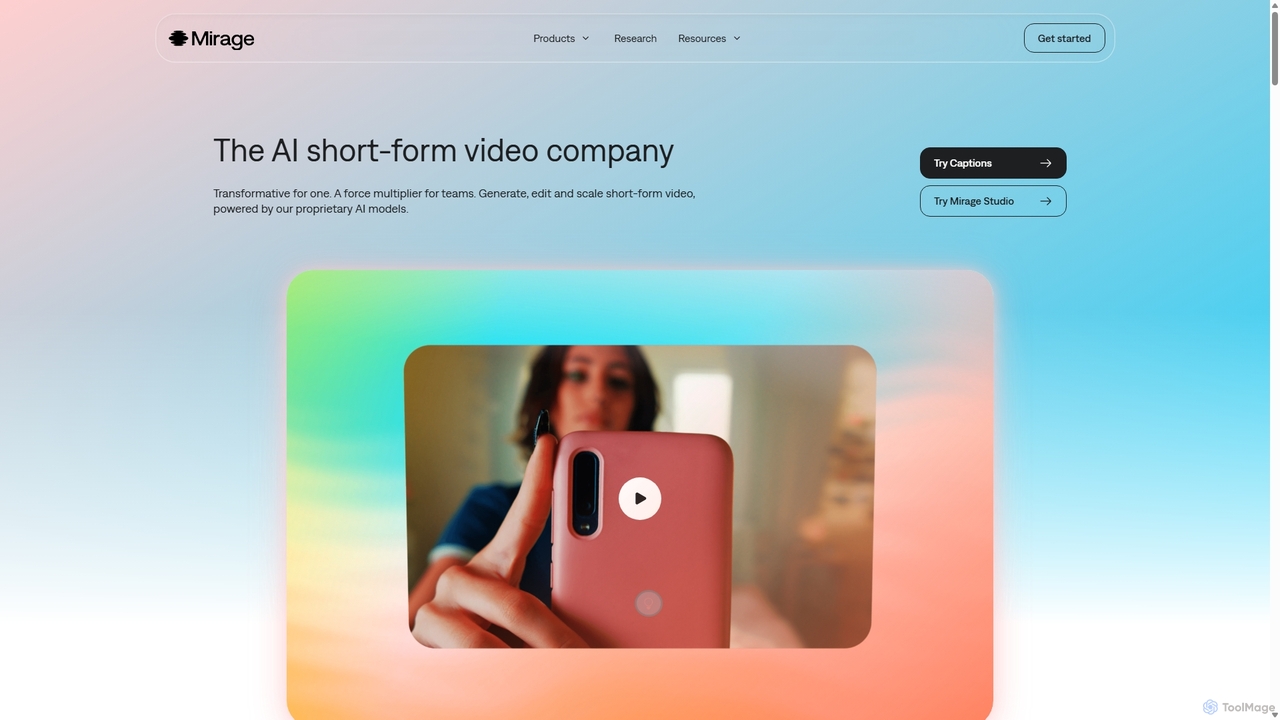
Mirage
Mirage is an AI video platform that transforms ideas into engaging short-form videos. It offers the Captions app for creators to generate and edit talking videos with text prompts, and Mirage Studio for teams to scale video production. Powered by proprietary AI, Mirage creates photorealistic footage and AI avatars, streamlining video creation for platforms like TikTok and Instagram.
Advertising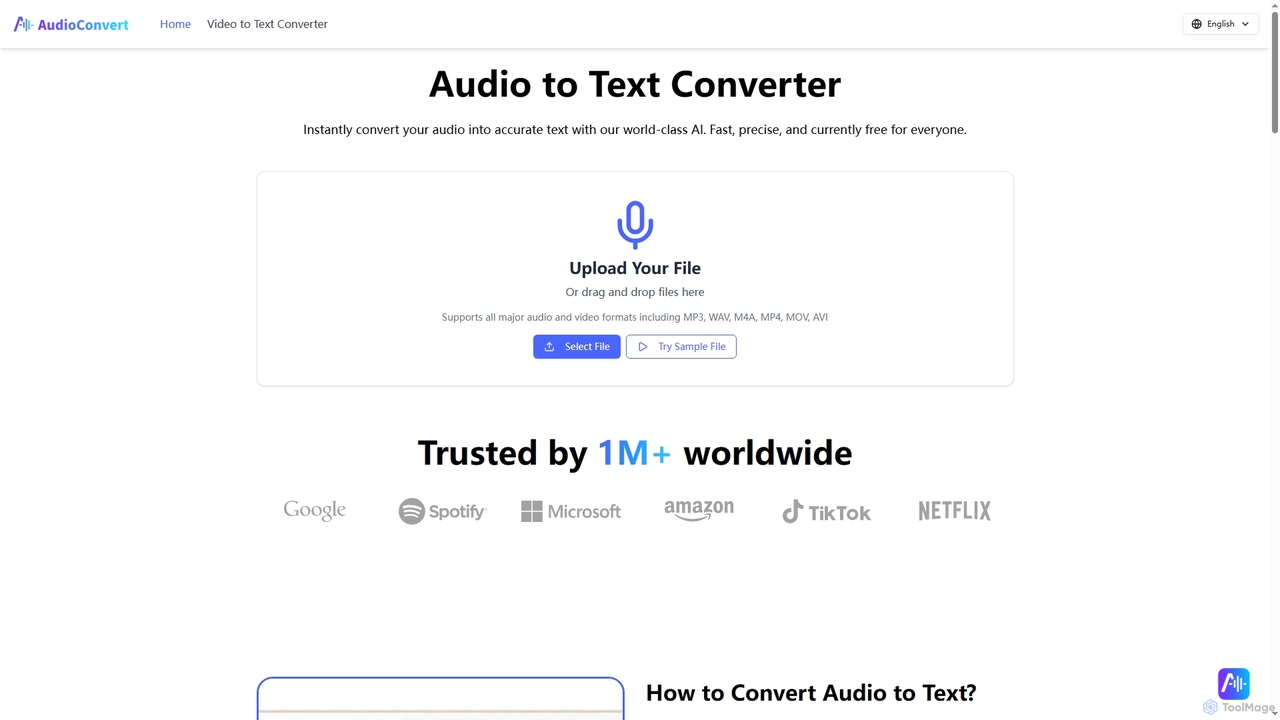
Audioconvert
Audioconvert is an AI-powered tool that swiftly and accurately converts audio and video files into text transcripts. It supports major formats, identifies multiple speakers, provides precise timestamps, and offers various export options like TXT, DOCX, and SRT, all currently available for free.
Meeting Management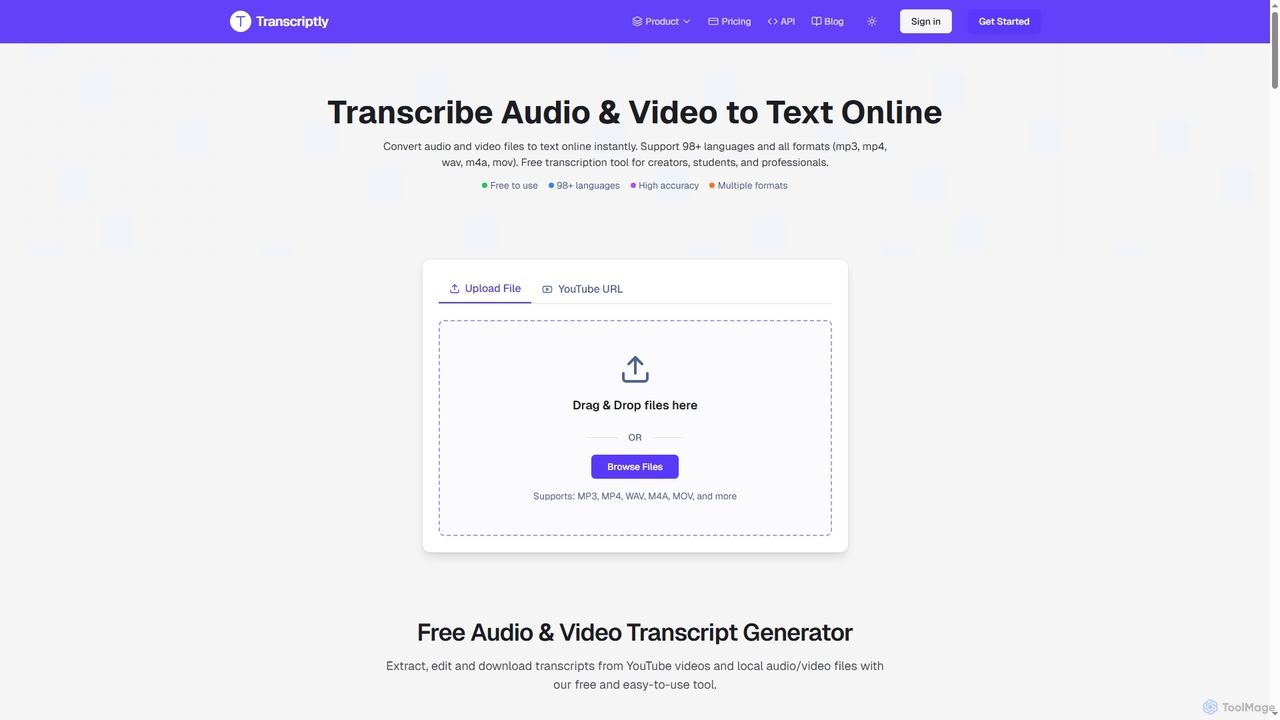
Transcriptly
Transcriptly is an AI-powered online platform that converts audio and video files into accurate text transcripts. Supporting over 98 languages and various formats, it offers fast processing, AI insights, and multiple export options for students, creators, professionals, and businesses.
Market Research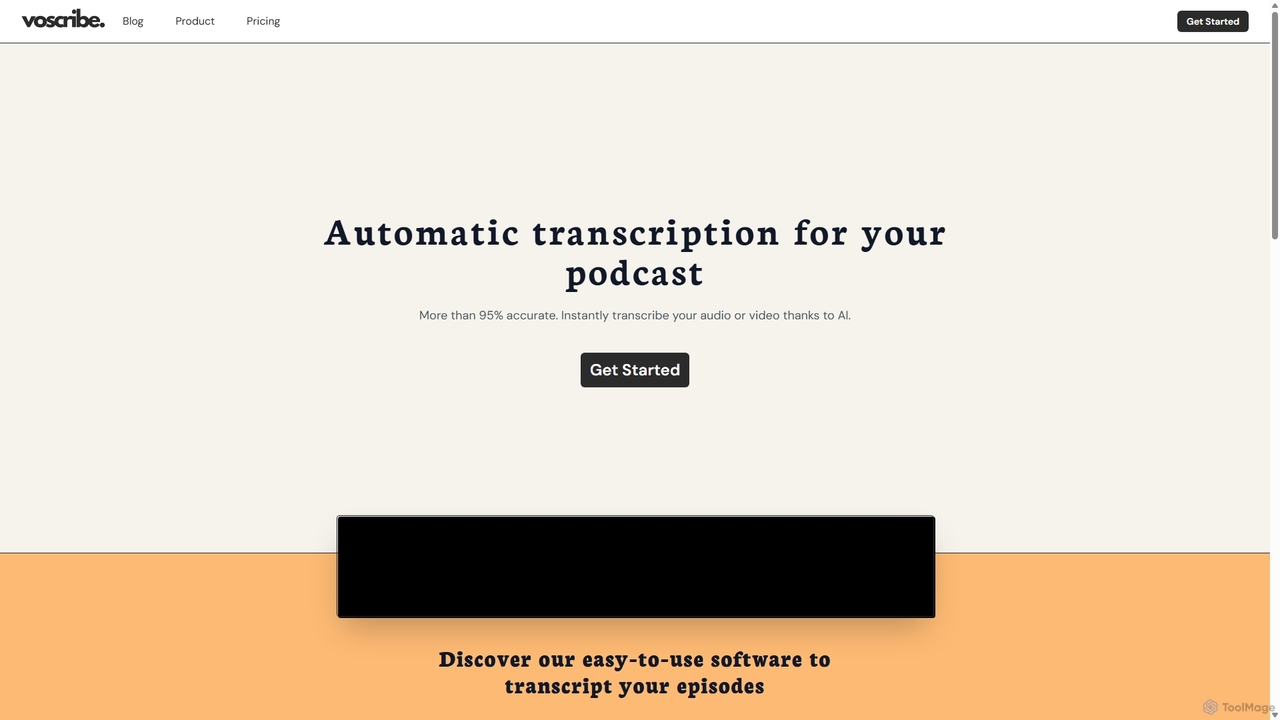
Voscribe
Voscribe is an AI-powered suite for podcasters and video creators, offering highly accurate, fast, and automatic transcription services. It converts audio and video to text in minutes, provides an intuitive editor to sync and edit transcripts, and generates subtitles (SRT) effortlessly. Ideal for content repurposing, enhancing accessibility, and saving valuable production time.
TranscriptionKapwing
Kapwing is an AI-powered online video editor designed for teams and creators to produce high-quality content faster. It combines a full suite of editing tools with intelligent AI features like text-to-video, automatic subtitling, and background removal in a collaborative, browser-based platform, making video creation accessible to everyone.
Video Marketingdubs
dubs is an all-in-one AI video studio designed for content creators and businesses. It offers a suite of powerful tools including automatic subtitles in 100+ languages, voice-cloning dubbing, AI avatars, and script generation. Enhance your videos, reach a global audience, and make your content more accessible and engaging with features like a teleprompter, noise removal, and customizable captions.
TranscriptionFame Clips
Fame Clips is a done-for-you service that combines AI with professional human editors to create high-performance, viral-ready video clips from podcasts and X Spaces. Designed for B2B businesses, it delivers professionally edited clips in 72 hours, optimized for social media platforms, helping to boost downloads and save significant time.
Podcast Marketing
Zubtitle
Zubtitle is an AI-powered online video editor designed to help creators and marketers quickly optimize videos for social media. It specializes in automatic transcription and subtitling, allowing users to add captions, headlines, logos, and progress bars with just a few clicks. The tool simplifies video repurposing for platforms like Instagram, TikTok, and YouTube Shorts, making it easy to create engaging, professional-looking content that captures attention even when muted.
Transcription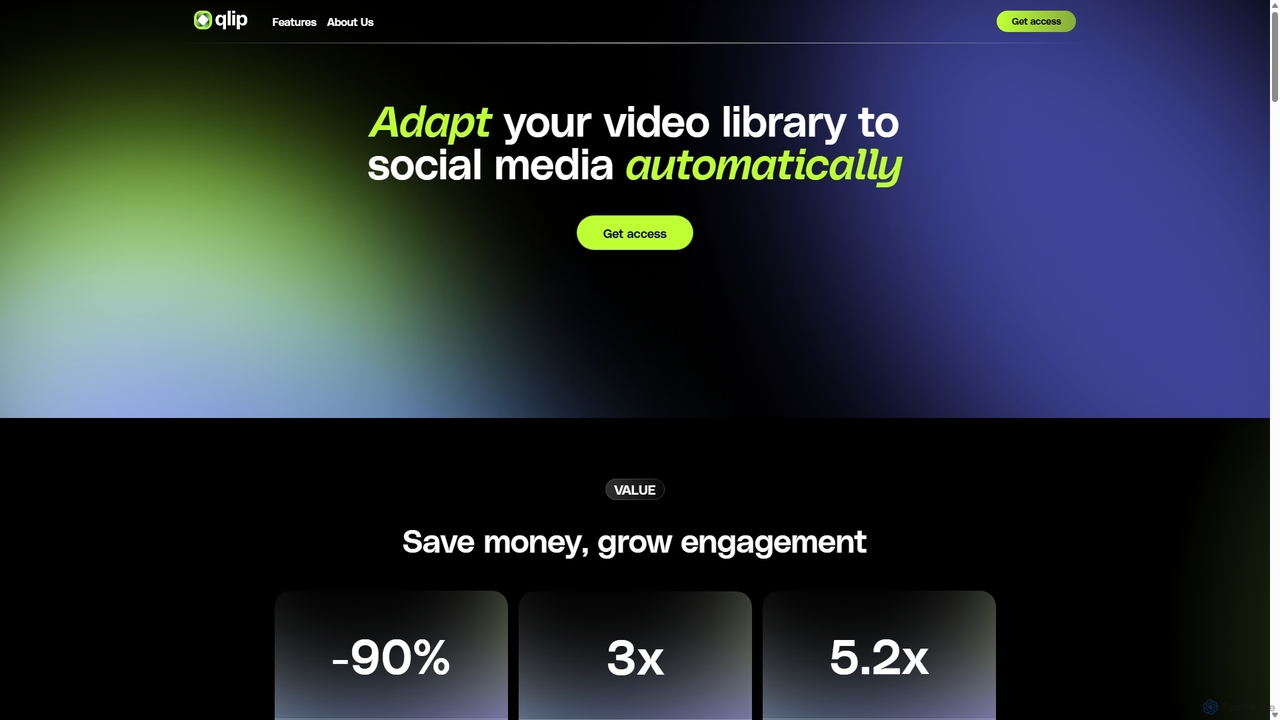
Qlip
Qlip is an AI-powered platform that automatically extracts impactful short clips from long-form videos. Designed for marketers and content creators, it simplifies repurposing content for social media with features like auto-reframing, branded subtitles, and transcription, helping to save costs and boost engagement.
Video Marketing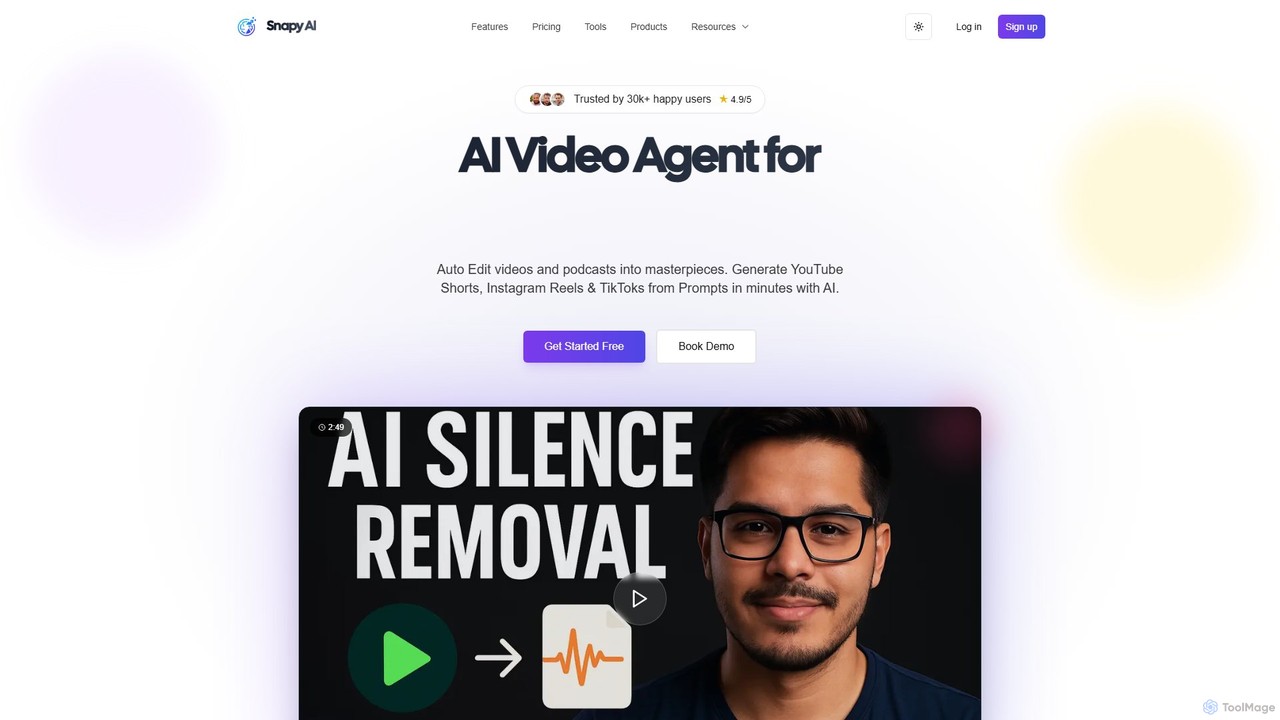
snapy.ai
Snapy.ai is an AI-powered video creation suite that automatically edits long-form videos and podcasts into engaging short clips for social media. It can also generate videos from text prompts, remove silences and background noise, dub videos into multiple languages, and convert presentations into dynamic videos.
Automation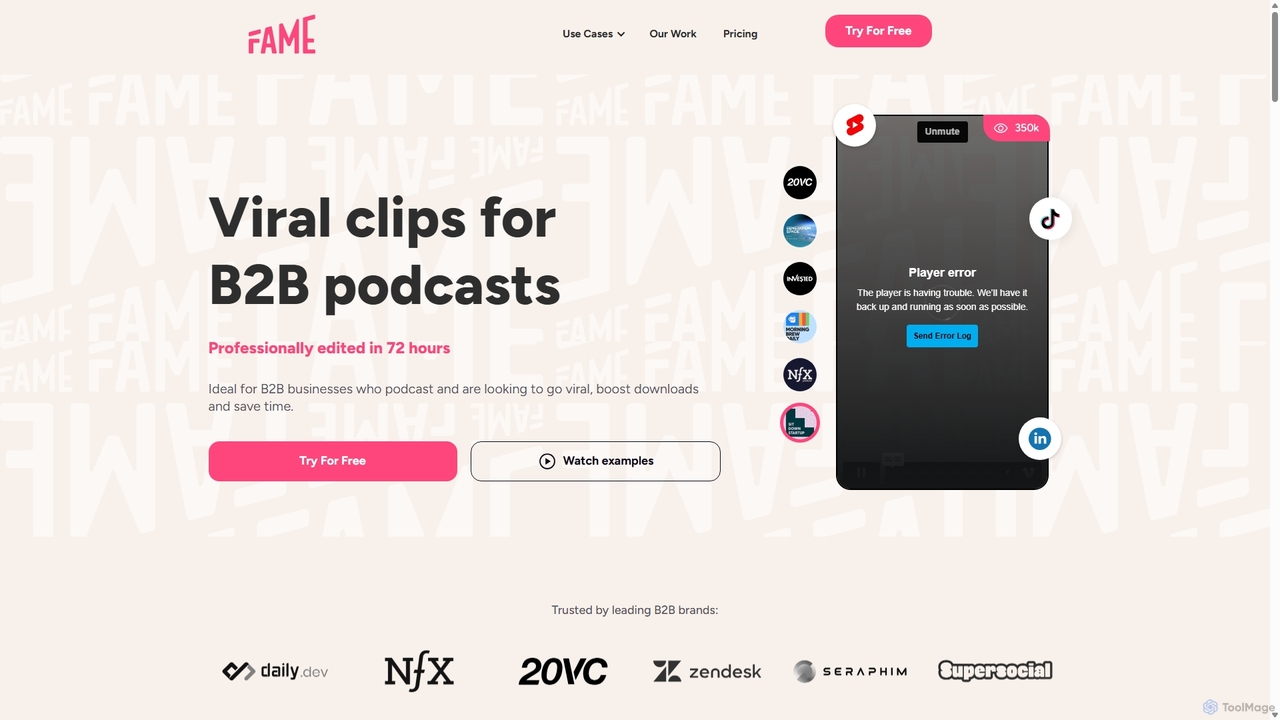
Fame Clips
Fame Clips is a hybrid AI and human-powered service that transforms B2B podcasts into professionally edited, viral-ready short-form video clips for social media. It delivers high-quality, branded content in 72 hours, helping businesses boost engagement, increase downloads, and save significant time and resources compared to pure AI tools or traditional agencies.
Podcast Marketing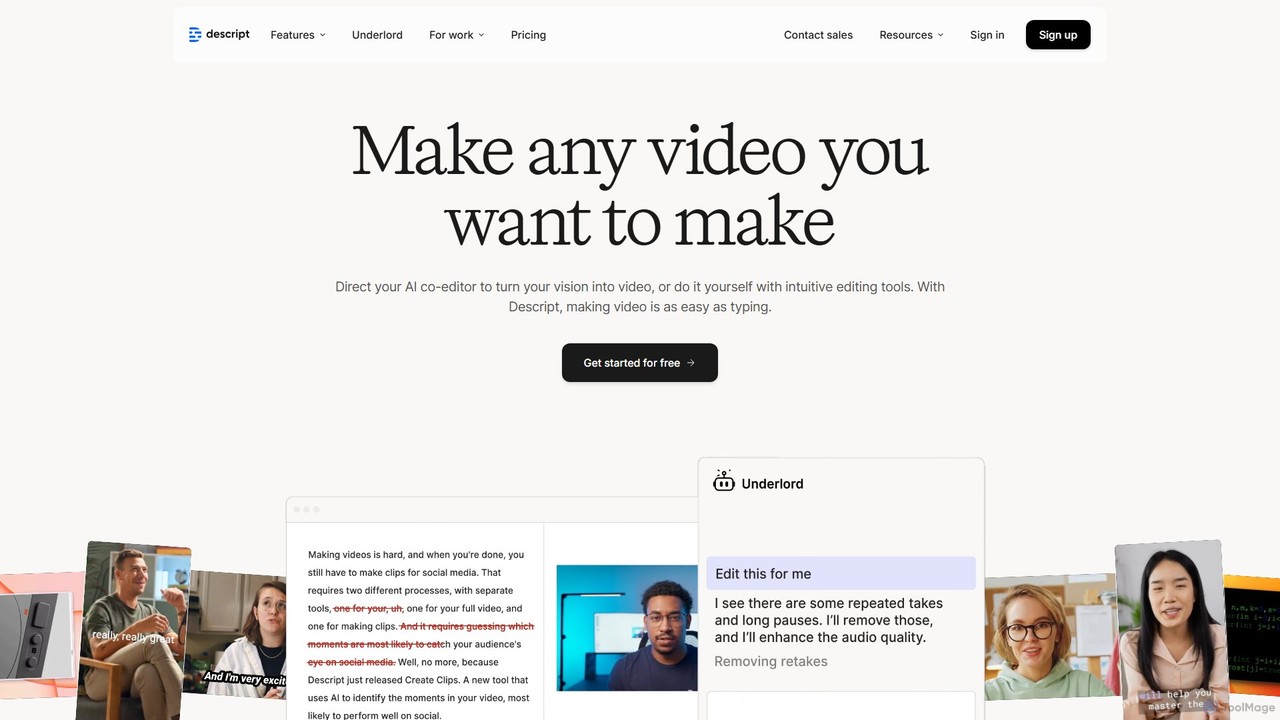
Descript
Descript is an all-in-one AI-powered video and podcast editor that revolutionizes content creation by allowing you to edit media as easily as a text document. It features text-based editing, automatic transcription, and powerful AI tools like Studio Sound, green screen, eye contact correction, and filler word removal. It's the ideal solution for creators and businesses aiming to produce high-quality, professional content with unparalleled efficiency.
Social Media
Type Studio Comments (0)
Sign in to comment.
Sign inNo comments yet.