

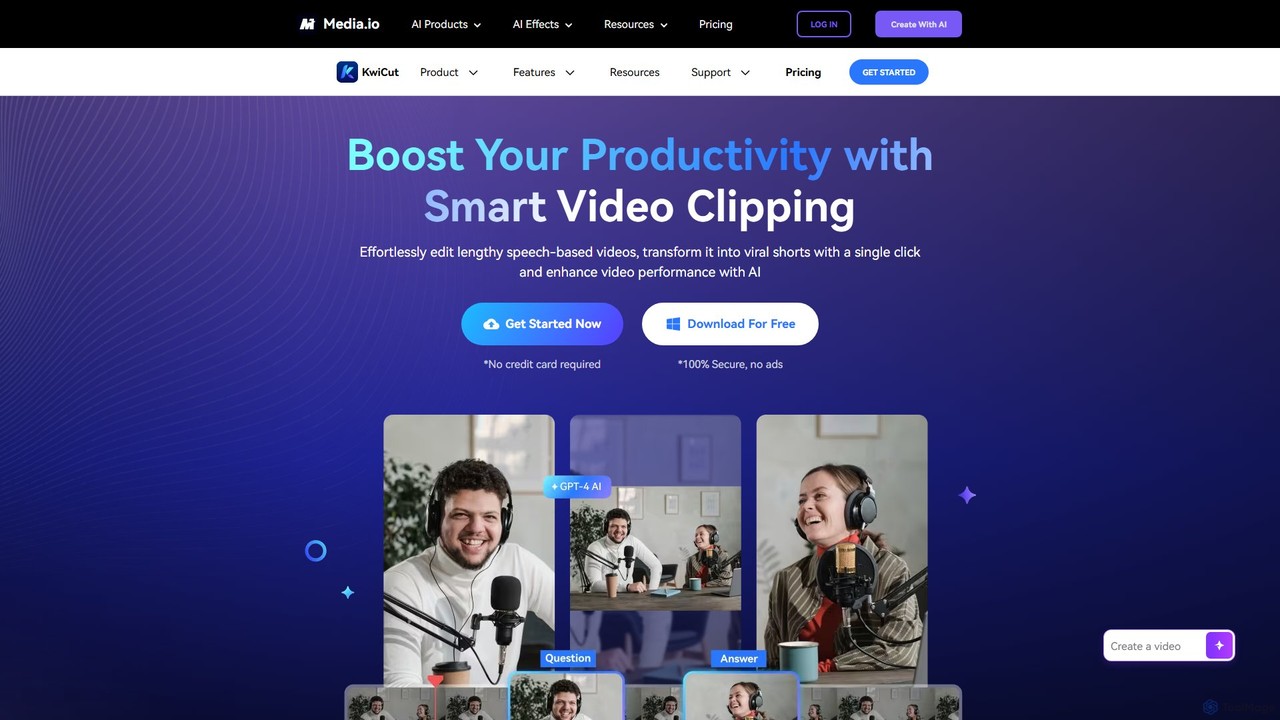
KwiCut Overview
KwiCut, developed by Wondershare, is a revolutionary AI video editing software designed to dramatically boost productivity for content creators, especially those working with speech-heavy formats like podcasts, interviews, webinars, and educational videos. It transforms the traditionally tedious video editing process into a simple, intuitive, and highly efficient workflow. The core principle of KwiCut is to allow users to edit video as easily as editing a text document.
By automatically transcribing uploaded video or audio content with up to 95% accuracy, KwiCut lays the foundation for its powerful text-based editor. Users can simply delete words or sentences from the transcript, and the corresponding video and audio segments are instantly removed. This eliminates the need for painstaking timeline scrubbing and timestamp tracking. The platform is packed with AI-driven tools that automate complex tasks, enabling creators to produce professional-quality content with minimal effort.
How to use KwiCut
The workflow in KwiCut is streamlined for maximum efficiency:
- Upload Your Media: Start by uploading your long-form video or audio file to the KwiCut platform (either online or via the desktop app).
- Automatic Transcription: KwiCut's AI will automatically transcribe your entire file into text, creating an interactive transcript.
- Text-Based Editing: Review the transcript. To edit the video, simply highlight and delete unwanted text. The corresponding video segment will be cut instantly. You can also use the transcript to quickly navigate to any point in the video.
- One-Click Enhancement: Use the AI tools to perfect your audio. Click to remove filler words (like 'um', 'uh') and long silences. Apply the AI Background Noise Remover to achieve clean, studio-quality sound.
- Generate Short Clips: Utilize the 'AI Video Clipping' feature. With a single click, the AI identifies the most engaging and viral-worthy moments from your long video and creates multiple short clips, automatically framed around the speaker's face.
- AI-Powered Copywriting: Leverage the GPT-4 powered AI Copilot to automatically generate catchy titles, detailed descriptions, and summaries for each of your short clips.
- Enhance and Finalize: Use the AI Video Enhancer to improve the visual quality of your footage. If needed, use the AI Voice Cloner to correct misspoken words or add new narration without re-recording.
- Share: Publish your polished content directly to your social media platforms.
Core Features of KwiCut
- Text-Based Video Editing: Edit your video by simply editing the auto-generated text transcript.
- AI Smart Clipping: Automatically extracts viral-worthy short clips from long videos with a single click.
- High-Accuracy Transcription: Converts audio and video to text with up to 95% accuracy, serving as the foundation for editing.
- Filler Word & Silence Removal: Instantly detects and removes ums, uhs, and awkward pauses to make speech sound more polished.
- AI Background Noise Remover: Eliminates background noise to produce crisp, studio-quality audio.
- AI Voice Cloner: Creates a digital replica of your voice to fix errors or generate new audio content without re-shooting.
- GPT-4 AI Copilot: Automatically generates optimized titles, descriptions, and summaries for social media.
- Face-Focused Auto-Framing: Ensures the speaker is always perfectly centered in short clips, ideal for vertical video formats.
- AI Video & Image Enhancer: Improves the resolution and quality of blurry or low-grade footage and images.
Use Cases for KwiCut
KwiCut is ideal for a wide range of users:
- Podcasters: Effortlessly edit long audio recordings, remove noise, and generate multiple promotional video clips for platforms like YouTube Shorts, Instagram Reels, and TikTok.
- YouTubers & Content Creators: Quickly repurpose long-form content like interviews, reviews, and tutorials into a high volume of engaging short videos to maximize reach.
- Corporate Trainers & Educators: Transcribe training sessions and lectures, create concise micro-learning videos, and ensure consistent audio quality across all materials.
- Marketers: Convert webinars, customer testimonials, and expert interviews into compelling social media ads and content campaigns.
Advantages of KwiCut
- Massive Time Savings: Automates the most time-consuming parts of video editing, reducing editing time significantly.
- User-Friendly: The intuitive text-based interface makes video editing accessible to everyone, regardless of technical skill.
- Content Maximization: Effortlessly repurposes a single piece of long-form content into dozens of short-form assets.
- Professional Finish: AI enhancement tools for audio and video ensure a high-quality, polished final product without expensive gear or expertise.
- All-in-One Platform: Integrates transcription, editing, audio enhancement, and social media content generation into a single, seamless workflow.
Pricing and Plans
KwiCut operates on a freemium model. A free plan is available, allowing users to test the core functionalities with certain limitations, such as watermarks on exports or a cap on transcription minutes. For full access and advanced features, KwiCut offers paid subscription plans (likely monthly and annual options). These premium plans typically include benefits like unlimited transcription, watermark-free exports, higher resolution outputs, and full access to features like the AI Voice Cloner and larger file uploads.
Traffic
Latest traffic
Status
Monthly traffic trend
- 2025-9: 15.8K
- 2026-1: 18.1K
- 2026-2: 12.3K
- 2026-3: 14.1K
- 2026-4: 17.4K
- 2026-5: 5.6K
Geography
Top 5 countries / regions
- 🇮🇳India56.7%
- 🇵🇰Pakistan18.1%
- 🇧🇩Bangladesh9.6%
- 🇶🇦Qatar8.0%
- 🇮🇩Indonesia7.6%
Traffic sources
| Source type | Percentage |
|---|---|
Direct | 64.3% |
Referral | 35.8% |
Top keywords
| Keyword | Cost per click |
|---|---|
| kwai cut | $0.08 |
| kwaicut | $0.08 |
| kwaicut for pc | $0.08 |
| kwicut web | $0.00 |
| remove noise from video online free without login | $0.00 |
KwiCut Alternatives
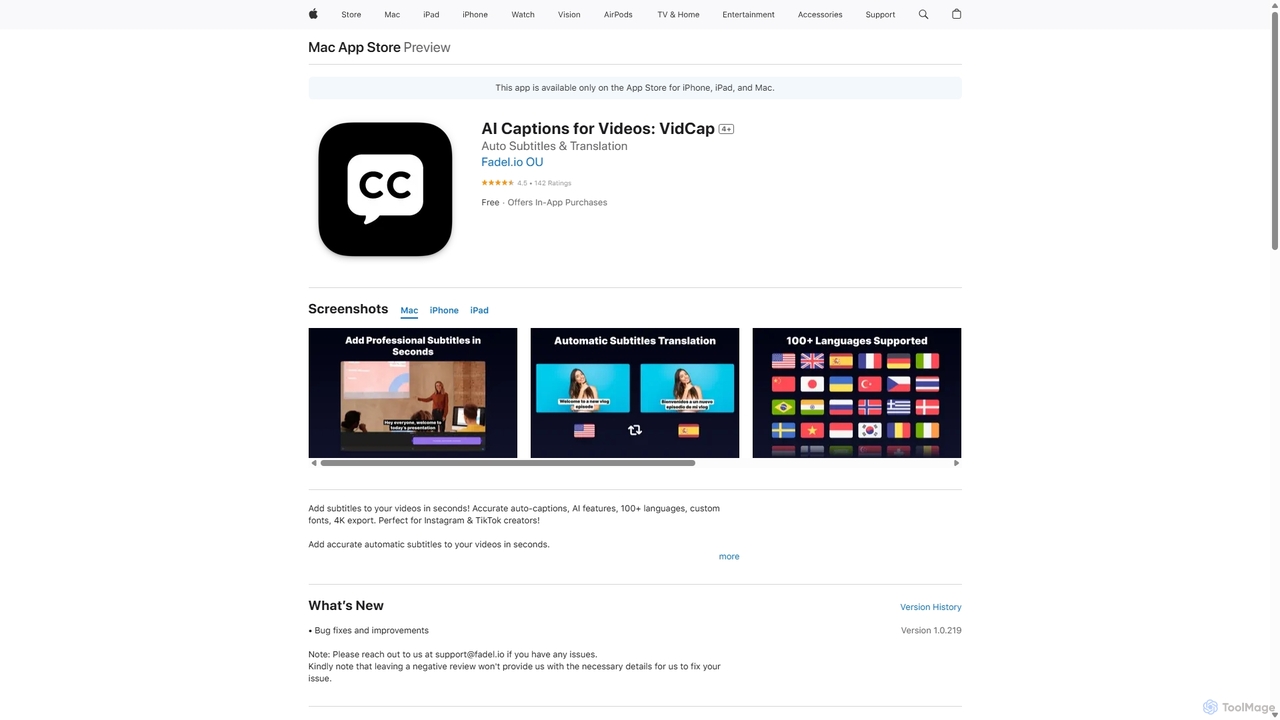
VidCap
VidCap is an AI-powered mobile application designed for content creators to effortlessly add accurate, automatic subtitles to videos. It supports over 100 languages, offers extensive customization options like fonts and animations, and includes advanced features such as AI Eye Contact, a video teleprompter, and background noise removal. Export videos in stunning 4K quality, perfect for boosting engagement on platforms like Instagram and TikTok.
Transcription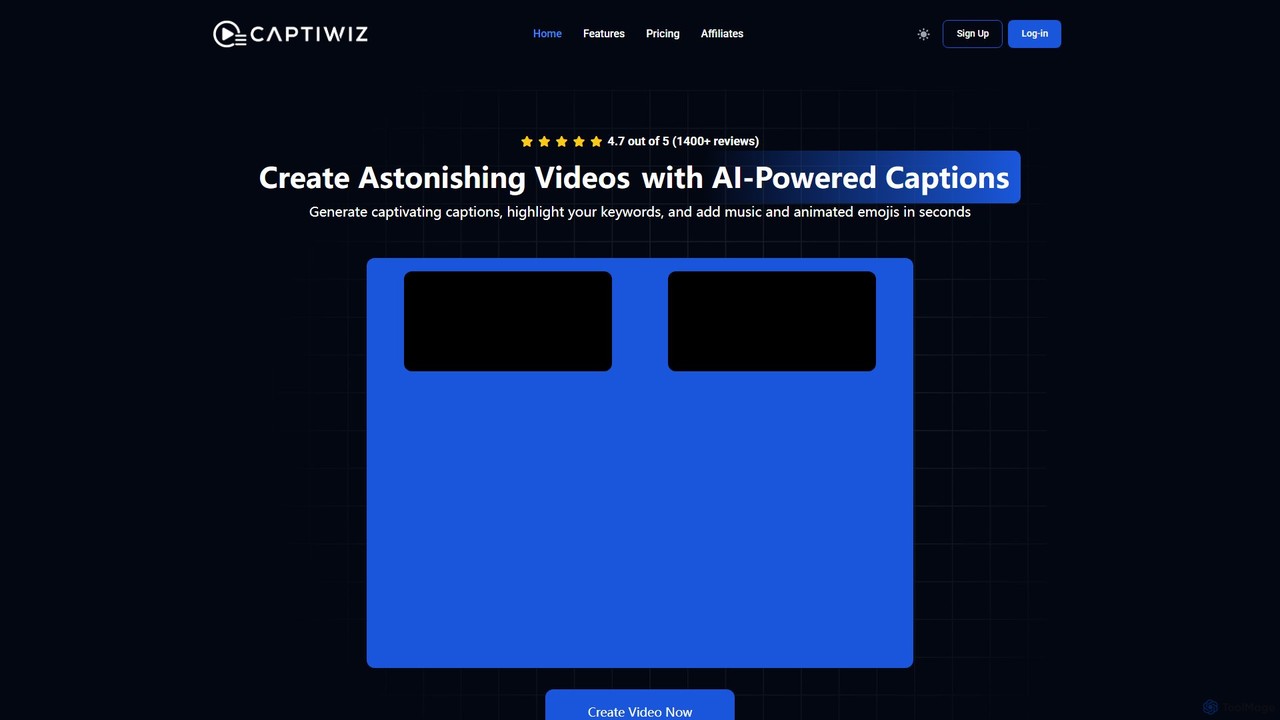
Captiwiz
Captiwiz is an AI-powered video tool that automatically generates and customizes engaging captions for social media videos. It transcribes audio with high accuracy, offers trendy fonts, animated emojis, and auto sound effects. It also generates SEO-friendly descriptions and hashtags to boost engagement and viewership.
Transcription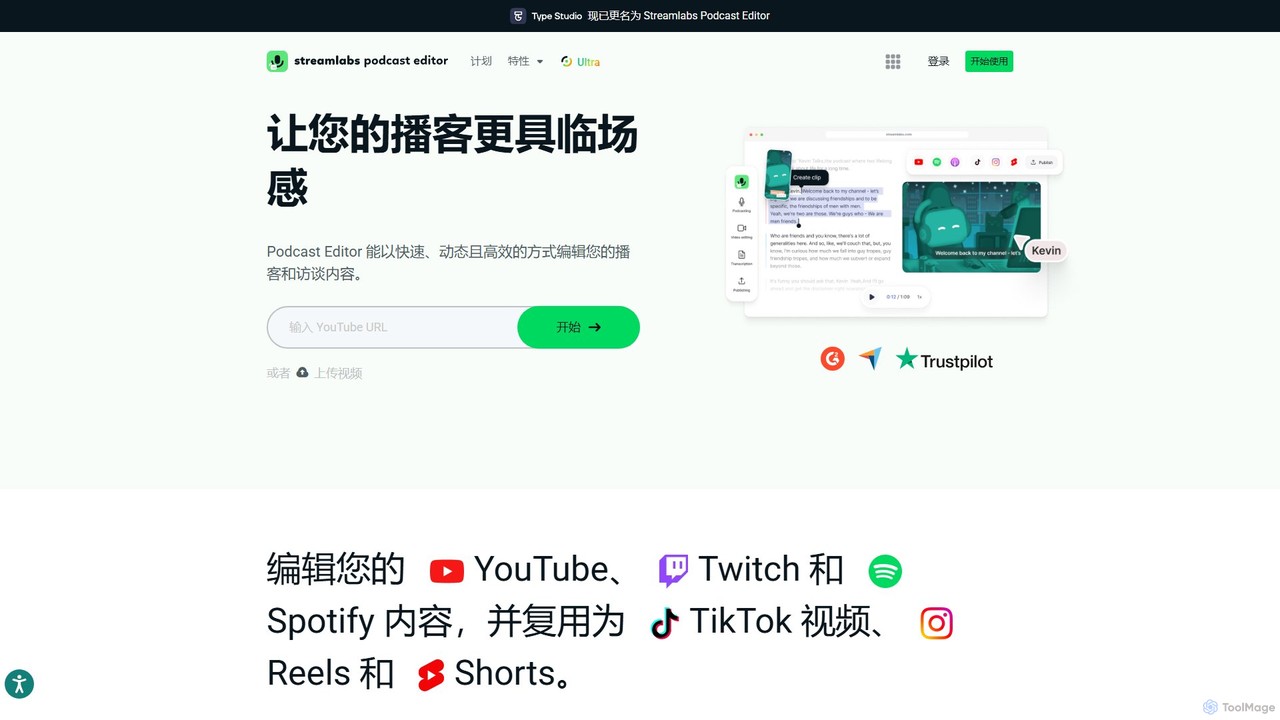
Type Studio
Type Studio (now Streamlabs Podcast Editor) is an AI-powered video editor that lets you edit video by simply editing its text transcript. It automatically transcribes your content, allowing you to cut scenes, remove filler words, and create short clips just by deleting text. It's designed for podcasters, streamers, and creators to repurpose long-form content for social media quickly and effortlessly, no editing experience required.
Podcast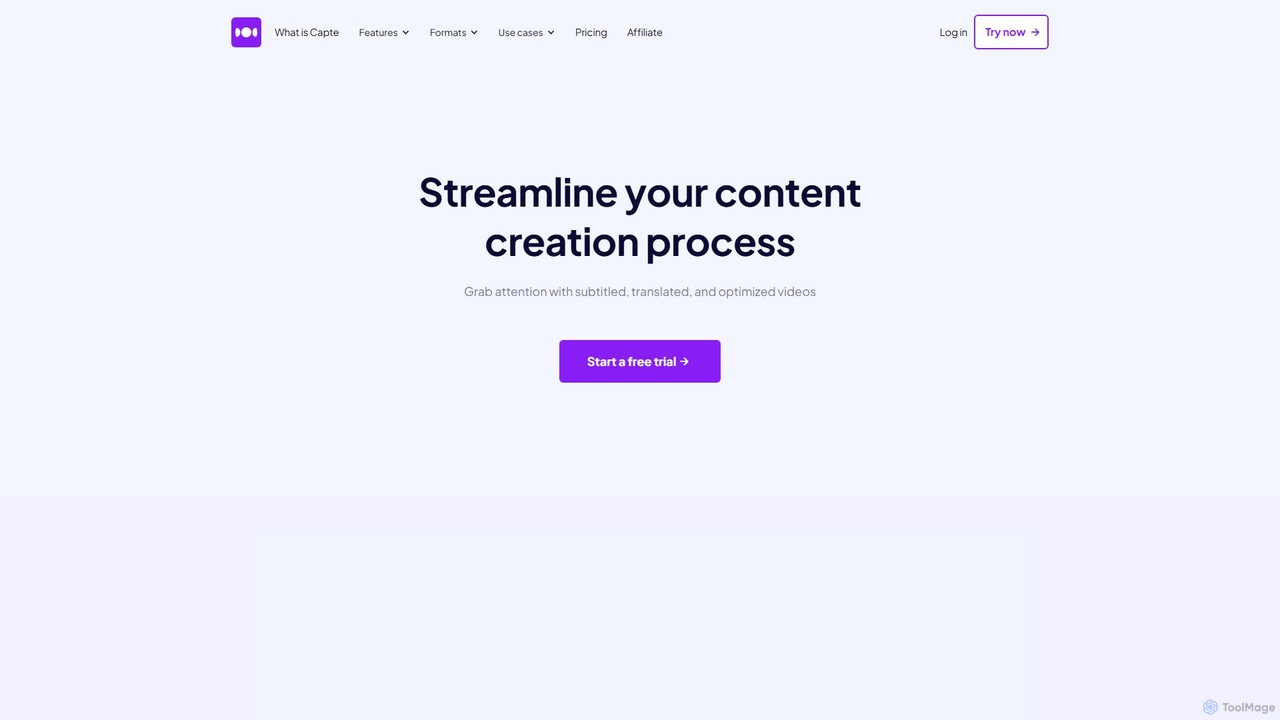
getcapte
getcapte is an AI-powered video editing platform designed to streamline content creation. It automatically generates accurate subtitles, translates them into multiple languages, and repurposes long-form videos into engaging short clips for social media. Ideal for creators, marketers, and podcasters looking to maximize their content's reach with minimal effort.
Repurposing
Zubtitle
Zubtitle is an AI-powered online video editor designed to help creators and marketers quickly optimize videos for social media. It specializes in automatic transcription and subtitling, allowing users to add captions, headlines, logos, and progress bars with just a few clicks. The tool simplifies video repurposing for platforms like Instagram, TikTok, and YouTube Shorts, making it easy to create engaging, professional-looking content that captures attention even when muted.
TranscriptionKwiCut Categories
KwiCut Embed Widget
Copy this embed code to place the badge on your blog, article, or product site and send readers directly to this ToolMage detail page.

Related AI tools
Type Studio
Type Studio (now Streamlabs Podcast Editor) is an AI-powered video editor that lets you edit video by simply editing its text transcript. It automatically transcribes your content, allowing you to cut scenes, remove filler words, and create short clips just by deleting text. It's designed for podcasters, streamers, and creators to repurpose long-form content for social media quickly and effortlessly, no editing experience required.
Podcastgetcapte
getcapte is an AI-powered video editing platform designed to streamline content creation. It automatically generates accurate subtitles, translates them into multiple languages, and repurposes long-form videos into engaging short clips for social media. Ideal for creators, marketers, and podcasters looking to maximize their content's reach with minimal effort.
Repurposing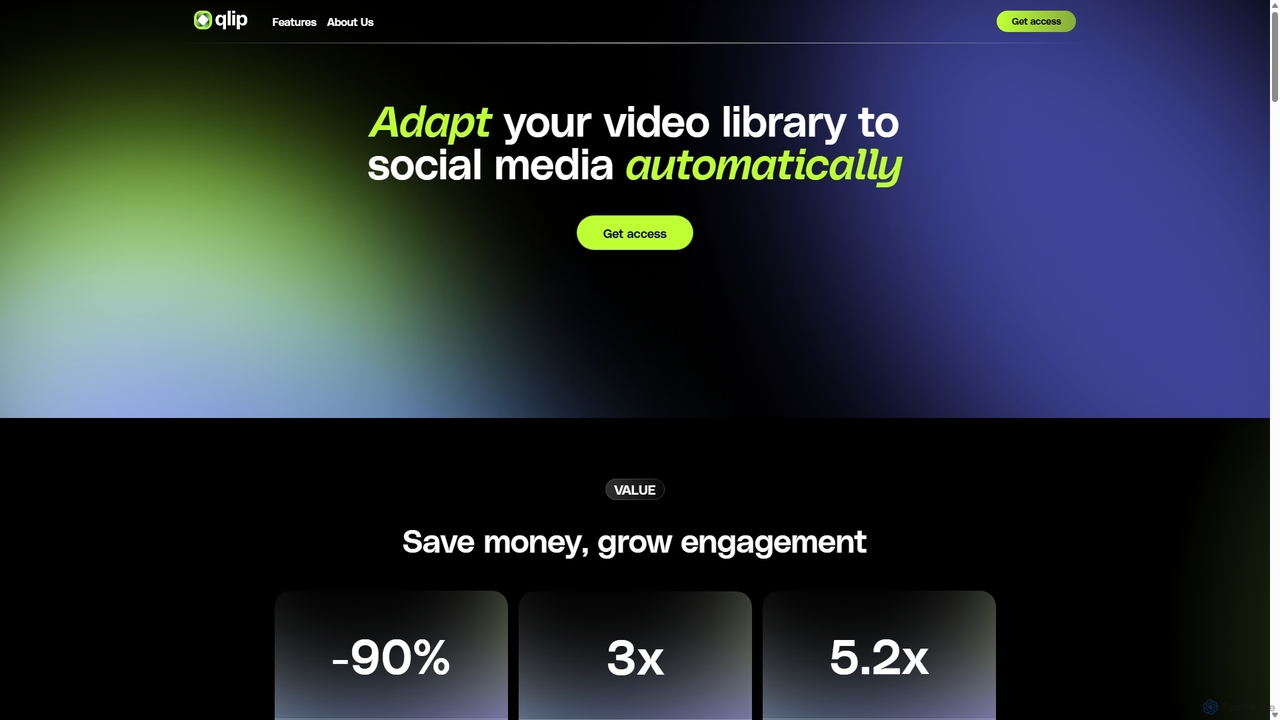
Qlip
Qlip is an AI-powered platform that automatically extracts impactful short clips from long-form videos. Designed for marketers and content creators, it simplifies repurposing content for social media with features like auto-reframing, branded subtitles, and transcription, helping to save costs and boost engagement.
Video Marketing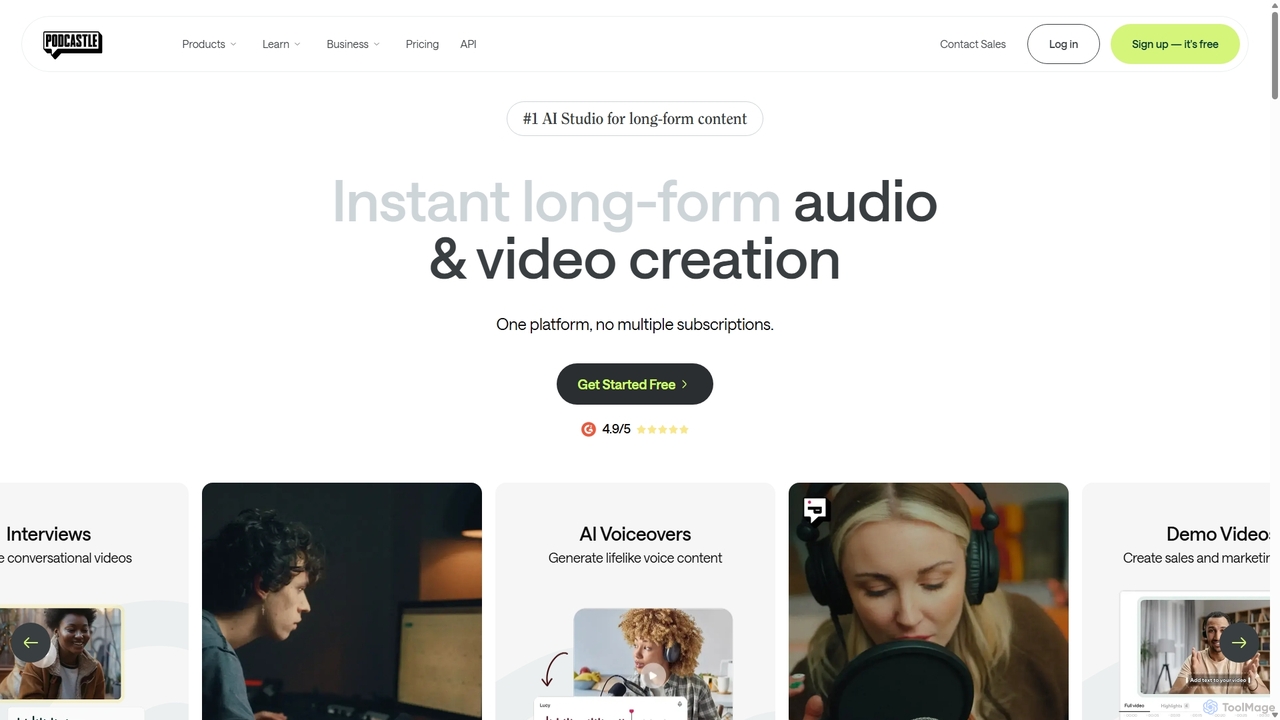
Podcastle
Podcastle is an all-in-one, AI-powered platform for audio and video creation. It simplifies the entire workflow from high-quality recording and text-based editing to AI-enhanced post-production and podcast hosting. Features include studio-quality recording, AI noise removal, voice cloning, and seamless video editing, making it ideal for podcasters, content creators, and marketers.
3D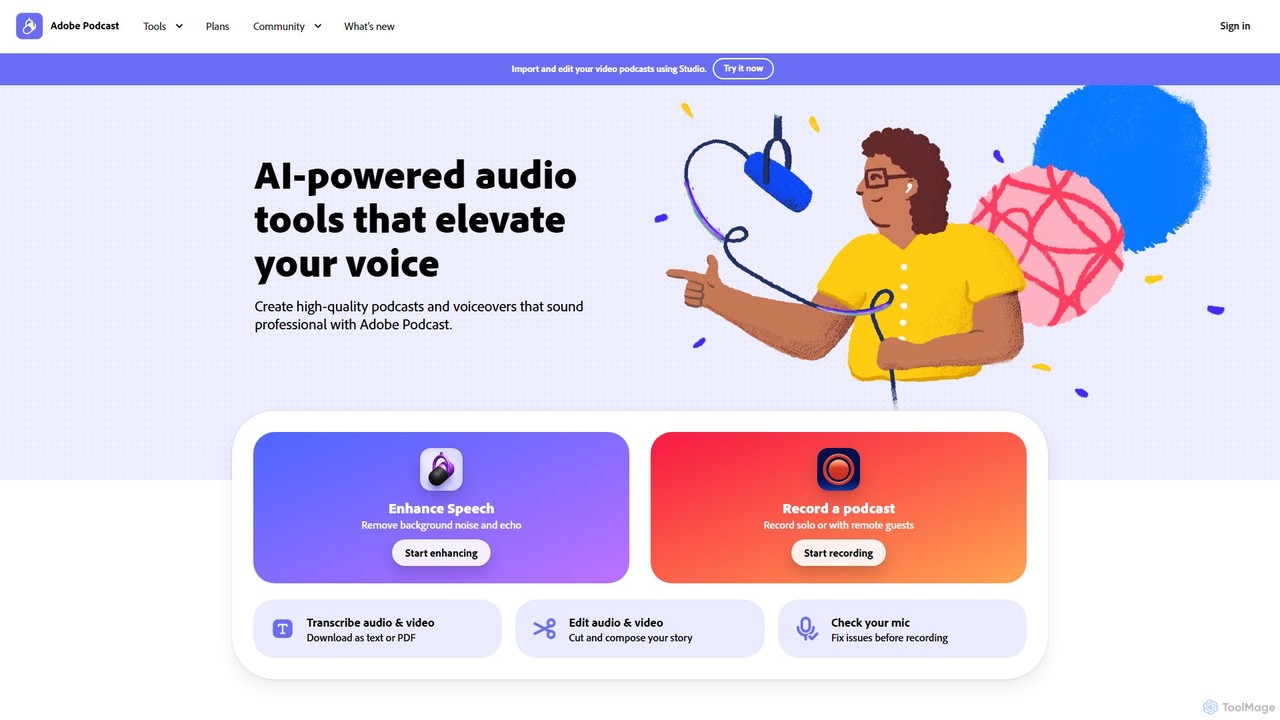
Adobe Podcast
Adobe Podcast is an AI-powered, web-based platform for audio recording, editing, and enhancement. It enables users to create professional-quality podcasts and voiceovers by removing background noise, transcribing audio for text-based editing, and facilitating remote recording. It's designed for both beginners and professionals seeking studio-quality sound without complex equipment.
3D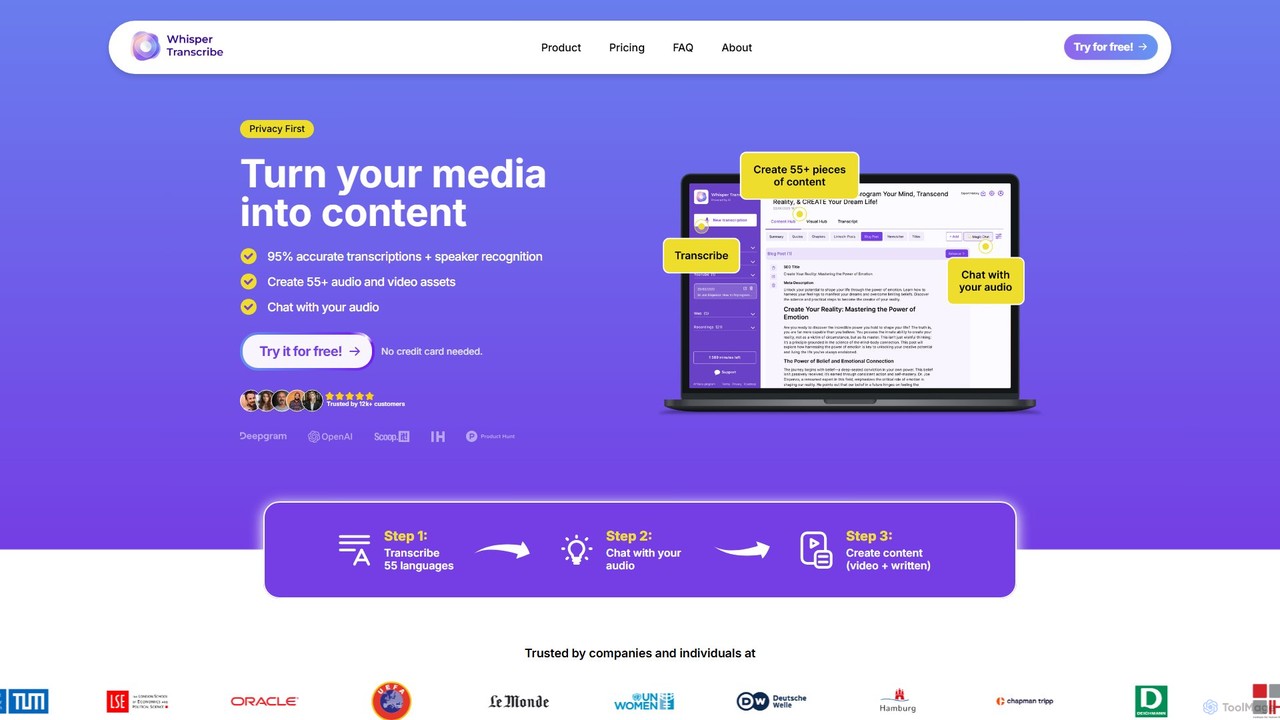
WhisperTranscribe
WhisperTranscribe is an AI-powered platform that transforms audio and video into accurate text transcripts and a wide range of content assets. Leveraging OpenAI's Whisper, it provides 95% accurate transcriptions in 55+ languages, complete with speaker detection. Beyond transcription, it features a 'Magic Chat' to query your audio, and automatically generates over 57 content types, including social media posts, blog articles, summaries, and video clips, all tailored to your unique voice and style. It's an all-in-one solution for content creators, marketers, and researchers.
Content Creation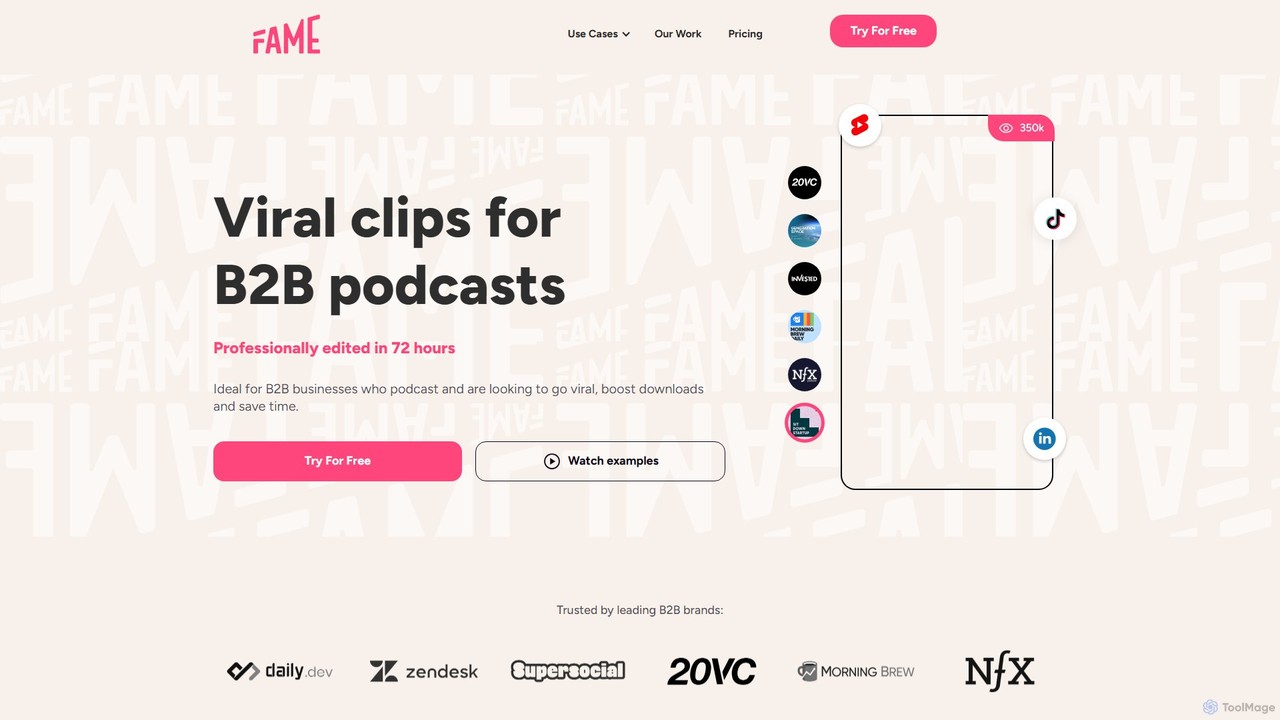
Fame Clips
Fame Clips is a done-for-you service that combines AI with professional human editors to create high-performance, viral-ready video clips from podcasts and X Spaces. Designed for B2B businesses, it delivers professionally edited clips in 72 hours, optimized for social media platforms, helping to boost downloads and save significant time.
Podcast Marketing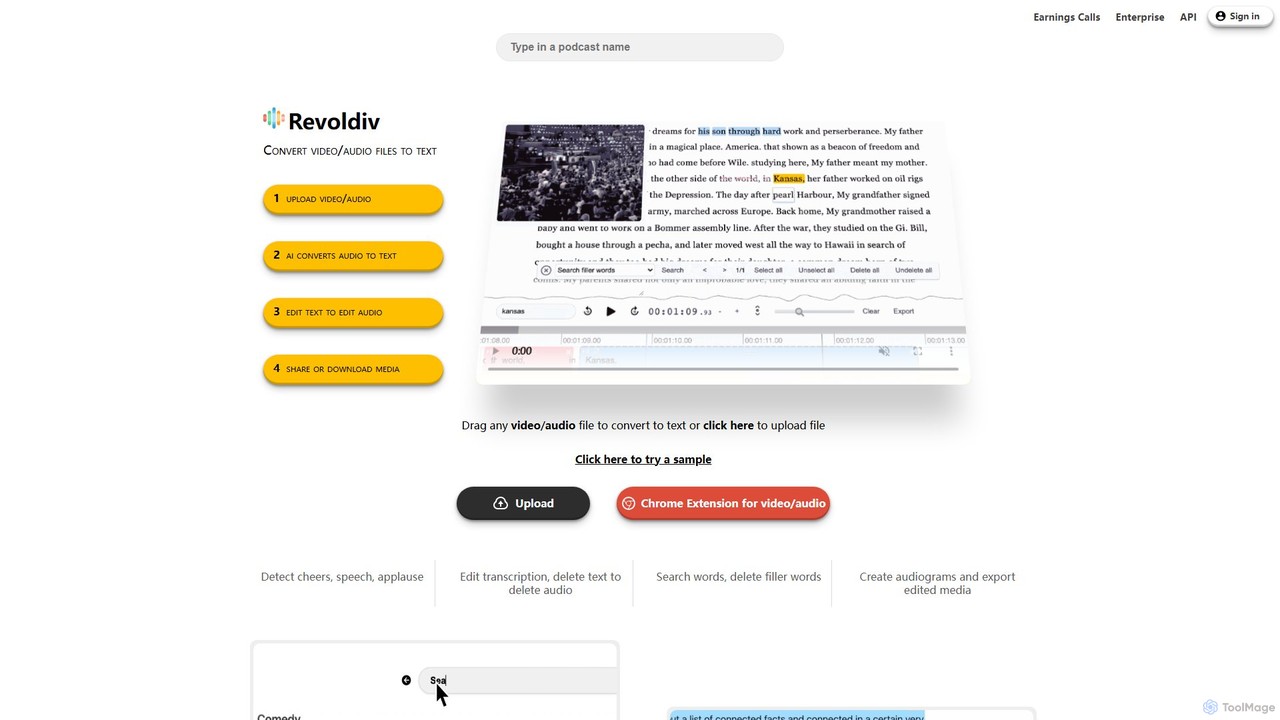
Revoldiv
Revoldiv is an AI-powered platform that transcribes video and audio files into editable text. It revolutionizes content creation by allowing users to edit media by simply editing the text, automatically removing filler words, creating audiograms, and fostering collaboration, making the post-production process fast and intuitive.
Transcription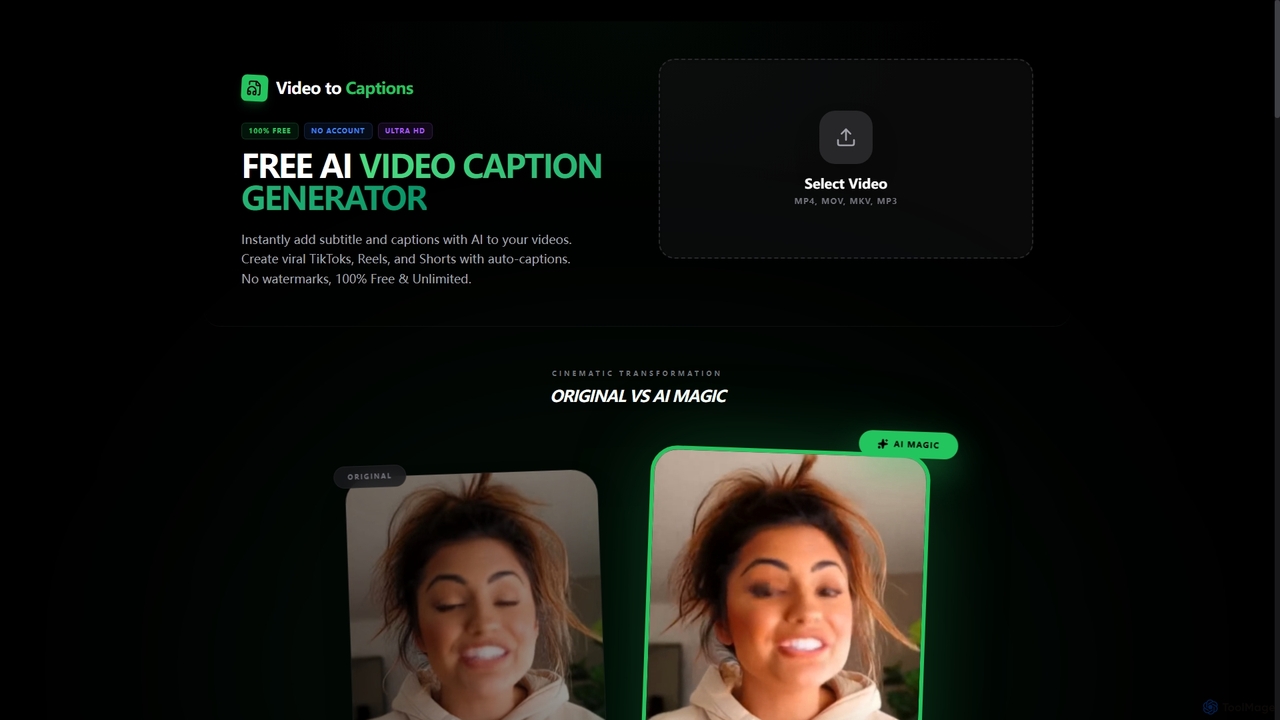
VideotoCaptions
VideotoCaptions is a 100% free AI-powered online tool that instantly generates subtitles and captions for videos. It helps creators boost engagement on platforms like TikTok, Instagram Reels, and YouTube Shorts with various viral caption styles, all without requiring an account or leaving watermarks.
3D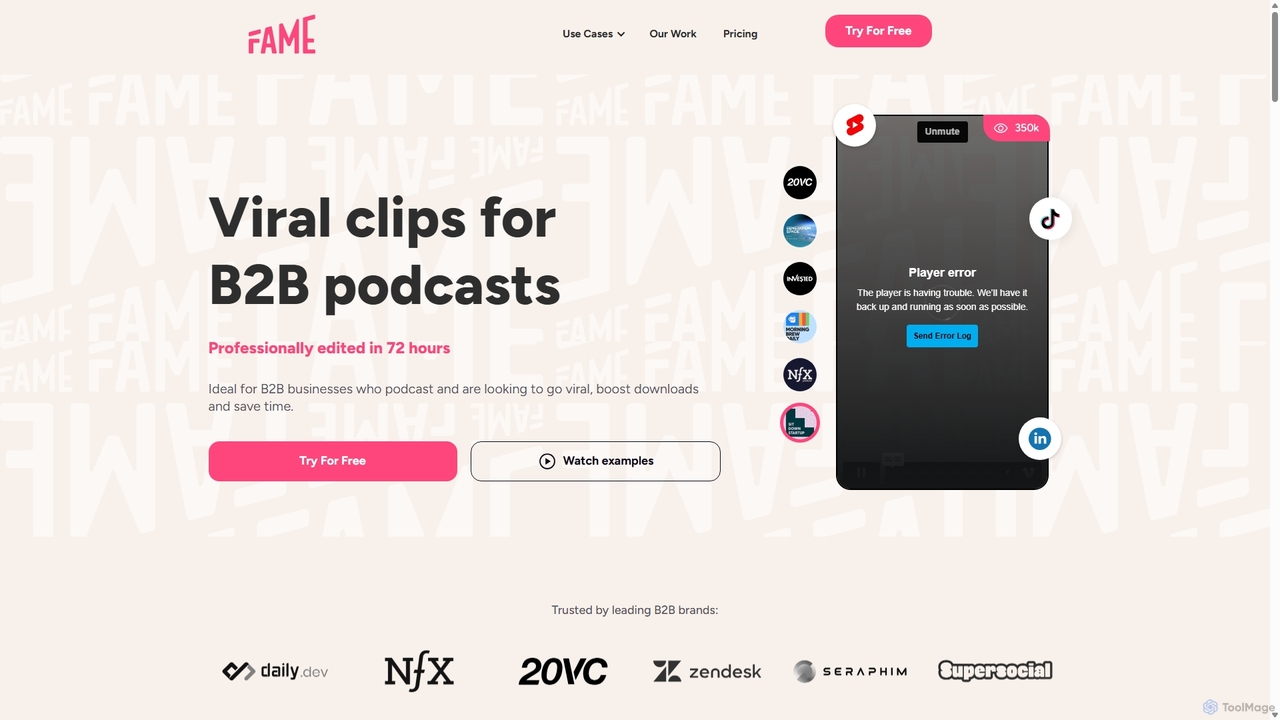
Fame Clips
Fame Clips is a hybrid AI and human-powered service that transforms B2B podcasts into professionally edited, viral-ready short-form video clips for social media. It delivers high-quality, branded content in 72 hours, helping businesses boost engagement, increase downloads, and save significant time and resources compared to pure AI tools or traditional agencies.
Podcast Marketing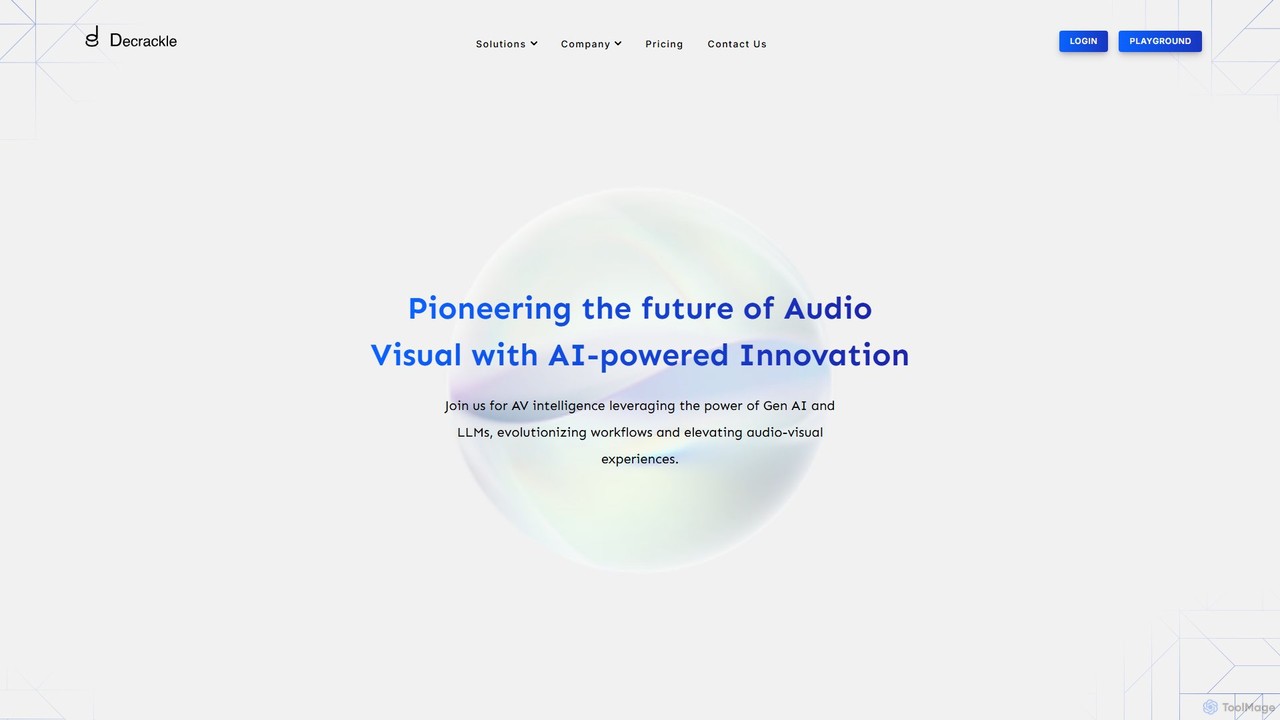
Decrackle
Decrackle is an AI-powered multi-suite platform for audio-visual innovation. It offers a Content Creator Suite for video editing and podcasting, a Conversational Intelligence Suite for call analysis, and an API for developers. Enhance audio, transcribe, summarize, and streamline your entire AV workflow.
3D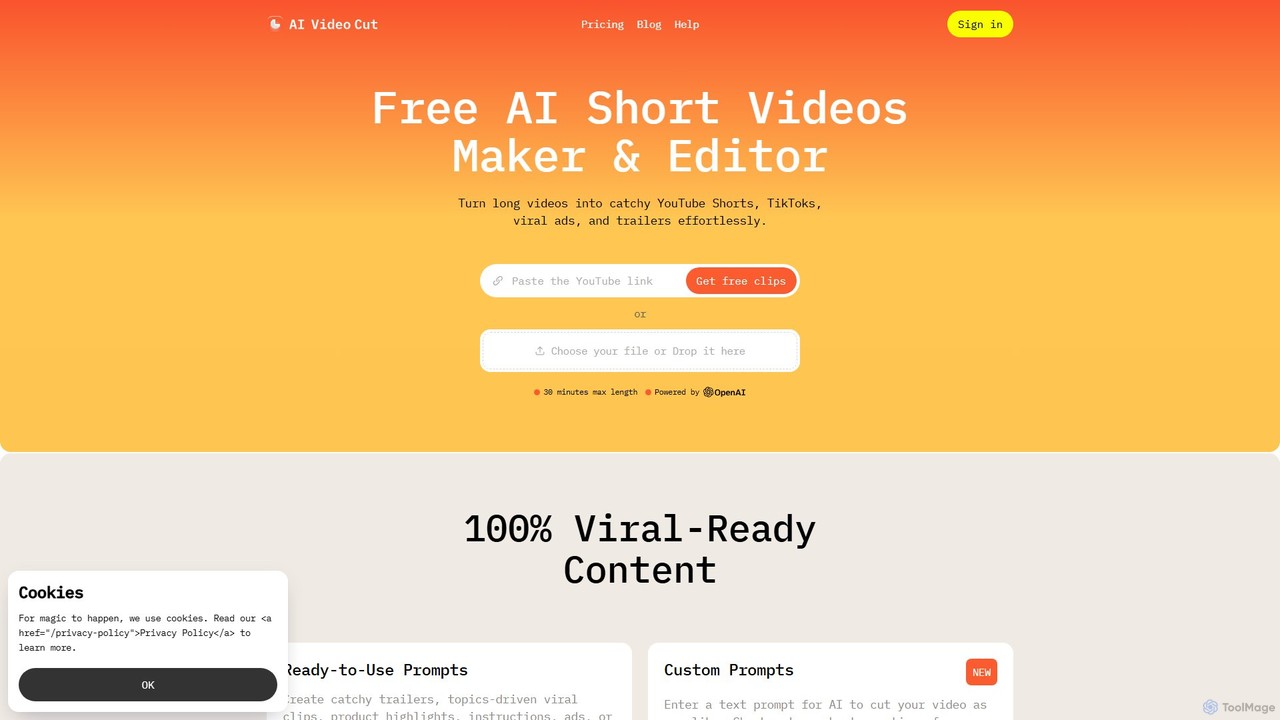
aivideocut
aivideocut is an AI-powered video editor that transforms long videos into engaging, viral short clips for platforms like YouTube Shorts, TikTok, and Instagram. Using AI prompts, it automatically identifies the most compelling moments, adds captions, and formats content for social media, saving creators hours of manual editing.
Advertising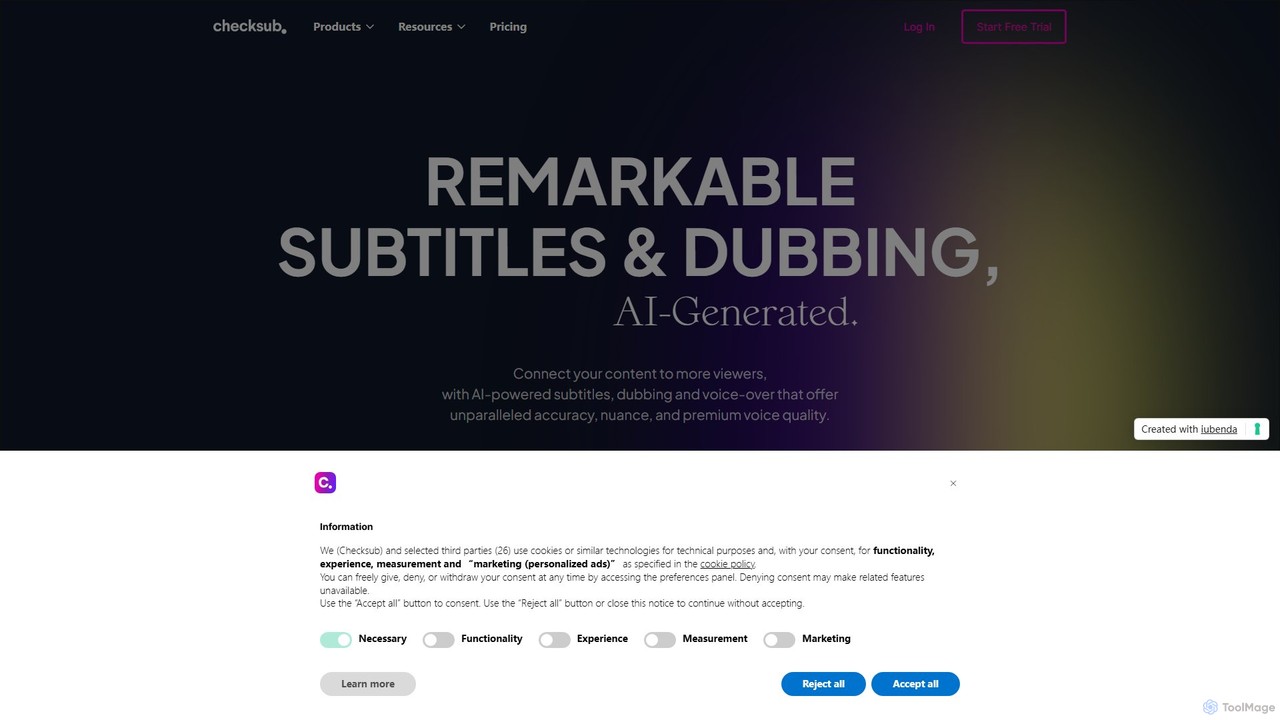
Checksub
Checksub is an AI-powered platform for automatic subtitling, video translation, and dubbing. It helps creators and businesses make their video content accessible to a global audience by generating accurate subtitles and high-quality voice-overs in over 200 languages, complete with voice cloning technology.
Transcription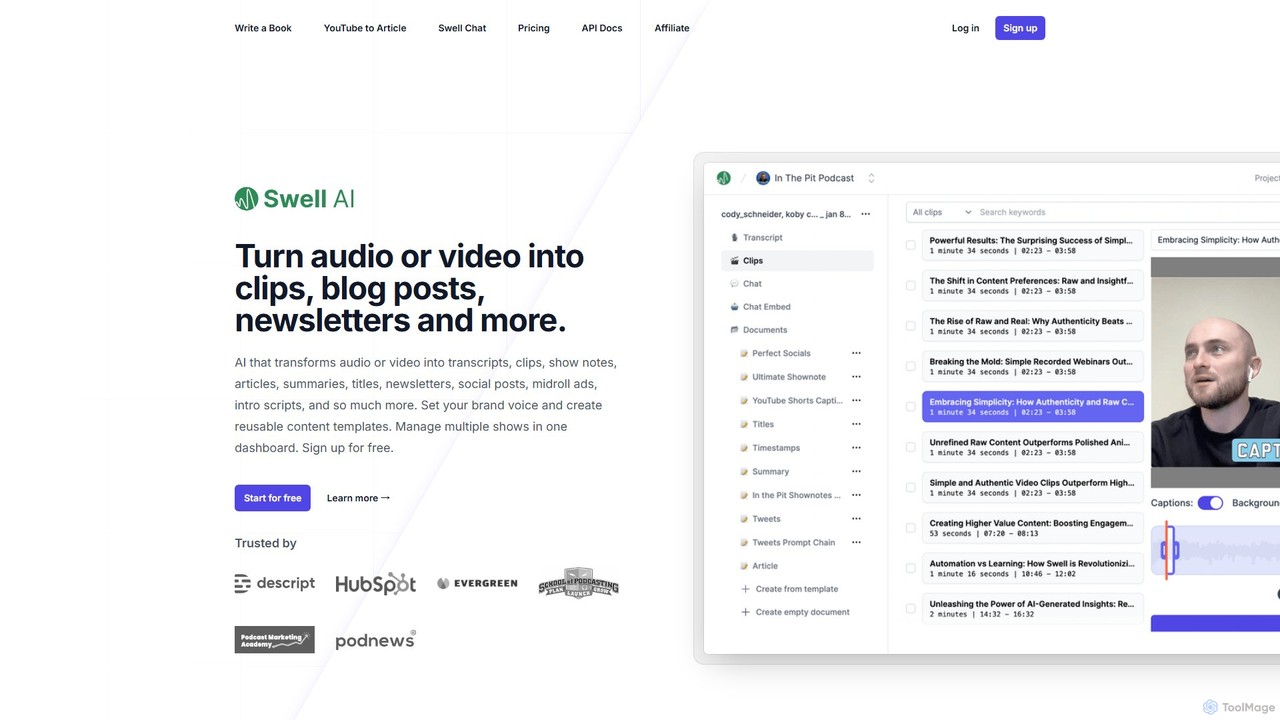
Swell AI
Swell AI is an AI-powered platform that transforms audio and video content into a wide range of written assets. It automatically generates transcripts, show notes, articles, summaries, and social media posts, helping podcasters and content creators repurpose their content efficiently for every marketing channel. Features include a transcript editor, AI-suggested clips, customizable brand voice, and chatbot creation.
Video To Text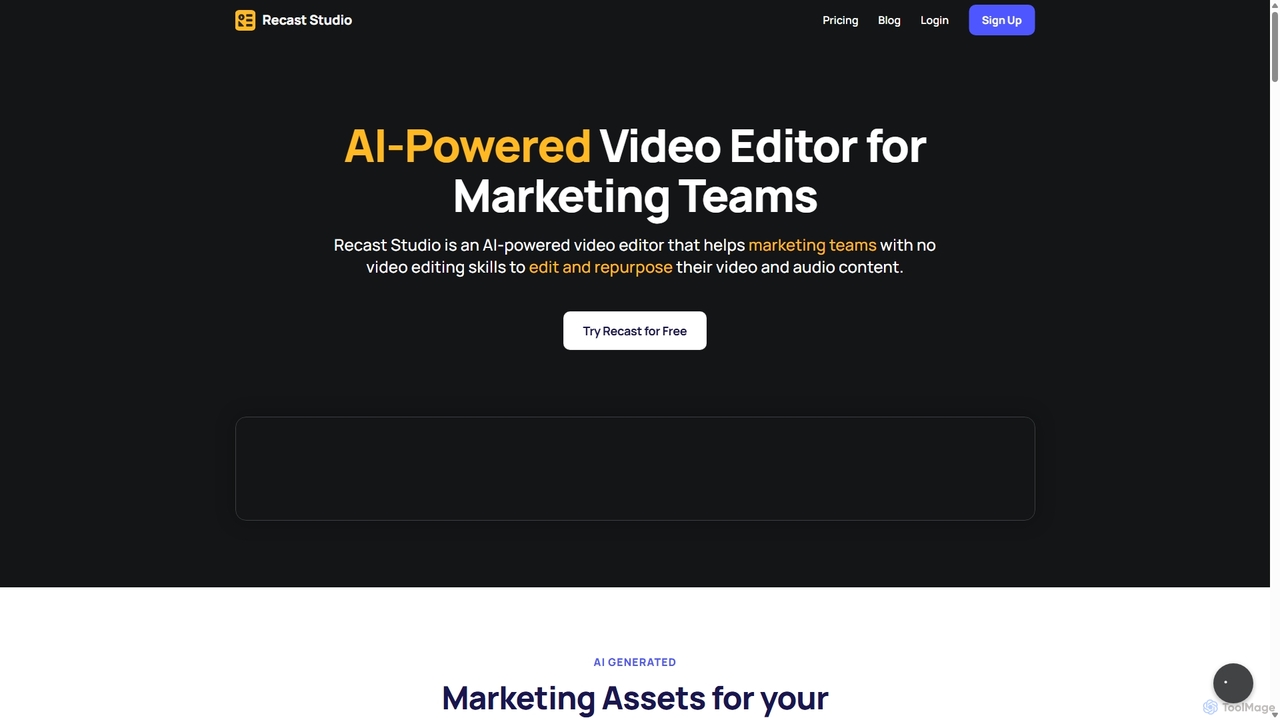
Recast Studio
Recast Studio is an AI-powered video editor for marketing teams and podcasters. It automatically repurposes long-form audio/video into viral short clips, blog posts, show notes, and social media content in minutes. No video editing skills are required.
Social Media Marketing
KwiCut Comments (0)
Sign in to comment.
Sign inNo comments yet.