

aivideocut Overview
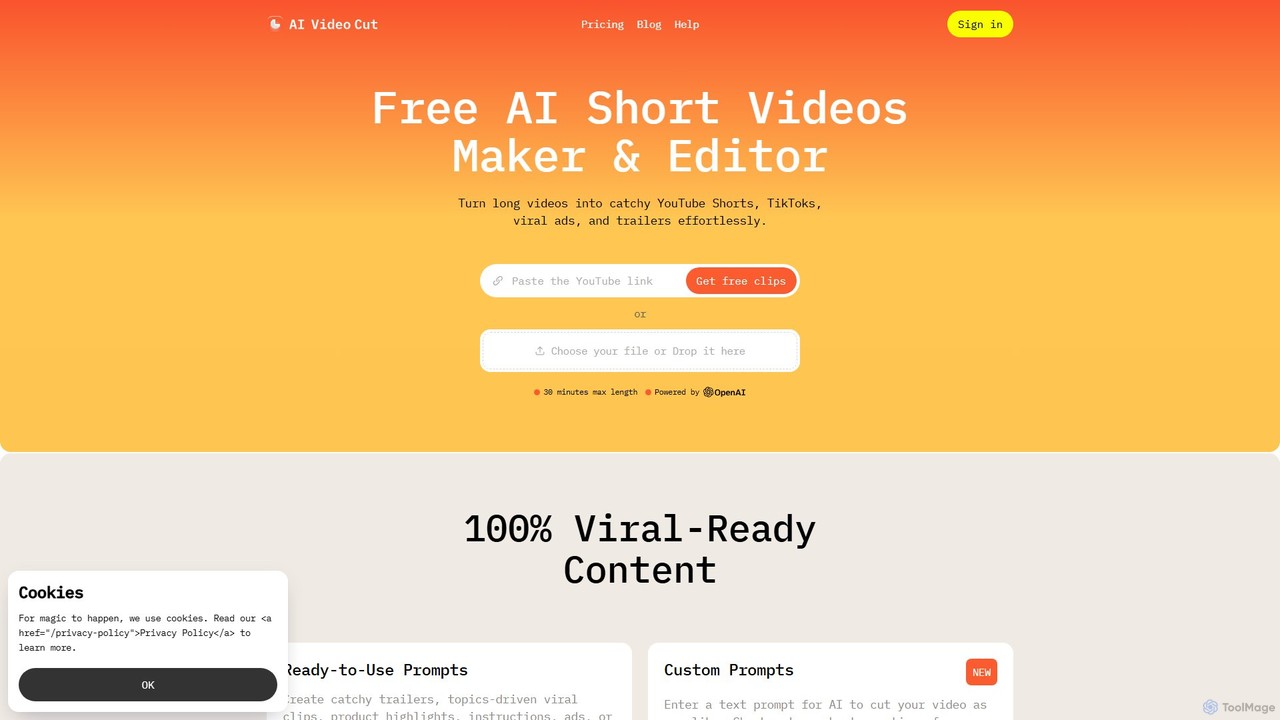
aivideocut is a revolutionary AI video editing tool designed to streamline the content creation process for creators, marketers, and businesses. Built by a team of content creators who understand the pain points of manual video editing, aivideocut automates the tedious task of finding and clipping the best moments from long-form content. Whether you have a lengthy webinar, a podcast, an interview, or a product demo, this tool can effortlessly turn it into a collection of catchy, shareable short videos optimized for virality.
The platform operates on a simple yet powerful prompt-based system. You can either use a variety of ready-made prompts designed for specific goals—like creating trailers, highlighting key topics, or generating testimonials—or use the custom prompt feature to instruct the AI with your own text. The AI then analyzes the video's transcript and content to select the most relevant segments, adds dynamic captions, and intelligently crops the video to keep the speaker in focus. This eliminates the need for complex software like Adobe Premiere for simple clipping tasks, making video content creation accessible to everyone.
How to use aivideocut
The workflow is designed to be intuitive and efficient, allowing users to generate clips in just a few steps:
- Import: Upload your video directly from your computer or simply paste a YouTube link. The platform supports video files up to 3 hours long for paid users.
- Tailor: Choose from a collection of AI prompts to guide the editing process. Select prompts like "Trailer," "Topics-driven viral clips," "Product Ads," or "Jokes and Memes." Alternatively, write a custom prompt to get precisely the clips you need.
- Customize: Fine-tune the output. Adjust the video length by setting the number of phrases, choose an aspect ratio (9:16 for Shorts/Reels, 1:1 for posts, etc.), and select a caption style that matches your brand. You can also edit the transcript to correct any inaccuracies, which will automatically edit the video and captions.
- Publish: Preview the generated short videos. Once satisfied, download them in HD quality and share them directly to your social media platforms like TikTok, YouTube Shorts, Instagram, and X (formerly Twitter).
Core Features of aivideocut
- AI-Powered Prompts: Utilize a library of pre-built prompts or create custom text prompts to direct the AI's editing decisions, making it easy to generate clips for any purpose.
- Transcript-Based Editing: Edit your video by simply editing the text. Removing a sentence from the auto-generated transcript will remove the corresponding video segment.
- Smart Crop & Face Detection: The AI automatically detects faces and keeps them perfectly framed, ensuring the main subject is always in focus, which is crucial for vertical video formats.
- Customizable Captions: Add engaging, animated captions to your videos. Choose from various styles to capture attention, even when viewers are watching with the sound off.
- Multilingual Support: The AI works with videos in any spoken language. It transcribes and analyzes the content to find the most engaging moments regardless of the language.
- Adaptable Aspect Ratios: Easily export your videos in multiple formats, including 9:16, 4:3, 1:1, or the original size, to ensure they look great on any platform.
- Flexible Length Control: Customize the duration of your clips by choosing the number of phrases (e.g., 7, 15, or 25) to match audience attention spans.
- Branded Videos (Coming Soon): Apply a custom logo to your videos to enhance brand recognition.
Use Cases for aivideocut
aivideocut is a versatile tool for a wide range of users:
- Content Creators and Influencers: Quickly repurpose long streams or videos into a steady stream of engaging shorts for TikTok, YouTube, and Instagram to keep their audience engaged.
- Digital Marketers: Create high-impact video ads and promotional content from webinars, customer testimonials, or product demos in minutes.
- Social Media Managers: Save hours of editing time and focus on strategy and community engagement by automating the creation of daily video content.
- E-commerce Businesses: Showcase product features and benefits by creating captivating short videos and ads that drive sales.
- Podcasters: Promote new episodes by sharing the best soundbites and highlights as audiograms or video clips on social media.
- Event Planners: Repurpose recordings from conferences and webinars into promotional highlights to generate excitement for future events.
Advantages of aivideocut
The primary advantage of aivideocut is its efficiency. It drastically reduces the time and effort required to produce short-form video content. Its AI-driven approach ensures that the generated clips are not just random segments but are genuinely engaging and tailored to the user's goals. The platform is incredibly user-friendly, requiring no prior video editing experience. The combination of smart features like face detection, auto-captioning, and prompt-based editing makes it a powerful tool for anyone looking to boost their online presence with video.
Pricing and Plans
aivideocut offers a flexible pricing structure to suit different needs:
- Free Plan: $0. Includes a one-time credit of 50 minutes of video upload, a maximum file length of 30 minutes, access to 4 basic prompts, a watermark on videos, and 14-day storage.
- Starter Plan: $9/month. Includes 150 minutes of video upload per month, up to 2-hour file length, access to the full collection of prompts, no watermark, and 6-month storage.
- Pro Plan: $18/month. Includes 300 minutes of video upload per month, up to 3-hour file length, access to the full collection of prompts, no watermark, and 6-month storage.
Traffic
Latest traffic
Status
Monthly traffic trend
- 2025-9: 223.7K
- 2026-1: 369.1K
- 2026-2: 238.9K
- 2026-3: 243.2K
- 2026-4: 211.8K
- 2026-5: 195.8K
Geography
Top 5 countries / regions
- 🇧🇷Brazil29.8%
- 🇮🇱Israel28.4%
- 🇺🇸United States23.8%
- 🇮🇳India9.6%
- 🇸🇳Senegal8.5%
Traffic sources
| Source type | Percentage |
|---|---|
Referral | 67.8% |
Direct | 30.5% |
Email | 1.6% |
Top keywords
| Keyword | Cost per click |
|---|---|
| ai video cut | $0.42 |
| opus clip | $0.38 |
| opusclip | $0.65 |
| submagic | $0.40 |
| vizard ai | $0.22 |
aivideocut Videos on YouTube
Barthélémy Nobili

aivideocut Alternatives
2short.ai
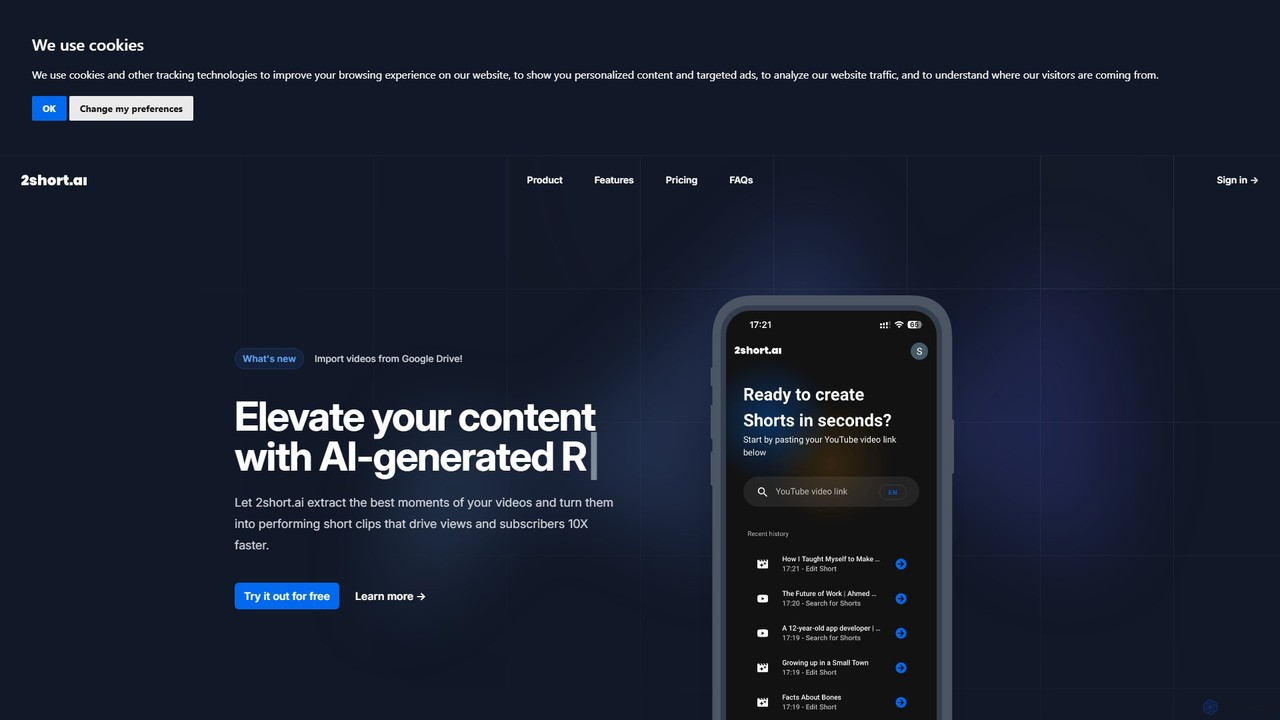
2short.ai is an AI-powered tool that transforms long-form videos into engaging, high-performing short clips. It automatically identifies the most captivating moments, adds animated subtitles, and uses facial tracking to perfectly frame speakers. This helps content creators save hours of editing time and grow their audience on platforms like YouTube Shorts, TikTok, and Reels 10x faster.
Automation
SNAPVID.AI
SNAPVID.AI is an AI-powered video editor designed for content creators to quickly transform long-form videos into viral short clips. It automates tedious tasks like cutting, adding subtitles, and inserting B-roll footage, enabling users to produce more content for platforms like TikTok, Reels, and YouTube Shorts, saving significant time and money.
Automation
ShortX.ai
ShortX.ai is an AI-powered platform that automates the creation of engaging short-form videos from long-form content. Ideal for creators and marketers, it uses AI to find viral moments, add dynamic captions, and reformat videos for platforms like TikTok, Reels, and YouTube Shorts, saving hours of editing time.
Video Marketing
SmartEdit
SmartEdit is an AI-powered video editing tool designed for content creators to effortlessly transform long videos into engaging, viral-ready short clips in seconds. It automates transcription, adds trendy animated captions, and integrates relevant b-roll to maximize watch time and audience engagement.
Automation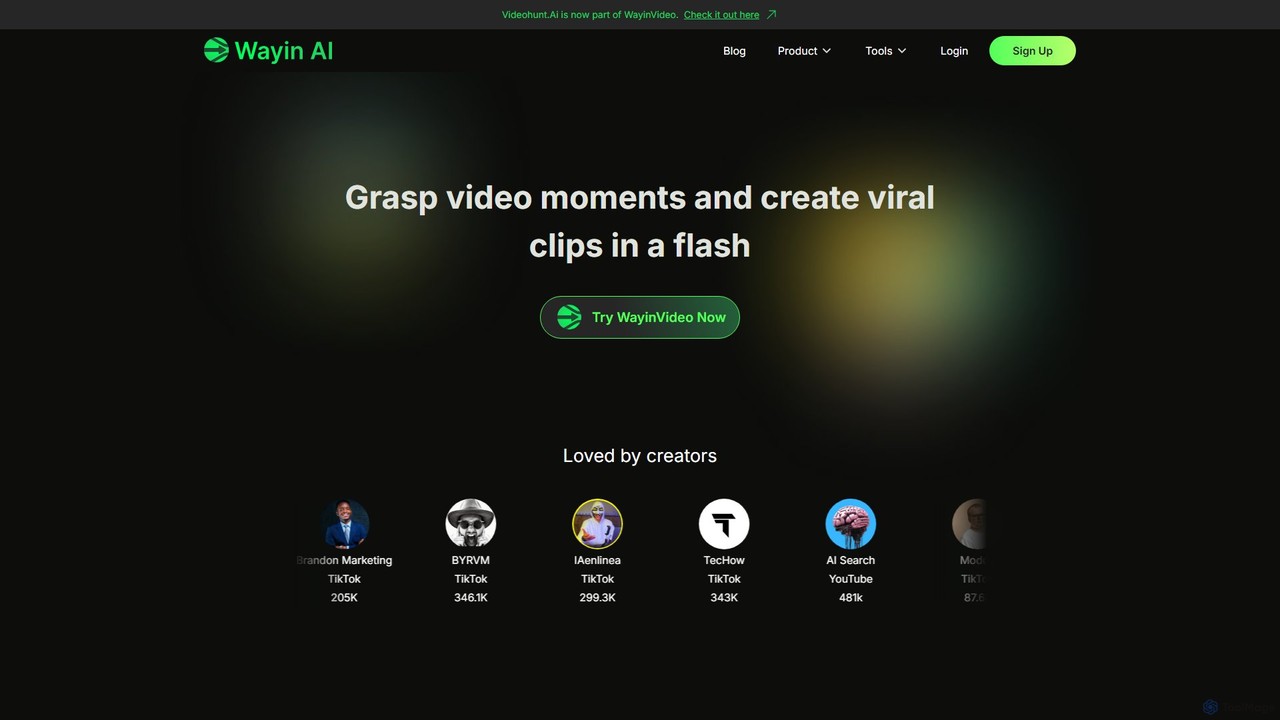
WayinVideo
WayinVideo is an AI-powered platform designed for content creators and marketers to effortlessly transform long-form videos into engaging, viral short clips. By simply pasting a video link or uploading a file, the AI automatically identifies key moments, generates animated captions, and reframes content for social media platforms like TikTok, YouTube Shorts, and Instagram Reels, saving hours of manual editing.
Automationaivideocut Categories
aivideocut Embed Widget
Copy this embed code to place the badge on your blog, article, or product site and send readers directly to this ToolMage detail page.

Related AI tools
WayinVideo
WayinVideo is an AI-powered platform designed for content creators and marketers to effortlessly transform long-form videos into engaging, viral short clips. By simply pasting a video link or uploading a file, the AI automatically identifies key moments, generates animated captions, and reframes content for social media platforms like TikTok, YouTube Shorts, and Instagram Reels, saving hours of manual editing.
Automation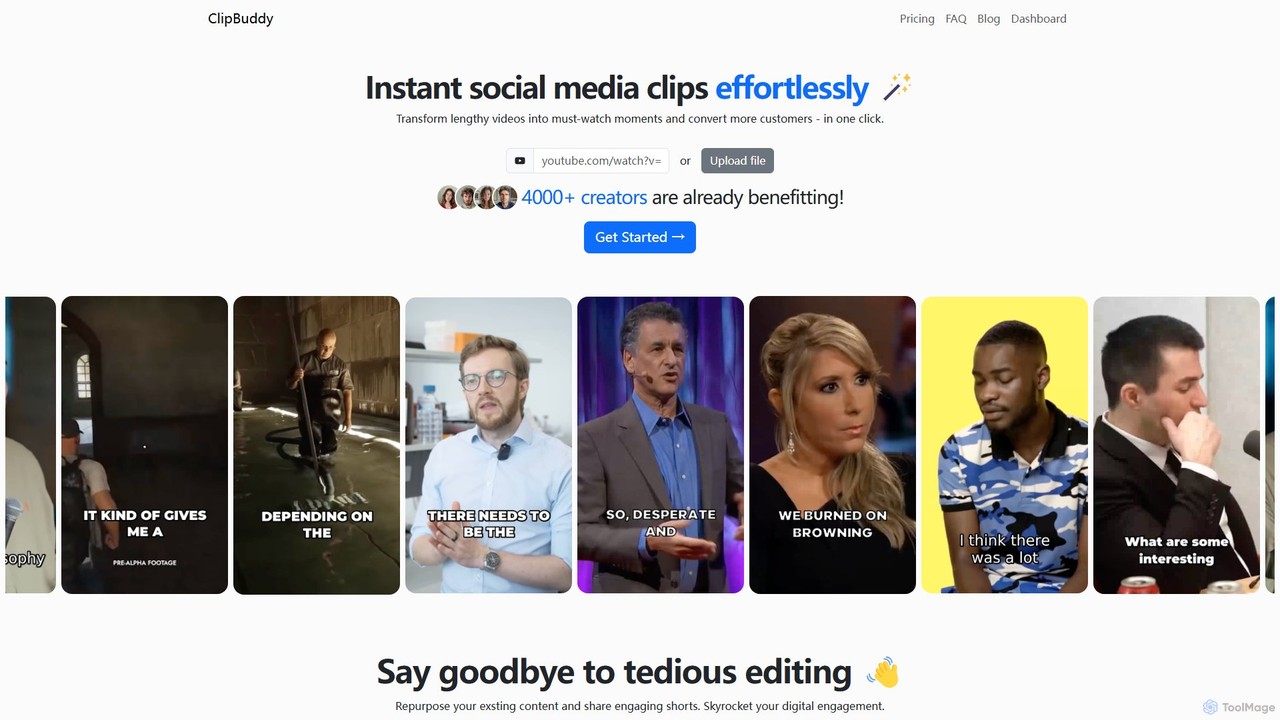
ClipBuddy
ClipBuddy is an AI-powered platform that automatically transforms long-form videos into engaging, viral short clips. It intelligently identifies key moments, adds dynamic multi-language captions, and resizes content for social media platforms like TikTok, Reels, and Shorts, helping creators maximize their reach and engagement with minimal effort.
Automation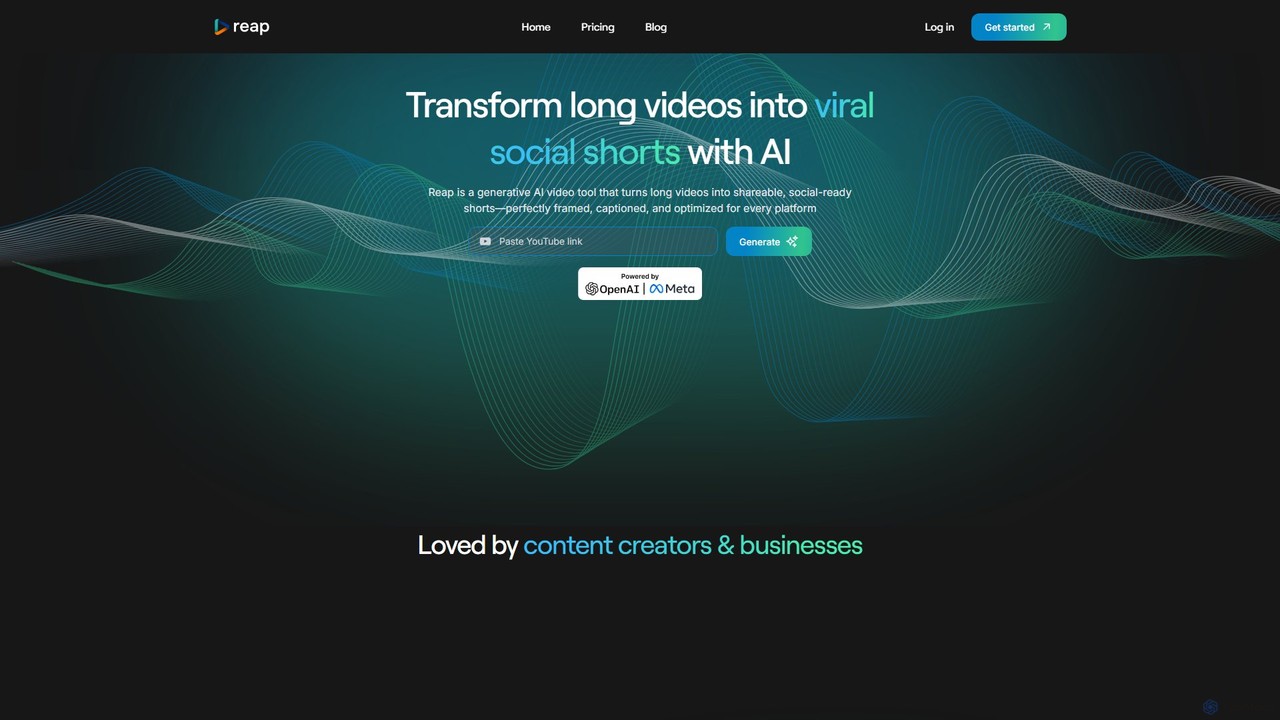
reap
An AI-powered video editing platform that automatically transforms long-form videos into viral short clips for social media. It features AI-driven clipping, transcript-based editing, automatic captions, and audio enhancement tools to save creators time and boost their content's reach.
Repurposing2short.ai
2short.ai is an AI-powered tool that transforms long-form videos into engaging, high-performing short clips. It automatically identifies the most captivating moments, adds animated subtitles, and uses facial tracking to perfectly frame speakers. This helps content creators save hours of editing time and grow their audience on platforms like YouTube Shorts, TikTok, and Reels 10x faster.
AutomationSNAPVID.AI
SNAPVID.AI is an AI-powered video editor designed for content creators to quickly transform long-form videos into viral short clips. It automates tedious tasks like cutting, adding subtitles, and inserting B-roll footage, enabling users to produce more content for platforms like TikTok, Reels, and YouTube Shorts, saving significant time and money.
Automation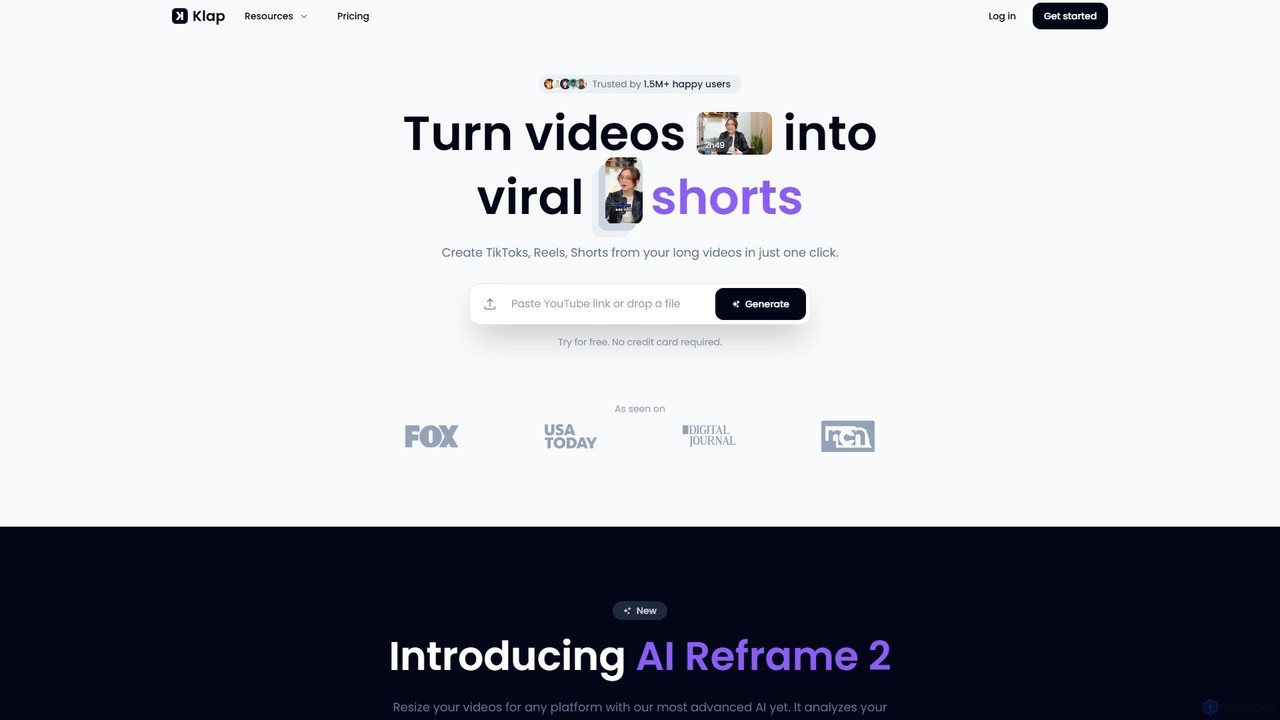
Klap
Klap is an AI-powered video editor that transforms long videos, like YouTube content or podcasts, into viral-ready short clips for TikTok, Reels, and Shorts. It automatically identifies the most engaging topics, reframes shots, adds dynamic captions, and helps you publish content effortlessly to grow your audience.
Automation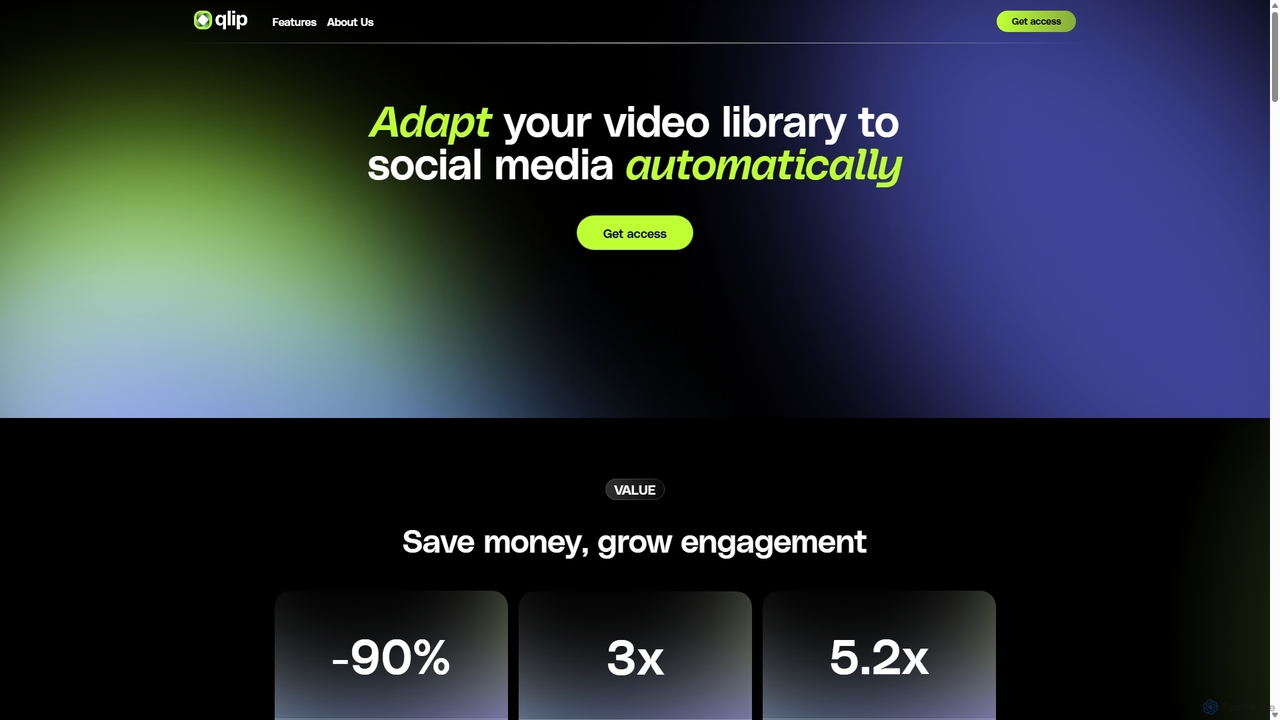
Qlip
Qlip is an AI-powered platform that automatically extracts impactful short clips from long-form videos. Designed for marketers and content creators, it simplifies repurposing content for social media with features like auto-reframing, branded subtitles, and transcription, helping to save costs and boost engagement.
Video Marketing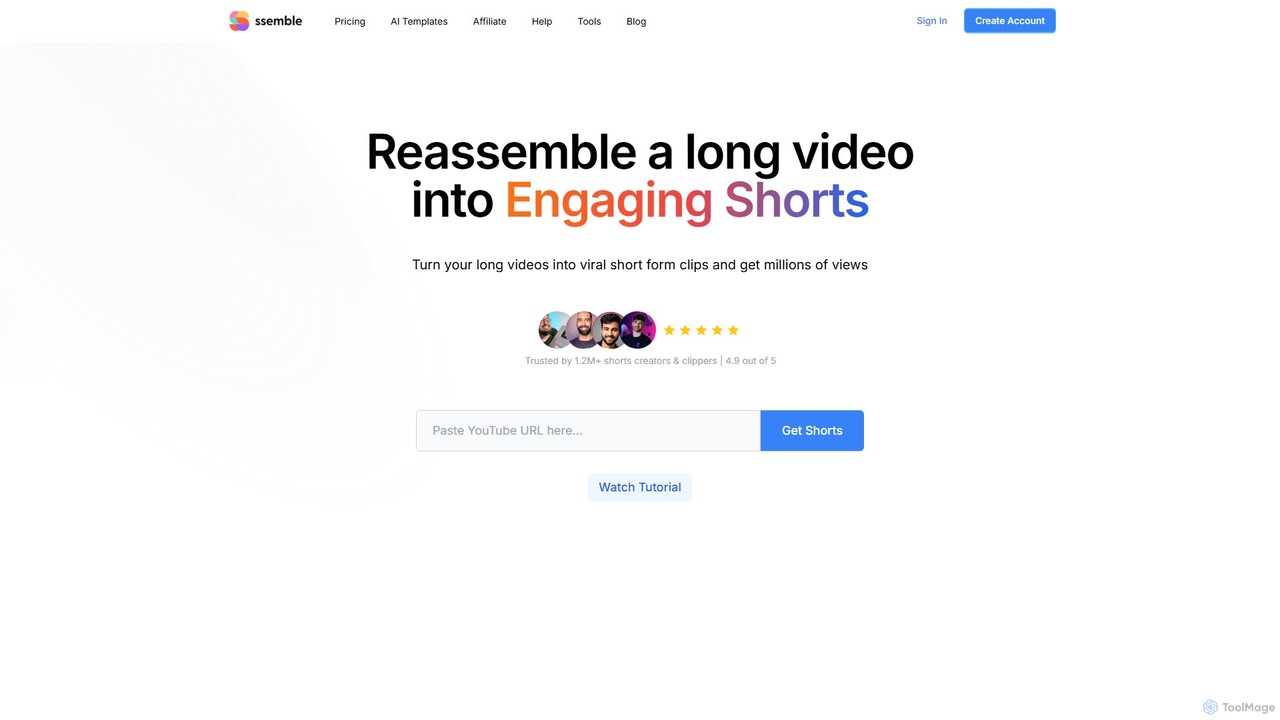
Ssemble
Ssemble is an AI-powered video editing platform that transforms long-form videos into engaging, viral short-form clips. It automates finding key moments, adding captions, reframing for vertical formats, and scheduling posts for TikTok, YouTube Shorts, and Instagram Reels. Ideal for content creators and marketers looking to maximize their reach and engagement with minimal effort.
Video Marketing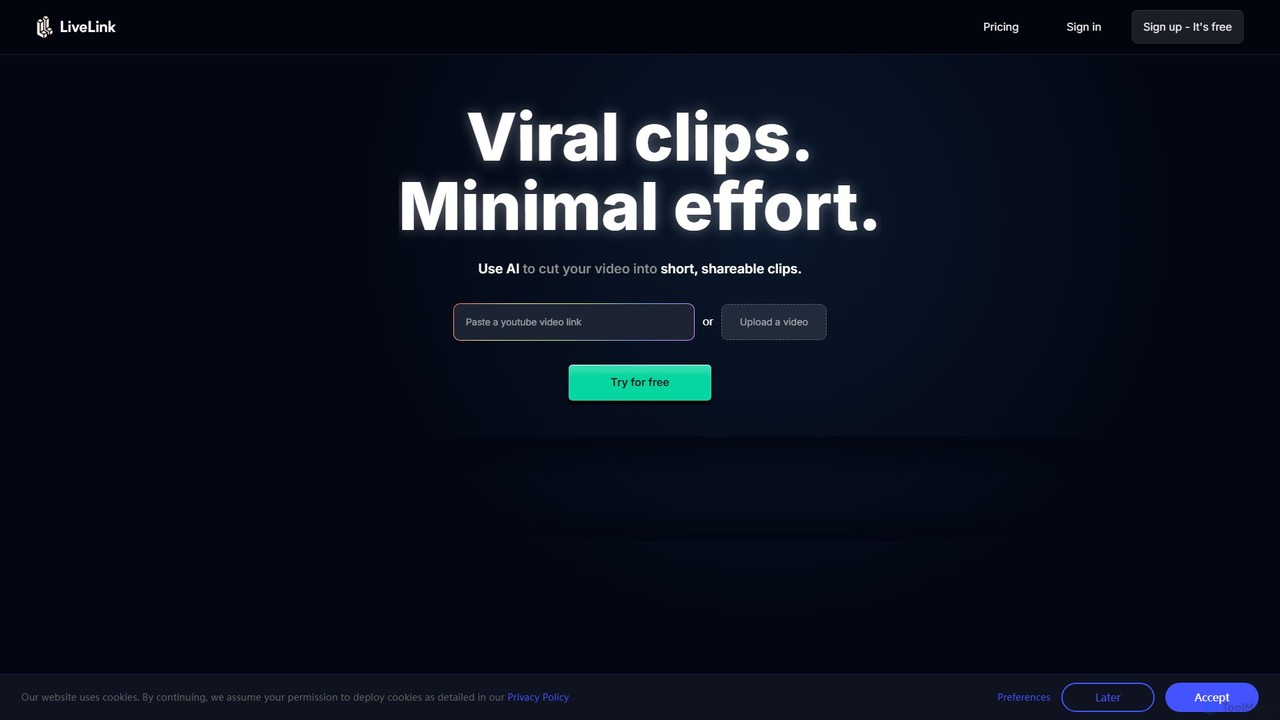
LiveLink
LiveLink is an AI-powered video clip maker that transforms long-form videos into engaging, shareable short clips for social media. It automates clipping, adds captions, reframes shots, and schedules posts to platforms like TikTok, YouTube Shorts, and Instagram Reels, saving creators and marketers significant time.
Repurposing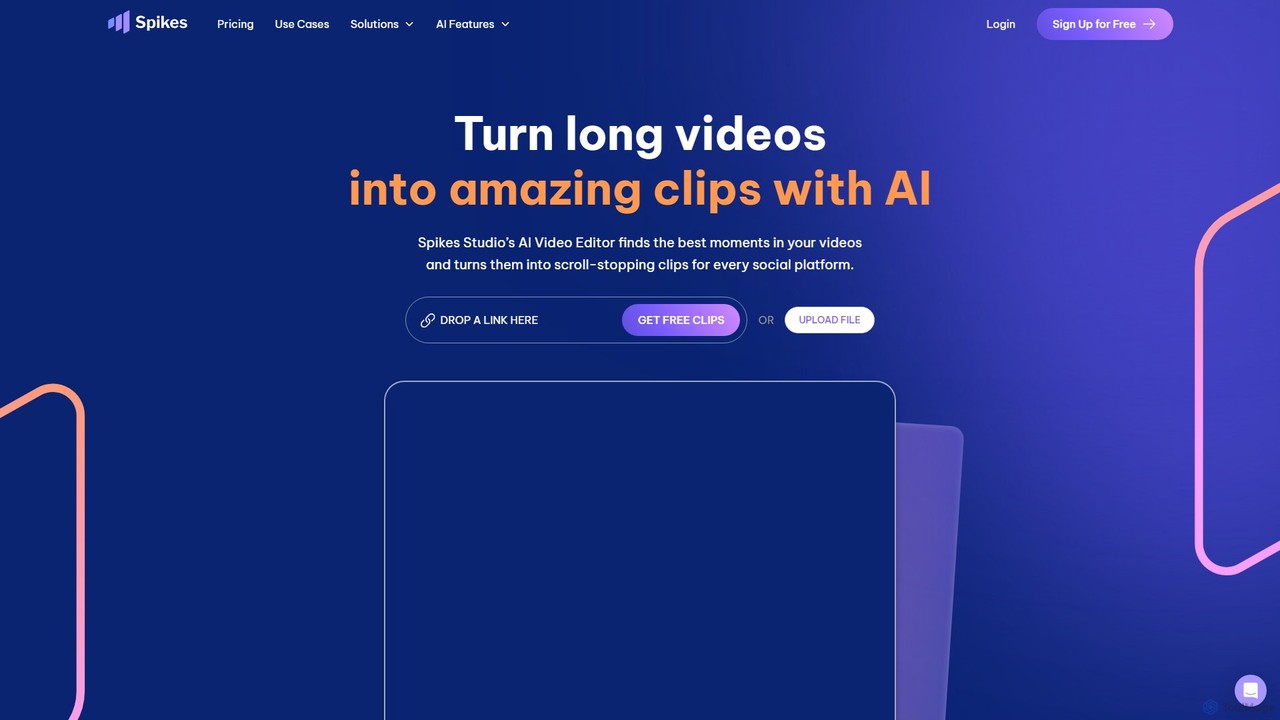
Spikes Studio
Spikes Studio is an AI-powered video editing platform that transforms long-form videos into engaging, shareable short clips for social media like TikTok, Reels, and YouTube Shorts. It automates clip detection, adds animated captions, and provides tools for scheduling and analytics, helping creators and marketers save time and grow their audience.
Automation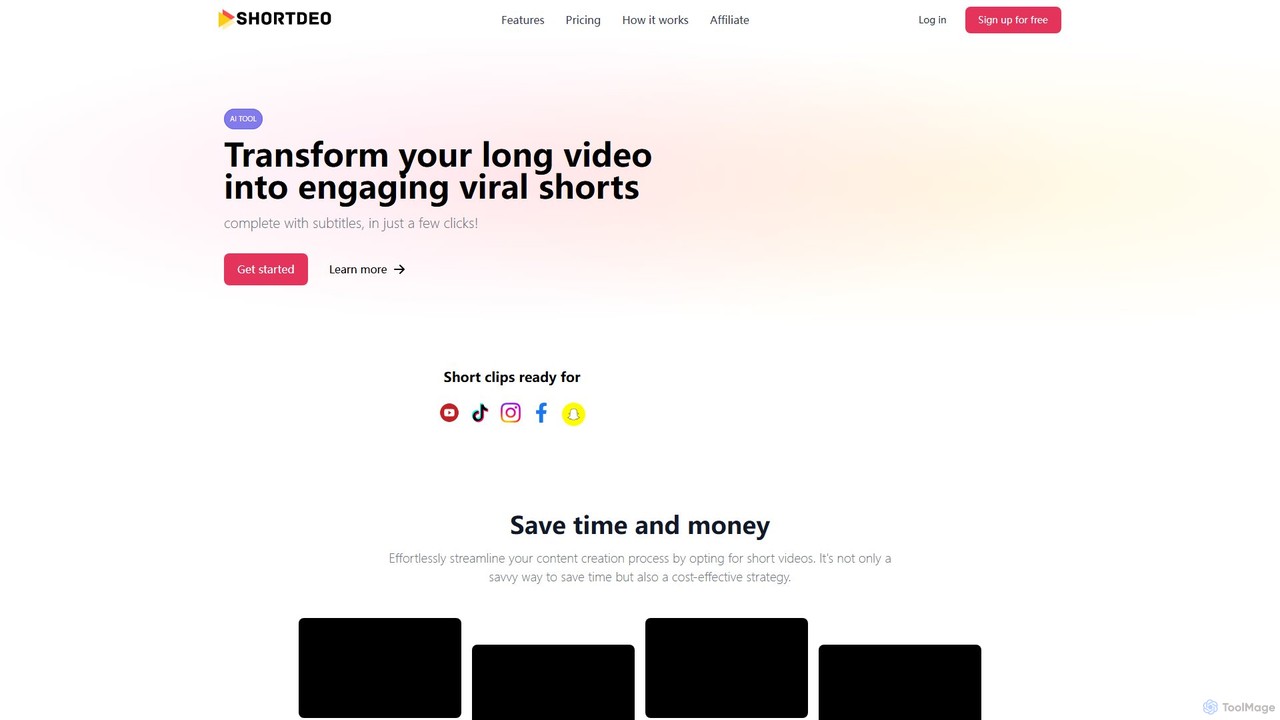
Shortdeo
Shortdeo is an AI-powered video editing platform that automatically transforms long videos into engaging, viral short clips. Ideal for content creators and marketers, it uses AI to detect key scenes, intelligently crop footage, and generate accurate subtitles. Effortlessly repurpose your content for TikTok, Instagram Reels, and YouTube Shorts in just a few clicks, saving significant time and production costs.
RepurposingShortX.ai
ShortX.ai is an AI-powered platform that automates the creation of engaging short-form videos from long-form content. Ideal for creators and marketers, it uses AI to find viral moments, add dynamic captions, and reformat videos for platforms like TikTok, Reels, and YouTube Shorts, saving hours of editing time.
Video MarketingSmartEdit
SmartEdit is an AI-powered video editing tool designed for content creators to effortlessly transform long videos into engaging, viral-ready short clips in seconds. It automates transcription, adds trendy animated captions, and integrates relevant b-roll to maximize watch time and audience engagement.
Automation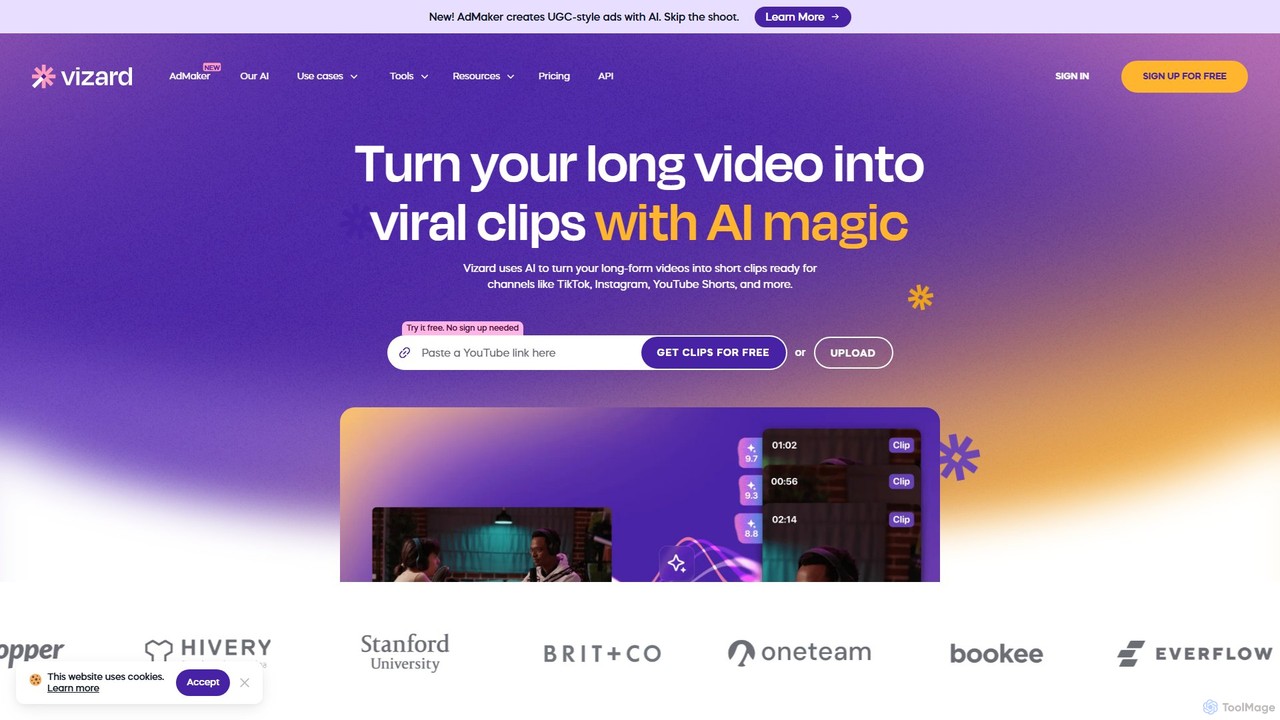
Vizard
Vizard is an AI-powered video editing platform that automatically transforms long-form videos into engaging, short clips for social media. It uses AI to identify highlights, generate transcriptions and captions, and resize videos for platforms like TikTok, Instagram, and YouTube Shorts, saving creators and marketers hours of manual work.
Video Marketing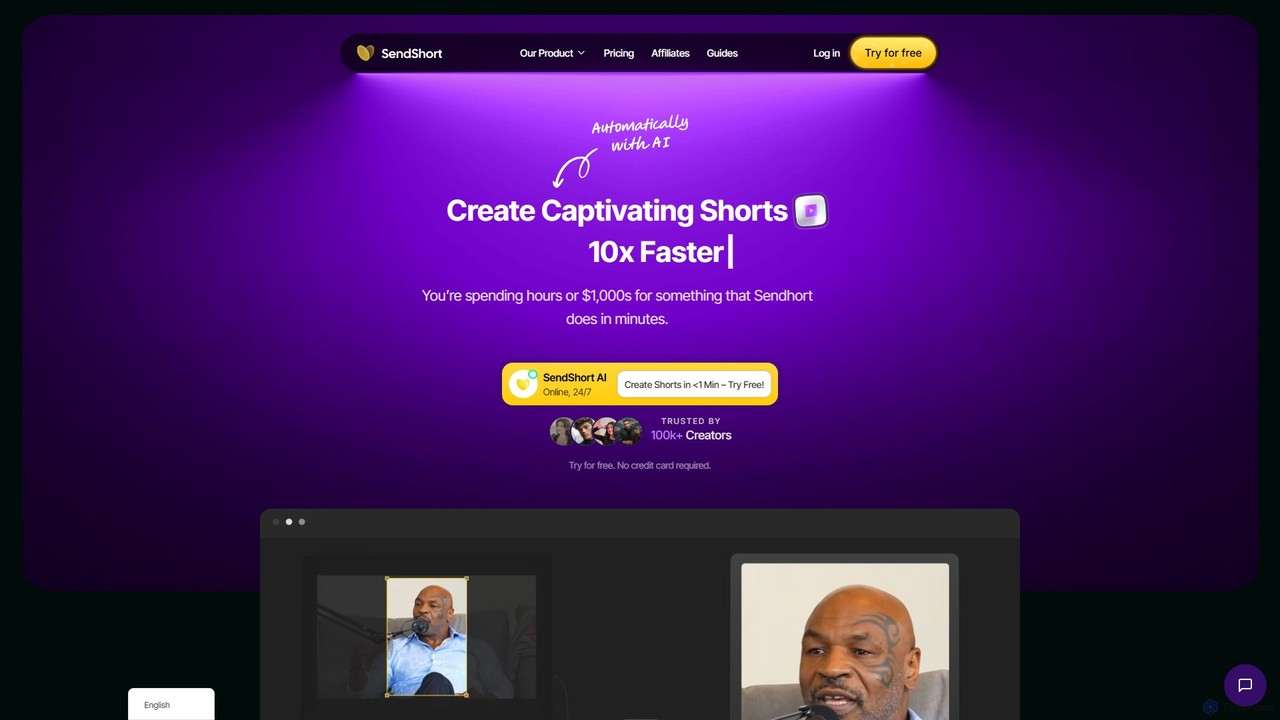
SendShort
SendShort is an AI-powered video platform that instantly transforms long-form videos into dozens of viral short clips for TikTok, Reels, and Shorts. It automates editing, adds dynamic captions, generates faceless content, and provides tools for scheduling, saving creators hours of work and thousands in costs.
Automation
aivideocut Comments (0)
Sign in to comment.
Sign inNo comments yet.