

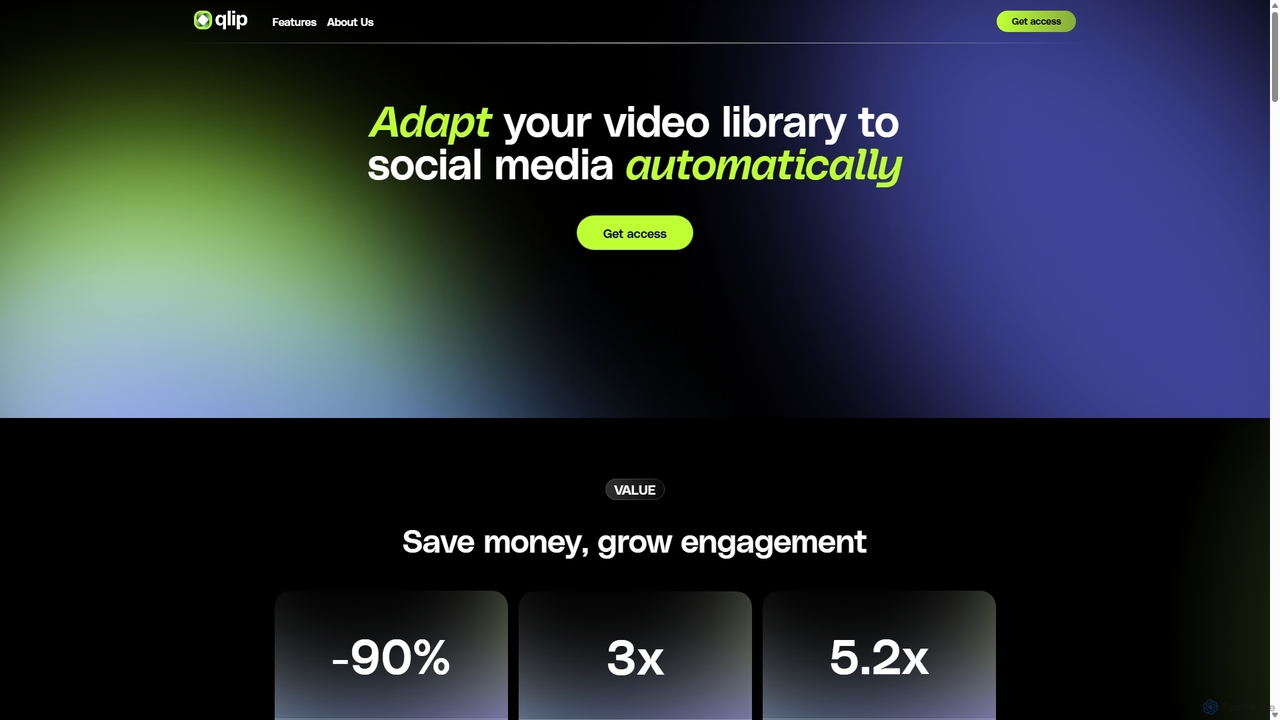
Qlip Overview
Qlip is a sophisticated AI video editing automation platform designed to revolutionize how creators and marketers repurpose long-form video content. In an era where short-form video dominates social media, Qlip addresses the tedious manual process of finding and editing engaging highlights. By leveraging proprietary AI models trained on hundreds of thousands of hours of video, Qlip automatically identifies the most impactful and viral-worthy moments hidden within your content library, allowing you to focus on creativity rather than repetitive editing tasks.
The platform is built for efficiency and scale, enabling users to transform a single long video, such as a podcast, webinar, or interview, into dozens of social-media-ready clips in minutes. This not only saves significant time and resources but also dramatically increases content output and audience engagement across platforms like TikTok, YouTube Shorts, and Instagram Reels.
How to use Qlip
Using Qlip is designed to be an intuitive and straightforward process, requiring no prior video editing skills. The workflow is streamlined for maximum productivity:
- Upload Your Content: Begin by uploading your long-form video or audio file to the Qlip web application. The platform accepts various formats and is optimized for conversation-driven content.
- AI Analysis: Once uploaded, Qlip's AI gets to work. It transcribes the entire content, identifies different speakers, and analyzes both the dialogue (using Natural Language Processing) and visual cues (using Computer Vision) to pinpoint the most compelling segments.
- Review & Refine Generated Clips: The AI presents you with a selection of suggested clips. You can review these highlights in the user-friendly editor. You have full manual control to extend, trim, or move the selection to perfect the clip.
- Brand and Customize: Apply your brand identity consistently across all clips. Customize auto-generated subtitles with your brand's fonts and colors, add your logo, and choose from various animation styles to make your content stand out.
- Reframe for Social Media: Automatically resize horizontal videos into vertical (9:16) or square (1:1) aspect ratios. Qlip's AI intelligently keeps the main speaker or point of attention in focus, ensuring a professional look on any platform.
- Export and Share: Once you're satisfied, you can directly share your clips to YouTube and TikTok with a single click, with more platform integrations on the way. You can also download the clips for manual posting.
For developers, Qlip also offers a powerful API to integrate these automated editing capabilities directly into their own applications and workflows.
Core Features of Qlip
- AI-Powered Highlight Extraction: Proprietary AI models analyze your content to find the most impactful, meaningful, and shareable moments, saving you hours of manual searching.
- Auto-Reframing to Vertical & Square: Automatically converts standard 16:9 videos to 9:16 or 1:1 formats, using AI to track and frame the subject perfectly for mobile viewing.
- Branded & Animated Subtitles: Generates a full transcript and burns subtitles onto your clips. You can customize fonts, colors, animations, and add logos to maintain brand consistency.
- Full Transcription & Speaker Identification: Provides a complete, time-stamped transcript of your video, identifying who is speaking and when, which can be used for subtitles or content analysis.
- Team Workspace: A collaborative environment where team members can work together on projects, review edits, and manage content seamlessly.
- Direct Social Sharing: One-click publishing to major platforms like YouTube and TikTok, streamlining your content distribution workflow.
- Developer API: A robust API that allows businesses to integrate Qlip's video automation features into their own systems and services.
Use Cases for Qlip
Qlip excels with conversation-driven content where dialogue and narrative are key. Ideal use cases include:
- Podcasters: Turn long audio or video podcast episodes into dozens of shareable clips to promote on social media and attract new listeners.
- Marketers & Businesses: Repurpose webinars, testimonials, and product reviews into compelling short videos for ad campaigns and social feeds.
- Content Creators & Influencers: Quickly create teasers, highlights, and behind-the-scenes clips from longer videos for platforms like TikTok and Instagram.
- Media Companies: Efficiently process documentaries, interviews, and panel discussions to generate promotional content and increase content discoverability.
- Educators & Coaches: Extract key lessons and motivational moments from educational videos or coaching sessions to share with a wider audience.
Advantages of Qlip
Qlip offers a significant competitive edge by transforming the video editing landscape. Customers report a 90% reduction in the cost to produce short videos, a 3x increase in the number of videos shared, and a remarkable 5.2x boost in social media engagement. The primary advantages are immense time savings, enhanced content discoverability, consistent branding, and the ability to scale content production without scaling your team or budget. It empowers creators to focus on what they do best—creating original content—while Qlip handles the distribution and monetization efforts.
Pricing and Plans
Qlip offers customized pricing tailored to your specific volume and use case. To get a quote, you are encouraged to book a call with their team to discuss your needs. They provide a generous free trial that includes 14 days of access and 2 hours worth of content processing, allowing you to test the full range of features and see the value for yourself before committing.
Traffic
Latest traffic
Status
Monthly traffic trend
- 2025-9: 8.6K
- 2026-1: 17.4K
- 2026-2: 25.7K
- 2026-3: 20.2K
- 2026-4: 14.4K
- 2026-5: 16.1K
Geography
Top 5 countries / regions
- 🇺🇸United States46.6%
- 🇮🇳India17.7%
- 🇹🇷Türkiye14.0%
- 🇳🇱Netherlands11.2%
- 🇩🇪Germany10.6%
Traffic sources
| Source type | Percentage |
|---|---|
Direct | 100.0% |
Top keywords
| Keyword | Cost per click |
|---|---|
| qlip | $0.00 |
| qlip ai | $0.00 |
| qlip media | $0.00 |
| qlipper ai | $0.00 |
| qliq ии | $0.00 |
Qlip Videos on YouTube

Qlip Alternatives
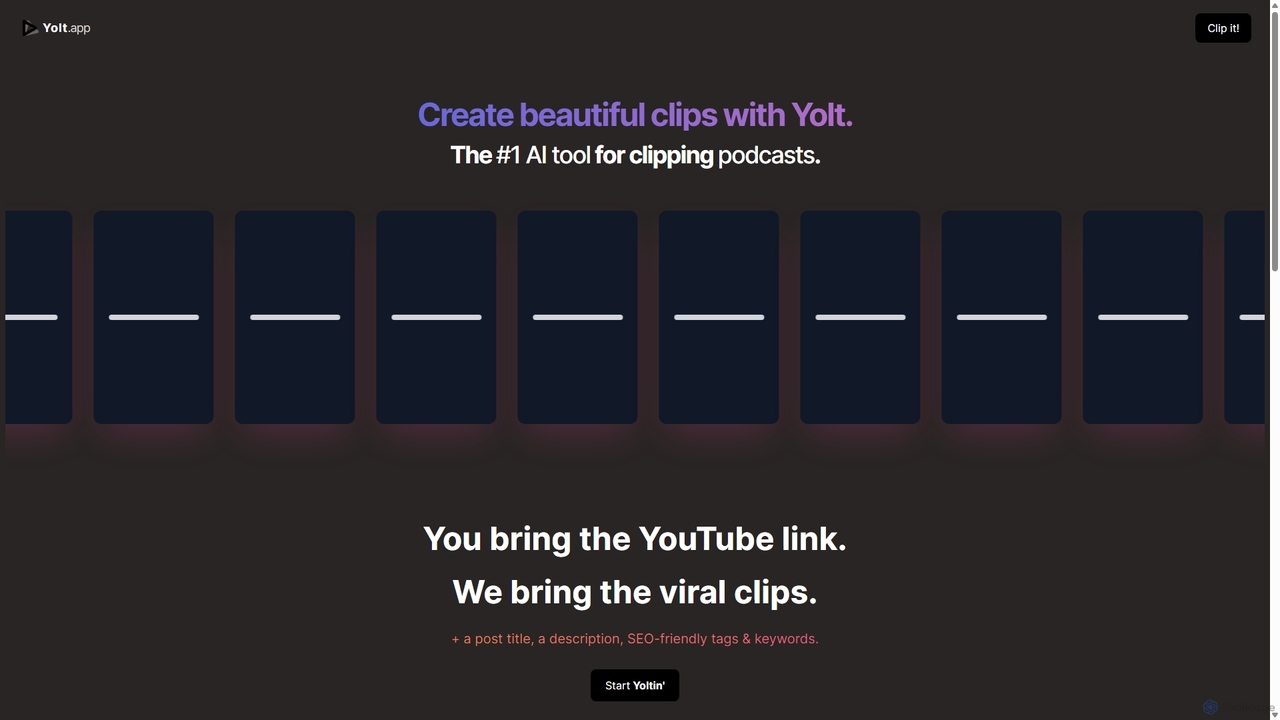
Yolt
Yolt is an AI-powered tool that transforms long-form YouTube videos, especially podcasts, into engaging, short, viral clips for social media. Simply provide a YouTube link, and Yolt's AI identifies the best moments, generates clips with subtitles, and provides optimized titles, descriptions, and SEO tags to maximize your reach and engagement on platforms like TikTok, Instagram Reels, and YouTube Shorts.
Video Marketing
OpusClip
OpusClip is a generative AI video repurposing tool that turns long videos into viral short clips with one click. It automatically identifies the most compelling hooks, reframes the video, adds dynamic captions, and scores clips for virality, streamlining content creation for social media.
Video Marketing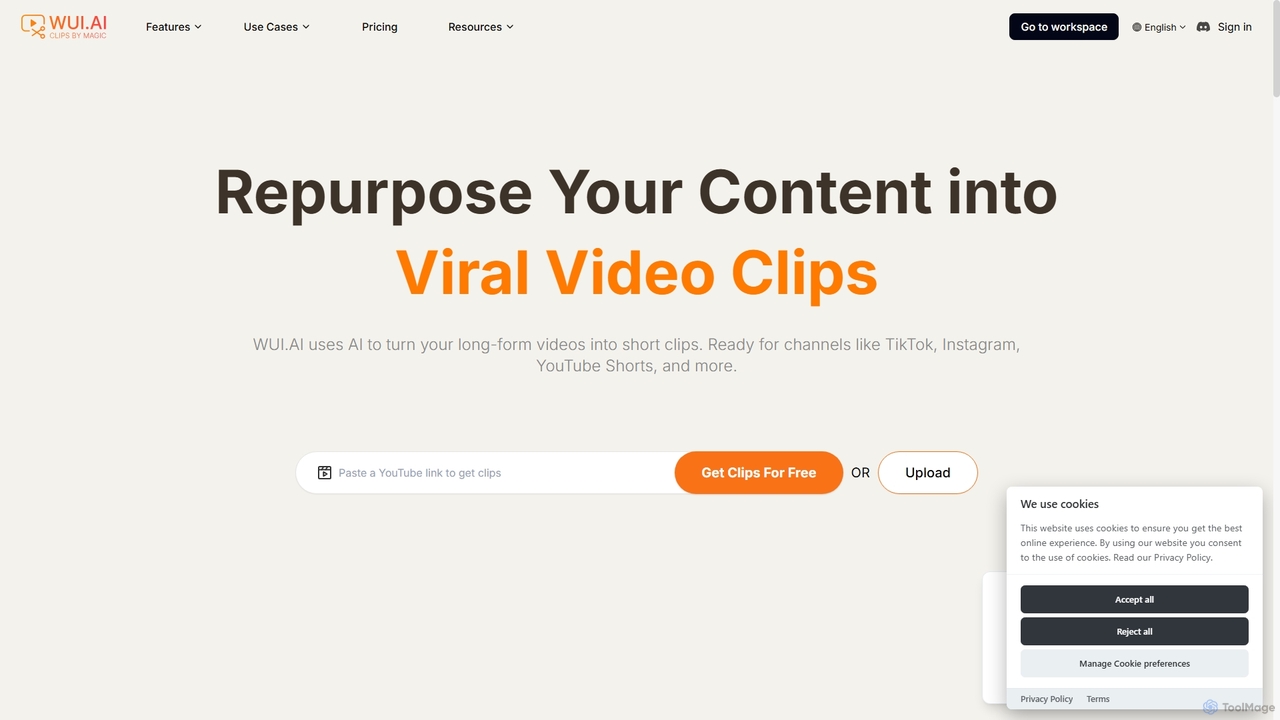
WUI.AI
WUI.AI is an AI-powered platform that transforms long-form videos and podcasts into engaging, viral short clips for social media. It automates highlight detection, subtitling, resizing, and translation, helping creators and marketers save time and maximize their content's reach on platforms like TikTok, Instagram, and YouTube Shorts.
Automation
SendShort.ai
SendShort.ai is an AI-powered platform that transforms long-form videos into engaging, viral-ready short clips for social media. Automatically identify key moments, add dynamic captions, and repurpose your content for TikTok, Reels, and Shorts in minutes, maximizing your reach and saving hours of editing time.
Video Marketing
RenderCut
RenderCut is an AI-powered video editing tool that automatically generates stylish, animated subtitles for short-form videos. It helps content creators boost engagement and create viral content by adding customizable captions, B-rolls, emojis, and sound effects in minutes.
AutomationQlip Categories
Qlip Jobs
Qlip Embed Widget
Copy this embed code to place the badge on your blog, article, or product site and send readers directly to this ToolMage detail page.

Related AI tools
Yolt
Yolt is an AI-powered tool that transforms long-form YouTube videos, especially podcasts, into engaging, short, viral clips for social media. Simply provide a YouTube link, and Yolt's AI identifies the best moments, generates clips with subtitles, and provides optimized titles, descriptions, and SEO tags to maximize your reach and engagement on platforms like TikTok, Instagram Reels, and YouTube Shorts.
Video Marketing
Fame Clips
Fame Clips is a hybrid AI and human-powered service that transforms B2B podcasts into professionally edited, viral-ready short-form video clips for social media. It delivers high-quality, branded content in 72 hours, helping businesses boost engagement, increase downloads, and save significant time and resources compared to pure AI tools or traditional agencies.
Podcast MarketingWUI.AI
WUI.AI is an AI-powered platform that transforms long-form videos and podcasts into engaging, viral short clips for social media. It automates highlight detection, subtitling, resizing, and translation, helping creators and marketers save time and maximize their content's reach on platforms like TikTok, Instagram, and YouTube Shorts.
AutomationRenderCut
RenderCut is an AI-powered video editing tool that automatically generates stylish, animated subtitles for short-form videos. It helps content creators boost engagement and create viral content by adding customizable captions, B-rolls, emojis, and sound effects in minutes.
Automation
LuDe BETA
LuDe BETA is an AI-powered tool that effortlessly transforms audio files into captivating lyrical videos. Simply upload your audio, let the AI transcribe it, choose a dynamic background, and generate professional-looking videos for social media platforms like YouTube Shorts, Instagram Reels, and TikTok. Perfect for creators, musicians, and podcasters who want to create engaging content without complex video editing.
TranscriptionOpusClip
OpusClip is a generative AI video repurposing tool that turns long videos into viral short clips with one click. It automatically identifies the most compelling hooks, reframes the video, adds dynamic captions, and scores clips for virality, streamlining content creation for social media.
Video Marketing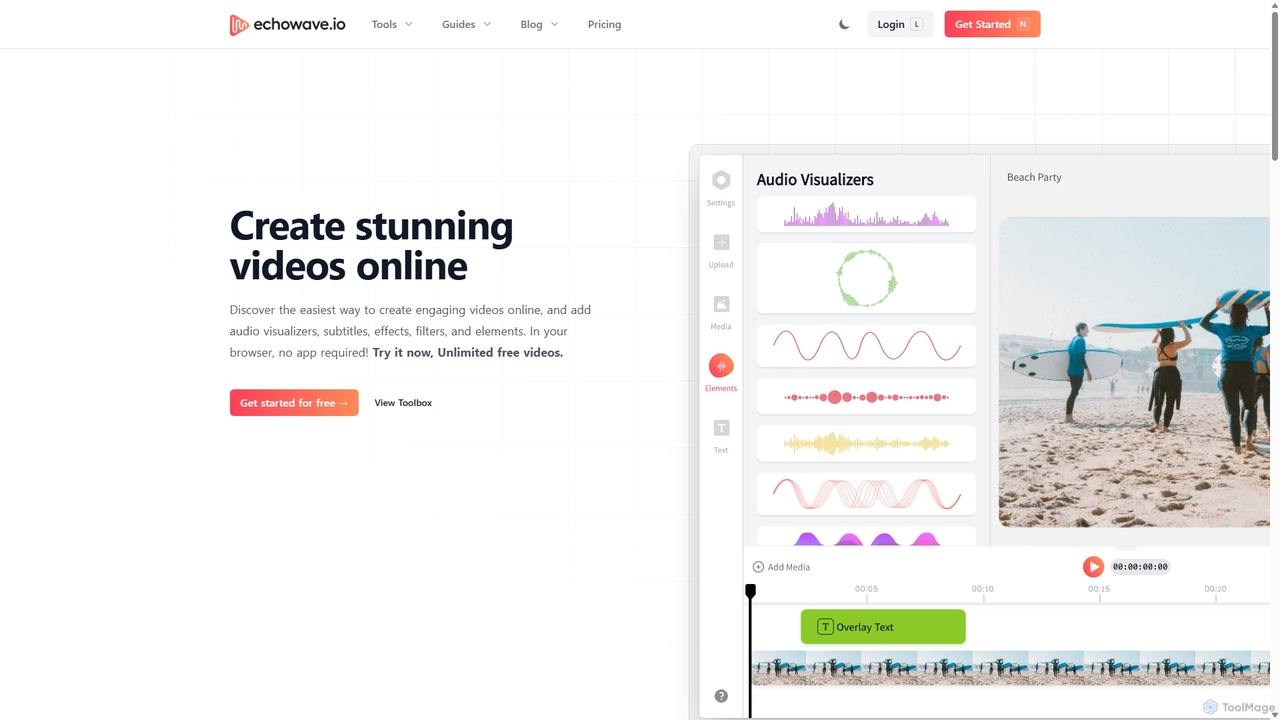
Echowave
Echowave is a free and simple online video editor designed for creators to easily convert audio files into engaging videos. It specializes in adding audio visualizers, automatic subtitles, and effects, making it perfect for podcasters, musicians, and social media managers to repurpose content for platforms like Instagram, YouTube, and Facebook.
Content CreationSendShort.ai
SendShort.ai is an AI-powered platform that transforms long-form videos into engaging, viral-ready short clips for social media. Automatically identify key moments, add dynamic captions, and repurpose your content for TikTok, Reels, and Shorts in minutes, maximizing your reach and saving hours of editing time.
Video Marketing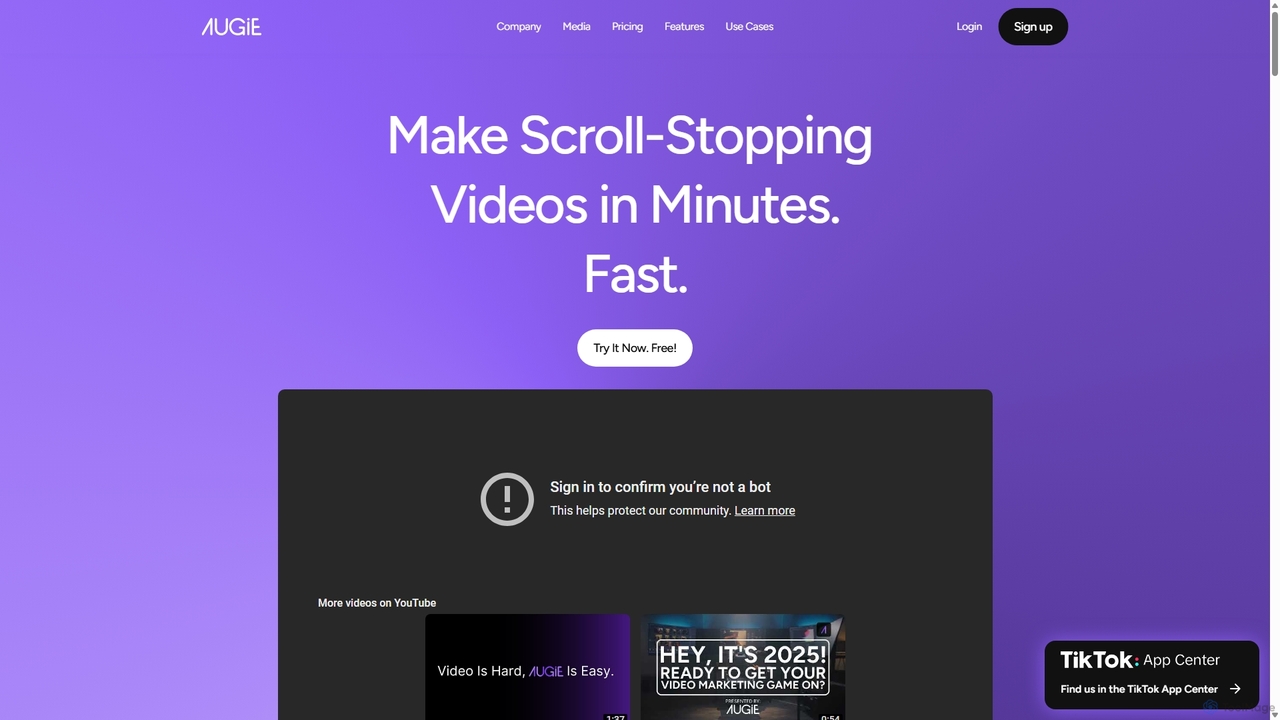
Augie
Augie is an AI-powered video studio designed for creators, marketers, and brands to effortlessly transform long-form content like podcasts and streams into engaging, short-form social videos. It automates the editing process, identifies key moments, and provides a vast library of stock media and AI-generated content to create professional-quality videos for TikTok, Reels, and YouTube Shorts in minutes, with no complex editing skills required.
Social Media Marketing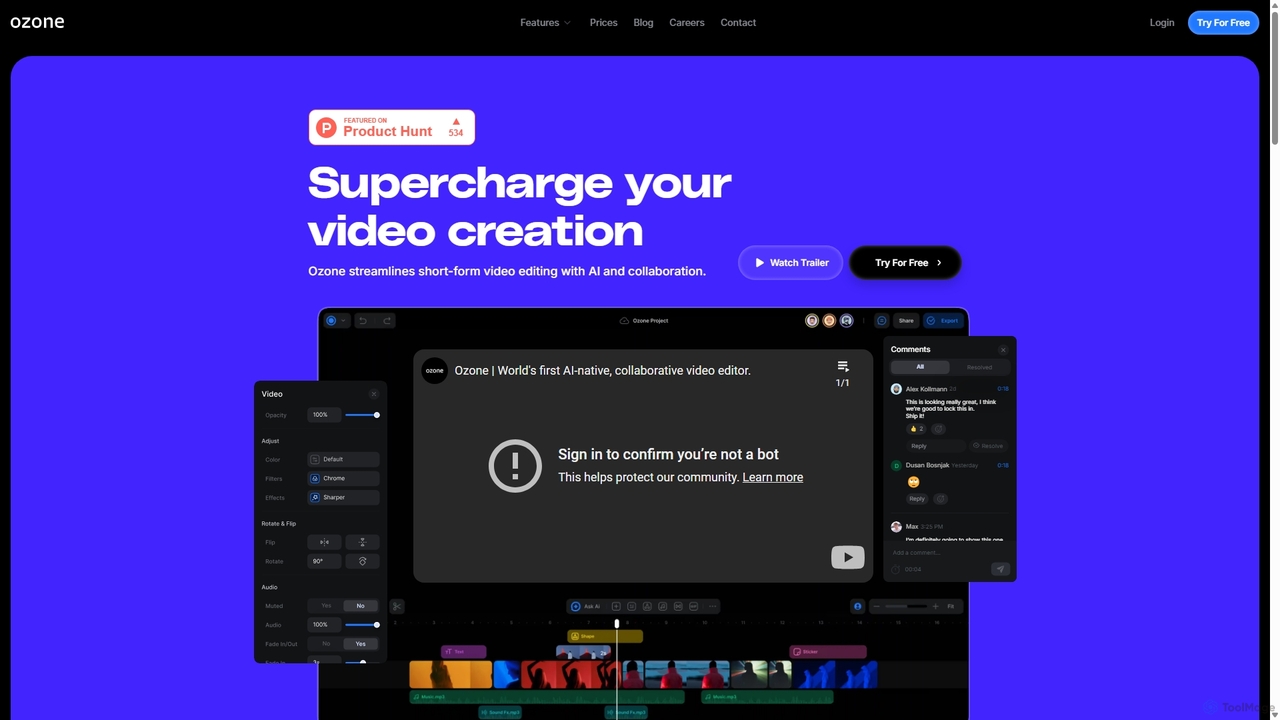
Ozone
Ozone is an AI-powered, cloud-based video editing platform that streamlines short-form video creation. It combines intelligent features like auto-captioning, text-to-video, and silence removal with real-time collaboration tools. Designed for content creators and marketing teams, Ozone eliminates the need for powerful hardware and complex workflows, allowing users to focus on storytelling and produce professional videos faster from anywhere.
Voice Synthesis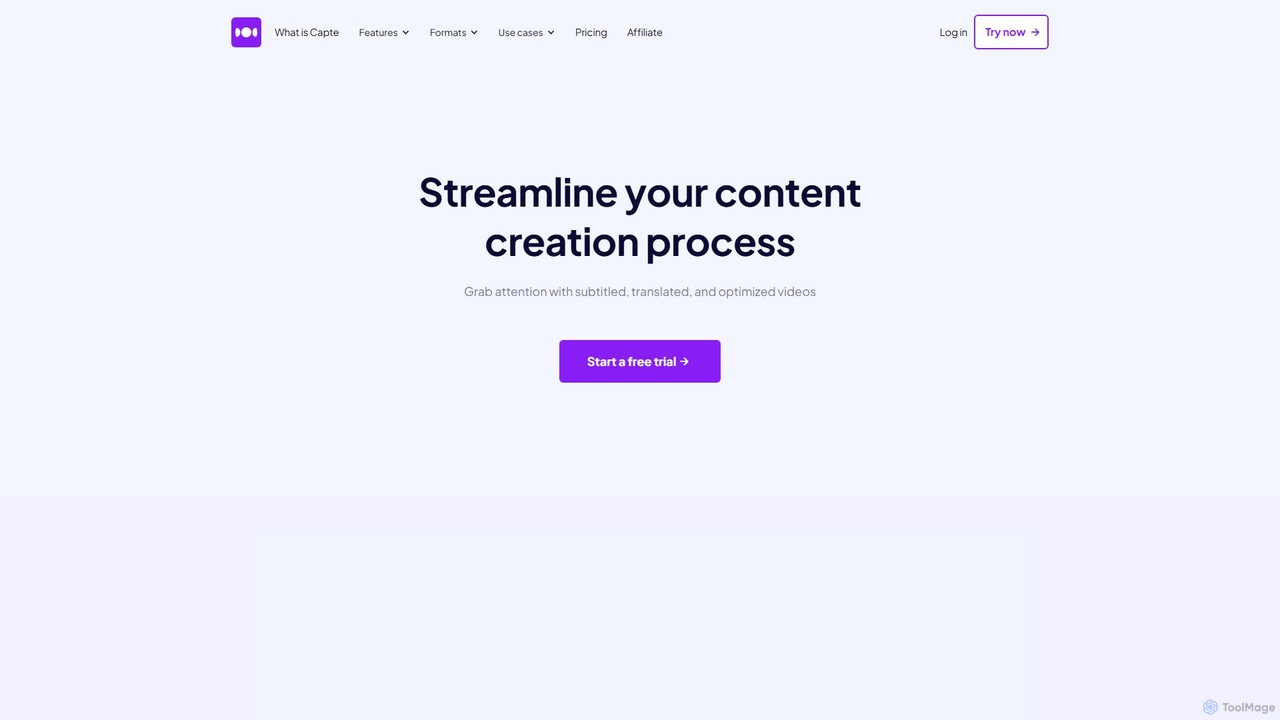
getcapte
getcapte is an AI-powered video editing platform designed to streamline content creation. It automatically generates accurate subtitles, translates them into multiple languages, and repurposes long-form videos into engaging short clips for social media. Ideal for creators, marketers, and podcasters looking to maximize their content's reach with minimal effort.
Repurposing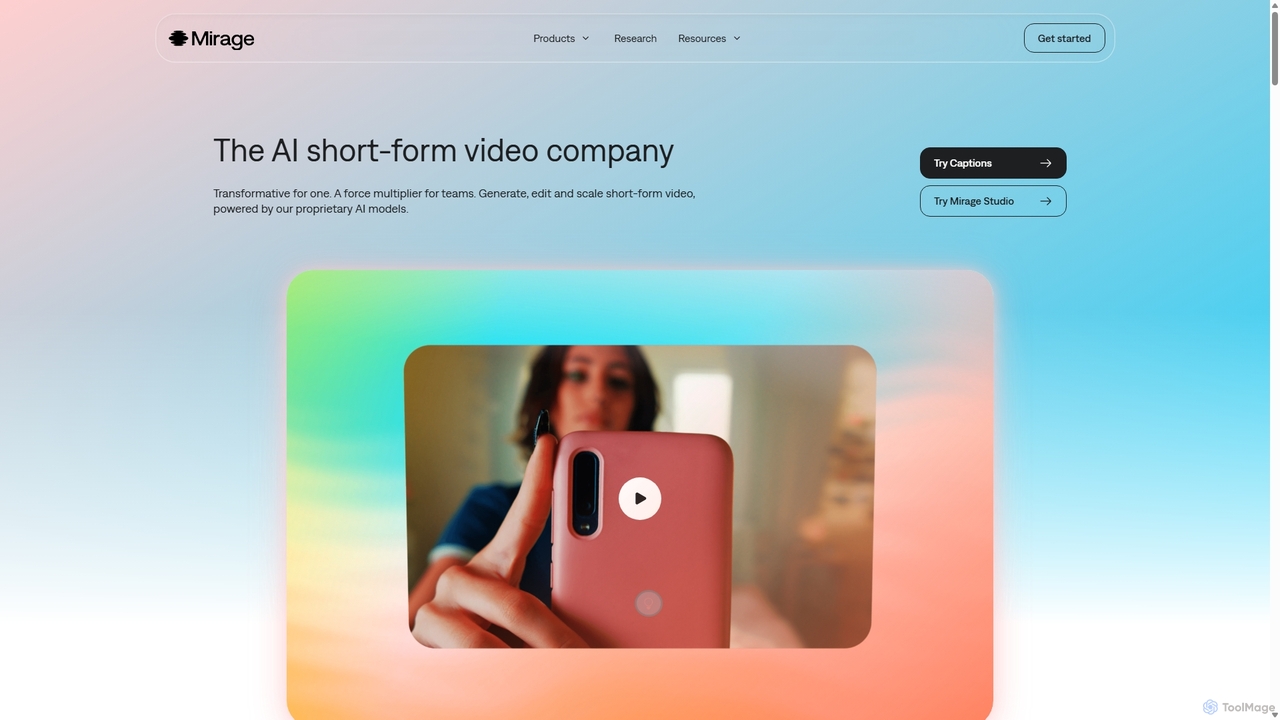
Mirage
Mirage is an AI video platform that transforms ideas into engaging short-form videos. It offers the Captions app for creators to generate and edit talking videos with text prompts, and Mirage Studio for teams to scale video production. Powered by proprietary AI, Mirage creates photorealistic footage and AI avatars, streamlining video creation for platforms like TikTok and Instagram.
Advertising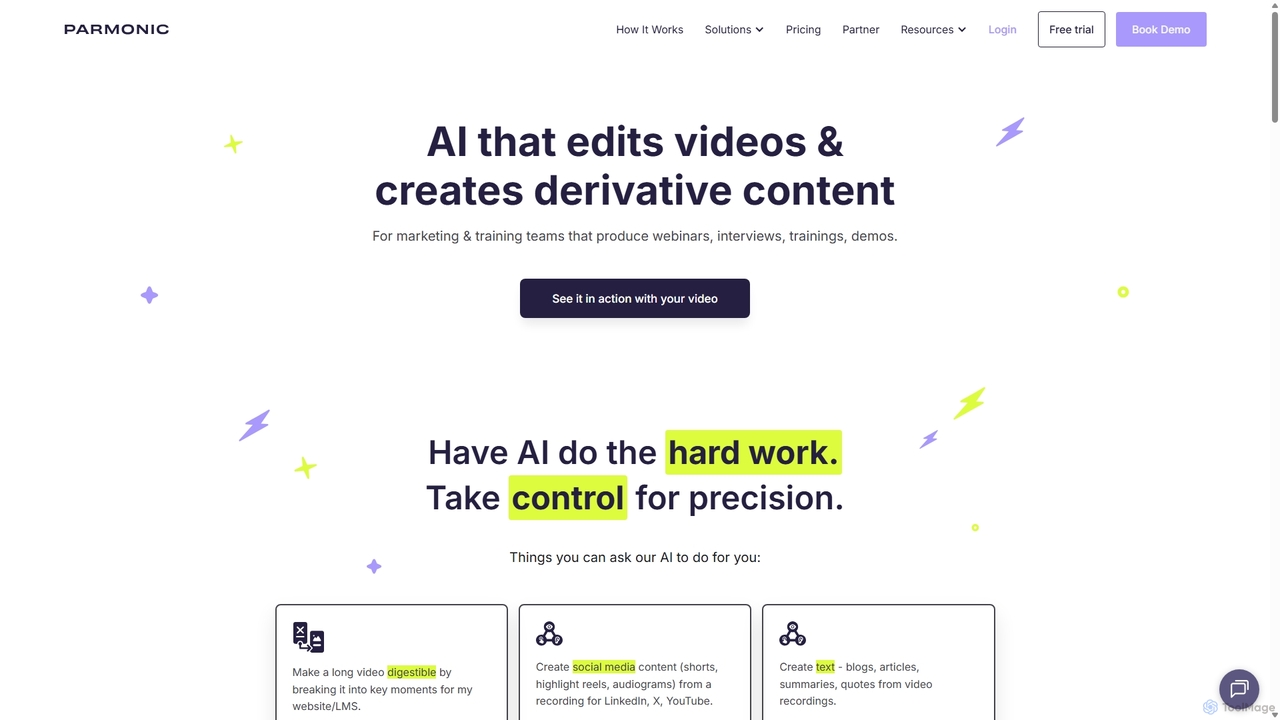
Parmonic
Parmonic is an AI-powered video editor and content repurposing platform designed for marketing and training teams. It automatically transforms long-form videos like webinars, interviews, and training sessions into digestible, shareable content such as social media clips, blogs, summaries, and highlight reels, streamlining content creation and maximizing engagement.
Content Creation
ShortsGenerator
ShortsGenerator is an AI-powered platform that automates the creation of viral short videos for YouTube, TikTok, and Instagram. Simply provide a link, text, or an idea, and the AI generates engaging, faceless videos with scripts, visuals, and voiceovers in minutes. It's designed for creators and marketers to save time, repurpose content, and significantly boost audience engagement without needing any video editing skills.
Video Marketing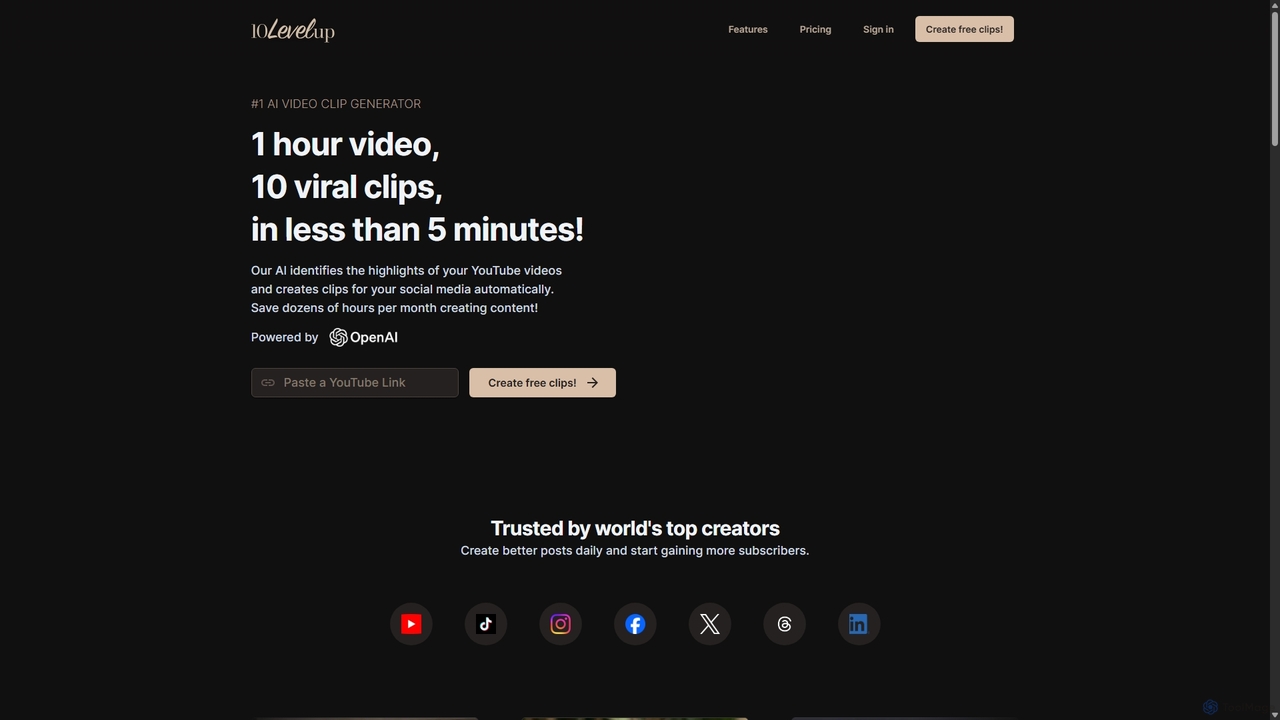
10LevelUp
10LevelUp is an AI-powered video clip generator that automatically transforms long videos and podcasts into engaging, shareable short clips for social media. It intelligently identifies the most compelling moments, formats them for platforms like TikTok, Reels, and Shorts, and supports over 100 languages, helping creators and marketers save time and grow their audience.
Automation
Qlip Comments (0)
Sign in to comment.
Sign inNo comments yet.