

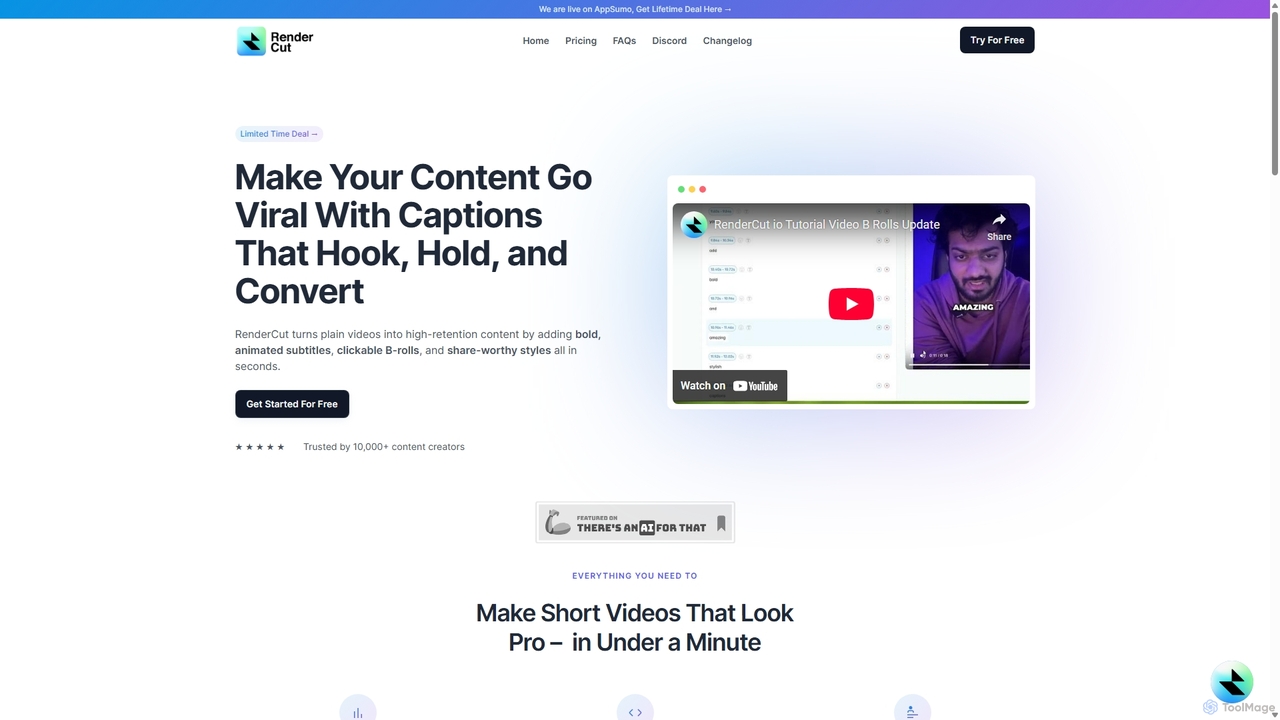
RenderCut Overview
RenderCut is a powerful AI-driven platform designed to transform standard videos into highly engaging, shareable content in just minutes. Trusted by over 10,000 content creators, RenderCut automates the tedious process of video editing, particularly for short-form content popular on platforms like TikTok, Instagram Reels, and YouTube Shorts. By adding bold, animated subtitles, dynamic B-rolls, emojis, and sound effects, it helps creators capture audience attention, improve retention, and increase the likelihood of their content going viral. The platform is entirely web-based, making it accessible on both Mac and PC without any software installation.
How to use RenderCut
RenderCut is designed with a simple and intuitive user interface, making professional-level video editing accessible to everyone. The workflow is streamlined into a few easy steps:
- Upload Your Media: Start by uploading your video file. You can also upload just an audio file, and RenderCut can generate a video from it.
- Automatic Subtitle Generation: The AI engine automatically detects the speech in your video, transcribes it, and generates perfectly synchronized subtitles. It handles various accents, paces, and languages with high accuracy.
- Customize Your Style: This is where you can match the video to your brand. Customize the font, color, background, and animation of your captions. Choose from a variety of popular preset styles or create your own unique look.
- Enhance with Rich Media: Elevate your video by adding relevant B-rolls using a simple drag-and-drop interface. You can also insert emojis, GIFs, memes, and sound effects to make your content more dynamic and entertaining.
- Review and Export: Preview your edited video. If needed, you can manually edit the subtitles for perfect accuracy. Once you're satisfied, export the final video and share it with the world.
Core Features of RenderCut
- AI-Powered Auto Captions: Automatically generates highly accurate, time-synced subtitles for your videos, saving hours of manual work.
- Advanced Style Customization: Offers full control over the appearance of your subtitles, including fonts, colors, weights, backgrounds, and eye-catching animations.
- Multilingual Support: Break language barriers by generating subtitles in numerous languages, from Spanish to Swahili, to reach a global audience.
- Rich Media Integration: Easily add engaging elements like clickable B-rolls, emojis, GIFs, memes, and sound effects to hold viewer attention.
- Audio-to-Video Generation: Turn audio files, such as podcasts or voiceovers, into engaging video content complete with subtitles and visuals.
- User-Friendly Interface: A clean, simple, and intuitive UI that makes video editing fast and straightforward, even for beginners.
- Team-Ready: Built to support collaboration, making it suitable for individual creators and marketing teams alike.
Use Cases for RenderCut
RenderCut is ideal for a wide range of creators and professionals looking to enhance their video content:
- Social Media Managers: Quickly create captioned videos for platforms like Instagram, TikTok, and Facebook to maximize reach and engagement, as many users watch videos without sound.
- Content Creators & YouTubers: Produce professional-looking short-form content and reels that stand out, attract new subscribers, and keep the audience hooked.
- Digital Marketers: Develop compelling video ads and promotional content with clear, attention-grabbing captions that convert viewers into customers.
- Agency Owners: Streamline the video production workflow for multiple clients, delivering high-quality, branded content efficiently.
- Entrepreneurs & Small Business Owners: Create engaging marketing videos for their products or services without needing extensive video editing skills or a large budget.
Advantages of RenderCut
Users praise RenderCut for its significant benefits. The primary advantage is the immense time savings; what used to take hours of manual editing can now be done in minutes. The tool produces highly professional and visually appealing results that can significantly boost video performance metrics. Its simplicity and ease of use are frequently highlighted, making it a preferred alternative to more complex software. The accuracy of the AI transcription is impressive, and the ability to easily edit any mistakes ensures a polished final product. Furthermore, its focus on doing one thing exceptionally well—creating attractive captions—makes it a precise and reliable tool in any creator's toolkit.
Pricing and Plans
RenderCut operates on a freemium model, allowing users to get started for free to experience its core features. For those needing more advanced capabilities and higher usage limits, there are paid subscription plans available. The platform has also been featured on platforms like AppSumo, offering limited-time lifetime deals (LTDs), which provide a cost-effective option for long-term users. It's recommended to visit the official RenderCut website for the most current pricing information and available plans.
RenderCut Alternatives
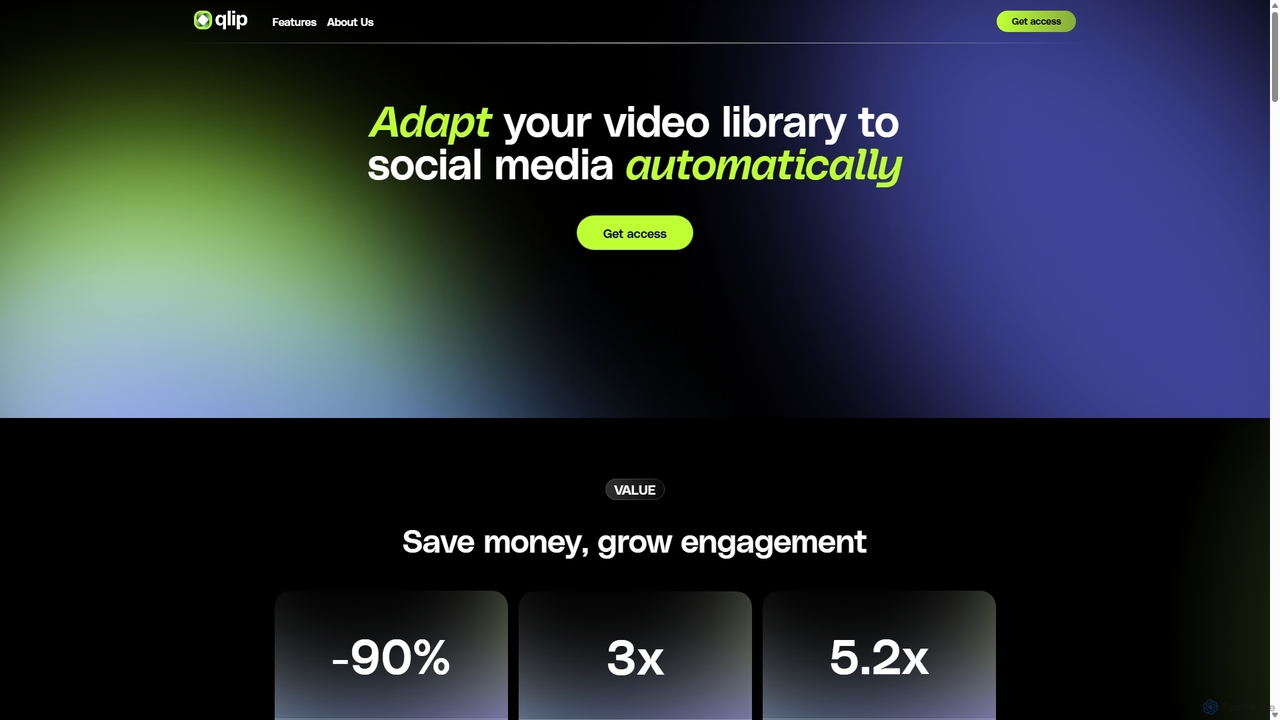
Qlip
Qlip is an AI-powered platform that automatically extracts impactful short clips from long-form videos. Designed for marketers and content creators, it simplifies repurposing content for social media with features like auto-reframing, branded subtitles, and transcription, helping to save costs and boost engagement.
Video Marketing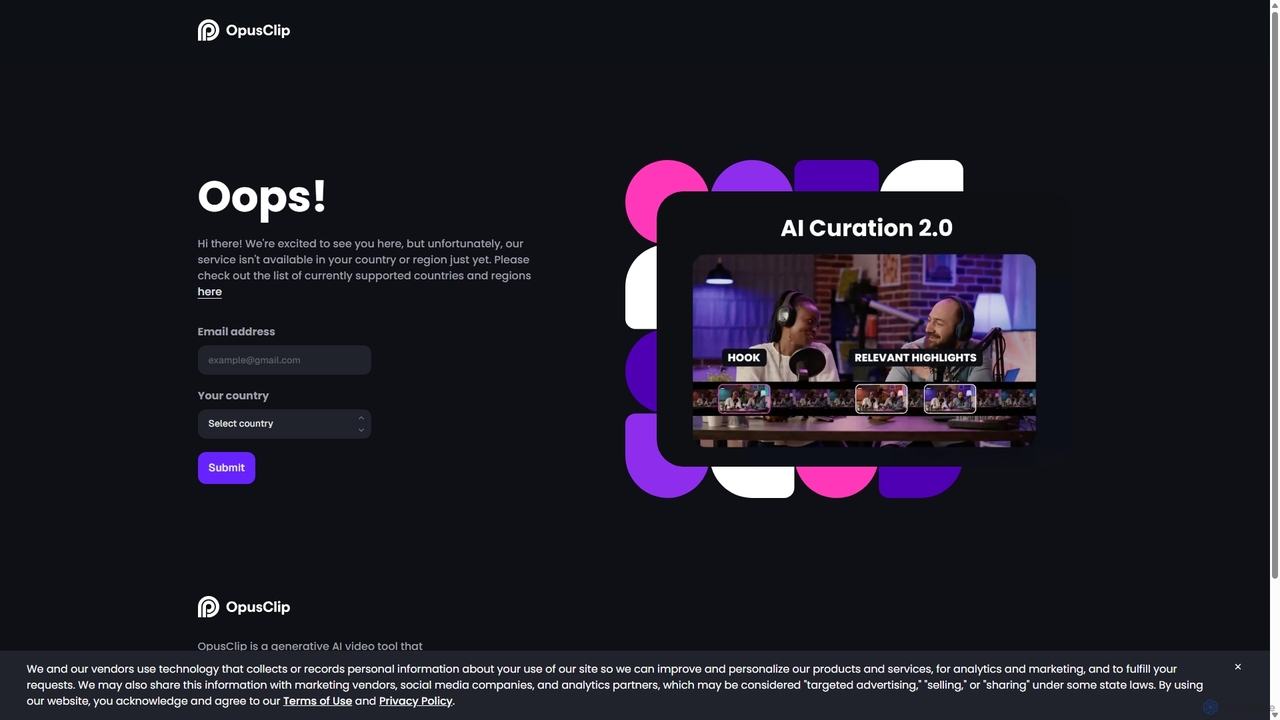
OpusClip
OpusClip is a generative AI video repurposing tool that turns long videos into viral short clips with one click. It automatically identifies the most compelling hooks, reframes the video, adds dynamic captions, and scores clips for virality, streamlining content creation for social media.
Video Marketing
WUI.AI
WUI.AI is an AI-powered platform that transforms long-form videos and podcasts into engaging, viral short clips for social media. It automates highlight detection, subtitling, resizing, and translation, helping creators and marketers save time and maximize their content's reach on platforms like TikTok, Instagram, and YouTube Shorts.
Automation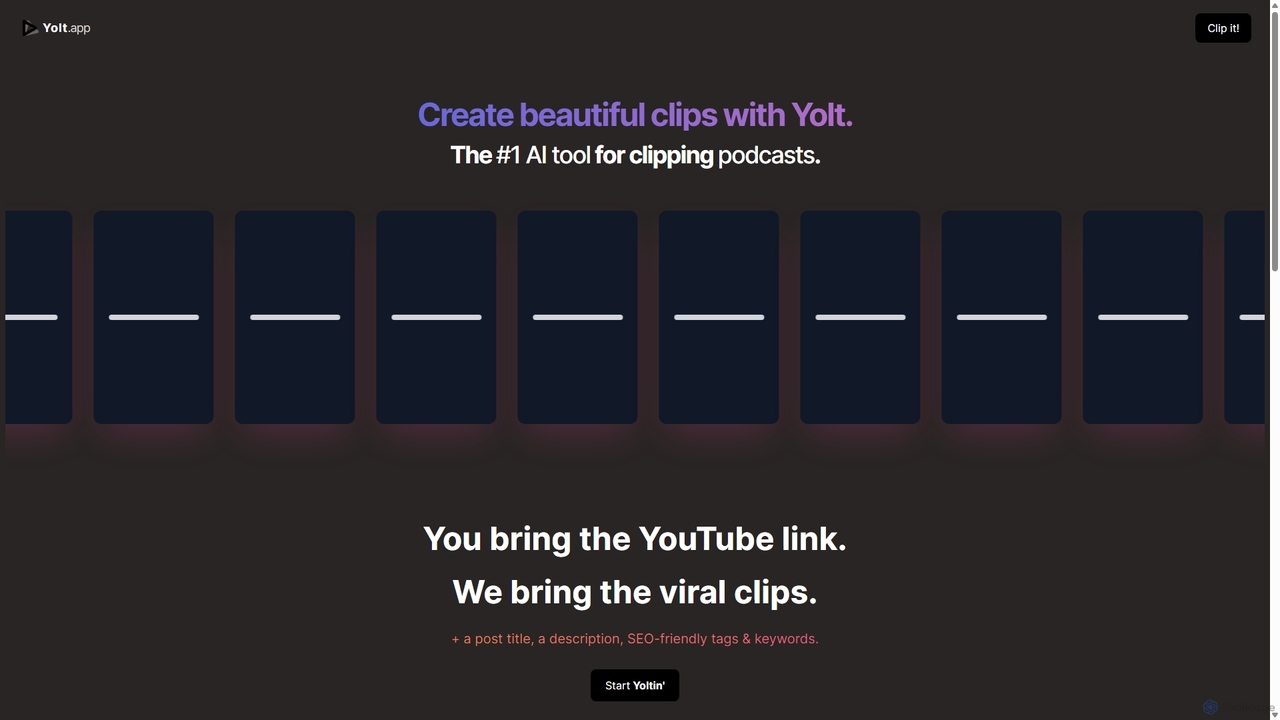
Yolt
Yolt is an AI-powered tool that transforms long-form YouTube videos, especially podcasts, into engaging, short, viral clips for social media. Simply provide a YouTube link, and Yolt's AI identifies the best moments, generates clips with subtitles, and provides optimized titles, descriptions, and SEO tags to maximize your reach and engagement on platforms like TikTok, Instagram Reels, and YouTube Shorts.
Video Marketing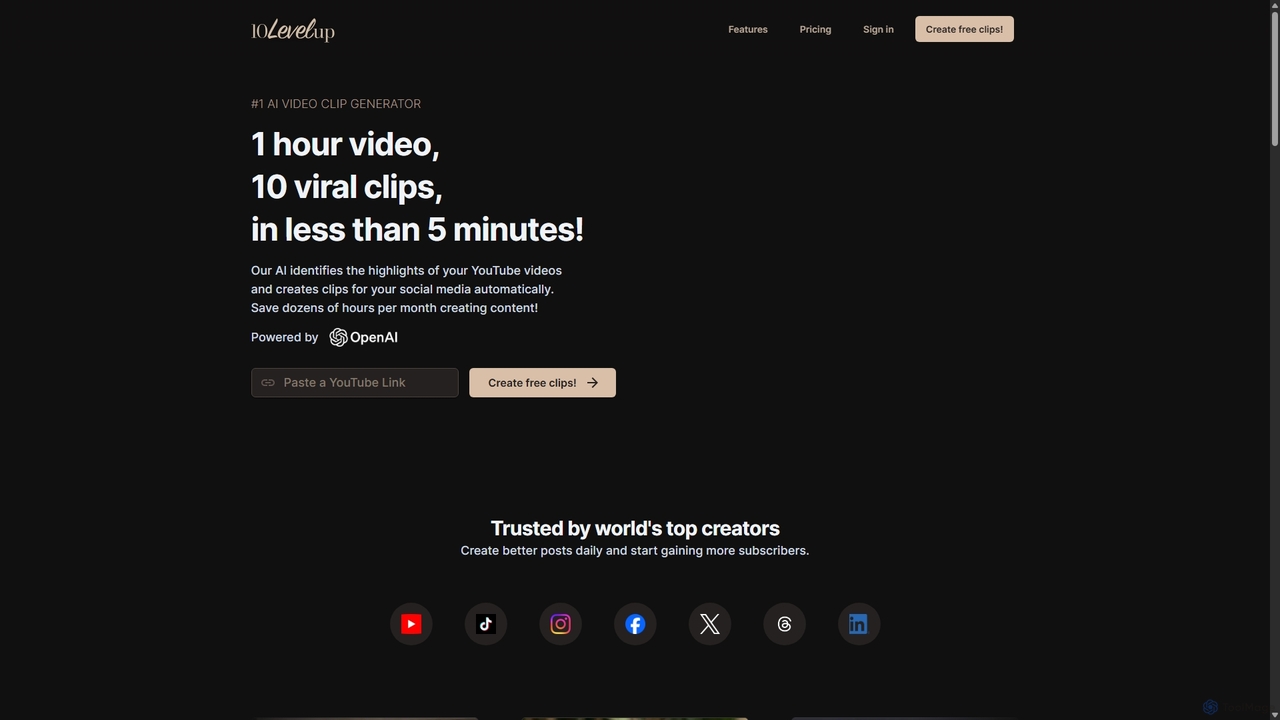
10LevelUp
10LevelUp is an AI-powered video clip generator that automatically transforms long videos and podcasts into engaging, shareable short clips for social media. It intelligently identifies the most compelling moments, formats them for platforms like TikTok, Reels, and Shorts, and supports over 100 languages, helping creators and marketers save time and grow their audience.
AutomationRenderCut Categories
RenderCut Jobs
RenderCut Embed Widget
Copy this embed code to place the badge on your blog, article, or product site and send readers directly to this ToolMage detail page.

Related AI tools
Qlip
Qlip is an AI-powered platform that automatically extracts impactful short clips from long-form videos. Designed for marketers and content creators, it simplifies repurposing content for social media with features like auto-reframing, branded subtitles, and transcription, helping to save costs and boost engagement.
Video Marketing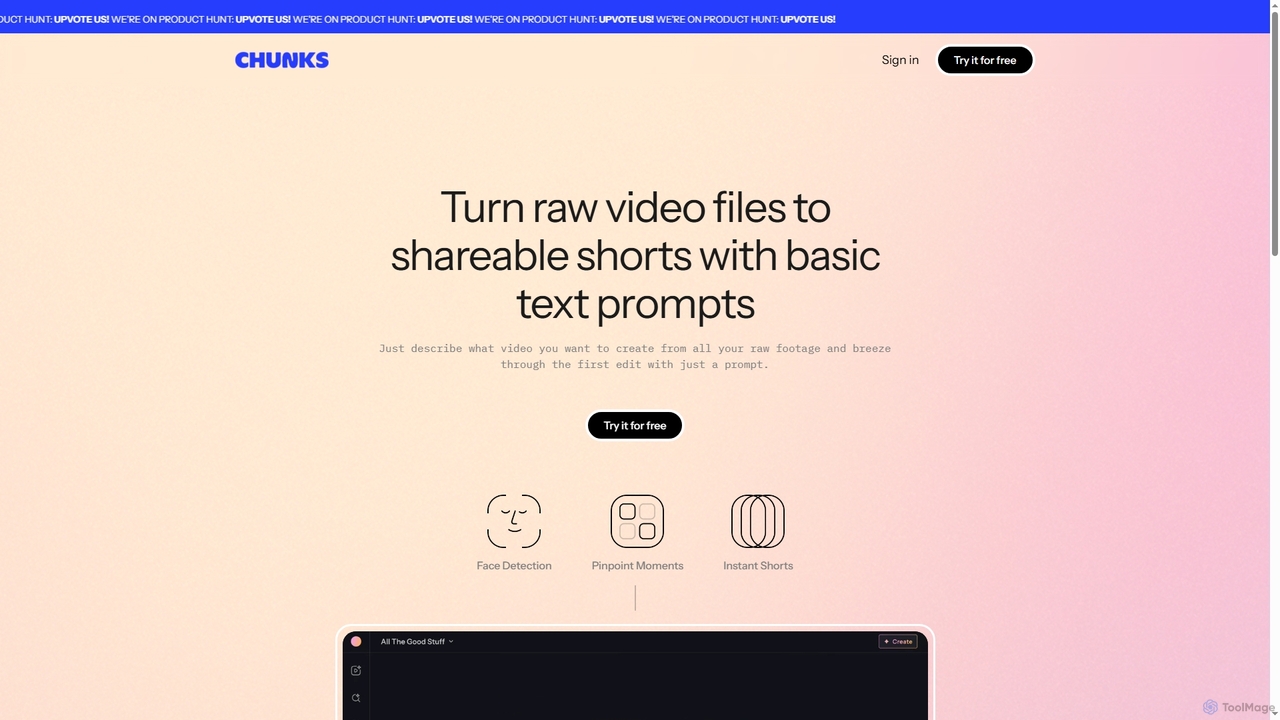
Chunks
Chunks is an AI-powered video editing tool that automatically transforms raw video footage into shareable short-form content. It uses AI vision models to detect key moments, faces, and highlights, allowing users to generate social-ready video shorts with simple text prompts, saving significant manual editing time.
3D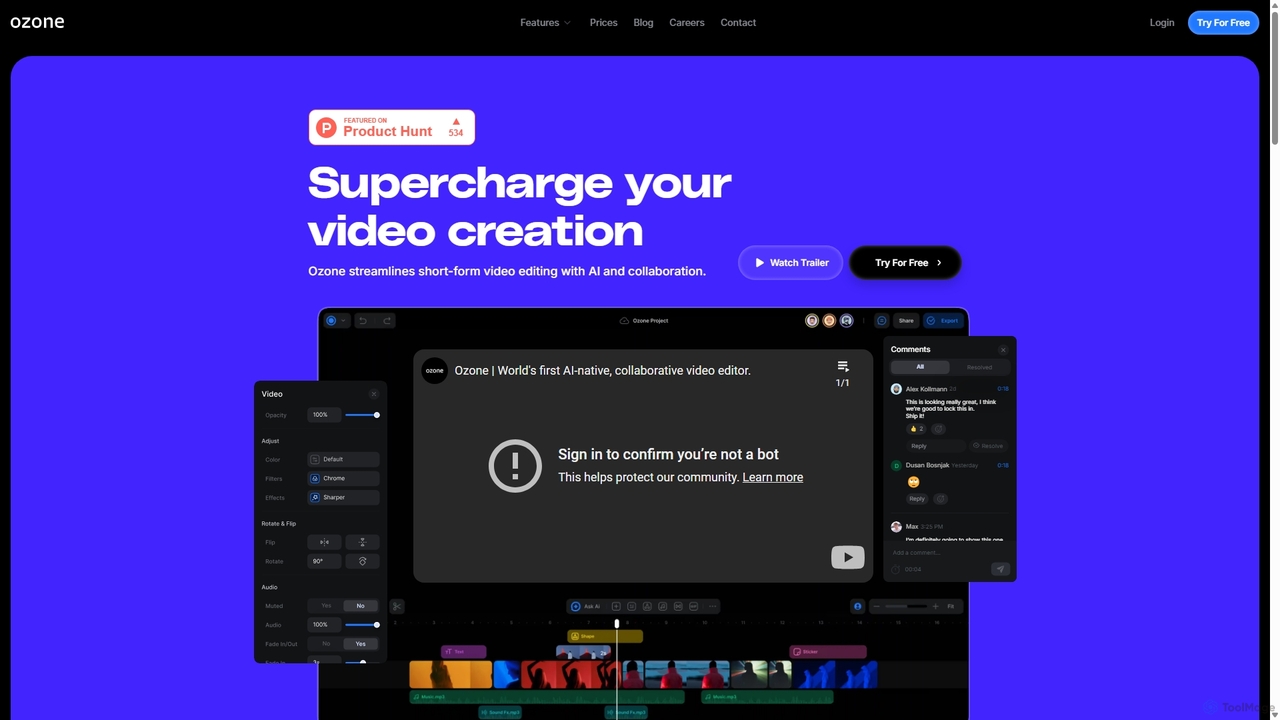
Ozone
Ozone is an AI-powered, cloud-based video editing platform that streamlines short-form video creation. It combines intelligent features like auto-captioning, text-to-video, and silence removal with real-time collaboration tools. Designed for content creators and marketing teams, Ozone eliminates the need for powerful hardware and complex workflows, allowing users to focus on storytelling and produce professional videos faster from anywhere.
Voice SynthesisOpusClip
OpusClip is a generative AI video repurposing tool that turns long videos into viral short clips with one click. It automatically identifies the most compelling hooks, reframes the video, adds dynamic captions, and scores clips for virality, streamlining content creation for social media.
Video Marketing
Zubtitle
Zubtitle is an AI-powered online video editor designed to help creators and marketers quickly optimize videos for social media. It specializes in automatic transcription and subtitling, allowing users to add captions, headlines, logos, and progress bars with just a few clicks. The tool simplifies video repurposing for platforms like Instagram, TikTok, and YouTube Shorts, making it easy to create engaging, professional-looking content that captures attention even when muted.
Transcription
SendShort.ai
SendShort.ai is an AI-powered platform that transforms long-form videos into engaging, viral-ready short clips for social media. Automatically identify key moments, add dynamic captions, and repurpose your content for TikTok, Reels, and Shorts in minutes, maximizing your reach and saving hours of editing time.
Video Marketing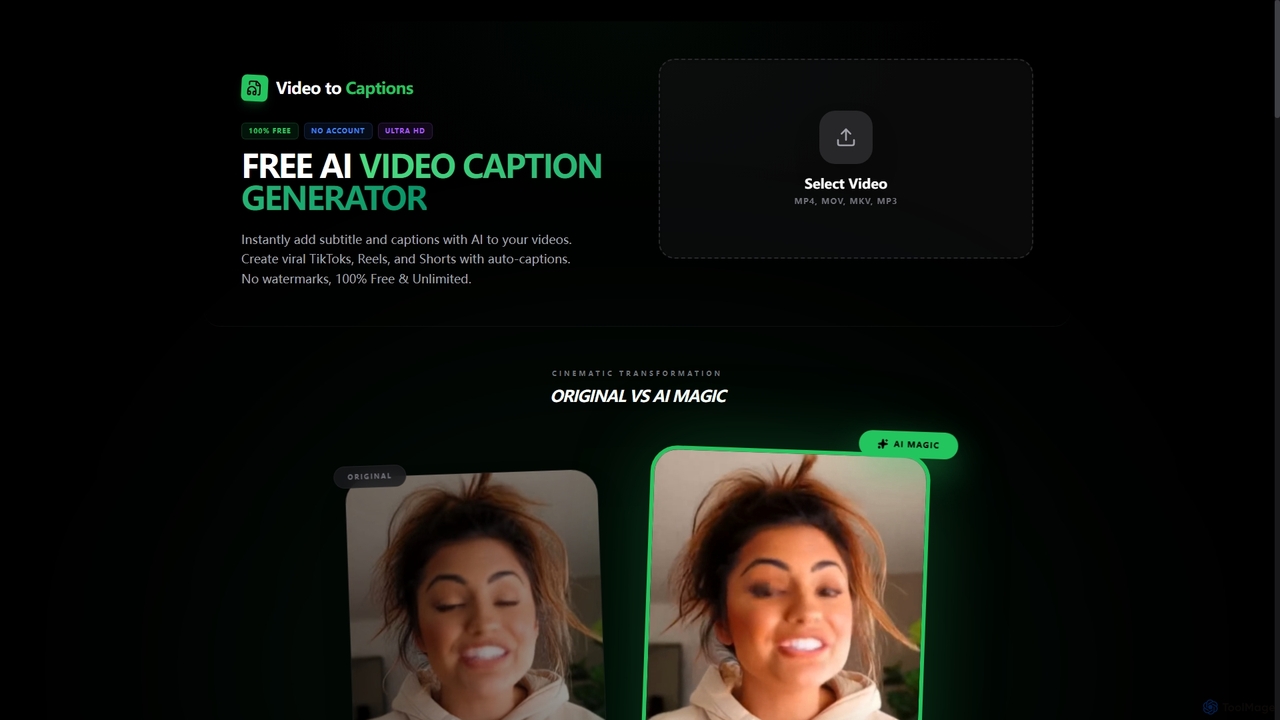
VideotoCaptions
VideotoCaptions is a 100% free AI-powered online tool that instantly generates subtitles and captions for videos. It helps creators boost engagement on platforms like TikTok, Instagram Reels, and YouTube Shorts with various viral caption styles, all without requiring an account or leaving watermarks.
3D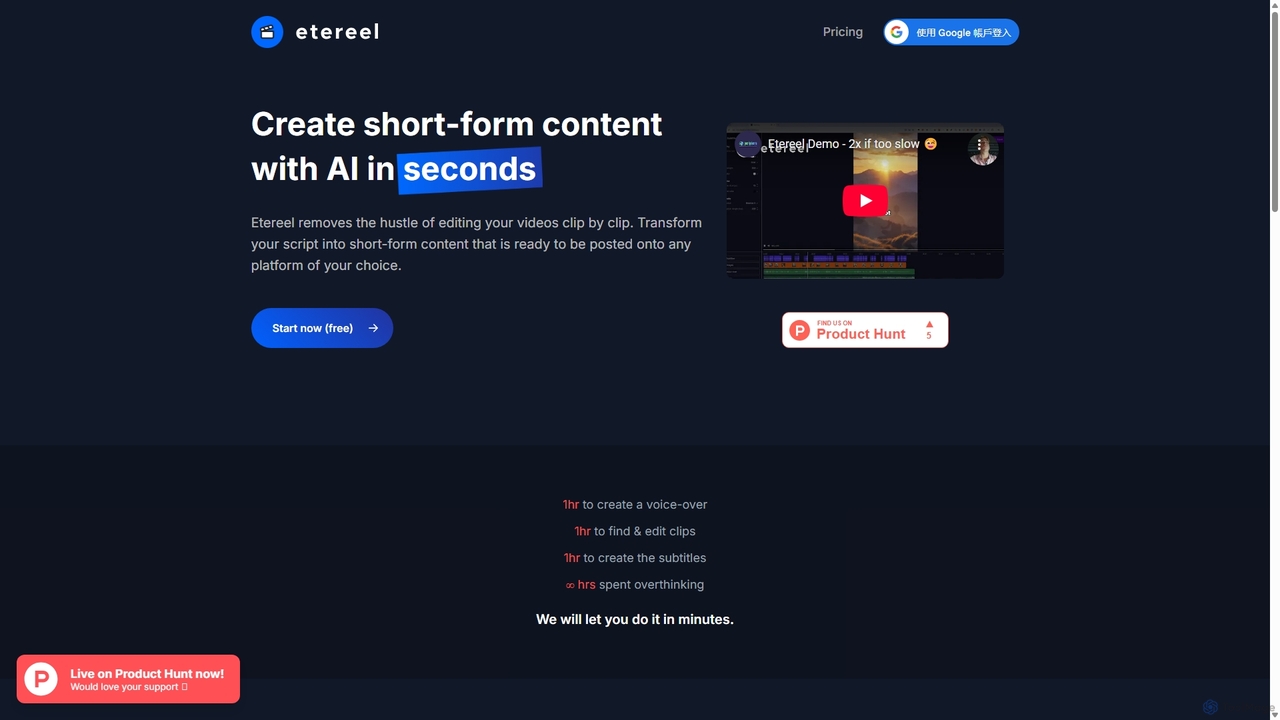
Etereel
Etereel is an AI-powered video generator that transforms text scripts into engaging, ready-to-post short-form videos in under a minute. It automates voice-over creation, clip selection, and subtitle generation, offering extensive customization and high-resolution, watermark-free exports. Ideal for content creators and marketers looking to streamline their video production workflow.
Advertising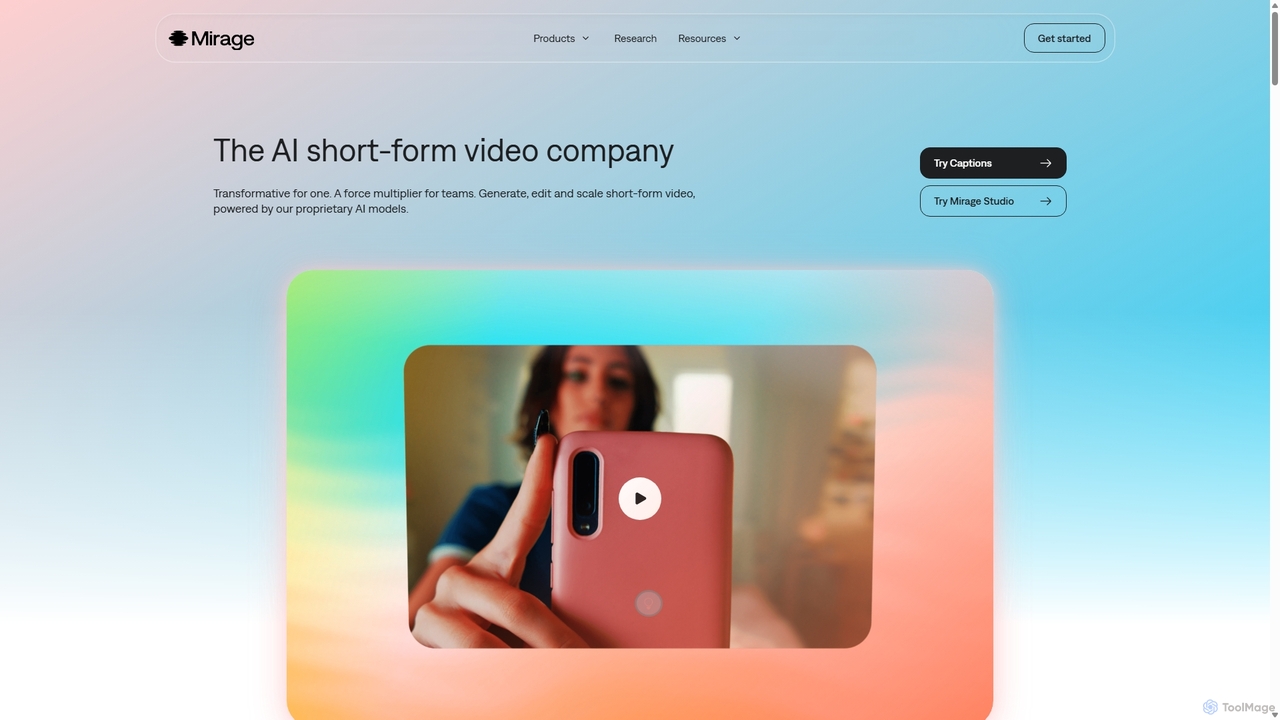
Mirage
Mirage is an AI video platform that transforms ideas into engaging short-form videos. It offers the Captions app for creators to generate and edit talking videos with text prompts, and Mirage Studio for teams to scale video production. Powered by proprietary AI, Mirage creates photorealistic footage and AI avatars, streamlining video creation for platforms like TikTok and Instagram.
AdvertisingWUI.AI
WUI.AI is an AI-powered platform that transforms long-form videos and podcasts into engaging, viral short clips for social media. It automates highlight detection, subtitling, resizing, and translation, helping creators and marketers save time and maximize their content's reach on platforms like TikTok, Instagram, and YouTube Shorts.
AutomationYolt
Yolt is an AI-powered tool that transforms long-form YouTube videos, especially podcasts, into engaging, short, viral clips for social media. Simply provide a YouTube link, and Yolt's AI identifies the best moments, generates clips with subtitles, and provides optimized titles, descriptions, and SEO tags to maximize your reach and engagement on platforms like TikTok, Instagram Reels, and YouTube Shorts.
Video Marketing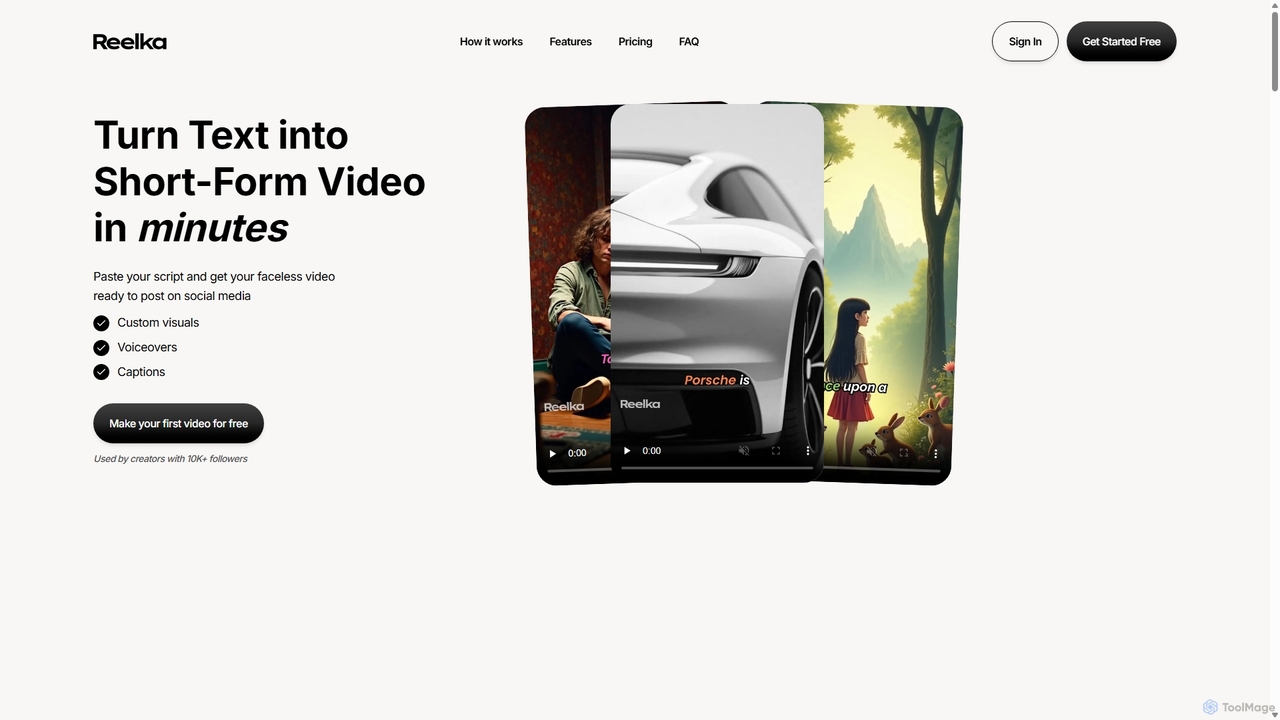
Reelka
Reelka is an AI-powered video creation platform that transforms text scripts into engaging, short-form videos in minutes. Ideal for social media, it automates the entire process from scriptwriting and voiceover generation to visual selection and captioning. Users can customize styles, replace visuals, and export HD, watermark-free videos, saving hours of complex editing work and overcoming the steep learning curve of traditional video software. It's designed for creators and marketers to produce consistent, high-quality content effortlessly.
Automation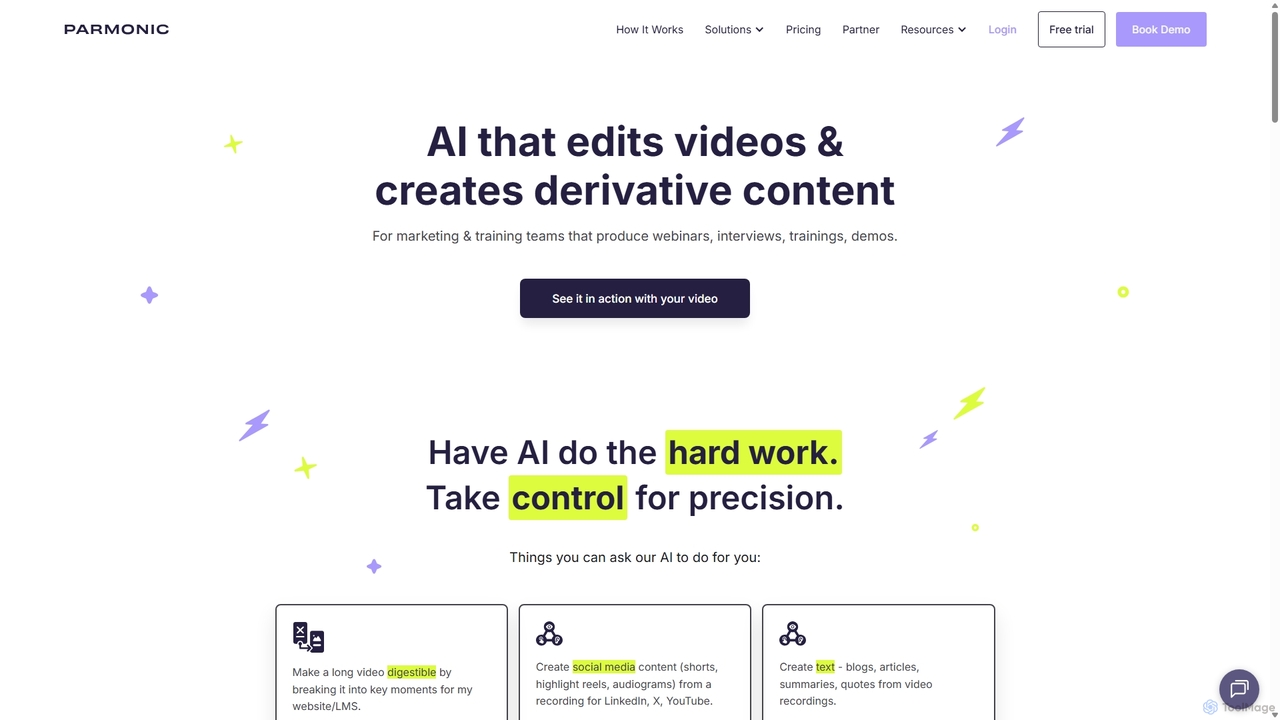
Parmonic
Parmonic is an AI-powered video editor and content repurposing platform designed for marketing and training teams. It automatically transforms long-form videos like webinars, interviews, and training sessions into digestible, shareable content such as social media clips, blogs, summaries, and highlight reels, streamlining content creation and maximizing engagement.
Content Creation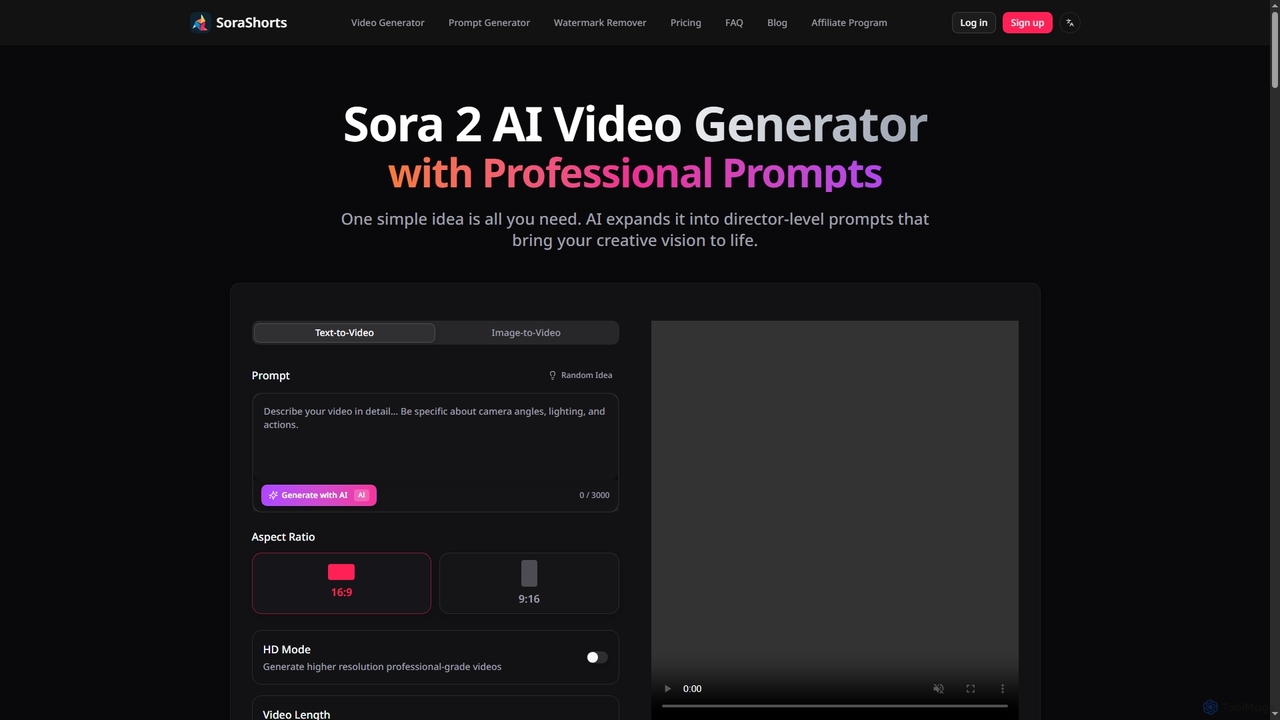
SoraShorts
SoraShorts is an advanced AI video generator powered by Sora 2 technology, enabling users to transform text or images into professional, watermark-free videos. It includes a sophisticated prompt generator for cinematic quality and a tool to remove watermarks, streamlining video creation for various commercial and creative needs.
Prompt Engineering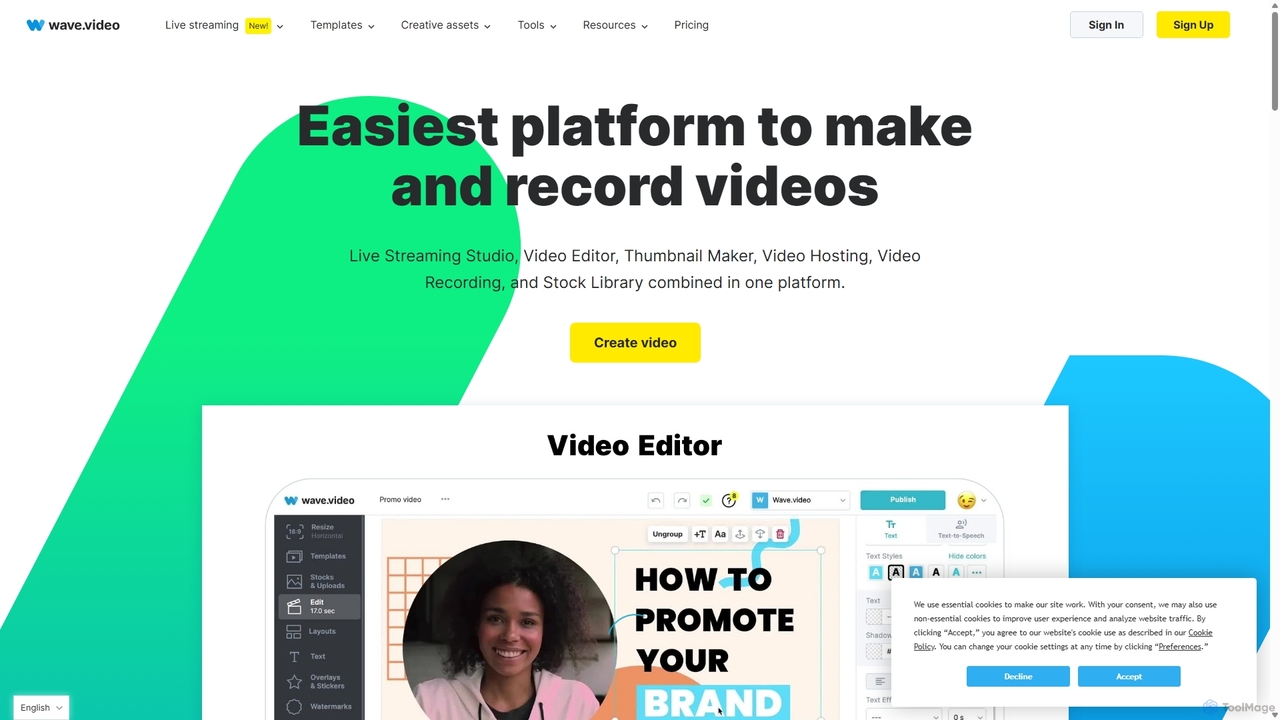
Wave.video
Wave.video is an all-in-one video marketing platform that empowers businesses and creators to easily edit, record, multi-stream, and host videos. It combines a powerful online video editor, a live streaming studio, a thumbnail maker, secure video hosting, and a vast stock library into a single, user-friendly interface. Ideal for marketers and content creators of any skill level looking to produce professional-quality videos that drive engagement and results.
Video Generation
RenderCut Comments (0)
Sign in to comment.
Sign inNo comments yet.