

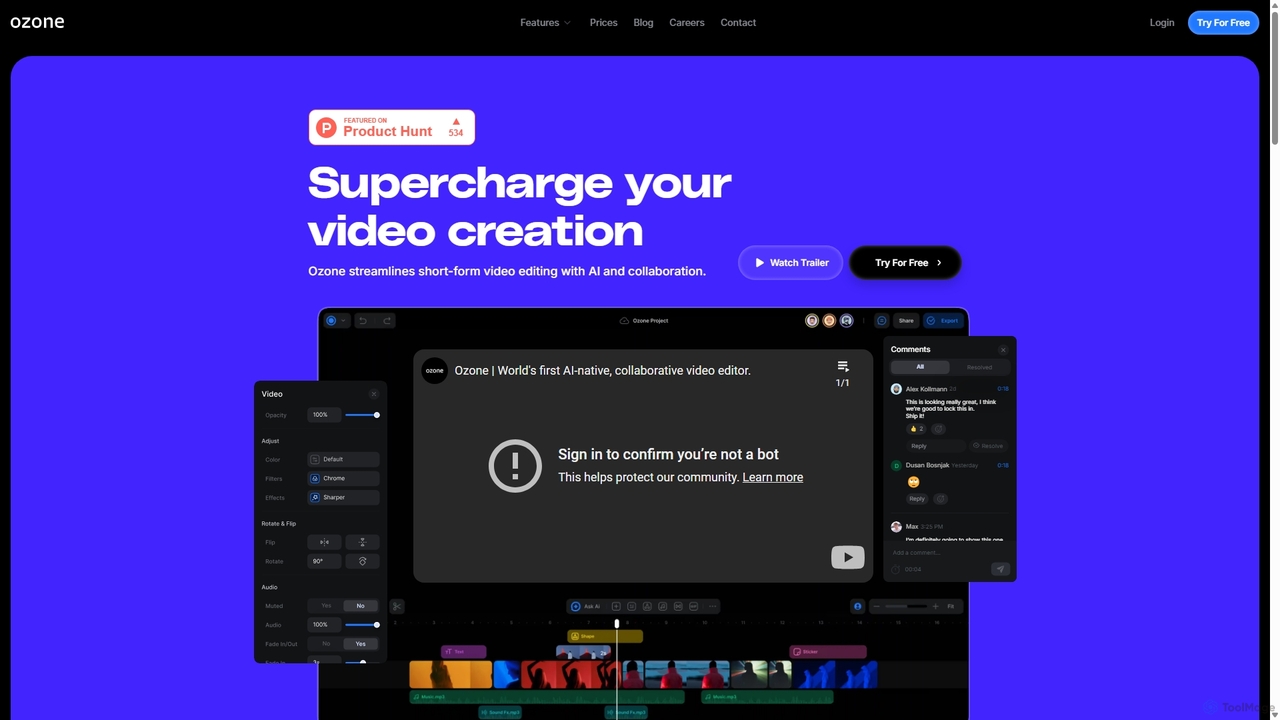
Ozone Overview
Ozone is a next-generation, cloud-native video editing platform designed to revolutionize the video creation workflow for content creators, marketing teams, and collaborative projects. By leveraging the power of artificial intelligence and cloud streaming technology, Ozone eliminates traditional editing bottlenecks, such as slow rendering, large file transfers, and version control issues. It provides a seamless, browser-based experience that allows users to create professional-quality short-form videos faster and more efficiently.
The platform is built on the vision of making content creation synonymous with storytelling. It empowers users to focus on their creative narrative rather than getting bogged down by mundane technical tasks. With its intuitive interface and powerful AI-driven features, Ozone makes advanced video editing accessible to everyone, regardless of their technical expertise.
How to use Ozone
Getting started with Ozone is straightforward and designed for a modern workflow. First, users sign up for an account, choosing from a free introductory plan or a more feature-rich paid plan. Once in the workspace, you can upload your video footage, audio files, and images directly to Ozone's integrated cloud storage, eliminating the need for local hard drives. Alternatively, you can generate new content from scratch using AI tools like Text-to-Image and Text-to-Video. The editing process takes place on a magnetic timeline, which simplifies clip arrangement. Users can then apply various AI features with a single click, such as generating automatic subtitles, removing silent segments, or creating voiceovers with text-to-speech. For collaborative projects, team members can be invited into the workspace to leave time-stamped comments, share ideas, and edit together in real-time, creating a unified and efficient production environment.
Core Features of Ozone
- AI-Powered Editing Suite: Automate tedious tasks with features like Auto Captioning, Silence Removal, and Text-to-Speech.
- AI Content Generation: Create unique visuals and entire video clips from simple text prompts with Text-to-Image and Text-to-Video capabilities. Also includes an AI Music Generator.
- Real-time Collaboration: Edit, comment, and share ideas with your team simultaneously in a single, shared workspace. Resolve feedback directly on the video timeline.
- Cloud-Native Workflow: Enjoy a lag-free, smooth playback experience directly in your browser. No powerful hardware or software installation required. Work from anywhere with an internet connection.
- Advanced Animation & Timeline: Utilize professional tools like Keyframing for precise animation control and a Magnetic Timeline for intuitive clip management.
- Integrated Asset Management: Manage all your media assets, projects, and team members within organized workspaces, streamlining the entire production process.
Use Cases for Ozone
Ozone is ideal for a wide range of applications. Social media managers can rapidly produce engaging content for platforms like TikTok, Instagram Reels, and YouTube Shorts. Marketing teams can streamline the creation of promotional videos, product demos, and ad campaigns through efficient collaboration. Individual content creators and YouTubers can significantly cut down their editing time, allowing them to produce more content. Additionally, corporate teams can use Ozone for creating internal training materials, announcements, and other communication videos with ease.
Advantages of Ozone
The primary advantage of Ozone is its massive boost in efficiency, saving users hours on each project. The fully cloud-based architecture provides unparalleled flexibility and accessibility, freeing users from the constraints of specific machines or locations. Its real-time collaboration features foster better teamwork and faster feedback cycles. Furthermore, the integration of powerful AI content generation tools opens up new creative avenues while reducing reliance on stock media or external resources. This all-in-one solution combines editing, collaboration, asset management, and AI generation into a single, cost-effective platform.
Pricing and Plans
Ozone offers a flexible pricing structure to suit different needs:
- Intro Plan: $0 (Free). This plan is great for individuals starting out and includes 100 seconds of subtitles per month, 3 projects, and 100 credits for AI features.
- Pro Plan: $29 per month. Aimed at professionals and frequent creators, this plan offers unlimited subtitles, unlimited projects, 5000 credits, watermark removal, credit rollover, and the ability to handle 3 pending jobs simultaneously.
- Enterprise Plan: Custom pricing. Designed for large teams and organizations, this plan includes all Pro features plus 5000+ credits, 3+ pending jobs, and dedicated priority support.
Ozone Alternatives
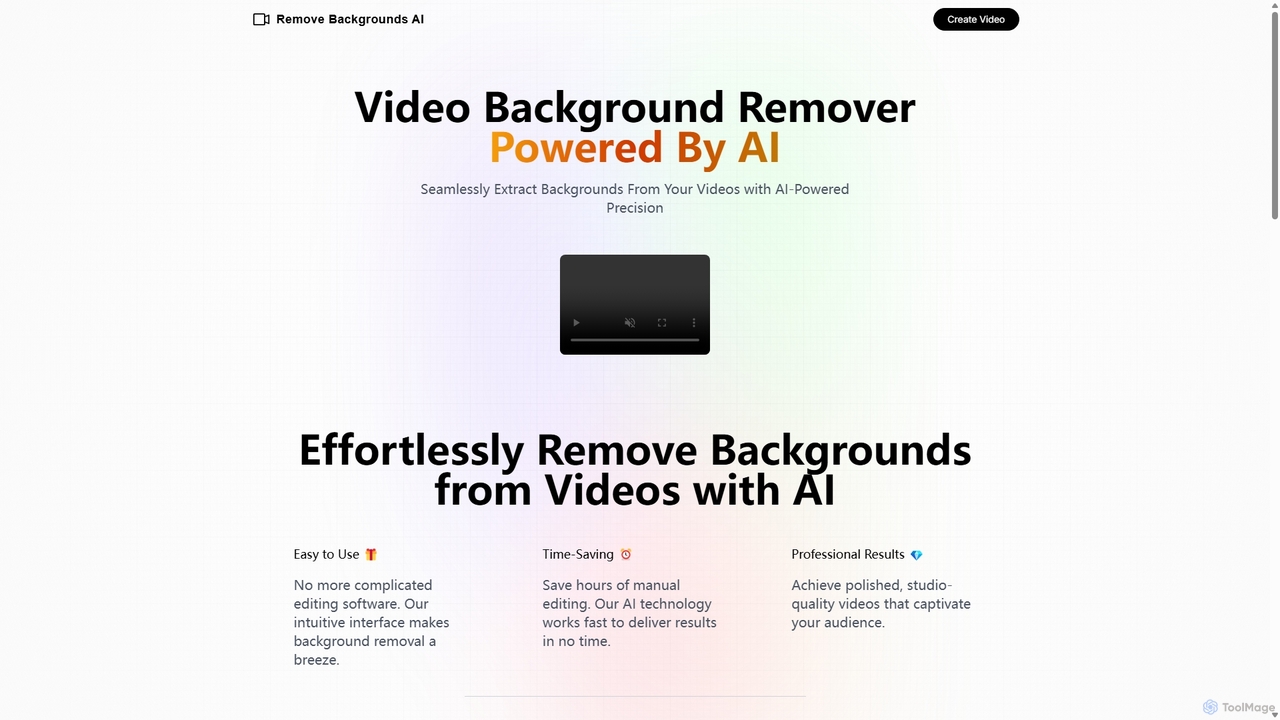
Remove Backgrounds AI
Remove Backgrounds AI is an AI-powered tool for seamless video background removal. It specializes in human video matting, using a recurrent neural network to accurately and quickly extract subjects from their backgrounds. Ideal for content creators and marketers, it delivers professional, studio-quality results in minutes, simplifying complex editing tasks with an intuitive interface and a simple pay-per-video pricing model.
Social Media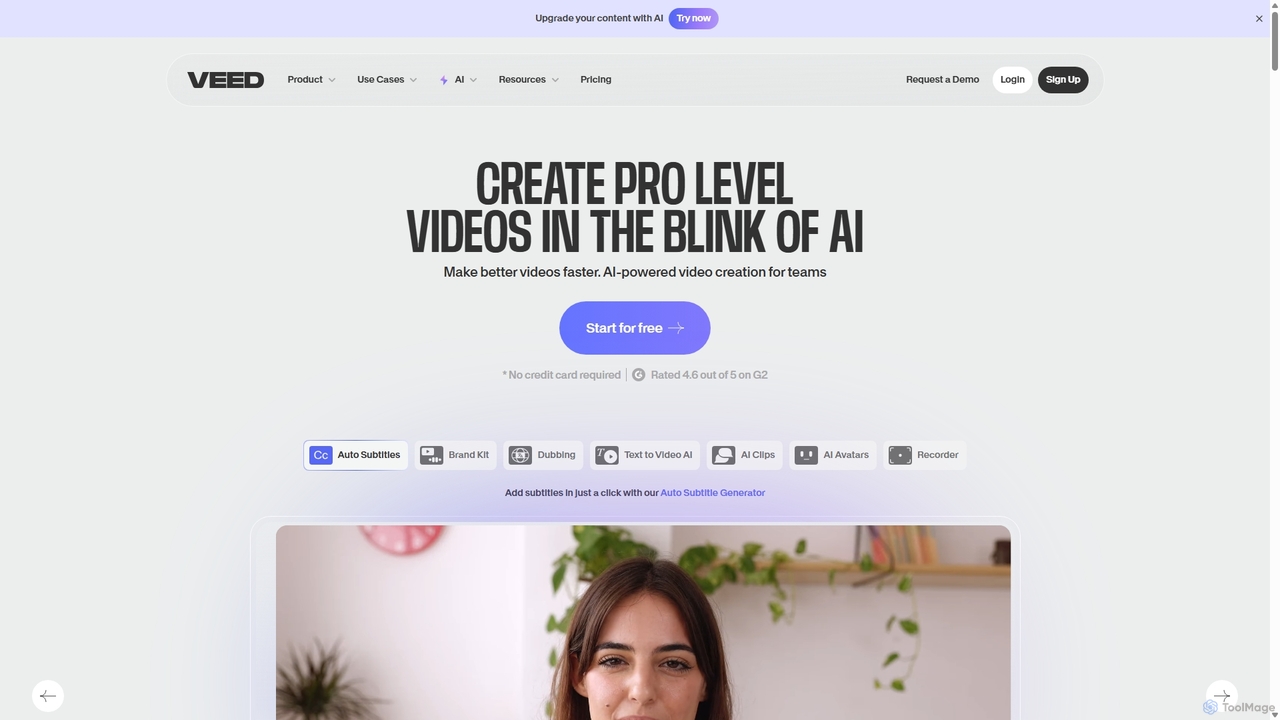
VEED.IO
VEED.IO is a powerful, AI-driven online video editor designed for teams and creators. It simplifies professional video creation with a suite of intuitive tools, including auto-subtitling, text-to-video, AI avatars, and collaborative workspaces. Create, edit, and share high-quality videos directly from your browser, no complex software required.
Social Media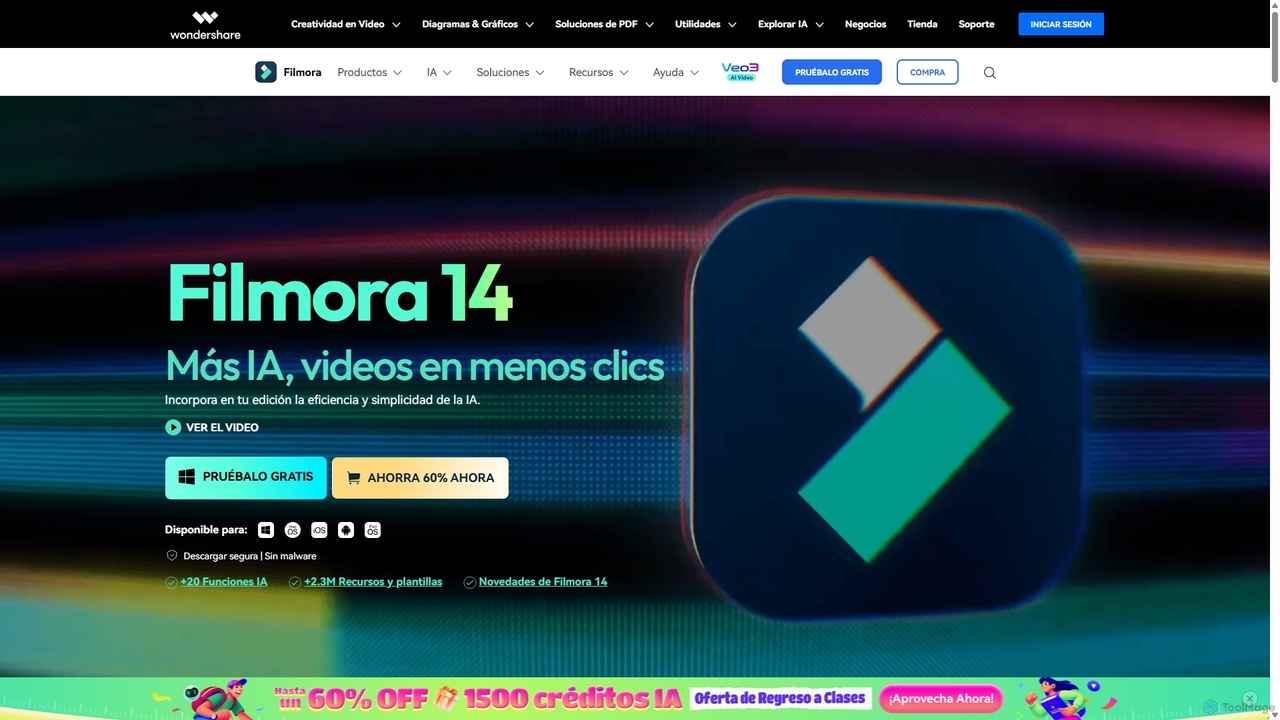
Filmora
Filmora is an AI-powered video editor that simplifies the creation process for both beginners and professionals. It offers a vast suite of AI tools, including smart clip generation, text-to-video, and advanced audio enhancement, combined with a user-friendly interface and a massive library of effects and resources to make video editing faster and more creative.
Social Media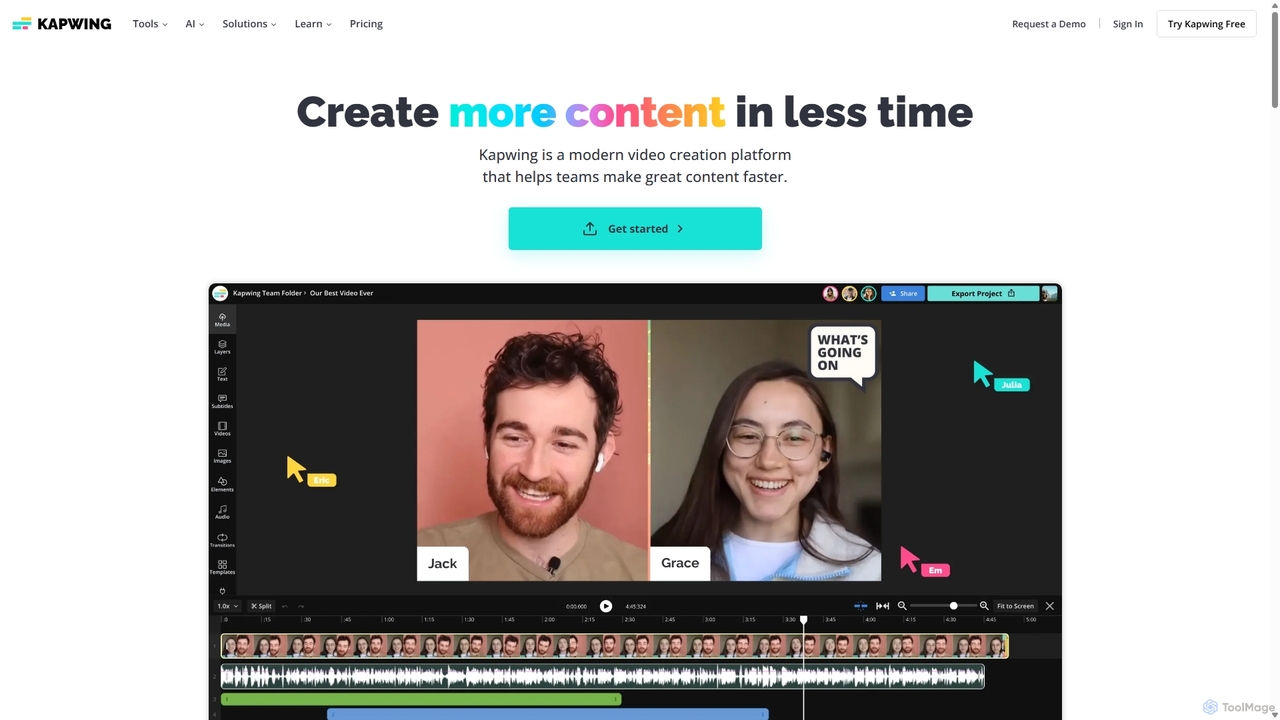
Kapwing
Kapwing is an AI-powered online video editor designed for teams and creators to produce high-quality content faster. It combines a full suite of editing tools with intelligent AI features like text-to-video, automatic subtitling, and background removal in a collaborative, browser-based platform, making video creation accessible to everyone.
Video Marketing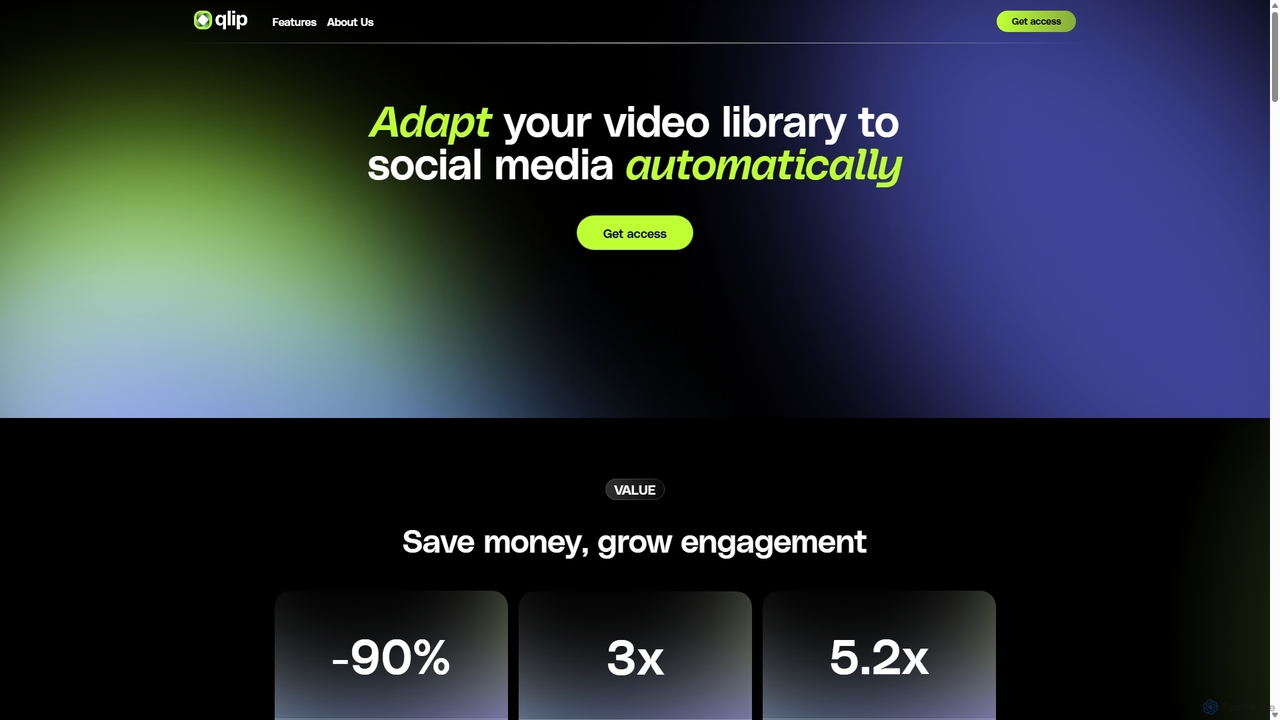
Qlip
Qlip is an AI-powered platform that automatically extracts impactful short clips from long-form videos. Designed for marketers and content creators, it simplifies repurposing content for social media with features like auto-reframing, branded subtitles, and transcription, helping to save costs and boost engagement.
Video MarketingOzone Categories
Ozone Jobs
Ozone Embed Widget
Copy this embed code to place the badge on your blog, article, or product site and send readers directly to this ToolMage detail page.

Related AI tools
Mirage
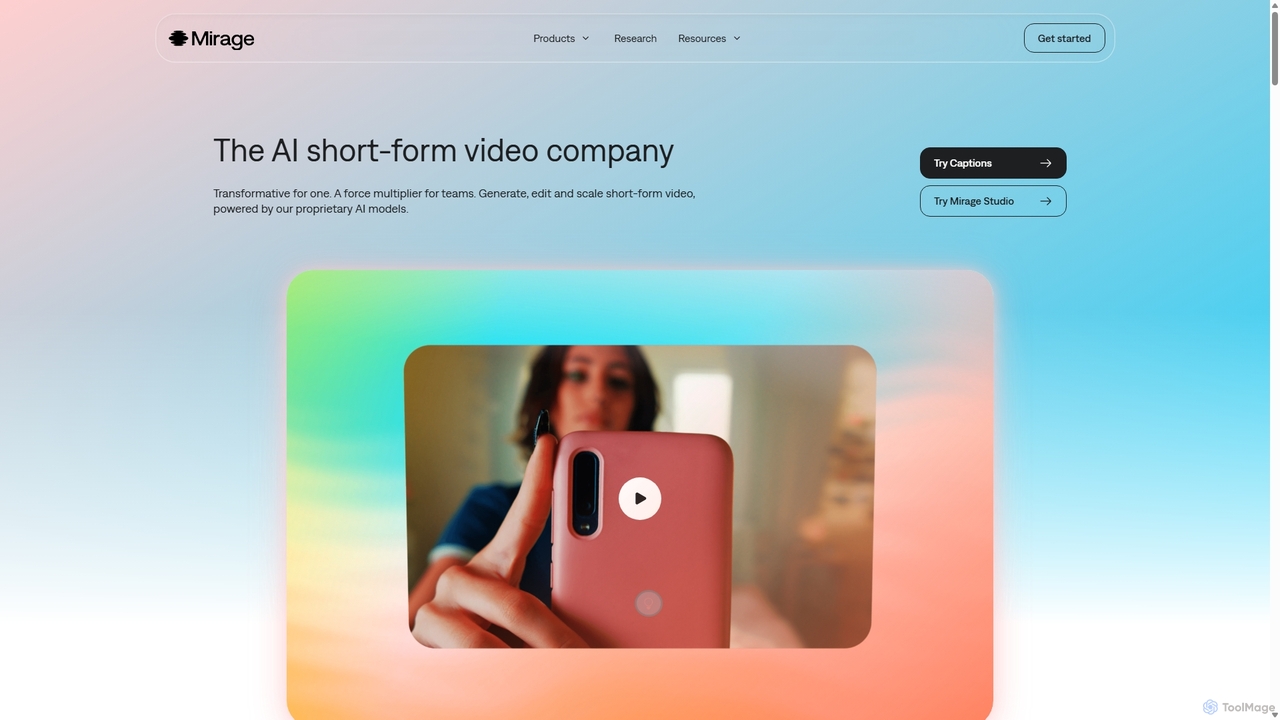
Mirage is an AI video platform that transforms ideas into engaging short-form videos. It offers the Captions app for creators to generate and edit talking videos with text prompts, and Mirage Studio for teams to scale video production. Powered by proprietary AI, Mirage creates photorealistic footage and AI avatars, streamlining video creation for platforms like TikTok and Instagram.
Advertising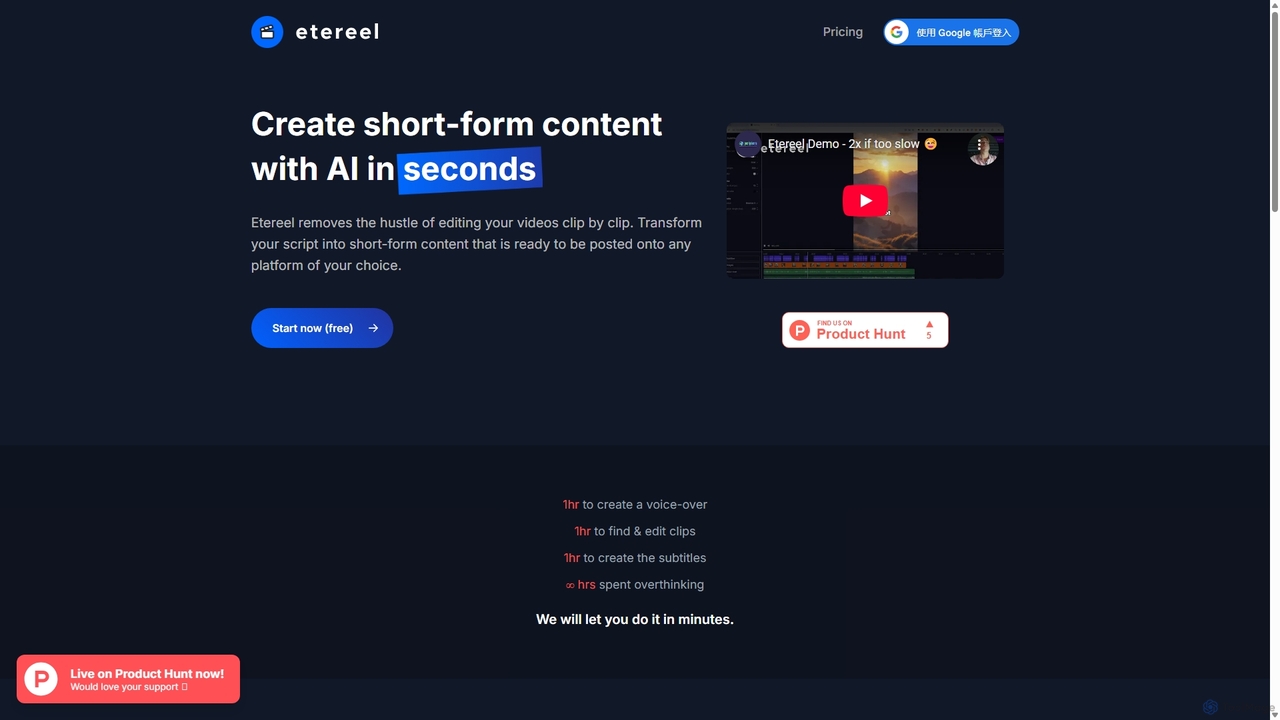
Etereel
Etereel is an AI-powered video generator that transforms text scripts into engaging, ready-to-post short-form videos in under a minute. It automates voice-over creation, clip selection, and subtitle generation, offering extensive customization and high-resolution, watermark-free exports. Ideal for content creators and marketers looking to streamline their video production workflow.
Advertising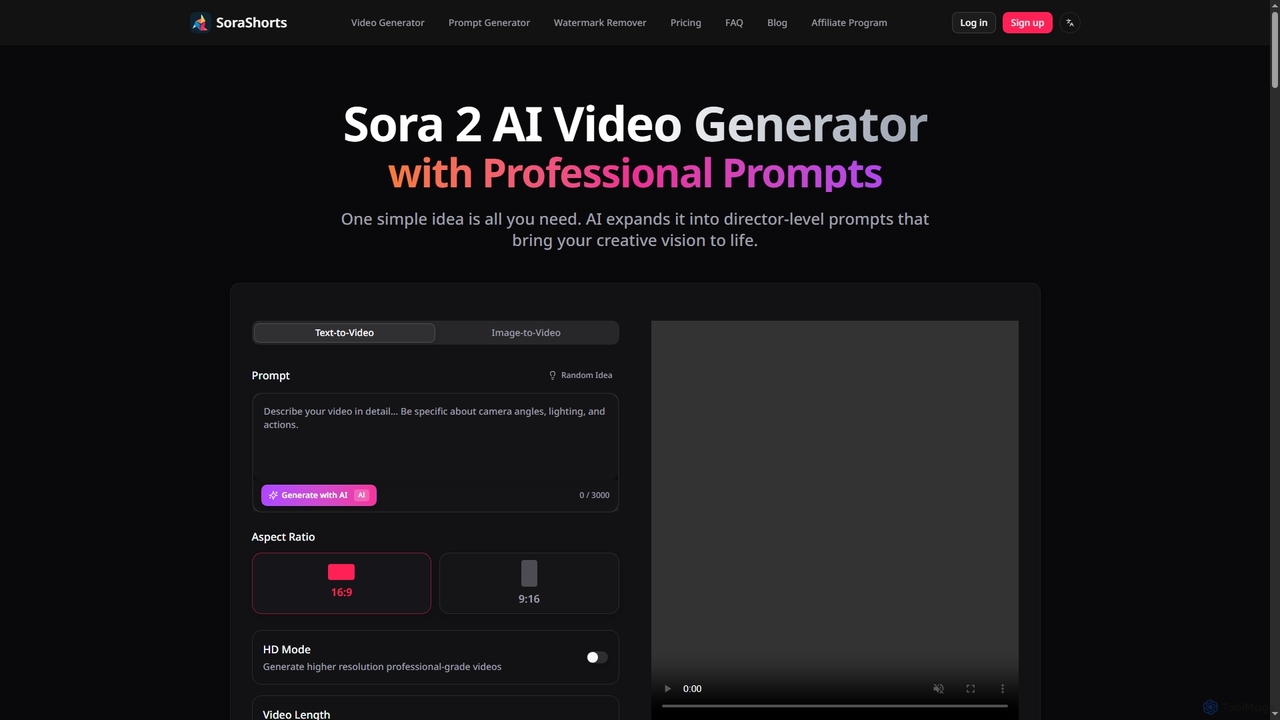
SoraShorts
SoraShorts is an advanced AI video generator powered by Sora 2 technology, enabling users to transform text or images into professional, watermark-free videos. It includes a sophisticated prompt generator for cinematic quality and a tool to remove watermarks, streamlining video creation for various commercial and creative needs.
Prompt EngineeringQlip
Qlip is an AI-powered platform that automatically extracts impactful short clips from long-form videos. Designed for marketers and content creators, it simplifies repurposing content for social media with features like auto-reframing, branded subtitles, and transcription, helping to save costs and boost engagement.
Video Marketing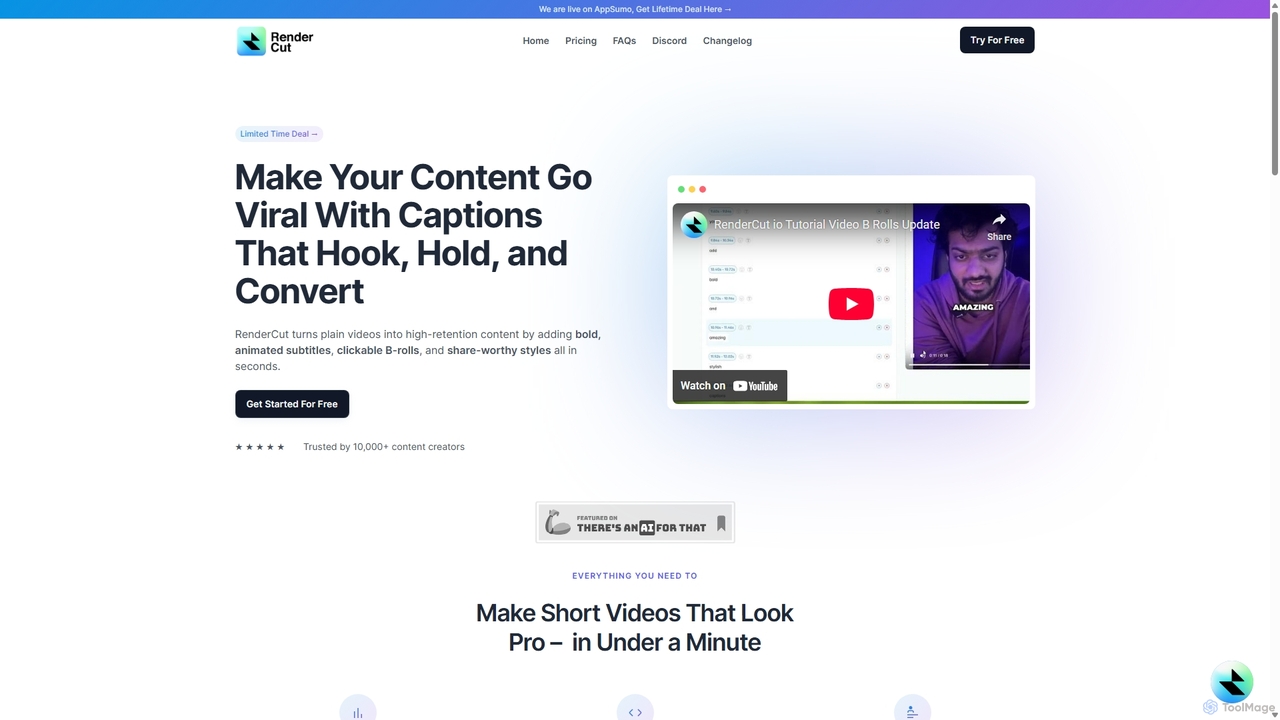
RenderCut
RenderCut is an AI-powered video editing tool that automatically generates stylish, animated subtitles for short-form videos. It helps content creators boost engagement and create viral content by adding customizable captions, B-rolls, emojis, and sound effects in minutes.
AutomationRemove Backgrounds AI
Remove Backgrounds AI is an AI-powered tool for seamless video background removal. It specializes in human video matting, using a recurrent neural network to accurately and quickly extract subjects from their backgrounds. Ideal for content creators and marketers, it delivers professional, studio-quality results in minutes, simplifying complex editing tasks with an intuitive interface and a simple pay-per-video pricing model.
Social Media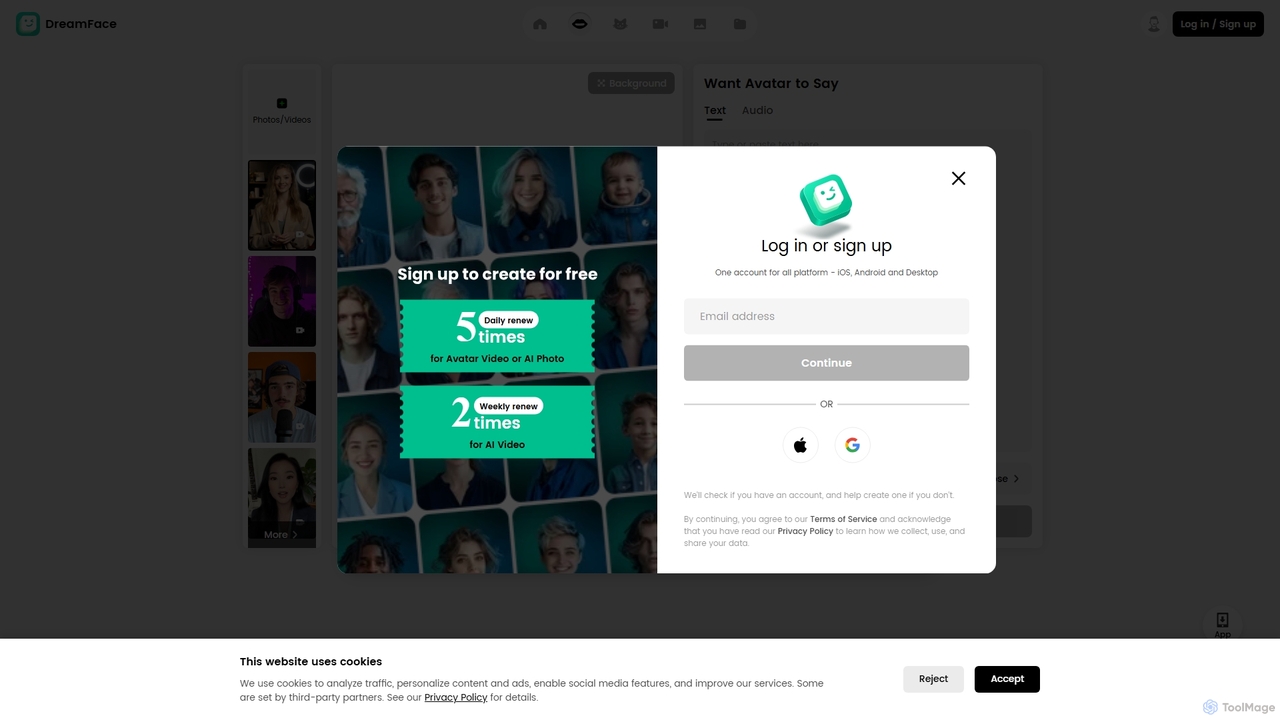
DreamFace
DreamFace is a comprehensive AI-powered creative suite for video and image generation. It offers a wide array of tools, including animated avatar creation, image-to-video transformation, text-to-image synthesis, voice cloning, and video enhancement. Designed for content creators, marketers, and individuals, it simplifies the production of high-quality, engaging digital content across multiple platforms like desktop, iOS, and Android, making professional-grade creation accessible to everyone.
Voice Synthesis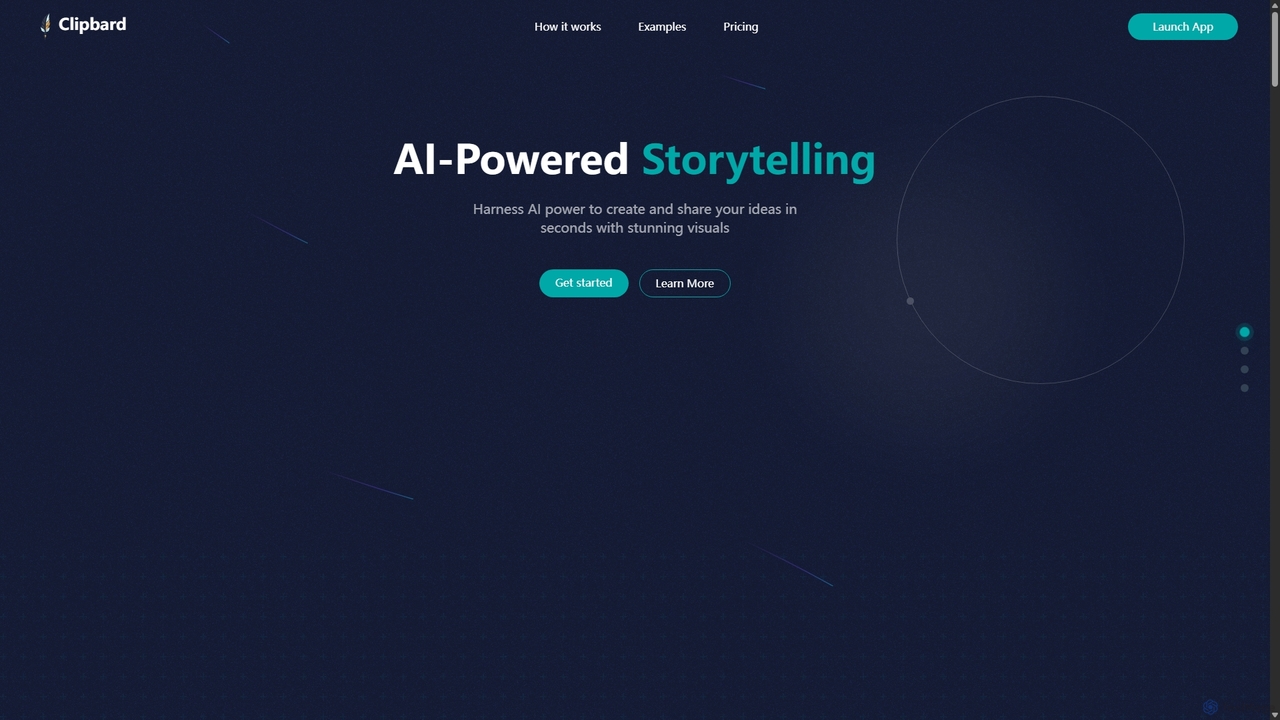
Clipbard
Clipbard is an AI-powered video creation platform that transforms your ideas into visually stunning videos in minutes. Whether you write your own script or let the AI generate one from a prompt, Clipbard automates the creation of visuals and voiceovers, making storytelling accessible to everyone. It's ideal for marketers, content creators, and educators looking to produce high-quality video content quickly and affordably, without needing any technical editing skills.
Social Media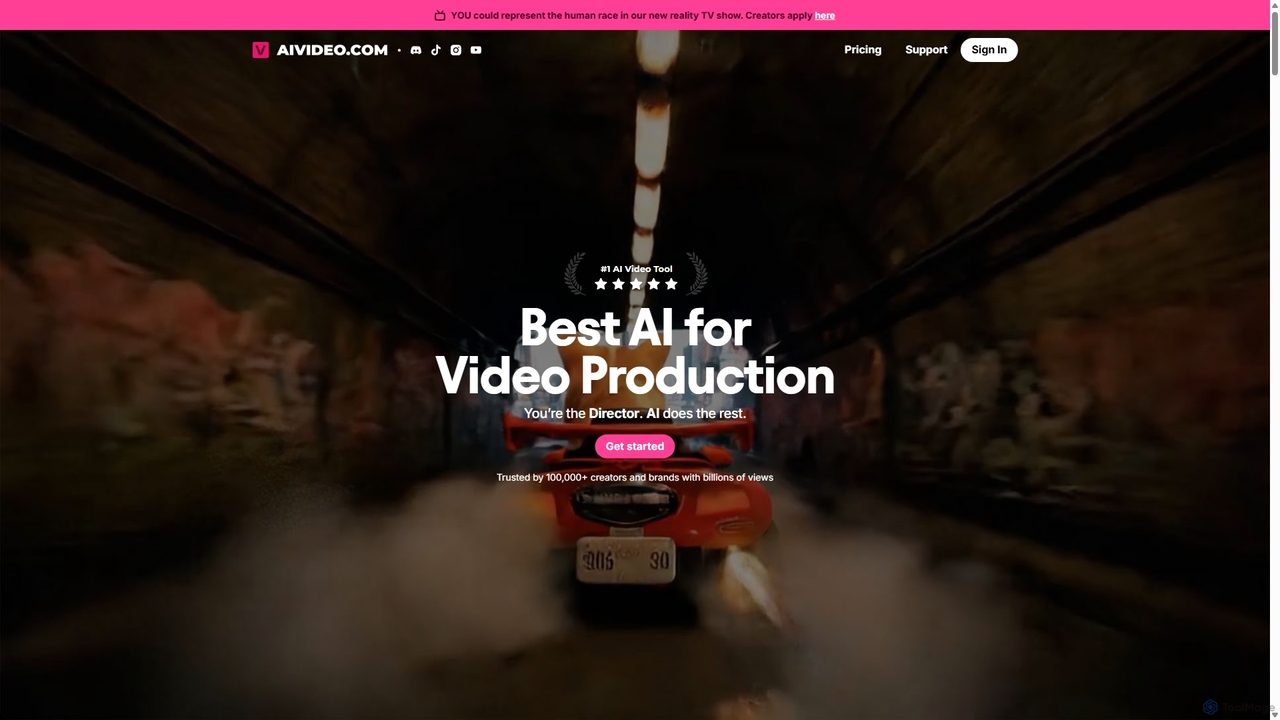
AIVideo
AIVideo is a comprehensive AI video production platform that integrates leading models like Google Veo, OpenAI, Luma, and Kling. It empowers creators to generate, edit, and produce high-quality videos from simple text prompts, offering full creative control, character consistency, and AI-powered sound design in an all-in-one solution.
Voice Generation
Jyek
Jyek is an AI agent platform that understands objectives, creates execution plans, uses tools, and delivers verifiable results for complex, multi-step tasks.
Automation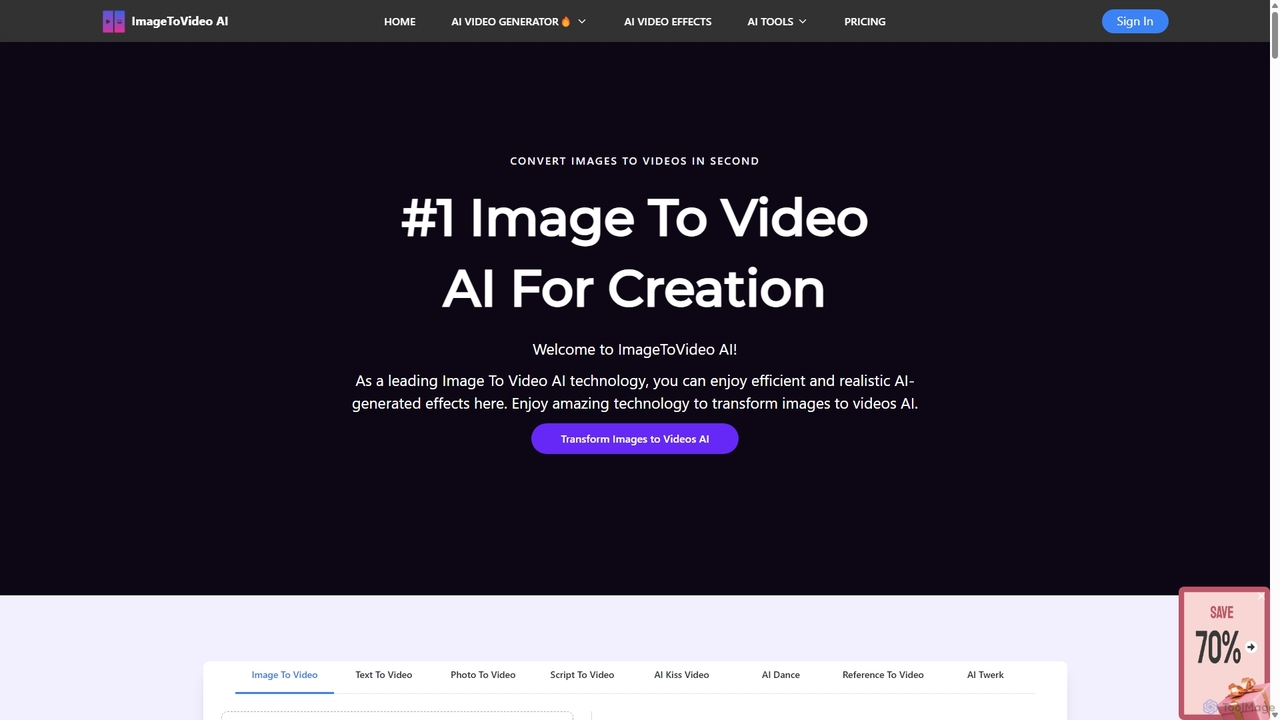
ImageToVideoAI
ImageToVideoAI is a powerful AI-driven platform that effortlessly converts static images, photos, and text scripts into dynamic, engaging videos. It offers a suite of creative tools, including specialized generators for dance, kiss, and hug animations, all while providing high-definition, watermark-free downloads, even for free users. It's designed for content creators, marketers, and individuals to produce professional-quality videos quickly and cost-effectively.
Creative
Zenvideo
Zenvideo is an intelligent video creation platform by Tencent, leveraging AI to simplify and automate the entire video production workflow. It enables users to effortlessly generate professional-quality videos from text, create content with digital human avatars, and utilize smart editing tools, making it ideal for marketing, education, and content creation.
Social Media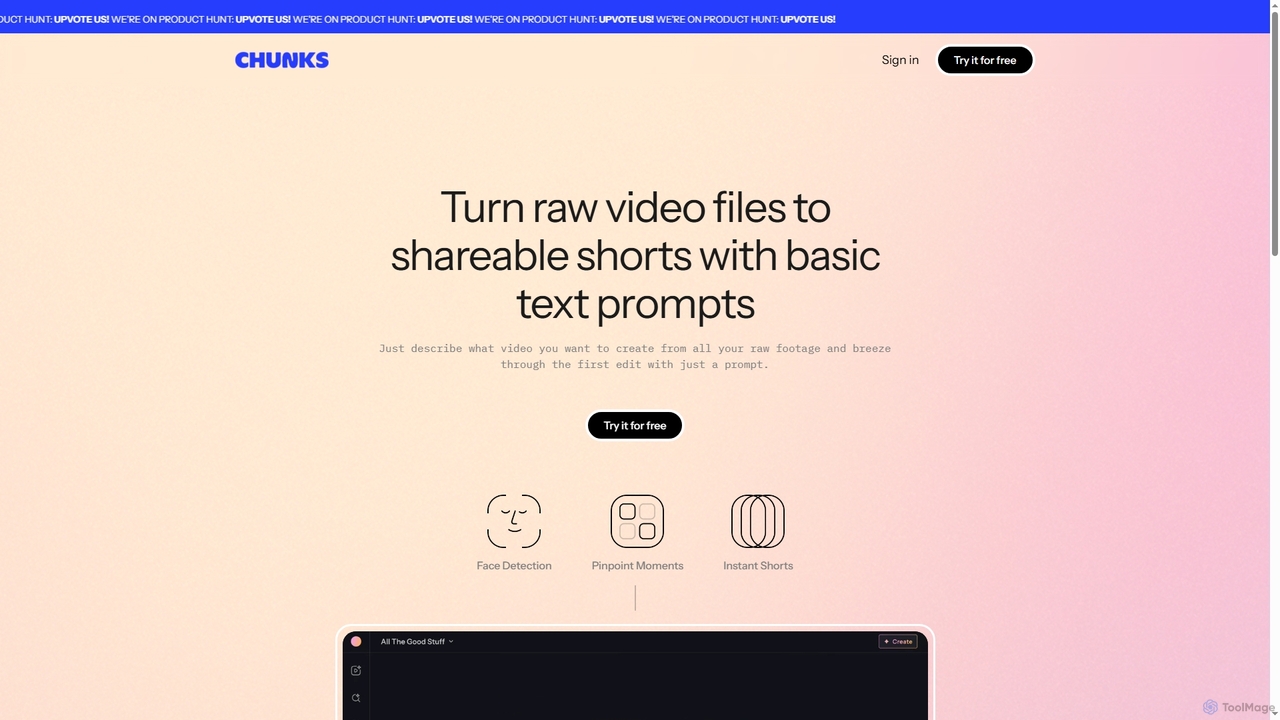
Chunks
Chunks is an AI-powered video editing tool that automatically transforms raw video footage into shareable short-form content. It uses AI vision models to detect key moments, faces, and highlights, allowing users to generate social-ready video shorts with simple text prompts, saving significant manual editing time.
3D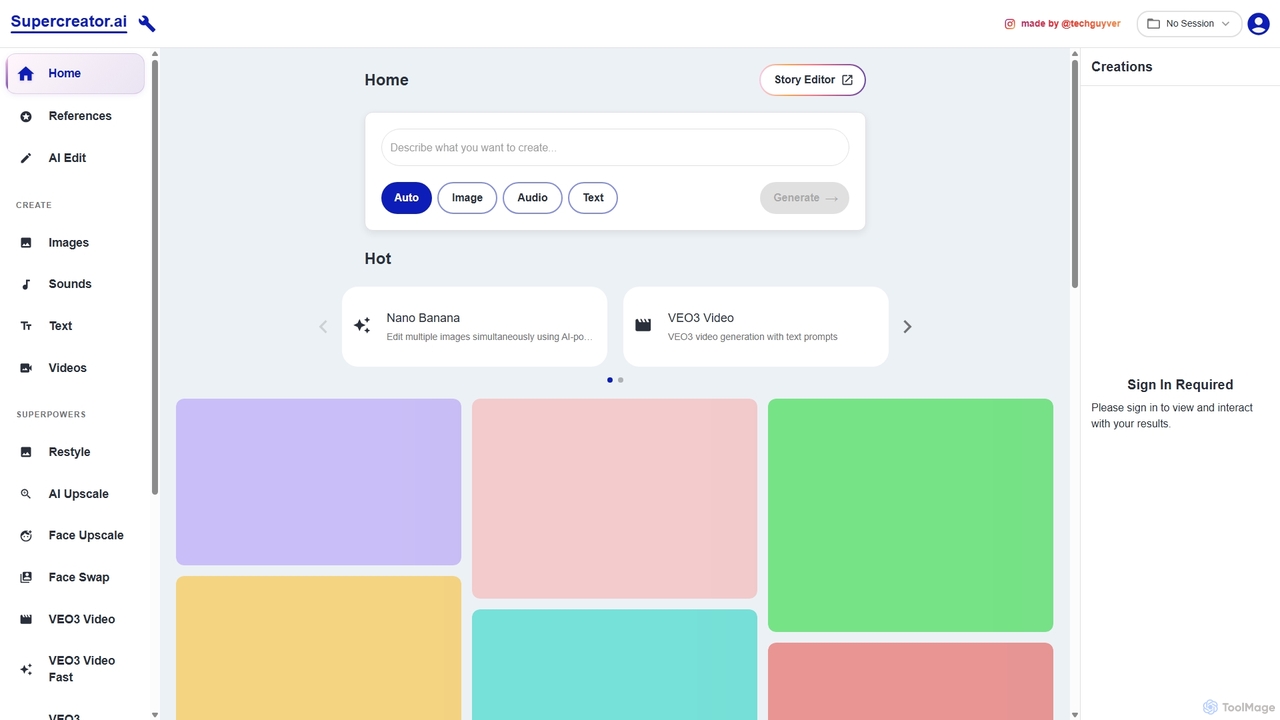
Supercreator.ai
Supercreator.ai is an all-in-one AI content creation suite, described as 'AGI in your pocket.' It empowers creators to generate and edit videos, images, audio, and text using advanced AI models like VEO3 and Kling 2.1. The platform integrates powerful tools for upscaling, face swapping, restyling, and multi-modal editing into a single, streamlined workflow.
Music Generation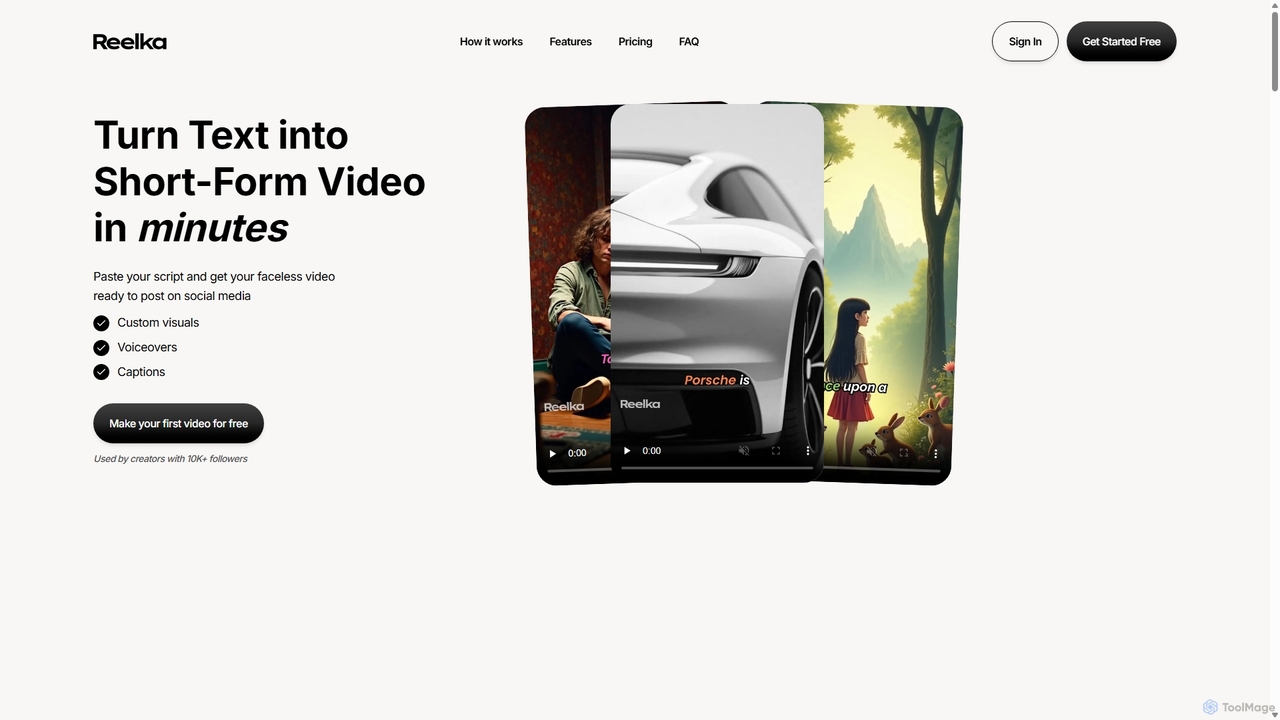
Reelka
Reelka is an AI-powered video creation platform that transforms text scripts into engaging, short-form videos in minutes. Ideal for social media, it automates the entire process from scriptwriting and voiceover generation to visual selection and captioning. Users can customize styles, replace visuals, and export HD, watermark-free videos, saving hours of complex editing work and overcoming the steep learning curve of traditional video software. It's designed for creators and marketers to produce consistent, high-quality content effortlessly.
Automation
Ozone Comments (0)
Sign in to comment.
Sign inNo comments yet.