

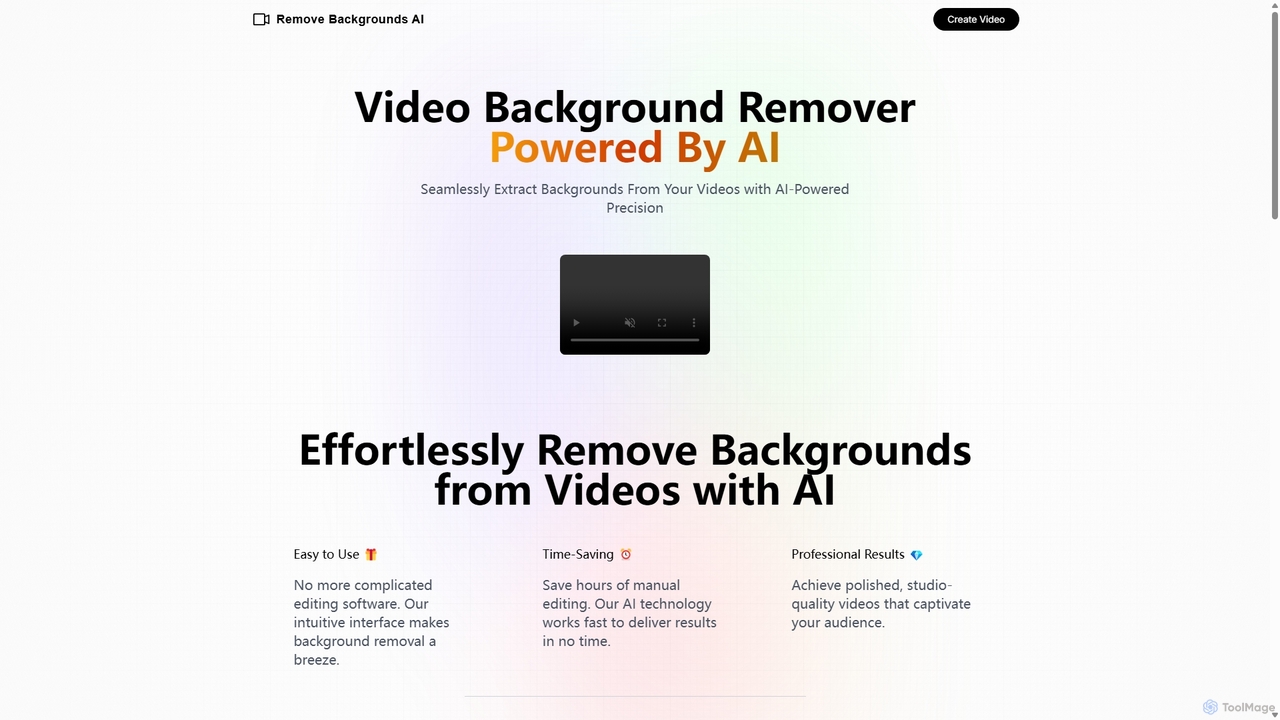
Remove Backgrounds AI Overview
Remove Backgrounds AI is a specialized, AI-driven web service designed to effortlessly eliminate backgrounds from videos. Leveraging advanced artificial intelligence, specifically a recurrent neural network (RNN), the tool excels at a process known as robust human video matting. This means it is highly optimized to detect and isolate human subjects within a video, frame by frame, and remove the surrounding environment with remarkable precision. The result is a clean, professional-looking video with a transparent background, ready for use in a wide array of creative and commercial projects. It eliminates the need for complex editing software like Adobe After Effects or Final Cut Pro for this specific task, making high-quality video editing accessible to everyone, regardless of their technical skill level.
How to use Remove Backgrounds AI
The process of using Remove Backgrounds AI is designed to be incredibly simple and straightforward, consisting of just a few steps:
- Upload Your Video: Navigate to the Remove Backgrounds AI website and upload your video file directly. Alternatively, you can send the video file to their designated email address. For optimal results, ensure your video is no longer than 3 minutes and prominently features a person.
- Submit Your Order: The service operates on a simple pay-per-use basis. The cost is a flat fee of $4.99 per video. You can complete the payment through a secure checkout process powered by LemonSqueezy.
- Receive Your Processed Video: After the payment is confirmed, the AI gets to work. The processing is typically very fast. You can expect to receive an email with a link to your rendered video within 5 to 10 minutes. It's important to note that the final video will not include the original audio track. Be sure to check your spam folder if you don't see the email in your inbox.
Core Features of Remove Backgrounds AI
- AI-Powered Precision: Utilizes a sophisticated recurrent neural network (RNN) specifically trained for human video matting, ensuring high accuracy in separating subjects from complex backgrounds.
- Fast Turnaround Time: The automated AI process delivers the final, background-free video in just 5-10 minutes, saving hours of tedious manual rotoscoping and editing work.
- Ease of Use: The tool features a simple, intuitive web interface that requires no prior video editing experience. The entire process is just a few clicks.
- Commercial Use Rights: Users are granted full rights to use the rendered videos for any commercial purposes, including marketing campaigns, advertisements, social media content, and more.
- Data Security: The platform prioritizes user privacy, ensuring that all uploaded videos are handled securely and kept confidential throughout the process.
- No Green Screen Needed: Achieve a professional green screen effect without the need for any special equipment or studio setup. The AI can handle videos shot in any environment.
Use Cases for Remove Backgrounds AI
This tool is versatile and can be applied in numerous scenarios:
- Social Media Content: Content creators on platforms like TikTok, Instagram Reels, and YouTube Shorts can create engaging videos by replacing their background with dynamic graphics, memes, or other footage.
- Marketing and Advertising: Businesses can create polished product presentation videos, testimonials, or advertisements by placing a spokesperson against a branded or clean background.
- E-learning and Corporate Training: Instructors and trainers can record themselves and place their video on top of presentation slides or instructional material, creating a more personal and engaging learning experience.
- Real Estate Video Tours: Agents can overlay their video commentary onto property footage, guiding viewers through a home without being physically intrusive in the shot.
- Personal Projects: Create fun and creative videos for personal use, such as custom video greetings, event invitations, or artistic projects.
Advantages of Remove Backgrounds AI
The primary advantage of Remove Backgrounds AI is its combination of simplicity, speed, and quality. It democratizes a once-complex video editing task. Users save significant time and money by avoiding manual editing or hiring professional video editors. The results are consistently professional, providing a clean cutout that is difficult to achieve without advanced skills. The straightforward, pay-per-video pricing model is transparent and affordable, making it an excellent choice for one-off projects or occasional use without committing to a monthly subscription.
Pricing and Plans
Remove Backgrounds AI offers a simple and transparent pricing structure:
- Pay-Per-Video: $4.99 for each video processed.
- Video Length: The service supports videos up to 3 minutes in length.
- Output: The final rendered video is delivered without audio.
This model is ideal for users who need a quick, high-quality background removal service without the commitment of a subscription plan.
Remove Backgrounds AI Alternatives

Filmora
Filmora is an AI-powered video editor that simplifies the creation process for both beginners and professionals. It offers a vast suite of AI tools, including smart clip generation, text-to-video, and advanced audio enhancement, combined with a user-friendly interface and a massive library of effects and resources to make video editing faster and more creative.
Social Media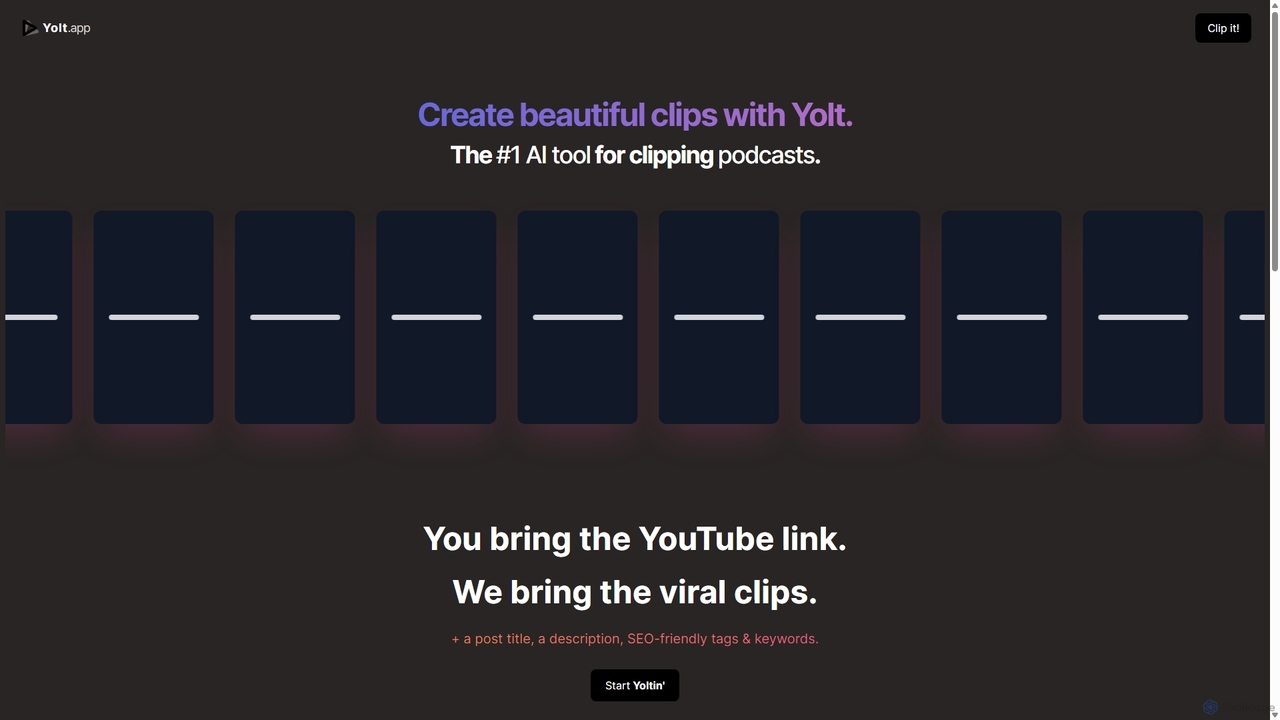
Yolt
Yolt is an AI-powered tool that transforms long-form YouTube videos, especially podcasts, into engaging, short, viral clips for social media. Simply provide a YouTube link, and Yolt's AI identifies the best moments, generates clips with subtitles, and provides optimized titles, descriptions, and SEO tags to maximize your reach and engagement on platforms like TikTok, Instagram Reels, and YouTube Shorts.
Video Marketing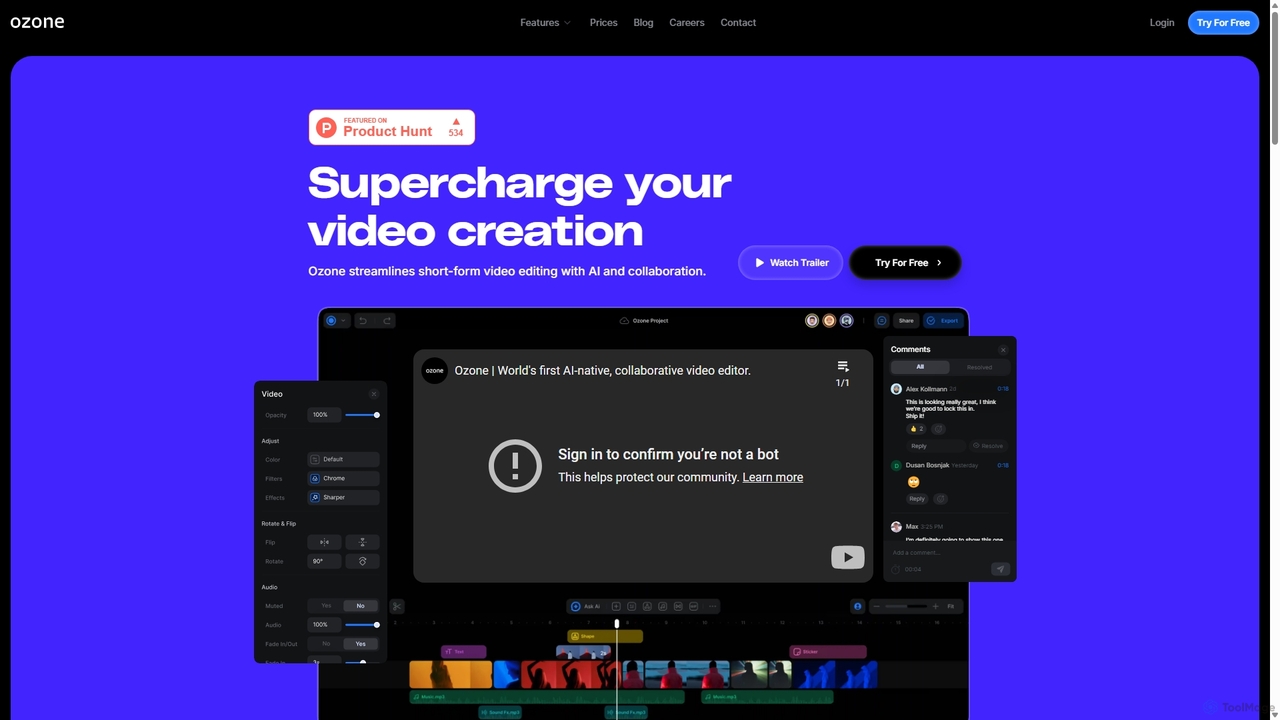
Ozone
Ozone is an AI-powered, cloud-based video editing platform that streamlines short-form video creation. It combines intelligent features like auto-captioning, text-to-video, and silence removal with real-time collaboration tools. Designed for content creators and marketing teams, Ozone eliminates the need for powerful hardware and complex workflows, allowing users to focus on storytelling and produce professional videos faster from anywhere.
Voice Synthesis
Glossai
GlossAI is an AI-powered platform that automatically repurposes long-form video and audio content, such as webinars and podcasts, into a variety of short-form assets. It generates engaging video clips, social media posts, blog articles, and carousels, helping marketers and creators maximize their content's reach and impact with minimal effort.
Repurposing
Podcut
Podcut is an AI-powered audio and video editing platform designed for podcasters and content creators. It automates tedious editing tasks by allowing you to edit your media by simply editing the text transcript. Automatically remove filler words, long silences, and background noise to produce studio-quality content in minutes, not hours.
3DRemove Backgrounds AI Categories
Remove Backgrounds AI Jobs
Remove Backgrounds AI Embed Widget
Copy this embed code to place the badge on your blog, article, or product site and send readers directly to this ToolMage detail page.

Related AI tools
Filmora
Filmora is an AI-powered video editor that simplifies the creation process for both beginners and professionals. It offers a vast suite of AI tools, including smart clip generation, text-to-video, and advanced audio enhancement, combined with a user-friendly interface and a massive library of effects and resources to make video editing faster and more creative.
Social MediaYolt
Yolt is an AI-powered tool that transforms long-form YouTube videos, especially podcasts, into engaging, short, viral clips for social media. Simply provide a YouTube link, and Yolt's AI identifies the best moments, generates clips with subtitles, and provides optimized titles, descriptions, and SEO tags to maximize your reach and engagement on platforms like TikTok, Instagram Reels, and YouTube Shorts.
Video MarketingOzone
Ozone is an AI-powered, cloud-based video editing platform that streamlines short-form video creation. It combines intelligent features like auto-captioning, text-to-video, and silence removal with real-time collaboration tools. Designed for content creators and marketing teams, Ozone eliminates the need for powerful hardware and complex workflows, allowing users to focus on storytelling and produce professional videos faster from anywhere.
Voice Synthesis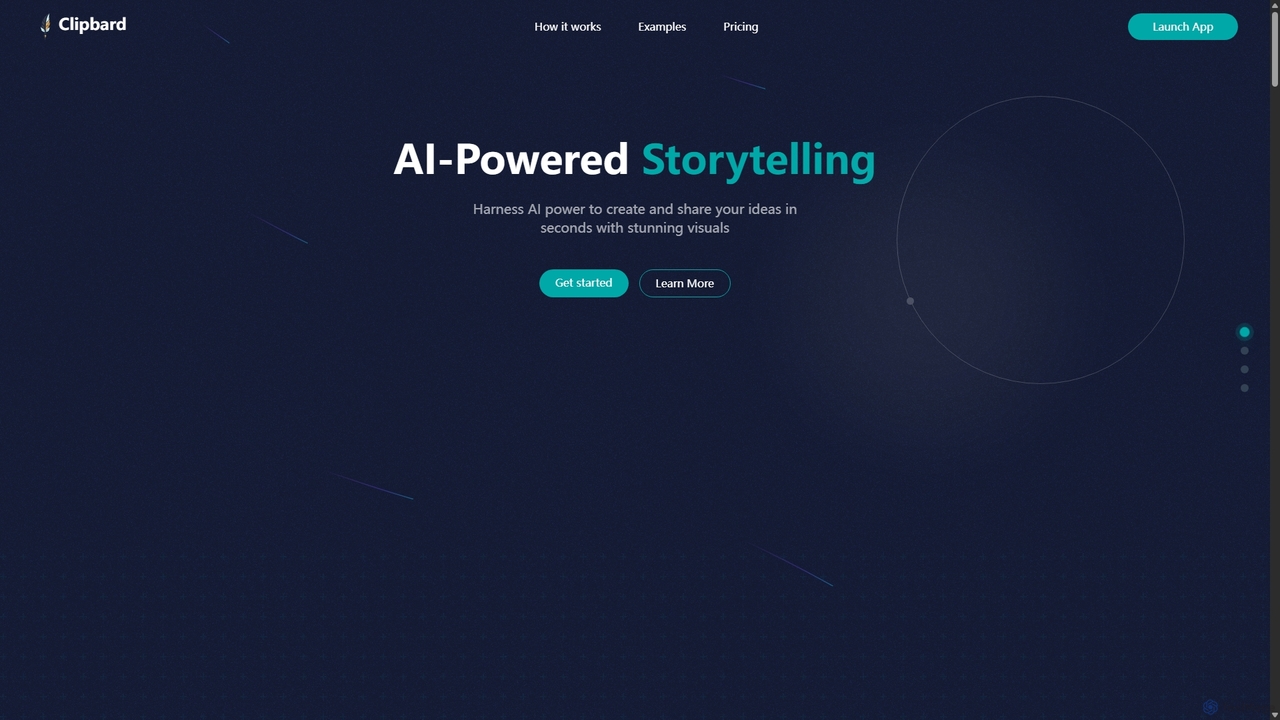
Clipbard
Clipbard is an AI-powered video creation platform that transforms your ideas into visually stunning videos in minutes. Whether you write your own script or let the AI generate one from a prompt, Clipbard automates the creation of visuals and voiceovers, making storytelling accessible to everyone. It's ideal for marketers, content creators, and educators looking to produce high-quality video content quickly and affordably, without needing any technical editing skills.
Social Media
Augie
Augie is an AI-powered video studio designed for creators, marketers, and brands to effortlessly transform long-form content like podcasts and streams into engaging, short-form social videos. It automates the editing process, identifies key moments, and provides a vast library of stock media and AI-generated content to create professional-quality videos for TikTok, Reels, and YouTube Shorts in minutes, with no complex editing skills required.
Social Media Marketing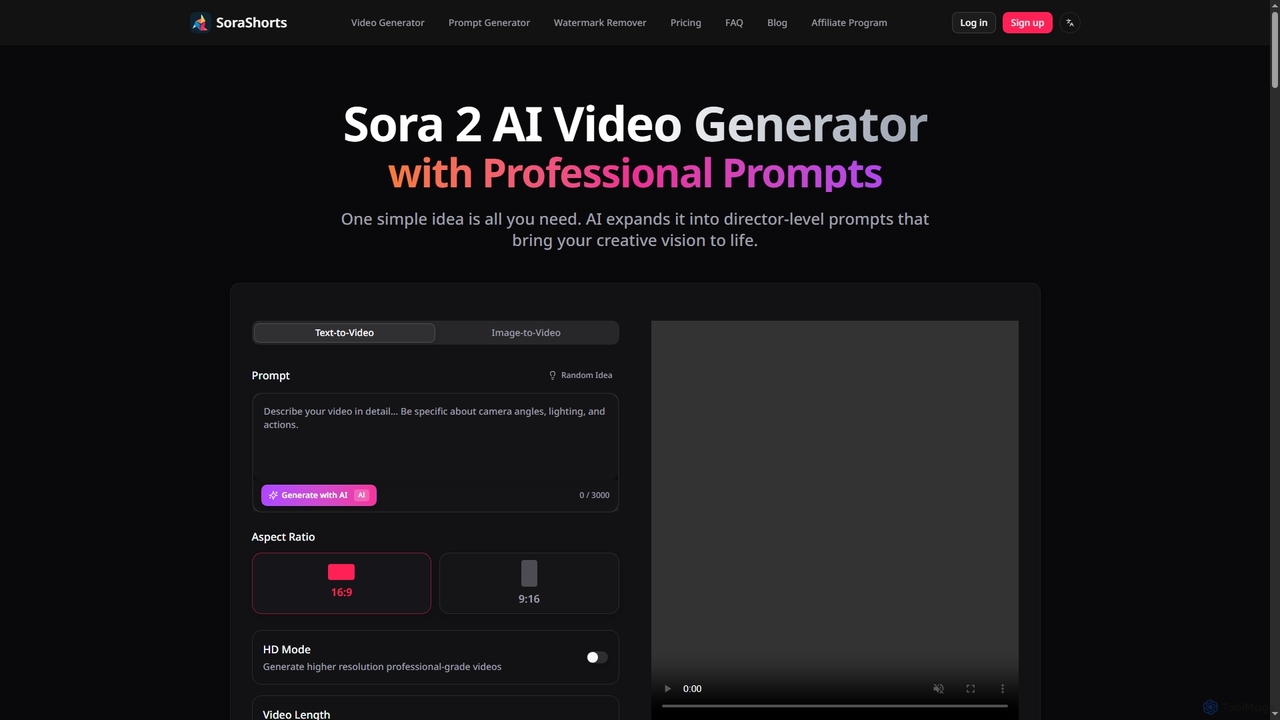
SoraShorts
SoraShorts is an advanced AI video generator powered by Sora 2 technology, enabling users to transform text or images into professional, watermark-free videos. It includes a sophisticated prompt generator for cinematic quality and a tool to remove watermarks, streamlining video creation for various commercial and creative needs.
Prompt Engineering
OpusClip
OpusClip is a generative AI video repurposing tool that turns long videos into viral short clips with one click. It automatically identifies the most compelling hooks, reframes the video, adds dynamic captions, and scores clips for virality, streamlining content creation for social media.
Video Marketing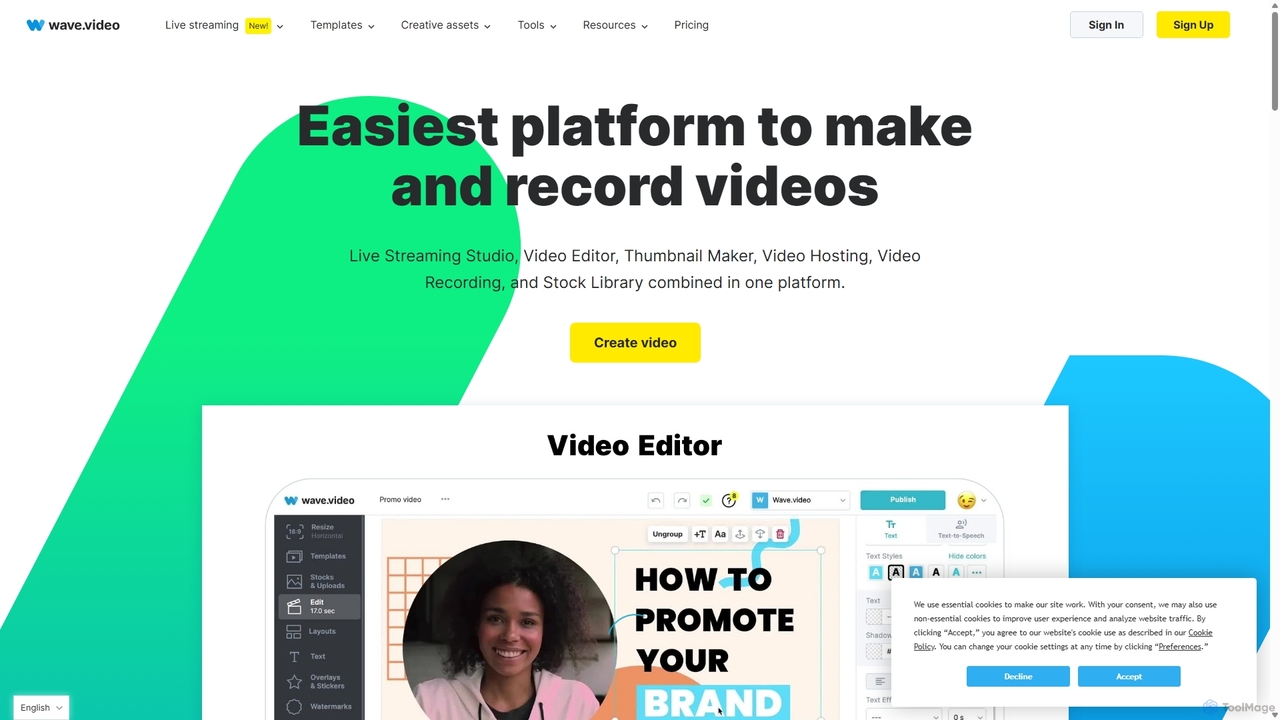
Wave.video
Wave.video is an all-in-one video marketing platform that empowers businesses and creators to easily edit, record, multi-stream, and host videos. It combines a powerful online video editor, a live streaming studio, a thumbnail maker, secure video hosting, and a vast stock library into a single, user-friendly interface. Ideal for marketers and content creators of any skill level looking to produce professional-quality videos that drive engagement and results.
Video Generation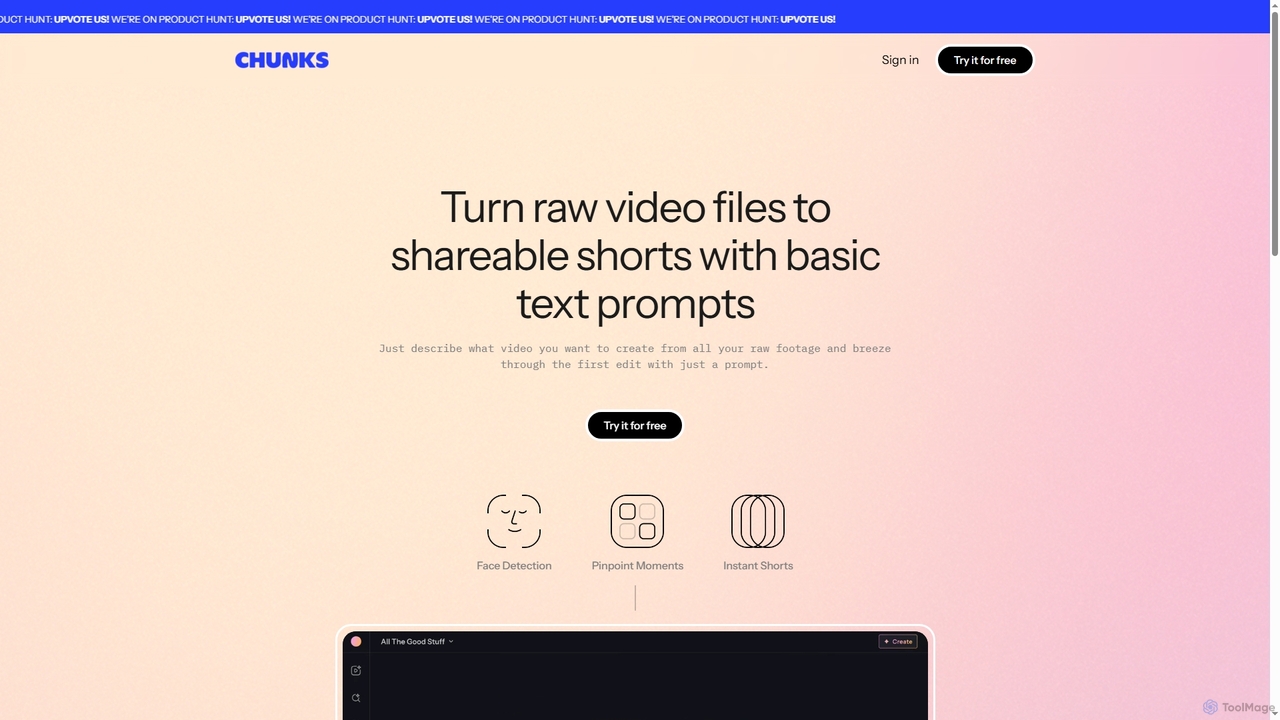
Chunks
Chunks is an AI-powered video editing tool that automatically transforms raw video footage into shareable short-form content. It uses AI vision models to detect key moments, faces, and highlights, allowing users to generate social-ready video shorts with simple text prompts, saving significant manual editing time.
3D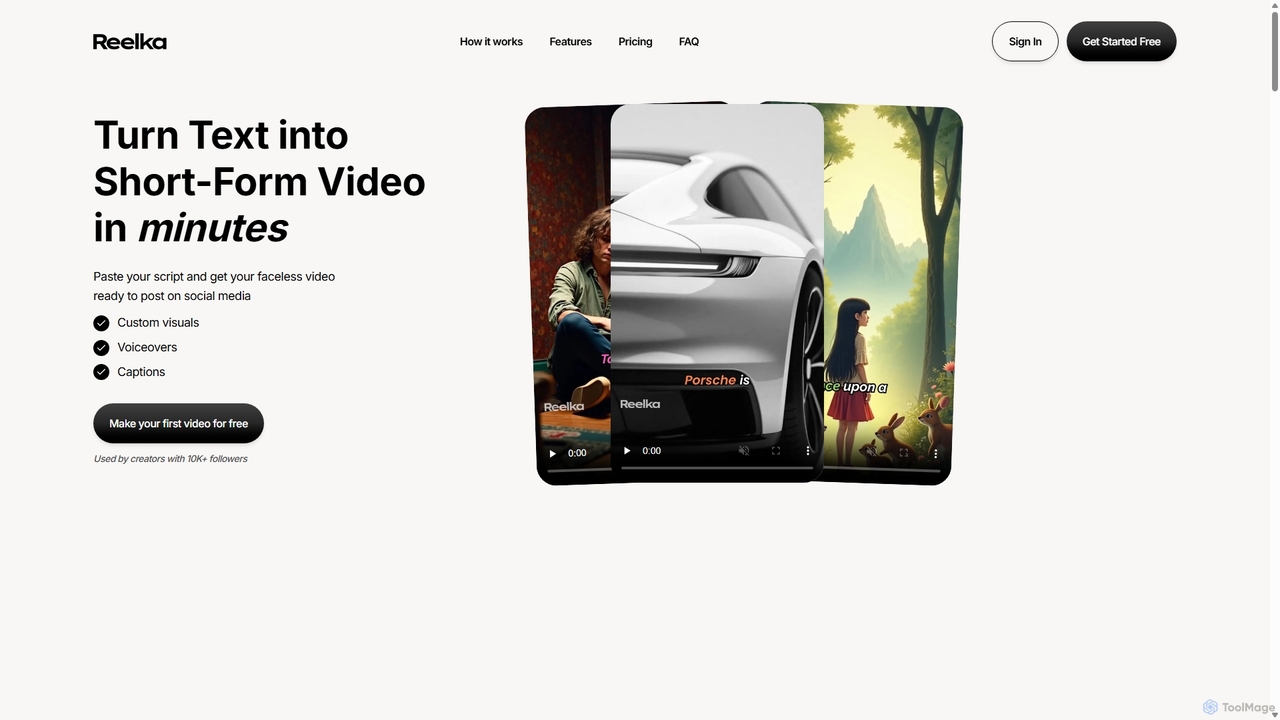
Reelka
Reelka is an AI-powered video creation platform that transforms text scripts into engaging, short-form videos in minutes. Ideal for social media, it automates the entire process from scriptwriting and voiceover generation to visual selection and captioning. Users can customize styles, replace visuals, and export HD, watermark-free videos, saving hours of complex editing work and overcoming the steep learning curve of traditional video software. It's designed for creators and marketers to produce consistent, high-quality content effortlessly.
Automation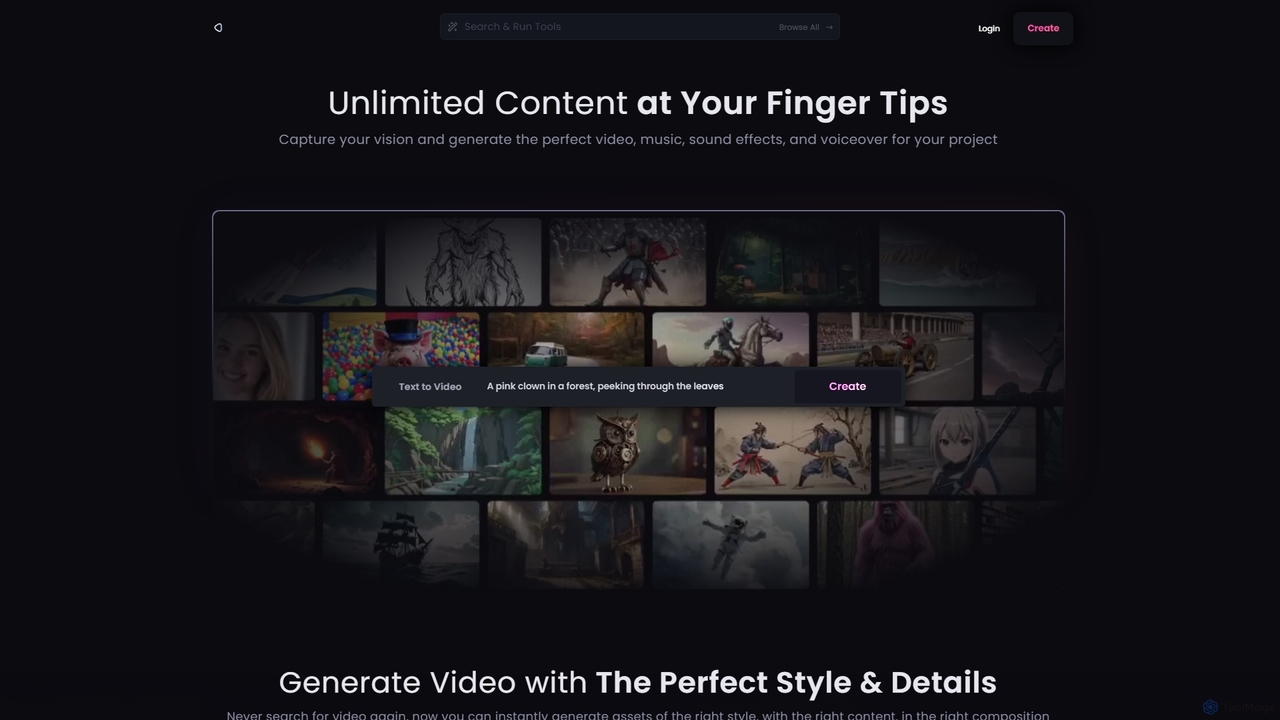
Reel Studio
Reel Studio is an all-in-one AI-powered creative suite that generates high-quality video, music, sound effects, and voiceovers. Transform text, images, or even drawings into stunning visual and audio content. With a wide range of styles, aspect ratios, and customization options, it's the ultimate tool for creators, marketers, and filmmakers to bring their vision to life instantly.
Music Generation
VideoPop
VideoPop is an AI-powered video generator that transforms text and images into dynamic, engaging short videos instantly. Designed for ease of use, it allows anyone to create vibrant content for social media, marketing, or personal memories without prior video editing experience. Leverage advanced AI to bring your ideas and photos to life with special effects and animations.
3D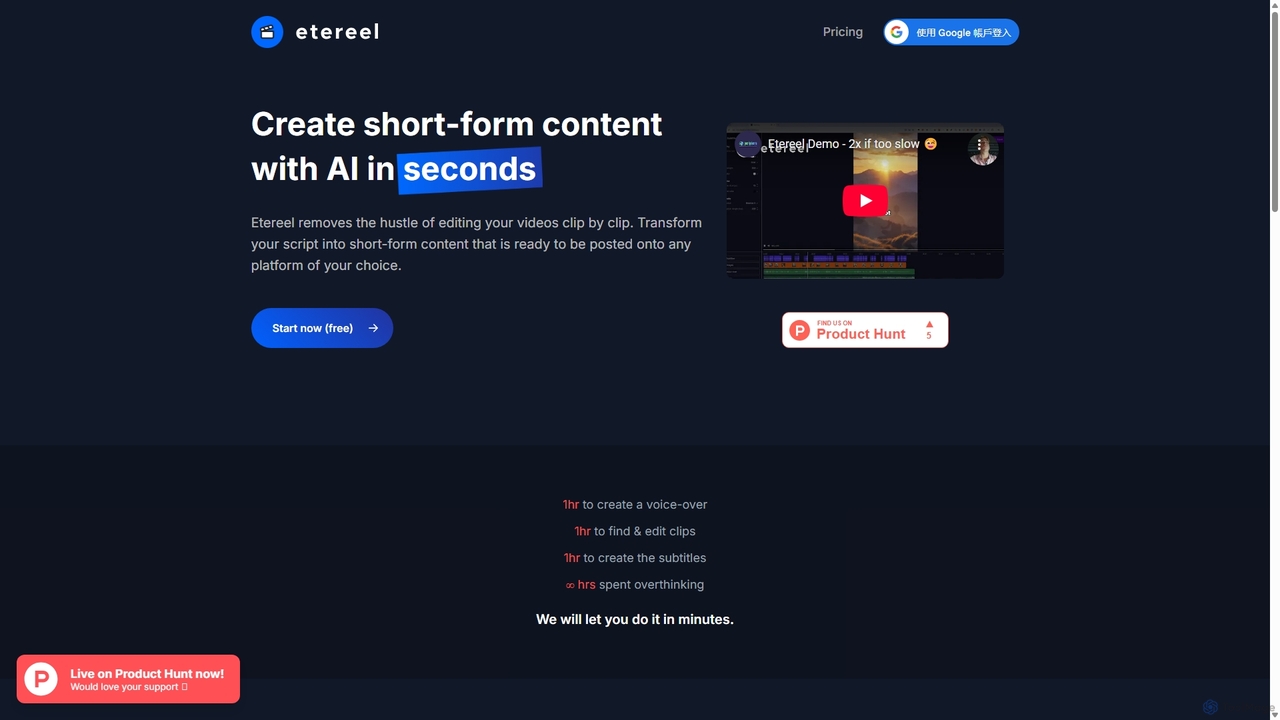
Etereel
Etereel is an AI-powered video generator that transforms text scripts into engaging, ready-to-post short-form videos in under a minute. It automates voice-over creation, clip selection, and subtitle generation, offering extensive customization and high-resolution, watermark-free exports. Ideal for content creators and marketers looking to streamline their video production workflow.
Advertising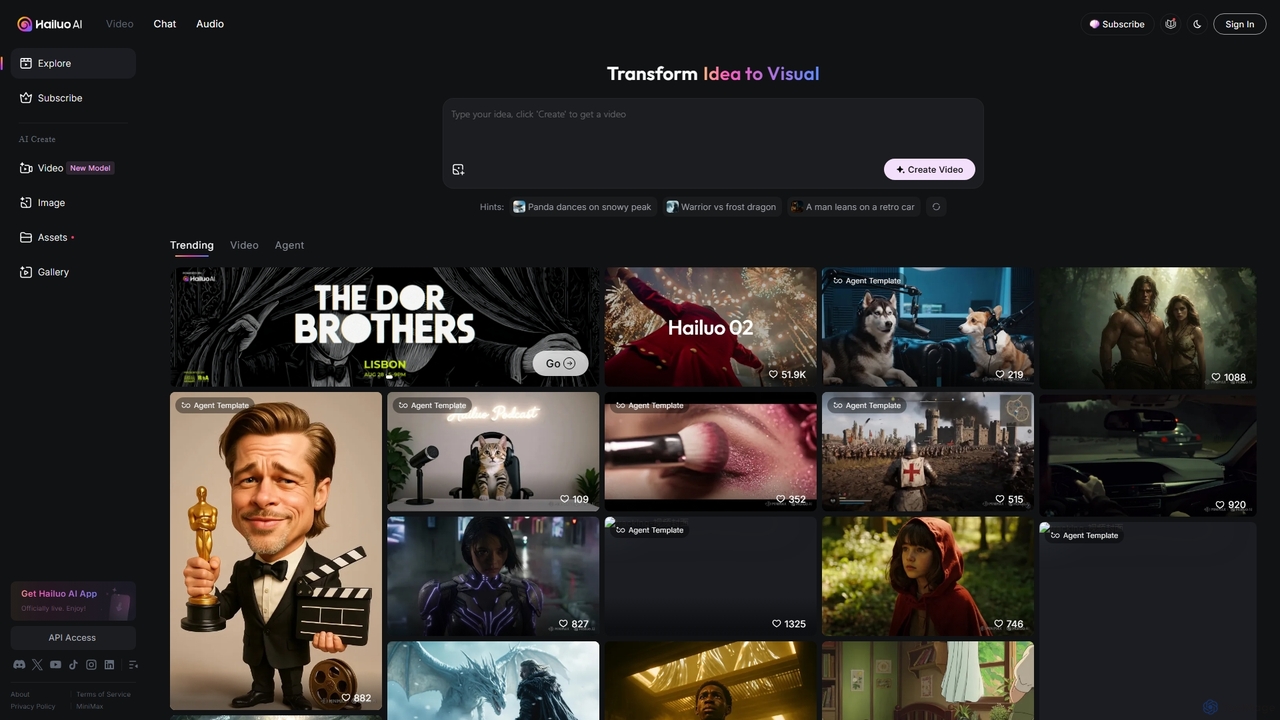
Hailuo AI
Hailuo AI is a powerful AI video generator that transforms ideas into stunning visuals. It supports text-to-video and image-to-video creation, offering a wide range of customizable "Agent Templates" for specific scenarios like pet videos, caricatures, and product showcases. With features like automated editing and support for various resolutions, Hailuo AI simplifies video production for marketers, content creators, and businesses, making it easy to create engaging, professional-quality content effortlessly.
Animation
WUI.AI
WUI.AI is an AI-powered platform that transforms long-form videos and podcasts into engaging, viral short clips for social media. It automates highlight detection, subtitling, resizing, and translation, helping creators and marketers save time and maximize their content's reach on platforms like TikTok, Instagram, and YouTube Shorts.
Automation
Remove Backgrounds AI Comments (0)
Sign in to comment.
Sign inNo comments yet.