

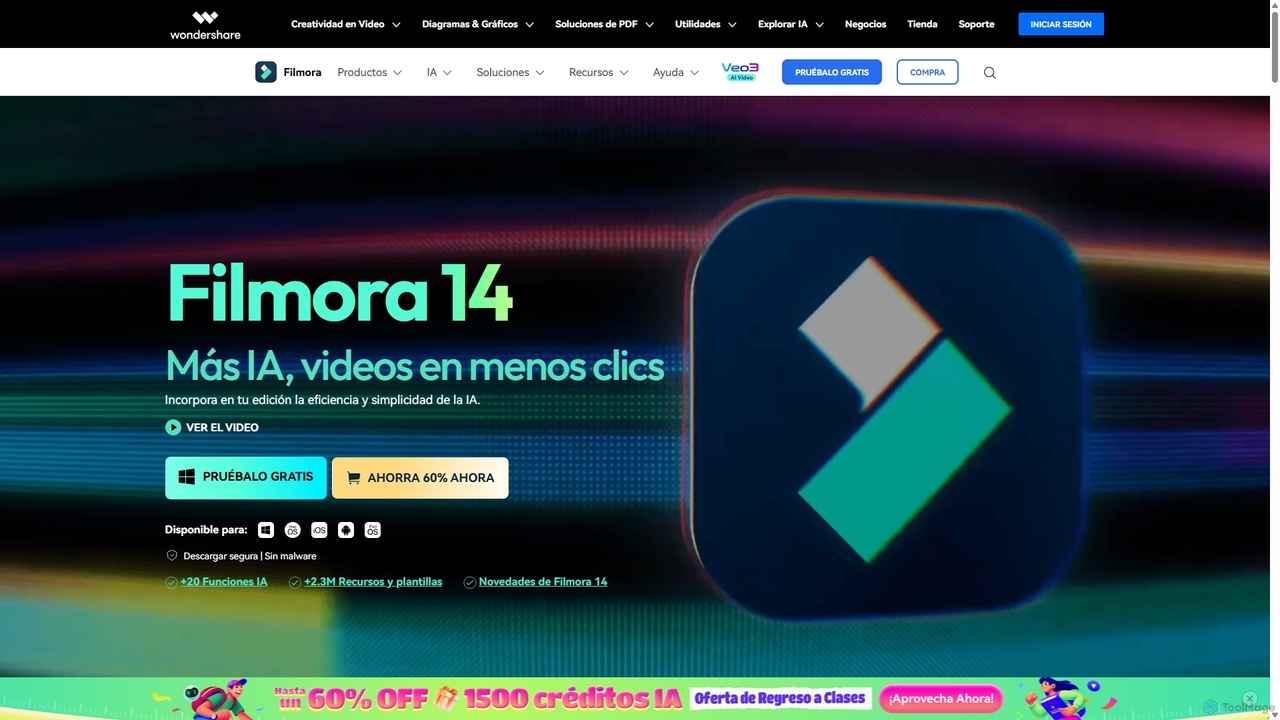
Filmora Overview
Wondershare Filmora is a comprehensive video editing software designed to empower creators of all skill levels. By integrating a powerful suite of Artificial Intelligence features, Filmora streamlines complex editing tasks, allowing users to produce high-quality, professional-looking videos with remarkable efficiency. Its intuitive drag-and-drop interface makes it accessible for beginners, while its advanced functionalities like keyframing, motion tracking, and multi-cam editing cater to the needs of seasoned professionals. With its latest version, Filmora 14, the focus on AI has been intensified, introducing tools that can transform ideas into complete videos, automatically generate short clips for social media, and enhance audio and video quality with a single click.
Beyond its core editing capabilities, Filmora provides access to over 2.3 million royalty-free assets, including titles, audio tracks, transitions, effects, and stickers. This extensive library, combined with powerful plugins from Boris FX and NewBlue FX, ensures that creators have everything they need to bring their vision to life without worrying about copyright issues. Whether you're creating content for YouTube, TikTok, or professional presentations, Filmora offers a versatile and powerful solution.
How to use Filmora
Using Filmora follows a straightforward workflow: 1. **Import Media:** Start by importing your video clips, images, and audio files into the media library. 2. **Assemble on Timeline:** Drag and drop your media onto the magnetic timeline to arrange your sequence. You can easily trim, split, and cut clips. 3. **Enhance with AI Tools:** Leverage AI features like AI Smart Cutout to remove backgrounds, AI Audio Denoise to clean up sound, or generate automatic subtitles. Use AI Music Generator to create the perfect background track. 4. **Add Effects and Transitions:** Explore the vast library of effects, filters, titles, and transitions. Drag them onto your clips to add a professional touch. 5. **Color Correction:** Use the powerful color correction and grading tools, including LUTs and AI Color Palette, to achieve the desired look and feel. 6. **Export and Share:** Once your video is complete, export it in various formats like MP4, MOV, or AVI. You can also directly upload your creation to platforms like YouTube and TikTok using the Social Video Planner.
Core Features of Filmora
- AI Smart Clips: Automatically analyzes long videos to create engaging short clips perfect for social media.
- AI Text-to-Video & Idea-to-Video: Generate complete videos from simple text prompts or ideas, including scripts, visuals, and voiceovers.
- AI Smart Cutout & Object Removal: Precisely remove unwanted objects, people, or backgrounds from your videos.
- AI Audio Enhancement Suite: Includes AI Music Generation, Vocal Remover, Audio Denoise, and Text-to-Speech with natural-sounding voices.
- AI Video Translation: Translate videos into multiple languages with AI-powered voice cloning and accurate lip-syncing.
- Advanced Editing Tools: Features like Multi-Camera Editing, Motion Tracking, Keyframing, Green Screen, and Speed Ramping.
- Massive Resource Library: Access to over 2.3 million royalty-free titles, audio tracks, transitions, effects, and stock media.
- Social Media Integration: Tools like Auto Reframe and a Social Video Planner to optimize and schedule content for platforms like TikTok, YouTube, and Instagram.
Use Cases for Filmora
Filmora is ideal for a wide range of applications. Social media managers and content creators can use AI Smart Clips and the Social Video Planner to rapidly produce and distribute content for platforms like TikTok and YouTube. YouTubers and vloggers benefit from the easy-to-use interface, screen recorder, and advanced features like Green Screen and Motion Tracking to create engaging videos. Marketers can leverage the Idea-to-Video feature and vast template library to create promotional materials quickly. Educators and trainers can use the screen recording and AI subtitling features to produce clear and accessible instructional content. Even beginners can create polished personal projects like travel vlogs or family videos with minimal effort.
Advantages of Filmora
Filmora's main advantage is its perfect balance between powerful features and ease of use. The intuitive interface significantly lowers the learning curve compared to other professional editors. Its extensive suite of AI tools automates tedious tasks, saving creators valuable time and effort. The all-in-one solution, with its massive built-in library of assets and effects, eliminates the need for multiple software subscriptions. Furthermore, its affordable pricing model makes professional-grade video editing accessible to a broader audience, from hobbyists to small business owners.
Pricing and Plans
Filmora operates on a freemium model. Users can download and use the software for free, which includes all features but adds a watermark to exported videos. To remove the watermark and access additional cloud services, users can choose from several paid plans, which typically include monthly, annual, and a one-time perpetual license. This flexible pricing structure allows users to select the plan that best fits their needs and budget.
Traffic
Latest traffic
Status
Monthly traffic trend
- 2025-9: 895.3K
- 2026-1: 758.9K
- 2026-2: 609.3K
- 2026-3: 679.2K
- 2026-4: 622.8K
- 2026-5: 631.1K
Geography
Top 5 countries / regions
- 🇲🇽Mexico27.0%
- 🇪🇸Spain23.9%
- 🇵🇪Peru21.5%
- 🇨🇴Colombia16.3%
- 🇦🇷Argentina11.3%
Traffic sources
| Source type | Percentage |
|---|---|
Direct | 89.5% |
Referral | 9.5% |
Email | 1.0% |
Top keywords
| Keyword | Cost per click |
|---|---|
| descargar videos de instagram | $0.23 |
| filmora | $1.08 |
| filmora 15 | $0.63 |
| ver historias de instagram | $0.17 |
| wondershare filmora | $1.28 |
Filmora Videos on YouTube

Filmora for Creators

Wondershare Filmora Video Editor
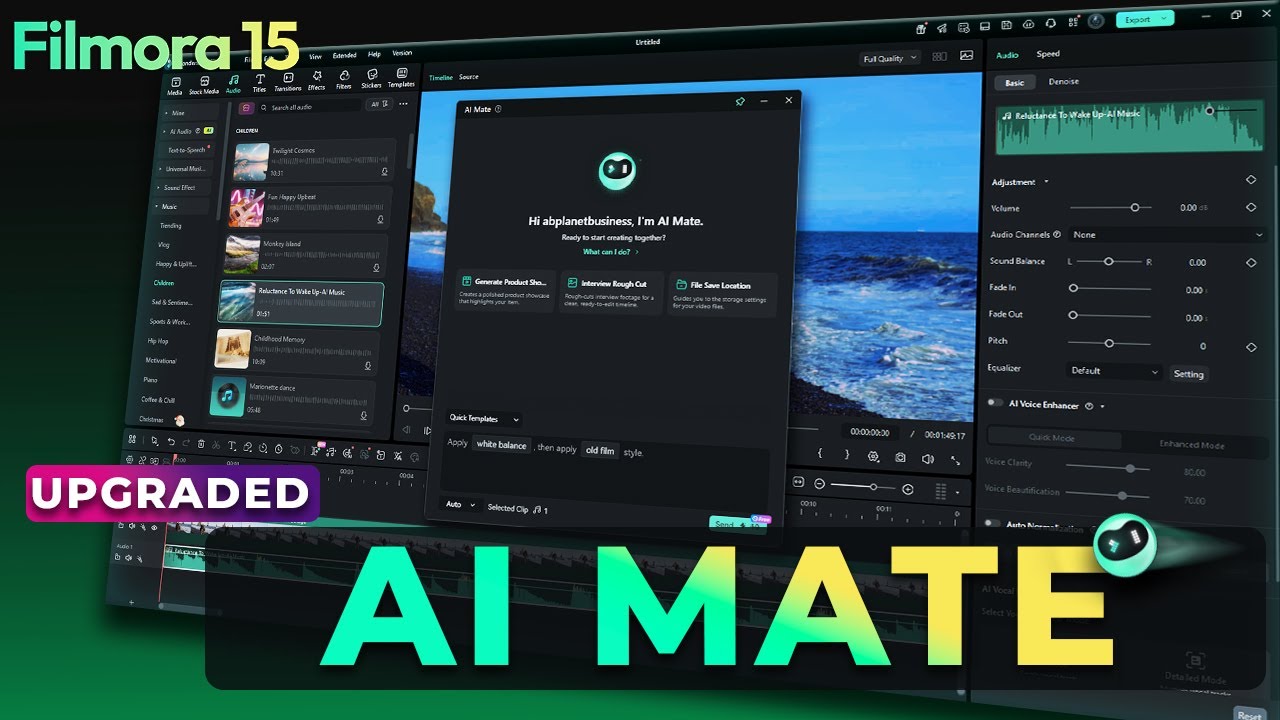
Filmora for Creators
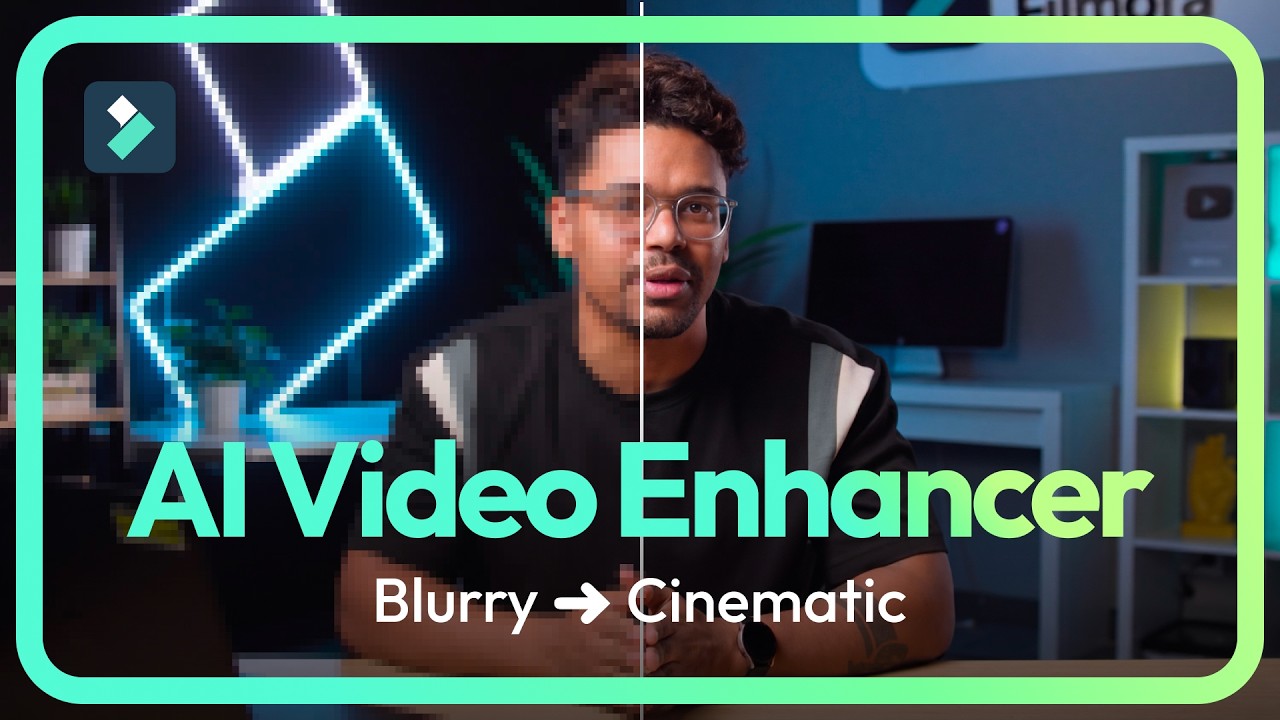
Wondershare Filmora Video Editor

Filmora for Creators

Filmora for Creators
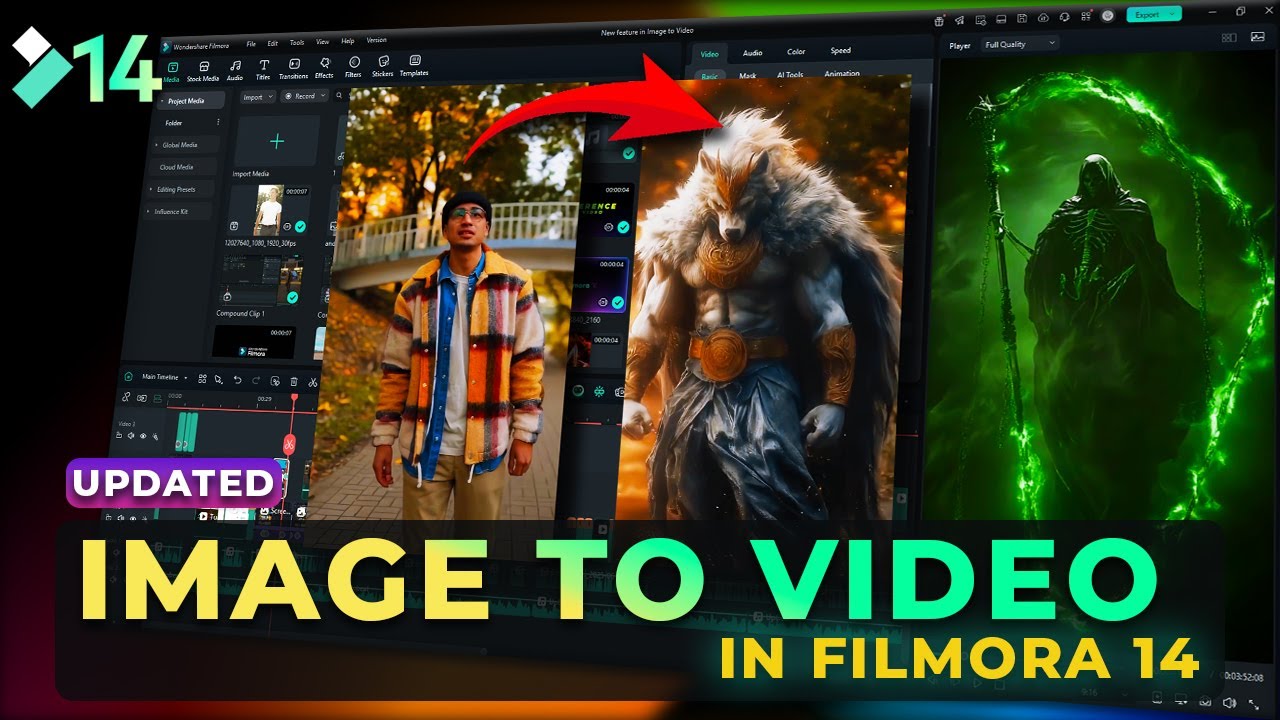
Filmora for Creators
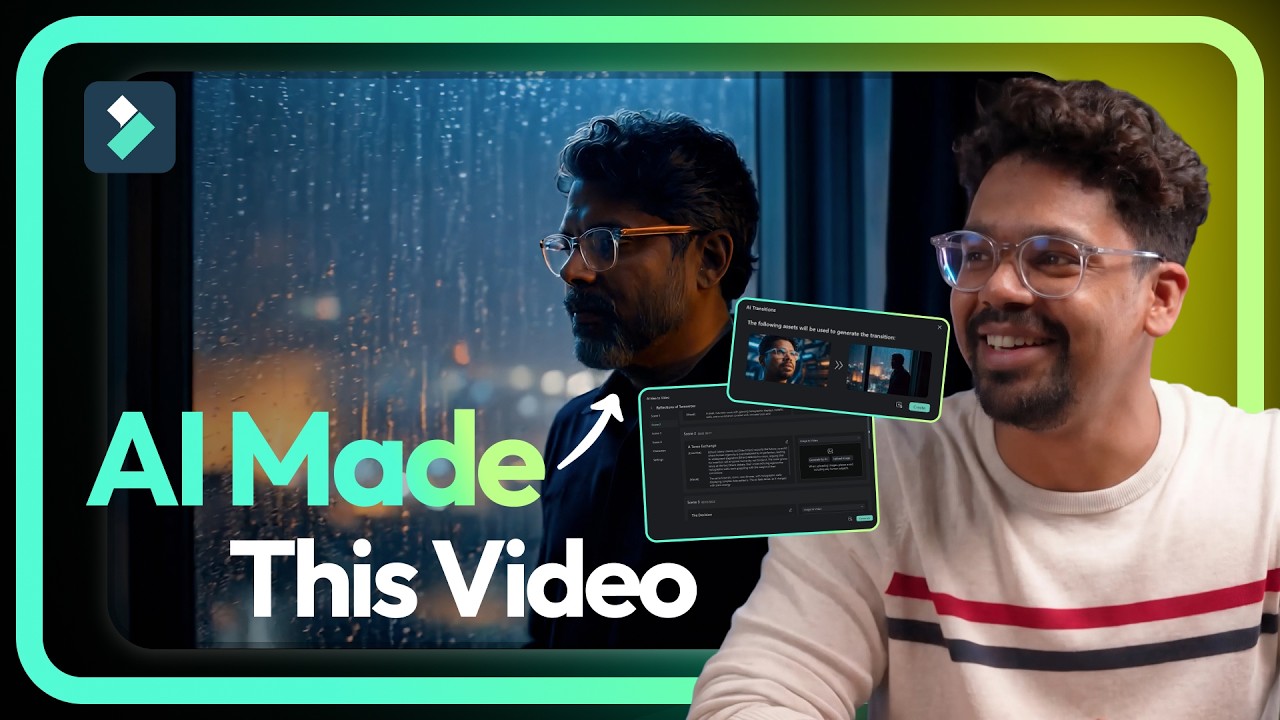
Wondershare Filmora Video Editor
Filmora Alternatives

Filmora
Filmora is a powerful yet user-friendly AI video editor designed for creators of all levels. It integrates advanced AI tools like text-to-video, smart cutout, and an AI music generator to streamline the editing process. It offers a rich library of effects, templates, and stock media, making it easy to create professional-quality videos for social media, marketing, or personal projects on Windows and macOS.
Video Generation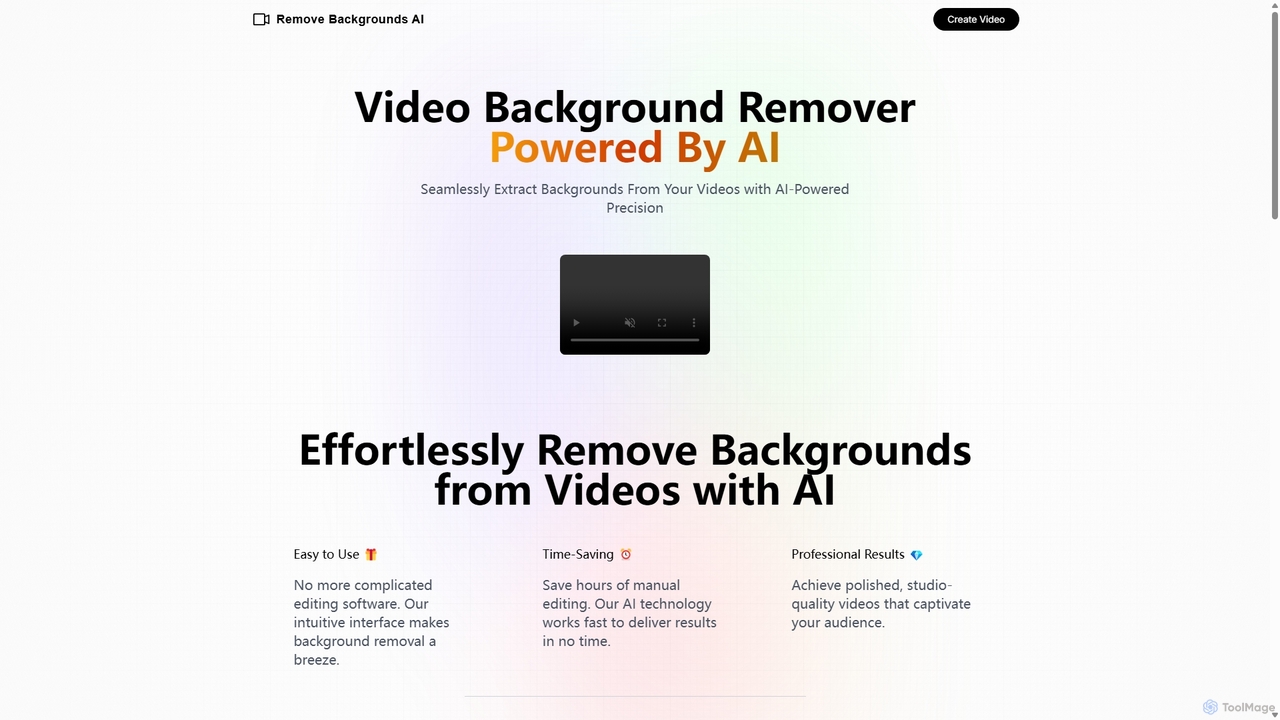
Remove Backgrounds AI
Remove Backgrounds AI is an AI-powered tool for seamless video background removal. It specializes in human video matting, using a recurrent neural network to accurately and quickly extract subjects from their backgrounds. Ideal for content creators and marketers, it delivers professional, studio-quality results in minutes, simplifying complex editing tasks with an intuitive interface and a simple pay-per-video pricing model.
Social Media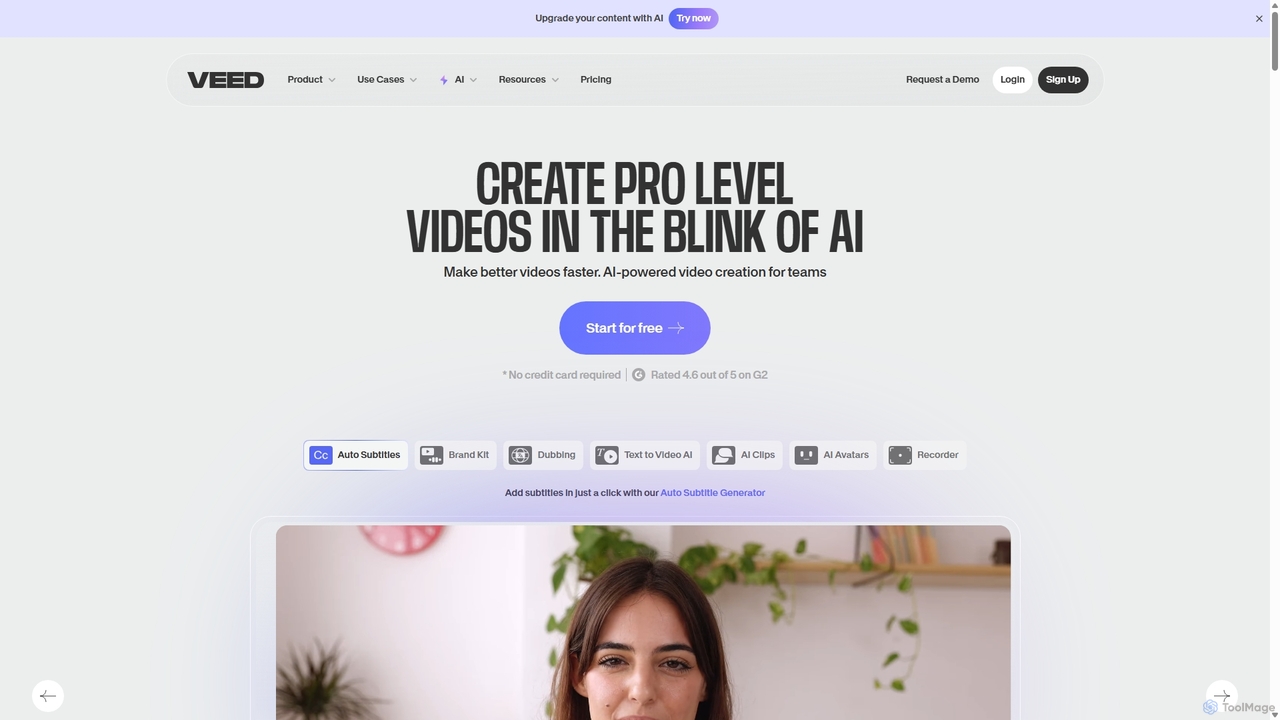
VEED.IO
VEED.IO is a powerful, AI-driven online video editor designed for teams and creators. It simplifies professional video creation with a suite of intuitive tools, including auto-subtitling, text-to-video, AI avatars, and collaborative workspaces. Create, edit, and share high-quality videos directly from your browser, no complex software required.
Social Media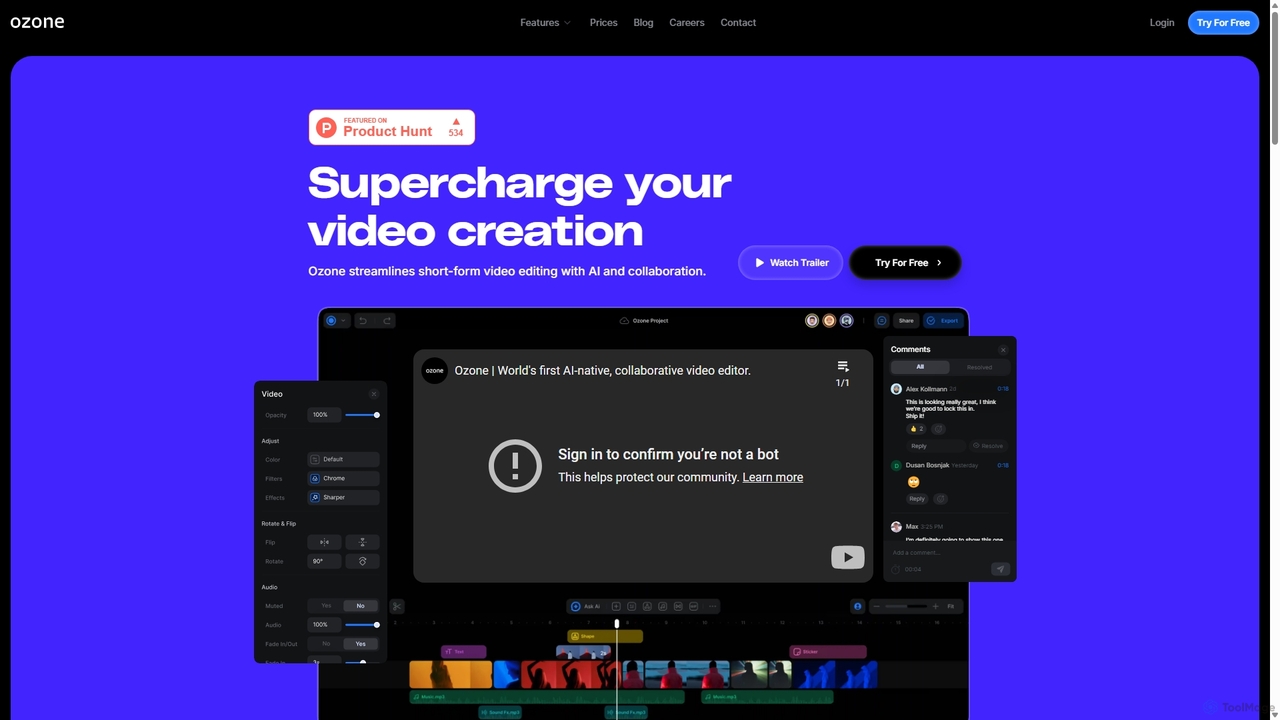
Ozone
Ozone is an AI-powered, cloud-based video editing platform that streamlines short-form video creation. It combines intelligent features like auto-captioning, text-to-video, and silence removal with real-time collaboration tools. Designed for content creators and marketing teams, Ozone eliminates the need for powerful hardware and complex workflows, allowing users to focus on storytelling and produce professional videos faster from anywhere.
Voice Synthesis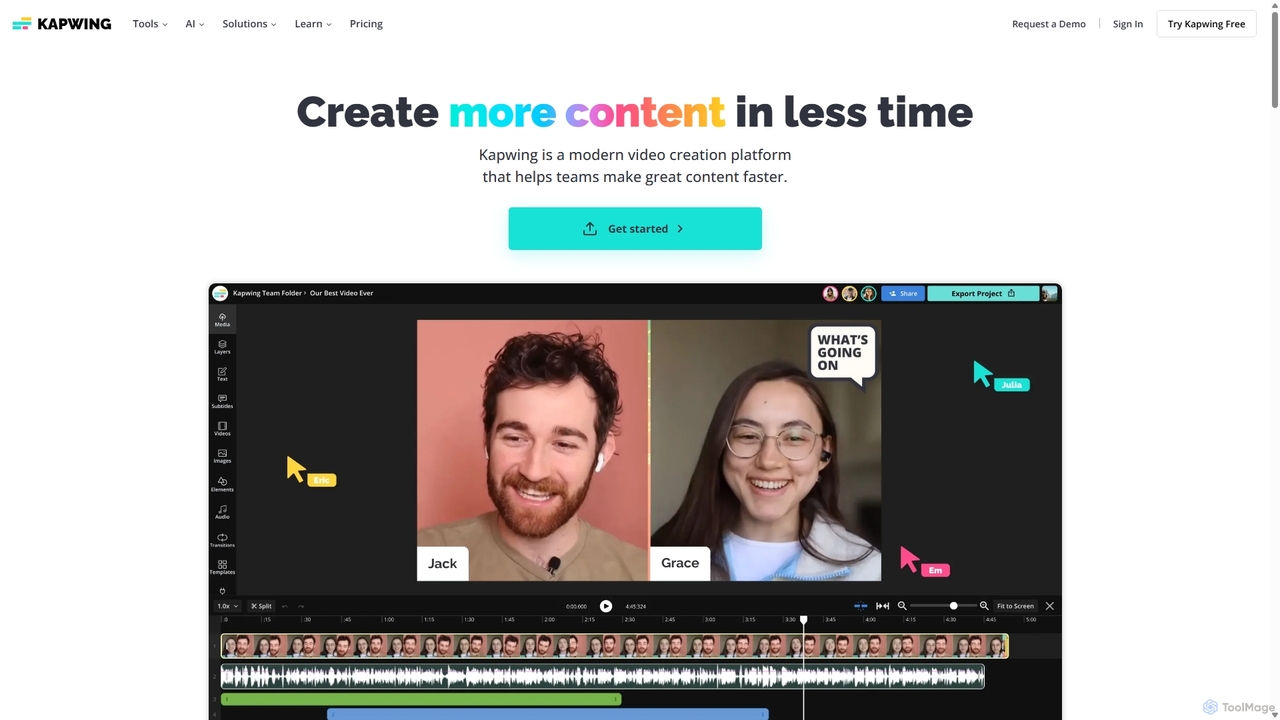
Kapwing
Kapwing is an AI-powered online video editor designed for teams and creators to produce high-quality content faster. It combines a full suite of editing tools with intelligent AI features like text-to-video, automatic subtitling, and background removal in a collaborative, browser-based platform, making video creation accessible to everyone.
Video MarketingFilmora Categories
Filmora Jobs
Filmora Embed Widget
Copy this embed code to place the badge on your blog, article, or product site and send readers directly to this ToolMage detail page.

Related AI tools
Filmora
Filmora is a powerful yet user-friendly AI video editor designed for creators of all levels. It integrates advanced AI tools like text-to-video, smart cutout, and an AI music generator to streamline the editing process. It offers a rich library of effects, templates, and stock media, making it easy to create professional-quality videos for social media, marketing, or personal projects on Windows and macOS.
Video GenerationKapwing
Kapwing is an AI-powered online video editor designed for teams and creators to produce high-quality content faster. It combines a full suite of editing tools with intelligent AI features like text-to-video, automatic subtitling, and background removal in a collaborative, browser-based platform, making video creation accessible to everyone.
Video MarketingRemove Backgrounds AI
Remove Backgrounds AI is an AI-powered tool for seamless video background removal. It specializes in human video matting, using a recurrent neural network to accurately and quickly extract subjects from their backgrounds. Ideal for content creators and marketers, it delivers professional, studio-quality results in minutes, simplifying complex editing tasks with an intuitive interface and a simple pay-per-video pricing model.
Social Media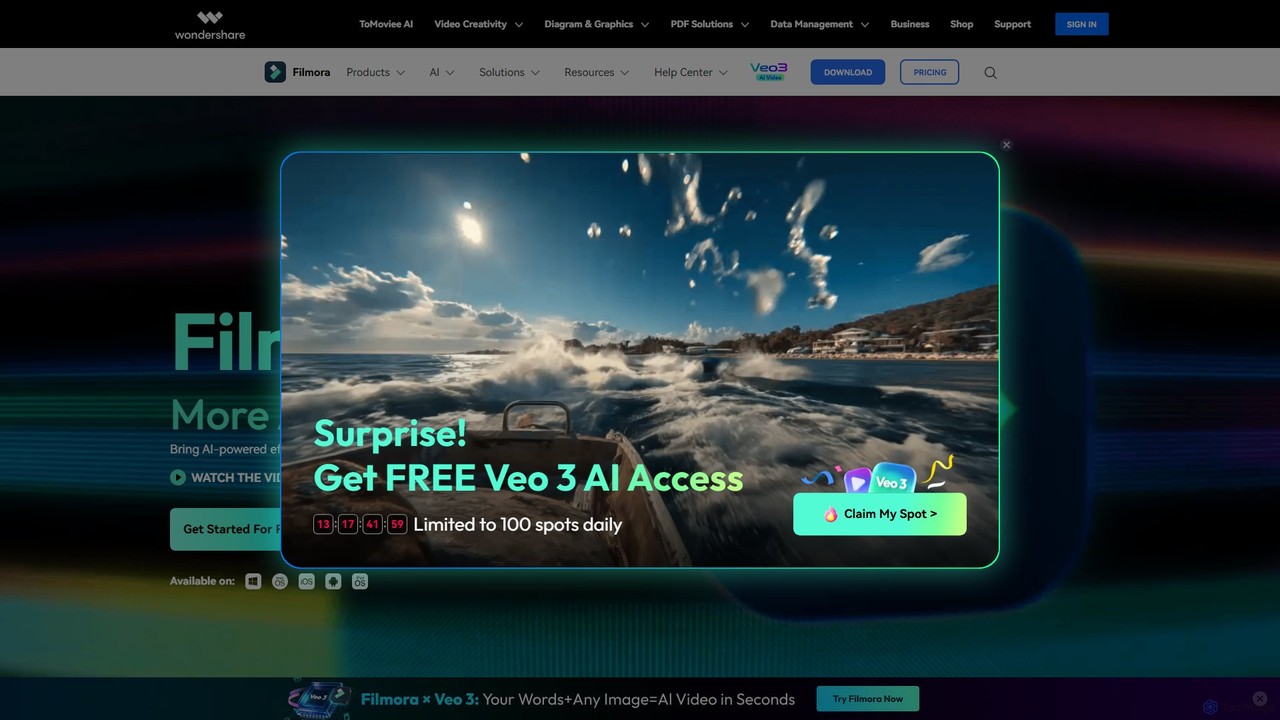
Filmora
Filmora is a powerful and intuitive AI video editor designed for creators of all skill levels. It simplifies the editing process with a suite of AI-powered tools, an extensive library of assets, and a user-friendly interface, making it easy to create professional-quality videos for social media, personal projects, and commercial use.
Social Media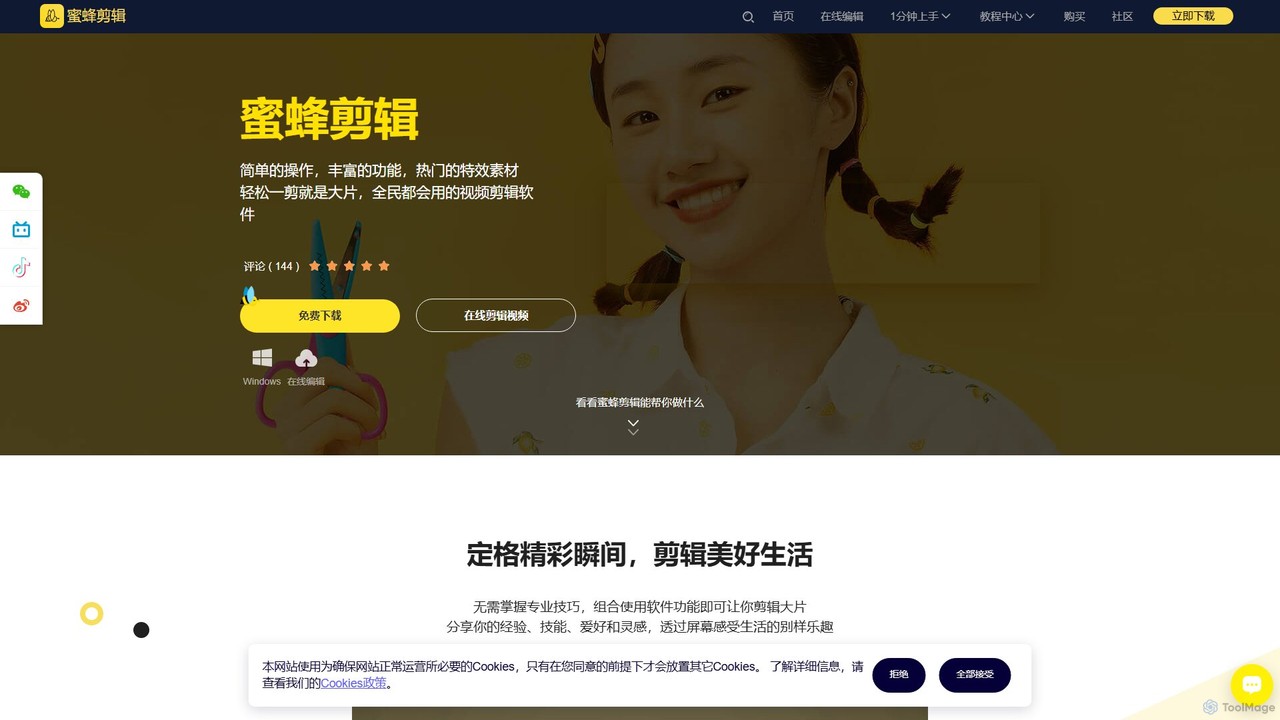
BeeCut
BeeCut is an intuitive and feature-rich video editing software designed for users of all skill levels. It simplifies video creation with a clean interface, extensive asset library, and powerful AI features like auto-subtitling and text-to-speech, making it ideal for vlogs, tutorials, social media content, and more.
Social MediaVEED.IO
VEED.IO is a powerful, AI-driven online video editor designed for teams and creators. It simplifies professional video creation with a suite of intuitive tools, including auto-subtitling, text-to-video, AI avatars, and collaborative workspaces. Create, edit, and share high-quality videos directly from your browser, no complex software required.
Social Media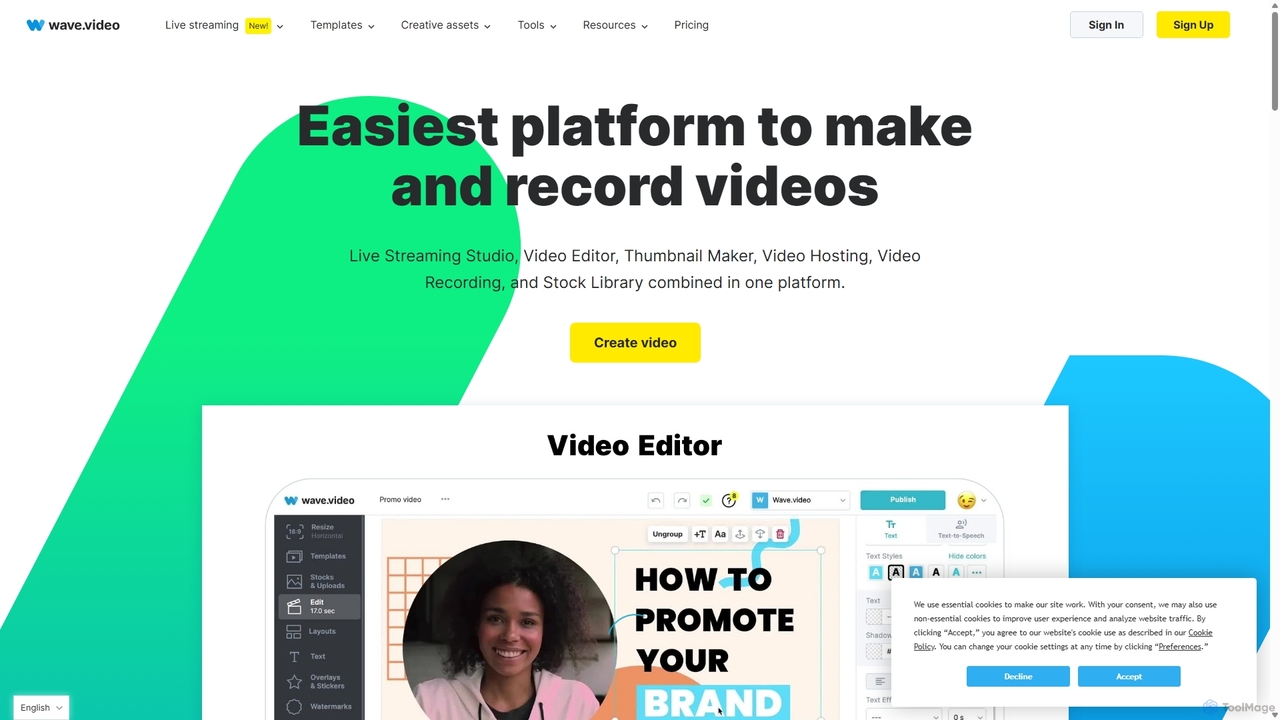
Wave.video
Wave.video is an all-in-one video marketing platform that empowers businesses and creators to easily edit, record, multi-stream, and host videos. It combines a powerful online video editor, a live streaming studio, a thumbnail maker, secure video hosting, and a vast stock library into a single, user-friendly interface. Ideal for marketers and content creators of any skill level looking to produce professional-quality videos that drive engagement and results.
Video Generation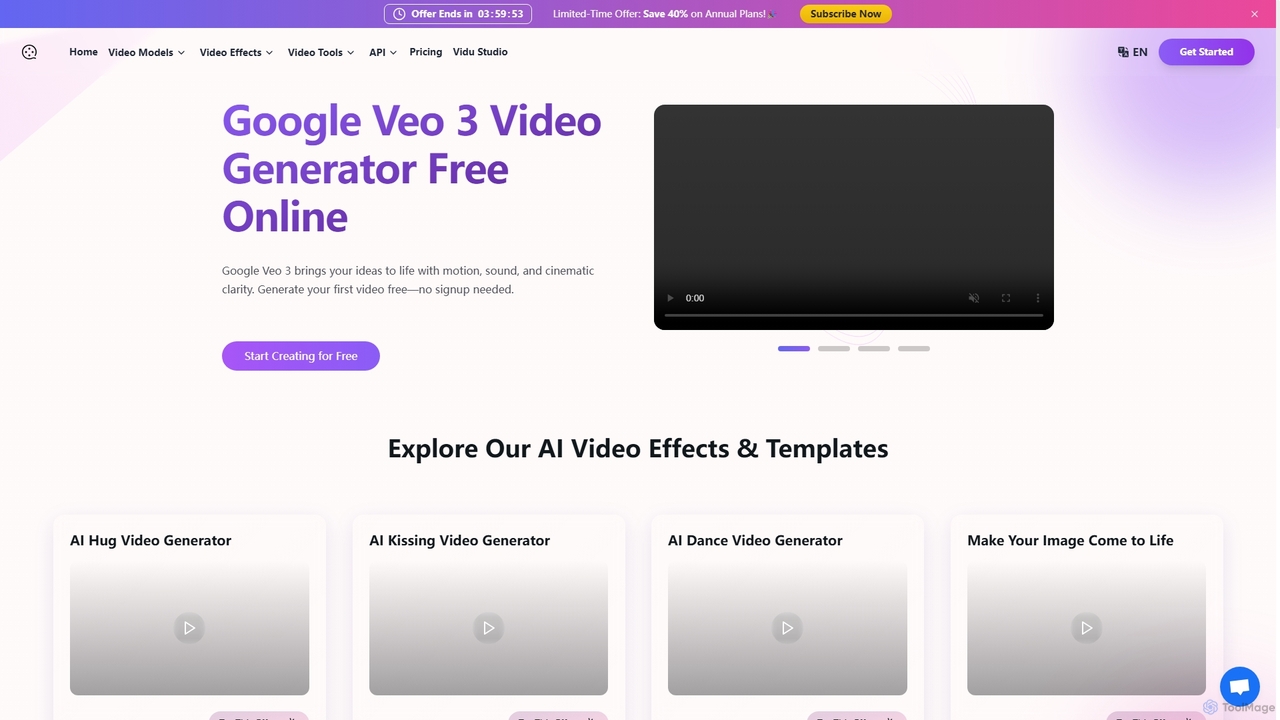
Videomaker.me
A powerful AI video generator providing access to Google's cutting-edge Veo 3 model. It transforms text and images into high-quality, cinematic videos with synchronized audio, dialogue, and sound effects. Ideal for creators, marketers, and filmmakers, it offers a user-friendly interface, fast generation, over 60 creative effects, and a free trial to start creating instantly without signup.
Image To Video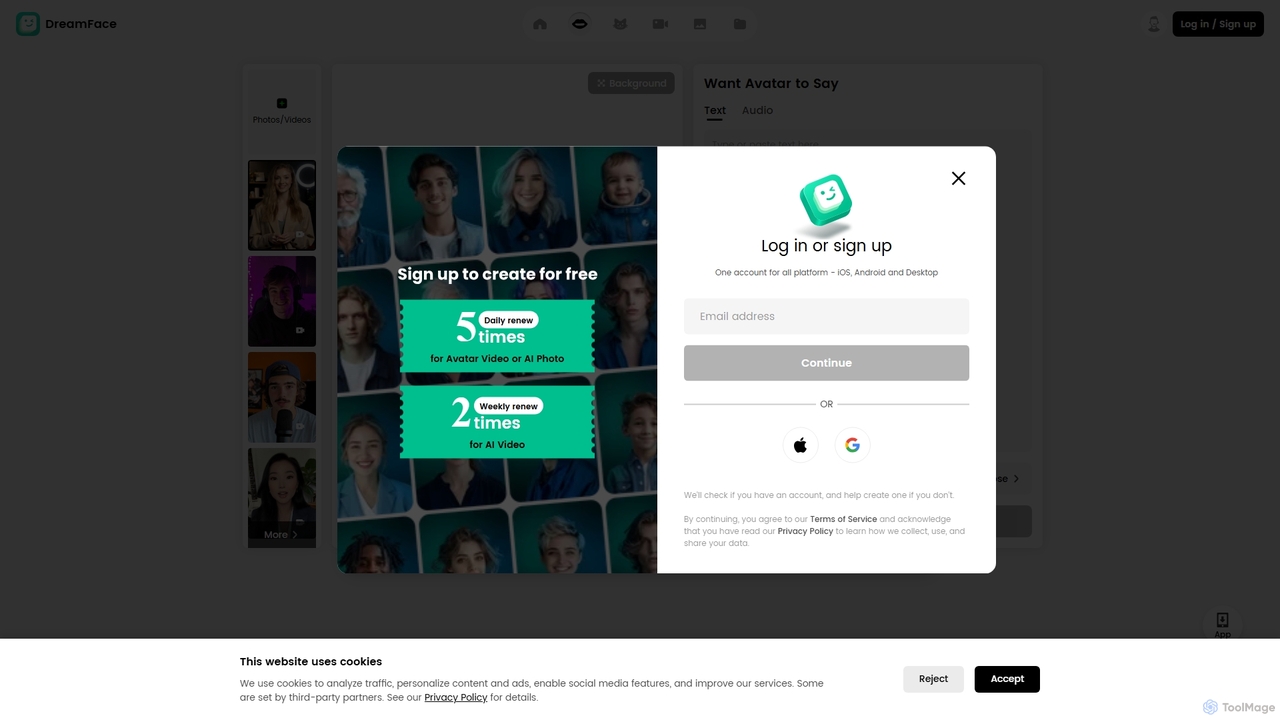
DreamFace
DreamFace is a comprehensive AI-powered creative suite for video and image generation. It offers a wide array of tools, including animated avatar creation, image-to-video transformation, text-to-image synthesis, voice cloning, and video enhancement. Designed for content creators, marketers, and individuals, it simplifies the production of high-quality, engaging digital content across multiple platforms like desktop, iOS, and Android, making professional-grade creation accessible to everyone.
Voice Synthesis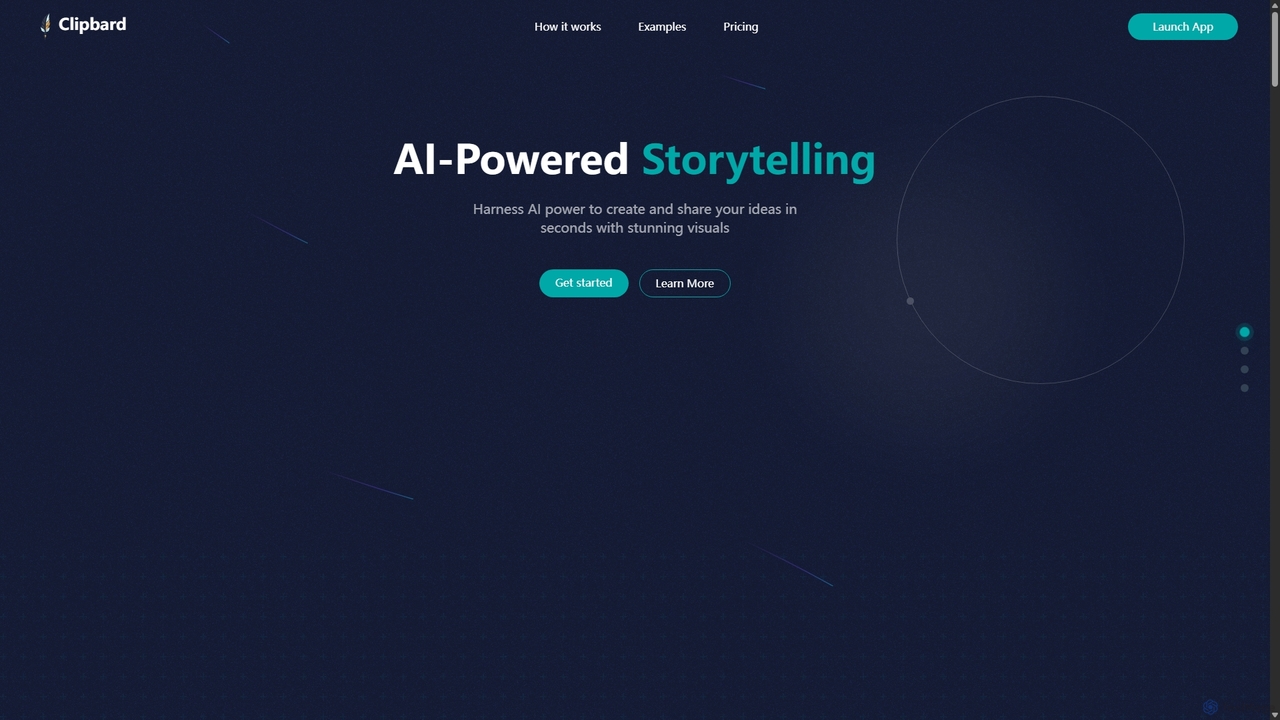
Clipbard
Clipbard is an AI-powered video creation platform that transforms your ideas into visually stunning videos in minutes. Whether you write your own script or let the AI generate one from a prompt, Clipbard automates the creation of visuals and voiceovers, making storytelling accessible to everyone. It's ideal for marketers, content creators, and educators looking to produce high-quality video content quickly and affordably, without needing any technical editing skills.
Social Media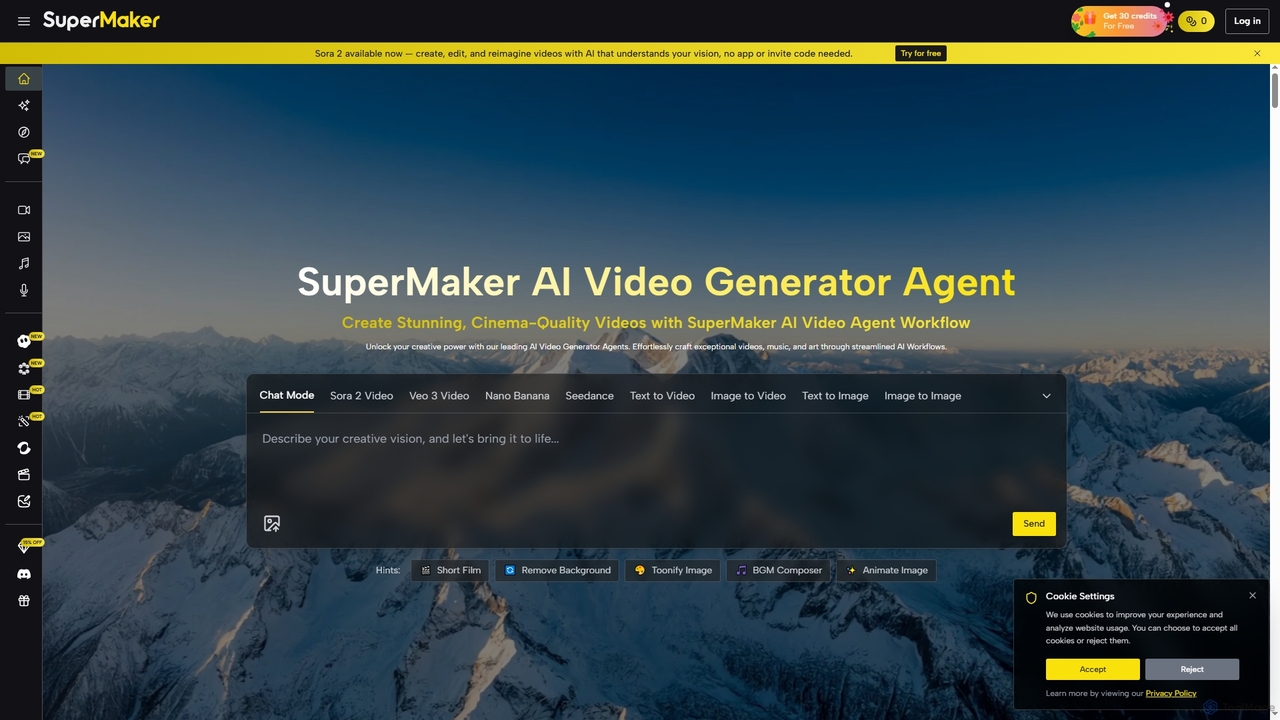
SuperMaker
SuperMaker is an all-in-one AI creative platform centered around a powerful video generator. It enables users to effortlessly create cinema-quality videos, music, images, and voiceovers from text or images. Featuring an integrated workflow, a vast library of effects, and a conversational chat interface, it streamlines the entire content creation process from idea to final cut for marketers, creators, and filmmakers.
Music Generation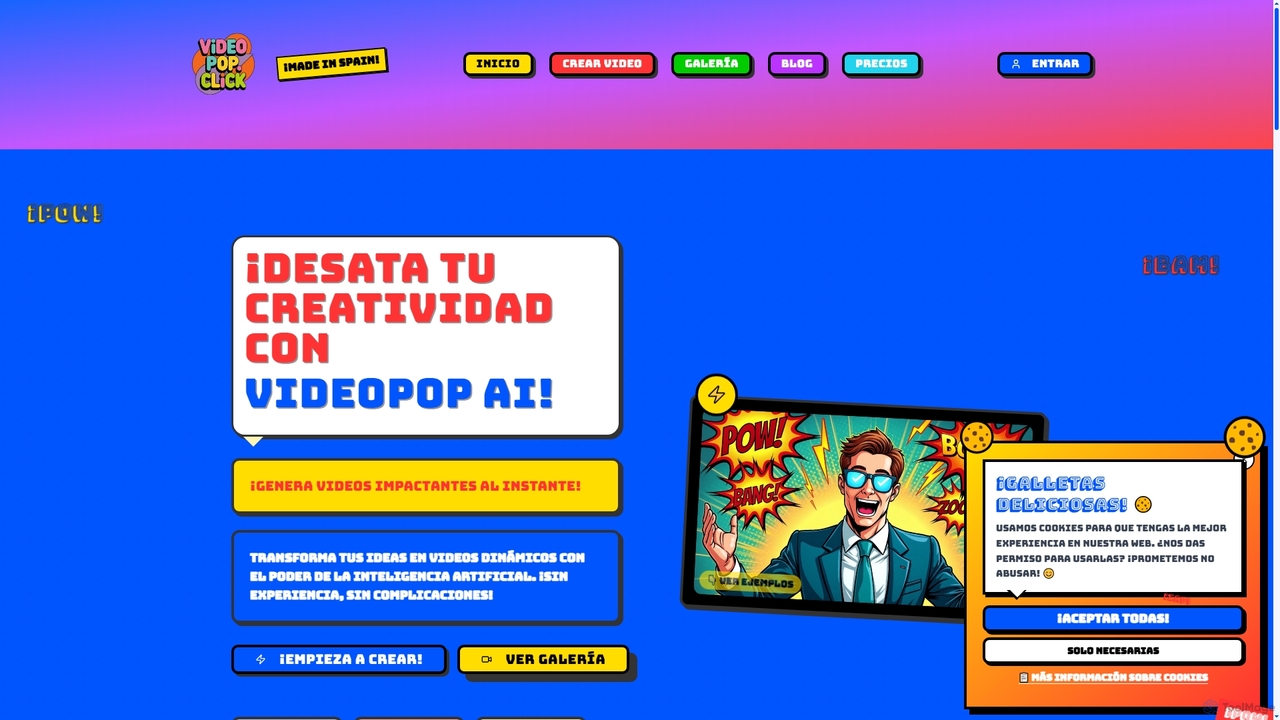
VideoPop
VideoPop is an AI-powered video generator that transforms text and images into dynamic, engaging short videos instantly. Designed for ease of use, it allows anyone to create vibrant content for social media, marketing, or personal memories without prior video editing experience. Leverage advanced AI to bring your ideas and photos to life with special effects and animations.
3D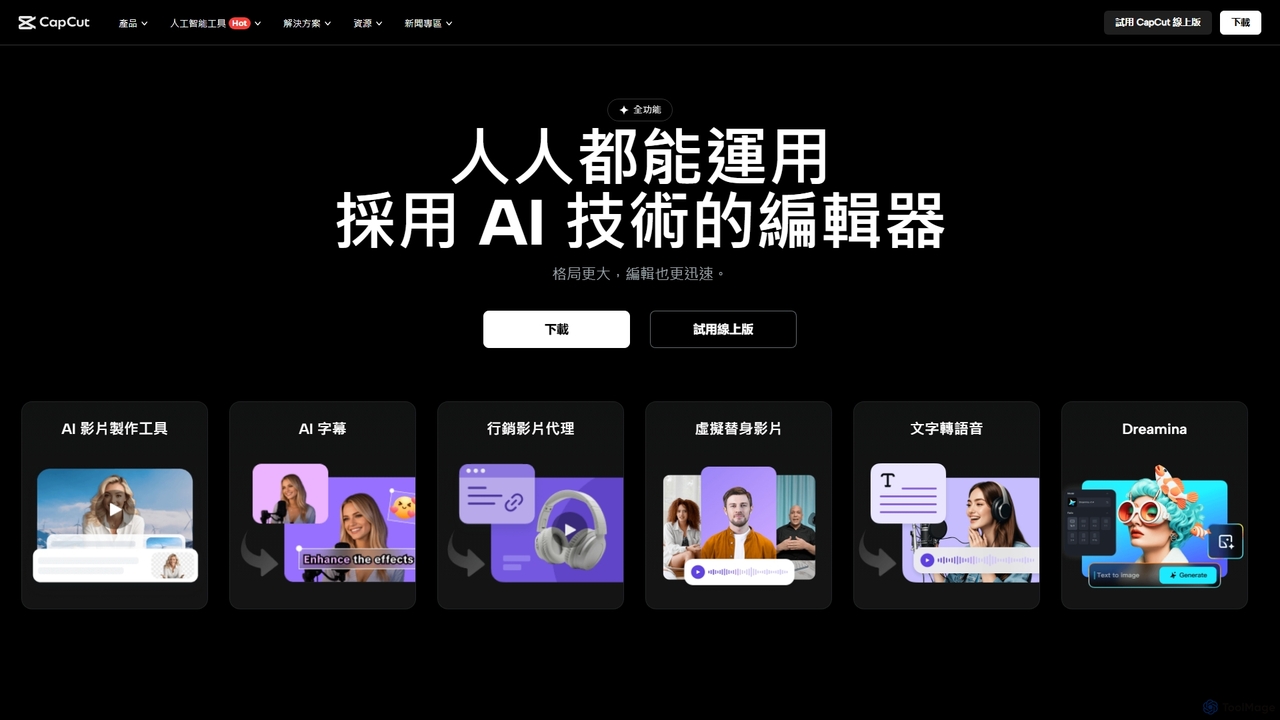
CapCut
CapCut is a powerful, all-in-one AI video editor and creative suite. It simplifies content creation with intuitive tools for video editing, graphic design, and team collaboration. It offers a wide range of AI features like auto-captions, script-to-video, background removal, and video upscaling, making professional-quality content accessible to everyone, from beginners to pros, across web, desktop, and mobile platforms.
Graphics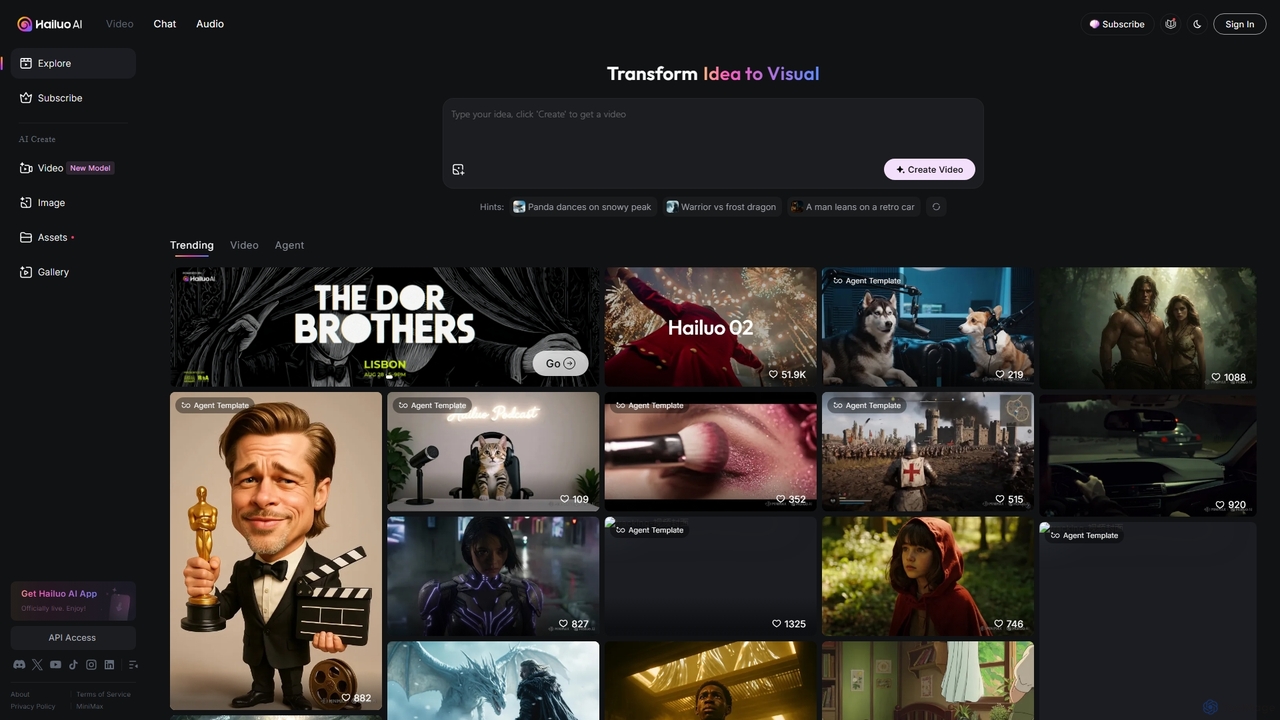
Hailuo AI
Hailuo AI is a powerful AI video generator that transforms ideas into stunning visuals. It supports text-to-video and image-to-video creation, offering a wide range of customizable "Agent Templates" for specific scenarios like pet videos, caricatures, and product showcases. With features like automated editing and support for various resolutions, Hailuo AI simplifies video production for marketers, content creators, and businesses, making it easy to create engaging, professional-quality content effortlessly.
Animation
Jyek
Jyek is an AI agent platform that understands objectives, creates execution plans, uses tools, and delivers verifiable results for complex, multi-step tasks.
Automation
Filmora Comments (0)
Sign in to comment.
Sign inNo comments yet.