

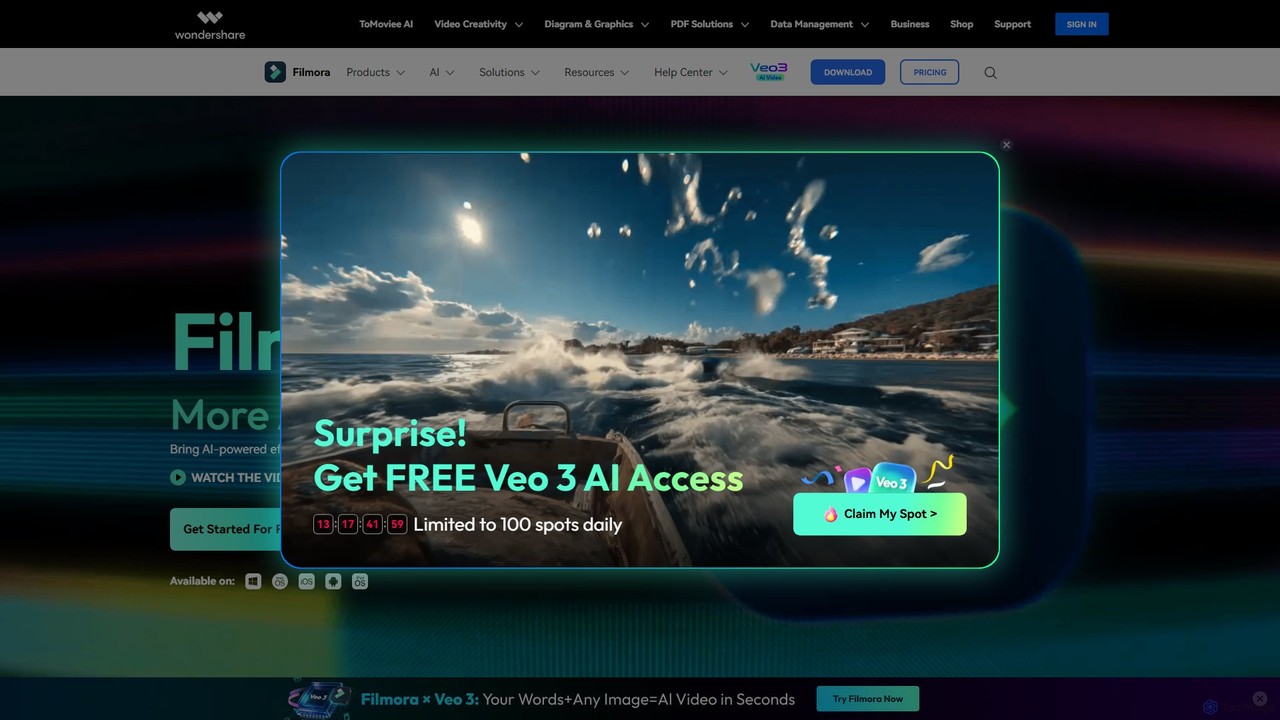
Filmora Overview
Wondershare Filmora is a comprehensive video editing software that leverages the power of Artificial Intelligence to make video creation more efficient and accessible. Designed for everyone from beginners to seasoned professionals, Filmora 14 introduces a host of AI features that streamline complex editing tasks, allowing users to transform ideas into stunning videos with fewer clicks. Its intuitive drag-and-drop interface, combined with advanced capabilities, provides the perfect balance between ease of use and powerful functionality.
Filmora is equipped to handle the entire video creation workflow, from initial concept to final export. It offers tools for generating content from simple text prompts, automatically creating short social media clips from long videos, and enhancing video and audio quality with a single click. With a massive built-in library of over 10 million stock media assets, including music, sound effects, transitions, and filters, creators have everything they need at their fingertips.
How to use Filmora
Using Filmora is a straightforward process designed for maximum efficiency:
- Import Media: Start by importing your video clips, images, and audio files into the media library. You can import from your local drive, camera, or phone.
- Assemble on the Timeline: Drag and drop your media onto the magnetic timeline. Clips automatically snap together, eliminating gaps and keeping your project organized.
- Edit with AI & Classic Tools: Use a wide range of tools to refine your video. Trim, crop, and split clips with the Quick Split Mode. Leverage AI features like AI Portrait Cutout to remove backgrounds, use AI Text-Based Editing to edit video like a document, or generate dynamic subtitles automatically.
- Enhance with Effects & Assets: Browse the extensive library to add transitions, filters, titles, stickers, and royalty-free music. Apply advanced effects like motion tracking, green screen, and color correction to give your video a professional polish.
- Export and Share: Once your video is complete, export it in various formats and resolutions. You can also directly upload your creation to social media platforms like YouTube and TikTok, or back it up to the cloud.
Core Features of Filmora
- AI-Powered Editing Suite: Includes AI Text-To-Video, AI Audio to Video, AI Music & Sound Effect Generator, AI Script to Video, and AI Image Generator to bring ideas to life instantly.
- Smart Video Tools: Features like Smart Short Clips automatically create social-media-ready videos, while AI Video Enhancer improves clarity and AI Video Object Remover erases unwanted elements.
- Advanced Video Capabilities: Offers professional-grade features such as Mocha Filmora for Hollywood-level tracking, Multi-Camera Editing, advanced Keyframing, Speed Ramping, and a powerful Green Screen (Chroma Key) tool.
- Intelligent Audio Editing: Includes AI Voice Cloning, AI Vocal Remover, AI Audio Denoise to improve sound quality, and Auto Beat Sync to match footage with music.
- Text and Subtitles: Create dynamic text animations with Text Path, generate Automatic Captions, and translate videos into multiple languages with AI Video Translation, complete with voice cloning and lip-sync.
- Vast Asset Library: Access to over 10 million creative assets, including preset templates, titles, stickers, stock footage, royalty-free music, filters, and LUTs.
- User-Friendly Interface: Features a Magnetic Timeline, customizable keyboard shortcuts, and a clean, intuitive layout that is easy for beginners to navigate yet powerful enough for experts.
Use Cases for Filmora
Filmora is a versatile tool suitable for a wide range of applications:
- Social Media Content: Quickly create engaging videos for YouTube, TikTok, Instagram, and other platforms using Auto Reframe, Smart Short Clips, and trendy effects.
- Professional & Corporate Videos: Produce high-quality marketing videos, product demos, and internal communications with features like screen recording and logo reveals.
- Educational Content: Teachers and educators can create rich, illustrative tutorials and online courses using screen recording, text overlays, and easy-to-follow editing tools.
- Vlogging and Personal Projects: Perfect for vloggers and hobbyists who want to create visually appealing content without a steep learning curve.
- Event Videography: Edit footage from weddings, parties, and other events using Multi-Camera Editing to capture every angle.
Advantages of Filmora
Filmora stands out for its unique combination of power and simplicity. Its primary advantages include its intuitive, user-friendly interface that significantly lowers the barrier to entry for video editing. The comprehensive suite of AI tools automates and accelerates tedious tasks, boosting productivity. With an extensive and ever-growing library of creative assets, users can enhance their videos without needing third-party resources. Furthermore, it offers an affordable pricing model compared to other professional editors and ensures a smooth editing experience with frequent updates and performance optimizations like GPU acceleration.
Pricing and Plans
Filmora operates on a freemium model. Users can download and use the software for free, which includes all features but exports videos with a watermark. To remove the watermark and access cloud services, users can upgrade to a paid plan. Wondershare typically offers several flexible options, including:
- Annual Plan: A subscription-based plan billed yearly.
- Perpetual Plan: A one-time purchase for lifetime access to the current version of Filmora (major version upgrades may require an additional fee).
- Cross-Platform Plan: A subscription that allows use of Filmora across desktop and mobile devices.
Specific pricing details are available on the official Filmora website.
Traffic
Latest traffic
Status
Monthly traffic trend
- 2025-9: 2.1M
- 2026-1: 2.2M
- 2026-2: 1.8M
- 2026-3: 1.9M
- 2026-4: 1.9M
- 2026-5: 2.0M
Geography
Top 5 countries / regions
- 🇮🇳India49.5%
- 🇺🇸United States31.1%
- 🇮🇩Indonesia7.9%
- 🇵🇭Philippines5.8%
- 🇵🇰Pakistan5.7%
Traffic sources
| Source type | Percentage |
|---|---|
Direct | 88.6% |
Referral | 9.9% |
Email | 1.5% |
Top keywords
| Keyword | Cost per click |
|---|---|
| filmora | $1.08 |
| instagram story viewer | $0.49 |
| wondershare filmora | $1.28 |
| youtube shorts downloader | $0.50 |
| zorq ai | $0.93 |
Filmora Videos on YouTube

Wondershare Filmora Video Editor

Filmora for Creators
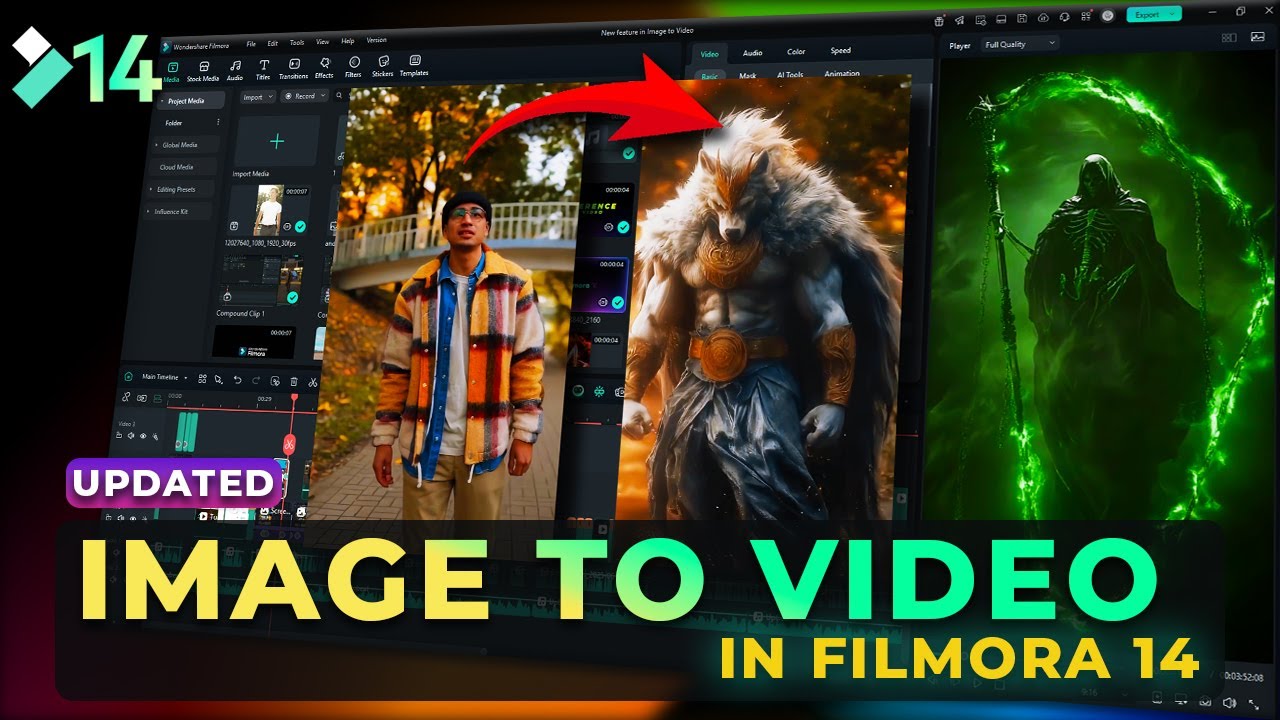
Filmora for Creators
Wondershare Filmora Video Editor
Wondershare Filmora Video Editor

Wondershare Filmora Video Editor

Filmora for Creators
Filmora for Creators
Filmora Alternatives
Filmora
Filmora is an AI-powered video editor that simplifies the creation process for both beginners and professionals. It offers a vast suite of AI tools, including smart clip generation, text-to-video, and advanced audio enhancement, combined with a user-friendly interface and a massive library of effects and resources to make video editing faster and more creative.
Social Media
BeeCut
BeeCut is an intuitive and feature-rich video editing software designed for users of all skill levels. It simplifies video creation with a clean interface, extensive asset library, and powerful AI features like auto-subtitling and text-to-speech, making it ideal for vlogs, tutorials, social media content, and more.
Social Media
Unscreen
Unscreen is an AI-powered tool that automatically removes video backgrounds without needing a green screen. It allows users to upload videos, GIFs, or URLs to instantly get a transparent background, perfect for content creators, marketers, and video editors seeking a quick, high-quality solution.
Social Media
Detail
Detail is an AI-powered video creation and editing app for iOS and macOS that turns your device into a portable production studio. It automates editing for podcasts, reaction videos, and livestreams with features like a teleprompter, multi-camera recording, green screen, and automatic captions, simplifying professional video creation for everyone.
Content Creation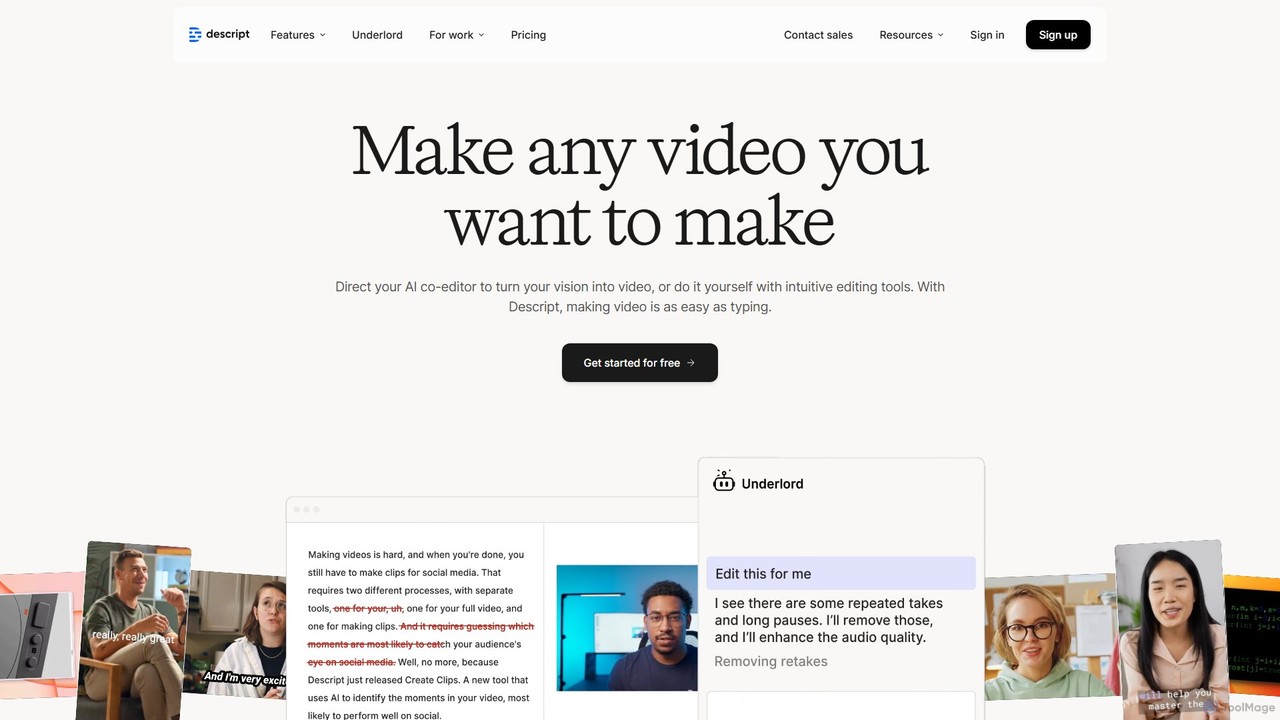
Descript
Descript is an all-in-one AI-powered video and podcast editor that revolutionizes content creation by allowing you to edit media as easily as a text document. It features text-based editing, automatic transcription, and powerful AI tools like Studio Sound, green screen, eye contact correction, and filler word removal. It's the ideal solution for creators and businesses aiming to produce high-quality, professional content with unparalleled efficiency.
Social MediaFilmora Categories
Filmora Embed Widget
Copy this embed code to place the badge on your blog, article, or product site and send readers directly to this ToolMage detail page.

Related AI tools
Filmora
Filmora is an AI-powered video editor that simplifies the creation process for both beginners and professionals. It offers a vast suite of AI tools, including smart clip generation, text-to-video, and advanced audio enhancement, combined with a user-friendly interface and a massive library of effects and resources to make video editing faster and more creative.
Social Media
Filmora
Filmora is a powerful yet user-friendly AI video editor designed for creators of all levels. It integrates advanced AI tools like text-to-video, smart cutout, and an AI music generator to streamline the editing process. It offers a rich library of effects, templates, and stock media, making it easy to create professional-quality videos for social media, marketing, or personal projects on Windows and macOS.
Video GenerationDetail
Detail is an AI-powered video creation and editing app for iOS and macOS that turns your device into a portable production studio. It automates editing for podcasts, reaction videos, and livestreams with features like a teleprompter, multi-camera recording, green screen, and automatic captions, simplifying professional video creation for everyone.
Content CreationBeeCut
BeeCut is an intuitive and feature-rich video editing software designed for users of all skill levels. It simplifies video creation with a clean interface, extensive asset library, and powerful AI features like auto-subtitling and text-to-speech, making it ideal for vlogs, tutorials, social media content, and more.
Social Media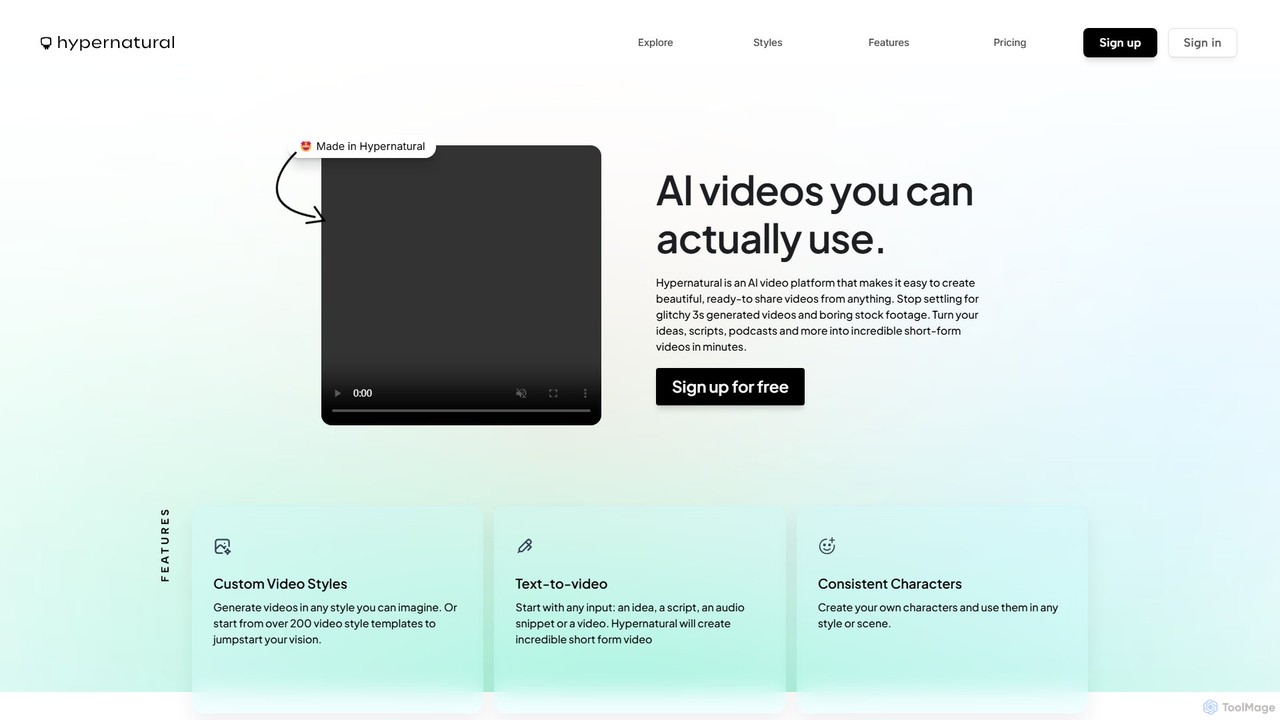
Hypernatural
Hypernatural is an AI video platform that transforms text, scripts, or audio into high-quality, ready-to-share short-form videos. It focuses on creating usable, non-glitchy content with consistent characters and custom styles, making professional video creation accessible to everyone from marketers to content creators.
Advertising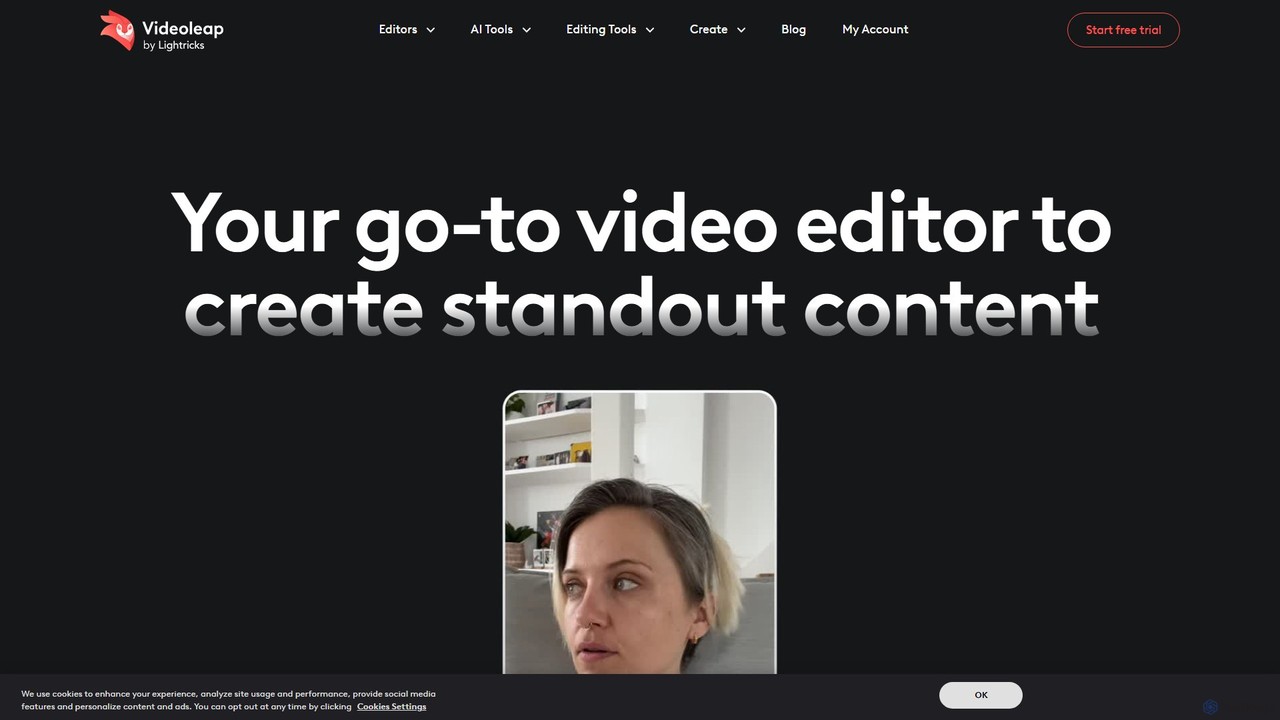
Videoleap
Videoleap is a powerful AI-driven video editor and maker app designed for both beginners and professionals. It combines a full suite of traditional editing tools with cutting-edge AI features like object removal, infinite zoom, and AI-generated effects. Create stunning, professional-quality videos for social media, marketing, or personal projects directly from your mobile device with ease and speed.
Mobile AppsDescript
Descript is an all-in-one AI-powered video and podcast editor that revolutionizes content creation by allowing you to edit media as easily as a text document. It features text-based editing, automatic transcription, and powerful AI tools like Studio Sound, green screen, eye contact correction, and filler word removal. It's the ideal solution for creators and businesses aiming to produce high-quality, professional content with unparalleled efficiency.
Social Media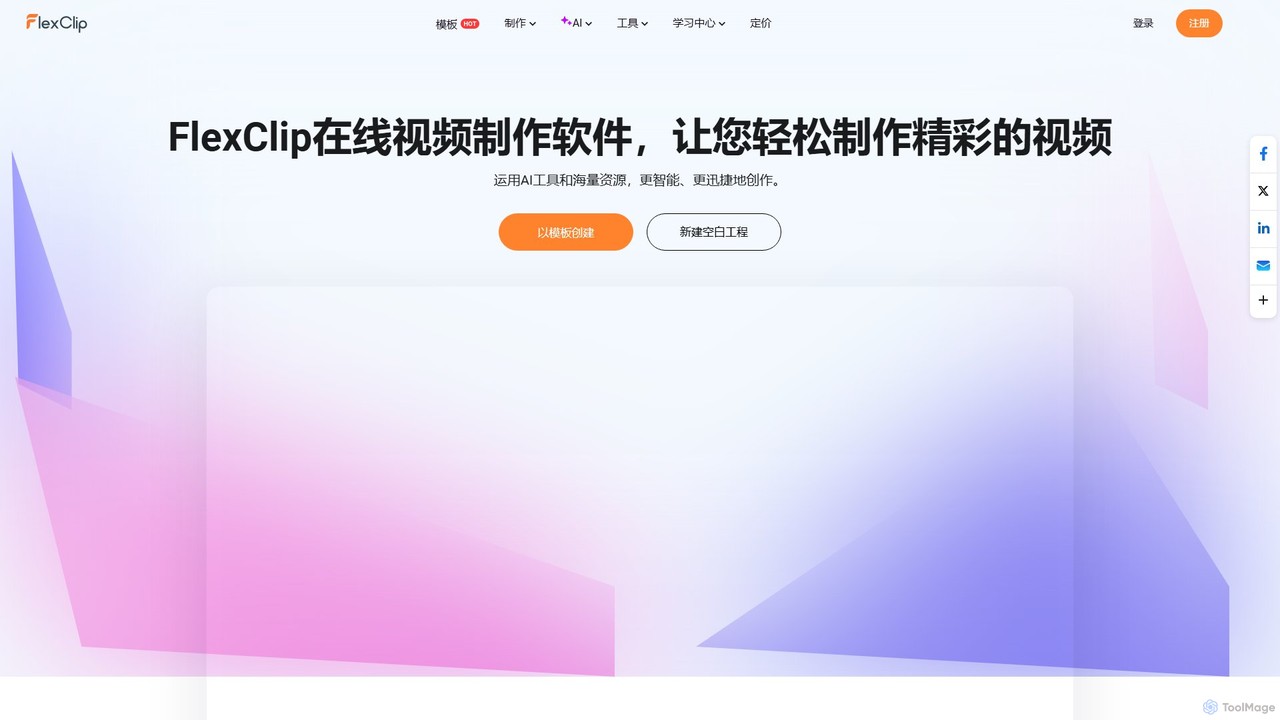
FlexClip
A powerful yet easy-to-use online video maker that combines traditional editing tools with a suite of AI features. Create professional videos for marketing, social media, or personal use with a vast library of templates, stock media, and intelligent tools like AI video generation, auto-subtitling, and text-to-speech.
Social Media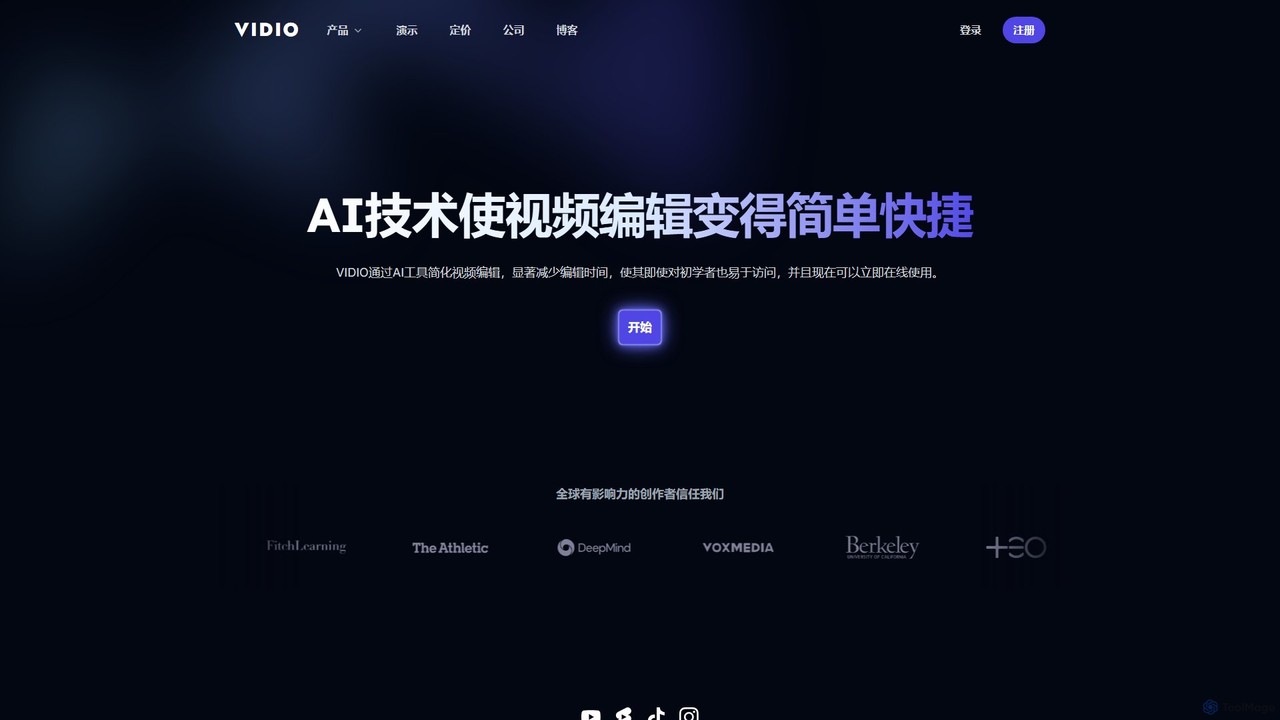
VIDIO
VIDIO is an AI-powered video editing platform that automates and simplifies complex editing tasks. It offers tools for creating motion graphics from text, generating highlight reels, automatic subtitling, face blurring, and more, making professional video creation accessible to everyone.
Social Media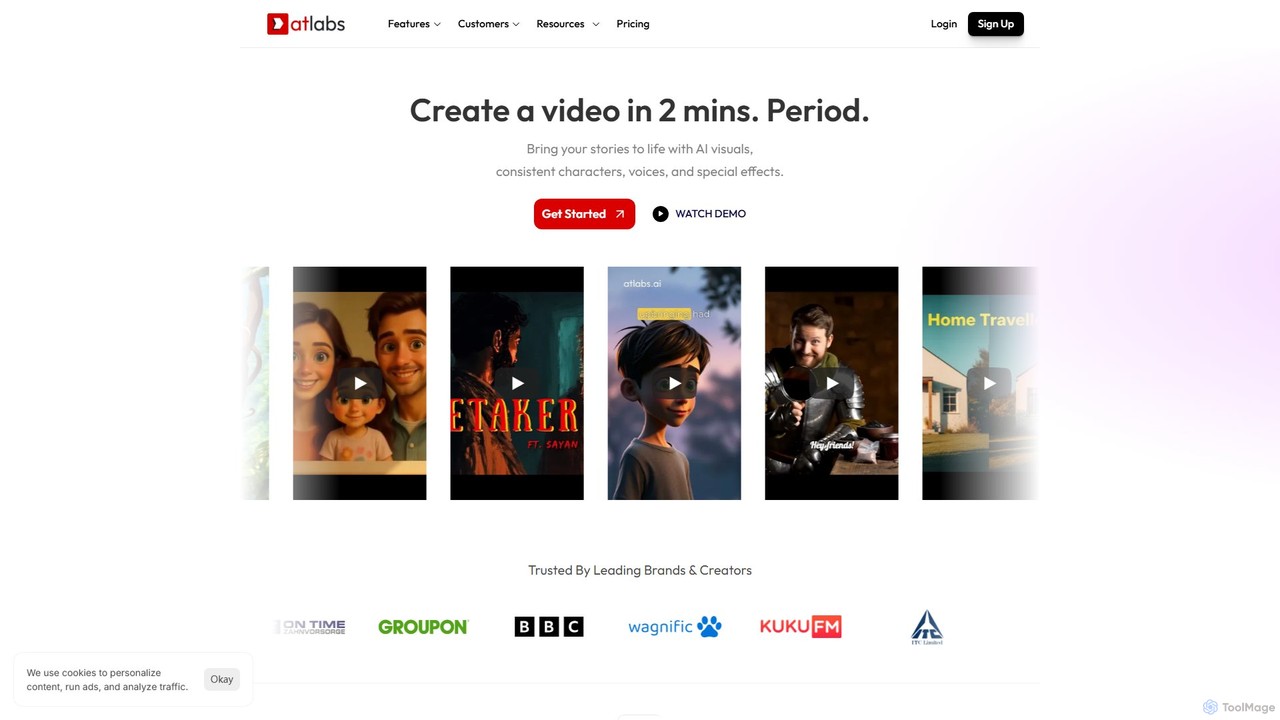
atlabs
atlabs is a powerful AI video generator that transforms text scripts into engaging visual stories in minutes. It features AI-driven scriptwriting, consistent character generation, ultra-realistic voiceovers, and intelligent editing. With support for over 40 languages and various visual styles, it's designed for marketers, creators, and businesses to produce high-quality video content efficiently, from social media clips to full-length series.
Social Media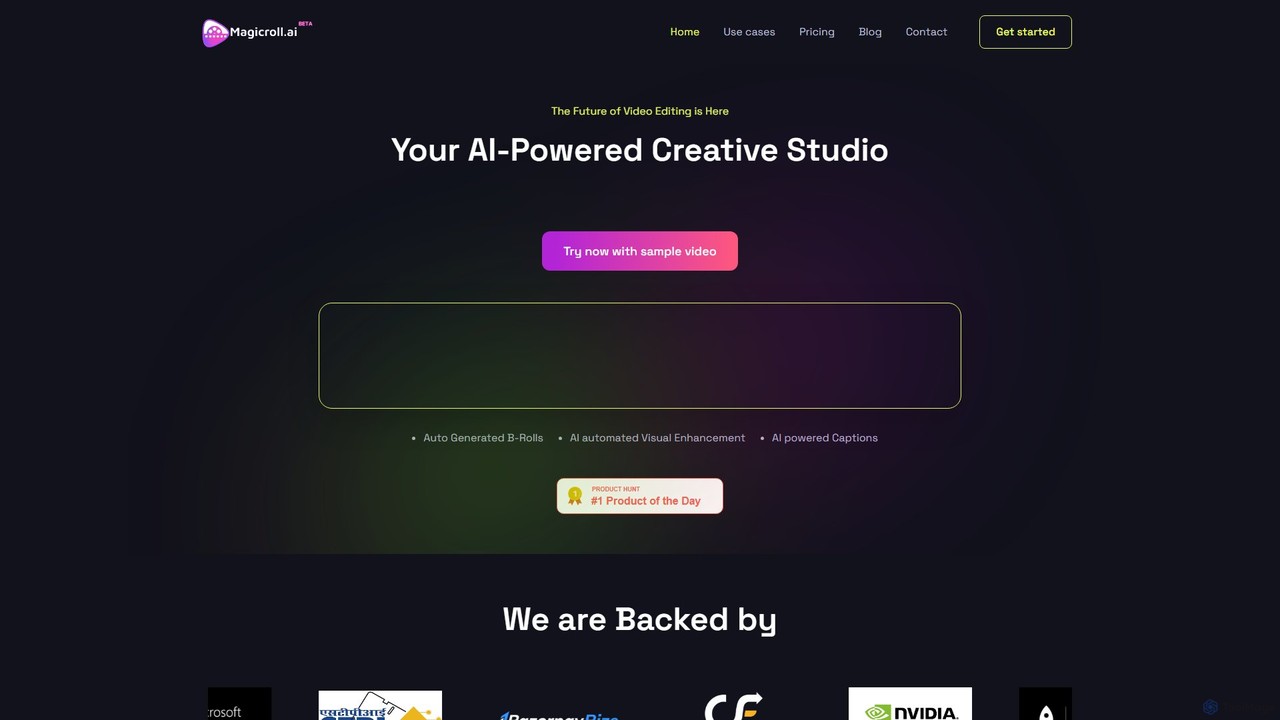
magicroll.ai
magicroll.ai is an AI-powered video editing platform that automates complex tasks. With one click, it generates contextual B-rolls, swaps video backdrops, and adds accurate, multi-language subtitles. It's designed for content creators, marketers, and businesses to produce professional-grade videos in minutes, without any prior editing experience, saving hours of manual work.
Social Media Video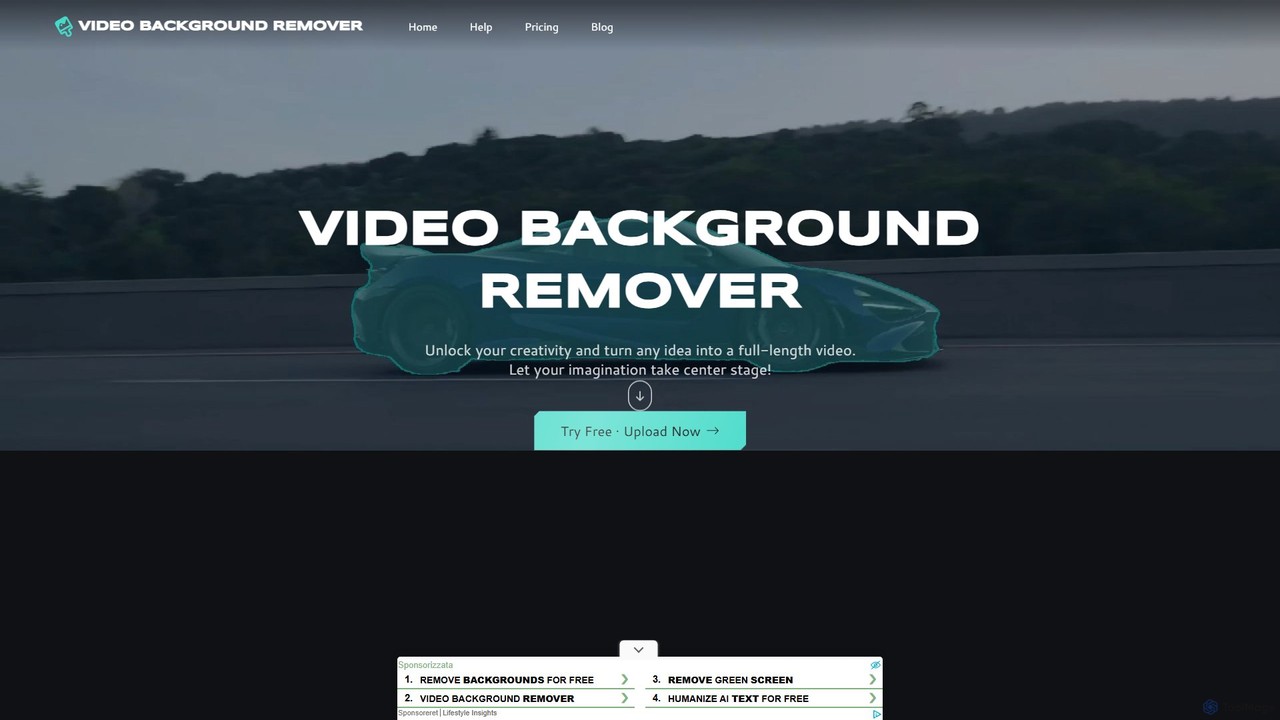
video_background_remover
An AI-powered online tool that allows users to remove video backgrounds instantly without a green screen. It supports multi-subject selection, various editing effects, and Full HD export, all for free and directly in your browser.
Social Media
Fluxvid
Fluxvid is an AI-powered video creation platform that effortlessly transforms text and images into stunning, cinematic videos. Featuring movie-like camera movements and lifelike visuals, it's perfect for marketers, creators, and storytellers. Generate high-quality content for social media, ads, and creative projects in seconds, with support for multiple languages and aspect ratios. Start for free to experience the next generation of video creation.
Social Media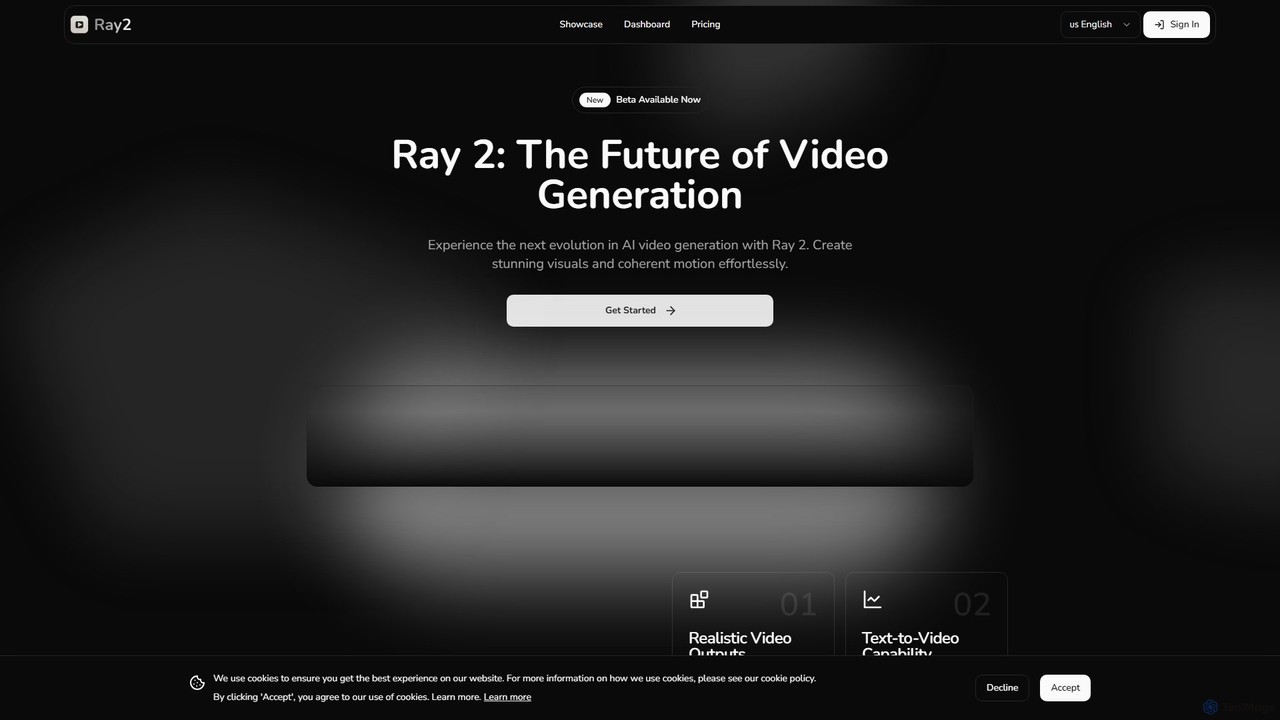
ray2
Ray 2 is an advanced AI video generation platform that transforms text prompts and images into high-quality, coherent video clips. Designed for creators, marketers, and designers, it simplifies video production with a user-friendly interface, multiple aspect ratios, and fast processing speeds, making it ideal for creating engaging content for social media, advertising, and artistic projects.
Social Media
aiplix
aiplix is an AI-powered video generation platform that transforms text, scripts, or articles into professional-quality videos in minutes. It's designed for marketers, content creators, and businesses to effortlessly produce engaging video content with AI voiceovers, stock media, and automated editing, no technical skills required.
Text To Speech
Filmora Comments (0)
Sign in to comment.
Sign inNo comments yet.