
Videoleap Overview
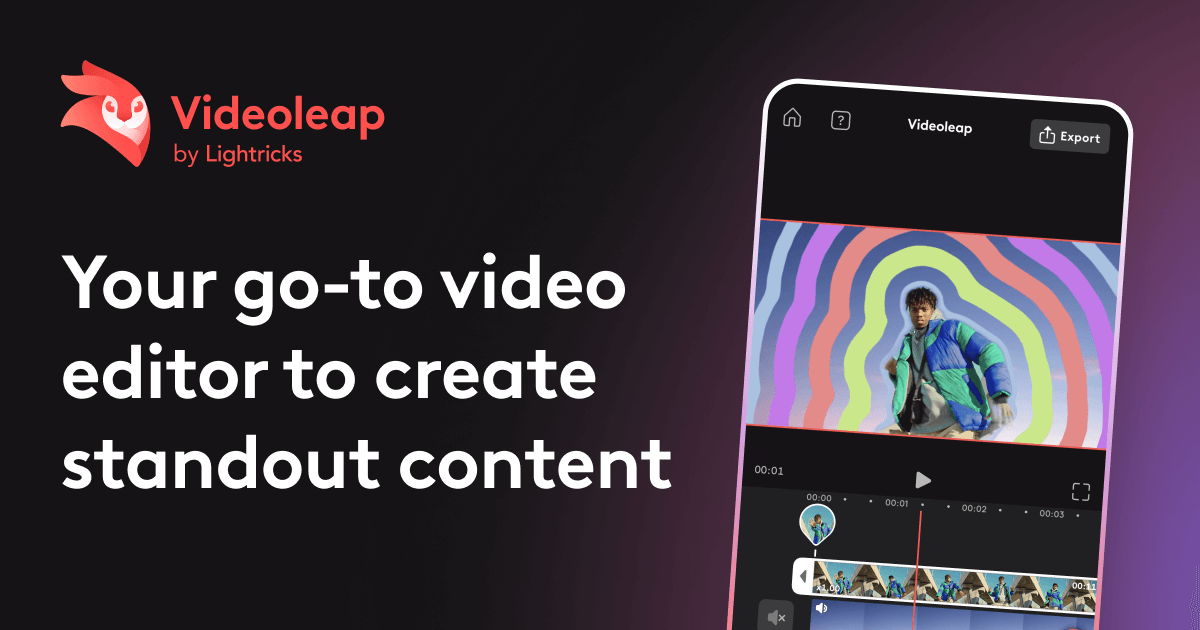
Videoleap is a comprehensive and intuitive video editing application that empowers users to create professional-grade videos directly from their mobile devices. It stands out by seamlessly integrating a robust set of classic editing tools with a revolutionary suite of AI-powered features. Whether you're a social media influencer, a small business owner, a marketer, or simply someone looking to create beautiful video memories, Videoleap provides all the tools you need in one accessible package. The app is designed to be user-friendly, requiring no prior video editing experience, while still offering the depth and power that seasoned creators demand. From simple trims and merges to mind-bending AI effects and automated editing tasks, Videoleap streamlines the entire video creation workflow, transforming your raw footage into extraordinary, shareable content.
How to use Videoleap
Creating amazing videos with Videoleap is a straightforward process:
- Download and Install: Get the Videoleap app from the Apple App Store or Google Play Store.
- Start a New Project: Open the app and import your video clips and photos from your device's gallery.
- Edit on the Timeline: Arrange your clips on the intuitive timeline. Use tools to trim, split, merge, and reorder your footage to build your story.
- Leverage AI Power: Explore the AI features. Use the AI object remover to erase unwanted elements, generate unique video styles with AI effects, or create automatic subtitles with the AI caption generator. Experiment with AI Infinite Zoom to expand your scenes or the AI Background Remover for a clean look.
- Enhance and Stylize: Add professional touches. Choose from a vast library of video effects, filters, and transitions. Add text overlays, titles, and stickers. Control the mood with color correction and blur effects.
- Add Audio: Select a track from Videoleap's royalty-free music library or add your own music and sound effects. Use the audio cutter to fine-tune the sound.
- Export and Share: Once your video is perfect, resize it for any social media platform (like TikTok, Instagram Reels, or YouTube) and export it in high resolution. Share your creation directly with the world.
Core Features of Videoleap
- Advanced AI Video Suite: Access a full range of AI tools including AI Video Effects with custom prompts, AI-powered templates, AI Object Removal to clean up shots, and an AI Subtitle Generator for accessibility.
- AI Infinite Zoom & Image Extender: Create mesmerizing zoom-out videos from a single frame or extend the boundaries of your photos and videos beyond their original dimensions.
- AI Background Tools: Effortlessly remove or replace video backgrounds with the AI Background Generator and Remover, no green screen needed. Also includes AI-powered background noise removal for crystal-clear audio.
- Creative AI Generators: Transform your ideas into visuals with the AI Text-to-Image Generator and alter voices in your clips with the AI Voice Changer.
- Comprehensive Editing Tools: Perform all essential editing tasks, including trimming, merging, and splitting clips with precision.
- Speed and Motion Control: Easily change video speed for slow-motion or time-lapse effects, and reverse or loop clips for creative impact.
- Rich Visual Effects & Filters: Apply a wide array of cinematic effects like glitches, rays, and flares, and set the mood with hundreds of customizable video filters.
- Text and Audio Customization: Add and animate text, titles, and captions. Add music from a royalty-free library or your own tracks, and use the audio cutter to edit sound.
- Templates and Slideshows: Get started quickly with thousands of ready-to-use templates for social media, or turn your photos into engaging video slideshows with music and effects.
- Format and Resizing: Easily resize and format your videos for any platform, including vertical formats for social media stories and shorts.
Use Cases for Videoleap
Videoleap is a versatile tool perfect for a wide range of users and purposes:
- Social Media Creators: Produce eye-catching content for TikTok, Instagram Reels, YouTube Shorts, and other platforms. Use AI effects, templates, and quick resizing tools to stay on-trend and grow your audience.
- Marketers and Small Businesses: Create professional promotional videos, product demos, advertisements, and social media campaigns without the need for expensive software or agencies.
- Vloggers and Content Producers: Edit vlogs and longer-form content on the go, using advanced features like noise removal, subtitle generation, and cinematic effects to enhance production quality.
- Hobbyists and Families: Turn travel footage, family events, and everyday moments into beautifully edited movies and slideshows to share with friends and family.
- Artists and Creatives: Experiment with cutting-edge AI tools like Infinite Zoom, Text-to-Image, and abstract video effects to create unique digital art.
Advantages of Videoleap
Videoleap offers several key advantages over other video editors:
- All-in-One Powerhouse: It combines the functionality of multiple apps into one, offering both traditional, precise editing and groundbreaking AI automation.
- Intuitive and Accessible: The user-friendly interface makes it easy for beginners to start creating immediately, while its powerful features satisfy the needs of experienced editors.
- Time-Saving AI: AI features automate complex and time-consuming tasks like object removal, background replacement, and captioning, allowing creators to focus on creativity.
- Endless Creativity: With a massive library of templates, effects, filters, and AI-driven tools, the creative possibilities are virtually limitless.
- Mobile-First Convenience: Edit high-quality videos anytime, anywhere, directly from your phone, streamlining your content creation workflow.
Pricing and Plans
Videoleap operates on a freemium model. Users can download the app for free and access a range of basic editing features. To unlock the full potential of the app, including all advanced AI tools, premium effects and templates, watermark-free exports, and higher resolution options, users can subscribe to Videoleap Pro. The Pro subscription is typically available as a monthly or annual plan, often with a free trial period to test the premium features. For the most current pricing details, please check the official Videoleap page on the Apple App Store or Google Play Store.
Traffic
Latest traffic
Status
Monthly traffic trend
- 2025-9: 160.0K
- 2026-1: 174.1K
- 2026-2: 126.9K
- 2026-3: 135.4K
- 2026-4: 88.9K
- 2026-5: 104.7K
Geography
Top 5 countries / regions
- 🇺🇸United States46.1%
- 🇮🇳India20.5%
- 🇳🇬Nigeria15.2%
- 🇻🇳Vietnam9.7%
- 🇩🇪Germany8.4%
Traffic sources
| Source type | Percentage |
|---|---|
Direct | 77.3% |
Referral | 20.1% |
Email | 2.6% |
Top keywords
| Keyword | Cost per click |
|---|---|
| enlight videoleap | $0.00 |
| infinite zoom | $0.45 |
| topaz video ai | $0.56 |
| video leap | $2.49 |
| videoleap | $0.82 |
Videoleap Videos on YouTube

MR SETH INDIAN

Learn With Shopify


Videoleap Alternatives
KineMaster
KineMaster is a professional-grade mobile video editing app packed with powerful AI features. It offers a multi-layer timeline, 4K export, and a vast library of templates and assets, making it easy to create stunning videos for social media, vlogs, and marketing directly on your phone.
Mobile Tools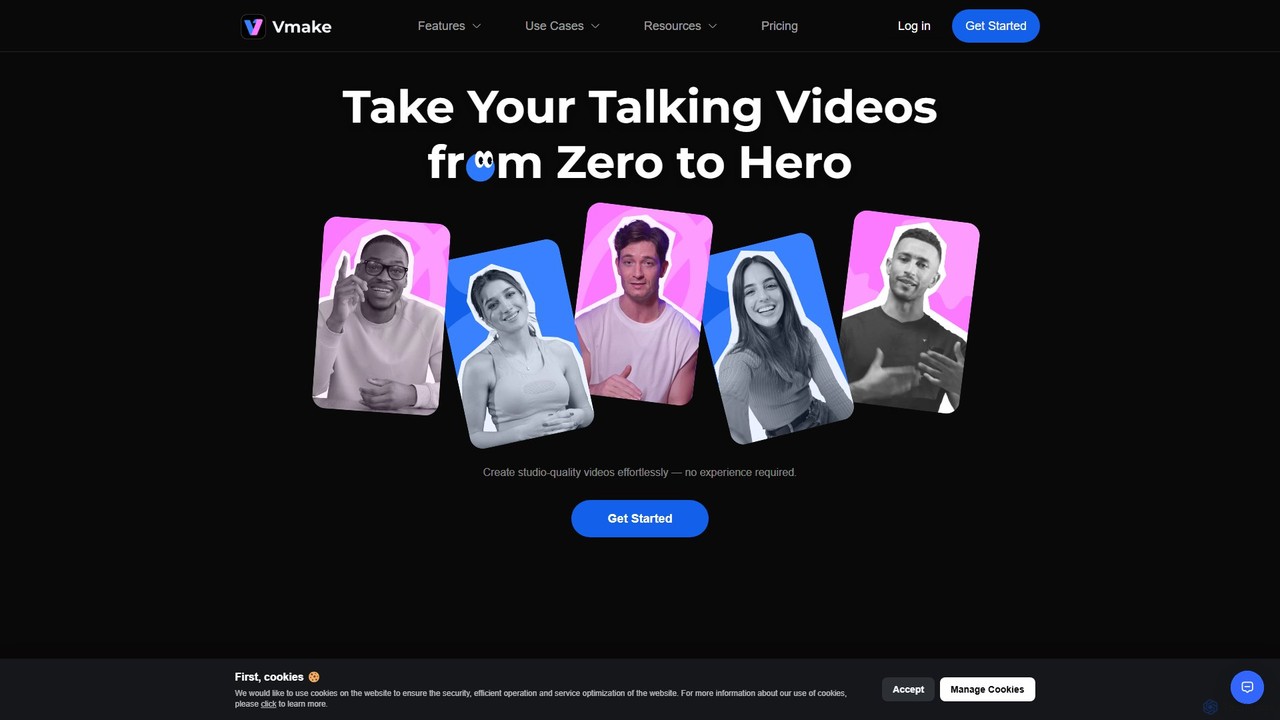
Vmake
Vmake is an all-in-one AI video solution designed for creators. It simplifies video production with features like watermark removal, auto-captions, background removal, and video enhancement. Effortlessly create studio-quality talking videos for social media and marketing without prior experience.
Transcription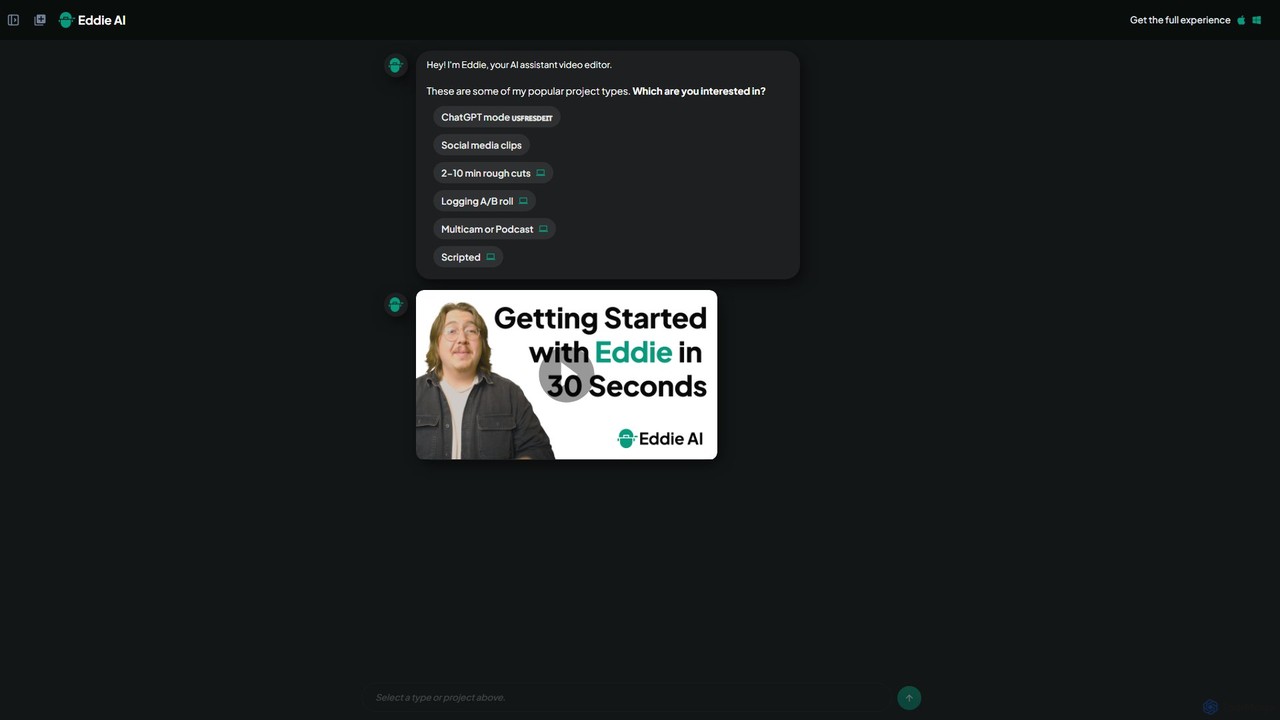
heyeddie
Heyeddie is an AI-powered video editing assistant that streamlines your workflow. Simply use natural language commands to have Eddie automatically create rough cuts, generate social media clips, log A/B roll, sync multicam footage, and edit based on a script. It's designed for content creators, marketers, and podcasters to save time and focus on storytelling.
Automation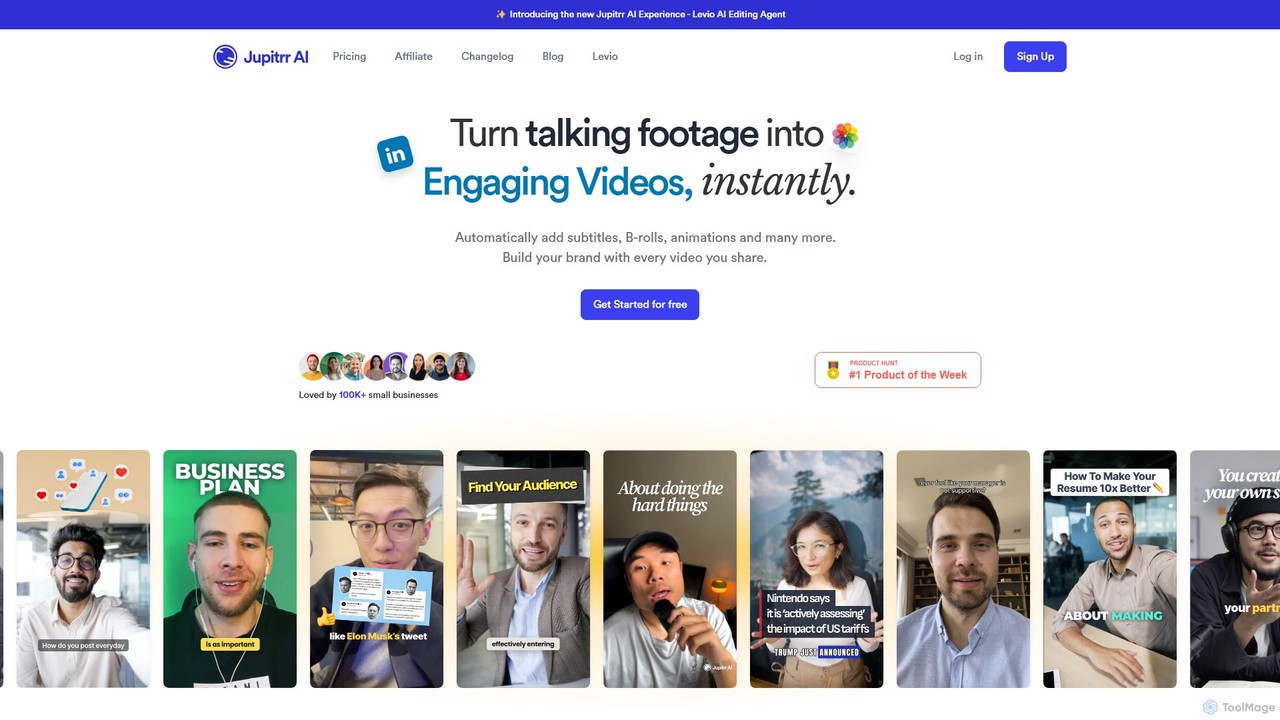
jupitrr
jupitrr is an AI-powered video editor that instantly transforms raw talking-head footage into engaging, shareable video clips. It automatically adds dynamic subtitles, relevant B-rolls from a massive stock library, animations, and background music, making professional video creation accessible to everyone without editing skills.
Automation
myaivlog
myaivlog is an AI-powered video editor designed to simplify vlogging. It automatically analyzes your footage to select the best highlights, saving up to 95% of editing time. With features like smart cutting, AI-generated covers, subtitles, and background music, it empowers anyone to create professional-looking vlogs for daily life, travel, or social media with minimal effort. Available on iOS, Android, and desktop.
AutomationVideoleap Categories
Videoleap Embed Widget
Copy this embed code to place the badge on your blog, article, or product site and send readers directly to this ToolMage detail page.

Related AI tools
KineMaster
KineMaster is a professional-grade mobile video editing app packed with powerful AI features. It offers a multi-layer timeline, 4K export, and a vast library of templates and assets, making it easy to create stunning videos for social media, vlogs, and marketing directly on your phone.
Mobile Tools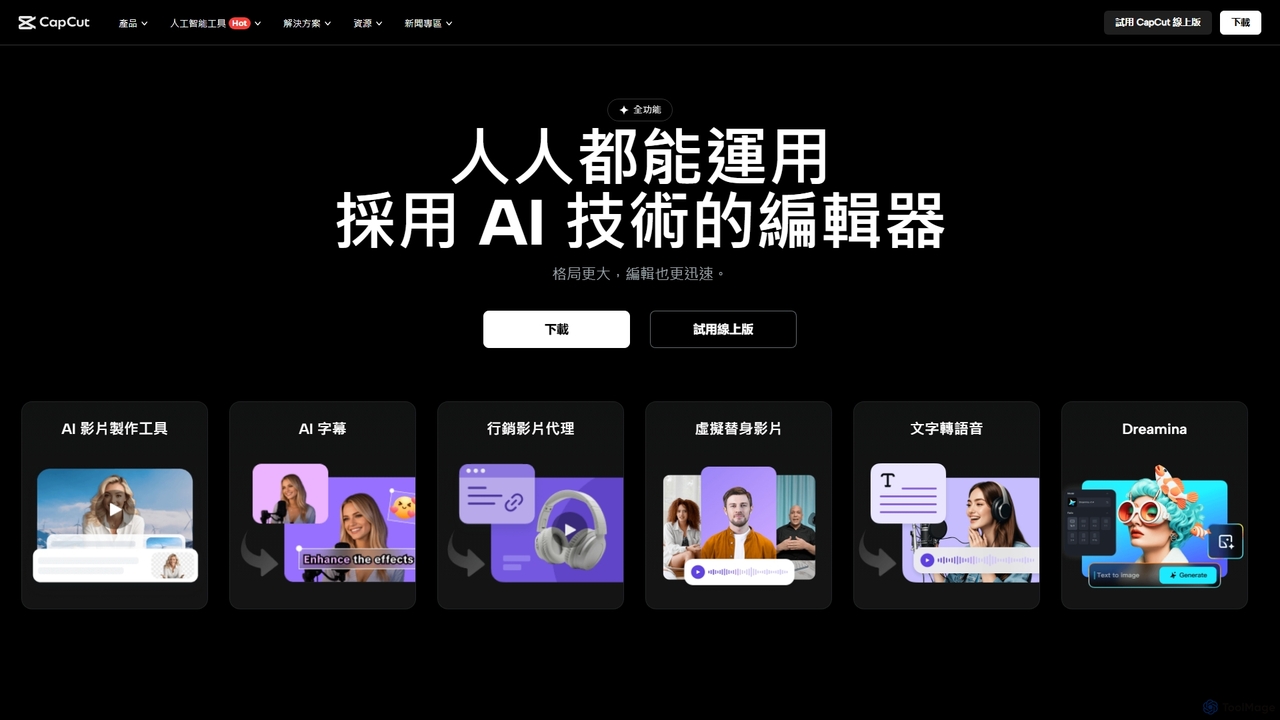
CapCut
CapCut is a powerful, all-in-one AI video editor and creative suite. It simplifies content creation with intuitive tools for video editing, graphic design, and team collaboration. It offers a wide range of AI features like auto-captions, script-to-video, background removal, and video upscaling, making professional-quality content accessible to everyone, from beginners to pros, across web, desktop, and mobile platforms.
Graphics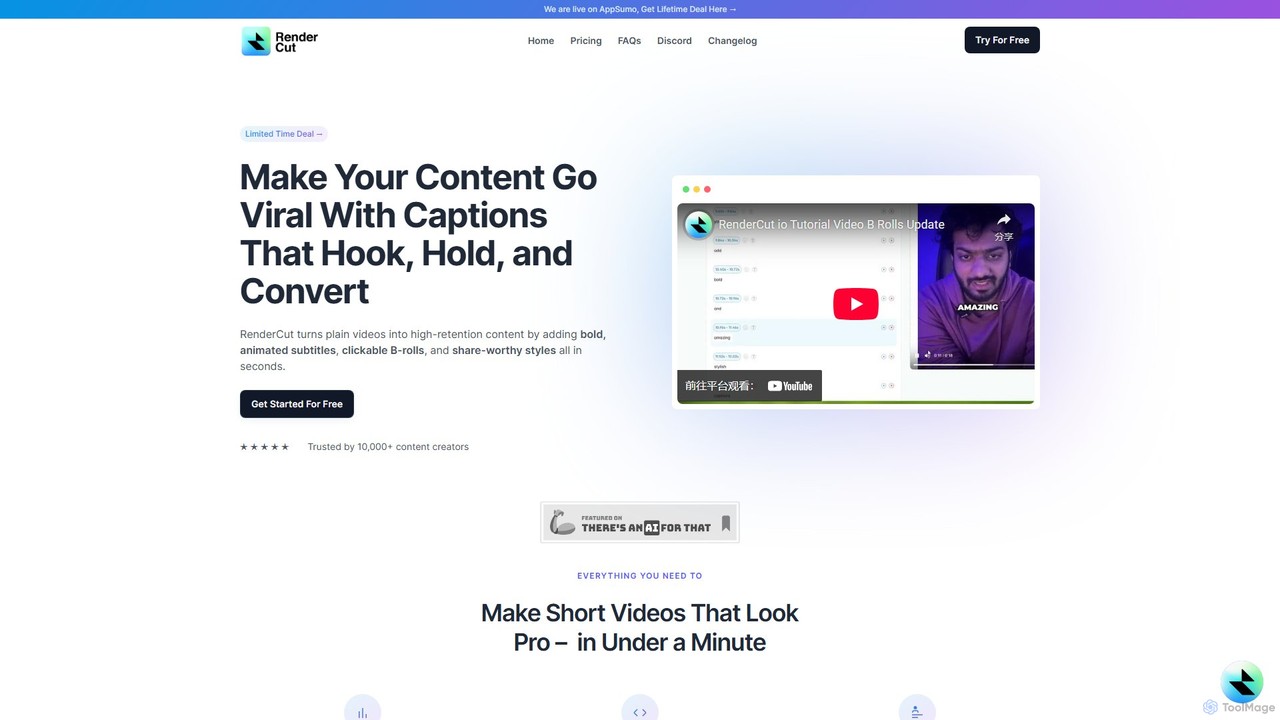
RenderCut
RenderCut is an AI-powered video editing tool that automates the creation of engaging short-form videos. It instantly adds stylish, animated subtitles, B-rolls, emojis, and sound effects, transforming plain videos or audio into high-retention content for platforms like TikTok, Reels, and Shorts. It's designed for content creators, marketers, and businesses to produce professional-looking videos in minutes, not hours.
Video Marketing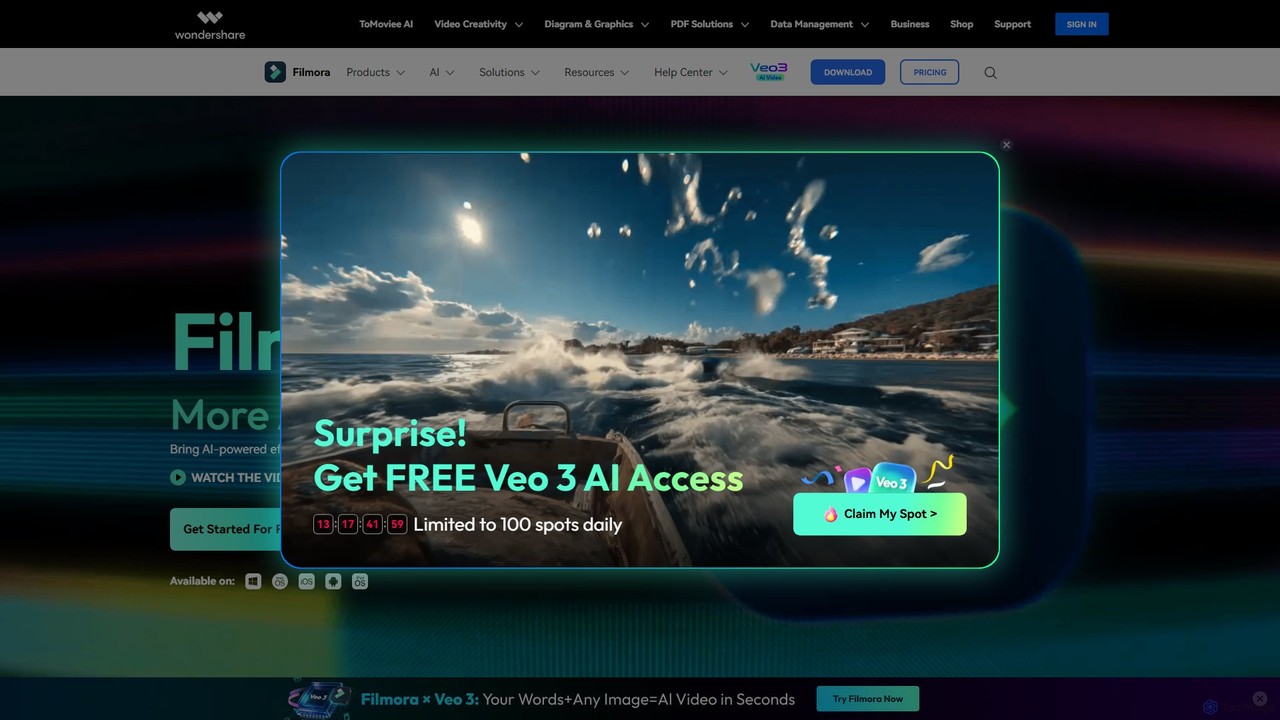
Filmora
Filmora is a powerful and intuitive AI video editor designed for creators of all skill levels. It simplifies the editing process with a suite of AI-powered tools, an extensive library of assets, and a user-friendly interface, making it easy to create professional-quality videos for social media, personal projects, and commercial use.
Social Media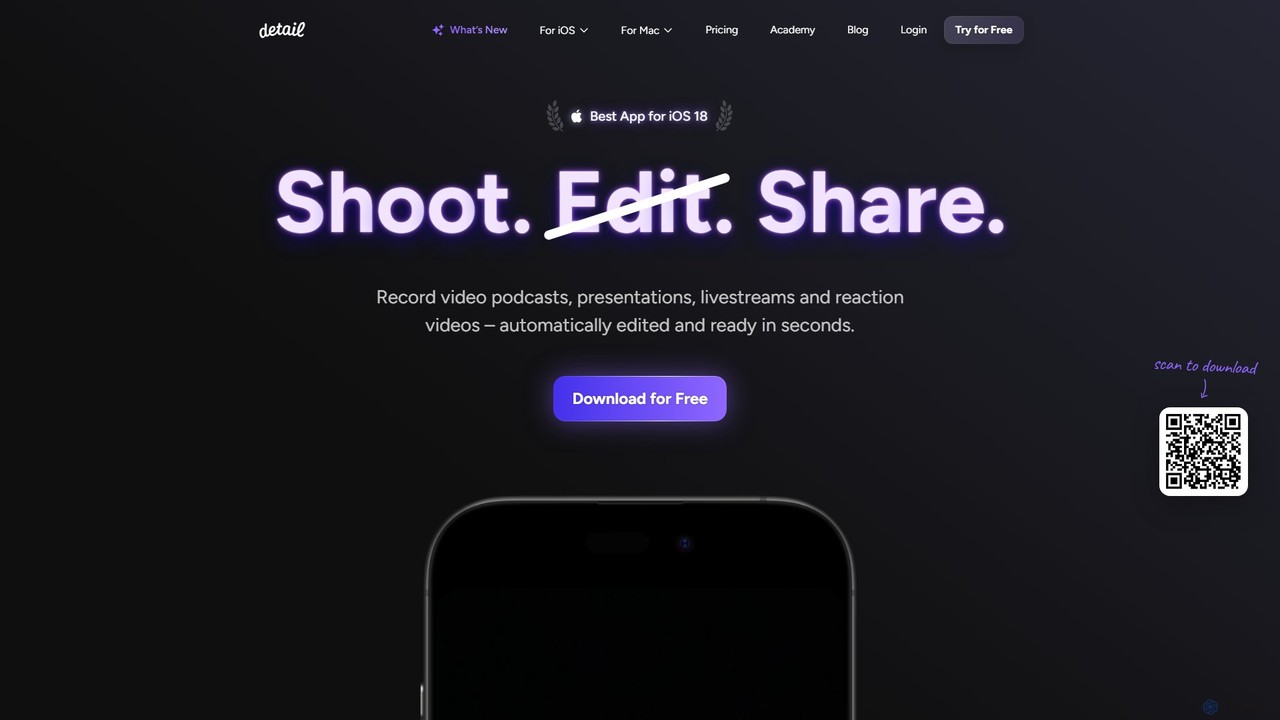
Detail
Detail is an AI-powered video creation and editing app for iOS and macOS that turns your device into a portable production studio. It automates editing for podcasts, reaction videos, and livestreams with features like a teleprompter, multi-camera recording, green screen, and automatic captions, simplifying professional video creation for everyone.
Content Creation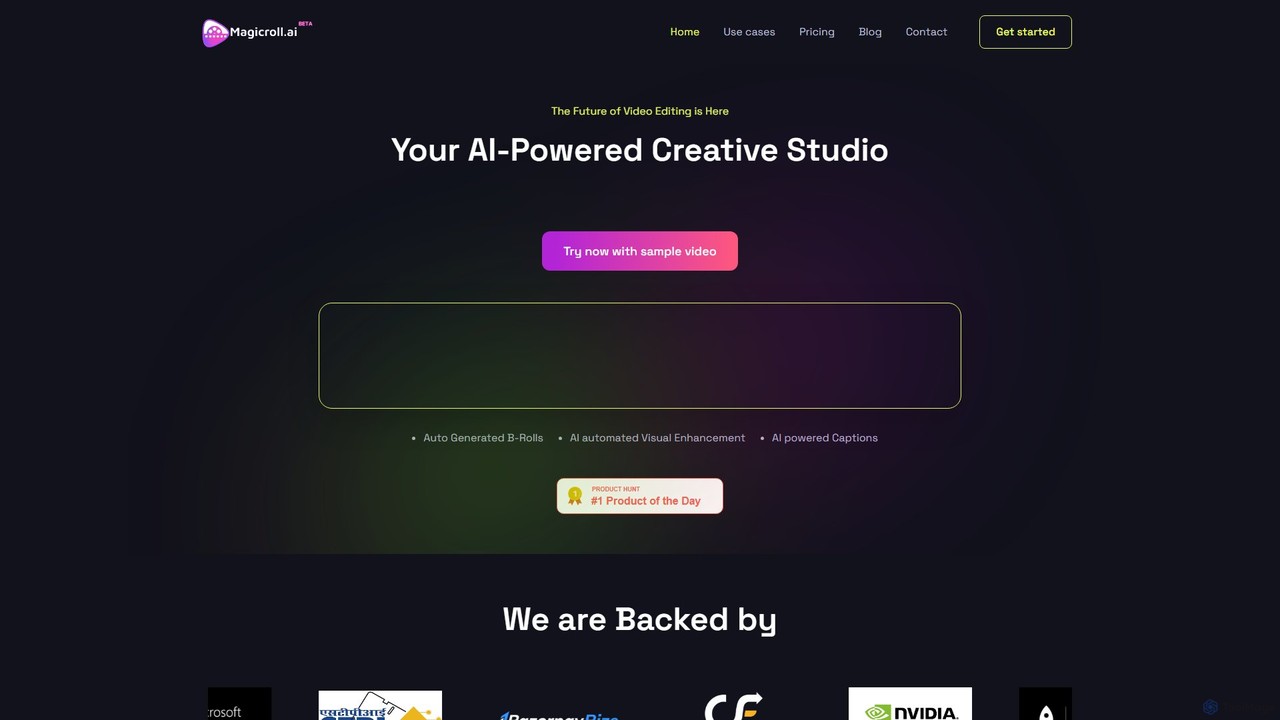
magicroll.ai
magicroll.ai is an AI-powered video editing platform that automates complex tasks. With one click, it generates contextual B-rolls, swaps video backdrops, and adds accurate, multi-language subtitles. It's designed for content creators, marketers, and businesses to produce professional-grade videos in minutes, without any prior editing experience, saving hours of manual work.
Social Media VideoVmake
Vmake is an all-in-one AI video solution designed for creators. It simplifies video production with features like watermark removal, auto-captions, background removal, and video enhancement. Effortlessly create studio-quality talking videos for social media and marketing without prior experience.
Transcriptionheyeddie
Heyeddie is an AI-powered video editing assistant that streamlines your workflow. Simply use natural language commands to have Eddie automatically create rough cuts, generate social media clips, log A/B roll, sync multicam footage, and edit based on a script. It's designed for content creators, marketers, and podcasters to save time and focus on storytelling.
Automationjupitrr
jupitrr is an AI-powered video editor that instantly transforms raw talking-head footage into engaging, shareable video clips. It automatically adds dynamic subtitles, relevant B-rolls from a massive stock library, animations, and background music, making professional video creation accessible to everyone without editing skills.
Automationmyaivlog
myaivlog is an AI-powered video editor designed to simplify vlogging. It automatically analyzes your footage to select the best highlights, saving up to 95% of editing time. With features like smart cutting, AI-generated covers, subtitles, and background music, it empowers anyone to create professional-looking vlogs for daily life, travel, or social media with minimal effort. Available on iOS, Android, and desktop.
Automation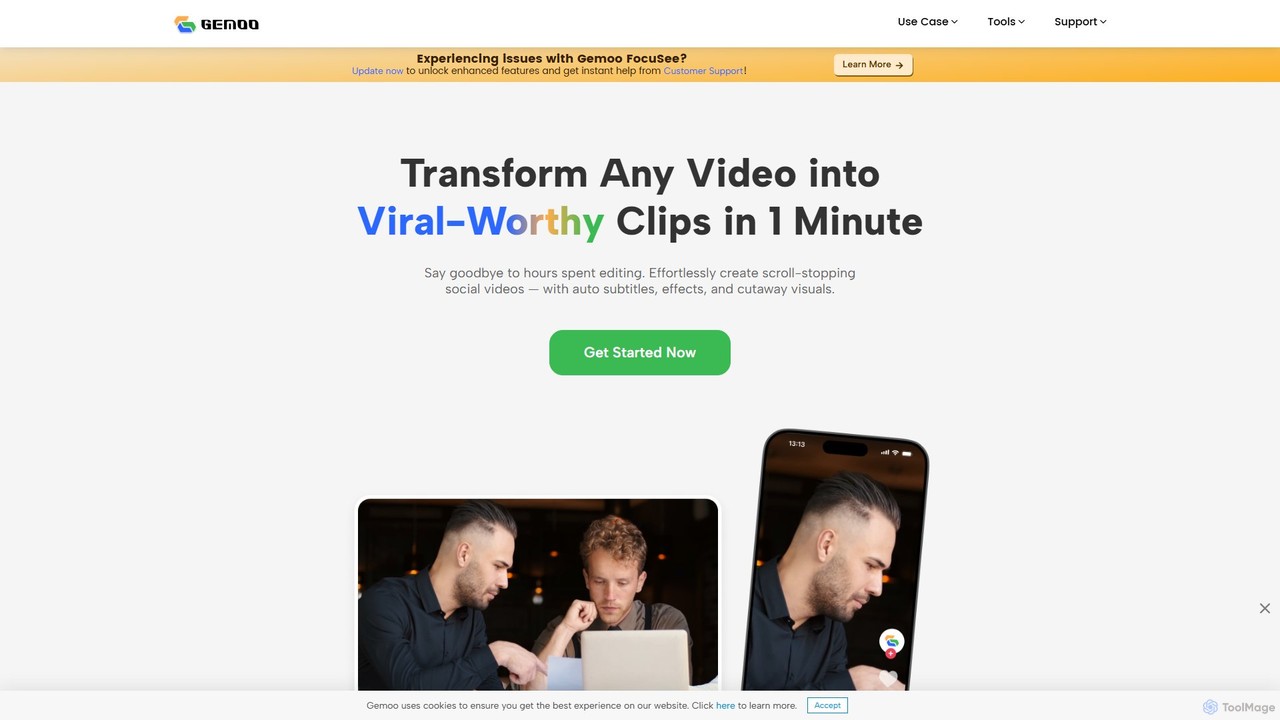
Gemoo
Gemoo is an AI-powered video editor that transforms any video into viral-worthy short clips in minutes. It automates tedious tasks like adding subtitles, inserting relevant B-roll footage, applying effects, and generating social media-optimized titles and descriptions. Ideal for creators, marketers, and educators looking to produce high-quality, engaging content efficiently.
Video Marketing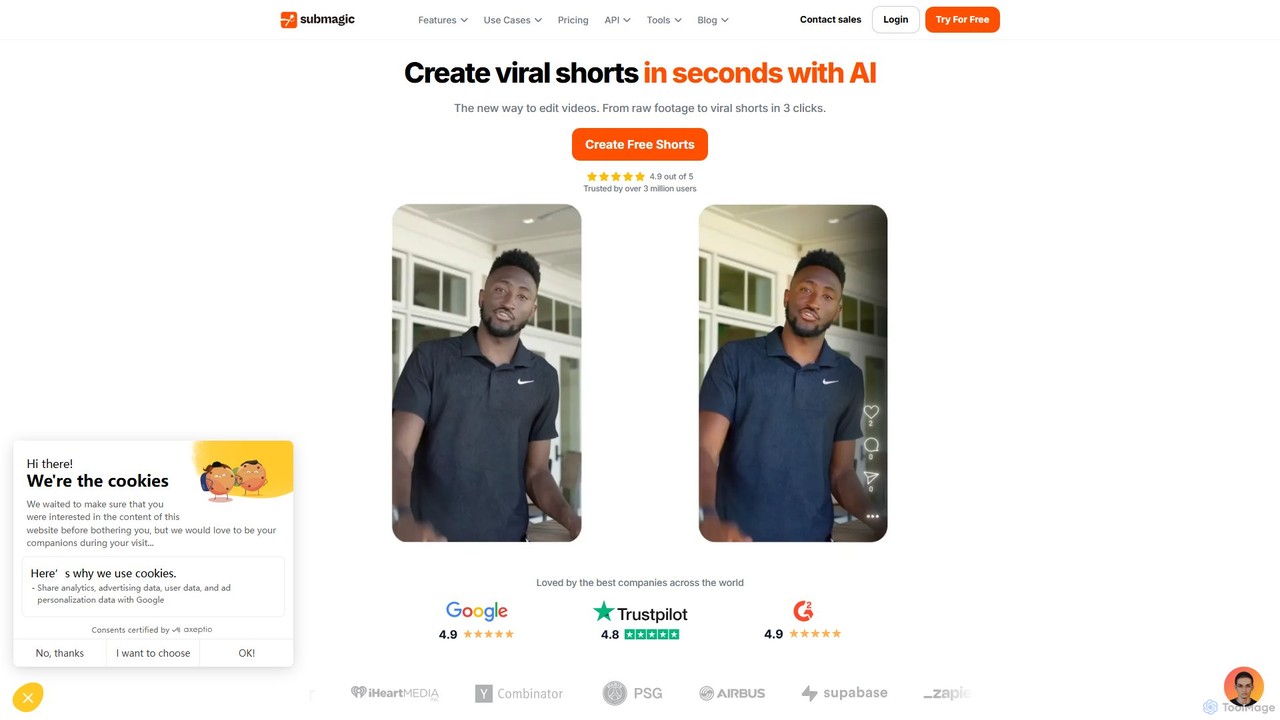
Submagic
Submagic is an all-in-one AI platform designed for creating viral short-form videos in seconds. It automates tedious editing tasks by generating trendy captions with emojis, adding dynamic B-rolls, creating smooth transitions, and extracting key moments from long videos. It's the perfect tool for content creators, marketers, and businesses looking to boost engagement and save time on video production.
Automation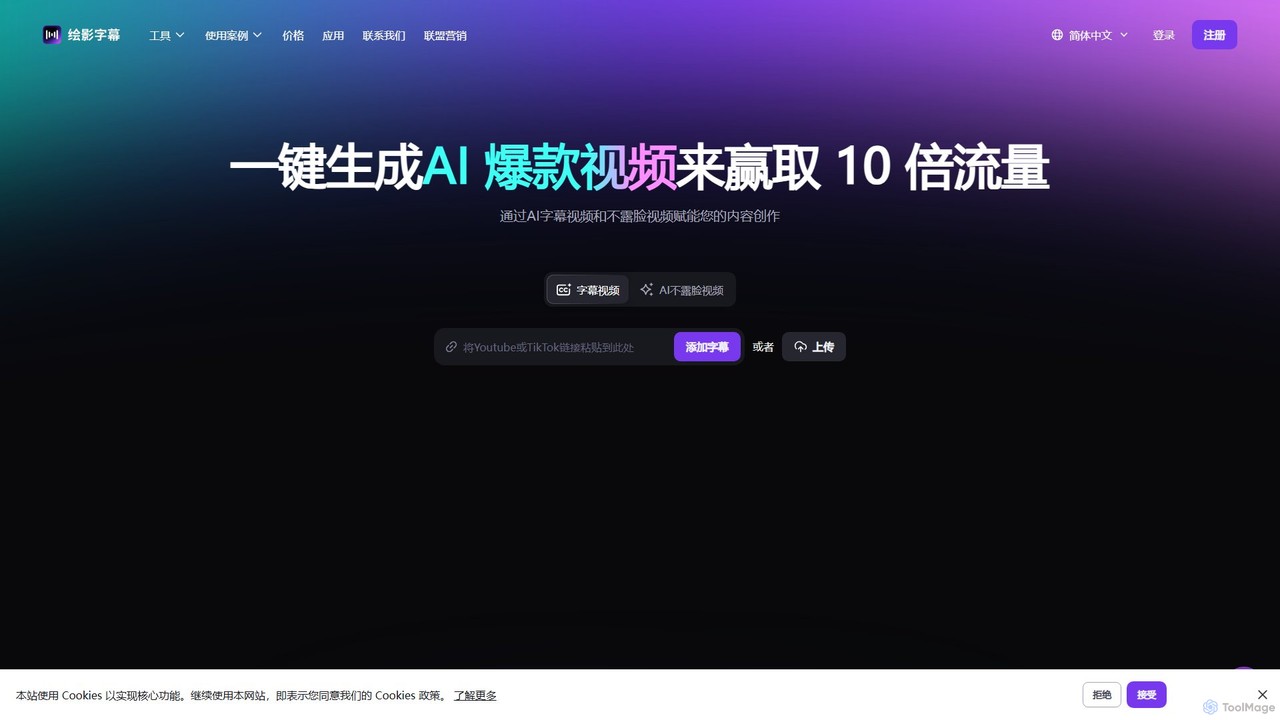
Zeemo
Zeemo is an all-in-one AI-powered video toolkit designed for content creators. It excels at automatic subtitle generation, transcription, and translation in over 95 languages with up to 98% accuracy. It also offers a suite of video editing tools, social media downloaders, and AI video generation features to streamline content creation and boost audience engagement.
Transcription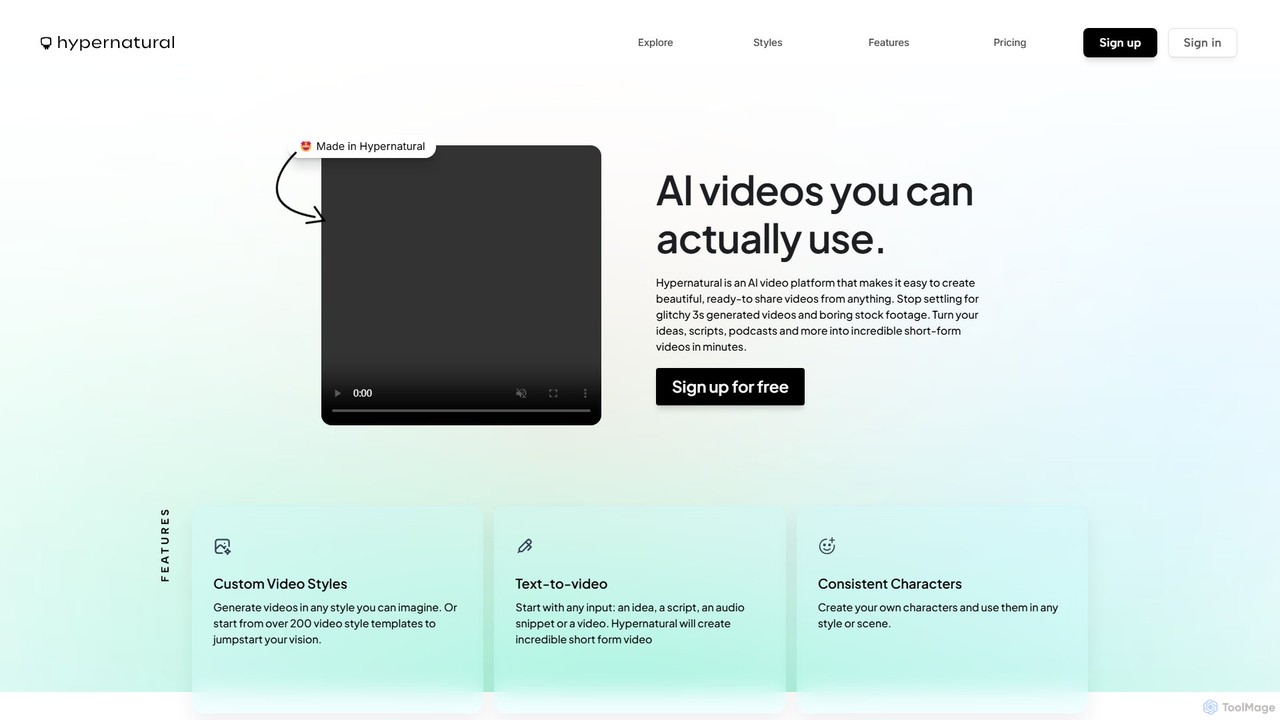
Hypernatural
Hypernatural is an AI video platform that transforms text, scripts, or audio into high-quality, ready-to-share short-form videos. It focuses on creating usable, non-glitchy content with consistent characters and custom styles, making professional video creation accessible to everyone from marketers to content creators.
Advertising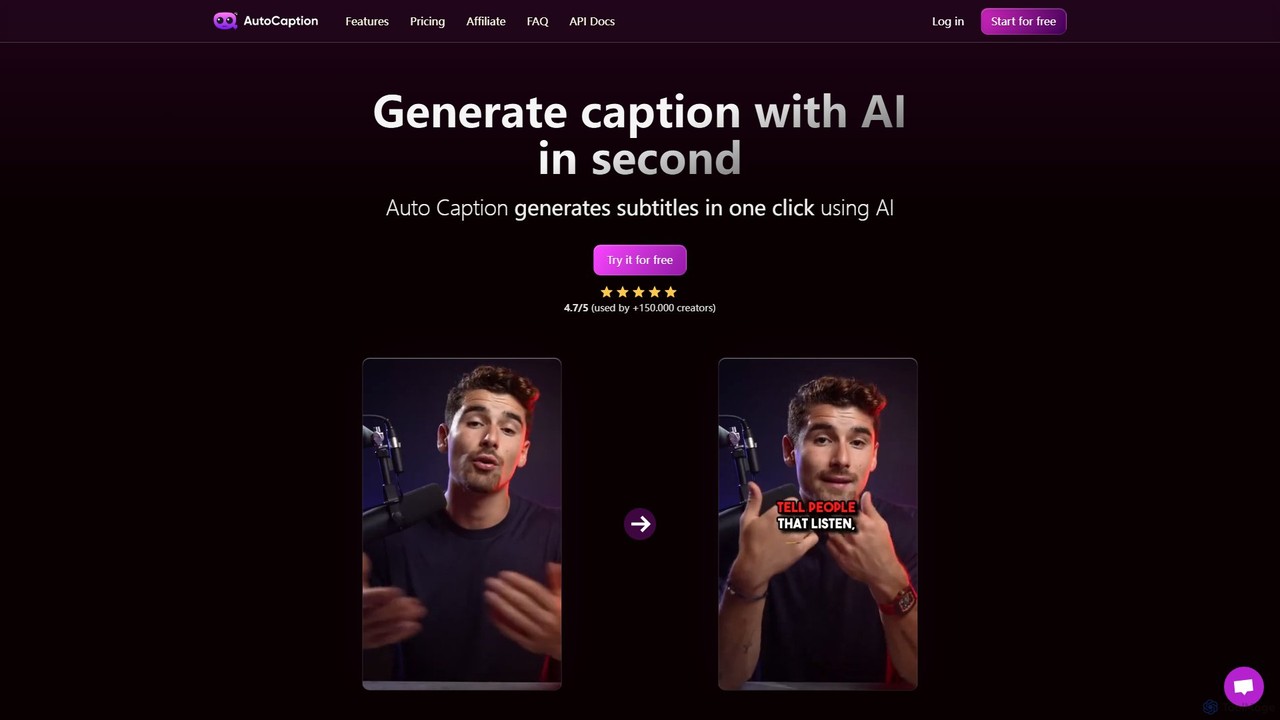
autocaption
autocaption is an AI-powered tool that automatically generates, transcribes, and animates video captions in over 99 languages. Designed for content creators, it saves hours of editing with features like customizable templates, animated emojis, and B-Roll AI. Enhance video engagement and accessibility with fast, fully editable, high-definition subtitles optimized for social media.
Automation
Videoleap Comments (0)
Sign in to comment.
Sign inNo comments yet.